1
Agenda
 Summary of last class
 Loops

Simple Loops

WHILE Loops

FOR Loops
 Records
 Cursors
2
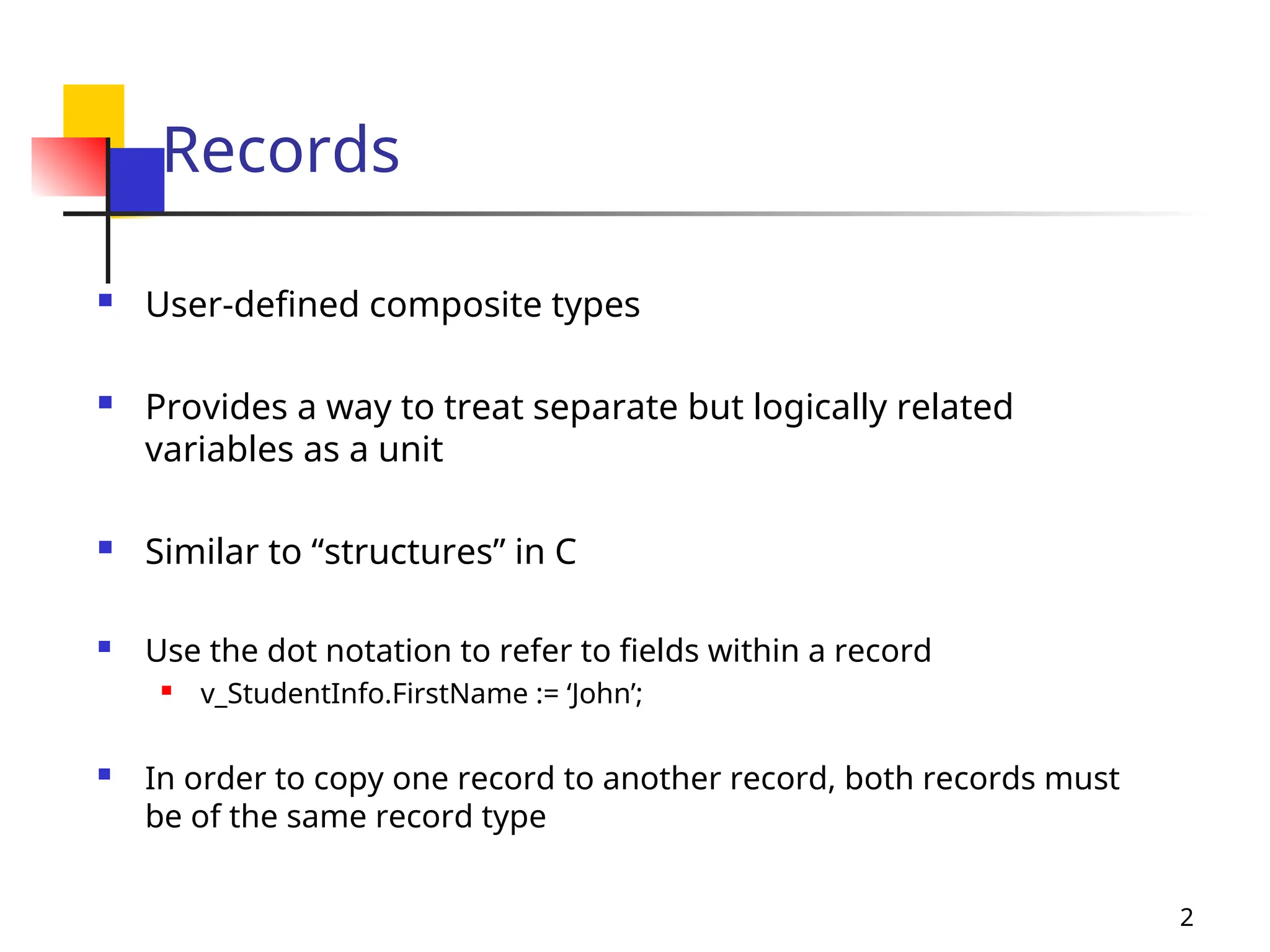
Records
 User-defined composite types
 Provides a way to treat separate but logically related
variables as a unit
 Similar to “structures” in C
 Use the dot notation to refer to fields within a record
 v_StudentInfo.FirstName := ‘John’;
 In order to copy one record to another record, both records must
be of the same record type
3
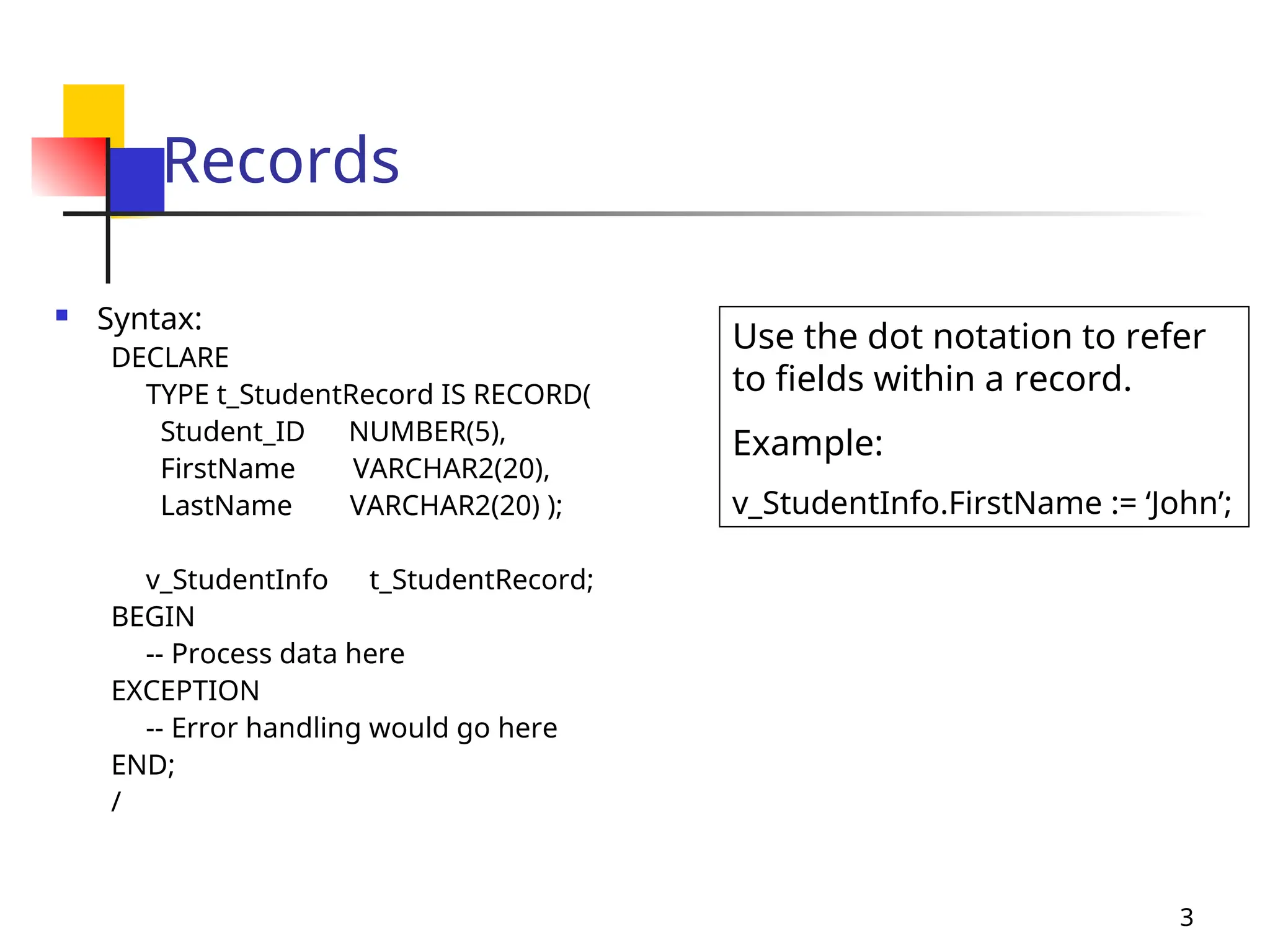
Records
 Syntax:
DECLARE
TYPE t_StudentRecord IS RECORD(
Student_ID NUMBER(5),
FirstName VARCHAR2(20),
LastName VARCHAR2(20) );
v_StudentInfo t_StudentRecord;
BEGIN
-- Process data here
EXCEPTION
-- Error handling would go here
END;
/
Use the dot notation to refer
to fields within a record.
Example:
v_StudentInfo.FirstName := ‘John’;
4
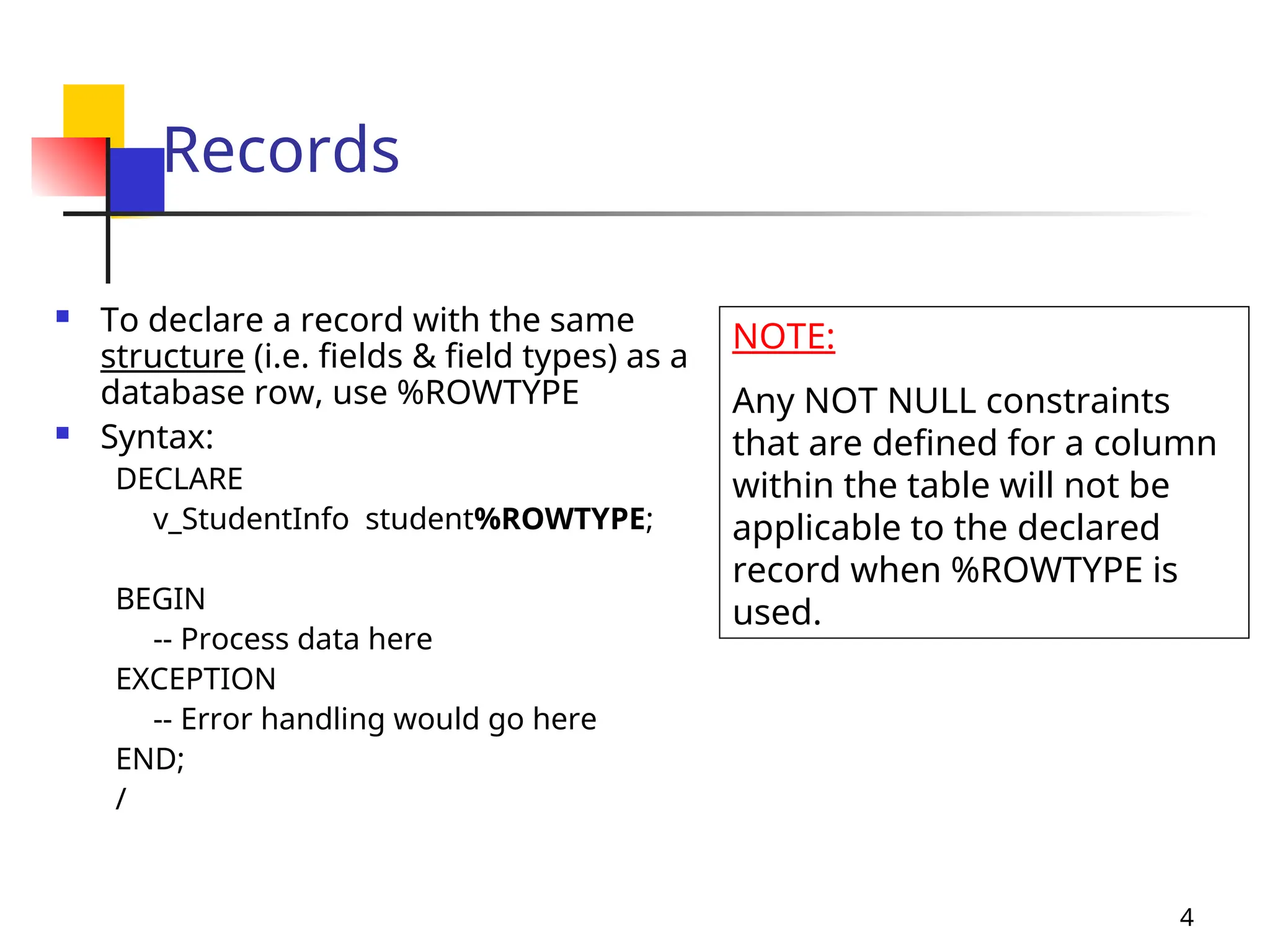
Records
 To declare a record with the same
structure (i.e. fields & field types) as a
database row, use %ROWTYPE
 Syntax:
DECLARE
v_StudentInfo student%ROWTYPE;
BEGIN
-- Process data here
EXCEPTION
-- Error handling would go here
END;
/
NOTE:
Any NOT NULL constraints
that are defined for a column
within the table will not be
applicable to the declared
record when %ROWTYPE is
used.
5
Cursors
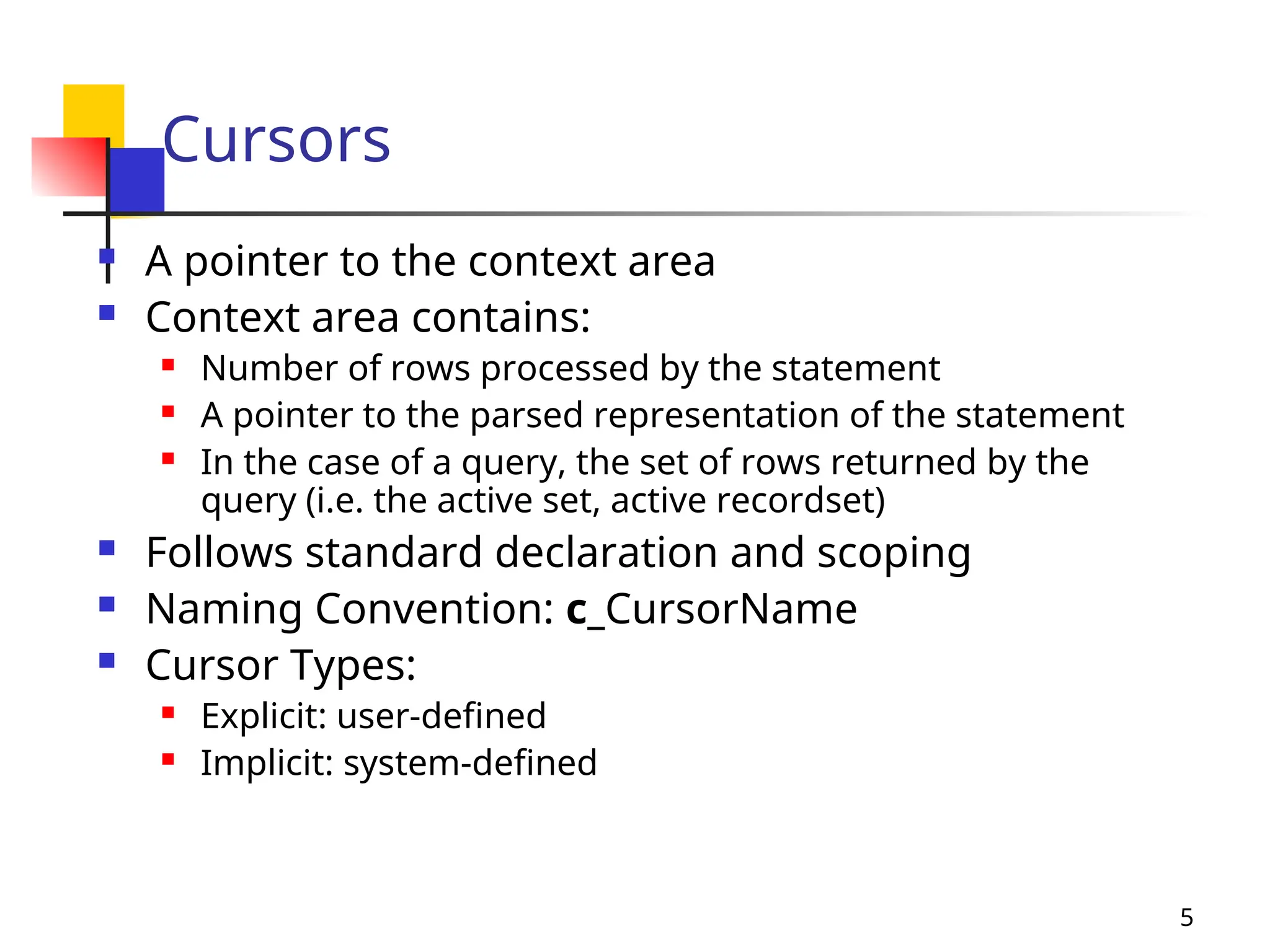
 A pointer to the context area
 Context area contains:
 Number of rows processed by the statement
 A pointer to the parsed representation of the statement
 In the case of a query, the set of rows returned by the
query (i.e. the active set, active recordset)
 Follows standard declaration and scoping
 Naming Convention: c_CursorName
 Cursor Types:
 Explicit: user-defined
 Implicit: system-defined
6
Explicit Cursors
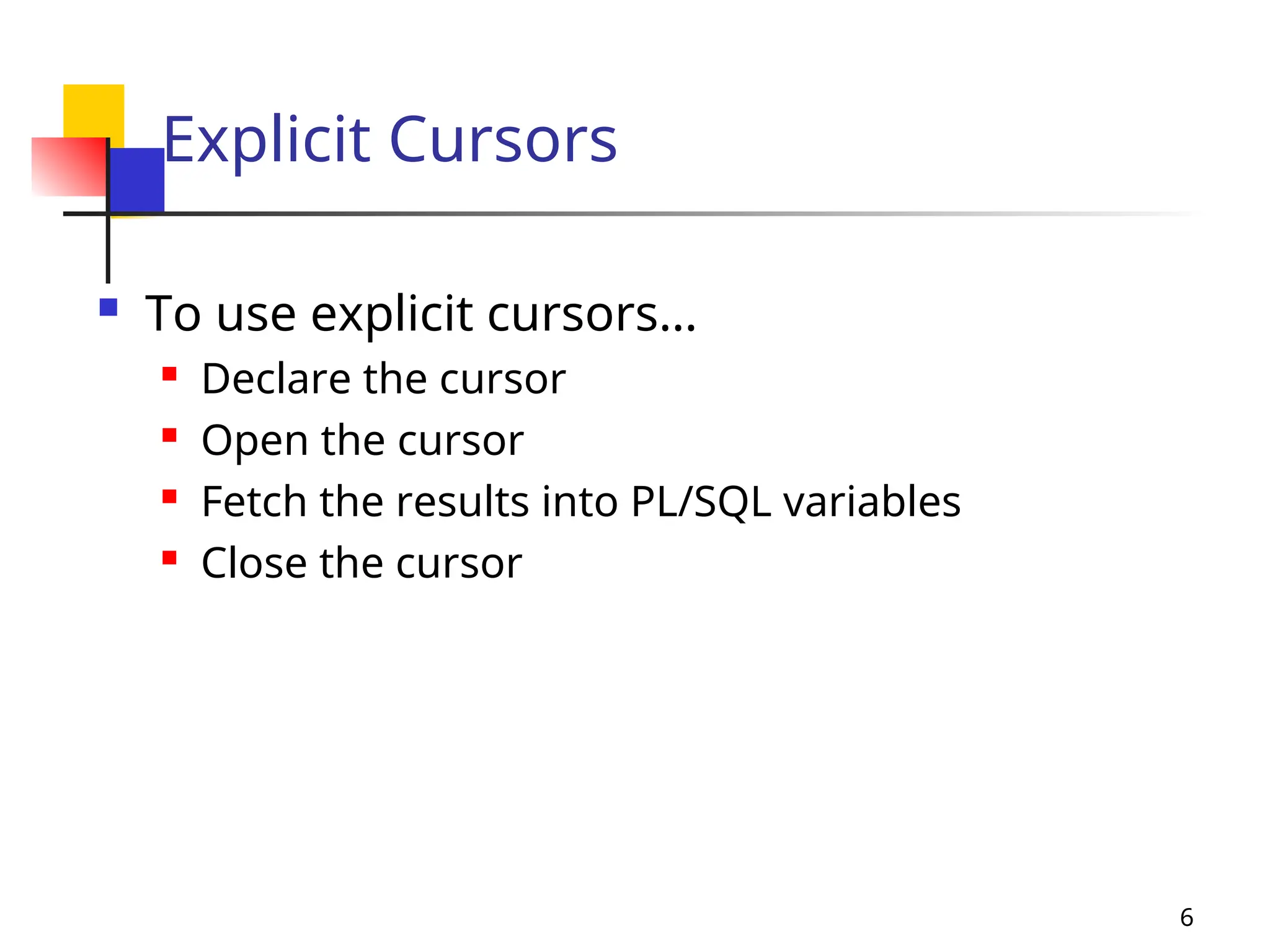
 To use explicit cursors…
 Declare the cursor
 Open the cursor
 Fetch the results into PL/SQL variables
 Close the cursor
7
Declaring Cursors
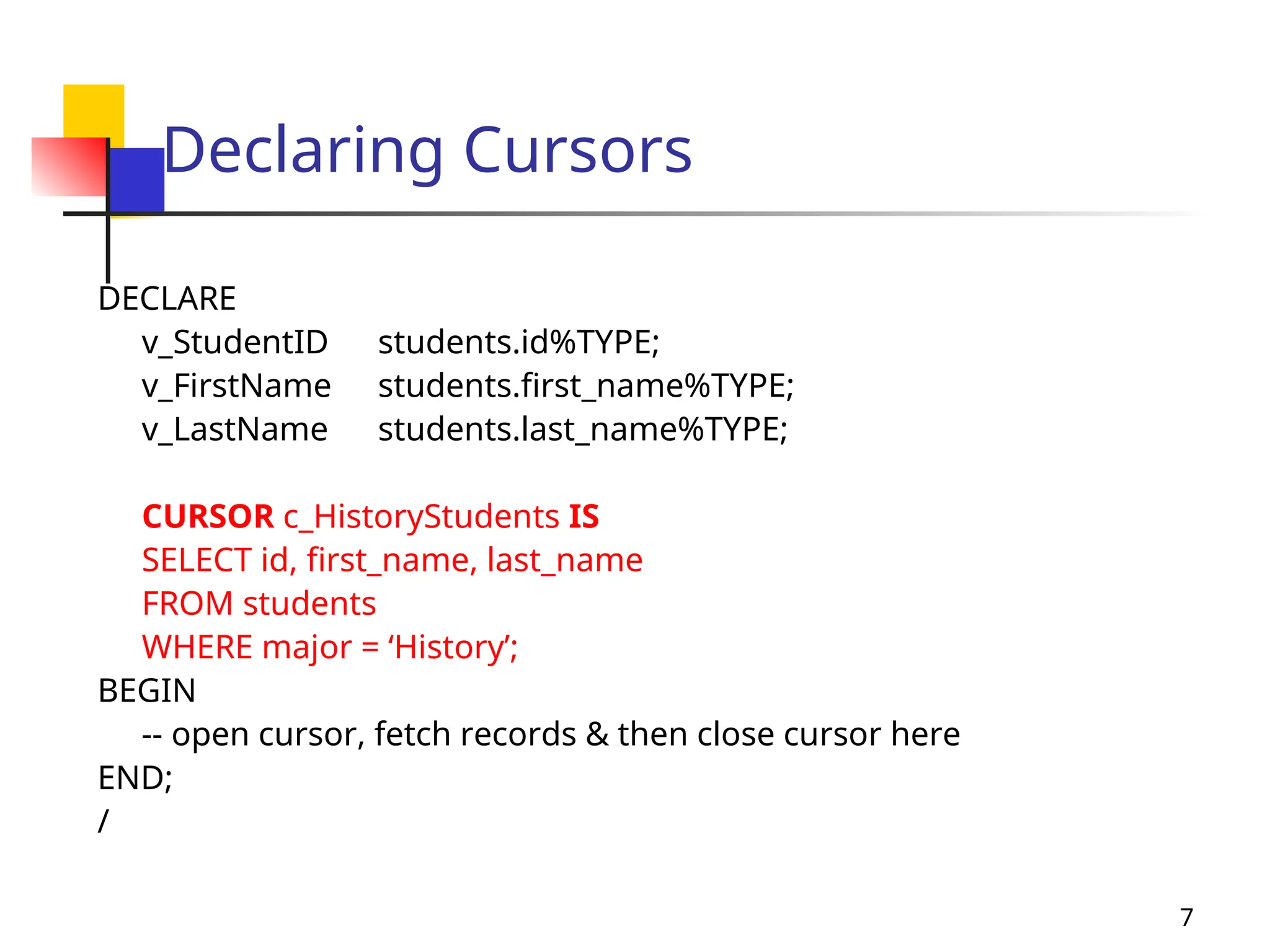
DECLARE
v_StudentID students.id%TYPE;
v_FirstName students.first_name%TYPE;
v_LastName students.last_name%TYPE;
CURSOR c_HistoryStudents IS
SELECT id, first_name, last_name
FROM students
WHERE major = ‘History’;
BEGIN
-- open cursor, fetch records & then close cursor here
END;
/
8
OPEN Cursor
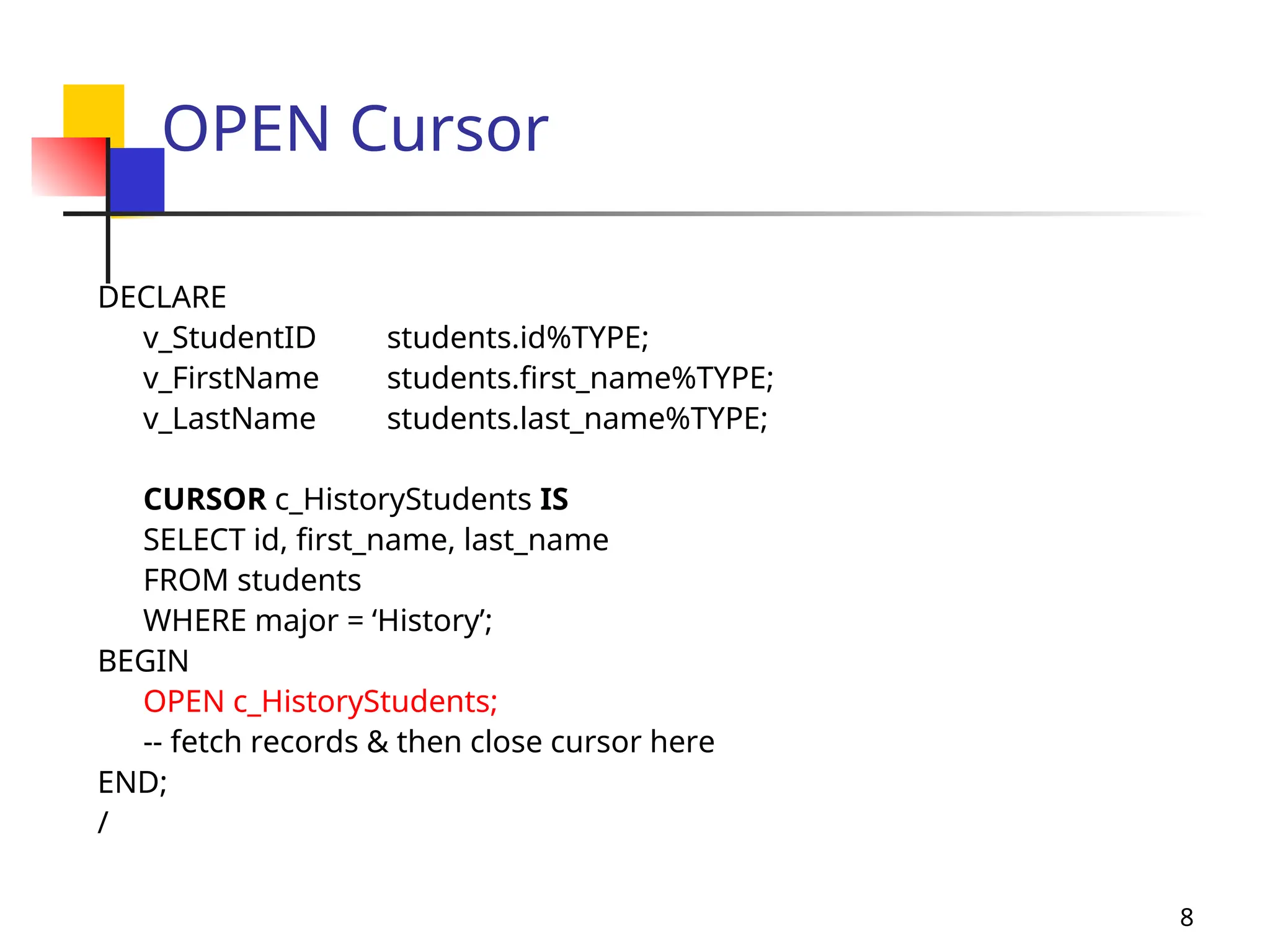
DECLARE
v_StudentID students.id%TYPE;
v_FirstName students.first_name%TYPE;
v_LastName students.last_name%TYPE;
CURSOR c_HistoryStudents IS
SELECT id, first_name, last_name
FROM students
WHERE major = ‘History’;
BEGIN
OPEN c_HistoryStudents;
-- fetch records & then close cursor here
END;
/
9
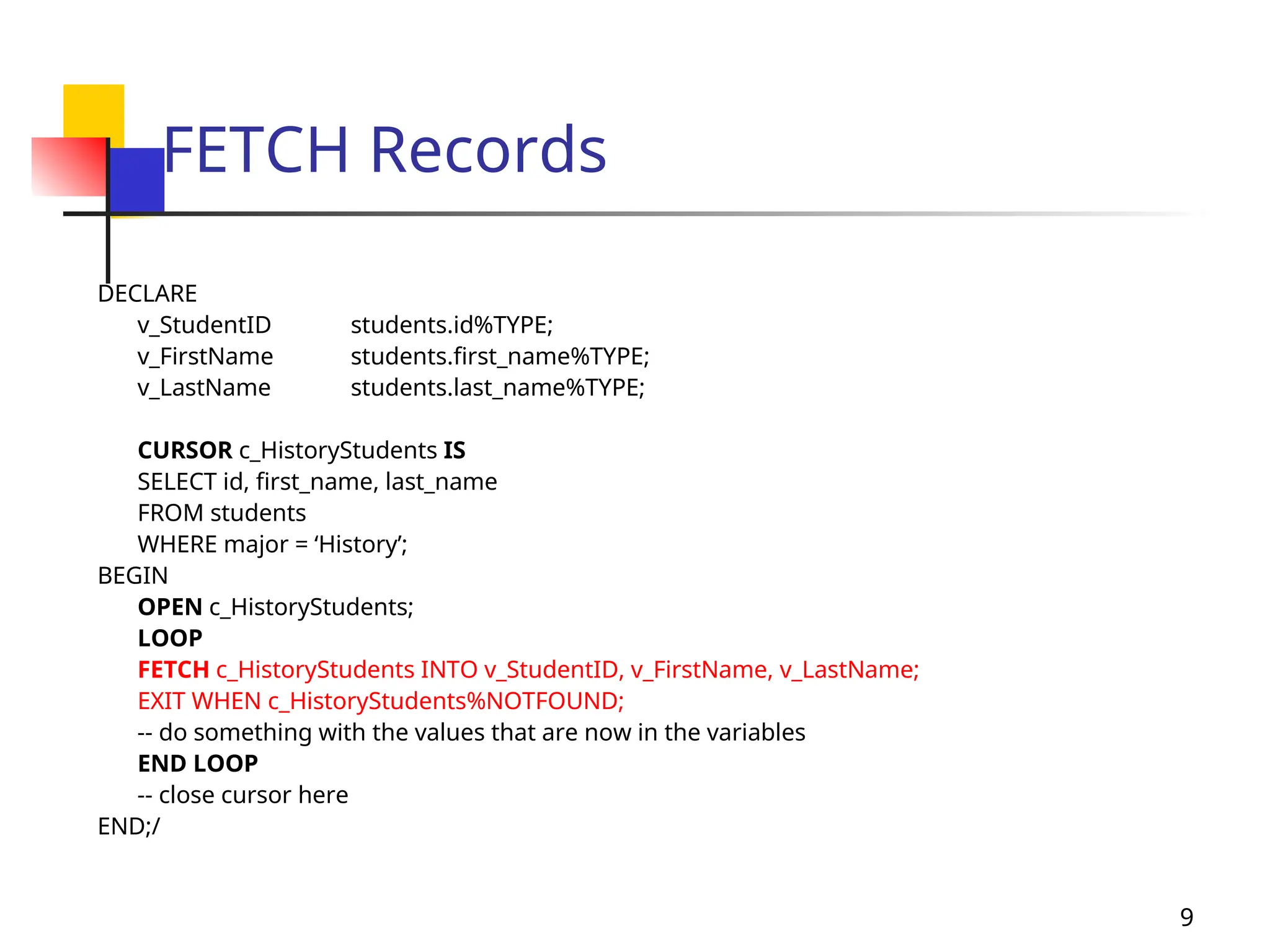
FETCH Records
DECLARE
v_StudentID students.id%TYPE;
v_FirstName students.first_name%TYPE;
v_LastName students.last_name%TYPE;
CURSOR c_HistoryStudents IS
SELECT id, first_name, last_name
FROM students
WHERE major = ‘History’;
BEGIN
OPEN c_HistoryStudents;
LOOP
FETCH c_HistoryStudents INTO v_StudentID, v_FirstName, v_LastName;
EXIT WHEN c_HistoryStudents%NOTFOUND;
-- do something with the values that are now in the variables
END LOOP
-- close cursor here
END;/
10
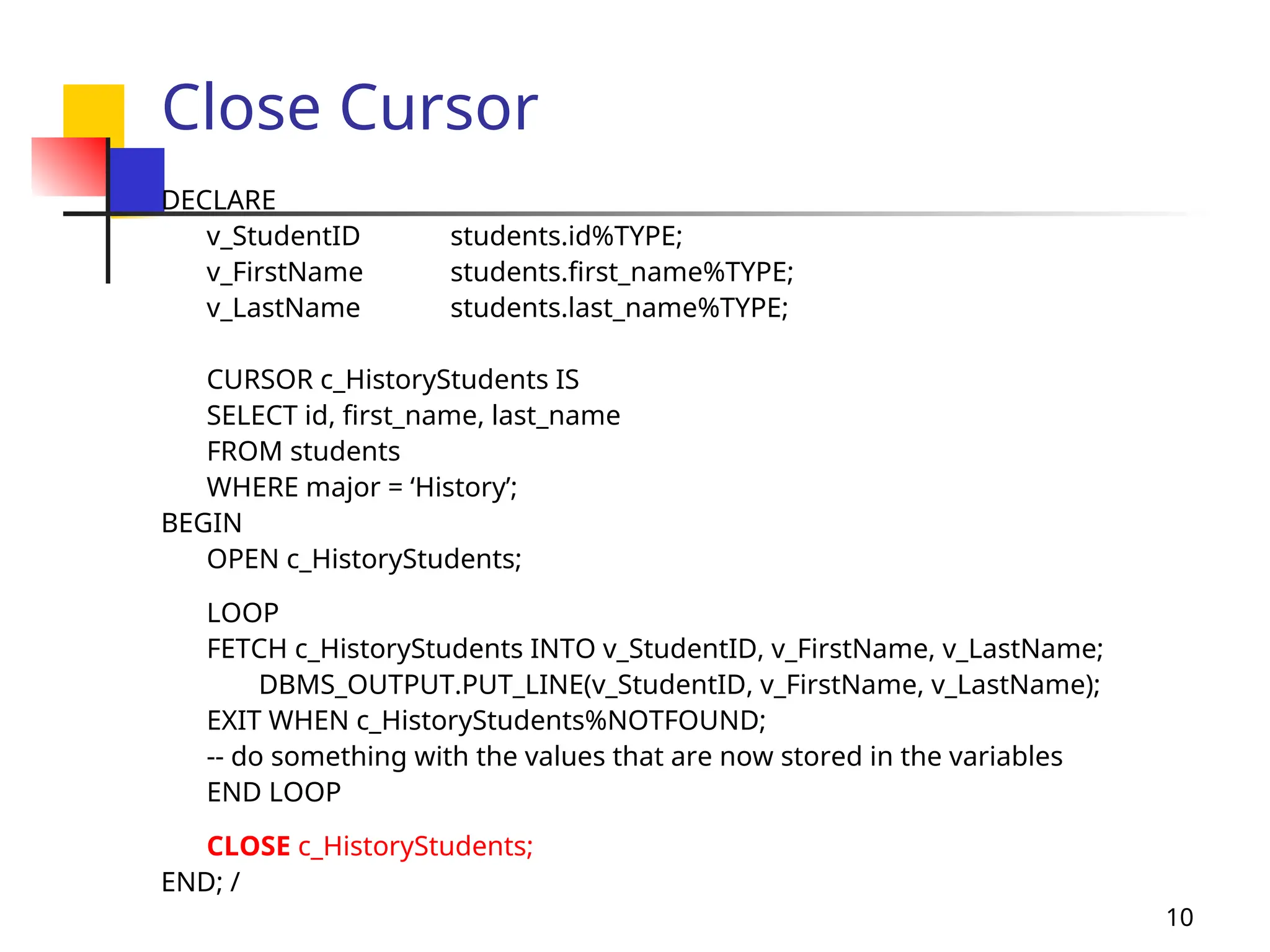
Close Cursor
DECLARE
v_StudentID students.id%TYPE;
v_FirstName students.first_name%TYPE;
v_LastName students.last_name%TYPE;
CURSOR c_HistoryStudents IS
SELECT id, first_name, last_name
FROM students
WHERE major = ‘History’;
BEGIN
OPEN c_HistoryStudents;
LOOP
FETCH c_HistoryStudents INTO v_StudentID, v_FirstName, v_LastName;
DBMS_OUTPUT.PUT_LINE(v_StudentID, v_FirstName, v_LastName);
EXIT WHEN c_HistoryStudents%NOTFOUND;
-- do something with the values that are now stored in the variables
END LOOP
CLOSE c_HistoryStudents;
END; /
11
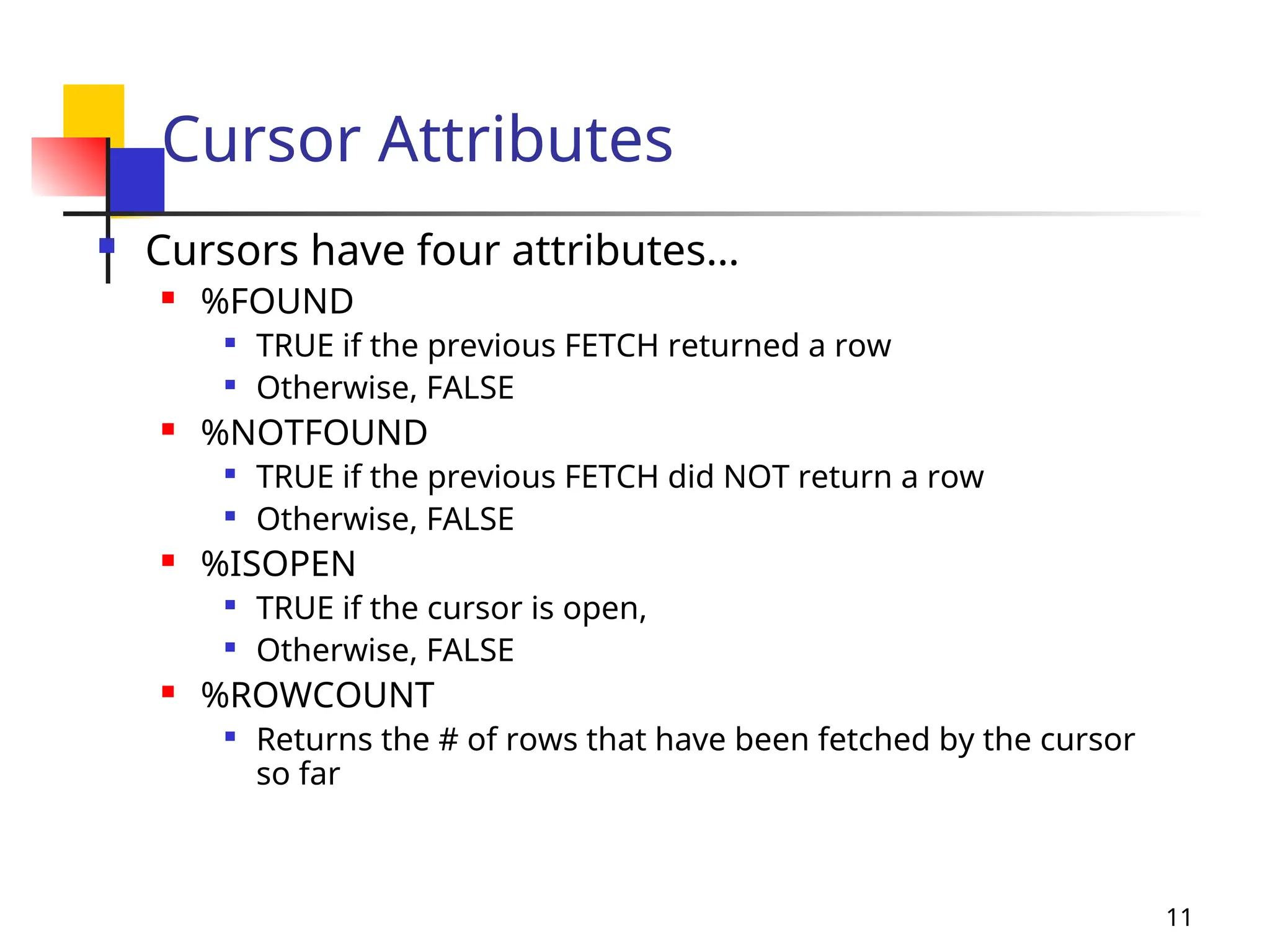
Cursor Attributes
 Cursors have four attributes…
 %FOUND

TRUE if the previous FETCH returned a row

Otherwise, FALSE
 %NOTFOUND

TRUE if the previous FETCH did NOT return a row

Otherwise, FALSE
 %ISOPEN

TRUE if the cursor is open,

Otherwise, FALSE
 %ROWCOUNT

Returns the # of rows that have been fetched by the cursor
so far
12
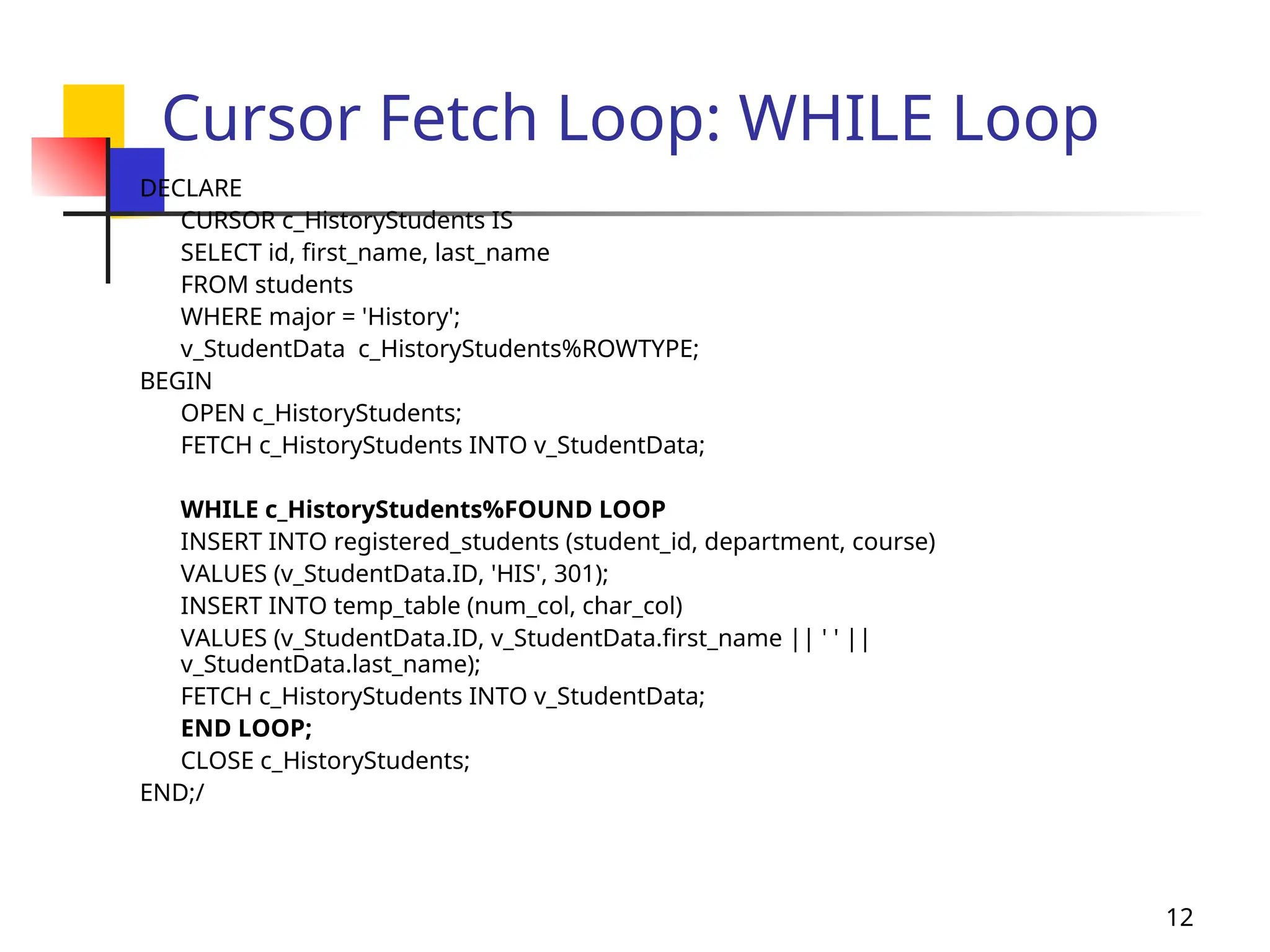
Cursor Fetch Loop: WHILE Loop
DECLARE
CURSOR c_HistoryStudents IS
SELECT id, first_name, last_name
FROM students
WHERE major = 'History';
v_StudentData c_HistoryStudents%ROWTYPE;
BEGIN
OPEN c_HistoryStudents;
FETCH c_HistoryStudents INTO v_StudentData;
WHILE c_HistoryStudents%FOUND LOOP
INSERT INTO registered_students (student_id, department, course)
VALUES (v_StudentData.ID, 'HIS', 301);
INSERT INTO temp_table (num_col, char_col)
VALUES (v_StudentData.ID, v_StudentData.first_name || ' ' ||
v_StudentData.last_name);
FETCH c_HistoryStudents INTO v_StudentData;
END LOOP;
CLOSE c_HistoryStudents;
END;/
13
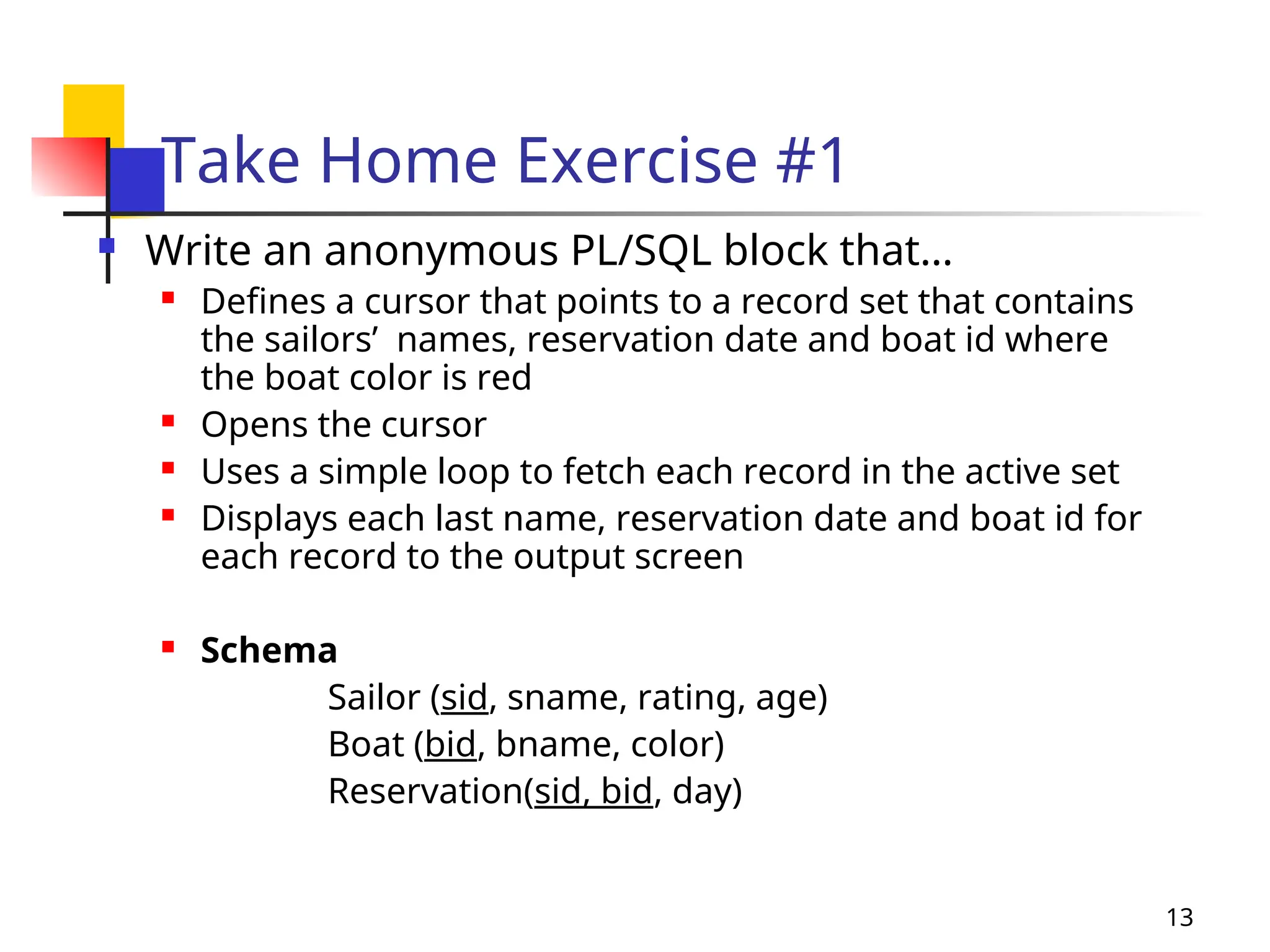
Take Home Exercise #1
 Write an anonymous PL/SQL block that…
 Defines a cursor that points to a record set that contains
the sailors’ names, reservation date and boat id where
the boat color is red
 Opens the cursor
 Uses a simple loop to fetch each record in the active set
 Displays each last name, reservation date and boat id for
each record to the output screen
 Schema
Sailor (sid, sname, rating, age)
Boat (bid, bname, color)
Reservation(sid, bid, day)
14
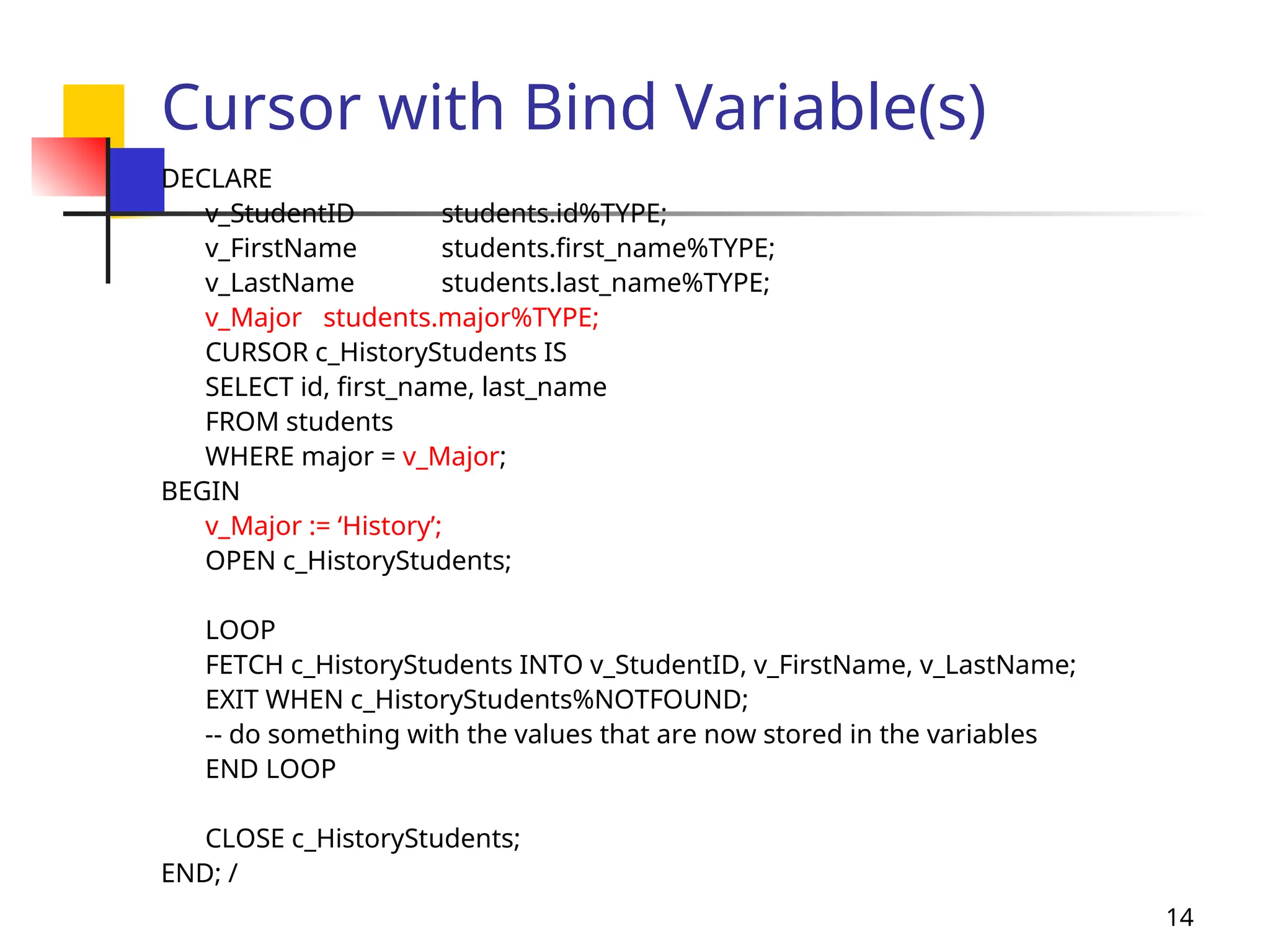
Cursor with Bind Variable(s)
DECLARE
v_StudentID students.id%TYPE;
v_FirstName students.first_name%TYPE;
v_LastName students.last_name%TYPE;
v_Major students.major%TYPE;
CURSOR c_HistoryStudents IS
SELECT id, first_name, last_name
FROM students
WHERE major = v_Major;
BEGIN
v_Major := ‘History’;
OPEN c_HistoryStudents;
LOOP
FETCH c_HistoryStudents INTO v_StudentID, v_FirstName, v_LastName;
EXIT WHEN c_HistoryStudents%NOTFOUND;
-- do something with the values that are now stored in the variables
END LOOP
CLOSE c_HistoryStudents;
END; /
15
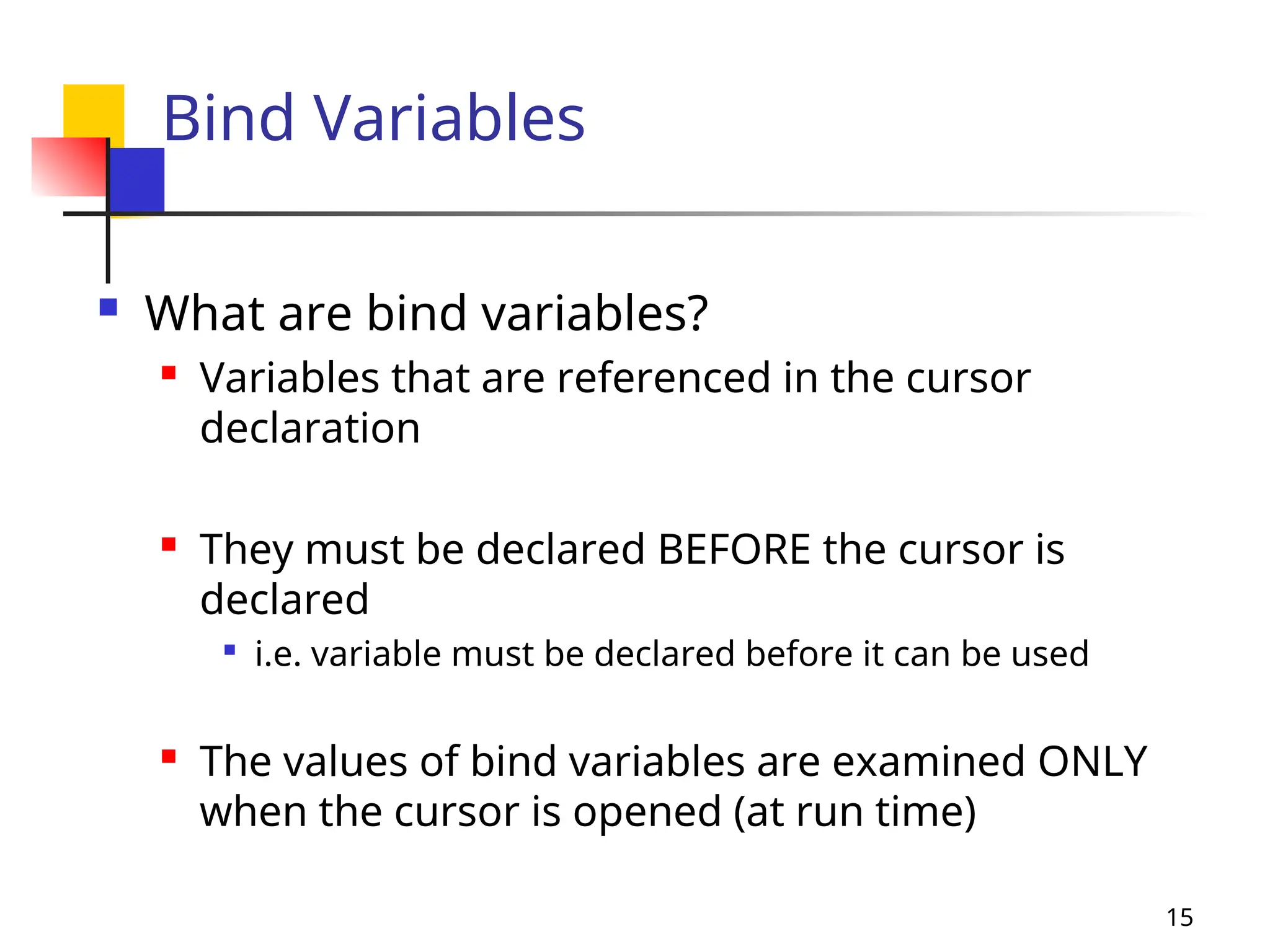
Bind Variables
 What are bind variables?
 Variables that are referenced in the cursor
declaration
 They must be declared BEFORE the cursor is
declared

i.e. variable must be declared before it can be used

The values of bind variables are examined ONLY
when the cursor is opened (at run time)
16
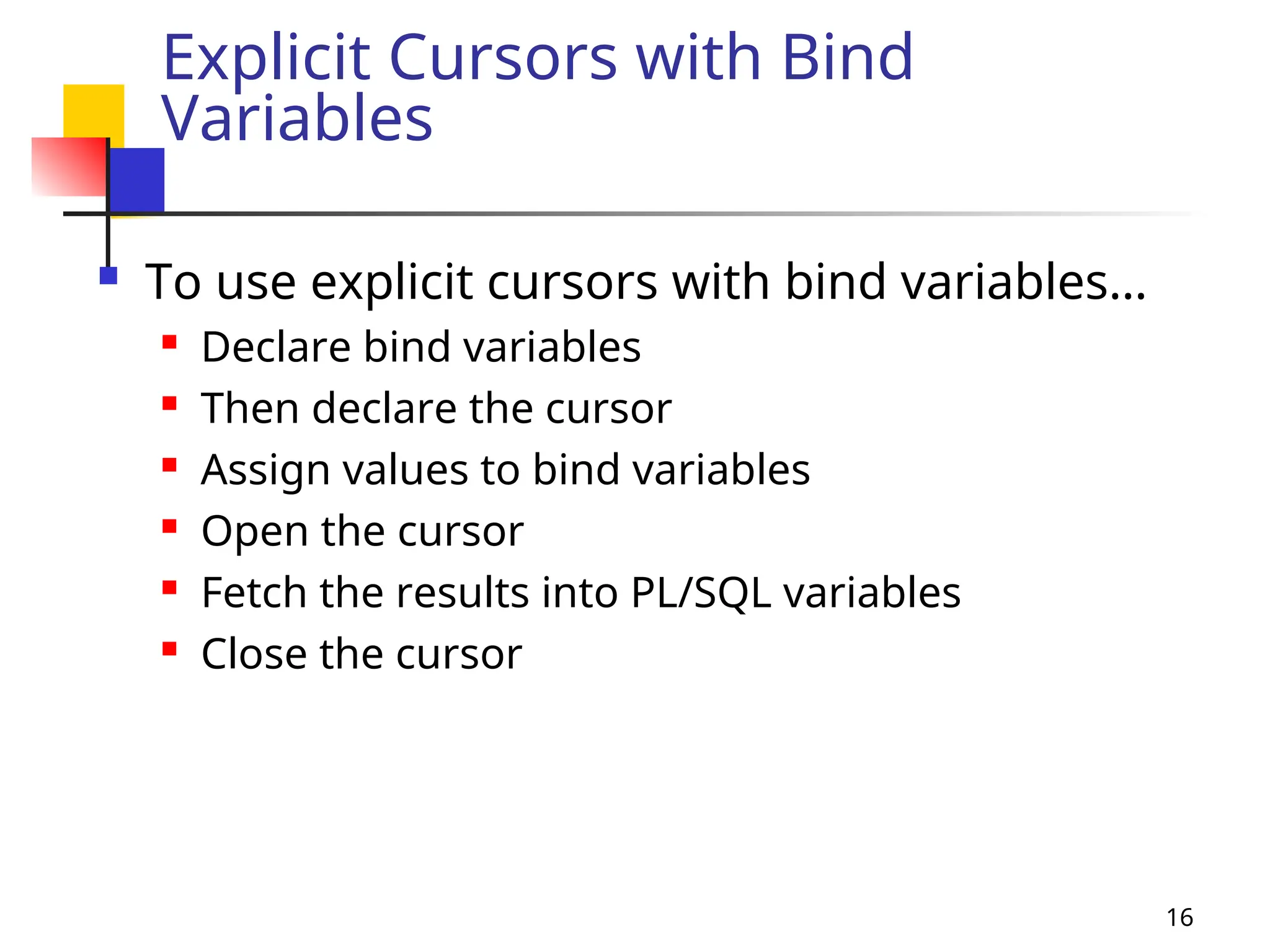
Explicit Cursors with Bind
Variables
 To use explicit cursors with bind variables…
 Declare bind variables
 Then declare the cursor
 Assign values to bind variables
 Open the cursor
 Fetch the results into PL/SQL variables
 Close the cursor
17
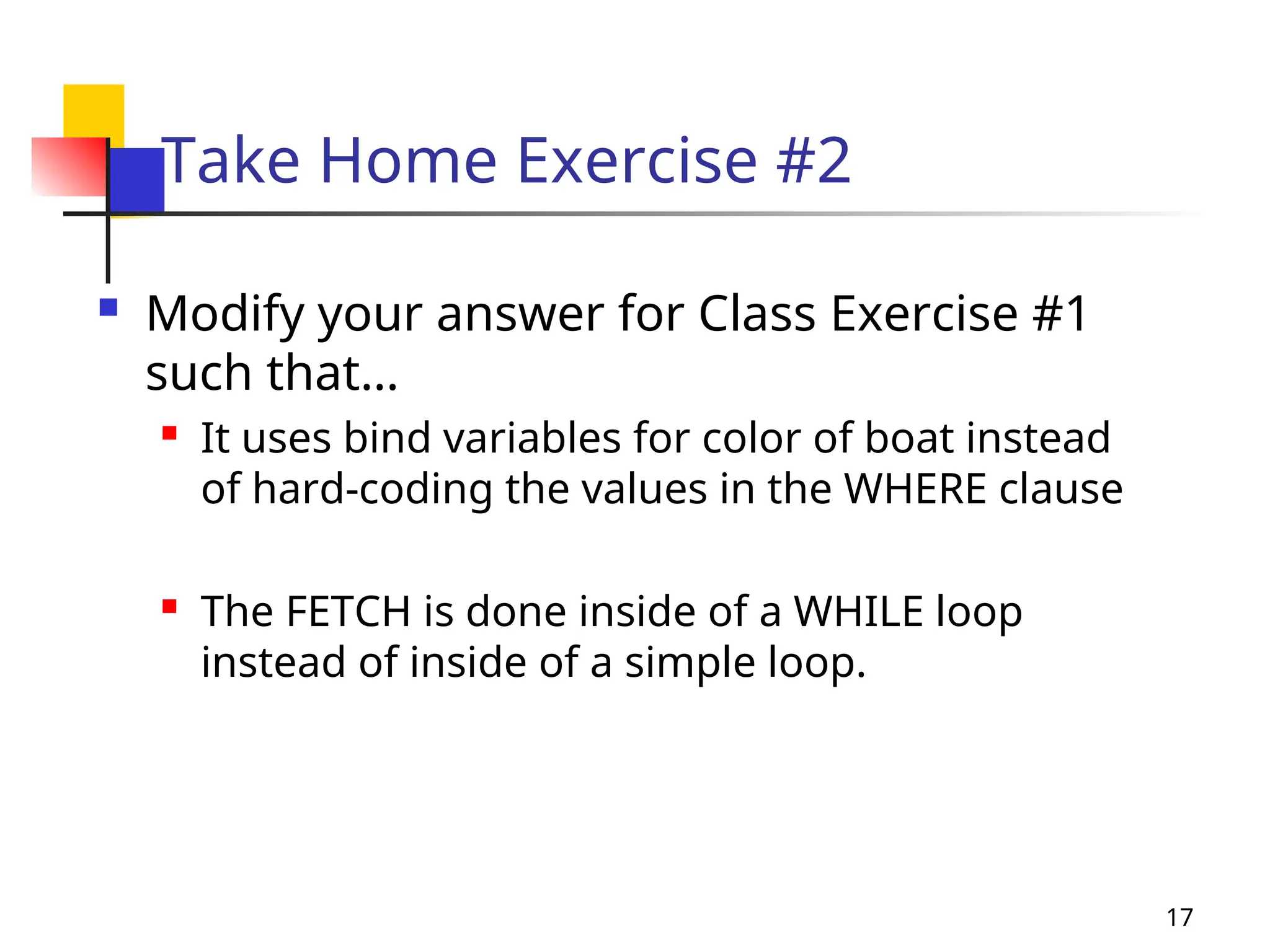
Take Home Exercise #2
 Modify your answer for Class Exercise #1
such that…
 It uses bind variables for color of boat instead
of hard-coding the values in the WHERE clause
 The FETCH is done inside of a WHILE loop
instead of inside of a simple loop.
18
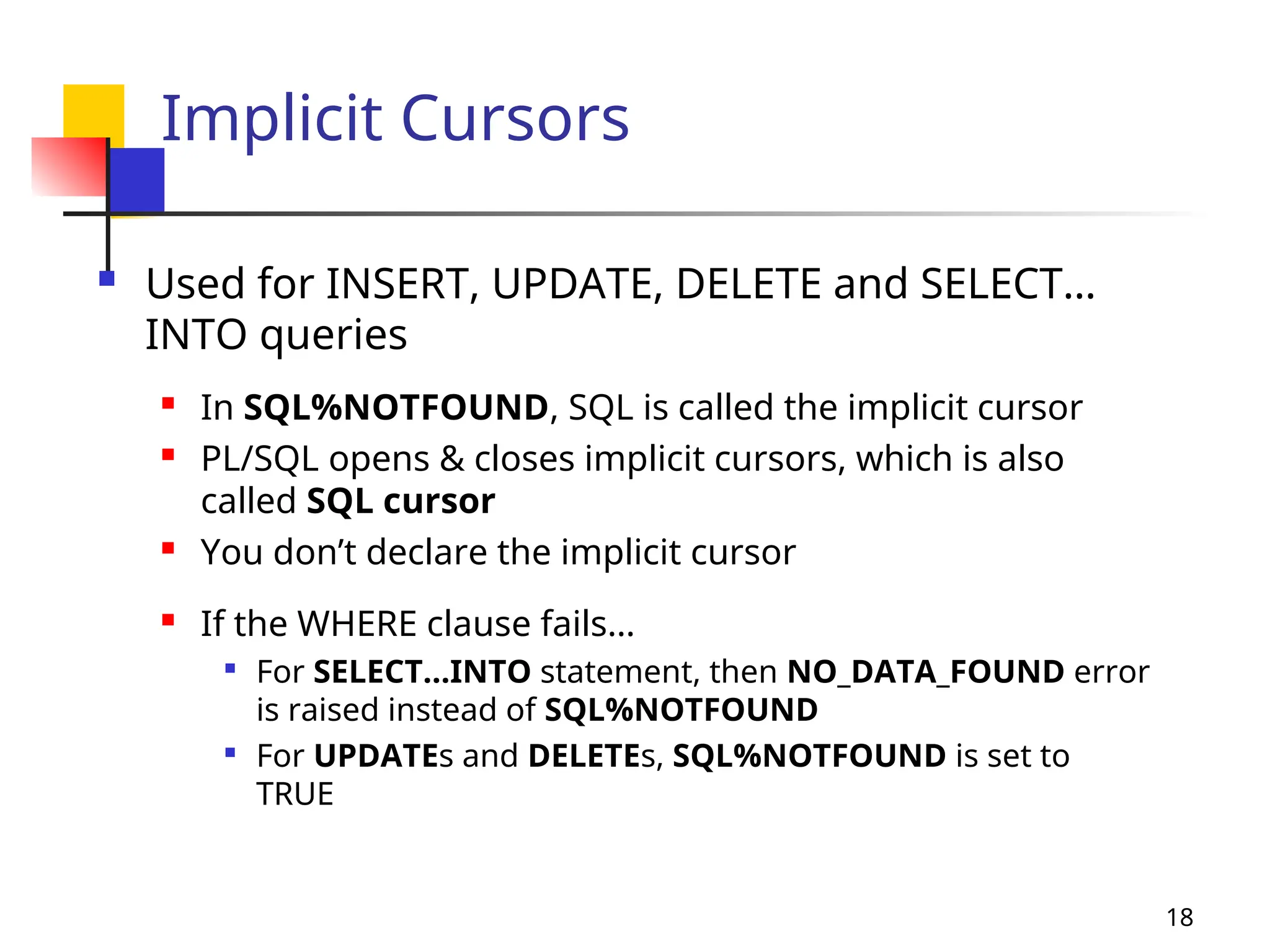
Implicit Cursors
 Used for INSERT, UPDATE, DELETE and SELECT…
INTO queries
 In SQL%NOTFOUND, SQL is called the implicit cursor
 PL/SQL opens & closes implicit cursors, which is also
called SQL cursor
 You don’t declare the implicit cursor
 If the WHERE clause fails…

For SELECT…INTO statement, then NO_DATA_FOUND error
is raised instead of SQL%NOTFOUND

For UPDATEs and DELETEs, SQL%NOTFOUND is set to
TRUE
19
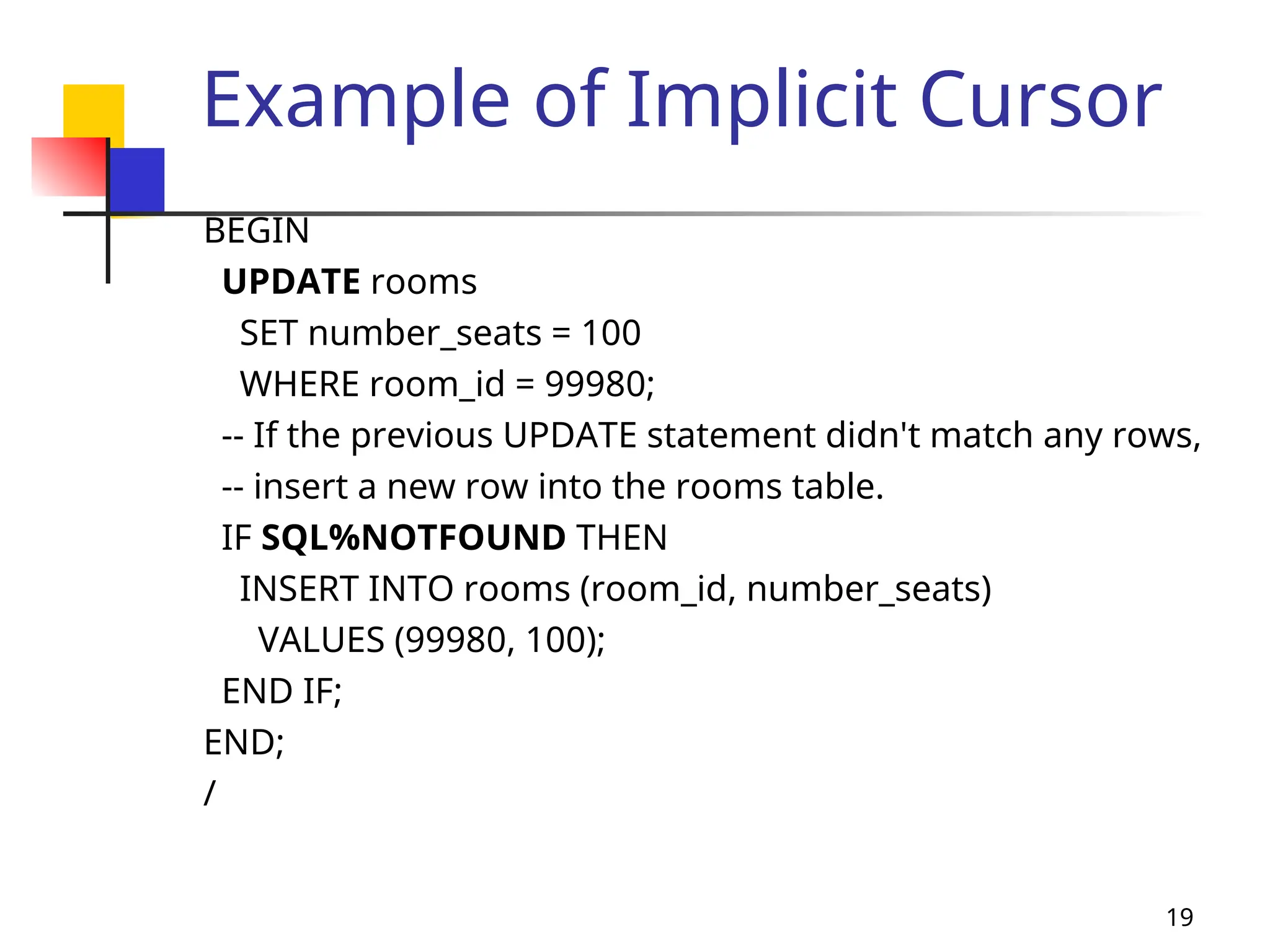
Example of Implicit Cursor
BEGIN
UPDATE rooms
SET number_seats = 100
WHERE room_id = 99980;
-- If the previous UPDATE statement didn't match any rows,
-- insert a new row into the rooms table.
IF SQL%NOTFOUND THEN
INSERT INTO rooms (room_id, number_seats)
VALUES (99980, 100);
END IF;
END;
/
20
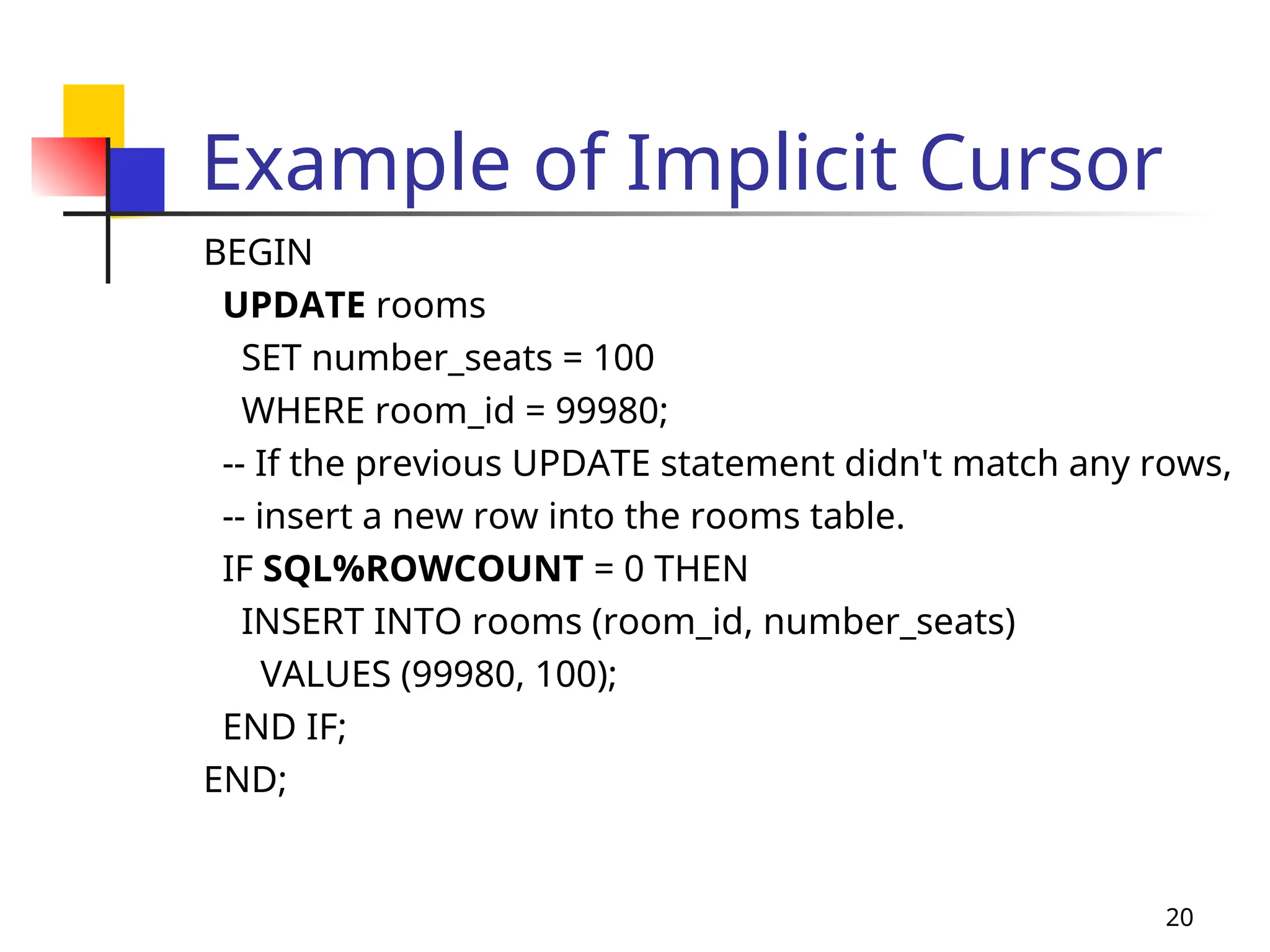
Example of Implicit Cursor
BEGIN
UPDATE rooms
SET number_seats = 100
WHERE room_id = 99980;
-- If the previous UPDATE statement didn't match any rows,
-- insert a new row into the rooms table.
IF SQL%ROWCOUNT = 0 THEN
INSERT INTO rooms (room_id, number_seats)
VALUES (99980, 100);
END IF;
END;
21
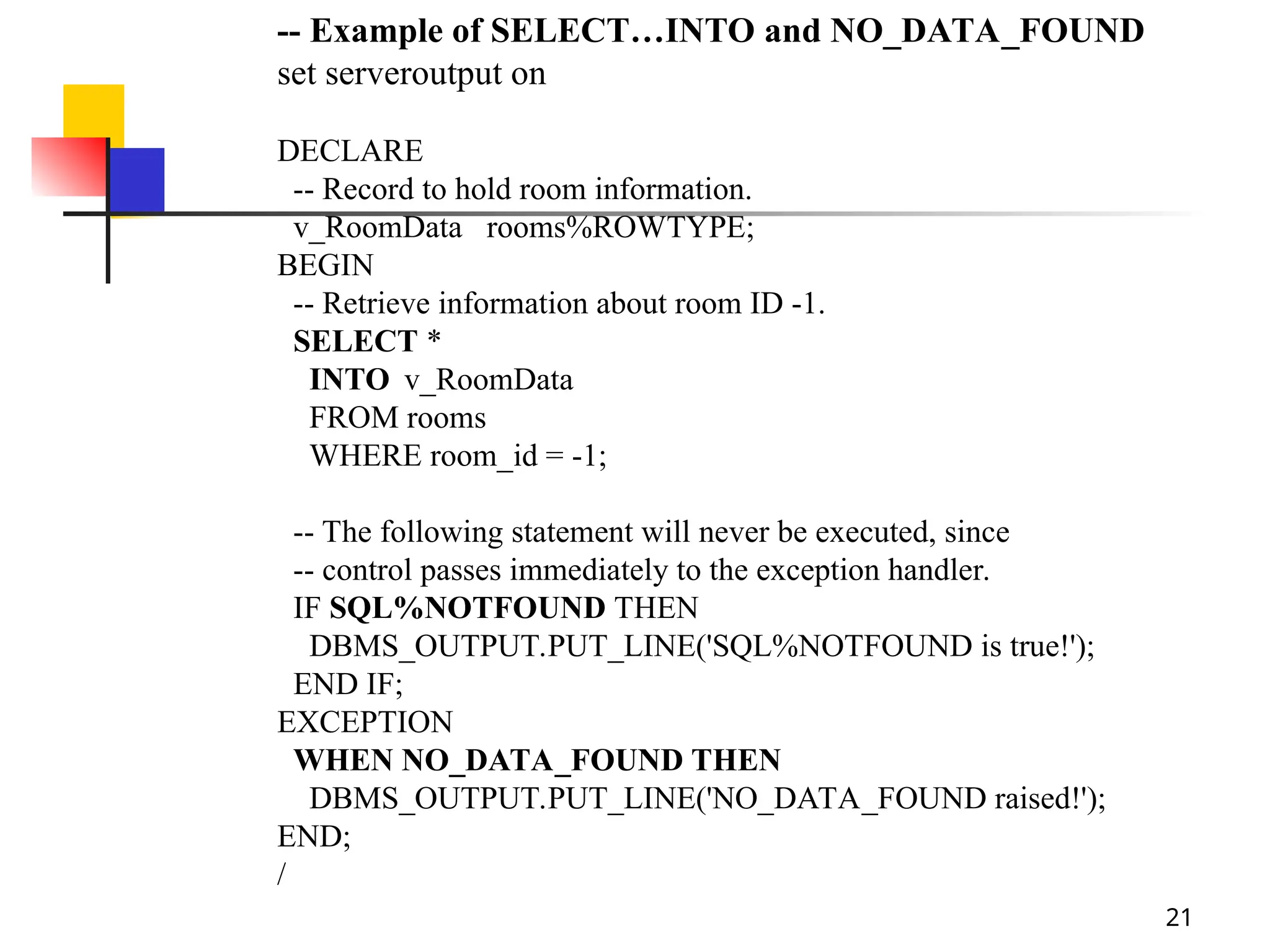
-- Example of SELECT…INTO and NO_DATA_FOUND
set serveroutput on
DECLARE
-- Record to hold room information.
v_RoomData rooms%ROWTYPE;
BEGIN
-- Retrieve information about room ID -1.
SELECT *
INTO v_RoomData
FROM rooms
WHERE room_id = -1;
-- The following statement will never be executed, since
-- control passes immediately to the exception handler.
IF SQL%NOTFOUND THEN
DBMS_OUTPUT.PUT_LINE('SQL%NOTFOUND is true!');
END IF;
EXCEPTION
WHEN NO_DATA_FOUND THEN
DBMS_OUTPUT.PUT_LINE('NO_DATA_FOUND raised!');
END;
/
22
SHOW ERRORS
 To display error message
 SQL> SHOW ERRORS;
23
Summary of last class
 Cursors
 A pointer to the context area (active set)
 Name begins with c_
 Defined within the DECLARE section
 Types: Explicit vs. Implicit

Explicit: (1) Declare, (2) Open, (3) Fetch & (4) Close
 Bind variables

Variables that are referenced in the cursor declaration

Must be defined BEFORE the cursor

Values examined ONLY at run time
CURSOR c_HistoryStudents IS
SELECT id, first_name, last_name
FROM students
WHERE major = ‘History’;
24
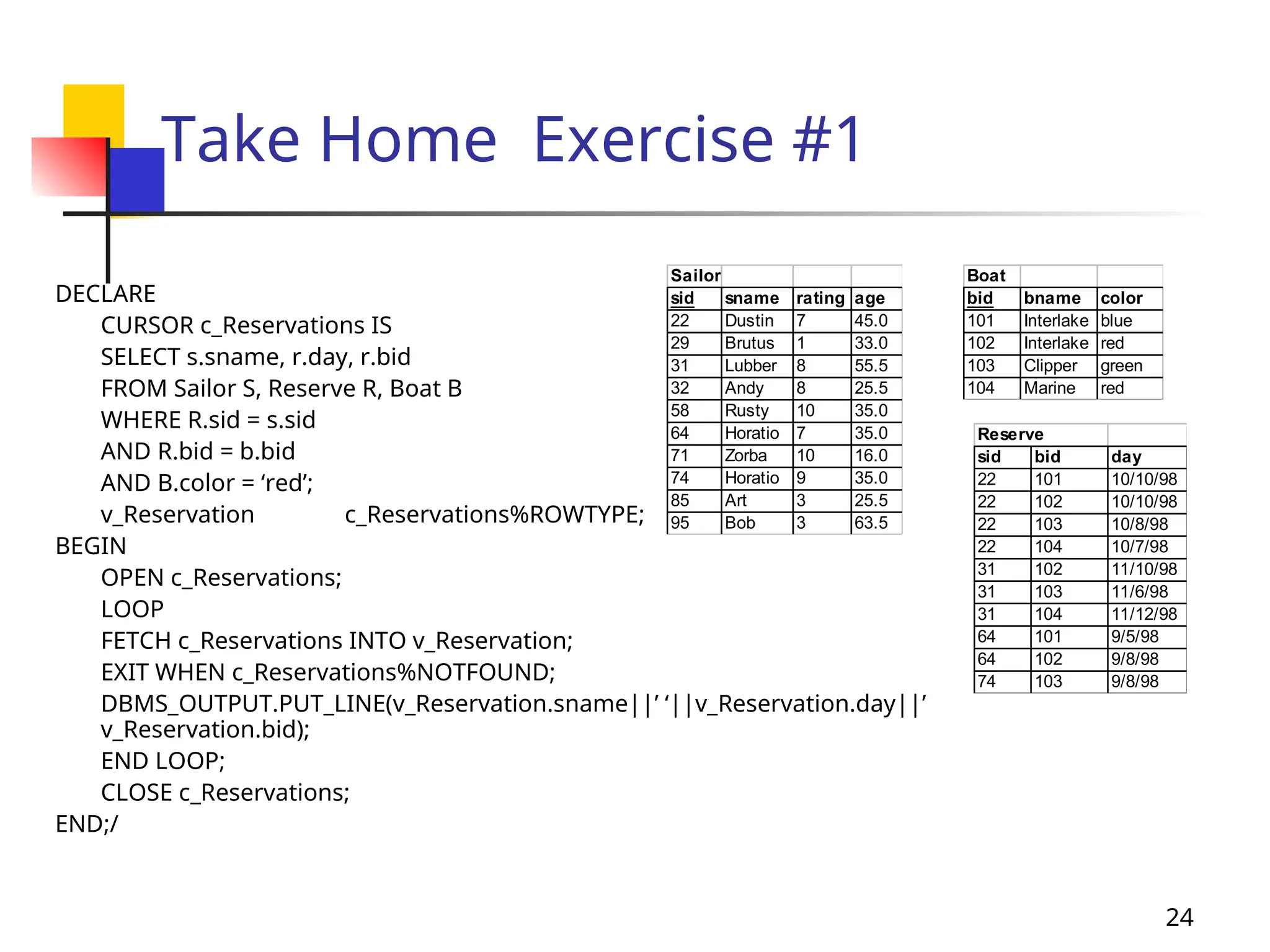
Take Home Exercise #1
DECLARE
CURSOR c_Reservations IS
SELECT s.sname, r.day, r.bid
FROM Sailor S, Reserve R, Boat B
WHERE R.sid = s.sid
AND R.bid = b.bid
AND B.color = ‘red’;
v_Reservation c_Reservations%ROWTYPE;
BEGIN
OPEN c_Reservations;
LOOP
FETCH c_Reservations INTO v_Reservation;
EXIT WHEN c_Reservations%NOTFOUND;
DBMS_OUTPUT.PUT_LINE(v_Reservation.sname||’ ‘||v_Reservation.day||’
v_Reservation.bid);
END LOOP;
CLOSE c_Reservations;
END;/
Reserve
sid bid day
22 101 10/10/98
22 102 10/10/98
22 103 10/8/98
22 104 10/7/98
31 102 11/10/98
31 103 11/6/98
31 104 11/12/98
64 101 9/5/98
64 102 9/8/98
74 103 9/8/98
Boat
bid bname color
101 Interlake blue
102 Interlake red
103 Clipper green
104 Marine red
Sailor
sid sname rating age
22 Dustin 7 45.0
29 Brutus 1 33.0
31 Lubber 8 55.5
32 Andy 8 25.5
58 Rusty 10 35.0
64 Horatio 7 35.0
71 Zorba 10 16.0
74 Horatio 9 35.0
85 Art 3 25.5
95 Bob 3 63.5
25
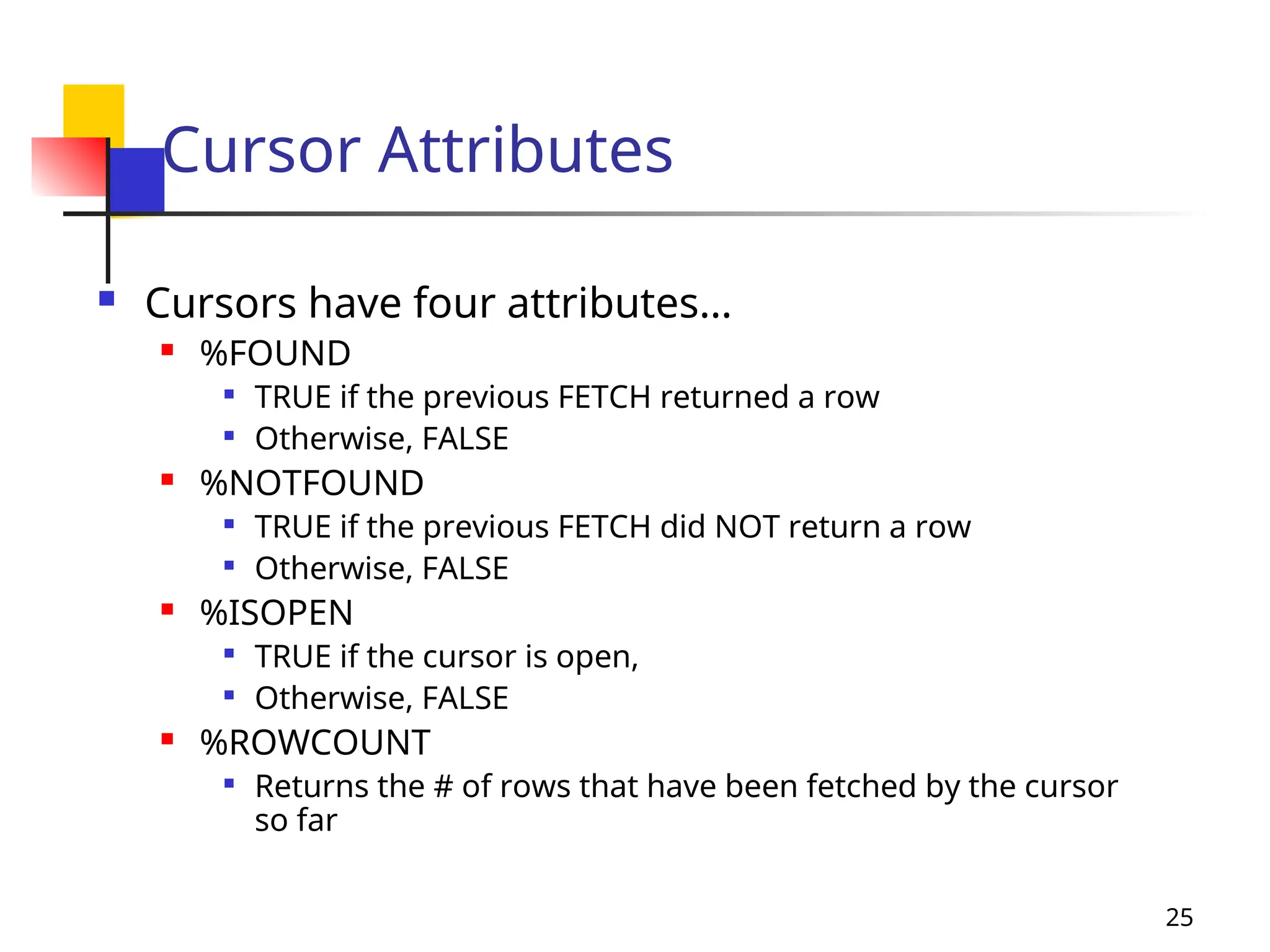
Cursor Attributes
 Cursors have four attributes…
 %FOUND

TRUE if the previous FETCH returned a row

Otherwise, FALSE
 %NOTFOUND

TRUE if the previous FETCH did NOT return a row

Otherwise, FALSE
 %ISOPEN

TRUE if the cursor is open,

Otherwise, FALSE
 %ROWCOUNT

Returns the # of rows that have been fetched by the cursor
so far
26
Implicit Cursors
 Used for INSERT, UPDATE, DELETE and SELECT…
INTO queries
 In SQL%NOTFOUND, SQL is called the implicit cursor
 PL/SQL opens & closes implicit cursors, which is also
called SQL cursor
 You don’t declare the implicit cursor
 If the WHERE clause fails…

For SELECT…INTO statement, then NO_DATA_FOUND error
is raised instead of SQL%NOTFOUND

For UPDATEs and DELETEs, SQL%NOTFOUND is set to
TRUE
27
Exceptions & Exception Handling
 What are exceptions & exception handlers?
 The method by which the program reacts & deals
with runtime errors
 How do they work?
 When a runtime error occurs, an exception is
raised
 Then control is passed to the exception handler
(i.e. the EXCEPTION section)
 Once control is passed to the exception handler,
there is no way to return to the executable section
28
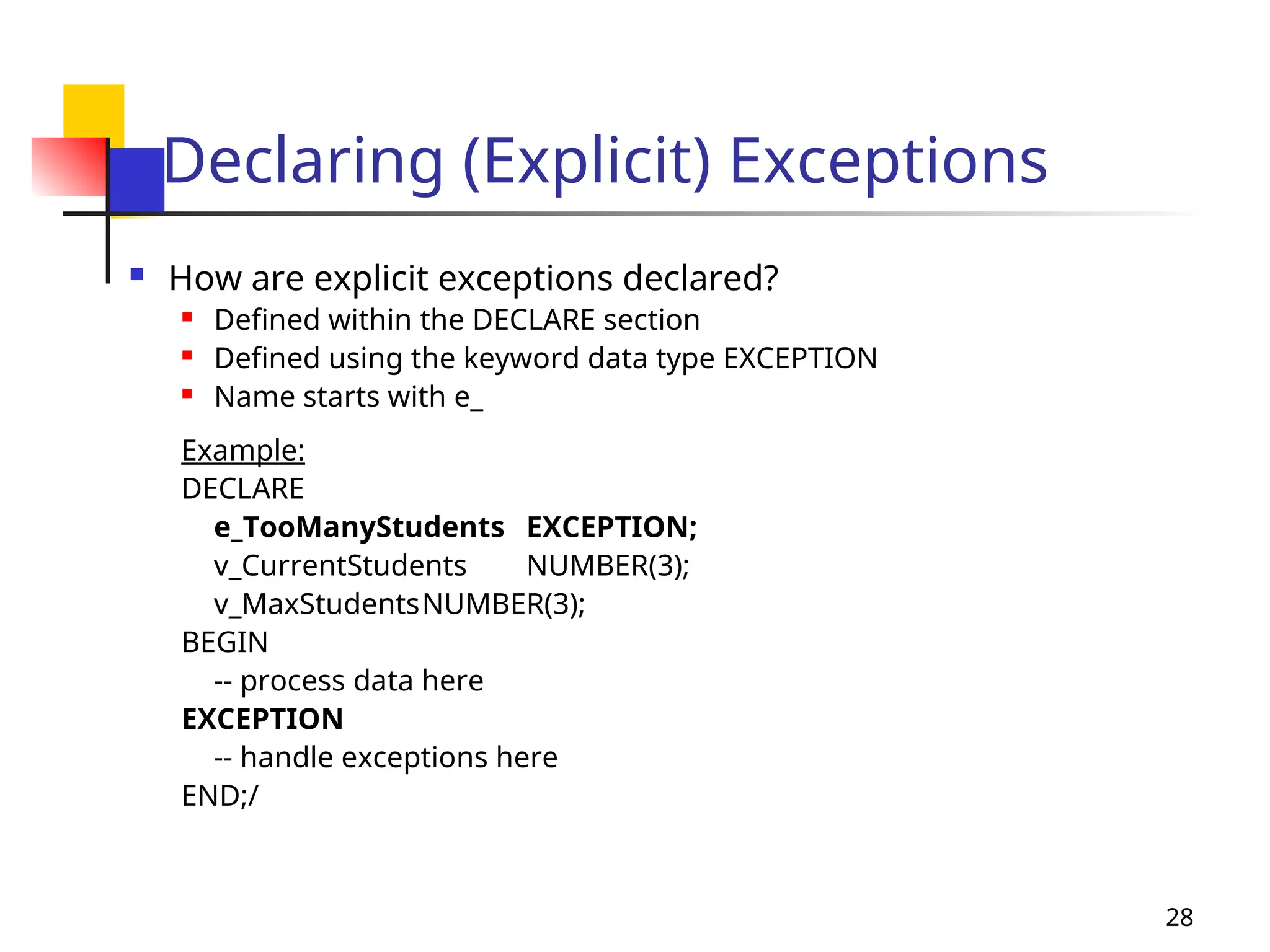
Declaring (Explicit) Exceptions
 How are explicit exceptions declared?
 Defined within the DECLARE section
 Defined using the keyword data type EXCEPTION
 Name starts with e_
Example:
DECLARE
e_TooManyStudents EXCEPTION;
v_CurrentStudents NUMBER(3);
v_MaxStudentsNUMBER(3);
BEGIN
-- process data here
EXCEPTION
-- handle exceptions here
END;/
29
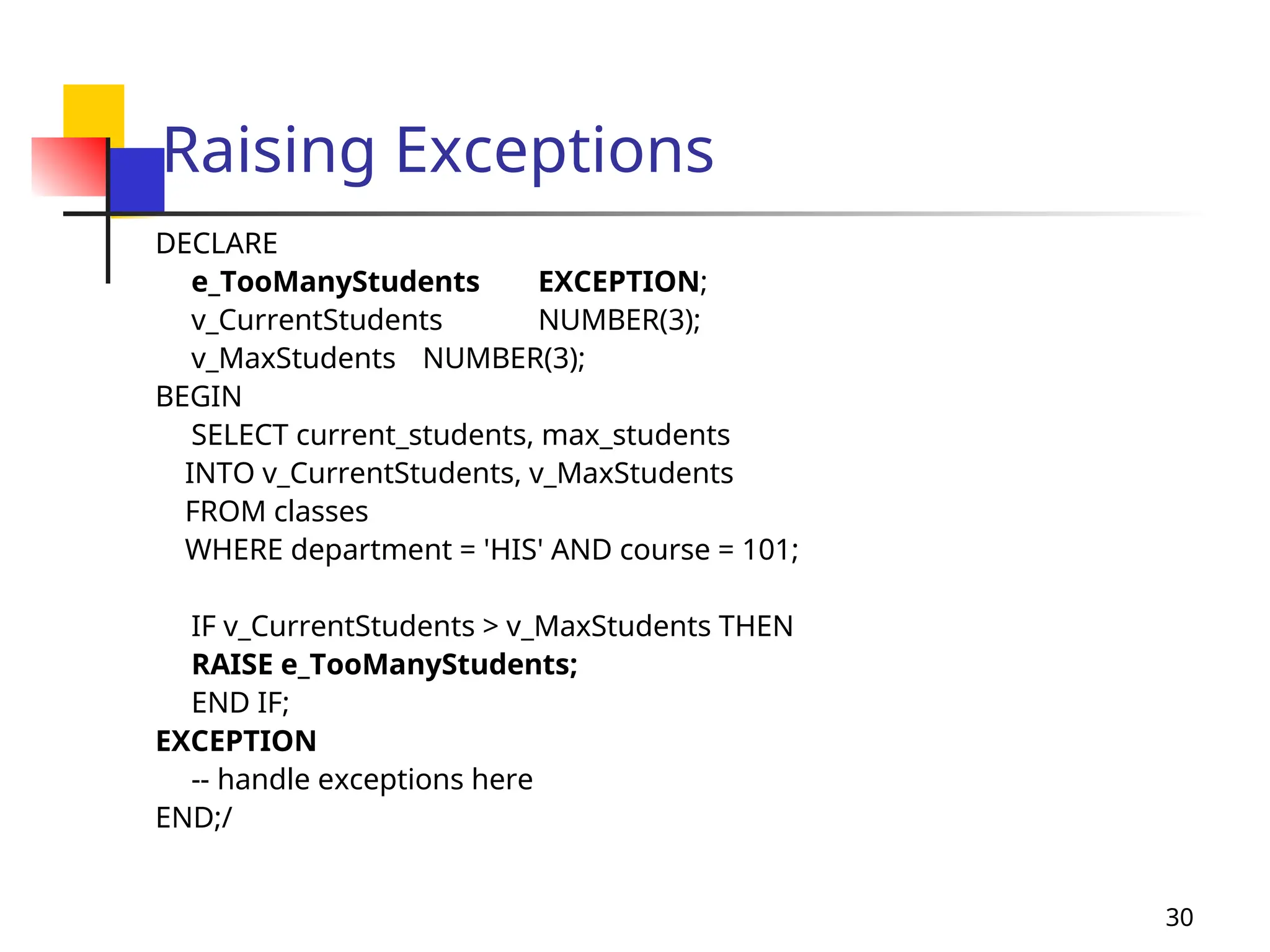
Raising Exceptions
 How are exceptions used?
 Within the executable section

Test a condition

If the condition evaluates to true, then use the
keyword RAISE to raise an exception

Can use the RAISE keyword with either predefined
exceptions or user-defined exceptions
30
Raising Exceptions
DECLARE
e_TooManyStudents EXCEPTION;
v_CurrentStudents NUMBER(3);
v_MaxStudents NUMBER(3);
BEGIN
SELECT current_students, max_students
INTO v_CurrentStudents, v_MaxStudents
FROM classes
WHERE department = 'HIS' AND course = 101;
IF v_CurrentStudents > v_MaxStudents THEN
RAISE e_TooManyStudents;
END IF;
EXCEPTION
-- handle exceptions here
END;/
31
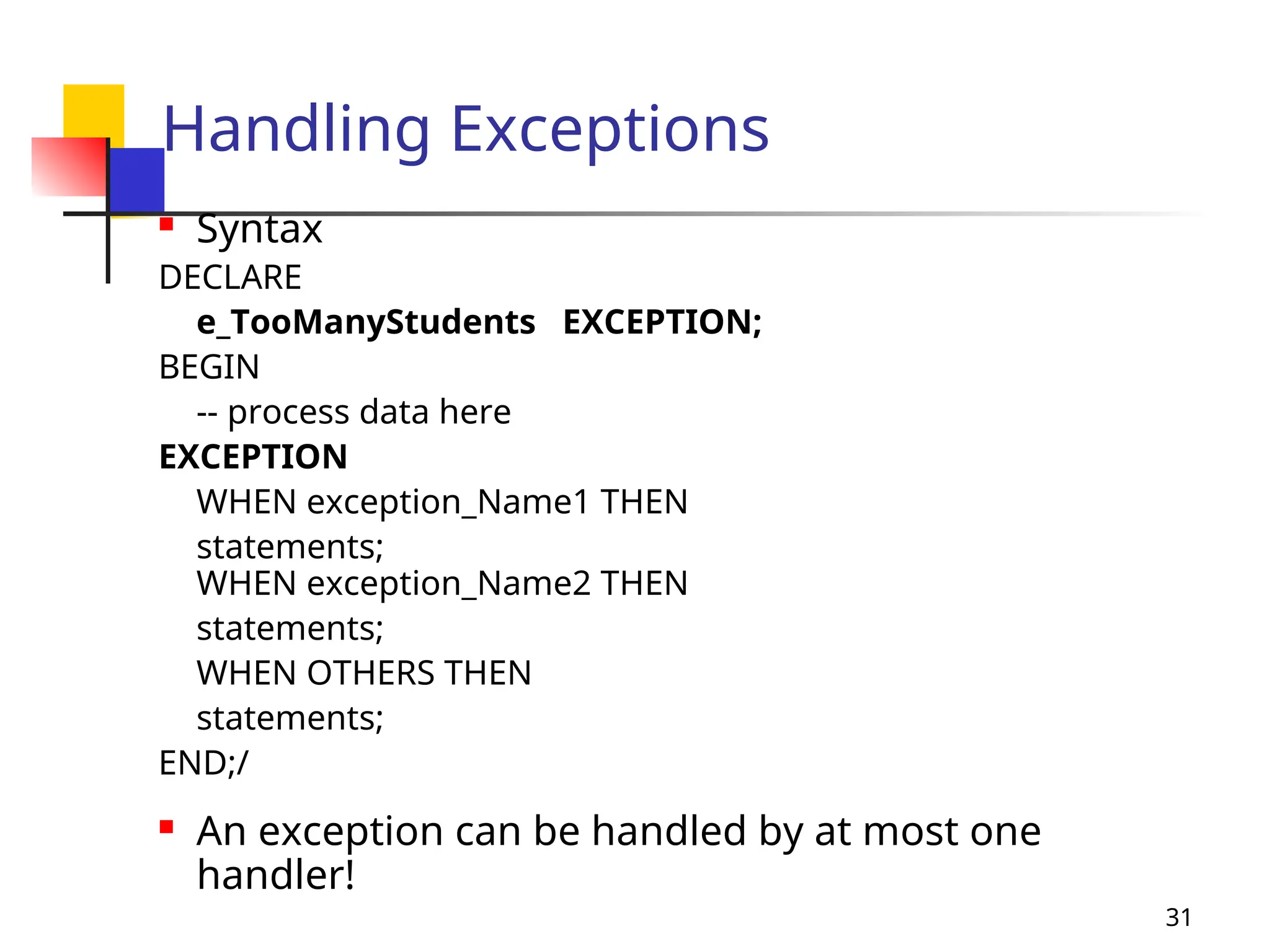
Handling Exceptions
 Syntax
DECLARE
e_TooManyStudents EXCEPTION;
BEGIN
-- process data here
EXCEPTION
WHEN exception_Name1 THEN
statements;
WHEN exception_Name2 THEN
statements;
WHEN OTHERS THEN
statements;
END;/
 An exception can be handled by at most one
handler!
32
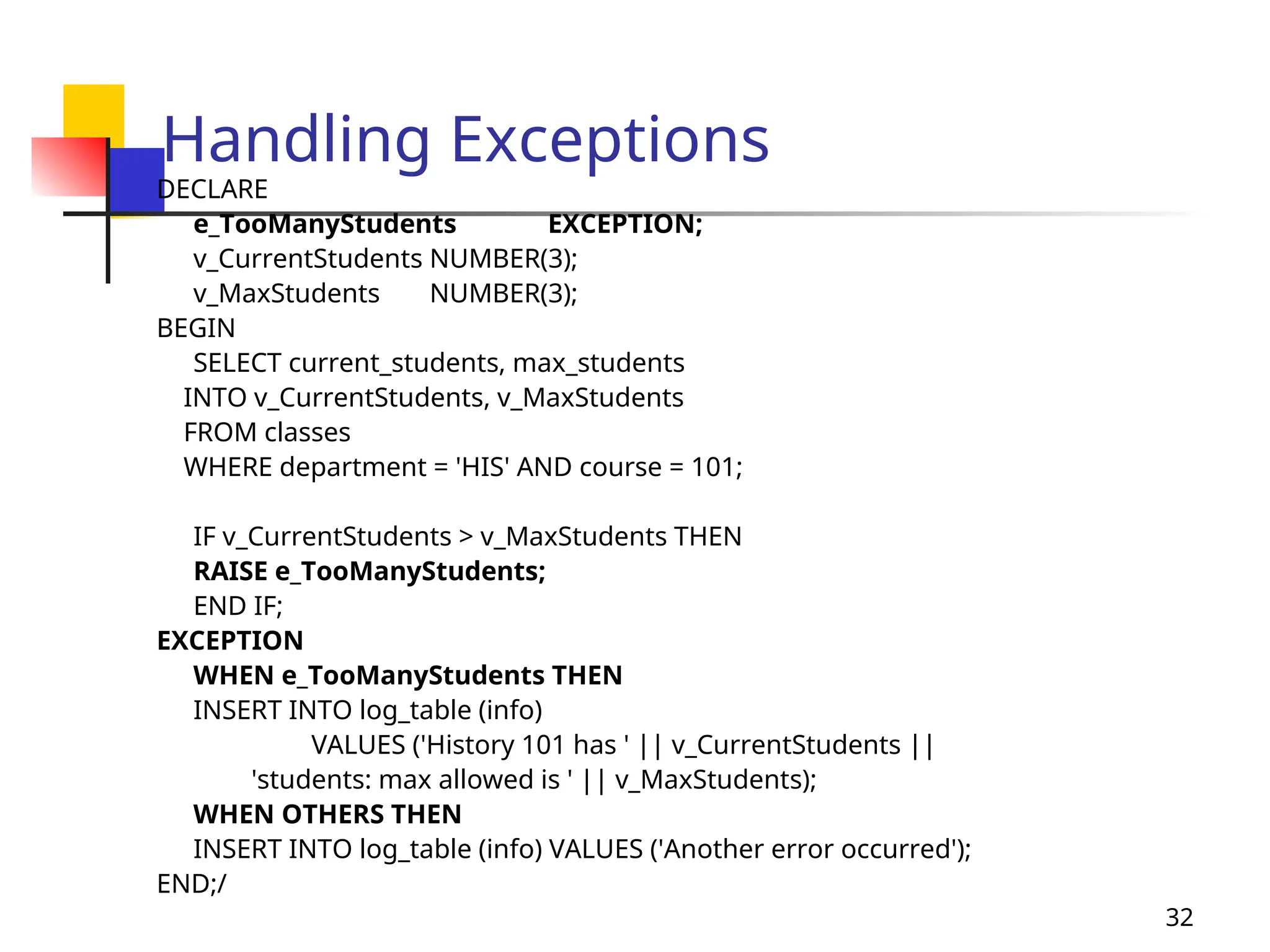
Handling Exceptions
DECLARE
e_TooManyStudents EXCEPTION;
v_CurrentStudents NUMBER(3);
v_MaxStudents NUMBER(3);
BEGIN
SELECT current_students, max_students
INTO v_CurrentStudents, v_MaxStudents
FROM classes
WHERE department = 'HIS' AND course = 101;
IF v_CurrentStudents > v_MaxStudents THEN
RAISE e_TooManyStudents;
END IF;
EXCEPTION
WHEN e_TooManyStudents THEN
INSERT INTO log_table (info)
VALUES ('History 101 has ' || v_CurrentStudents ||
'students: max allowed is ' || v_MaxStudents);
WHEN OTHERS THEN
INSERT INTO log_table (info) VALUES ('Another error occurred');
END;/
33
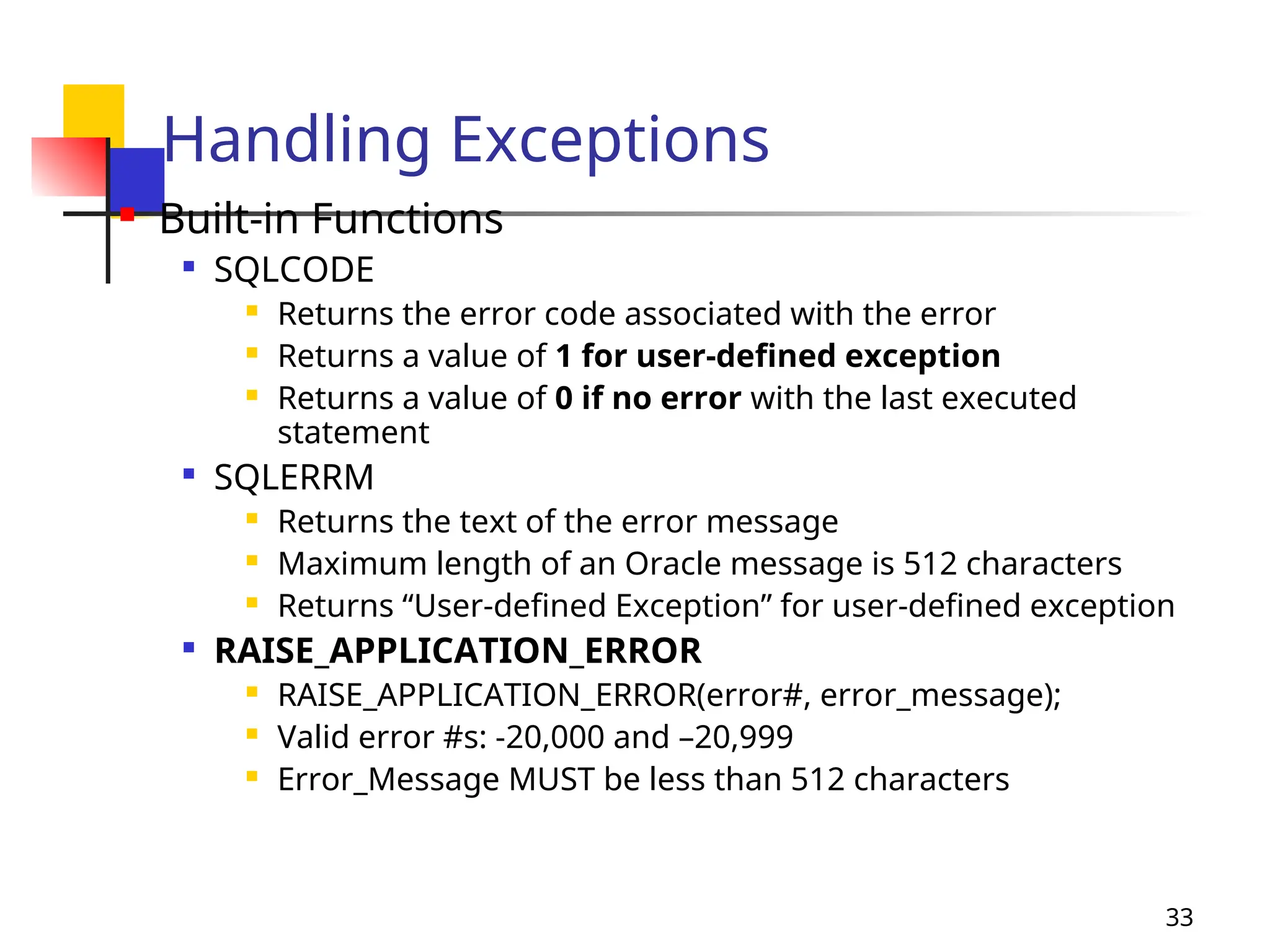
Handling Exceptions
 Built-in Functions

SQLCODE
 Returns the error code associated with the error
 Returns a value of 1 for user-defined exception
 Returns a value of 0 if no error with the last executed
statement

SQLERRM
 Returns the text of the error message
 Maximum length of an Oracle message is 512 characters
 Returns “User-defined Exception” for user-defined exception

RAISE_APPLICATION_ERROR
 RAISE_APPLICATION_ERROR(error#, error_message);
 Valid error #s: -20,000 and –20,999
 Error_Message MUST be less than 512 characters
34
Key Concepts (thus far)
 PL/SQL Block
 IF-THEN-ELSE
 CASE
 Loops
 Simple Loops
 WHILE Loops
 FOR Loops
 Records
 Explicit
 Implicit
 Cursors
 Explicit
 Implicit
 Exception Handling
 Naming
Conventions
35
Key Concepts: PL/SQL Block
 Basic building block/unit of PL/SQL programs

Three possible sections of a block

Declarative section (optional)

Executable section (required)
 Delimiters : BEGIN, END

Exception handling (optional)
 A block performs a logical unit of work in the
program
 Blocks can be nested
36
Key Concepts: IF-THEN-ELSE &
CASE
IF boolean_expression1 THEN
sequence_of_statements;
[ELSIF boolean_expression2
THEN
sequence_of_statements]
[ELSE
sequence_of_statements]
END IF;
Either specify test case after CASE
keyword & OR specify test after
WHEN keyword
CASE
WHEN boolean_expression1 THEN
sequence_of_statements;
WHEN boolean_expression2 THEN
sequence_of_statements;
ELSE
sequence_of_statements;
END CASE;
37
Key Concepts: PL/SQL Loops
 Used to execute a sequence of statements repeatedly
 When the number of iterations is unknown

Simple loops: executes at least once

WHILE loops: executes while the condition is true
 When the number of iterations is known in advance
 Numeric FOR Loops: executes a specific number of times
SIMPLE LOOP
LOOP
sequence_of_statements;
EXIT WHEN condition;
END LOOP;
WHILE LOOP
WHILE condition LOOP
sequence_of_statements;
END LOOP;
FOR LOOP
FOR loop_Counter IN IN [REVERSE] low..high
LOOP sequence_of_statements;
END LOOP;
38
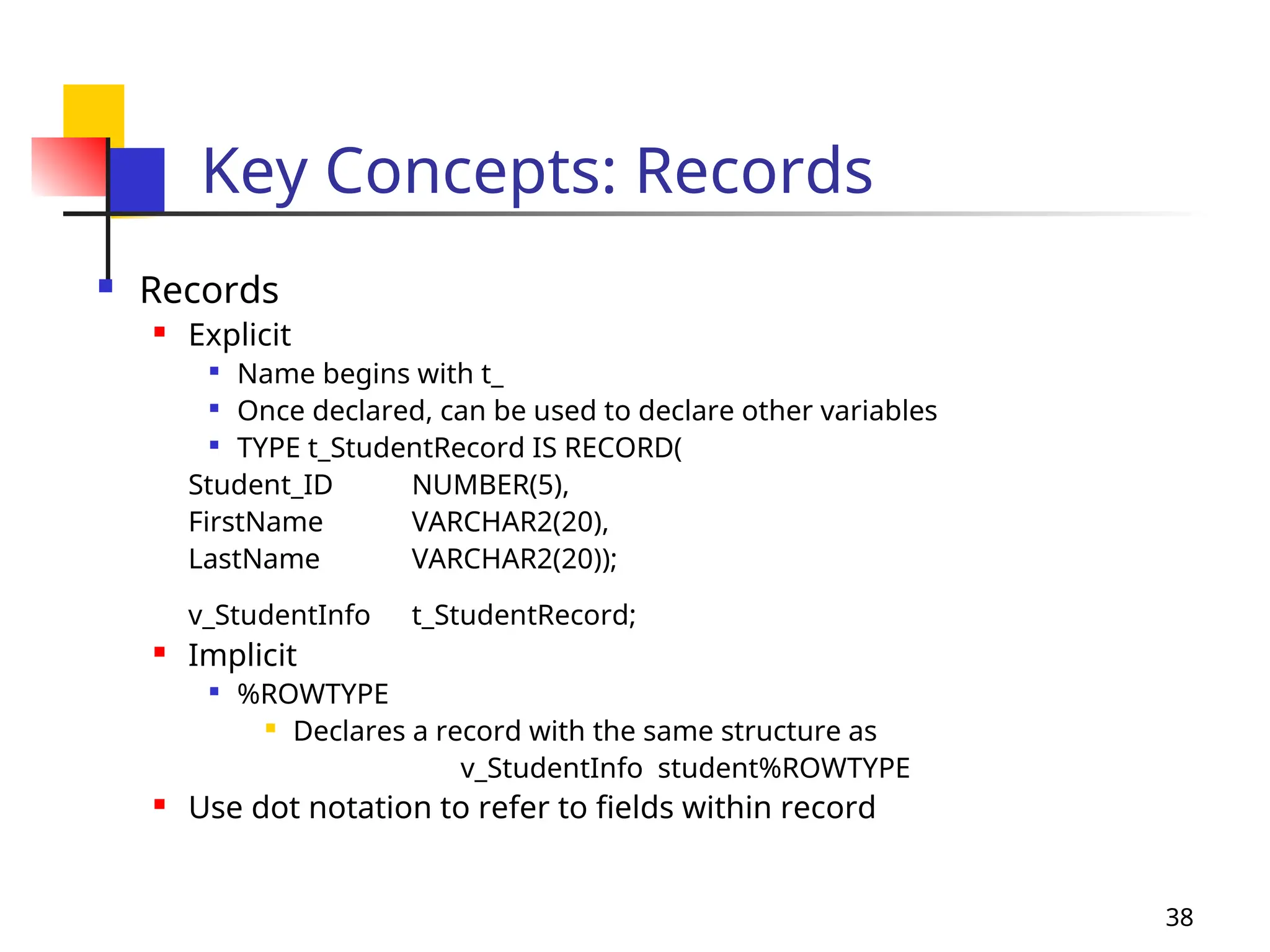
Key Concepts: Records
 Records
 Explicit

Name begins with t_

Once declared, can be used to declare other variables

TYPE t_StudentRecord IS RECORD(
Student_ID NUMBER(5),
FirstName VARCHAR2(20),
LastName VARCHAR2(20));
v_StudentInfo t_StudentRecord;
 Implicit

%ROWTYPE
 Declares a record with the same structure as
v_StudentInfo student%ROWTYPE
 Use dot notation to refer to fields within record
39
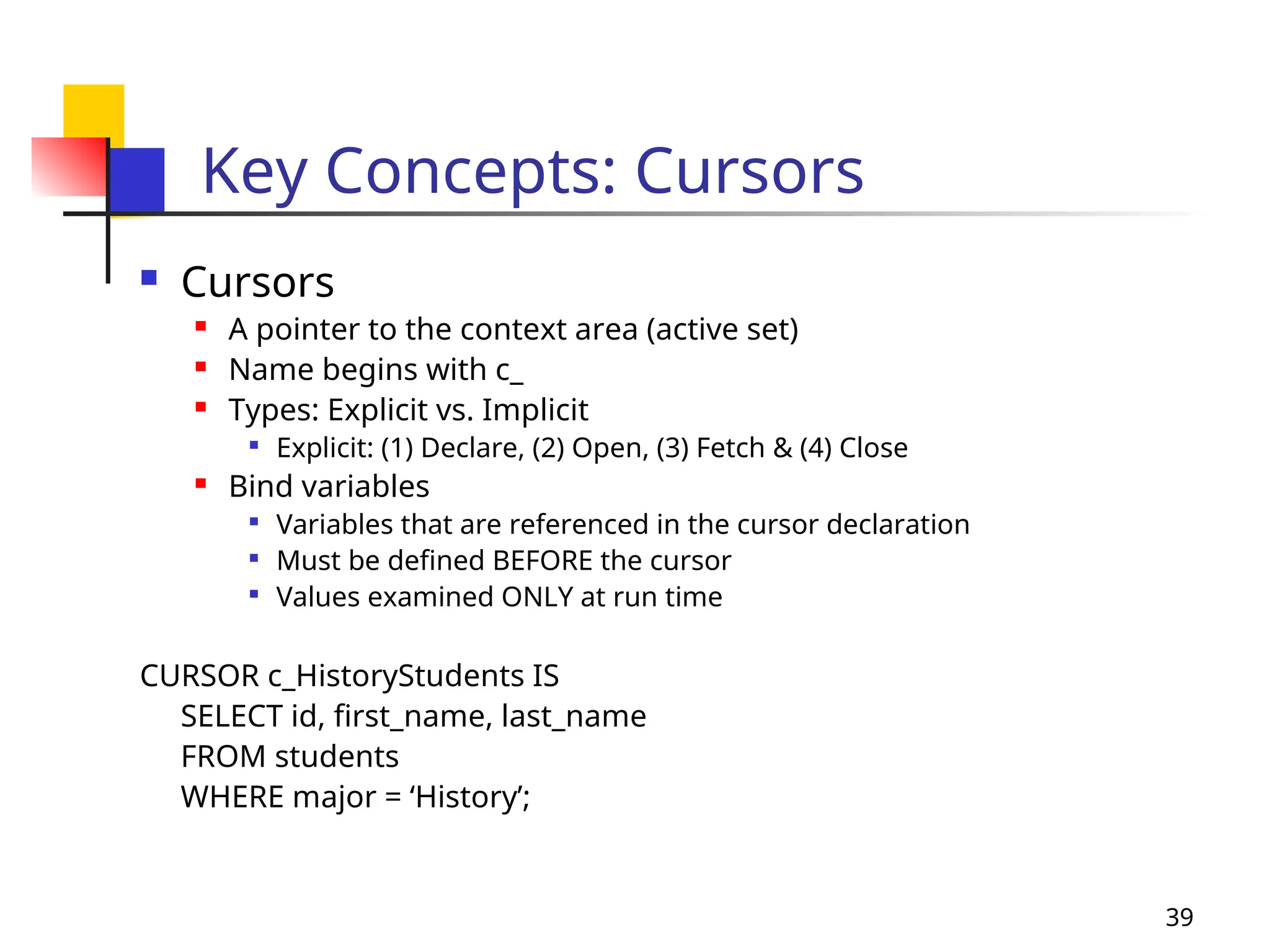
Key Concepts: Cursors
 Cursors
 A pointer to the context area (active set)
 Name begins with c_
 Types: Explicit vs. Implicit

Explicit: (1) Declare, (2) Open, (3) Fetch & (4) Close
 Bind variables

Variables that are referenced in the cursor declaration

Must be defined BEFORE the cursor

Values examined ONLY at run time
CURSOR c_HistoryStudents IS
SELECT id, first_name, last_name
FROM students
WHERE major = ‘History’;
40
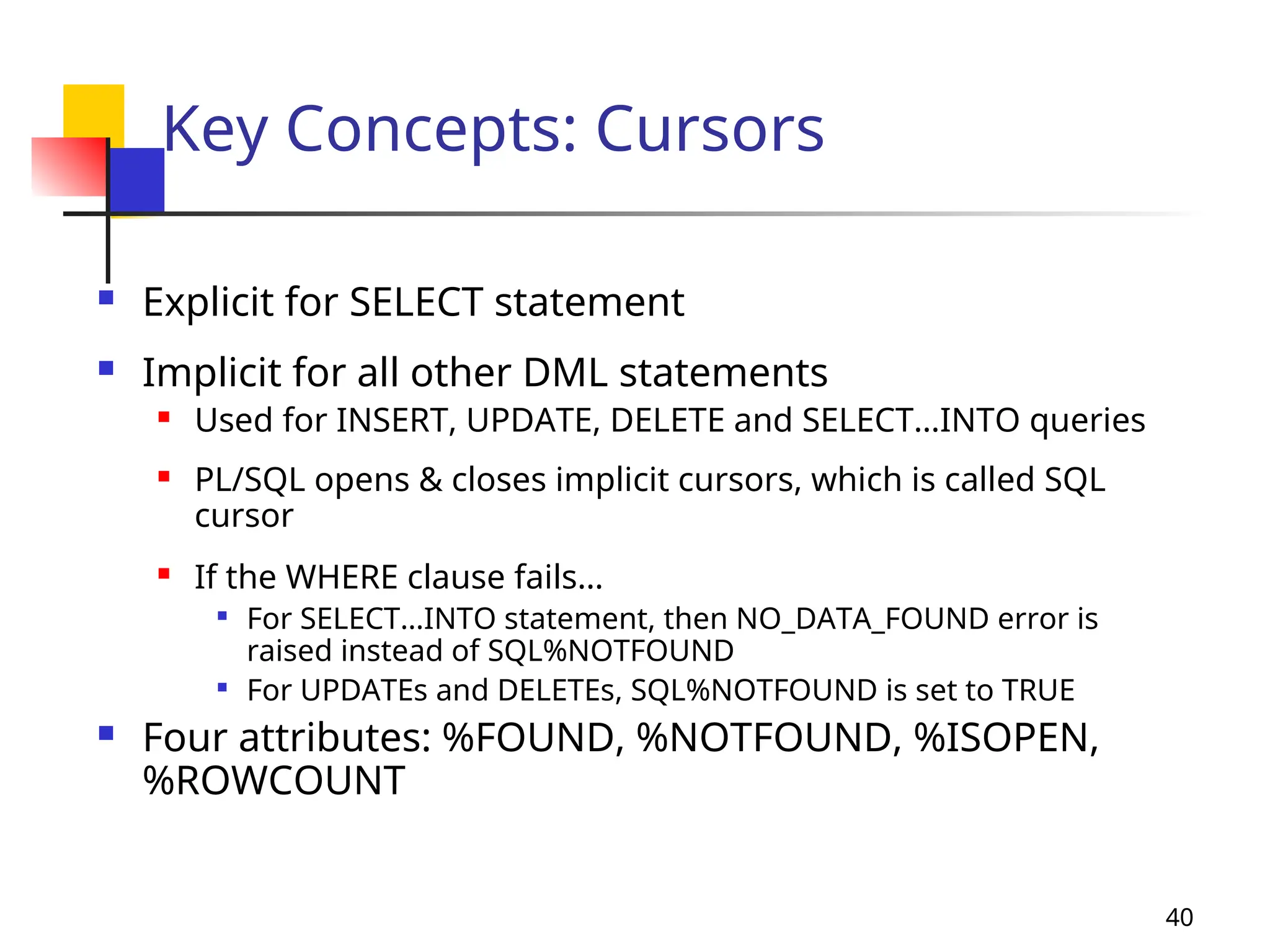
Key Concepts: Cursors
 Explicit for SELECT statement
 Implicit for all other DML statements
 Used for INSERT, UPDATE, DELETE and SELECT…INTO queries
 PL/SQL opens & closes implicit cursors, which is called SQL
cursor
 If the WHERE clause fails…

For SELECT…INTO statement, then NO_DATA_FOUND error is
raised instead of SQL%NOTFOUND

For UPDATEs and DELETEs, SQL%NOTFOUND is set to TRUE
 Four attributes: %FOUND, %NOTFOUND, %ISOPEN,
%ROWCOUNT
41
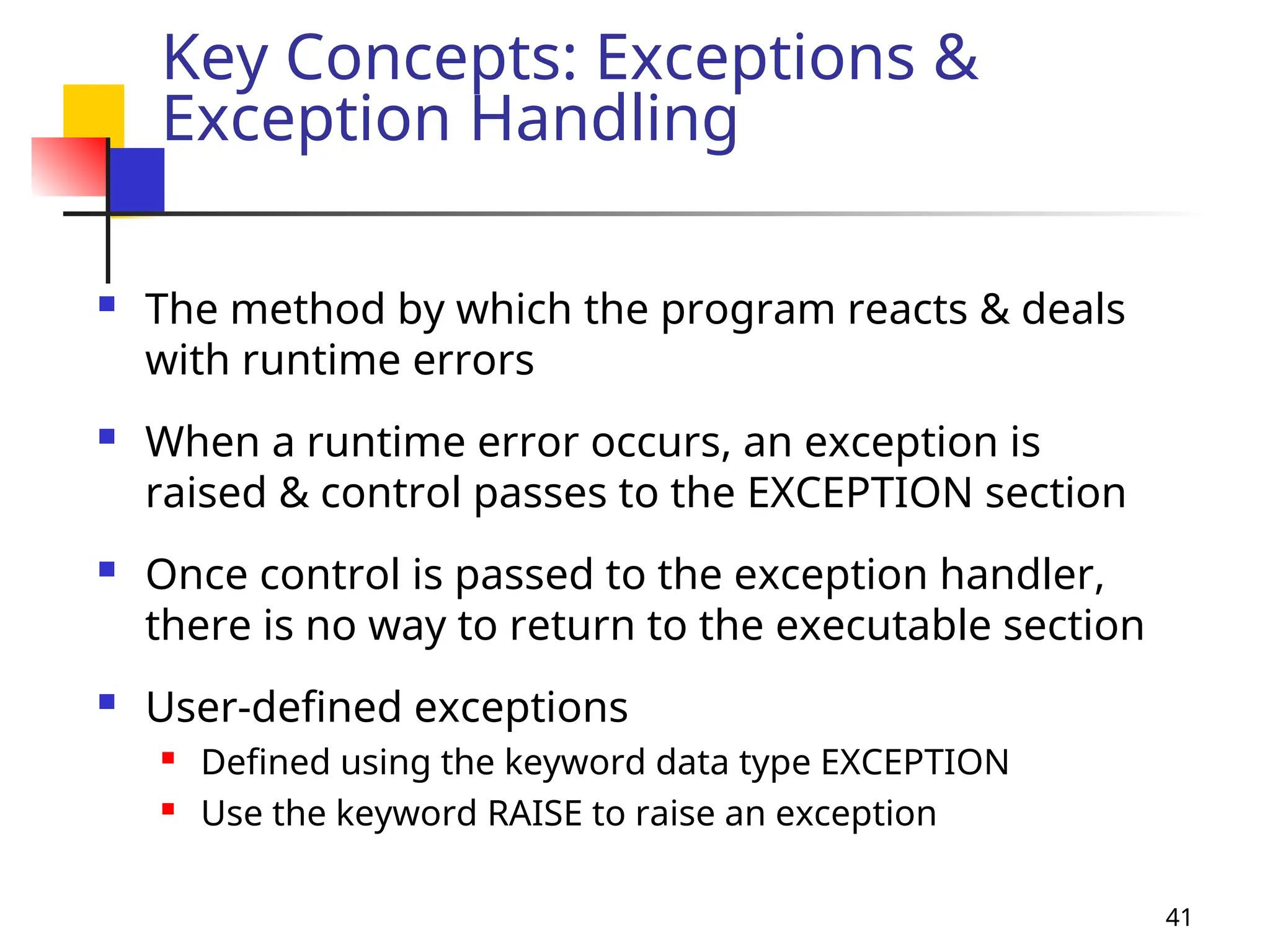
Key Concepts: Exceptions &
Exception Handling
 The method by which the program reacts & deals
with runtime errors
 When a runtime error occurs, an exception is
raised & control passes to the EXCEPTION section
 Once control is passed to the exception handler,
there is no way to return to the executable section
 User-defined exceptions
 Defined using the keyword data type EXCEPTION
 Use the keyword RAISE to raise an exception
42
Key Concepts: Exceptions &
Exception Handling
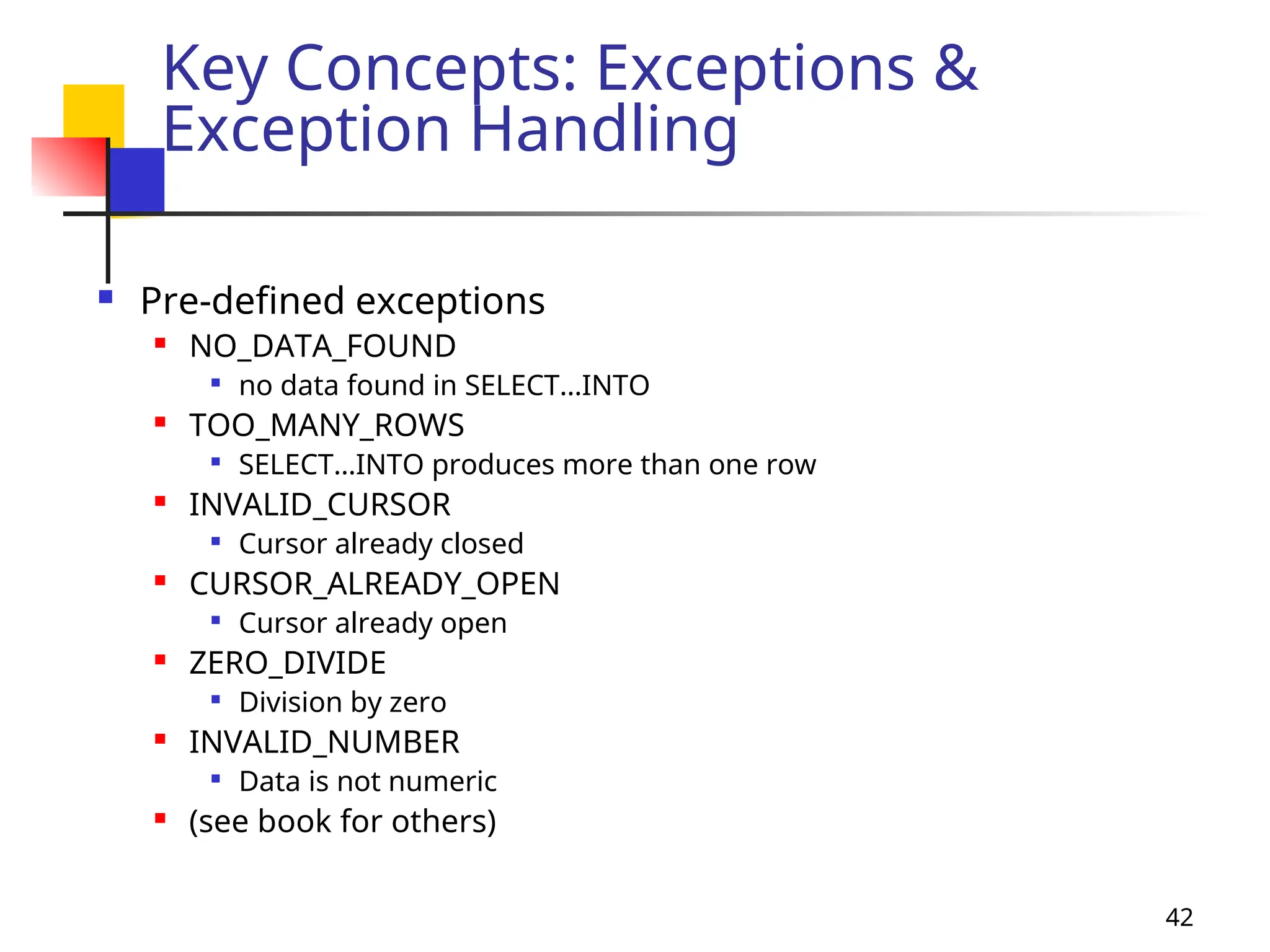
 Pre-defined exceptions
 NO_DATA_FOUND

no data found in SELECT…INTO
 TOO_MANY_ROWS

SELECT…INTO produces more than one row
 INVALID_CURSOR

Cursor already closed
 CURSOR_ALREADY_OPEN

Cursor already open
 ZERO_DIVIDE

Division by zero
 INVALID_NUMBER

Data is not numeric
 (see book for others)
43
Key Concepts: Exceptions &
Exception Handling
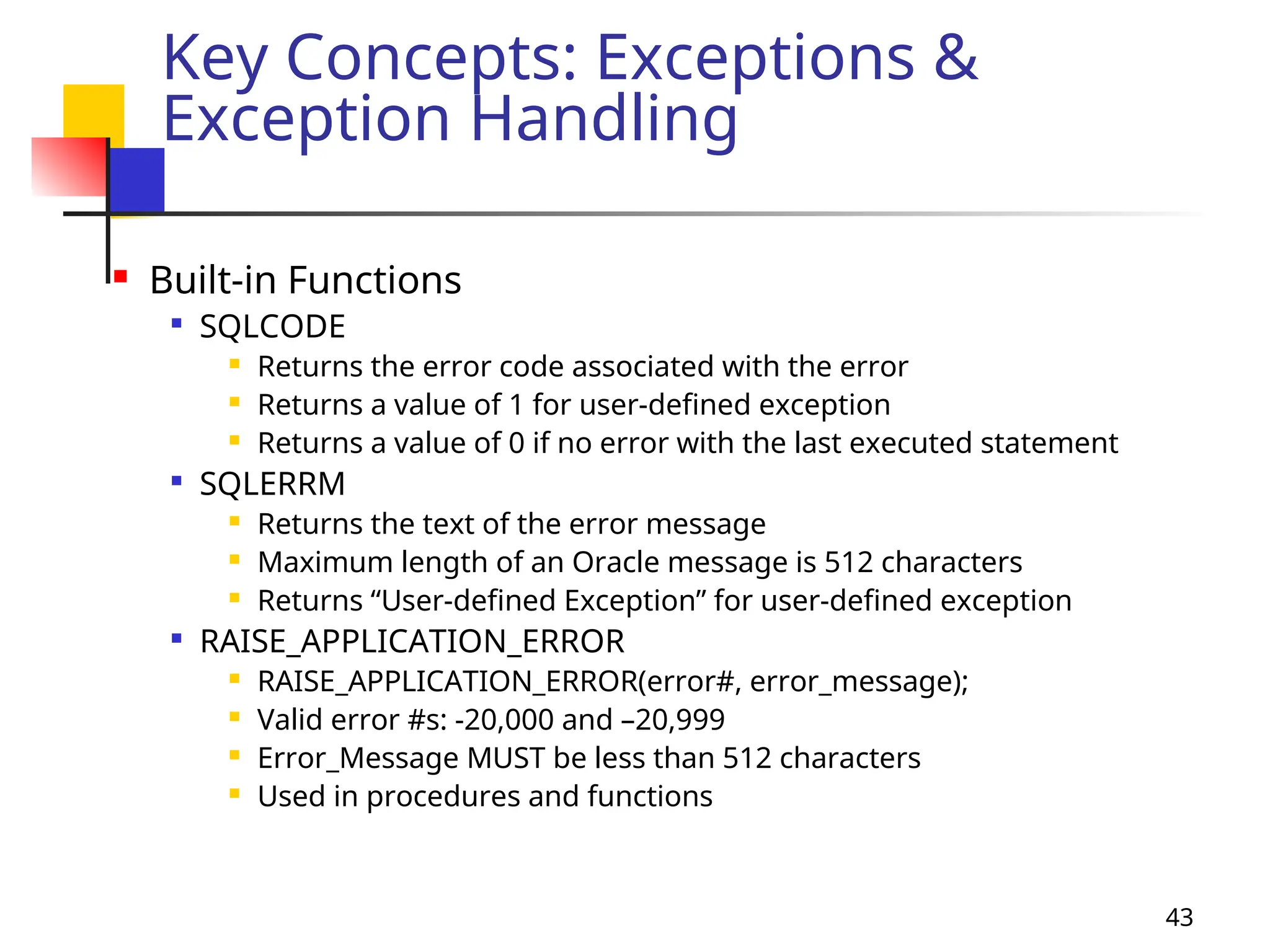
 Built-in Functions

SQLCODE
 Returns the error code associated with the error
 Returns a value of 1 for user-defined exception
 Returns a value of 0 if no error with the last executed statement

SQLERRM
 Returns the text of the error message
 Maximum length of an Oracle message is 512 characters
 Returns “User-defined Exception” for user-defined exception

RAISE_APPLICATION_ERROR
 RAISE_APPLICATION_ERROR(error#, error_message);
 Valid error #s: -20,000 and –20,999
 Error_Message MUST be less than 512 characters
 Used in procedures and functions
44
Key Concepts: Exceptions &
Exception Handling
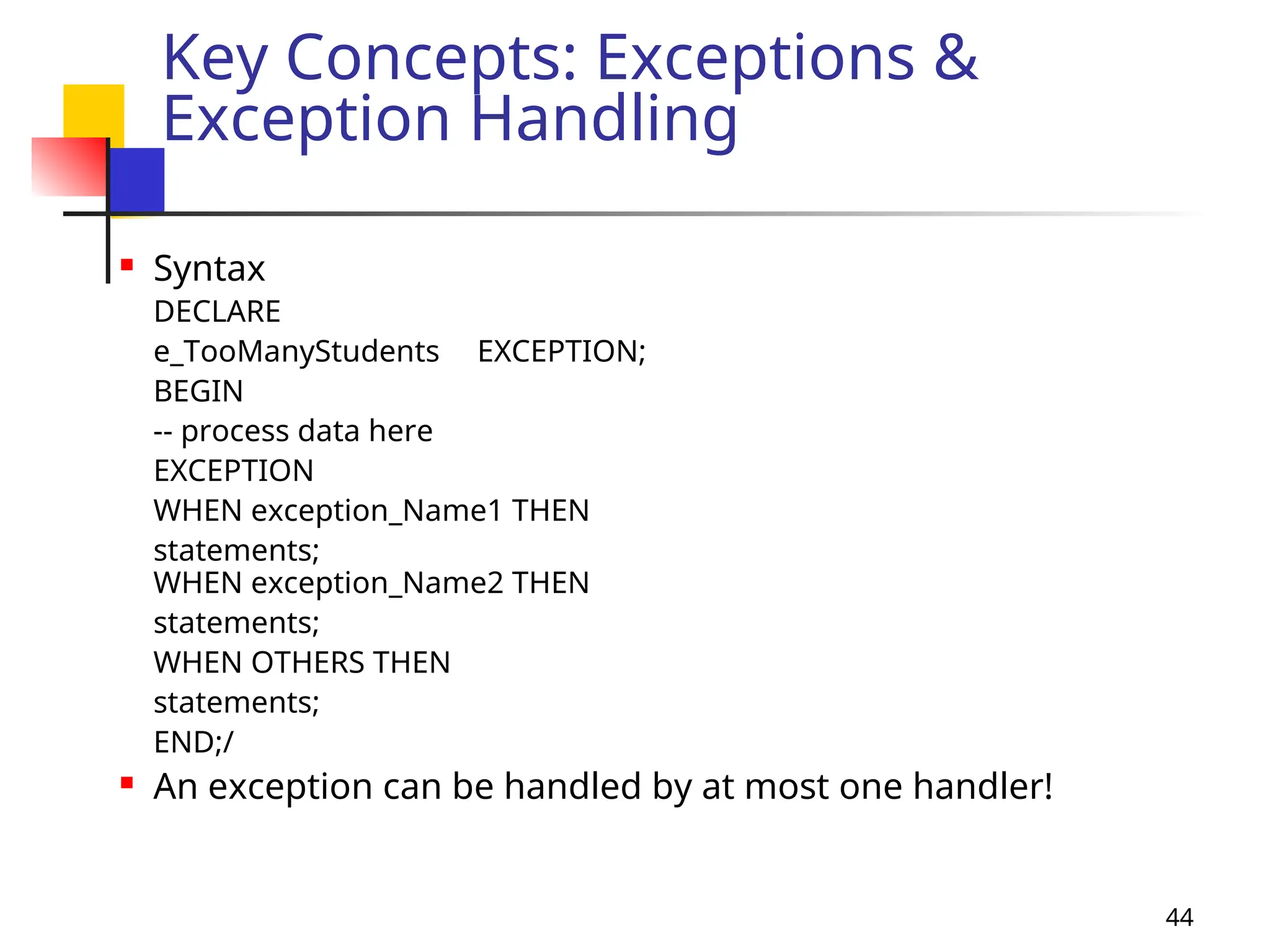
 Syntax
DECLARE
e_TooManyStudents EXCEPTION;
BEGIN
-- process data here
EXCEPTION
WHEN exception_Name1 THEN
statements;
WHEN exception_Name2 THEN
statements;
WHEN OTHERS THEN
statements;
END;/
 An exception can be handled by at most one handler!
45
Key Concepts: Naming
Conventions
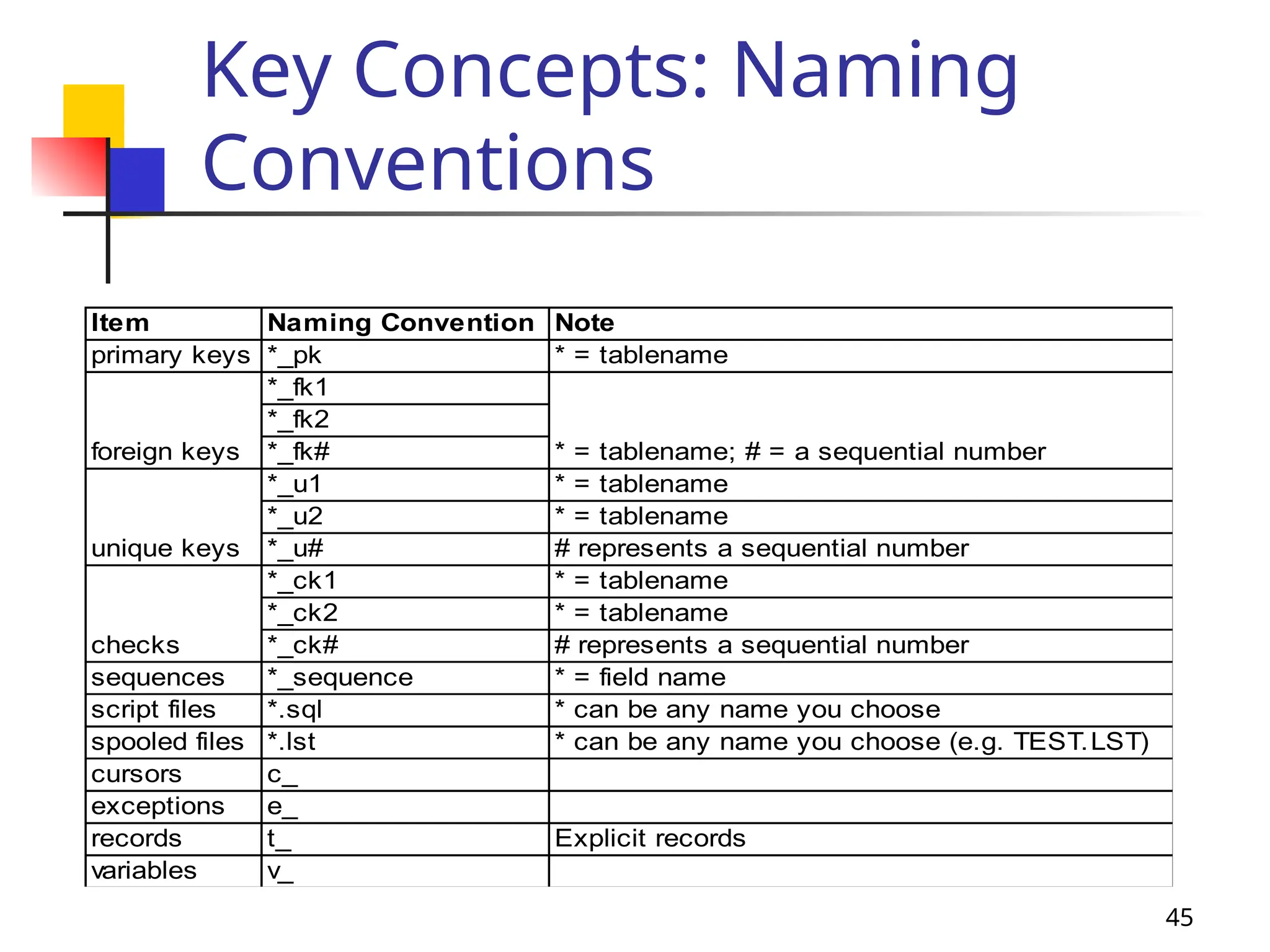
Item Naming Convention Note
primary keys *_pk * = tablename
*_fk1
*_fk2
*_fk#
*_u1 * = tablename
*_u2 * = tablename
*_u# # represents a sequential number
*_ck1 * = tablename
*_ck2 * = tablename
*_ck# # represents a sequential number
sequences *_sequence * = field name
script files *.sql * can be any name you choose
spooled files *.lst * can be any name you choose (e.g. TEST.LST)
cursors c_
exceptions e_
records t_ Explicit records
variables v_
foreign keys * = tablename; # = a sequential number
unique keys
checks
46
SQL Statements
DML in PL / SQL
 The DML statements permitted are:
 Select
 Insert
 Update
 Delete
47
DML in PL / SQL
Select
 SELECT statement in PL/SQL retrieves
data from a database table into:
 PL/SQL record
 set of PL/SQL variables
 Using SELECT in PL/SQL should only
return one row
 When you need to retrieve more than
one row from a table use a cursor
48
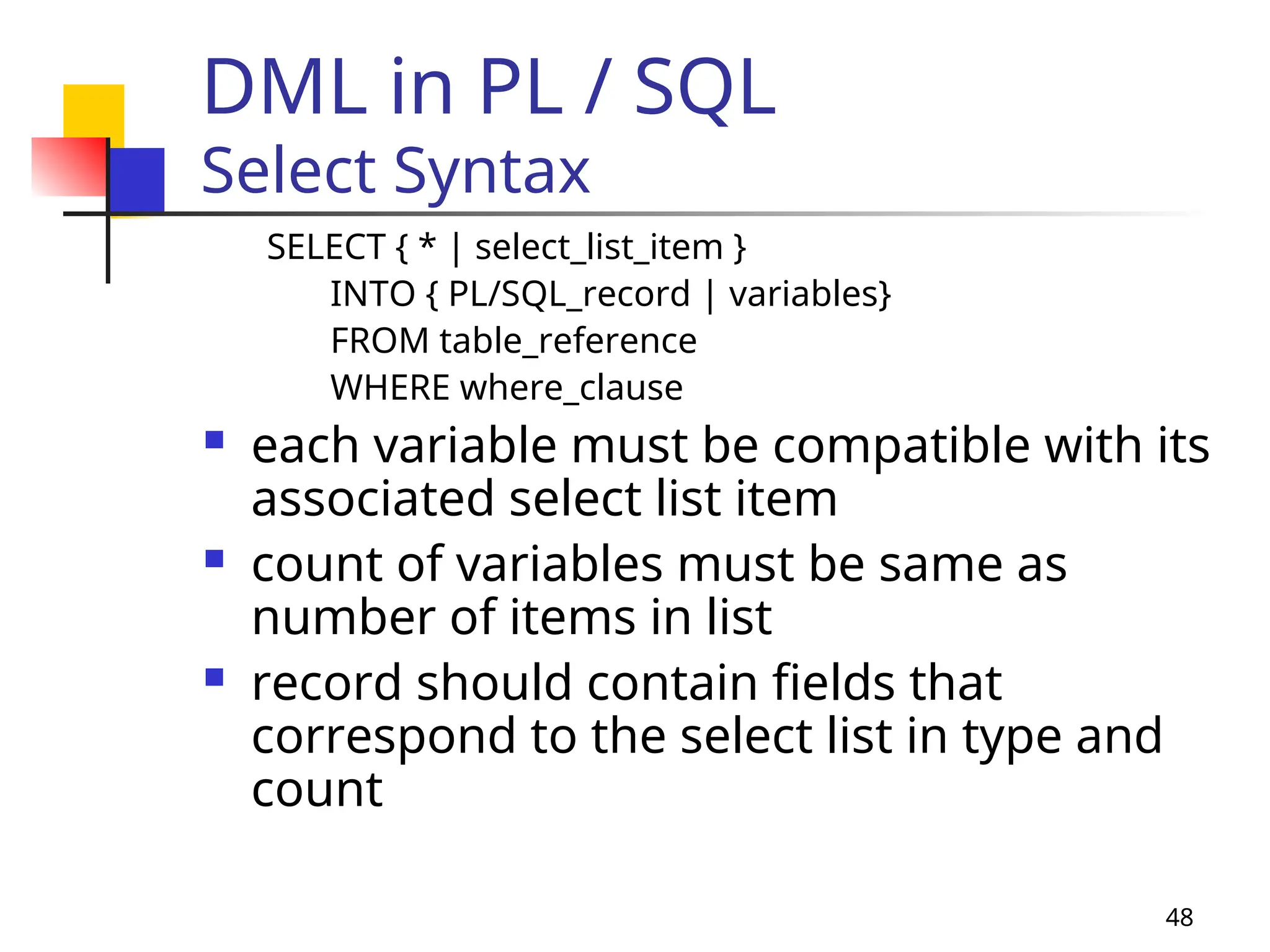
DML in PL / SQL
Select Syntax
SELECT { * | select_list_item }
INTO { PL/SQL_record | variables}
FROM table_reference
WHERE where_clause
 each variable must be compatible with its
associated select list item
 count of variables must be same as
number of items in list
 record should contain fields that
correspond to the select list in type and
count
49
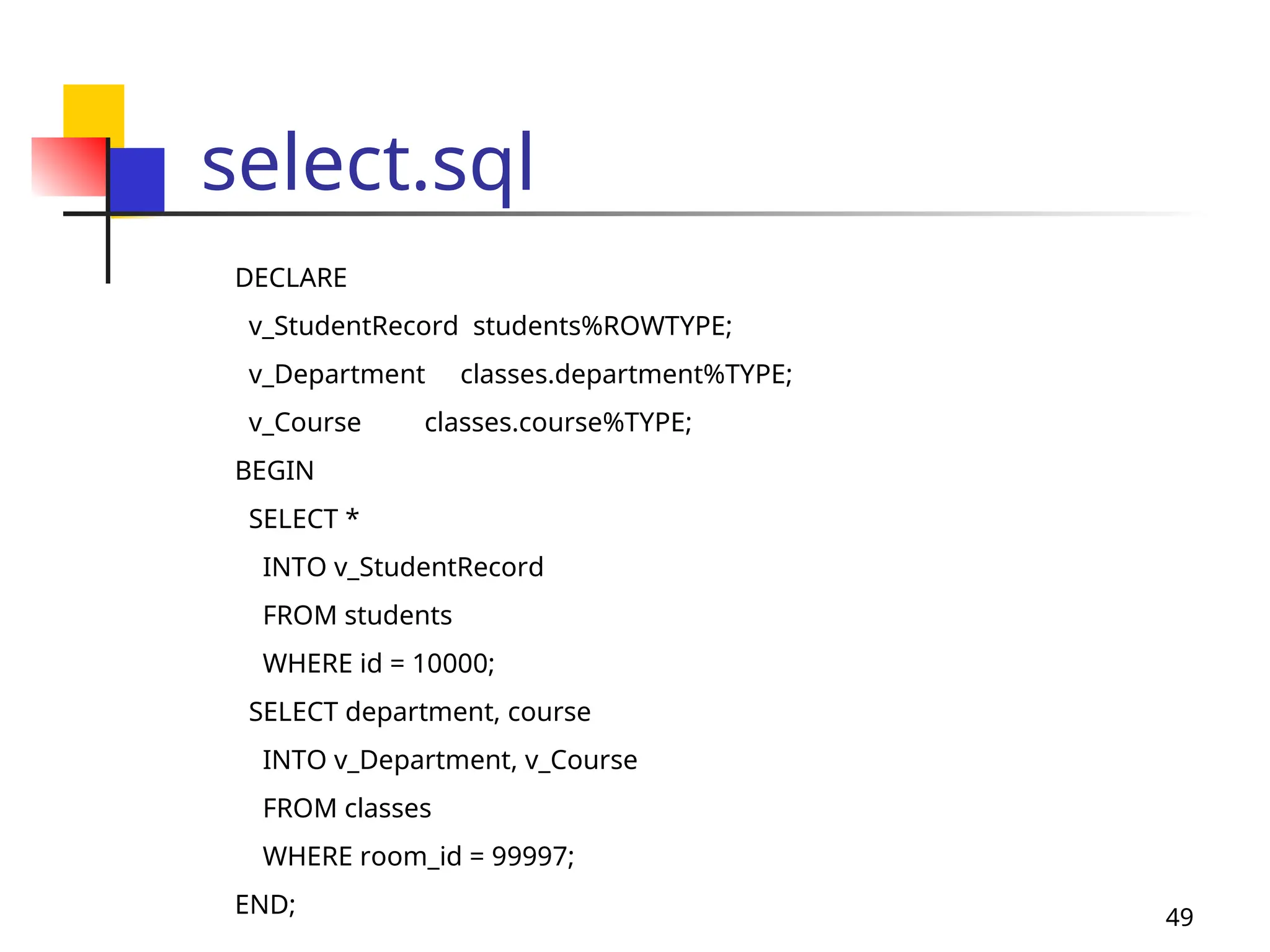
select.sql
DECLARE
v_StudentRecord students%ROWTYPE;
v_Department classes.department%TYPE;
v_Course classes.course%TYPE;
BEGIN
SELECT *
INTO v_StudentRecord
FROM students
WHERE id = 10000;
SELECT department, course
INTO v_Department, v_Course
FROM classes
WHERE room_id = 99997;
END;
50
DML in PL / SQL
Insert
 The INSERT statement inserts data into a
database table
 There are two variations of the INSERT
command
 add one row to a table using the specified
VALUES list
 add one or several rows when the insert
command uses a SELECT statement
51
DML in PL / SQL
Insert Syntax
INSERT INTO table_reference
[(column_names)]
{VALUES (expression) | select_statement}
 use column names when the values

are listed in a different order than as defined
during table creation

Only a portion of the columns of the table
are used during insert
 table definition remains unchanged after
the new row is inserted
52
DML in PL / SQL
Insert
 The word VALUES must precede the
list of data to be inserted
 Regarding the values in the list:
 a character string must be in single
quotes
 numbers can stand by themselves
 dates must be in single quotes

In the default Oracle date format

Converted using TO_DATE function (this is
the suggested method)
53
Insert
Using Built-in Functions
 You can modify the contents of the values
before they are entered into a column of a
table
 by a VALUES list
 from a SELECT statement
 Use any of the built-in functions supported
by PL/SQL
 character
 date functions
 numeric
 conversion
54
insert.sql
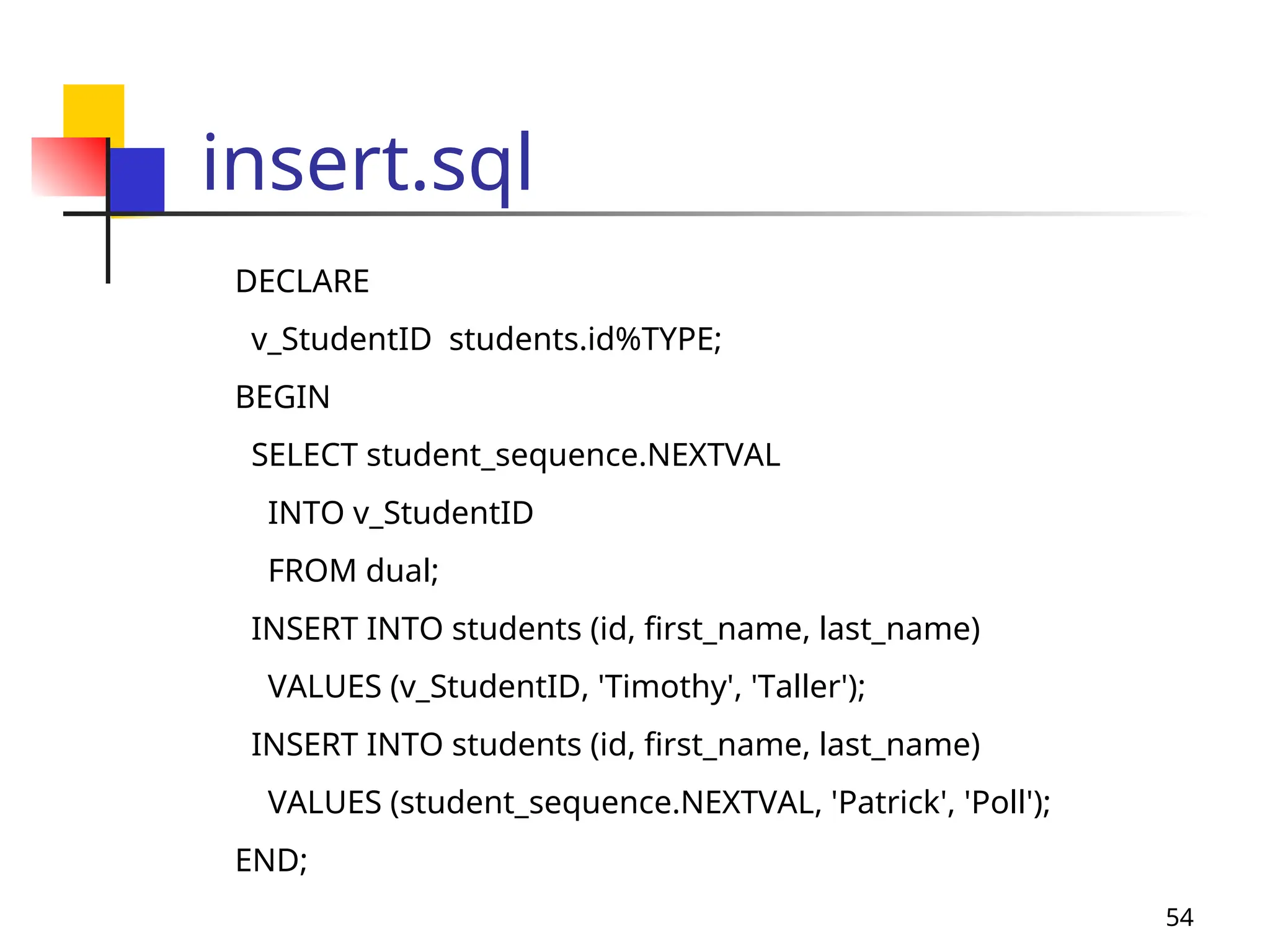
DECLARE
v_StudentID students.id%TYPE;
BEGIN
SELECT student_sequence.NEXTVAL
INTO v_StudentID
FROM dual;
INSERT INTO students (id, first_name, last_name)
VALUES (v_StudentID, 'Timothy', 'Taller');
INSERT INTO students (id, first_name, last_name)
VALUES (student_sequence.NEXTVAL, 'Patrick', 'Poll');
END;
55
DML in PL / SQL
Insert with Select
 It is also possible to insert rows into a
table using the results of a SELECT
statement
 The results of a SELECT statement
 can return one or several rows based on
the WHERE clause
 can be a mix of columns from one or
more tables
56
DML in PL / SQL
Update
 Requires setting specific values for
each column you wish to change
 Specifying which row or rows to
modify using a WHERE clause
 You can use built-in functions in
setting a value for the update
57
Update in PL / SQL
Embedded SELECT
 It is possible to set values in an
UPDATE by embedding a SELECT
statement right in the middle of it
 SELECT has its own WHERE clause
 UPDATE has its own WHERE clause to
affect the rows
 You must be certain that the SELECT
will return no more than one row
58
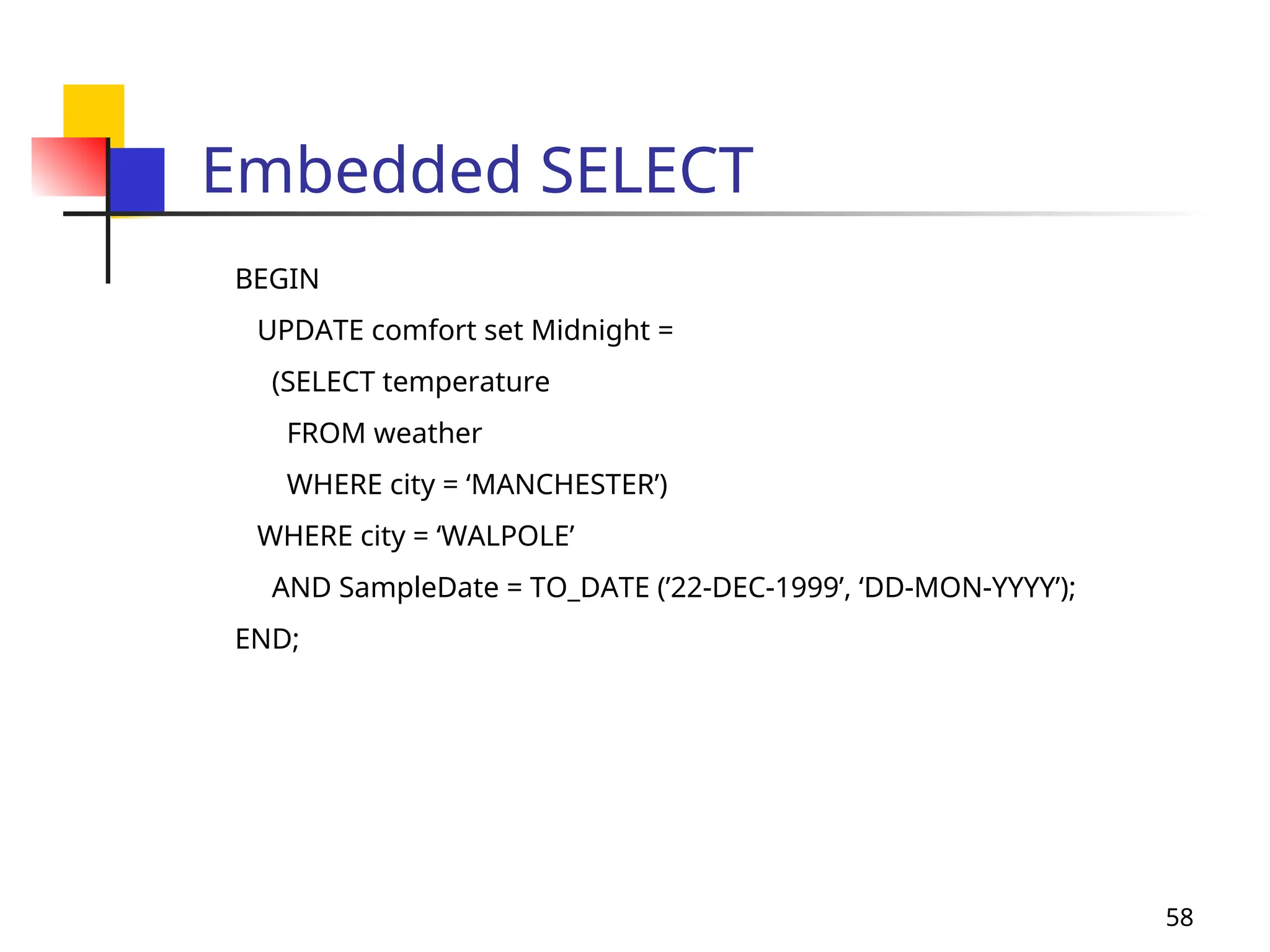
Embedded SELECT
BEGIN
UPDATE comfort set Midnight =
(SELECT temperature
FROM weather
WHERE city = ‘MANCHESTER’)
WHERE city = ‘WALPOLE’
AND SampleDate = TO_DATE (’22-DEC-1999’, ‘DD-MON-YYYY’);
END;
59
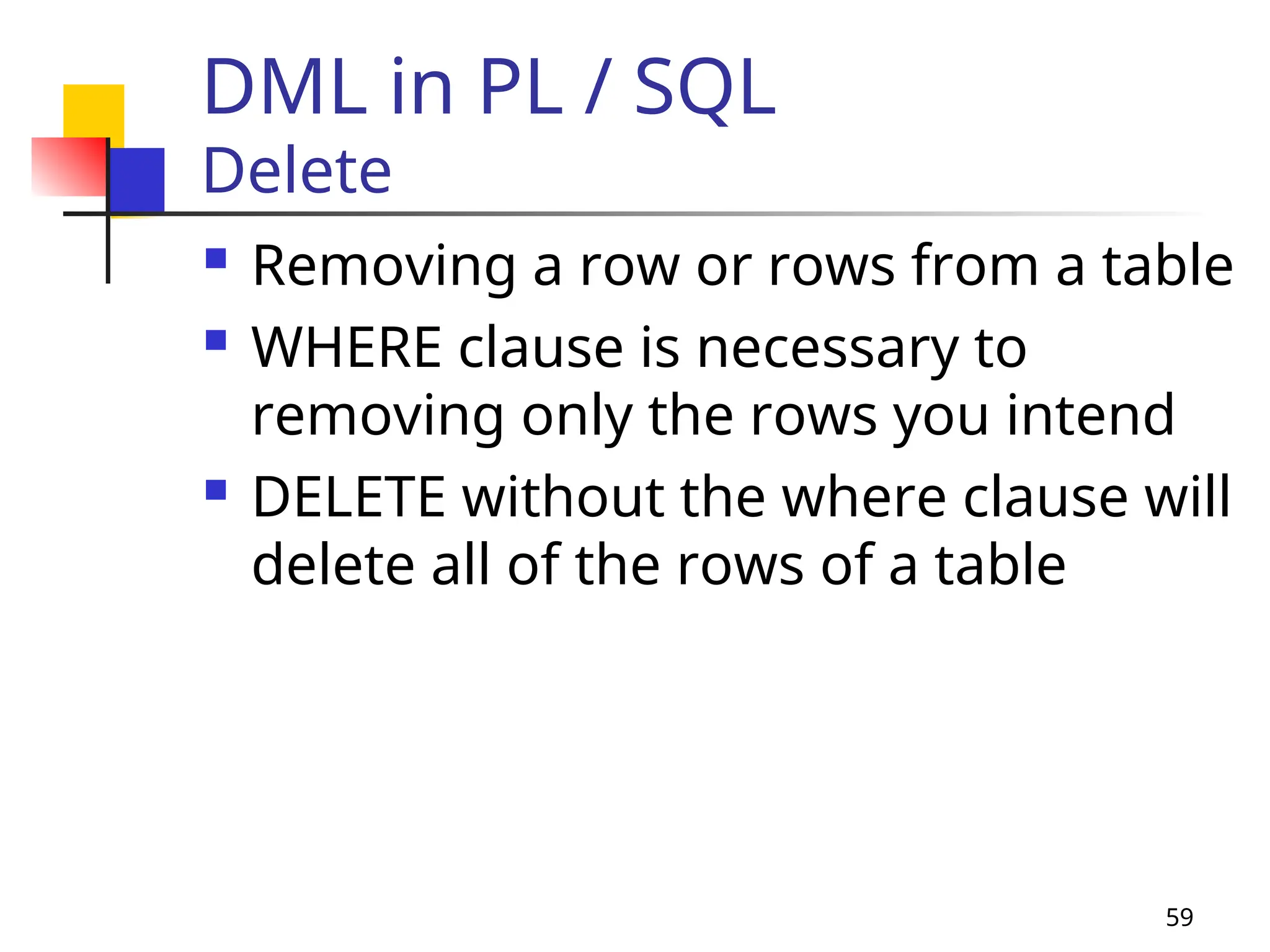
DML in PL / SQL
Delete
 Removing a row or rows from a table
 WHERE clause is necessary to
removing only the rows you intend
 DELETE without the where clause will
delete all of the rows of a table
60
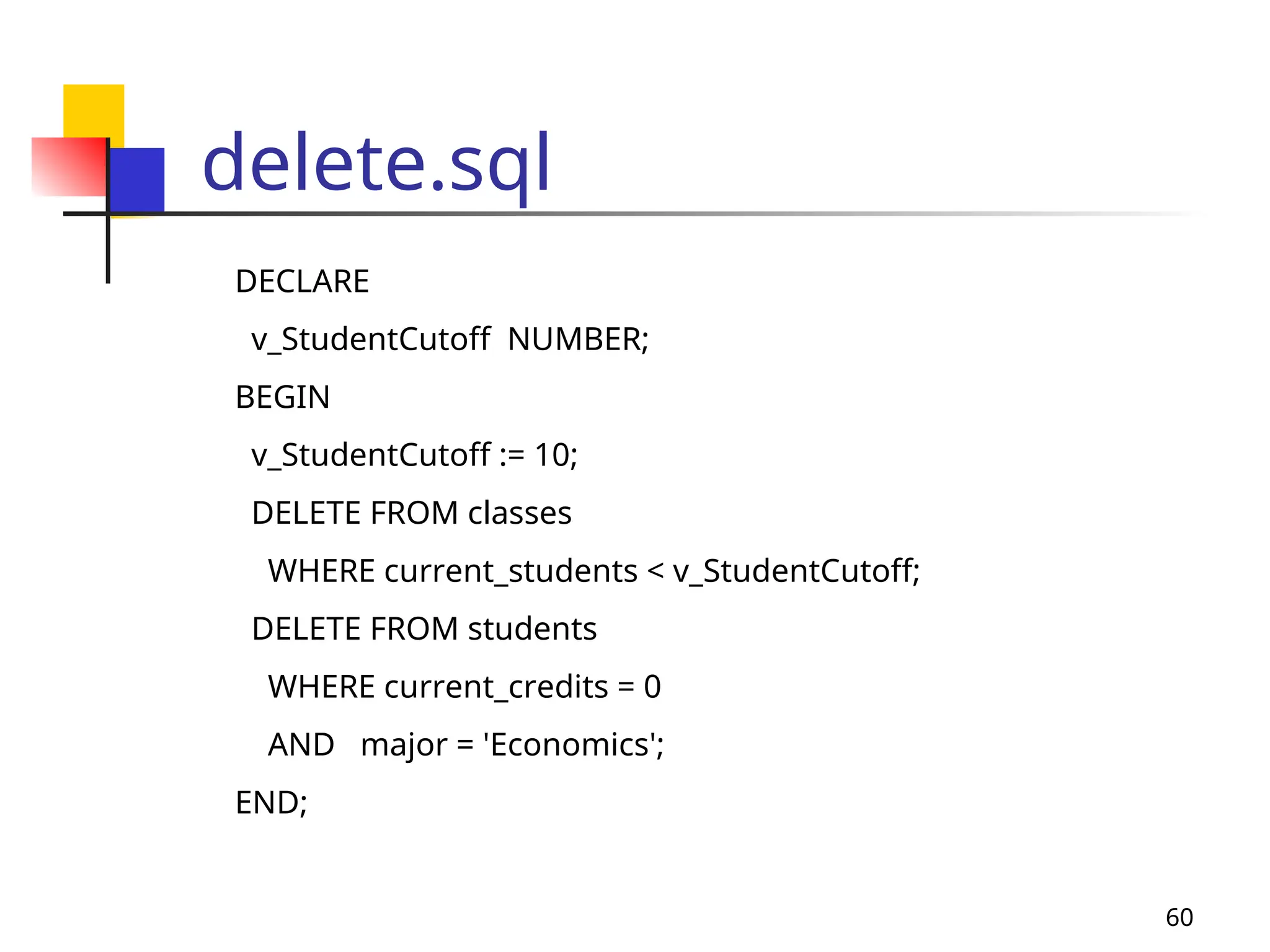
delete.sql
DECLARE
v_StudentCutoff NUMBER;
BEGIN
v_StudentCutoff := 10;
DELETE FROM classes
WHERE current_students < v_StudentCutoff;
DELETE FROM students
WHERE current_credits = 0
AND major = 'Economics';
END;
61
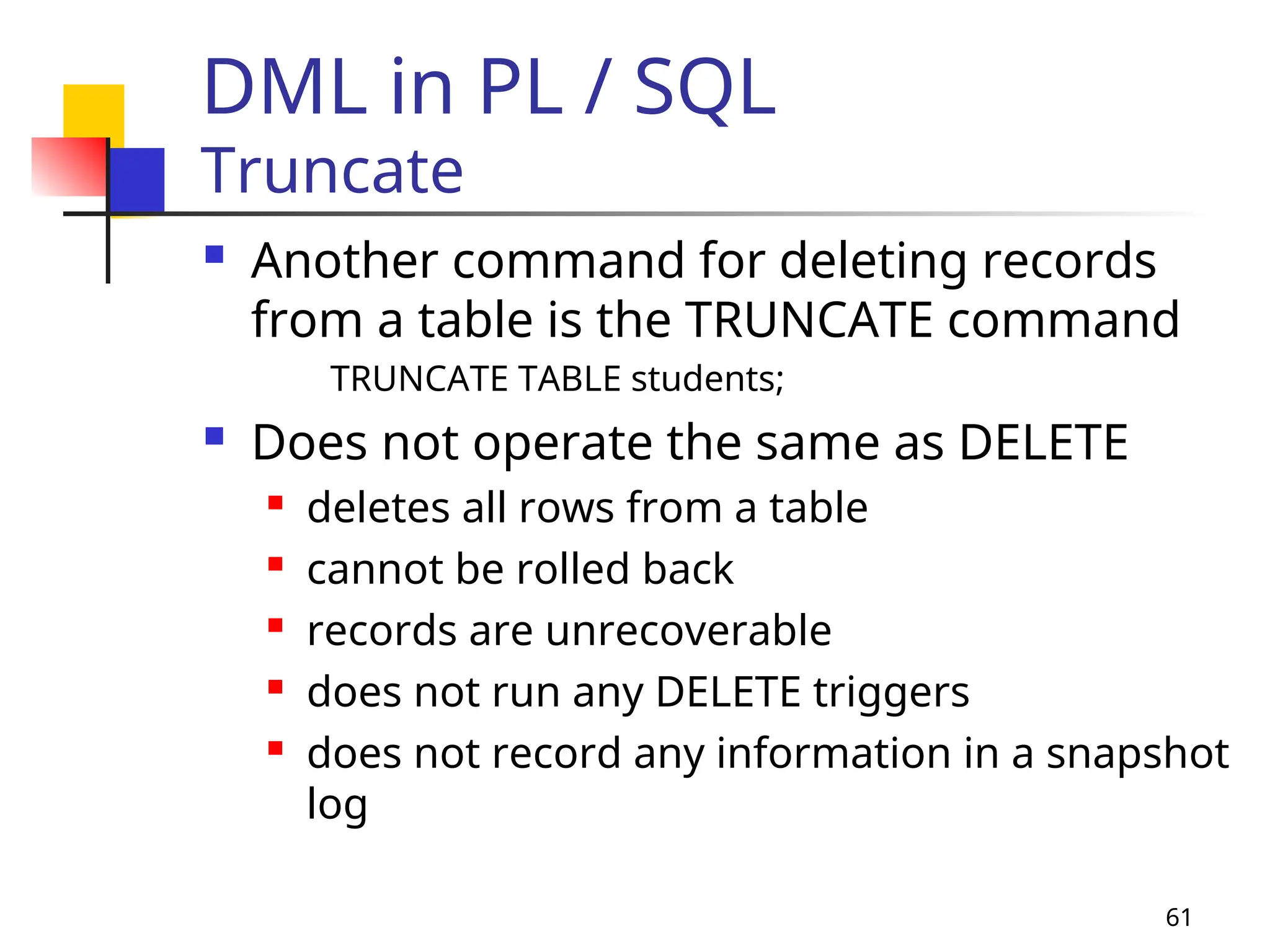
DML in PL / SQL
Truncate
 Another command for deleting records
from a table is the TRUNCATE command
TRUNCATE TABLE students;
 Does not operate the same as DELETE
 deletes all rows from a table
 cannot be rolled back
 records are unrecoverable
 does not run any DELETE triggers
 does not record any information in a snapshot
log
62
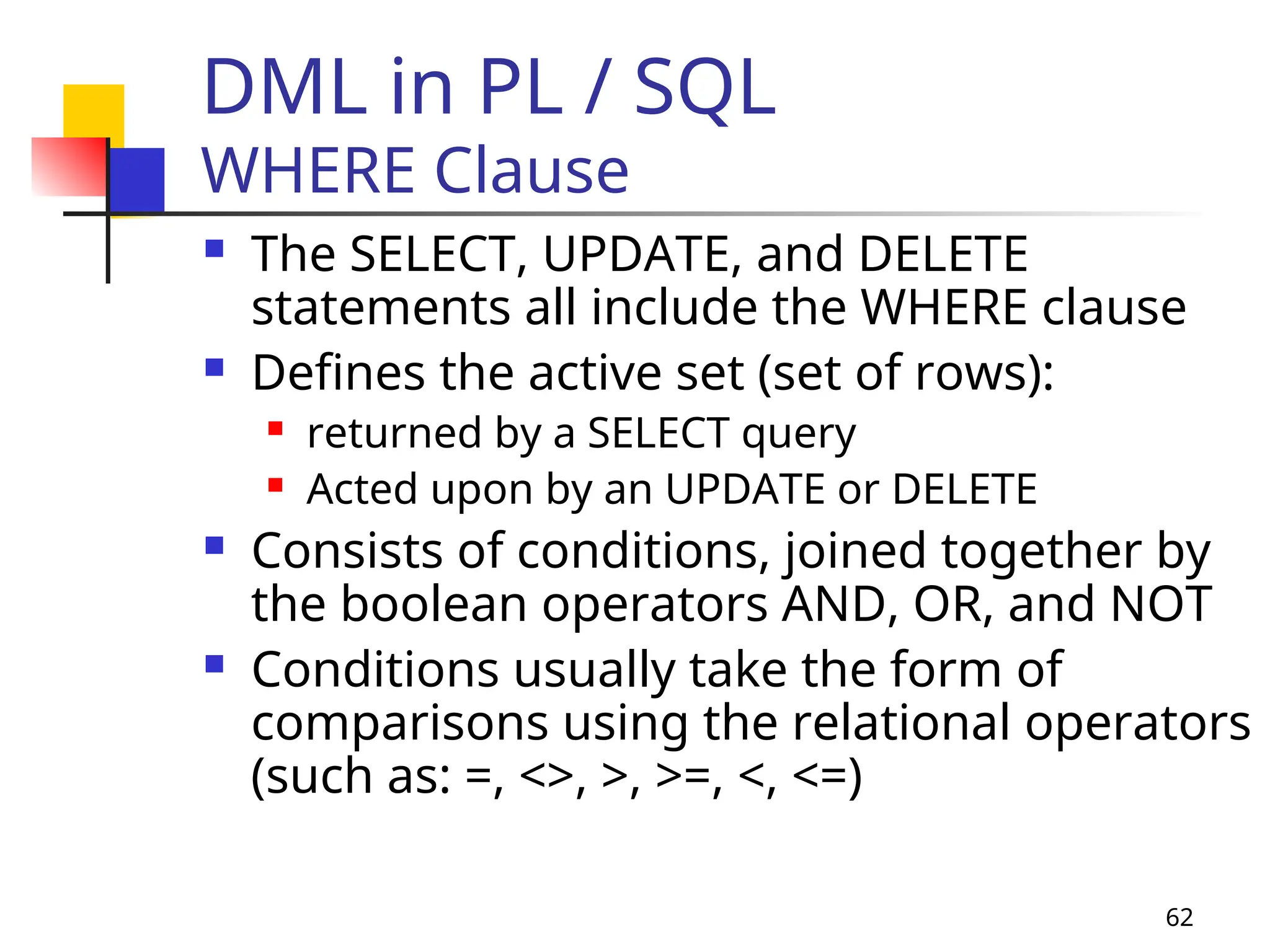
DML in PL / SQL
WHERE Clause
 The SELECT, UPDATE, and DELETE
statements all include the WHERE clause
 Defines the active set (set of rows):
 returned by a SELECT query
 Acted upon by an UPDATE or DELETE
 Consists of conditions, joined together by
the boolean operators AND, OR, and NOT
 Conditions usually take the form of
comparisons using the relational operators
(such as: =, <>, >, >=, <, <=)
63
DML in PL / SQL
WHERE Clause with Cursor
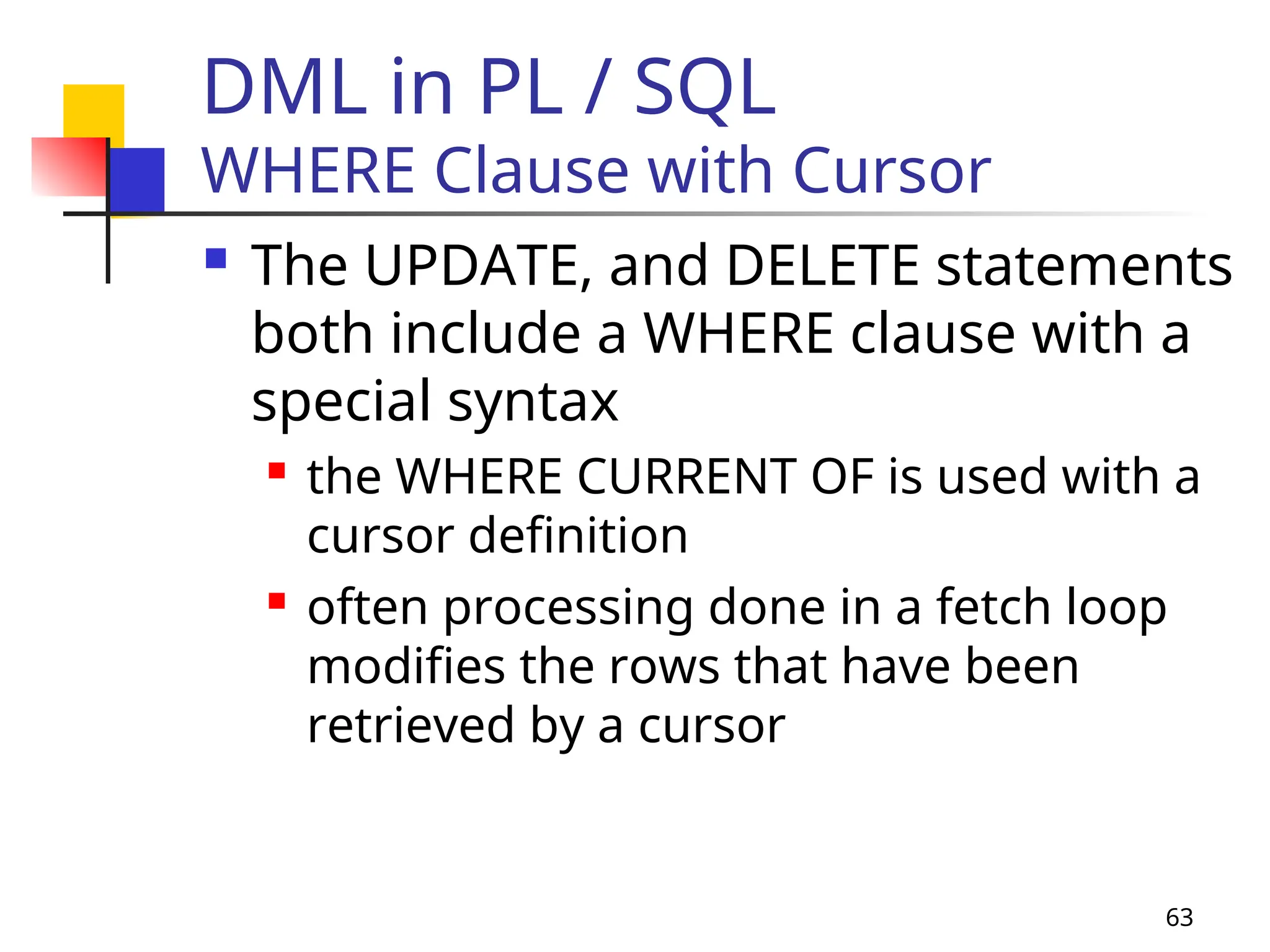
 The UPDATE, and DELETE statements
both include a WHERE clause with a
special syntax
 the WHERE CURRENT OF is used with a
cursor definition
 often processing done in a fetch loop
modifies the rows that have been
retrieved by a cursor
64
DML in PL / SQL
WHERE Clause with Cursor
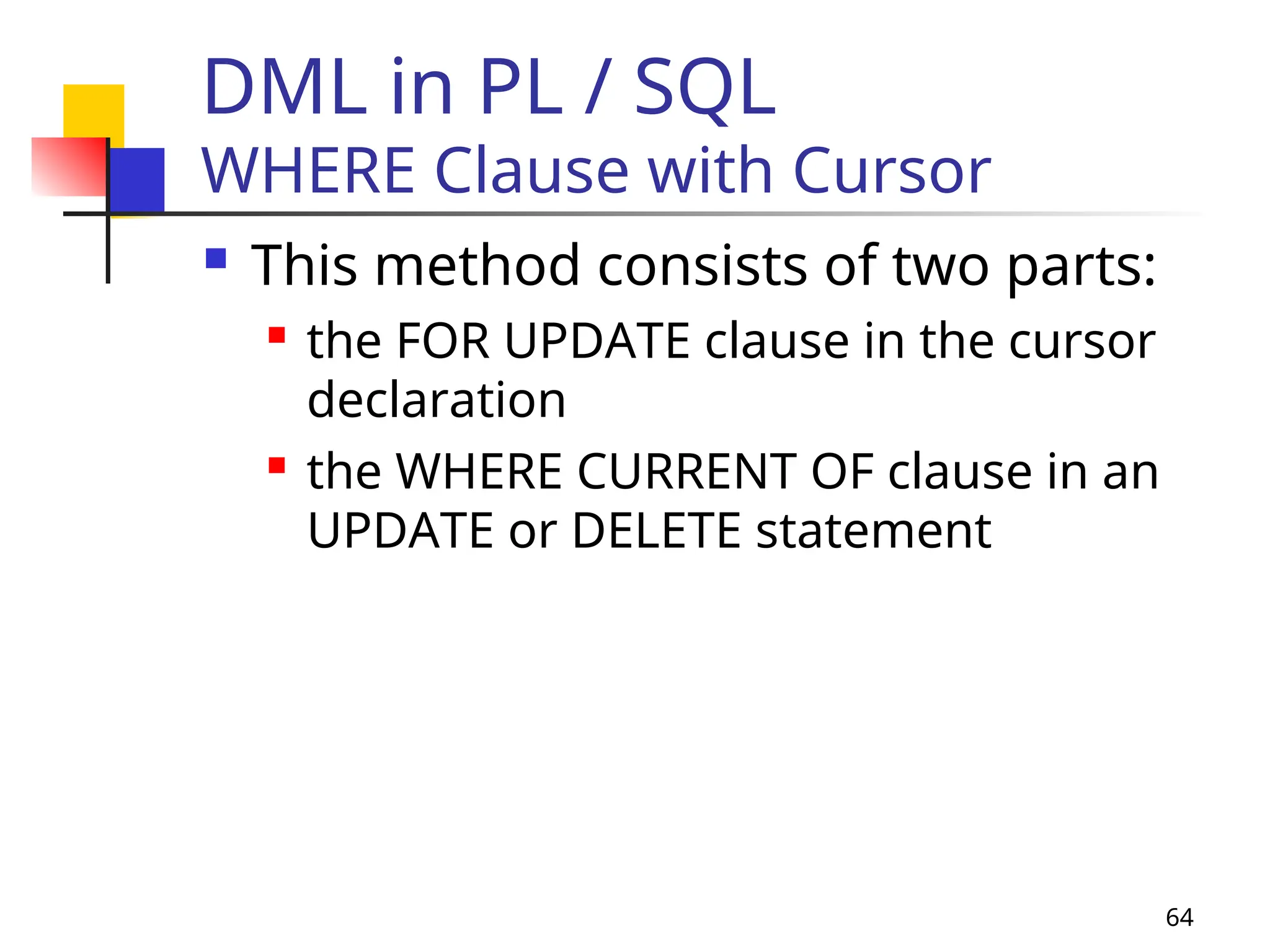
 This method consists of two parts:
 the FOR UPDATE clause in the cursor
declaration
 the WHERE CURRENT OF clause in an
UPDATE or DELETE statement
65
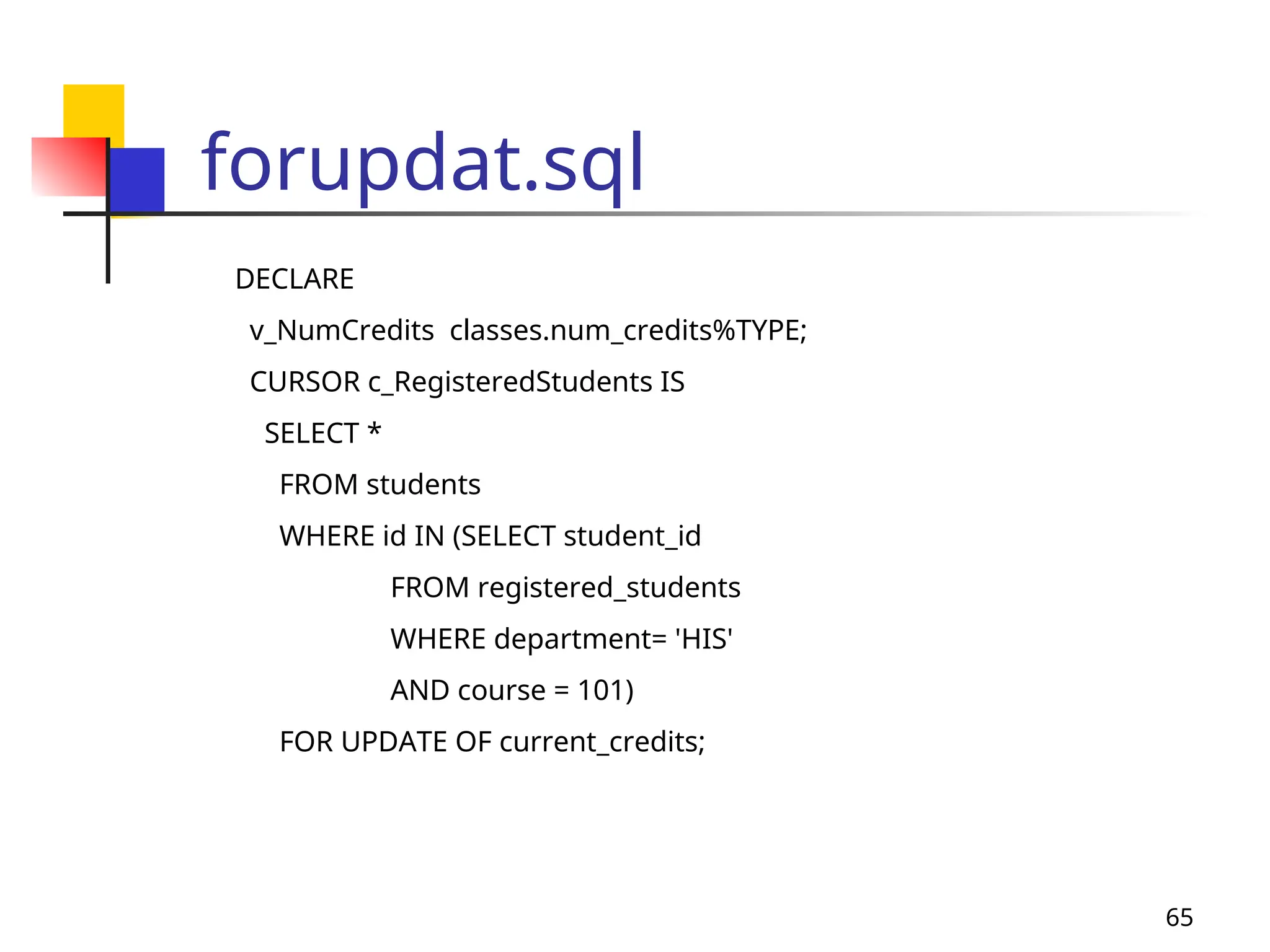
forupdat.sql
DECLARE
v_NumCredits classes.num_credits%TYPE;
CURSOR c_RegisteredStudents IS
SELECT *
FROM students
WHERE id IN (SELECT student_id
FROM registered_students
WHERE department= 'HIS'
AND course = 101)
FOR UPDATE OF current_credits;
66
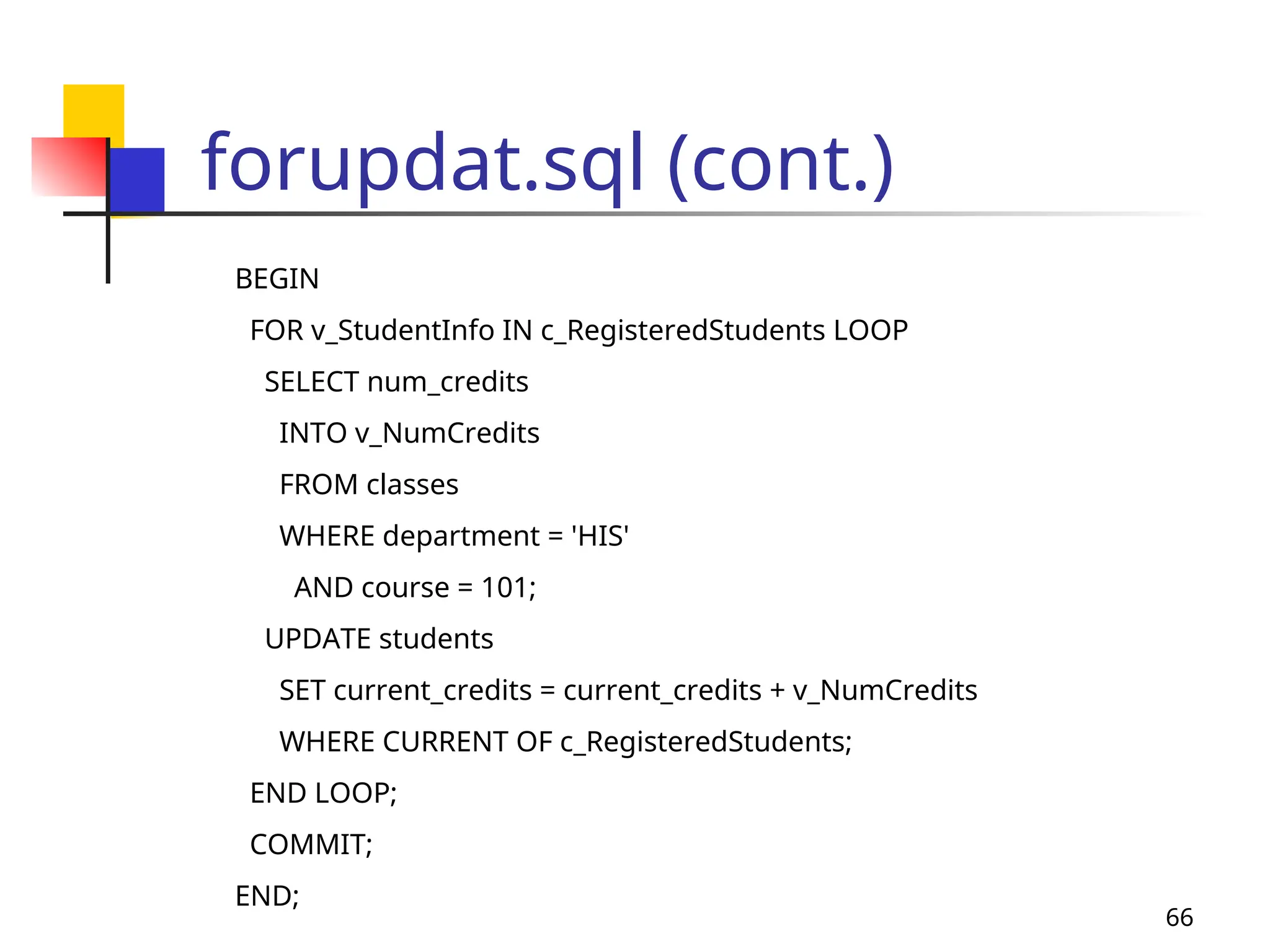
forupdat.sql (cont.)
BEGIN
FOR v_StudentInfo IN c_RegisteredStudents LOOP
SELECT num_credits
INTO v_NumCredits
FROM classes
WHERE department = 'HIS'
AND course = 101;
UPDATE students
SET current_credits = current_credits + v_NumCredits
WHERE CURRENT OF c_RegisteredStudents;
END LOOP;
COMMIT;
END;
67
DML in PL / SQL
Synonyms
 It is possible to create a synonym for
a:
 table
 view

sequence

stored

procedure

function

package
68
DML in PL / SQL
Synonyms
 The syntax for creating a synonym is:
CREATE SYNONYM synonym_name FOR
reference;
 Where:
 synonym_name – name of your synonym
 reference – schema object being referenced
69
Pseudocolums
Currval and Nextval
 CURRVAL and NEXTVAL are used with
sequences
 A sequence is an Oracle object used
to generate unique numbers
 Once created, you can access it with
its name by:
 sequence.CURRVAL
 sequence.NEXTVAL
70
Pseudocolums
Currval and Nextval
 Sequence values can be used in:
 SELECT list of a query
 VALUES clause of an INSERT
 SET clause of an UPDATE
 Sequence values cannot be used in:
 WHERE clause
 PL/SQL statement
PLplsql study aboutmsnsjskakajsjslajwvsbsns

  • 1.
    1 Agenda  Summary oflast class  Loops  Simple Loops  WHILE Loops  FOR Loops  Records  Cursors
  • 2.
    2 Records  User-defined compositetypes  Provides a way to treat separate but logically related variables as a unit  Similar to “structures” in C  Use the dot notation to refer to fields within a record  v_StudentInfo.FirstName := ‘John’;  In order to copy one record to another record, both records must be of the same record type
  • 3.
    3 Records  Syntax: DECLARE TYPE t_StudentRecordIS RECORD( Student_ID NUMBER(5), FirstName VARCHAR2(20), LastName VARCHAR2(20) ); v_StudentInfo t_StudentRecord; BEGIN -- Process data here EXCEPTION -- Error handling would go here END; / Use the dot notation to refer to fields within a record. Example: v_StudentInfo.FirstName := ‘John’;
  • 4.
    4 Records  To declarea record with the same structure (i.e. fields & field types) as a database row, use %ROWTYPE  Syntax: DECLARE v_StudentInfo student%ROWTYPE; BEGIN -- Process data here EXCEPTION -- Error handling would go here END; / NOTE: Any NOT NULL constraints that are defined for a column within the table will not be applicable to the declared record when %ROWTYPE is used.
  • 5.
    5 Cursors  A pointerto the context area  Context area contains:  Number of rows processed by the statement  A pointer to the parsed representation of the statement  In the case of a query, the set of rows returned by the query (i.e. the active set, active recordset)  Follows standard declaration and scoping  Naming Convention: c_CursorName  Cursor Types:  Explicit: user-defined  Implicit: system-defined
  • 6.
    6 Explicit Cursors  Touse explicit cursors…  Declare the cursor  Open the cursor  Fetch the results into PL/SQL variables  Close the cursor
  • 7.
    7 Declaring Cursors DECLARE v_StudentID students.id%TYPE; v_FirstNamestudents.first_name%TYPE; v_LastName students.last_name%TYPE; CURSOR c_HistoryStudents IS SELECT id, first_name, last_name FROM students WHERE major = ‘History’; BEGIN -- open cursor, fetch records & then close cursor here END; /
  • 8.
    8 OPEN Cursor DECLARE v_StudentID students.id%TYPE; v_FirstNamestudents.first_name%TYPE; v_LastName students.last_name%TYPE; CURSOR c_HistoryStudents IS SELECT id, first_name, last_name FROM students WHERE major = ‘History’; BEGIN OPEN c_HistoryStudents; -- fetch records & then close cursor here END; /
  • 9.
    9 FETCH Records DECLARE v_StudentID students.id%TYPE; v_FirstNamestudents.first_name%TYPE; v_LastName students.last_name%TYPE; CURSOR c_HistoryStudents IS SELECT id, first_name, last_name FROM students WHERE major = ‘History’; BEGIN OPEN c_HistoryStudents; LOOP FETCH c_HistoryStudents INTO v_StudentID, v_FirstName, v_LastName; EXIT WHEN c_HistoryStudents%NOTFOUND; -- do something with the values that are now in the variables END LOOP -- close cursor here END;/
  • 10.
    10 Close Cursor DECLARE v_StudentID students.id%TYPE; v_FirstNamestudents.first_name%TYPE; v_LastName students.last_name%TYPE; CURSOR c_HistoryStudents IS SELECT id, first_name, last_name FROM students WHERE major = ‘History’; BEGIN OPEN c_HistoryStudents; LOOP FETCH c_HistoryStudents INTO v_StudentID, v_FirstName, v_LastName; DBMS_OUTPUT.PUT_LINE(v_StudentID, v_FirstName, v_LastName); EXIT WHEN c_HistoryStudents%NOTFOUND; -- do something with the values that are now stored in the variables END LOOP CLOSE c_HistoryStudents; END; /
  • 11.
    11 Cursor Attributes  Cursorshave four attributes…  %FOUND  TRUE if the previous FETCH returned a row  Otherwise, FALSE  %NOTFOUND  TRUE if the previous FETCH did NOT return a row  Otherwise, FALSE  %ISOPEN  TRUE if the cursor is open,  Otherwise, FALSE  %ROWCOUNT  Returns the # of rows that have been fetched by the cursor so far
  • 12.
    12 Cursor Fetch Loop:WHILE Loop DECLARE CURSOR c_HistoryStudents IS SELECT id, first_name, last_name FROM students WHERE major = 'History'; v_StudentData c_HistoryStudents%ROWTYPE; BEGIN OPEN c_HistoryStudents; FETCH c_HistoryStudents INTO v_StudentData; WHILE c_HistoryStudents%FOUND LOOP INSERT INTO registered_students (student_id, department, course) VALUES (v_StudentData.ID, 'HIS', 301); INSERT INTO temp_table (num_col, char_col) VALUES (v_StudentData.ID, v_StudentData.first_name || ' ' || v_StudentData.last_name); FETCH c_HistoryStudents INTO v_StudentData; END LOOP; CLOSE c_HistoryStudents; END;/
  • 13.
    13 Take Home Exercise#1  Write an anonymous PL/SQL block that…  Defines a cursor that points to a record set that contains the sailors’ names, reservation date and boat id where the boat color is red  Opens the cursor  Uses a simple loop to fetch each record in the active set  Displays each last name, reservation date and boat id for each record to the output screen  Schema Sailor (sid, sname, rating, age) Boat (bid, bname, color) Reservation(sid, bid, day)
  • 14.
    14 Cursor with BindVariable(s) DECLARE v_StudentID students.id%TYPE; v_FirstName students.first_name%TYPE; v_LastName students.last_name%TYPE; v_Major students.major%TYPE; CURSOR c_HistoryStudents IS SELECT id, first_name, last_name FROM students WHERE major = v_Major; BEGIN v_Major := ‘History’; OPEN c_HistoryStudents; LOOP FETCH c_HistoryStudents INTO v_StudentID, v_FirstName, v_LastName; EXIT WHEN c_HistoryStudents%NOTFOUND; -- do something with the values that are now stored in the variables END LOOP CLOSE c_HistoryStudents; END; /
  • 15.
    15 Bind Variables  Whatare bind variables?  Variables that are referenced in the cursor declaration  They must be declared BEFORE the cursor is declared  i.e. variable must be declared before it can be used  The values of bind variables are examined ONLY when the cursor is opened (at run time)
  • 16.
    16 Explicit Cursors withBind Variables  To use explicit cursors with bind variables…  Declare bind variables  Then declare the cursor  Assign values to bind variables  Open the cursor  Fetch the results into PL/SQL variables  Close the cursor
  • 17.
    17 Take Home Exercise#2  Modify your answer for Class Exercise #1 such that…  It uses bind variables for color of boat instead of hard-coding the values in the WHERE clause  The FETCH is done inside of a WHILE loop instead of inside of a simple loop.
  • 18.
    18 Implicit Cursors  Usedfor INSERT, UPDATE, DELETE and SELECT… INTO queries  In SQL%NOTFOUND, SQL is called the implicit cursor  PL/SQL opens & closes implicit cursors, which is also called SQL cursor  You don’t declare the implicit cursor  If the WHERE clause fails…  For SELECT…INTO statement, then NO_DATA_FOUND error is raised instead of SQL%NOTFOUND  For UPDATEs and DELETEs, SQL%NOTFOUND is set to TRUE
  • 19.
    19 Example of ImplicitCursor BEGIN UPDATE rooms SET number_seats = 100 WHERE room_id = 99980; -- If the previous UPDATE statement didn't match any rows, -- insert a new row into the rooms table. IF SQL%NOTFOUND THEN INSERT INTO rooms (room_id, number_seats) VALUES (99980, 100); END IF; END; /
  • 20.
    20 Example of ImplicitCursor BEGIN UPDATE rooms SET number_seats = 100 WHERE room_id = 99980; -- If the previous UPDATE statement didn't match any rows, -- insert a new row into the rooms table. IF SQL%ROWCOUNT = 0 THEN INSERT INTO rooms (room_id, number_seats) VALUES (99980, 100); END IF; END;
  • 21.
    21 -- Example ofSELECT…INTO and NO_DATA_FOUND set serveroutput on DECLARE -- Record to hold room information. v_RoomData rooms%ROWTYPE; BEGIN -- Retrieve information about room ID -1. SELECT * INTO v_RoomData FROM rooms WHERE room_id = -1; -- The following statement will never be executed, since -- control passes immediately to the exception handler. IF SQL%NOTFOUND THEN DBMS_OUTPUT.PUT_LINE('SQL%NOTFOUND is true!'); END IF; EXCEPTION WHEN NO_DATA_FOUND THEN DBMS_OUTPUT.PUT_LINE('NO_DATA_FOUND raised!'); END; /
  • 22.
    22 SHOW ERRORS  Todisplay error message  SQL> SHOW ERRORS;
  • 23.
    23 Summary of lastclass  Cursors  A pointer to the context area (active set)  Name begins with c_  Defined within the DECLARE section  Types: Explicit vs. Implicit  Explicit: (1) Declare, (2) Open, (3) Fetch & (4) Close  Bind variables  Variables that are referenced in the cursor declaration  Must be defined BEFORE the cursor  Values examined ONLY at run time CURSOR c_HistoryStudents IS SELECT id, first_name, last_name FROM students WHERE major = ‘History’;
  • 24.
    24 Take Home Exercise#1 DECLARE CURSOR c_Reservations IS SELECT s.sname, r.day, r.bid FROM Sailor S, Reserve R, Boat B WHERE R.sid = s.sid AND R.bid = b.bid AND B.color = ‘red’; v_Reservation c_Reservations%ROWTYPE; BEGIN OPEN c_Reservations; LOOP FETCH c_Reservations INTO v_Reservation; EXIT WHEN c_Reservations%NOTFOUND; DBMS_OUTPUT.PUT_LINE(v_Reservation.sname||’ ‘||v_Reservation.day||’ v_Reservation.bid); END LOOP; CLOSE c_Reservations; END;/ Reserve sid bid day 22 101 10/10/98 22 102 10/10/98 22 103 10/8/98 22 104 10/7/98 31 102 11/10/98 31 103 11/6/98 31 104 11/12/98 64 101 9/5/98 64 102 9/8/98 74 103 9/8/98 Boat bid bname color 101 Interlake blue 102 Interlake red 103 Clipper green 104 Marine red Sailor sid sname rating age 22 Dustin 7 45.0 29 Brutus 1 33.0 31 Lubber 8 55.5 32 Andy 8 25.5 58 Rusty 10 35.0 64 Horatio 7 35.0 71 Zorba 10 16.0 74 Horatio 9 35.0 85 Art 3 25.5 95 Bob 3 63.5
  • 25.
    25 Cursor Attributes  Cursorshave four attributes…  %FOUND  TRUE if the previous FETCH returned a row  Otherwise, FALSE  %NOTFOUND  TRUE if the previous FETCH did NOT return a row  Otherwise, FALSE  %ISOPEN  TRUE if the cursor is open,  Otherwise, FALSE  %ROWCOUNT  Returns the # of rows that have been fetched by the cursor so far
  • 26.
    26 Implicit Cursors  Usedfor INSERT, UPDATE, DELETE and SELECT… INTO queries  In SQL%NOTFOUND, SQL is called the implicit cursor  PL/SQL opens & closes implicit cursors, which is also called SQL cursor  You don’t declare the implicit cursor  If the WHERE clause fails…  For SELECT…INTO statement, then NO_DATA_FOUND error is raised instead of SQL%NOTFOUND  For UPDATEs and DELETEs, SQL%NOTFOUND is set to TRUE
  • 27.
    27 Exceptions & ExceptionHandling  What are exceptions & exception handlers?  The method by which the program reacts & deals with runtime errors  How do they work?  When a runtime error occurs, an exception is raised  Then control is passed to the exception handler (i.e. the EXCEPTION section)  Once control is passed to the exception handler, there is no way to return to the executable section
  • 28.
    28 Declaring (Explicit) Exceptions How are explicit exceptions declared?  Defined within the DECLARE section  Defined using the keyword data type EXCEPTION  Name starts with e_ Example: DECLARE e_TooManyStudents EXCEPTION; v_CurrentStudents NUMBER(3); v_MaxStudentsNUMBER(3); BEGIN -- process data here EXCEPTION -- handle exceptions here END;/
  • 29.
    29 Raising Exceptions  Howare exceptions used?  Within the executable section  Test a condition  If the condition evaluates to true, then use the keyword RAISE to raise an exception  Can use the RAISE keyword with either predefined exceptions or user-defined exceptions
  • 30.
    30 Raising Exceptions DECLARE e_TooManyStudents EXCEPTION; v_CurrentStudentsNUMBER(3); v_MaxStudents NUMBER(3); BEGIN SELECT current_students, max_students INTO v_CurrentStudents, v_MaxStudents FROM classes WHERE department = 'HIS' AND course = 101; IF v_CurrentStudents > v_MaxStudents THEN RAISE e_TooManyStudents; END IF; EXCEPTION -- handle exceptions here END;/
  • 31.
    31 Handling Exceptions  Syntax DECLARE e_TooManyStudentsEXCEPTION; BEGIN -- process data here EXCEPTION WHEN exception_Name1 THEN statements; WHEN exception_Name2 THEN statements; WHEN OTHERS THEN statements; END;/  An exception can be handled by at most one handler!
  • 32.
    32 Handling Exceptions DECLARE e_TooManyStudents EXCEPTION; v_CurrentStudentsNUMBER(3); v_MaxStudents NUMBER(3); BEGIN SELECT current_students, max_students INTO v_CurrentStudents, v_MaxStudents FROM classes WHERE department = 'HIS' AND course = 101; IF v_CurrentStudents > v_MaxStudents THEN RAISE e_TooManyStudents; END IF; EXCEPTION WHEN e_TooManyStudents THEN INSERT INTO log_table (info) VALUES ('History 101 has ' || v_CurrentStudents || 'students: max allowed is ' || v_MaxStudents); WHEN OTHERS THEN INSERT INTO log_table (info) VALUES ('Another error occurred'); END;/
  • 33.
    33 Handling Exceptions  Built-inFunctions  SQLCODE  Returns the error code associated with the error  Returns a value of 1 for user-defined exception  Returns a value of 0 if no error with the last executed statement  SQLERRM  Returns the text of the error message  Maximum length of an Oracle message is 512 characters  Returns “User-defined Exception” for user-defined exception  RAISE_APPLICATION_ERROR  RAISE_APPLICATION_ERROR(error#, error_message);  Valid error #s: -20,000 and –20,999  Error_Message MUST be less than 512 characters
  • 34.
    34 Key Concepts (thusfar)  PL/SQL Block  IF-THEN-ELSE  CASE  Loops  Simple Loops  WHILE Loops  FOR Loops  Records  Explicit  Implicit  Cursors  Explicit  Implicit  Exception Handling  Naming Conventions
  • 35.
    35 Key Concepts: PL/SQLBlock  Basic building block/unit of PL/SQL programs  Three possible sections of a block  Declarative section (optional)  Executable section (required)  Delimiters : BEGIN, END  Exception handling (optional)  A block performs a logical unit of work in the program  Blocks can be nested
  • 36.
    36 Key Concepts: IF-THEN-ELSE& CASE IF boolean_expression1 THEN sequence_of_statements; [ELSIF boolean_expression2 THEN sequence_of_statements] [ELSE sequence_of_statements] END IF; Either specify test case after CASE keyword & OR specify test after WHEN keyword CASE WHEN boolean_expression1 THEN sequence_of_statements; WHEN boolean_expression2 THEN sequence_of_statements; ELSE sequence_of_statements; END CASE;
  • 37.
    37 Key Concepts: PL/SQLLoops  Used to execute a sequence of statements repeatedly  When the number of iterations is unknown  Simple loops: executes at least once  WHILE loops: executes while the condition is true  When the number of iterations is known in advance  Numeric FOR Loops: executes a specific number of times SIMPLE LOOP LOOP sequence_of_statements; EXIT WHEN condition; END LOOP; WHILE LOOP WHILE condition LOOP sequence_of_statements; END LOOP; FOR LOOP FOR loop_Counter IN IN [REVERSE] low..high LOOP sequence_of_statements; END LOOP;
  • 38.
    38 Key Concepts: Records Records  Explicit  Name begins with t_  Once declared, can be used to declare other variables  TYPE t_StudentRecord IS RECORD( Student_ID NUMBER(5), FirstName VARCHAR2(20), LastName VARCHAR2(20)); v_StudentInfo t_StudentRecord;  Implicit  %ROWTYPE  Declares a record with the same structure as v_StudentInfo student%ROWTYPE  Use dot notation to refer to fields within record
  • 39.
    39 Key Concepts: Cursors Cursors  A pointer to the context area (active set)  Name begins with c_  Types: Explicit vs. Implicit  Explicit: (1) Declare, (2) Open, (3) Fetch & (4) Close  Bind variables  Variables that are referenced in the cursor declaration  Must be defined BEFORE the cursor  Values examined ONLY at run time CURSOR c_HistoryStudents IS SELECT id, first_name, last_name FROM students WHERE major = ‘History’;
  • 40.
    40 Key Concepts: Cursors Explicit for SELECT statement  Implicit for all other DML statements  Used for INSERT, UPDATE, DELETE and SELECT…INTO queries  PL/SQL opens & closes implicit cursors, which is called SQL cursor  If the WHERE clause fails…  For SELECT…INTO statement, then NO_DATA_FOUND error is raised instead of SQL%NOTFOUND  For UPDATEs and DELETEs, SQL%NOTFOUND is set to TRUE  Four attributes: %FOUND, %NOTFOUND, %ISOPEN, %ROWCOUNT
  • 41.
    41 Key Concepts: Exceptions& Exception Handling  The method by which the program reacts & deals with runtime errors  When a runtime error occurs, an exception is raised & control passes to the EXCEPTION section  Once control is passed to the exception handler, there is no way to return to the executable section  User-defined exceptions  Defined using the keyword data type EXCEPTION  Use the keyword RAISE to raise an exception
  • 42.
    42 Key Concepts: Exceptions& Exception Handling  Pre-defined exceptions  NO_DATA_FOUND  no data found in SELECT…INTO  TOO_MANY_ROWS  SELECT…INTO produces more than one row  INVALID_CURSOR  Cursor already closed  CURSOR_ALREADY_OPEN  Cursor already open  ZERO_DIVIDE  Division by zero  INVALID_NUMBER  Data is not numeric  (see book for others)
  • 43.
    43 Key Concepts: Exceptions& Exception Handling  Built-in Functions  SQLCODE  Returns the error code associated with the error  Returns a value of 1 for user-defined exception  Returns a value of 0 if no error with the last executed statement  SQLERRM  Returns the text of the error message  Maximum length of an Oracle message is 512 characters  Returns “User-defined Exception” for user-defined exception  RAISE_APPLICATION_ERROR  RAISE_APPLICATION_ERROR(error#, error_message);  Valid error #s: -20,000 and –20,999  Error_Message MUST be less than 512 characters  Used in procedures and functions
  • 44.
    44 Key Concepts: Exceptions& Exception Handling  Syntax DECLARE e_TooManyStudents EXCEPTION; BEGIN -- process data here EXCEPTION WHEN exception_Name1 THEN statements; WHEN exception_Name2 THEN statements; WHEN OTHERS THEN statements; END;/  An exception can be handled by at most one handler!
  • 45.
    45 Key Concepts: Naming Conventions ItemNaming Convention Note primary keys *_pk * = tablename *_fk1 *_fk2 *_fk# *_u1 * = tablename *_u2 * = tablename *_u# # represents a sequential number *_ck1 * = tablename *_ck2 * = tablename *_ck# # represents a sequential number sequences *_sequence * = field name script files *.sql * can be any name you choose spooled files *.lst * can be any name you choose (e.g. TEST.LST) cursors c_ exceptions e_ records t_ Explicit records variables v_ foreign keys * = tablename; # = a sequential number unique keys checks
  • 46.
    46 SQL Statements DML inPL / SQL  The DML statements permitted are:  Select  Insert  Update  Delete
  • 47.
    47 DML in PL/ SQL Select  SELECT statement in PL/SQL retrieves data from a database table into:  PL/SQL record  set of PL/SQL variables  Using SELECT in PL/SQL should only return one row  When you need to retrieve more than one row from a table use a cursor
  • 48.
    48 DML in PL/ SQL Select Syntax SELECT { * | select_list_item } INTO { PL/SQL_record | variables} FROM table_reference WHERE where_clause  each variable must be compatible with its associated select list item  count of variables must be same as number of items in list  record should contain fields that correspond to the select list in type and count
  • 49.
    49 select.sql DECLARE v_StudentRecord students%ROWTYPE; v_Department classes.department%TYPE; v_Courseclasses.course%TYPE; BEGIN SELECT * INTO v_StudentRecord FROM students WHERE id = 10000; SELECT department, course INTO v_Department, v_Course FROM classes WHERE room_id = 99997; END;
  • 50.
    50 DML in PL/ SQL Insert  The INSERT statement inserts data into a database table  There are two variations of the INSERT command  add one row to a table using the specified VALUES list  add one or several rows when the insert command uses a SELECT statement
  • 51.
    51 DML in PL/ SQL Insert Syntax INSERT INTO table_reference [(column_names)] {VALUES (expression) | select_statement}  use column names when the values  are listed in a different order than as defined during table creation  Only a portion of the columns of the table are used during insert  table definition remains unchanged after the new row is inserted
  • 52.
    52 DML in PL/ SQL Insert  The word VALUES must precede the list of data to be inserted  Regarding the values in the list:  a character string must be in single quotes  numbers can stand by themselves  dates must be in single quotes  In the default Oracle date format  Converted using TO_DATE function (this is the suggested method)
  • 53.
    53 Insert Using Built-in Functions You can modify the contents of the values before they are entered into a column of a table  by a VALUES list  from a SELECT statement  Use any of the built-in functions supported by PL/SQL  character  date functions  numeric  conversion
  • 54.
    54 insert.sql DECLARE v_StudentID students.id%TYPE; BEGIN SELECT student_sequence.NEXTVAL INTOv_StudentID FROM dual; INSERT INTO students (id, first_name, last_name) VALUES (v_StudentID, 'Timothy', 'Taller'); INSERT INTO students (id, first_name, last_name) VALUES (student_sequence.NEXTVAL, 'Patrick', 'Poll'); END;
  • 55.
    55 DML in PL/ SQL Insert with Select  It is also possible to insert rows into a table using the results of a SELECT statement  The results of a SELECT statement  can return one or several rows based on the WHERE clause  can be a mix of columns from one or more tables
  • 56.
    56 DML in PL/ SQL Update  Requires setting specific values for each column you wish to change  Specifying which row or rows to modify using a WHERE clause  You can use built-in functions in setting a value for the update
  • 57.
    57 Update in PL/ SQL Embedded SELECT  It is possible to set values in an UPDATE by embedding a SELECT statement right in the middle of it  SELECT has its own WHERE clause  UPDATE has its own WHERE clause to affect the rows  You must be certain that the SELECT will return no more than one row
  • 58.
    58 Embedded SELECT BEGIN UPDATE comfortset Midnight = (SELECT temperature FROM weather WHERE city = ‘MANCHESTER’) WHERE city = ‘WALPOLE’ AND SampleDate = TO_DATE (’22-DEC-1999’, ‘DD-MON-YYYY’); END;
  • 59.
    59 DML in PL/ SQL Delete  Removing a row or rows from a table  WHERE clause is necessary to removing only the rows you intend  DELETE without the where clause will delete all of the rows of a table
  • 60.
    60 delete.sql DECLARE v_StudentCutoff NUMBER; BEGIN v_StudentCutoff :=10; DELETE FROM classes WHERE current_students < v_StudentCutoff; DELETE FROM students WHERE current_credits = 0 AND major = 'Economics'; END;
  • 61.
    61 DML in PL/ SQL Truncate  Another command for deleting records from a table is the TRUNCATE command TRUNCATE TABLE students;  Does not operate the same as DELETE  deletes all rows from a table  cannot be rolled back  records are unrecoverable  does not run any DELETE triggers  does not record any information in a snapshot log
  • 62.
    62 DML in PL/ SQL WHERE Clause  The SELECT, UPDATE, and DELETE statements all include the WHERE clause  Defines the active set (set of rows):  returned by a SELECT query  Acted upon by an UPDATE or DELETE  Consists of conditions, joined together by the boolean operators AND, OR, and NOT  Conditions usually take the form of comparisons using the relational operators (such as: =, <>, >, >=, <, <=)
  • 63.
    63 DML in PL/ SQL WHERE Clause with Cursor  The UPDATE, and DELETE statements both include a WHERE clause with a special syntax  the WHERE CURRENT OF is used with a cursor definition  often processing done in a fetch loop modifies the rows that have been retrieved by a cursor
  • 64.
    64 DML in PL/ SQL WHERE Clause with Cursor  This method consists of two parts:  the FOR UPDATE clause in the cursor declaration  the WHERE CURRENT OF clause in an UPDATE or DELETE statement
  • 65.
    65 forupdat.sql DECLARE v_NumCredits classes.num_credits%TYPE; CURSOR c_RegisteredStudentsIS SELECT * FROM students WHERE id IN (SELECT student_id FROM registered_students WHERE department= 'HIS' AND course = 101) FOR UPDATE OF current_credits;
  • 66.
    66 forupdat.sql (cont.) BEGIN FOR v_StudentInfoIN c_RegisteredStudents LOOP SELECT num_credits INTO v_NumCredits FROM classes WHERE department = 'HIS' AND course = 101; UPDATE students SET current_credits = current_credits + v_NumCredits WHERE CURRENT OF c_RegisteredStudents; END LOOP; COMMIT; END;
  • 67.
    67 DML in PL/ SQL Synonyms  It is possible to create a synonym for a:  table  view  sequence  stored  procedure  function  package
  • 68.
    68 DML in PL/ SQL Synonyms  The syntax for creating a synonym is: CREATE SYNONYM synonym_name FOR reference;  Where:  synonym_name – name of your synonym  reference – schema object being referenced
  • 69.
    69 Pseudocolums Currval and Nextval CURRVAL and NEXTVAL are used with sequences  A sequence is an Oracle object used to generate unique numbers  Once created, you can access it with its name by:  sequence.CURRVAL  sequence.NEXTVAL
  • 70.
    70 Pseudocolums Currval and Nextval Sequence values can be used in:  SELECT list of a query  VALUES clause of an INSERT  SET clause of an UPDATE  Sequence values cannot be used in:  WHERE clause  PL/SQL statement