Odoo
Odoo Migration Script
Mohamed Magdy
moh.magdy40@gmail.com
Agenda
● Why to do Odoo Migration.
● How to migrate your instance.
● Migration challenges.
● Migration Script.
● Requirements to work with the script.
● A demo, run the script and test the results.
● Contact me.
Why to do Odoo Migration ?
● Upgrade Odoo to a newer version.
● Downgrade Odoo to an older version.
● Upgrade PostgreSQL.
● If enterprise, migrate to community.
How to migrate your instance
● Migrate the code (Modules).
● Migrate Database.
Migration Challenges
● Migrate the business logic.
● Migrate the data to fit with new business
logic.
● Migrate setting data (ir.property)
● Migrate attachments.
● Migrate social logs (Emails, notifications, followers,...etc).
● If issues, repeat data migration many times.
Migration Script
● Made the data migration easier.
● Move the attachments in no-time.
● Migrate the data anywhere, unlimited times:
○ Local → Remote
○ Remote → Local
○ Local → Local
○ Remote → Remote
Migration Script
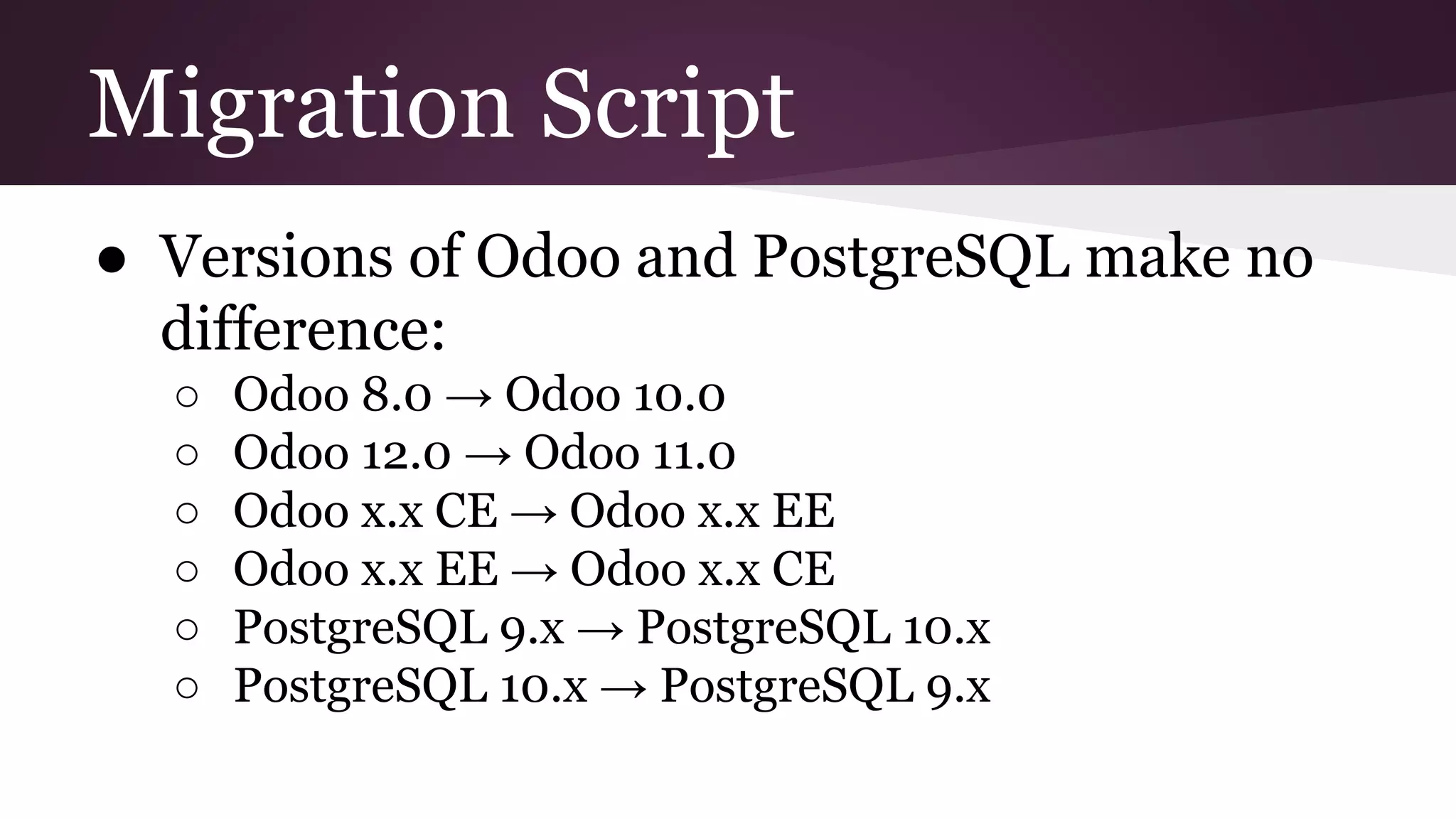
● Versions of Odoo and PostgreSQL make no
difference:
○ Odoo 8.0 → Odoo 10.0
○ Odoo 12.0 → Odoo 11.0
○ Odoo x.x CE → Odoo x.x EE
○ Odoo x.x EE → Odoo x.x CE
○ PostgreSQL 9.x → PostgreSQL 10.x
○ PostgreSQL 10.x → PostgreSQL 9.x
Migration Scenarios
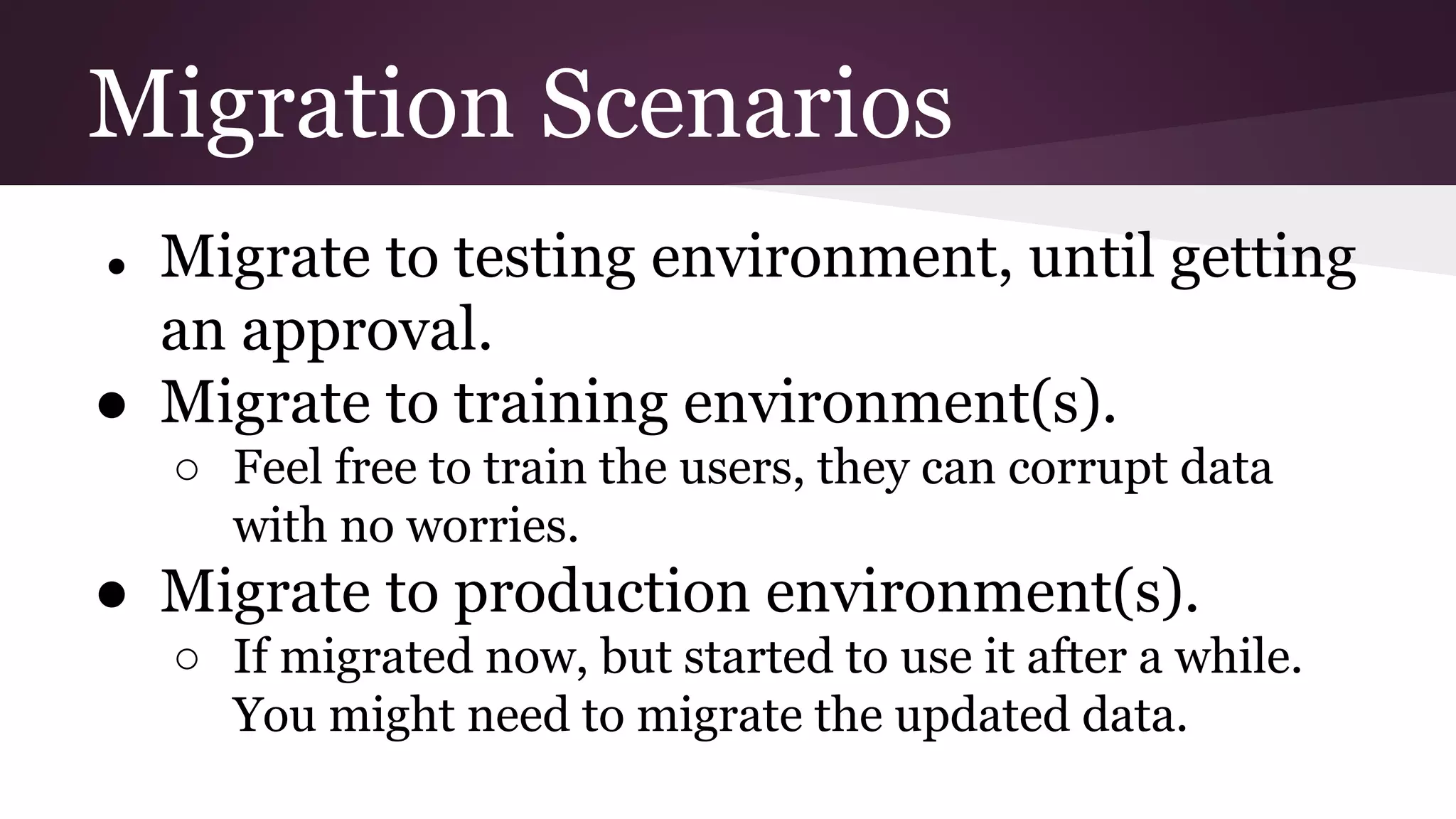
● Migrate to testing environment, until getting
an approval.
● Migrate to training environment(s).
○ Feel free to train the users, they can corrupt data
with no worries.
● Migrate to production environment(s).
○ If migrated now, but started to use it after a while.
You might need to migrate the updated data.
Migration Requirements
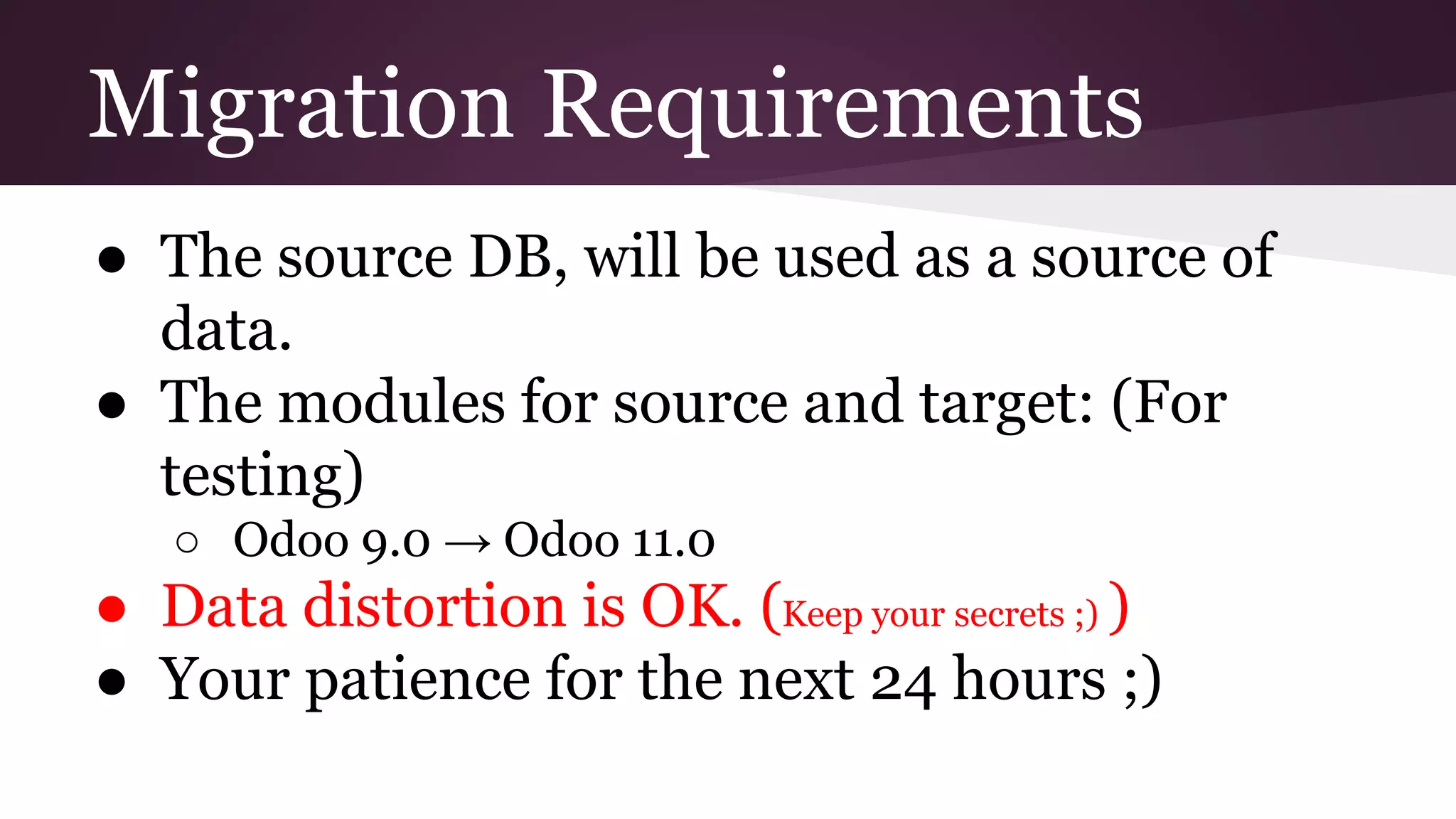
● The source DB, will be used as a source of
data.
● The modules for source and target: (For
testing)
○ Odoo 9.0 → Odoo 11.0
● Data distortion is OK. (Keep your secrets ;) )
● Your patience for the next 24 hours ;)
Demo
Watch carefully !
http://bit.ly/2wYfMSV
Contact me
Email:
moh.magdy40@gmail.com
WhatsApp:
00201114347478
Odoo
Odoo Migration Script
Mohamed Magdy
moh.magdy40@gmail.com

Odoo DB Migration.pptx

  • 1.
    Odoo Odoo Migration Script MohamedMagdy moh.magdy40@gmail.com
  • 2.
    Agenda ● Why todo Odoo Migration. ● How to migrate your instance. ● Migration challenges. ● Migration Script. ● Requirements to work with the script. ● A demo, run the script and test the results. ● Contact me.
  • 3.
    Why to doOdoo Migration ? ● Upgrade Odoo to a newer version. ● Downgrade Odoo to an older version. ● Upgrade PostgreSQL. ● If enterprise, migrate to community.
  • 4.
    How to migrateyour instance ● Migrate the code (Modules). ● Migrate Database.
  • 5.
    Migration Challenges ● Migratethe business logic. ● Migrate the data to fit with new business logic. ● Migrate setting data (ir.property) ● Migrate attachments. ● Migrate social logs (Emails, notifications, followers,...etc). ● If issues, repeat data migration many times.
  • 6.
    Migration Script ● Madethe data migration easier. ● Move the attachments in no-time. ● Migrate the data anywhere, unlimited times: ○ Local → Remote ○ Remote → Local ○ Local → Local ○ Remote → Remote
  • 7.
    Migration Script ● Versionsof Odoo and PostgreSQL make no difference: ○ Odoo 8.0 → Odoo 10.0 ○ Odoo 12.0 → Odoo 11.0 ○ Odoo x.x CE → Odoo x.x EE ○ Odoo x.x EE → Odoo x.x CE ○ PostgreSQL 9.x → PostgreSQL 10.x ○ PostgreSQL 10.x → PostgreSQL 9.x
  • 8.
    Migration Scenarios ● Migrateto testing environment, until getting an approval. ● Migrate to training environment(s). ○ Feel free to train the users, they can corrupt data with no worries. ● Migrate to production environment(s). ○ If migrated now, but started to use it after a while. You might need to migrate the updated data.
  • 9.
    Migration Requirements ● Thesource DB, will be used as a source of data. ● The modules for source and target: (For testing) ○ Odoo 9.0 → Odoo 11.0 ● Data distortion is OK. (Keep your secrets ;) ) ● Your patience for the next 24 hours ;)
  • 10.
  • 11.
  • 12.
    Odoo Odoo Migration Script MohamedMagdy moh.magdy40@gmail.com