Presentation Slide Design for the Non-Designer The New Rules of Presentations Christina Quick Henderson PYTD 510, Delivering Training Title Inspired by Robin Williams,  The Non-Designer’s Design Book
1) What is your past training using PowerPoint (or Apple Keynote)? 2) Based on your experience at work or school, what are the traditional “rules” for using PPT?
an inconvenient truth Al Gore
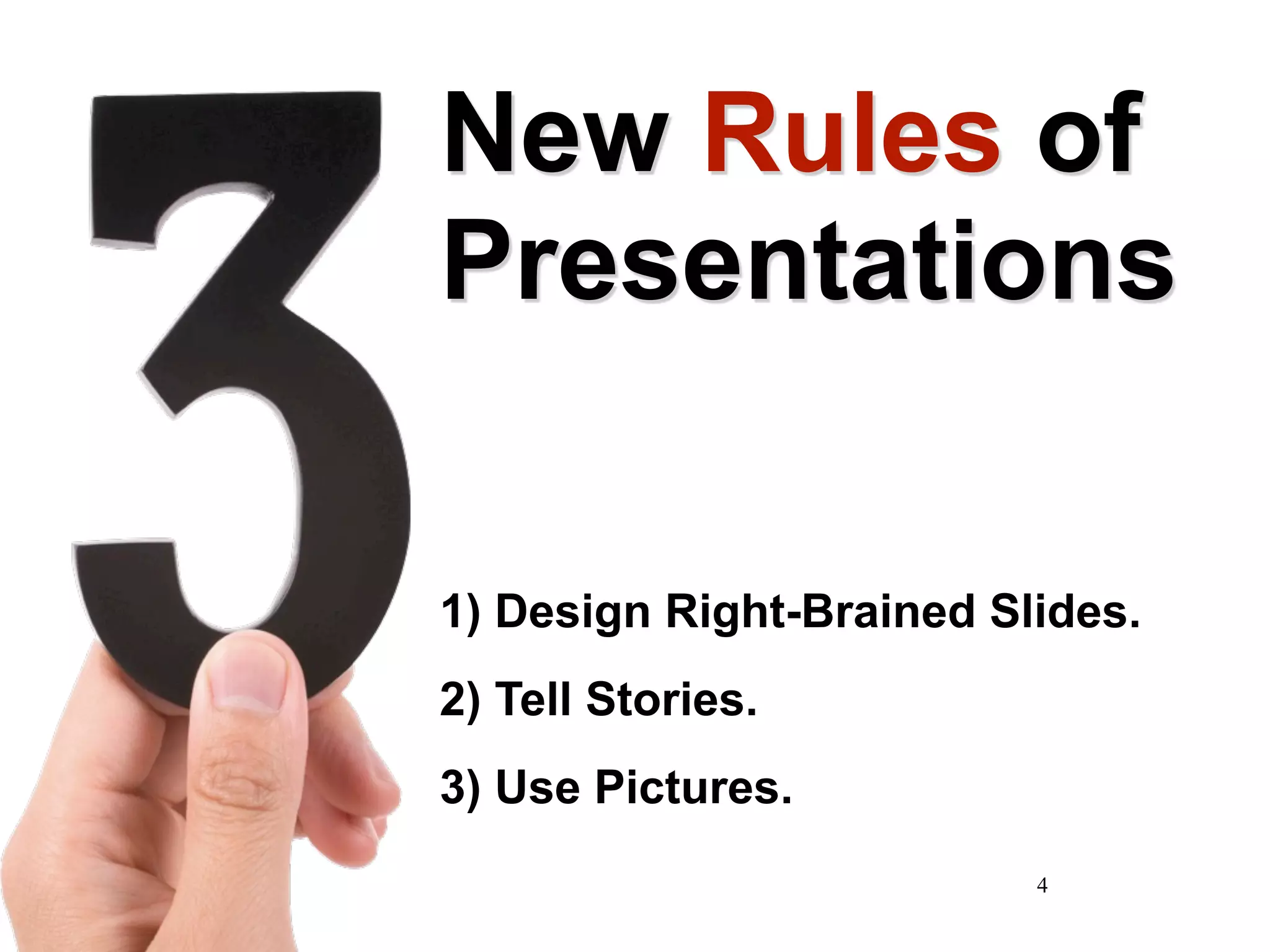
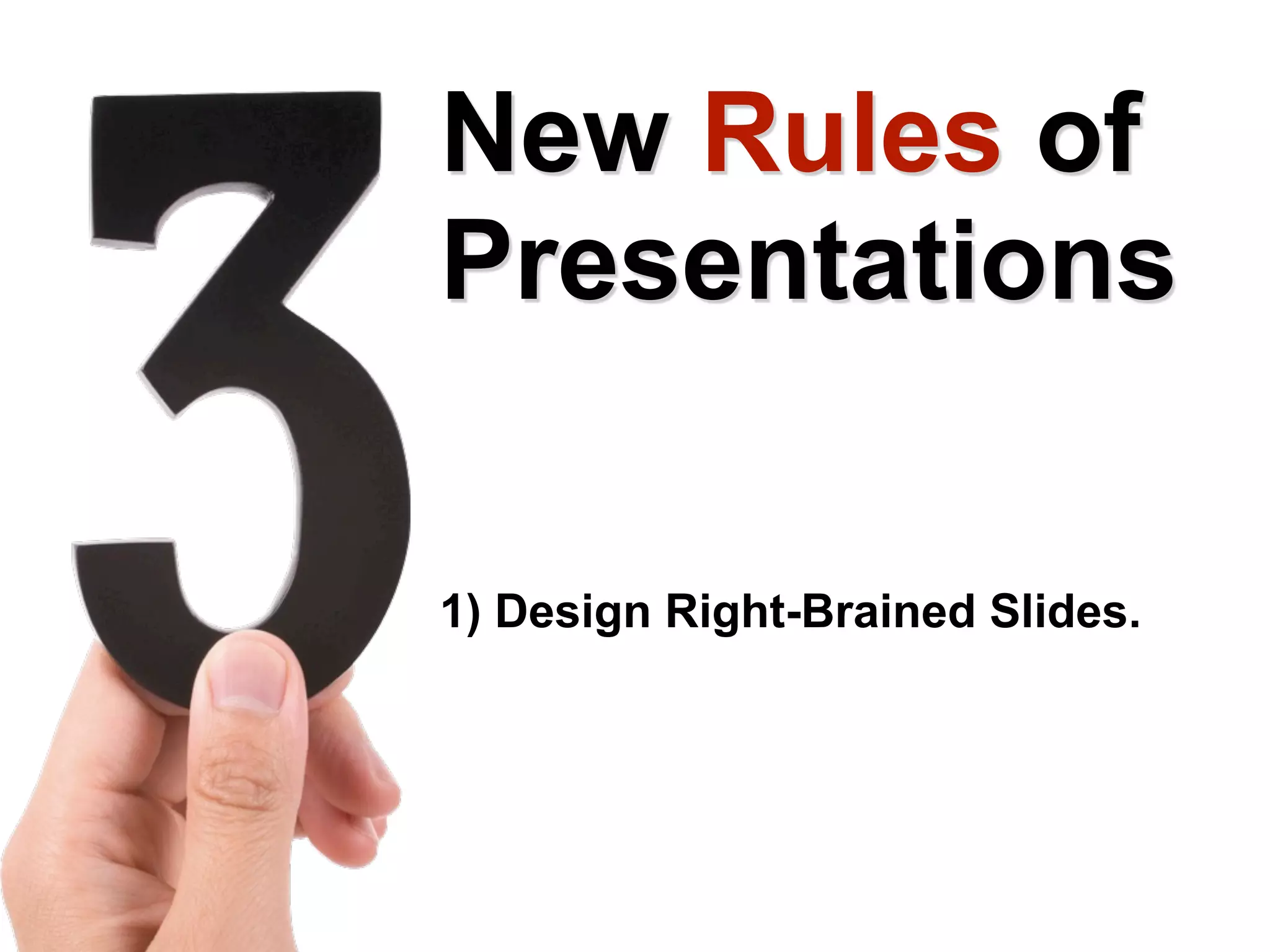
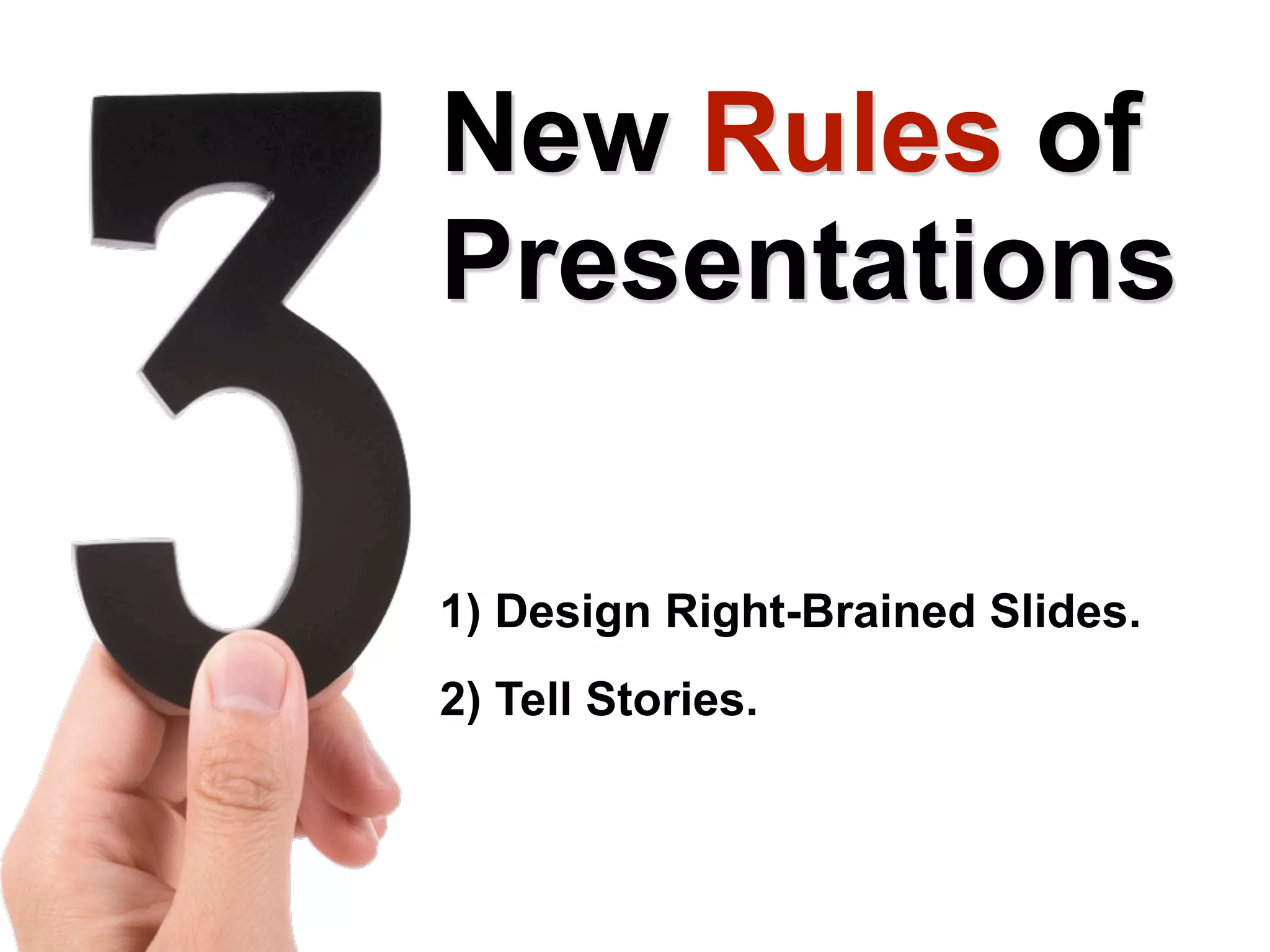
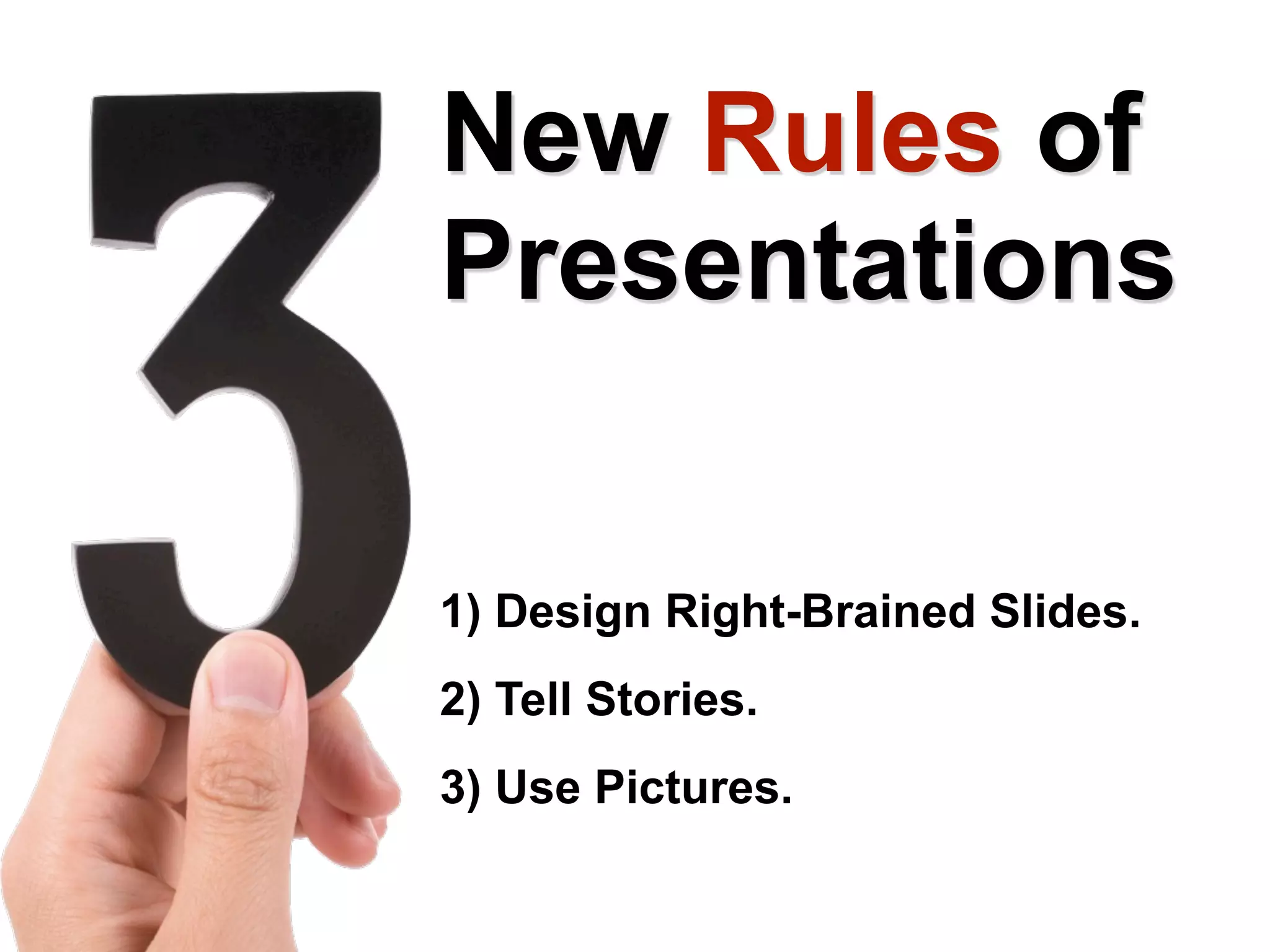
New  Rules  of Presentations 1) Design Right-Brained Slides. 2) Tell Stories. 3) Use Pictures.
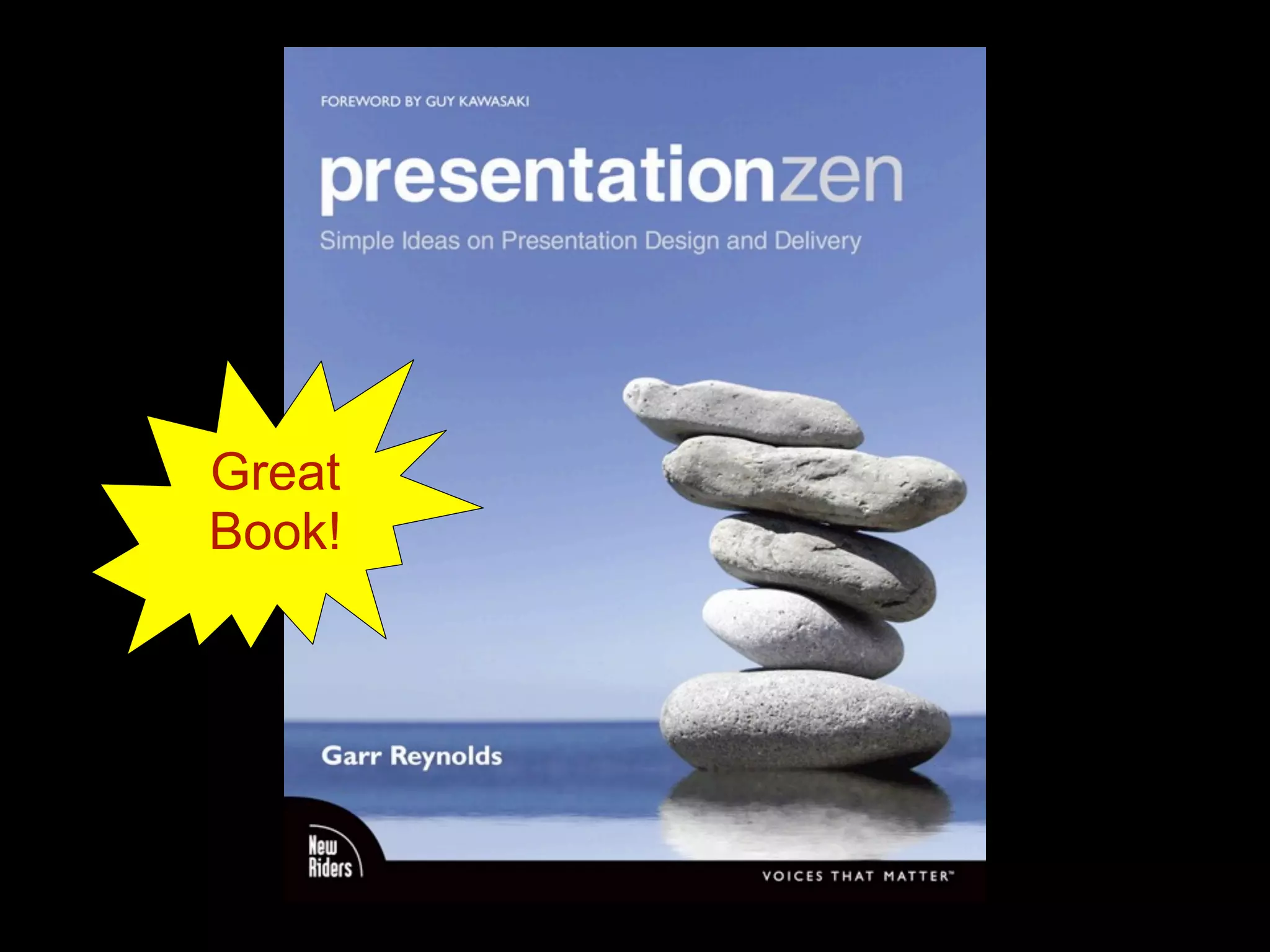
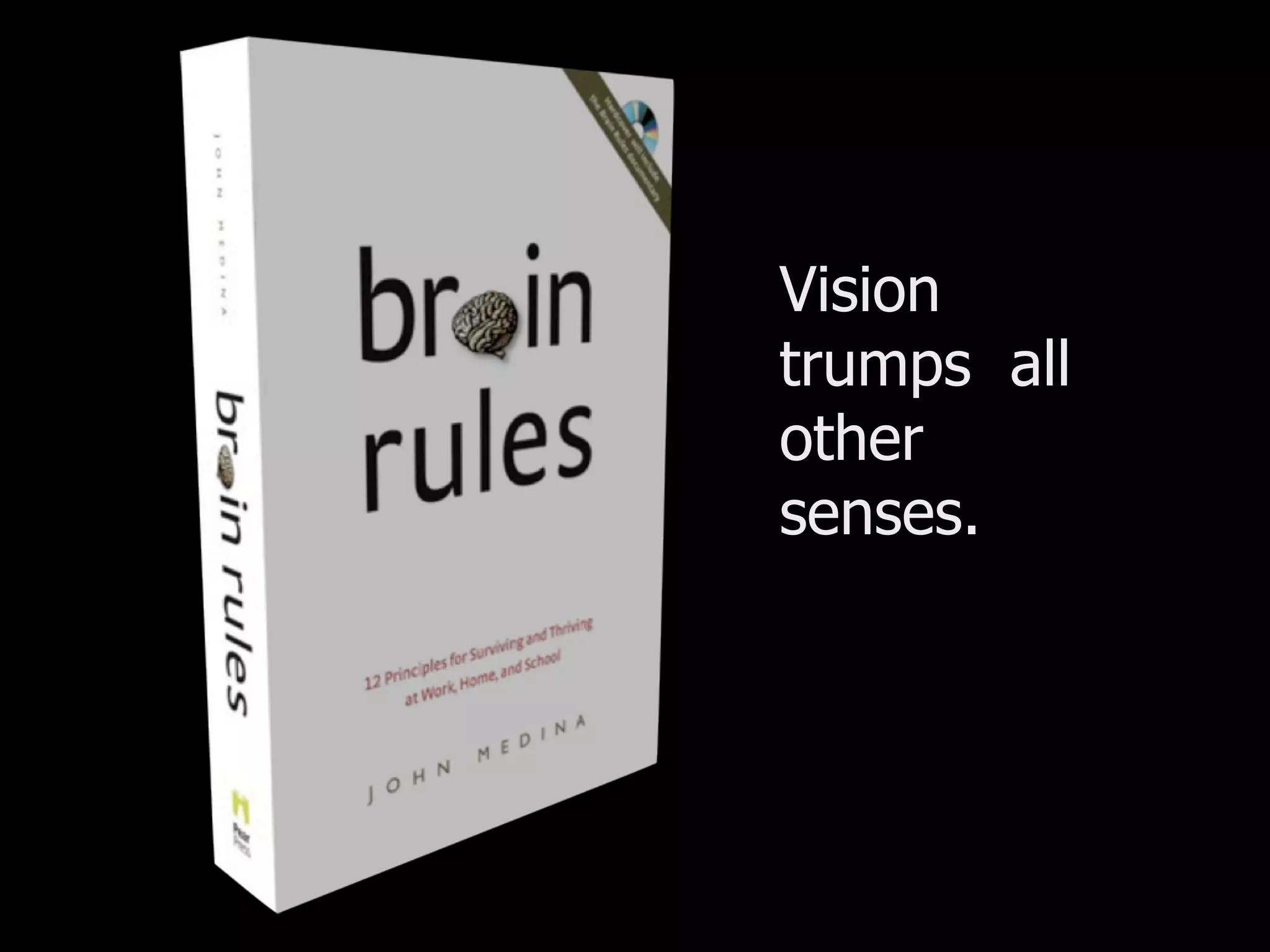
Great Book!
6
Left -Brained Slides People can’t listen and read effectively at the same time. Watching presenters read directly from their slides is really, really boring. Slide after slide of bulleted text puts people to sleep. Garr Reynolds calls this “Death By Powerpoint.” 7
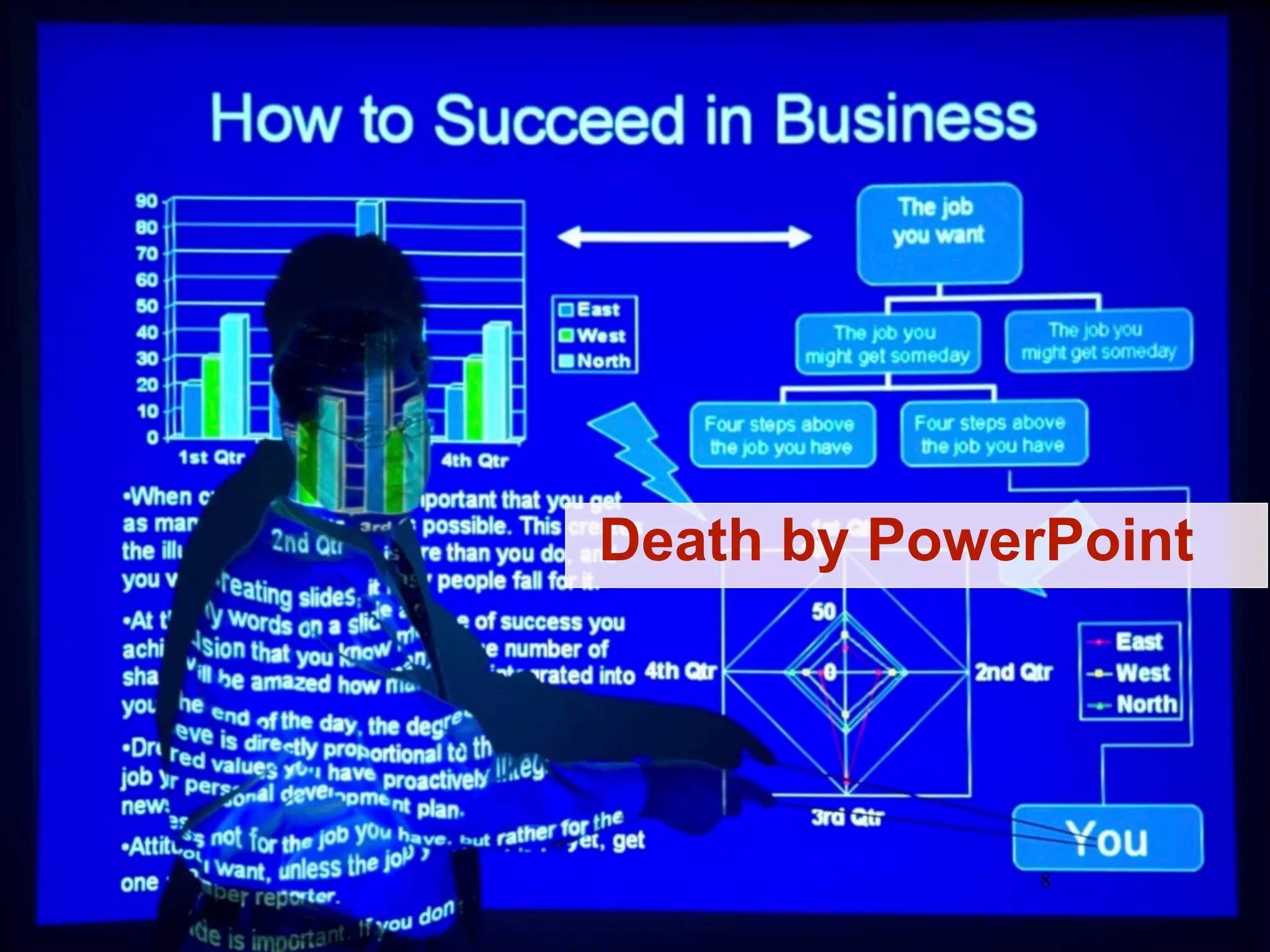
8 Death by PowerPoint
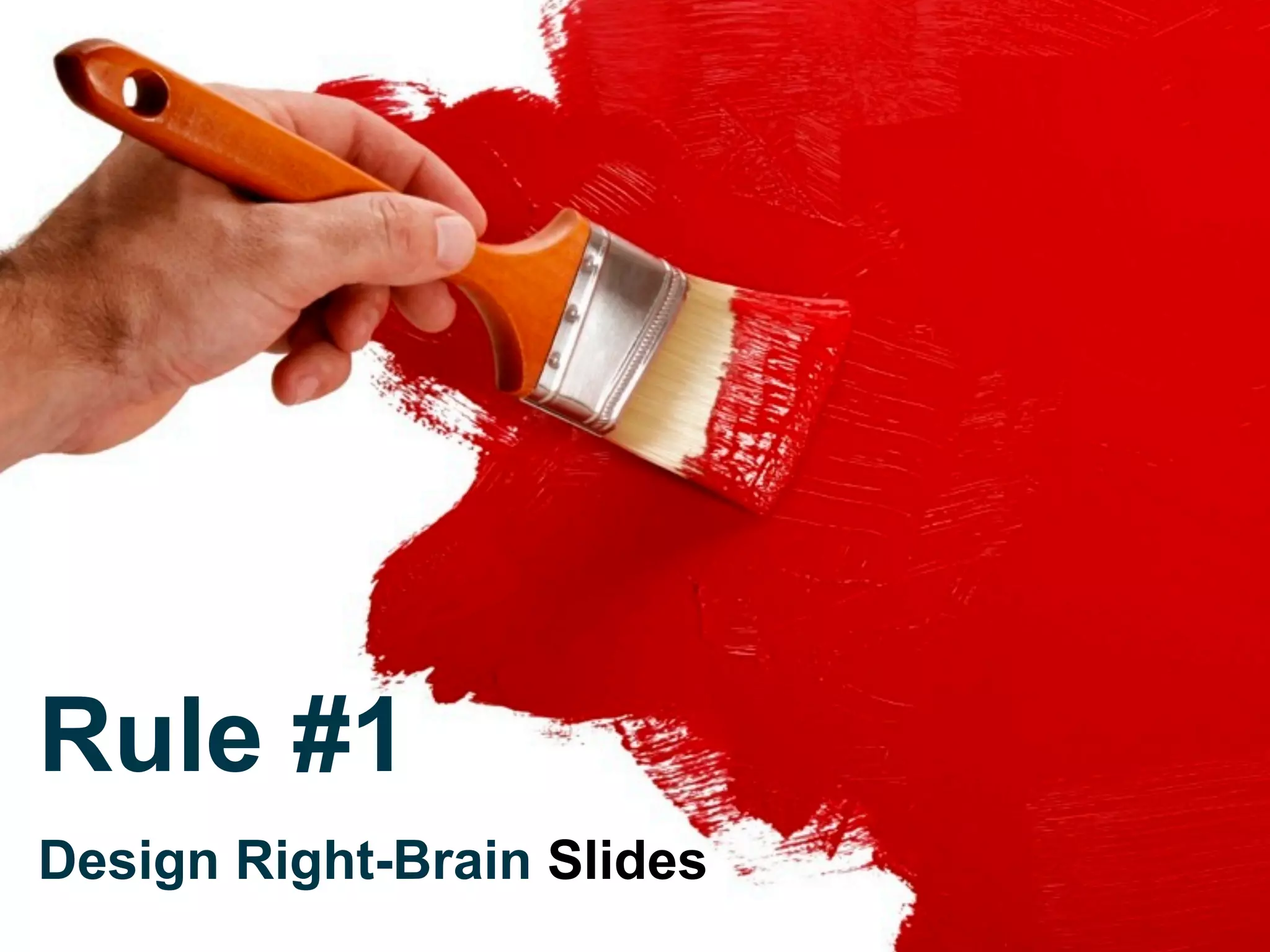
Rule #1   Design Right-Brain  Slides
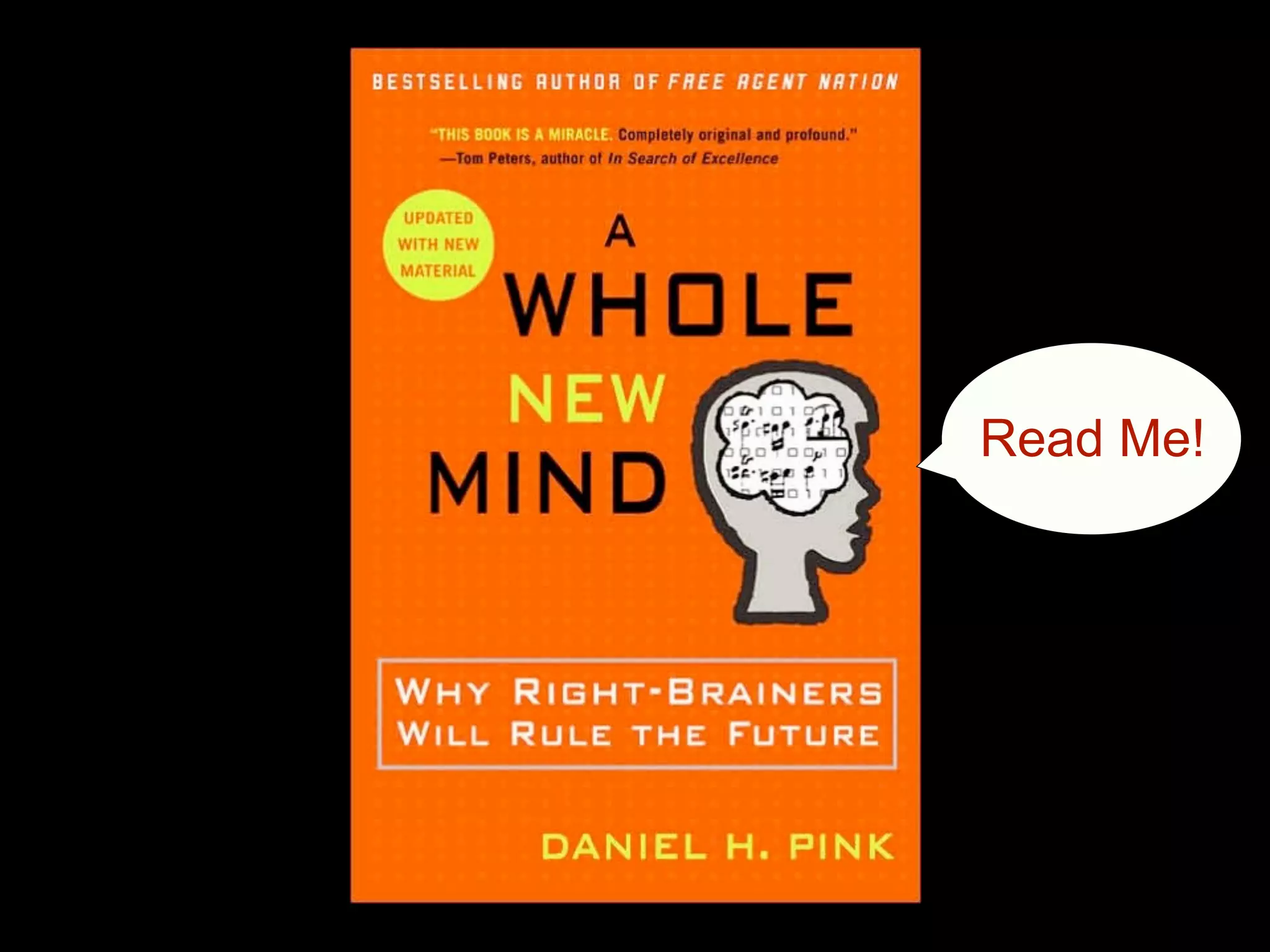
Read Me!
Photo: Steve Mellon/Post-Gazette Rule #2   Tell Stories
Buy Me!
Rule #3  Use Pictures
Vision trumps  all other senses.
Rule #10: Vision trumps all other senses.
Show Faces
Find Beauty
Downsized Dramatize
Use Surprise
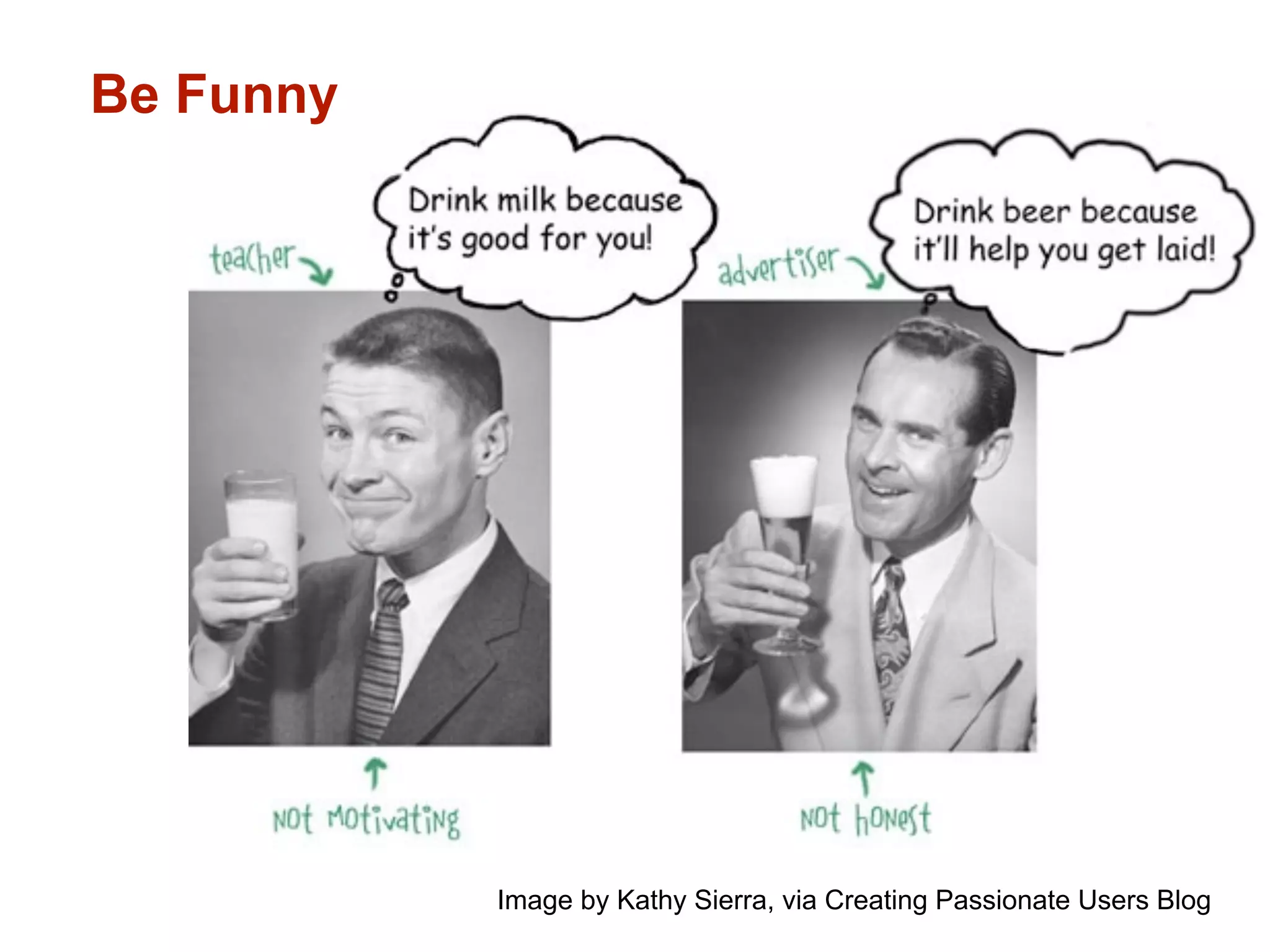
Be Funny Image by Kathy Sierra, via Creating Passionate Users Blog
2%  of the world owns  50%  of the wealth. Use a Metaphorical Image
The poorest  50%  of the world The poorest  50%  of the world owns  1%  of the wealth.
New  Rules  of Presentations 1) Design Right-Brained Slides. 2) Tell Stories. 3) Use Pictures.
Principles of Graphic Design for the Non-Designer The New Rules of Presentations Part II Christina Quick Henderson Coming Soon! PYTD 510, Delivering Training Title Inspired by Robin Williams,  The Non-Designer’s Design Book
New Rules For Power Point Presentations (Revised)

New Rules For Power Point Presentations (Revised)

  • 1.
    Presentation Slide Designfor the Non-Designer The New Rules of Presentations Christina Quick Henderson PYTD 510, Delivering Training Title Inspired by Robin Williams, The Non-Designer’s Design Book
  • 2.
    1) What isyour past training using PowerPoint (or Apple Keynote)? 2) Based on your experience at work or school, what are the traditional “rules” for using PPT?
  • 3.
  • 4.
    New Rules of Presentations 1) Design Right-Brained Slides. 2) Tell Stories. 3) Use Pictures.
  • 5.
  • 6.
  • 7.
    Left -Brained SlidesPeople can’t listen and read effectively at the same time. Watching presenters read directly from their slides is really, really boring. Slide after slide of bulleted text puts people to sleep. Garr Reynolds calls this “Death By Powerpoint.” 7
  • 8.
    8 Death byPowerPoint
  • 9.
    Rule #1 Design Right-Brain Slides
  • 10.
  • 11.
  • 12.
  • 13.
    Rule #3 Use Pictures
  • 14.
    Vision trumps all other senses.
  • 15.
    Rule #10: Visiontrumps all other senses.
  • 16.
  • 17.
  • 18.
  • 19.
  • 20.
    Be Funny Imageby Kathy Sierra, via Creating Passionate Users Blog
  • 21.
    2% ofthe world owns 50% of the wealth. Use a Metaphorical Image
  • 22.
    The poorest 50% of the world The poorest 50% of the world owns 1% of the wealth.
  • 23.
    New Rules of Presentations 1) Design Right-Brained Slides. 2) Tell Stories. 3) Use Pictures.
  • 24.
    Principles of GraphicDesign for the Non-Designer The New Rules of Presentations Part II Christina Quick Henderson Coming Soon! PYTD 510, Delivering Training Title Inspired by Robin Williams, The Non-Designer’s Design Book

Editor's Notes

  • #2 Presentation Slide Design for the Non-designer: The New Rules of Presentations Overview I’m Christina Henderson. Training session is titled “Presentation Slide Design for the Non-designer: The New Rules of Presentations” I’ve spent the last four years as a marketing consultant and four years before that as a secondary English teacher. Now here I am a grad student in training and development. Whether you’re in the business world, or the education world you’ve probably noticed PowerPoint presentations are everywhere. What this session is about Presentation software (PowerPoint) is one of the few tools that requires professionals to think visually. But unlike verbal skills, effective visual presentation is not easy, natural or actively taught in schools or business training programs. This training session will teach you the new rules of presentations that are changing the way smart businesspeople and educators use PowerPoint. Objective Our objective today is for you to learn and be able to apply three new rules of presentations, creating slides that tap into visual, right-brained design skills in order to create more engaging, memorable presentations. Importance This training session will help your career. By learning the new rules of presentations you can become a more effective trainer, set yourself apart from the crowd, leading to greater demand for your services, getting paid more for what you do, and exercising greater influence in your workplace. You will not automatically become a brilliant designer, but your work will look more professional, organized, unified, and interesting. And you will feel empowered. How the training will unfold First, I have some questions to find out what you already know about using Powerpoint. Then I’m going to give you some background on how Powerpoint has traditionally been used, and the shift in thinking that has occurred in recent years. I will present three new rules of presentations, including examples and some tools and resources you can use to further your knowledge. Please ask questions along the way if you have them.