.NET Best Practices & Workflows
For Products with Multiple Teams
Unity as a Professional Development Tool
Obligatory About Us
Devon Klompmaker
Director of Technology
Age of Learning
Leonid Umanskiy
Sr. Software Engineer
Age of Learning
Problems To Solve
1. Development
a. How to prevent coupling?
b. Standards throughout the teams
c. Should you use project templates?
2. Unit-Testing
a. Unity unit-tests vs. framework standard unit-tests
b. Standardized unit-testing: Isolation, mocking
3. Distribution
a. How to coordinate shared code?
b. Submodules vs. Dlls
4. Long Term Support
a. What happens when agile teams move onto other projects?
b. Centralized vs. Distributed framework teams
Development
1. Coupling
a. Submodules are common, but allow developers to couple across code-bases
b. Singletons create coupling between consumers and implementation
c. SOLID principles win out. Use dependency injection.
d. Create Dlls for systems and features. Dependencies are explicit & not-hidden
2. Code Standards
a. Develop and enforce internal C# code standards through code reviews
b. Provide regular cross-team meetings where developers can provide feedback
c. Educate non-technical stakeholders on the reasons, plan for creating quality code
3. Project Templates
a. Provides a starting place with all required systems
b. Eases on-boarding by ensuring all projects are built the same way
c. Forked from the template, eases pain of system updates across company
Unit-Testing
1. Unity Unit-Tests vs. Traditional CSProj Unit-Tests
a. Unity gameplay tests are integration tests with Unity
b. Use traditional test frameworks and TDD to test business logic
c. Non-Game specific unit-tests don’t need to be part of the project
2. Standardizing Unit Tests
a. Develop and enforce C# unit-test standards through code reviews
b. Use Inversion of Control, mock your dependencies using mocks (Moq)
c. Build against UnityEngine.dll, use Facade pattern for Unity API calls
Distribution
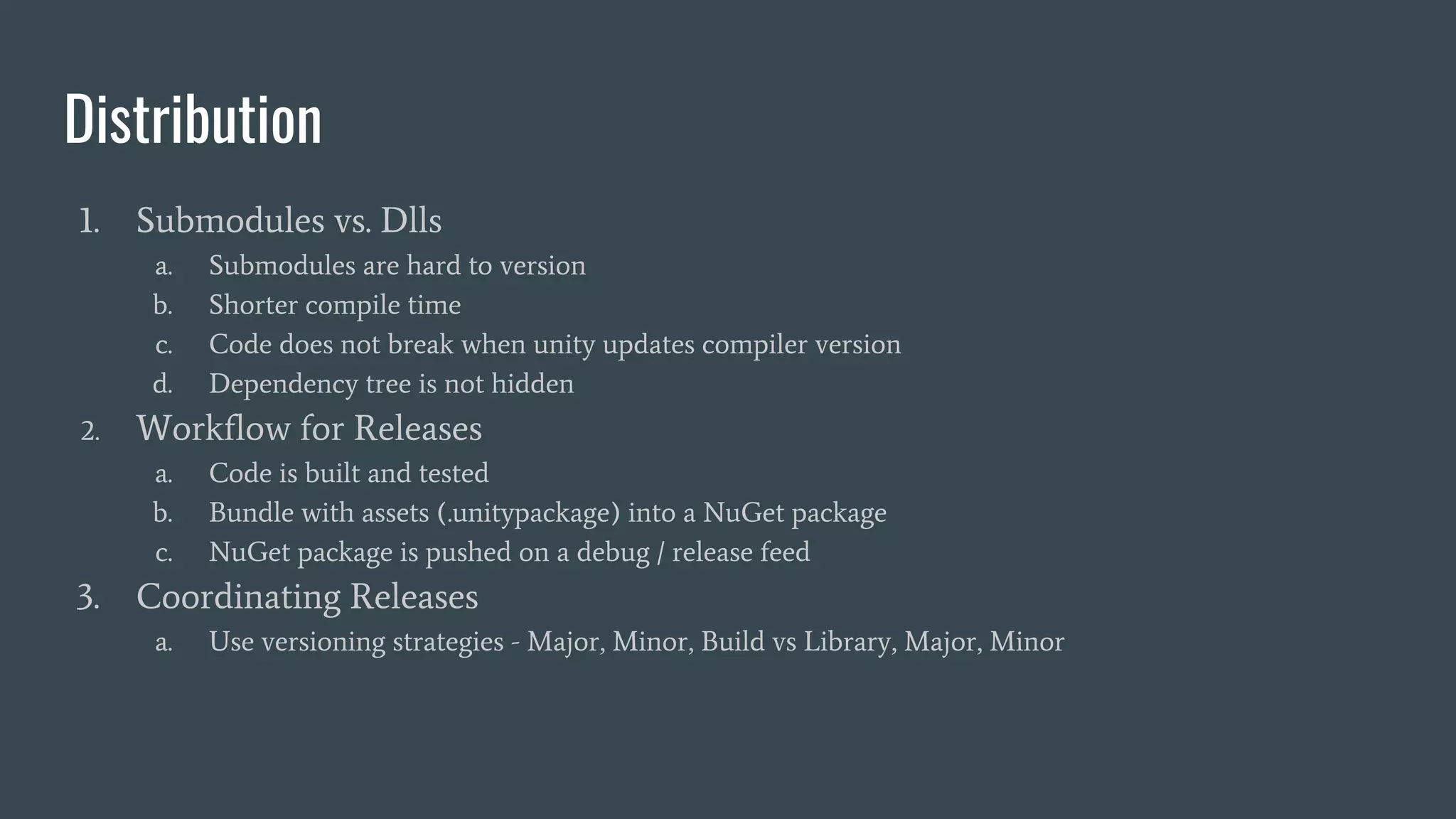
1. Submodules vs. Dlls
a. Submodules are hard to version
b. Shorter compile time
c. Code does not break when unity updates compiler version
d. Dependency tree is not hidden
2. Workflow for Releases
a. Code is built and tested
b. Bundle with assets (.unitypackage) into a NuGet package
c. NuGet package is pushed on a debug / release feed
3. Coordinating Releases
a. Use versioning strategies - Major, Minor, Build vs Library, Major, Minor
Long Term Support
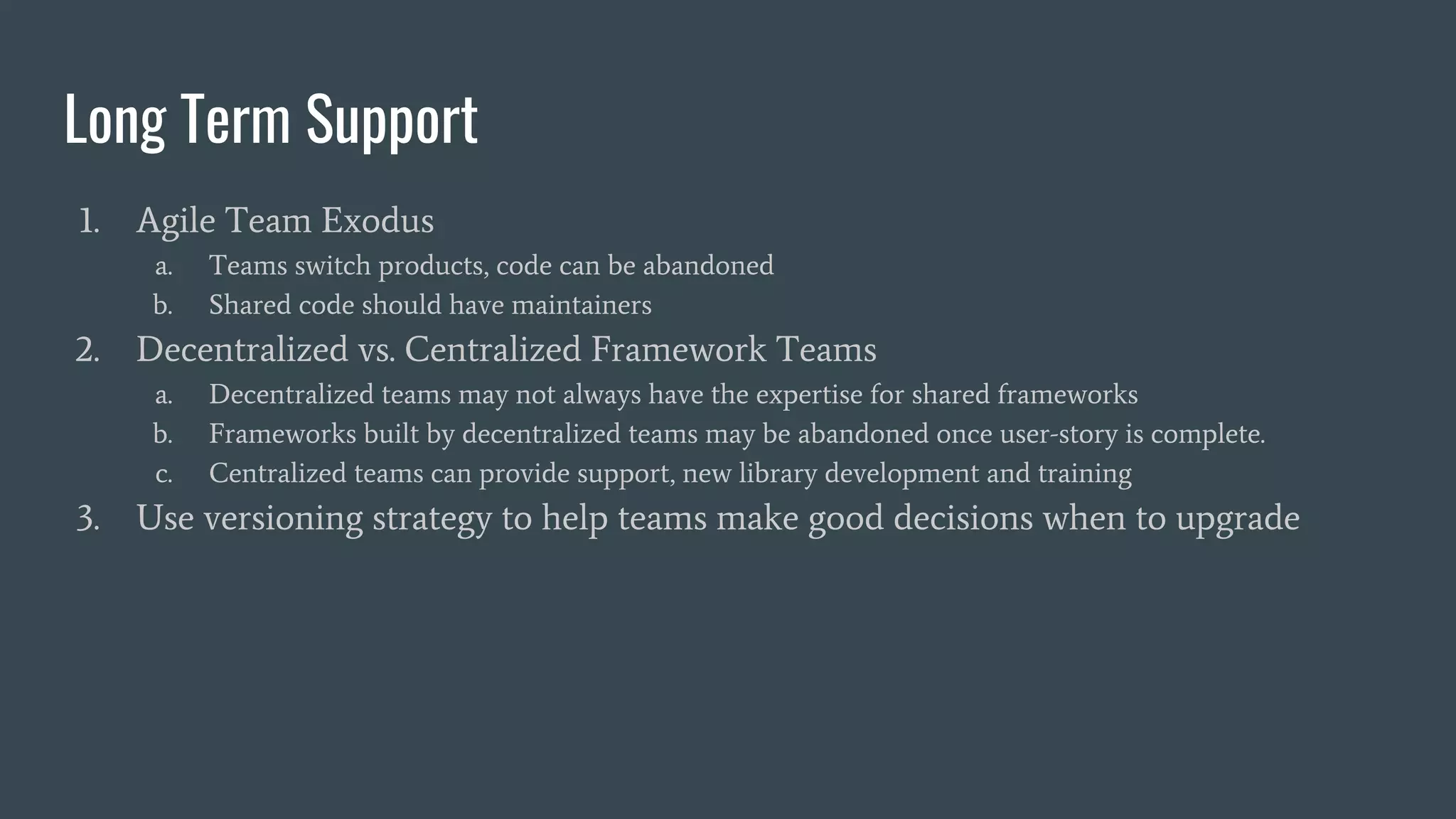
1. Agile Team Exodus
a. Teams switch products, code can be abandoned
b. Shared code should have maintainers
2. Decentralized vs. Centralized Framework Teams
a. Decentralized teams may not always have the expertise for shared frameworks
b. Frameworks built by decentralized teams may be abandoned once user-story is complete.
c. Centralized teams can provide support, new library development and training
3. Use versioning strategy to help teams make good decisions when to upgrade
Questions?

.NET Best Practices and Workflows for Products with Multiple Teams

  • 1.
    .NET Best Practices& Workflows For Products with Multiple Teams Unity as a Professional Development Tool
  • 2.
    Obligatory About Us DevonKlompmaker Director of Technology Age of Learning Leonid Umanskiy Sr. Software Engineer Age of Learning
  • 3.
    Problems To Solve 1.Development a. How to prevent coupling? b. Standards throughout the teams c. Should you use project templates? 2. Unit-Testing a. Unity unit-tests vs. framework standard unit-tests b. Standardized unit-testing: Isolation, mocking 3. Distribution a. How to coordinate shared code? b. Submodules vs. Dlls 4. Long Term Support a. What happens when agile teams move onto other projects? b. Centralized vs. Distributed framework teams
  • 4.
    Development 1. Coupling a. Submodulesare common, but allow developers to couple across code-bases b. Singletons create coupling between consumers and implementation c. SOLID principles win out. Use dependency injection. d. Create Dlls for systems and features. Dependencies are explicit & not-hidden 2. Code Standards a. Develop and enforce internal C# code standards through code reviews b. Provide regular cross-team meetings where developers can provide feedback c. Educate non-technical stakeholders on the reasons, plan for creating quality code 3. Project Templates a. Provides a starting place with all required systems b. Eases on-boarding by ensuring all projects are built the same way c. Forked from the template, eases pain of system updates across company
  • 5.
    Unit-Testing 1. Unity Unit-Testsvs. Traditional CSProj Unit-Tests a. Unity gameplay tests are integration tests with Unity b. Use traditional test frameworks and TDD to test business logic c. Non-Game specific unit-tests don’t need to be part of the project 2. Standardizing Unit Tests a. Develop and enforce C# unit-test standards through code reviews b. Use Inversion of Control, mock your dependencies using mocks (Moq) c. Build against UnityEngine.dll, use Facade pattern for Unity API calls
  • 6.
    Distribution 1. Submodules vs.Dlls a. Submodules are hard to version b. Shorter compile time c. Code does not break when unity updates compiler version d. Dependency tree is not hidden 2. Workflow for Releases a. Code is built and tested b. Bundle with assets (.unitypackage) into a NuGet package c. NuGet package is pushed on a debug / release feed 3. Coordinating Releases a. Use versioning strategies - Major, Minor, Build vs Library, Major, Minor
  • 7.
    Long Term Support 1.Agile Team Exodus a. Teams switch products, code can be abandoned b. Shared code should have maintainers 2. Decentralized vs. Centralized Framework Teams a. Decentralized teams may not always have the expertise for shared frameworks b. Frameworks built by decentralized teams may be abandoned once user-story is complete. c. Centralized teams can provide support, new library development and training 3. Use versioning strategy to help teams make good decisions when to upgrade
  • 8.