MMC Rest API - Clusters
BY KIRAN KUMAR
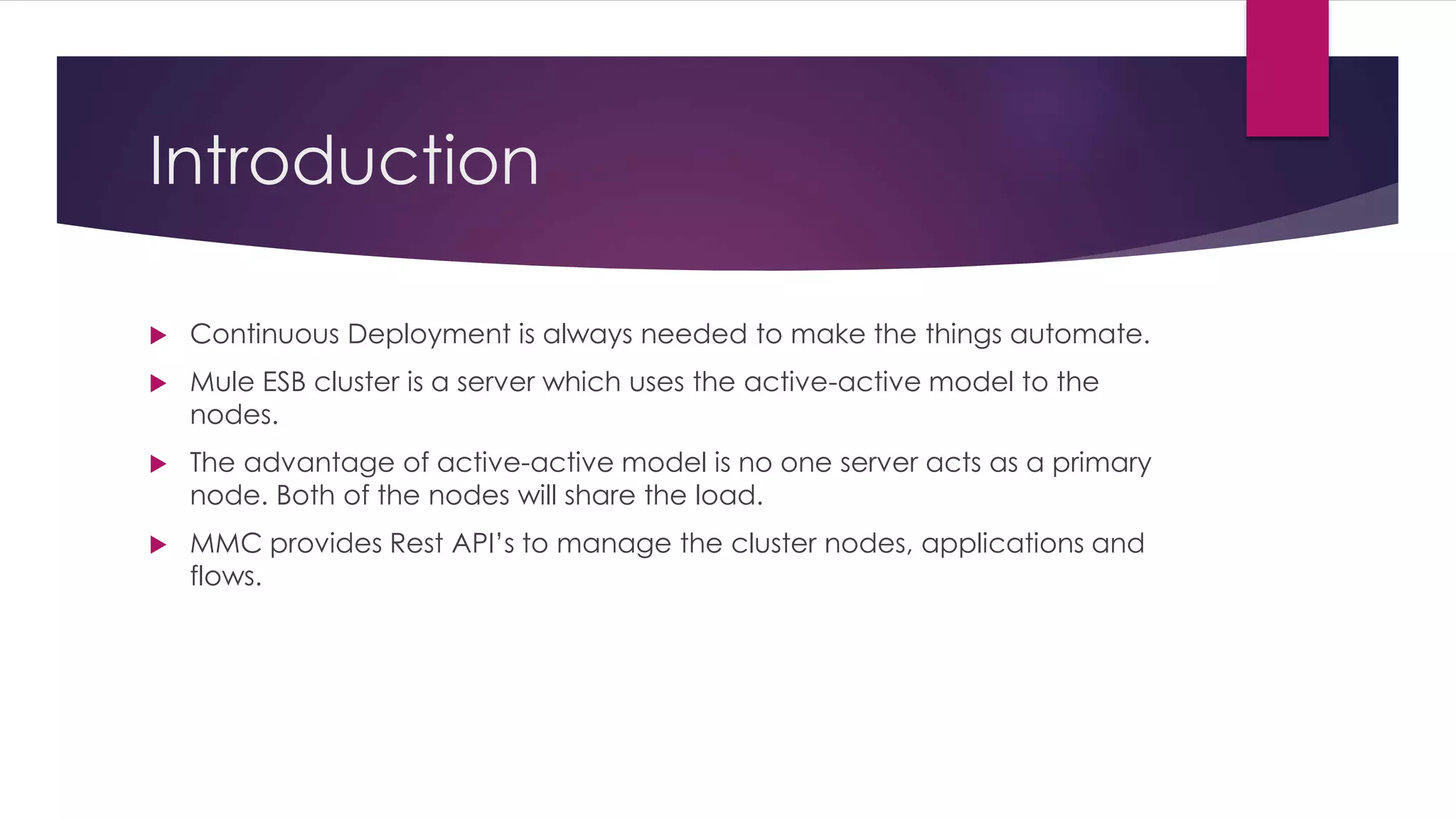
Introduction
 Continuous Deployment is always needed to make the things automate.
 Mule ESB cluster is a server which uses the active-active model to the
nodes.
 The advantage of active-active model is no one server acts as a primary
node. Both of the nodes will share the load.
 MMC provides Rest API’s to manage the cluster nodes, applications and
flows.
Create a Cluster
 To create a cluster, need to provide cluster name and server ids as shown
in the below URL.
 curl --basic -u username:password -d '{"name":"Cluster
Name","version":"3.6.1", "nodes":["serverId-1", "serverId-2"]}' --header
'Content-Type: application/json' http://localhost:8585/mmc/api/clusters
 HTTP Method: POST
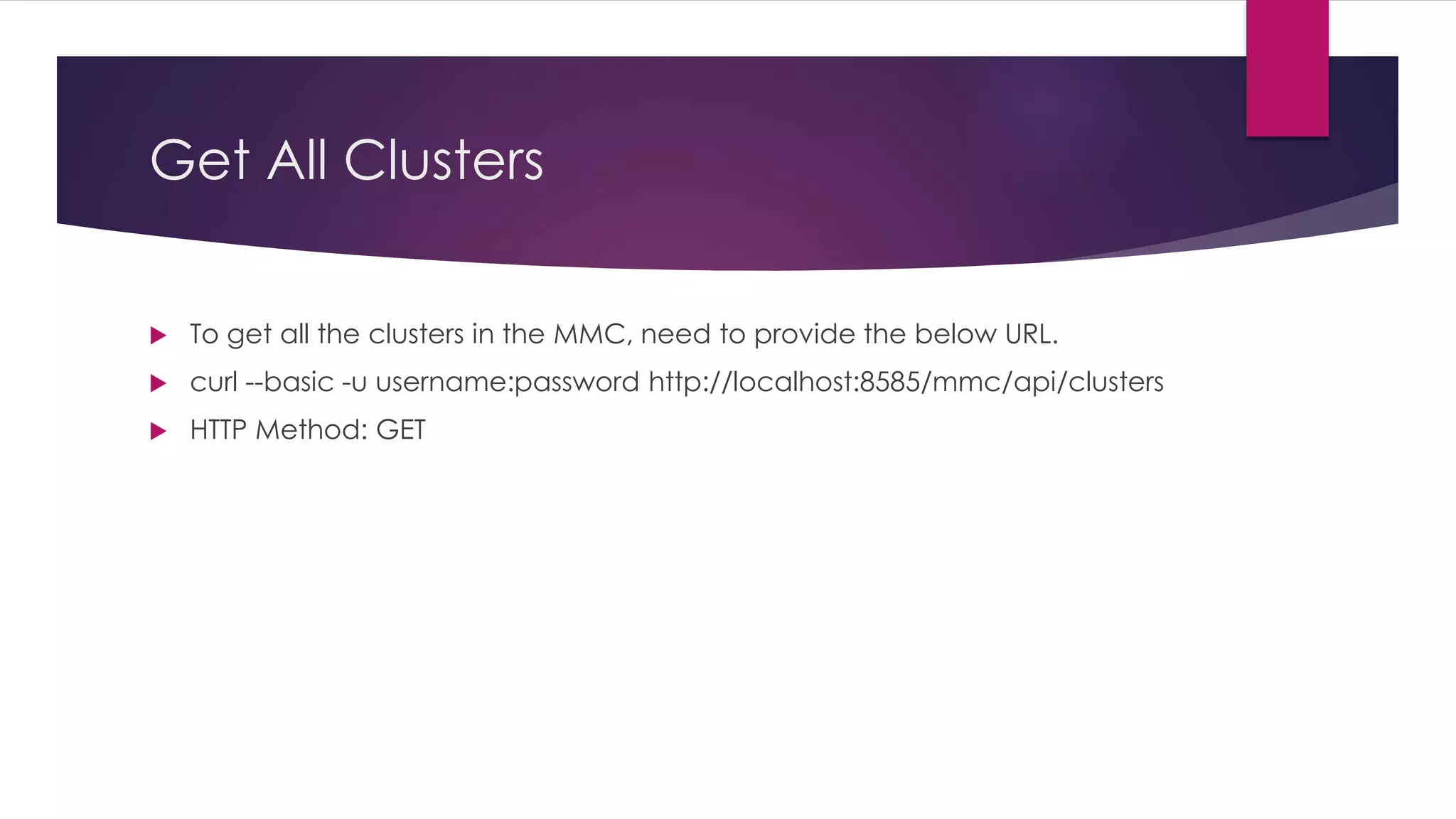
Get All Clusters
 To get all the clusters in the MMC, need to provide the below URL.
 curl --basic -u username:password http://localhost:8585/mmc/api/clusters
 HTTP Method: GET
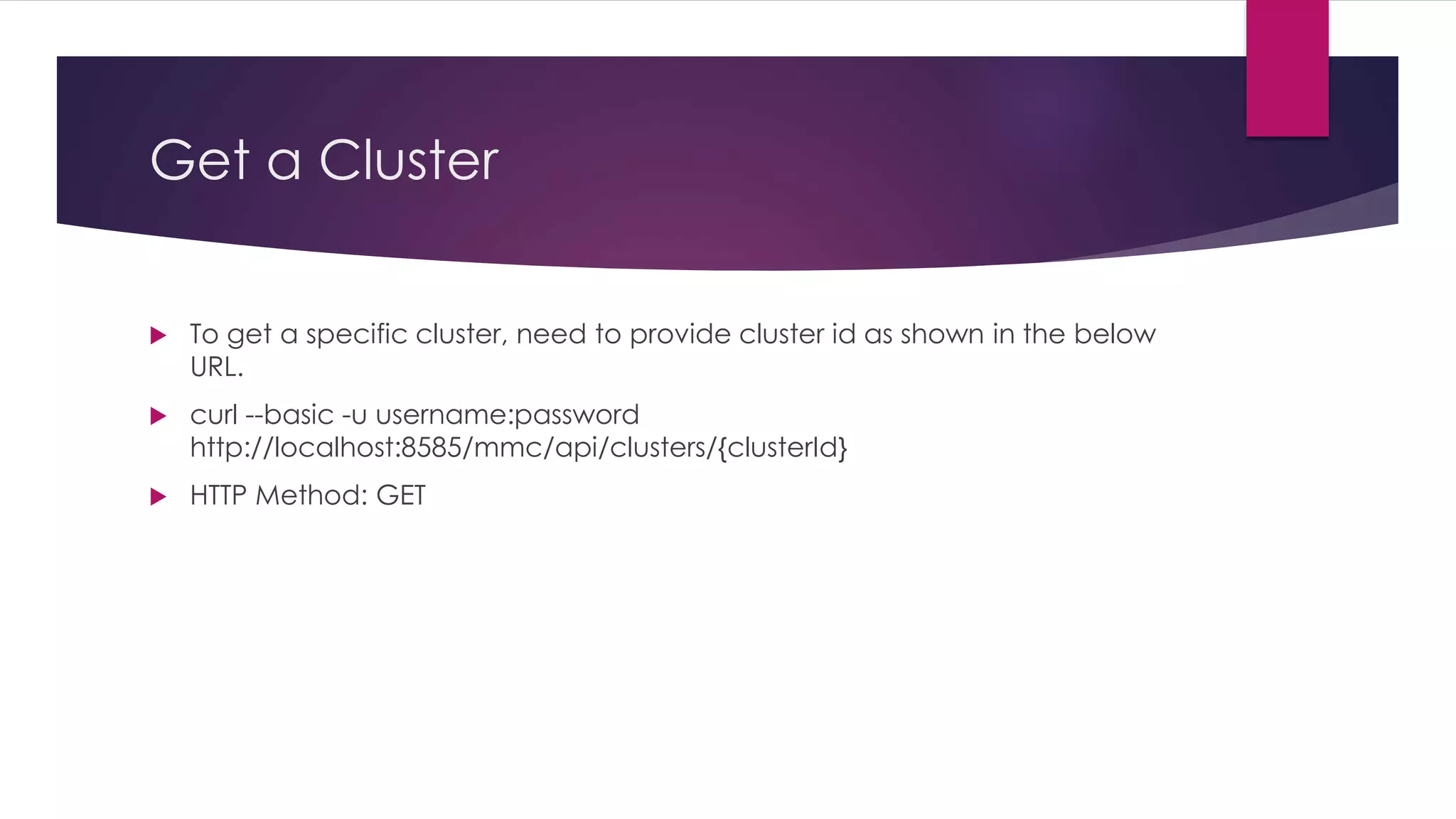
Get a Cluster
 To get a specific cluster, need to provide cluster id as shown in the below
URL.
 curl --basic -u username:password
http://localhost:8585/mmc/api/clusters/{clusterId}
 HTTP Method: GET
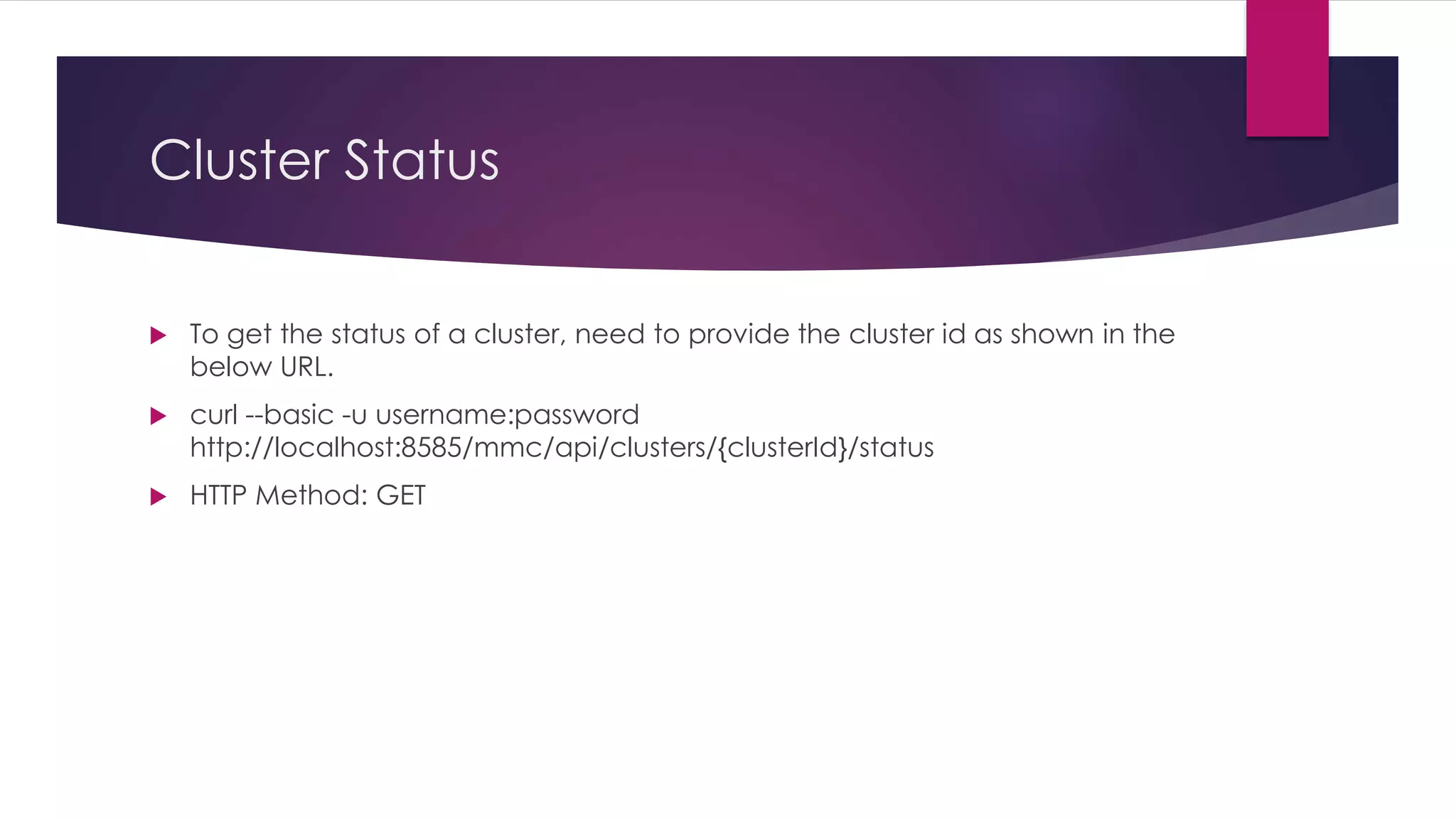
Cluster Status
 To get the status of a cluster, need to provide the cluster id as shown in the
below URL.
 curl --basic -u username:password
http://localhost:8585/mmc/api/clusters/{clusterId}/status
 HTTP Method: GET
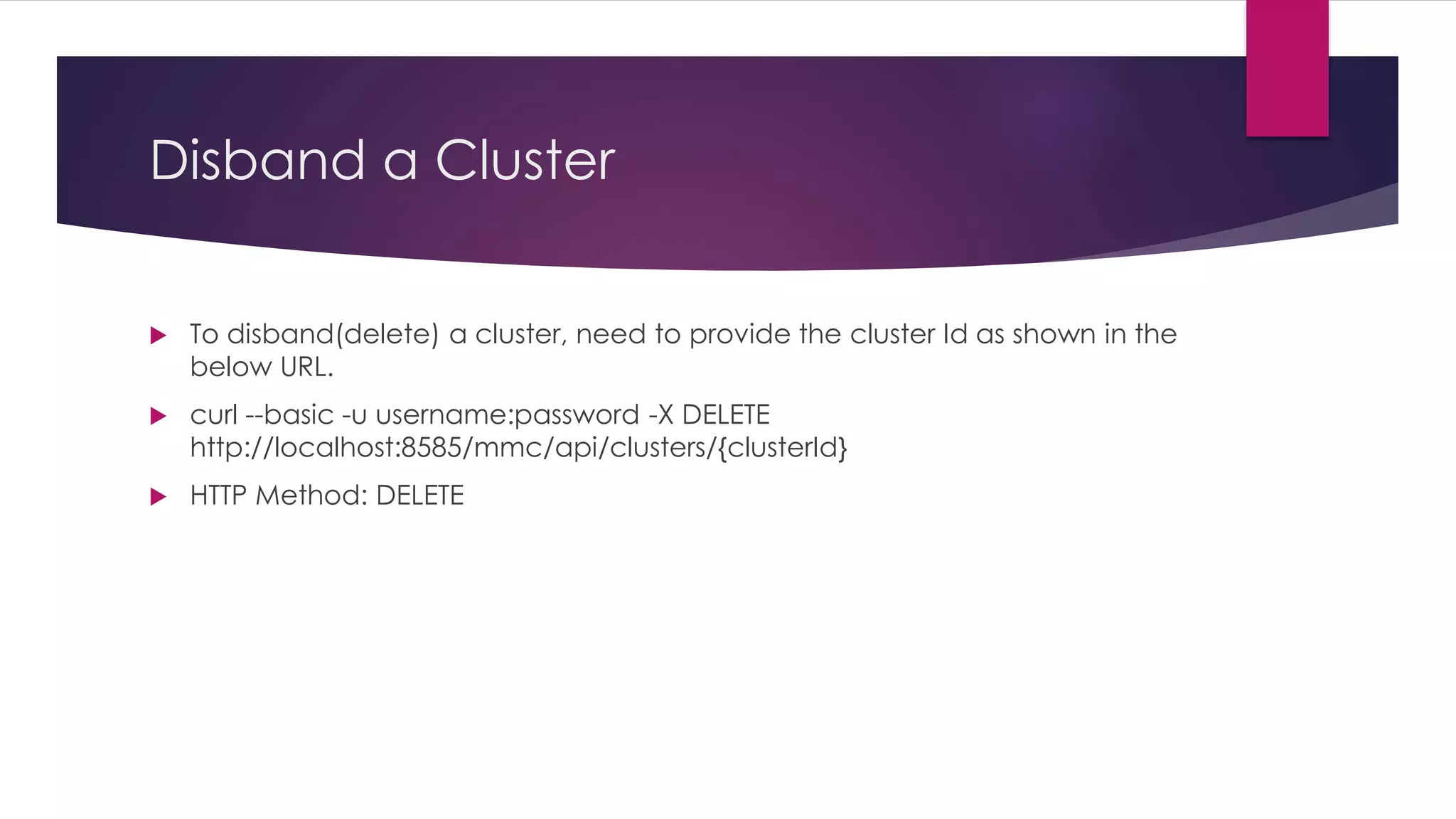
Disband a Cluster
 To disband(delete) a cluster, need to provide the cluster Id as shown in the
below URL.
 curl --basic -u username:password -X DELETE
http://localhost:8585/mmc/api/clusters/{clusterId}
 HTTP Method: DELETE
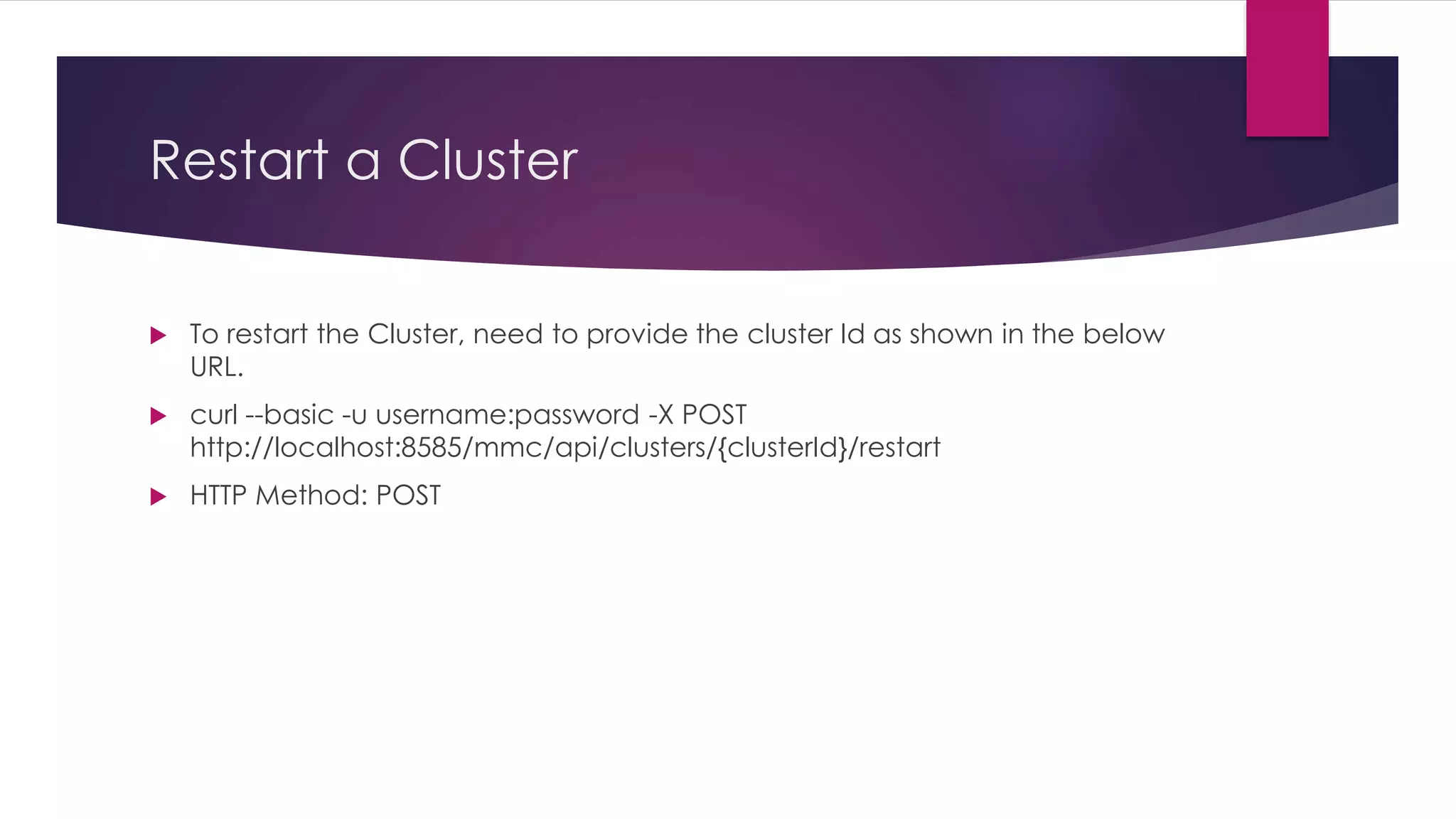
Restart a Cluster
 To restart the Cluster, need to provide the cluster Id as shown in the below
URL.
 curl --basic -u username:password -X POST
http://localhost:8585/mmc/api/clusters/{clusterId}/restart
 HTTP Method: POST
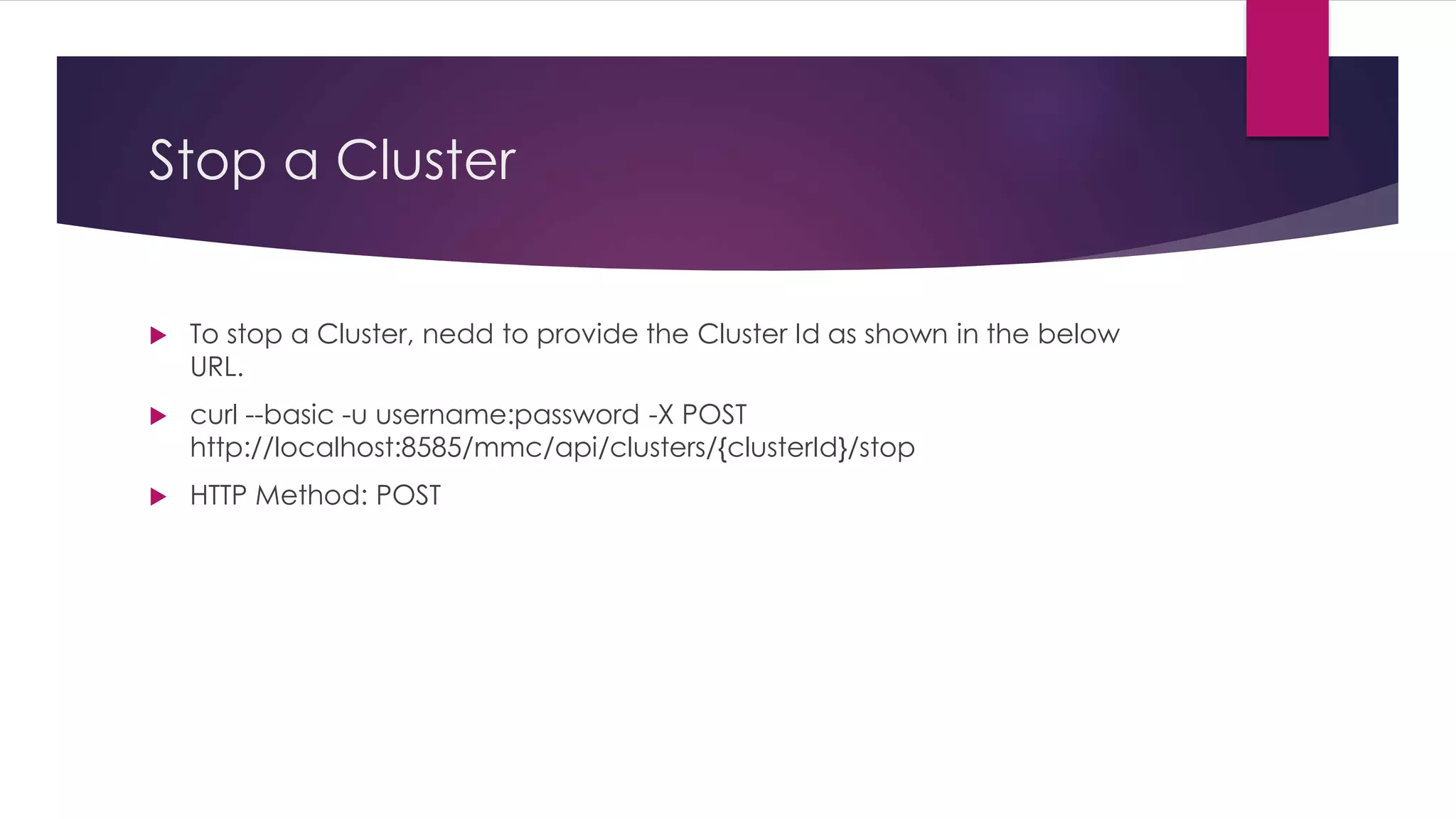
Stop a Cluster
 To stop a Cluster, nedd to provide the Cluster Id as shown in the below
URL.
 curl --basic -u username:password -X POST
http://localhost:8585/mmc/api/clusters/{clusterId}/stop
 HTTP Method: POST
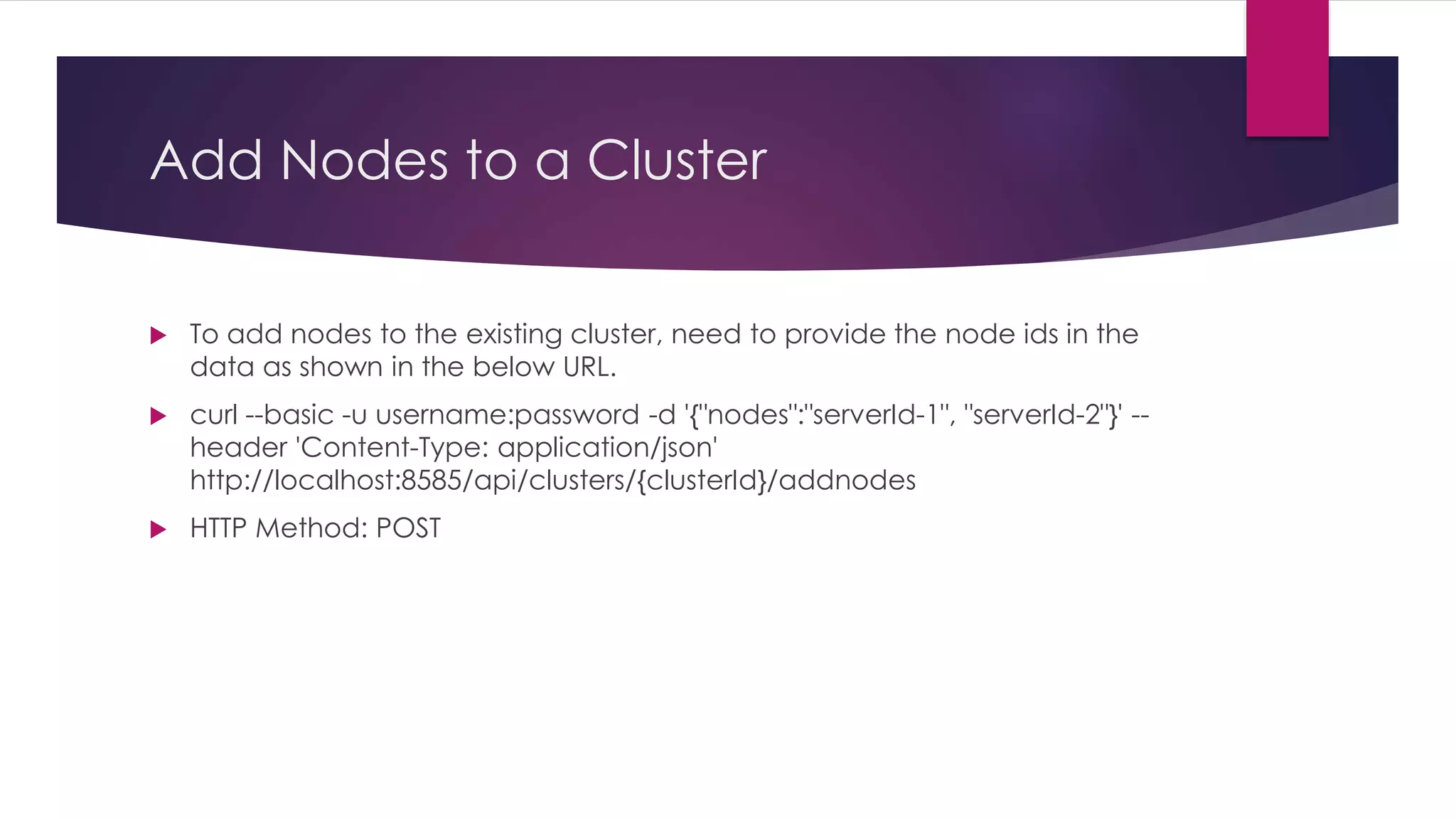
Add Nodes to a Cluster
 To add nodes to the existing cluster, need to provide the node ids in the
data as shown in the below URL.
 curl --basic -u username:password -d '{"nodes":"serverId-1", "serverId-2"}' --
header 'Content-Type: application/json'
http://localhost:8585/api/clusters/{clusterId}/addnodes
 HTTP Method: POST
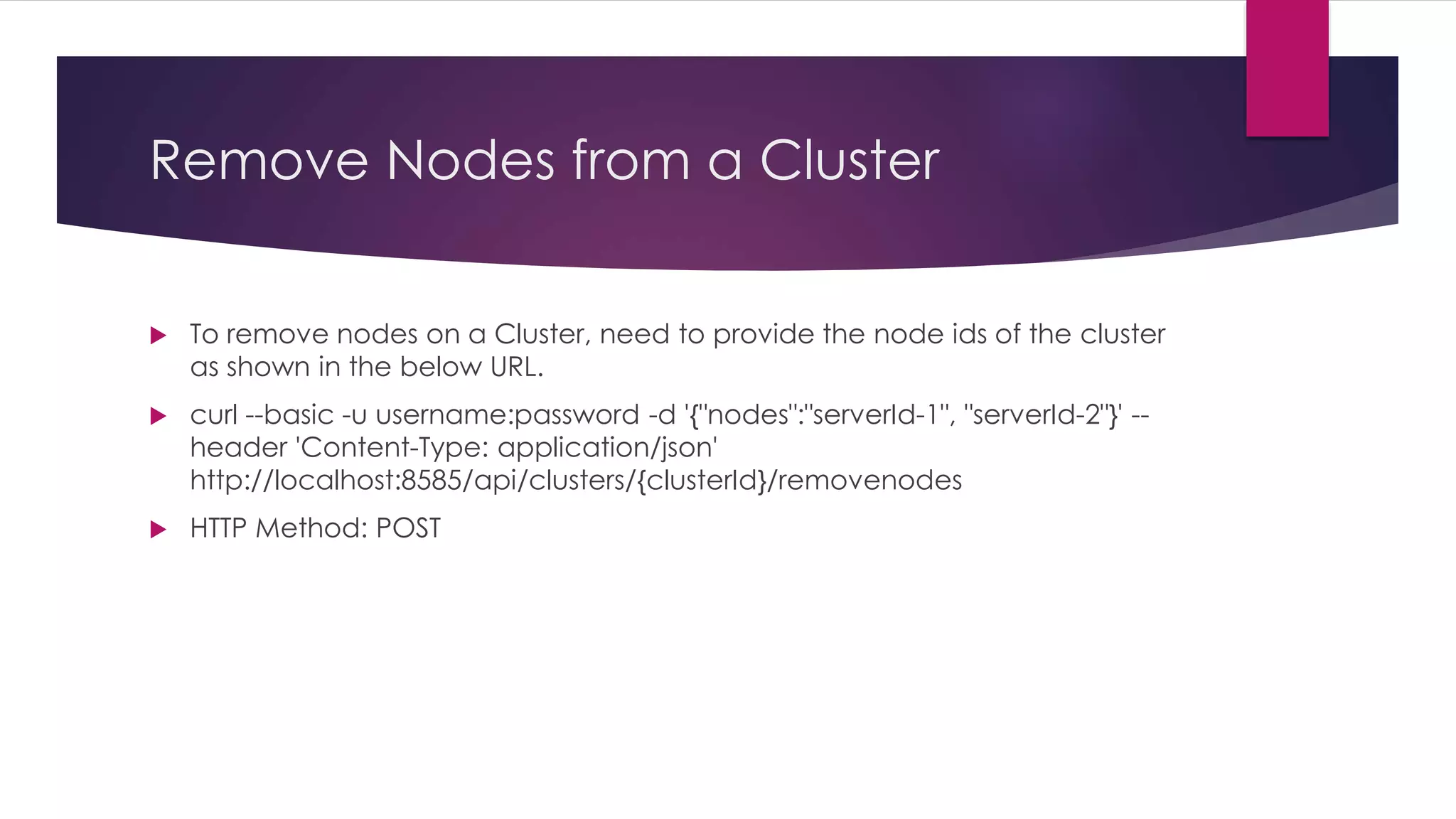
Remove Nodes from a Cluster
 To remove nodes on a Cluster, need to provide the node ids of the cluster
as shown in the below URL.
 curl --basic -u username:password -d '{"nodes":"serverId-1", "serverId-2"}' --
header 'Content-Type: application/json'
http://localhost:8585/api/clusters/{clusterId}/removenodes
 HTTP Method: POST
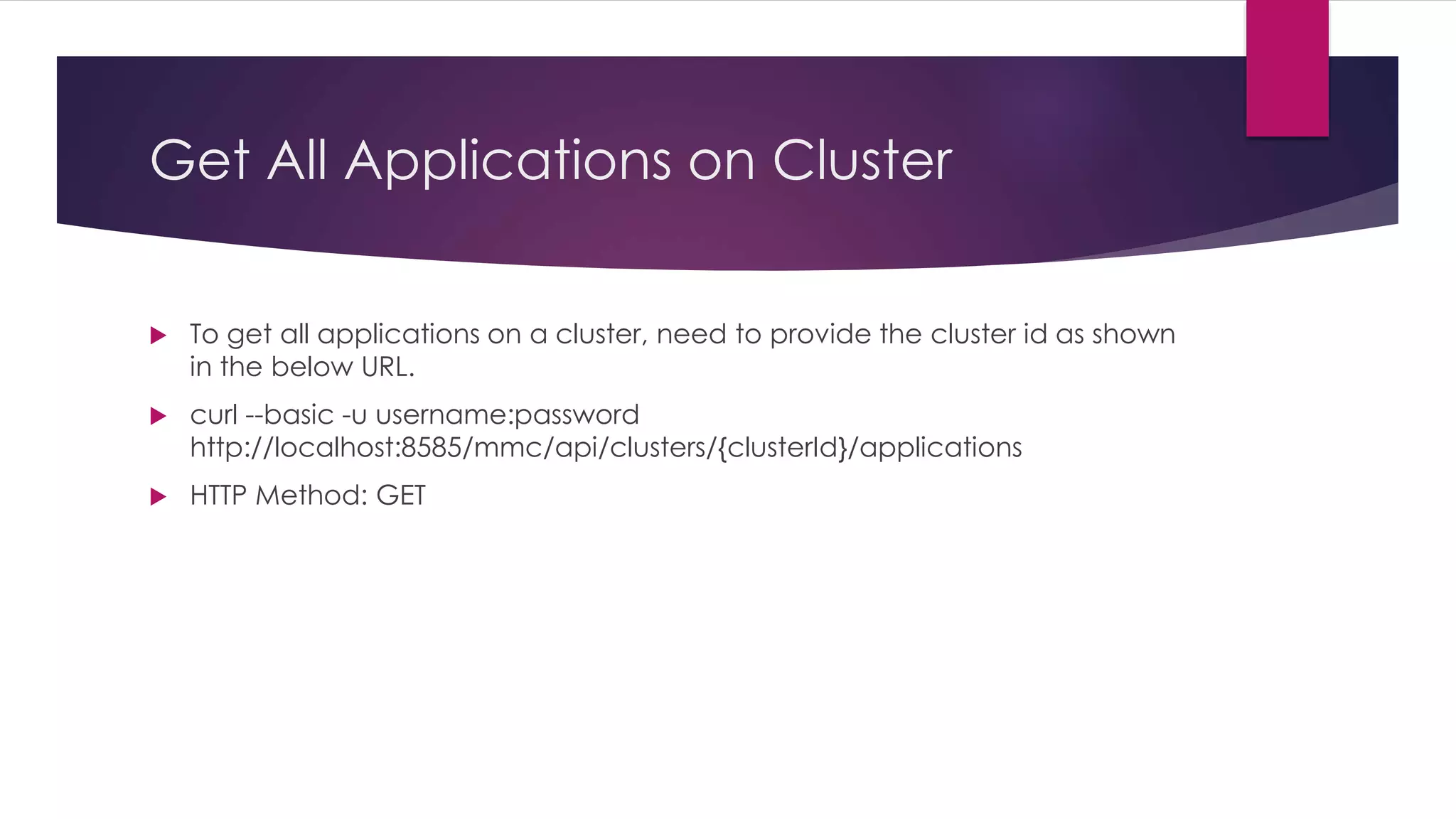
Get All Applications on Cluster
 To get all applications on a cluster, need to provide the cluster id as shown
in the below URL.
 curl --basic -u username:password
http://localhost:8585/mmc/api/clusters/{clusterId}/applications
 HTTP Method: GET
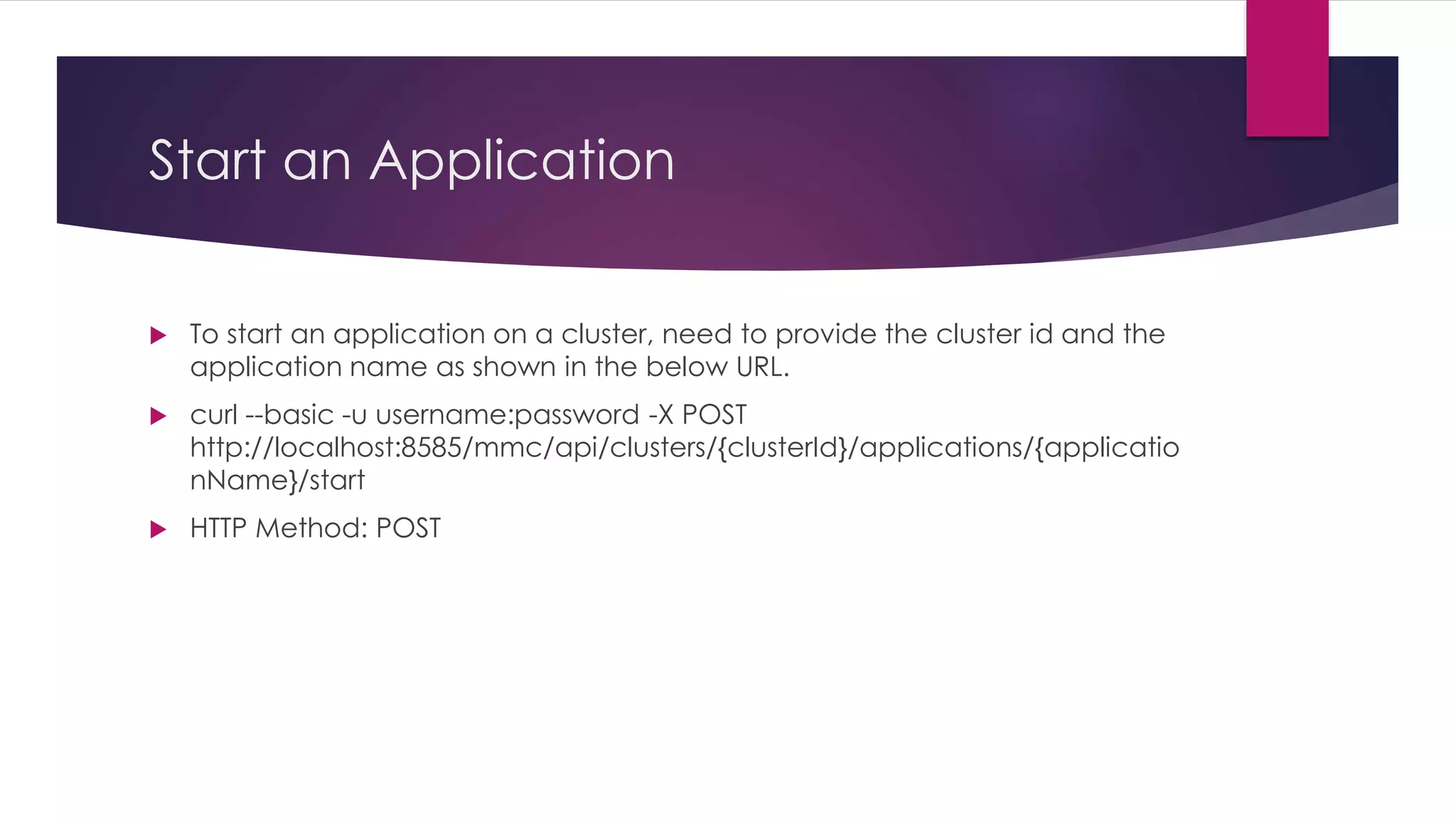
Start an Application
 To start an application on a cluster, need to provide the cluster id and the
application name as shown in the below URL.
 curl --basic -u username:password -X POST
http://localhost:8585/mmc/api/clusters/{clusterId}/applications/{applicatio
nName}/start
 HTTP Method: POST
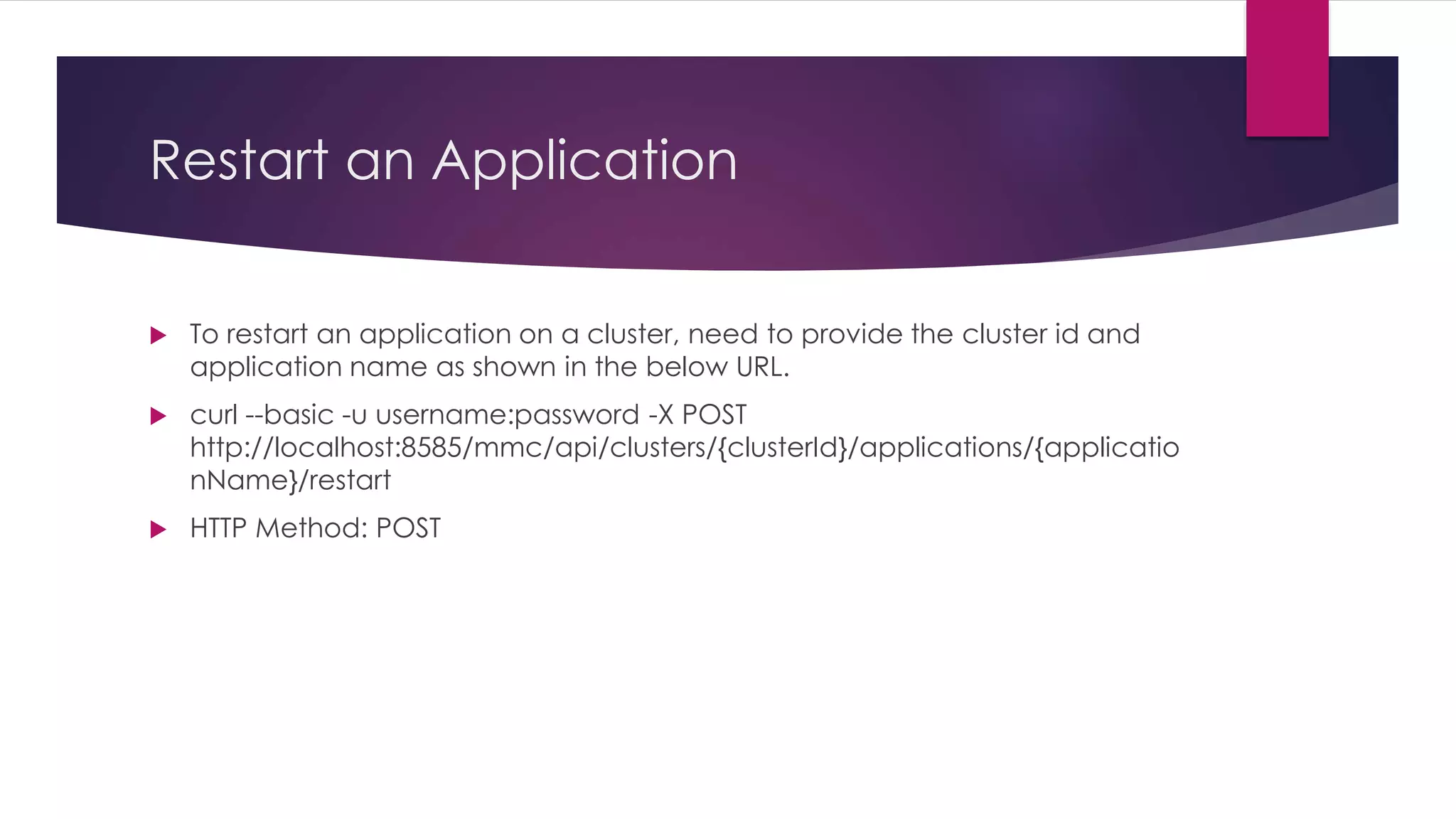
Restart an Application
 To restart an application on a cluster, need to provide the cluster id and
application name as shown in the below URL.
 curl --basic -u username:password -X POST
http://localhost:8585/mmc/api/clusters/{clusterId}/applications/{applicatio
nName}/restart
 HTTP Method: POST
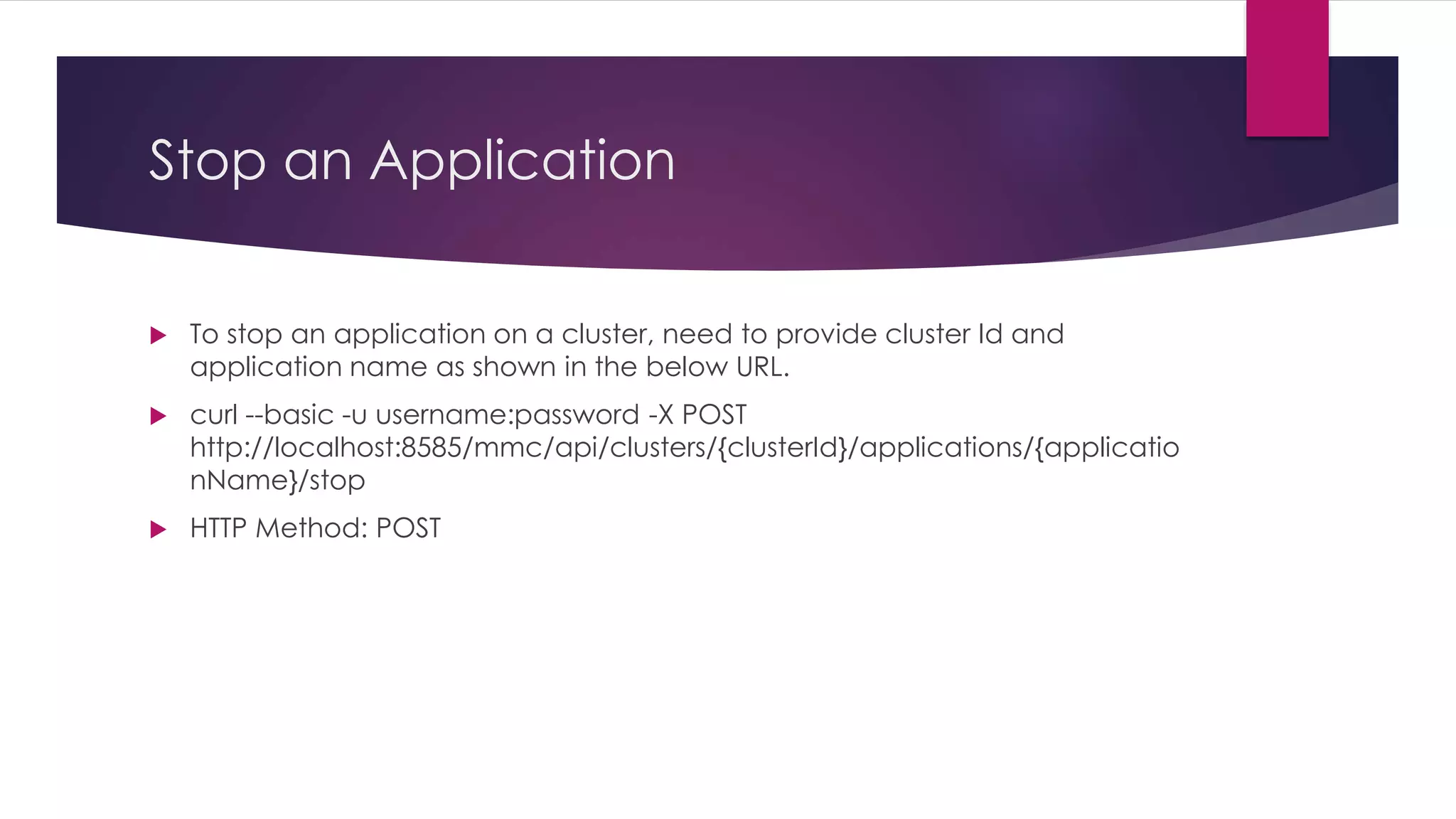
Stop an Application
 To stop an application on a cluster, need to provide cluster Id and
application name as shown in the below URL.
 curl --basic -u username:password -X POST
http://localhost:8585/mmc/api/clusters/{clusterId}/applications/{applicatio
nName}/stop
 HTTP Method: POST
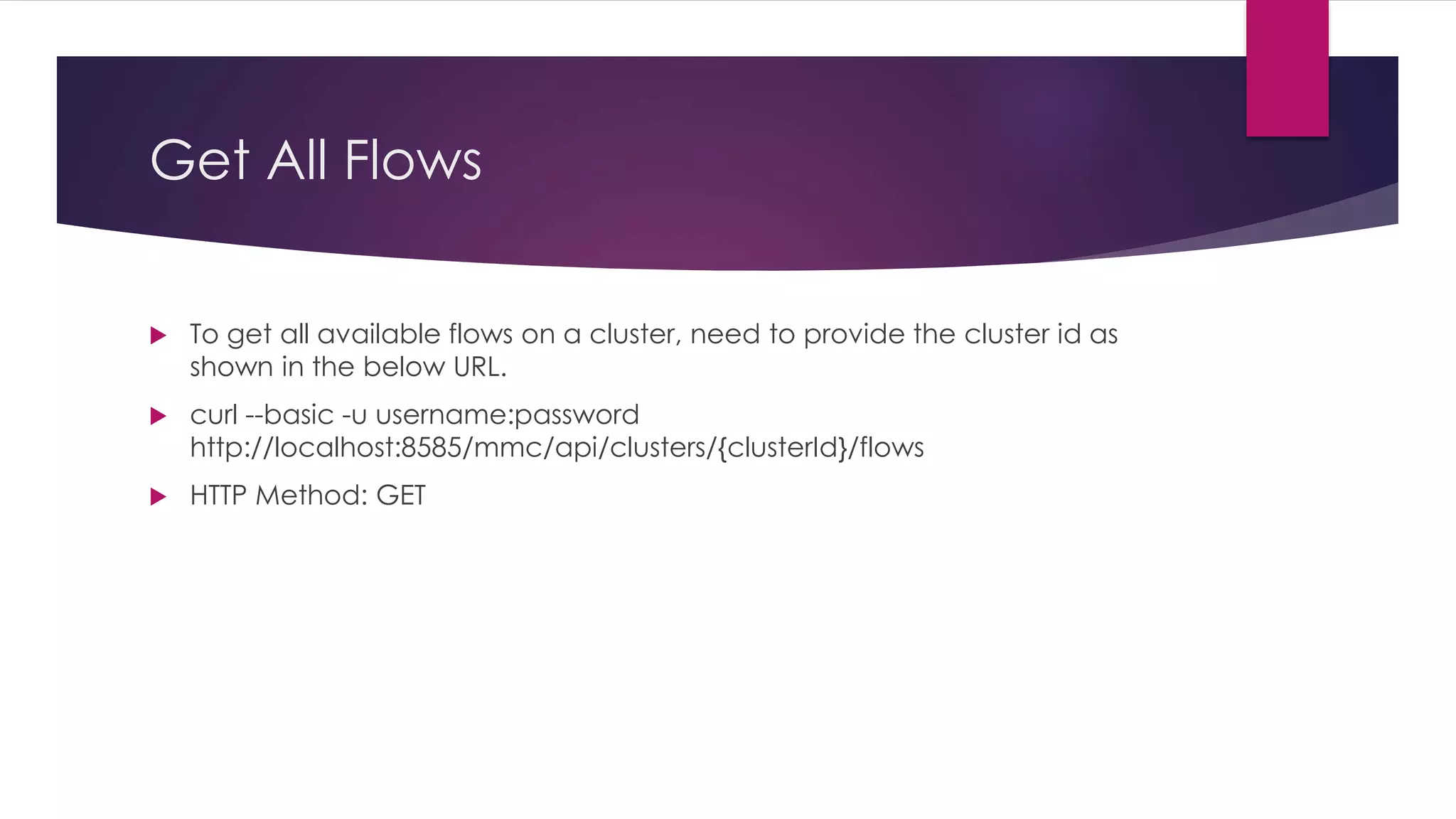
Get All Flows
 To get all available flows on a cluster, need to provide the cluster id as
shown in the below URL.
 curl --basic -u username:password
http://localhost:8585/mmc/api/clusters/{clusterId}/flows
 HTTP Method: GET
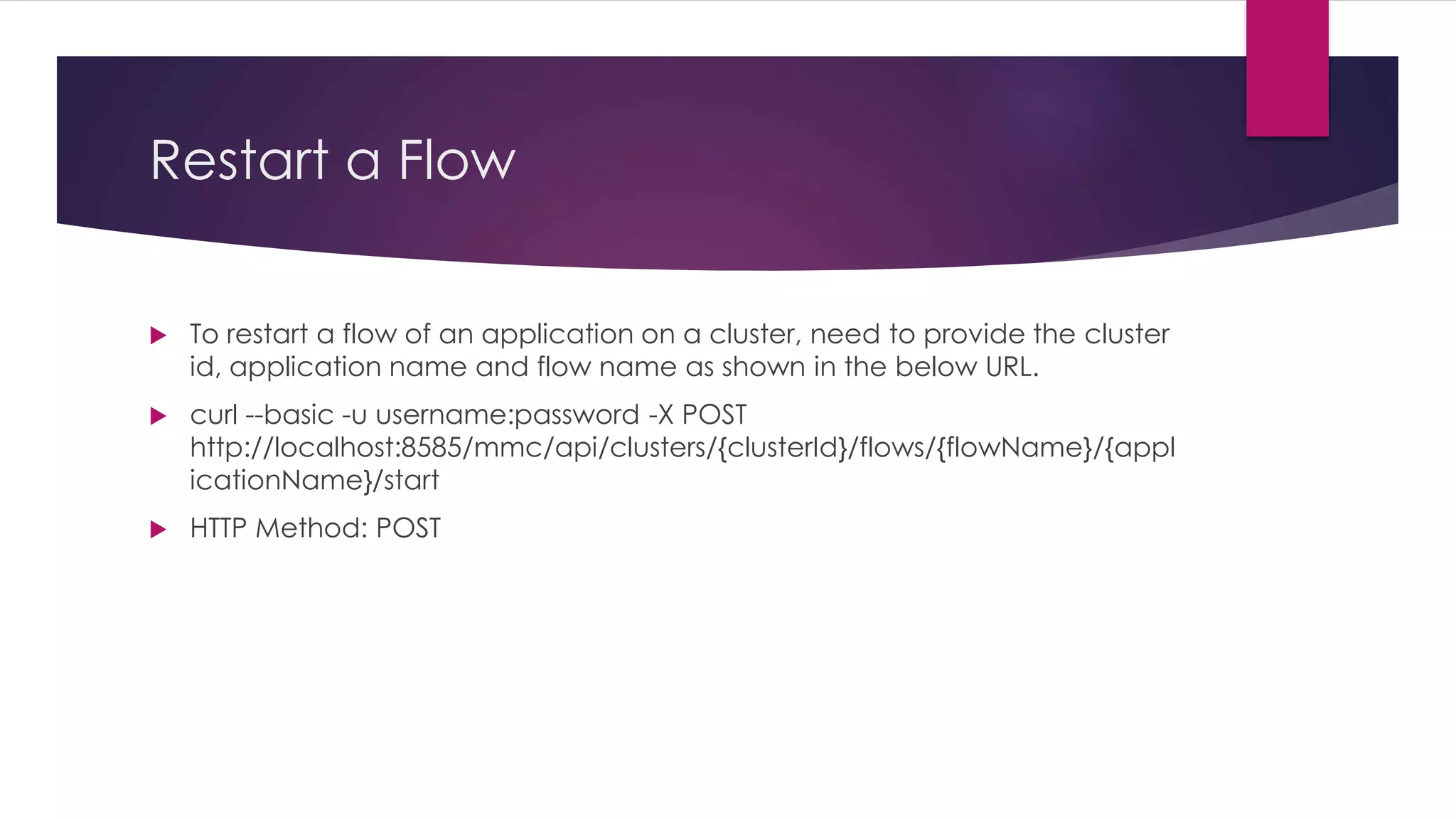
Restart a Flow
 To restart a flow of an application on a cluster, need to provide the cluster
id, application name and flow name as shown in the below URL.
 curl --basic -u username:password -X POST
http://localhost:8585/mmc/api/clusters/{clusterId}/flows/{flowName}/{appl
icationName}/start
 HTTP Method: POST
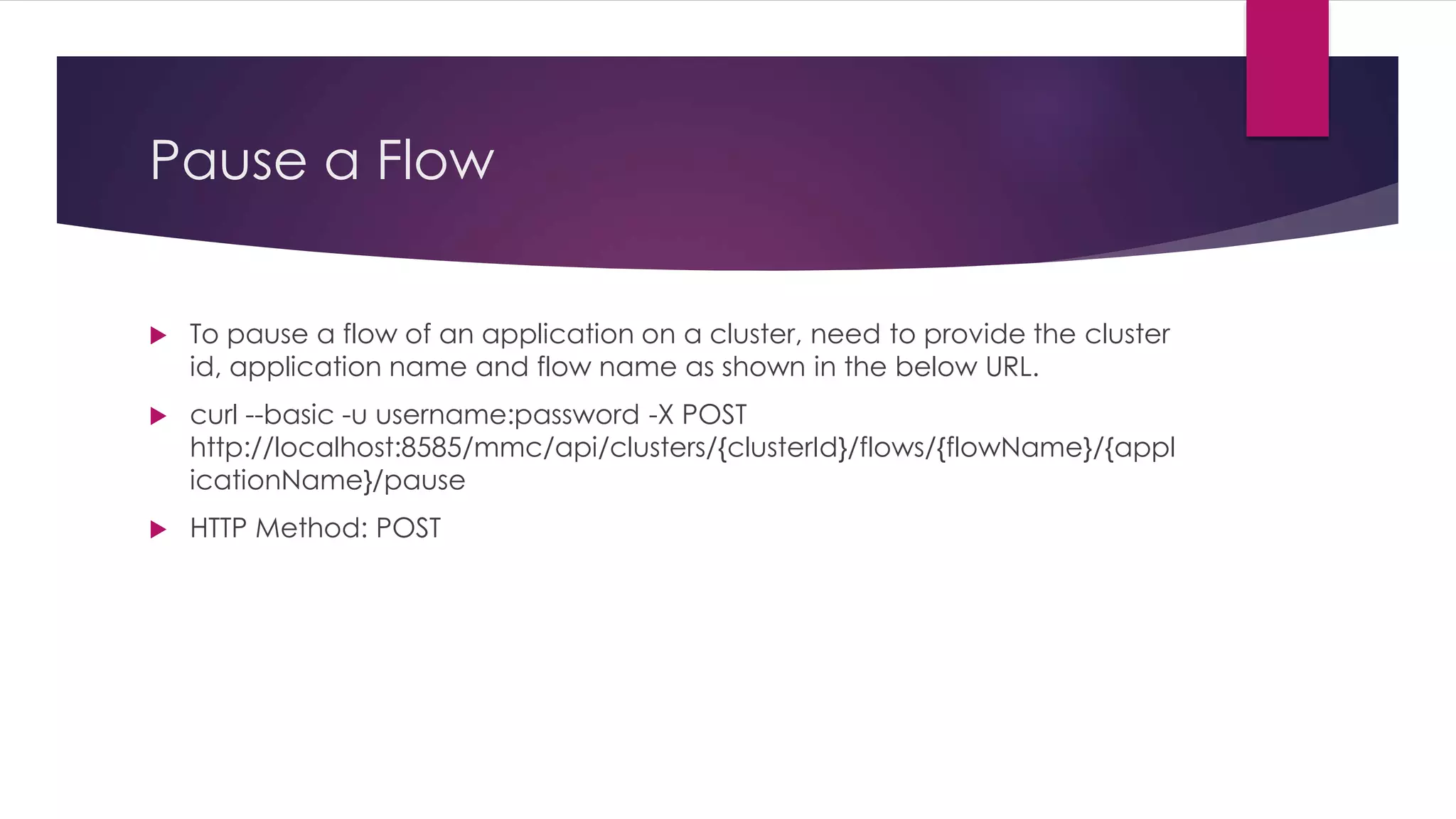
Pause a Flow
 To pause a flow of an application on a cluster, need to provide the cluster
id, application name and flow name as shown in the below URL.
 curl --basic -u username:password -X POST
http://localhost:8585/mmc/api/clusters/{clusterId}/flows/{flowName}/{appl
icationName}/pause
 HTTP Method: POST
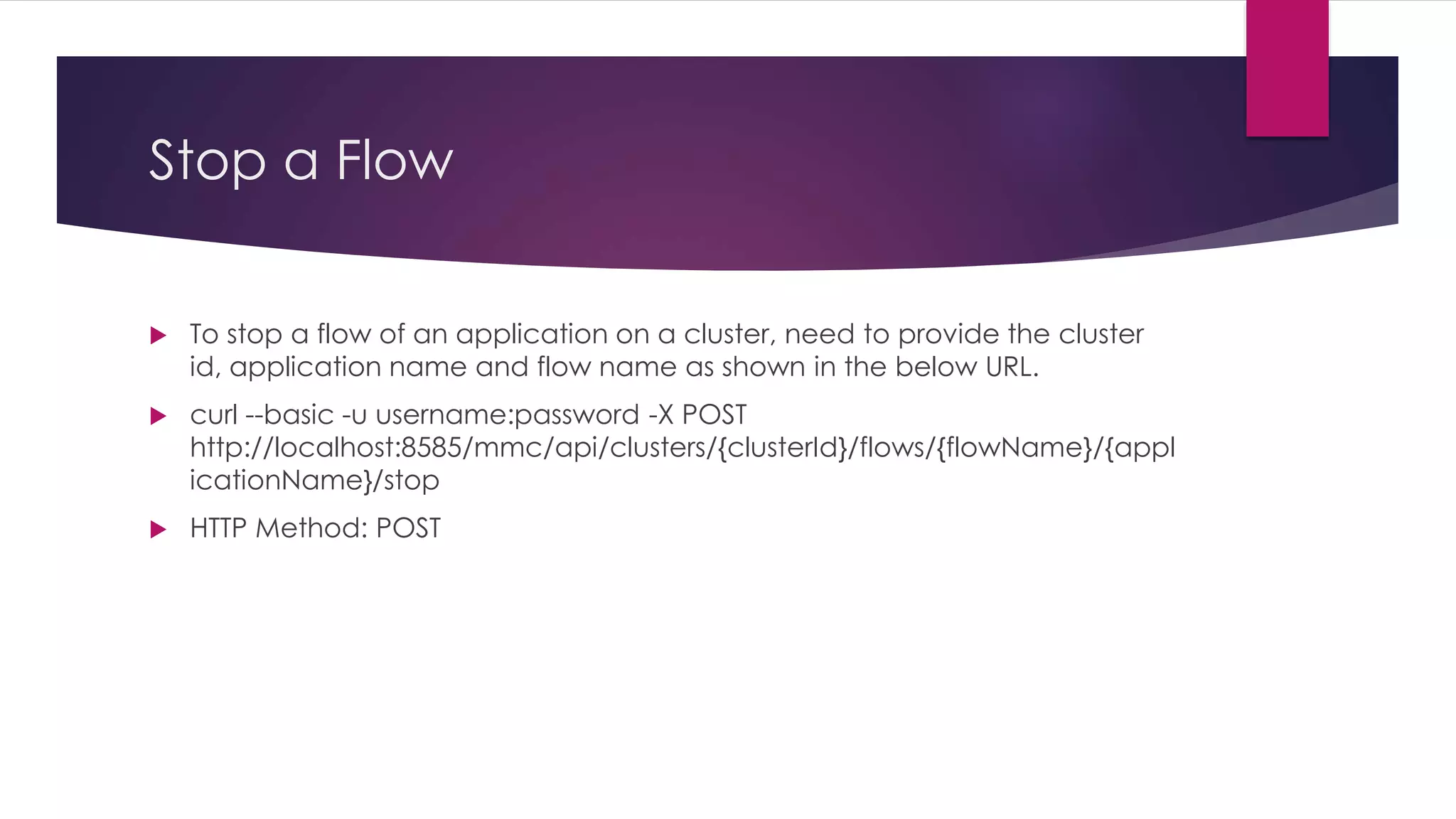
Stop a Flow
 To stop a flow of an application on a cluster, need to provide the cluster
id, application name and flow name as shown in the below URL.
 curl --basic -u username:password -X POST
http://localhost:8585/mmc/api/clusters/{clusterId}/flows/{flowName}/{appl
icationName}/stop
 HTTP Method: POST
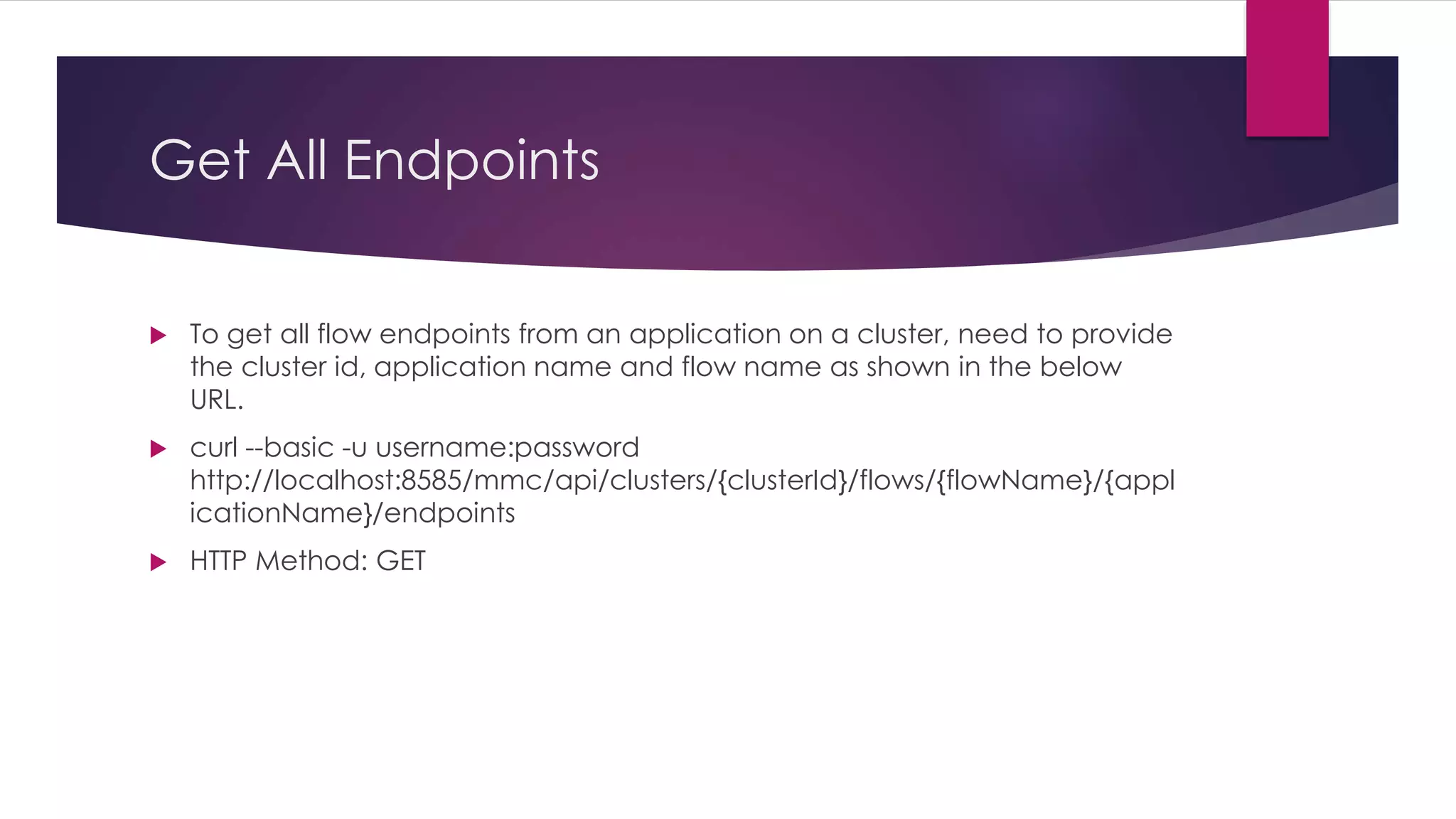
Get All Endpoints
 To get all flow endpoints from an application on a cluster, need to provide
the cluster id, application name and flow name as shown in the below
URL.
 curl --basic -u username:password
http://localhost:8585/mmc/api/clusters/{clusterId}/flows/{flowName}/{appl
icationName}/endpoints
 HTTP Method: GET
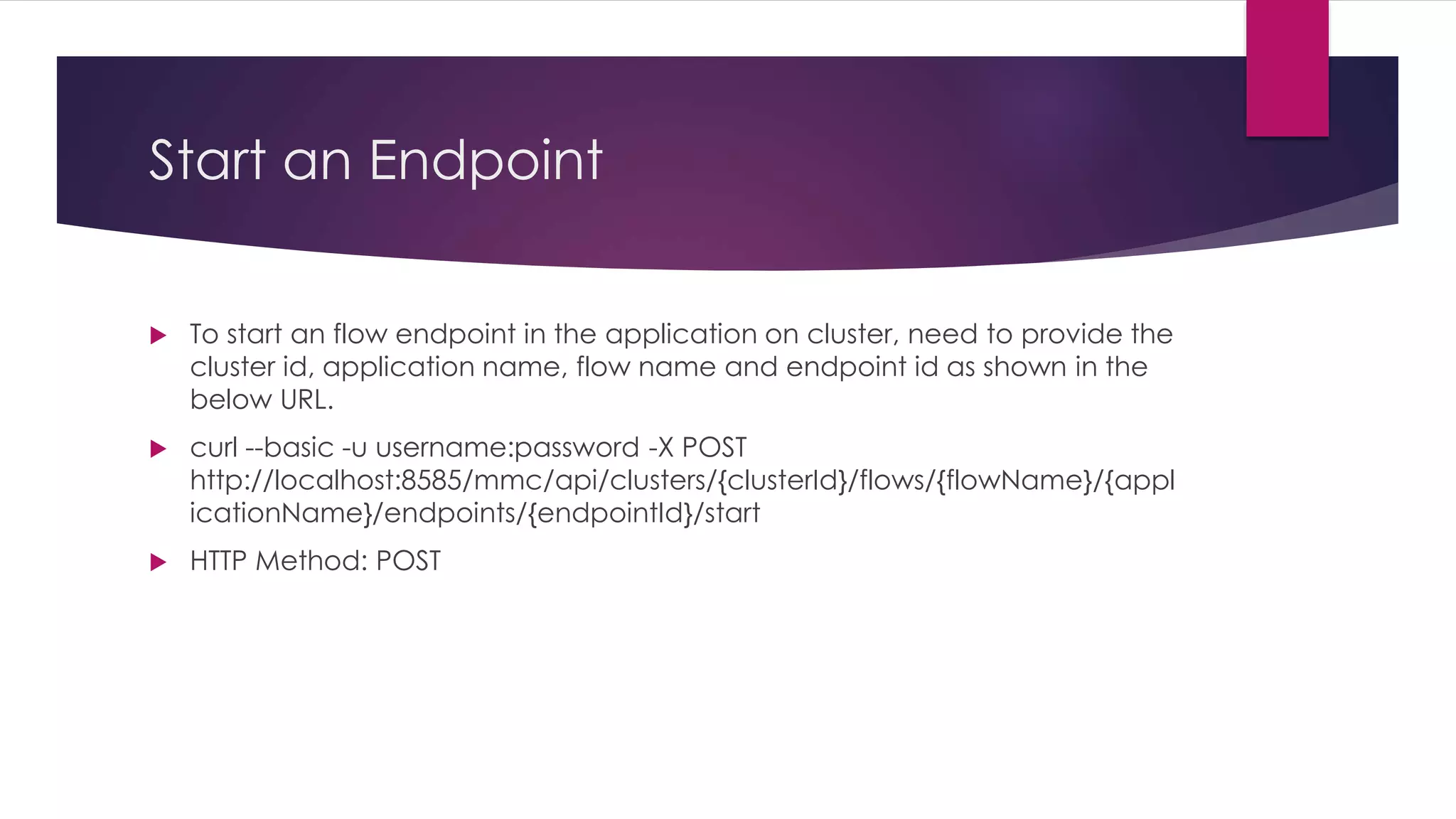
Start an Endpoint
 To start an flow endpoint in the application on cluster, need to provide the
cluster id, application name, flow name and endpoint id as shown in the
below URL.
 curl --basic -u username:password -X POST
http://localhost:8585/mmc/api/clusters/{clusterId}/flows/{flowName}/{appl
icationName}/endpoints/{endpointId}/start
 HTTP Method: POST
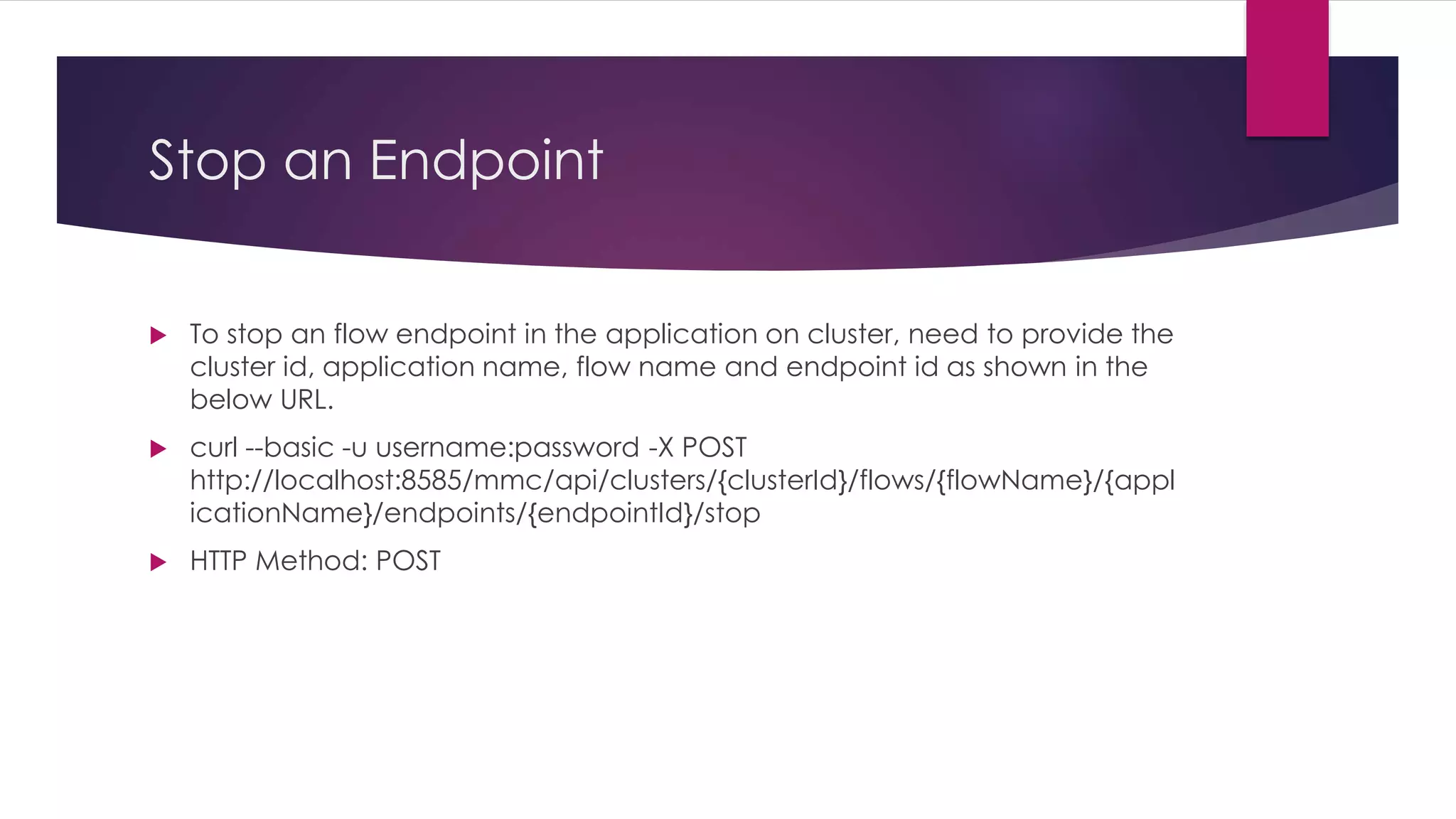
Stop an Endpoint
 To stop an flow endpoint in the application on cluster, need to provide the
cluster id, application name, flow name and endpoint id as shown in the
below URL.
 curl --basic -u username:password -X POST
http://localhost:8585/mmc/api/clusters/{clusterId}/flows/{flowName}/{appl
icationName}/endpoints/{endpointId}/stop
 HTTP Method: POST
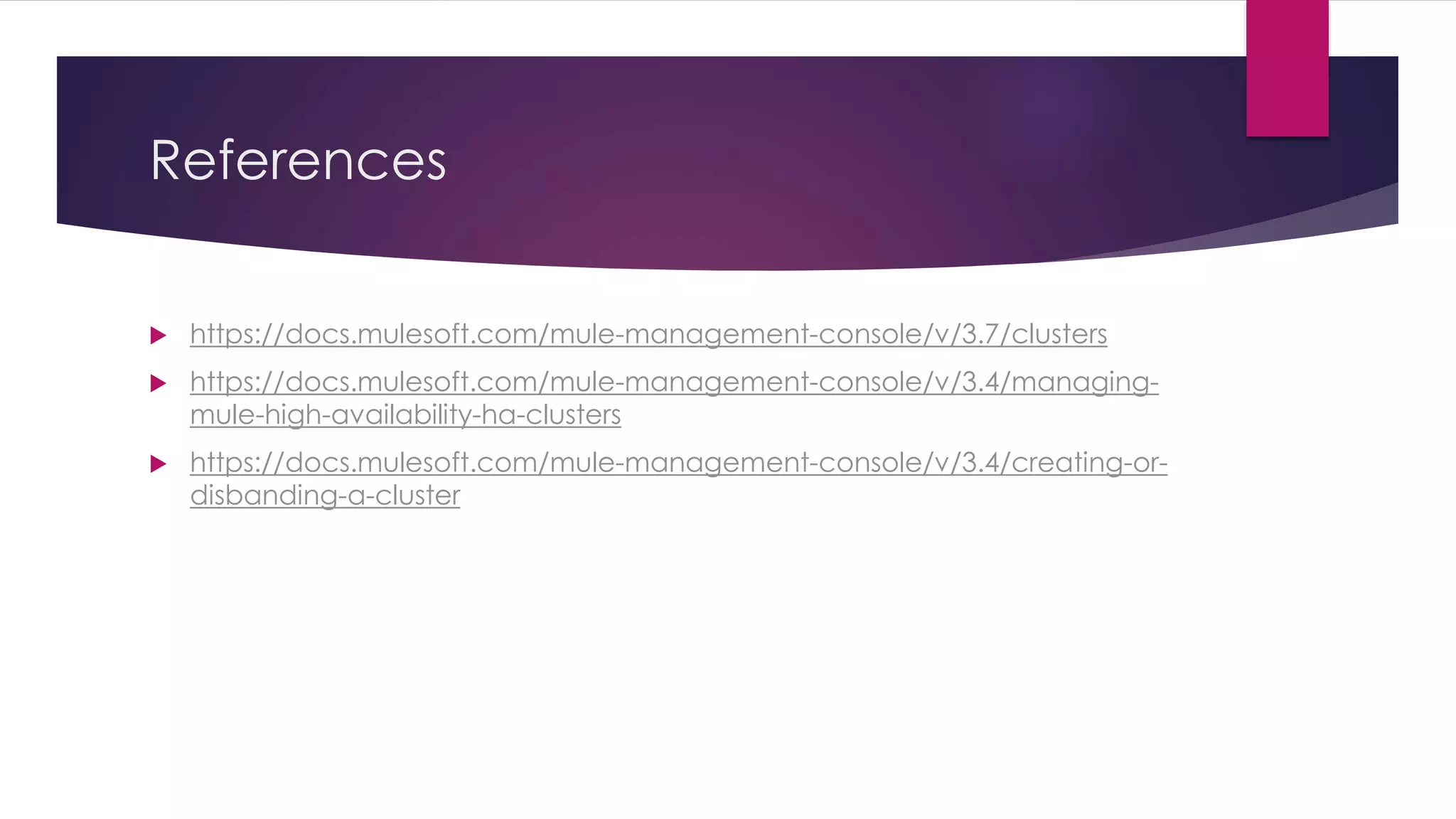
References
 https://docs.mulesoft.com/mule-management-console/v/3.7/clusters
 https://docs.mulesoft.com/mule-management-console/v/3.4/managing-
mule-high-availability-ha-clusters
 https://docs.mulesoft.com/mule-management-console/v/3.4/creating-or-
disbanding-a-cluster
Thank you

MMC Rest API - Clusters

  • 1.
    MMC Rest API- Clusters BY KIRAN KUMAR
  • 2.
    Introduction  Continuous Deploymentis always needed to make the things automate.  Mule ESB cluster is a server which uses the active-active model to the nodes.  The advantage of active-active model is no one server acts as a primary node. Both of the nodes will share the load.  MMC provides Rest API’s to manage the cluster nodes, applications and flows.
  • 3.
    Create a Cluster To create a cluster, need to provide cluster name and server ids as shown in the below URL.  curl --basic -u username:password -d '{"name":"Cluster Name","version":"3.6.1", "nodes":["serverId-1", "serverId-2"]}' --header 'Content-Type: application/json' http://localhost:8585/mmc/api/clusters  HTTP Method: POST
  • 4.
    Get All Clusters To get all the clusters in the MMC, need to provide the below URL.  curl --basic -u username:password http://localhost:8585/mmc/api/clusters  HTTP Method: GET
  • 5.
    Get a Cluster To get a specific cluster, need to provide cluster id as shown in the below URL.  curl --basic -u username:password http://localhost:8585/mmc/api/clusters/{clusterId}  HTTP Method: GET
  • 6.
    Cluster Status  Toget the status of a cluster, need to provide the cluster id as shown in the below URL.  curl --basic -u username:password http://localhost:8585/mmc/api/clusters/{clusterId}/status  HTTP Method: GET
  • 7.
    Disband a Cluster To disband(delete) a cluster, need to provide the cluster Id as shown in the below URL.  curl --basic -u username:password -X DELETE http://localhost:8585/mmc/api/clusters/{clusterId}  HTTP Method: DELETE
  • 8.
    Restart a Cluster To restart the Cluster, need to provide the cluster Id as shown in the below URL.  curl --basic -u username:password -X POST http://localhost:8585/mmc/api/clusters/{clusterId}/restart  HTTP Method: POST
  • 9.
    Stop a Cluster To stop a Cluster, nedd to provide the Cluster Id as shown in the below URL.  curl --basic -u username:password -X POST http://localhost:8585/mmc/api/clusters/{clusterId}/stop  HTTP Method: POST
  • 10.
    Add Nodes toa Cluster  To add nodes to the existing cluster, need to provide the node ids in the data as shown in the below URL.  curl --basic -u username:password -d '{"nodes":"serverId-1", "serverId-2"}' -- header 'Content-Type: application/json' http://localhost:8585/api/clusters/{clusterId}/addnodes  HTTP Method: POST
  • 11.
    Remove Nodes froma Cluster  To remove nodes on a Cluster, need to provide the node ids of the cluster as shown in the below URL.  curl --basic -u username:password -d '{"nodes":"serverId-1", "serverId-2"}' -- header 'Content-Type: application/json' http://localhost:8585/api/clusters/{clusterId}/removenodes  HTTP Method: POST
  • 12.
    Get All Applicationson Cluster  To get all applications on a cluster, need to provide the cluster id as shown in the below URL.  curl --basic -u username:password http://localhost:8585/mmc/api/clusters/{clusterId}/applications  HTTP Method: GET
  • 13.
    Start an Application To start an application on a cluster, need to provide the cluster id and the application name as shown in the below URL.  curl --basic -u username:password -X POST http://localhost:8585/mmc/api/clusters/{clusterId}/applications/{applicatio nName}/start  HTTP Method: POST
  • 14.
    Restart an Application To restart an application on a cluster, need to provide the cluster id and application name as shown in the below URL.  curl --basic -u username:password -X POST http://localhost:8585/mmc/api/clusters/{clusterId}/applications/{applicatio nName}/restart  HTTP Method: POST
  • 15.
    Stop an Application To stop an application on a cluster, need to provide cluster Id and application name as shown in the below URL.  curl --basic -u username:password -X POST http://localhost:8585/mmc/api/clusters/{clusterId}/applications/{applicatio nName}/stop  HTTP Method: POST
  • 16.
    Get All Flows To get all available flows on a cluster, need to provide the cluster id as shown in the below URL.  curl --basic -u username:password http://localhost:8585/mmc/api/clusters/{clusterId}/flows  HTTP Method: GET
  • 17.
    Restart a Flow To restart a flow of an application on a cluster, need to provide the cluster id, application name and flow name as shown in the below URL.  curl --basic -u username:password -X POST http://localhost:8585/mmc/api/clusters/{clusterId}/flows/{flowName}/{appl icationName}/start  HTTP Method: POST
  • 18.
    Pause a Flow To pause a flow of an application on a cluster, need to provide the cluster id, application name and flow name as shown in the below URL.  curl --basic -u username:password -X POST http://localhost:8585/mmc/api/clusters/{clusterId}/flows/{flowName}/{appl icationName}/pause  HTTP Method: POST
  • 19.
    Stop a Flow To stop a flow of an application on a cluster, need to provide the cluster id, application name and flow name as shown in the below URL.  curl --basic -u username:password -X POST http://localhost:8585/mmc/api/clusters/{clusterId}/flows/{flowName}/{appl icationName}/stop  HTTP Method: POST
  • 20.
    Get All Endpoints To get all flow endpoints from an application on a cluster, need to provide the cluster id, application name and flow name as shown in the below URL.  curl --basic -u username:password http://localhost:8585/mmc/api/clusters/{clusterId}/flows/{flowName}/{appl icationName}/endpoints  HTTP Method: GET
  • 21.
    Start an Endpoint To start an flow endpoint in the application on cluster, need to provide the cluster id, application name, flow name and endpoint id as shown in the below URL.  curl --basic -u username:password -X POST http://localhost:8585/mmc/api/clusters/{clusterId}/flows/{flowName}/{appl icationName}/endpoints/{endpointId}/start  HTTP Method: POST
  • 22.
    Stop an Endpoint To stop an flow endpoint in the application on cluster, need to provide the cluster id, application name, flow name and endpoint id as shown in the below URL.  curl --basic -u username:password -X POST http://localhost:8585/mmc/api/clusters/{clusterId}/flows/{flowName}/{appl icationName}/endpoints/{endpointId}/stop  HTTP Method: POST
  • 23.
  • 24.