Presentation Overview What is Silverlight? How does it relate to other client-side technologies? How important is it? Silverlight app development walk-through
What is Silverlight? One word definition:  Flash Browser plug-in: cross-browser, cross-platform Use case today: Animated ads, Video Use case tomorrow: Applications (Flex) Benefits:  Adds functionality + write-once-run-everywhere Why Silverlight not Flash? More words:  Flash + .NET More words: WPF-subset + .NET-subset
This is a big deal Once-every-20-years event Existing client-side web technology has reached the peak of its life-cycle Fresh start of a new client GUI technology Web is where the action is
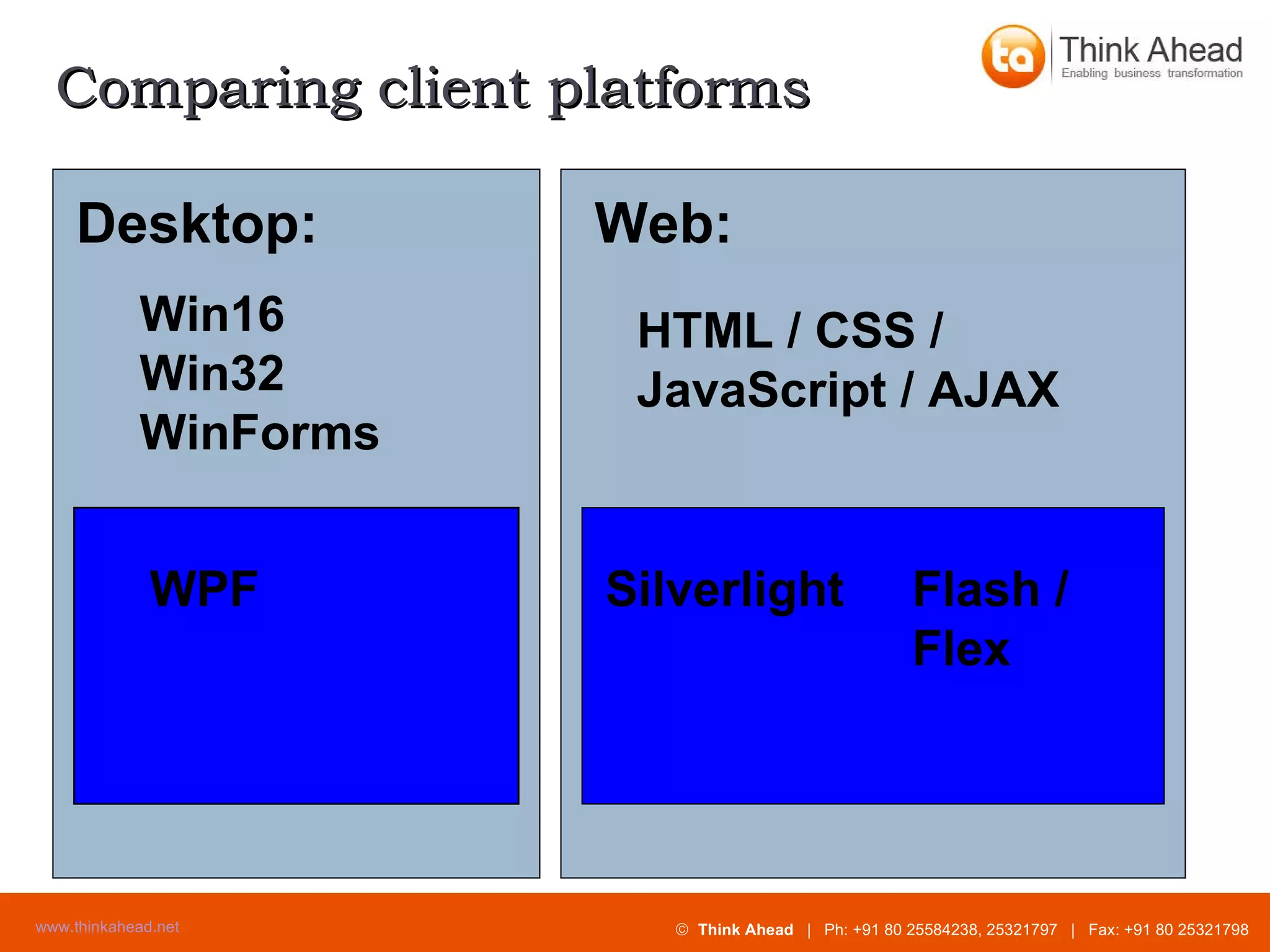
Comparing client platforms HTML / CSS / JavaScript / AJAX Desktop: Win16 Win32 WinForms WPF Silverlight Flash / Flex Web:
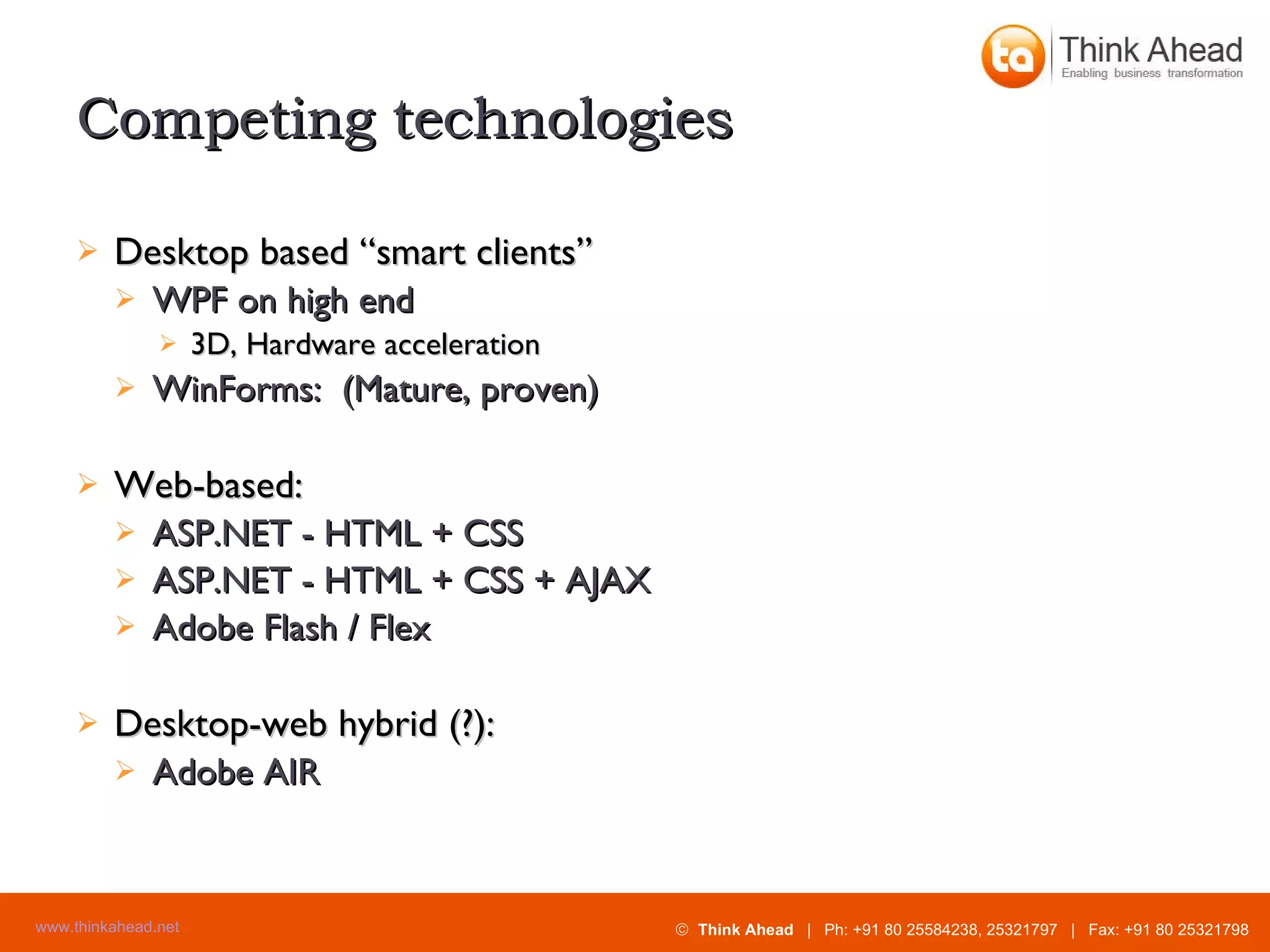
Competing technologies Desktop based “smart clients” WPF on high end 3D, Hardware acceleration WinForms:  (Mature, proven) Web-based: ASP.NET - HTML + CSS ASP.NET - HTML + CSS + AJAX Adobe Flash / Flex Desktop-web hybrid (?): Adobe AIR
Demo – Yahoo Finance Charts
Demo – Picnik.com Photo Editor
Feature Details
WPF / Silverlight – Positives: Vector based vs. pixel based Scalable – Looks good at multiple resolutions XAML – Similar to HTML Declarative Designers and programmers work in parallel Rich customization is possible in a well-designed way
WPF - Negatives Windows only Requires 50 / 200 MB .NET 3.x runtime Steep learning curve
Versions of Silverlight 1.0 RTM in Sept. 2007 Code behind – JavaScript only 1.1 / 2.0 Alpha introduced in Spring 2007. Beta at MIX08 in March 2008. Code behind - .NET languages C#, etc. Partial .NET class library
Silverlight - Positives Lightweight at 4-6 MB, quick download .NET based Write in C# or VB.NET Use familiar class libraries Rich state-of-the-art GUI Vector based All types of content handled uniformly Secure - sandboxed
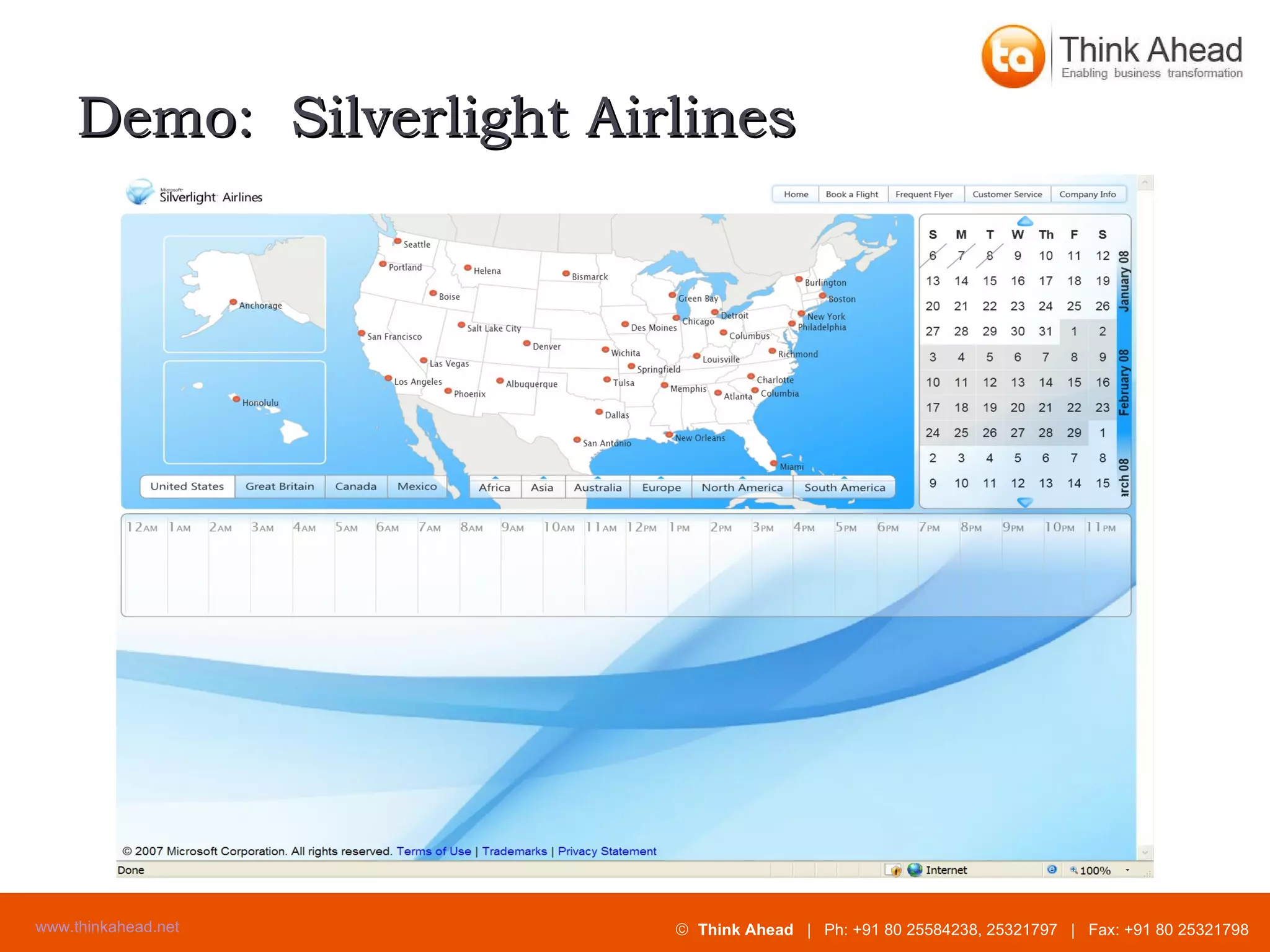
Demo:  Silverlight Airlines
Demo:  MS Download Center
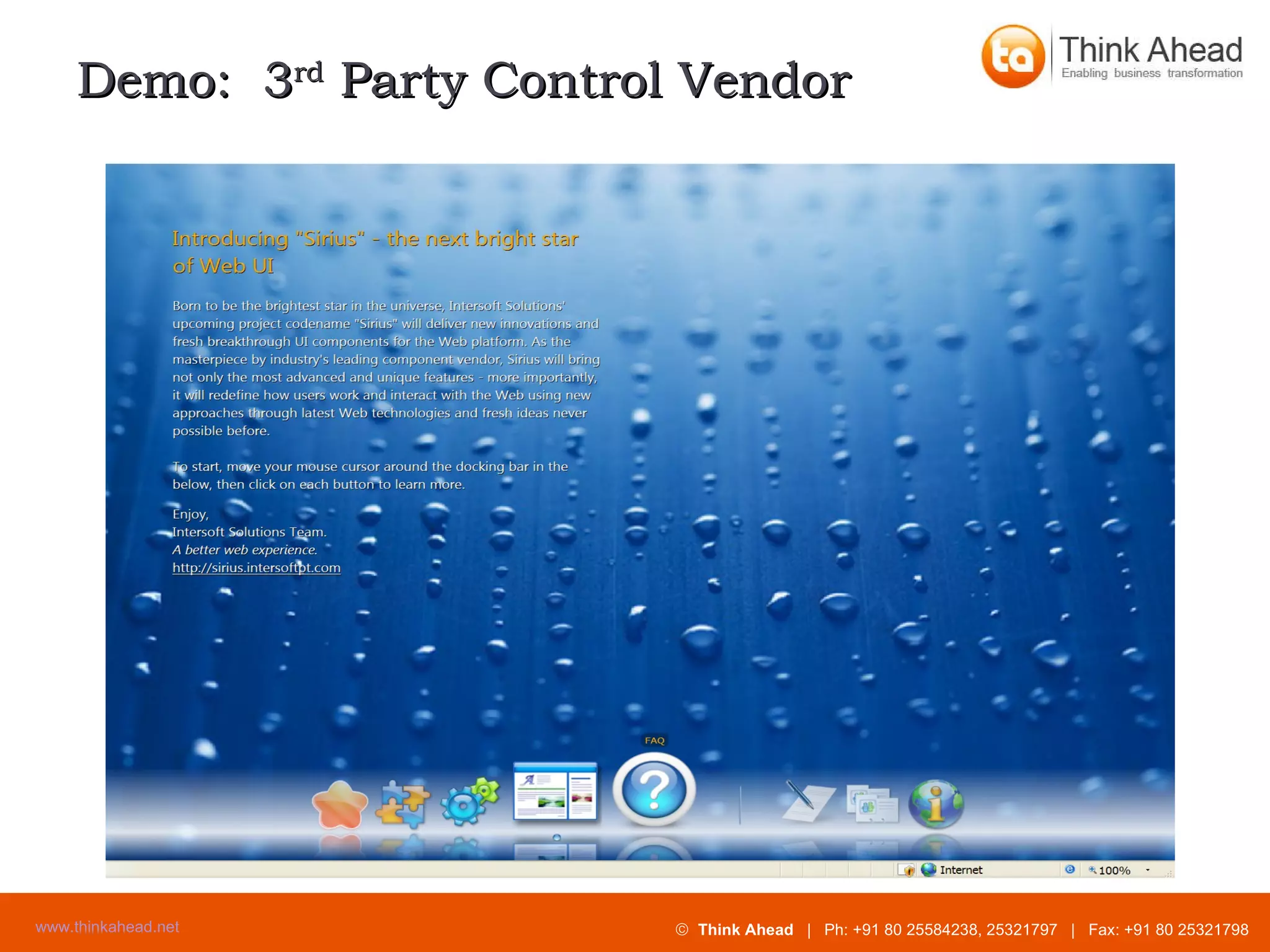
Demo:  3 rd  Party Control Vendor
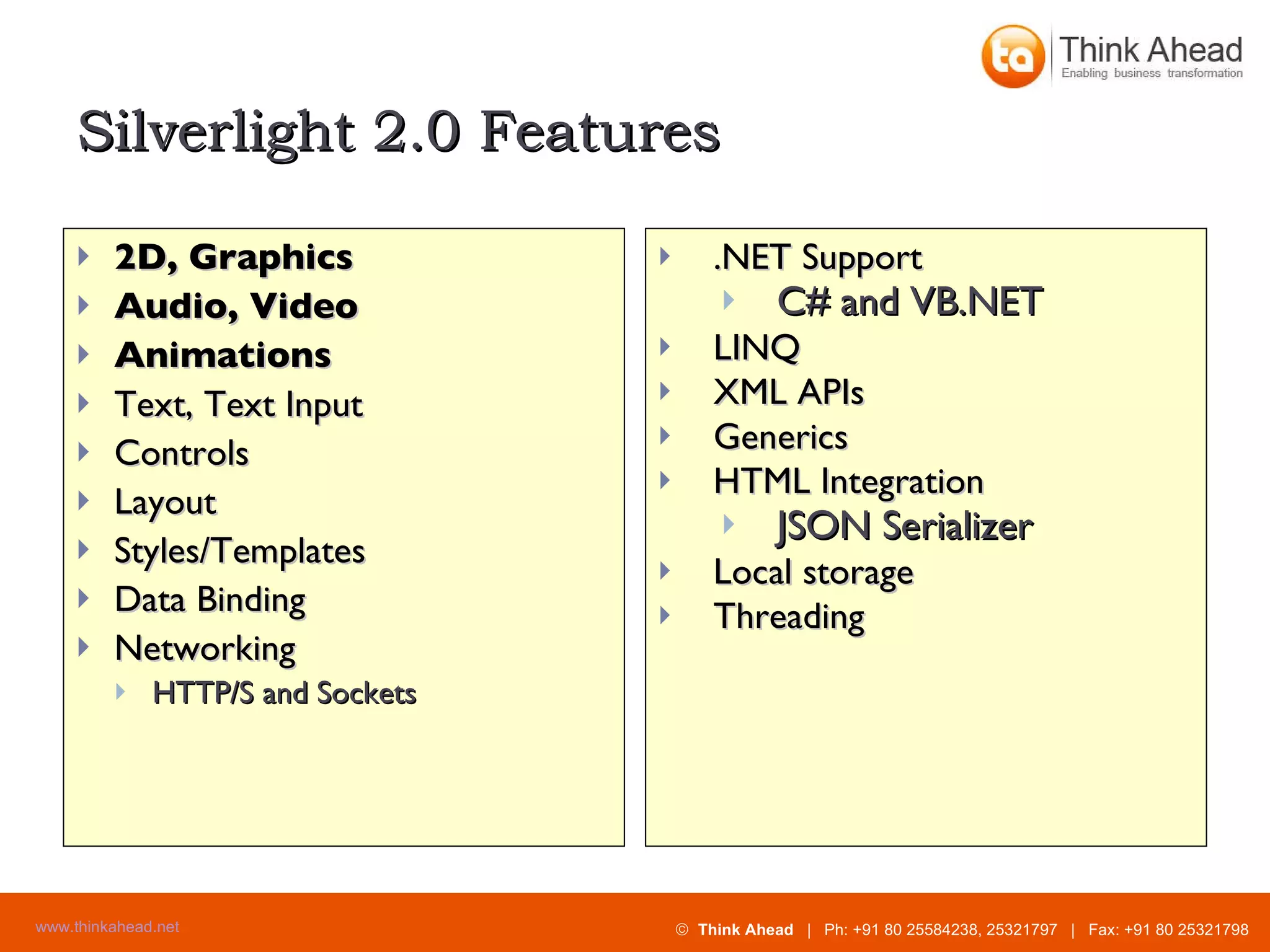
Silverlight 2.0 Features 2D, Graphics  Audio, Video Animations Text, Text Input Controls Layout Styles/Templates Data Binding Networking HTTP/S and Sockets .NET Support C# and VB.NET LINQ XML APIs Generics HTML Integration JSON Serializer Local storage Threading
Silverlight Development Walk-through
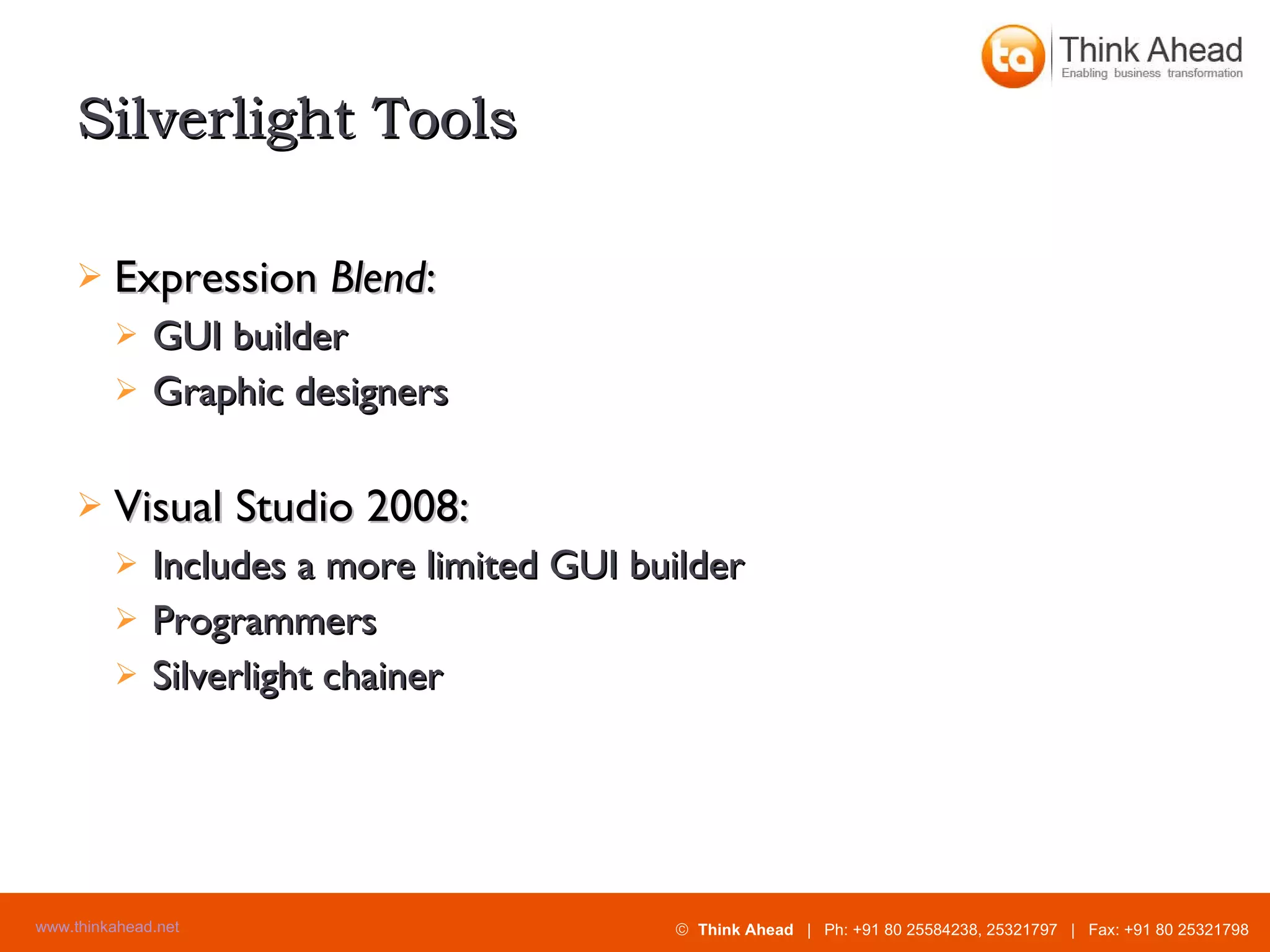
Silverlight Tools Expression  Blend : GUI builder Graphic designers Visual Studio 2008: Includes a more limited GUI builder Programmers Silverlight chainer
Making silverlight small application Open visual studio 2008. File + new + project
New project
Silverlight application
Silverlight application Add a new web to the solution for hosting the control. options:- Project type :-  web site. Web application project. Name:- Dynamically generates an html test page to host silverlight with in this project.
Making silverlight application
Set as start page
Simple silverlight code
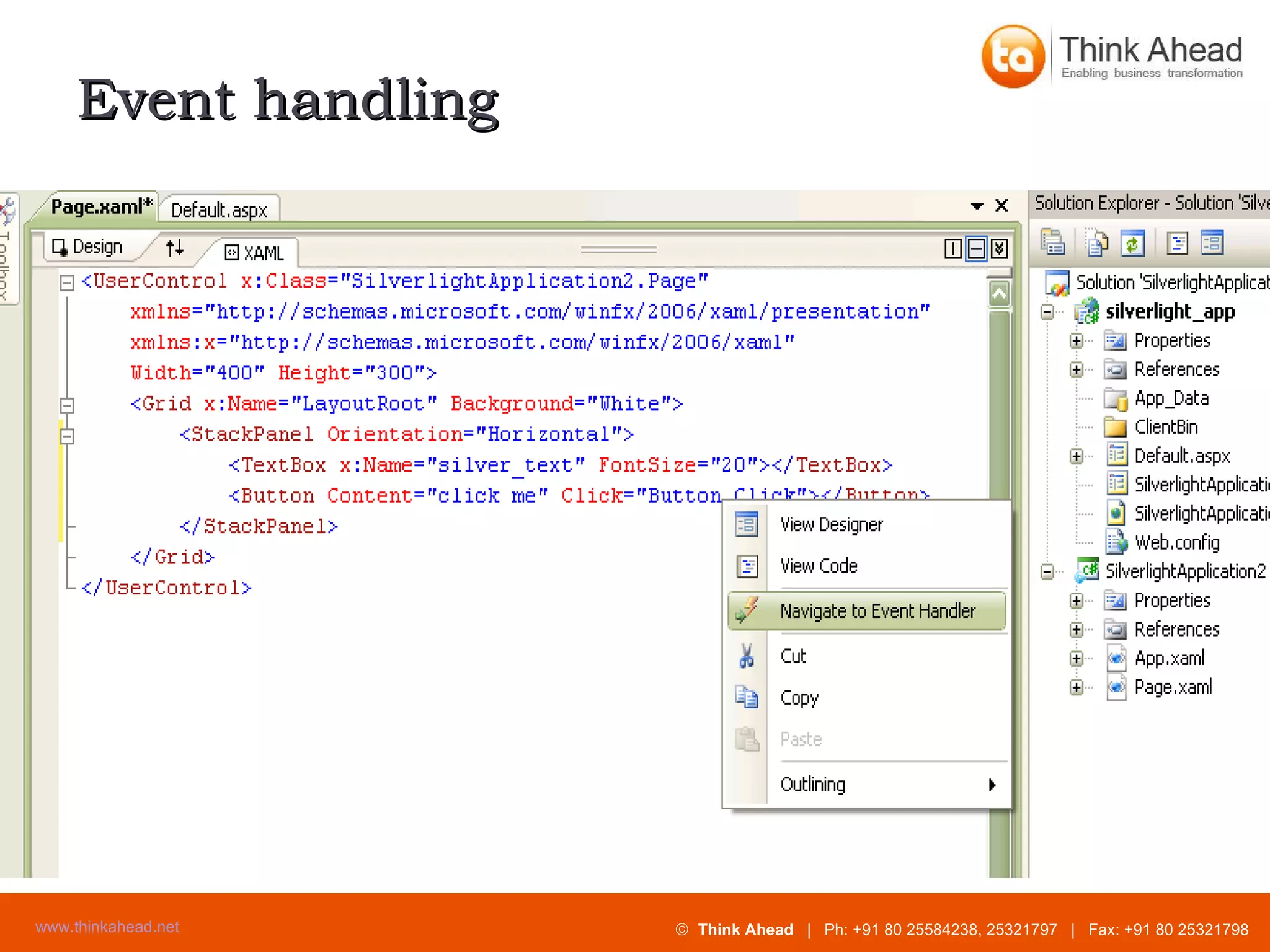
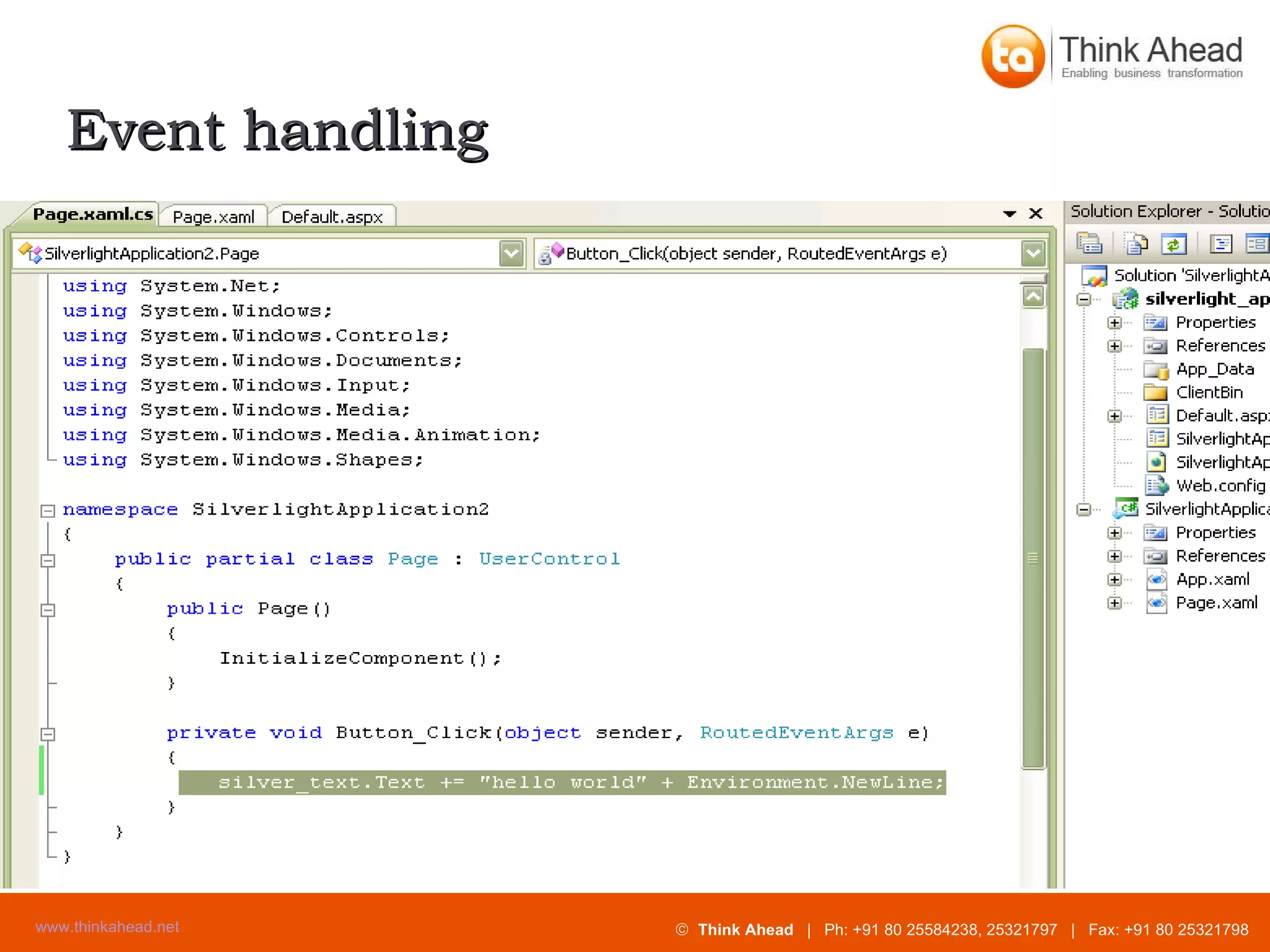
Event handling
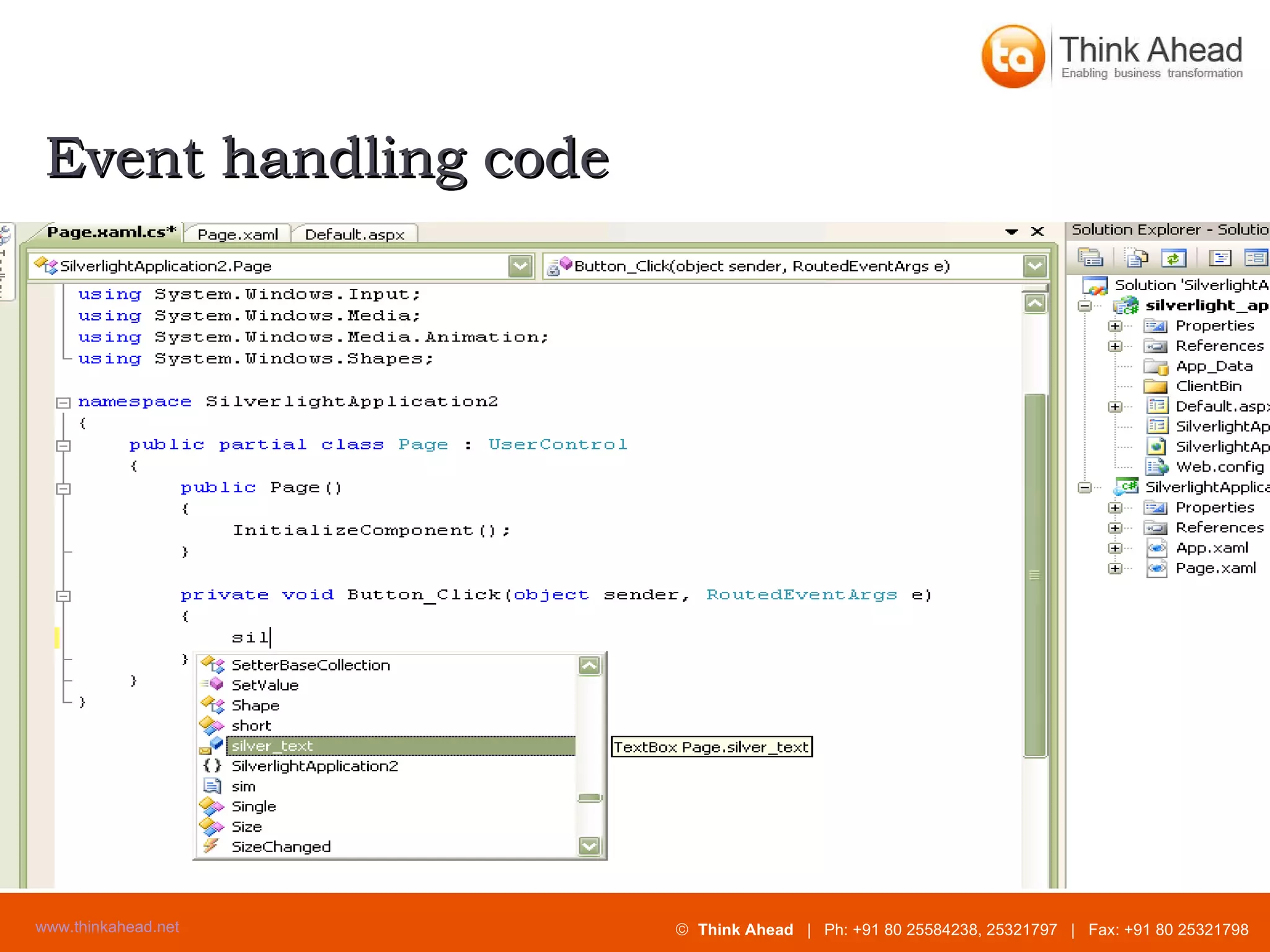
Event handling code
Event handling
Output of the silverlight application
Thank you.

Microsoft Silverlight

  • 1.
  • 2.
    Presentation Overview Whatis Silverlight? How does it relate to other client-side technologies? How important is it? Silverlight app development walk-through
  • 3.
    What is Silverlight?One word definition: Flash Browser plug-in: cross-browser, cross-platform Use case today: Animated ads, Video Use case tomorrow: Applications (Flex) Benefits: Adds functionality + write-once-run-everywhere Why Silverlight not Flash? More words: Flash + .NET More words: WPF-subset + .NET-subset
  • 4.
    This is abig deal Once-every-20-years event Existing client-side web technology has reached the peak of its life-cycle Fresh start of a new client GUI technology Web is where the action is
  • 5.
    Comparing client platformsHTML / CSS / JavaScript / AJAX Desktop: Win16 Win32 WinForms WPF Silverlight Flash / Flex Web:
  • 6.
    Competing technologies Desktopbased “smart clients” WPF on high end 3D, Hardware acceleration WinForms: (Mature, proven) Web-based: ASP.NET - HTML + CSS ASP.NET - HTML + CSS + AJAX Adobe Flash / Flex Desktop-web hybrid (?): Adobe AIR
  • 7.
    Demo – YahooFinance Charts
  • 8.
    Demo – Picnik.comPhoto Editor
  • 9.
  • 10.
    WPF / Silverlight– Positives: Vector based vs. pixel based Scalable – Looks good at multiple resolutions XAML – Similar to HTML Declarative Designers and programmers work in parallel Rich customization is possible in a well-designed way
  • 11.
    WPF - NegativesWindows only Requires 50 / 200 MB .NET 3.x runtime Steep learning curve
  • 12.
    Versions of Silverlight1.0 RTM in Sept. 2007 Code behind – JavaScript only 1.1 / 2.0 Alpha introduced in Spring 2007. Beta at MIX08 in March 2008. Code behind - .NET languages C#, etc. Partial .NET class library
  • 13.
    Silverlight - PositivesLightweight at 4-6 MB, quick download .NET based Write in C# or VB.NET Use familiar class libraries Rich state-of-the-art GUI Vector based All types of content handled uniformly Secure - sandboxed
  • 14.
  • 15.
    Demo: MSDownload Center
  • 16.
    Demo: 3rd Party Control Vendor
  • 17.
    Silverlight 2.0 Features2D, Graphics Audio, Video Animations Text, Text Input Controls Layout Styles/Templates Data Binding Networking HTTP/S and Sockets .NET Support C# and VB.NET LINQ XML APIs Generics HTML Integration JSON Serializer Local storage Threading
  • 18.
  • 19.
    Silverlight Tools Expression Blend : GUI builder Graphic designers Visual Studio 2008: Includes a more limited GUI builder Programmers Silverlight chainer
  • 20.
    Making silverlight smallapplication Open visual studio 2008. File + new + project
  • 21.
  • 22.
  • 23.
    Silverlight application Adda new web to the solution for hosting the control. options:- Project type :- web site. Web application project. Name:- Dynamically generates an html test page to host silverlight with in this project.
  • 24.
  • 25.
  • 26.
  • 27.
  • 28.
  • 29.
  • 30.
    Output of thesilverlight application
  • 31.

Editor's Notes

  • #4 Flash: 8 million downloads per day (3 billion per year): Source: http://blogs.zdnet.com/Stewart/?p=691 YouTube and MSN Video (as of 2008-01) both use Flash video players and download the videos as *.FLV (Flash video) files.
  • #5 Similarities to the transition from character-mode DOS to the original 16-bit Windows.
  • #8 Yahoo Finance’s stock charting page has a beta version that uses Flash. Highly interactive. Nice animation. Pre-Flash version generates the charts on the server and downloads them as PNG files. Pre-Flash problems: Slow to update, wastes network bandwidth and server CPU cycles. http://finance.yahoo.com/charts/#chart1:symbol=adbe;range=my;compare=msft;indicator=split+dividend+volume;charttype=line;crosshair=on;logscale=off;source=undefined
  • #9 Picnik.com is an online photo-editor application implemented in Flash. The main pages are entirely Flash, no HTML. See: http://www.picnik.com/app
  • #11 Retained mode graphics system vs. WM_PAINT messages. Specify the shape of an object once and WPF/SL takes care of drawing it from then on. Move whole shape just by changing its origin coordinates. WPF gets hardware acceleration, SL does not. WPF and SL coordinates are floating point values not integers (Win32, WinForms, HTML): WPF coordinates are in double-precision floating point: http://msdn2.microsoft.com/en-us/library/ms742562.aspx SL coordinates are floating point like WPF, but in units of pixels not WPF’s DIPs: Nathan’s SL 1.0 book: p69.
  • #12 Full released .NET 3.5 redistributable is about 200MB (I test downloaded 2008-01). http://www.microsoft.com/downloads/details.aspx?FamilyID=333325fd-ae52-4e35-b531-508d977d32a6&displaylang=en Full released .NET 3.0 redistributable is about 50MB.
  • #13 V1.0 is only about 1.5MB in size on Windows. V1.1 alpha is about 4.5MB in size on Windows.
  • #15 Silverlight Airlines: v1.1 sample implemented with C# code-behind http://silverlight.net/samples/1.1/SilverlightAirlines/Run/default.html
  • #16 Beta interface to MS Download Center is done with Silverlight 1.0: http://www.microsoft.com/beta/downloads/Default.aspx
  • #17 Intersoft Solutions – Sirius control set for Silverlight http://sirius.intersoftpt.com/