Carol Shannon [email_address] UM Health Sciences Libraries Social Bibliography on the Web  and  on Your Desktop © 2009 Regents of the University of Michigan
Social Bibliography Tools Free, easy-to-use, web-based programs that combine reference management with networking Organize, tag, & annotate references Share papers with colleagues Examples:   CiteULike, Connotea, Labmeeting, Mendeley, Papers Differ in precise details, including platform (for example, Papers is for Macs only)
Mendeley Works with PC, Mac, & Linux platforms Work on your desktop & on the web Automatically extracts metadata & references from articles you import  Browser bookmarklet captures metadata from web sites easily Full-text searching throughout your library Automatically renames your PDFs Insert citations into Word & OpenOffice documents & automatically create bibliographies
Mendeley Helps you discover research trends in your field & statistics about your own publications Lets you create a profile & follow the work of other researchers  Now works with CiteULike
Mendeley—keep in mind Still in beta Will start charging for some features in the near future BUT  what’s free now will remain free
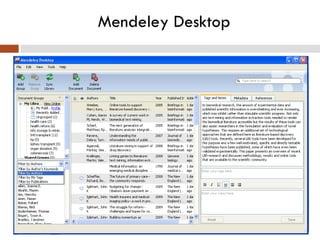
Mendeley Desktop
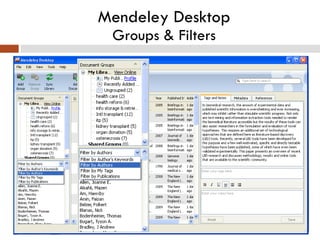
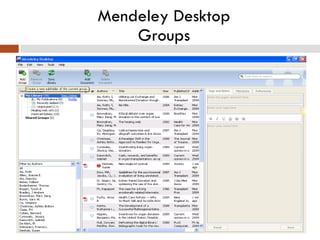
Mendeley Desktop Groups & Filters
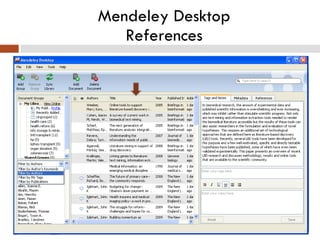
Mendeley Desktop References
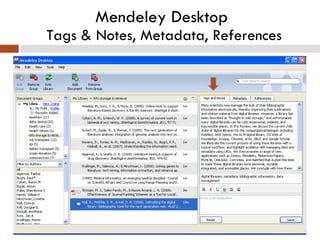
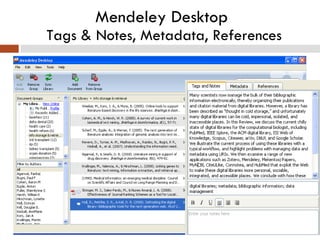
Mendeley Desktop  Tags & Notes, Metadata, References
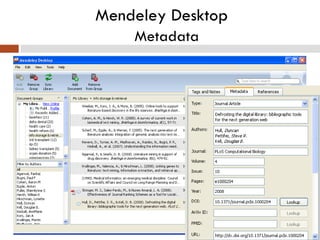
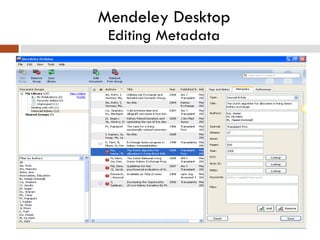
Mendeley Desktop    Metadata
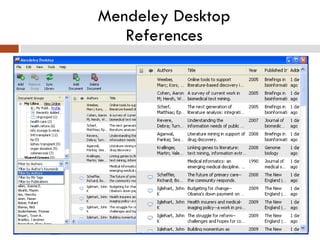
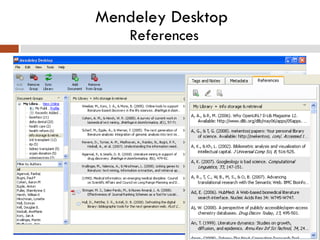
Mendeley Desktop  References
  Mendeley Desktop  Groups
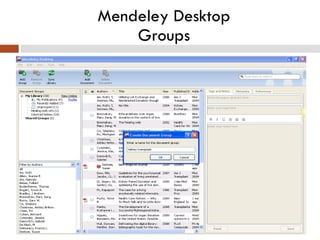
  Mendeley Desktop  Groups
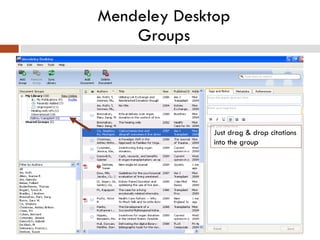
  Mendeley Desktop  Groups Just drag & drop citations into the group
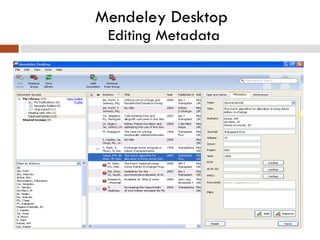
  Mendeley Desktop  Editing Metadata
Mendeley Desktop  Editing Metadata
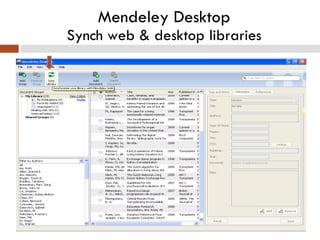
  Mendeley Desktop  Synch web & desktop libraries
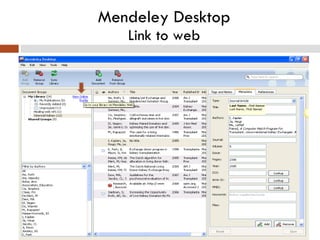
Mendeley Desktop Link to web
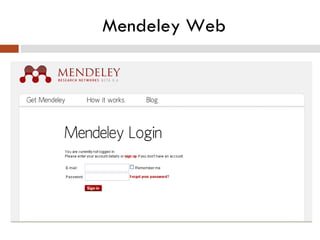
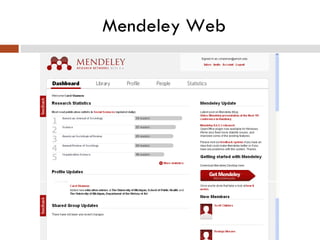
Mendeley Web
Mendeley Web
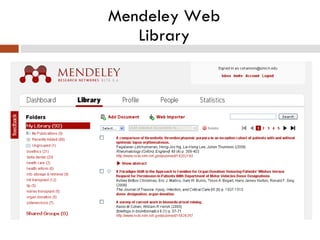
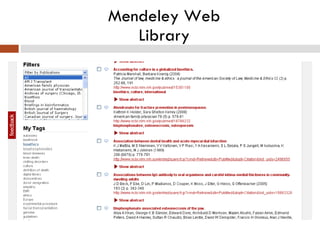
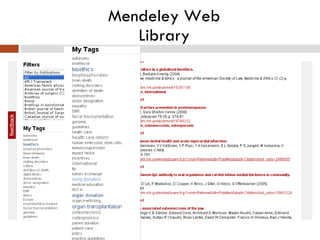
Mendeley Web Library
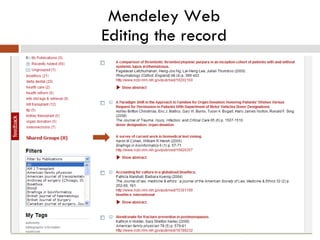
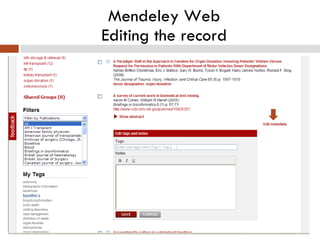
Mendeley Web Editing the record
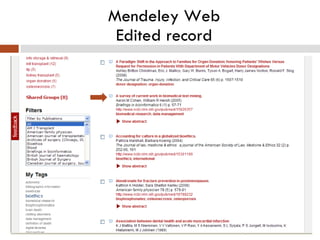
Mendeley Web Edited record
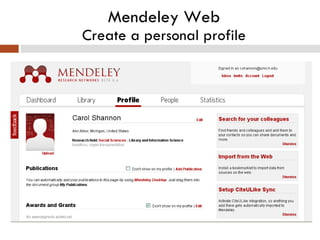
Mendeley Web Create a personal profile
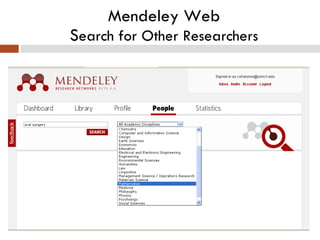
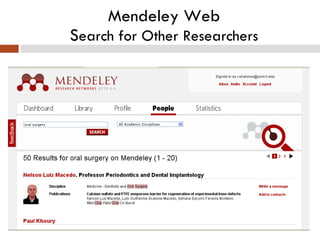
Mendeley Web S earch for Other Researchers
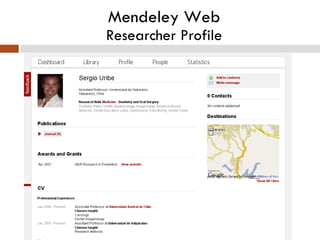
Mendeley Web Researcher Profile
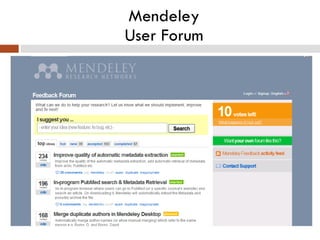
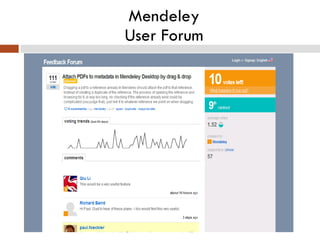
Mendeley User Forum
Mendeley User Forum
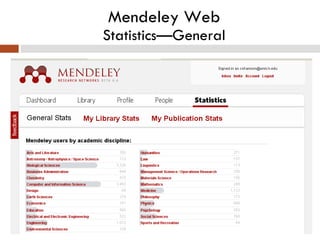
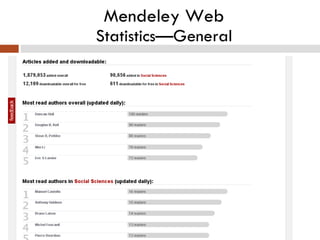
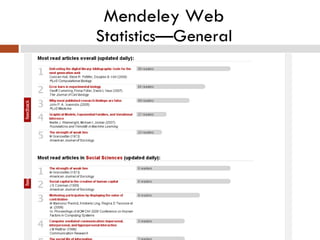
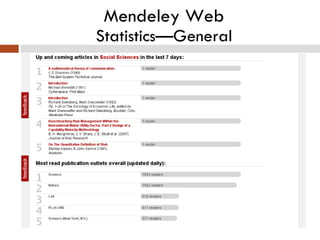
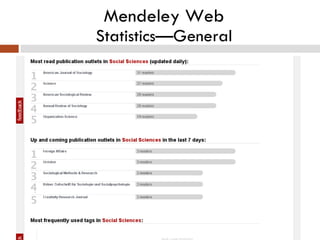
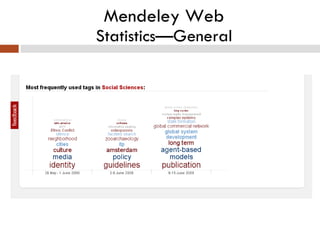
Mendeley Web Statistics—General
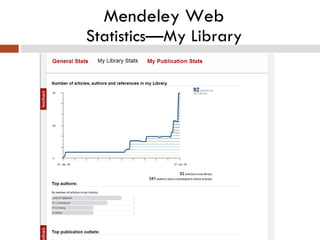
Mendeley Web Statistics—My Library
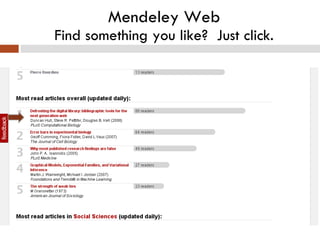
Mendeley Web Find something you like?  Just click.
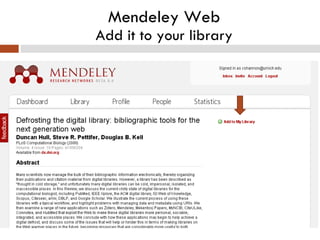
Mendeley Web Add it to your library
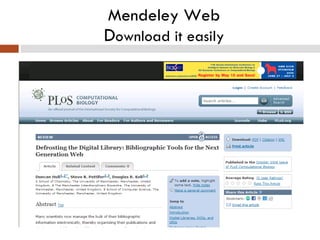
Mendeley Web D ownload it easily
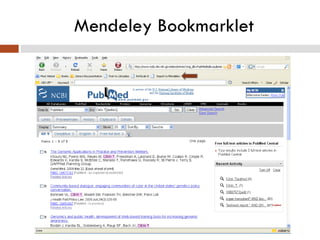
Mendeley Adding references to your library Drag & drop PDFs  Import from databases using the Mendeley bookmarklet And, of course, manually
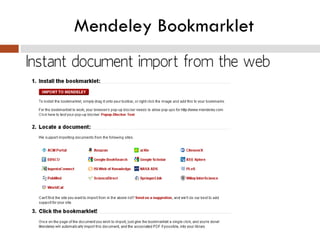
Mendeley Bookmarklet
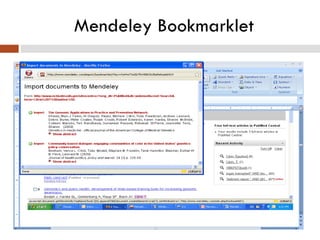
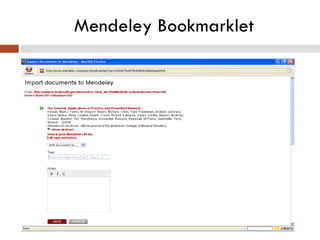
Mendeley Bookmarklet With a few click, import references from databases References import one at a time Can add tags & click to view online, if you wish
Mendeley Bookmarklet
Using another bibliographic management program? Mendeley currently supports importing and exporting EndNote XML files, RIS files and BibTeX files. It’s simple to export files.  I’ll show you how to do this in EndNote.
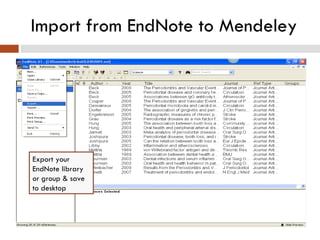
Import from EndNote to Mendeley Export your EndNote library or group & save to desktop
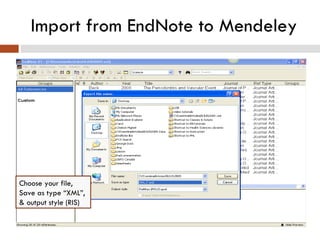
Import from EndNote to Mendeley Choose your file, Save as type “XML”, & output style (RIS)
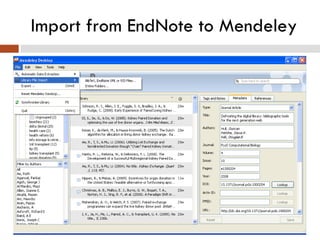
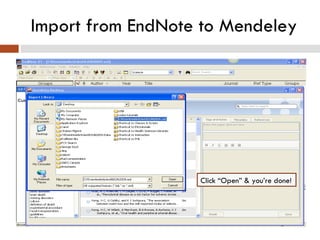
Import from EndNote to Mendeley
Import from EndNote to Mendeley Click “Open” & you’re done!
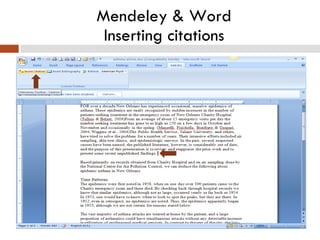
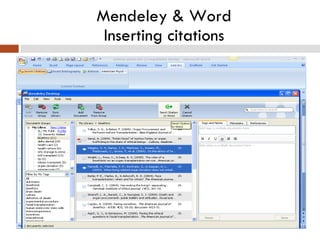
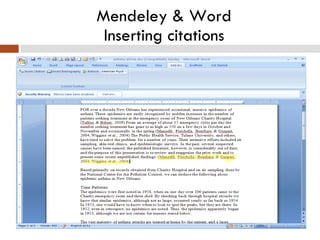
Mendeley & Word Inserting citations
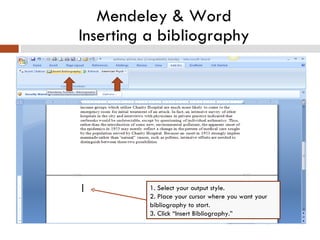
Mendeley & Word Inserting a bibliography 1. Select your output style. 2. Place your cursor where you want your bibliography to start. 3. Click “Insert Bibliography.”
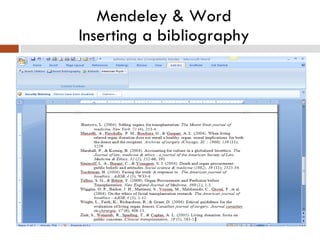
Mendeley & Word Inserting a bibliography
Mendeley:  Social Bibliography on the Web  and  on Your Desktop To find these slides: Bootcamp: http://www.dent.umich.edu/informatics/bootcamp/ • Slideshare: http://www.slideshare.net/umhealthscienceslibraries/

Mendeley: On the Web and on Your Desktop

Editor's Notes