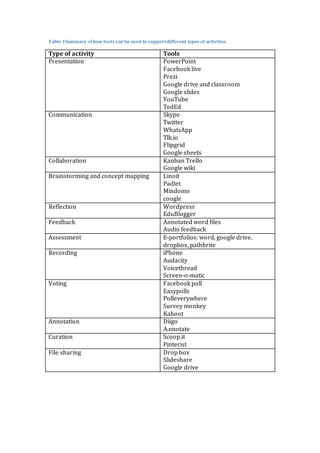
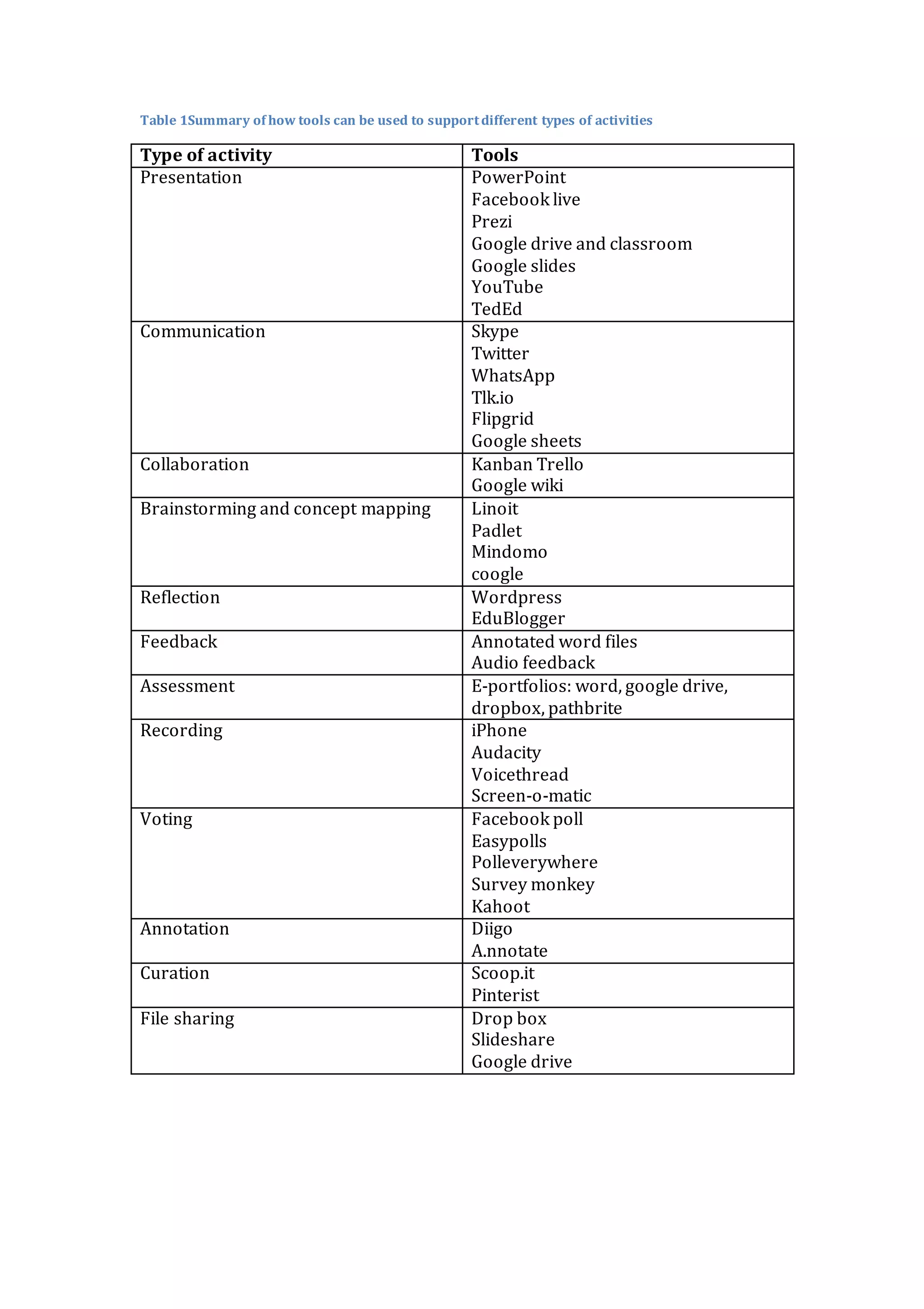
Table 1Summary of how tools can be used to supportdifferent types of activities
Type of activity Tools
Presentation PowerPoint
Facebook live
Prezi
Google drive and classroom
Google slides
YouTube
TedEd
Communication Skype
Twitter
WhatsApp
Tlk.io
Flipgrid
Google sheets
Collaboration Kanban Trello
Google wiki
Brainstorming and concept mapping Linoit
Padlet
Mindomo
coogle
Reflection Wordpress
EduBlogger
Feedback Annotated word files
Audio feedback
Assessment E-portfolios: word, google drive,
dropbox, pathbrite
Recording iPhone
Audacity
Voicethread
Screen-o-matic
Voting Facebook poll
Easypolls
Polleverywhere
Survey monkey
Kahoot
Annotation Diigo
A.nnotate
Curation Scoop.it
Pinterist
File sharing Drop box
Slideshare
Google drive
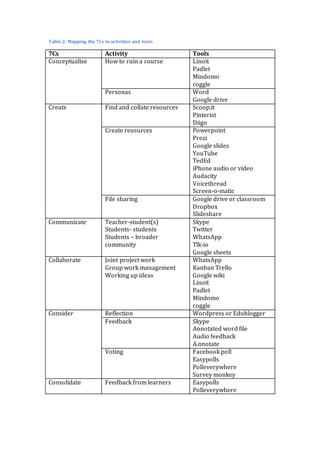
Table 2: Mapping the 7Cs to activities and tools
7Cs Activity Tools
Conceptualise How to ruin a course Linoit
Padlet
Mindomo
coggle
Personas Word
Google drive
Create Find and collate resources Scoop.it
Pinterist
Diigo
Create resources Powerpoint
Prezi
Google slides
YouTube
TedEd
iPhone audio or video
Audacity
Voicethread
Screen-o-matic
File sharing Google drive or classroom
Dropbox
Slideshare
Communicate Teacher-student(s)
Students- students
Students – broader
community
Skype
Twitter
WhatsApp
Tlk-io
Google sheets
Collaborate Joint project work
Group work management
Working up ideas
WhatsApp
Kanban Trello
Google wiki
Linoit
Padlet
Mindomo
coggle
Consider Reflection Wordpress or Edublogger
Feedback Skype
Annotated word file
Audio feedback
A.nnotate
Voting Facebook poll
Easypolls
Polleverywhere
Survey monkey
Consolidate Feedback from learners Easypolls
Polleverywhere

Mapping 7 cs_to activities_and_tools

  • 1.
    Table 1Summary ofhow tools can be used to supportdifferent types of activities Type of activity Tools Presentation PowerPoint Facebook live Prezi Google drive and classroom Google slides YouTube TedEd Communication Skype Twitter WhatsApp Tlk.io Flipgrid Google sheets Collaboration Kanban Trello Google wiki Brainstorming and concept mapping Linoit Padlet Mindomo coogle Reflection Wordpress EduBlogger Feedback Annotated word files Audio feedback Assessment E-portfolios: word, google drive, dropbox, pathbrite Recording iPhone Audacity Voicethread Screen-o-matic Voting Facebook poll Easypolls Polleverywhere Survey monkey Kahoot Annotation Diigo A.nnotate Curation Scoop.it Pinterist File sharing Drop box Slideshare Google drive
  • 2.
    Table 2: Mappingthe 7Cs to activities and tools 7Cs Activity Tools Conceptualise How to ruin a course Linoit Padlet Mindomo coggle Personas Word Google drive Create Find and collate resources Scoop.it Pinterist Diigo Create resources Powerpoint Prezi Google slides YouTube TedEd iPhone audio or video Audacity Voicethread Screen-o-matic File sharing Google drive or classroom Dropbox Slideshare Communicate Teacher-student(s) Students- students Students – broader community Skype Twitter WhatsApp Tlk-io Google sheets Collaborate Joint project work Group work management Working up ideas WhatsApp Kanban Trello Google wiki Linoit Padlet Mindomo coggle Consider Reflection Wordpress or Edublogger Feedback Skype Annotated word file Audio feedback A.nnotate Voting Facebook poll Easypolls Polleverywhere Survey monkey Consolidate Feedback from learners Easypolls Polleverywhere