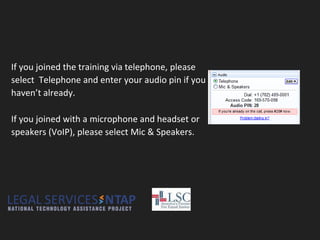
If you joined the training via telephone, please
select Telephone and enter your audio pin if you
haven’t already.
If you joined with a microphone and headset or
speakers (VoIP), please select Mic & Speakers.
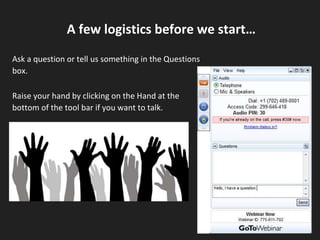
Ask a question or tell us something in the Questions
box.
Raise your hand by clicking on the Hand at the
bottom of the tool bar if you want to talk.
A few logistics before we start…
LSC Technology Baselines
Introduction
April 5, 2017
Presenters
Brian Rowe - Project
Coordinator LSNTAP
Jeff Hogue - Community
Relations and
Operations LegalServer
Jane Ribadeneyra
Program Analyst
for Technology,
Legal Services
Corporation
William Guyton
Director of
Information &
Technology, Legal Aid
Services of Oklahoma
Planning
Technology plan should be
reviewed and updated as
needed every year.
Technology Planning Is About More than
Hardware and Software
● Management of Client and
Case Data
● Production and Supervision
of Legal Work
● Records Management &
Knowledge Management
● Intake and Telephonic
Advice
Staffing
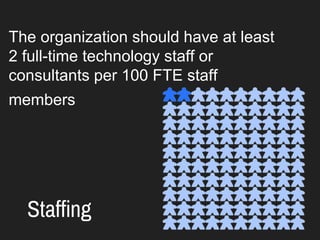
The organization should have at least
2 full-time technology staff or
consultants per 100 FTE staff
members
Budgeting
1. ongoing maintenance and upgrade
of hardware and software;
2. the personnel/consultants
necessary to support and maintain the
system; and
3. training in the use of technology.
Case Managment Systems
● Flexible
● Responsive
● Portable
Supervision
1. Calendering
2. Document Production
3. Timekeeping
4. Supervision Data
5. Online Research
Electronic Records
Confidentiality
Document retention
Policies regarding access
Electronic Records
Knowledge Management
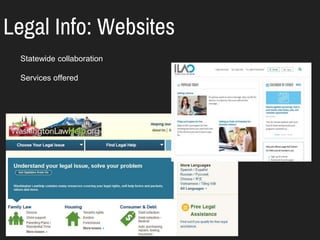
Legal Info: Websites
Statewide collaboration
Services offered
Legal Info: Social Media
Pro Bono Support
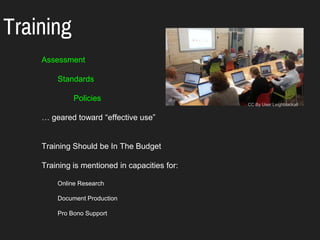
Training
Assessment
Standards
Policies
… geared toward “effective use”
Training Should be In The Budget
Training is mentioned in capacities for:
Online Research
Document Production
Pro Bono Support
CC By User:Leighblackall
Security
1. Maintain Backups
2. Update Software
3. Educate Staff
4. Limit Permissions
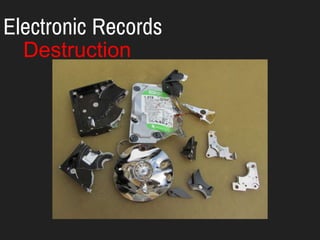
Electronic Records
Destruction
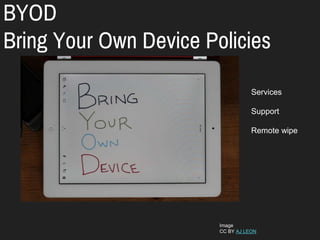
BYOD
Bring Your Own Device Policies
Image
CC BY AJ LEON
Services
Support
Remote wipe
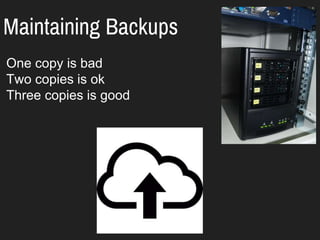
Maintaining Backups
One copy is bad
Two copies is ok
Three copies is good
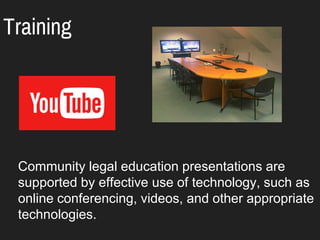
Training
Community legal education presentations are
supported by effective use of technology, such as
online conferencing, videos, and other appropriate
technologies.
Training
Communications
● Create policy for email
● Use collaborative tools
● Have a tool for testing tech issues
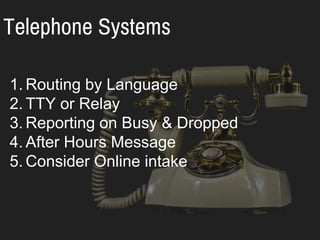
Telephone Systems
1. Routing by Language
2. TTY or Relay
3. Reporting on Busy & Dropped
4. After Hours Message
5. Consider Online intake
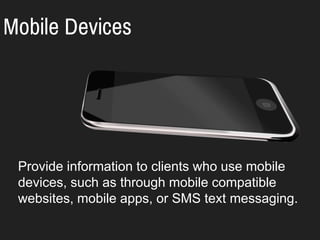
Mobile Devices
Provide information to clients who use mobile
devices, such as through mobile compatible
websites, mobile apps, or SMS text messaging.
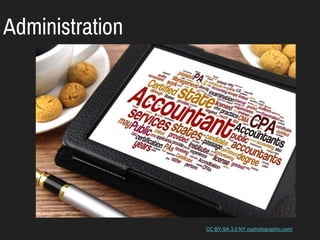
Administration
CC BY-SA 3.0 NY nyphotographic.com/
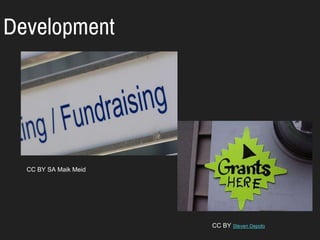
Development
CC BY SA Maik Meid
CC BY Steven Depolo
Selected Resources
● LSC Baselines - lsntap.org/content/lsc-tech-baselines-revised-2015
● LSC Grantee Technology Systems Overview http://www.lsc.gov/grants-grantee-
resources/grantee-data/grantee-technology
● CSM Review Pages http://lsntap.org/content/case-management-system-review-
and-rating
● Assessing Security for your Nonprofit
https://www.youtube.com/watch?v=Ki6vEJyE6p0&t=3s
● Triage & Expert Systems by Probono.net https://www.youtube.com/watch?v=mFU-
f4qJ47w
● The Twenty-First Century Lawyer’s Evolving Ethical Duty of Competence
http://papers.ssrn.com/sol3/papers.cfm?abstract_id=2532995
● Technology Planning Smackdown! Tactical vs. Strategic vs. Missional
http://bit.ly/TIG2015TechPlanningVideo
● Nonprofit Technology Network (NTEN) Staffing & Investment Report
http://bit.ly/NTENStaffingReport
THANK YOU FOR ATTENDING
TODAY!
youtube.com/user/NTAPvideos
Contact Information
Brian Rowe brianr@nwjustice.org
Google Group groups.google.com/forum/#!forum/lsntap

LSC Tech Baselines