An Intoduction to Linux
Contents A quick guide to Linux Background Using Linux S/390 Specifics Linux in the Marketplace Commercial Linux Applications Additional Resources
What is Linux A fully-networked 32/64-Bit Unix-like Operating System Unix Tools Like sed, awk, and grep (explained later) Compilers Like C, C++, Fortran, Smalltalk, Ada  Network Tools Like telnet, ftp, ping, traceroute   Multi-user, Multitasking, Multiprocessor Has the X Windows GUI  Coexists with other Operating Systems  Runs on multiple platforms   Includes the Source Code
Where did it come from? Linus Torvalds  created it with assistance from programmers around the world first posted on Internet in 1991 Linux 1.0 in 1994; 2.2 in 1999 Today used on 7-10 million computers with 1000’s of programmers working to enhance it
Open Source Software When programmers on the Internet can read, redistribute, and modify the source for a piece of software,  it evolves People improve it, people adapt it, people fix bugs. And this can happen at a speed that, compared to conventional software development, seems  astonishing
How do you get it? Download it from the Internet From a “Distribution” (e.g.  RedHat ) Linux kernel X Windows system and GUI Web, e-mail, FTP servers Installation & configuration support 3rd party apps Hardware support
Why is it significant? Growing popularity Powerful Runs on multiple hardware platforms Users like its speed and stability No requirement for latest hardware It’s “free” Licensed under GPL Vendors are distributors who package Linux
Linux/390 Using it
Logging In Connect to the Linux system using telnet: vt100, vt220, vt320 ansi tty X-windows  Able to login more than once with same user No ‘MW’ problems!
Logging In Before you can use it you must login by specifying your account and password: Linux 2.2.13 (penguinvm.princeton.edu) (ttyp1) penguinvm login: neale Password: Last login: Tue Jan  4 10:13:13 from linuxtcp.princeton.edu [neale@penguinvm neale]$
Rule Number 1 Do not login as root unless you have to root is the system superuser (the “maint” of Linux but more “dangerous”) Normal protection mechanisms can be overridden Careless use can cause damage Has access to everything by default root is the only user defined when you install First thing is to change root’s password The second job is to define “normal” users for everyday use
Creating a new user Use the  useradd   command Use the  passwd   command to set password Try it… logon as  r oot  [root@penguinvm]# useradd scully [root@penguinvm]# passwd scully Changing password for user scully New UNIX password: Retype new UNIX password: passwd: all authentication tokens updated successfully [root@penguinvm]#
Adding a new user Limits on users can be controlled by Quotas ulimit  command Authority levels for a user controlled by group membership
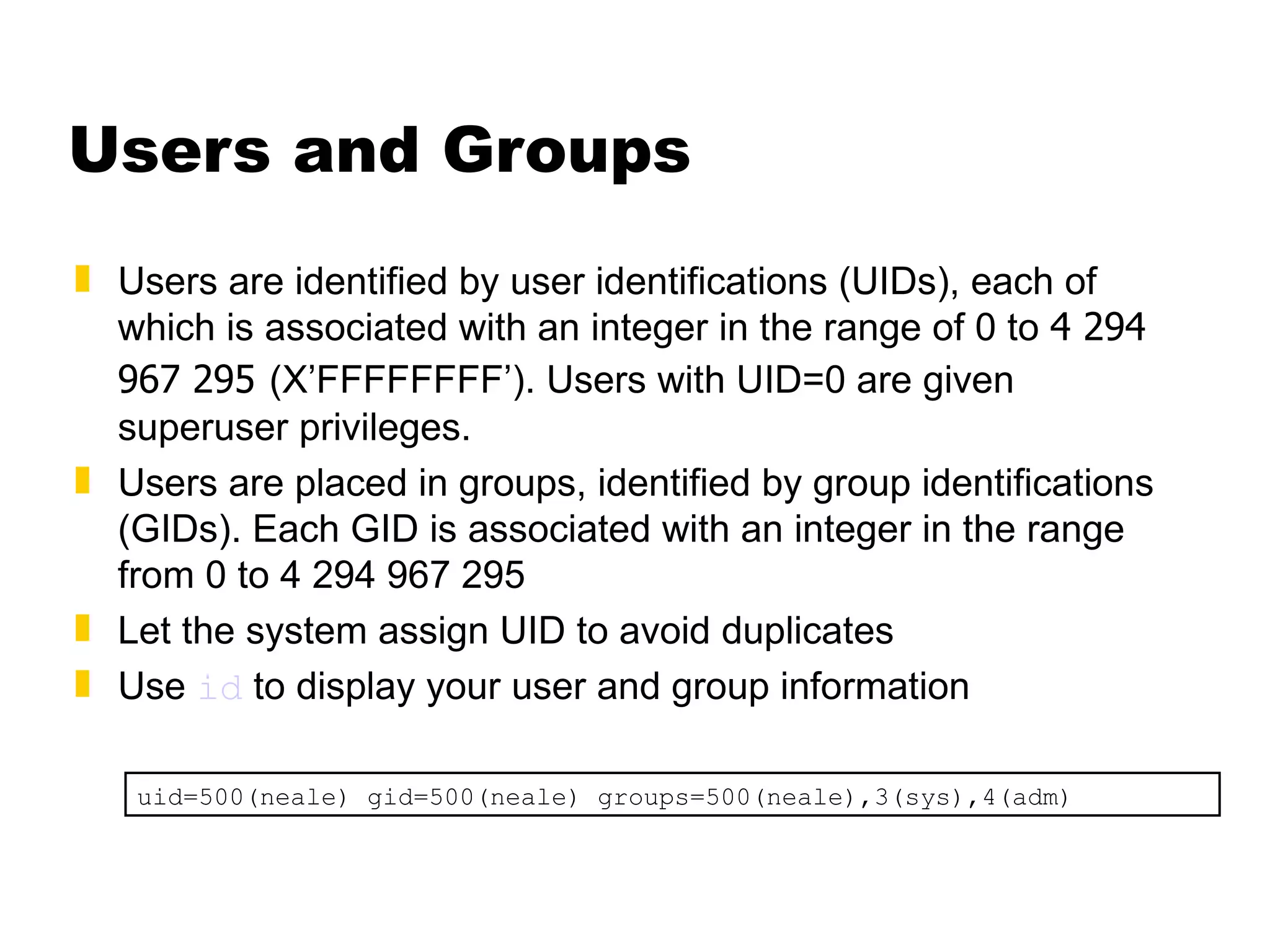
Users and Groups Users are identified by user identifications (UIDs), each of which is associated with an integer in the range of 0 to  4 294 967 295   (X’FFFFFFFF’). Users with UID=0 are given superuser privileges.  Users are placed in groups, identified by group identifications (GIDs). Each GID is associated with an integer in the range from 0 to 4 294 967 295 Let the system assign UID to avoid duplicates Use  id  to display your user and group information uid=500(neale) gid=500(neale) groups=500(neale),3(sys),4(adm)
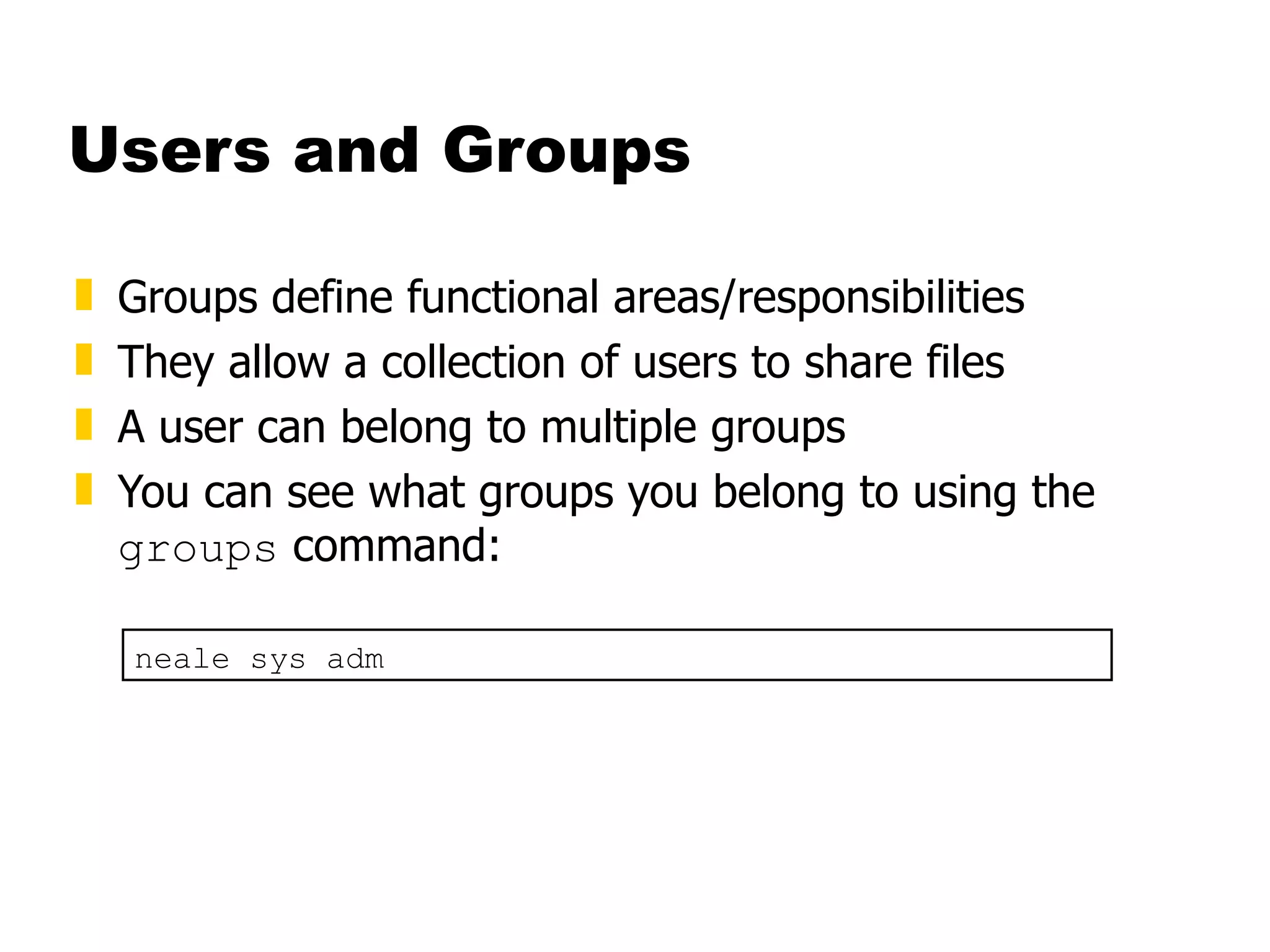
Users and Groups Groups define functional areas/responsibilities They allow a collection of users to share files A user can belong to multiple groups You can see what groups you belong to using the  groups  command: neale sys adm
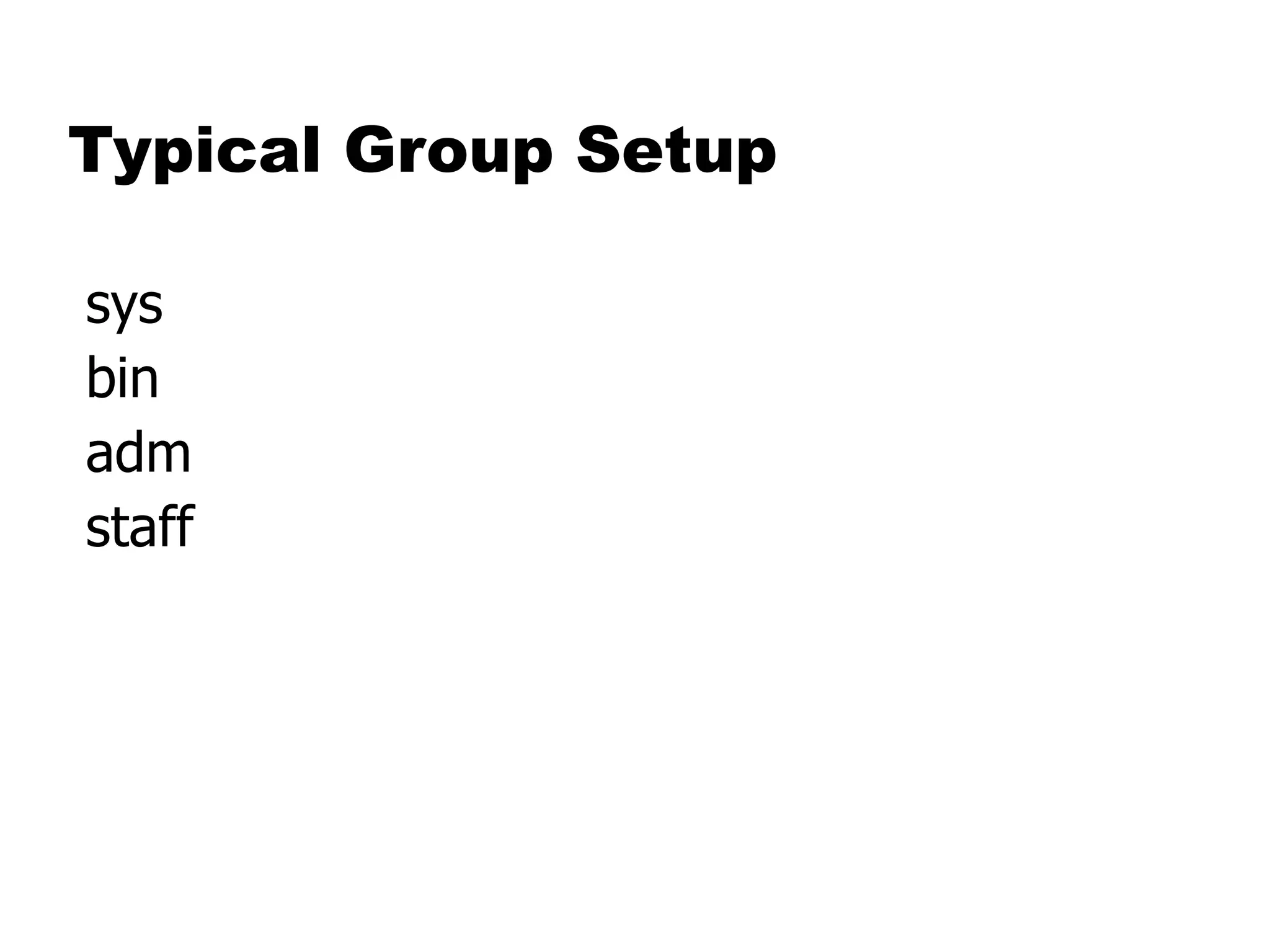
Typical Group Setup
Using the new user Now logoff using the  exit  command login as the new user Linux 2.2.13 (penguinvm.princeton.edu) (ttyp2) penguinvm login: scully Password: [scully@penguinvm scully]$
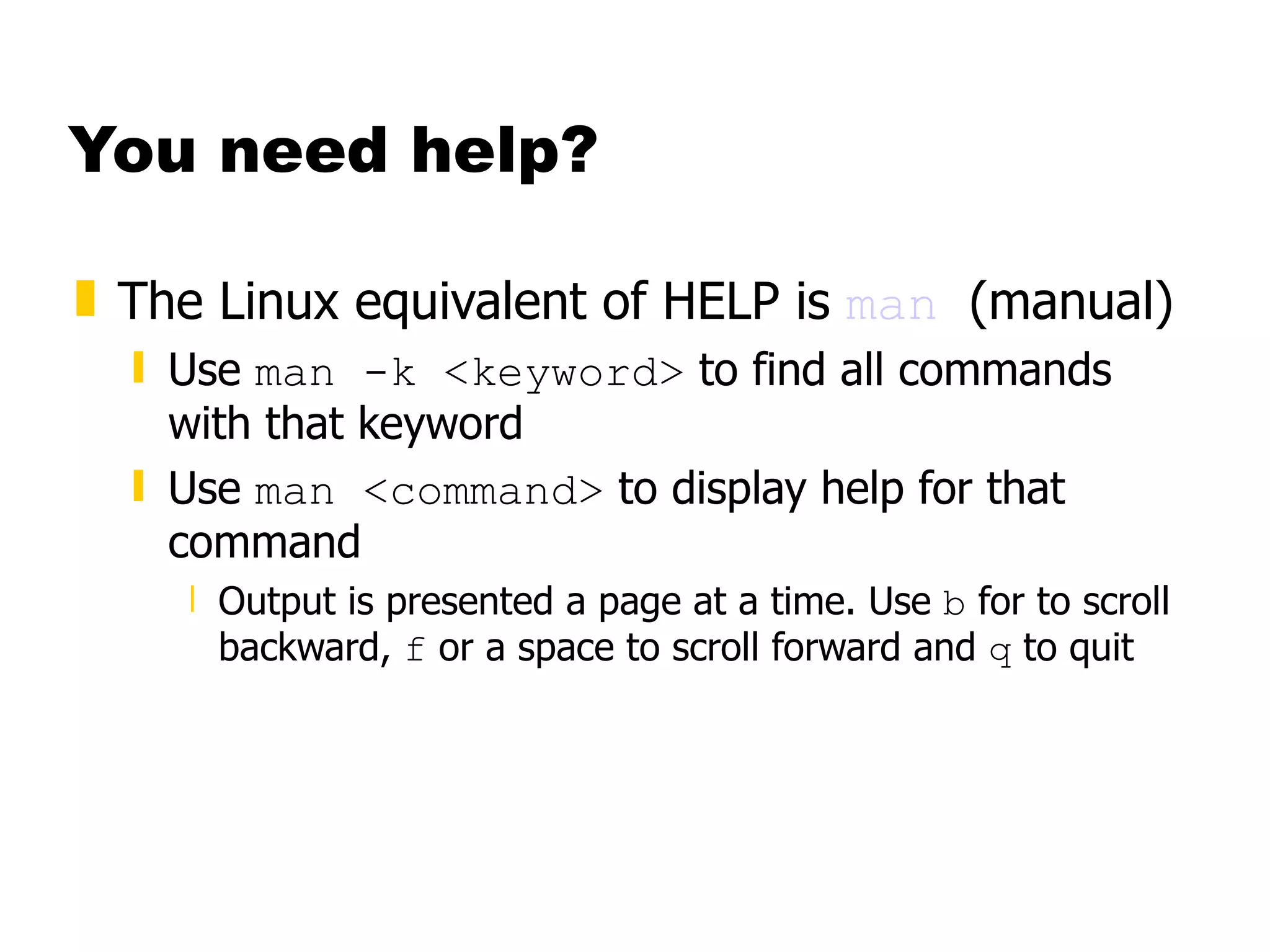
You need help? The Linux equivalent of HELP is  man   (manual) Use  man -k <keyword>  to find all commands with that keyword Use  man <command>  to display help for that command Output is presented a page at a time. Use  b  for to scroll backward,  f  or a space to scroll forward and  q  to quit
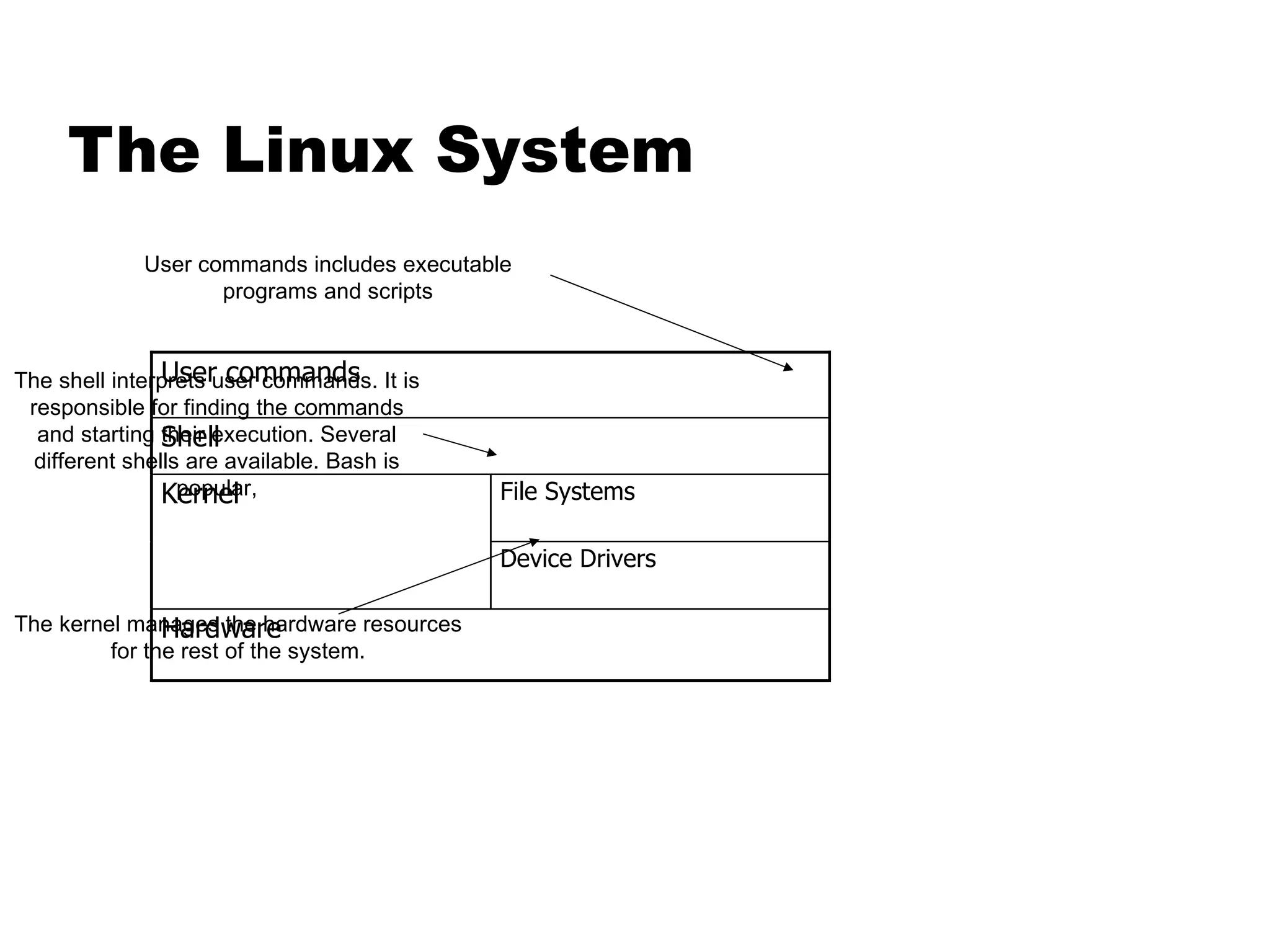
The Linux System User commands includes executable programs and scripts The shell interprets user commands. It is responsible for finding the commands and starting their execution. Several different shells are available. Bash is popular, The kernel manages the hardware resources for the rest of the system.
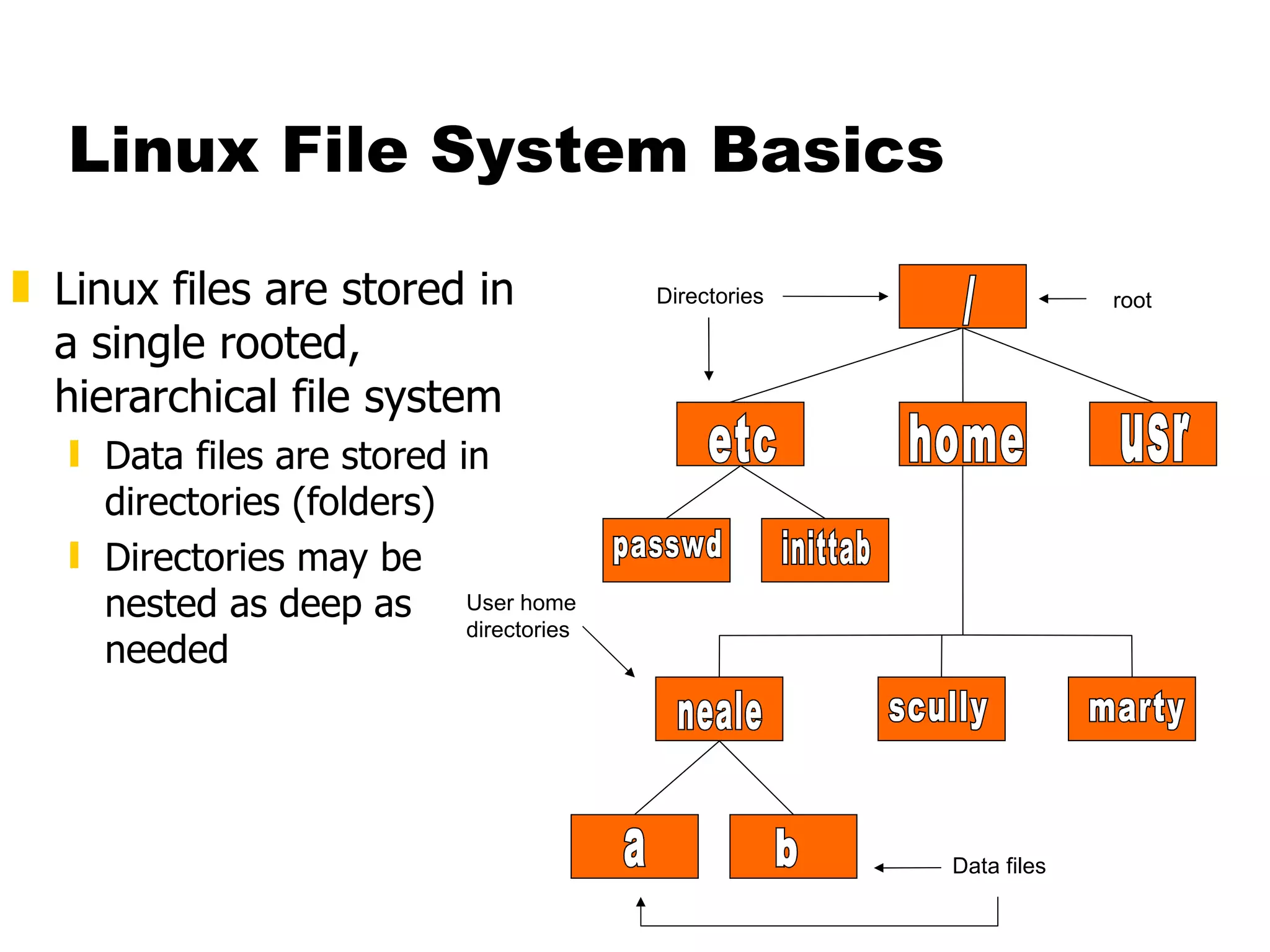
Linux File System Basics Linux files are stored in a single rooted, hierarchical file system Data files are stored in directories (folders) Directories may be nested as deep as needed / etc home usr passwd inittab neale scully marty a b Directories User home directories Data files root
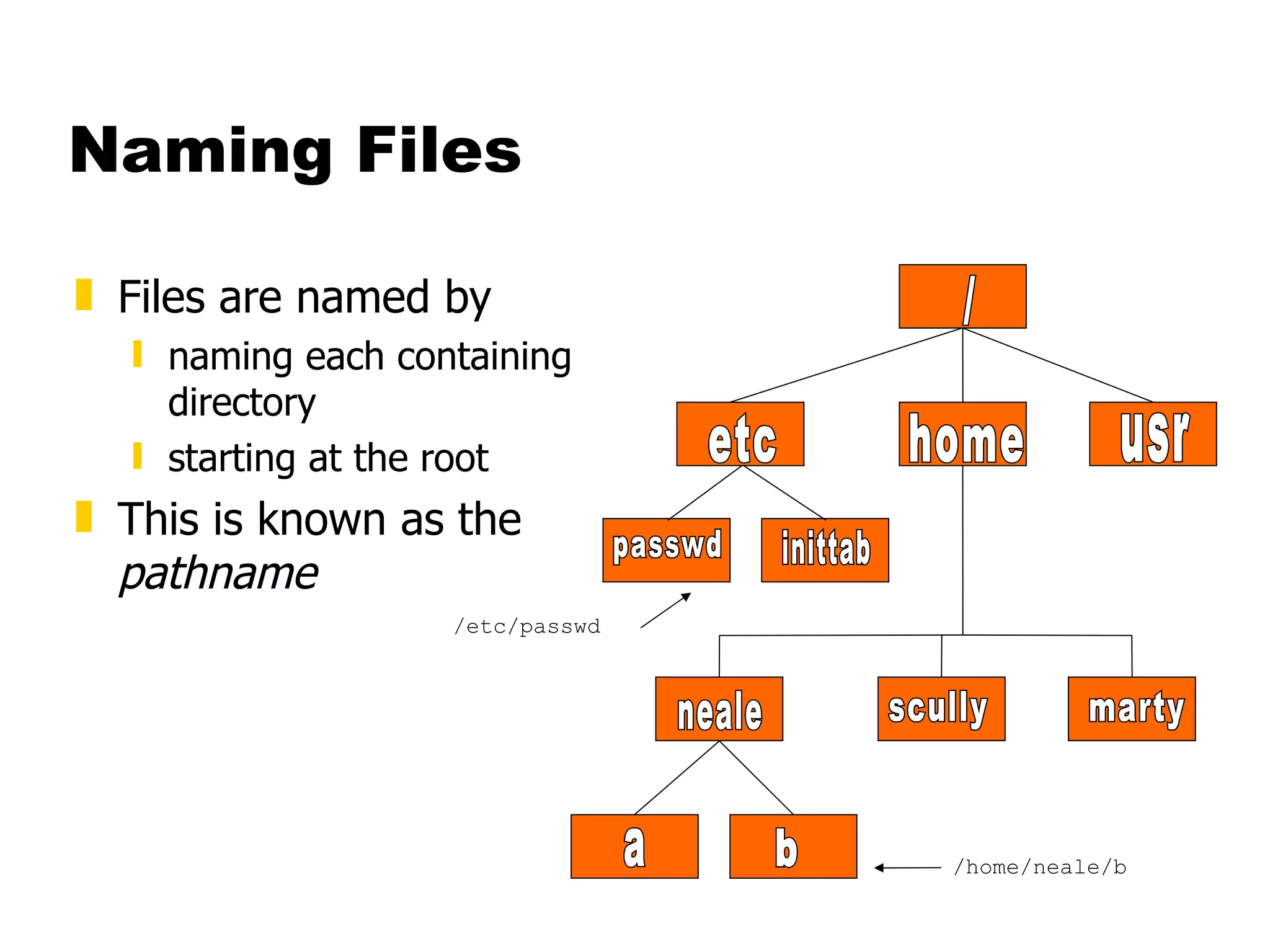
Naming Files Files are named by naming each containing directory starting at the root This is known as the  pathname / etc home usr passwd inittab neale scully marty a b /etc/passwd /home/neale/b
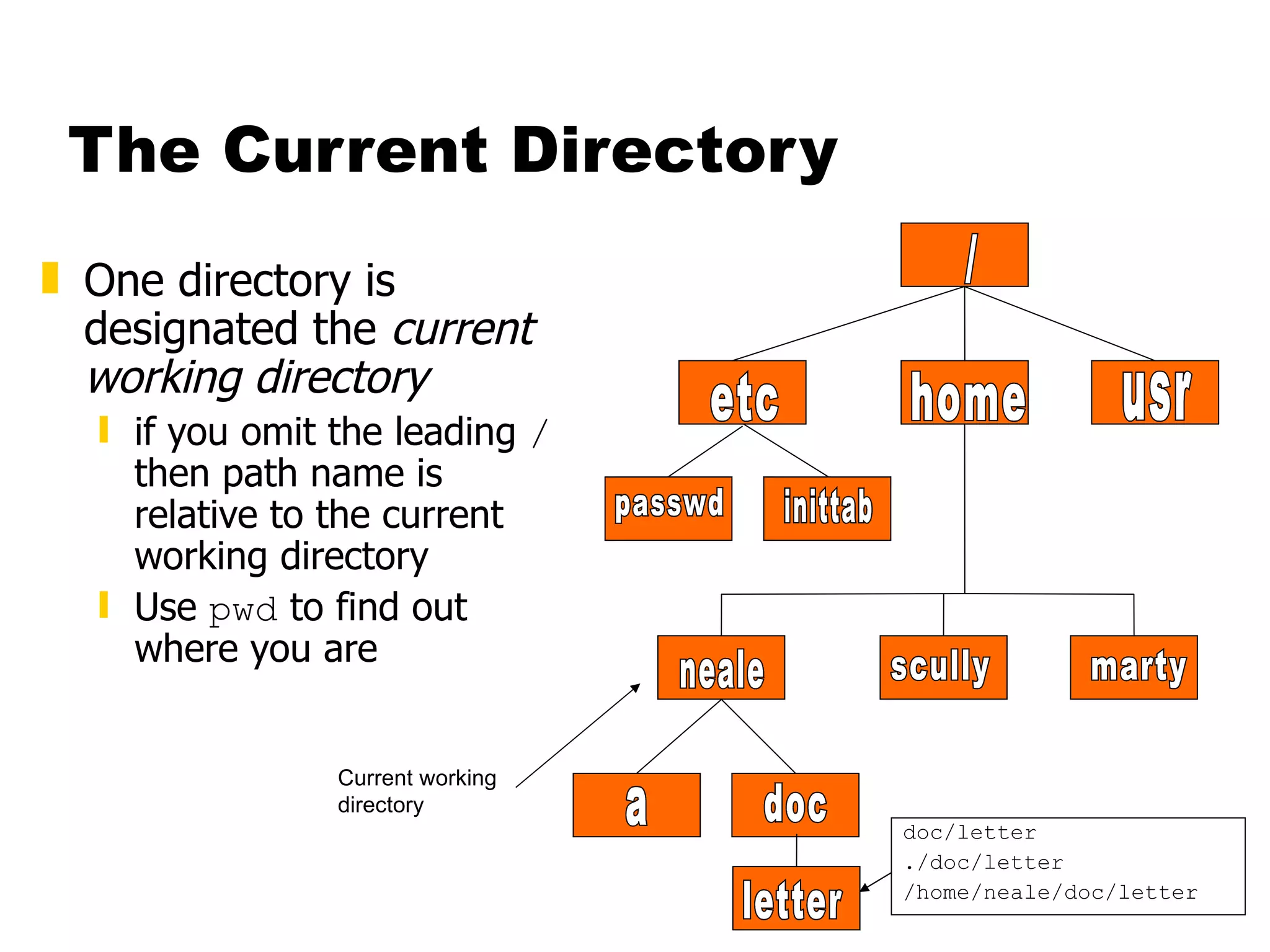
The Current Directory One directory is designated the  current working directory if you omit the leading  /  then path name is relative to the current working directory Use  pwd  to find out where you are letter doc/letter ./doc/letter /home/neale/doc/letter / etc home usr passwd inittab neale scully marty a doc Current working directory
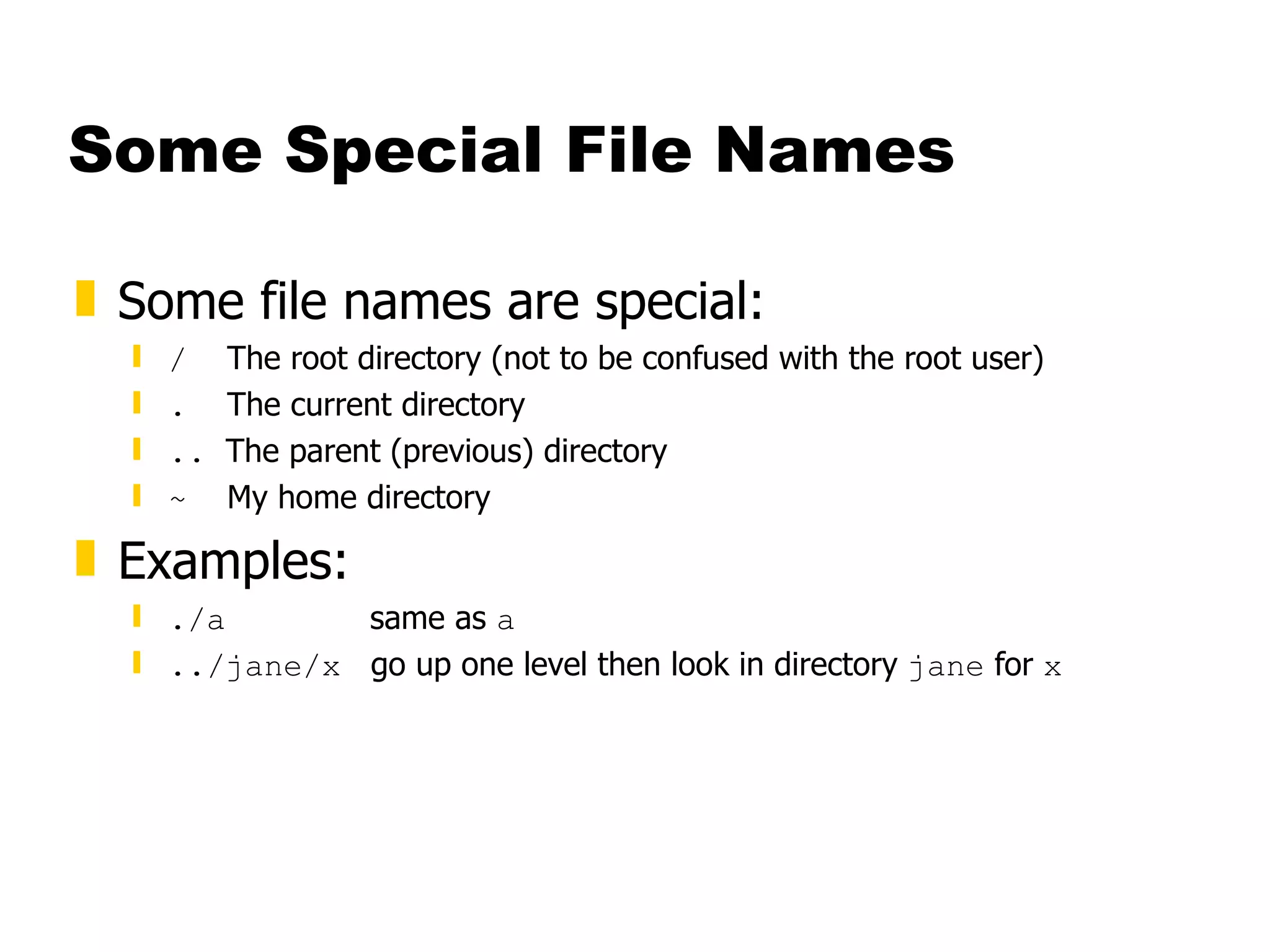
Some Special File Names Some file names are special: /   The root directory (not to be confused with the root user) .   The current directory ..  The parent (previous) directory ~   My home directory Examples: ./a  same as  a ../jane/x   go up one level then look in directory  jane  for  x
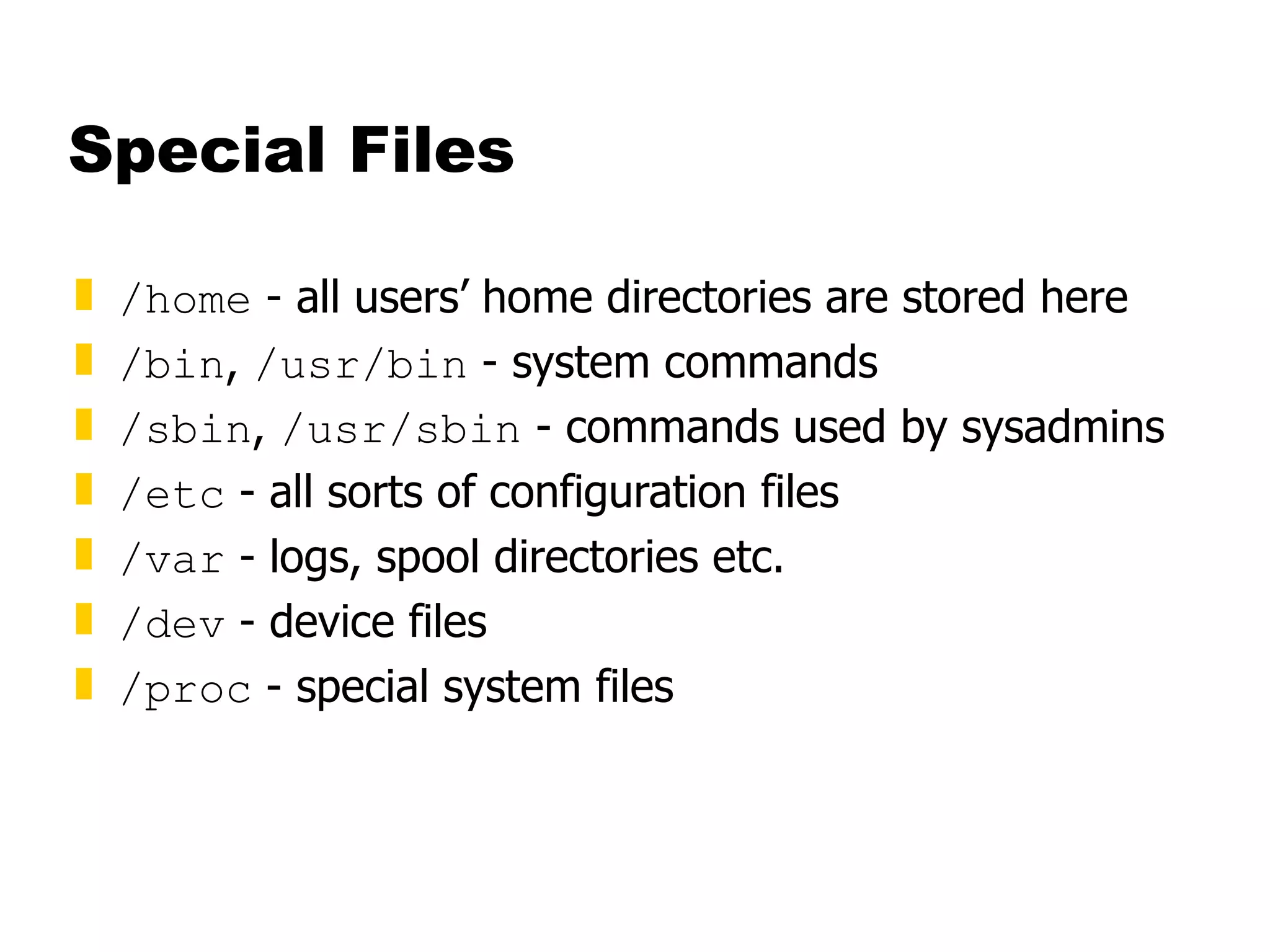
Special Files /home  - all users’ home directories are stored here /bin ,  /usr/bin  - system commands /sbin ,  /usr/sbin  - commands used by sysadmins /etc  - all sorts of configuration files /var  - logs, spool directories etc. /dev  - device files /proc  - special system files
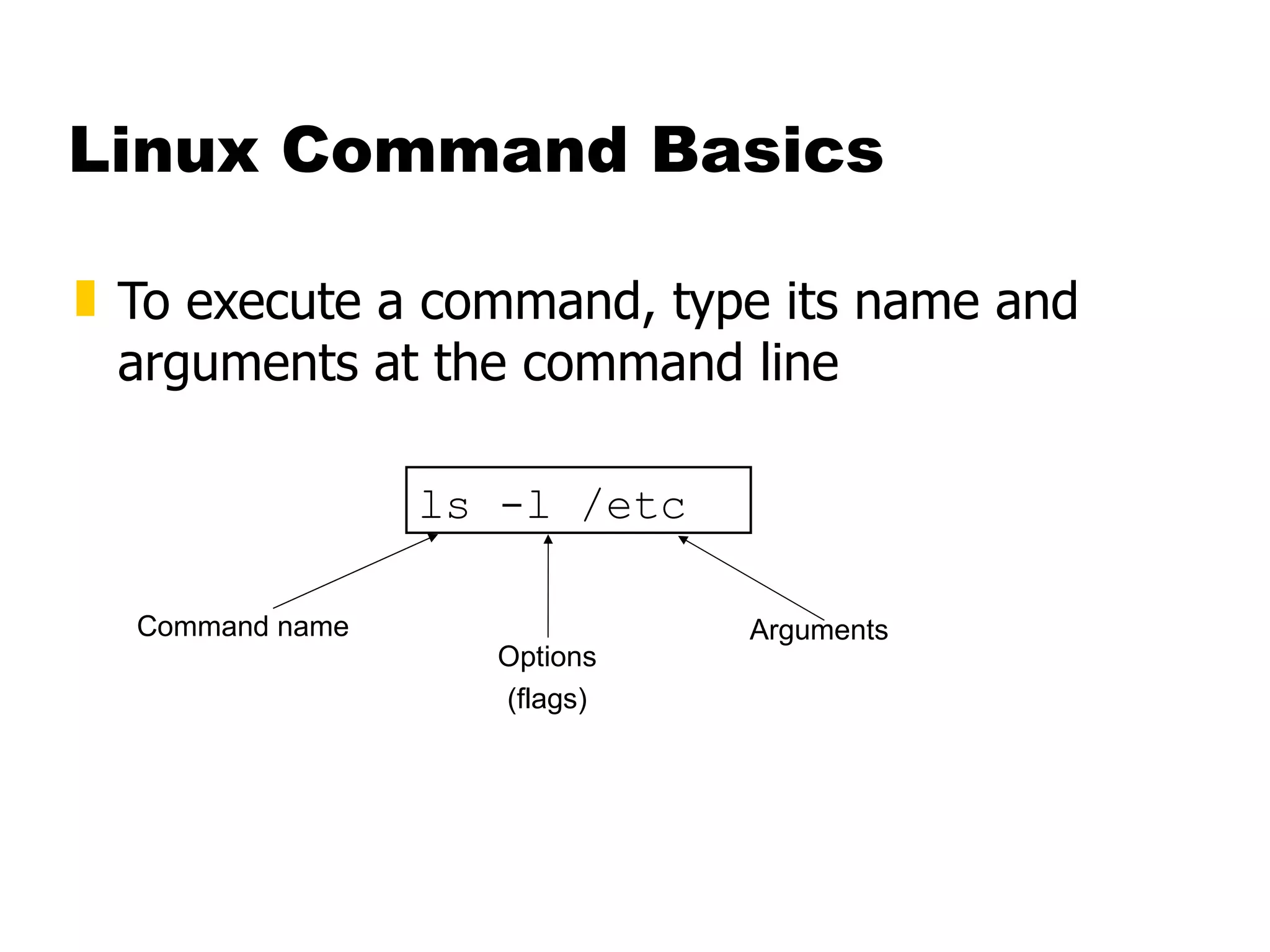
Linux Command Basics To execute a command, type its name and arguments at the command line ls -l /etc Command name Options (flags) Arguments
Standard Files UNIX concept of “standard files” standard input (where a command gets its input) - default is the terminal standard output (where a command writes it output) - default is the terminal standard error (where a command writes error messages) - default is the terminal
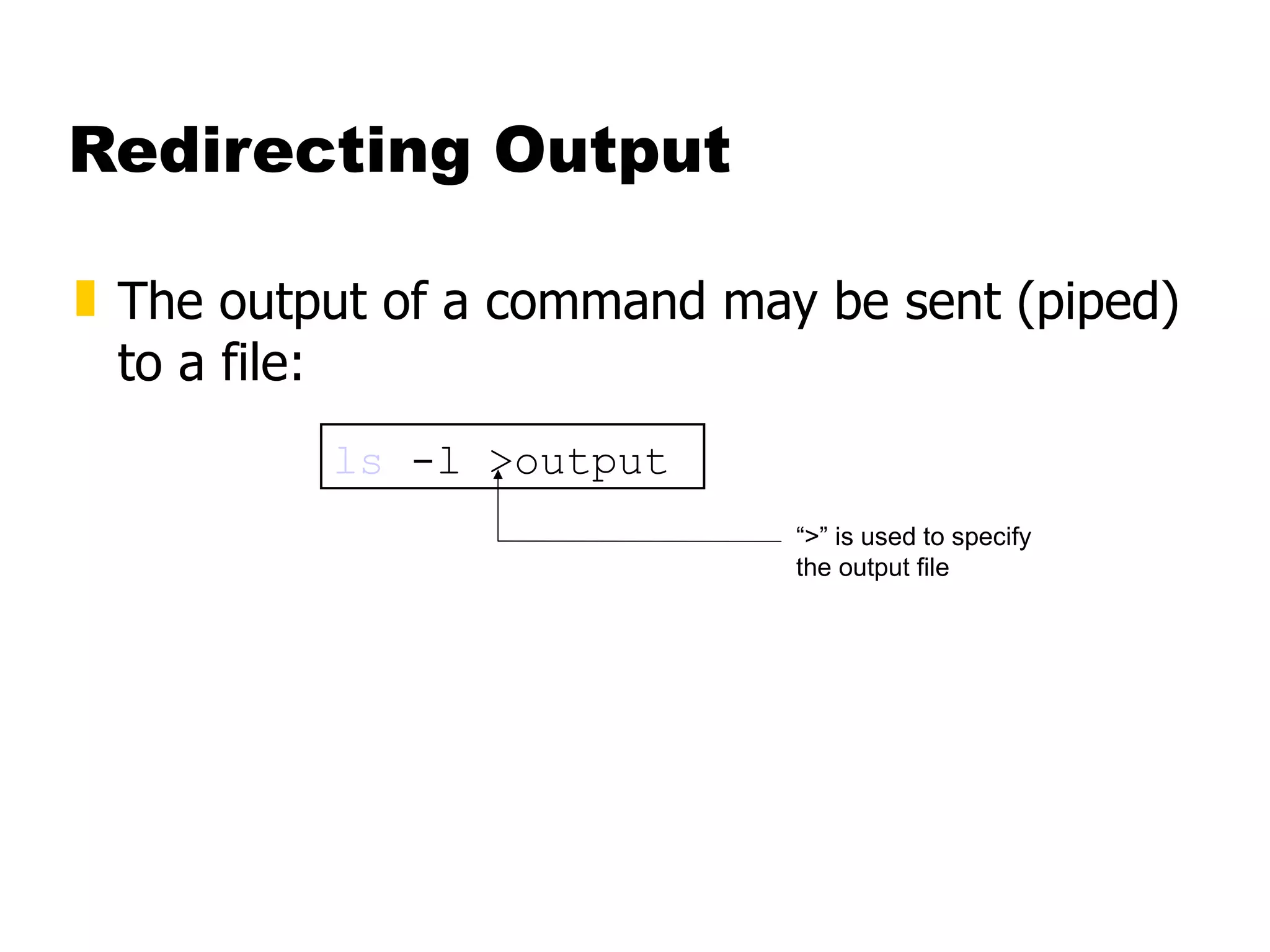
Redirecting Output The output of a command may be sent (piped) to a file: ls  -l >output “ >” is used to specify the output file
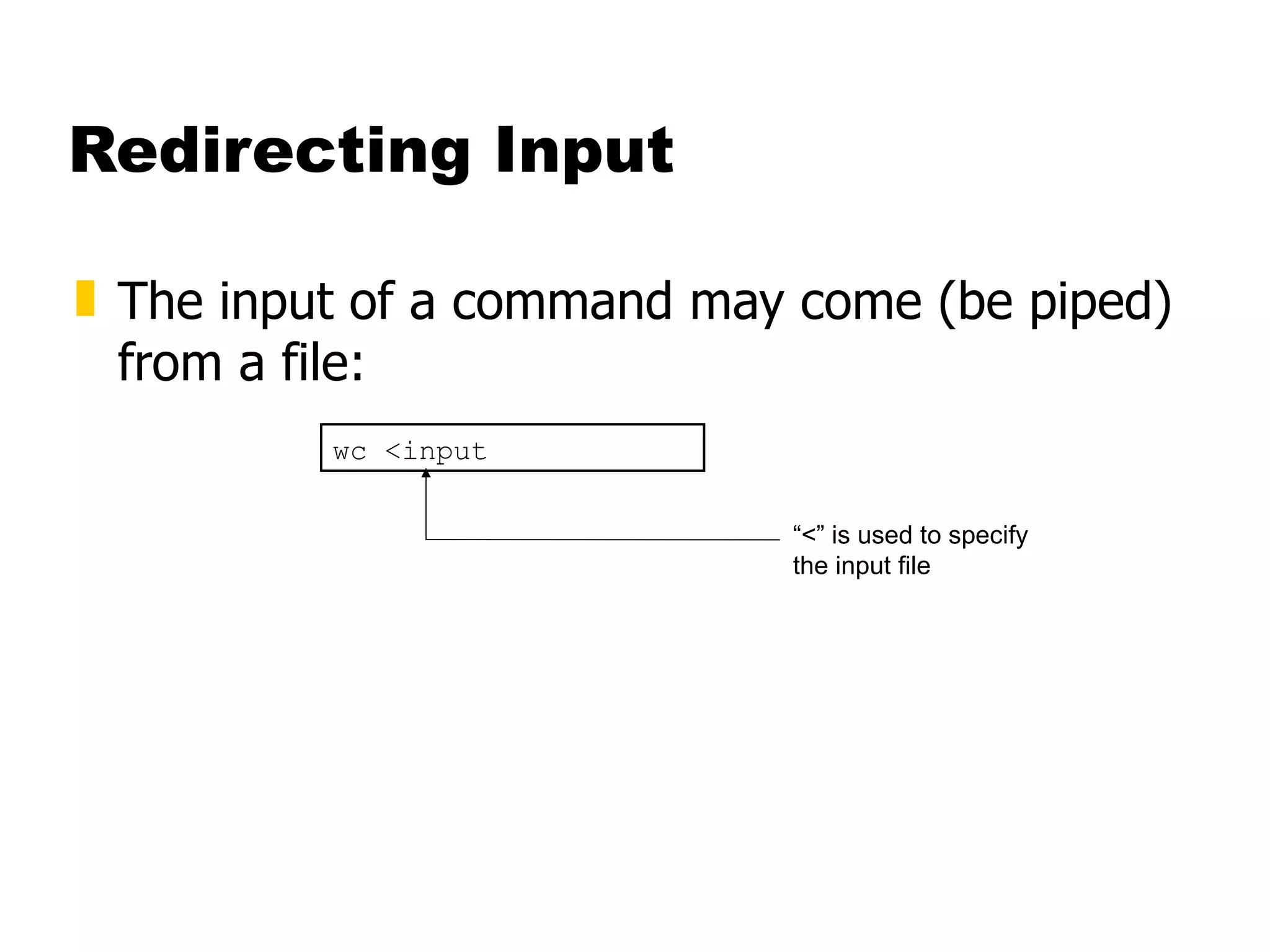
Redirecting Input The input of a command may come (be piped) from a file: wc <input “ <” is used to specify the input file
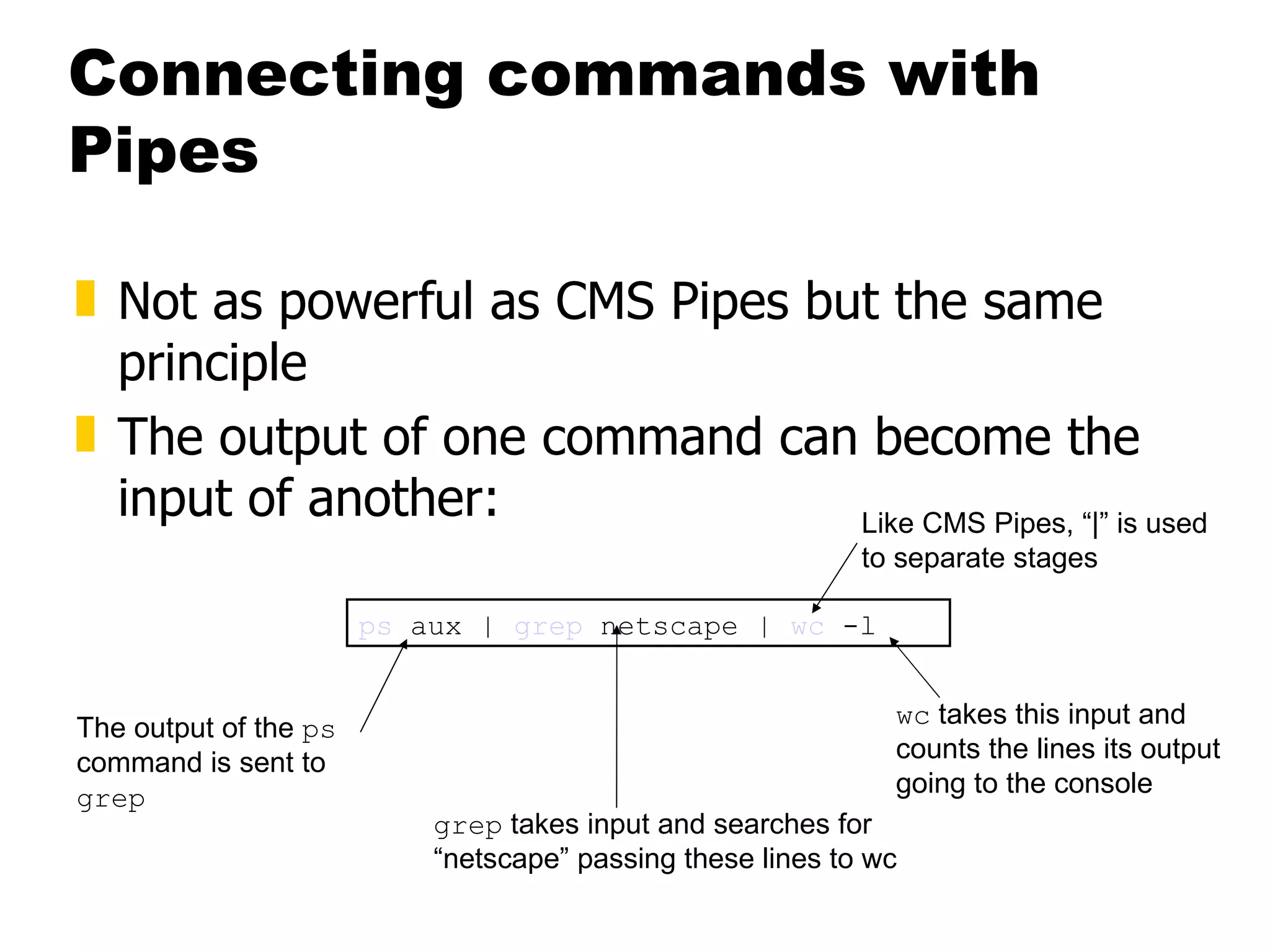
Connecting commands with Pipes Not as powerful as CMS Pipes but the same principle The output of one command can become the input of another: ps  aux |  grep  netscape |  wc  -l The output of the  ps  command is sent to  grep grep  takes input and searches for “netscape” passing these lines to wc wc  takes this input and counts the lines its output going to the console Like CMS Pipes, “|” is used to separate stages
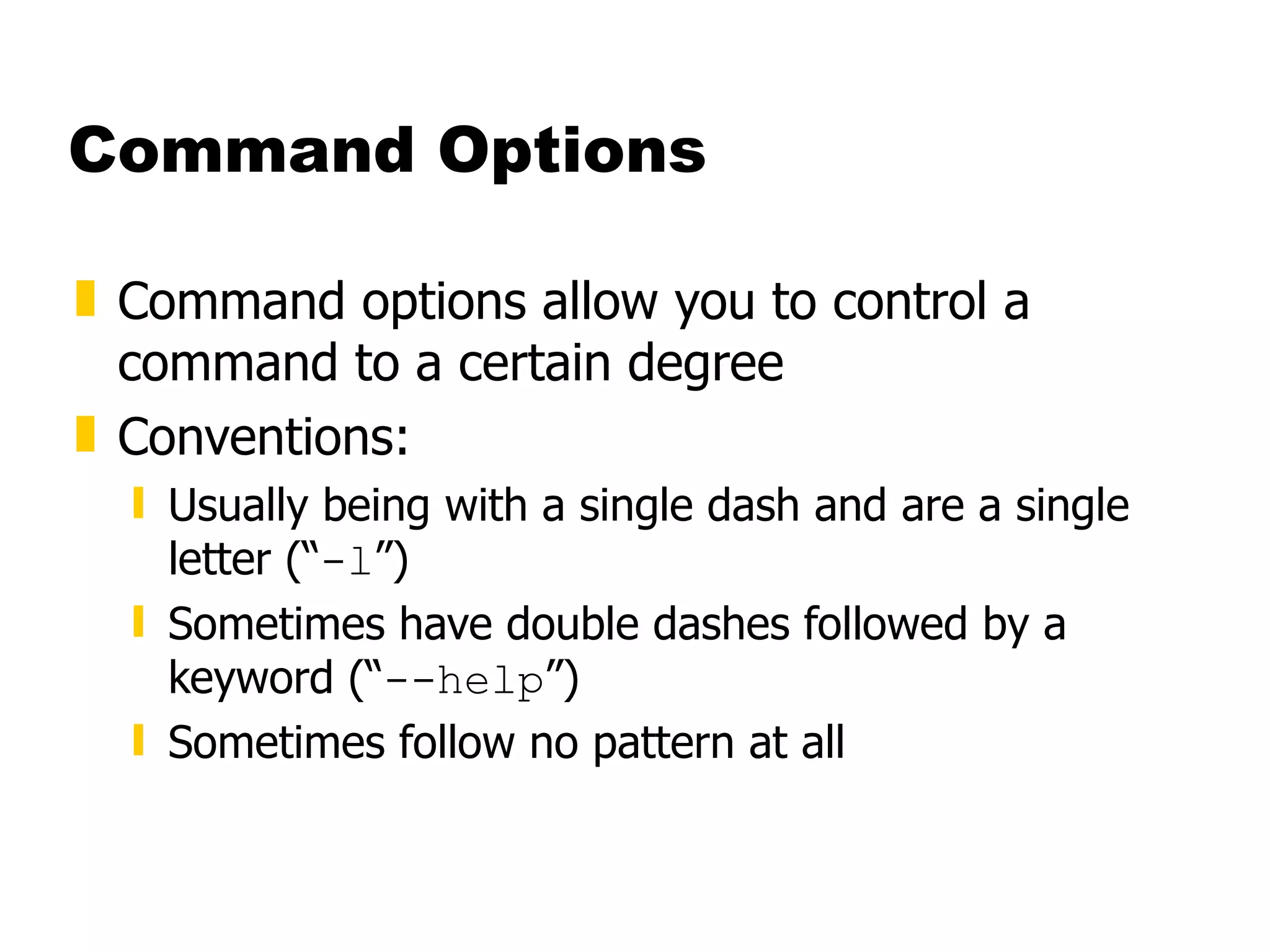
Command Options Command options allow you to control a command to a certain degree Conventions: Usually being with a single dash and are a single letter (“ -l ”) Sometimes have double dashes followed by a keyword (“ --help ”) Sometimes follow no pattern at all
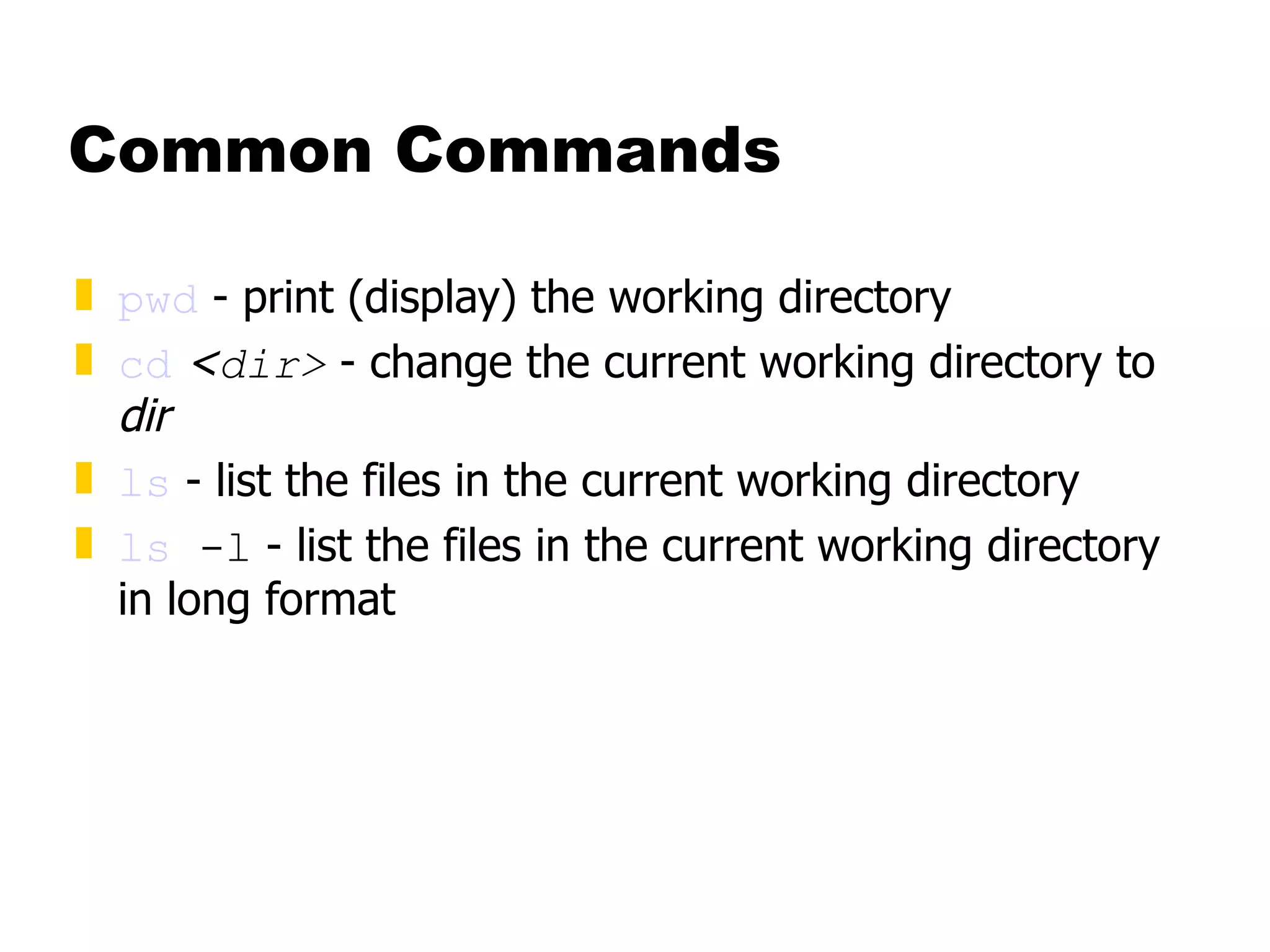
Common Commands pwd  - print (display) the working directory cd   < dir>  - change the current working directory to  dir ls  - list the files in the current working directory ls  -l  - list the files in the current working directory in long format
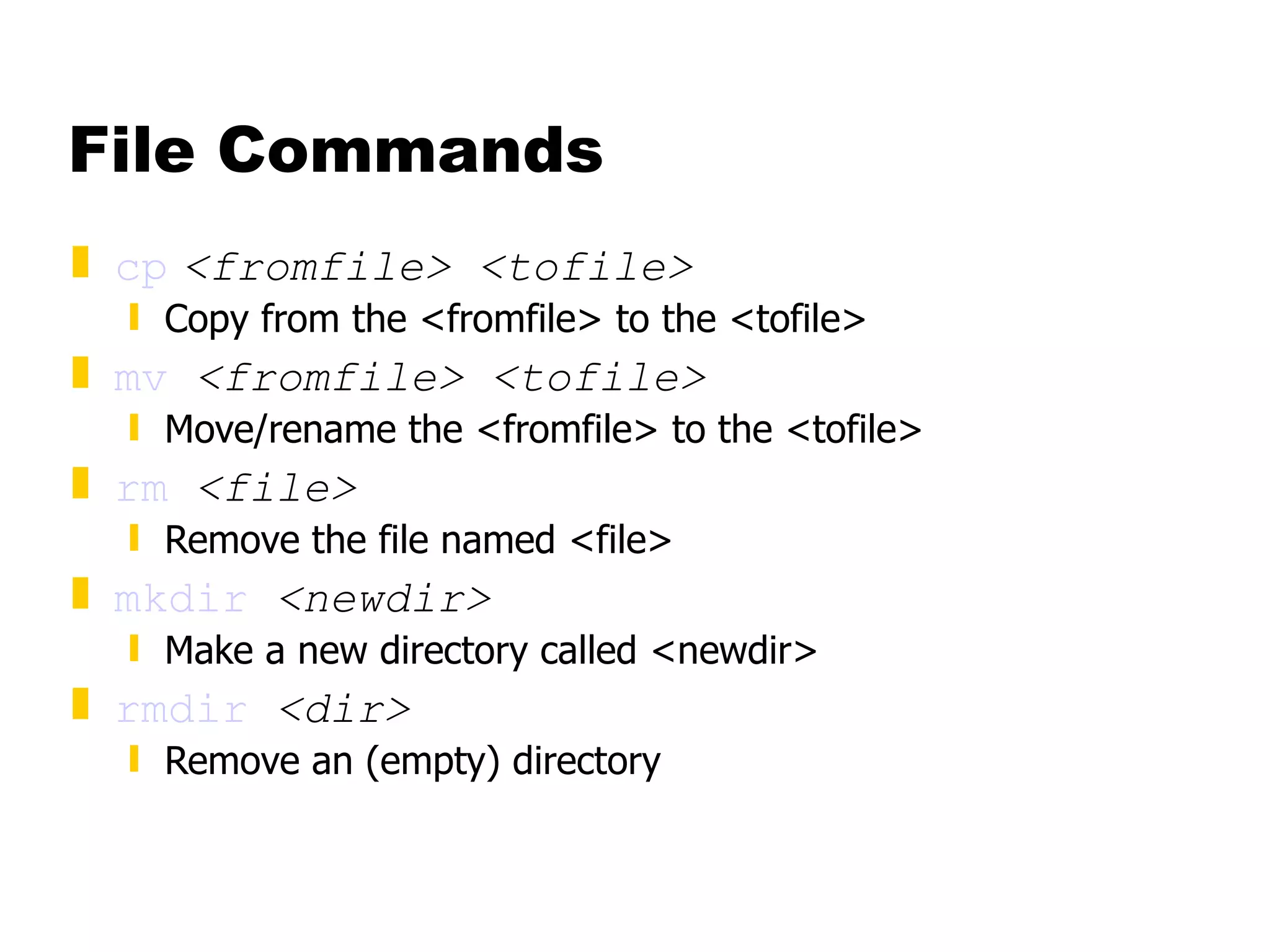
File Commands cp   <fromfile> <tofile> Copy from the <fromfile> to the <tofile>  mv   <fromfile> <tofile> Move/rename the <fromfile> to the <tofile> rm   <file> Remove the file named <file> mkdir   <newdir> Make a new directory called <newdir> rmdir   <dir> Remove an (empty) directory
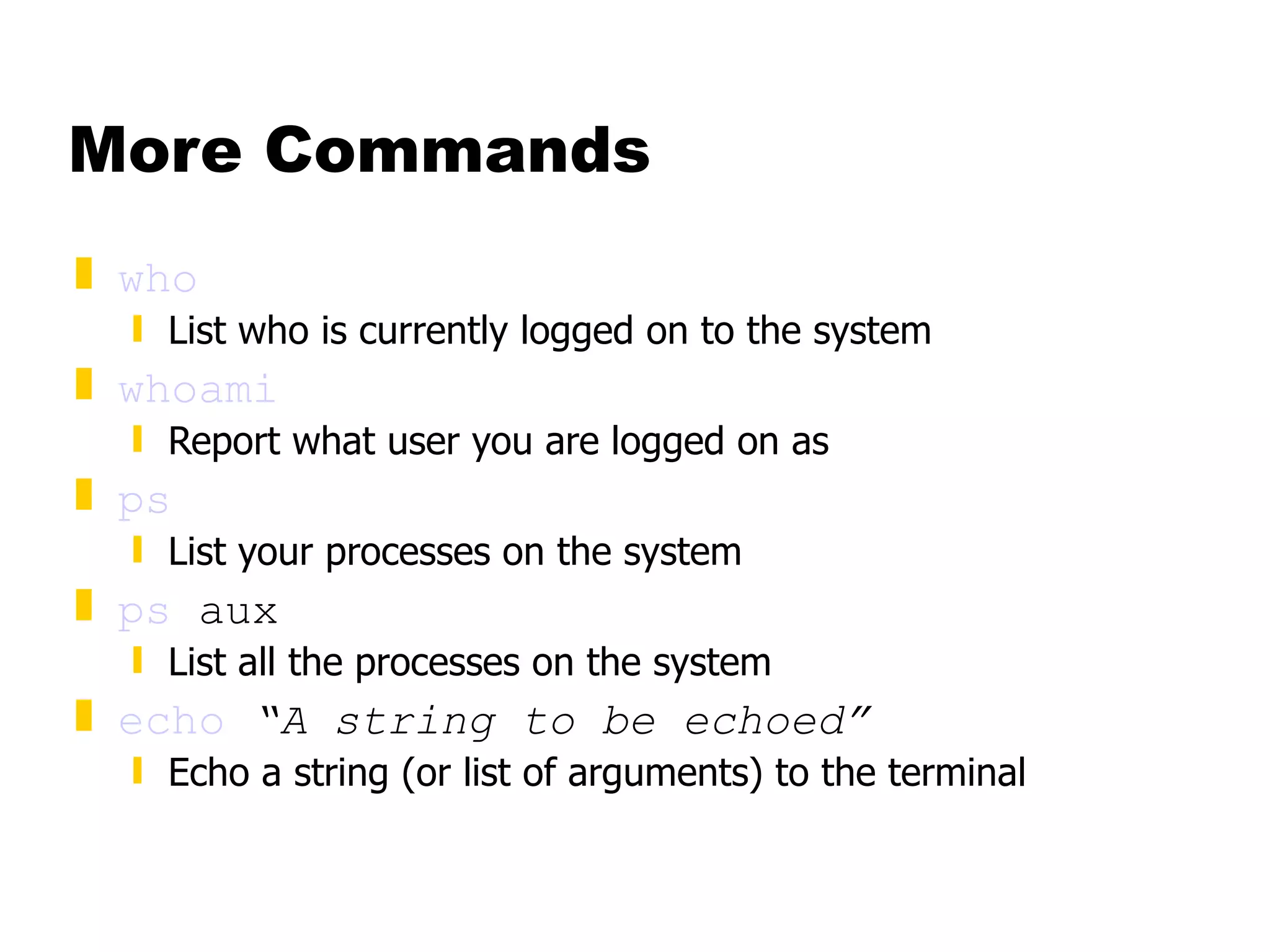
More Commands who List who is currently logged on to the system whoami Report what user you are logged on as ps List your processes on the system ps  aux List all the processes on the system echo   “A string to be echoed” Echo a string (or list of arguments) to the terminal
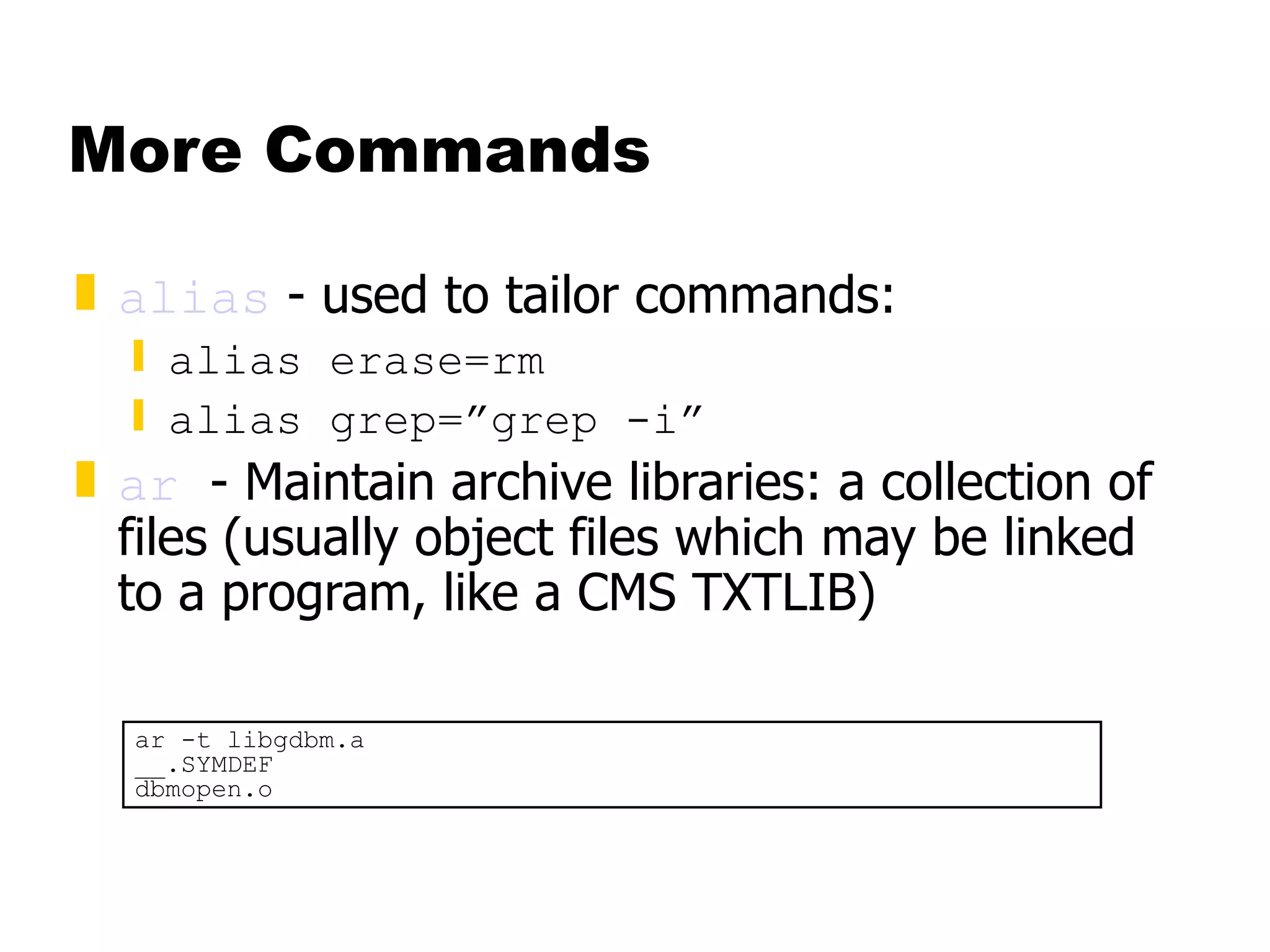
More Commands alias  - used to tailor commands: alias erase=rm alias grep=”grep -i” ar   - Maintain archive libraries: a collection of files (usually object files which may be linked to a program, like a CMS TXTLIB) ar -t libgdbm.a __.SYMDEF dbmopen.o
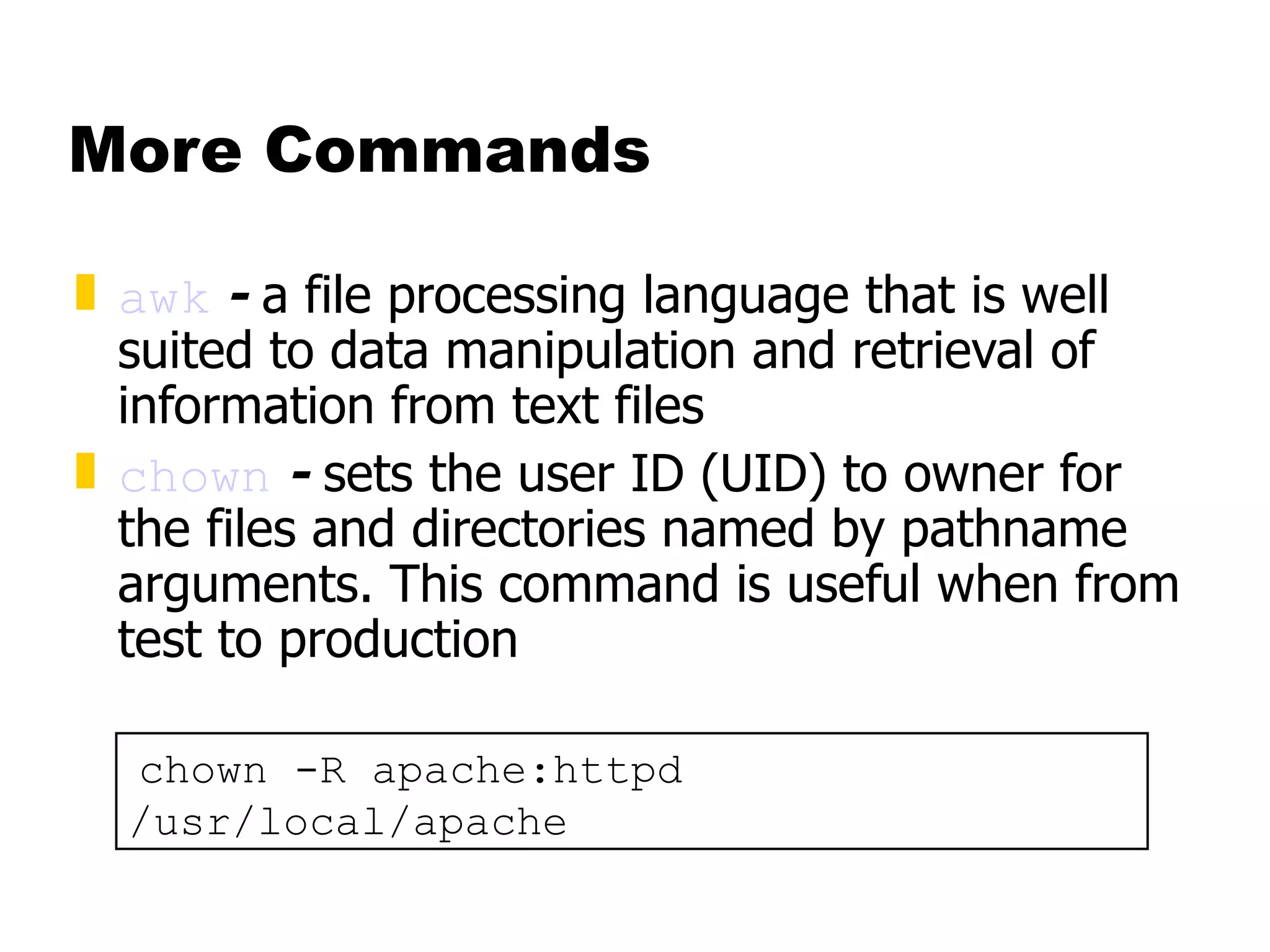
More Commands awk  -  a file processing language that is well suited to data manipulation and retrieval of information from text files chown  -  sets the user ID (UID) to owner for the files and directories named by pathname arguments. This command is useful when from test to production chown -R apache:httpd /usr/local/apache
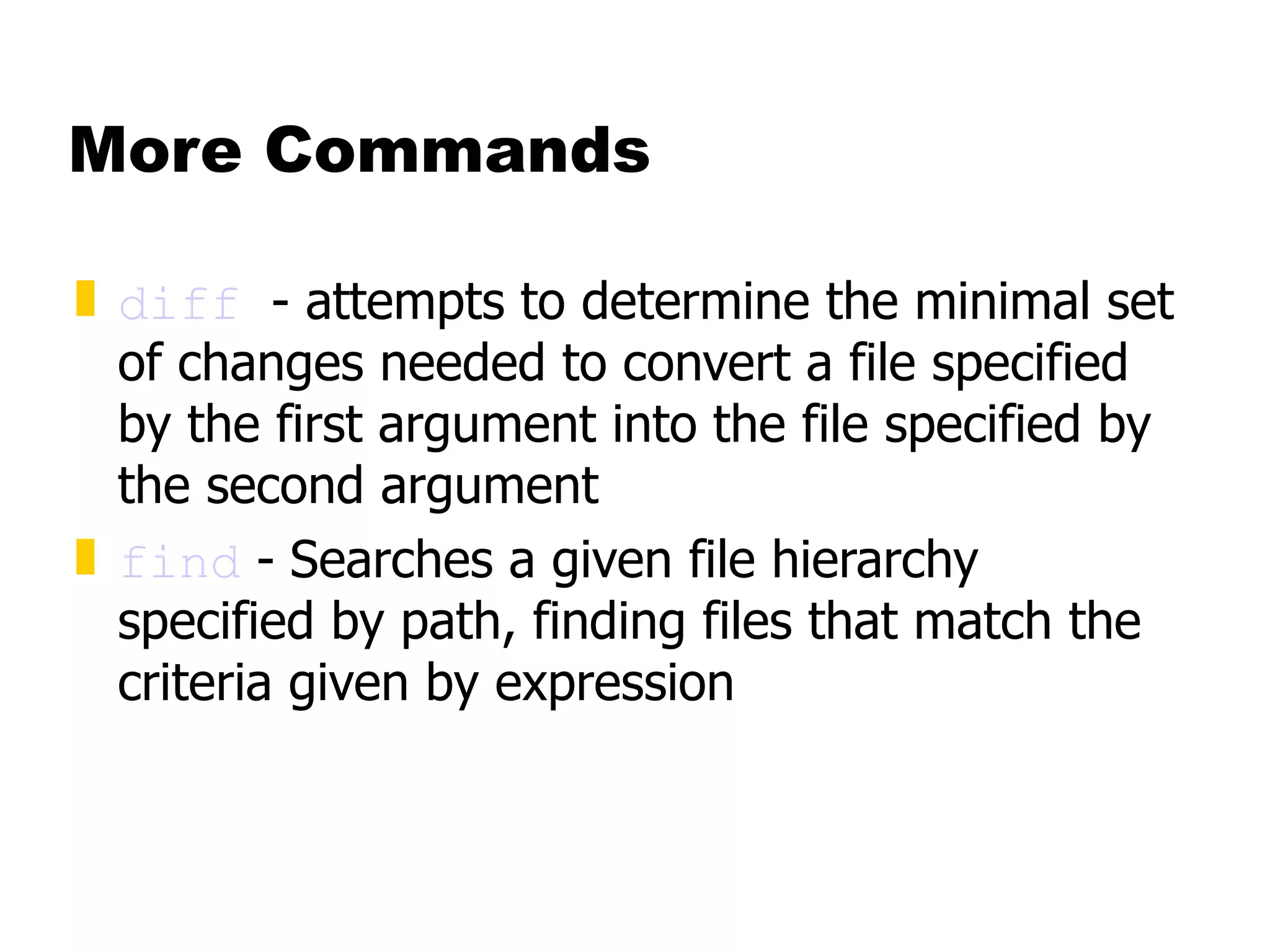
More Commands diff   - attempts to determine the minimal set of changes needed to convert a file specified by the first argument into the file specified by the second argument find  -   Searches a given file hierarchy specified by path, finding files that match the criteria given by expression
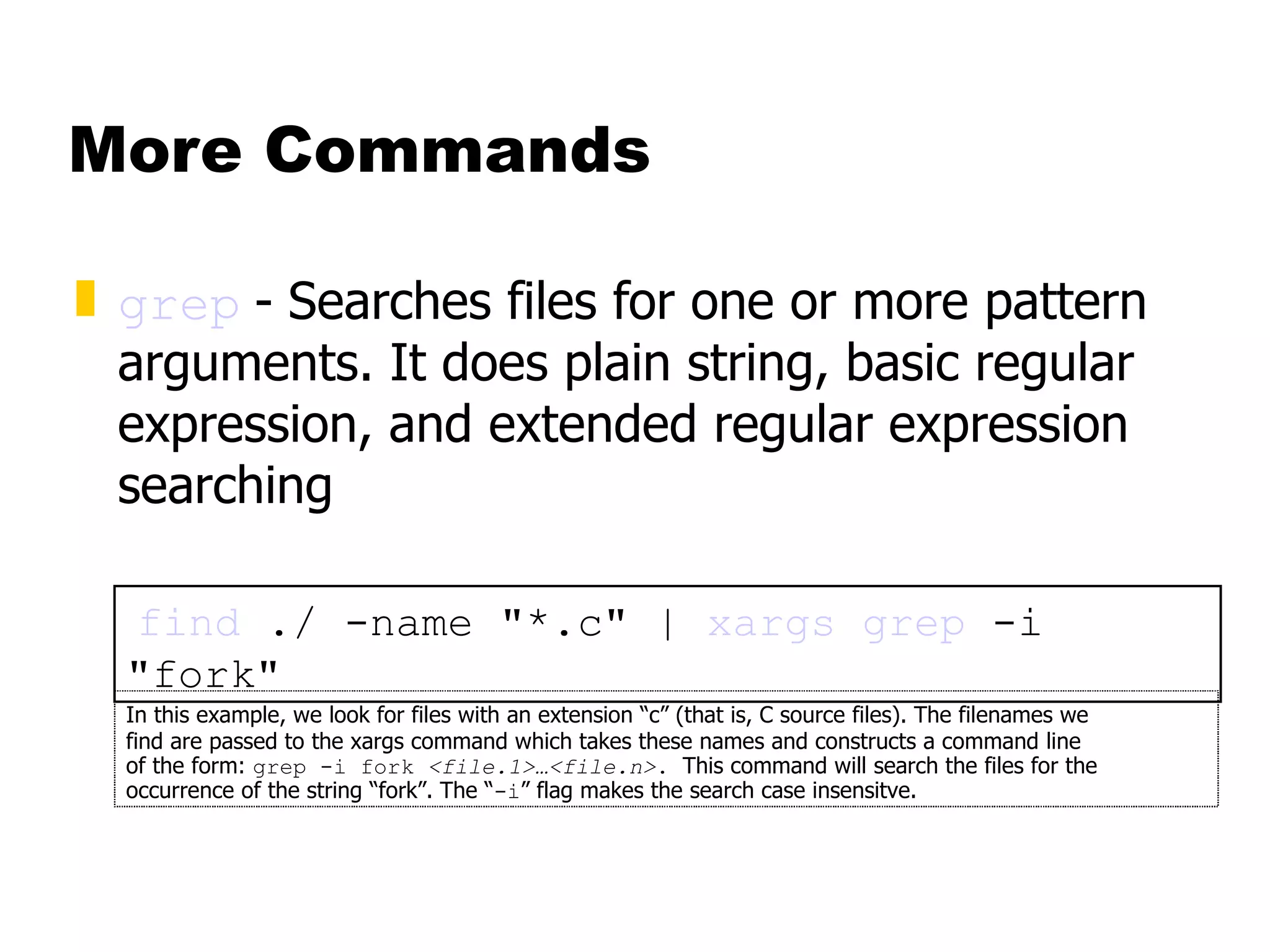
More Commands grep   -   Searches files for one or more pattern arguments. It does plain string, basic regular expression, and extended regular expression searching find  ./ -name &quot;*.c&quot; |  xargs   grep  -i &quot;fork&quot; In this example, we look for files with an extension “c” (that is, C source files). The filenames we  find are passed to the xargs command which takes these names and constructs a command line  of the form:  grep -i fork  <file.1>…<file.n> .  This command will search the files for the occurrence of the string “fork”. The “ -i ” flag makes the search case insensitve.
More Commands kill  - sends a signal to a  process  or  process group You can only kill your own processes unless you are root UID  PID  PPID  C STIME TTY  TIME CMD root  6715  6692  2 14:34 ttyp0  00:00:00 sleep 10h root  6716  6692  0 14:34 ttyp0  00:00:00 ps -ef [root@penguinvm log]# kill 6715 [1]+  Terminated  sleep 10h
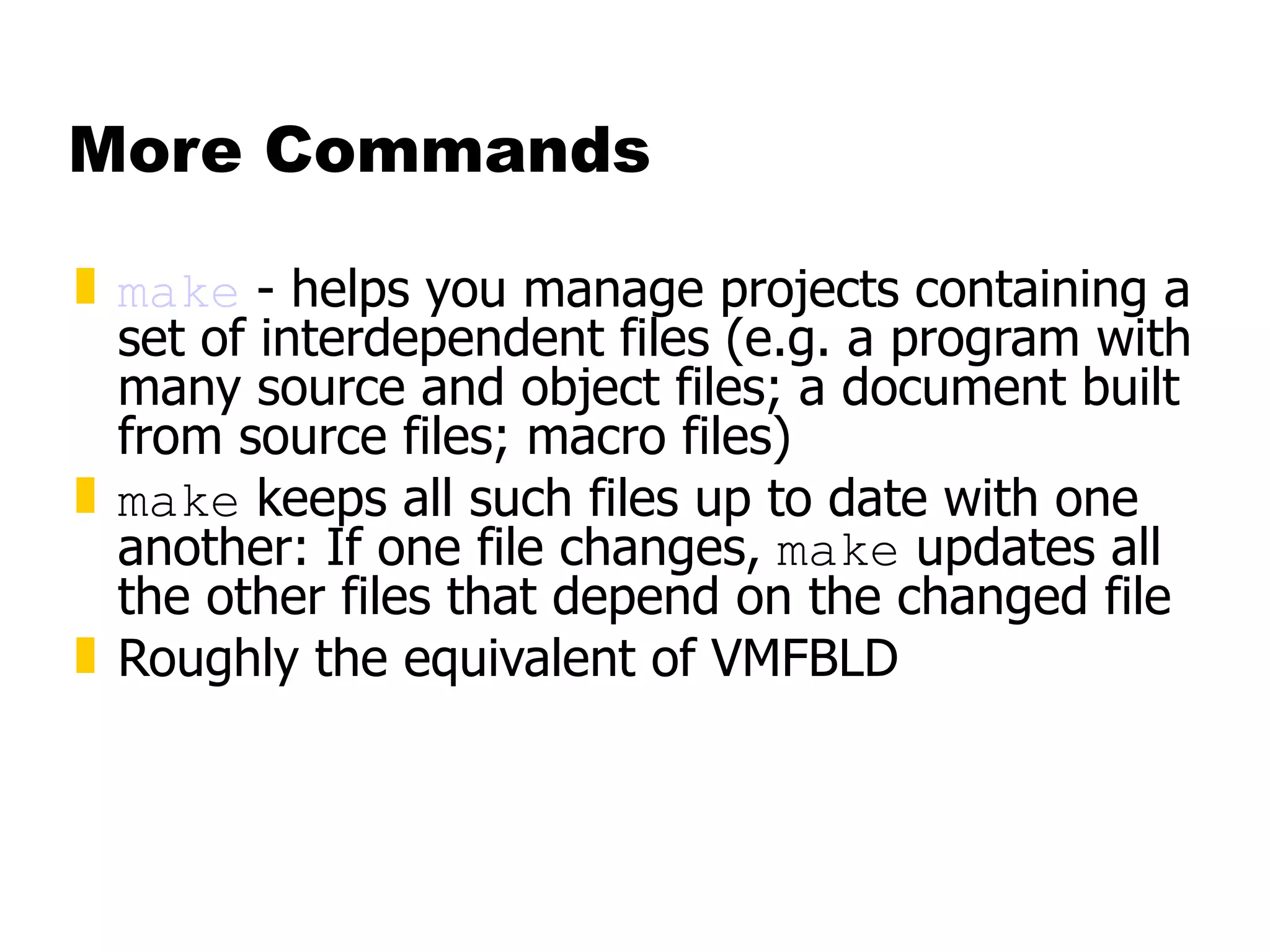
More Commands make  - helps you manage projects containing a set of interdependent files (e.g. a program with many source and object files; a document built from source files; macro files)  make  keeps all such files up to date with one another: If one file changes,  make  updates all the other files that depend on the changed file Roughly the equivalent of VMFBLD
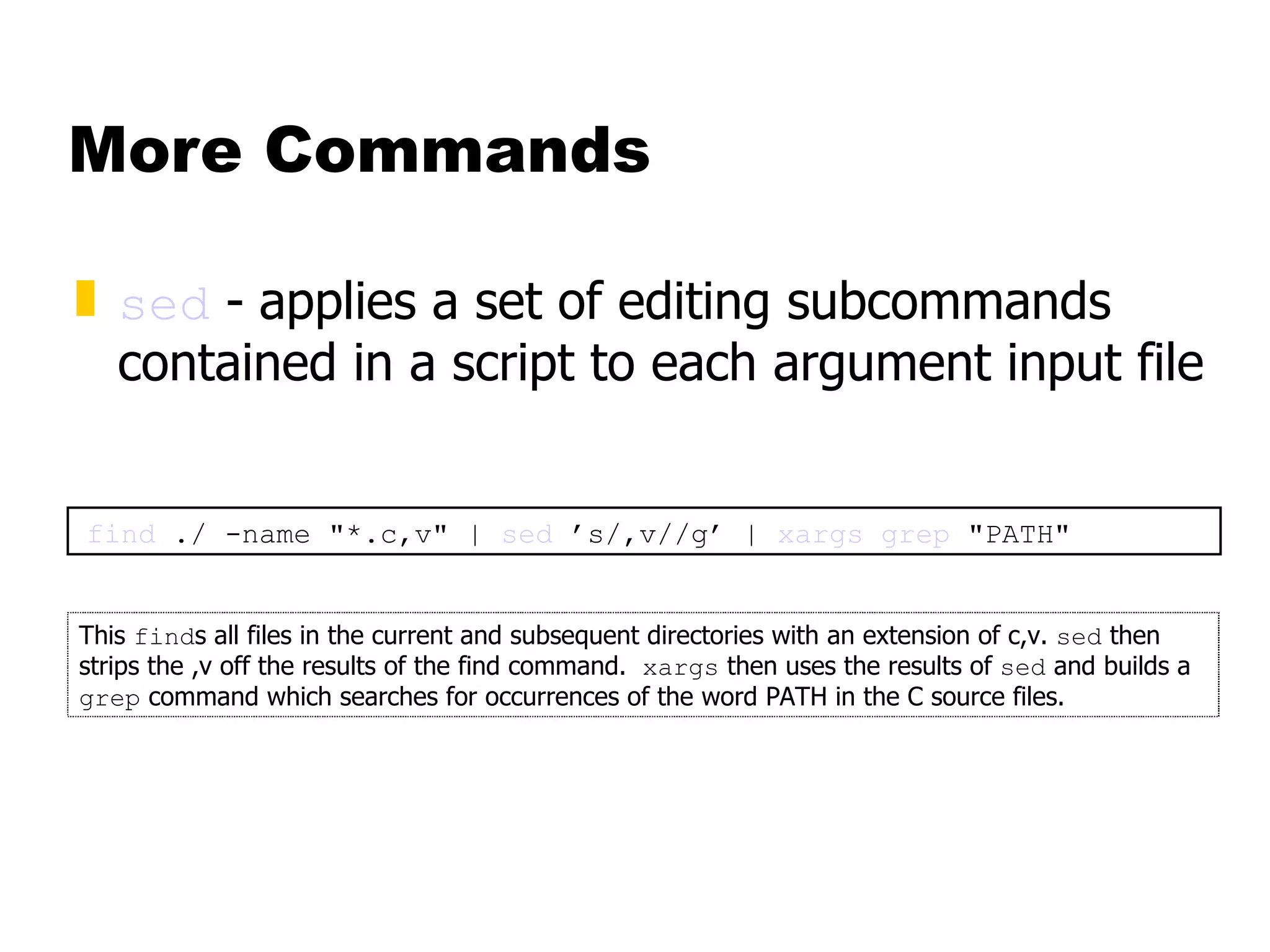
More Commands sed  -   applies a set of editing subcommands contained in a script to each argument input file find  ./ -name &quot;*.c,v&quot; |  sed  ’s/,v//g’ |  xargs   grep  &quot;PATH&quot; This  find s all files in the current and subsequent directories with an extension of c,v.  sed  then strips the ,v off the results of the find command.  xargs  then uses the results of  sed  and builds a  grep  command which searches for occurrences of the word PATH in the C source files.
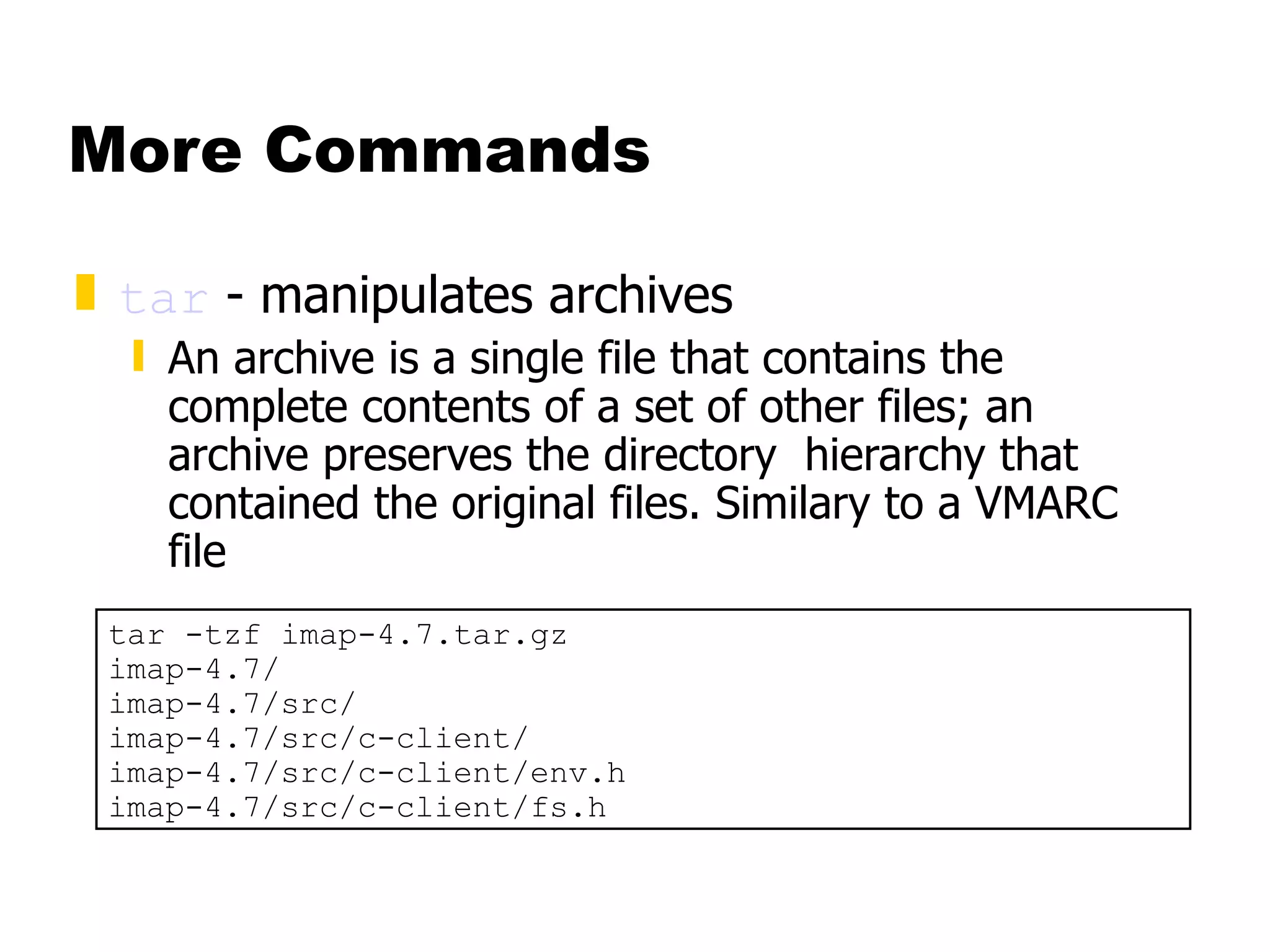
More Commands tar  - manipulates archives  An archive is a single file that contains the complete contents of a set of other files; an archive preserves the directory  hierarchy that contained the original files. Similary to a VMARC file tar -tzf imap-4.7.tar.gz imap-4.7/ imap-4.7/src/ imap-4.7/src/c-client/ imap-4.7/src/c-client/env.h imap-4.7/src/c-client/fs.h
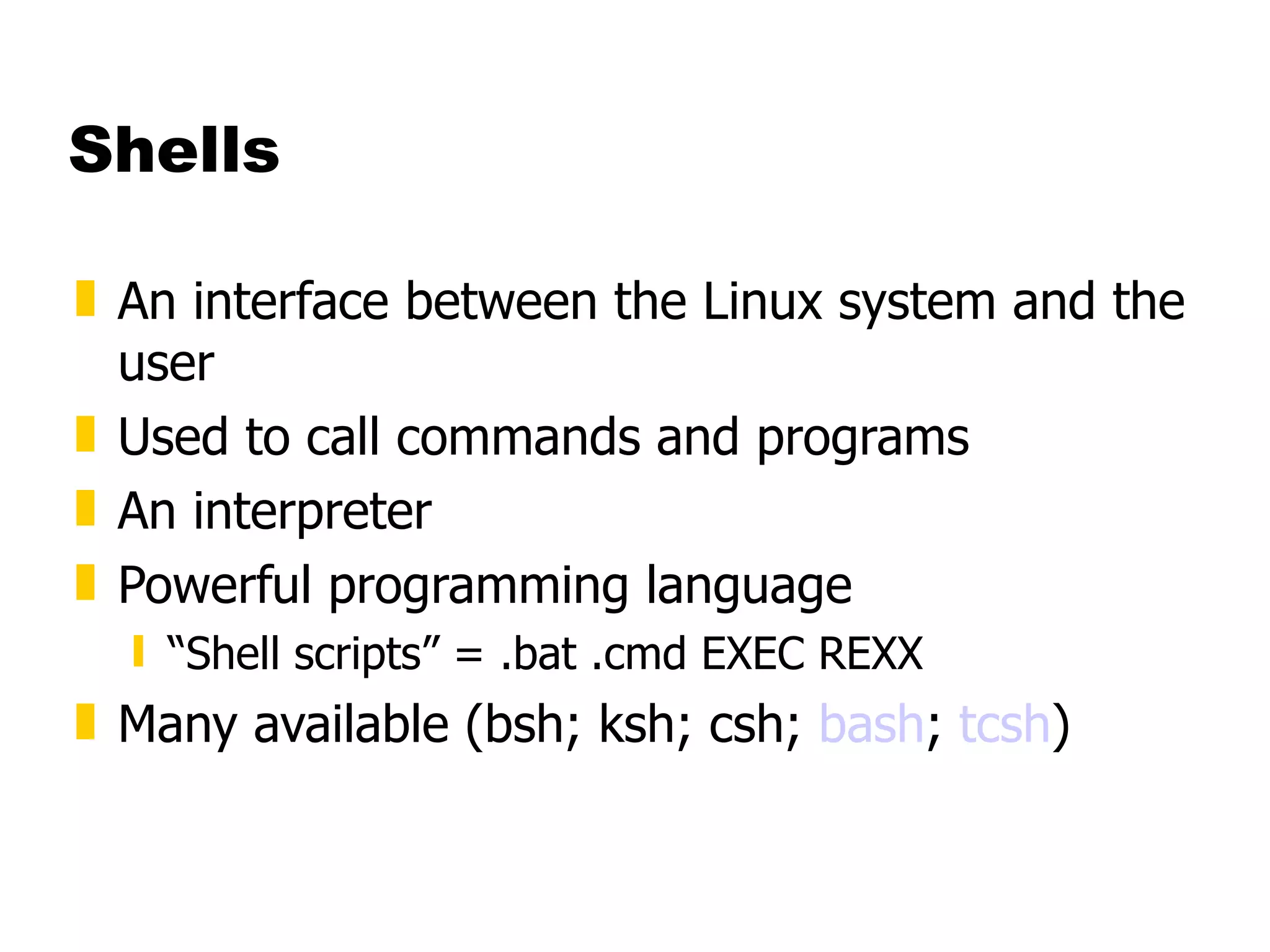
Shells An interface between the Linux system and the user Used to call commands and programs An interpreter Powerful programming language “ Shell scripts” = .bat .cmd EXEC REXX Many available (bsh; ksh; csh;  bash ;  tcsh )
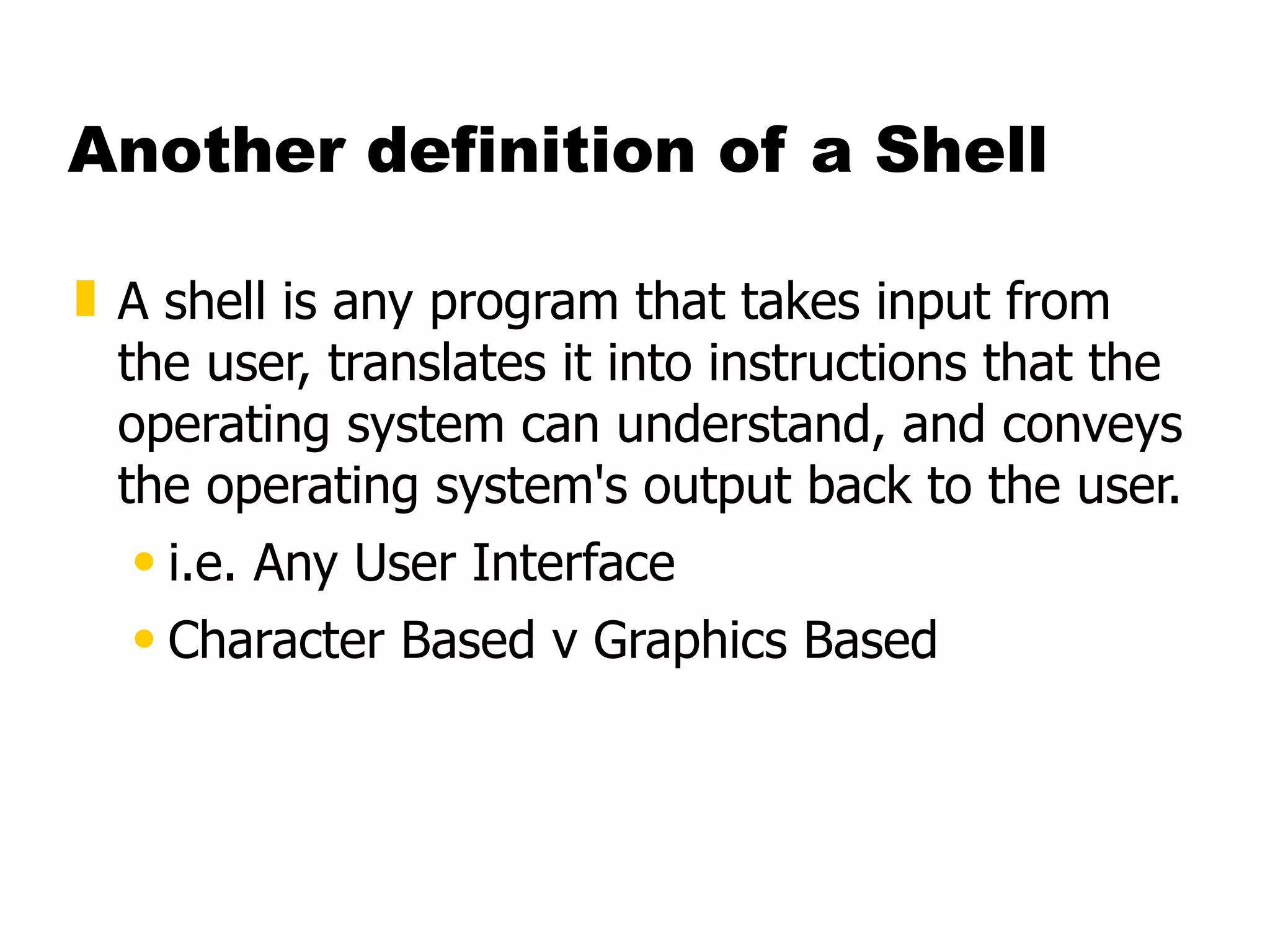
Another definition of a Shell A shell is any program that takes input from the user, translates it into instructions that the operating system can understand, and conveys the operating system's output back to the user.  i.e. Any User Interface  Character Based v Graphics Based
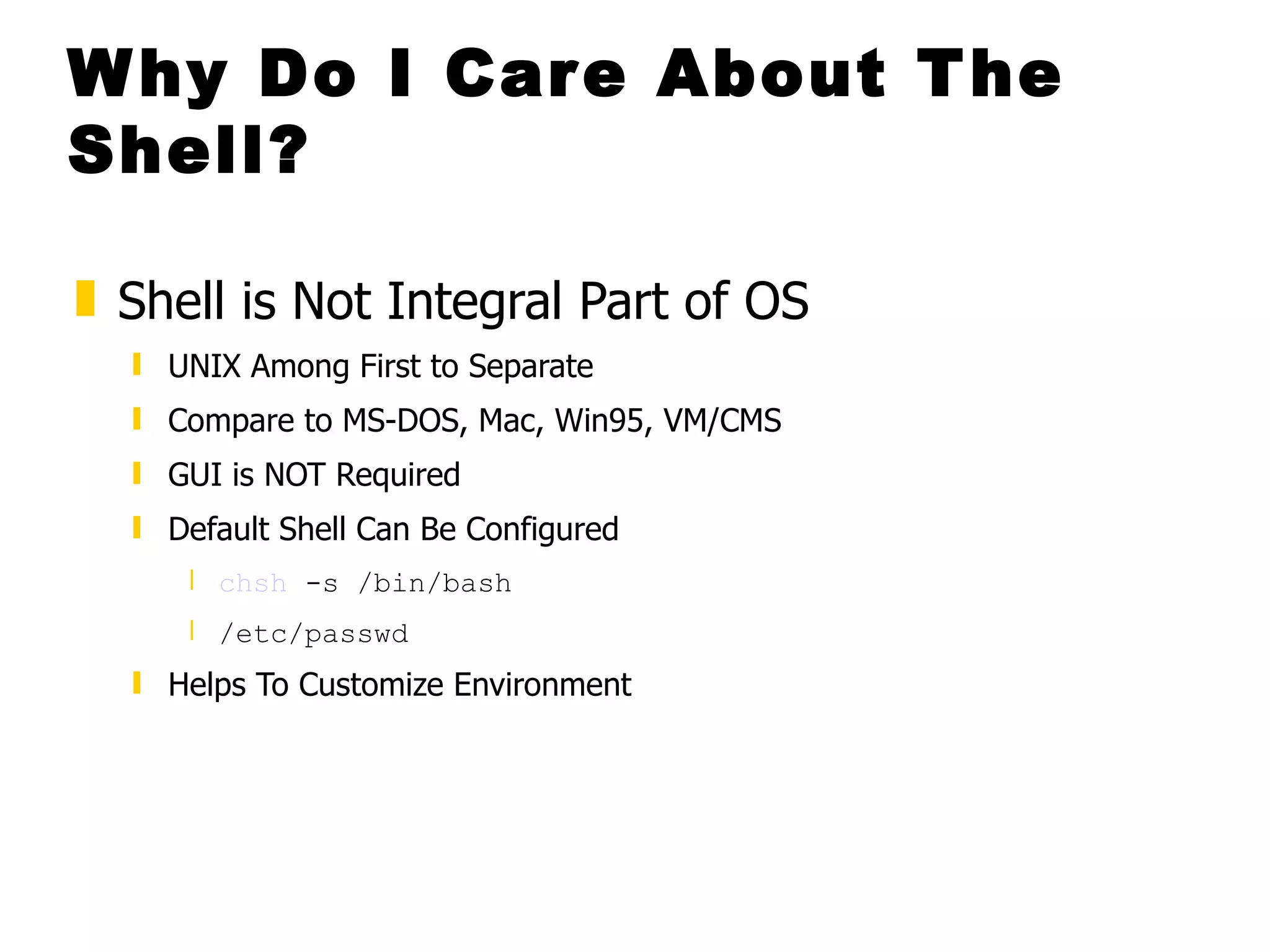
Why Do I Care About The Shell? Shell is Not Integral Part of OS  UNIX Among First to Separate  Compare to MS-DOS, Mac, Win95, VM/CMS GUI is NOT Required Default Shell Can Be Configured  chsh  -s /bin/bash  /etc/passwd   Helps To Customize Environment
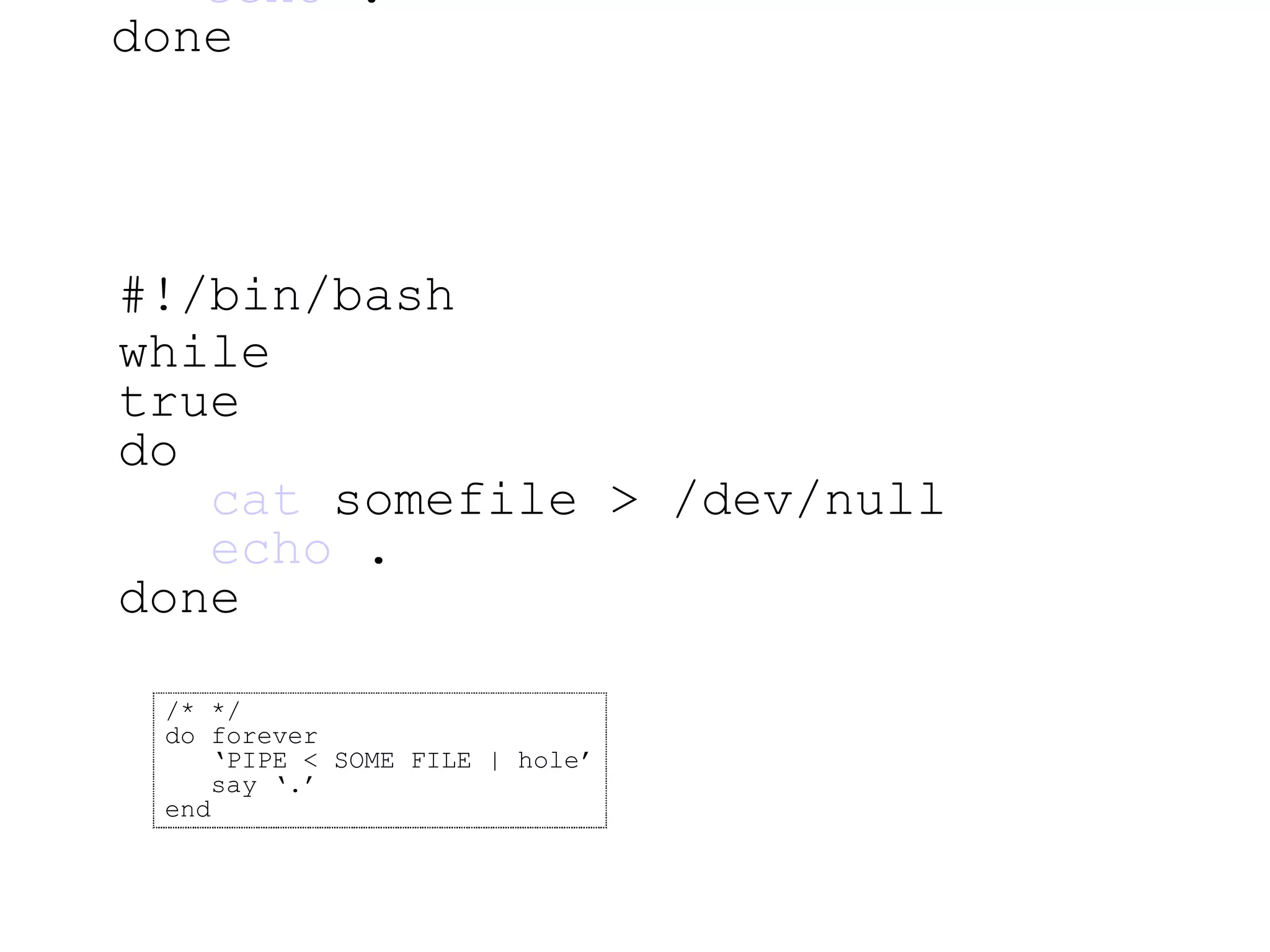
#!/bin/bash while true do   cat  somefile > /dev/null   echo  . done #!/bin/bash while true do   cat  somefile > /dev/null   echo  . done /* */ do forever ‘ PIPE < SOME FILE | hole’ say ‘.’ end
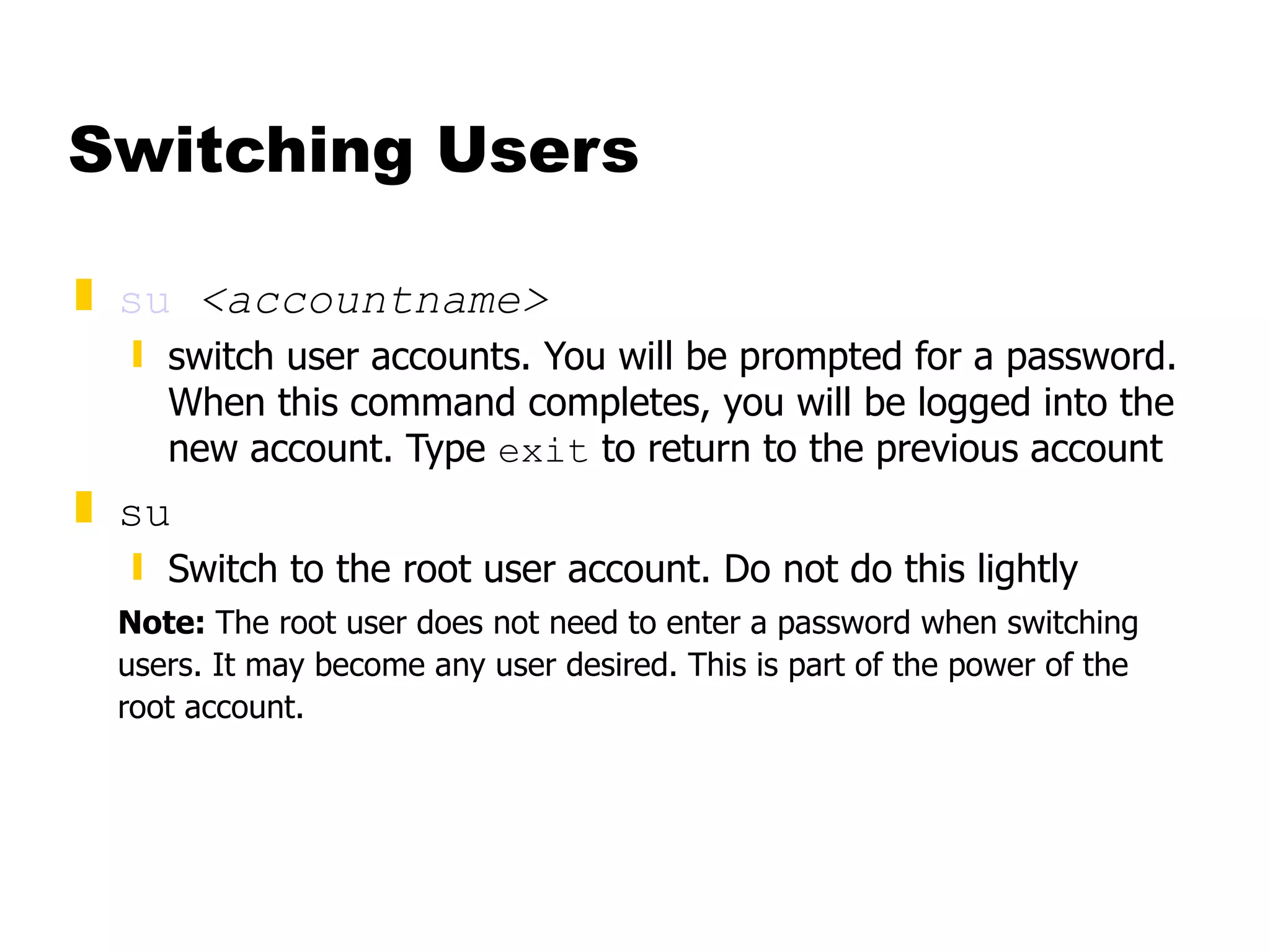
Switching Users su   <accountname> switch user accounts. You will be prompted for a password. When this command completes, you will be logged into the new account. Type  exit  to return to the previous account su Switch to the root user account. Do not do this lightly Note:  The root user does not need to enter a password when switching users. It may become any user desired. This is part of the power of the root account.
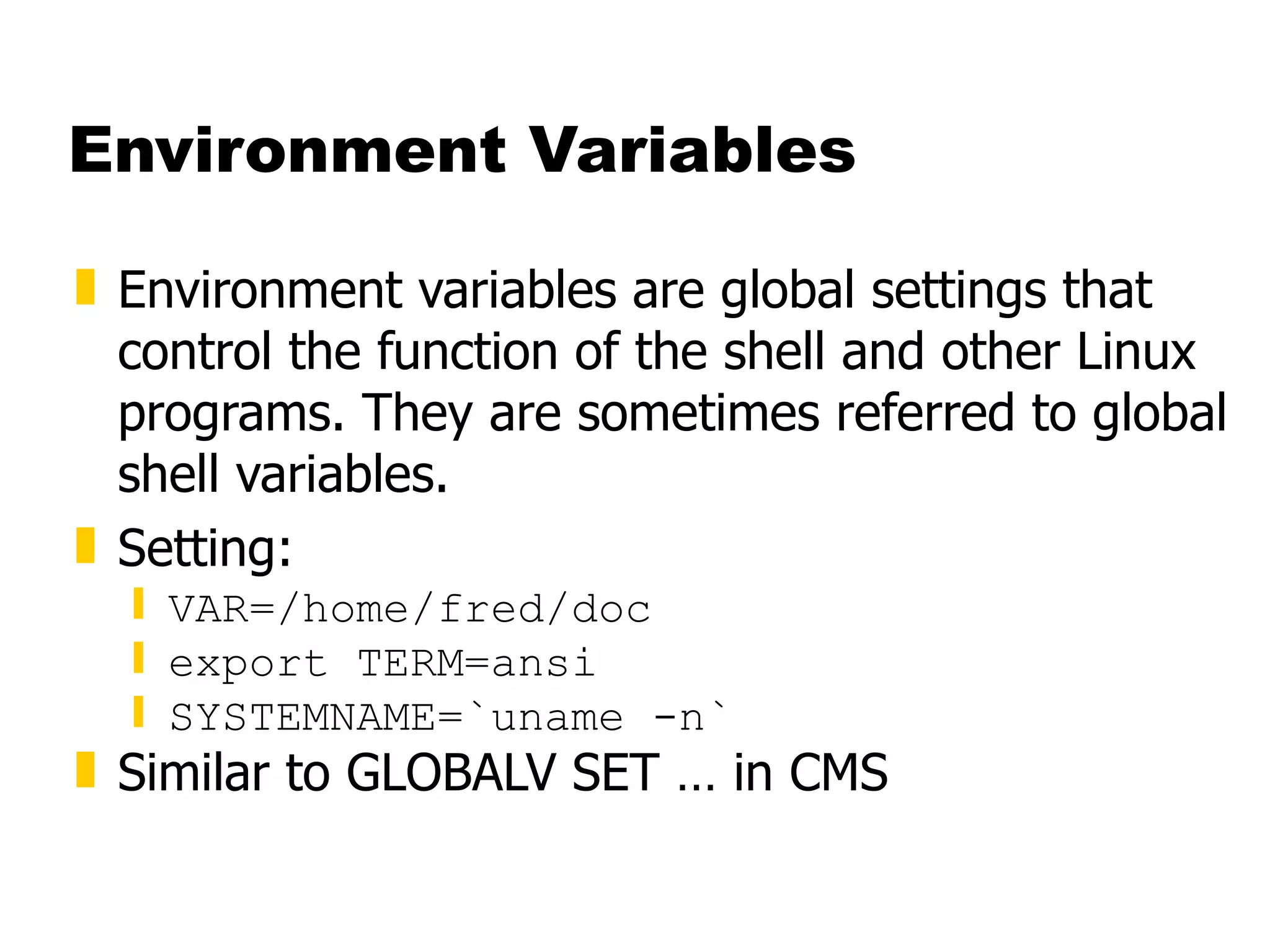
Environment Variables Environment variables are global settings that control the function of the shell and other Linux programs. They are sometimes referred to global shell variables. Setting: VAR=/home/fred/doc export TERM=ansi SYSTEMNAME=`uname -n` Similar to GLOBALV SET … in CMS
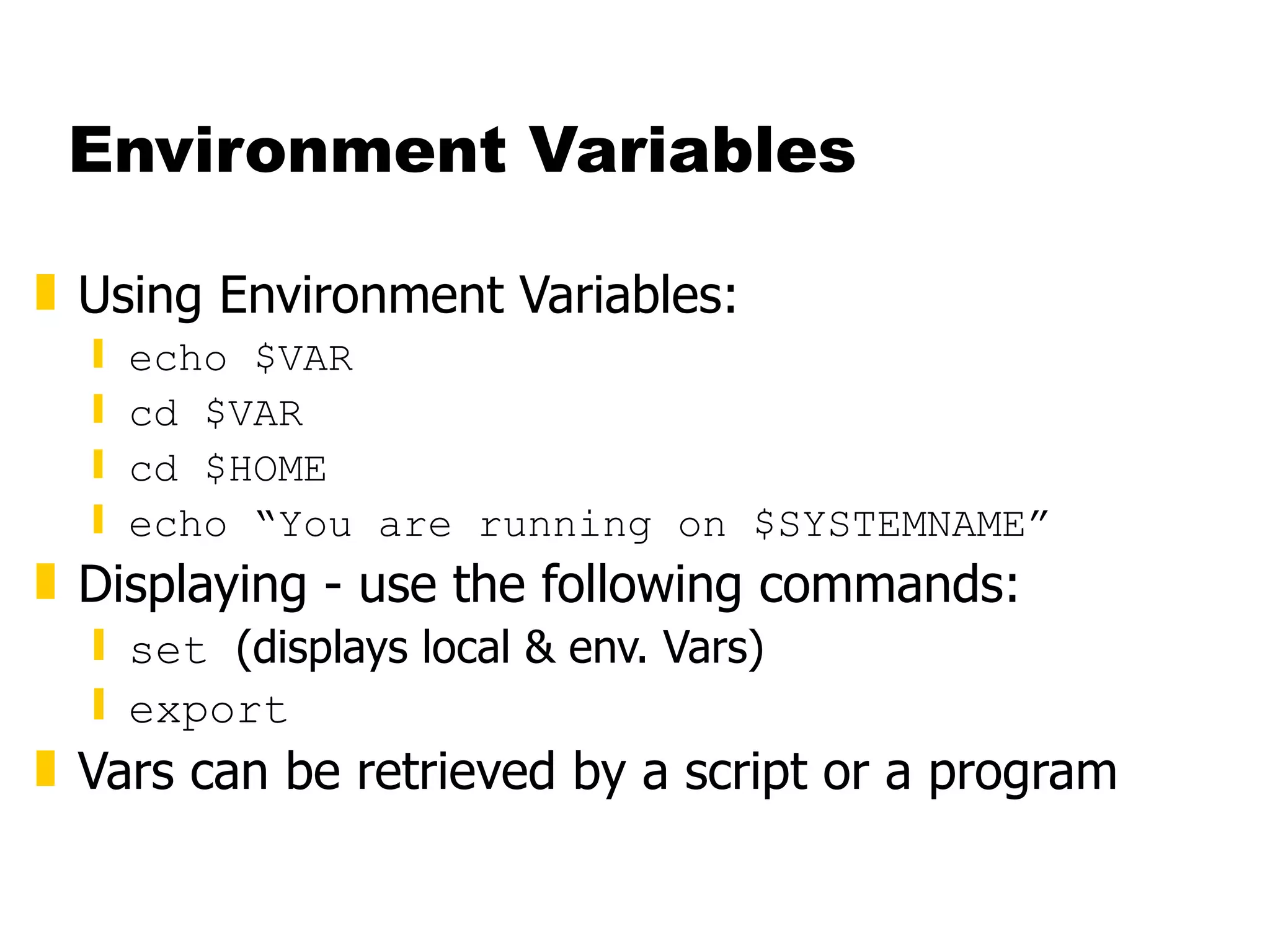
Environment Variables Using Environment Variables: echo $VAR cd $VAR cd $HOME echo “You are running on $SYSTEMNAME” Displaying - use the following commands: set  (displays local & env. Vars) export Vars can be retrieved by a script or a program
Some Important Environment Variables HOME Your home directory (often be abbreviated as “ ~ ”) TERM The type of terminal you are running (for example vt100, xterm, and ansi) PWD Current working directory PATH List of directories to search for commands
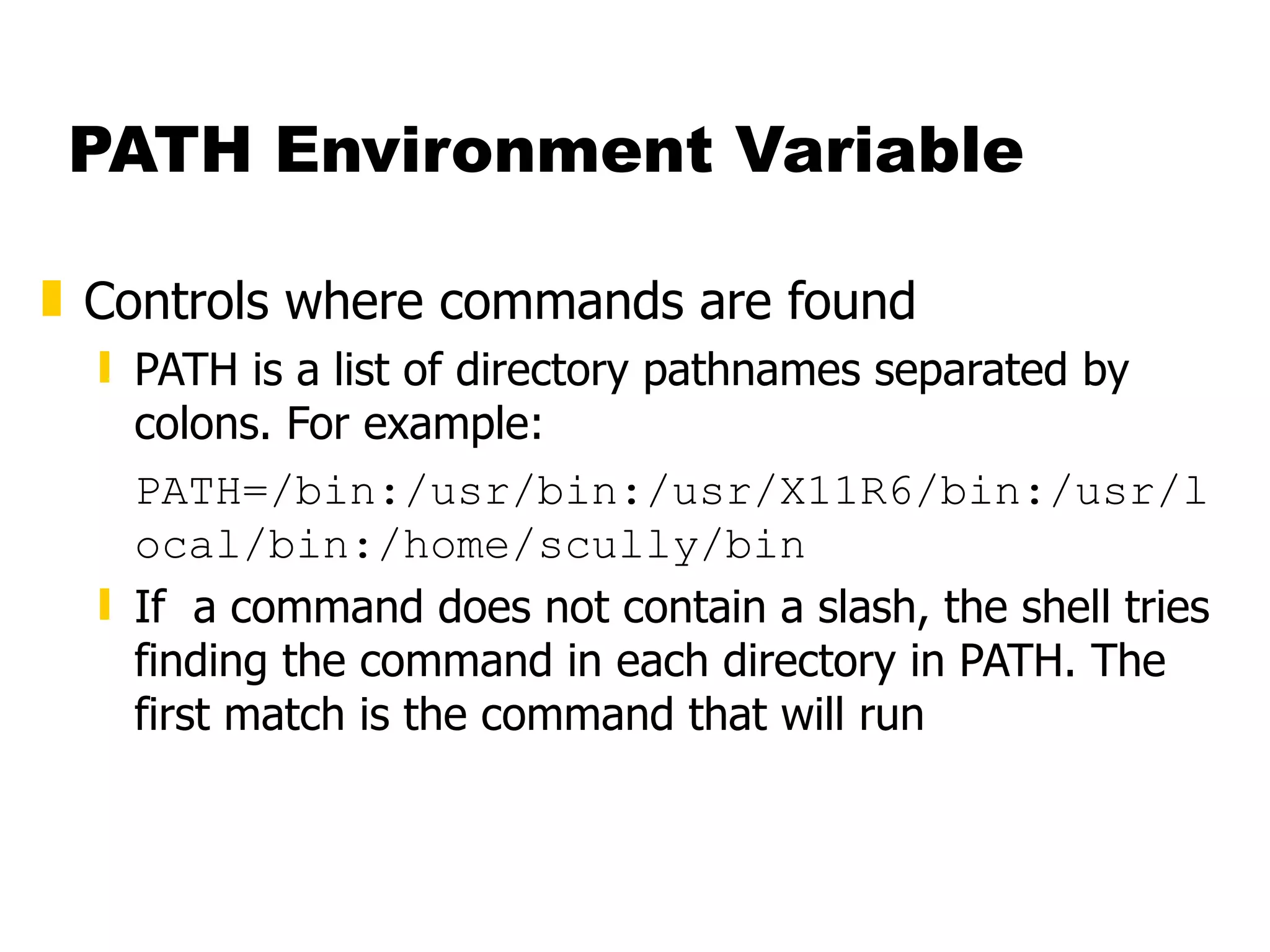
PATH Environment Variable Controls where commands are found PATH is a list of directory pathnames separated by colons. For example: PATH=/bin:/usr/bin:/usr/X11R6/bin:/usr/local/bin:/home/scully/bin If  a command does not contain a slash, the shell tries finding the command in each directory in PATH. The first match is the command that will run
PATH Environment Variable Similar to setting the CMS search order Usually set in  /etc/profile  (like the SYSPROF EXEC) Often modified in  ~/.profile  (like the PROFILE EXEC)
File Permissions Every file  Is owned by someone  Belongs to a group  Has certain access permissions for owner, group, and others Default permissions determined by  umask
File Permissions Every user: Has a uid (login name), gid (login group) and membership of a &quot;groups&quot; list: The  uid  is who you are (name and number)  The  gid  is your initial “login group” you normally belong to The  groups list  is the file groups you can access via group permissions
File Permissions Linux provides three kinds of permissions: Read - users with read permission may read the file or list the directory Write - users with write permission may write to the file or new files to the directory Execute - users with execute permission may execute the file or lookup a specific file within a directory
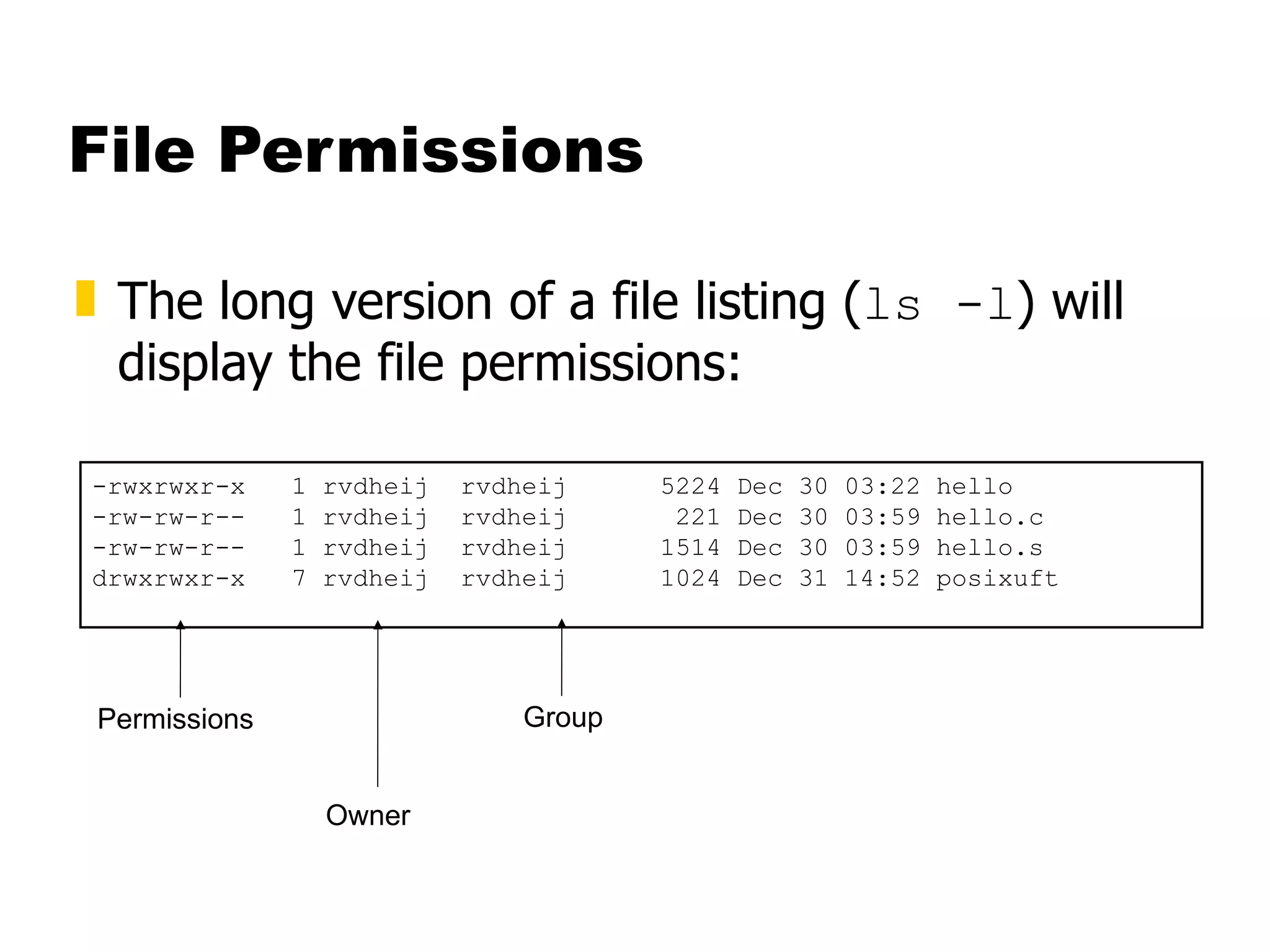
File Permissions The long version of a file listing ( ls -l ) will display the file permissions: -rwxrwxr-x  1 rvdheij  rvdheij  5224 Dec 30 03:22 hello -rw-rw-r--  1 rvdheij  rvdheij  221 Dec 30 03:59 hello.c -rw-rw-r--  1 rvdheij  rvdheij  1514 Dec 30 03:59 hello.s drwxrwxr-x  7 rvdheij  rvdheij  1024 Dec 31 14:52 posixuft Permissions Owner Group
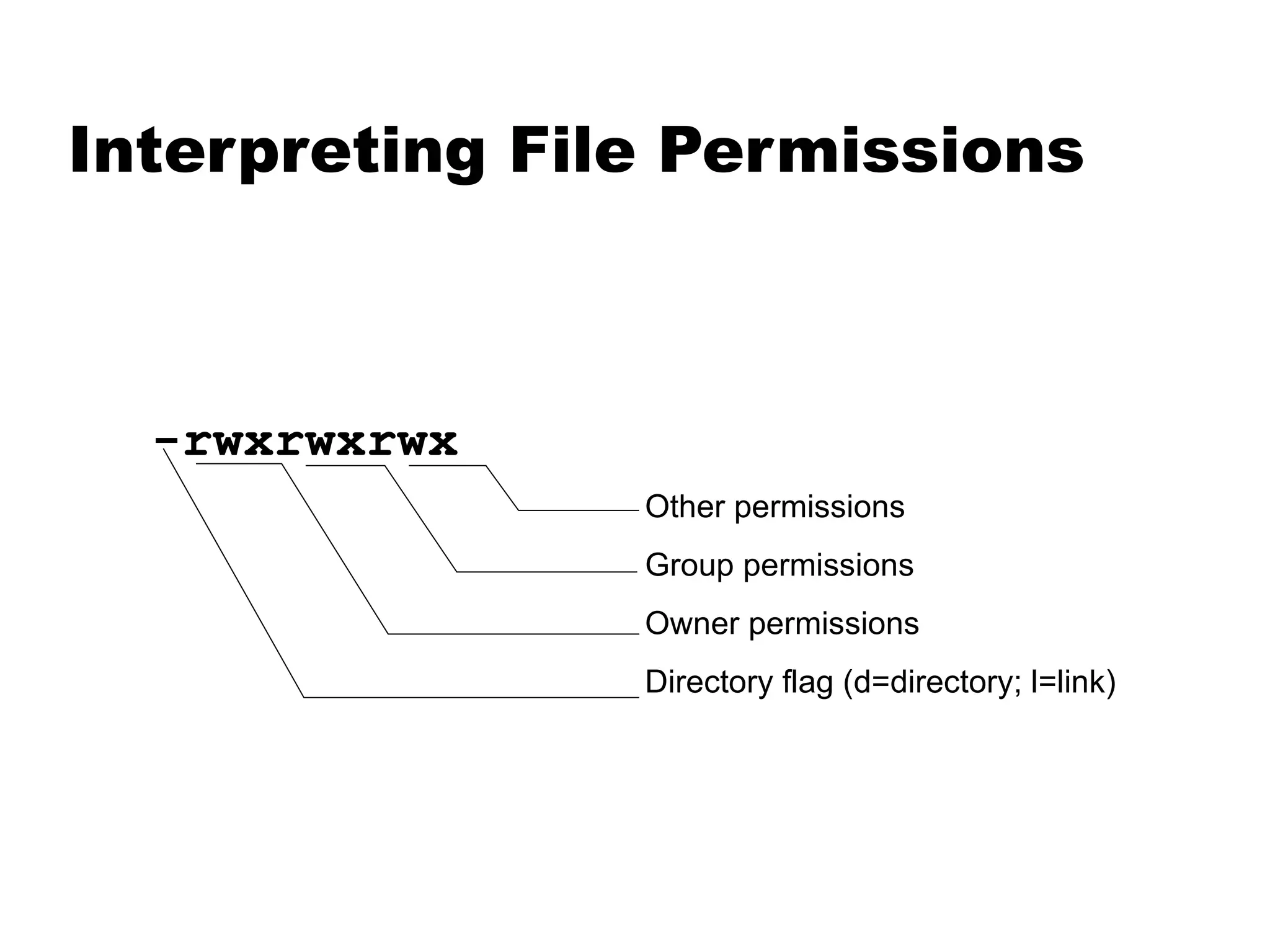
Interpreting File Permissions -rwxrwxrwx Other permissions Group permissions Owner permissions Directory flag (d=directory; l=link)
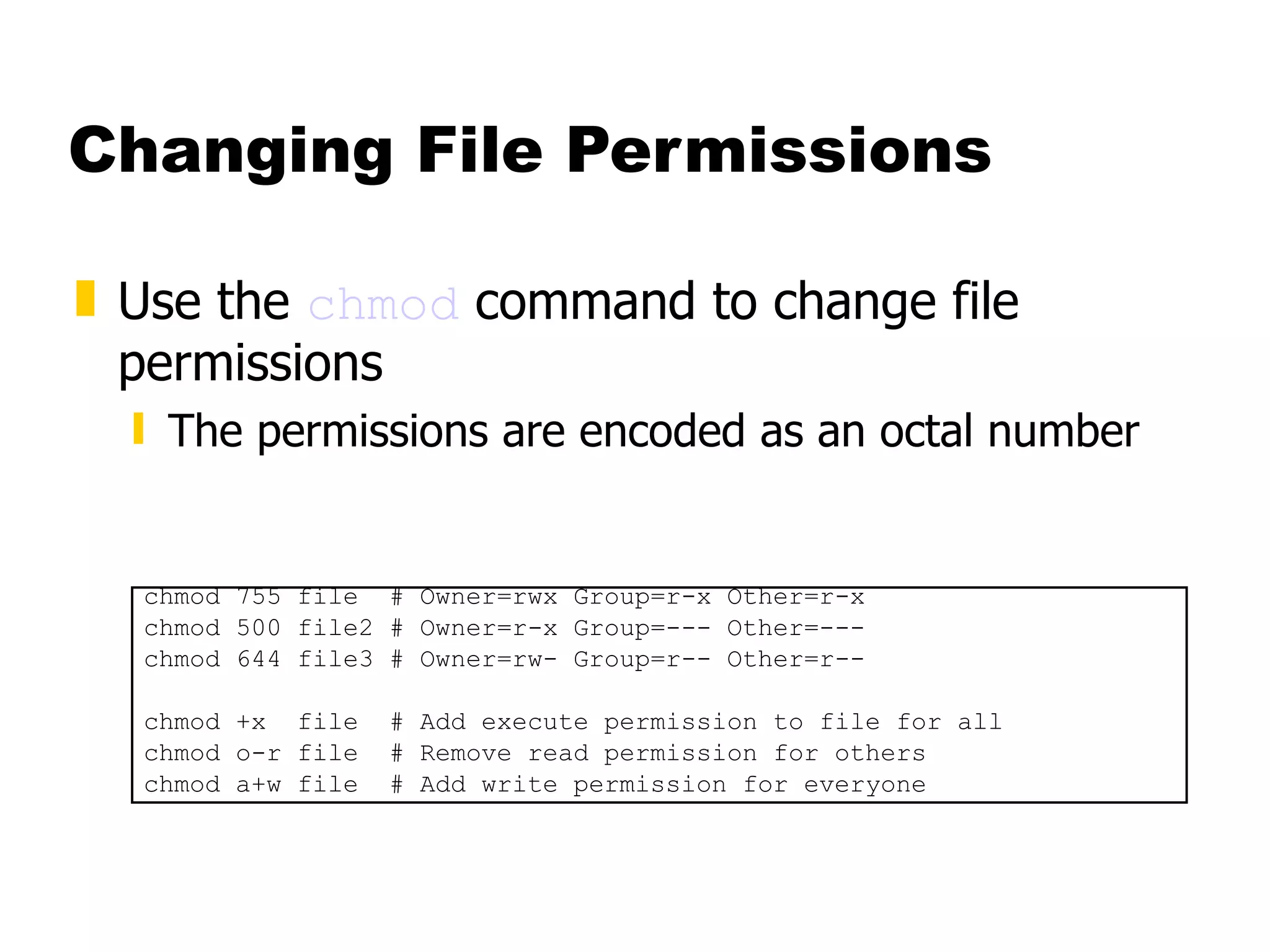
Changing File Permissions Use the  chmod  command to change file permissions The permissions are encoded as an octal number chmod 755 file  # Owner=rwx Group=r-x Other=r-x chmod 500 file2 # Owner=r-x Group=--- Other=--- chmod 644 file3 # Owner=rw- Group=r-- Other=r-- chmod +x  file  # Add execute permission to file for all chmod o-r file  # Remove read permission for others chmod a+w file  # Add write permission for everyone
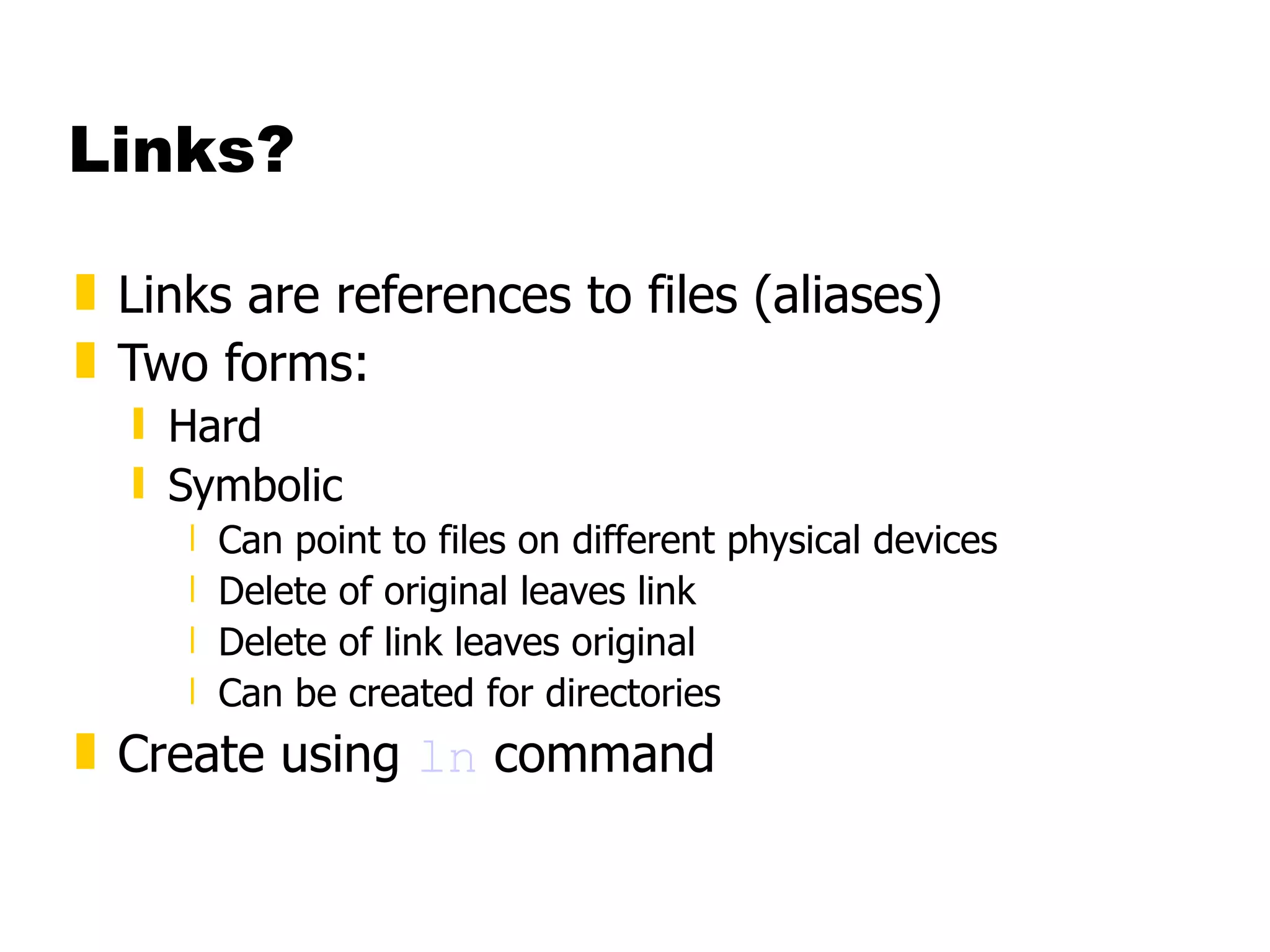
Links? Links are references to files (aliases) Two forms: Hard Symbolic Can point to files on different physical devices Delete of original leaves link  Delete of link leaves original Can be created for directories Create using  ln  command
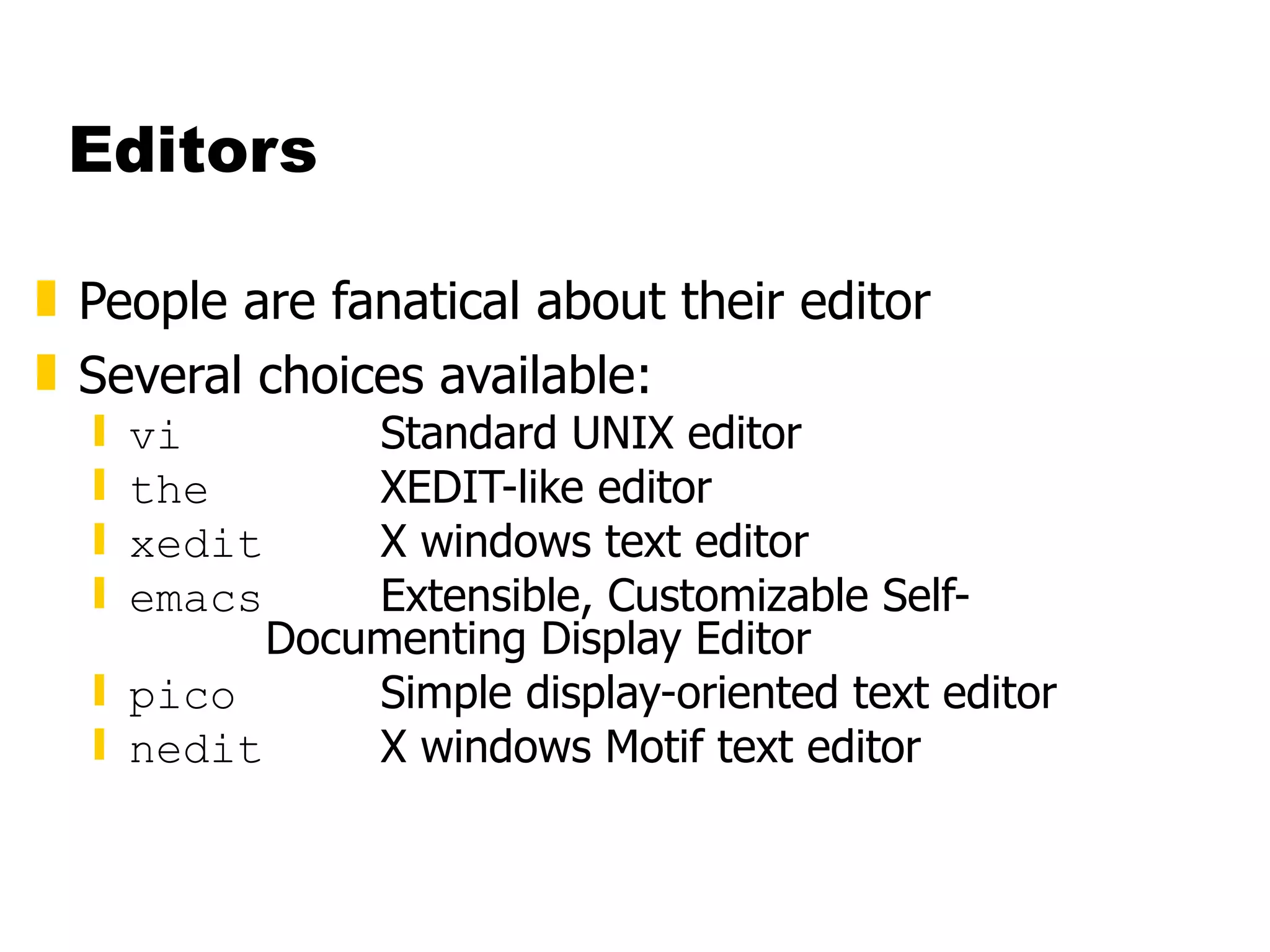
Editors People are fanatical about their editor Several choices available: vi Standard UNIX editor the XEDIT-like editor xedit X windows text editor emacs Extensible, Customizable Self- Documenting Display Editor pico Simple display-oriented text editor  nedit X windows Motif text editor
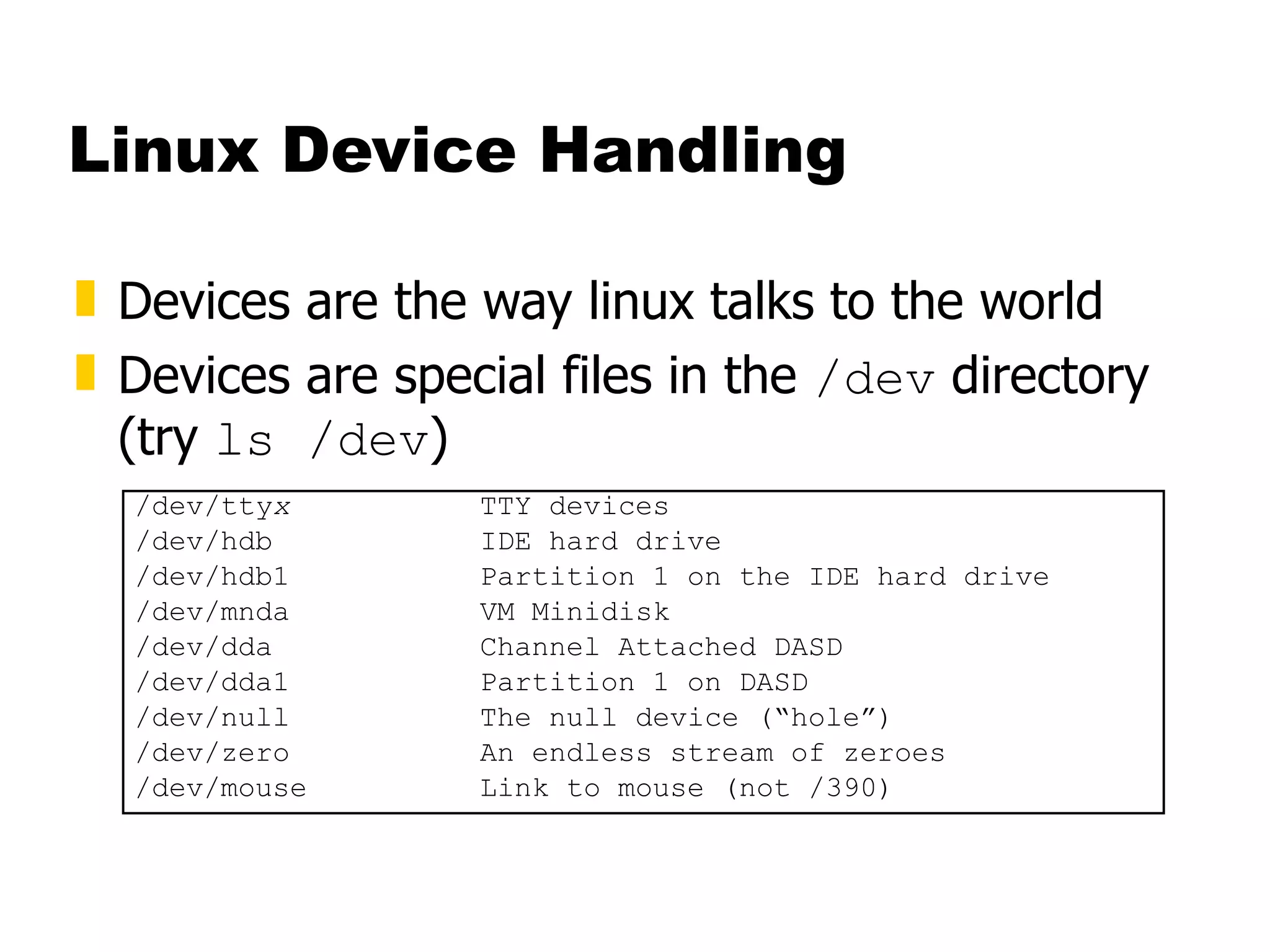
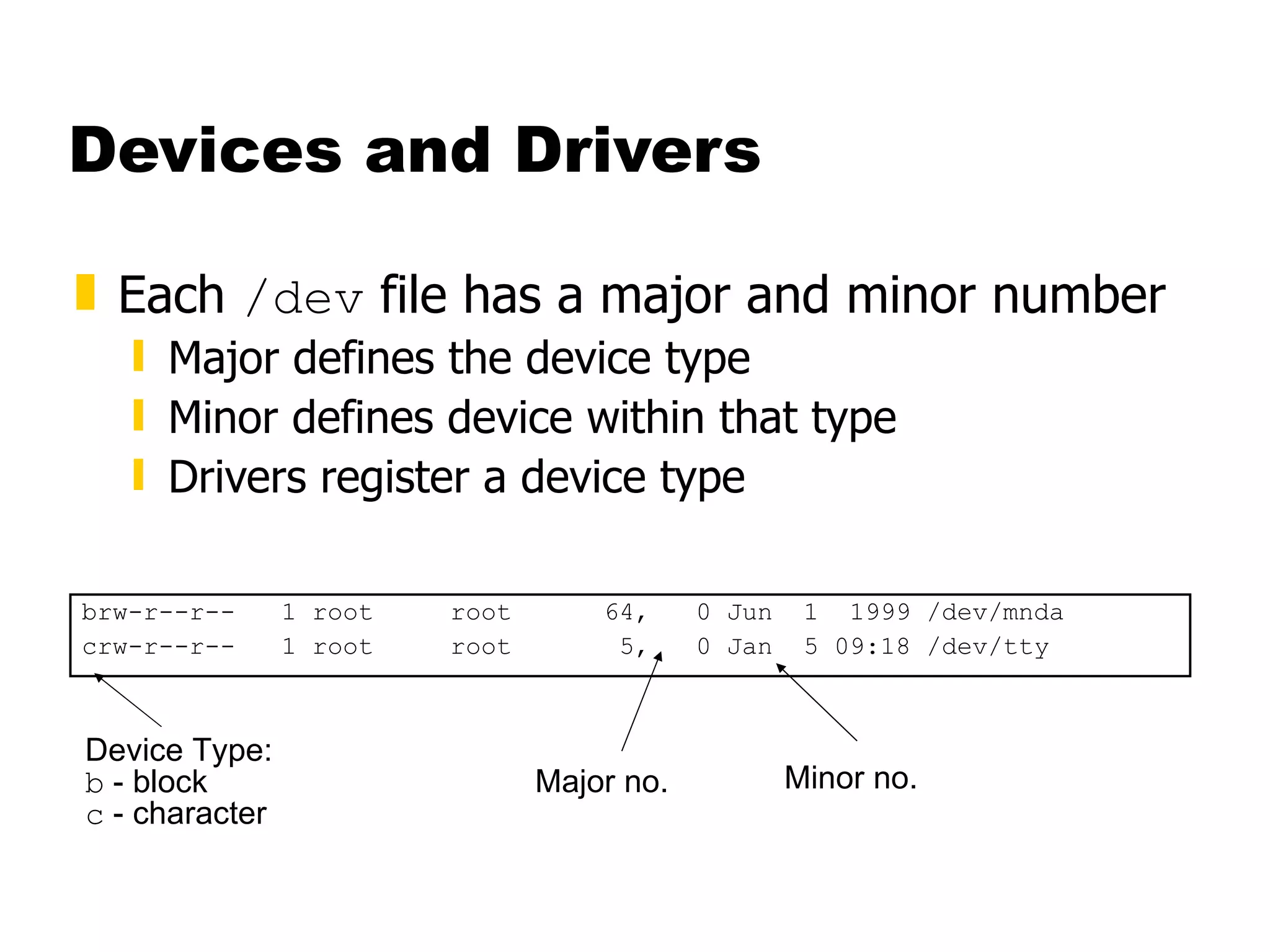
Linux Device Handling Devices are the way linux talks to the world Devices are special files in the  /dev  directory (try  ls /dev ) /dev/tty x TTY devices /dev/hdb IDE hard drive /dev/hdb1 Partition 1 on the IDE hard drive /dev/mnda VM Minidisk  /dev/dda Channel Attached DASD /dev/dda1 Partition 1 on DASD /dev/null The null device (“hole”) /dev/zero An endless stream of zeroes /dev/mouse Link to mouse (not /390)
Devices and Drivers Each  /dev  file has a major and minor number Major defines the device type Minor defines device within that type Drivers register a device type brw-r--r--  1 root  root  64,  0 Jun  1  1999 /dev/mnda crw-r--r--  1 root  root  5,  0 Jan  5 09:18 /dev/tty Major no. Minor no. Device Type:  b  - block c  - character
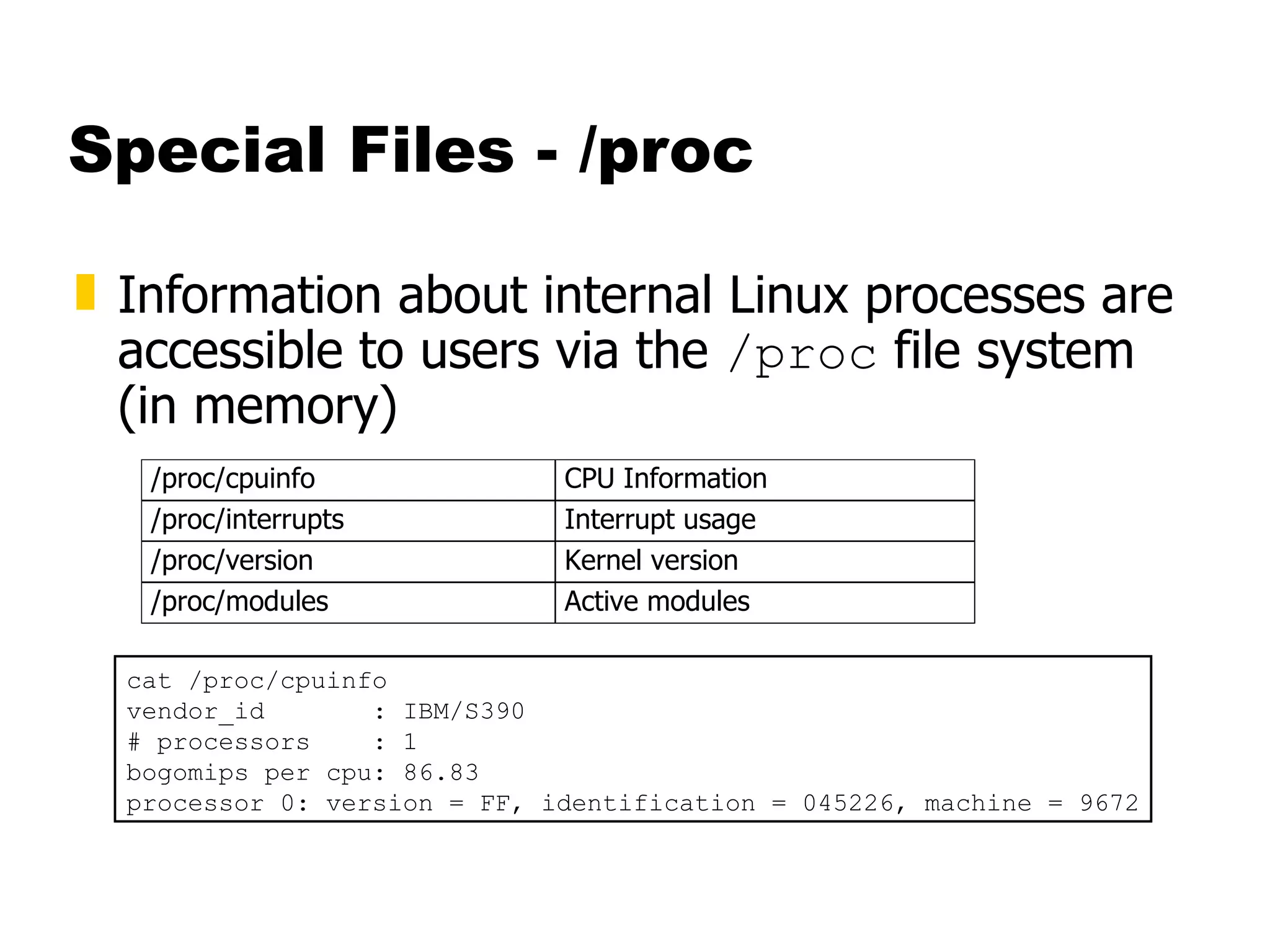
Special Files - /proc Information about internal Linux processes are accessible to users via the  /proc  file system (in memory) cat /proc/cpuinfo vendor_id  : IBM/S390 # processors  : 1 bogomips per cpu: 86.83 processor 0: version = FF, identification = 045226, machine = 9672
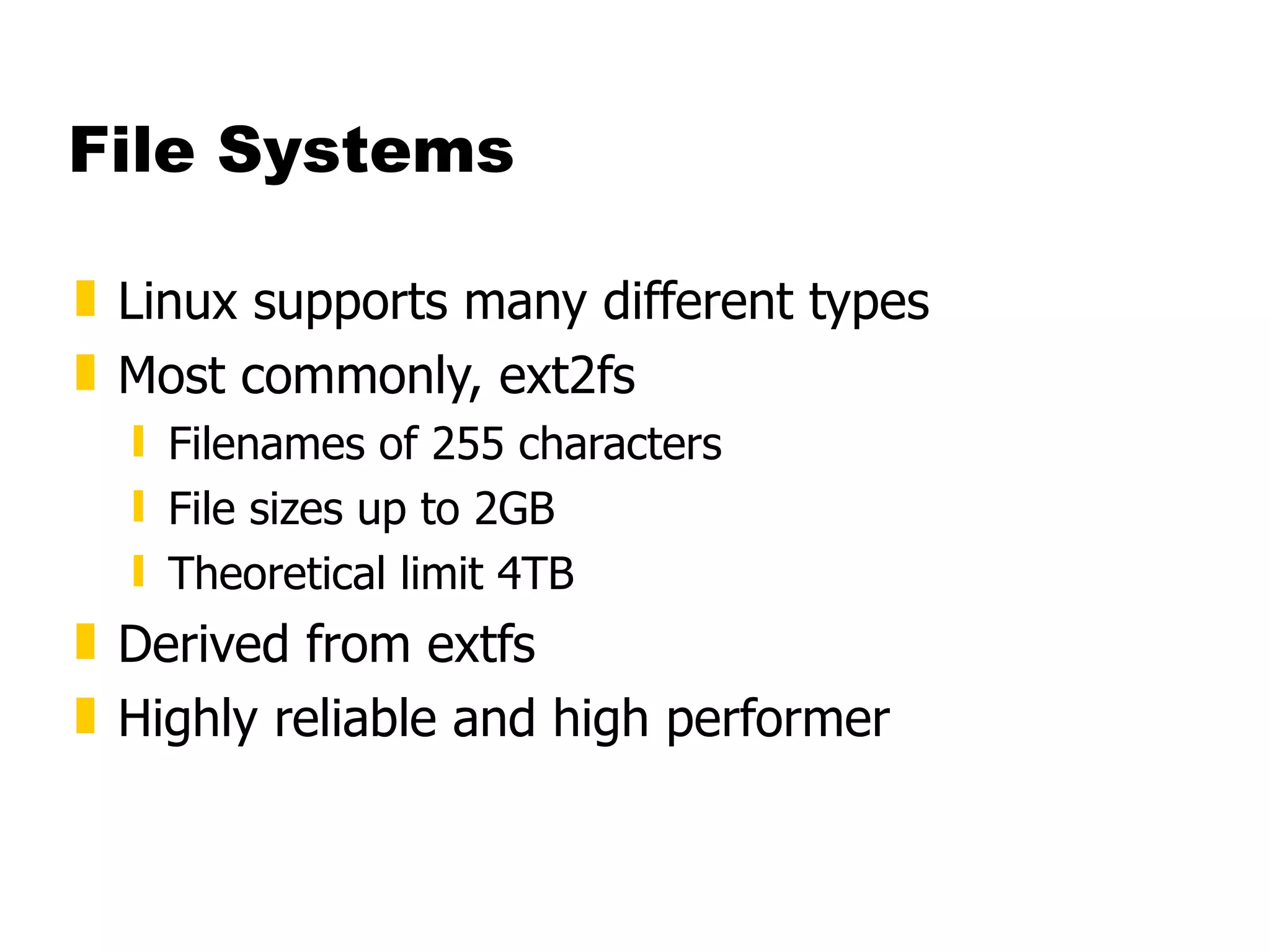
File Systems Linux supports many different types Most commonly, ext2fs Filenames of 255 characters File sizes up to 2GB  Theoretical limit 4TB Derived from extfs Highly reliable and high performer
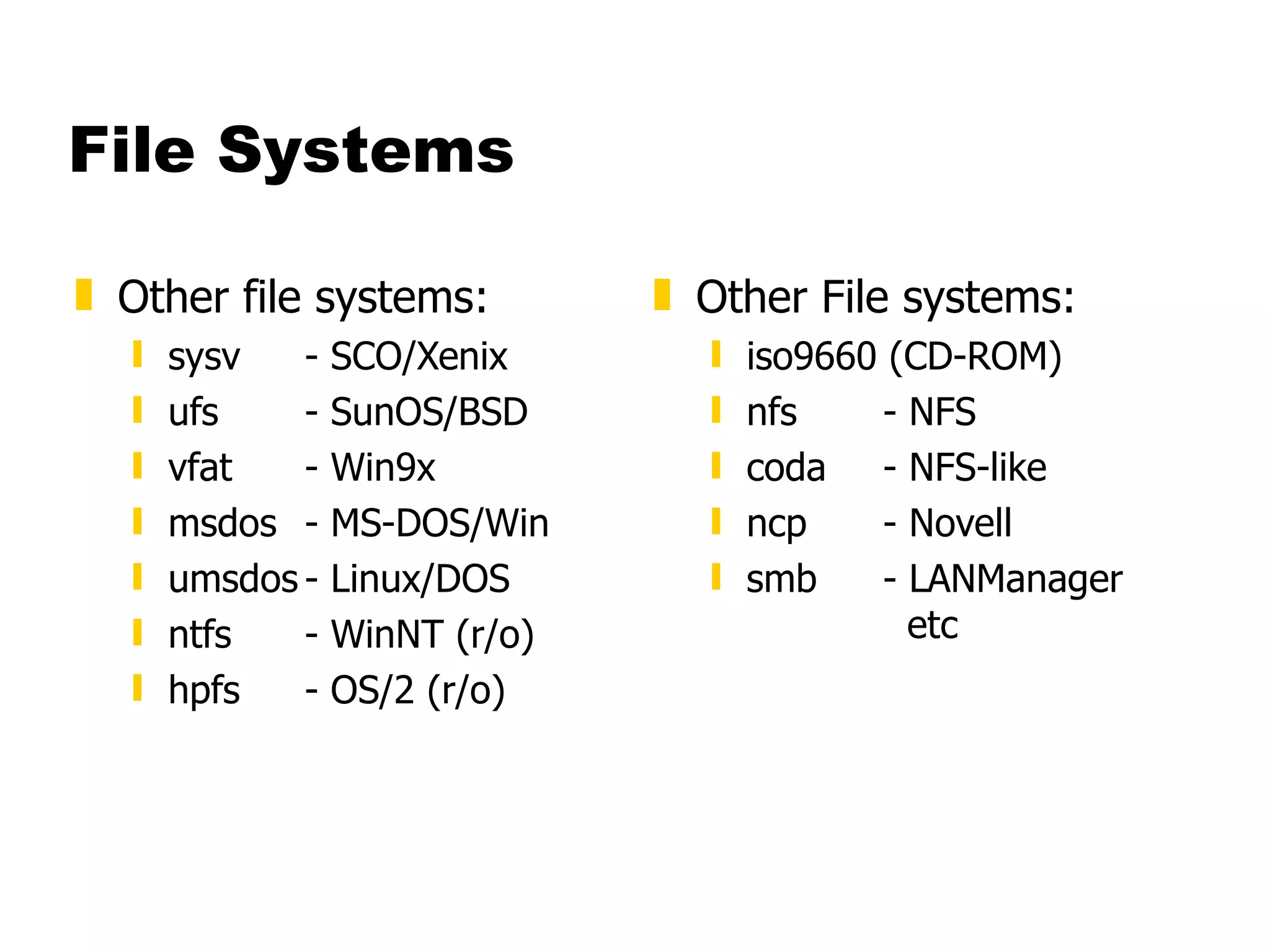
File Systems Other file systems: sysv  - SCO/Xenix ufs - SunOS/BSD vfat - Win9x msdos - MS-DOS/Win umsdos - Linux/DOS ntfs - WinNT (r/o) hpfs - OS/2 (r/o) Other File systems: iso9660 (CD-ROM) nfs - NFS coda - NFS-like ncp - Novell smb - LANManager    etc
File Systems mount Mounts a file system that lives on a device to the main file tree Start at Root file system  Mount to root Mount to points currently mounted to root /etc/fstab  used to establish boot time mounting
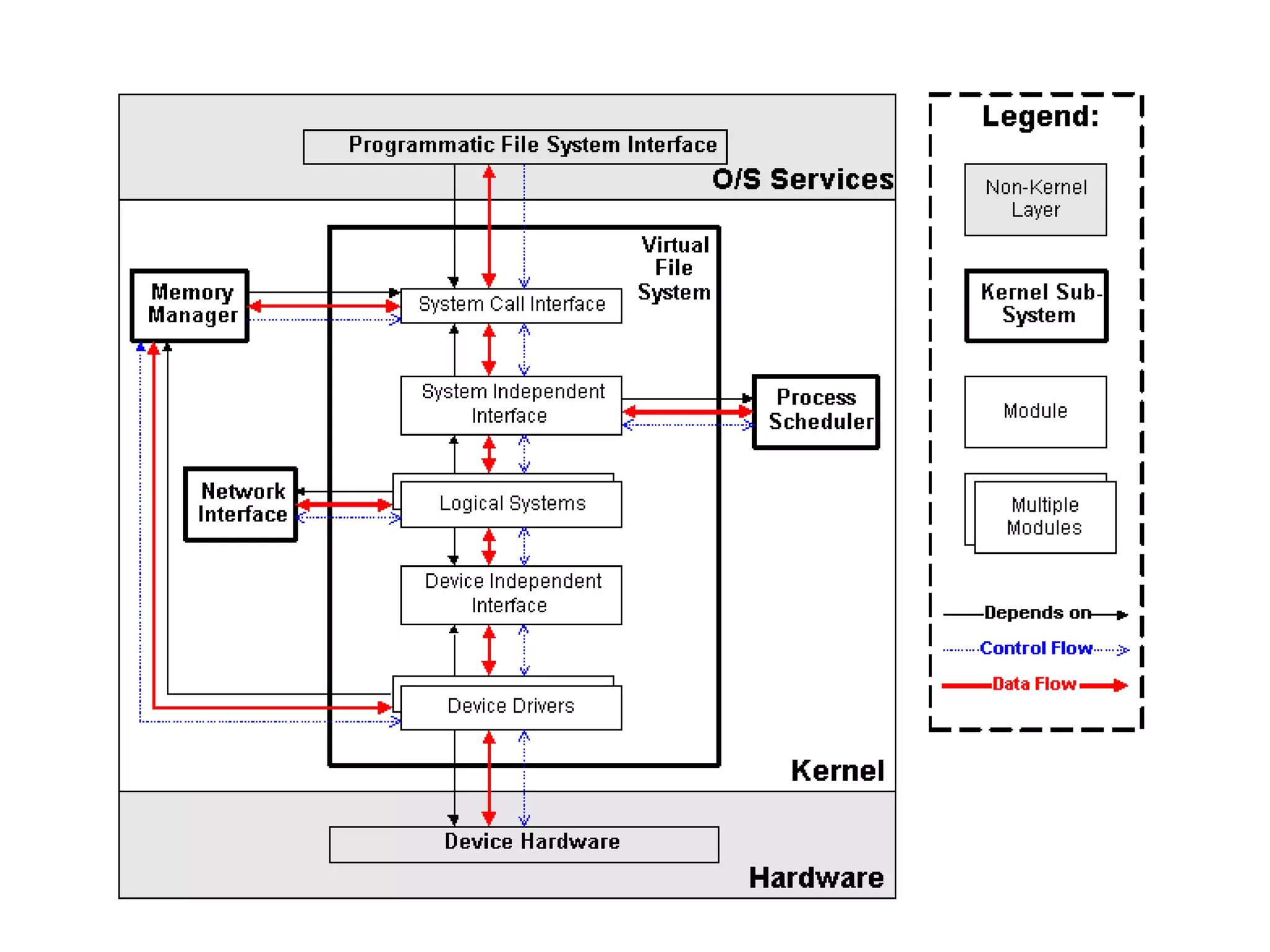
Virtual File System VFS is designed to present a consistent view of data as stored on hardware Almost all hardware devices are represented using a generic interface  VFS goes further, allowing the sysadmin to mount any of a set of logical file systems on any physical device
Virtual File System Logical file systems promote compatibility with other operating system standards  permitting developers to implement file systems with different policies  VFS abstracts details of physical device and logical file system allowing processes to access files using a common interface, without knowing what physical or logical system the file resides on
Virtual File System Analogous to CMS: SFS Minidisks Two different designs Common/transparent access
 
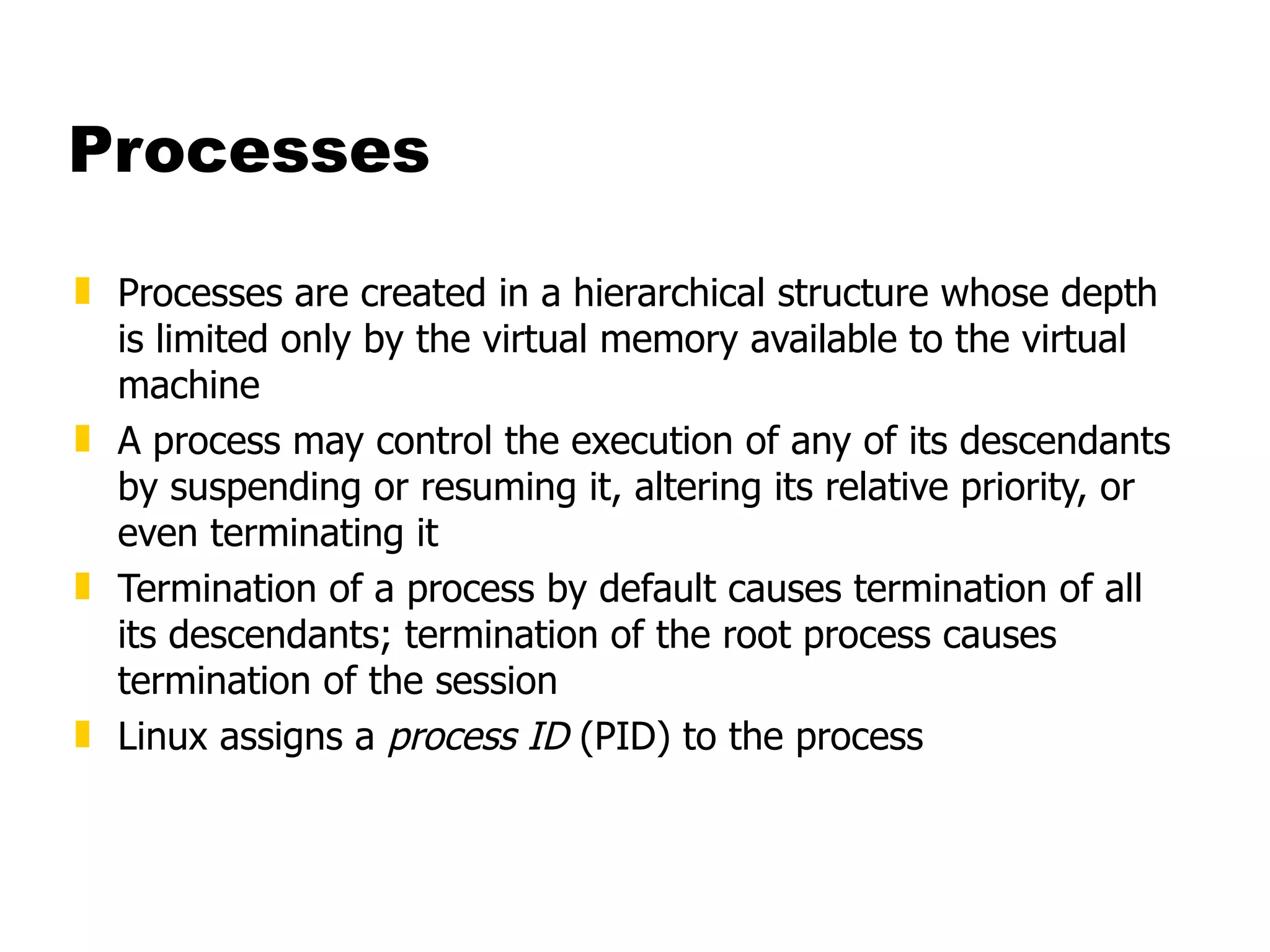
Processes Processes are created in a hierarchical structure whose depth is limited only by the virtual memory available to the virtual machine  A process may control the execution of any of its descendants by suspending or resuming it, altering its relative priority, or even terminating it  Termination of a process by default causes termination of all its descendants; termination of the root process causes termination of the session Linux assigns a  process ID  (PID) to the process
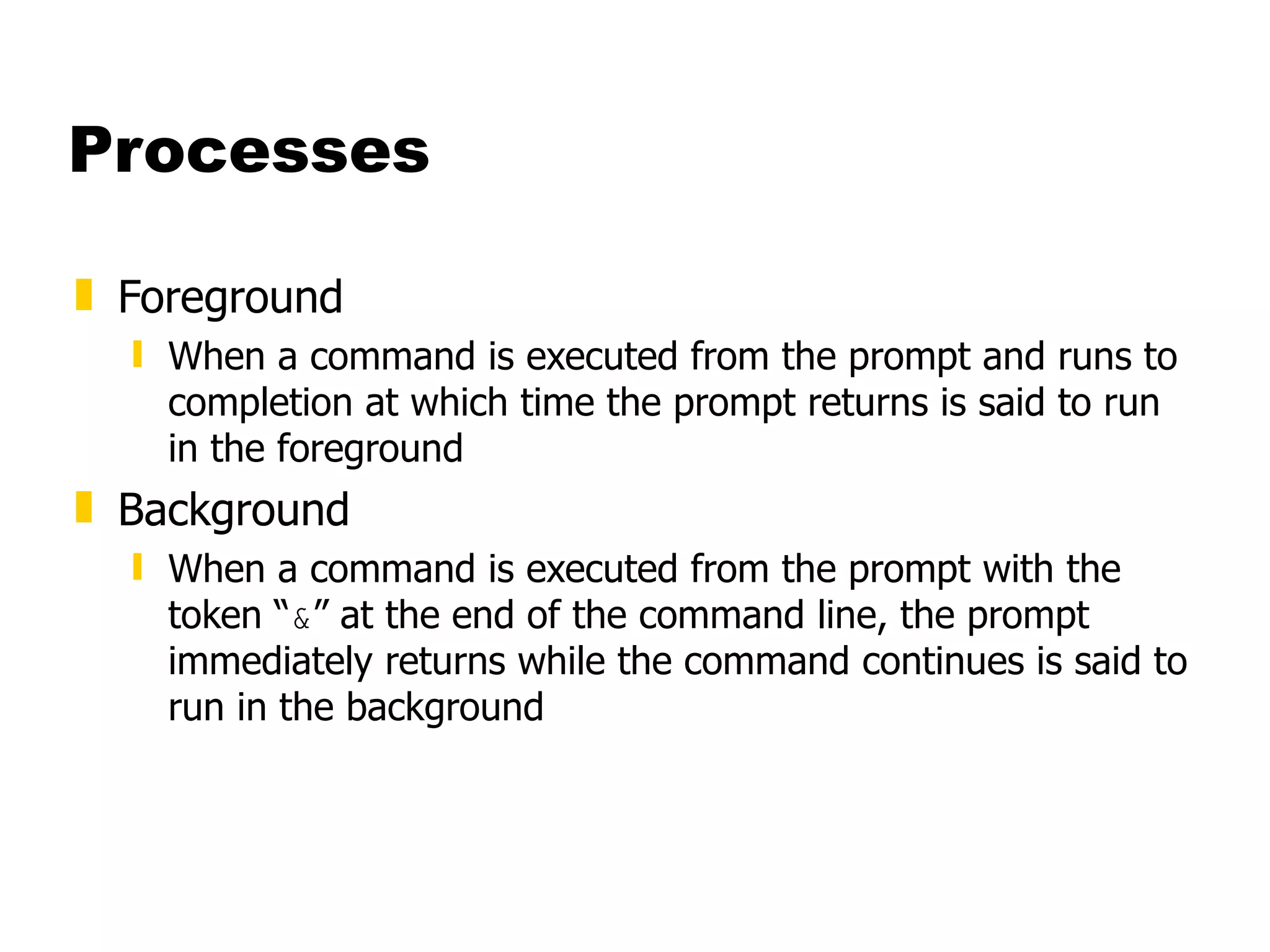
Processes Foreground When a command is executed from the prompt and runs to completion at which time the prompt returns is said to run in the foreground Background When a command is executed from the prompt with the token “ & ” at the end of the command line, the prompt immediately returns while the command continues is said to run in the background
Processes Daemons Background processes for system administration are referred to as “daemons” These processes are usually started during the boot process The processes are not assigned any terminals UID  PID  PPID  C STIME TTY  TIME CMD root  5  1  0  1999 ?  00:00:14 [kswapd] bin  254  1  0  1999 ?  00:00:00 [portmap] root  307  1  0  1999 ?  00:00:23 syslogd -m 0 root  350  1  0  1999 ?  00:00:34 httpd
Processes [root@penguinvm log]# sleep 10h & [1] 6718 [root@penguinvm log]# ps -ef UID  PID  PPID  C STIME TTY  TIME CMD root  6718  6692  0 14:49 ttyp0  00:00:00 sleep 10h &  causes process to be run in “background” Job Number Process ID (ID) Parent Process ID
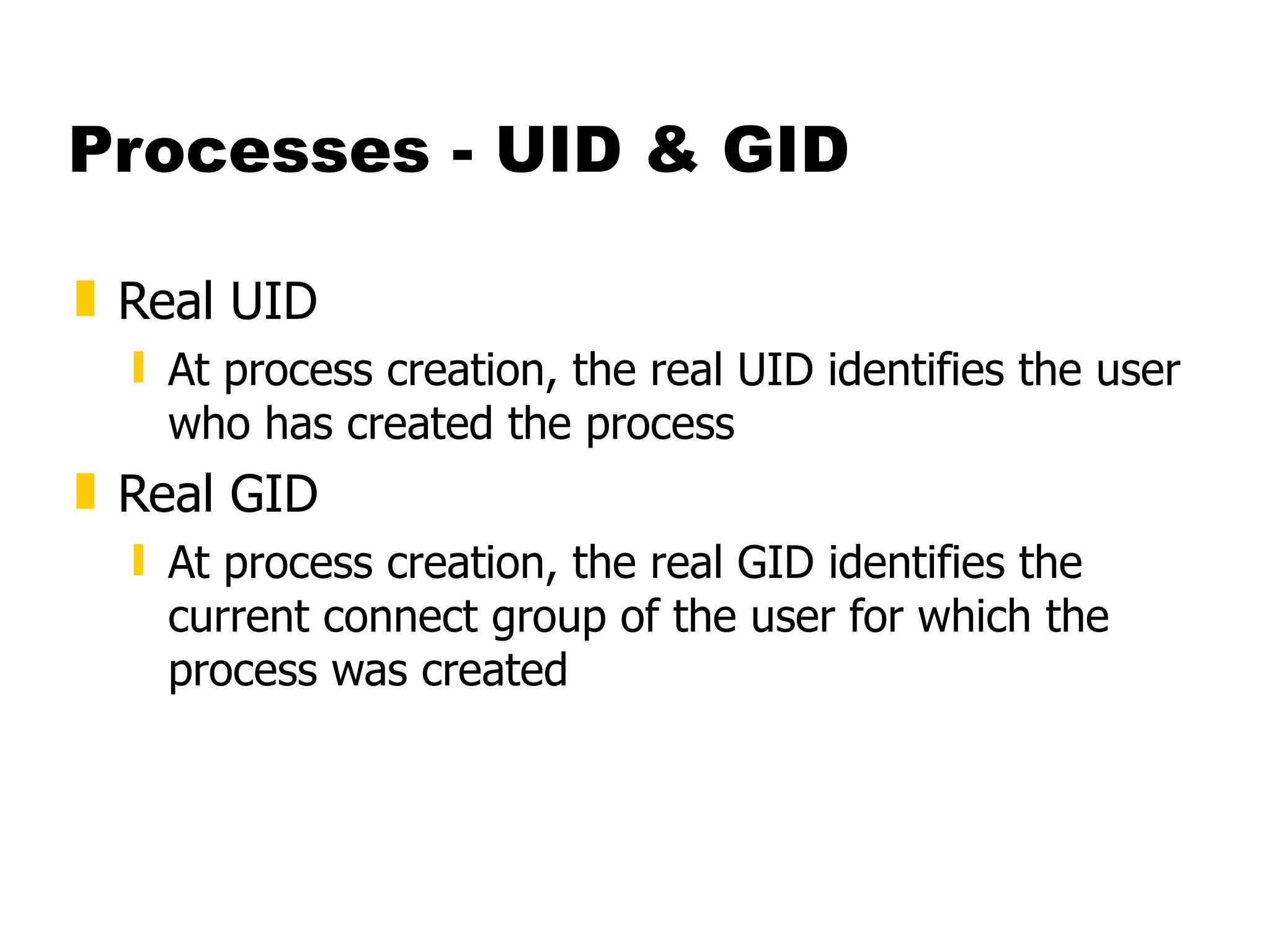
Processes - UID & GID Real UID   At process creation, the real UID identifies the user who has created the process Real GID At process creation, the real GID identifies the current connect group of the user for which the process was created
Processes - UID & GID Effective UID The effective UID is used to determine owner access privileges of a process. Normally the same as the real UID. It is possible for a program to have a special flag set that, when this program is executed, changes the effective UID of the process to the UID of the owner of the program.  A program with this special flag set is said to be a set-user-ID program (SUID). This feature provides additional permissions to users   while the SUID program is being executed.
Processes - UID & GID Effective GID Each process also has an effective group The effective GID is used to determine group access privileges of a process Normally the same as the real GID. A program can have a special flag set that, when this program is executed, changes the effective GID of the process to the GID of the owner of this program A program with this special flag set is said to be a set-group-ID program (SGID). Like the SUID feature, this provides additional permission to users while the set-group-ID program is being executed
Processes - Process Groups Each process belongs to a process group A  process group  is a collection of one or more processes Each process group has a unique process group ID It is possible to send a signal to every process in the group just by sending the signal to the process group leader Each time the shell creates a process to run an application, the process is placed into a new process group When an application spawns new processes, these are members of the same process group as the parent
Processes - PID PID A process ID is a unique identifier assigned to a process while it runs Each time you run a process, it has a different PID (it takes a long time for a PID to be reused by the system)  You can use the PID to track the status of a process with the  ps  command or the  jobs  command, or to end a process with the  kill  command
Processes - PGID PGID  Each process in a process group shares a process group ID (PGID), which is the same as the PID of the first process in the process group This ID is used for signaling-related processes If a command starts just one process, its PID and PGID are the same
Processes - PPID PPID  A process that creates a new process is called a  parent process ; the new process is called a  child process  The parent process (PPID) becomes associated with the new child process when it is created The PPID is not used for job control
Security Guidelines Take Care With Passwords  Use good ones (motherhood statement)  Don't Use Real Words  Make Sure They Are Not Easily Guessed  Use Combinations Of Upper and Lower Case, Numbers, Punctuation  One Method: Take first letter of a sentence or book title, insert numbers and punctuation.
Security Guidelines Take care of passwords (continued) Use Shadow Passwords  Allows encrypted passwords to be in a file that is not world readable  Use Password Aging  Requires shadow passwords
Security Guidelines Restrict Superuser Access  Restrict where root can log in from  /etc/securetty  restricts root access to devices listed  Use wheel group to restrict who can  su  to root  Put users who can  su  to root in wheel group in  /etc/group  file.
Security Guidelines Use groups to allow access to files that must be shared  Otherwise users will set world permission  Be careful with SUID and SGID  Avoid setting executables to SUID root  Wrap SUID root wrapper around programs if they must be run SUID root  Create special accounts for programs that must run with higher permissions
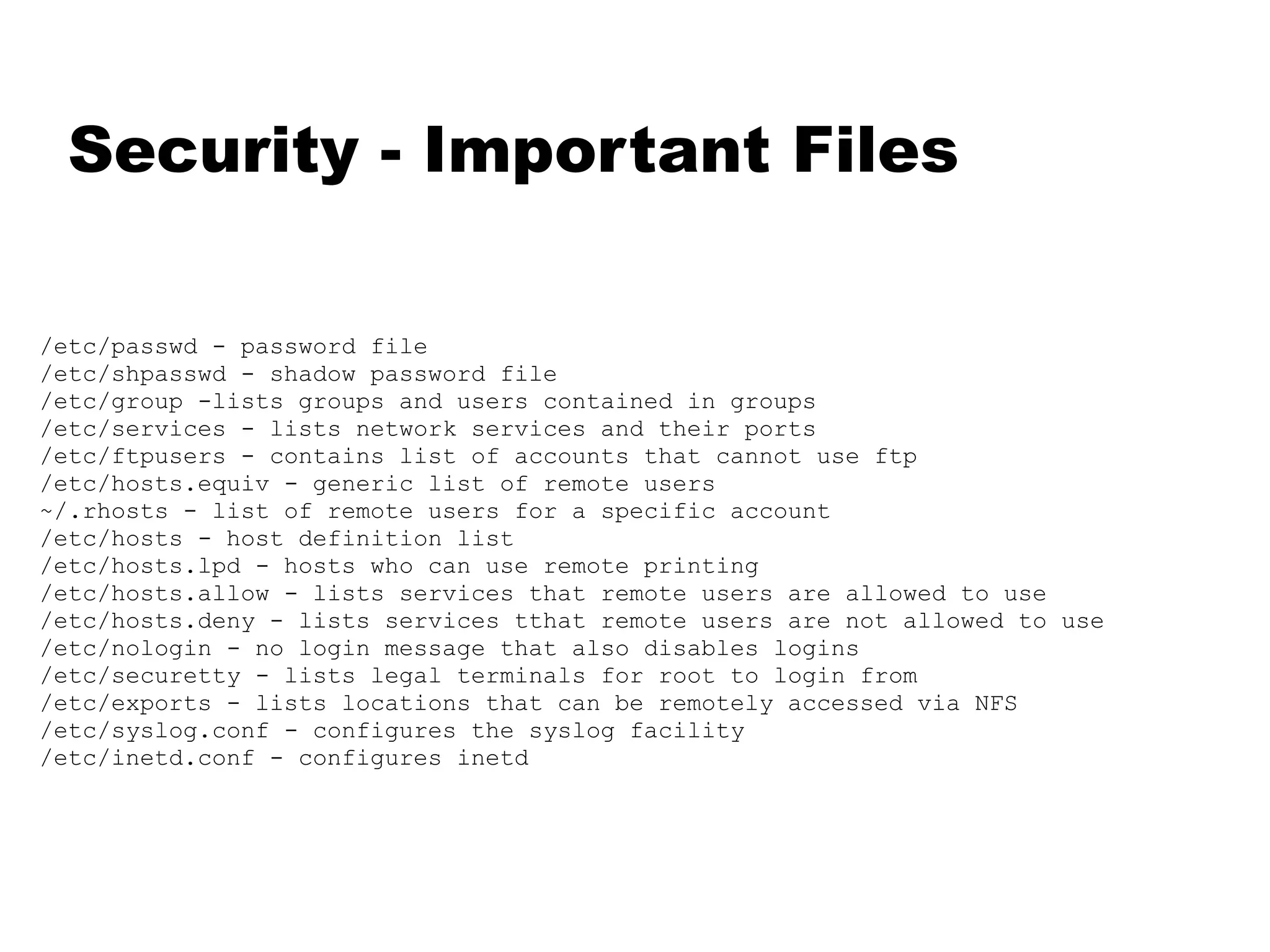
Security - Important Files /etc/passwd - password file /etc/shpasswd - shadow password file /etc/group -lists groups and users contained in groups /etc/services - lists network services and their ports /etc/ftpusers - contains list of accounts that cannot use ftp /etc/hosts.equiv - generic list of remote users ~/.rhosts - list of remote users for a specific account /etc/hosts - host definition list /etc/hosts.lpd - hosts who can use remote printing /etc/hosts.allow - lists services that remote users are allowed to use /etc/hosts.deny - lists services tthat remote users are not allowed to use /etc/nologin - no login message that also disables logins /etc/securetty - lists legal terminals for root to login from /etc/exports - lists locations that can be remotely accessed via NFS /etc/syslog.conf - configures the syslog facility /etc/inetd.conf - configures inetd
Linux/390 Specifics An ASCII implementation Adds a layer of abstraction to I/O Channel based v IRQ based Support for ECKD using SSCH Support for VM minidisks (ECKD, CKD, FBA, VDISK)
Linux/390 Specifics Runs natively, in LPAR, or under VM/ESA Uses relative instructions: G2, P/390, R/390 or better Will use hardware IEEE FP or will emulate Network drivers for CTCA/ESCON, OSA-2, and IUCV (VM only) 3215 emulation for virtual console Hardware console driver (HMC)
Linux/390 Specifics GNU tools ported C/C++ compiler ( gcc -2.95.1 ) Assembler and linker ( binutils -2.9.1 ) Packages “ported”: Regina ;  THE ;  UFT ;  X11 ;  OpenLDAP ;  IMAP ;  Sendmail ;  Bind ;  RPM ;  Samba 2.0.6 ;  Apache ;  Perl
Linux in the Business World Issues and observations
Linux’s place in the market The business world is interested in: Efficiency and effectiveness Networked economy Network-based businesses
Linux’s place in the market The world is heterogeneous 90% of Fortune 1000 companies use 3 or more Operating Systems The demands of e-business Integrates with existing investments Supports any client Applications built/deployed independent of client 24 x 7
Linux’s place in the market Importance of the application model Server-centric and based on standards that span multiple platforms Leverage core business systems and scale to meet unpredictable demands Quick to deploy, easy to use and manage
Linux’s place in the market ISVs which have made Linux announcements: BEA; Novell; SAP; Informix; Oracle, IBM; HP; CA; ApplixWare; Star; Corel; Cygnus; MetroWerks; ObjectShare; Inprise Media spotlight: CNN; PCWorld; PCWeek; InternetWeek
Linux’s place in the market Early commercial users Cendant Corporation - 4000 hotels Burlington Coat Factory - back office functions Northwest Airlines - 23 flight simulators Intel announcement January 5 2000 New web appliances to run Linux At the insistence of customers (e.g. NEC)
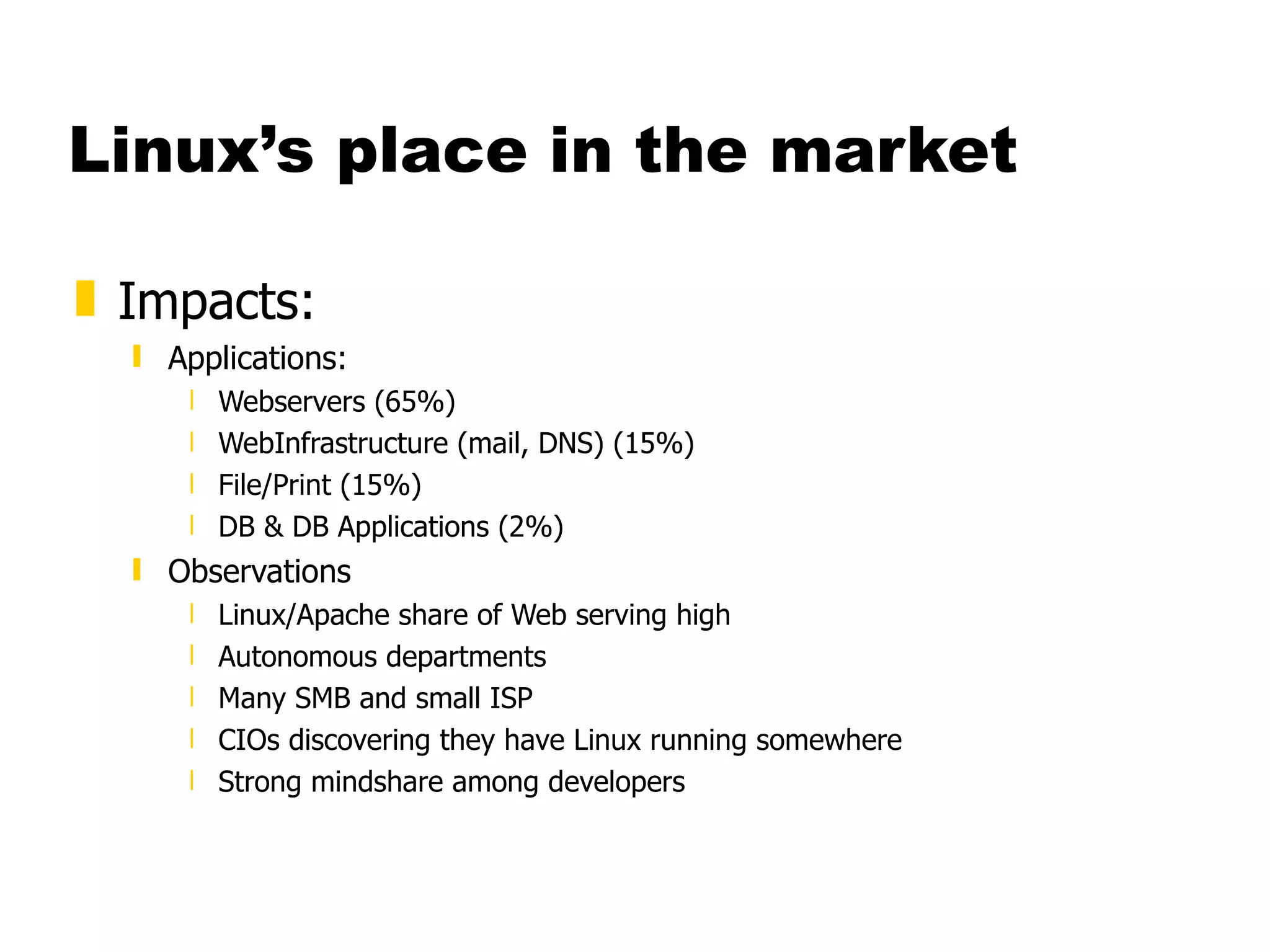
Linux’s place in the market Impacts: Applications: Webservers (65%) WebInfrastructure (mail, DNS) (15%) File/Print (15%) DB & DB Applications (2%) Observations Linux/Apache share of Web serving high Autonomous departments Many SMB and small ISP CIOs discovering they have Linux running somewhere Strong mindshare among developers
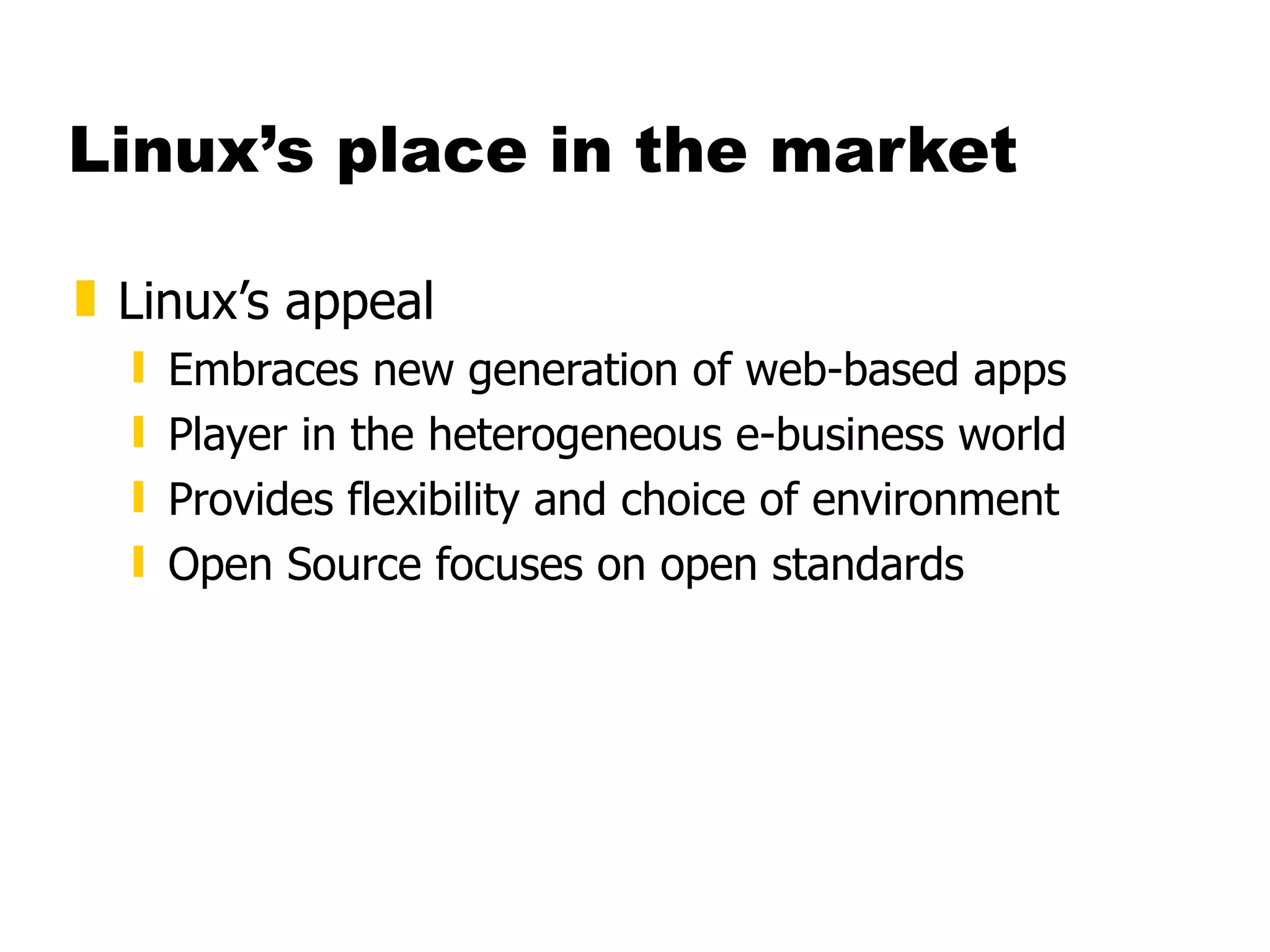
Linux’s place in the market Linux’s appeal Embraces new generation of web-based apps Player in the heterogeneous e-business world Provides flexibility and choice of environment Open Source focuses on open standards
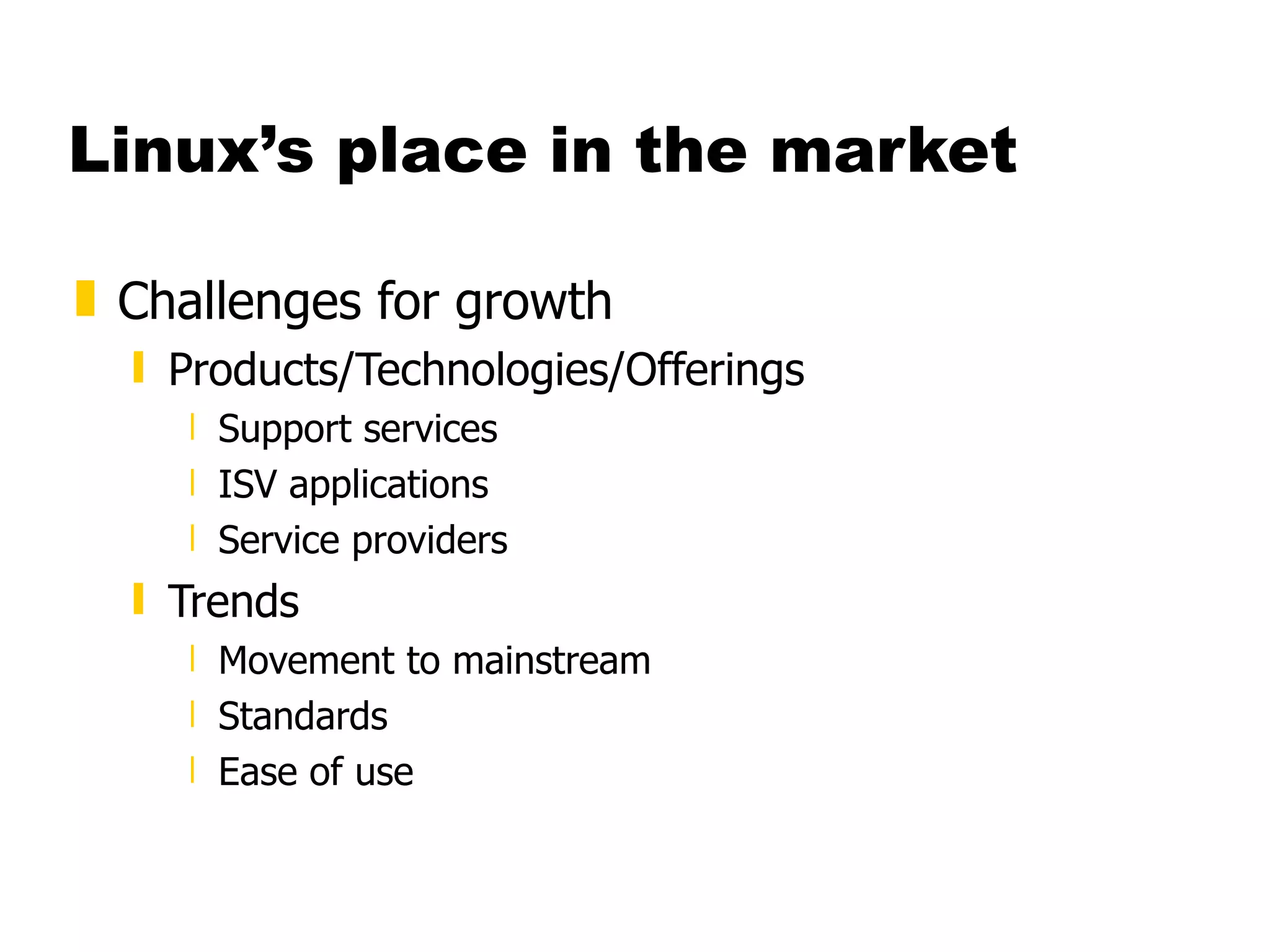
Linux’s place in the market Challenges for growth Products/Technologies/Offerings Support services ISV applications Service providers Trends Movement to mainstream Standards Ease of use
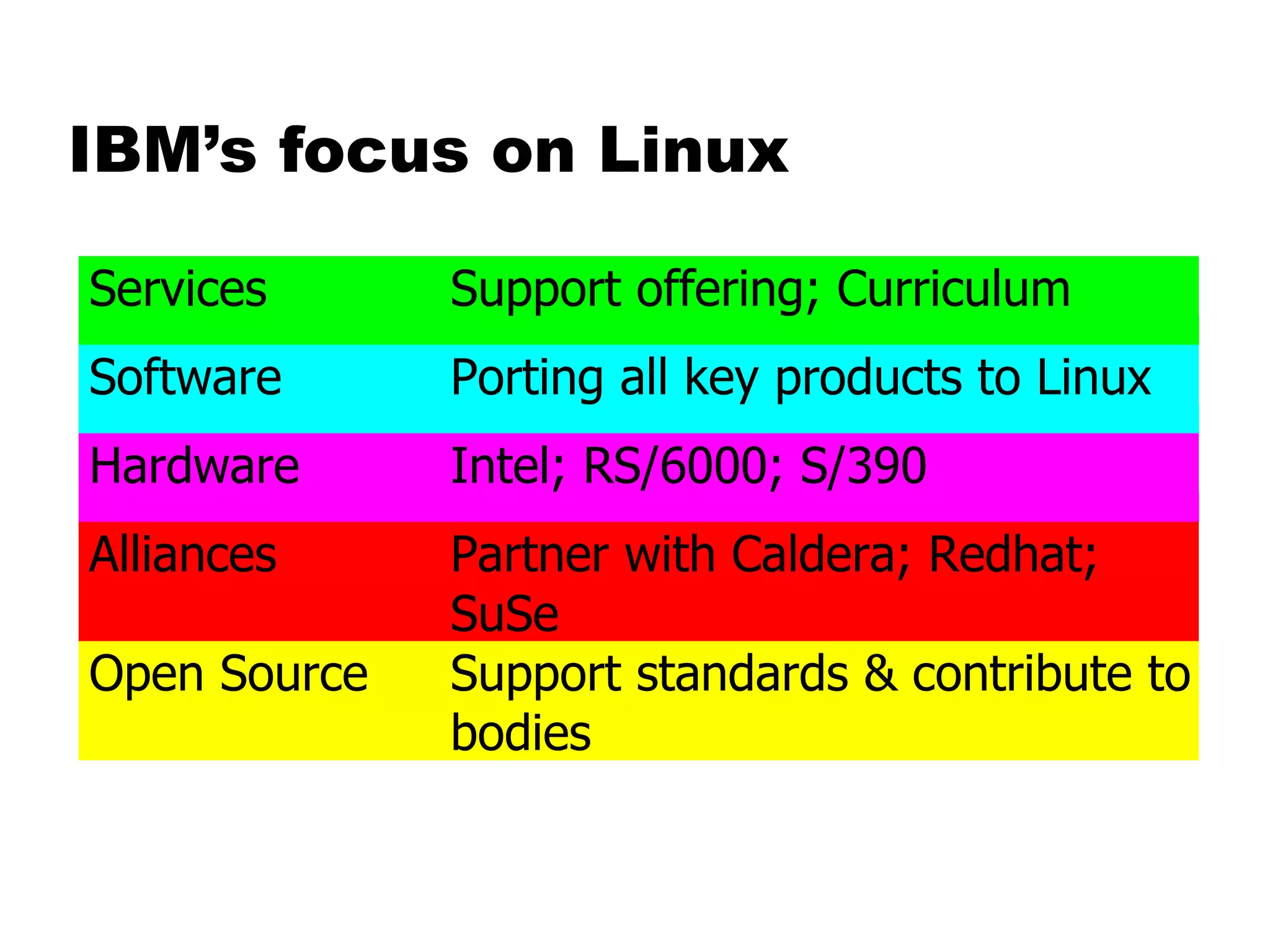
IBM’s focus on Linux
IBM Software Announcements DB2 Universal Database Transarc AFS (distributed file system) On Demand Server Lotus Domino R5 WebSphere Tivoli
Linux’s place in the market Summary Linux is viable in many key application areas Linux has moved from small technical projects to significant deployment IBM claims to be fully supportive of Linux Part of their heterogeneous strategy Open source supporter Hardware, software, and service offerings
Linux Available Commercial Software
Website Development ASWedit, HTML editor  Empress DataWEB  EZ-EDIT  LinkScan  TalentSoft Web+ (WebPlus)  VirtuFlex 1.1  Visual prolog  Web Crossing  ThreadTrack WebTailor from Webthreads.
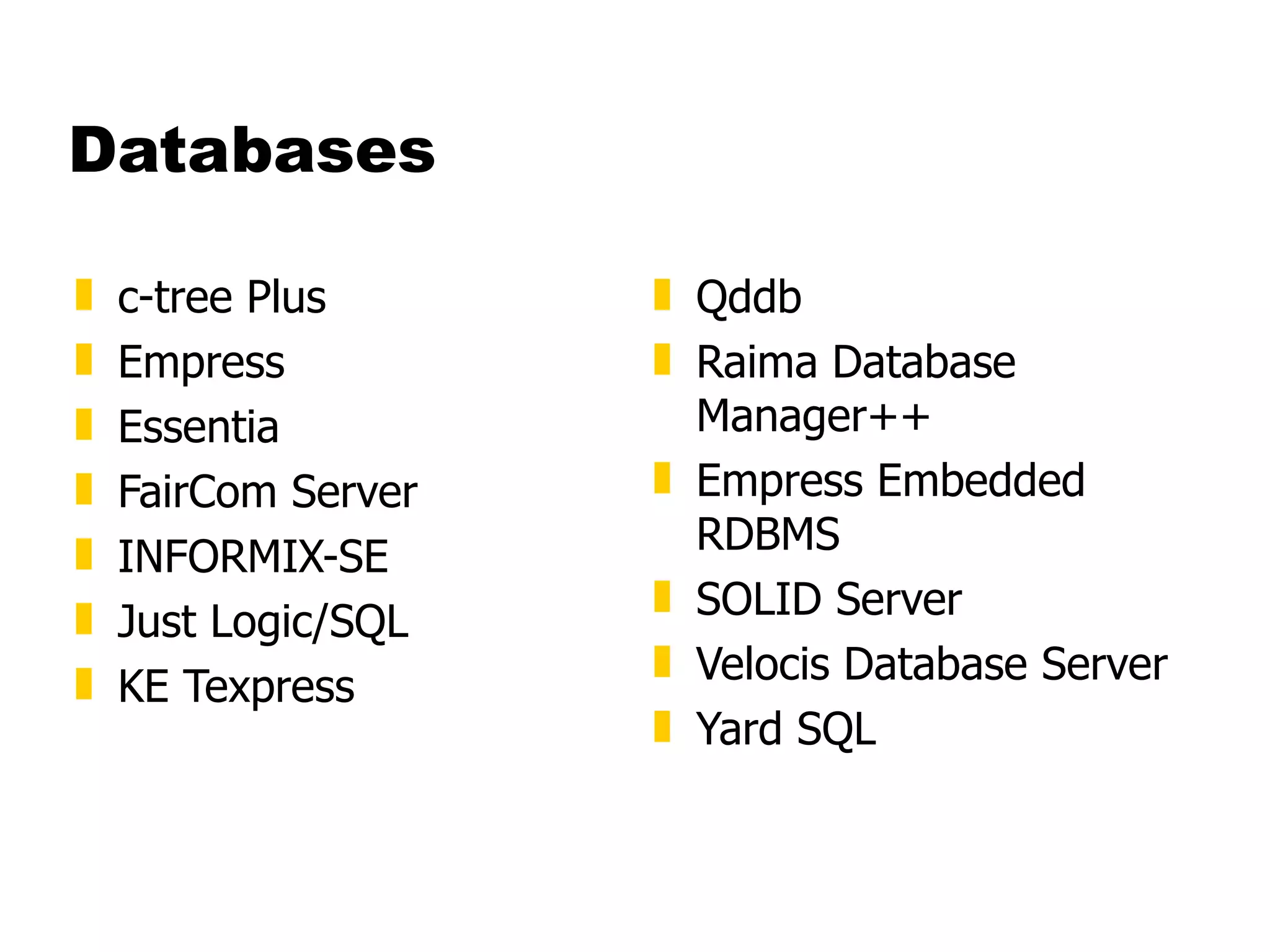
Databases c-tree Plus  Empress  Essentia  FairCom Server  INFORMIX-SE  Just Logic/SQL  KE Texpress  Qddb  Raima Database Manager++  Empress Embedded RDBMS  SOLID Server  Velocis Database Server  Yard SQL
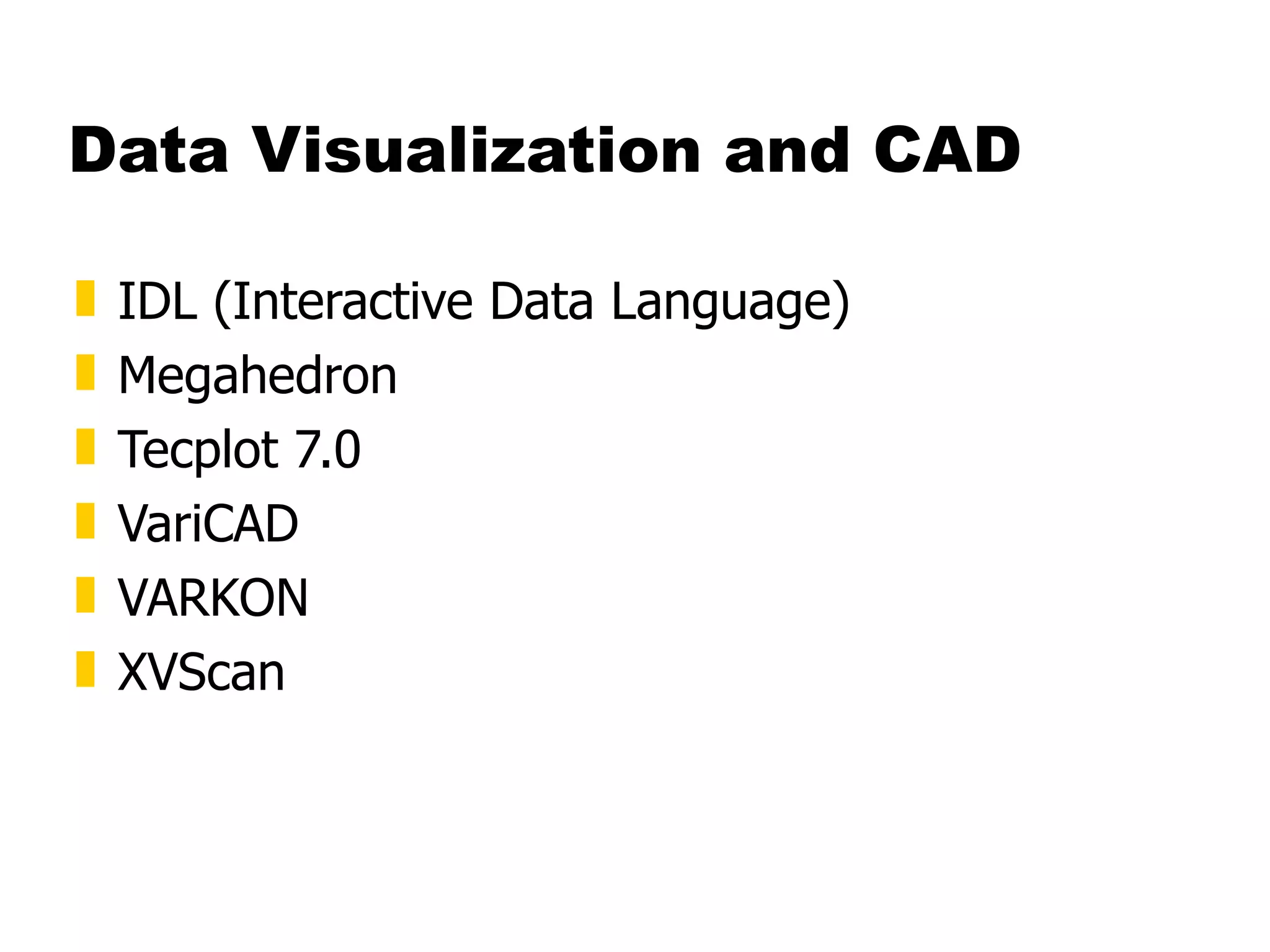
Data Visualization and CAD IDL (Interactive Data Language)  Megahedron  Tecplot 7.0  VariCAD  VARKON  XVScan
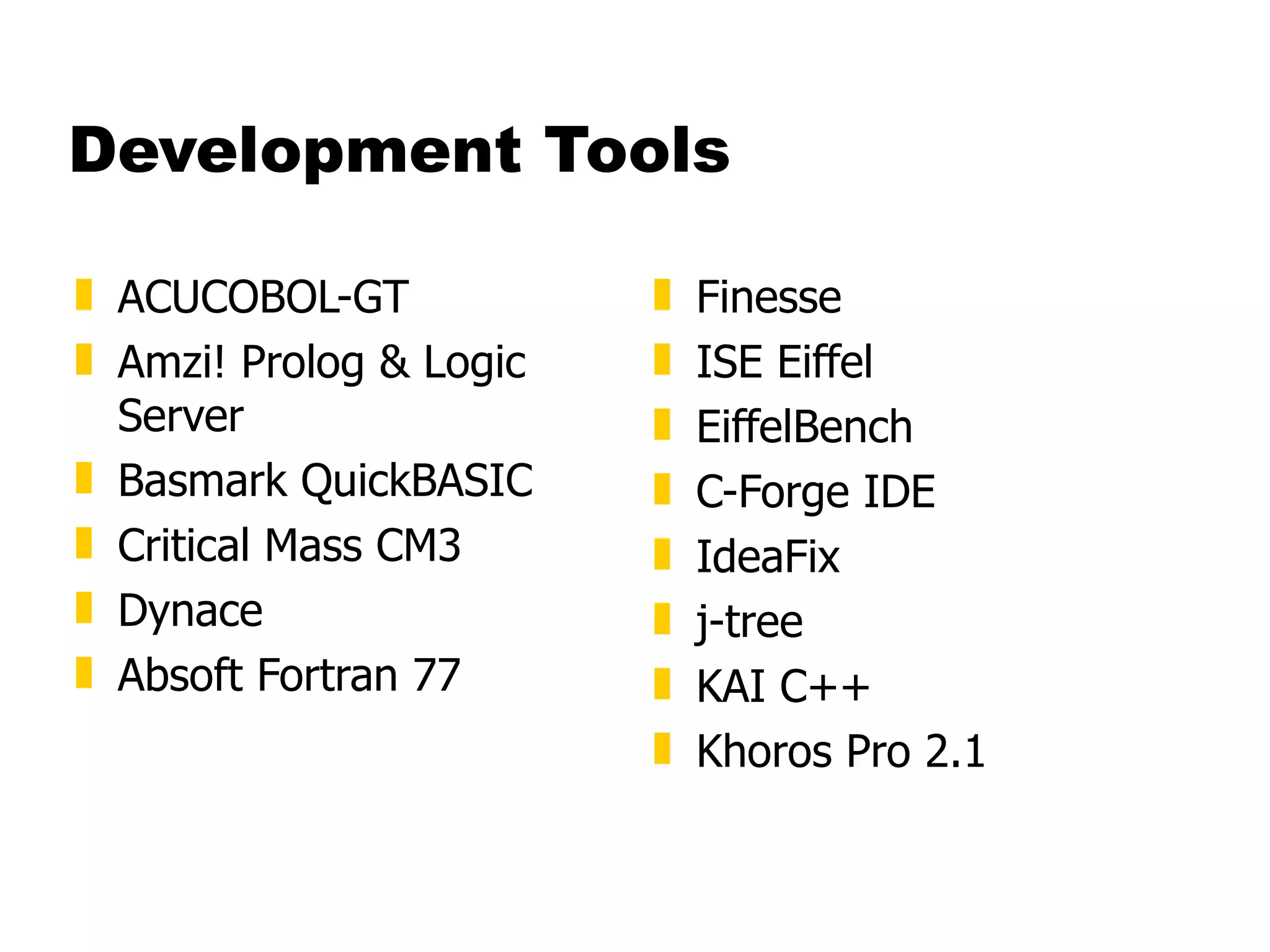
Development Tools ACUCOBOL-GT  Amzi! Prolog & Logic Server  Basmark QuickBASIC  Critical Mass CM3  Dynace  Absoft Fortran 77  Finesse  ISE Eiffel  EiffelBench  C-Forge IDE  IdeaFix  j-tree  KAI C++  Khoros Pro 2.1
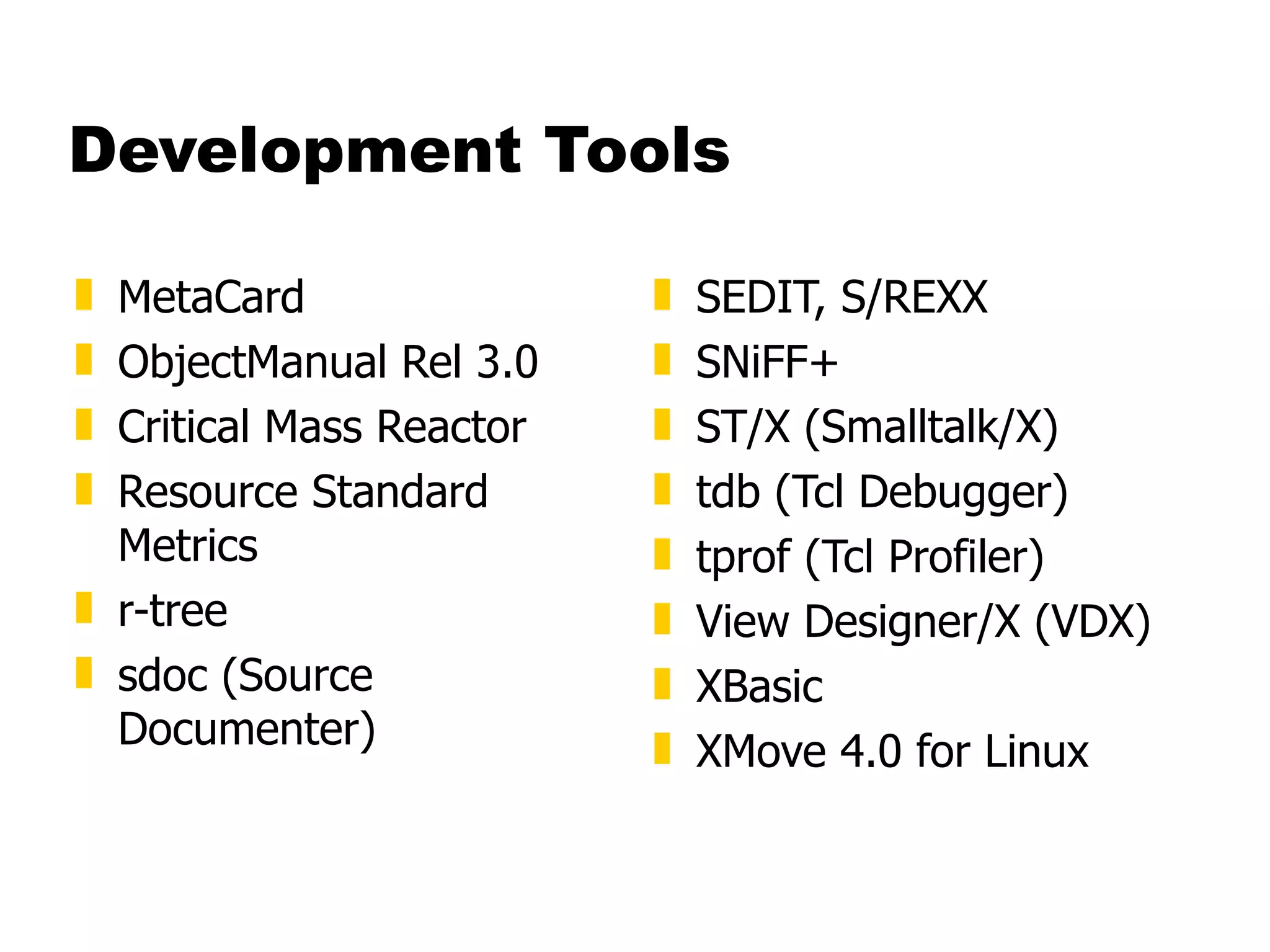
Development Tools MetaCard  ObjectManual Rel 3.0  Critical Mass Reactor  Resource Standard Metrics  r-tree  sdoc (Source Documenter)  SEDIT, S/REXX  SNiFF+  ST/X (Smalltalk/X)  tdb (Tcl Debugger)  tprof (Tcl Profiler)  View Designer/X (VDX)  XBasic  XMove 4.0 for Linux
Emulation Tools Emulus  Executor 2  Wabi 2.2 for OpenLinux
Financial Software BB Stock Pro and BB Stock Tool  TimeClock
Libraries FontScope  INTERACTER  Matrix<LIB> - C++ Math Matrix Library  PKWARE Data Compression Library for Linux  readyBase  SIMLIB IG
Mathematics Maple V Release 4 - The Power Edition  MATCOM and MATCOM MATH LIBRARY  Mathematica 3.0  MATLAB and Simulink
Multimedia Peter Lipa and his Journeys  Lucka Vondrackova and her Journeys  MpegTV Player 1.0  Peter Nagy and his Journeys  Xaudio
Network Servers Critical Angle X.500 Enabler  DNEWS News Server  Aventail Internet Policy Manager  Aventail VPN  WANPIPE  Zeus Web Server
Office Tools Corel WordPerfect 8  The American Heritage Dictionary Deluxe  Applixware Office Suite D.M.S. Document Management System  HotWire EasyFAX  NExS, the Network Extensible Spreadsheet  Axene Office  Projector and Projector/Net  The Virtual Office System  Axene XAllWrite  Axene Xclamation  Axene XQuad
Text Processing Edith Pro for X11  TeraSpell 97 for Emacs
System Administration Host Factory  PerfectBACKUP+  Venus
X Windows Related Accelerated-X Display Server  BXwidgets  BXwidgets/DB  Laptop, Accelerated-X Display Server  MaXimum cde Developer's Edition v1.0  Multi-headed, Accelerated-X Display Server  OpenGL, Accelerated-X Display Server  OSF-Certified Motif
Other Software ABACUS 4  BBBS  Clustor  FootPrints  Aladdin Ghostscript  Magician  journyx WebTime  LanSafe  LjetMgr  Synchronize/CyberScheduler
Additional Resources UNIX Systems Administrator Resources http://www.ugu.com/ Linux/390 Observations and  Notes http://penguinvm.princeton.edu Introduction to Linux Introduction to UNIX Linux/390 Installation Linux Administration Made Easy http://www.linuxninja.com/linux-admin/book1.html Conceptual software architecture of the Linux kernel
Additional Resources http://www.linux.org http://www.tux.org  http://www.li.org

Linux

  • 1.
  • 2.
    Contents A quickguide to Linux Background Using Linux S/390 Specifics Linux in the Marketplace Commercial Linux Applications Additional Resources
  • 3.
    What is LinuxA fully-networked 32/64-Bit Unix-like Operating System Unix Tools Like sed, awk, and grep (explained later) Compilers Like C, C++, Fortran, Smalltalk, Ada Network Tools Like telnet, ftp, ping, traceroute Multi-user, Multitasking, Multiprocessor Has the X Windows GUI Coexists with other Operating Systems Runs on multiple platforms Includes the Source Code
  • 4.
    Where did itcome from? Linus Torvalds created it with assistance from programmers around the world first posted on Internet in 1991 Linux 1.0 in 1994; 2.2 in 1999 Today used on 7-10 million computers with 1000’s of programmers working to enhance it
  • 5.
    Open Source SoftwareWhen programmers on the Internet can read, redistribute, and modify the source for a piece of software, it evolves People improve it, people adapt it, people fix bugs. And this can happen at a speed that, compared to conventional software development, seems astonishing
  • 6.
    How do youget it? Download it from the Internet From a “Distribution” (e.g. RedHat ) Linux kernel X Windows system and GUI Web, e-mail, FTP servers Installation & configuration support 3rd party apps Hardware support
  • 7.
    Why is itsignificant? Growing popularity Powerful Runs on multiple hardware platforms Users like its speed and stability No requirement for latest hardware It’s “free” Licensed under GPL Vendors are distributors who package Linux
  • 8.
  • 9.
    Logging In Connectto the Linux system using telnet: vt100, vt220, vt320 ansi tty X-windows Able to login more than once with same user No ‘MW’ problems!
  • 10.
    Logging In Beforeyou can use it you must login by specifying your account and password: Linux 2.2.13 (penguinvm.princeton.edu) (ttyp1) penguinvm login: neale Password: Last login: Tue Jan 4 10:13:13 from linuxtcp.princeton.edu [neale@penguinvm neale]$
  • 11.
    Rule Number 1Do not login as root unless you have to root is the system superuser (the “maint” of Linux but more “dangerous”) Normal protection mechanisms can be overridden Careless use can cause damage Has access to everything by default root is the only user defined when you install First thing is to change root’s password The second job is to define “normal” users for everyday use
  • 12.
    Creating a newuser Use the useradd command Use the passwd command to set password Try it… logon as r oot [root@penguinvm]# useradd scully [root@penguinvm]# passwd scully Changing password for user scully New UNIX password: Retype new UNIX password: passwd: all authentication tokens updated successfully [root@penguinvm]#
  • 13.
    Adding a newuser Limits on users can be controlled by Quotas ulimit command Authority levels for a user controlled by group membership
  • 14.
    Users and GroupsUsers are identified by user identifications (UIDs), each of which is associated with an integer in the range of 0 to 4 294 967 295 (X’FFFFFFFF’). Users with UID=0 are given superuser privileges. Users are placed in groups, identified by group identifications (GIDs). Each GID is associated with an integer in the range from 0 to 4 294 967 295 Let the system assign UID to avoid duplicates Use id to display your user and group information uid=500(neale) gid=500(neale) groups=500(neale),3(sys),4(adm)
  • 15.
    Users and GroupsGroups define functional areas/responsibilities They allow a collection of users to share files A user can belong to multiple groups You can see what groups you belong to using the groups command: neale sys adm
  • 16.
  • 17.
    Using the newuser Now logoff using the exit command login as the new user Linux 2.2.13 (penguinvm.princeton.edu) (ttyp2) penguinvm login: scully Password: [scully@penguinvm scully]$
  • 18.
    You need help?The Linux equivalent of HELP is man (manual) Use man -k <keyword> to find all commands with that keyword Use man <command> to display help for that command Output is presented a page at a time. Use b for to scroll backward, f or a space to scroll forward and q to quit
  • 19.
    The Linux SystemUser commands includes executable programs and scripts The shell interprets user commands. It is responsible for finding the commands and starting their execution. Several different shells are available. Bash is popular, The kernel manages the hardware resources for the rest of the system.
  • 20.
    Linux File SystemBasics Linux files are stored in a single rooted, hierarchical file system Data files are stored in directories (folders) Directories may be nested as deep as needed / etc home usr passwd inittab neale scully marty a b Directories User home directories Data files root
  • 21.
    Naming Files Filesare named by naming each containing directory starting at the root This is known as the pathname / etc home usr passwd inittab neale scully marty a b /etc/passwd /home/neale/b
  • 22.
    The Current DirectoryOne directory is designated the current working directory if you omit the leading / then path name is relative to the current working directory Use pwd to find out where you are letter doc/letter ./doc/letter /home/neale/doc/letter / etc home usr passwd inittab neale scully marty a doc Current working directory
  • 23.
    Some Special FileNames Some file names are special: / The root directory (not to be confused with the root user) . The current directory .. The parent (previous) directory ~ My home directory Examples: ./a same as a ../jane/x go up one level then look in directory jane for x
  • 24.
    Special Files /home - all users’ home directories are stored here /bin , /usr/bin - system commands /sbin , /usr/sbin - commands used by sysadmins /etc - all sorts of configuration files /var - logs, spool directories etc. /dev - device files /proc - special system files
  • 25.
    Linux Command BasicsTo execute a command, type its name and arguments at the command line ls -l /etc Command name Options (flags) Arguments
  • 26.
    Standard Files UNIXconcept of “standard files” standard input (where a command gets its input) - default is the terminal standard output (where a command writes it output) - default is the terminal standard error (where a command writes error messages) - default is the terminal
  • 27.
    Redirecting Output Theoutput of a command may be sent (piped) to a file: ls -l >output “ >” is used to specify the output file
  • 28.
    Redirecting Input Theinput of a command may come (be piped) from a file: wc <input “ <” is used to specify the input file
  • 29.
    Connecting commands withPipes Not as powerful as CMS Pipes but the same principle The output of one command can become the input of another: ps aux | grep netscape | wc -l The output of the ps command is sent to grep grep takes input and searches for “netscape” passing these lines to wc wc takes this input and counts the lines its output going to the console Like CMS Pipes, “|” is used to separate stages
  • 30.
    Command Options Commandoptions allow you to control a command to a certain degree Conventions: Usually being with a single dash and are a single letter (“ -l ”) Sometimes have double dashes followed by a keyword (“ --help ”) Sometimes follow no pattern at all
  • 31.
    Common Commands pwd - print (display) the working directory cd < dir> - change the current working directory to dir ls - list the files in the current working directory ls -l - list the files in the current working directory in long format
  • 32.
    File Commands cp <fromfile> <tofile> Copy from the <fromfile> to the <tofile> mv <fromfile> <tofile> Move/rename the <fromfile> to the <tofile> rm <file> Remove the file named <file> mkdir <newdir> Make a new directory called <newdir> rmdir <dir> Remove an (empty) directory
  • 33.
    More Commands whoList who is currently logged on to the system whoami Report what user you are logged on as ps List your processes on the system ps aux List all the processes on the system echo “A string to be echoed” Echo a string (or list of arguments) to the terminal
  • 34.
    More Commands alias - used to tailor commands: alias erase=rm alias grep=”grep -i” ar - Maintain archive libraries: a collection of files (usually object files which may be linked to a program, like a CMS TXTLIB) ar -t libgdbm.a __.SYMDEF dbmopen.o
  • 35.
    More Commands awk - a file processing language that is well suited to data manipulation and retrieval of information from text files chown - sets the user ID (UID) to owner for the files and directories named by pathname arguments. This command is useful when from test to production chown -R apache:httpd /usr/local/apache
  • 36.
    More Commands diff - attempts to determine the minimal set of changes needed to convert a file specified by the first argument into the file specified by the second argument find - Searches a given file hierarchy specified by path, finding files that match the criteria given by expression
  • 37.
    More Commands grep - Searches files for one or more pattern arguments. It does plain string, basic regular expression, and extended regular expression searching find ./ -name &quot;*.c&quot; | xargs grep -i &quot;fork&quot; In this example, we look for files with an extension “c” (that is, C source files). The filenames we find are passed to the xargs command which takes these names and constructs a command line of the form: grep -i fork <file.1>…<file.n> . This command will search the files for the occurrence of the string “fork”. The “ -i ” flag makes the search case insensitve.
  • 38.
    More Commands kill - sends a signal to a process or process group You can only kill your own processes unless you are root UID PID PPID C STIME TTY TIME CMD root 6715 6692 2 14:34 ttyp0 00:00:00 sleep 10h root 6716 6692 0 14:34 ttyp0 00:00:00 ps -ef [root@penguinvm log]# kill 6715 [1]+ Terminated sleep 10h
  • 39.
    More Commands make - helps you manage projects containing a set of interdependent files (e.g. a program with many source and object files; a document built from source files; macro files) make keeps all such files up to date with one another: If one file changes, make updates all the other files that depend on the changed file Roughly the equivalent of VMFBLD
  • 40.
    More Commands sed - applies a set of editing subcommands contained in a script to each argument input file find ./ -name &quot;*.c,v&quot; | sed ’s/,v//g’ | xargs grep &quot;PATH&quot; This find s all files in the current and subsequent directories with an extension of c,v. sed then strips the ,v off the results of the find command. xargs then uses the results of sed and builds a grep command which searches for occurrences of the word PATH in the C source files.
  • 41.
    More Commands tar - manipulates archives An archive is a single file that contains the complete contents of a set of other files; an archive preserves the directory hierarchy that contained the original files. Similary to a VMARC file tar -tzf imap-4.7.tar.gz imap-4.7/ imap-4.7/src/ imap-4.7/src/c-client/ imap-4.7/src/c-client/env.h imap-4.7/src/c-client/fs.h
  • 42.
    Shells An interfacebetween the Linux system and the user Used to call commands and programs An interpreter Powerful programming language “ Shell scripts” = .bat .cmd EXEC REXX Many available (bsh; ksh; csh; bash ; tcsh )
  • 43.
    Another definition ofa Shell A shell is any program that takes input from the user, translates it into instructions that the operating system can understand, and conveys the operating system's output back to the user. i.e. Any User Interface Character Based v Graphics Based
  • 44.
    Why Do ICare About The Shell? Shell is Not Integral Part of OS UNIX Among First to Separate Compare to MS-DOS, Mac, Win95, VM/CMS GUI is NOT Required Default Shell Can Be Configured chsh -s /bin/bash /etc/passwd Helps To Customize Environment
  • 45.
    #!/bin/bash while truedo cat somefile > /dev/null echo . done #!/bin/bash while true do cat somefile > /dev/null echo . done /* */ do forever ‘ PIPE < SOME FILE | hole’ say ‘.’ end
  • 46.
    Switching Users su <accountname> switch user accounts. You will be prompted for a password. When this command completes, you will be logged into the new account. Type exit to return to the previous account su Switch to the root user account. Do not do this lightly Note: The root user does not need to enter a password when switching users. It may become any user desired. This is part of the power of the root account.
  • 47.
    Environment Variables Environmentvariables are global settings that control the function of the shell and other Linux programs. They are sometimes referred to global shell variables. Setting: VAR=/home/fred/doc export TERM=ansi SYSTEMNAME=`uname -n` Similar to GLOBALV SET … in CMS
  • 48.
    Environment Variables UsingEnvironment Variables: echo $VAR cd $VAR cd $HOME echo “You are running on $SYSTEMNAME” Displaying - use the following commands: set (displays local & env. Vars) export Vars can be retrieved by a script or a program
  • 49.
    Some Important EnvironmentVariables HOME Your home directory (often be abbreviated as “ ~ ”) TERM The type of terminal you are running (for example vt100, xterm, and ansi) PWD Current working directory PATH List of directories to search for commands
  • 50.
    PATH Environment VariableControls where commands are found PATH is a list of directory pathnames separated by colons. For example: PATH=/bin:/usr/bin:/usr/X11R6/bin:/usr/local/bin:/home/scully/bin If a command does not contain a slash, the shell tries finding the command in each directory in PATH. The first match is the command that will run
  • 51.
    PATH Environment VariableSimilar to setting the CMS search order Usually set in /etc/profile (like the SYSPROF EXEC) Often modified in ~/.profile (like the PROFILE EXEC)
  • 52.
    File Permissions Everyfile Is owned by someone Belongs to a group Has certain access permissions for owner, group, and others Default permissions determined by umask
  • 53.
    File Permissions Everyuser: Has a uid (login name), gid (login group) and membership of a &quot;groups&quot; list: The uid is who you are (name and number) The gid is your initial “login group” you normally belong to The groups list is the file groups you can access via group permissions
  • 54.
    File Permissions Linuxprovides three kinds of permissions: Read - users with read permission may read the file or list the directory Write - users with write permission may write to the file or new files to the directory Execute - users with execute permission may execute the file or lookup a specific file within a directory
  • 55.
    File Permissions Thelong version of a file listing ( ls -l ) will display the file permissions: -rwxrwxr-x 1 rvdheij rvdheij 5224 Dec 30 03:22 hello -rw-rw-r-- 1 rvdheij rvdheij 221 Dec 30 03:59 hello.c -rw-rw-r-- 1 rvdheij rvdheij 1514 Dec 30 03:59 hello.s drwxrwxr-x 7 rvdheij rvdheij 1024 Dec 31 14:52 posixuft Permissions Owner Group
  • 56.
    Interpreting File Permissions-rwxrwxrwx Other permissions Group permissions Owner permissions Directory flag (d=directory; l=link)
  • 57.
    Changing File PermissionsUse the chmod command to change file permissions The permissions are encoded as an octal number chmod 755 file # Owner=rwx Group=r-x Other=r-x chmod 500 file2 # Owner=r-x Group=--- Other=--- chmod 644 file3 # Owner=rw- Group=r-- Other=r-- chmod +x file # Add execute permission to file for all chmod o-r file # Remove read permission for others chmod a+w file # Add write permission for everyone
  • 58.
    Links? Links arereferences to files (aliases) Two forms: Hard Symbolic Can point to files on different physical devices Delete of original leaves link Delete of link leaves original Can be created for directories Create using ln command
  • 59.
    Editors People arefanatical about their editor Several choices available: vi Standard UNIX editor the XEDIT-like editor xedit X windows text editor emacs Extensible, Customizable Self- Documenting Display Editor pico Simple display-oriented text editor nedit X windows Motif text editor
  • 60.
    Linux Device HandlingDevices are the way linux talks to the world Devices are special files in the /dev directory (try ls /dev ) /dev/tty x TTY devices /dev/hdb IDE hard drive /dev/hdb1 Partition 1 on the IDE hard drive /dev/mnda VM Minidisk /dev/dda Channel Attached DASD /dev/dda1 Partition 1 on DASD /dev/null The null device (“hole”) /dev/zero An endless stream of zeroes /dev/mouse Link to mouse (not /390)
  • 61.
    Devices and DriversEach /dev file has a major and minor number Major defines the device type Minor defines device within that type Drivers register a device type brw-r--r-- 1 root root 64, 0 Jun 1 1999 /dev/mnda crw-r--r-- 1 root root 5, 0 Jan 5 09:18 /dev/tty Major no. Minor no. Device Type: b - block c - character
  • 62.
    Special Files -/proc Information about internal Linux processes are accessible to users via the /proc file system (in memory) cat /proc/cpuinfo vendor_id : IBM/S390 # processors : 1 bogomips per cpu: 86.83 processor 0: version = FF, identification = 045226, machine = 9672
  • 63.
    File Systems Linuxsupports many different types Most commonly, ext2fs Filenames of 255 characters File sizes up to 2GB Theoretical limit 4TB Derived from extfs Highly reliable and high performer
  • 64.
    File Systems Otherfile systems: sysv - SCO/Xenix ufs - SunOS/BSD vfat - Win9x msdos - MS-DOS/Win umsdos - Linux/DOS ntfs - WinNT (r/o) hpfs - OS/2 (r/o) Other File systems: iso9660 (CD-ROM) nfs - NFS coda - NFS-like ncp - Novell smb - LANManager etc
  • 65.
    File Systems mountMounts a file system that lives on a device to the main file tree Start at Root file system Mount to root Mount to points currently mounted to root /etc/fstab used to establish boot time mounting
  • 66.
    Virtual File SystemVFS is designed to present a consistent view of data as stored on hardware Almost all hardware devices are represented using a generic interface VFS goes further, allowing the sysadmin to mount any of a set of logical file systems on any physical device
  • 67.
    Virtual File SystemLogical file systems promote compatibility with other operating system standards permitting developers to implement file systems with different policies VFS abstracts details of physical device and logical file system allowing processes to access files using a common interface, without knowing what physical or logical system the file resides on
  • 68.
    Virtual File SystemAnalogous to CMS: SFS Minidisks Two different designs Common/transparent access
  • 69.
  • 70.
    Processes Processes arecreated in a hierarchical structure whose depth is limited only by the virtual memory available to the virtual machine A process may control the execution of any of its descendants by suspending or resuming it, altering its relative priority, or even terminating it Termination of a process by default causes termination of all its descendants; termination of the root process causes termination of the session Linux assigns a process ID (PID) to the process
  • 71.
    Processes Foreground Whena command is executed from the prompt and runs to completion at which time the prompt returns is said to run in the foreground Background When a command is executed from the prompt with the token “ & ” at the end of the command line, the prompt immediately returns while the command continues is said to run in the background
  • 72.
    Processes Daemons Backgroundprocesses for system administration are referred to as “daemons” These processes are usually started during the boot process The processes are not assigned any terminals UID PID PPID C STIME TTY TIME CMD root 5 1 0 1999 ? 00:00:14 [kswapd] bin 254 1 0 1999 ? 00:00:00 [portmap] root 307 1 0 1999 ? 00:00:23 syslogd -m 0 root 350 1 0 1999 ? 00:00:34 httpd
  • 73.
    Processes [root@penguinvm log]#sleep 10h & [1] 6718 [root@penguinvm log]# ps -ef UID PID PPID C STIME TTY TIME CMD root 6718 6692 0 14:49 ttyp0 00:00:00 sleep 10h & causes process to be run in “background” Job Number Process ID (ID) Parent Process ID
  • 74.
    Processes - UID& GID Real UID At process creation, the real UID identifies the user who has created the process Real GID At process creation, the real GID identifies the current connect group of the user for which the process was created
  • 75.
    Processes - UID& GID Effective UID The effective UID is used to determine owner access privileges of a process. Normally the same as the real UID. It is possible for a program to have a special flag set that, when this program is executed, changes the effective UID of the process to the UID of the owner of the program. A program with this special flag set is said to be a set-user-ID program (SUID). This feature provides additional permissions to users while the SUID program is being executed.
  • 76.
    Processes - UID& GID Effective GID Each process also has an effective group The effective GID is used to determine group access privileges of a process Normally the same as the real GID. A program can have a special flag set that, when this program is executed, changes the effective GID of the process to the GID of the owner of this program A program with this special flag set is said to be a set-group-ID program (SGID). Like the SUID feature, this provides additional permission to users while the set-group-ID program is being executed
  • 77.
    Processes - ProcessGroups Each process belongs to a process group A process group is a collection of one or more processes Each process group has a unique process group ID It is possible to send a signal to every process in the group just by sending the signal to the process group leader Each time the shell creates a process to run an application, the process is placed into a new process group When an application spawns new processes, these are members of the same process group as the parent
  • 78.
    Processes - PIDPID A process ID is a unique identifier assigned to a process while it runs Each time you run a process, it has a different PID (it takes a long time for a PID to be reused by the system) You can use the PID to track the status of a process with the ps command or the jobs command, or to end a process with the kill command
  • 79.
    Processes - PGIDPGID Each process in a process group shares a process group ID (PGID), which is the same as the PID of the first process in the process group This ID is used for signaling-related processes If a command starts just one process, its PID and PGID are the same
  • 80.
    Processes - PPIDPPID A process that creates a new process is called a parent process ; the new process is called a child process The parent process (PPID) becomes associated with the new child process when it is created The PPID is not used for job control
  • 81.
    Security Guidelines TakeCare With Passwords Use good ones (motherhood statement) Don't Use Real Words Make Sure They Are Not Easily Guessed Use Combinations Of Upper and Lower Case, Numbers, Punctuation One Method: Take first letter of a sentence or book title, insert numbers and punctuation.
  • 82.
    Security Guidelines Takecare of passwords (continued) Use Shadow Passwords Allows encrypted passwords to be in a file that is not world readable Use Password Aging Requires shadow passwords
  • 83.
    Security Guidelines RestrictSuperuser Access Restrict where root can log in from /etc/securetty restricts root access to devices listed Use wheel group to restrict who can su to root Put users who can su to root in wheel group in /etc/group file.
  • 84.
    Security Guidelines Usegroups to allow access to files that must be shared Otherwise users will set world permission Be careful with SUID and SGID Avoid setting executables to SUID root Wrap SUID root wrapper around programs if they must be run SUID root Create special accounts for programs that must run with higher permissions
  • 85.
    Security - ImportantFiles /etc/passwd - password file /etc/shpasswd - shadow password file /etc/group -lists groups and users contained in groups /etc/services - lists network services and their ports /etc/ftpusers - contains list of accounts that cannot use ftp /etc/hosts.equiv - generic list of remote users ~/.rhosts - list of remote users for a specific account /etc/hosts - host definition list /etc/hosts.lpd - hosts who can use remote printing /etc/hosts.allow - lists services that remote users are allowed to use /etc/hosts.deny - lists services tthat remote users are not allowed to use /etc/nologin - no login message that also disables logins /etc/securetty - lists legal terminals for root to login from /etc/exports - lists locations that can be remotely accessed via NFS /etc/syslog.conf - configures the syslog facility /etc/inetd.conf - configures inetd
  • 86.
    Linux/390 Specifics AnASCII implementation Adds a layer of abstraction to I/O Channel based v IRQ based Support for ECKD using SSCH Support for VM minidisks (ECKD, CKD, FBA, VDISK)
  • 87.
    Linux/390 Specifics Runsnatively, in LPAR, or under VM/ESA Uses relative instructions: G2, P/390, R/390 or better Will use hardware IEEE FP or will emulate Network drivers for CTCA/ESCON, OSA-2, and IUCV (VM only) 3215 emulation for virtual console Hardware console driver (HMC)
  • 88.
    Linux/390 Specifics GNUtools ported C/C++ compiler ( gcc -2.95.1 ) Assembler and linker ( binutils -2.9.1 ) Packages “ported”: Regina ; THE ; UFT ; X11 ; OpenLDAP ; IMAP ; Sendmail ; Bind ; RPM ; Samba 2.0.6 ; Apache ; Perl
  • 89.
    Linux in theBusiness World Issues and observations
  • 90.
    Linux’s place inthe market The business world is interested in: Efficiency and effectiveness Networked economy Network-based businesses
  • 91.
    Linux’s place inthe market The world is heterogeneous 90% of Fortune 1000 companies use 3 or more Operating Systems The demands of e-business Integrates with existing investments Supports any client Applications built/deployed independent of client 24 x 7
  • 92.
    Linux’s place inthe market Importance of the application model Server-centric and based on standards that span multiple platforms Leverage core business systems and scale to meet unpredictable demands Quick to deploy, easy to use and manage
  • 93.
    Linux’s place inthe market ISVs which have made Linux announcements: BEA; Novell; SAP; Informix; Oracle, IBM; HP; CA; ApplixWare; Star; Corel; Cygnus; MetroWerks; ObjectShare; Inprise Media spotlight: CNN; PCWorld; PCWeek; InternetWeek
  • 94.
    Linux’s place inthe market Early commercial users Cendant Corporation - 4000 hotels Burlington Coat Factory - back office functions Northwest Airlines - 23 flight simulators Intel announcement January 5 2000 New web appliances to run Linux At the insistence of customers (e.g. NEC)
  • 95.
    Linux’s place inthe market Impacts: Applications: Webservers (65%) WebInfrastructure (mail, DNS) (15%) File/Print (15%) DB & DB Applications (2%) Observations Linux/Apache share of Web serving high Autonomous departments Many SMB and small ISP CIOs discovering they have Linux running somewhere Strong mindshare among developers
  • 96.
    Linux’s place inthe market Linux’s appeal Embraces new generation of web-based apps Player in the heterogeneous e-business world Provides flexibility and choice of environment Open Source focuses on open standards
  • 97.
    Linux’s place inthe market Challenges for growth Products/Technologies/Offerings Support services ISV applications Service providers Trends Movement to mainstream Standards Ease of use
  • 98.
  • 99.
    IBM Software AnnouncementsDB2 Universal Database Transarc AFS (distributed file system) On Demand Server Lotus Domino R5 WebSphere Tivoli
  • 100.
    Linux’s place inthe market Summary Linux is viable in many key application areas Linux has moved from small technical projects to significant deployment IBM claims to be fully supportive of Linux Part of their heterogeneous strategy Open source supporter Hardware, software, and service offerings
  • 101.
  • 102.
    Website Development ASWedit,HTML editor Empress DataWEB EZ-EDIT LinkScan TalentSoft Web+ (WebPlus) VirtuFlex 1.1 Visual prolog Web Crossing ThreadTrack WebTailor from Webthreads.
  • 103.
    Databases c-tree Plus Empress Essentia FairCom Server INFORMIX-SE Just Logic/SQL KE Texpress Qddb Raima Database Manager++ Empress Embedded RDBMS SOLID Server Velocis Database Server Yard SQL
  • 104.
    Data Visualization andCAD IDL (Interactive Data Language) Megahedron Tecplot 7.0 VariCAD VARKON XVScan
  • 105.
    Development Tools ACUCOBOL-GT Amzi! Prolog & Logic Server Basmark QuickBASIC Critical Mass CM3 Dynace Absoft Fortran 77 Finesse ISE Eiffel EiffelBench C-Forge IDE IdeaFix j-tree KAI C++ Khoros Pro 2.1
  • 106.
    Development Tools MetaCard ObjectManual Rel 3.0 Critical Mass Reactor Resource Standard Metrics r-tree sdoc (Source Documenter) SEDIT, S/REXX SNiFF+ ST/X (Smalltalk/X) tdb (Tcl Debugger) tprof (Tcl Profiler) View Designer/X (VDX) XBasic XMove 4.0 for Linux
  • 107.
    Emulation Tools Emulus Executor 2 Wabi 2.2 for OpenLinux
  • 108.
    Financial Software BBStock Pro and BB Stock Tool TimeClock
  • 109.
    Libraries FontScope INTERACTER Matrix<LIB> - C++ Math Matrix Library PKWARE Data Compression Library for Linux readyBase SIMLIB IG
  • 110.
    Mathematics Maple VRelease 4 - The Power Edition MATCOM and MATCOM MATH LIBRARY Mathematica 3.0 MATLAB and Simulink
  • 111.
    Multimedia Peter Lipaand his Journeys Lucka Vondrackova and her Journeys MpegTV Player 1.0 Peter Nagy and his Journeys Xaudio
  • 112.
    Network Servers CriticalAngle X.500 Enabler DNEWS News Server Aventail Internet Policy Manager Aventail VPN WANPIPE Zeus Web Server
  • 113.
    Office Tools CorelWordPerfect 8 The American Heritage Dictionary Deluxe Applixware Office Suite D.M.S. Document Management System HotWire EasyFAX NExS, the Network Extensible Spreadsheet Axene Office Projector and Projector/Net The Virtual Office System Axene XAllWrite Axene Xclamation Axene XQuad
  • 114.
    Text Processing EdithPro for X11 TeraSpell 97 for Emacs
  • 115.
    System Administration HostFactory PerfectBACKUP+ Venus
  • 116.
    X Windows RelatedAccelerated-X Display Server BXwidgets BXwidgets/DB Laptop, Accelerated-X Display Server MaXimum cde Developer's Edition v1.0 Multi-headed, Accelerated-X Display Server OpenGL, Accelerated-X Display Server OSF-Certified Motif
  • 117.
    Other Software ABACUS4 BBBS Clustor FootPrints Aladdin Ghostscript Magician journyx WebTime LanSafe LjetMgr Synchronize/CyberScheduler
  • 118.
    Additional Resources UNIXSystems Administrator Resources http://www.ugu.com/ Linux/390 Observations and Notes http://penguinvm.princeton.edu Introduction to Linux Introduction to UNIX Linux/390 Installation Linux Administration Made Easy http://www.linuxninja.com/linux-admin/book1.html Conceptual software architecture of the Linux kernel
  • 119.
    Additional Resources http://www.linux.orghttp://www.tux.org http://www.li.org