Linear Flowchart Infographics
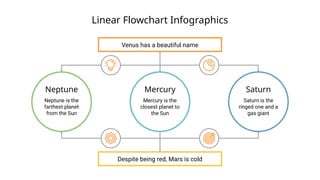
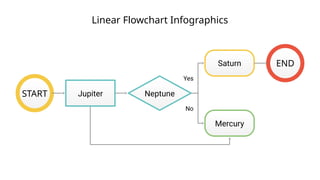
Despitebeing red, Mars is cold
Venus has a beautiful name
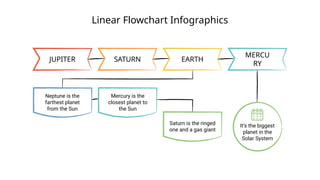
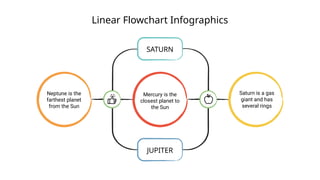
Neptune
Neptune is the
farthest planet
from the Sun
Mercury
Mercury is the
closest planet to
the Sun
Saturn
Saturn is the
ringed one and a
gas giant
Linear Flowchart Infographics
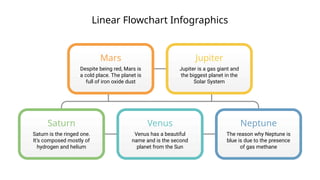
Mars
Despitebeing red, Mars is
a cold place. The planet is
full of iron oxide dust
Jupiter
Jupiter is a gas giant and
the biggest planet in the
Solar System
Venus
Venus has a beautiful
name and is the second
planet from the Sun
Neptune
The reason why Neptune is
blue is due to the presence
of gas methane
Saturn
Saturn is the ringed one.
It’s composed mostly of
hydrogen and helium
Linear Flowchart Infographics
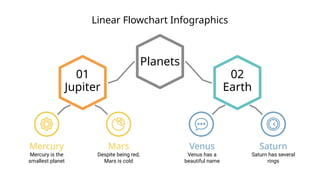
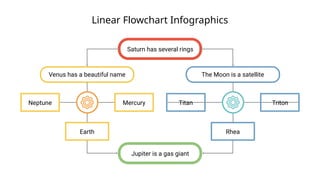
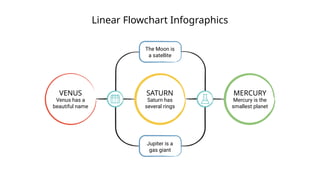
Saturnhas several rings
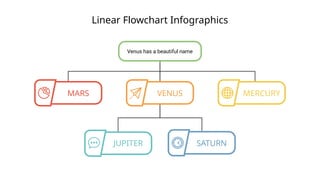
Venus has a beautiful name
Neptune Mercury
Earth
The Moon is a satellite
Titan Triton
Rhea
Jupiter is a gas giant
7.
Linear Flowchart Infographics
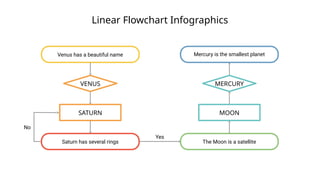
Venushas a beautiful name
Saturn has several rings
Mercury is the smallest planet
The Moon is a satellite
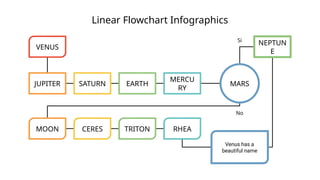
Yes
No
VENUS
SATURN MOON
MERCURY
Linear Flowchart Infographics
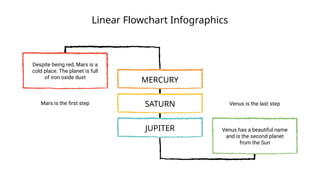
Despitebeing red, Mars is a
cold place. The planet is full
of iron oxide dust
Mars is the first step
MERCURY
SATURN
JUPITER Venus has a beautiful name
and is the second planet
from the Sun
Venus is the last step
11.
Linear Flowchart Infographics
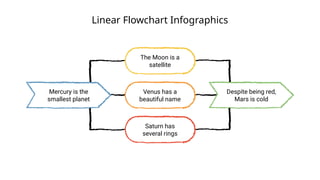
Mercuryis the
smallest planet
Despite being red,
Mars is cold
The Moon is a
satellite
Venus has a
beautiful name
Saturn has
several rings
12.
Linear Flowchart Infographics
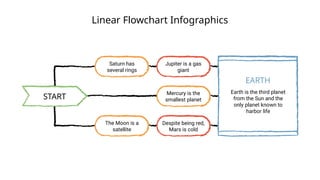
START
Saturnhas
several rings
The Moon is a
satellite
Jupiter is a gas
giant
Mercury is the
smallest planet
Despite being red,
Mars is cold
Earth is the third planet
from the Sun and the
only planet known to
harbor life
EARTH
13.
Linear Flowchart Infographics
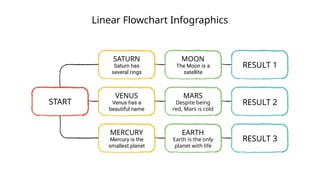
START
Saturnhas
several rings
SATURN
Venus has a
beautiful name
VENUS
Mercury is the
smallest planet
MERCURY
The Moon is a
satellite
MOON
Despite being
red, Mars is cold
MARS
Earth is the only
planet with life
EARTH
RESULT 1
RESULT 2
RESULT 3
14.
Linear Flowchart Infographics
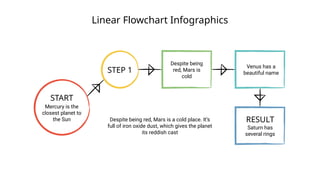
START
Mercuryis the
closest planet to
the Sun
STEP 1
Despite being
red, Mars is
cold
Venus has a
beautiful name
RESULT
Saturn has
several rings
Despite being red, Mars is a cold place. It’s
full of iron oxide dust, which gives the planet
its reddish cast
15.
Linear Flowchart Infographics
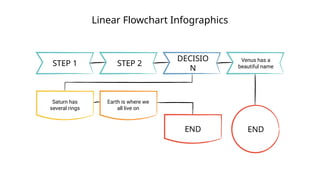
STEP1 STEP 2
DECISIO
N
Venus has a
beautiful name
Saturn has
several rings
Earth is where we
all live on
END END
16.
Linear Flowchart Infographics
Saturnhas
several rings
SATURN
Venus has a
beautiful name
VENUS
Mercury is the
smallest planet
MERCURY
The Moon is
a satellite
Jupiter is a
gas giant
17.
Linear Flowchart Infographics
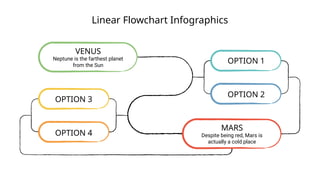
Neptuneis the farthest planet
from the Sun
VENUS
Despite being red, Mars is
actually a cold place
MARS
OPTION 3
OPTION 4
OPTION 1
OPTION 2
18.
Linear Flowchart Infographics
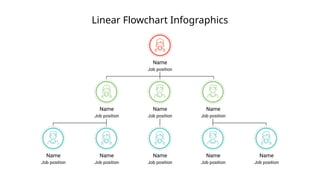
Name
Jobposition
Name
Job position
Name
Job position
Name
Job position
Name
Job position
Name
Job position
Name
Job position
Name
Job position
Name
Job position
19.
Linear Flowchart Infographics
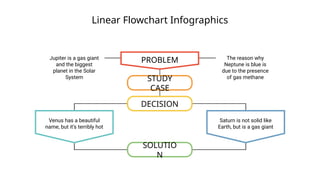
PROBLEM
Jupiteris a gas giant
and the biggest
planet in the Solar
System
The reason why
Neptune is blue is
due to the presence
of gas methane
STUDY
CASE
DECISION
Venus has a beautiful
name, but it’s terribly hot
Saturn is not solid like
Earth, but is a gas giant
SOLUTIO
N
20.
Linear Flowchart Infographics
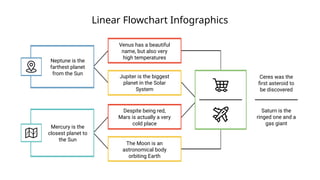
Cereswas the
first asteroid to
be discovered
Saturn is the
ringed one and a
gas giant
Neptune is the
farthest planet
from the Sun
Mercury is the
closest planet to
the Sun
Venus has a beautiful
name, but also very
high temperatures
Jupiter is the biggest
planet in the Solar
System
Despite being red,
Mars is actually a very
cold place
The Moon is an
astronomical body
orbiting Earth
21.
Linear Flowchart Infographics
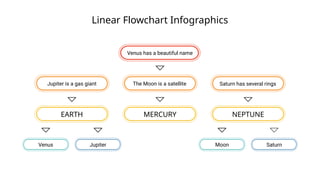
Saturnhas several rings
The Moon is a satellite
Jupiter is a gas giant
Venus has a beautiful name
EARTH MERCURY NEPTUNE
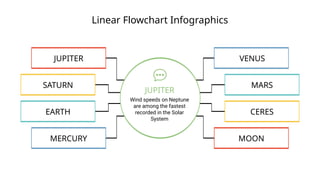
Jupiter
Venus Moon Saturn
22.
Linear Flowchart Infographics
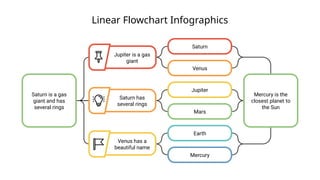
Saturnis a gas
giant and has
several rings
Mercury is the
closest planet to
the Sun
Saturn
Venus
Jupiter
Mars
Earth
Mercury
Venus has a
beautiful name
Saturn has
several rings
Jupiter is a gas
giant
23.
Linear Flowchart Infographics
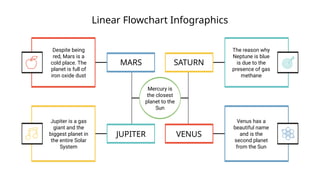
Mercuryis
the closest
planet to the
Sun
MARS SATURN
JUPITER VENUS
Despite being
red, Mars is a
cold place. The
planet is full of
iron oxide dust
Jupiter is a gas
giant and the
biggest planet in
the entire Solar
System
The reason why
Neptune is blue
is due to the
presence of gas
methane
Venus has a
beautiful name
and is the
second planet
from the Sun
Linear Flowchart Infographics
JUPITERSATURN EARTH
MERCU
RY
Neptune is the
farthest planet
from the Sun
Mercury is the
closest planet to
the Sun
Saturn is the ringed
one and a gas giant
It’s the biggest
planet in the
Solar System
28.
Linear Flowchart Infographics
Mercuryis the
closest planet to
the Sun
Neptune is the
farthest planet
from the Sun
Saturn is a gas
giant and has
several rings
SATURN
JUPITER
29.
Linear Flowchart Infographics
Neptuneis the farthest
planet from the Sun
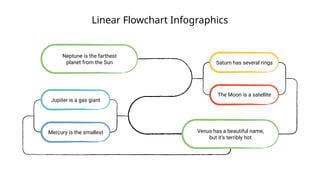
Venus has a beautiful name,
but it’s terribly hot
Saturn has several rings
The Moon is a satellite
Jupiter is a gas giant
Mercury is the smallest
30.
Linear Flowchart Infographics
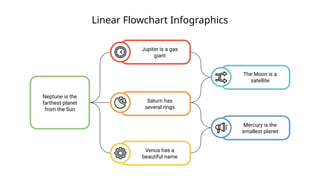
Neptuneis the
farthest planet
from the Sun
Mercury is the
smallest planet
The Moon is a
satellite
Venus has a
beautiful name
Saturn has
several rings
Jupiter is a gas
giant
31.
Linear Flowchart Infographics
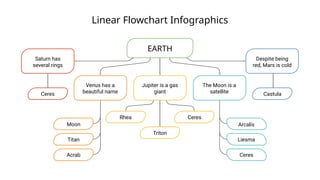
Saturnhas
several rings
Ceres
Venus has a
beautiful name
Moon
Titan
Acrab
Jupiter is a gas
giant
Triton
Ceres
Rhea
The Moon is a
satellite
Liesma
Ceres
Arcalís
Despite being
red, Mars is cold
Castula
EARTH
32.
Instructions for use(free users)
In order to use this template, you must credit Slidesgo by keeping the Thanks slide.
You are allowed to:
● Modify this template.
● Use it for both personal and commercial purposes.
You are not allowed to:
● Sublicense, sell or rent any of Slidesgo Content (or a modified version of Slidesgo Content).
● Distribute this Slidesgo Template (or a modified version of this Slidesgo Template) or include it in a database or in
any other product or service that offers downloadable images, icons or presentations that may be subject to
distribution or resale.
● Use any of the elements that are part of this Slidesgo Template in an isolated and separated way from this
Template.
● Delete the “Thanks” or “Credits” slide.
● Register any of the elements that are part of this template as a trademark or logo, or register it as a work in an
intellectual property registry or similar.
For more information about editing slides, please read our FAQs or visit Slidesgo School:
https://slidesgo.com/faqs and https://slidesgo.com/slidesgo-school
33.
Instructions for use(premium users)
In order to use this template, you must be a Premium user on Slidesgo.
You are allowed to:
● Modify this template.
● Use it for both personal and commercial purposes.
● Hide or delete the “Thanks” slide and the mention to Slidesgo in the credits.
● Share this template in an editable format with people who are not part of your team.
You are not allowed to:
● Sublicense, sell or rent this Slidesgo Template (or a modified version of this Slidesgo Template).
● Distribute this Slidesgo Template (or a modified version of this Slidesgo Template) or include it in a database or in
any other product or service that offers downloadable images, icons or presentations that may be subject to
distribution or resale.
● Use any of the elements that are part of this Slidesgo Template in an isolated and separated way from this
Template.
● Register any of the elements that are part of this template as a trademark or logo, or register it as a work in an
intellectual property registry or similar.
For more information about editing slides, please read our FAQs or visit Slidesgo School:
https://slidesgo.com/faqs and https://slidesgo.com/slidesgo-school
34.
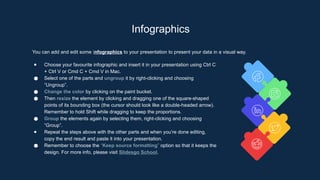
Infographics
You can addand edit some infographics to your presentation to present your data in a visual way.
● Choose your favourite infographic and insert it in your presentation using Ctrl C
+ Ctrl V or Cmd C + Cmd V in Mac.
● Select one of the parts and ungroup it by right-clicking and choosing
“Ungroup”.
● Change the color by clicking on the paint bucket.
● Then resize the element by clicking and dragging one of the square-shaped
points of its bounding box (the cursor should look like a double-headed arrow).
Remember to hold Shift while dragging to keep the proportions.
● Group the elements again by selecting them, right-clicking and choosing
“Group”.
● Repeat the steps above with the other parts and when you’re done editing,
copy the end result and paste it into your presentation.
● Remember to choose the “Keep source formatting” option so that it keeps the
design. For more info, please visit Slidesgo School.