Lights and Sound
Lights
4 Major Functions
1. See actors
2. Focus audience attention
3. Create a mood
4. Establish interior/exterior light sources
See actors
• Spot
– Direct lighting on an actor that does not
move
• Follow spot
– Moveable light that follows an actor around
the stage
• Wash
– General lighting that covers an area with
more than one actor
QuickTime™ and a
decompressor
are needed to see this picture.
QuickTime™ and a
decompressor
are needed to see this picture.
QuickTime™ and a
decompressor
are needed to see this picture.
Focus audience attention
• Spot light
– Darkness everywhere except spot
• Dimmer in certain areas of the stage to
pull focus to more lit areas
QuickTime™ and a
decompressor
are needed to see this picture.
QuickTime™ and a
decompressor
are needed to see this picture.
QuickTime™ and a
decompressor
are needed to see this picture.
Create a Mood
• Bright vs. Dark
• Color symbolism
• Happiness
• Eeriness
• Etc.
QuickTime™ and a
decompressor
are needed to see this picture.
QuickTime™ and a
decompressor
are needed to see this picture.
QuickTime™ and a
decompressor
are needed to see this picture.
QuickTime™ and a
decompressor
are needed to see this picture.
QuickTime™ and a
decompressor
are needed to see this picture.
Interior/Exterior Light Source
• Sunlight into a room
– Windows
– doors
• Time of day
– Interior or exterior
• Lamp
• Overhead light
QuickTime™ and a
decompressor
are needed to see this picture.
QuickTime™ and a
decompressor
are needed to see this picture.
QuickTime™ and a
decompressor
are needed to see this picture.
QuickTime™ and a
decompressor
are needed to see this picture.
QuickTime™ and a
decompressor
are needed to see this picture.
QuickTime™ and a
decompressor
are needed to see this picture.
Process
1. Read the script and take notes
– Light sources
– Affects
• Strobe
• Police cars
• Etc.
– Time of day
– Time of year
• Winter darker than summer
Process
2. Speak to the director and take notes
• Color symbolism
• Mood in scenes
• Areas of the stage
• Locations of set pieces
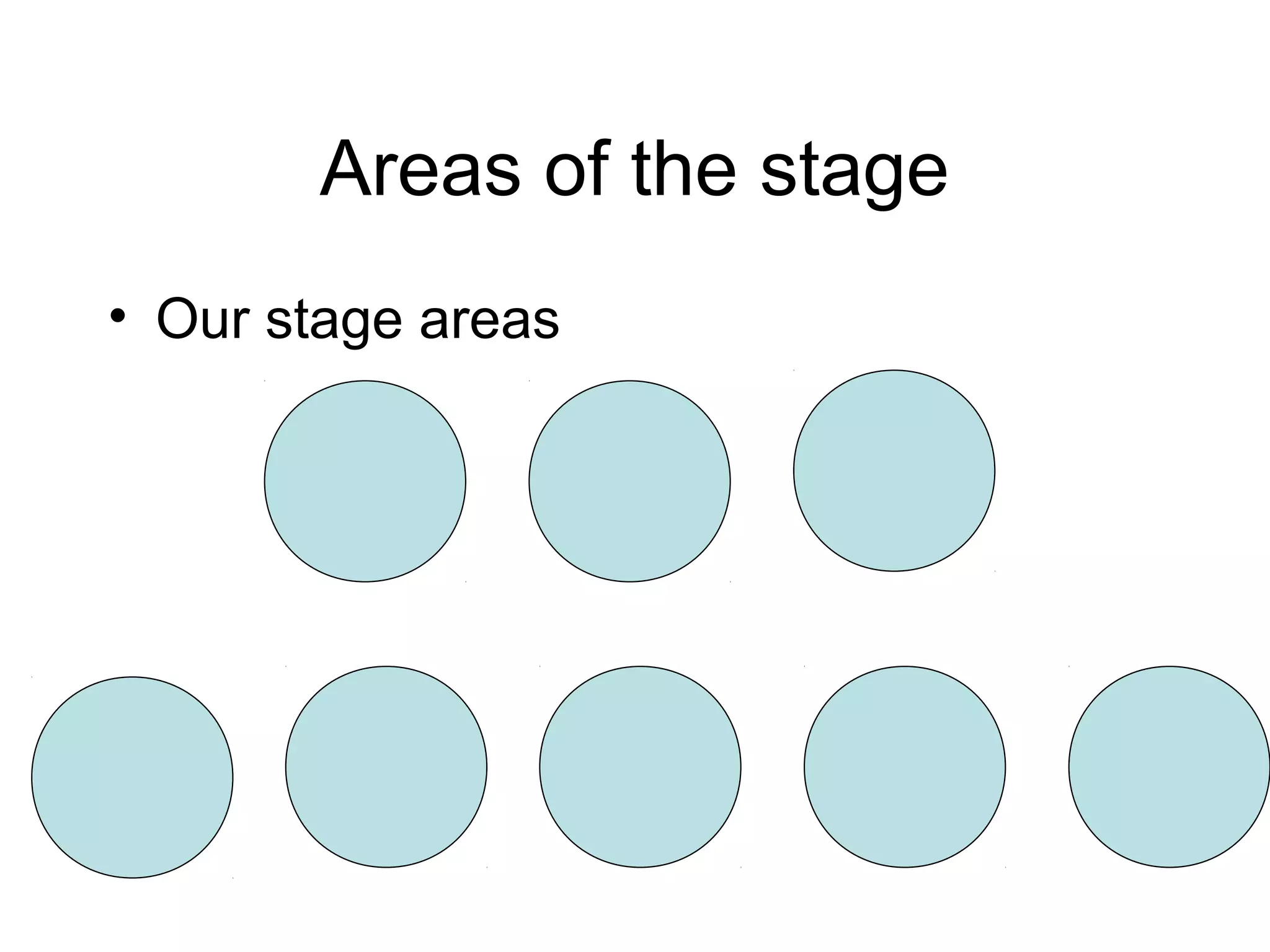
Areas of the stage
• Our stage areas
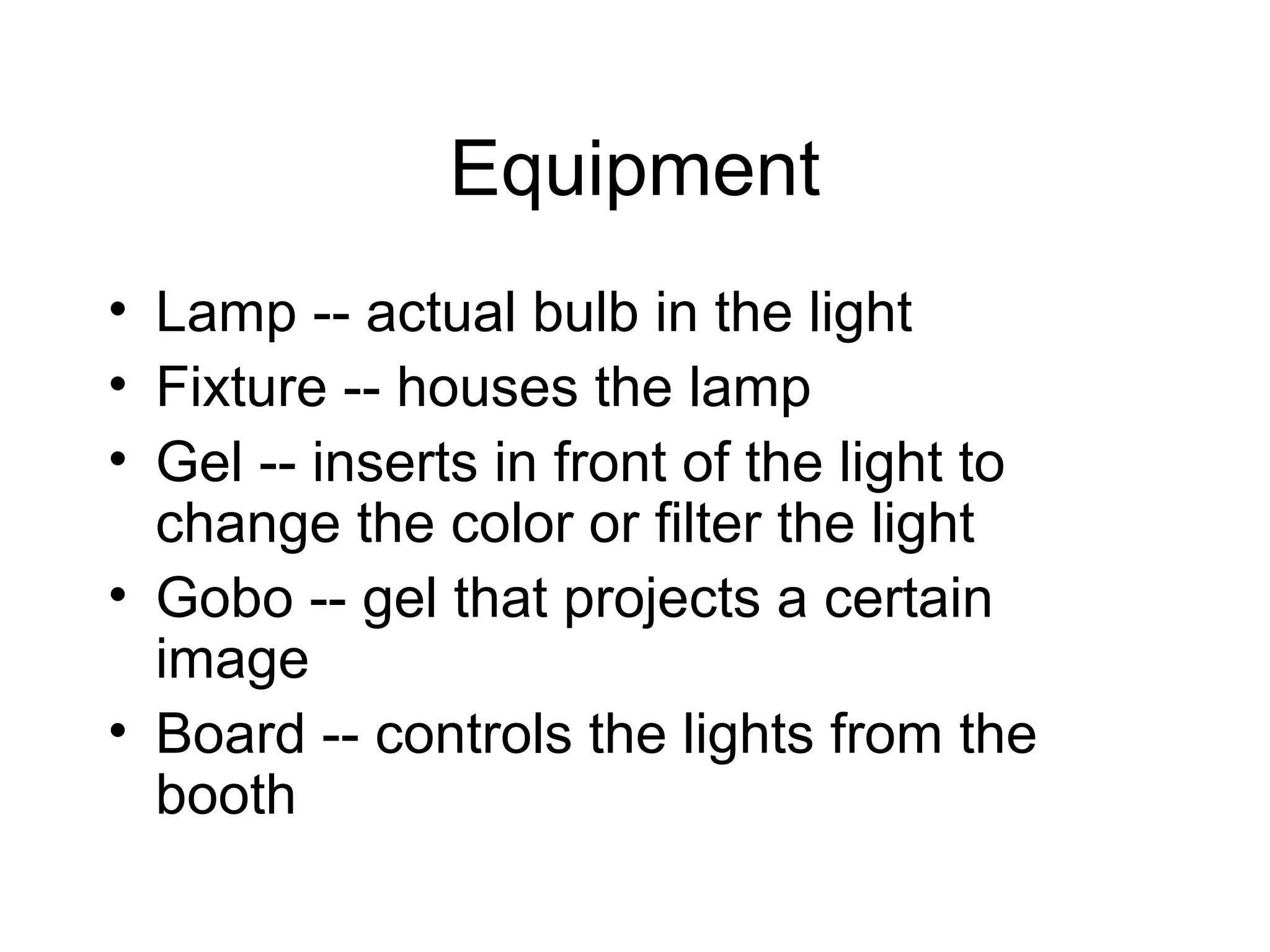
Equipment
• Lamp -- actual bulb in the light
• Fixture -- houses the lamp
• Gel -- inserts in front of the light to
change the color or filter the light
• Gobo -- gel that projects a certain
image
• Board -- controls the lights from the
booth
QuickTime™ and a
decompressor
are needed to see this picture.
QuickTime™ and a
decompressor
are needed to see this picture.
QuickTime™ and a
decompressor
are needed to see this picture.
QuickTime™ and a
decompressor
are needed to see this picture.
QuickTime™ and a
decompressor
are needed to see this picture.
QuickTime™ and a
decompressor
are needed to see this picture.
Process
3. Light Plot
map of lights available in a venue
Simple Light Plot
QuickTime™ and a
decompressor
are needed to see this picture.
State of the Art Venue
QuickTime™ and a
decompressor
are needed to see this picture.
Process
4. Cue Sheet (also called prompt sheet) -- chart
out every moment that lights change
Cue = The moment in the script when the lights
change.
Top = beginning
Up = on
Down = off
Fade in = slowly come on
Fade out = slowly turn off
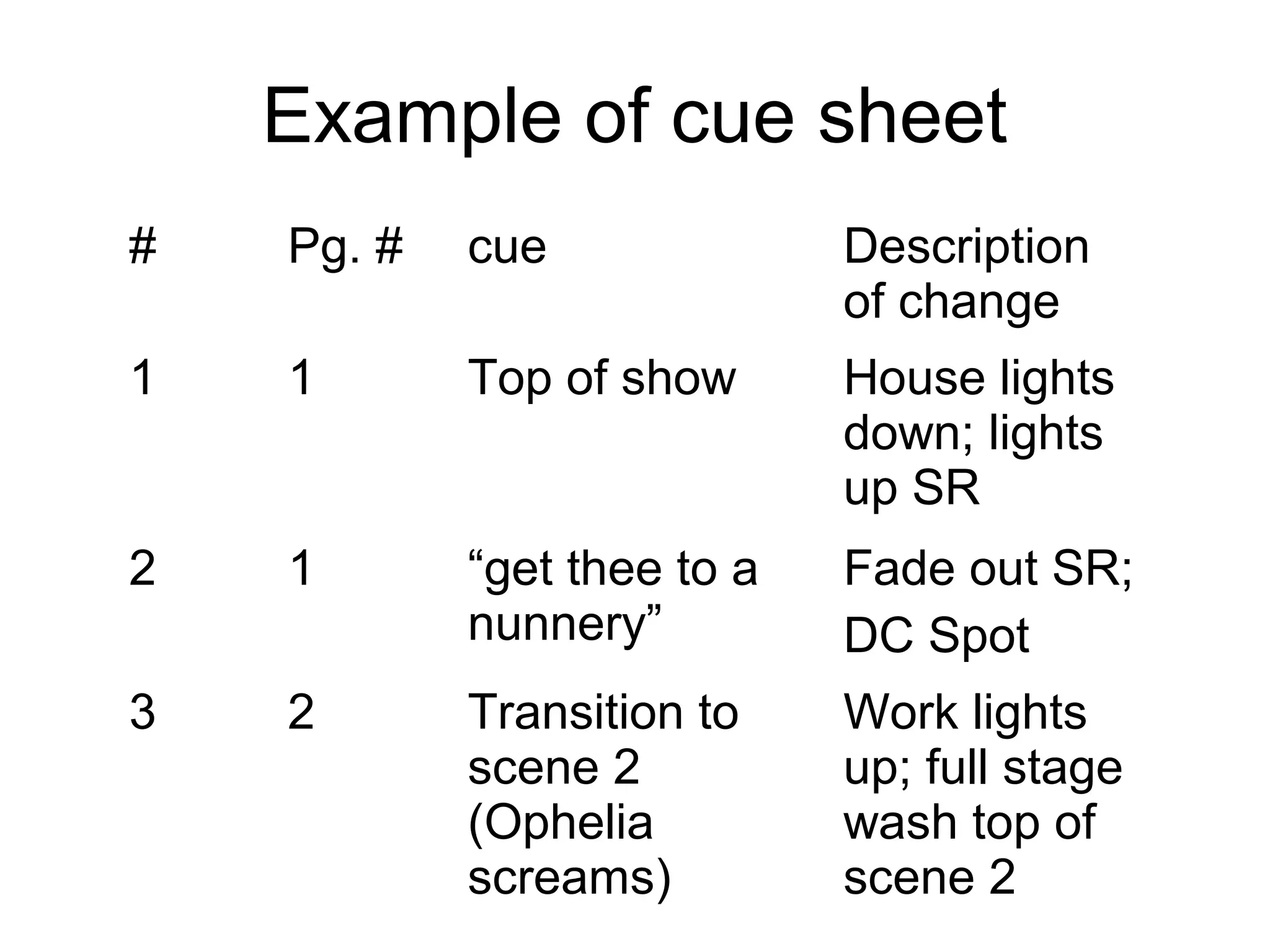
Example of cue sheet
# Pg. # cue Description
of change
1 1 Top of show House lights
down; lights
up SR
2 1 “get thee to a
nunnery”
Fade out SR;
DC Spot
3 2 Transition to
scene 2
(Ophelia
screams)
Work lights
up; full stage
wash top of
scene 2
Sound Design
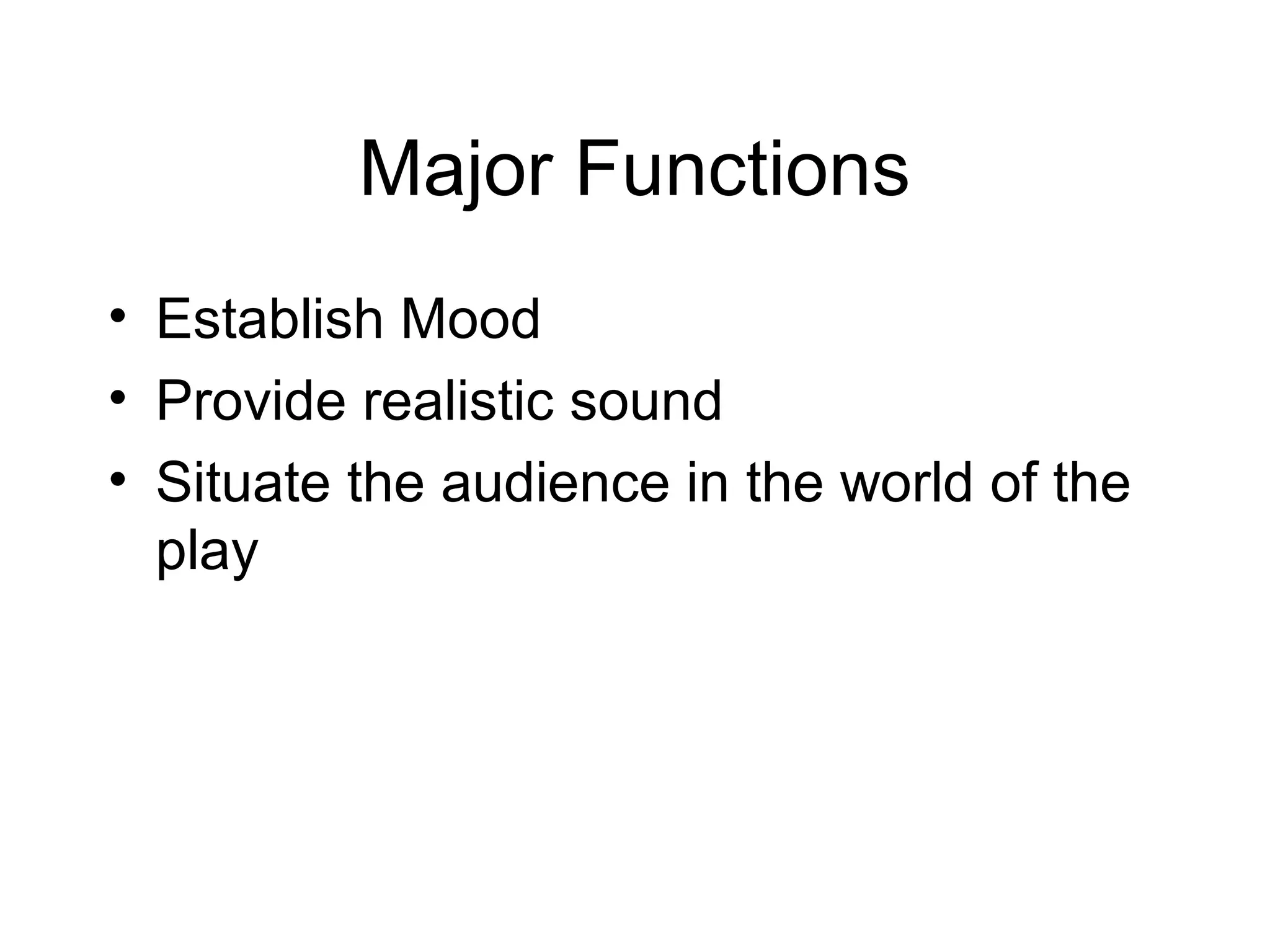
Major Functions
• Establish Mood
• Provide realistic sound
• Situate the audience in the world of the
play
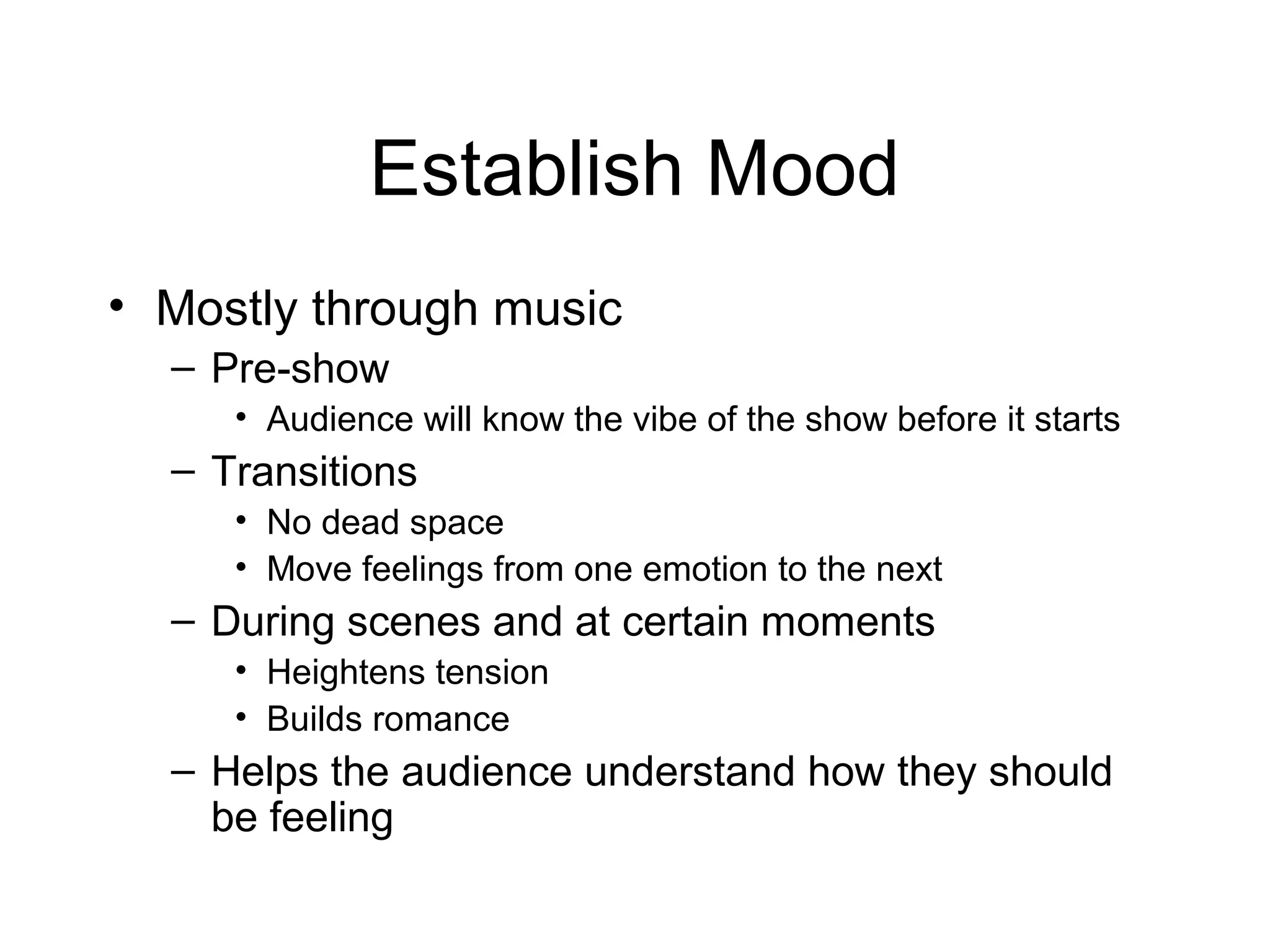
Establish Mood
• Mostly through music
– Pre-show
• Audience will know the vibe of the show before it starts
– Transitions
• No dead space
• Move feelings from one emotion to the next
– During scenes and at certain moments
• Heightens tension
• Builds romance
– Helps the audience understand how they should
be feeling
Ben Lovett
http://www.echomountain
.net/news/black-rock-movie-out-in-theaters-scored-by-ben-lovett-h
Provide Realistic Sounds
Doorbell
Door knocking
Phone ringing
Dog barking
Toilet flushing
Videos
• Foley Artist = Create sound for movie.
Not usually used in theatre but provides
a good example of sound creating
realism.
http://www.youtube.com/watch?
v=UNvKhe2npMM&noredirect=1
Situate the audience in the
world of the play
• Time Period
– Especially with music
– Telephone sounds (old school vs. cell)
• Time of Day
– Crickets chirping
– Birds singing/rooster crowing
• Location
– City sounds
– Country sounds
– School
– Office
– hospital
Wall-E
http://www.youtube.com/watch?
v=TSf8Er2gV_Q
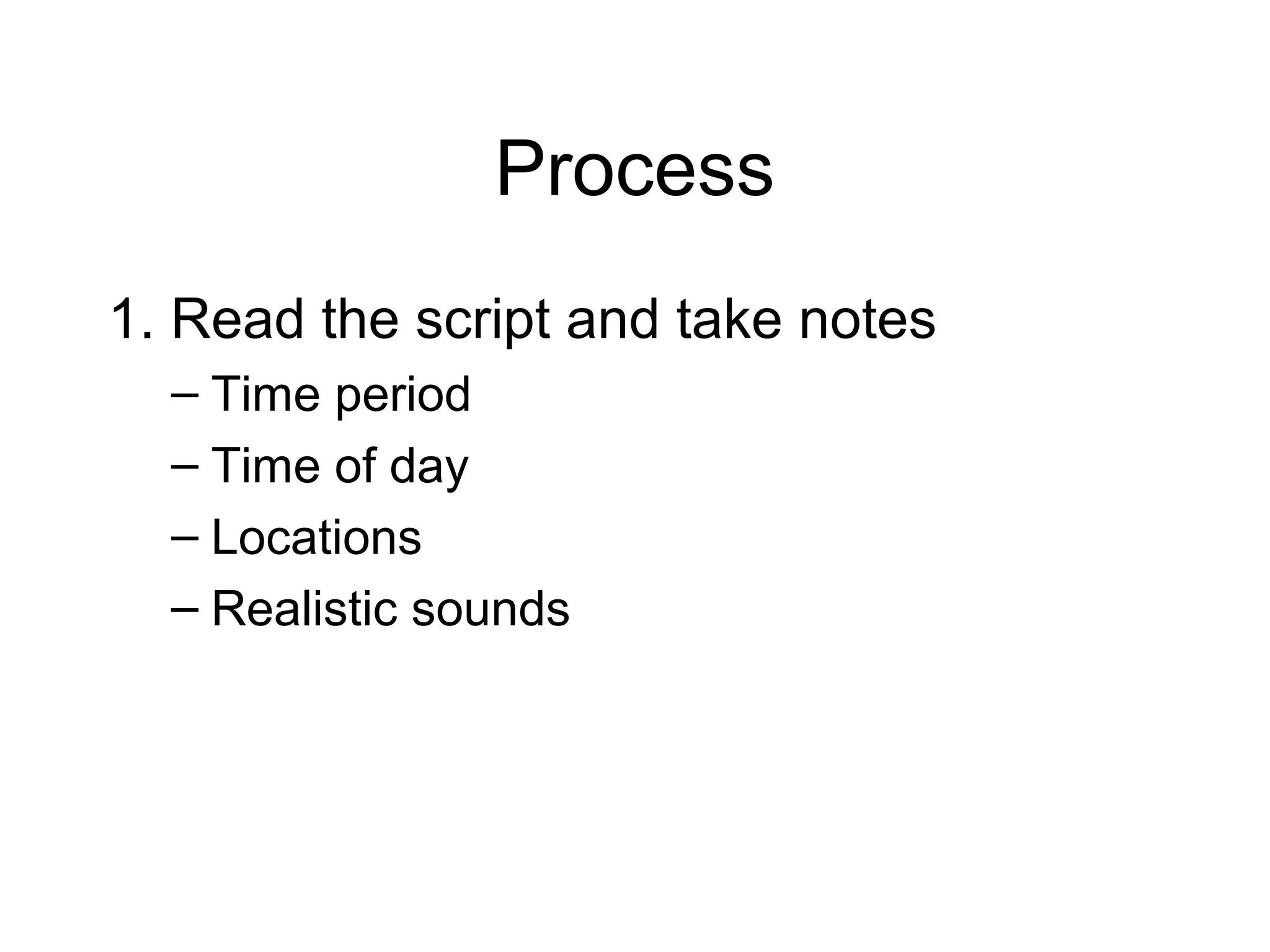
Process
1. Read the script and take notes
– Time period
– Time of day
– Locations
– Realistic sounds
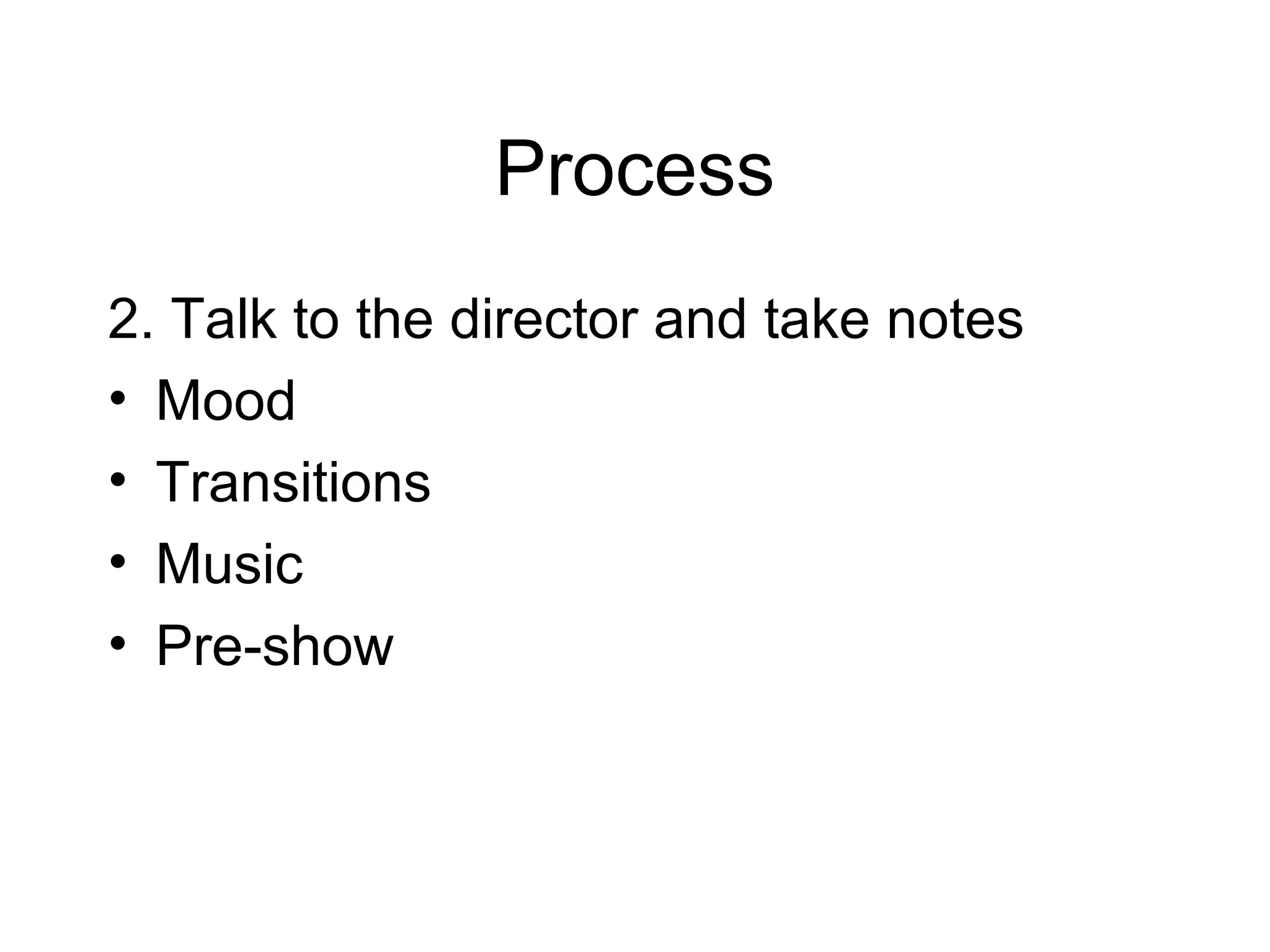
Process
2. Talk to the director and take notes
• Mood
• Transitions
• Music
• Pre-show
Process
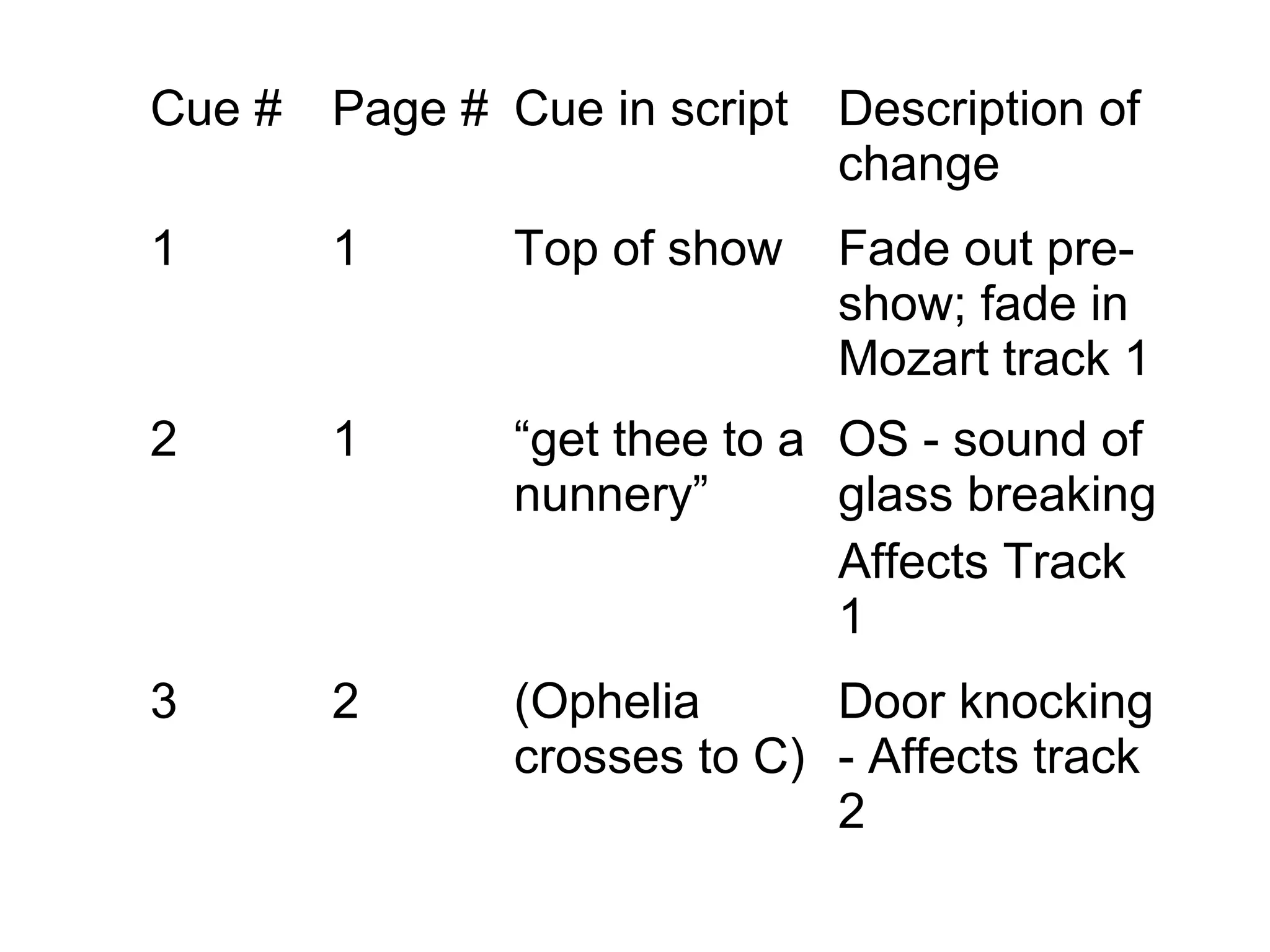
3. Cue Sheet - Similar to lighting cue
sheet
Cue # Page # Cue in script Description of
change
1 1 Top of show Fade out pre-
show; fade in
Mozart track 1
2 1 “get thee to a
nunnery”
OS - sound of
glass breaking
Affects Track
1
3 2 (Ophelia
crosses to C)
Door knocking
- Affects track
2
How to acquire sound
• CD’s
– Music
– Sound affects
• Internet
– Youtube
– Pay sites
Activity
• Create a WWW for a lighting term or a
sound term
(spot, follow spot, wash, gel, gobo, cue,
fade, foley artist)
• Create either a sound or a light cue
sheet for the provided scene
– Cue sheet must have at least four cues.
– Be creative; make choices.

Light and sound design - basic