Download to read offline
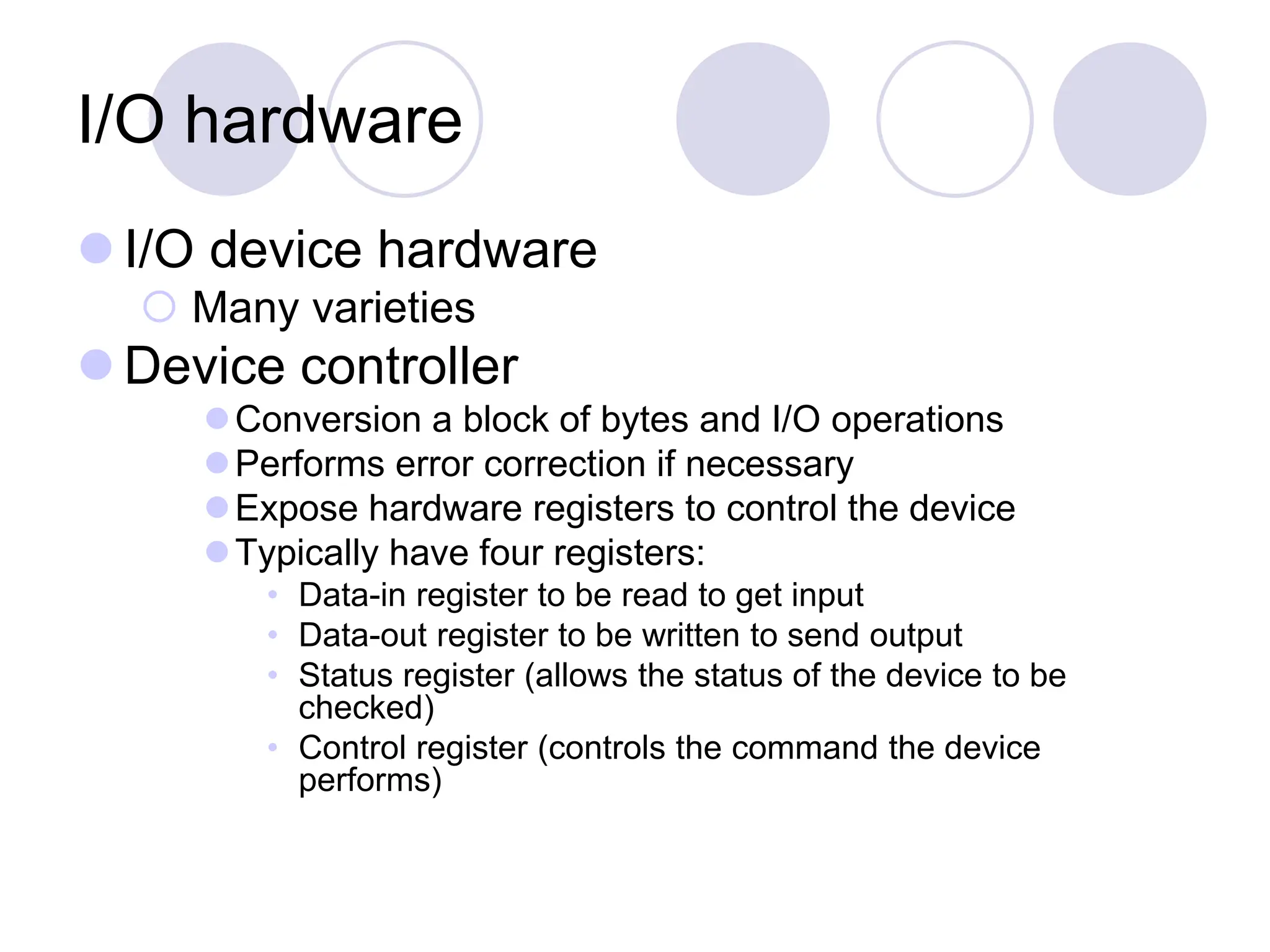


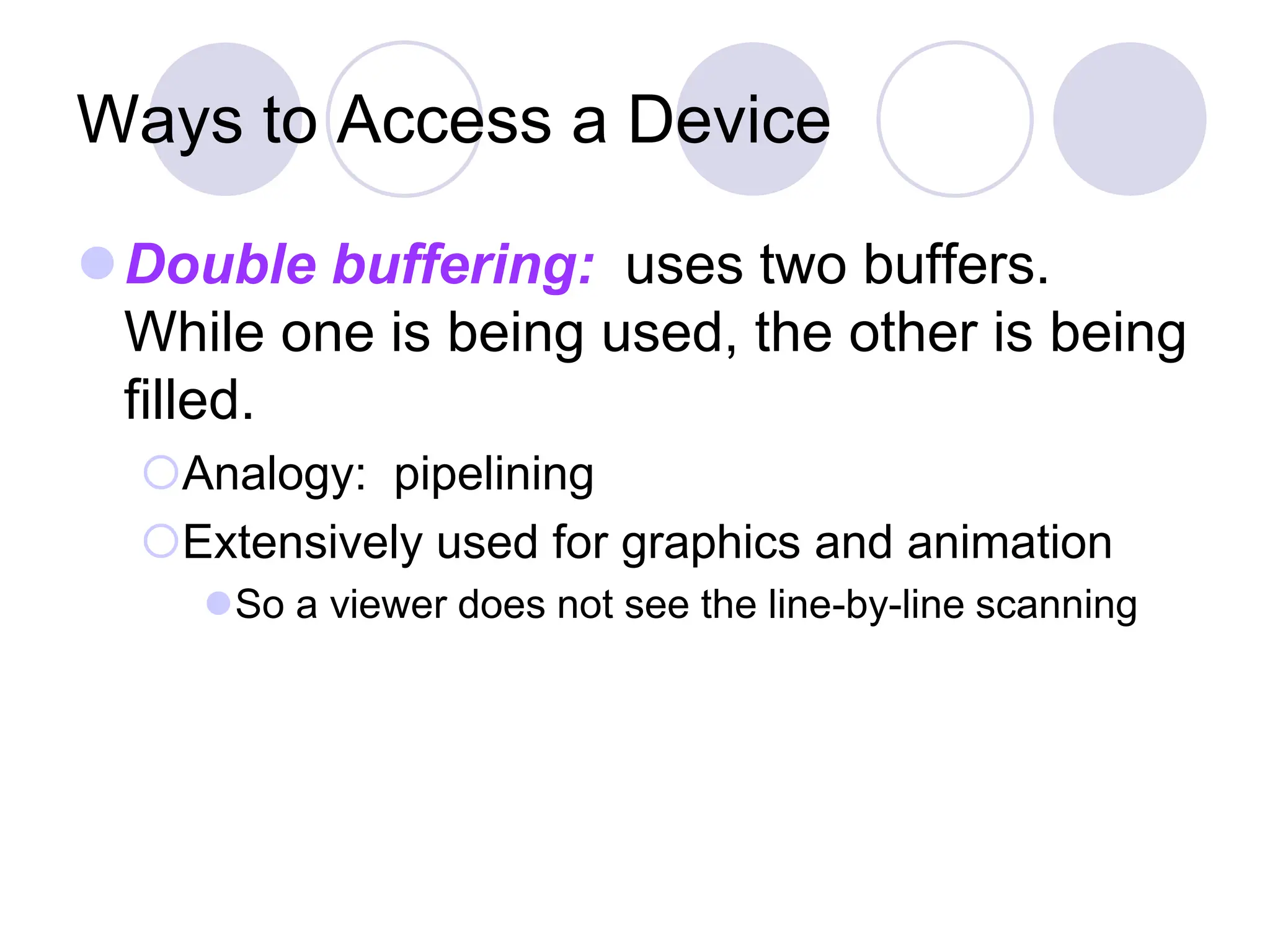




Device management allows the OS to provide a uniform interface for accessing different hardware devices. It manages I/O devices through device drivers that hide the complexity of devices from the OS. Devices use memory-mapped I/O or dedicated addresses. Devices are accessed through polling, interrupts, DMA, or double buffering. Hard disks have complex internal structures like platters, tracks, sectors, and zones, and disk performance depends on seek time, rotational latency, and transfer rate. Disk scheduling algorithms like SSTF aim to minimize seek distances.


