1
CS02407/CS428 Web Engineering
Lecture 01
Overview
(Introduction)
COURSE OBJECTIVE
• To produce dynamic, animated, interactive, database
driven websites.
• Familiarize students with WEB application
development tools and environment.
• Teach the concepts, principles and methods of web
engineering.
• Students will also learn MVC based Laravel PHP
Framework to create dynamic web applications.
• web services.
LEARNING OUTCOMES
• Identify candidate tools and technologies for
developing web applications.
• Develop responsive design interfaces for web
applications.
• To produce dynamic web applications using
Laravel PHP Framework.
• Develop web services.
COURSE OVERVIEW
• The course will consist of:
Ϟ 30-32 Lectures (1.5 hour each)
Ϟ 15-16 Labs (3 hour each)
Ϟ 4 Assignments/ Project
Ϟ 4 Quizzes
Ϟ 2 Exams (Midterm and Final)
• Work Load:
In order to do well in this course, most of you should
plan on five-six hours a week reading chapters,
studying slides and doing homework assignments
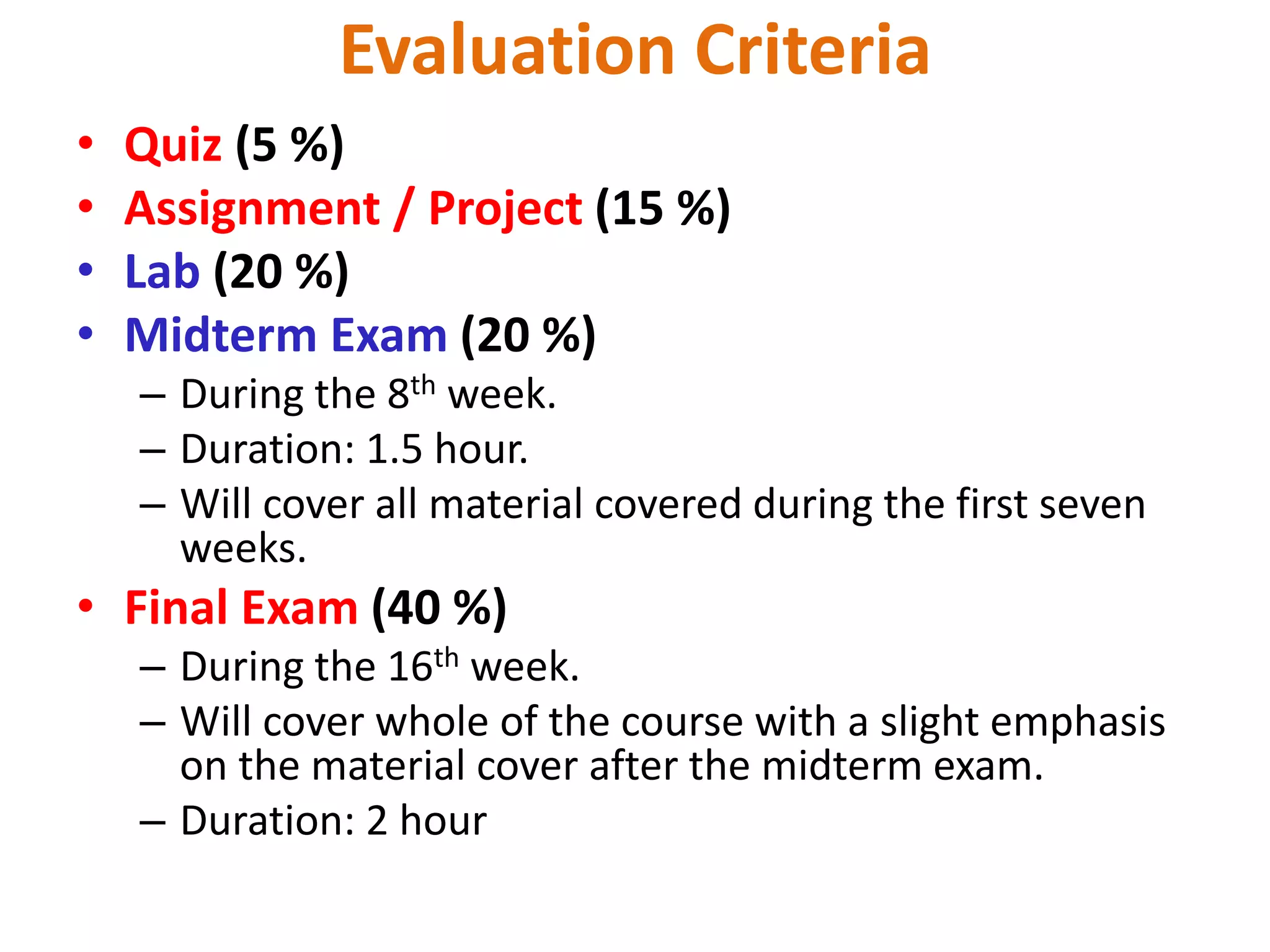
Evaluation Criteria
• Quiz (5 %)
• Assignment / Project (15 %)
• Lab (20 %)
• Midterm Exam (20 %)
– During the 8th week.
– Duration: 1.5 hour.
– Will cover all material covered during the first seven
weeks.
• Final Exam (40 %)
– During the 16th week.
– Will cover whole of the course with a slight emphasis
on the material cover after the midterm exam.
– Duration: 2 hour
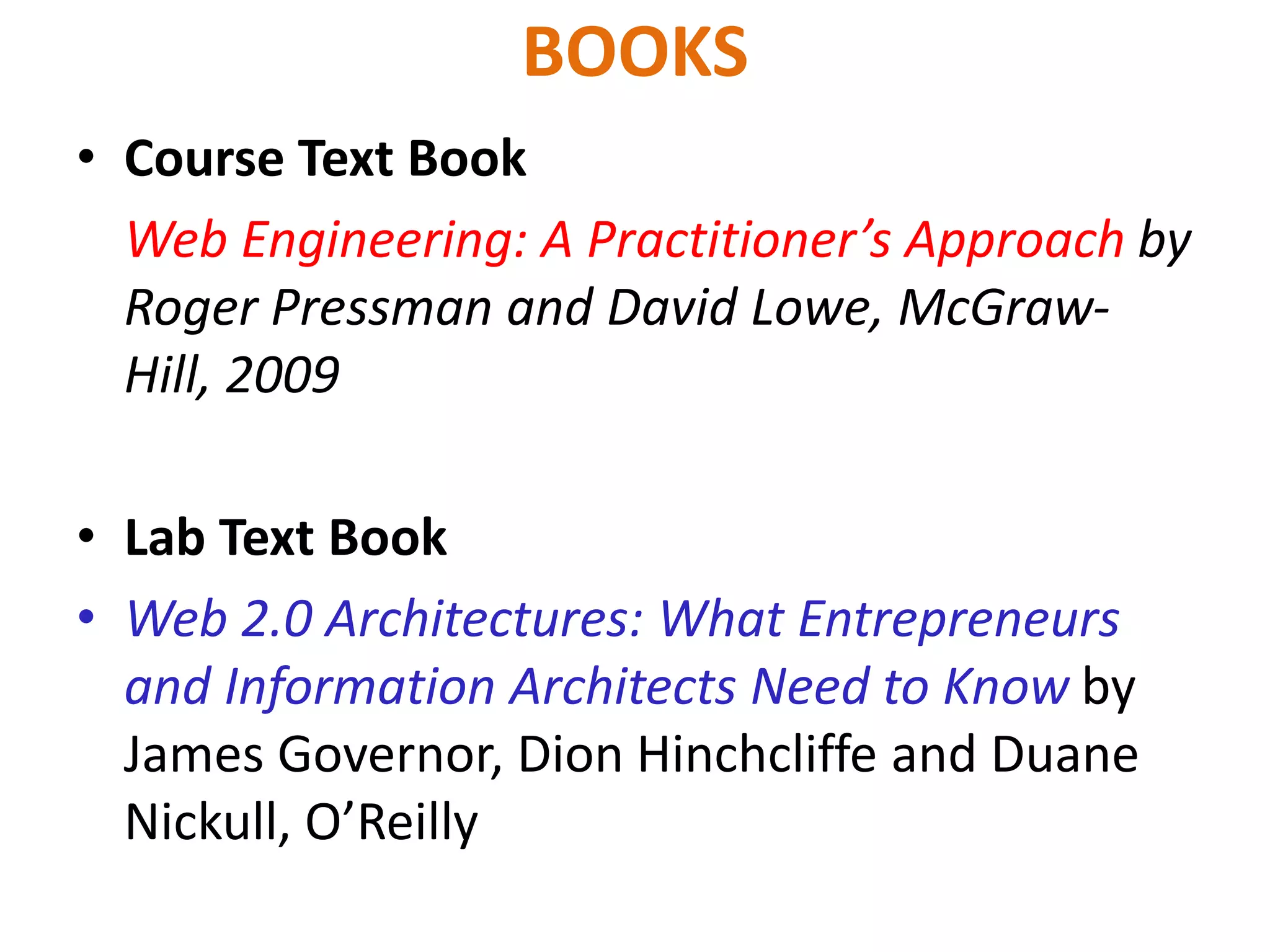
BOOKS
• Course Text Book
Web Engineering: A Practitioner’s Approach by
Roger Pressman and David Lowe, McGraw-
Hill, 2009
• Lab Text Book
• Web 2.0 Architectures: What Entrepreneurs
and Information Architects Need to Know by
James Governor, Dion Hinchcliffe and Duane
Nickull, O’Reilly
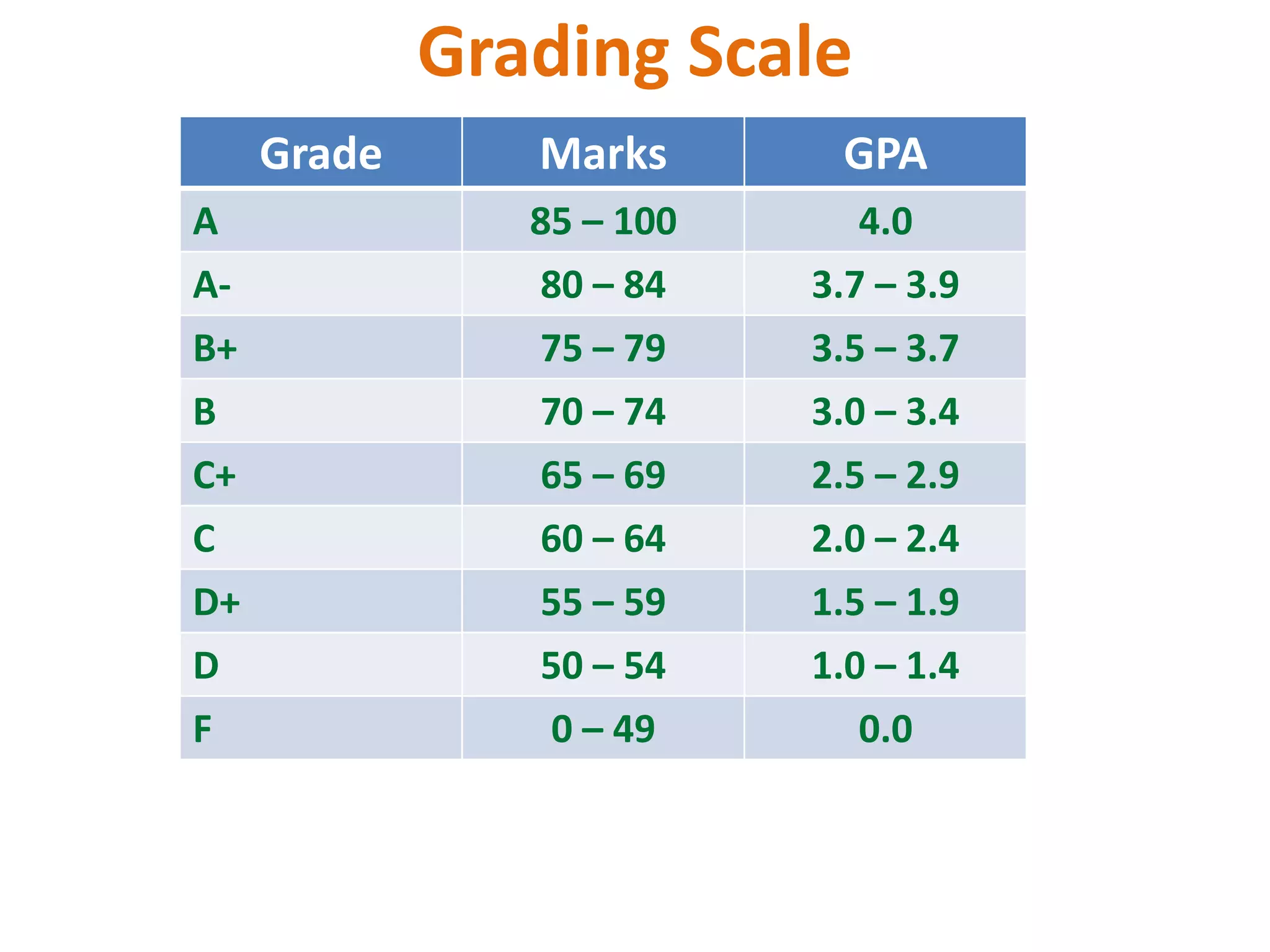
Grading Scale
Grade Marks GPA
A 85 – 100 4.0
A- 80 – 84 3.7 – 3.9
B+ 75 – 79 3.5 – 3.7
B 70 – 74 3.0 – 3.4
C+ 65 – 69 2.5 – 2.9
C 60 – 64 2.0 – 2.4
D+ 55 – 59 1.5 – 1.9
D 50 – 54 1.0 – 1.4
F 0 – 49 0.0
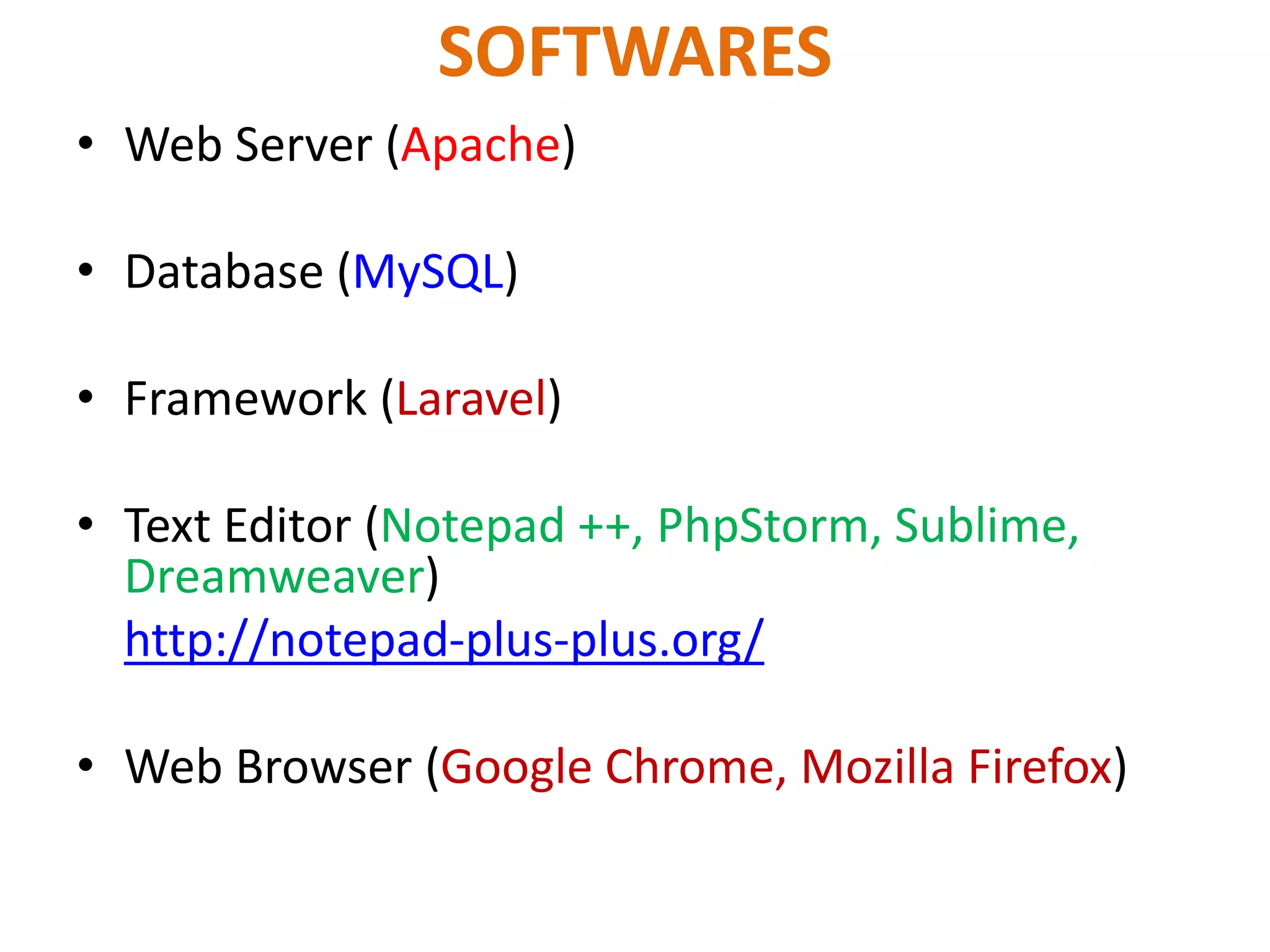
SOFTWARES
• Web Server (Apache)
• Database (MySQL)
• Framework (Laravel)
• Text Editor (Notepad ++, PhpStorm, Sublime,
Dreamweaver)
http://notepad-plus-plus.org/
• Web Browser (Google Chrome, Mozilla Firefox)
Programming Languages
• HTML5
• CSS3
• JavaScript
• jQuery
• AJAX
• PHP
Framework
• Bootstrap (CSS framework)
• Angular JS (Client side framework)
• Laravel (PHP framework)
Instructor Introduction
• Course Instructor:
Muhammad Rashid Rasheed
• Contact Hours:
• Tue (12pm – 4pm)
• Thur (10am – 12pm)
(Conference Room)
Web Programming vs Web Engineering
• Web Programming:
 More focus on programming of HTML, CSS,
JavaScript and PHP only.
• Web Engineering
 It is advanced course.
 Web Programming is prerequisite of web
engineering.
 More concentration on currently available web
application development tools and framework.
– In depth study of PHP.
– In depth study of Laravel.
• Today’s computer are more useful and the
reason behind it is Internet.
• Internet is huge network of computers, who
can talk to each other 24 hours a day.
• ARPANET was born in 1969.
• Develop for US Department of Defense
Advanced Research Projects Agency.
HISTORY OF INTERNET
• The main purpose to combine all small
isolated networks in USA means to form a
network of networks.
• ARPANET make possible 60,000 computers
who were spread across America in different
university and research organization that they
can communicate with each other and share
information with each other.
• A number of other networks were developed
during the late 70s and 80s, BITNET and
CSNET. For variety of reasons, neither BITNET
nor CSNET became a dominant national
network.
• A new national network, NSFnet was created
in 1986, initially connected the NSF-funded
supercomputer centers at five universities.
Soon it become available to other academic
institutions and research laboratories.
• By 1990, NSFnet had replaced ARPAnet for
most non-military uses.
• By 1992, NSFnet National Science Foundation
Network connected more than 1 million
computers around the world.
• Since 1995, the NSFnet is known as Internet.
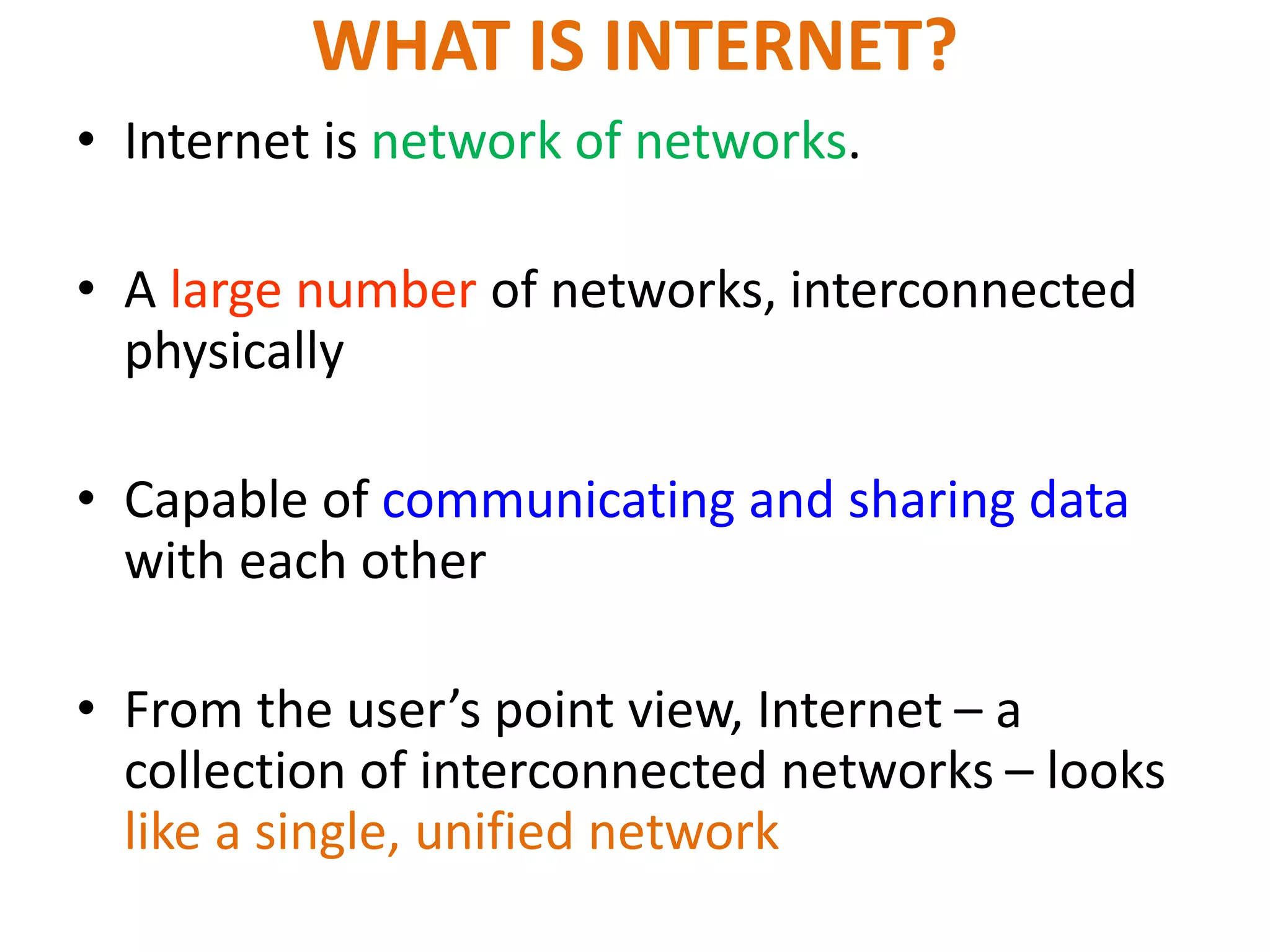
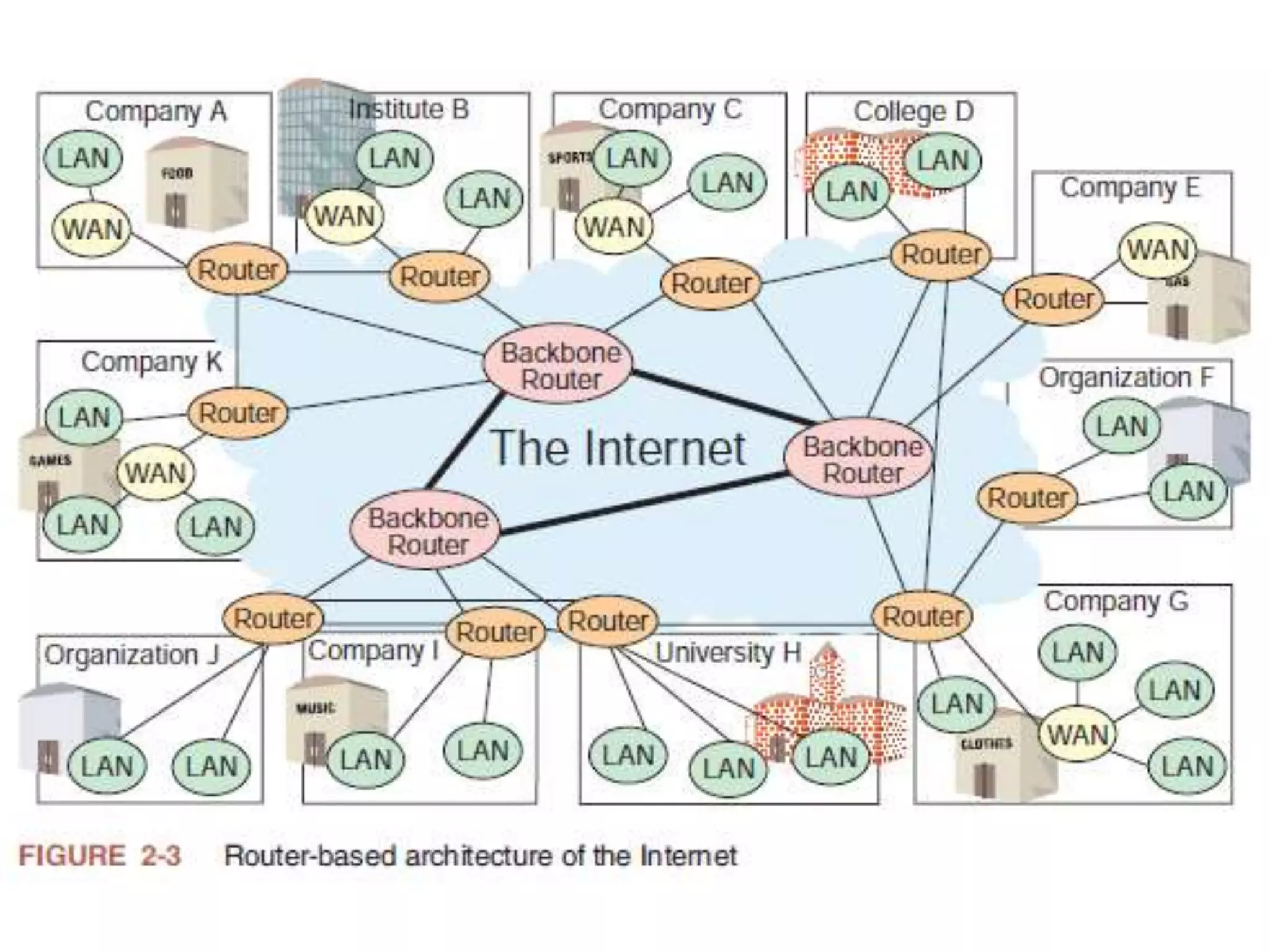
• Internet is network of networks.
• A large number of networks, interconnected
physically
• Capable of communicating and sharing data
with each other
• From the user’s point view, Internet – a
collection of interconnected networks – looks
like a single, unified network
WHAT IS INTERNET?
19
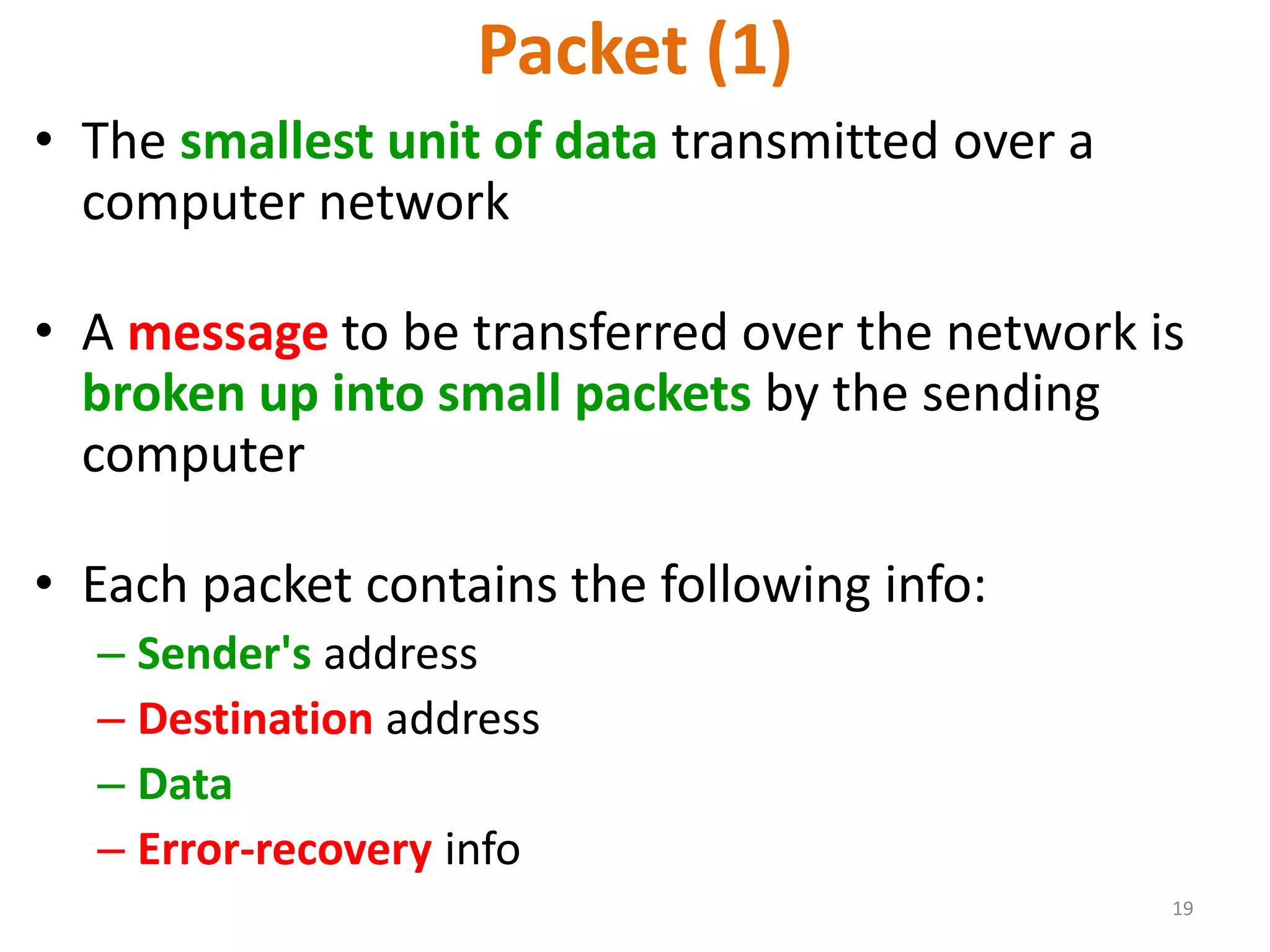
Packet (1)
• The smallest unit of data transmitted over a
computer network
• A message to be transferred over the network is
broken up into small packets by the sending
computer
• Each packet contains the following info:
– Sender's address
– Destination address
– Data
– Error-recovery info
20
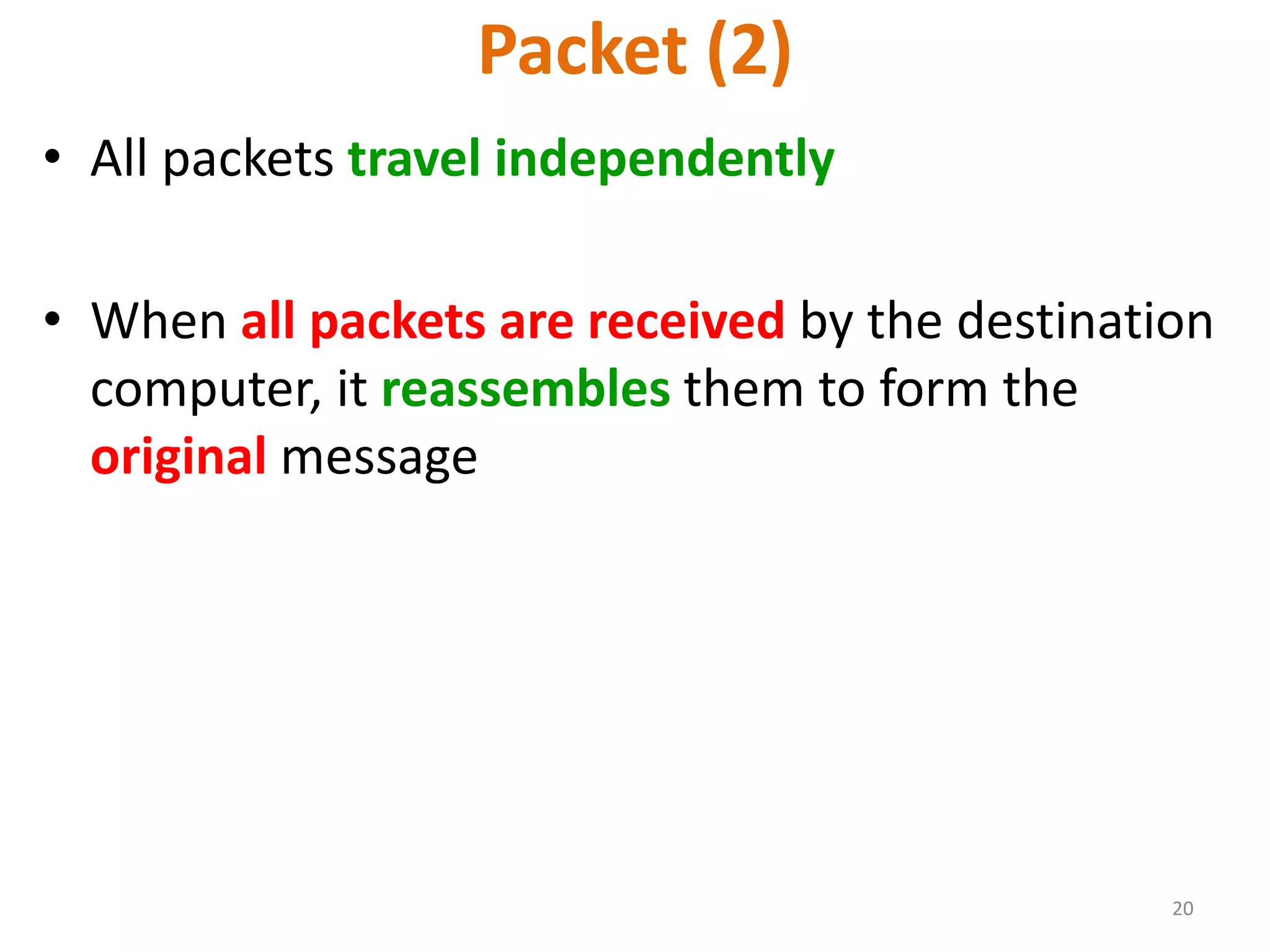
Packet (2)
• All packets travel independently
• When all packets are received by the destination
computer, it reassembles them to form the
original message
21
Protocols
• Networks use protocols, or rules, to exchange info
through shared channels
• Protocols prevent collisions of packets caused by
simultaneous transmission between two or more
computers
• Several protocols are available for various types of
networks. Here we discuss two that are popular for
LANs: Ethernet; Token Ring
22
Internet Networking Protocols
Communications on the Internet is
controlled by a set of two protocols:
TCP and IP
23
TCP/IP (1)
Transmission Control Protocol/Internet Protocol
• Networking protocol used by all computers and
networks on the Internet
• Originally developed by the US DoD for Unix, but
now available for most other OSes
24
TCP/IP (2)
Transmission Control Protocol/Internet Protocol
• TCP breaks down the message to be sent over the
Internet into packets
• IP routes these packets through the Internet to
get them to their destination
• When the packets reach the destination
computer, TCP reassembles them into the original
message
WORLD WIDE WEB - 1989
• In 1989 the World Wide Web is developed.
• Tim Berners Lee, British Physicist at the CERN
in Geneva started an idea there.
• He somehow wanted to make it simple for his
colleagues to share there documents.
• Today www is used in every part of the world.
• World wide web is a way of accessing
information over the internet. The web uses
HTTP protocol.
• The documents are formatted in a markup
language called HTML that supports links to other
documents, as well as graphics, audio, and video
files.
• Web Browser like “Netscape Navigator” and
“Google Chrome” make it easy to access the
World Wide Web.
27
Internet ---- Web
28
Internet Services
There are many, but we will
look at only the following:
• FTP
• Telnet
• Web
• eMail
• Instant messaging
• VoIP
CLIENT AND SERVER ARCHITECTURE
• Internet is based on client server architecture.
• On internet we have two types of computers
some are called client and some are called
server.
• Server computer is those who serves or
entertain user requests.
• Client is user’s computer.
• Example: your personal desktop pc is client,
and the websites (www.yahoo.com) which is
resided on computer is server computer.
30
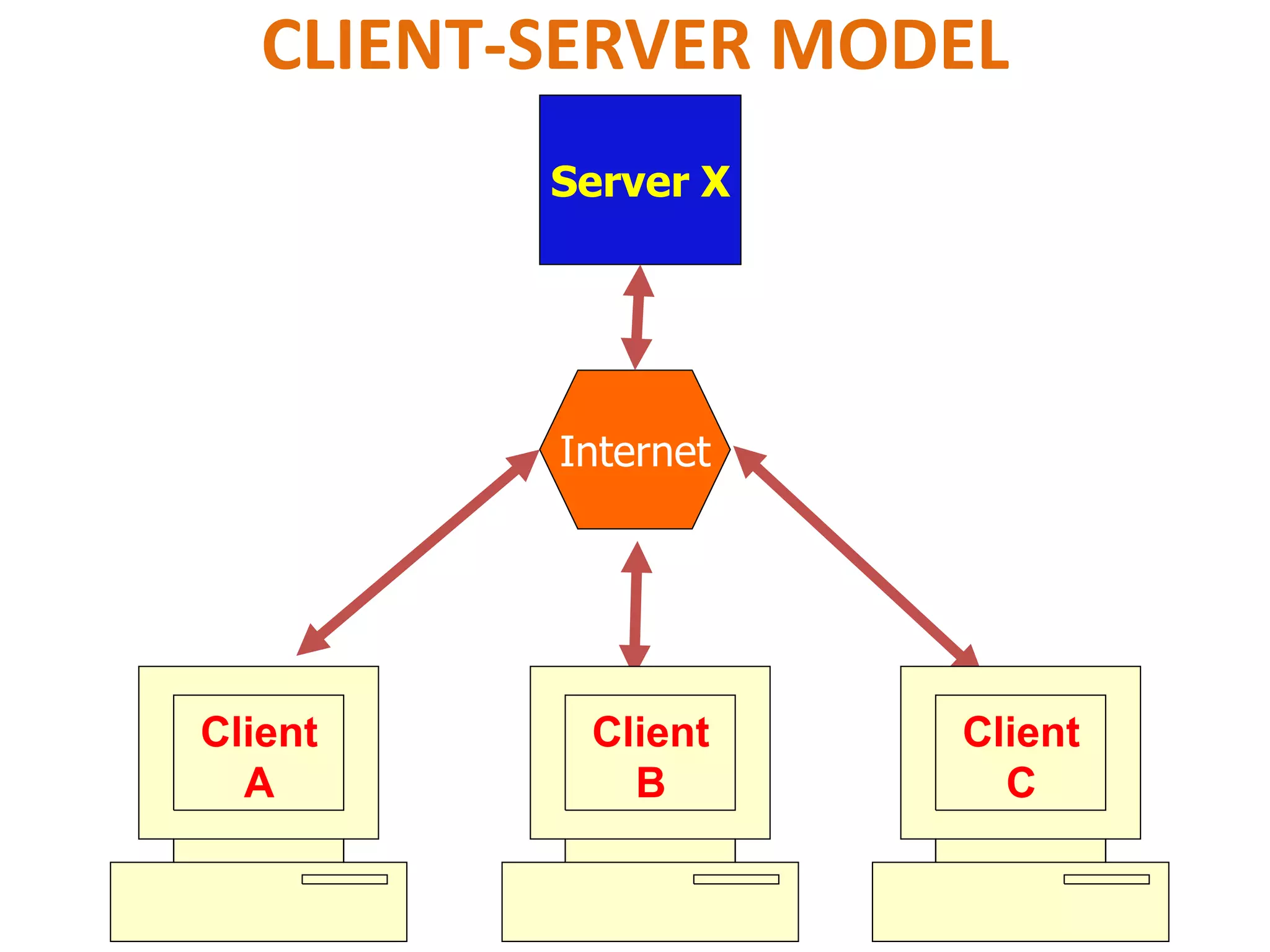
CLIENT-SERVER MODEL
Client
A
Internet
Server X
Client
C
Client
B
DEKTOP SOFTWARE & WEB BASED
SOFTWARE
• SOFTWARE is group of components, which are
written in any programming language.
• These components/modules together solved a
purpose or task.
– Desktop Software
– Web-based Software
• Desktop Software: They reside at your local
computer and execute only at your local
computer e.g. Any program developed
through MS Excel, MS Word
• Web-based Software: they reside on a server
machine.
• There are different programming languages
present through which we can create
software.
33
• Some programming languages are designed to
develop only desktop software and some are
designed to develop web-based apps only.
34
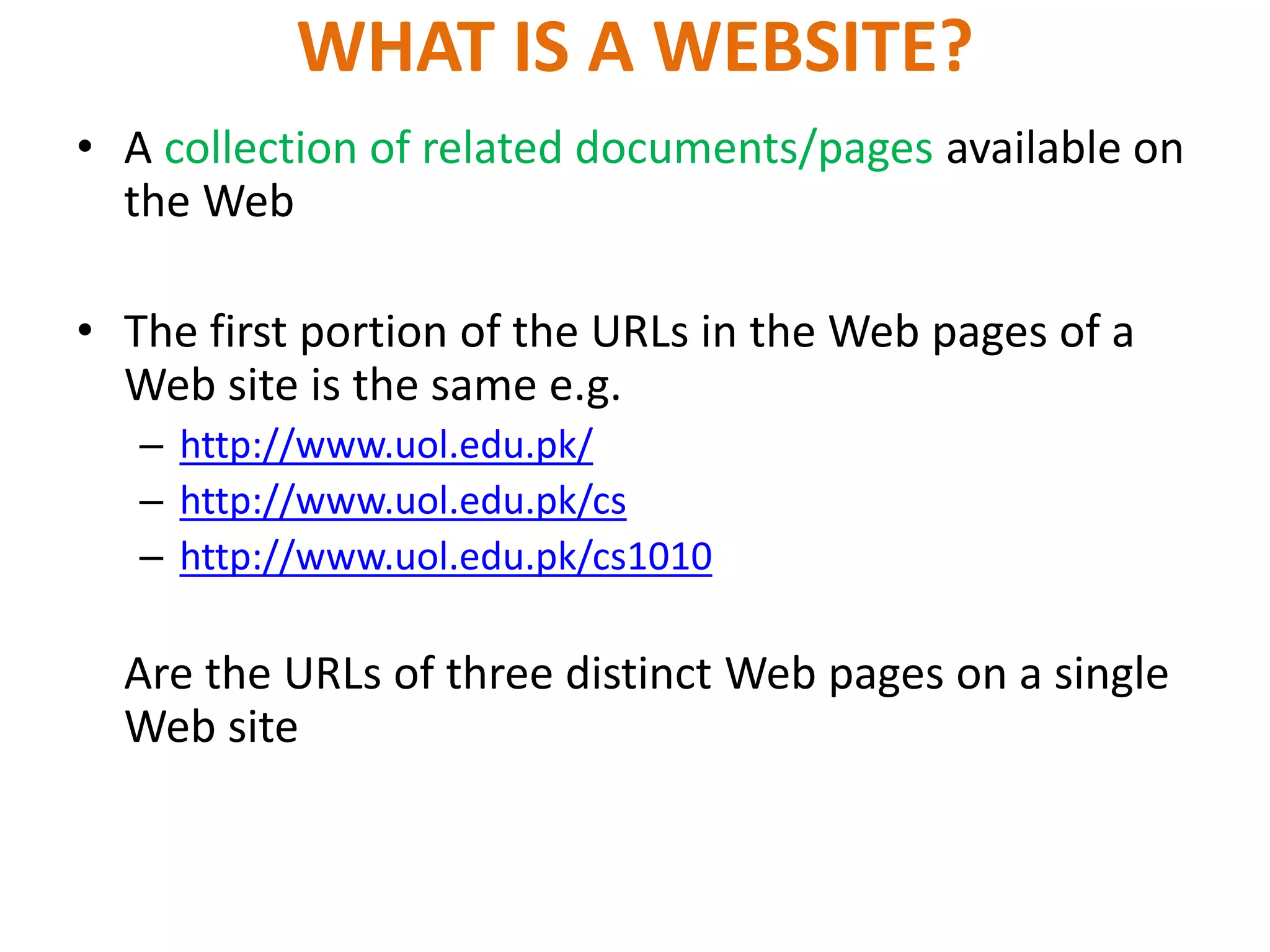
WHAT IS A WEBSITE?
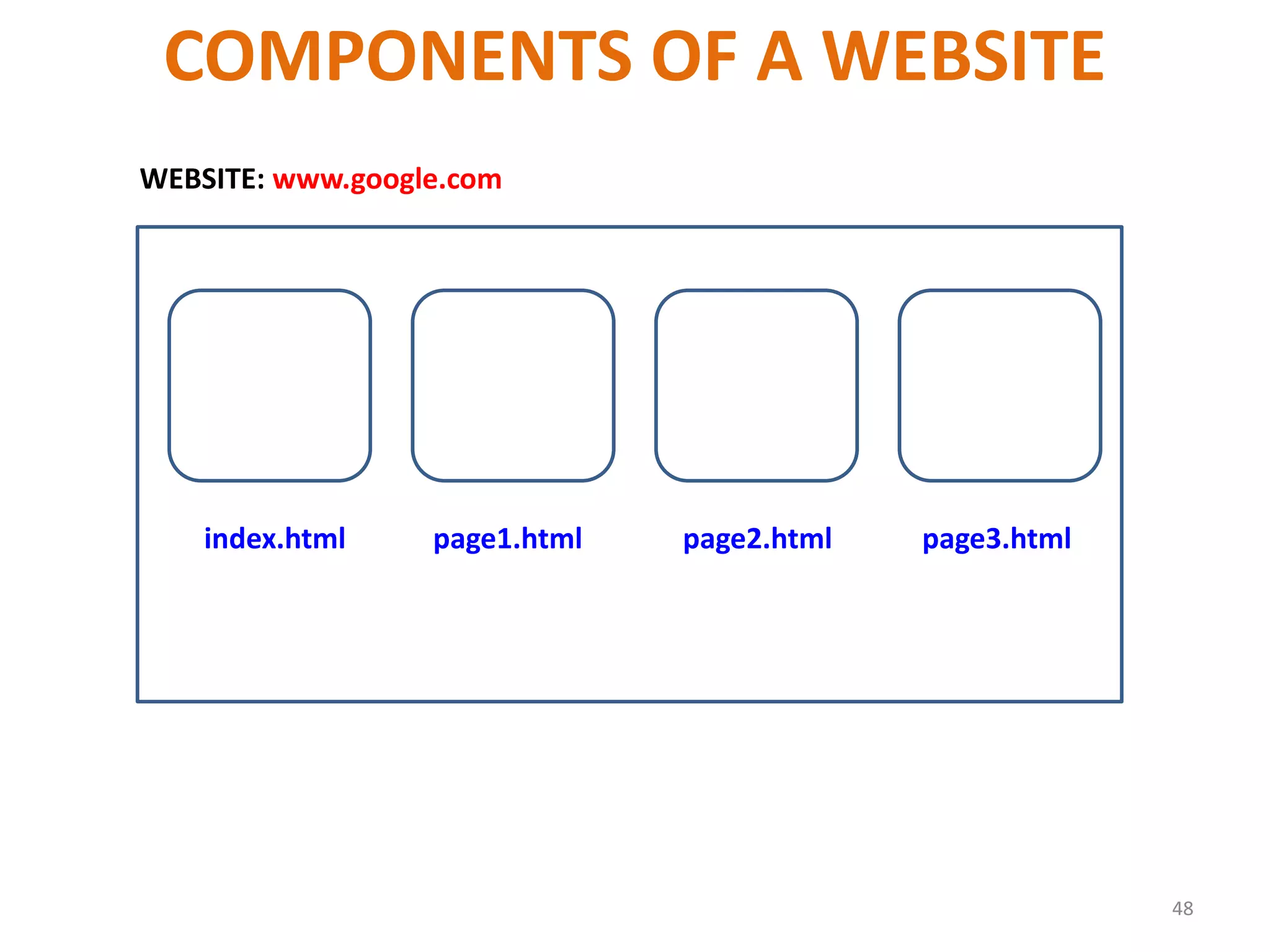
• A collection of related documents/pages available on
the Web
• The first portion of the URLs in the Web pages of a
Web site is the same e.g.
– http://www.uol.edu.pk/
– http://www.uol.edu.pk/cs
– http://www.uol.edu.pk/cs1010
Are the URLs of three distinct Web pages on a single
Web site
What is a URL?
• Uniform Resource Locator
• The unique address assigned to each unique
page on the Web
URL
• URL stands for Uniform Resource Locator.
• Is a way of specifying the location of resource
on internet.
• Resource can be a web page, image, file of
some kind.
• URL is simply just an address.
URL
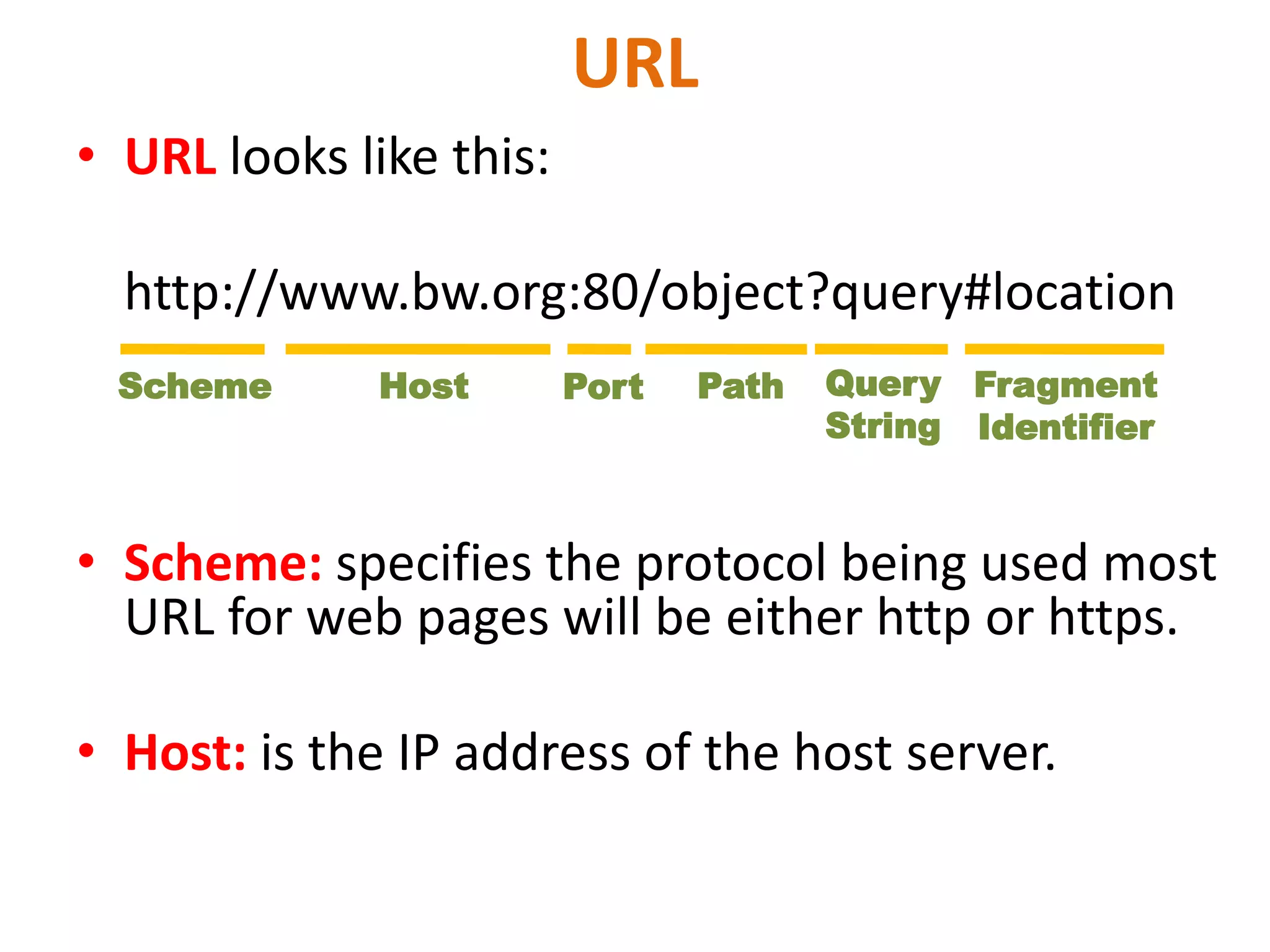
• URL looks like this:
http://www.bw.org:80/object?query#location
• Scheme: specifies the protocol being used most
URL for web pages will be either http or https.
• Host: is the IP address of the host server.
Scheme Host Port Path Query
String
Fragment
Identifier
• Port: is the TCP port number, default port number is 80
for http scheme, normally emit port number and colon
before it.
• Path: field is the path of the object that specify,
typically it look likes a unix file path. and it always
begin with /
• Query String: is we passed on the software running on
the server, its typically used CGI, PHP queries.
• Fragment Identifier: is used to jump to location within
a page or other resource.
39
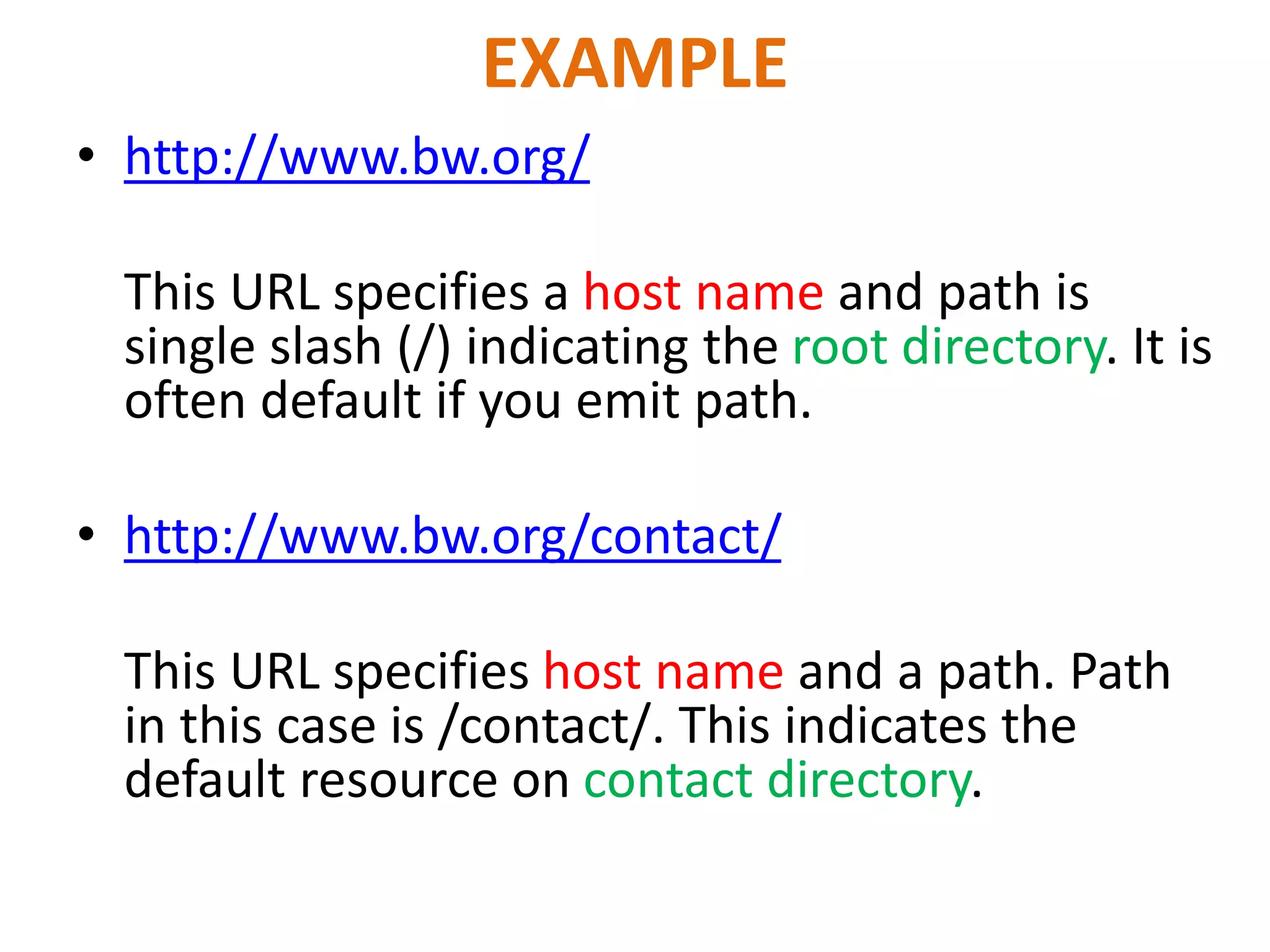
EXAMPLE
• http://www.bw.org/
This URL specifies a host name and path is
single slash (/) indicating the root directory. It is
often default if you emit path.
• http://www.bw.org/contact/
This URL specifies host name and a path. Path
in this case is /contact/. This indicates the
default resource on contact directory.
Relative URL
• Filename.html
• This is called relative URL. In this case web
browser will search for this page in the same
directory.
42
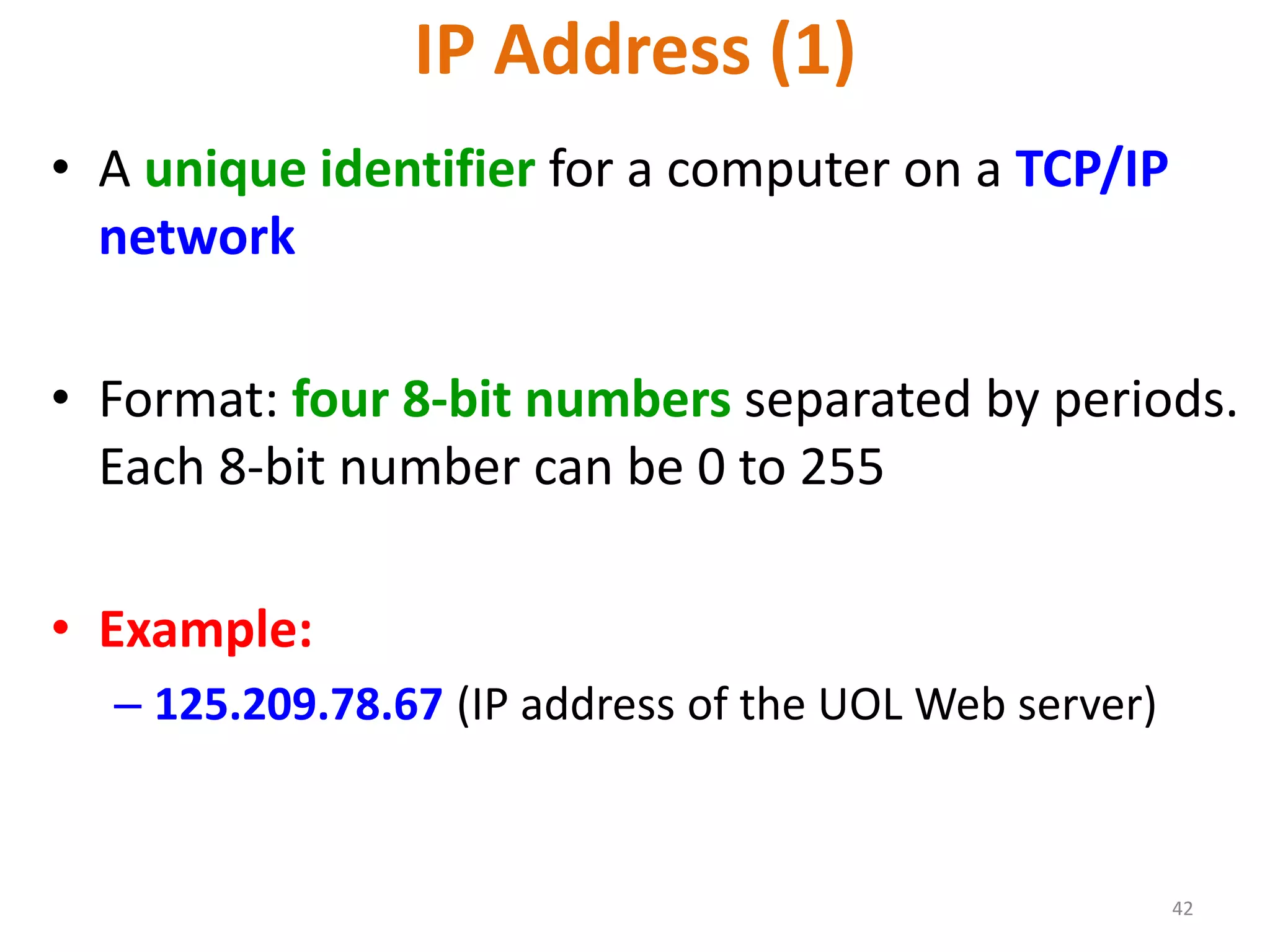
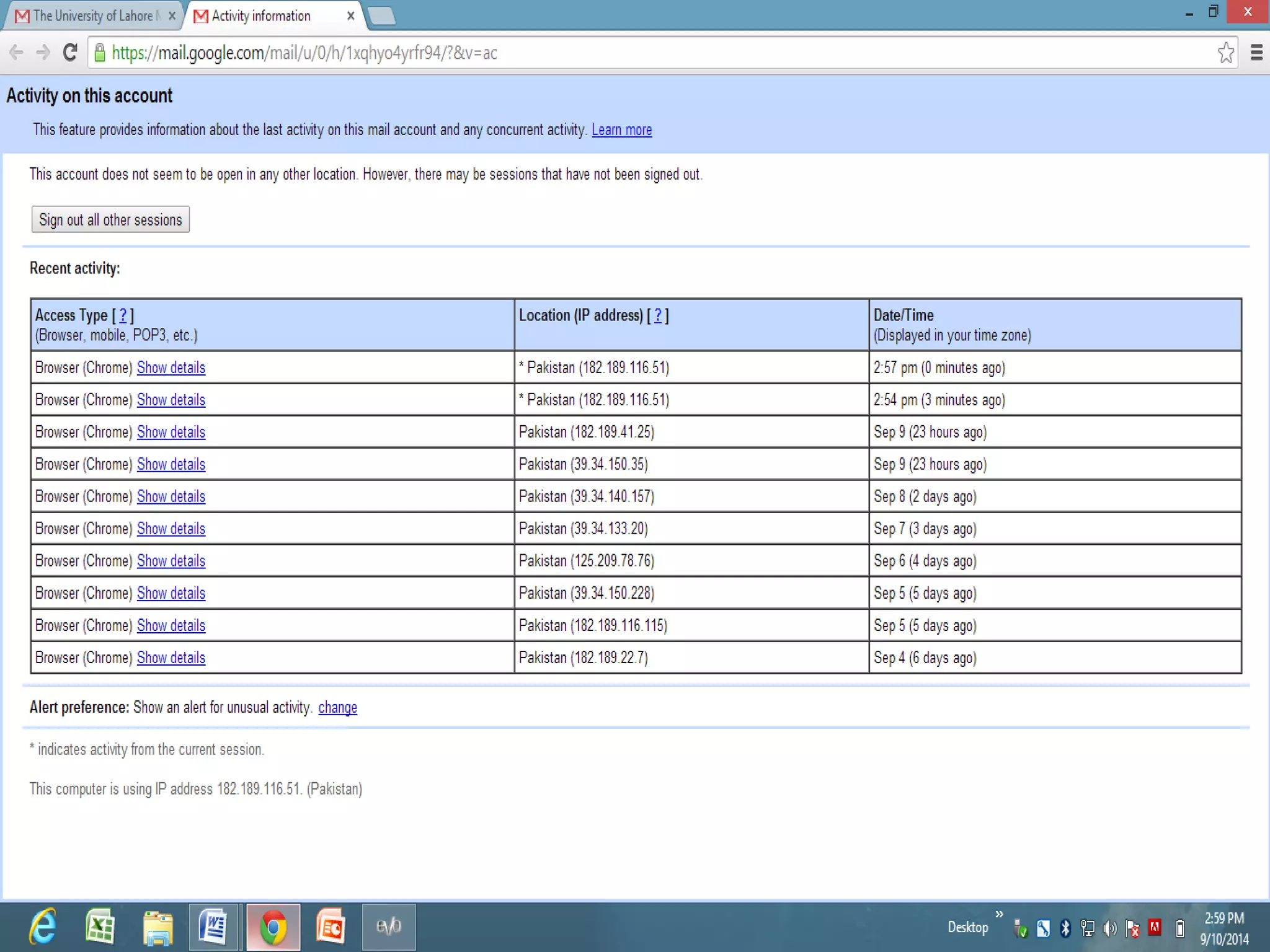
IP Address (1)
• A unique identifier for a computer on a TCP/IP
network
• Format: four 8-bit numbers separated by periods.
Each 8-bit number can be 0 to 255
• Example:
– 125.209.78.67 (IP address of the UOL Web server)
43
IP Address (2)
• Networks using TCP/IP route messages based on
the IP address of the destination
• Any IP addresses (as long as they are unique) can
be assigned within a Private Network
• However, connecting a Private Network to the
Internet requires using unique, registered IP
addresses
45
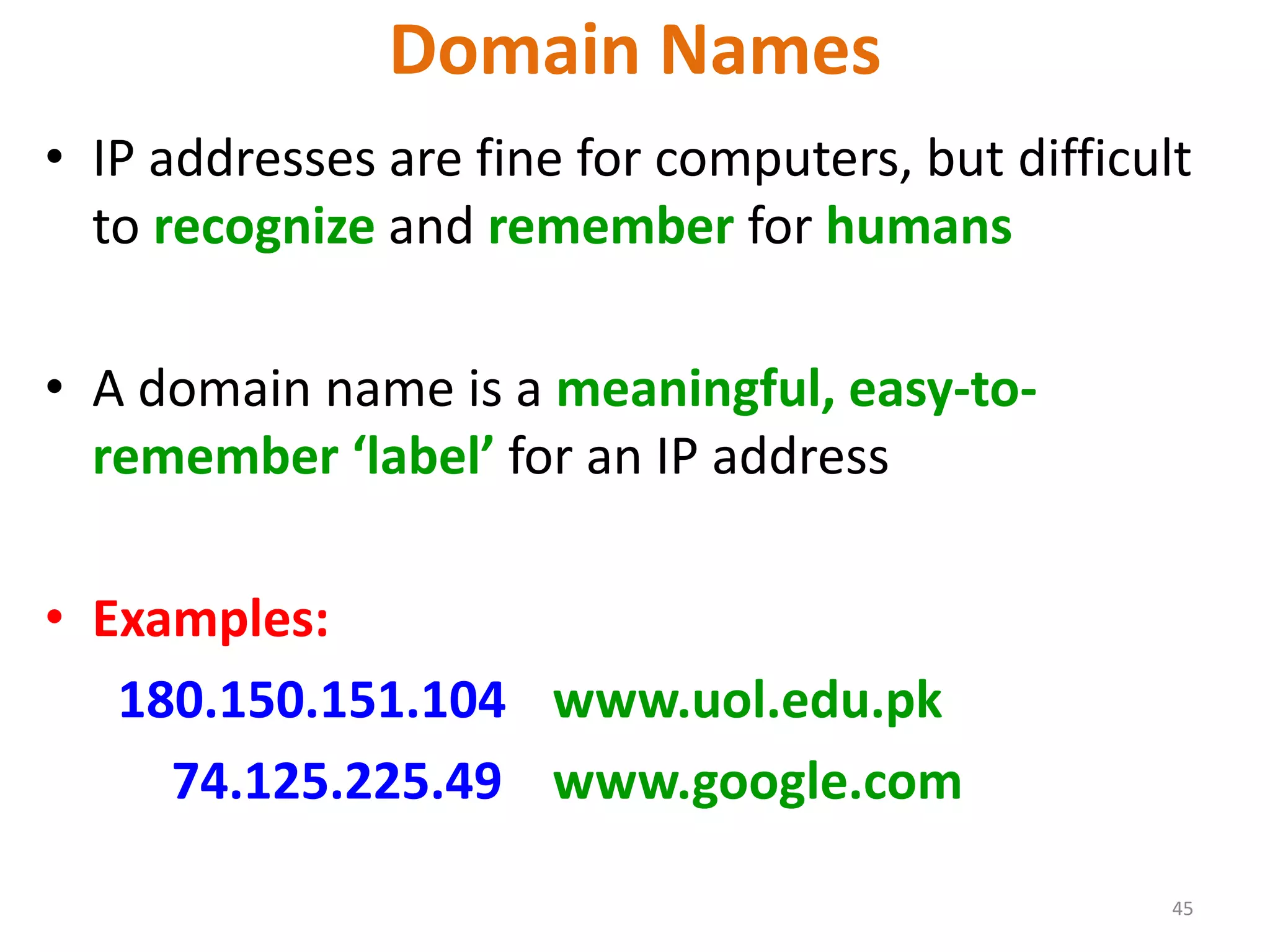
Domain Names
• IP addresses are fine for computers, but difficult
to recognize and remember for humans
• A domain name is a meaningful, easy-to-
remember ‘label’ for an IP address
• Examples:
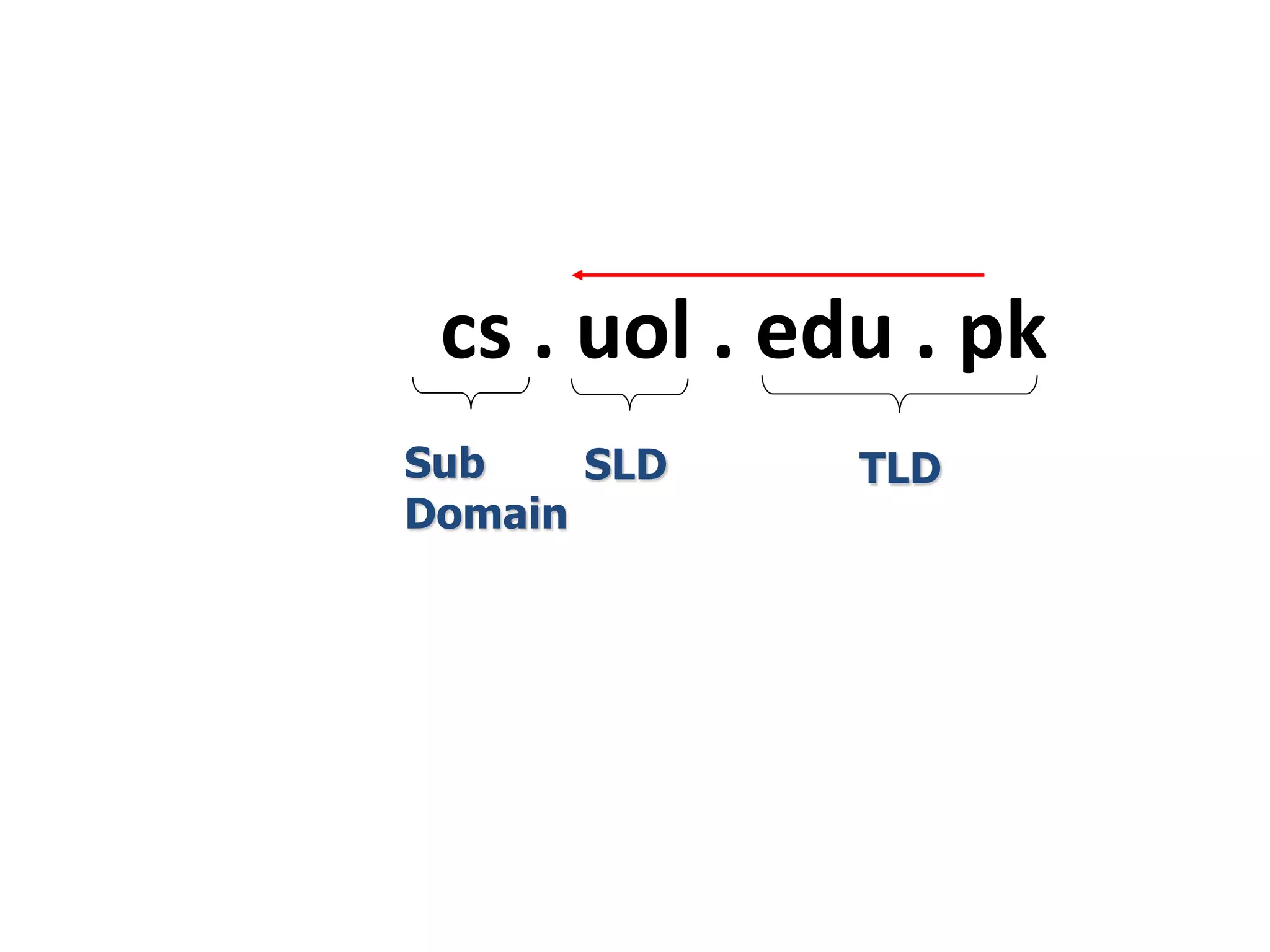
180.150.151.104 www.uol.edu.pk
74.125.225.49 www.google.com
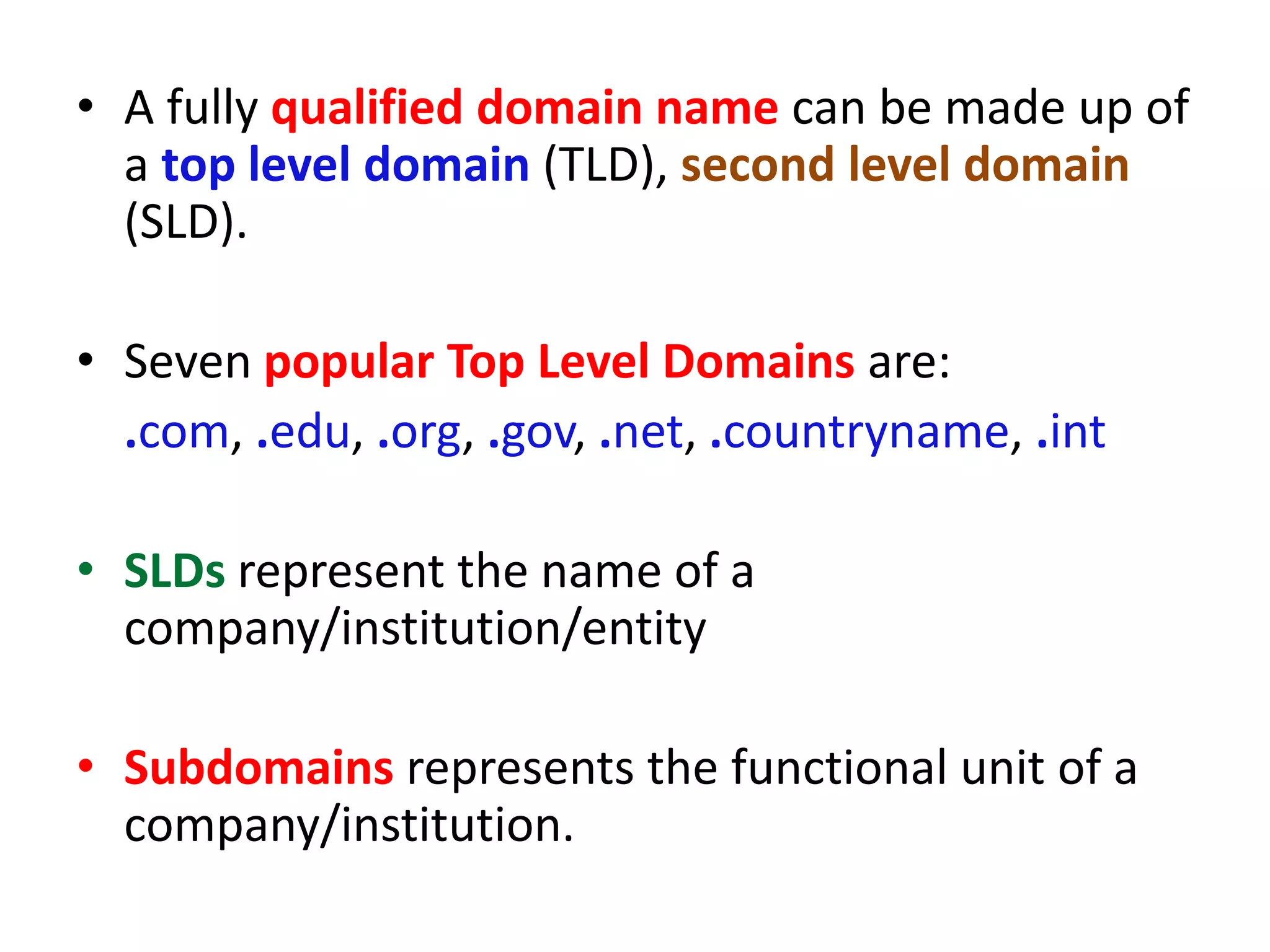
• A fully qualified domain name can be made up of
a top level domain (TLD), second level domain
(SLD).
• Seven popular Top Level Domains are:
.com, .edu, .org, .gov, .net, .countryname, .int
• SLDs represent the name of a
company/institution/entity
• Subdomains represents the functional unit of a
company/institution.
cs . uol . edu . pk
Sub
Domain
SLD TLD
COMPONENTS OF A WEBSITE
48
index.html page1.html page2.html page3.html
WEBSITE: www.google.com
BROWSER AND WEB SERVER
• Browser is a desktop software, through which you
access web pages.
• Examples:
Internet Explorer, Mozilla Firefox, Google Chrome,
Opera, Netscape Navigator etc…
• Web server is a software that facilitate the user’s
request for a webpage.
• Examples:
Apache, IIS, Tomcat etc…
50
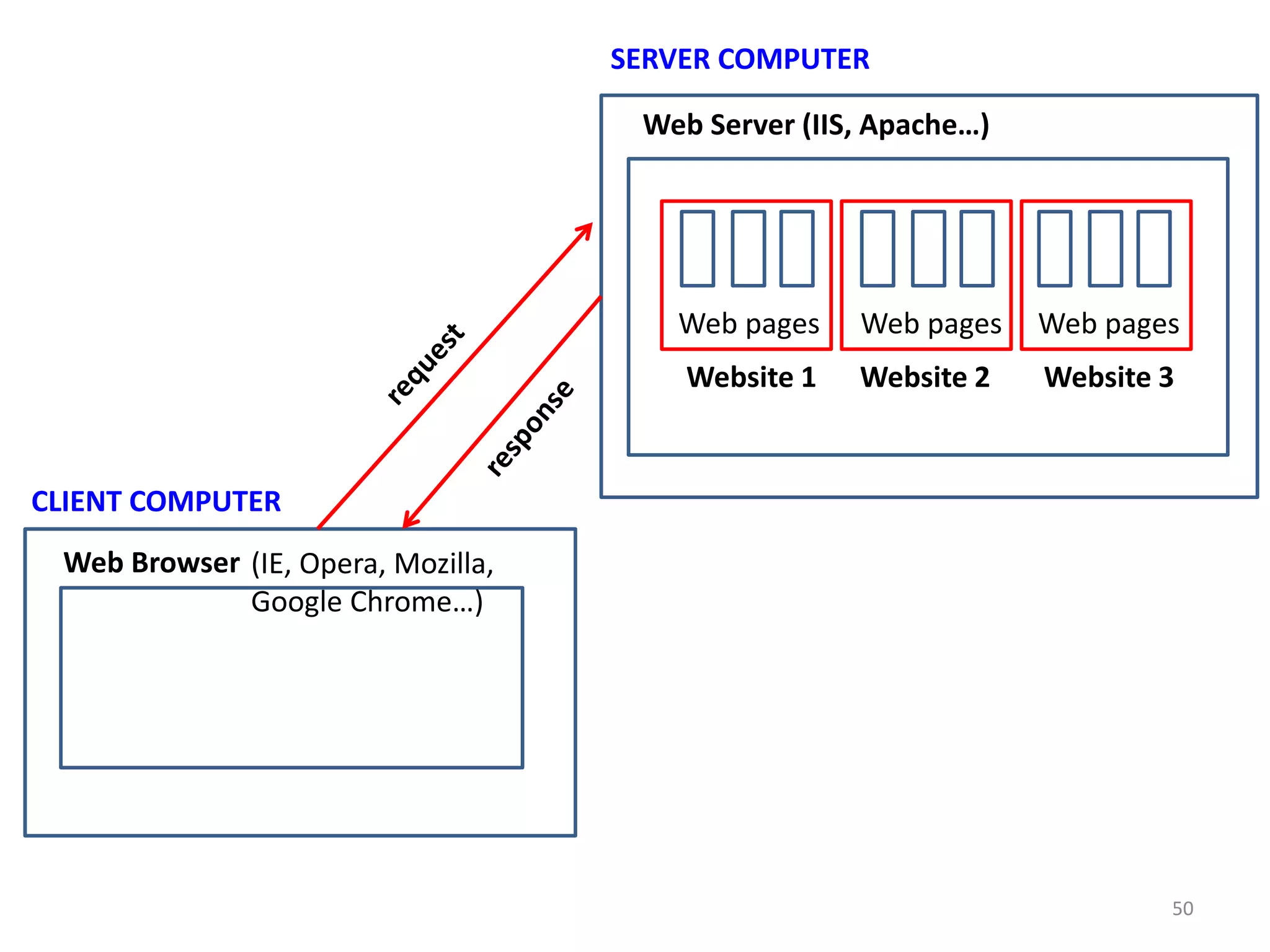
CLIENT COMPUTER
Web Browser (IE, Opera, Mozilla,
Google Chrome…)
SERVER COMPUTER
Web Server (IIS, Apache…)
Website 1 Website 2 Website 3
Web pages Web pages Web pages
SERVER SIDE PROGRAMMING
• Server side programming means the program
we write to build back end of a website.
• Server side programming languages are those
languages which fulfill the request of client
after performing some action.
• Examples: PHP, ASP, JSP, Ruby, Perl etc…
CLIENT SIDE PROGRAMMING
• Client side programming means the program
which we write to build front end of a
website.
• Client side programming languages are those
languages which execute on client machine.
• Examples: JavaScript, HTML, CSS
52
What is an HTML File?
• HTML stands for Hyper Text Markup Language.
• An HTML file is a text file containing small markup tags
• The markup tags tell the Web browser how to display
page.
• An HTML file must have an .htm or .html file extension.
• An HTML file can be created using a simple text editor .
53
• An HTML tags are case-insensitive
Note: If you want to follow the latest web
standards, you should always use lowercase
tags.
54
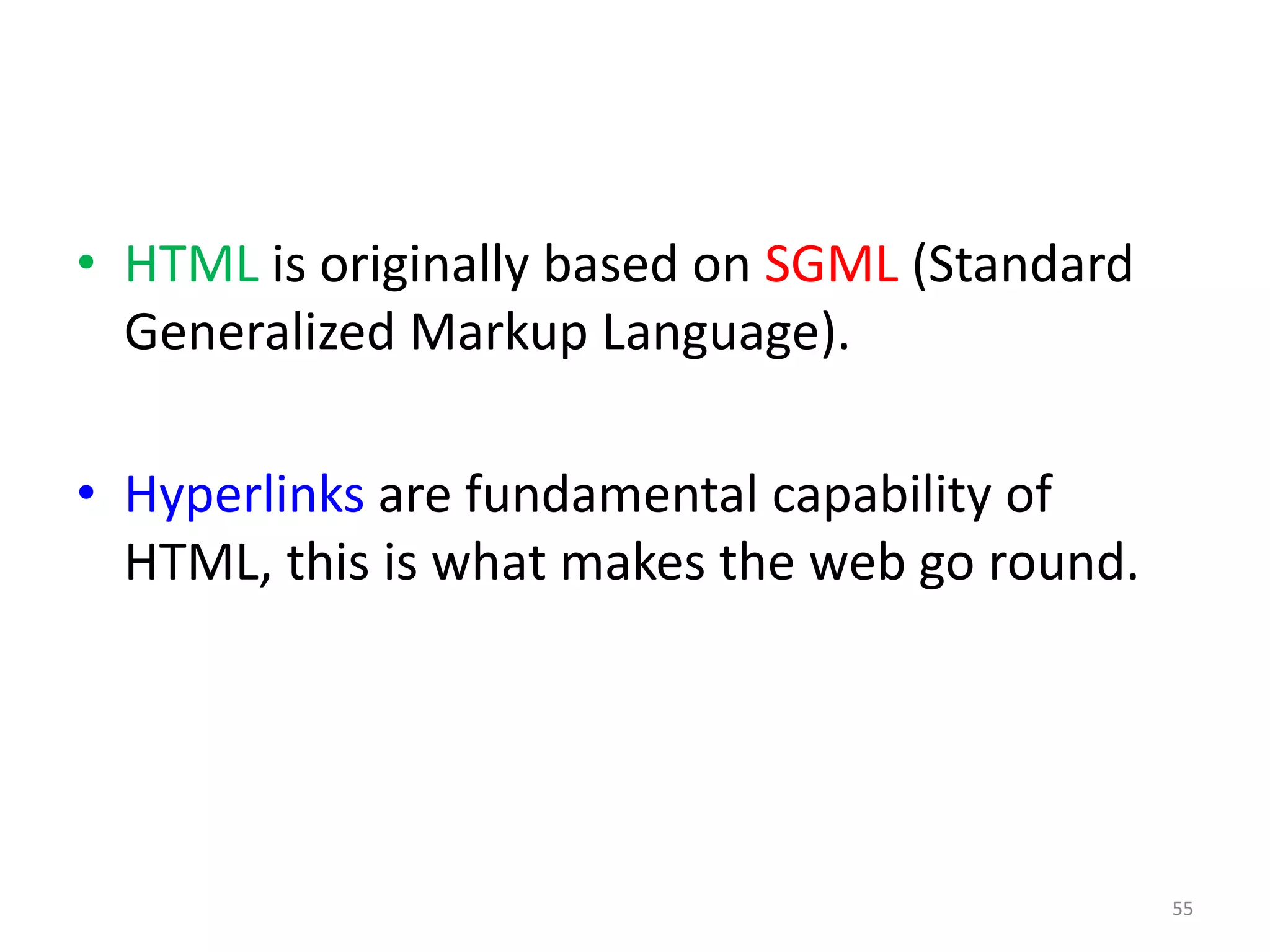
• HTML is originally based on SGML (Standard
Generalized Markup Language).
• Hyperlinks are fundamental capability of
HTML, this is what makes the web go round.
55
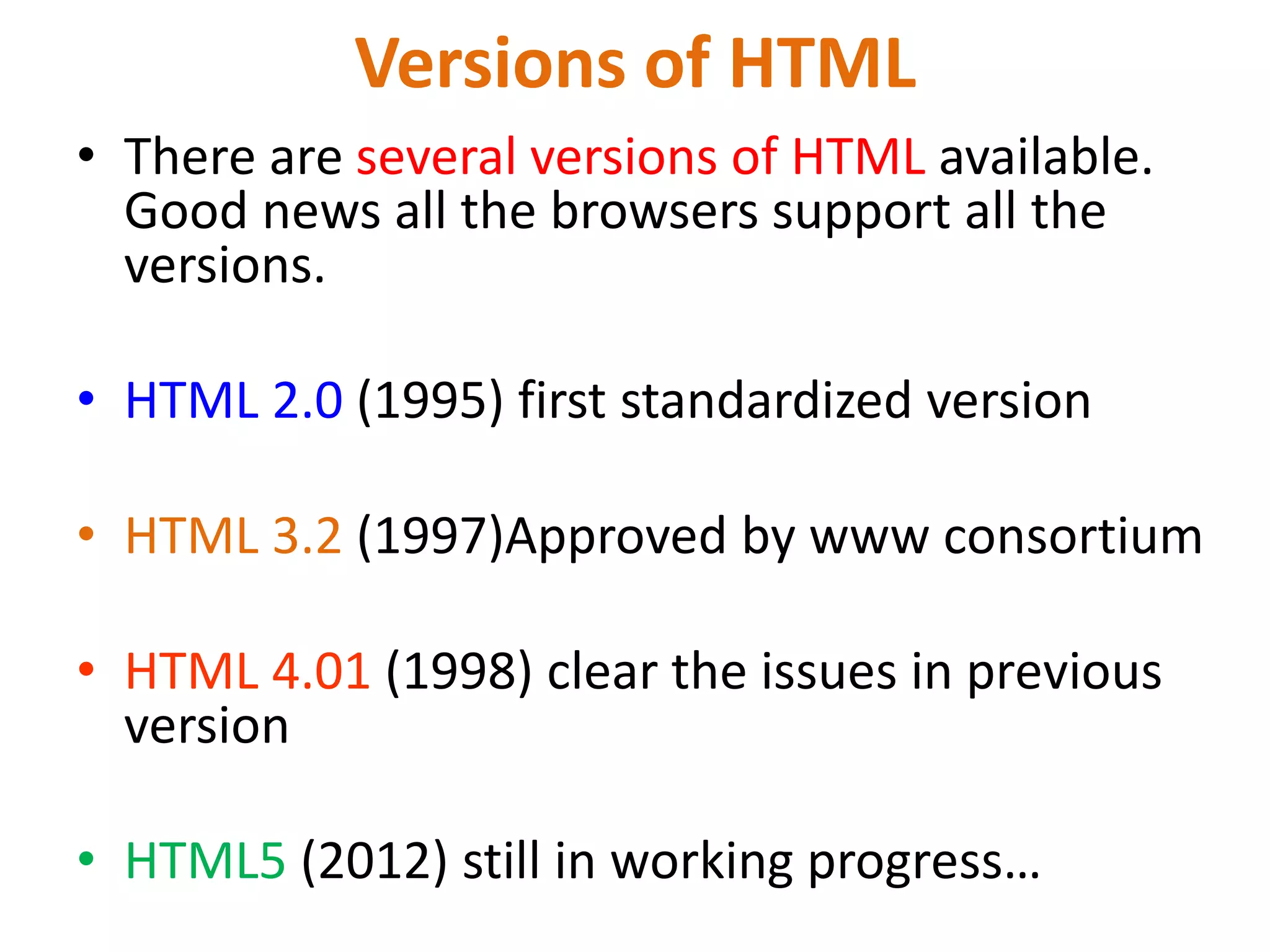
Versions of HTML
• There are several versions of HTML available.
Good news all the browsers support all the
versions.
• HTML 2.0 (1995) first standardized version
• HTML 3.2 (1997)Approved by www consortium
• HTML 4.01 (1998) clear the issues in previous
version
• HTML5 (2012) still in working progress…
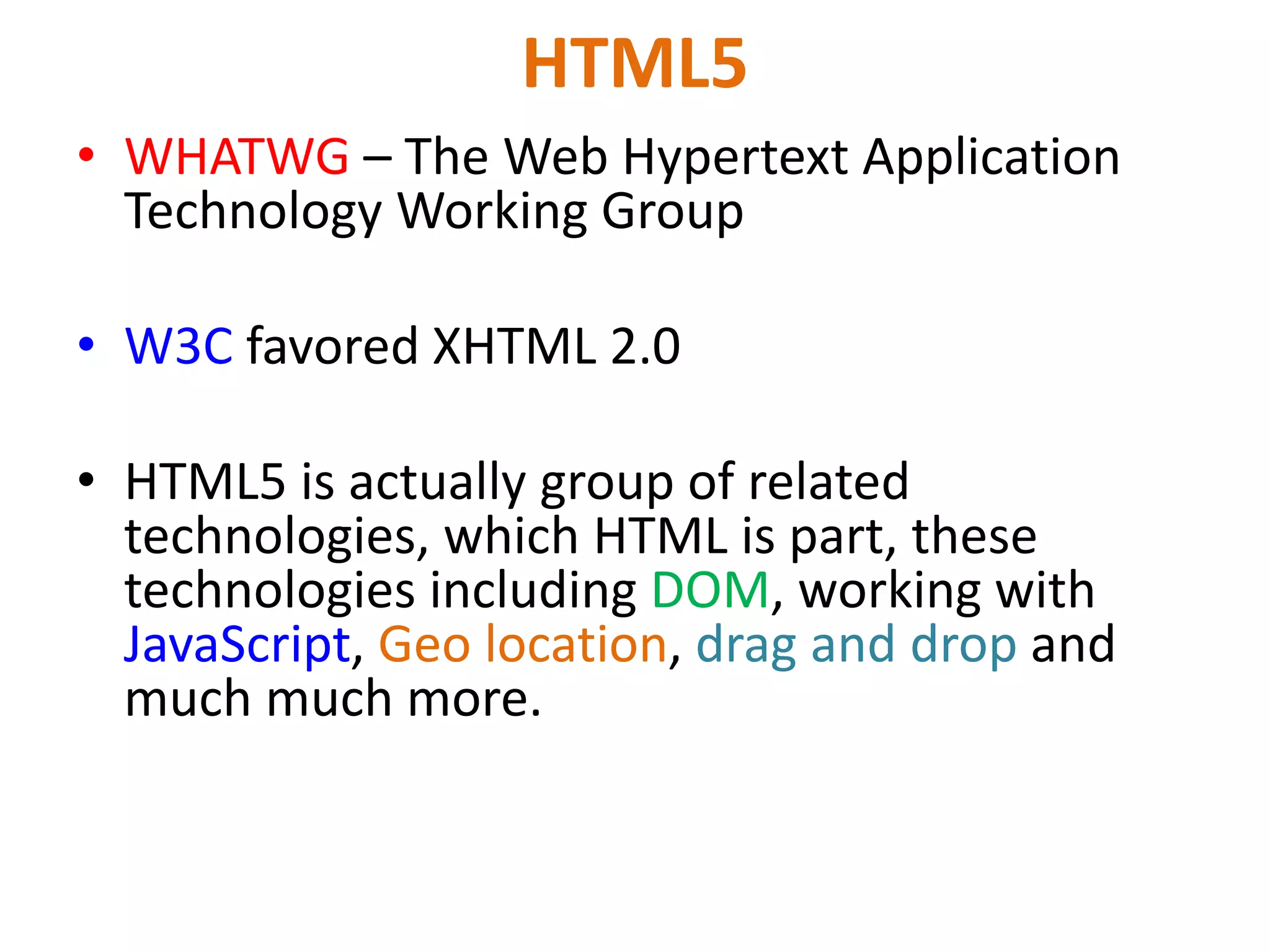
HTML5
• WHATWG – The Web Hypertext Application
Technology Working Group
• W3C favored XHTML 2.0
• HTML5 is actually group of related
technologies, which HTML is part, these
technologies including DOM, working with
JavaScript, Geo location, drag and drop and
much much more.

Lec 01 Introduction.pptx

  • 1.
    1 CS02407/CS428 Web Engineering Lecture01 Overview (Introduction)
  • 2.
    COURSE OBJECTIVE • Toproduce dynamic, animated, interactive, database driven websites. • Familiarize students with WEB application development tools and environment. • Teach the concepts, principles and methods of web engineering. • Students will also learn MVC based Laravel PHP Framework to create dynamic web applications. • web services.
  • 3.
    LEARNING OUTCOMES • Identifycandidate tools and technologies for developing web applications. • Develop responsive design interfaces for web applications. • To produce dynamic web applications using Laravel PHP Framework. • Develop web services.
  • 4.
    COURSE OVERVIEW • Thecourse will consist of: Ϟ 30-32 Lectures (1.5 hour each) Ϟ 15-16 Labs (3 hour each) Ϟ 4 Assignments/ Project Ϟ 4 Quizzes Ϟ 2 Exams (Midterm and Final) • Work Load: In order to do well in this course, most of you should plan on five-six hours a week reading chapters, studying slides and doing homework assignments
  • 5.
    Evaluation Criteria • Quiz(5 %) • Assignment / Project (15 %) • Lab (20 %) • Midterm Exam (20 %) – During the 8th week. – Duration: 1.5 hour. – Will cover all material covered during the first seven weeks. • Final Exam (40 %) – During the 16th week. – Will cover whole of the course with a slight emphasis on the material cover after the midterm exam. – Duration: 2 hour
  • 6.
    BOOKS • Course TextBook Web Engineering: A Practitioner’s Approach by Roger Pressman and David Lowe, McGraw- Hill, 2009 • Lab Text Book • Web 2.0 Architectures: What Entrepreneurs and Information Architects Need to Know by James Governor, Dion Hinchcliffe and Duane Nickull, O’Reilly
  • 7.
    Grading Scale Grade MarksGPA A 85 – 100 4.0 A- 80 – 84 3.7 – 3.9 B+ 75 – 79 3.5 – 3.7 B 70 – 74 3.0 – 3.4 C+ 65 – 69 2.5 – 2.9 C 60 – 64 2.0 – 2.4 D+ 55 – 59 1.5 – 1.9 D 50 – 54 1.0 – 1.4 F 0 – 49 0.0
  • 8.
    SOFTWARES • Web Server(Apache) • Database (MySQL) • Framework (Laravel) • Text Editor (Notepad ++, PhpStorm, Sublime, Dreamweaver) http://notepad-plus-plus.org/ • Web Browser (Google Chrome, Mozilla Firefox)
  • 9.
    Programming Languages • HTML5 •CSS3 • JavaScript • jQuery • AJAX • PHP
  • 10.
    Framework • Bootstrap (CSSframework) • Angular JS (Client side framework) • Laravel (PHP framework)
  • 11.
    Instructor Introduction • CourseInstructor: Muhammad Rashid Rasheed • Contact Hours: • Tue (12pm – 4pm) • Thur (10am – 12pm) (Conference Room)
  • 12.
    Web Programming vsWeb Engineering • Web Programming:  More focus on programming of HTML, CSS, JavaScript and PHP only. • Web Engineering  It is advanced course.  Web Programming is prerequisite of web engineering.  More concentration on currently available web application development tools and framework. – In depth study of PHP. – In depth study of Laravel.
  • 13.
    • Today’s computerare more useful and the reason behind it is Internet. • Internet is huge network of computers, who can talk to each other 24 hours a day. • ARPANET was born in 1969. • Develop for US Department of Defense Advanced Research Projects Agency. HISTORY OF INTERNET
  • 14.
    • The mainpurpose to combine all small isolated networks in USA means to form a network of networks. • ARPANET make possible 60,000 computers who were spread across America in different university and research organization that they can communicate with each other and share information with each other.
  • 15.
    • A numberof other networks were developed during the late 70s and 80s, BITNET and CSNET. For variety of reasons, neither BITNET nor CSNET became a dominant national network. • A new national network, NSFnet was created in 1986, initially connected the NSF-funded supercomputer centers at five universities. Soon it become available to other academic institutions and research laboratories.
  • 16.
    • By 1990,NSFnet had replaced ARPAnet for most non-military uses. • By 1992, NSFnet National Science Foundation Network connected more than 1 million computers around the world. • Since 1995, the NSFnet is known as Internet.
  • 17.
    • Internet isnetwork of networks. • A large number of networks, interconnected physically • Capable of communicating and sharing data with each other • From the user’s point view, Internet – a collection of interconnected networks – looks like a single, unified network WHAT IS INTERNET?
  • 19.
    19 Packet (1) • Thesmallest unit of data transmitted over a computer network • A message to be transferred over the network is broken up into small packets by the sending computer • Each packet contains the following info: – Sender's address – Destination address – Data – Error-recovery info
  • 20.
    20 Packet (2) • Allpackets travel independently • When all packets are received by the destination computer, it reassembles them to form the original message
  • 21.
    21 Protocols • Networks useprotocols, or rules, to exchange info through shared channels • Protocols prevent collisions of packets caused by simultaneous transmission between two or more computers • Several protocols are available for various types of networks. Here we discuss two that are popular for LANs: Ethernet; Token Ring
  • 22.
    22 Internet Networking Protocols Communicationson the Internet is controlled by a set of two protocols: TCP and IP
  • 23.
    23 TCP/IP (1) Transmission ControlProtocol/Internet Protocol • Networking protocol used by all computers and networks on the Internet • Originally developed by the US DoD for Unix, but now available for most other OSes
  • 24.
    24 TCP/IP (2) Transmission ControlProtocol/Internet Protocol • TCP breaks down the message to be sent over the Internet into packets • IP routes these packets through the Internet to get them to their destination • When the packets reach the destination computer, TCP reassembles them into the original message
  • 25.
    WORLD WIDE WEB- 1989 • In 1989 the World Wide Web is developed. • Tim Berners Lee, British Physicist at the CERN in Geneva started an idea there. • He somehow wanted to make it simple for his colleagues to share there documents. • Today www is used in every part of the world.
  • 26.
    • World wideweb is a way of accessing information over the internet. The web uses HTTP protocol. • The documents are formatted in a markup language called HTML that supports links to other documents, as well as graphics, audio, and video files. • Web Browser like “Netscape Navigator” and “Google Chrome” make it easy to access the World Wide Web.
  • 27.
  • 28.
    28 Internet Services There aremany, but we will look at only the following: • FTP • Telnet • Web • eMail • Instant messaging • VoIP
  • 29.
    CLIENT AND SERVERARCHITECTURE • Internet is based on client server architecture. • On internet we have two types of computers some are called client and some are called server. • Server computer is those who serves or entertain user requests.
  • 30.
    • Client isuser’s computer. • Example: your personal desktop pc is client, and the websites (www.yahoo.com) which is resided on computer is server computer. 30
  • 31.
  • 32.
    DEKTOP SOFTWARE &WEB BASED SOFTWARE • SOFTWARE is group of components, which are written in any programming language. • These components/modules together solved a purpose or task. – Desktop Software – Web-based Software
  • 33.
    • Desktop Software:They reside at your local computer and execute only at your local computer e.g. Any program developed through MS Excel, MS Word • Web-based Software: they reside on a server machine. • There are different programming languages present through which we can create software. 33
  • 34.
    • Some programminglanguages are designed to develop only desktop software and some are designed to develop web-based apps only. 34
  • 35.
    WHAT IS AWEBSITE? • A collection of related documents/pages available on the Web • The first portion of the URLs in the Web pages of a Web site is the same e.g. – http://www.uol.edu.pk/ – http://www.uol.edu.pk/cs – http://www.uol.edu.pk/cs1010 Are the URLs of three distinct Web pages on a single Web site
  • 36.
    What is aURL? • Uniform Resource Locator • The unique address assigned to each unique page on the Web
  • 37.
    URL • URL standsfor Uniform Resource Locator. • Is a way of specifying the location of resource on internet. • Resource can be a web page, image, file of some kind. • URL is simply just an address.
  • 38.
    URL • URL lookslike this: http://www.bw.org:80/object?query#location • Scheme: specifies the protocol being used most URL for web pages will be either http or https. • Host: is the IP address of the host server. Scheme Host Port Path Query String Fragment Identifier
  • 39.
    • Port: isthe TCP port number, default port number is 80 for http scheme, normally emit port number and colon before it. • Path: field is the path of the object that specify, typically it look likes a unix file path. and it always begin with / • Query String: is we passed on the software running on the server, its typically used CGI, PHP queries. • Fragment Identifier: is used to jump to location within a page or other resource. 39
  • 40.
    EXAMPLE • http://www.bw.org/ This URLspecifies a host name and path is single slash (/) indicating the root directory. It is often default if you emit path. • http://www.bw.org/contact/ This URL specifies host name and a path. Path in this case is /contact/. This indicates the default resource on contact directory.
  • 41.
    Relative URL • Filename.html •This is called relative URL. In this case web browser will search for this page in the same directory.
  • 42.
    42 IP Address (1) •A unique identifier for a computer on a TCP/IP network • Format: four 8-bit numbers separated by periods. Each 8-bit number can be 0 to 255 • Example: – 125.209.78.67 (IP address of the UOL Web server)
  • 43.
    43 IP Address (2) •Networks using TCP/IP route messages based on the IP address of the destination • Any IP addresses (as long as they are unique) can be assigned within a Private Network • However, connecting a Private Network to the Internet requires using unique, registered IP addresses
  • 45.
    45 Domain Names • IPaddresses are fine for computers, but difficult to recognize and remember for humans • A domain name is a meaningful, easy-to- remember ‘label’ for an IP address • Examples: 180.150.151.104 www.uol.edu.pk 74.125.225.49 www.google.com
  • 46.
    • A fullyqualified domain name can be made up of a top level domain (TLD), second level domain (SLD). • Seven popular Top Level Domains are: .com, .edu, .org, .gov, .net, .countryname, .int • SLDs represent the name of a company/institution/entity • Subdomains represents the functional unit of a company/institution.
  • 47.
    cs . uol. edu . pk Sub Domain SLD TLD
  • 48.
    COMPONENTS OF AWEBSITE 48 index.html page1.html page2.html page3.html WEBSITE: www.google.com
  • 49.
    BROWSER AND WEBSERVER • Browser is a desktop software, through which you access web pages. • Examples: Internet Explorer, Mozilla Firefox, Google Chrome, Opera, Netscape Navigator etc… • Web server is a software that facilitate the user’s request for a webpage. • Examples: Apache, IIS, Tomcat etc…
  • 50.
    50 CLIENT COMPUTER Web Browser(IE, Opera, Mozilla, Google Chrome…) SERVER COMPUTER Web Server (IIS, Apache…) Website 1 Website 2 Website 3 Web pages Web pages Web pages
  • 51.
    SERVER SIDE PROGRAMMING •Server side programming means the program we write to build back end of a website. • Server side programming languages are those languages which fulfill the request of client after performing some action. • Examples: PHP, ASP, JSP, Ruby, Perl etc…
  • 52.
    CLIENT SIDE PROGRAMMING •Client side programming means the program which we write to build front end of a website. • Client side programming languages are those languages which execute on client machine. • Examples: JavaScript, HTML, CSS 52
  • 53.
    What is anHTML File? • HTML stands for Hyper Text Markup Language. • An HTML file is a text file containing small markup tags • The markup tags tell the Web browser how to display page. • An HTML file must have an .htm or .html file extension. • An HTML file can be created using a simple text editor . 53
  • 54.
    • An HTMLtags are case-insensitive Note: If you want to follow the latest web standards, you should always use lowercase tags. 54
  • 55.
    • HTML isoriginally based on SGML (Standard Generalized Markup Language). • Hyperlinks are fundamental capability of HTML, this is what makes the web go round. 55
  • 56.
    Versions of HTML •There are several versions of HTML available. Good news all the browsers support all the versions. • HTML 2.0 (1995) first standardized version • HTML 3.2 (1997)Approved by www consortium • HTML 4.01 (1998) clear the issues in previous version • HTML5 (2012) still in working progress…
  • 57.
    HTML5 • WHATWG –The Web Hypertext Application Technology Working Group • W3C favored XHTML 2.0 • HTML5 is actually group of related technologies, which HTML is part, these technologies including DOM, working with JavaScript, Geo location, drag and drop and much much more.

Editor's Notes

  • #58 W3C voted to stopped working on new versions of HTML in 2004, Mozilla foundation founded new group called WHATWG worked on new standard version of HTML. Meanwhile W3C working on XHTML 2.0. the web development community did not respond well to this effort and w3c dropped XHTML 2.0 in 2009 and began working with WHATWG on HTML5