







High Availability Sprint
From the brink of disaster to the Zen of Pacemaker


                     Florian Haas (hastexo)
                        Tim Serong (SUSE)
                  Andrew Beekhof (Red Hat)
HA Sprint: Get Prepared!

●   Tutorial instructions at: http://goo.gl/vinL0
●   Follow along -- or just watch! (up to you)
Visual Cues & Clues

How to follow this talk easily
This layout means:

            Would you please treat us
to the courtesy of your kind attention?
This layout means:

●   Here's how we do this,
●   and this,
●   and this.
Our virtual environment
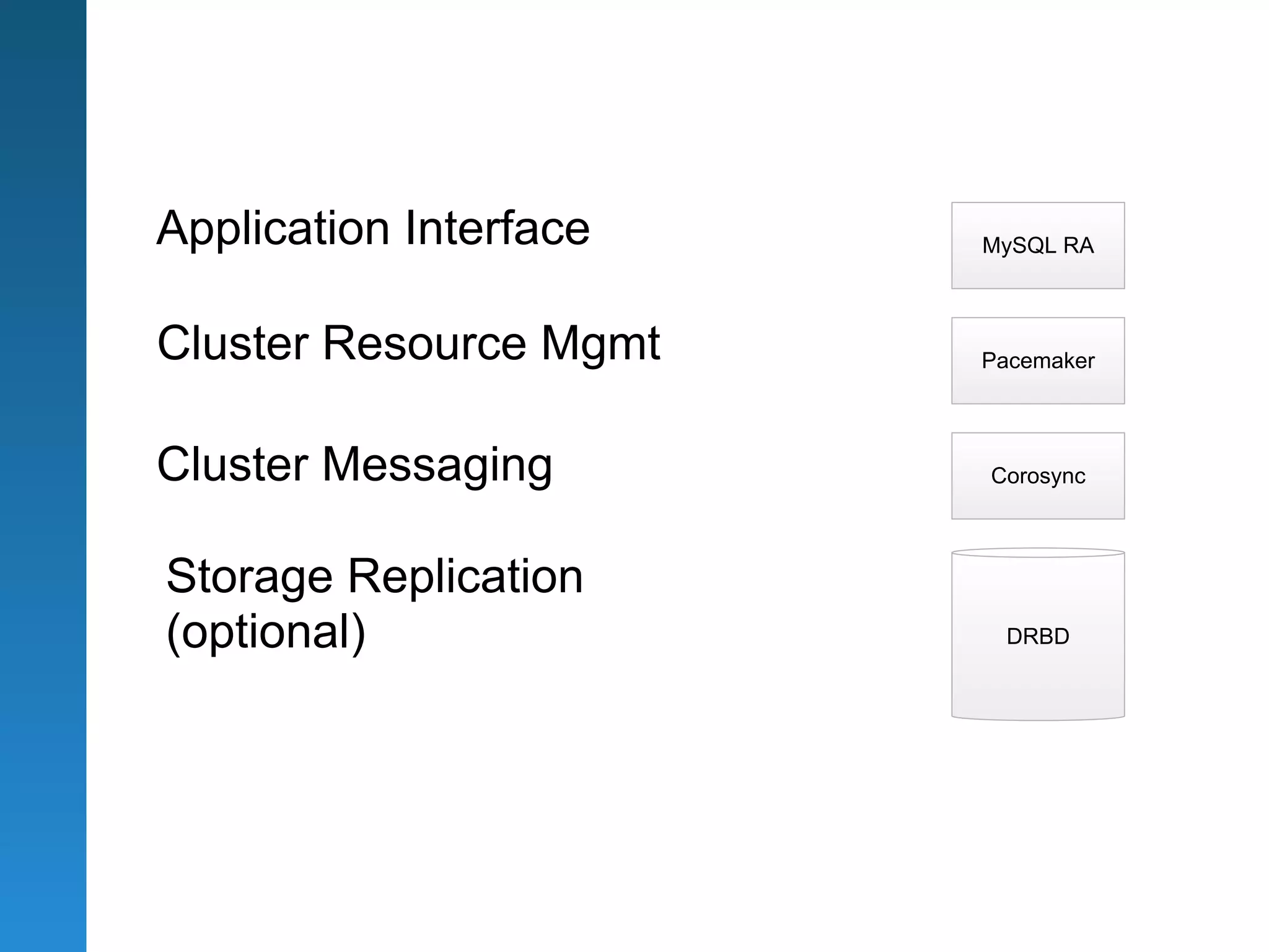
An Overview
of the Linux HA stack
Application Interface   MySQL RA


Cluster Resource Mgmt   Pacemaker


Cluster Messaging       Corosync


Storage Replication
(optional)               DRBD
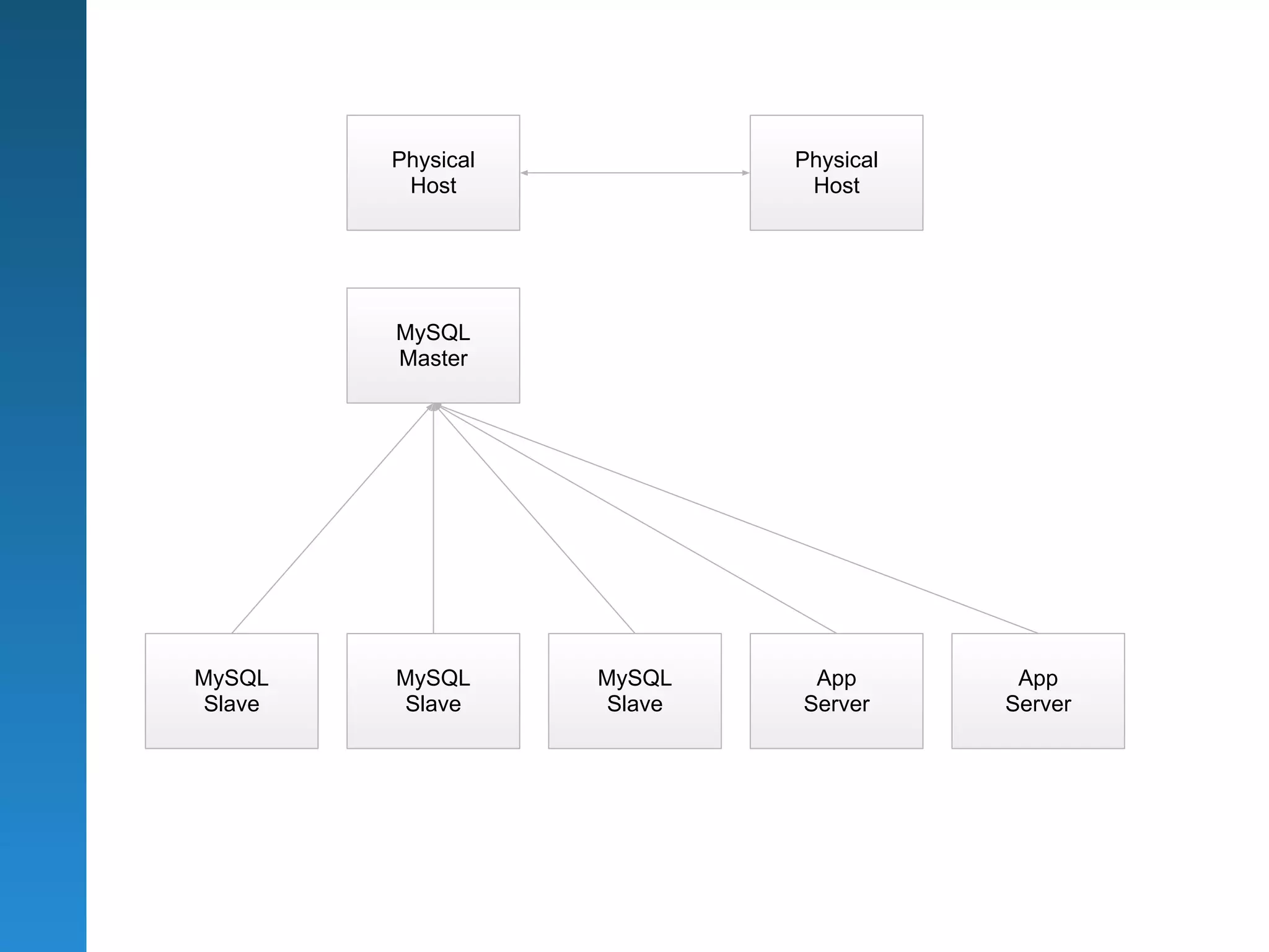
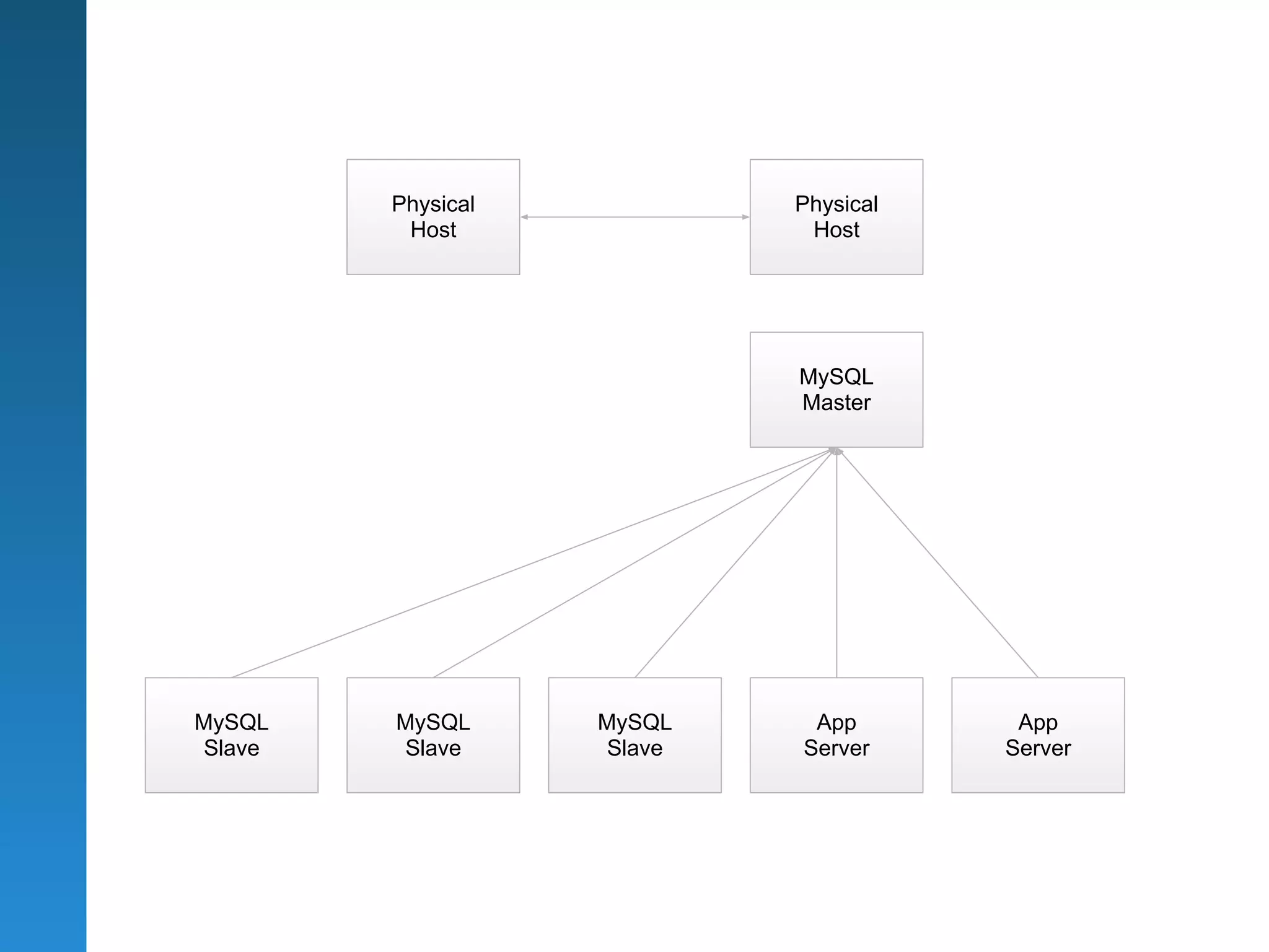
Physical           Physical
         Host               Host


        MySQL
        Master


MySQL   MySQL      MySQL    App        App
Slave   Slave      Slave   Server     Server
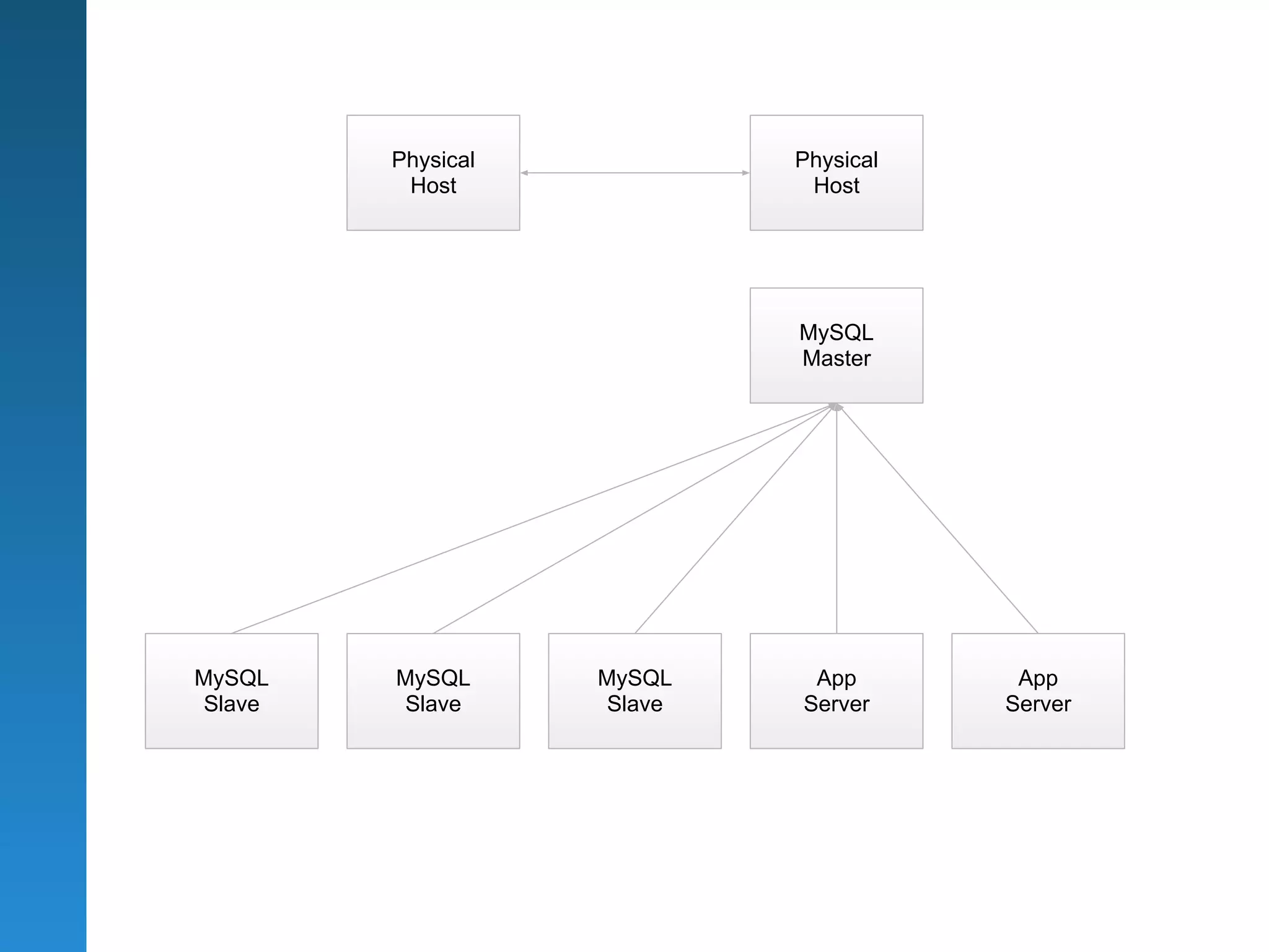
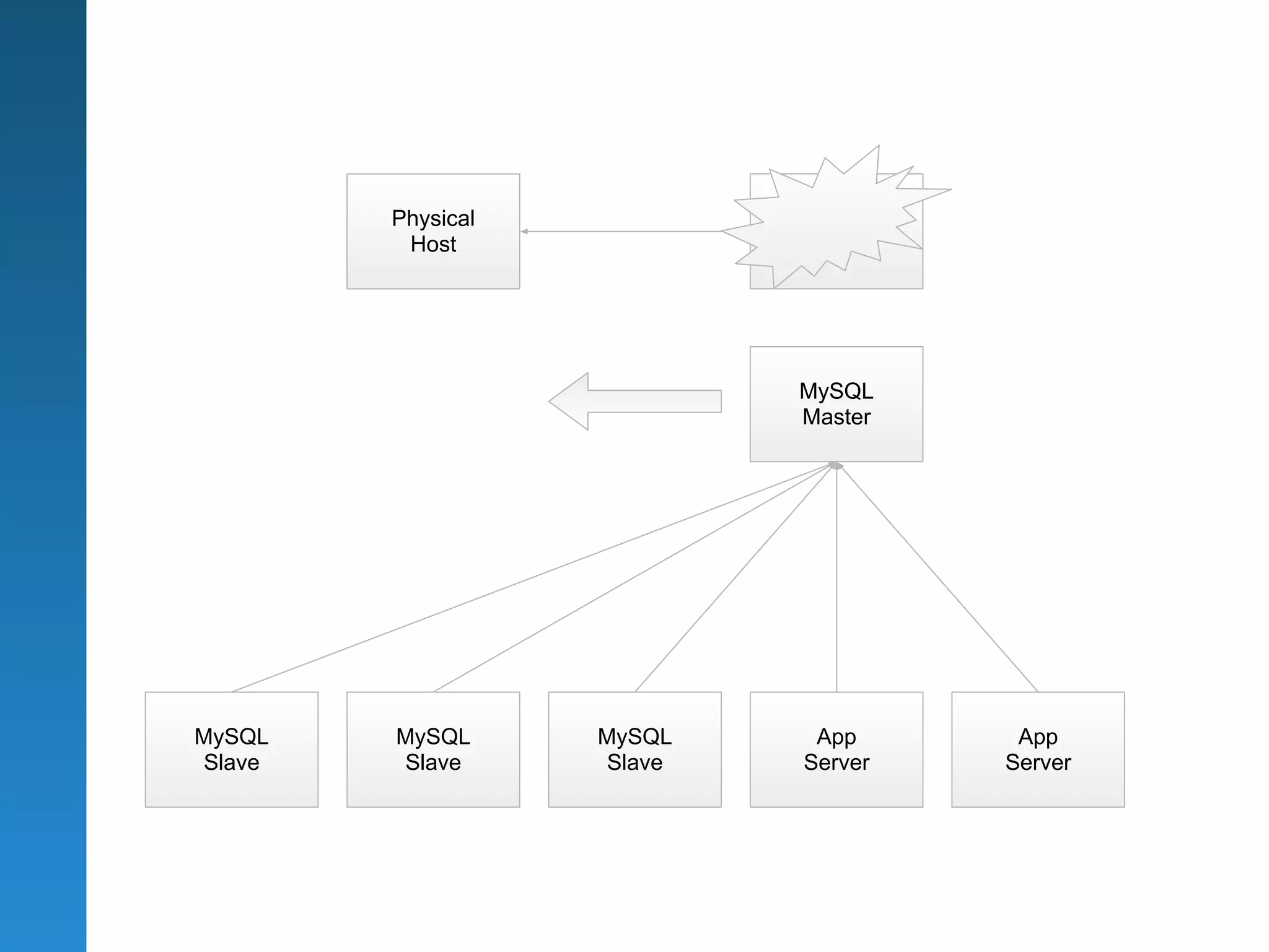
Physical           Physical
         Host               Host


                           MySQL
                           Master


MySQL   MySQL      MySQL    App        App
Slave   Slave      Slave   Server     Server
DRBD

      http://www.hastexo.com/knowledge/drbd
                                                 http://www.drbd.org


DRBD & the DRBD logo are registered trademarks of Linbit Information Technologies
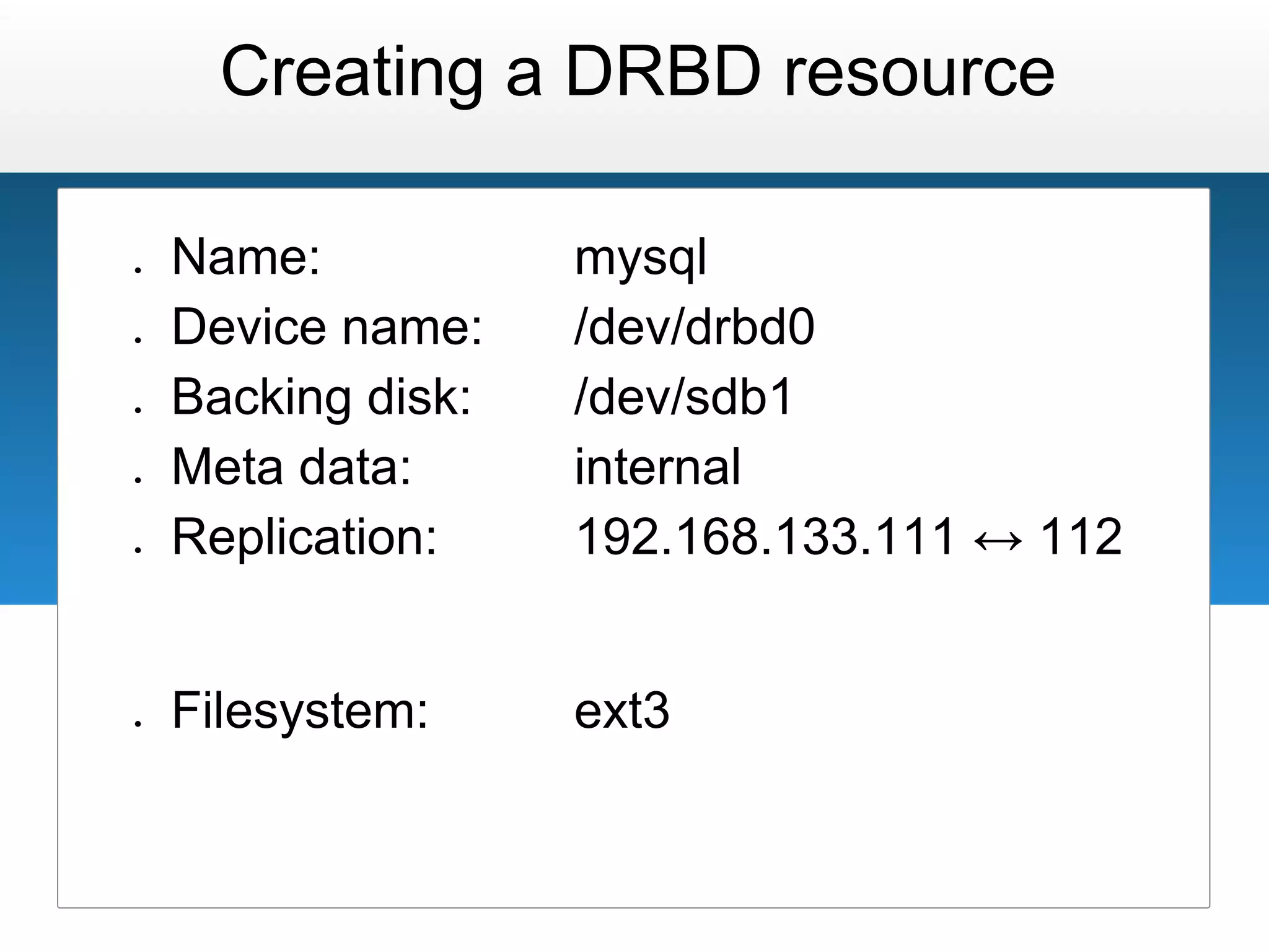
Creating a DRBD resource

●   Name:           mysql
●   Device name:    /dev/drbd0
●   Backing disk:   /dev/sdb1
●   Meta data:      internal
●   Replication:    192.168.133.111 ↔ 112


●   Filesystem:     ext3
Corosync

http://www.hastexo.com/knowledge/corosync
                   http://www.corosync.org
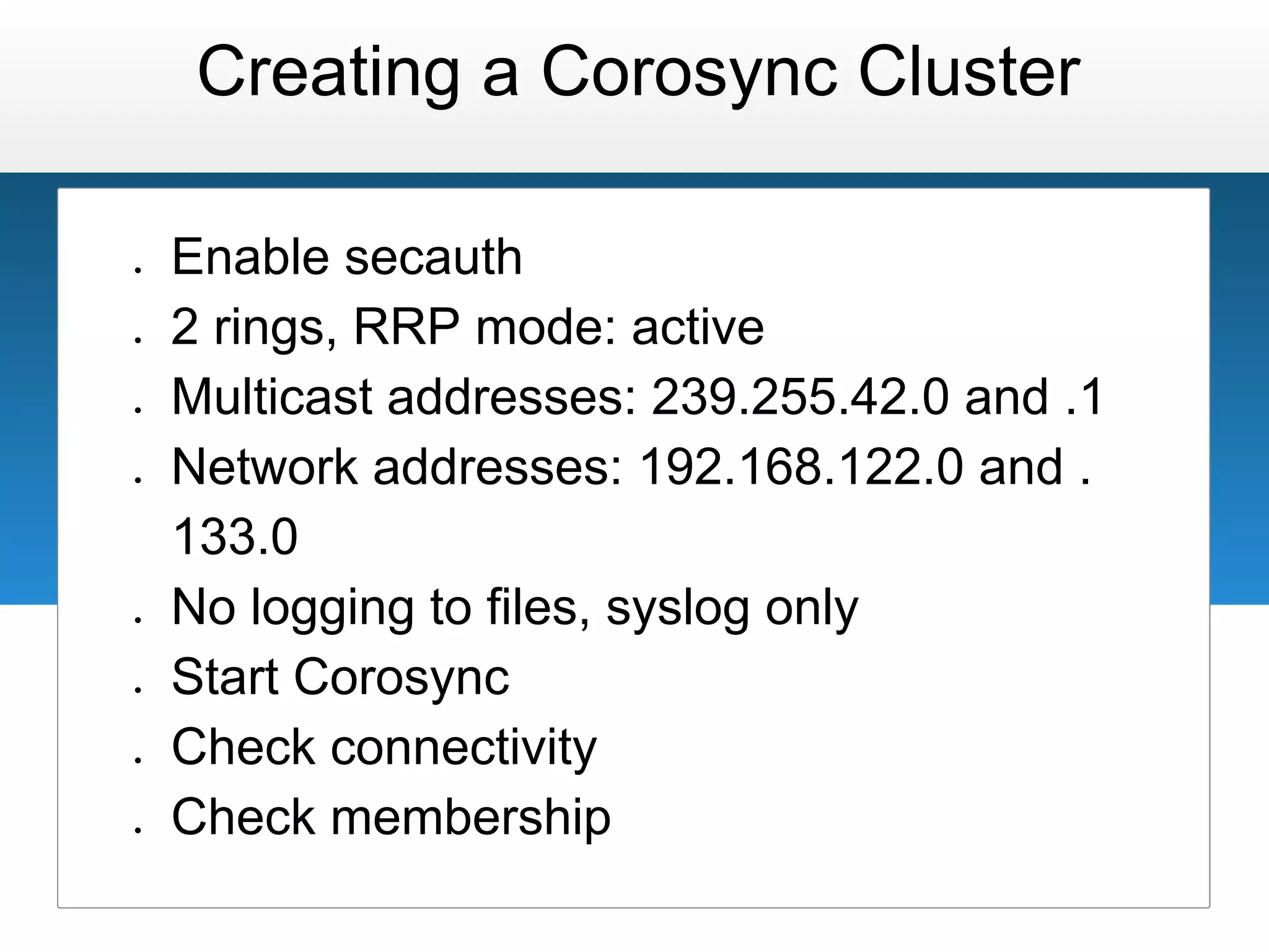
Creating a Corosync Cluster

●   Enable secauth
●   2 rings, RRP mode: active
●   Multicast addresses: 239.255.42.0 and .1
●   Network addresses: 192.168.122.0 and .
    133.0
●   No logging to files, syslog only
●   Start Corosync
●   Check connectivity
●   Check membership
Pacemaker

http://www.hastexo.com/knowledge/pacemaker
                   http://www.clusterlabs.org
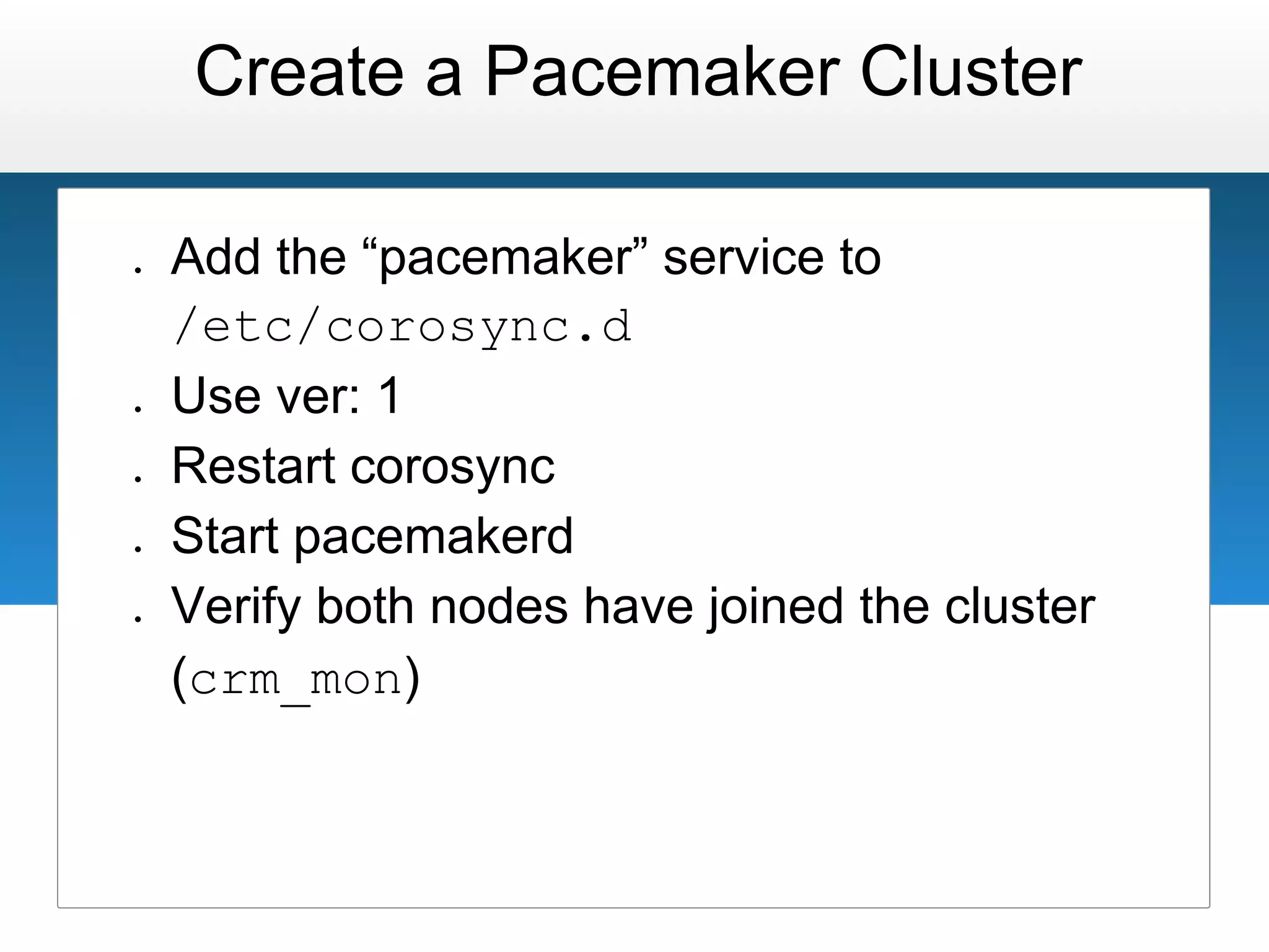
Create a Pacemaker Cluster

●   Add the “pacemaker” service to
    /etc/corosync.d
●   Use ver: 1
●   Restart corosync
●   Start pacemakerd
●   Verify both nodes have joined the cluster
    (crm_mon)
STONITH/Fencing
Setting up the cluster

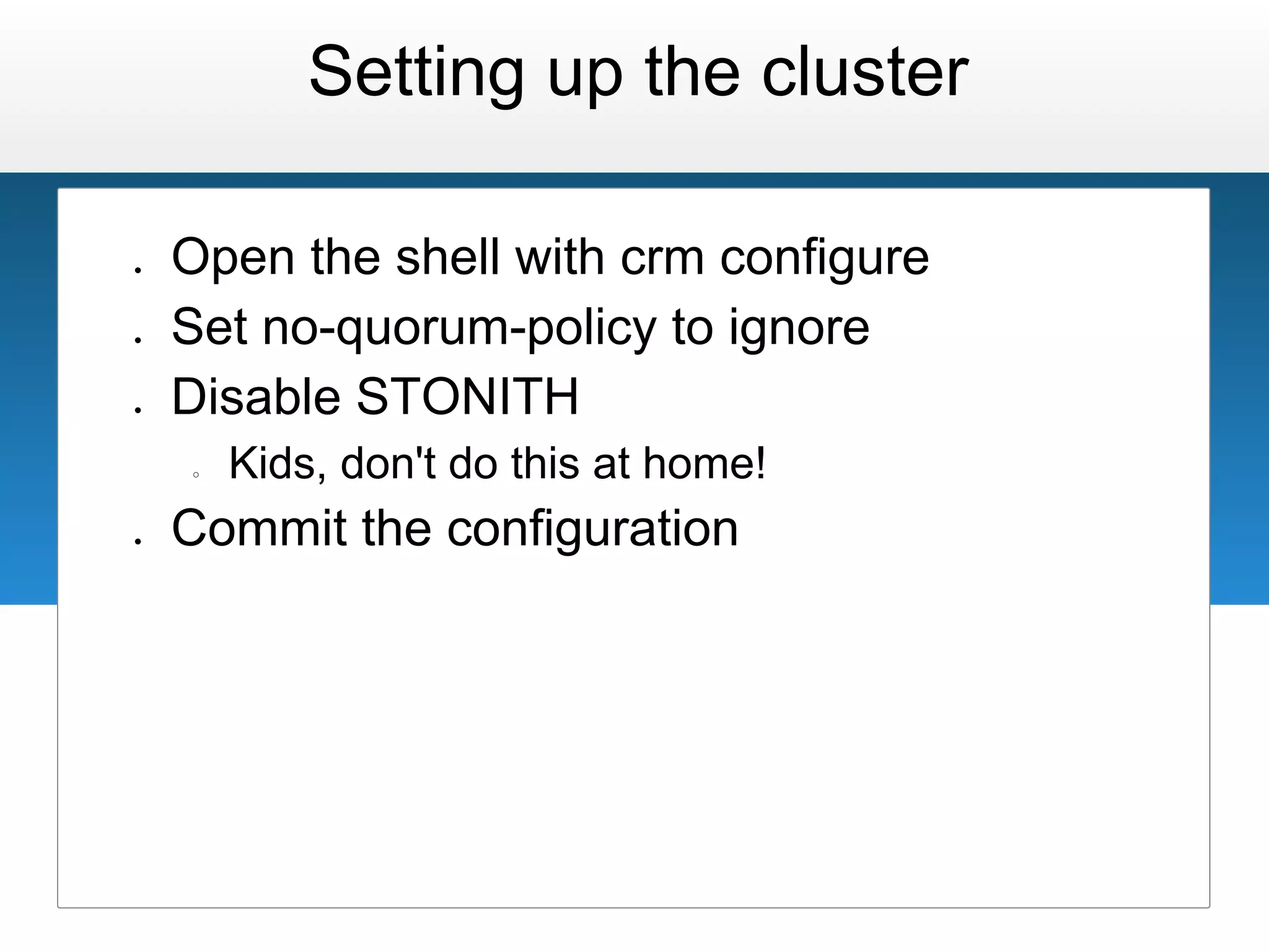
●   Open the shell with crm configure
●   Set no-quorum-policy to ignore
●   Disable STONITH
    ○   Kids, don't do this at home!
●   Commit the configuration
Pacemaker Resources
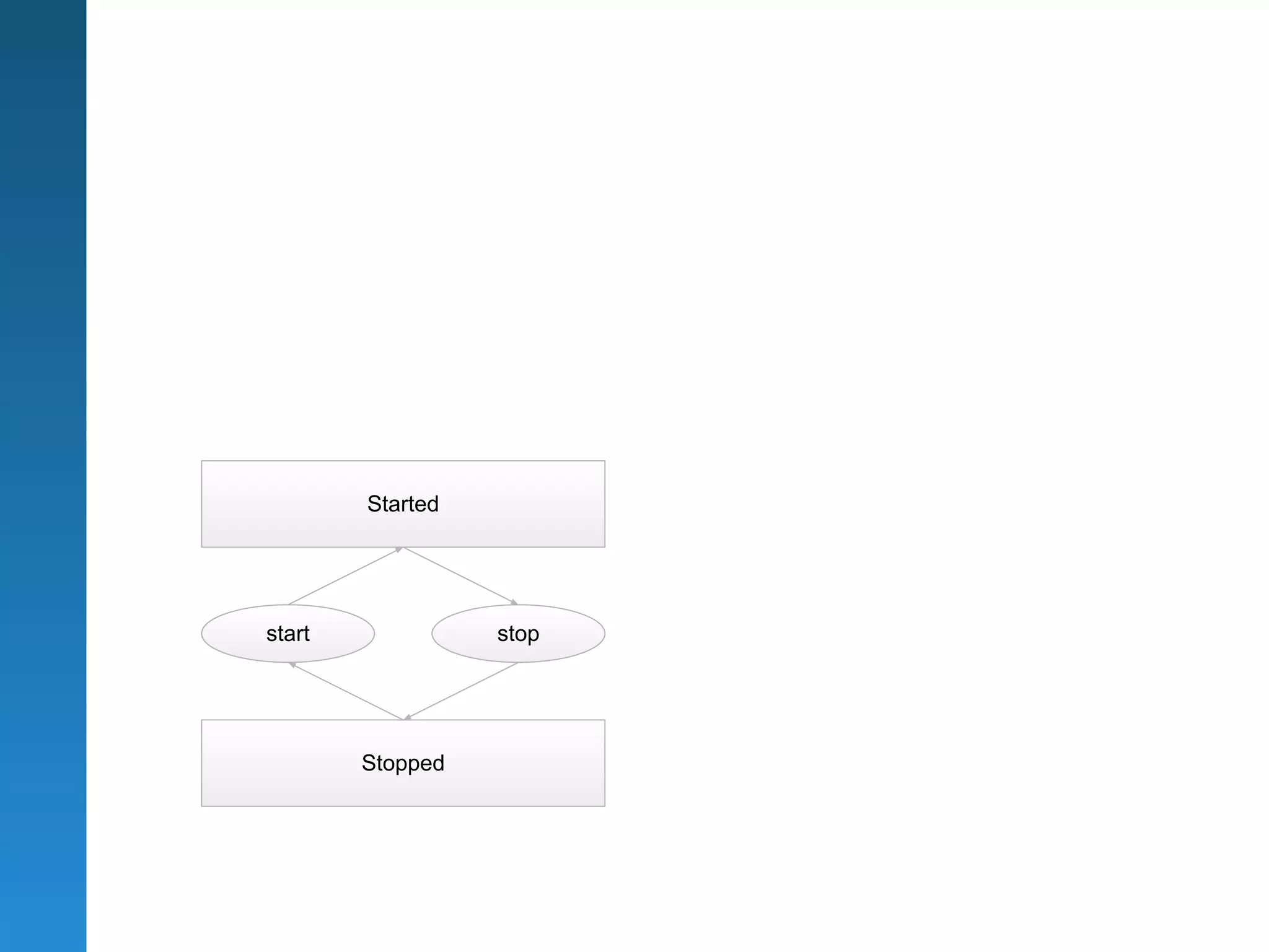
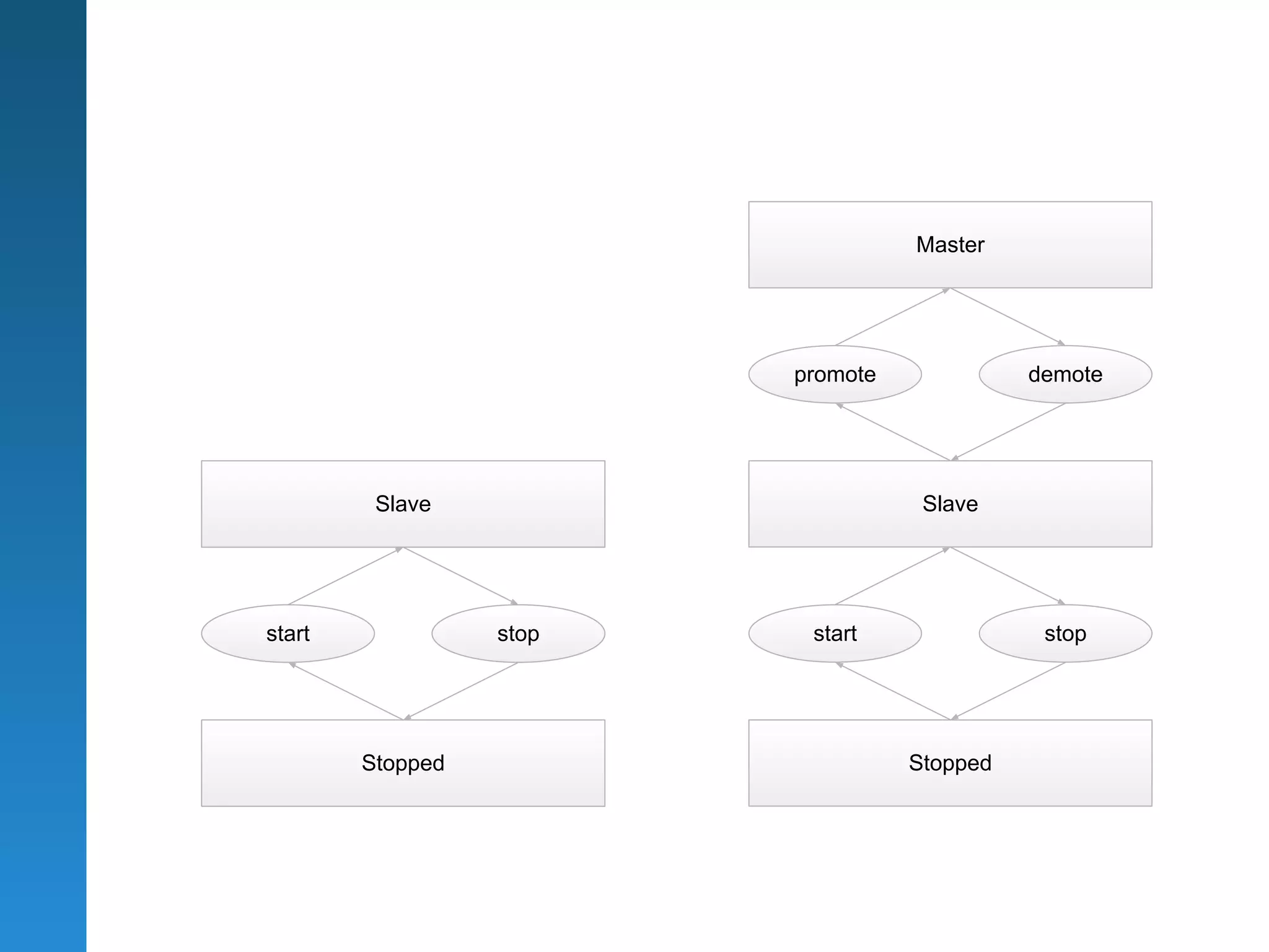
Started


start             stop


        Stopped
Master/Slave Sets
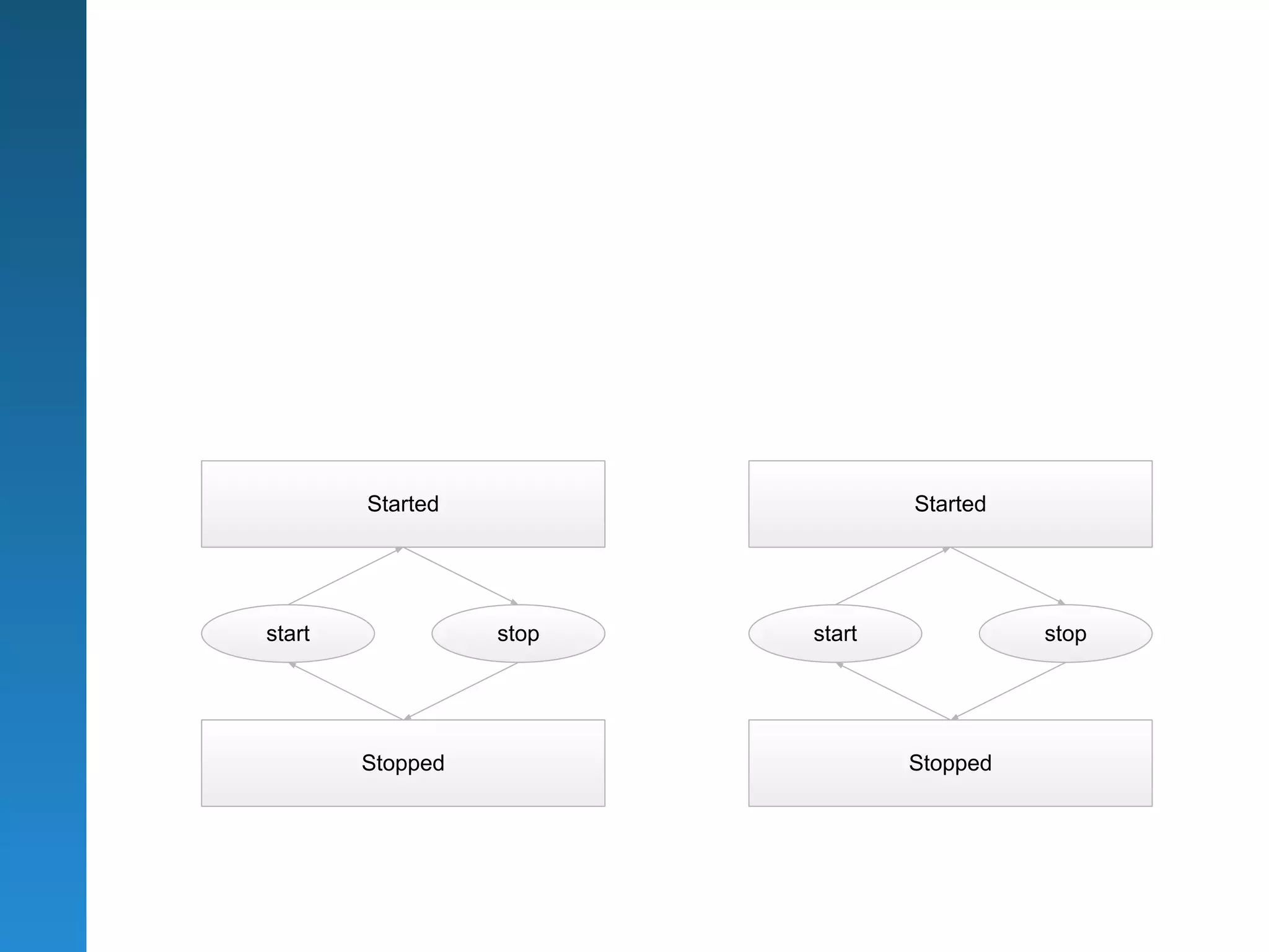
Started                  Started


start             stop   start             stop


        Stopped                  Stopped
Master


                         promote             demote


         Slave                      Slave


start             stop    start               stop


        Stopped                    Stopped
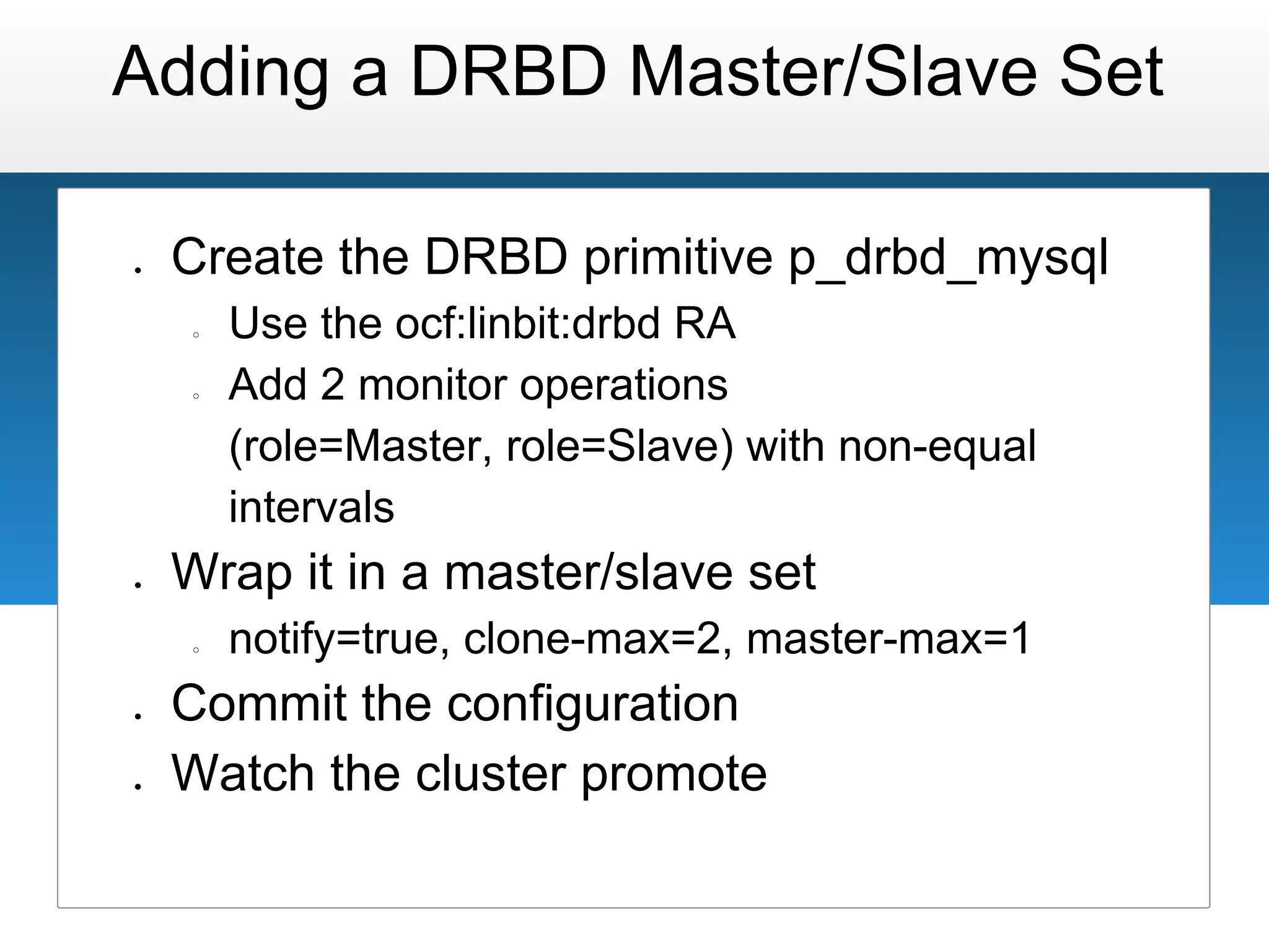
Adding a DRBD Master/Slave Set

●   Create the DRBD primitive p_drbd_mysql
    ○   Use the ocf:linbit:drbd RA
    ○   Add 2 monitor operations
        (role=Master, role=Slave) with non-equal
        intervals
●   Wrap it in a master/slave set
    ○   notify=true, clone-max=2, master-max=1
●   Commit the configuration
●   Watch the cluster promote
Constraints
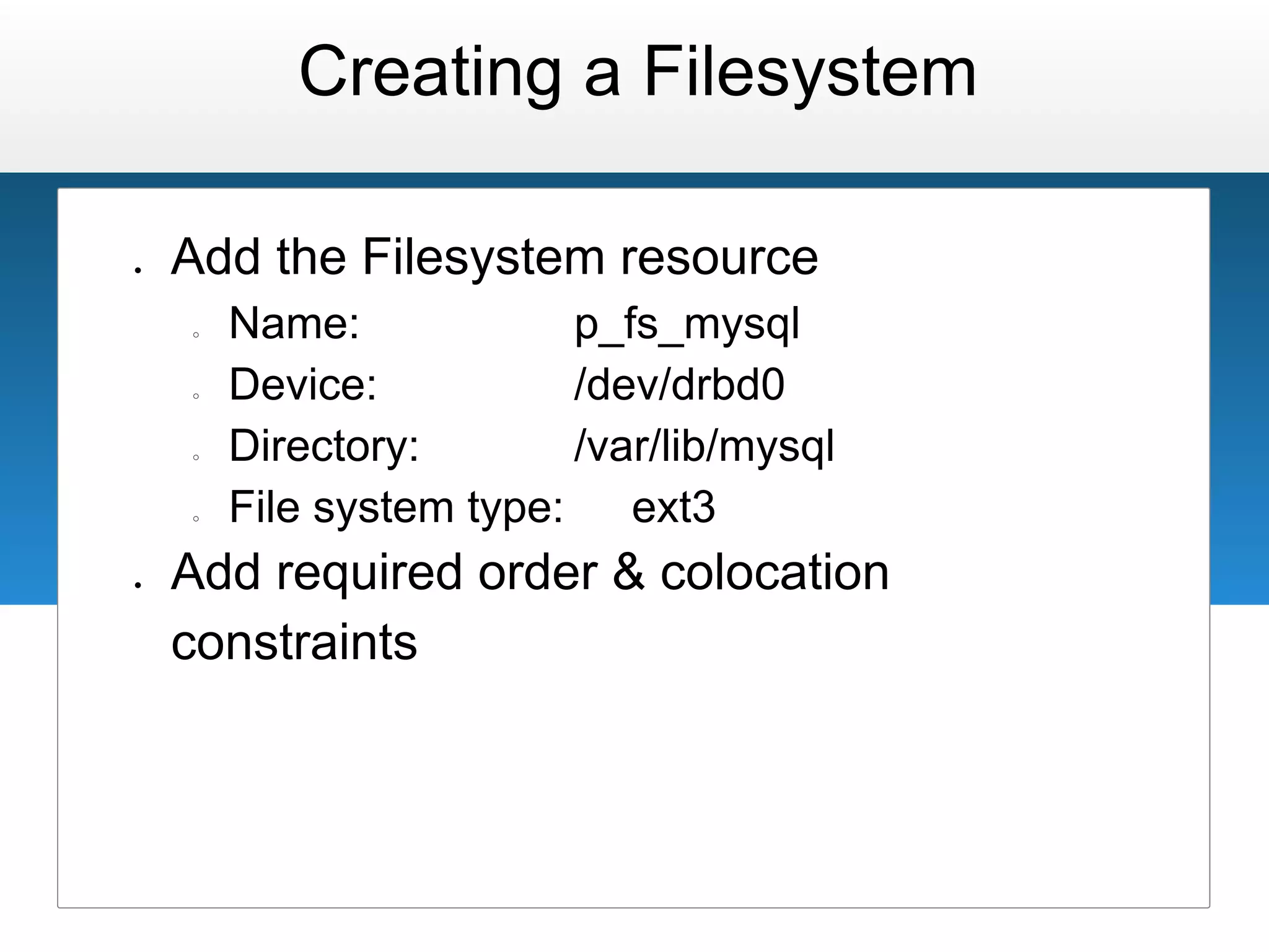
Creating a Filesystem

●   Add the Filesystem resource
    ○   Name:             p_fs_mysql
    ○   Device:           /dev/drbd0
    ○   Directory:        /var/lib/mysql
    ○   File system type:    ext3
●   Add required order & colocation
    constraints
Groups
Add a Group

●   Create the g_mysql resource group
●   Add p_fs_mysql and p_ip_mysql
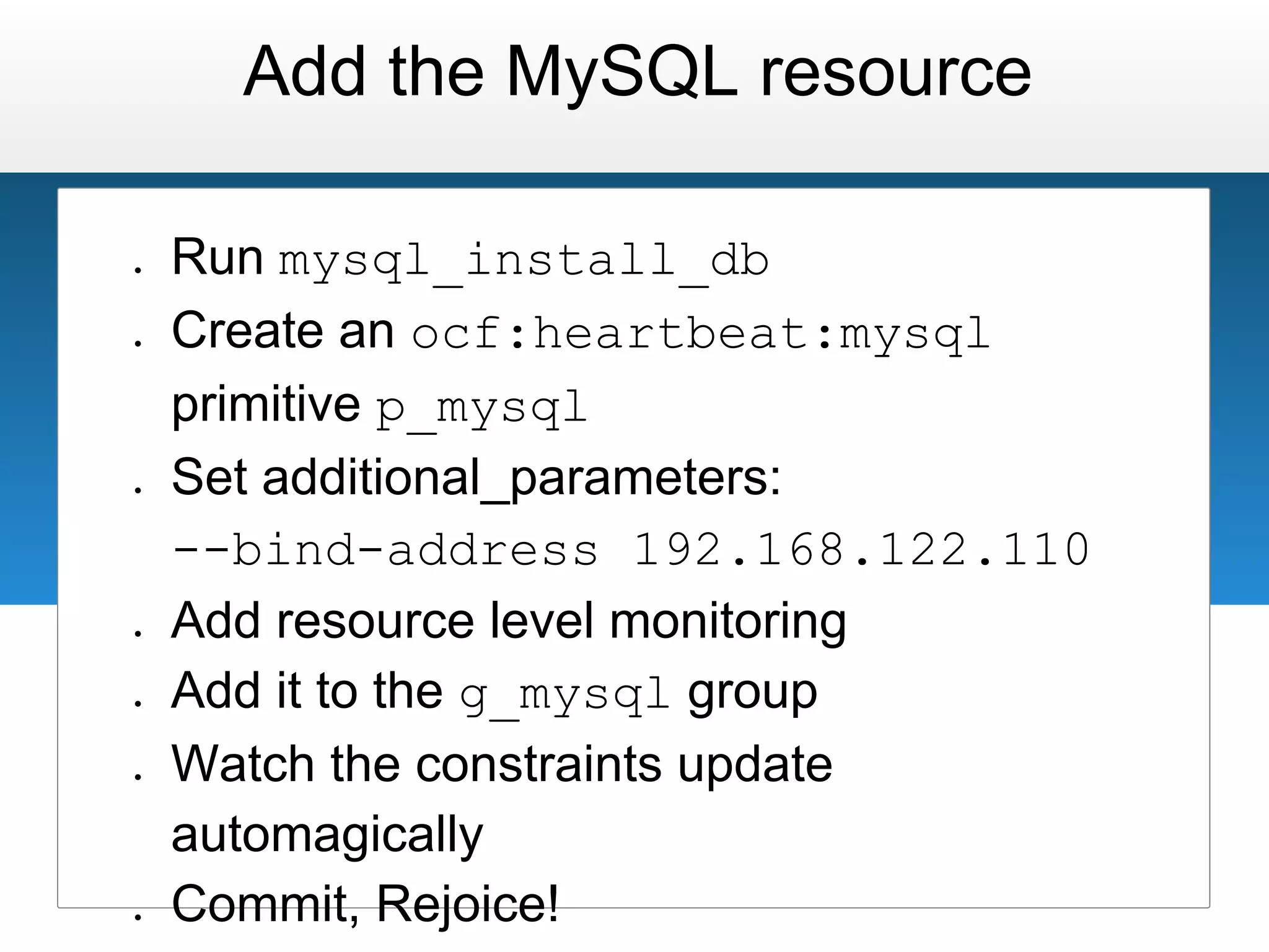
Add the MySQL resource

●   Run mysql_install_db
●   Create an ocf:heartbeat:mysql
    primitive p_mysql
●   Set additional_parameters:
    --bind-address 192.168.122.110
●   Add resource level monitoring
●   Add it to the g_mysql group
●   Watch the constraints update
    automagically
●   Commit, Rejoice!
One more thing...
Physical           Physical
         Host               Host


                           MySQL
                           Master


MySQL   MySQL      MySQL    App        App
Slave   Slave      Slave   Server     Server
Physical           Physical
         Host               Host


                           MySQL
                           Master


MySQL   MySQL      MySQL    App        App
Slave   Slave      Slave   Server     Server
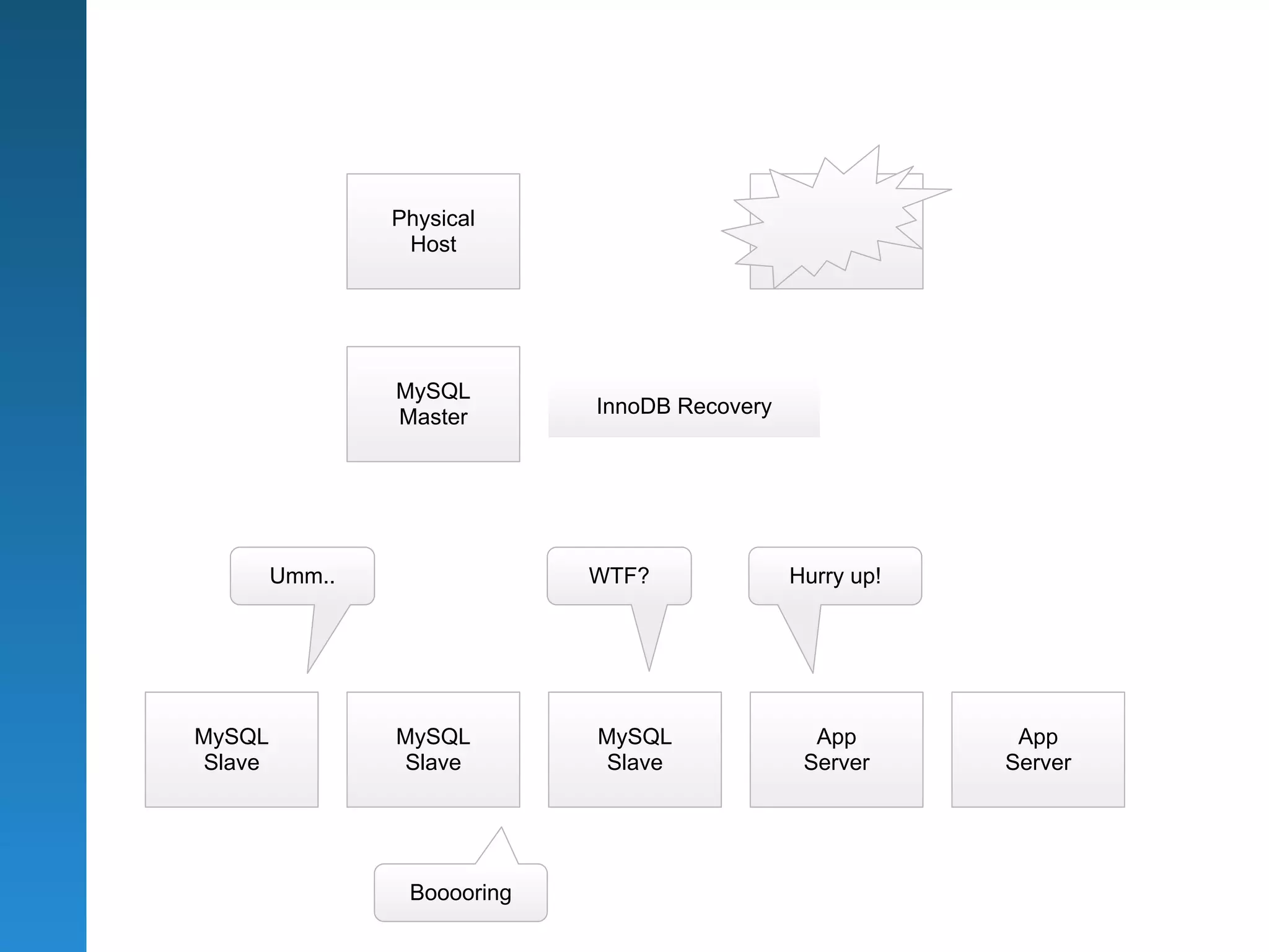
Physical                       Physical
                 Host                           Host


                MySQL
                Master       InnoDB Recovery


        Umm..                WTF?              Hurry up!


MySQL           MySQL        MySQL               App        App
Slave           Slave        Slave              Server     Server


                 Booooring
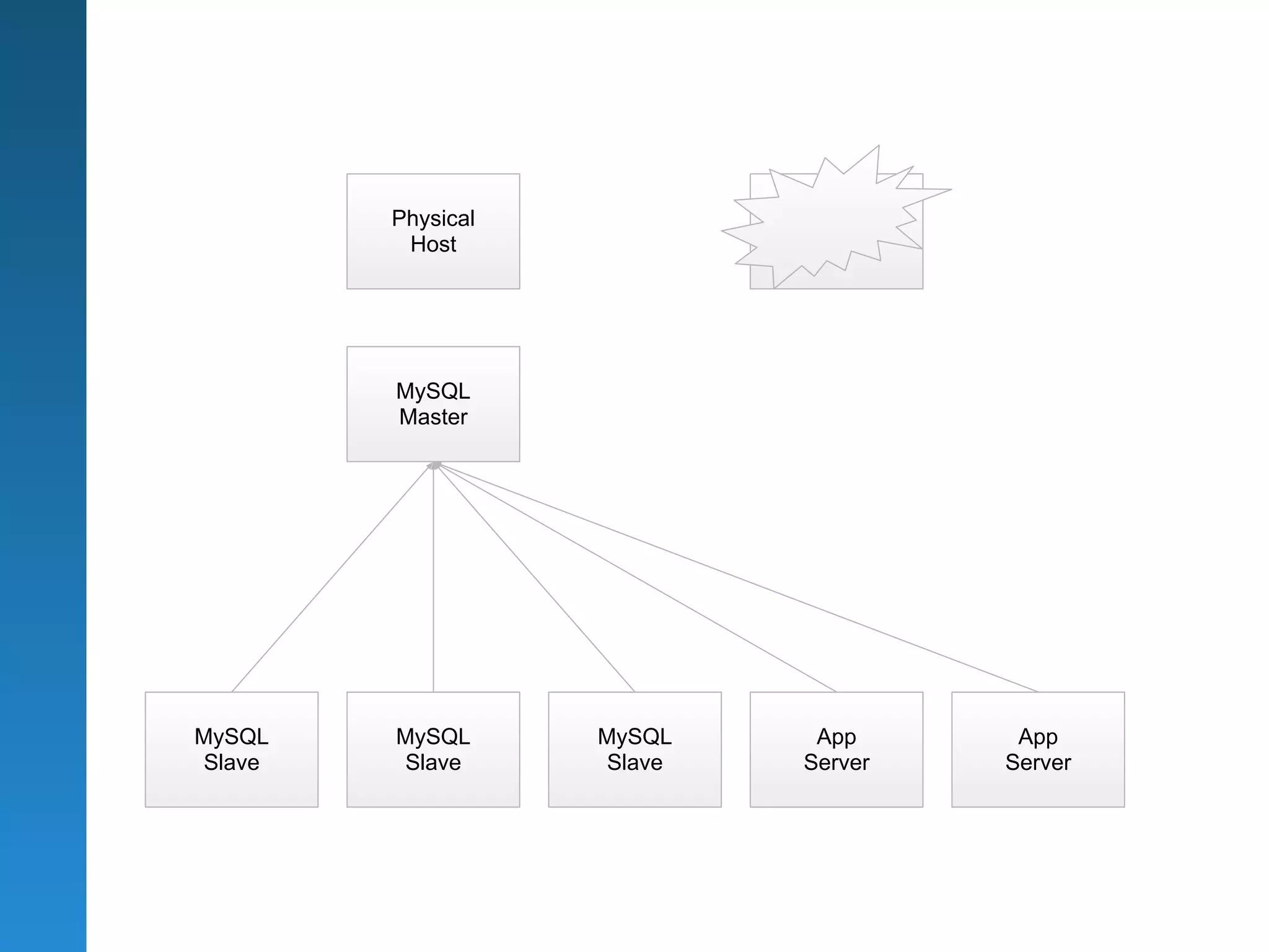
Physical           Physical
         Host              Host


        MySQL
        Master


MySQL   MySQL      MySQL        App      App
Slave   Slave      Slave       Server   Server
Further Information

                  http://www.clusterlabs.org
                         http://www.drbd.org
http://www.suse.com/products/highavailability
                    http://www.hastexo.com
Liked this talk?

●   Go to www.hastexo.com/shoutbox
●   Log in
    (you can just use your OpenID from
    Wordpress, Blogger, Yahoo, Google Apps,
    Google Profile)
●   Leave us a message!

LCA 2012: High Availability Sprint

  • 1.
    High Availability Sprint Fromthe brink of disaster to the Zen of Pacemaker Florian Haas (hastexo) Tim Serong (SUSE) Andrew Beekhof (Red Hat)
  • 2.
    HA Sprint: GetPrepared! ● Tutorial instructions at: http://goo.gl/vinL0 ● Follow along -- or just watch! (up to you)
  • 3.
    Visual Cues &Clues How to follow this talk easily
  • 4.
    This layout means: Would you please treat us to the courtesy of your kind attention?
  • 5.
    This layout means: ● Here's how we do this, ● and this, ● and this.
  • 6.
  • 7.
    An Overview of theLinux HA stack
  • 8.
    Application Interface MySQL RA Cluster Resource Mgmt Pacemaker Cluster Messaging Corosync Storage Replication (optional) DRBD
  • 9.
    Physical Physical Host Host MySQL Master MySQL MySQL MySQL App App Slave Slave Slave Server Server
  • 10.
    Physical Physical Host Host MySQL Master MySQL MySQL MySQL App App Slave Slave Slave Server Server
  • 11.
    DRBD http://www.hastexo.com/knowledge/drbd http://www.drbd.org DRBD & the DRBD logo are registered trademarks of Linbit Information Technologies
  • 12.
    Creating a DRBDresource ● Name: mysql ● Device name: /dev/drbd0 ● Backing disk: /dev/sdb1 ● Meta data: internal ● Replication: 192.168.133.111 ↔ 112 ● Filesystem: ext3
  • 13.
  • 14.
    Creating a CorosyncCluster ● Enable secauth ● 2 rings, RRP mode: active ● Multicast addresses: 239.255.42.0 and .1 ● Network addresses: 192.168.122.0 and . 133.0 ● No logging to files, syslog only ● Start Corosync ● Check connectivity ● Check membership
  • 15.
  • 16.
    Create a PacemakerCluster ● Add the “pacemaker” service to /etc/corosync.d ● Use ver: 1 ● Restart corosync ● Start pacemakerd ● Verify both nodes have joined the cluster (crm_mon)
  • 17.
  • 18.
    Setting up thecluster ● Open the shell with crm configure ● Set no-quorum-policy to ignore ● Disable STONITH ○ Kids, don't do this at home! ● Commit the configuration
  • 19.
  • 20.
    Started start stop Stopped
  • 21.
  • 22.
    Started Started start stop start stop Stopped Stopped
  • 23.
    Master promote demote Slave Slave start stop start stop Stopped Stopped
  • 24.
    Adding a DRBDMaster/Slave Set ● Create the DRBD primitive p_drbd_mysql ○ Use the ocf:linbit:drbd RA ○ Add 2 monitor operations (role=Master, role=Slave) with non-equal intervals ● Wrap it in a master/slave set ○ notify=true, clone-max=2, master-max=1 ● Commit the configuration ● Watch the cluster promote
  • 25.
  • 26.
    Creating a Filesystem ● Add the Filesystem resource ○ Name: p_fs_mysql ○ Device: /dev/drbd0 ○ Directory: /var/lib/mysql ○ File system type: ext3 ● Add required order & colocation constraints
  • 27.
  • 28.
    Add a Group ● Create the g_mysql resource group ● Add p_fs_mysql and p_ip_mysql
  • 29.
    Add the MySQLresource ● Run mysql_install_db ● Create an ocf:heartbeat:mysql primitive p_mysql ● Set additional_parameters: --bind-address 192.168.122.110 ● Add resource level monitoring ● Add it to the g_mysql group ● Watch the constraints update automagically ● Commit, Rejoice!
  • 30.
  • 31.
    Physical Physical Host Host MySQL Master MySQL MySQL MySQL App App Slave Slave Slave Server Server
  • 32.
    Physical Physical Host Host MySQL Master MySQL MySQL MySQL App App Slave Slave Slave Server Server
  • 33.
    Physical Physical Host Host MySQL Master InnoDB Recovery Umm.. WTF? Hurry up! MySQL MySQL MySQL App App Slave Slave Slave Server Server Booooring
  • 34.
    Physical Physical Host Host MySQL Master MySQL MySQL MySQL App App Slave Slave Slave Server Server
  • 35.
    Further Information http://www.clusterlabs.org http://www.drbd.org http://www.suse.com/products/highavailability http://www.hastexo.com
  • 36.
    Liked this talk? ● Go to www.hastexo.com/shoutbox ● Log in (you can just use your OpenID from Wordpress, Blogger, Yahoo, Google Apps, Google Profile) ● Leave us a message!