Downloaded 249 times

![JSON SyntaxFor objects start the object with “{“ and end it with “}” For members (properties), use pairs of string : value and separate them by commas For arrays put the arrays between [] For elements put the values directly separated by commas](https://image.slidesharecdn.com/json-124870687744-phpapp01/75/Json-7-2048.jpg)
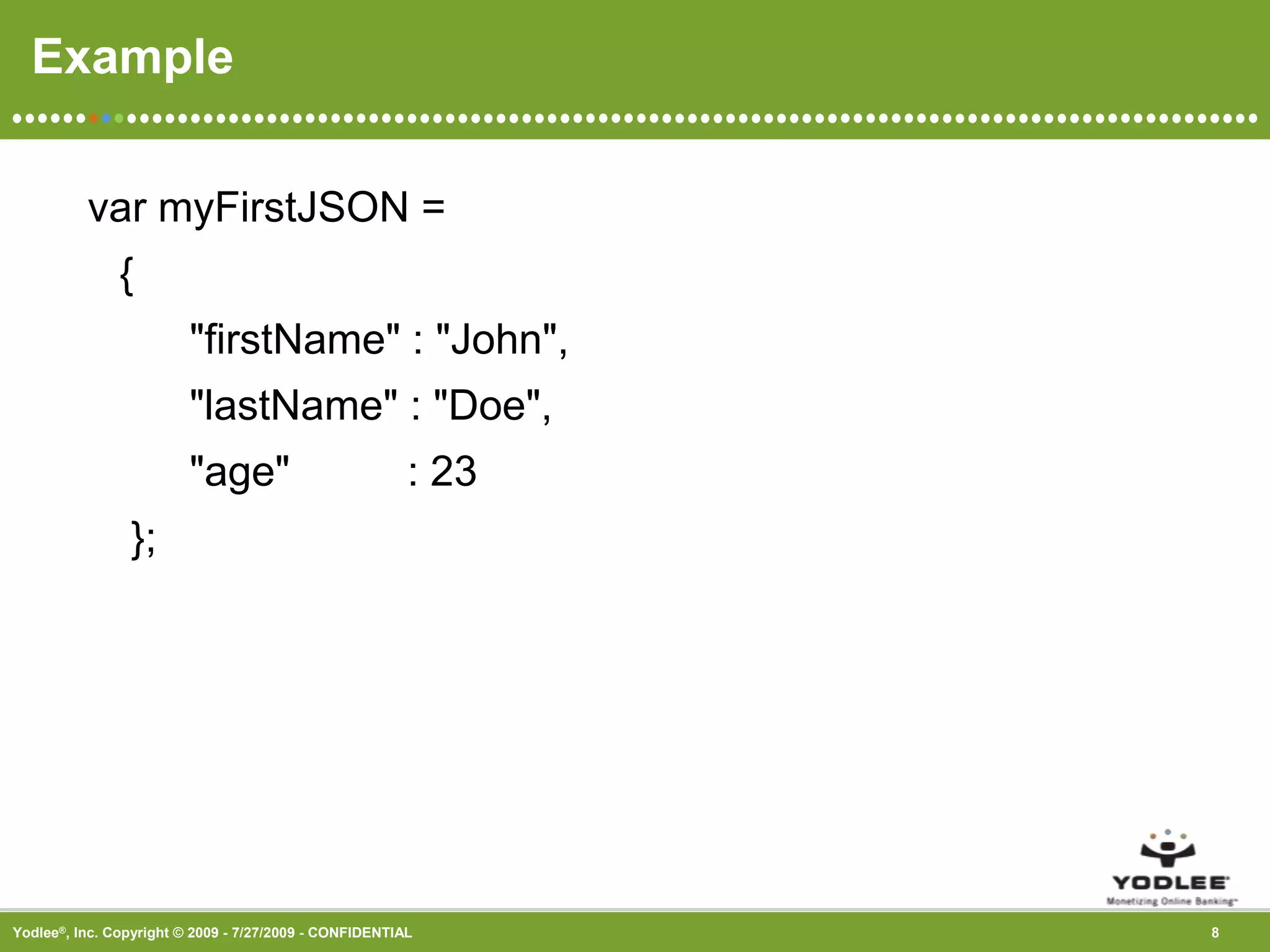
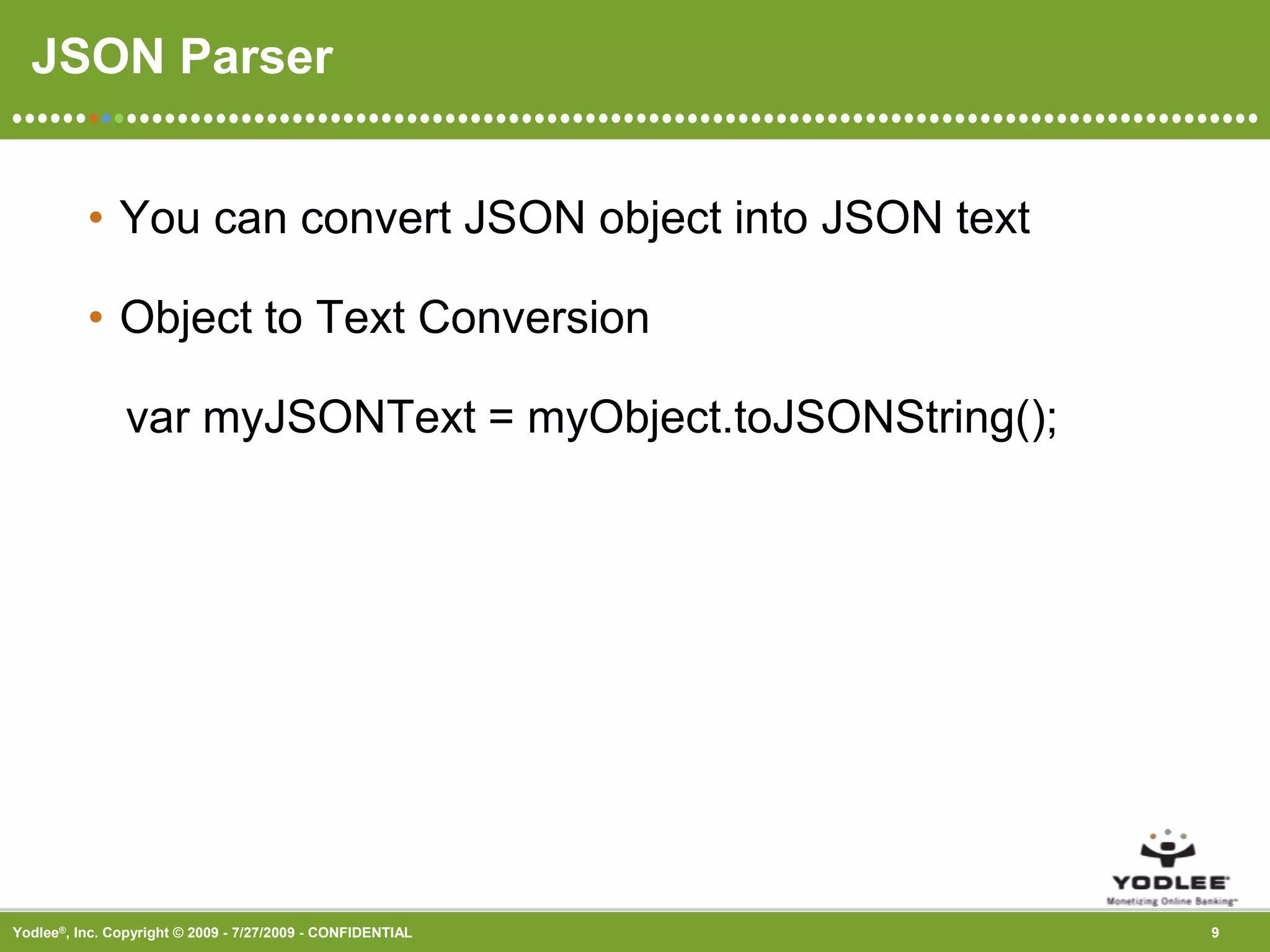
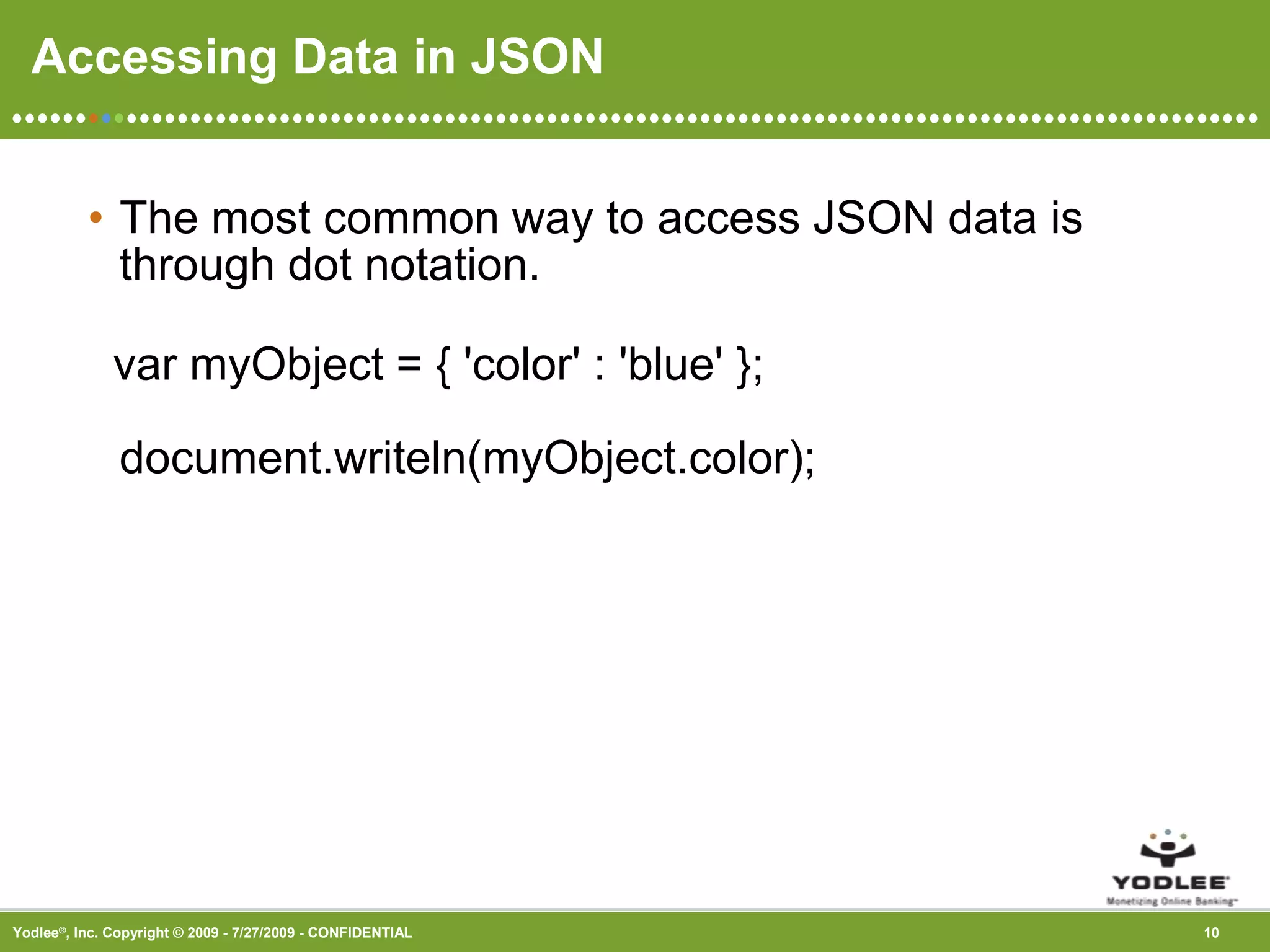

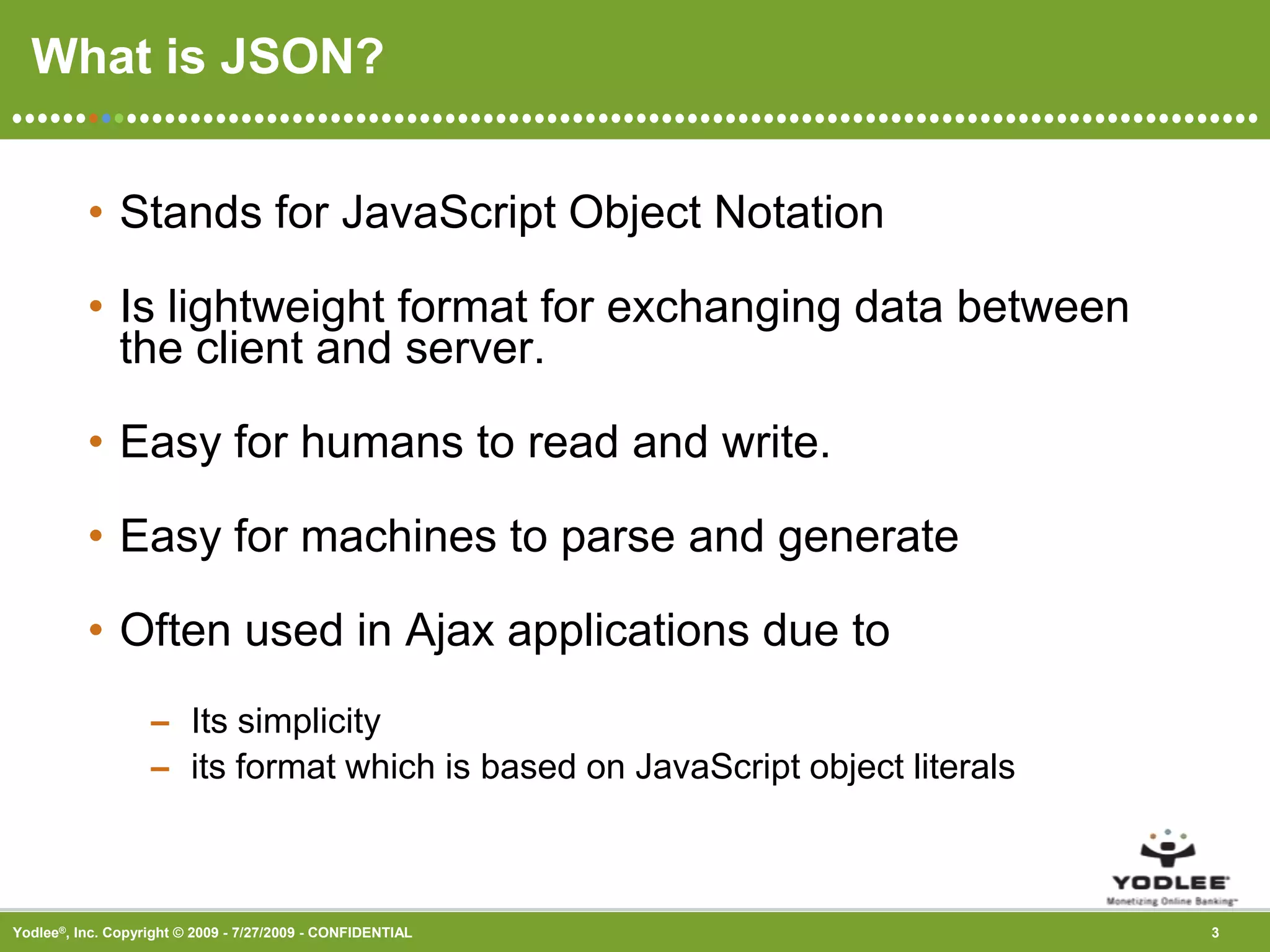
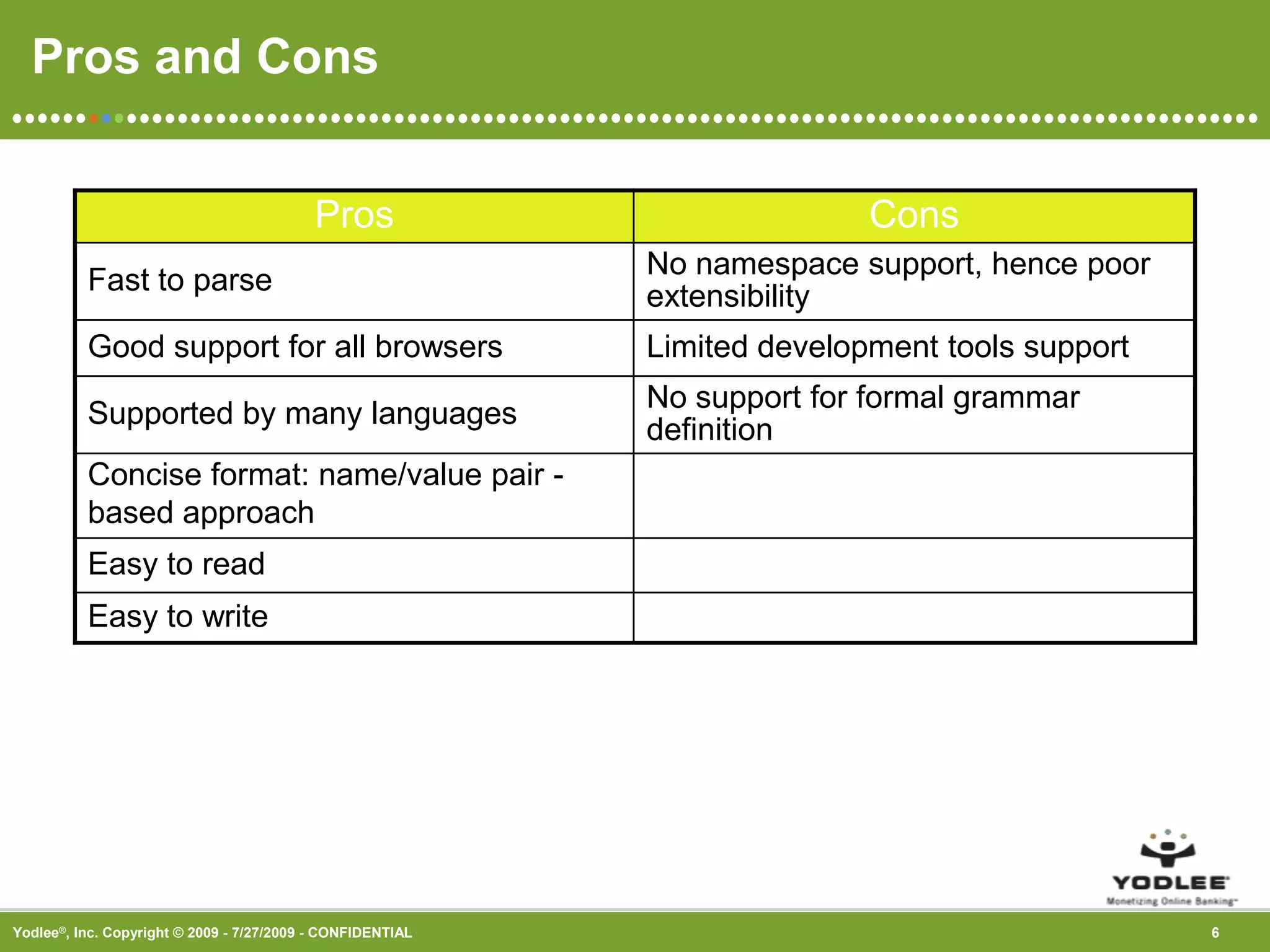
The document discusses JSON (JavaScript Object Notation), which is a lightweight format for exchanging data between a client and server. It notes that JSON is easy for humans to read and write, and easy for machines to parse and generate. The document outlines the syntax of JSON, including that objects use curly braces, members use key-value pairs separated by commas, and arrays use square brackets. It also discusses parsing and accessing JSON data.
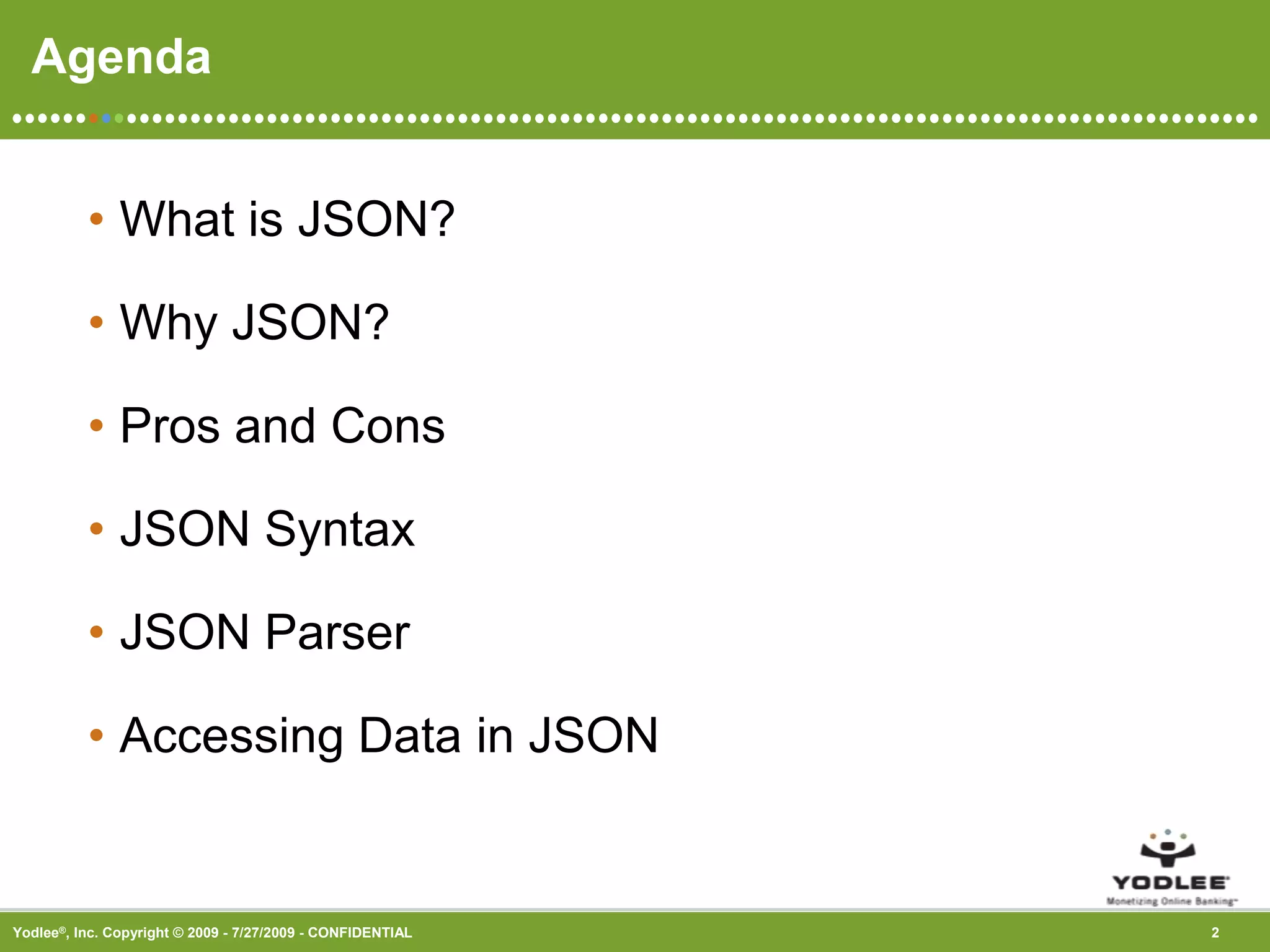
Overview of JSON, its basic characteristics, and agenda for the presentation.
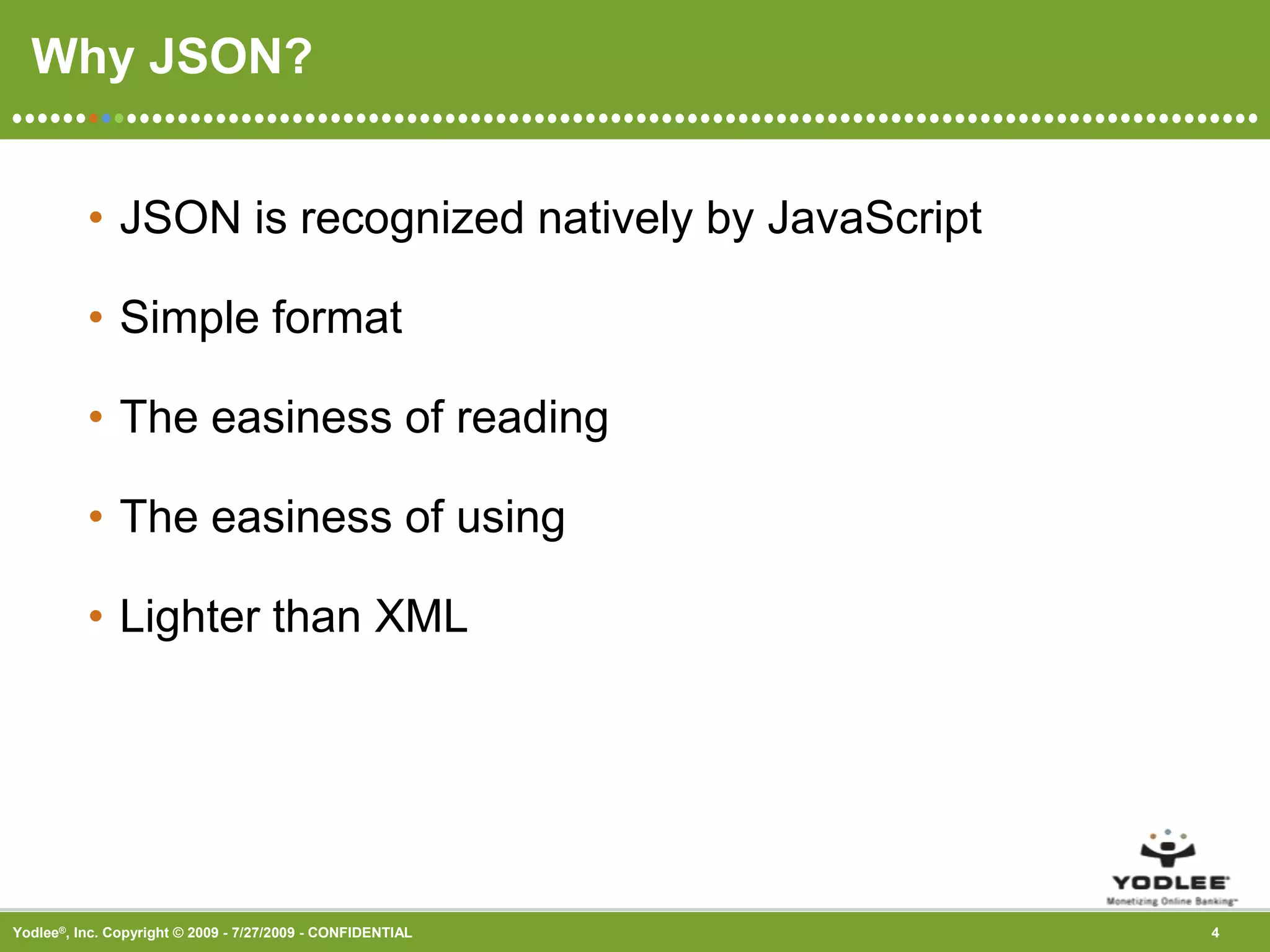
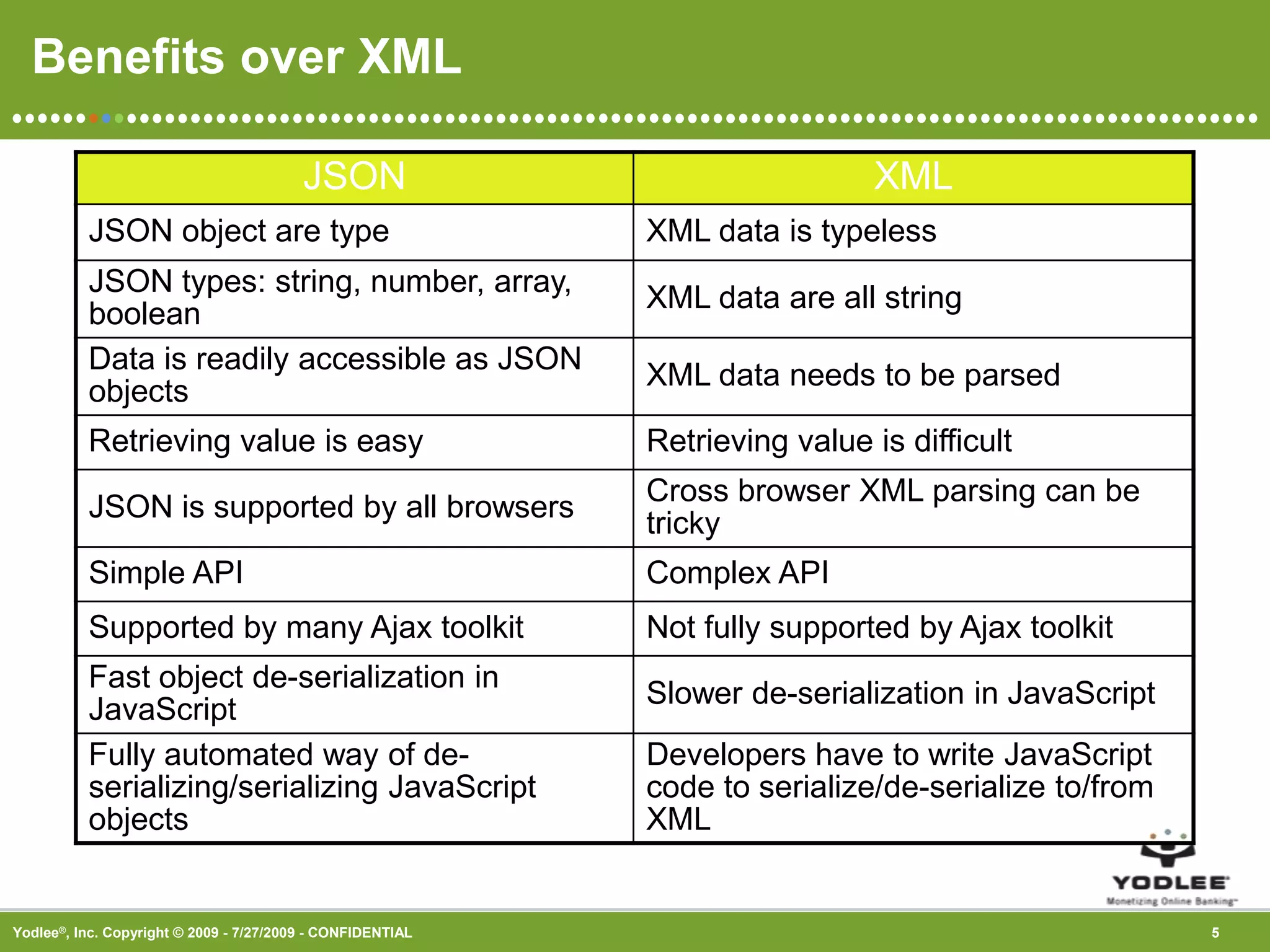
Definition of JSON, its lightweight nature, ease of use and reading, and advantages over XML.
Explanation of JSON syntax, including object and array structures with examples.
Methods to parse JSON and access its data using dot notation in JavaScript.
Open floor for questions regarding the presentation on JSON.


