DOM tree and main objects What is jQuery Selectors Attributes CSS Events Animation Other helper functions plug-ins Tools and inspectors links
<p title=&quot;The test paragraph&quot;>This is a sample of some <b>HTML you might<br>have</b> in your document</p> To access Dom tree nodes document.getElementById('id of paragraph')  document.getElementsByTagName('p')[indexOfParagraph] window.document.childNodes[0].childNodes[1].childNodes[4]
Winodw Main properties and methods: Alert()   Close() Document Location Open() Print() resizeTo() scrollTo() innerWidth, innerHeight
Document Main properties and methods: getElementById(id) getElementsByName(name) getElementsByTagName(name) Forms Images
Element  var imgObj = document.getElementById('img1'); Main properties and methods: attributes[] childNodes[] className innerHTML
Just another framework Browser compatibility VS support
By ID : $('#id'); By class : $(‘.id'); By tag : $(‘tag')[index]; By property: (“tag[property=‘value']&quot;) More: http://docs.jquery.com/Selectors
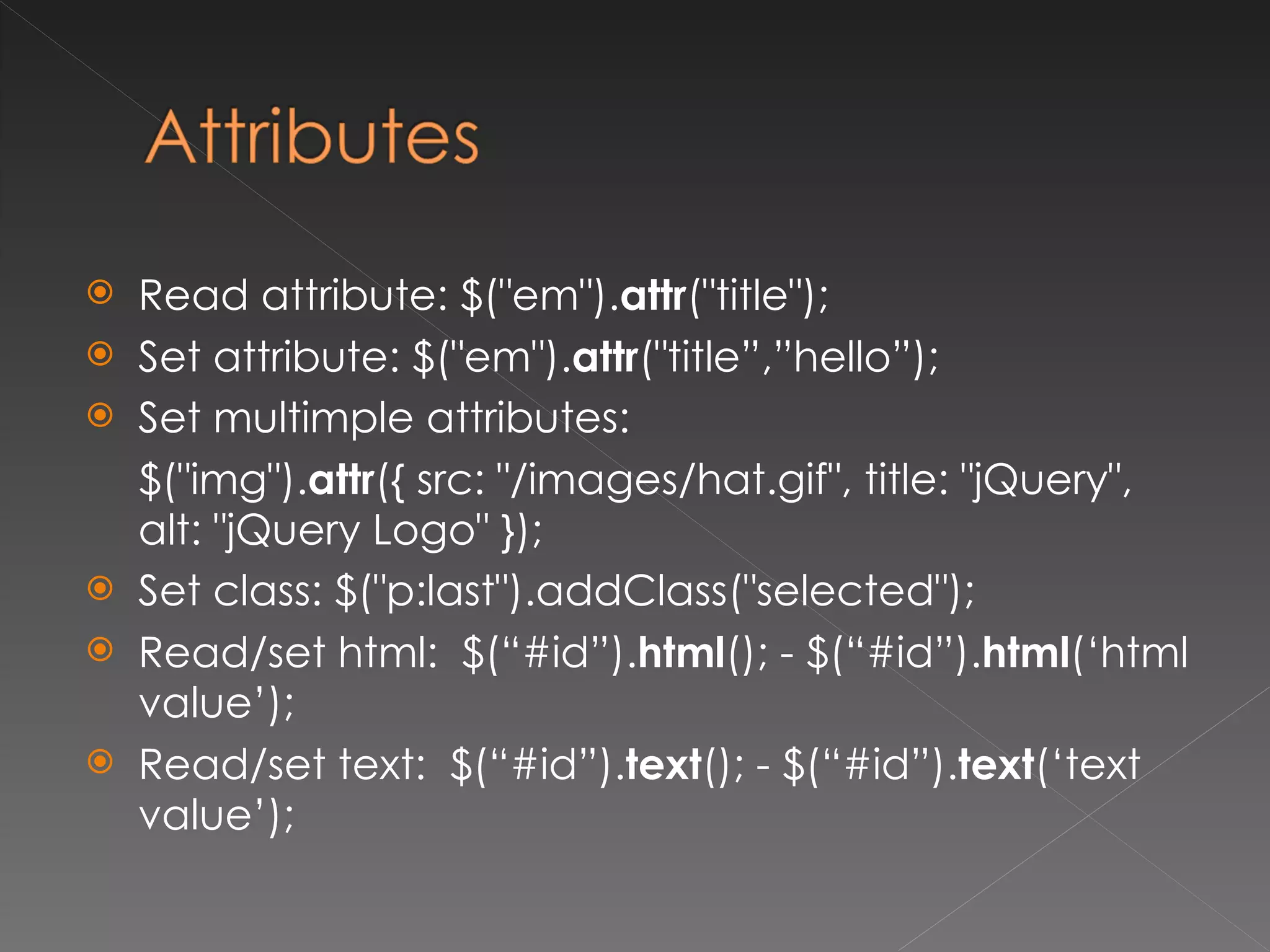
Read attribute:  $(&quot;em&quot;). attr (&quot;title&quot;);  Set attribute: $(&quot;em&quot;). attr (&quot;title”,”hello”);  Set multimple attributes: $(&quot;img&quot;). attr ({ src: &quot;/images/hat.gif&quot;, title: &quot;jQuery&quot;, alt: &quot;jQuery Logo&quot; }); Set class: $(&quot;p:last&quot;).addClass(&quot;selected&quot;); Read/set html:  $ (“#id”). html (); -  $ (“#id”). html (‘html value’); Read/set text:  $ (“#id”). text (); -  $ (“#id”). text (‘text value’);
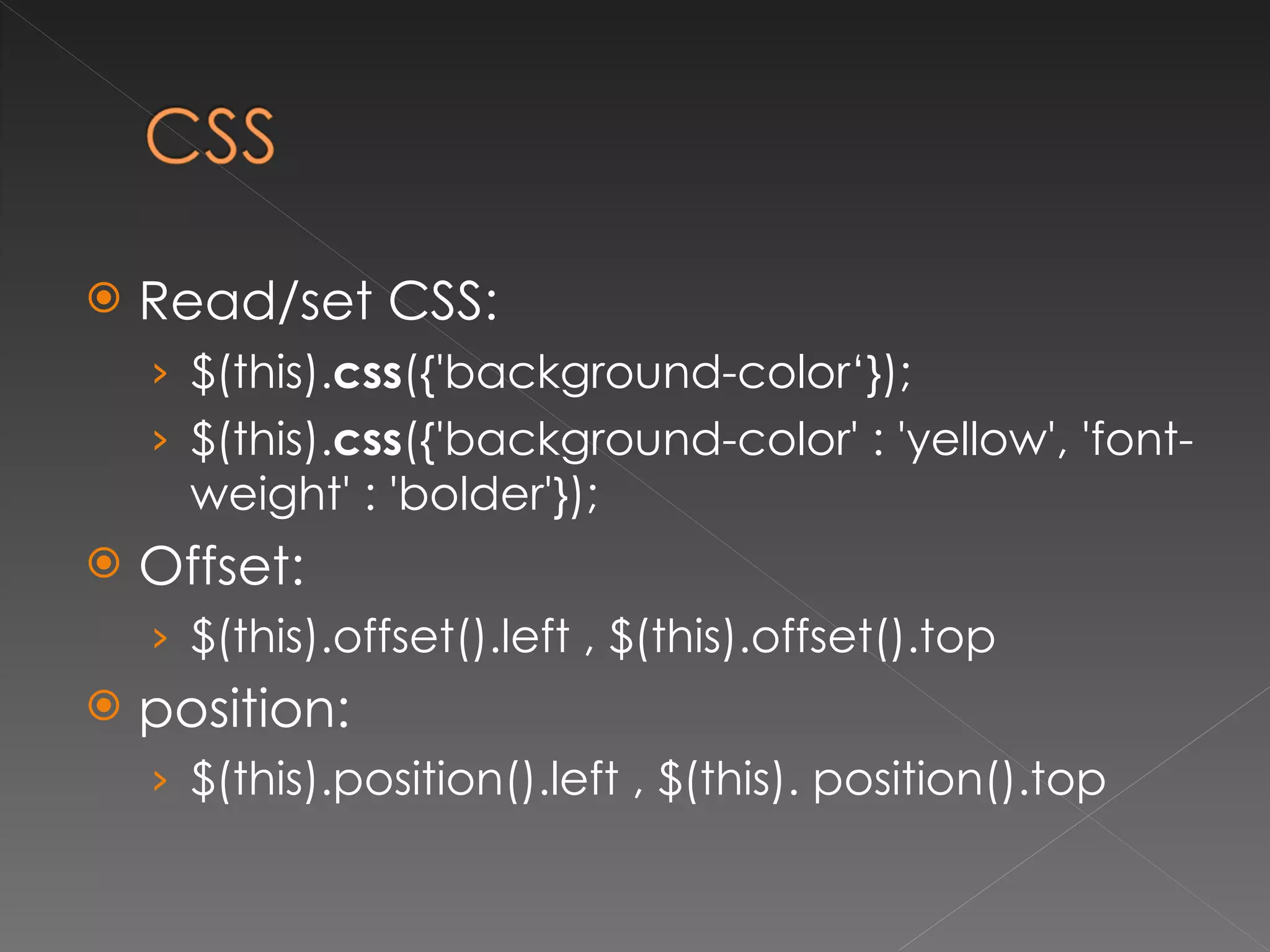
Read/set CSS:  $(this). css ({'background-color‘}); $(this). css ({'background-color' : 'yellow', 'font-weight' : 'bolder'});  Offset: $(this).offset().left , $(this).offset().top position: $(this).position().left , $(this). position().top
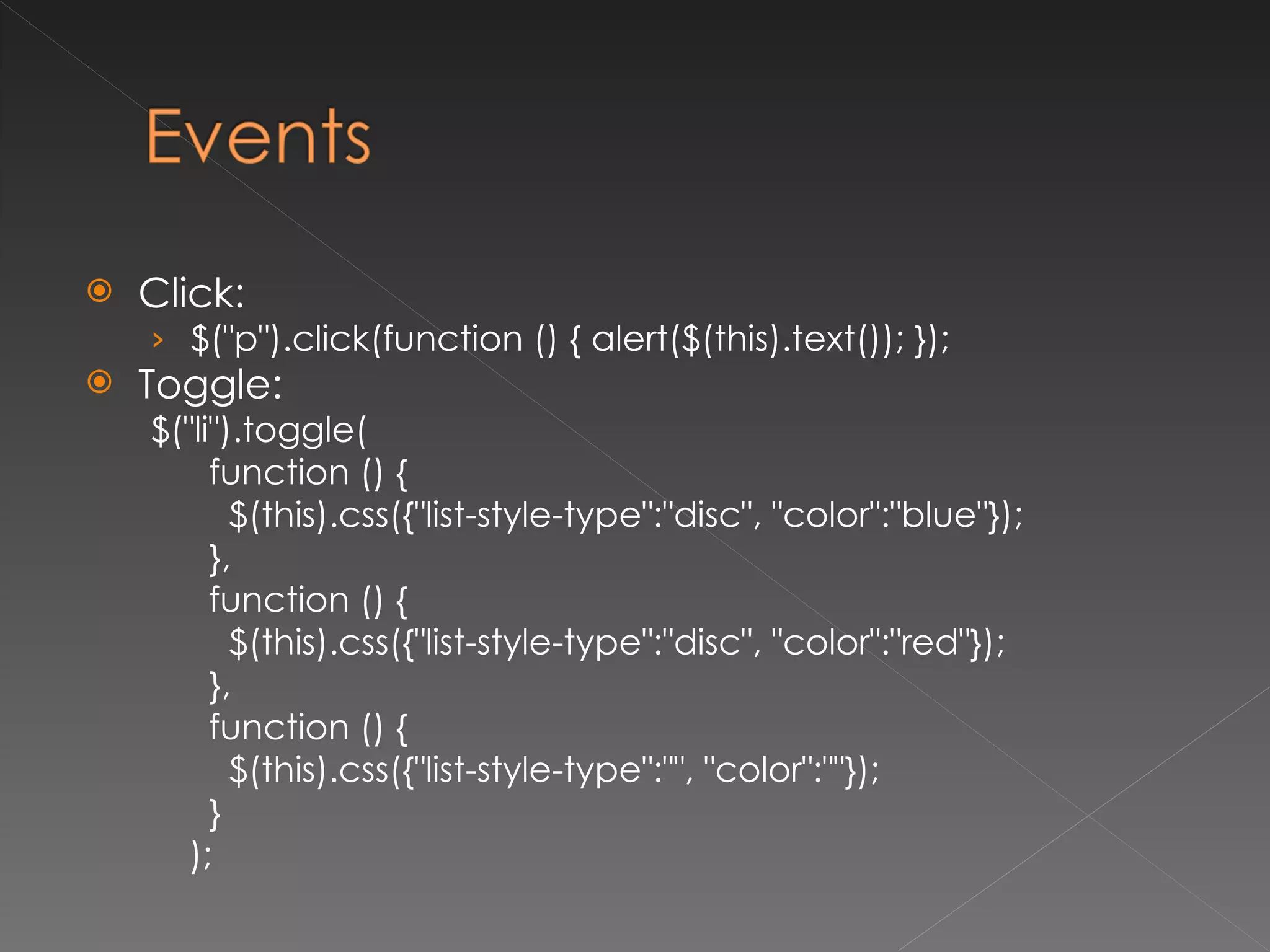
Click: $(&quot;p&quot;).click(function () { alert($(this).text()); }); Toggle: $(&quot;li&quot;).toggle( function () { $(this).css({&quot;list-style-type&quot;:&quot;disc&quot;, &quot;color&quot;:&quot;blue&quot;}); }, function () { $(this).css({&quot;list-style-type&quot;:&quot;disc&quot;, &quot;color&quot;:&quot;red&quot;}); }, function () { $(this).css({&quot;list-style-type&quot;:&quot;&quot;, &quot;color&quot;:&quot;&quot;}); } );
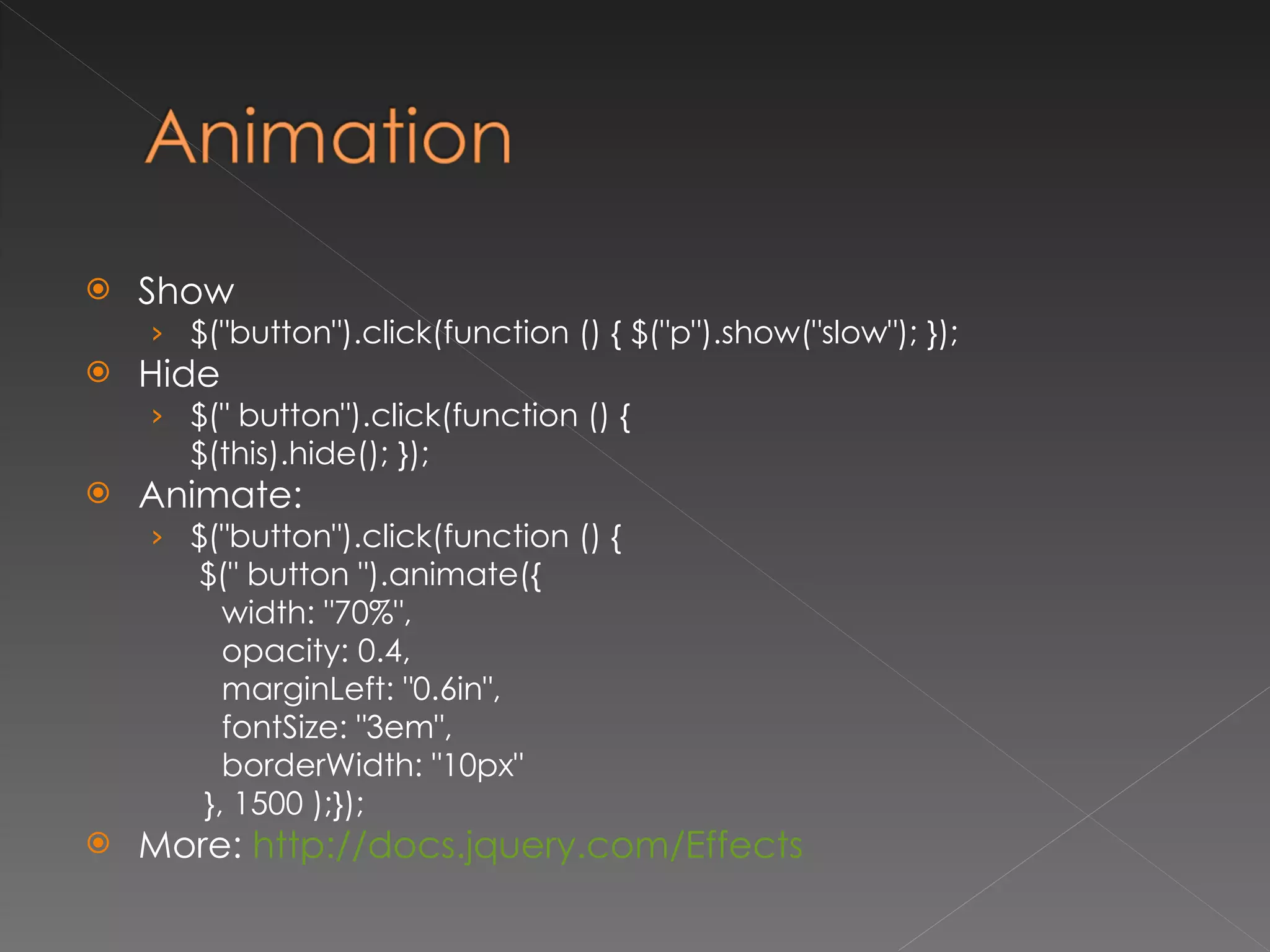
Show $(&quot;button&quot;).click(function () { $(&quot;p&quot;).show(&quot;slow&quot;); });  Hide $(&quot; button&quot;).click(function () {  $(this).hide(); });  Animate: $(&quot;button&quot;).click(function () {    $(&quot; button &quot;).animate({  width: &quot;70%&quot;, opacity: 0.4, marginLeft: &quot;0.6in&quot;, fontSize: &quot;3em&quot;,  borderWidth: &quot;10px&quot; }, 1500 );});  More:  http://docs.jquery.com/Effects
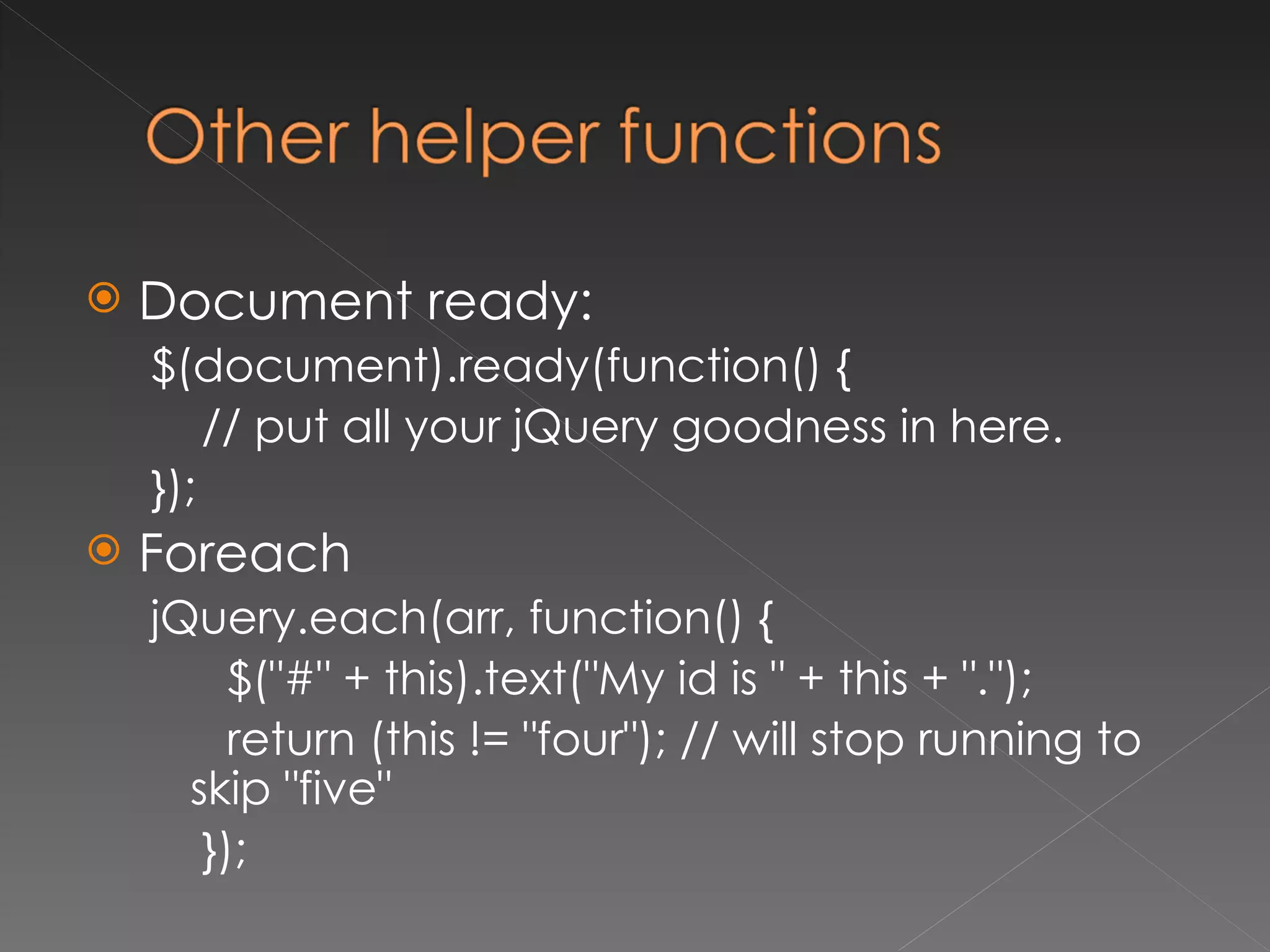
Document ready: $(document).ready(function() { // put all your jQuery goodness in here. }); Foreach jQuery.each(arr, function() { $(&quot;#&quot; + this).text(&quot;My id is &quot; + this + &quot;.&quot;); return (this != &quot;four&quot;); // will stop running to skip &quot;five&quot; });
 
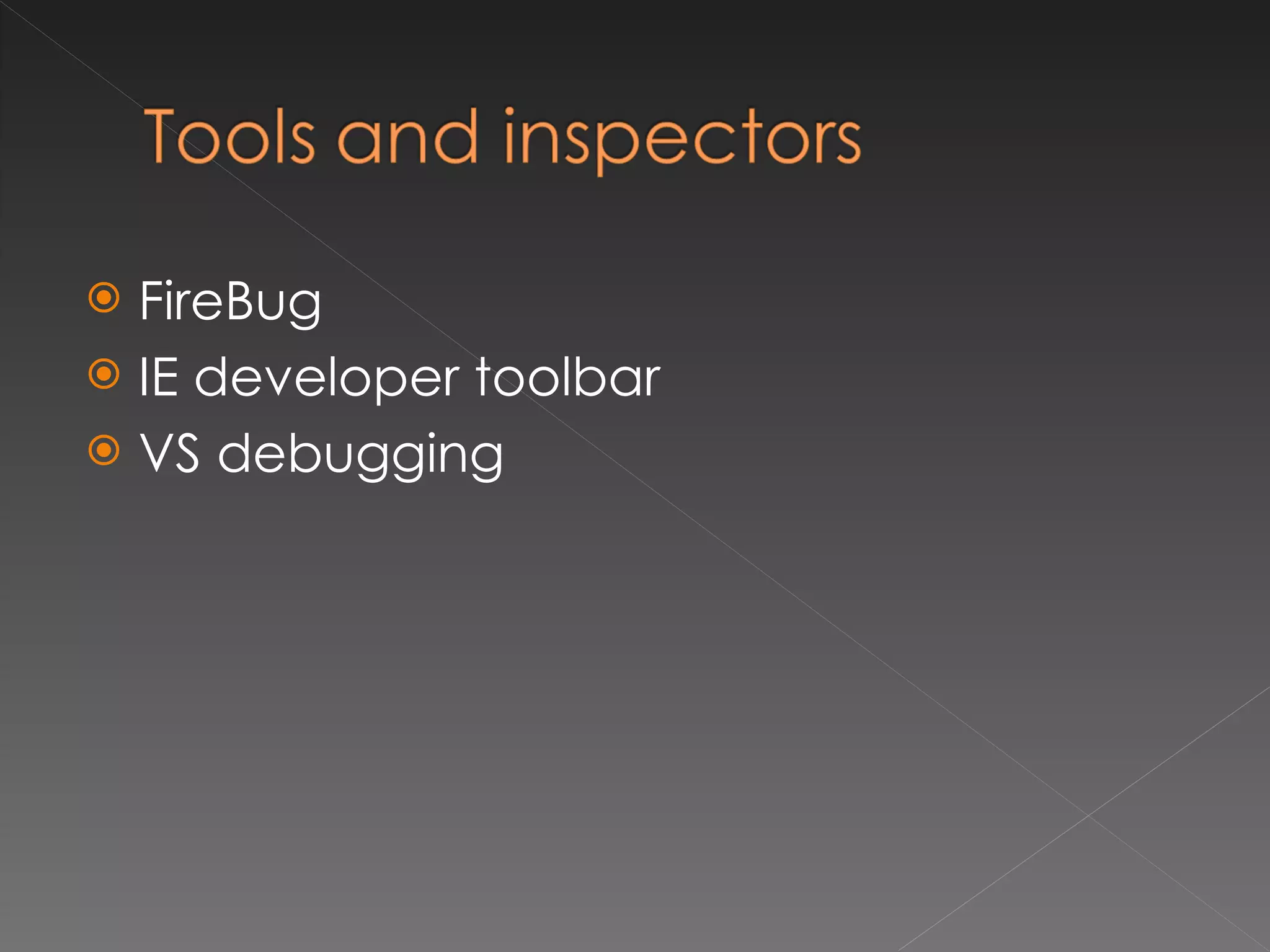
FireBug IE developer toolbar VS debugging
  http://weblogs.asp.net/scottgu/archive/2008/11/21/jquery-intellisense-in-vs-2008.aspx http://www.learningjquery.com/ http://docs.jquery.com http://jquery.com/plugins/ http://getfirebug.com/ http://www.microsoft.com/downloadS/details.aspx?familyid=E59C3964-672D-4511-BB3E-2D5E1DB91038&displaylang=en

Jquery

  • 1.
  • 2.
    DOM tree andmain objects What is jQuery Selectors Attributes CSS Events Animation Other helper functions plug-ins Tools and inspectors links
  • 3.
    <p title=&quot;The testparagraph&quot;>This is a sample of some <b>HTML you might<br>have</b> in your document</p> To access Dom tree nodes document.getElementById('id of paragraph') document.getElementsByTagName('p')[indexOfParagraph] window.document.childNodes[0].childNodes[1].childNodes[4]
  • 4.
    Winodw Main propertiesand methods: Alert()  Close() Document Location Open() Print() resizeTo() scrollTo() innerWidth, innerHeight
  • 5.
    Document Main propertiesand methods: getElementById(id) getElementsByName(name) getElementsByTagName(name) Forms Images
  • 6.
    Element varimgObj = document.getElementById('img1'); Main properties and methods: attributes[] childNodes[] className innerHTML
  • 7.
    Just another frameworkBrowser compatibility VS support
  • 8.
    By ID :$('#id'); By class : $(‘.id'); By tag : $(‘tag')[index]; By property: (“tag[property=‘value']&quot;) More: http://docs.jquery.com/Selectors
  • 9.
    Read attribute: $(&quot;em&quot;). attr (&quot;title&quot;); Set attribute: $(&quot;em&quot;). attr (&quot;title”,”hello”); Set multimple attributes: $(&quot;img&quot;). attr ({ src: &quot;/images/hat.gif&quot;, title: &quot;jQuery&quot;, alt: &quot;jQuery Logo&quot; }); Set class: $(&quot;p:last&quot;).addClass(&quot;selected&quot;); Read/set html: $ (“#id”). html (); - $ (“#id”). html (‘html value’); Read/set text: $ (“#id”). text (); - $ (“#id”). text (‘text value’);
  • 10.
    Read/set CSS: $(this). css ({'background-color‘}); $(this). css ({'background-color' : 'yellow', 'font-weight' : 'bolder'}); Offset: $(this).offset().left , $(this).offset().top position: $(this).position().left , $(this). position().top
  • 11.
    Click: $(&quot;p&quot;).click(function (){ alert($(this).text()); }); Toggle: $(&quot;li&quot;).toggle( function () { $(this).css({&quot;list-style-type&quot;:&quot;disc&quot;, &quot;color&quot;:&quot;blue&quot;}); }, function () { $(this).css({&quot;list-style-type&quot;:&quot;disc&quot;, &quot;color&quot;:&quot;red&quot;}); }, function () { $(this).css({&quot;list-style-type&quot;:&quot;&quot;, &quot;color&quot;:&quot;&quot;}); } );
  • 12.
    Show $(&quot;button&quot;).click(function (){ $(&quot;p&quot;).show(&quot;slow&quot;); }); Hide $(&quot; button&quot;).click(function () { $(this).hide(); }); Animate: $(&quot;button&quot;).click(function () { $(&quot; button &quot;).animate({ width: &quot;70%&quot;, opacity: 0.4, marginLeft: &quot;0.6in&quot;, fontSize: &quot;3em&quot;, borderWidth: &quot;10px&quot; }, 1500 );}); More: http://docs.jquery.com/Effects
  • 13.
    Document ready: $(document).ready(function(){ // put all your jQuery goodness in here. }); Foreach jQuery.each(arr, function() { $(&quot;#&quot; + this).text(&quot;My id is &quot; + this + &quot;.&quot;); return (this != &quot;four&quot;); // will stop running to skip &quot;five&quot; });
  • 14.
  • 15.
    FireBug IE developertoolbar VS debugging
  • 16.
      http://weblogs.asp.net/scottgu/archive/2008/11/21/jquery-intellisense-in-vs-2008.aspx http://www.learningjquery.com/http://docs.jquery.com http://jquery.com/plugins/ http://getfirebug.com/ http://www.microsoft.com/downloadS/details.aspx?familyid=E59C3964-672D-4511-BB3E-2D5E1DB91038&displaylang=en