JOB
INTERVIEW
PowerPoint Presentation
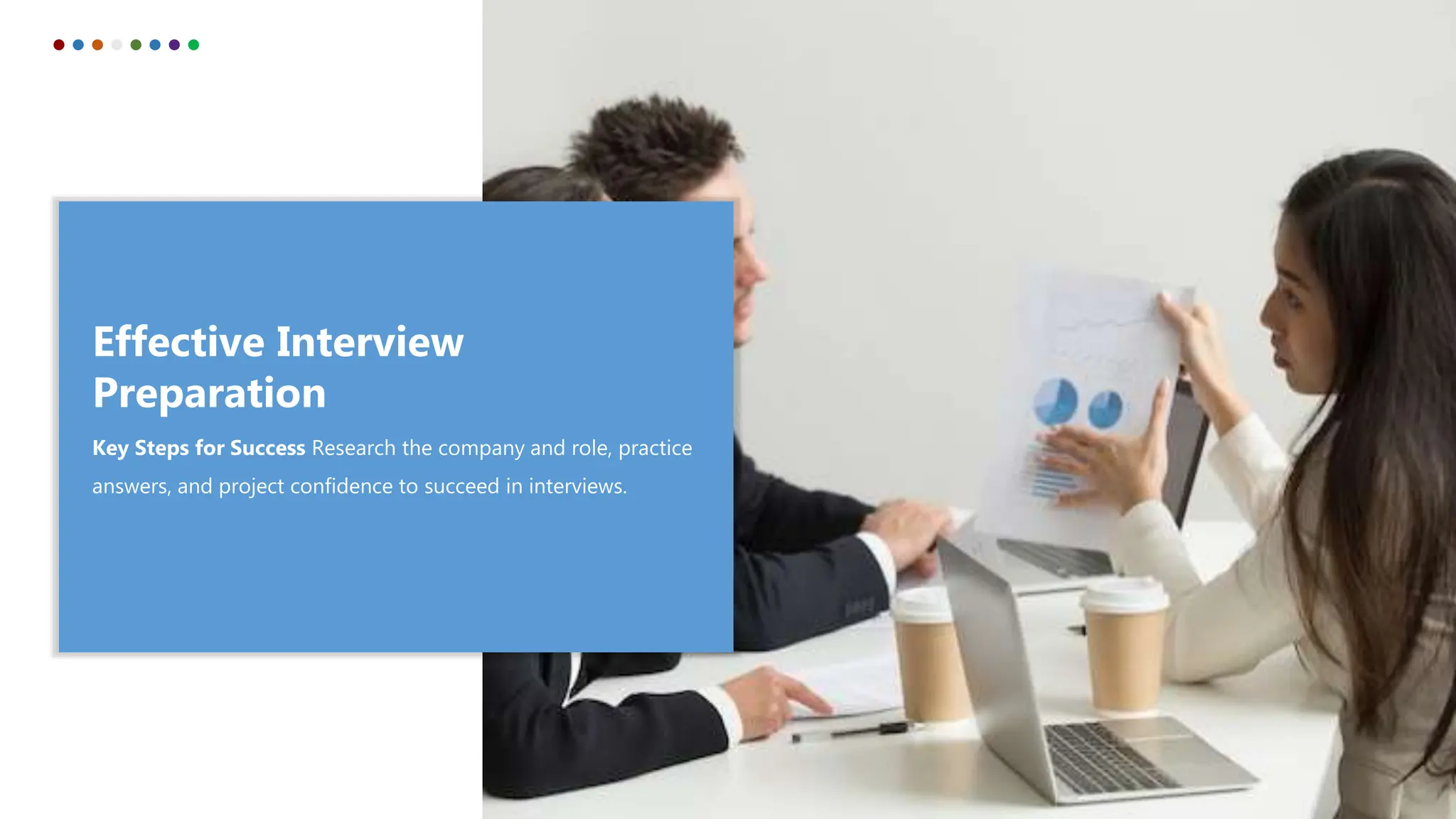
Effective Interview
Preparation
Key Steps for Success Research the company and role, practice
answers, and project confidence to succeed in interviews.
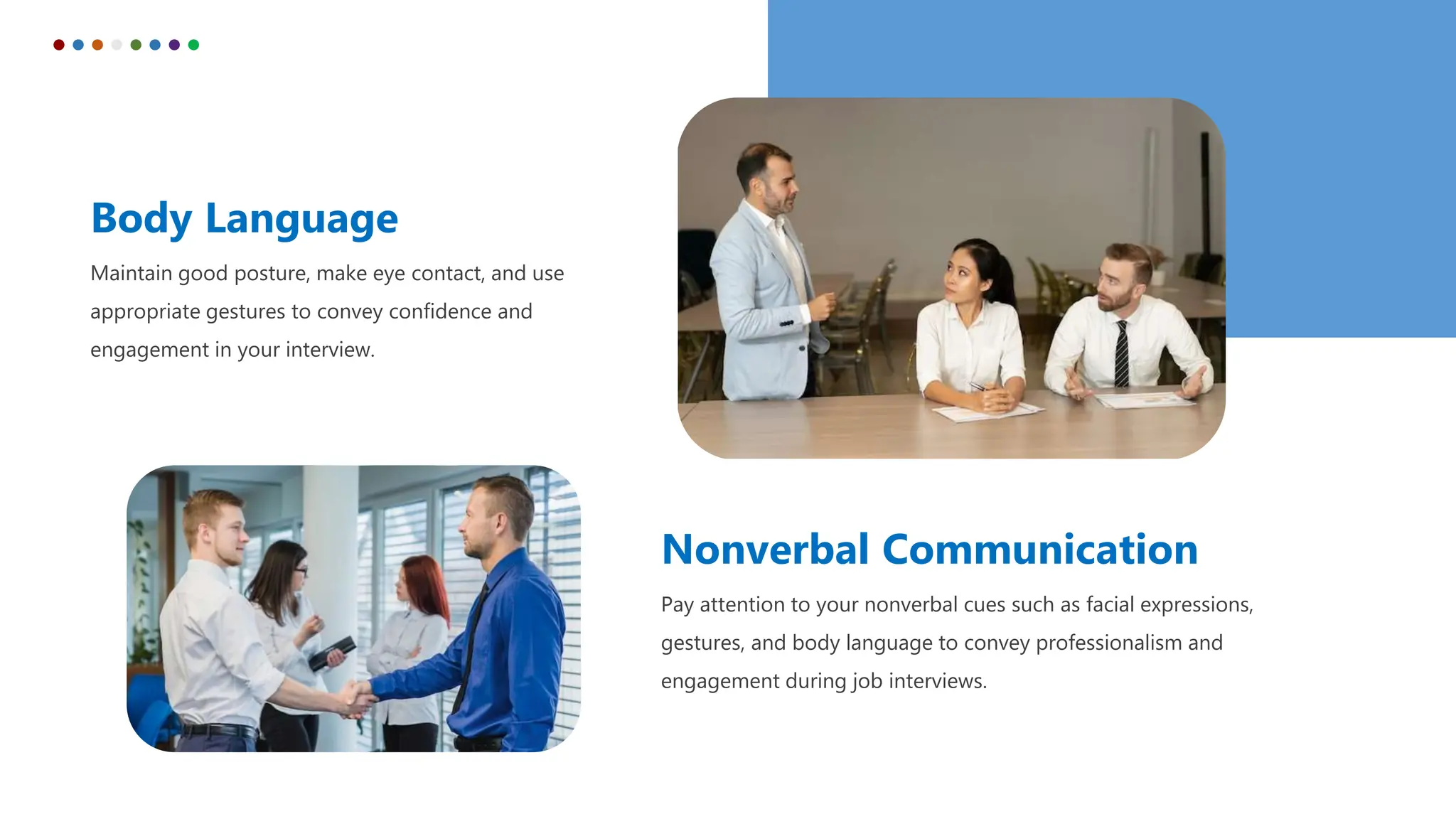
Body Language
Maintain good posture, make eye contact, and use
appropriate gestures to convey confidence and
engagement in your interview.
Nonverbal Communication
Pay attention to your nonverbal cues such as facial expressions,
gestures, and body language to convey professionalism and
engagement during job interviews.
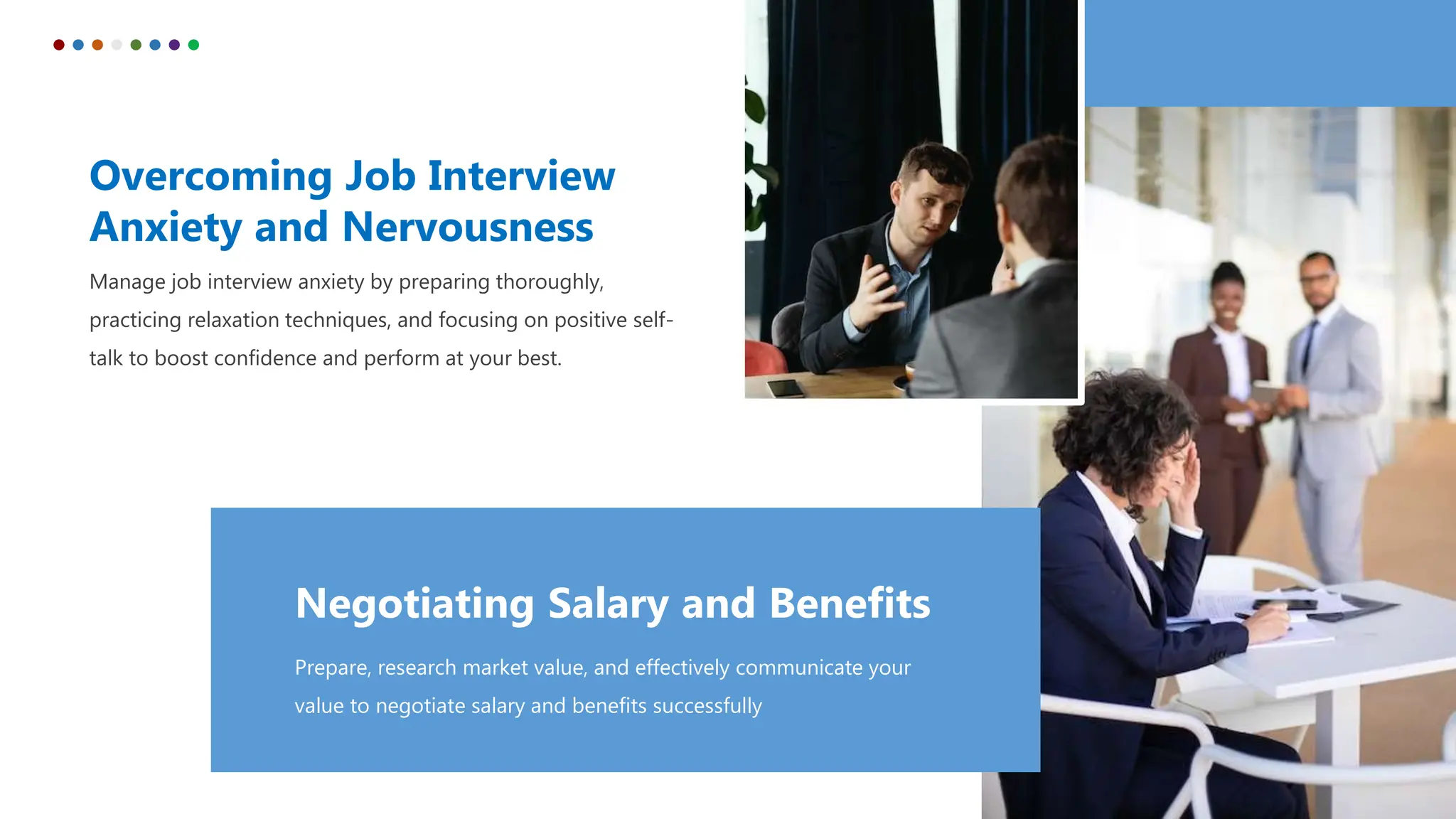
Overcoming Job Interview
Anxiety and Nervousness
Manage job interview anxiety by preparing thoroughly,
practicing relaxation techniques, and focusing on positive self-
talk to boost confidence and perform at your best.
Negotiating Salary and Benefits
Prepare, research market value, and effectively communicate your
value to negotiate salary and benefits successfully
Dressing for Success
Professional Attire and Appearance
Dress appropriately for the job and company, ensuring your attire is
professional, well-fitted, and reflects your attention to detail and respect for the
occasion.
"Your appearance is a reflection of your inner self-confidence."
Interview Preparation
Research the company, practice common interview questions, and
highlight your relevant skills and experiences to make a strong
impression.
Common Job Interview
Questions
 “Tell me about yourself”
 “Why are you interested in this position?”
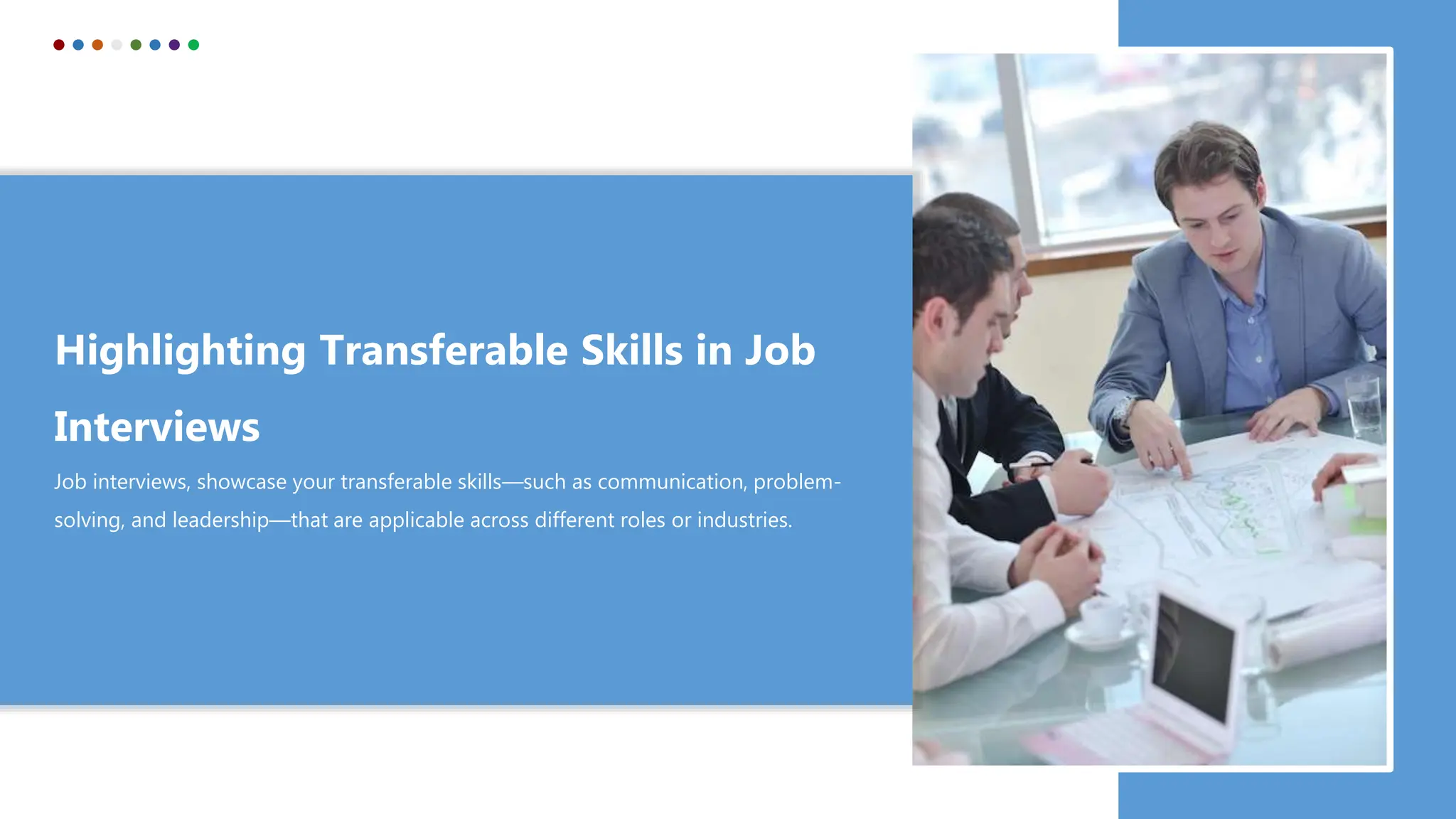
Highlighting Transferable Skills in Job
Interviews
Job interviews, showcase your transferable skills—such as communication, problem-
solving, and leadership—that are applicable across different roles or industries.
Resume and Cover Letter
Create a standout resume and cover letter by tailoring them to the specific
job, emphasizing relevant achievements and skills, and showcasing your
unique value proposition
"Your resume is your first impression. Make it count."
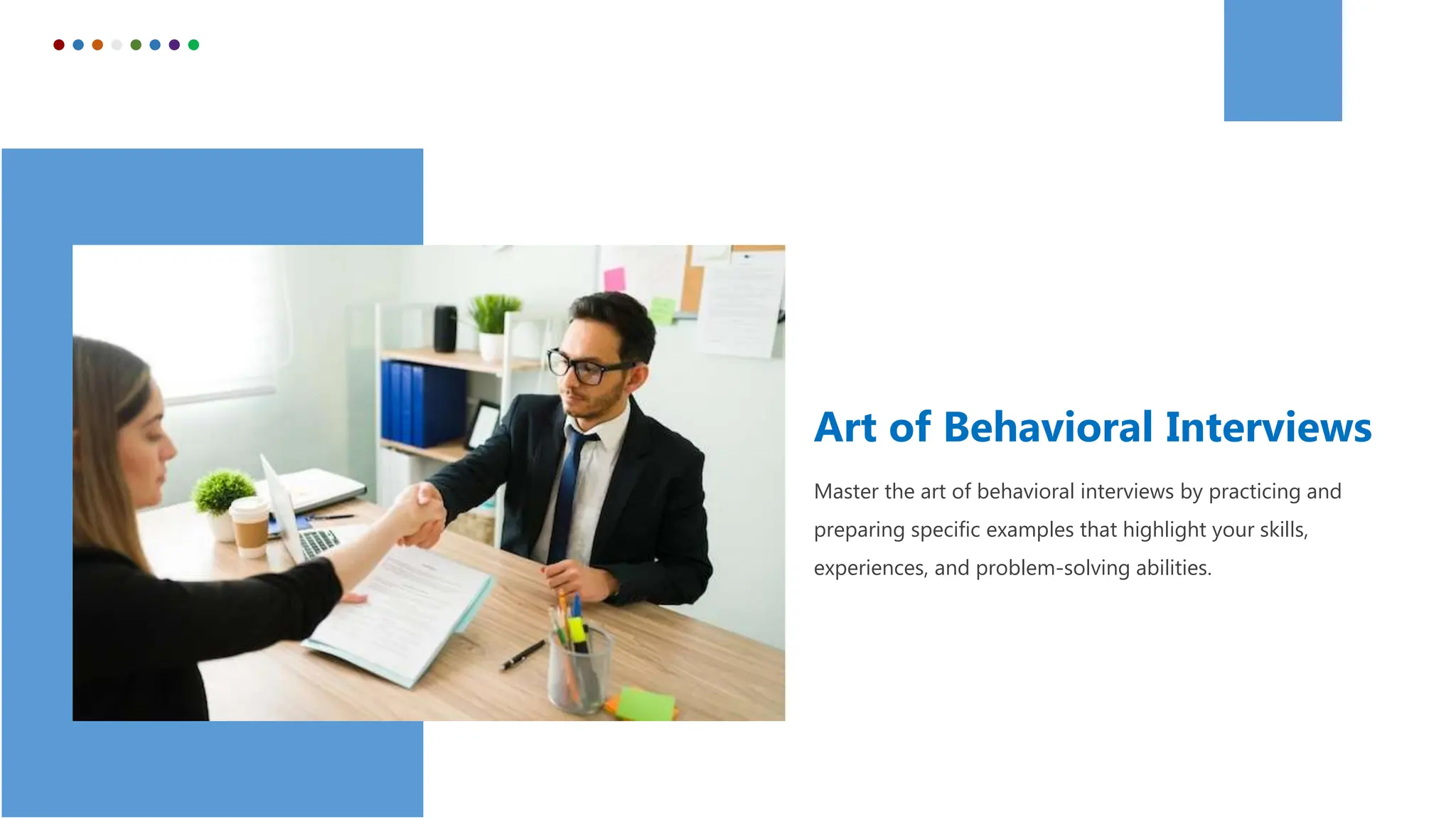
Art of Behavioral Interviews
Master the art of behavioral interviews by practicing and
preparing specific examples that highlight your skills,
experiences, and problem-solving abilities.
Follow-up Etiquette
Show your appreciation and maintain professional
courtesy by sending a well-crafted Thank-you note after
the interview to express your gratitude and reinforce your
interest in the position.
Icons
Icons
How To Edit Shapes
You can add and edit some shapes to your presentation to present your data in a visual way.
• Choose your favourite infographic and insert it in your presentation using Ctrl C + Ctrl V or Cmd
C + Cmd V in Mac.
• Select one of the parts and ungroup it by right-clicking and choosing “Ungroup”.
• Change the color by clicking on the paint bucket.
• Then resize the element by clicking and dragging one of the square-shaped points of its
bounding box (the cursor should look like a double-headed arrow). Remember to hold Shift while
dragging to keep the proportions.
• Group the elements again by selecting them, right-clicking and choosing “Group”.
• Repeat the steps above with the other parts and when you’re done editing, copy the end result
and paste it into your presentation.
• Remember to choose the “Keep source formatting” option so that it keeps the design. For more
info, please visit Slideegg (Tips & Tricks).
Terms Of Use (Free Users)
If you are a free subscriber, you should credit SlideEgg by keeping the “Thank You” slide.
Kindly refer to the following slide for the Terms of Use for premium users.
You can:
• Customize or edit this template
• Use this template for both business and personal endeavors.
You can not:
• Sell, rent, or second-license SlideEgg content or its altered version.
Promulgate, unless explicitly permitted, SlideEgg content, by SlideEgg.
• Incorporate SlideEgg content in any database or file online or offline.
• Obtain SlideEgg content’s copyright.
Kindly refer to our Tutorial page or FAQ for advanced slide modification guidelines.
Terms Of Use (Premium Users)
Being a premium subscriber, you have the privilege of using this PPT template
without giving attribution to SlideEgg or keeping the “Thank You” slide.
You can:
• Customize or edit this template.
• Use this template for both business and personal endeavors.
• Circulate or share the editable format of this template with anyone you want.
You can not:
• Sell, rent or second-license SlideEgg content or the altered version of it.
Promulgate or include the templates in any other services database
• that performs as distribution or resale platform, unless explicitly permitted, by SlideEgg.
• Incorporate the elements used in SlideEgg’s templates separately.
• Obtain SlideEgg’s copyright for the elements used in this template as a logo or trademark.
Kindly refer to our Tutorial page or FAQ for advanced slide modification guidelines.
www.slideegg.com
Thank You!
We respect your valuable time with SlideEgg!
If you have any questions, please reach us
CREDIT: SlideEgg created this PowerPoint template.
Let this slide be kept for attribution.
Do you have a design request, please visit our redesign page.

Job Interview PPT Template and Google Slides Themes

  • 1.
  • 2.
    Effective Interview Preparation Key Stepsfor Success Research the company and role, practice answers, and project confidence to succeed in interviews.
  • 3.
    Body Language Maintain goodposture, make eye contact, and use appropriate gestures to convey confidence and engagement in your interview. Nonverbal Communication Pay attention to your nonverbal cues such as facial expressions, gestures, and body language to convey professionalism and engagement during job interviews.
  • 4.
    Overcoming Job Interview Anxietyand Nervousness Manage job interview anxiety by preparing thoroughly, practicing relaxation techniques, and focusing on positive self- talk to boost confidence and perform at your best. Negotiating Salary and Benefits Prepare, research market value, and effectively communicate your value to negotiate salary and benefits successfully
  • 5.
    Dressing for Success ProfessionalAttire and Appearance Dress appropriately for the job and company, ensuring your attire is professional, well-fitted, and reflects your attention to detail and respect for the occasion. "Your appearance is a reflection of your inner self-confidence."
  • 6.
    Interview Preparation Research thecompany, practice common interview questions, and highlight your relevant skills and experiences to make a strong impression. Common Job Interview Questions  “Tell me about yourself”  “Why are you interested in this position?”
  • 7.
    Highlighting Transferable Skillsin Job Interviews Job interviews, showcase your transferable skills—such as communication, problem- solving, and leadership—that are applicable across different roles or industries.
  • 8.
    Resume and CoverLetter Create a standout resume and cover letter by tailoring them to the specific job, emphasizing relevant achievements and skills, and showcasing your unique value proposition "Your resume is your first impression. Make it count."
  • 9.
    Art of BehavioralInterviews Master the art of behavioral interviews by practicing and preparing specific examples that highlight your skills, experiences, and problem-solving abilities.
  • 10.
    Follow-up Etiquette Show yourappreciation and maintain professional courtesy by sending a well-crafted Thank-you note after the interview to express your gratitude and reinforce your interest in the position.
  • 11.
  • 12.
  • 13.
    How To EditShapes You can add and edit some shapes to your presentation to present your data in a visual way. • Choose your favourite infographic and insert it in your presentation using Ctrl C + Ctrl V or Cmd C + Cmd V in Mac. • Select one of the parts and ungroup it by right-clicking and choosing “Ungroup”. • Change the color by clicking on the paint bucket. • Then resize the element by clicking and dragging one of the square-shaped points of its bounding box (the cursor should look like a double-headed arrow). Remember to hold Shift while dragging to keep the proportions. • Group the elements again by selecting them, right-clicking and choosing “Group”. • Repeat the steps above with the other parts and when you’re done editing, copy the end result and paste it into your presentation. • Remember to choose the “Keep source formatting” option so that it keeps the design. For more info, please visit Slideegg (Tips & Tricks).
  • 14.
    Terms Of Use(Free Users) If you are a free subscriber, you should credit SlideEgg by keeping the “Thank You” slide. Kindly refer to the following slide for the Terms of Use for premium users. You can: • Customize or edit this template • Use this template for both business and personal endeavors. You can not: • Sell, rent, or second-license SlideEgg content or its altered version. Promulgate, unless explicitly permitted, SlideEgg content, by SlideEgg. • Incorporate SlideEgg content in any database or file online or offline. • Obtain SlideEgg content’s copyright. Kindly refer to our Tutorial page or FAQ for advanced slide modification guidelines.
  • 15.
    Terms Of Use(Premium Users) Being a premium subscriber, you have the privilege of using this PPT template without giving attribution to SlideEgg or keeping the “Thank You” slide. You can: • Customize or edit this template. • Use this template for both business and personal endeavors. • Circulate or share the editable format of this template with anyone you want. You can not: • Sell, rent or second-license SlideEgg content or the altered version of it. Promulgate or include the templates in any other services database • that performs as distribution or resale platform, unless explicitly permitted, by SlideEgg. • Incorporate the elements used in SlideEgg’s templates separately. • Obtain SlideEgg’s copyright for the elements used in this template as a logo or trademark. Kindly refer to our Tutorial page or FAQ for advanced slide modification guidelines.
  • 16.
    www.slideegg.com Thank You! We respectyour valuable time with SlideEgg! If you have any questions, please reach us CREDIT: SlideEgg created this PowerPoint template. Let this slide be kept for attribution. Do you have a design request, please visit our redesign page.