Applet Programming
Presented By,
T. Janani
II-M.SC(CS&IT)
Nadar Saraswathi
College Of Arts & Science, Theni.
Applet Programming:
 Applet are small java program that are embedded in
web pages.
 They can be transported over the Internet from one
computer(web server) to another(client computers).
 They transform web into rich media and support the
delivery of applications via the Internet
 An Applet can be a fully functional Java application
because it has the entire Java API as its disposal.
There are certain difference between Applet and Java standalone
Application that are described below:
1. An Applet is a Java class that extends the
java.applet.Applet class.
2. A main () method is not invoke on an applet, and an
applet class will not define main().
3. Applets are designed to be embedded within an
HTML page.
4. When an user views a HTML page that contains an
applet, the code for the applet is downloaded to the user’s machine.
5. A JVM is required to view an applet. The JVM can be
either a plug-in of the Web browser or a separate runtime
environment.
6. The JVM on the user’s machine creates an instance
of the applet class and invokes various methods during the applet’s
lifetime.
7. Applets have strict security rules that are enforced by
the Web browser.
8. The security of an applet is often referred to as
sandbox security, comparing the applet to a child playing in a sandbox
with various rules that must be allowed..
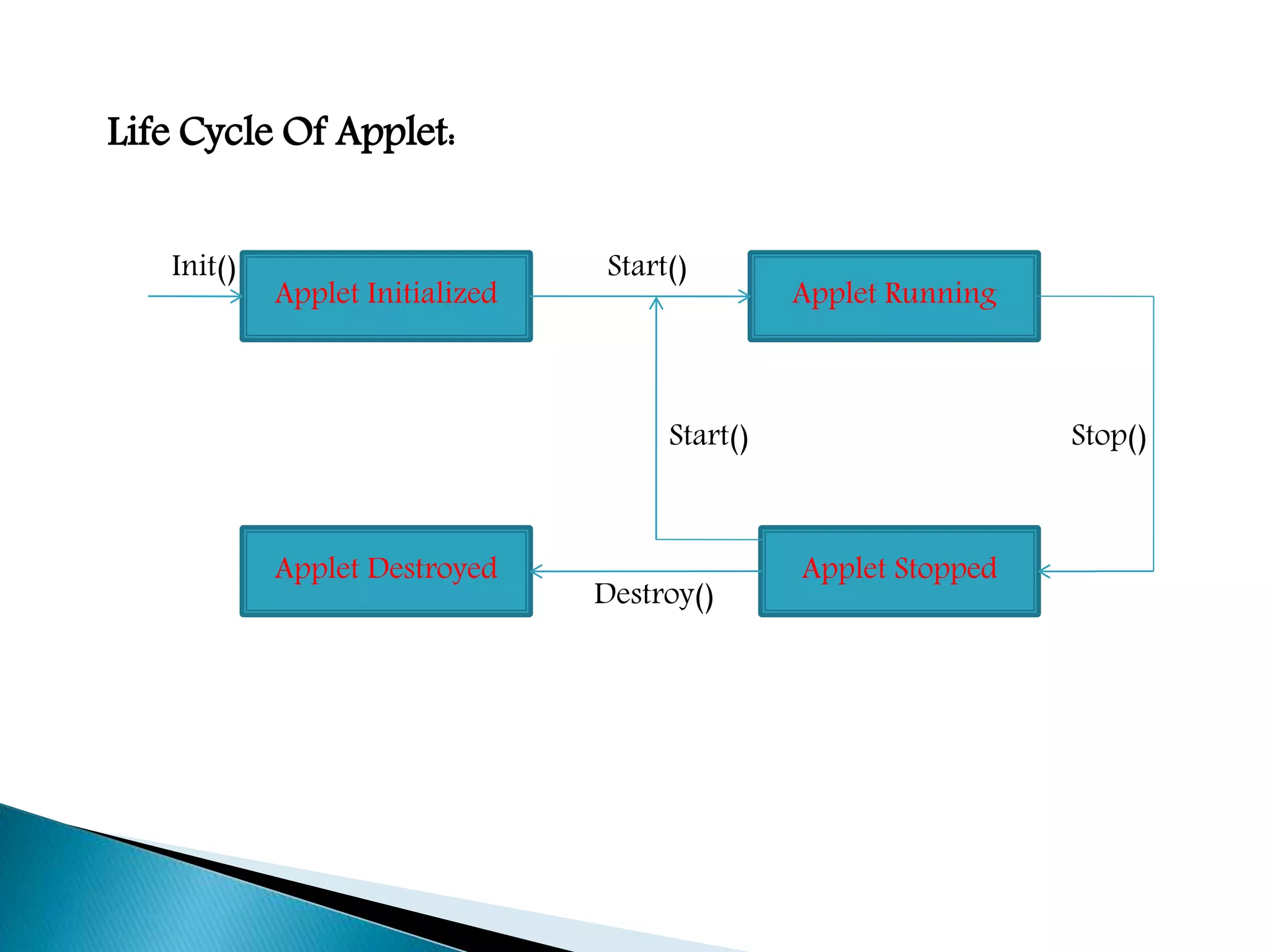
Life Cycle Of Applet:
Applet Initialized Applet Running
Applet Destroyed Applet Stopped
Init() Start()
Start() Stop()
Destroy()
Different methods that are used in Applet Life Cycle:
1. init()Method: This method is intended for
whatever initialization is needed for your applet. It is called after the
Param tags inside the applet tag have been processed.
2. Start()Method: This method is automatically called
after the browser calls the init() method. It is called whenever the
user returns to the page containing the applet after having gone off
to other pages.
3. Stop()Method: This method is automatically called
when the user moves off the page on which the applet sits. It can,
therefore, be called repeatedly in the same applet.
4. destroy()Method: This method is only called
when the browser shuts down normally. Because applets are
meant to live on an HTML page, you should not normally leave
resources behind after a user leaves the page that contains the
applet.
5. paint()Method: Invoked immediately after the
Start()method, and also any time the applet needs to repaint itself to
repaint itself in the browser. The paint()method is actually
inherited from the java.awt.
Simple Example to Create an Applet Program
To create an Applet program follow the steps:
1. Create a Java file containing Applet Code and Methods
described above
2. Create a HTML file and embed the .Class File of the Java
file created in the first step
3. Run Applet using either of the following methods
 Open the HTML file in the java enable web
browser
 Use AppletViewer tool(used only for testing
purpose)
Creating an Executable Applet
 Executable applet is nothing but the .Class file of
apple, which is obtained by compiling the source
code o the applet. Compiling the applet is exactly
the same as compiling an application using
following command.
javac appletname.java
 The compiled output file called appletname.class
should be placed in the same directory as the
source file.
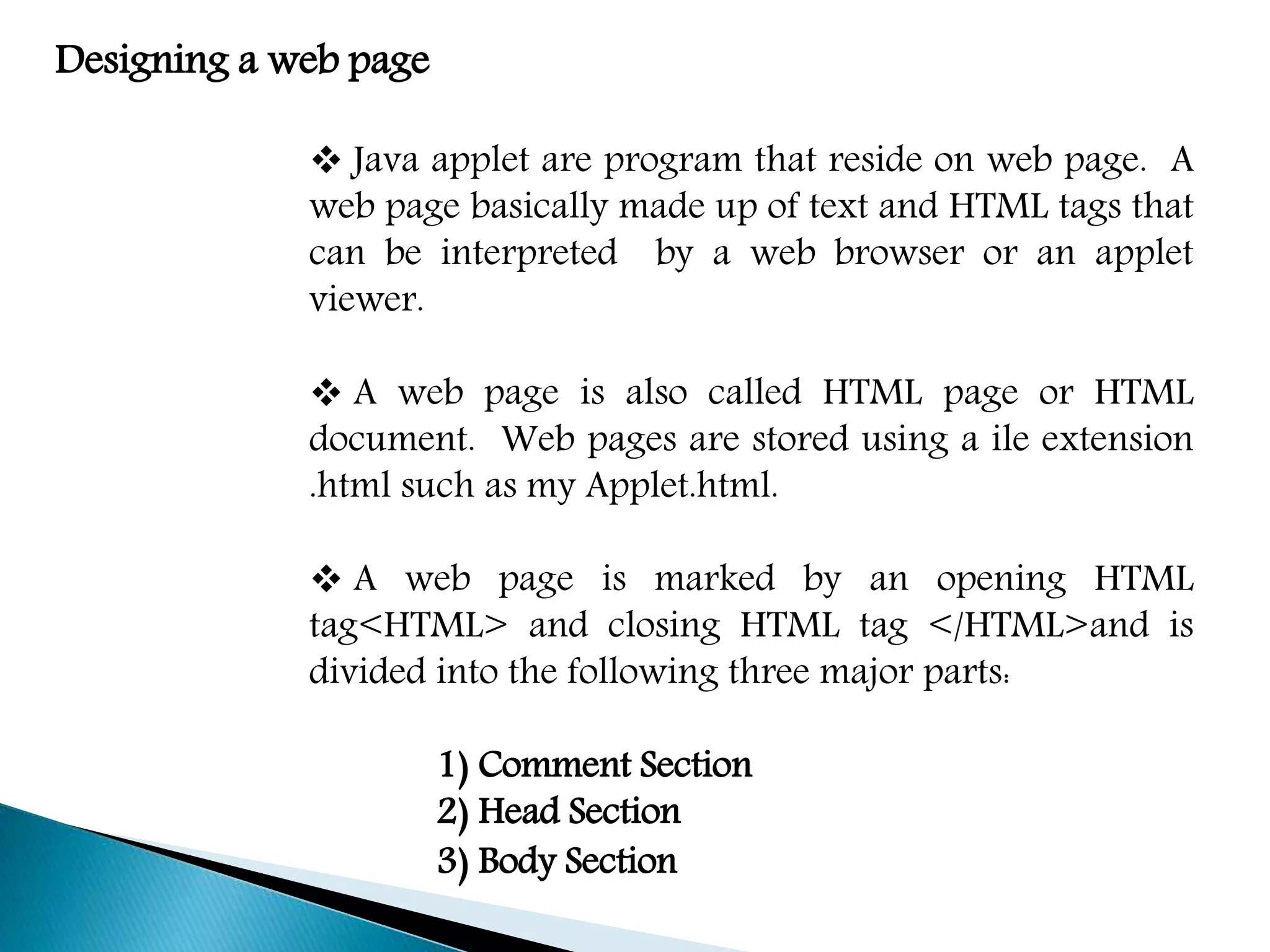
Designing a web page
 Java applet are program that reside on web page. A
web page basically made up of text and HTML tags that
can be interpreted by a web browser or an applet
viewer.
 A web page is also called HTML page or HTML
document. Web pages are stored using a ile extension
.html such as my Applet.html.
 A web page is marked by an opening HTML
tag<HTML> and closing HTML tag </HTML>and is
divided into the following three major parts:
1) Comment Section
2) Head Section
3) Body Section
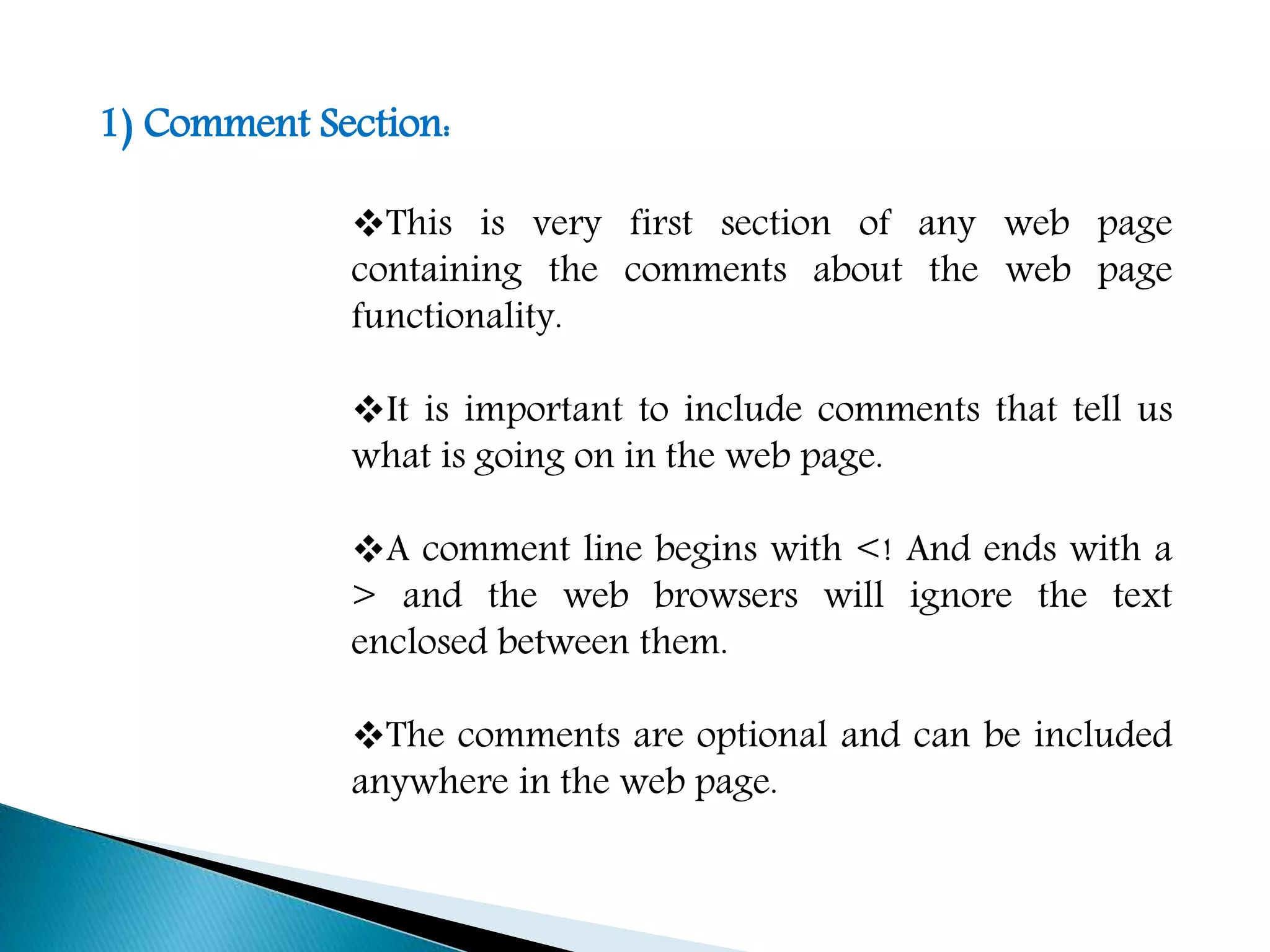
1) Comment Section:
This is very first section of any web page
containing the comments about the web page
functionality.
It is important to include comments that tell us
what is going on in the web page.
A comment line begins with <! And ends with a
> and the web browsers will ignore the text
enclosed between them.
The comments are optional and can be included
anywhere in the web page.
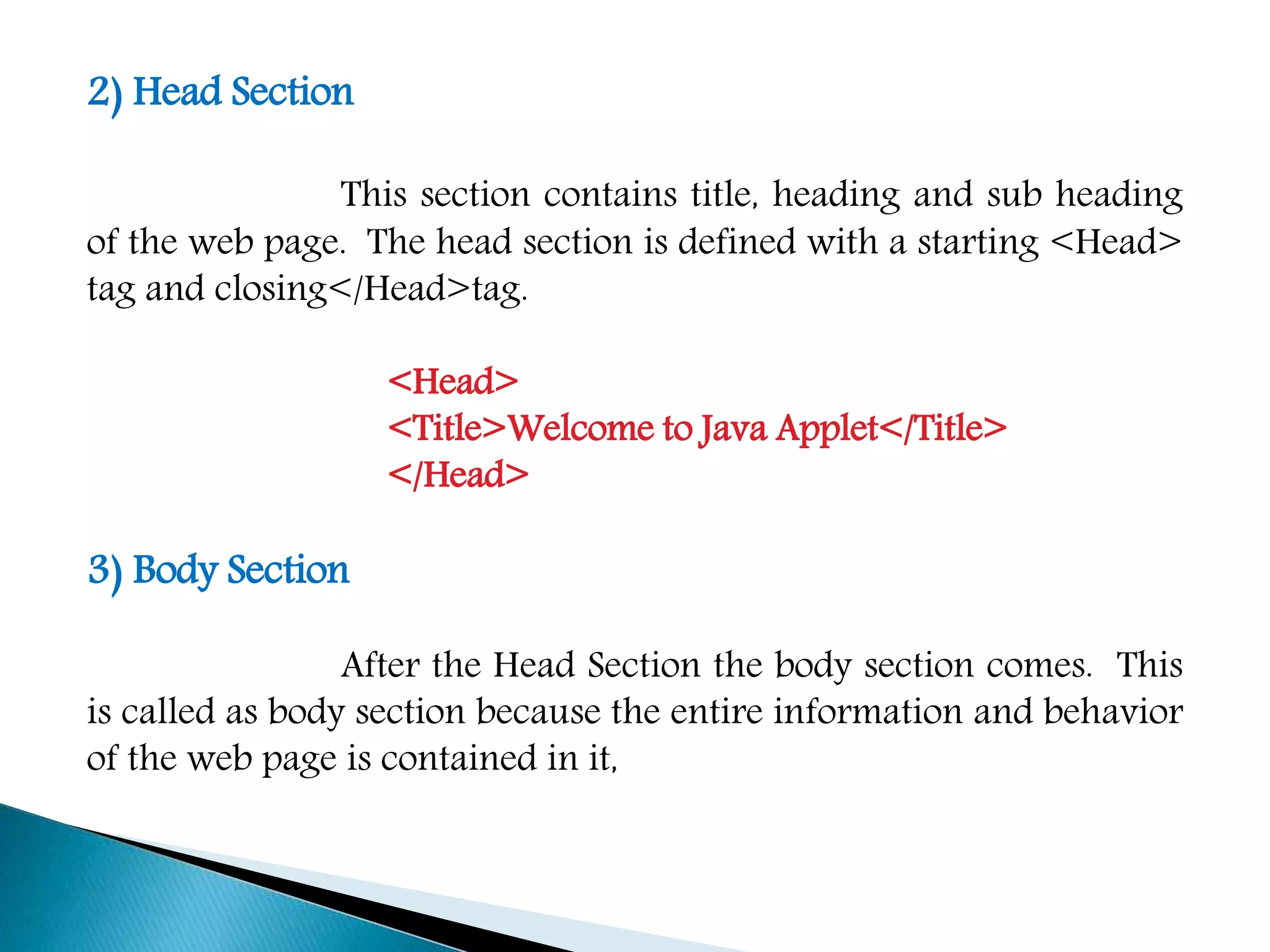
2) Head Section
This section contains title, heading and sub heading
of the web page. The head section is defined with a starting <Head>
tag and closing</Head>tag.
<Head>
<Title>Welcome to Java Applet</Title>
</Head>
3) Body Section
After the Head Section the body section comes. This
is called as body section because the entire information and behavior
of the web page is contained in it,
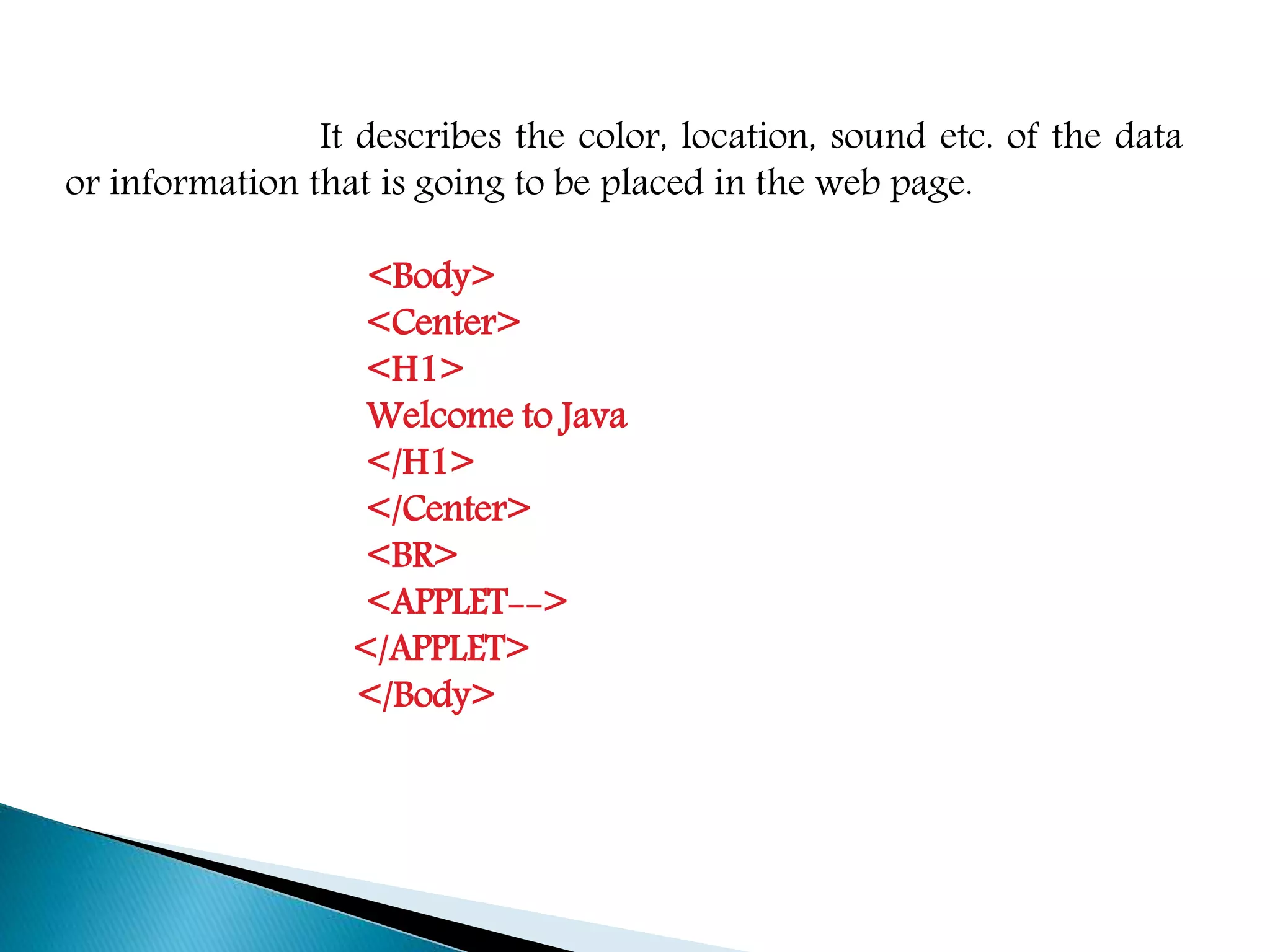
It describes the color, location, sound etc. of the data
or information that is going to be placed in the web page.
<Body>
<Center>
<H1>
Welcome to Java
</H1>
</Center>
<BR>
<APPLET-->
</APPLET>
</Body>
Applet Tag
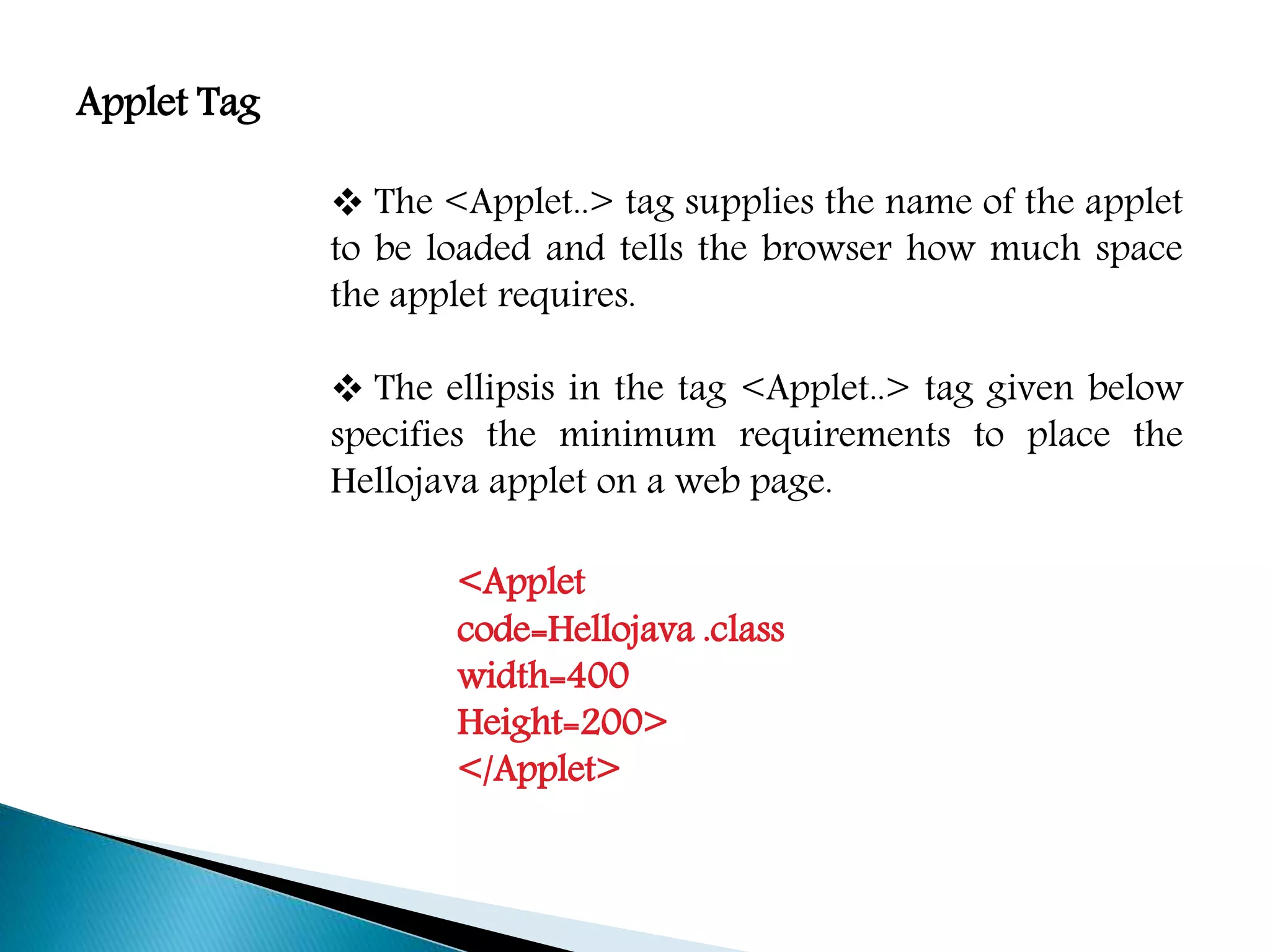
 The <Applet..> tag supplies the name of the applet
to be loaded and tells the browser how much space
the applet requires.
 The ellipsis in the tag <Applet..> tag given below
specifies the minimum requirements to place the
Hellojava applet on a web page.
<Applet
code=Hellojava .class
width=400
Height=200>
</Applet>
The applet tag discussed above specified the three things:
1) Name of the applet
2) Width of the applet(in pixels)
3) Height of the applet(in pixels)
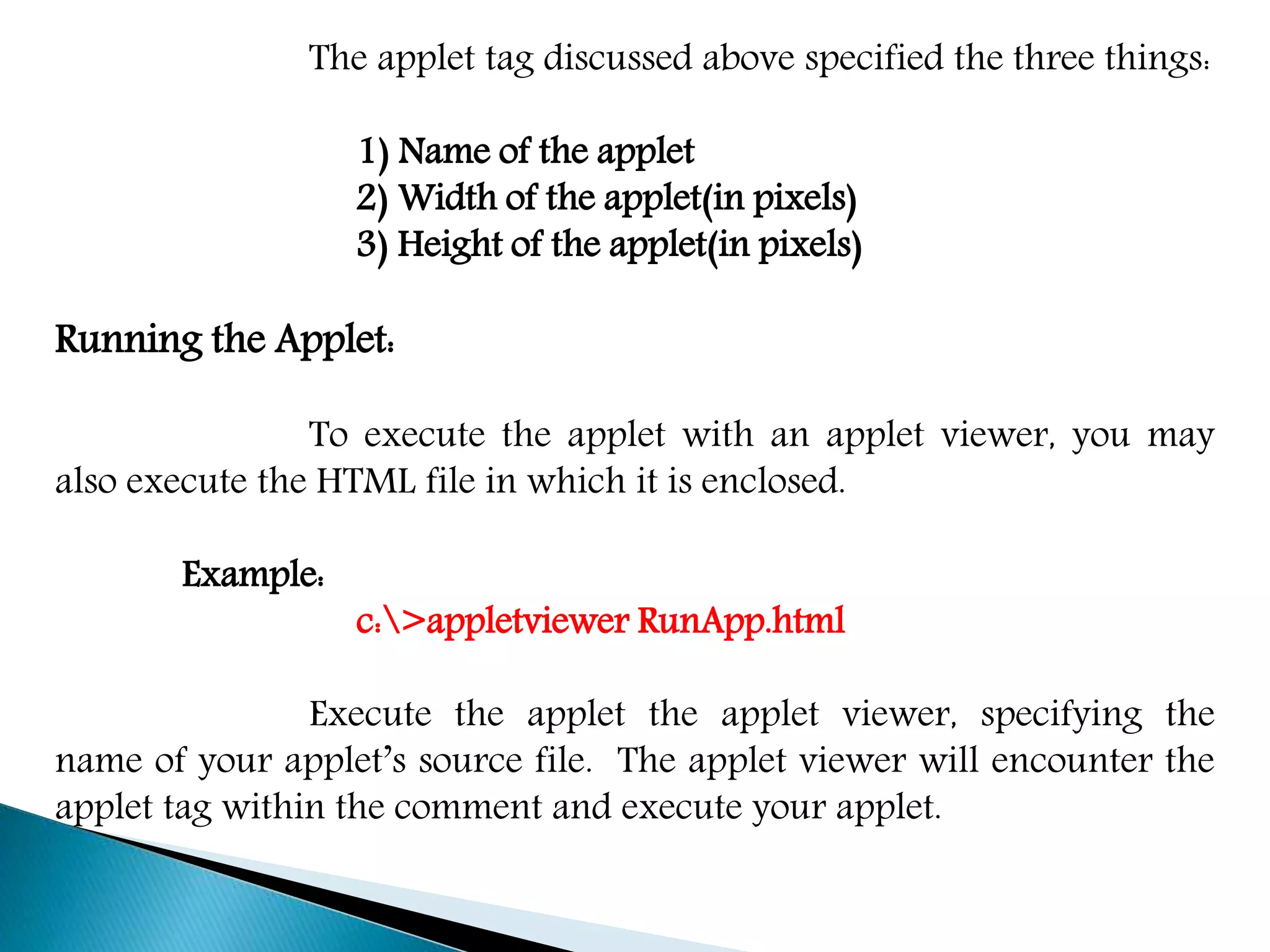
Running the Applet:
To execute the applet with an applet viewer, you may
also execute the HTML file in which it is enclosed.
Example:
c:>appletviewer RunApp.html
Execute the applet the applet viewer, specifying the
name of your applet’s source file. The applet viewer will encounter the
applet tag within the comment and execute your applet.
Thank You

Java

  • 1.
    Applet Programming Presented By, T.Janani II-M.SC(CS&IT) Nadar Saraswathi College Of Arts & Science, Theni.
  • 2.
    Applet Programming:  Appletare small java program that are embedded in web pages.  They can be transported over the Internet from one computer(web server) to another(client computers).  They transform web into rich media and support the delivery of applications via the Internet  An Applet can be a fully functional Java application because it has the entire Java API as its disposal.
  • 3.
    There are certaindifference between Applet and Java standalone Application that are described below: 1. An Applet is a Java class that extends the java.applet.Applet class. 2. A main () method is not invoke on an applet, and an applet class will not define main(). 3. Applets are designed to be embedded within an HTML page. 4. When an user views a HTML page that contains an applet, the code for the applet is downloaded to the user’s machine.
  • 4.
    5. A JVMis required to view an applet. The JVM can be either a plug-in of the Web browser or a separate runtime environment. 6. The JVM on the user’s machine creates an instance of the applet class and invokes various methods during the applet’s lifetime. 7. Applets have strict security rules that are enforced by the Web browser. 8. The security of an applet is often referred to as sandbox security, comparing the applet to a child playing in a sandbox with various rules that must be allowed..
  • 5.
    Life Cycle OfApplet: Applet Initialized Applet Running Applet Destroyed Applet Stopped Init() Start() Start() Stop() Destroy()
  • 6.
    Different methods thatare used in Applet Life Cycle: 1. init()Method: This method is intended for whatever initialization is needed for your applet. It is called after the Param tags inside the applet tag have been processed. 2. Start()Method: This method is automatically called after the browser calls the init() method. It is called whenever the user returns to the page containing the applet after having gone off to other pages. 3. Stop()Method: This method is automatically called when the user moves off the page on which the applet sits. It can, therefore, be called repeatedly in the same applet.
  • 7.
    4. destroy()Method: Thismethod is only called when the browser shuts down normally. Because applets are meant to live on an HTML page, you should not normally leave resources behind after a user leaves the page that contains the applet. 5. paint()Method: Invoked immediately after the Start()method, and also any time the applet needs to repaint itself to repaint itself in the browser. The paint()method is actually inherited from the java.awt.
  • 8.
    Simple Example toCreate an Applet Program To create an Applet program follow the steps: 1. Create a Java file containing Applet Code and Methods described above 2. Create a HTML file and embed the .Class File of the Java file created in the first step 3. Run Applet using either of the following methods  Open the HTML file in the java enable web browser  Use AppletViewer tool(used only for testing purpose)
  • 9.
    Creating an ExecutableApplet  Executable applet is nothing but the .Class file of apple, which is obtained by compiling the source code o the applet. Compiling the applet is exactly the same as compiling an application using following command. javac appletname.java  The compiled output file called appletname.class should be placed in the same directory as the source file.
  • 10.
    Designing a webpage  Java applet are program that reside on web page. A web page basically made up of text and HTML tags that can be interpreted by a web browser or an applet viewer.  A web page is also called HTML page or HTML document. Web pages are stored using a ile extension .html such as my Applet.html.  A web page is marked by an opening HTML tag<HTML> and closing HTML tag </HTML>and is divided into the following three major parts: 1) Comment Section 2) Head Section 3) Body Section
  • 11.
    1) Comment Section: Thisis very first section of any web page containing the comments about the web page functionality. It is important to include comments that tell us what is going on in the web page. A comment line begins with <! And ends with a > and the web browsers will ignore the text enclosed between them. The comments are optional and can be included anywhere in the web page.
  • 12.
    2) Head Section Thissection contains title, heading and sub heading of the web page. The head section is defined with a starting <Head> tag and closing</Head>tag. <Head> <Title>Welcome to Java Applet</Title> </Head> 3) Body Section After the Head Section the body section comes. This is called as body section because the entire information and behavior of the web page is contained in it,
  • 13.
    It describes thecolor, location, sound etc. of the data or information that is going to be placed in the web page. <Body> <Center> <H1> Welcome to Java </H1> </Center> <BR> <APPLET--> </APPLET> </Body>
  • 14.
    Applet Tag  The<Applet..> tag supplies the name of the applet to be loaded and tells the browser how much space the applet requires.  The ellipsis in the tag <Applet..> tag given below specifies the minimum requirements to place the Hellojava applet on a web page. <Applet code=Hellojava .class width=400 Height=200> </Applet>
  • 15.
    The applet tagdiscussed above specified the three things: 1) Name of the applet 2) Width of the applet(in pixels) 3) Height of the applet(in pixels) Running the Applet: To execute the applet with an applet viewer, you may also execute the HTML file in which it is enclosed. Example: c:>appletviewer RunApp.html Execute the applet the applet viewer, specifying the name of your applet’s source file. The applet viewer will encounter the applet tag within the comment and execute your applet.
  • 16.