Disclaimer: This presentation is prepared by trainees of
baabtra as a part of mentoring program. This is not official
document of baabtra –Mentoring Partner
Baabtra-Mentoring Partner is the mentoring division of baabte System Technologies Pvt . Ltd
RESHMYCS
reshmycs@gmail.com
www.facebook.com/username
twitter.com/username
in.linkedin.com/in/profilename
Introduction to HTML 5
CONTENTS
• Introduction To HTML 5
• New elements.
• New features
• Comparison with old versions
HTML 5
• Latest and most enhanced version of HTML
• Technically, HTML is not a programming language, but
rather a markup language
• HTML5 is coming with lots of flexibility and would support the
followings:
Uppercase tag names.
Quotes are optional for attributes.
Attribute values are optional.
Closing empty elements are optional.
• New websites have to be interactive
New Features:
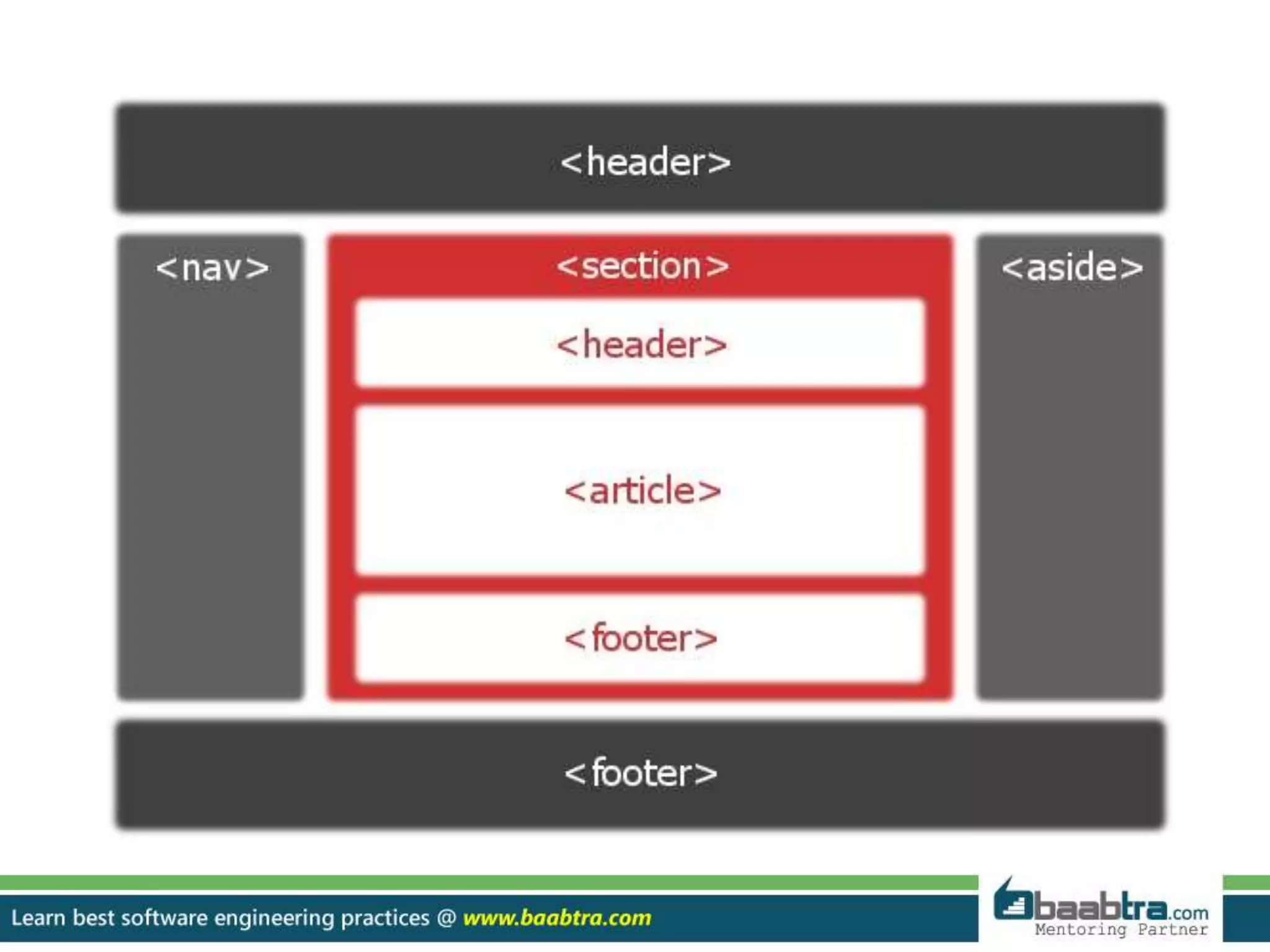
• New Semantic Elements: These are like <header>, <footer>, and
<section>.
• Persistent Local Storage: To achieve without resorting to third-party plug-
in.
• Canvas: This supports a two-dimensional drawing surface that you can
program with JavaScript.
• Audio & Video: You can embed audio or video on your web pages without
resorting to third-party plugins .
• Drag and drop: Drag and drop the items from one location to another
location on a the same webpage.
New Features:
• Geolocation: Now visitors can choose to share their physical location with
your web application
• FORMS 2.0: Improvements to HTML web forms where new attributes have
been introduced for <input> tag.
• WEBSOCKET : A next-generation bidirectional communication technology
for web applications.
CANVAS
 What is Canvas??
 <canvas> tag is used to display graphics.
 it is only a container for graphics, we must use a script to actually
paint graphics.
 All major browsers support <Canvas> Tag.
HTML5 AUDIO
Audio on the Web:-
 Until now, there has never been a standard for playing
audio on a web page.
 Today, most audio are played through a plugin (like flash).
However, not all browsers have the same plugins.
 HTML5 specifies a standard way to include audio, with
the audio element.
 The audio element can play sound files, or an audio
stream.
Audio Formats:- ( MP3, Wav).
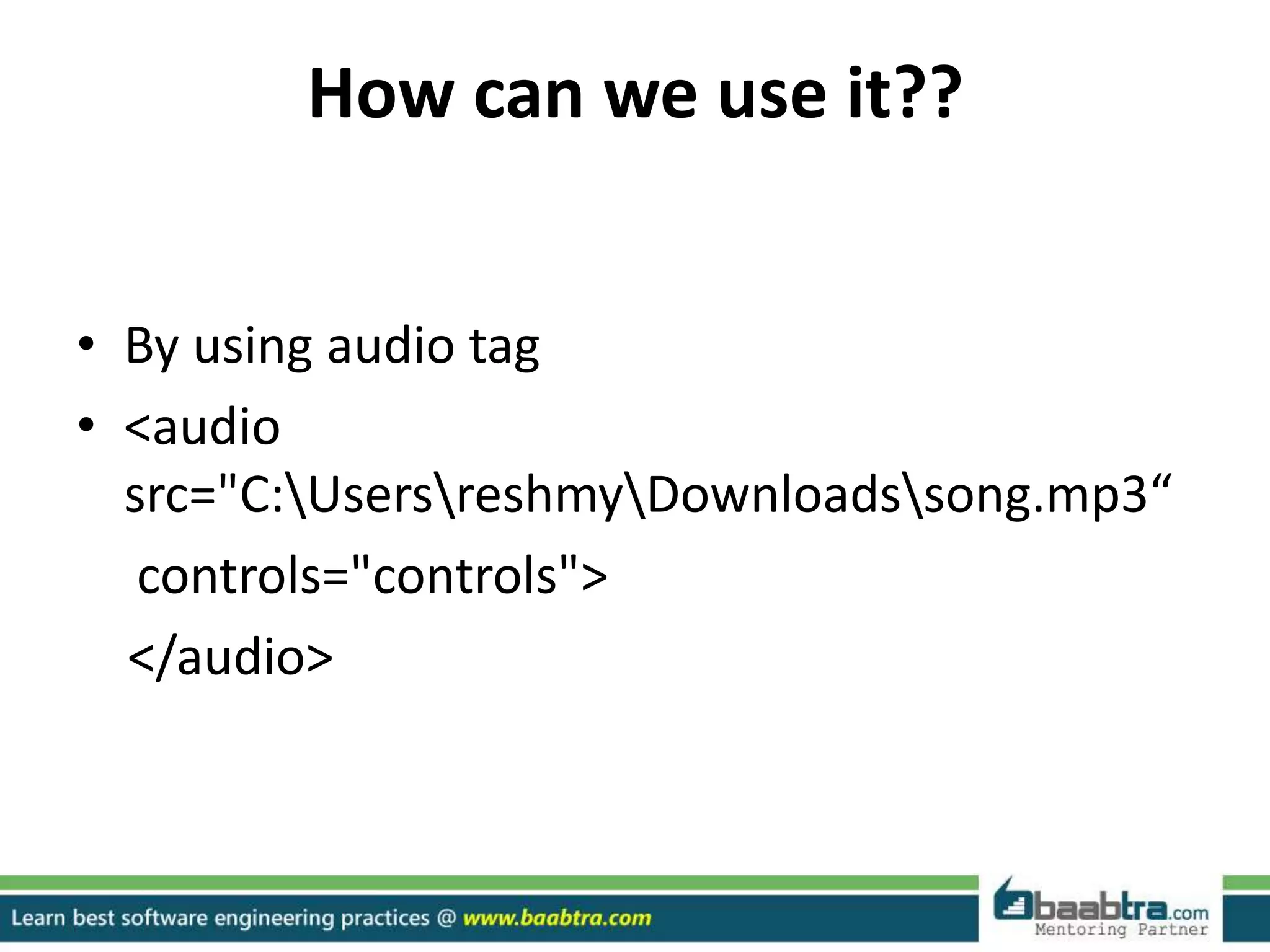
How can we use it??
• By using audio tag
• <audio
src="C:UsersreshmyDownloadssong.mp3“
controls="controls">
</audio>
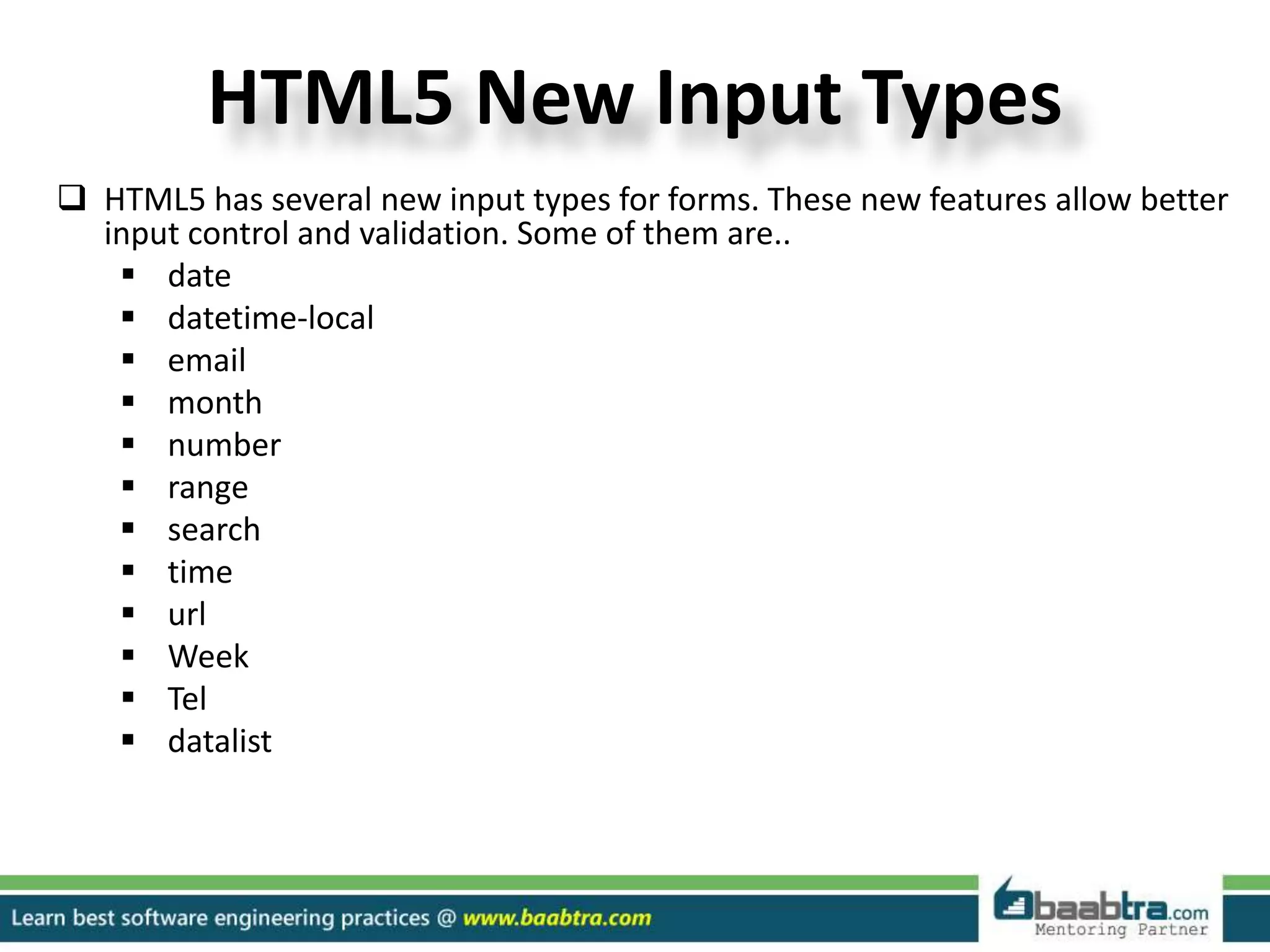
HTML5 New Input Types
 HTML5 has several new input types for forms. These new features allow better
input control and validation. Some of them are..
 date
 datetime-local
 email
 month
 number
 range
 search
 time
 url
 Week
 Tel
 datalist
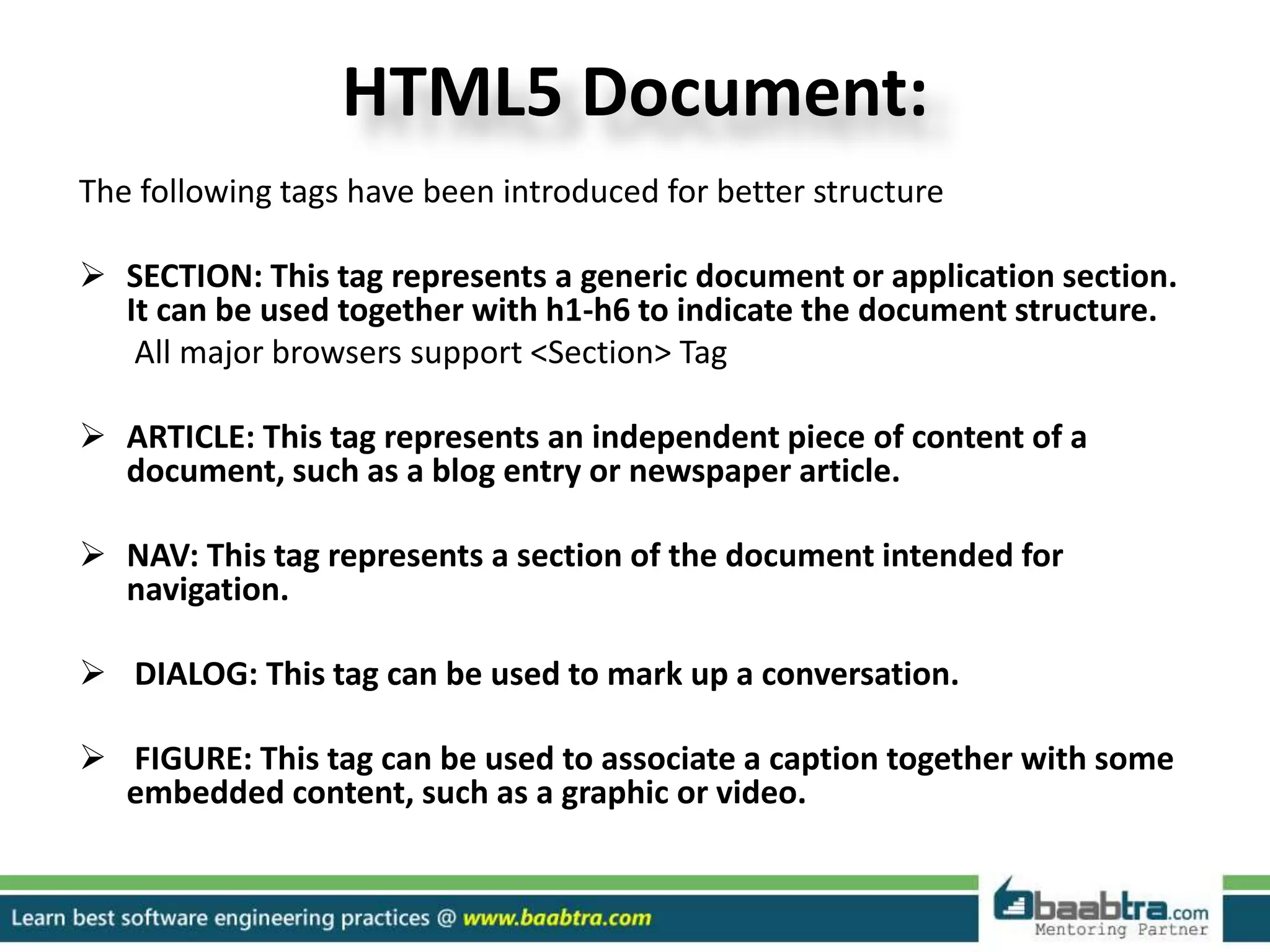
HTML5 Document:
The following tags have been introduced for better structure
 SECTION: This tag represents a generic document or application section.
It can be used together with h1-h6 to indicate the document structure.
All major browsers support <Section> Tag
 ARTICLE: This tag represents an independent piece of content of a
document, such as a blog entry or newspaper article.
 NAV: This tag represents a section of the document intended for
navigation.
 DIALOG: This tag can be used to mark up a conversation.
 FIGURE: This tag can be used to associate a caption together with some
embedded content, such as a graphic or video.
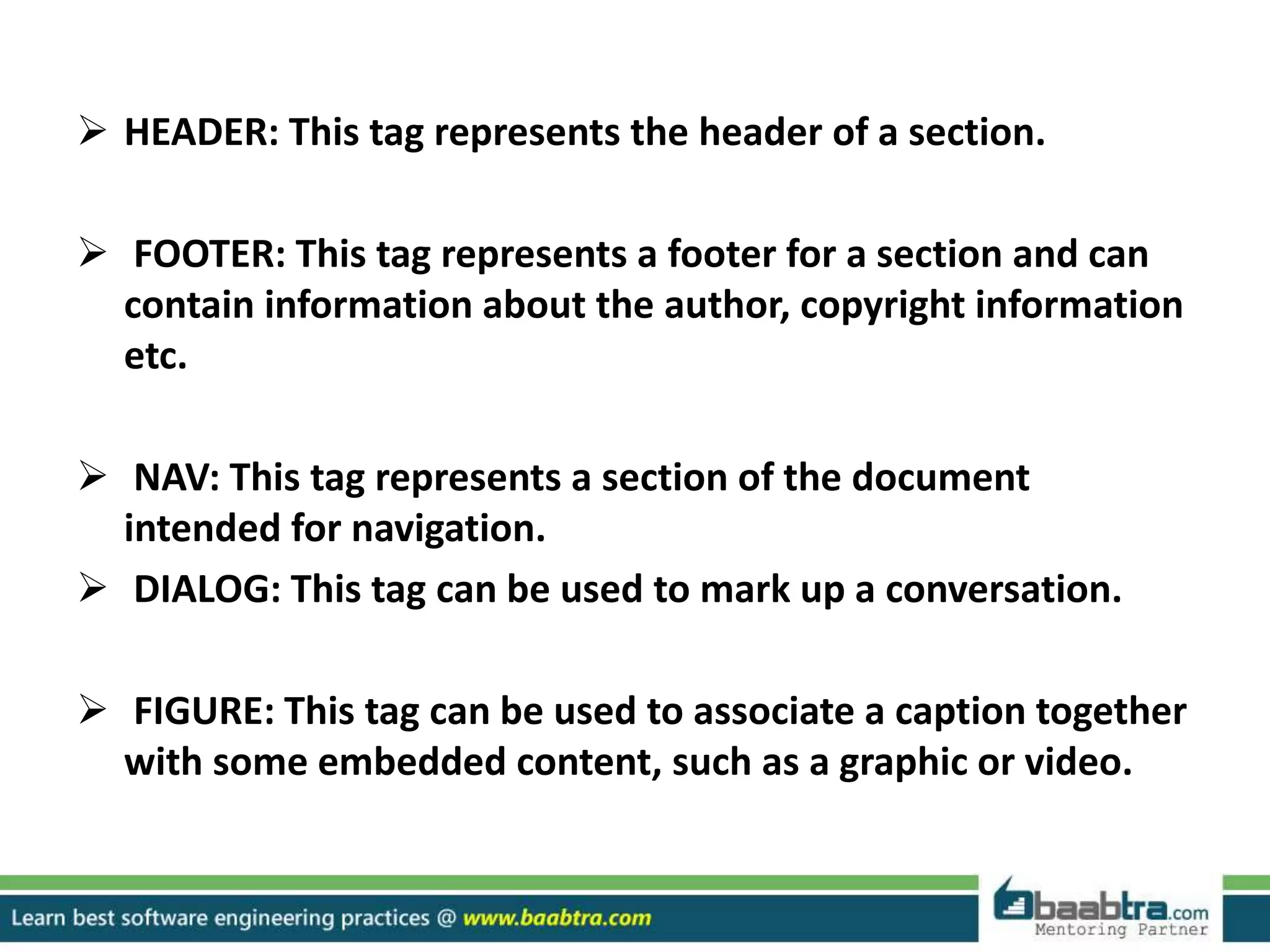
 HEADER: This tag represents the header of a section.
 FOOTER: This tag represents a footer for a section and can
contain information about the author, copyright information
etc.
 NAV: This tag represents a section of the document
intended for navigation.
 DIALOG: This tag can be used to mark up a conversation.
 FIGURE: This tag can be used to associate a caption together
with some embedded content, such as a graphic or video.
DIFFERENCE
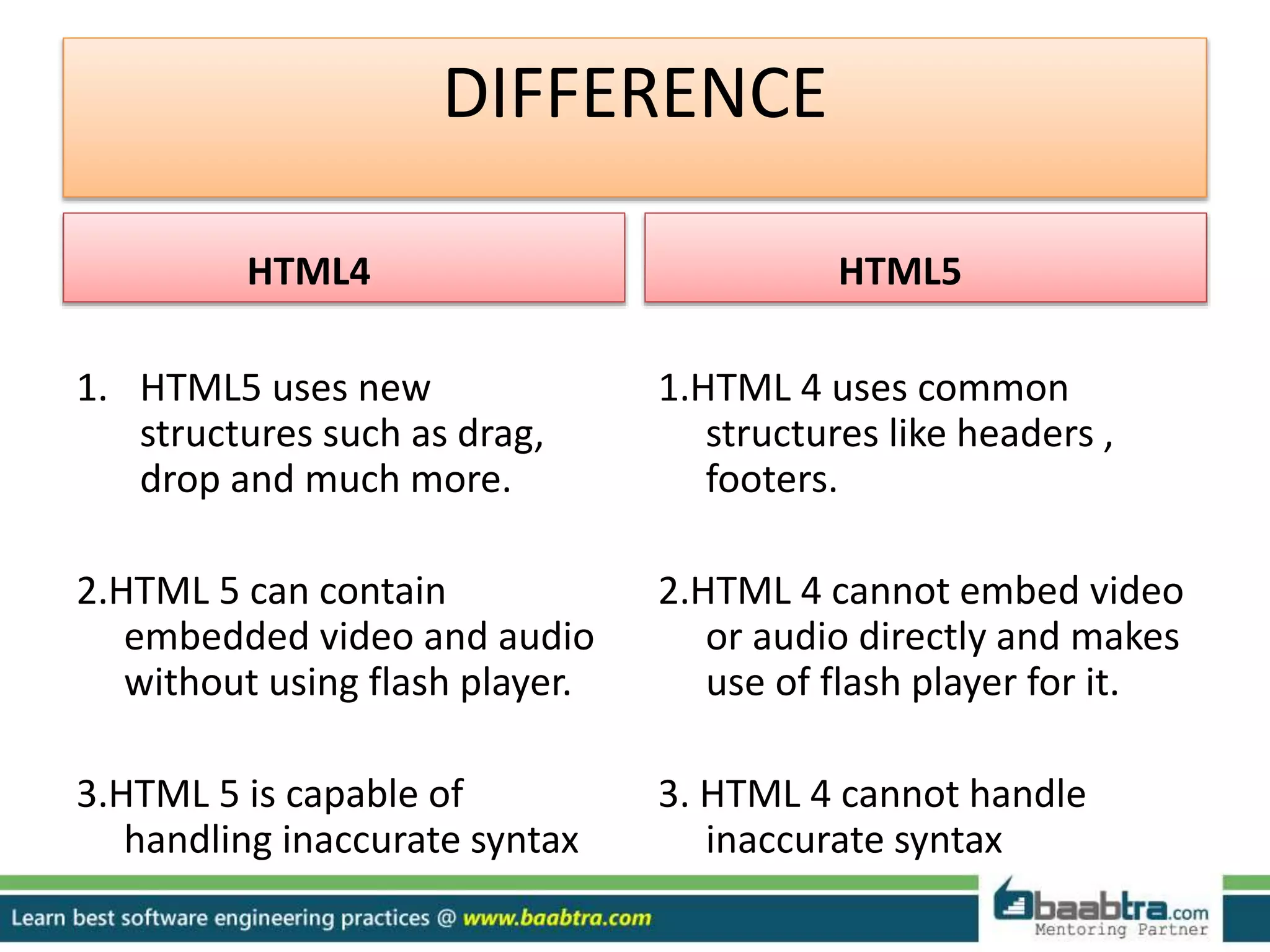
HTML4
1. HTML5 uses new
structures such as drag,
drop and much more.
2.HTML 5 can contain
embedded video and audio
without using flash player.
3.HTML 5 is capable of
handling inaccurate syntax
HTML5
1.HTML 4 uses common
structures like headers ,
footers.
2.HTML 4 cannot embed video
or audio directly and makes
use of flash player for it.
3. HTML 4 cannot handle
inaccurate syntax
DIFFERENCE
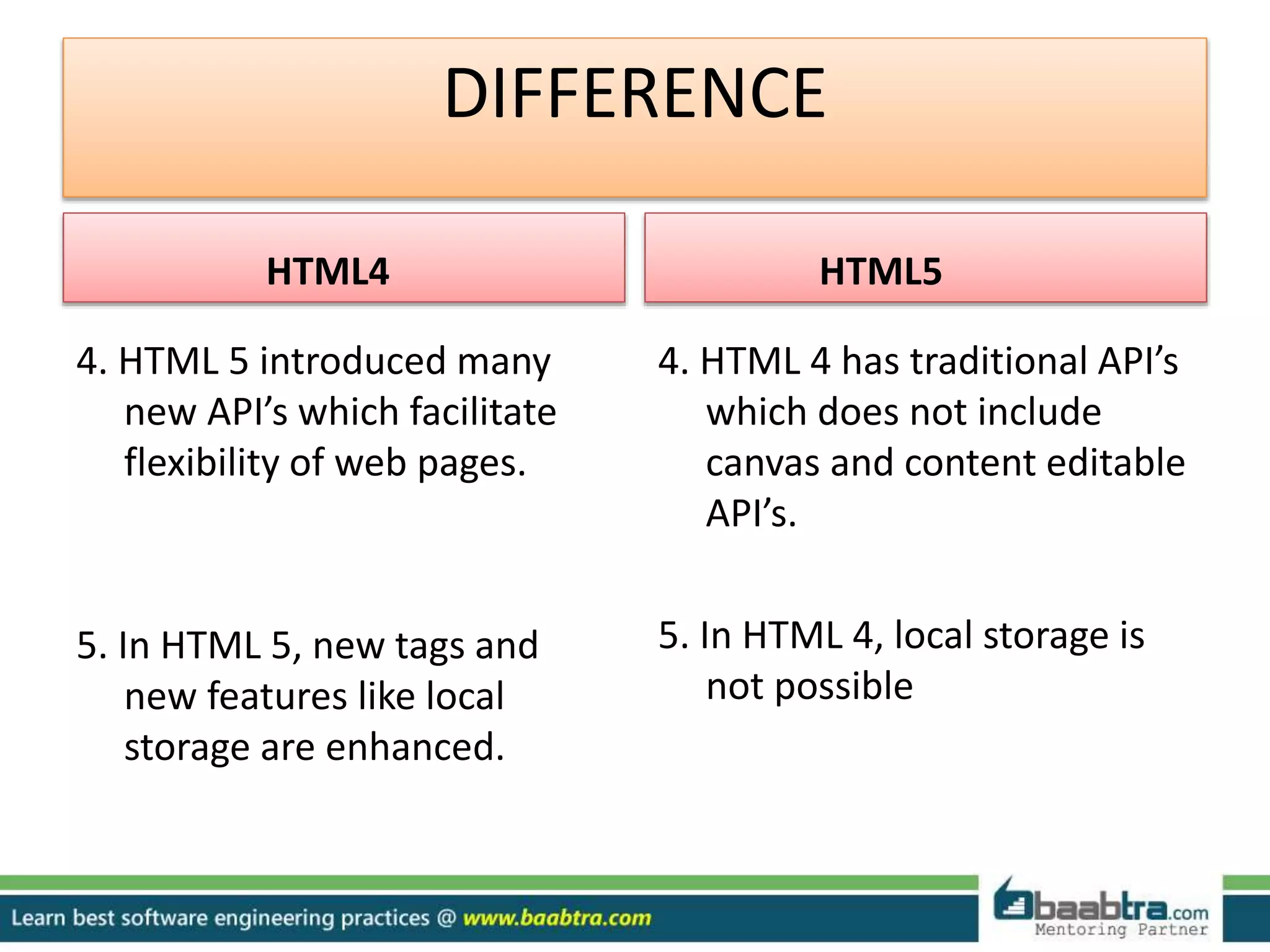
HTML4
4. HTML 5 introduced many
new API’s which facilitate
flexibility of web pages.
5. In HTML 5, new tags and
new features like local
storage are enhanced.
HTML5
4. HTML 4 has traditional API’s
which does not include
canvas and content editable
API’s.
5. In HTML 4, local storage is
not possible
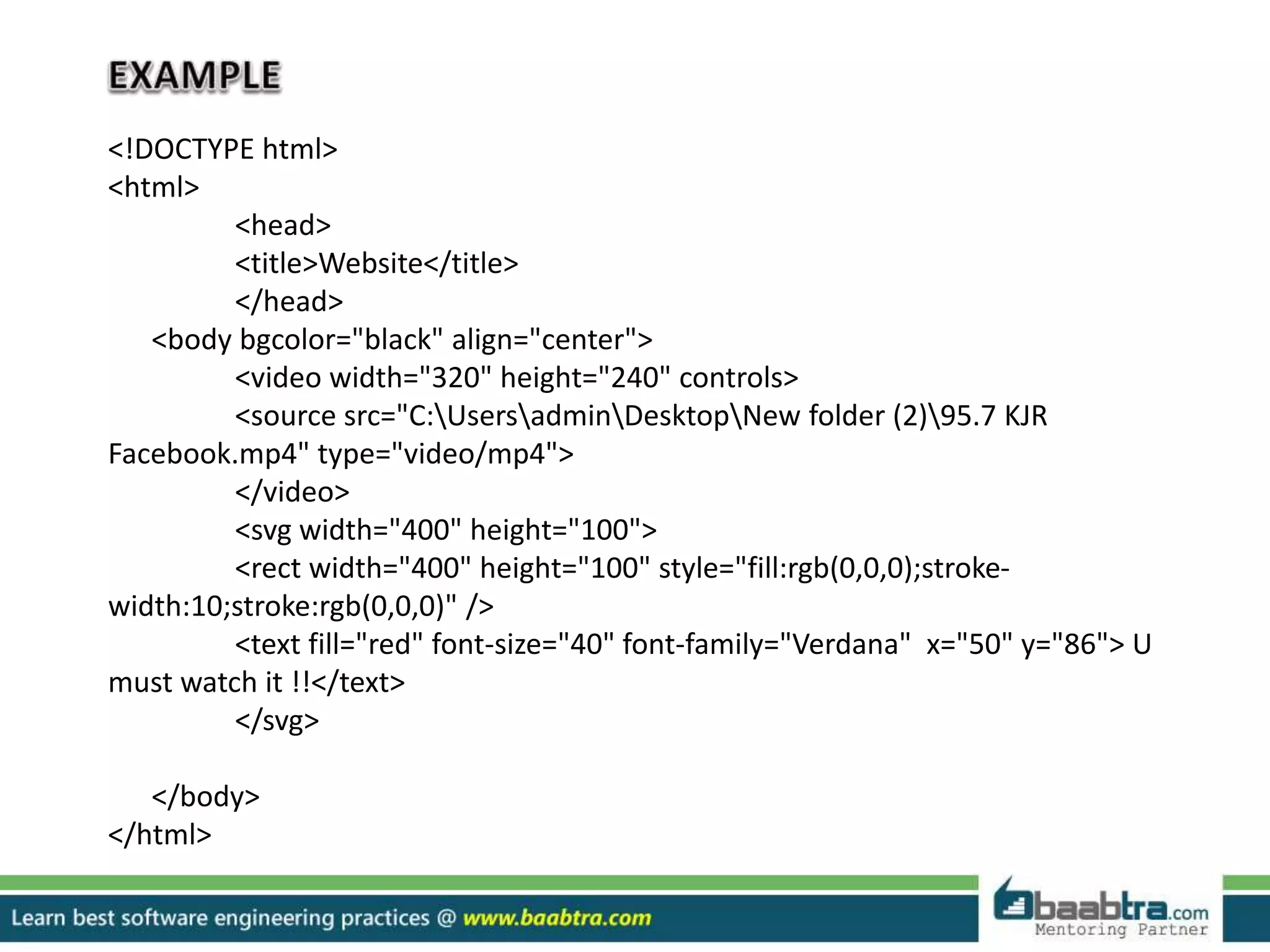
<!DOCTYPE html>
<html>
<head>
<title>Website</title>
</head>
<body bgcolor="black" align="center">
<video width="320" height="240" controls>
<source src="C:UsersadminDesktopNew folder (2)95.7 KJR
Facebook.mp4" type="video/mp4">
</video>
<svg width="400" height="100">
<rect width="400" height="100" style="fill:rgb(0,0,0);stroke-
width:10;stroke:rgb(0,0,0)" />
<text fill="red" font-size="40" font-family="Verdana" x="50" y="86"> U
must watch it !!</text>
</svg>
</body>
</html>
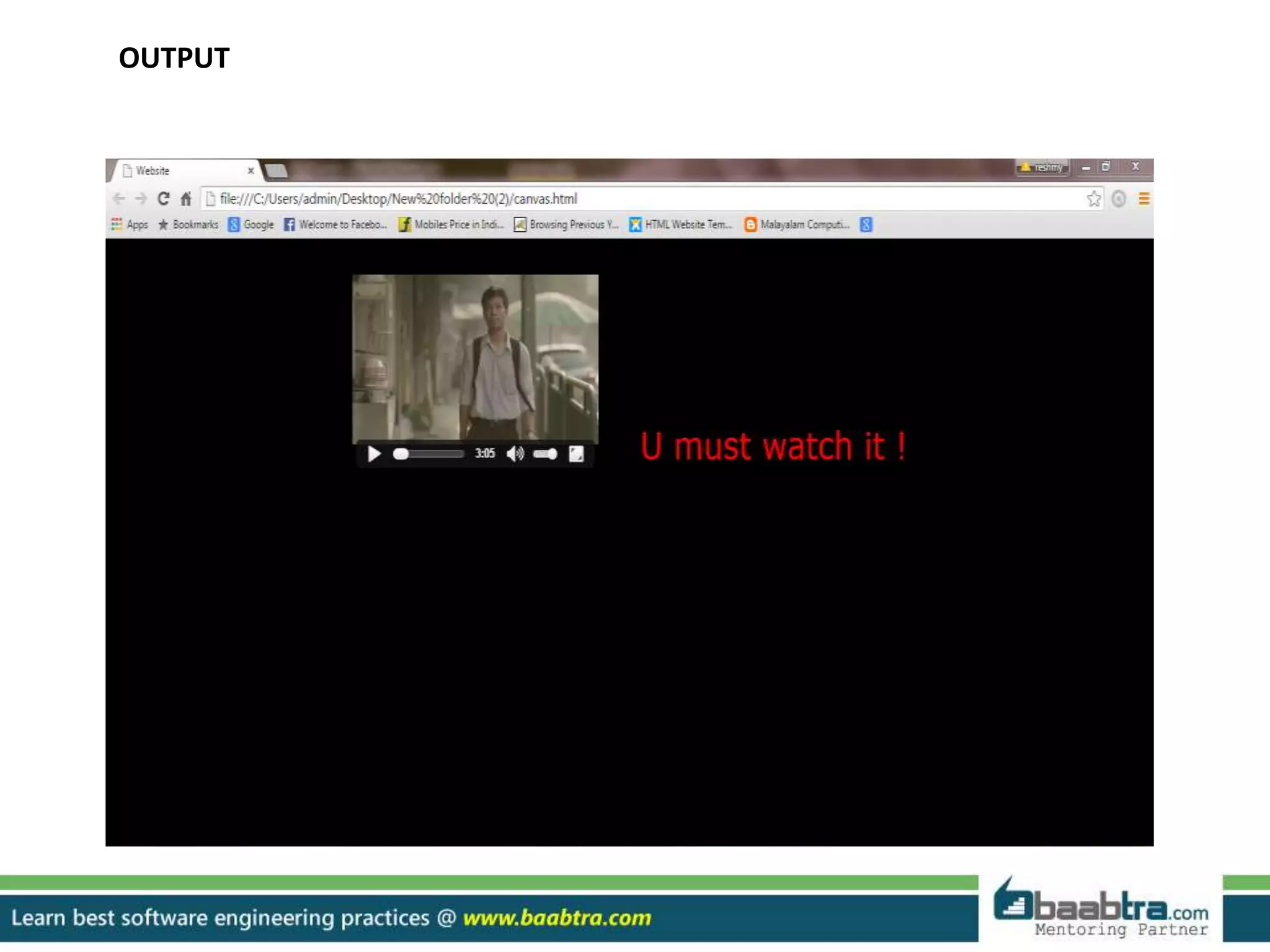
OUTPUT
Thankyou…
Want to learn more about programming or Looking to become a good programmer?
Are you wasting time on searching so many contents online?
Do you want to learn things quickly?
Tired of spending huge amount of money to become a Software professional?
Do an online course
@ baabtra.com
We put industry standards to practice. Our structured, activity based courses are so designed
to make a quick, good software professional out of anybody who holds a passion for coding.
Follow us @ twitter.com/baabtra
Like us @ facebook.com/baabtra
Subscribe to us @ youtube.com/baabtra
Become a follower @ slideshare.net/BaabtraMentoringPartner
Connect to us @ in.linkedin.com/in/baabtra
Give a feedback @ massbaab.com/baabtra
Thanks in advance
www.baabtra.com | www.massbaab.com |www.baabte.com
Emarald Mall (Big Bazar Building)
Mavoor Road, Kozhikode,
Kerala, India.
Ph: + 91 – 495 40 25 550
NC Complex, Near Bus Stand
Mukkam, Kozhikode,
Kerala, India.
Ph: + 91 – 495 40 25 550
Cafit Square,
Hilite Business Park,
Near Pantheerankavu,
Kozhikode
Start up Village
Eranakulam,
Kerala, India.
Email: info@baabtra.com
Contact Us

INTRUDUCTION TO HTML 5

  • 2.
    Disclaimer: This presentationis prepared by trainees of baabtra as a part of mentoring program. This is not official document of baabtra –Mentoring Partner Baabtra-Mentoring Partner is the mentoring division of baabte System Technologies Pvt . Ltd
  • 3.
  • 4.
    CONTENTS • Introduction ToHTML 5 • New elements. • New features • Comparison with old versions
  • 5.
    HTML 5 • Latestand most enhanced version of HTML • Technically, HTML is not a programming language, but rather a markup language • HTML5 is coming with lots of flexibility and would support the followings: Uppercase tag names. Quotes are optional for attributes. Attribute values are optional. Closing empty elements are optional. • New websites have to be interactive
  • 6.
    New Features: • NewSemantic Elements: These are like <header>, <footer>, and <section>. • Persistent Local Storage: To achieve without resorting to third-party plug- in. • Canvas: This supports a two-dimensional drawing surface that you can program with JavaScript. • Audio & Video: You can embed audio or video on your web pages without resorting to third-party plugins . • Drag and drop: Drag and drop the items from one location to another location on a the same webpage.
  • 7.
    New Features: • Geolocation:Now visitors can choose to share their physical location with your web application • FORMS 2.0: Improvements to HTML web forms where new attributes have been introduced for <input> tag. • WEBSOCKET : A next-generation bidirectional communication technology for web applications.
  • 8.
    CANVAS  What isCanvas??  <canvas> tag is used to display graphics.  it is only a container for graphics, we must use a script to actually paint graphics.  All major browsers support <Canvas> Tag.
  • 9.
    HTML5 AUDIO Audio onthe Web:-  Until now, there has never been a standard for playing audio on a web page.  Today, most audio are played through a plugin (like flash). However, not all browsers have the same plugins.  HTML5 specifies a standard way to include audio, with the audio element.  The audio element can play sound files, or an audio stream. Audio Formats:- ( MP3, Wav).
  • 10.
    How can weuse it?? • By using audio tag • <audio src="C:UsersreshmyDownloadssong.mp3“ controls="controls"> </audio>
  • 11.
    HTML5 New InputTypes  HTML5 has several new input types for forms. These new features allow better input control and validation. Some of them are..  date  datetime-local  email  month  number  range  search  time  url  Week  Tel  datalist
  • 12.
    HTML5 Document: The followingtags have been introduced for better structure  SECTION: This tag represents a generic document or application section. It can be used together with h1-h6 to indicate the document structure. All major browsers support <Section> Tag  ARTICLE: This tag represents an independent piece of content of a document, such as a blog entry or newspaper article.  NAV: This tag represents a section of the document intended for navigation.  DIALOG: This tag can be used to mark up a conversation.  FIGURE: This tag can be used to associate a caption together with some embedded content, such as a graphic or video.
  • 13.
     HEADER: Thistag represents the header of a section.  FOOTER: This tag represents a footer for a section and can contain information about the author, copyright information etc.  NAV: This tag represents a section of the document intended for navigation.  DIALOG: This tag can be used to mark up a conversation.  FIGURE: This tag can be used to associate a caption together with some embedded content, such as a graphic or video.
  • 15.
    DIFFERENCE HTML4 1. HTML5 usesnew structures such as drag, drop and much more. 2.HTML 5 can contain embedded video and audio without using flash player. 3.HTML 5 is capable of handling inaccurate syntax HTML5 1.HTML 4 uses common structures like headers , footers. 2.HTML 4 cannot embed video or audio directly and makes use of flash player for it. 3. HTML 4 cannot handle inaccurate syntax
  • 16.
    DIFFERENCE HTML4 4. HTML 5introduced many new API’s which facilitate flexibility of web pages. 5. In HTML 5, new tags and new features like local storage are enhanced. HTML5 4. HTML 4 has traditional API’s which does not include canvas and content editable API’s. 5. In HTML 4, local storage is not possible
  • 17.
    <!DOCTYPE html> <html> <head> <title>Website</title> </head> <body bgcolor="black"align="center"> <video width="320" height="240" controls> <source src="C:UsersadminDesktopNew folder (2)95.7 KJR Facebook.mp4" type="video/mp4"> </video> <svg width="400" height="100"> <rect width="400" height="100" style="fill:rgb(0,0,0);stroke- width:10;stroke:rgb(0,0,0)" /> <text fill="red" font-size="40" font-family="Verdana" x="50" y="86"> U must watch it !!</text> </svg> </body> </html>
  • 18.
  • 19.
  • 20.
    Want to learnmore about programming or Looking to become a good programmer? Are you wasting time on searching so many contents online? Do you want to learn things quickly? Tired of spending huge amount of money to become a Software professional? Do an online course @ baabtra.com We put industry standards to practice. Our structured, activity based courses are so designed to make a quick, good software professional out of anybody who holds a passion for coding.
  • 21.
    Follow us @twitter.com/baabtra Like us @ facebook.com/baabtra Subscribe to us @ youtube.com/baabtra Become a follower @ slideshare.net/BaabtraMentoringPartner Connect to us @ in.linkedin.com/in/baabtra Give a feedback @ massbaab.com/baabtra Thanks in advance www.baabtra.com | www.massbaab.com |www.baabte.com
  • 22.
    Emarald Mall (BigBazar Building) Mavoor Road, Kozhikode, Kerala, India. Ph: + 91 – 495 40 25 550 NC Complex, Near Bus Stand Mukkam, Kozhikode, Kerala, India. Ph: + 91 – 495 40 25 550 Cafit Square, Hilite Business Park, Near Pantheerankavu, Kozhikode Start up Village Eranakulam, Kerala, India. Email: info@baabtra.com Contact Us