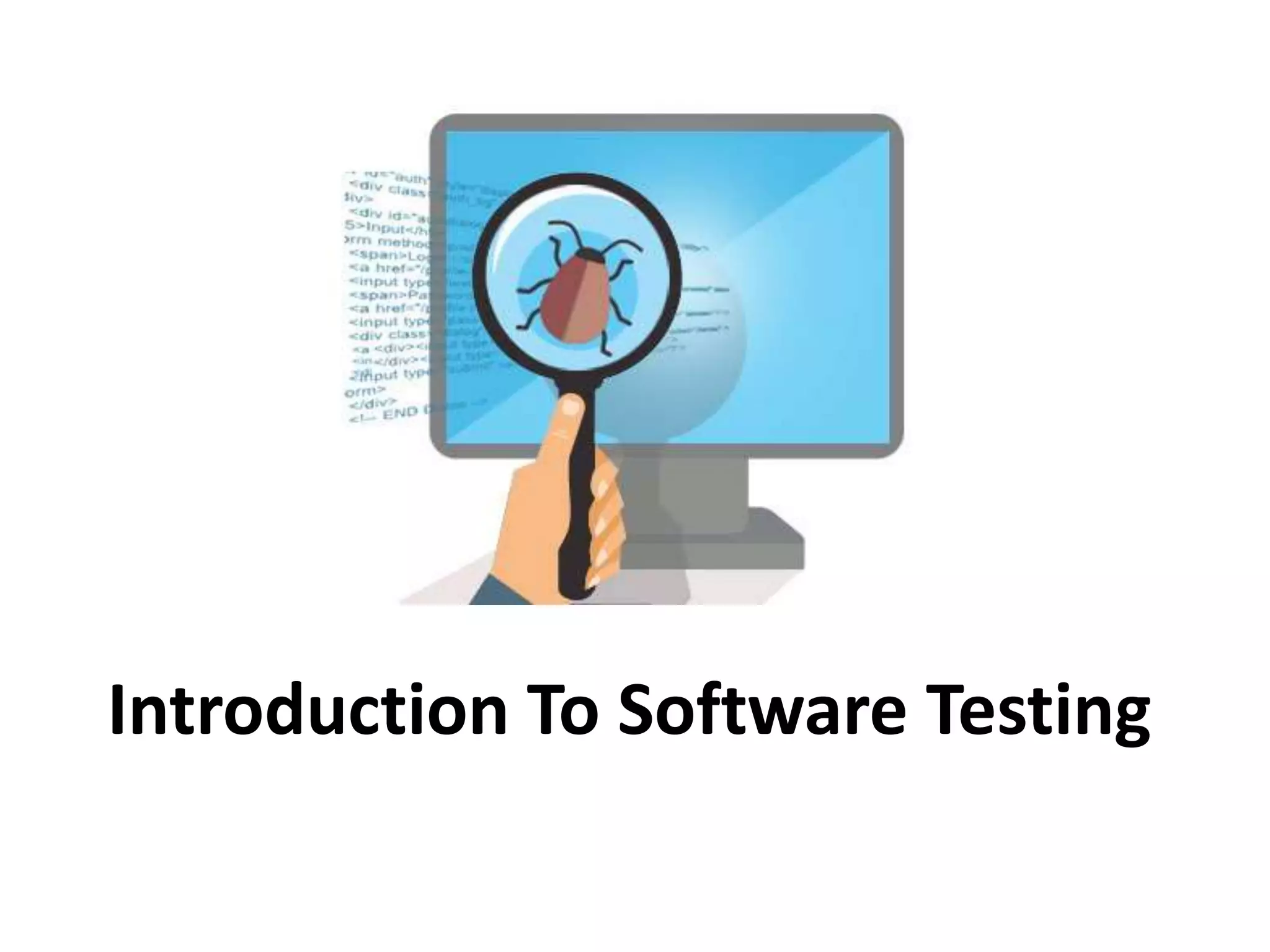


Introduction To Software Testing
Index
• Definition
• Why Software Testing is important?
• Software Testing Types
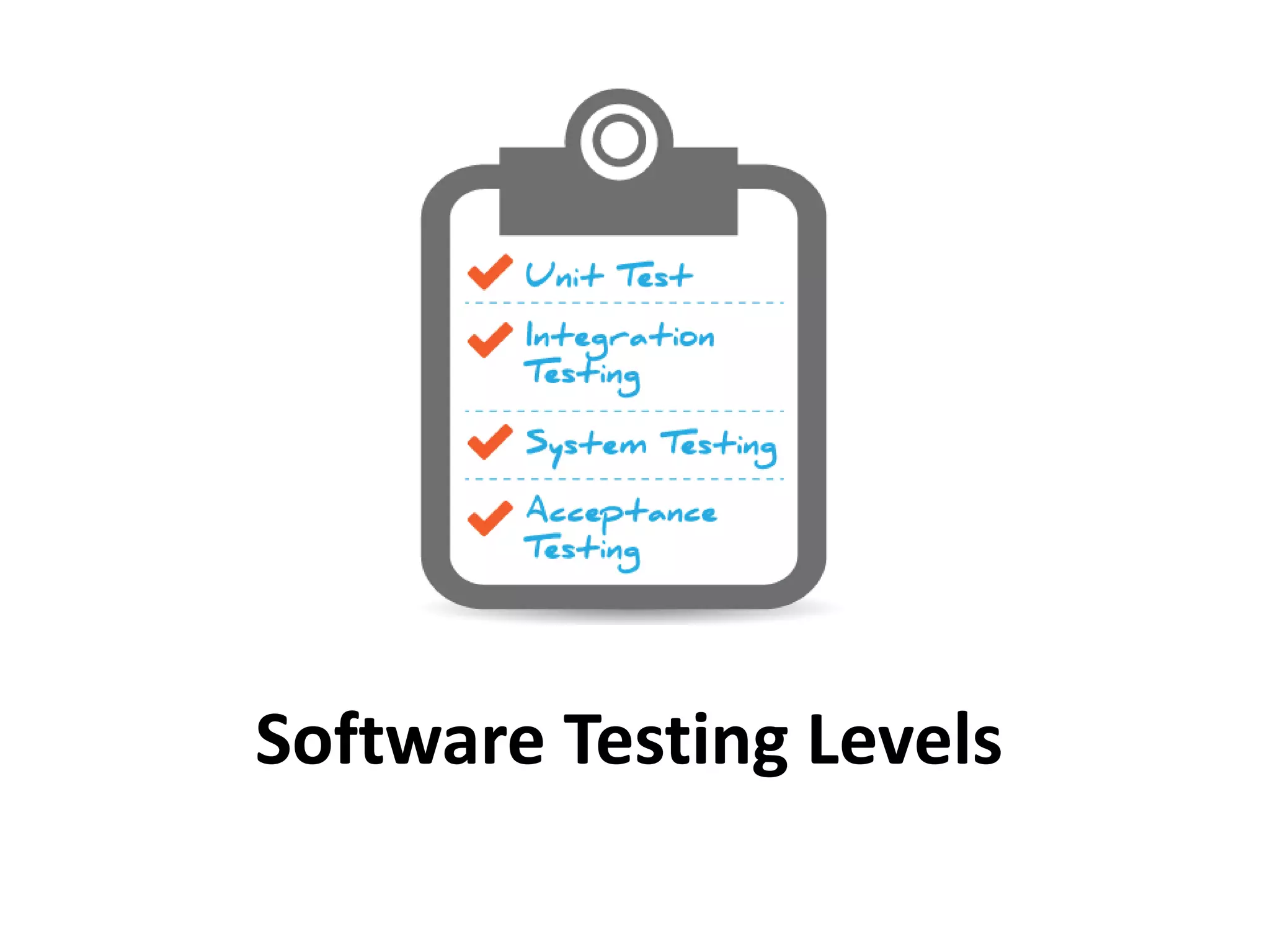
• Software Testing Levels
• How to write a test case?
2
Definition
• Software testing is a process used to identify
the correctness, completeness and quality of
developed computer software. It includes as
set of activities conducted with the intent of
finding errors in software so that it could be
corrected before the product is released to
the end user.
3
Why Software Testing is
important?
5
Software Testing Types
Software testing types
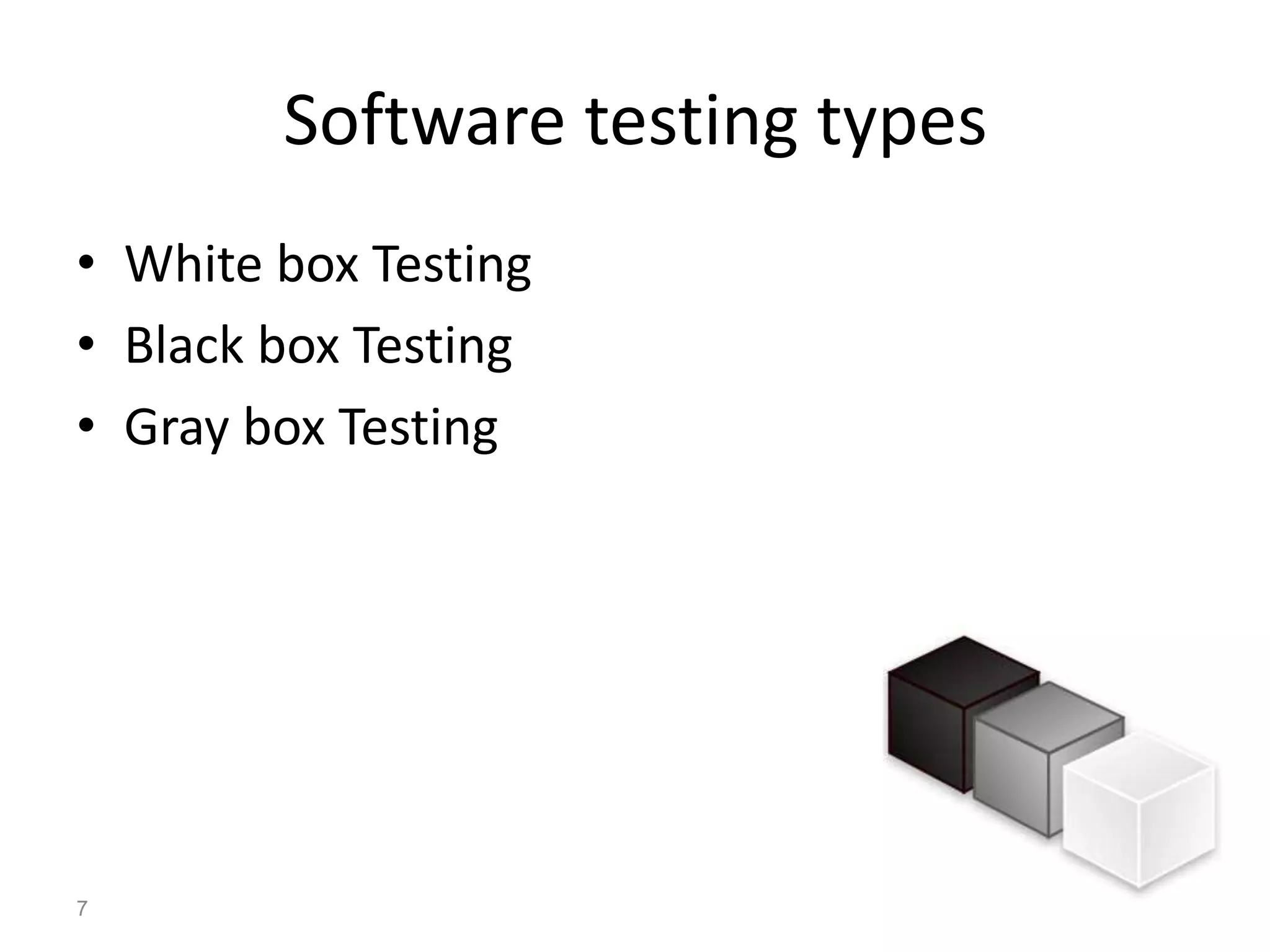
• White box Testing
• Black box Testing
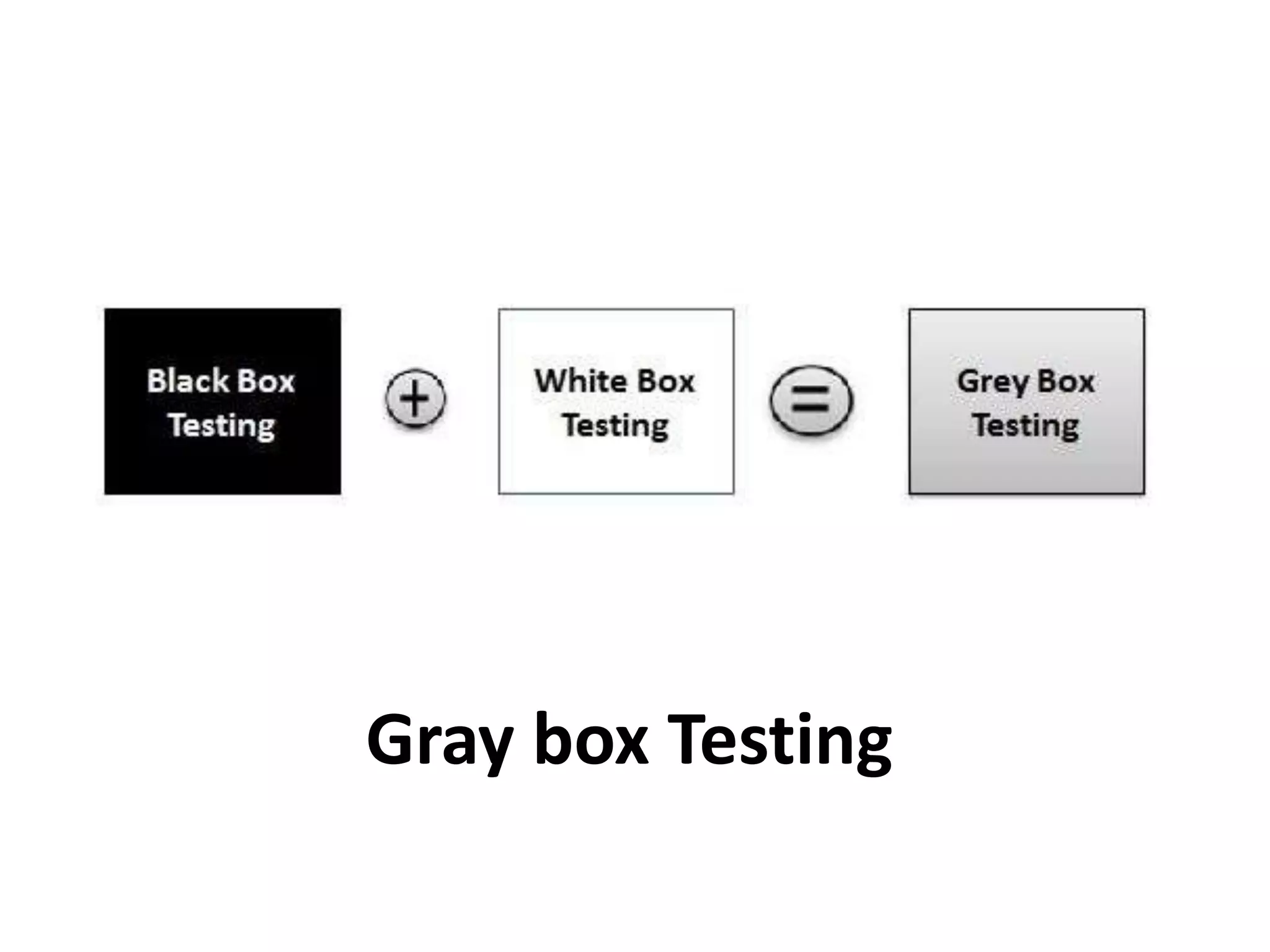
• Gray box Testing
7
WHITE BOX TESTING
8
• White box testing is also called glass testing or
open box testing. In order to perform white
box testing on an application, the tester needs
to possess knowledge of the internal working
of the code.
• The tester needs to have a look inside the
source code and find out which unit/chunk of
the code is behaving inappropriately.
9
Black box Testing
• The tester only knows the inputs and what the
expected outcomes should be and not how
the program arrives at those outputs.
• The tester does not ever examine the
programming code and does not need any
further knowledge of the program other than
its specifications.
12
Gray box Testing
• Gray box testing, also called gray box analysis,
is a strategy for software debugging based on
limited knowledge of the internal details of
the program. A gray box is a device, program
or system whose workings are partially
understood.
15
Software Testing Levels
Unit Testing
• Unit is the smallest testable part of an
application.
• Unit tests are created by programmers or
occasionally by white box testers during the
development process to ensure that code
meets its design and behaves as intended.
21
• Unit tests find problems early in development
cycle.
• In object oriented programming a unit could
be a class or an individual method or a
standalone module.
22
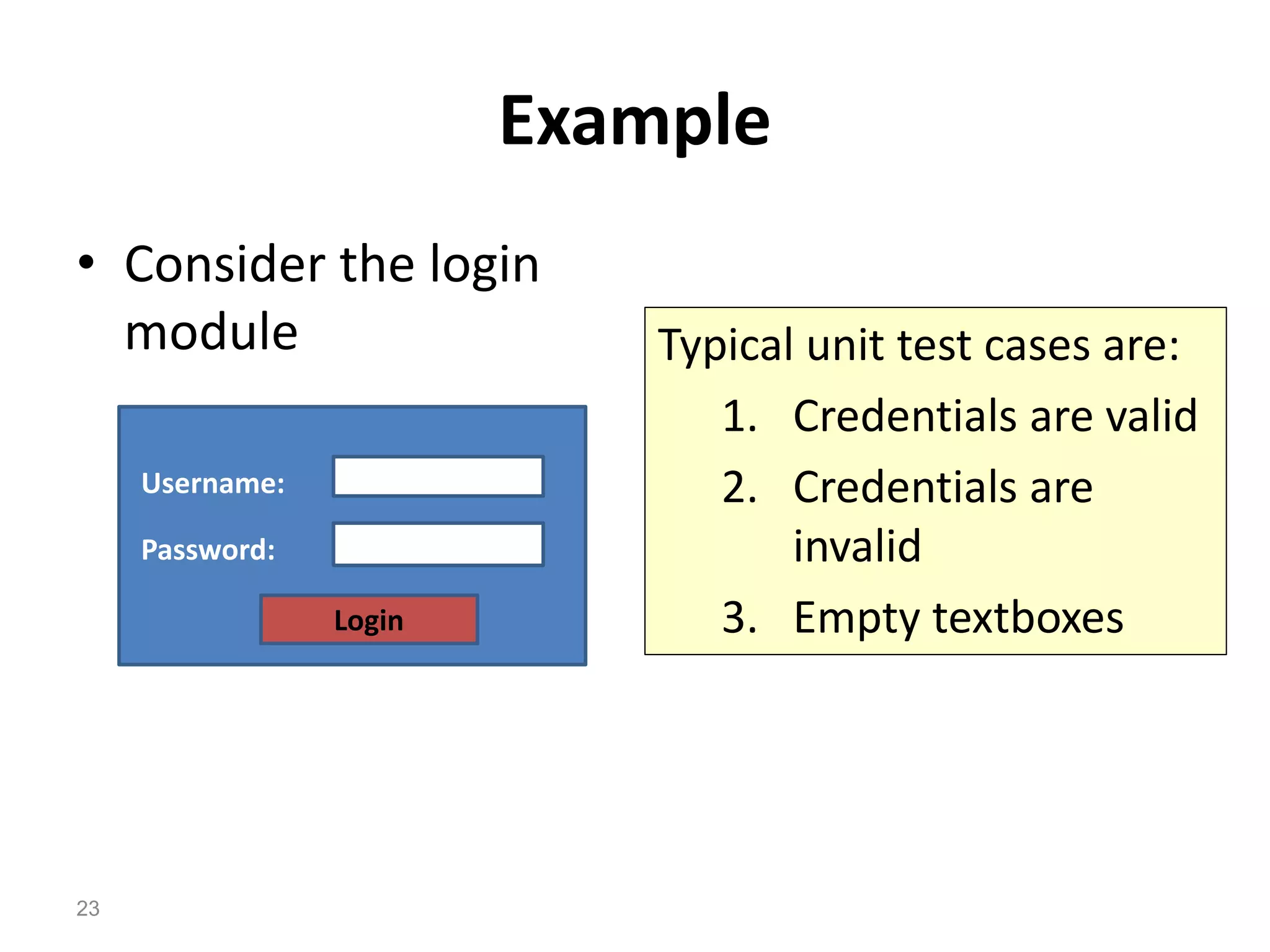
Example
• Consider the login
module
Login
Username:
Password:
Typical unit test cases are:
1. Credentials are valid
2. Credentials are
invalid
3. Empty textboxes
23
Integration Testing
• Integration testing combines unit tested
modules and tests how they interact
• Any errors discovered when combining units
are likely related to the interface between
units.
25
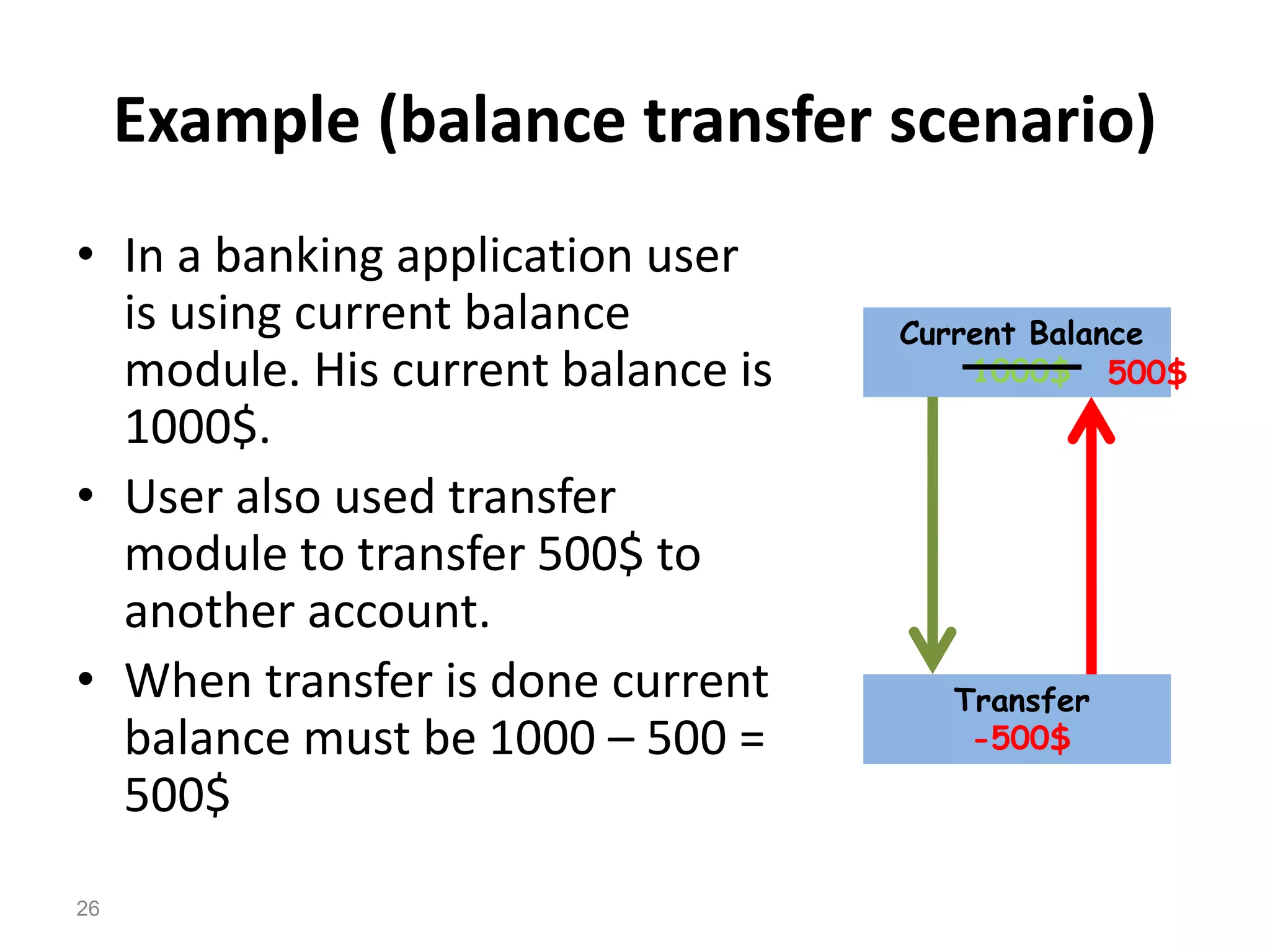
Example (balance transfer scenario)
• In a banking application user
is using current balance
module. His current balance is
1000$.
• User also used transfer
module to transfer 500$ to
another account.
• When transfer is done current
balance must be 1000 – 500 =
500$
Current Balance
1000$
Transfer
-500$
500$
26
System Testing
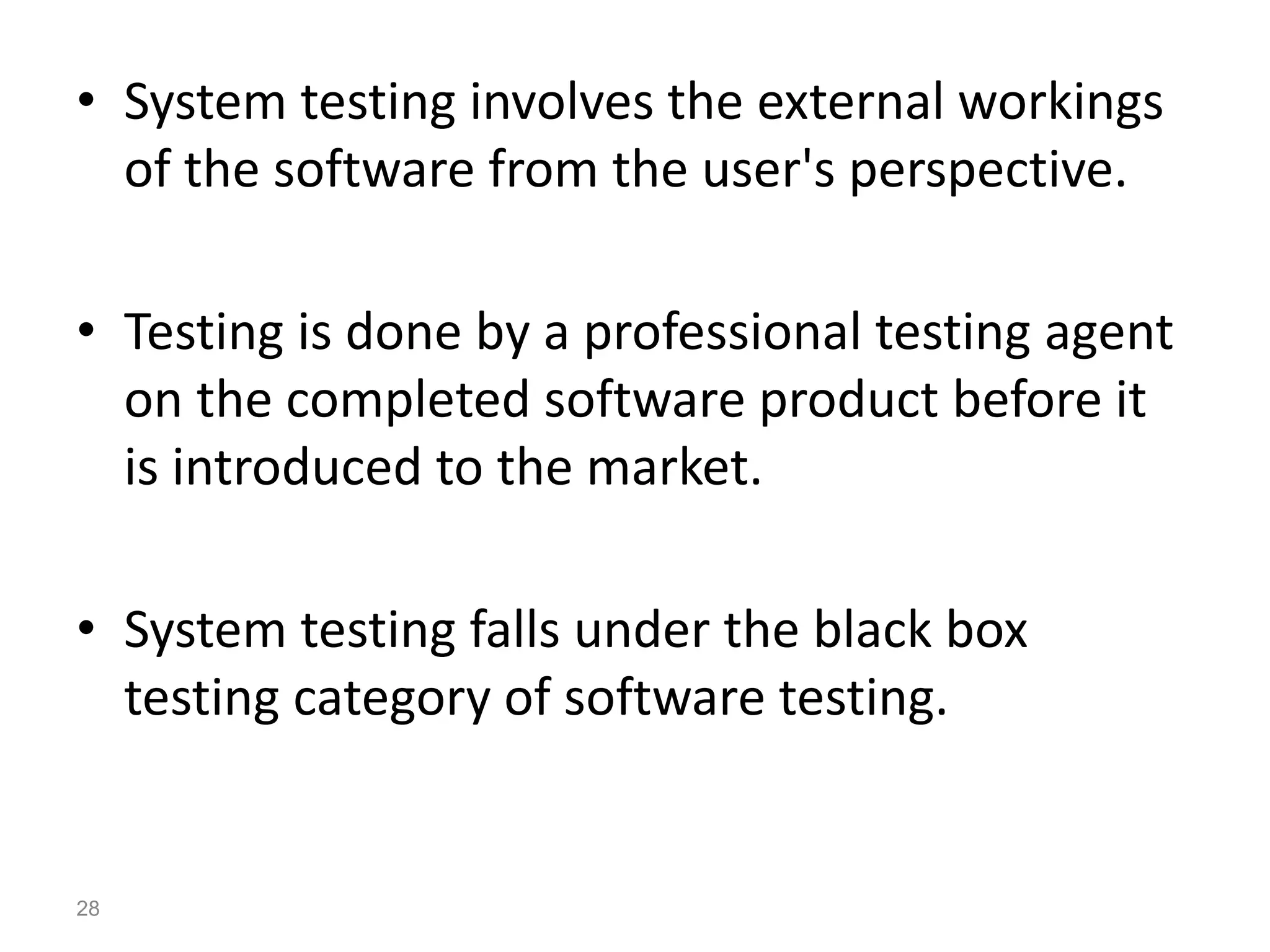
• System testing involves the external workings
of the software from the user's perspective.
• Testing is done by a professional testing agent
on the completed software product before it
is introduced to the market.
• System testing falls under the black box
testing category of software testing.
28
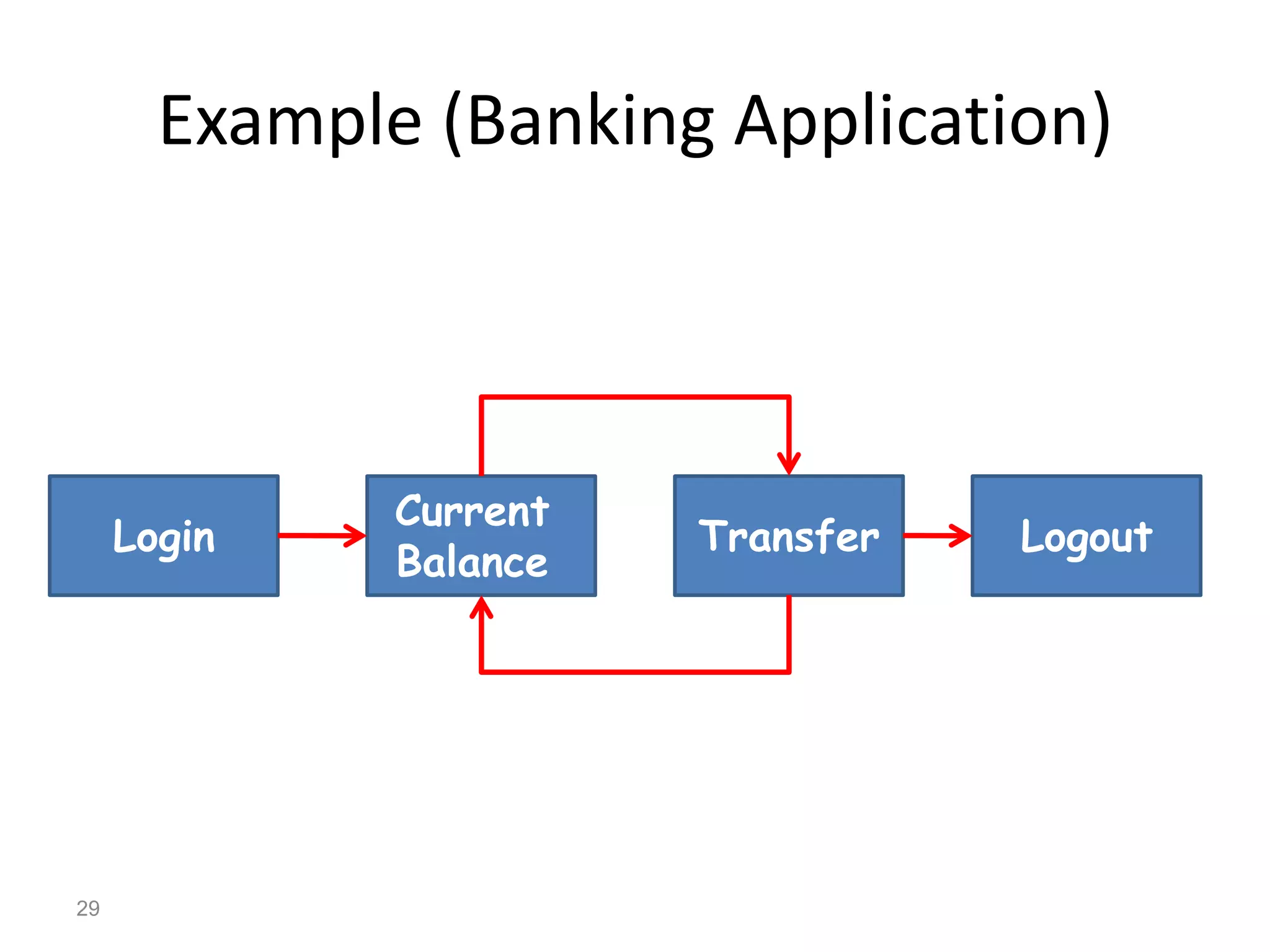
Example (Banking Application)
Login
Current
Balance
Transfer Logout
29
Acceptance Testing
• Acceptance testing is usually done at client
location by the client.
• Focus of Acceptance testing is not to find
defects but to check whether the system
meets the client requirements.
31
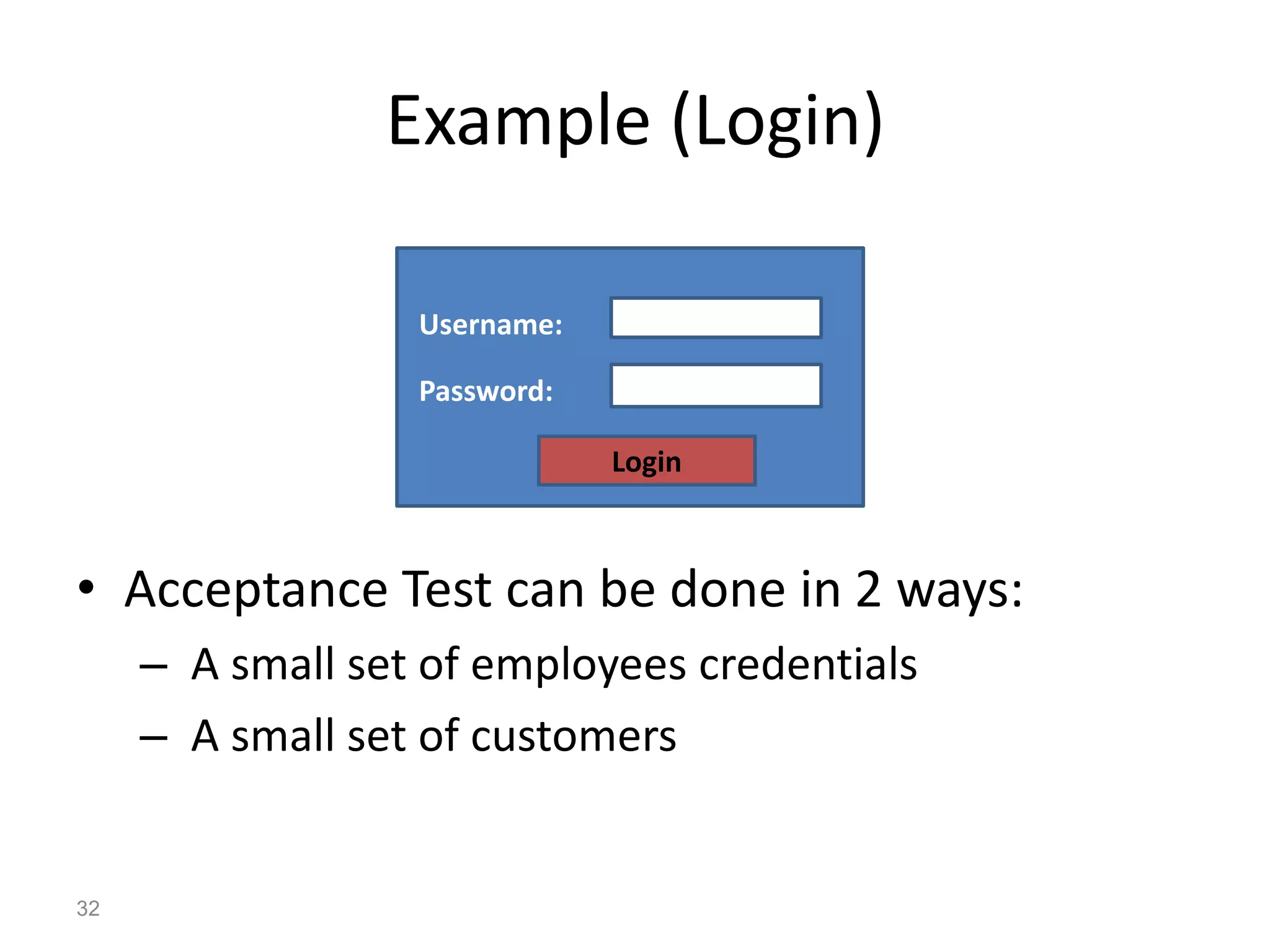
Example (Login)
• Acceptance Test can be done in 2 ways:
– A small set of employees credentials
– A small set of customers
Login
Username:
Password:
32
How to write a test case?
• Consider The “Check login functionality” test
scenario.
• There are many possibility to check this
scenario:
1. Check response on entering a valid user and password
2. Check response on entering an invalid user or
password
3. Check response on entering empty values
• These possibilities are called test cases.
34
• Consider the test case “Check response on
entering a valid user and password”
• This test case needs input values:
» Username: alaa
» Password: 123456
• The Expected Result is: Login successful
• We must specify test steps for each test
case.
35
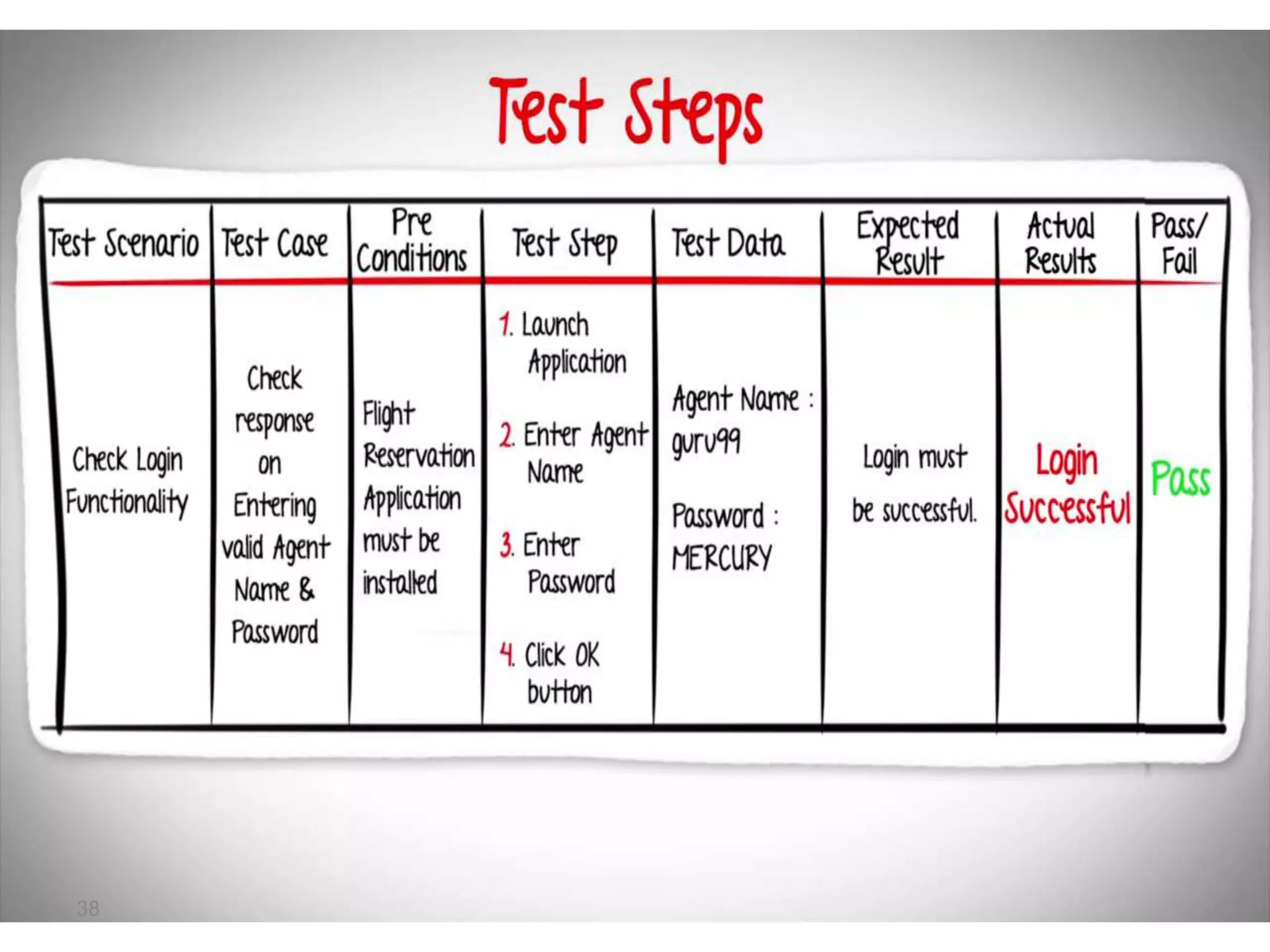
• For this example test steps are:
1. Launch application
2. Enter agent name
3. Enter password
4. Click Ok button
• Each Test case may have pre-conditions and
post-conditions:
– Pre: Application must be installed successfully
– Post: Login Date and Data must be stored in a
database.
36
• When test steps are finished Actual Result
must be documented.
• If Actual Result is equal to expected result the
test case is passed. If not, test failed
37
38
Any Question?

Introduction to software testing

  • 1.
  • 2.
    Index • Definition • WhySoftware Testing is important? • Software Testing Types • Software Testing Levels • How to write a test case? 2
  • 3.
    Definition • Software testingis a process used to identify the correctness, completeness and quality of developed computer software. It includes as set of activities conducted with the intent of finding errors in software so that it could be corrected before the product is released to the end user. 3
  • 4.
    Why Software Testingis important?
  • 5.
  • 6.
  • 7.
    Software testing types •White box Testing • Black box Testing • Gray box Testing 7
  • 8.
  • 9.
    • White boxtesting is also called glass testing or open box testing. In order to perform white box testing on an application, the tester needs to possess knowledge of the internal working of the code. • The tester needs to have a look inside the source code and find out which unit/chunk of the code is behaving inappropriately. 9
  • 10.
  • 11.
    • The testeronly knows the inputs and what the expected outcomes should be and not how the program arrives at those outputs. • The tester does not ever examine the programming code and does not need any further knowledge of the program other than its specifications. 12
  • 12.
  • 13.
    • Gray boxtesting, also called gray box analysis, is a strategy for software debugging based on limited knowledge of the internal details of the program. A gray box is a device, program or system whose workings are partially understood. 15
  • 14.
  • 15.
  • 16.
    • Unit isthe smallest testable part of an application. • Unit tests are created by programmers or occasionally by white box testers during the development process to ensure that code meets its design and behaves as intended. 21
  • 17.
    • Unit testsfind problems early in development cycle. • In object oriented programming a unit could be a class or an individual method or a standalone module. 22
  • 18.
    Example • Consider thelogin module Login Username: Password: Typical unit test cases are: 1. Credentials are valid 2. Credentials are invalid 3. Empty textboxes 23
  • 19.
  • 20.
    • Integration testingcombines unit tested modules and tests how they interact • Any errors discovered when combining units are likely related to the interface between units. 25
  • 21.
    Example (balance transferscenario) • In a banking application user is using current balance module. His current balance is 1000$. • User also used transfer module to transfer 500$ to another account. • When transfer is done current balance must be 1000 – 500 = 500$ Current Balance 1000$ Transfer -500$ 500$ 26
  • 22.
  • 23.
    • System testinginvolves the external workings of the software from the user's perspective. • Testing is done by a professional testing agent on the completed software product before it is introduced to the market. • System testing falls under the black box testing category of software testing. 28
  • 24.
  • 25.
  • 26.
    • Acceptance testingis usually done at client location by the client. • Focus of Acceptance testing is not to find defects but to check whether the system meets the client requirements. 31
  • 27.
    Example (Login) • AcceptanceTest can be done in 2 ways: – A small set of employees credentials – A small set of customers Login Username: Password: 32
  • 28.
    How to writea test case?
  • 29.
    • Consider The“Check login functionality” test scenario. • There are many possibility to check this scenario: 1. Check response on entering a valid user and password 2. Check response on entering an invalid user or password 3. Check response on entering empty values • These possibilities are called test cases. 34
  • 30.
    • Consider thetest case “Check response on entering a valid user and password” • This test case needs input values: » Username: alaa » Password: 123456 • The Expected Result is: Login successful • We must specify test steps for each test case. 35
  • 31.
    • For thisexample test steps are: 1. Launch application 2. Enter agent name 3. Enter password 4. Click Ok button • Each Test case may have pre-conditions and post-conditions: – Pre: Application must be installed successfully – Post: Login Date and Data must be stored in a database. 36
  • 32.
    • When teststeps are finished Actual Result must be documented. • If Actual Result is equal to expected result the test case is passed. If not, test failed 37
  • 33.
  • 34.