MD. TARIF HOSSAIN
What is Salesforce?
 A global web-based software and cloud computing company best
known for its customer relationship management (CRM) product.
 CRM
 Cloud Based CRM
What is Cloud Based CRM?
 SAAS (Software as s service)
 PAAS (Platform as a service)
 IAAS (Infrastructure as a Service)
• SAAS (Software as a service)
 Installing
 Maintaining
 Complexity
 Security
 Performance
• Example
 Google Docs
 Salesforce
• PAAS (Platform as a service)
 Simplicity
 Scalability
 Reliability
• Faster than
 On-premise application platform
 Hybrid platforms
• Example
 Salesforce
 Google app engine
• IAAS (Infrastructure as a service)
 Renting virtual machines
 Storage services
 Networking services
• Example
 Amazon web services
 Salesforce
• Salesforce License per month cost:
 Starter - $25
 Professional - $75
 Enterprise - $150
 Unlimited - $300
 Developer Edition - Free
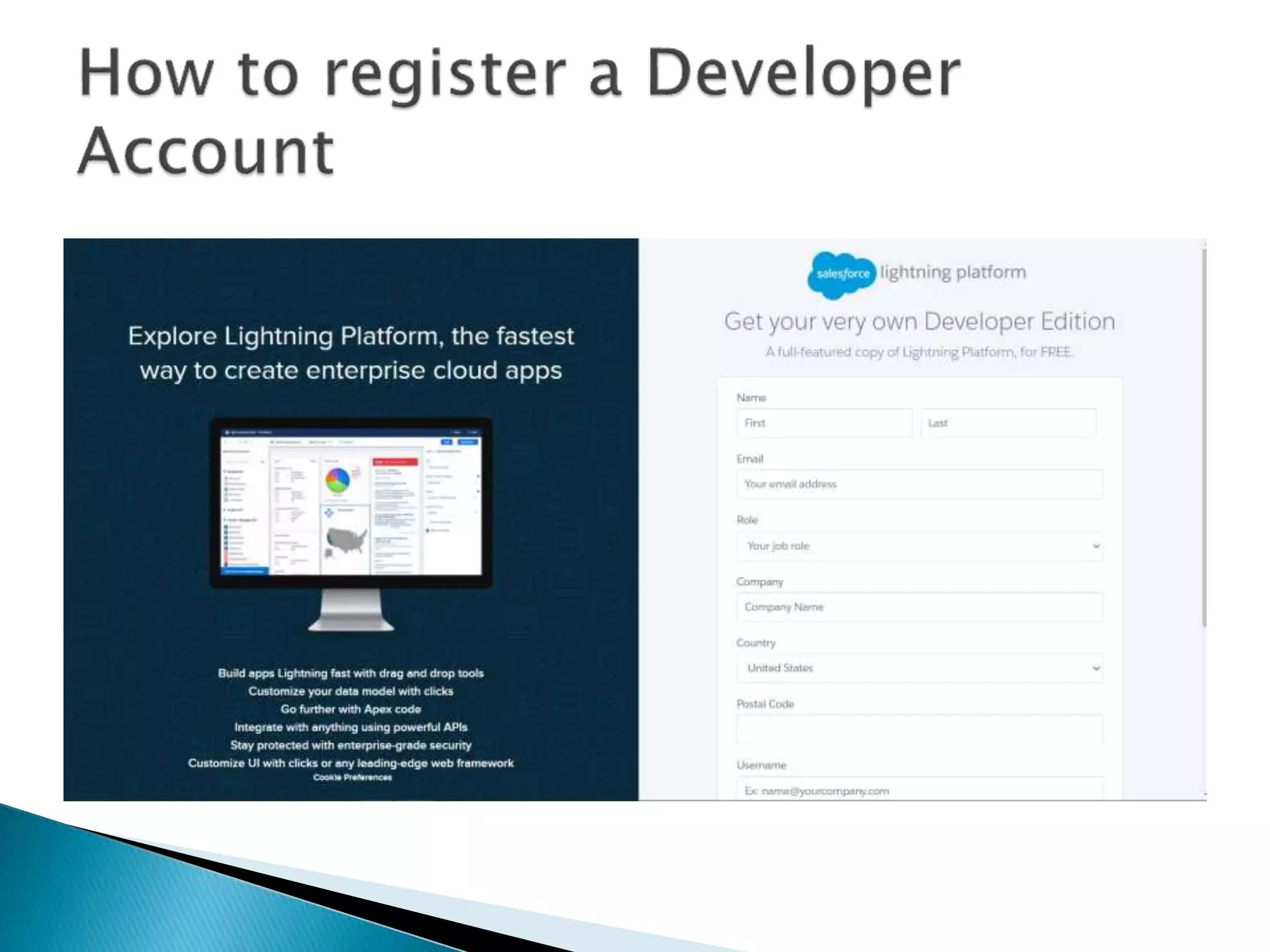
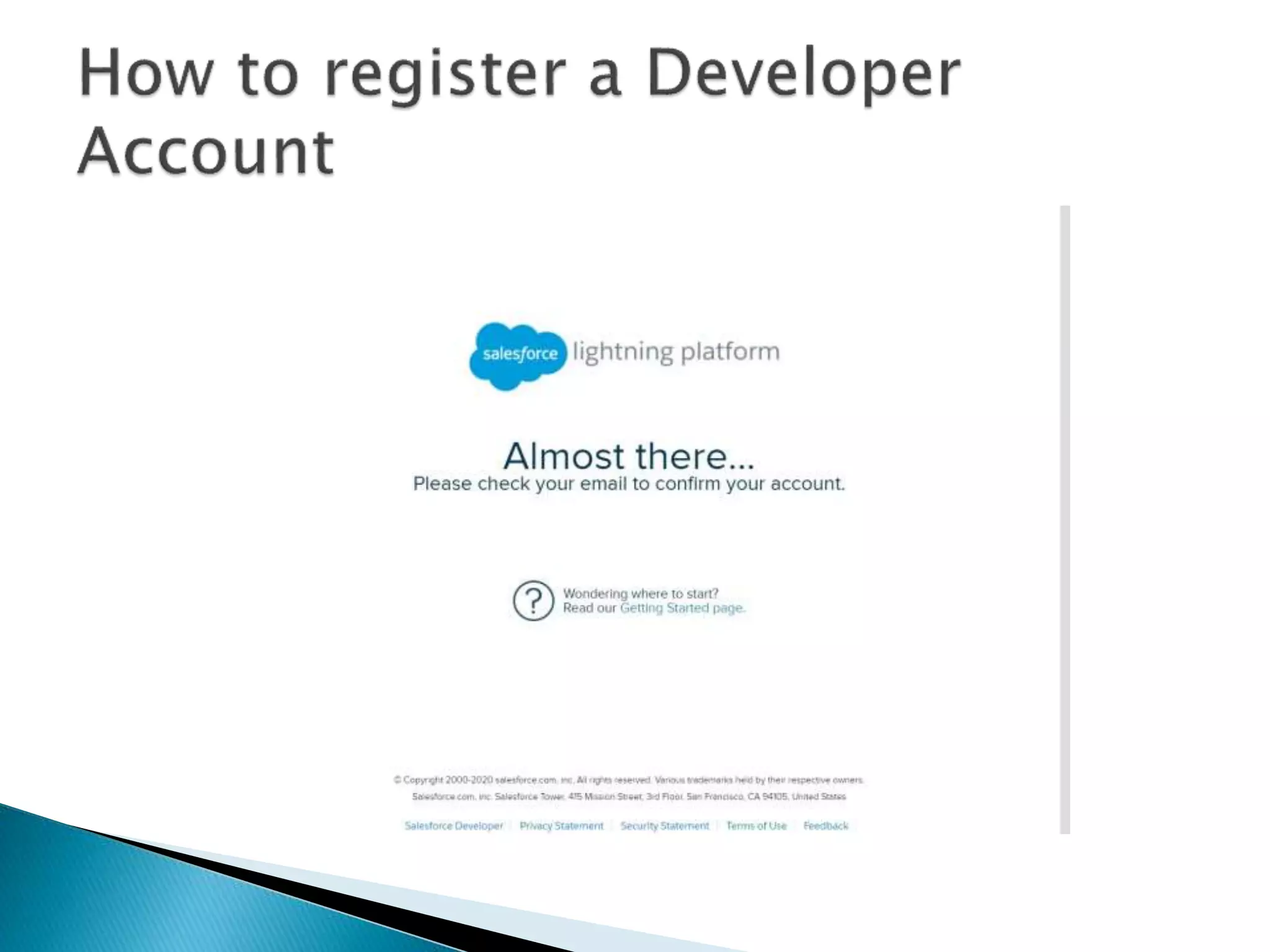
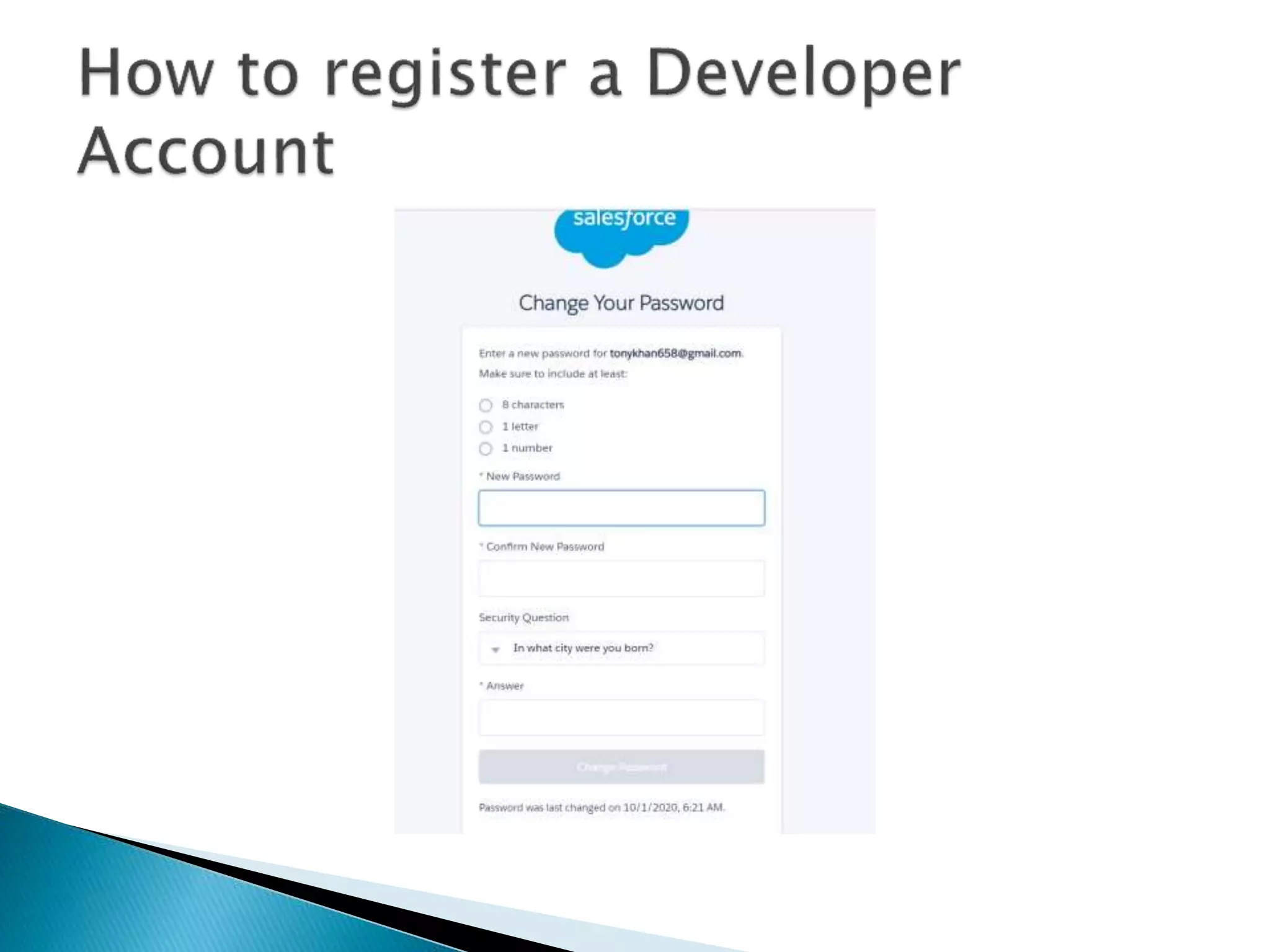
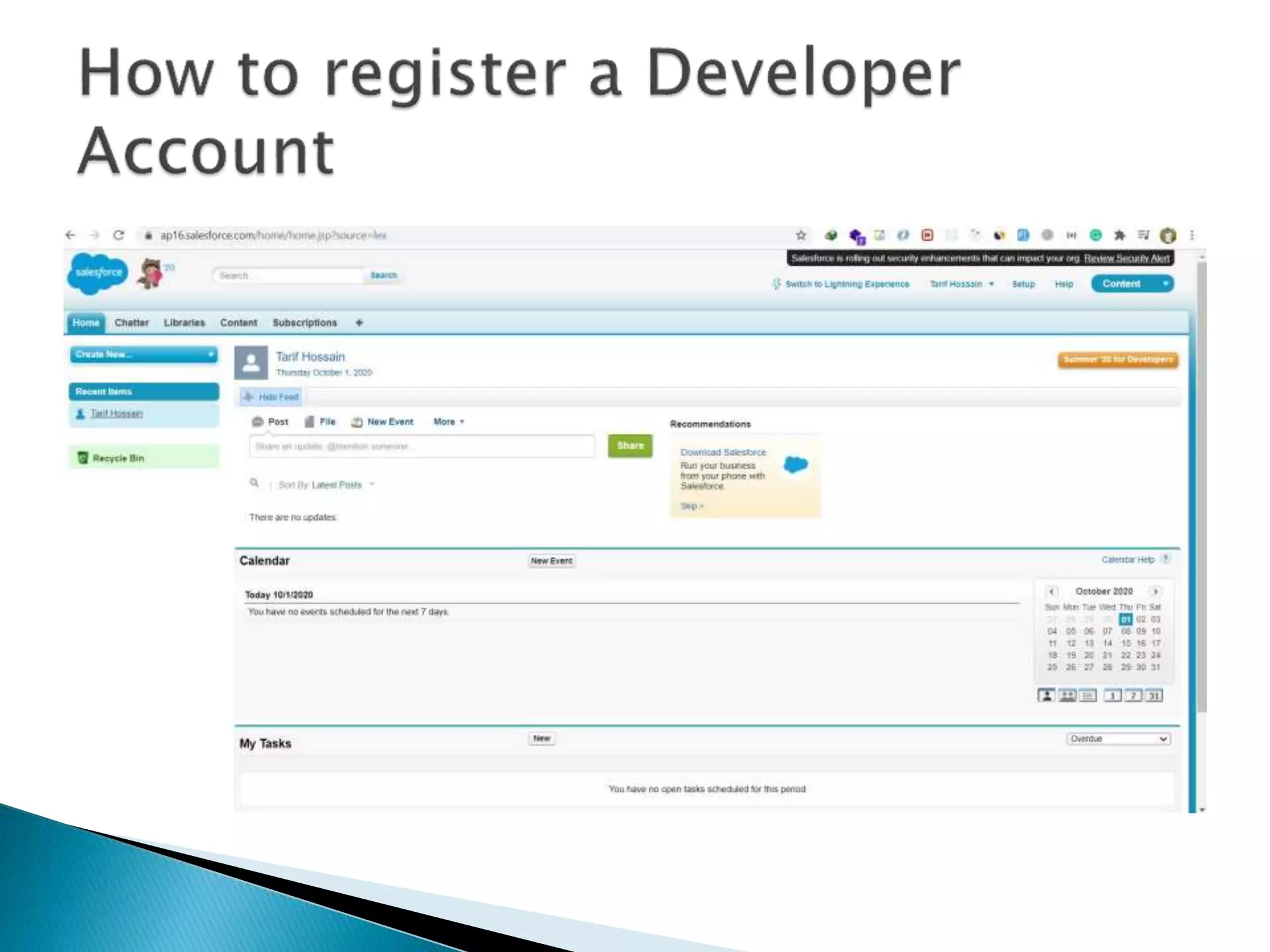
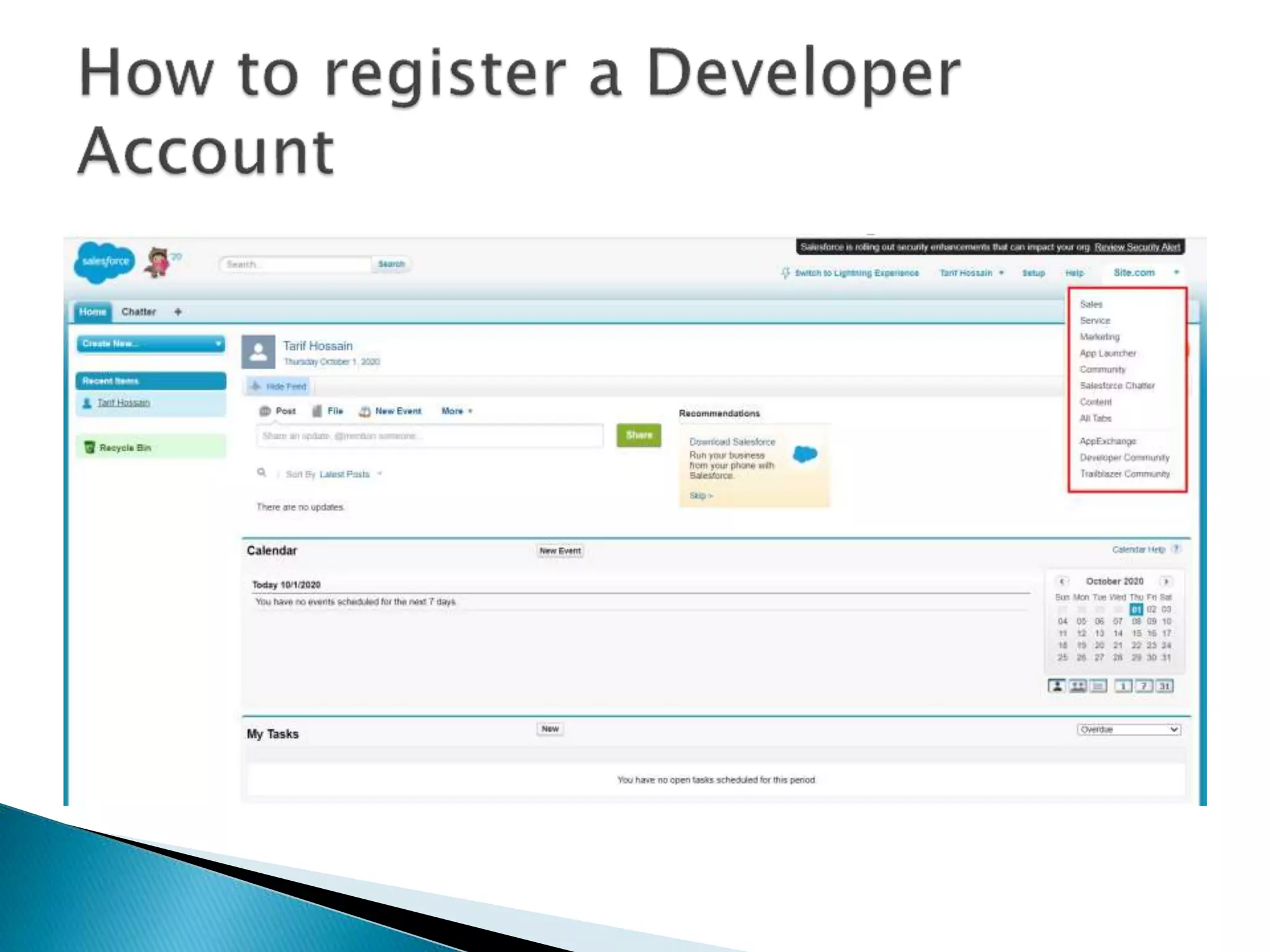
• First Create a Developer Account using this Link
 https://developer.salesforce.com/
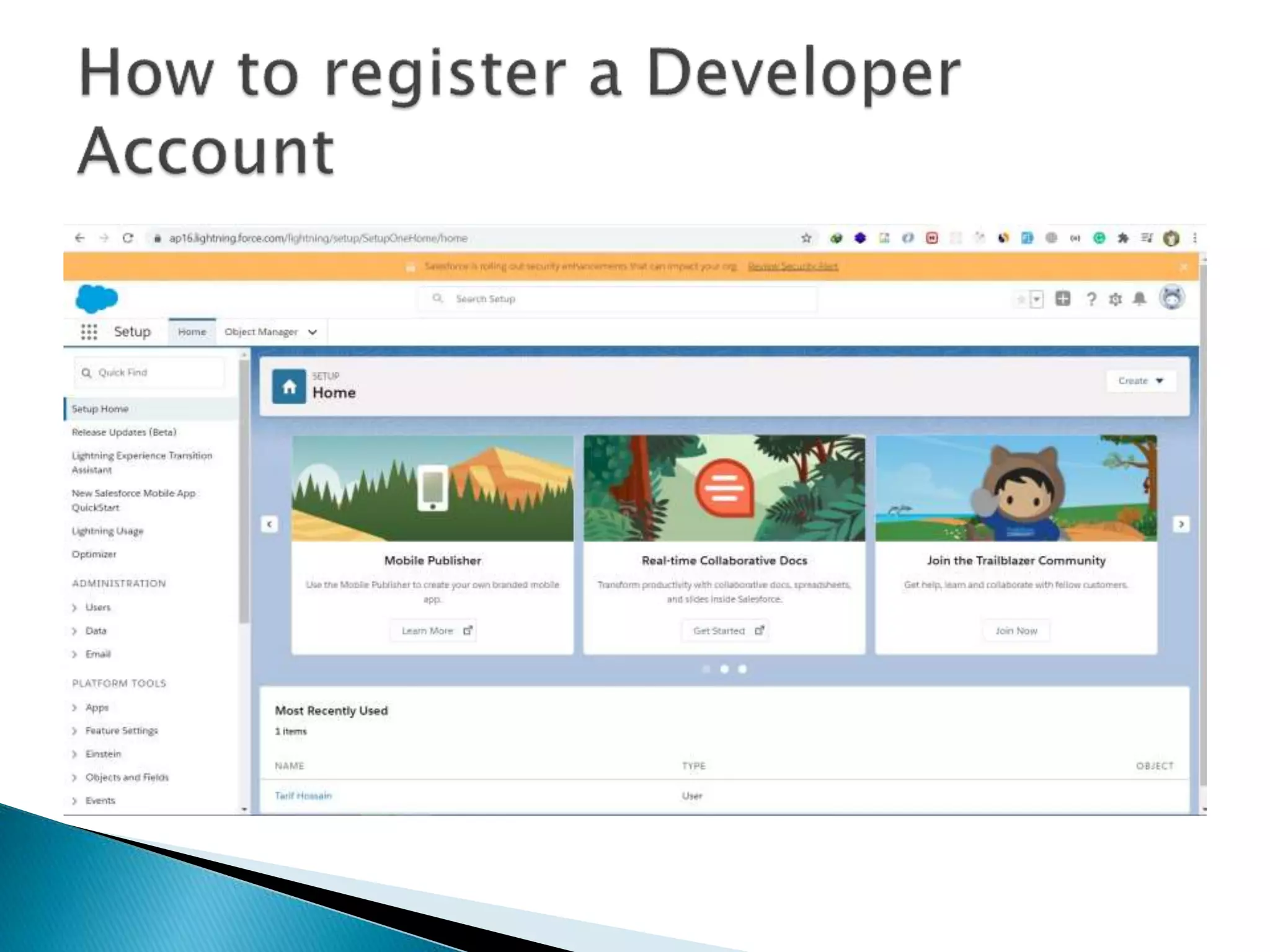
• After that login into you Developer Edition by using this link
https://login.salesforce.com
• Limitations of Developer Edition
 2 user (Salesforce license)
 Expire if its idle for 6 months
 Maximum data storage in 5 MB
 No SandBox
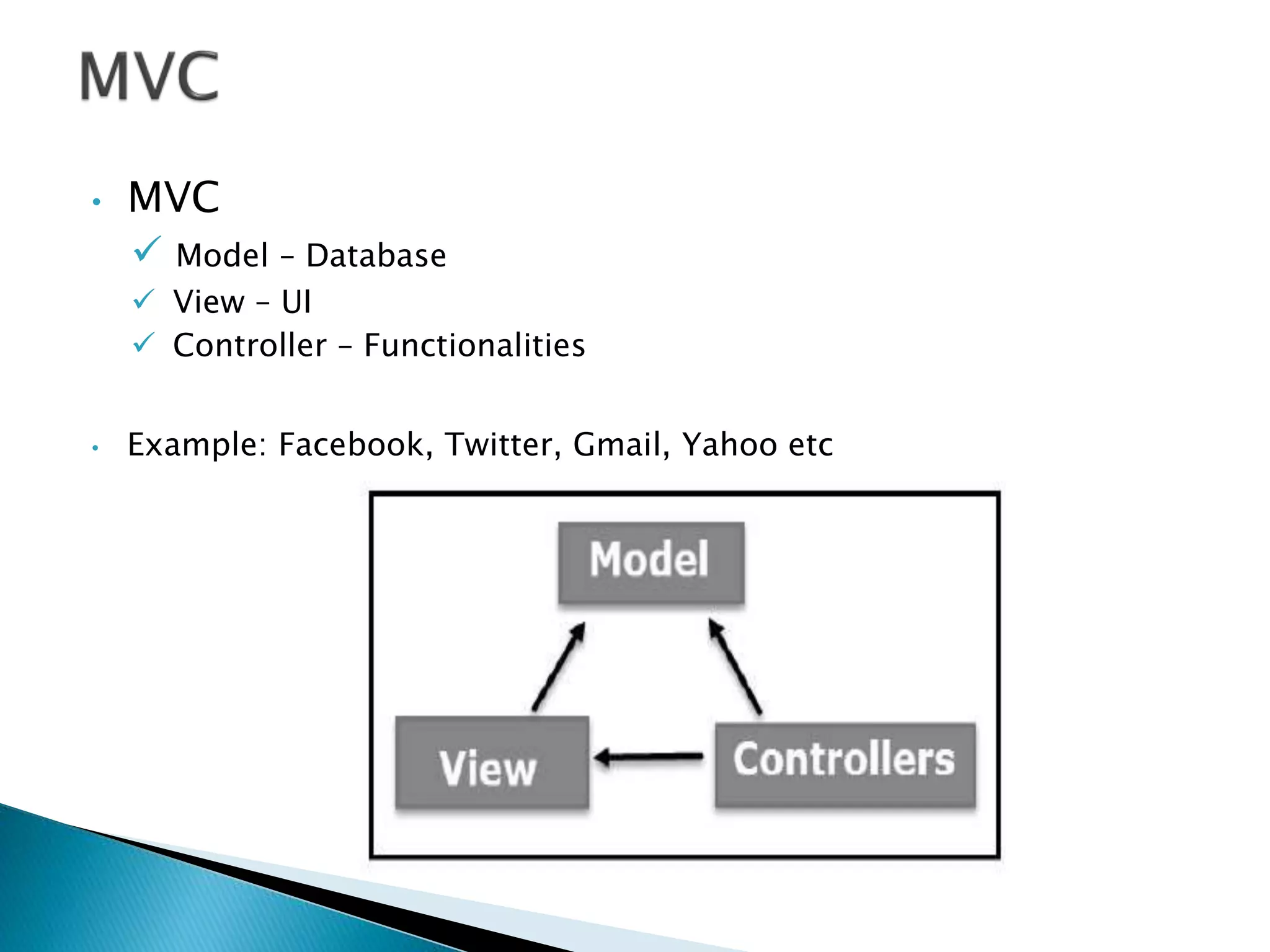
• MVC
 Model – Database
 View – UI
 Controller – Functionalities
• Example: Facebook, Twitter, Gmail, Yahoo etc
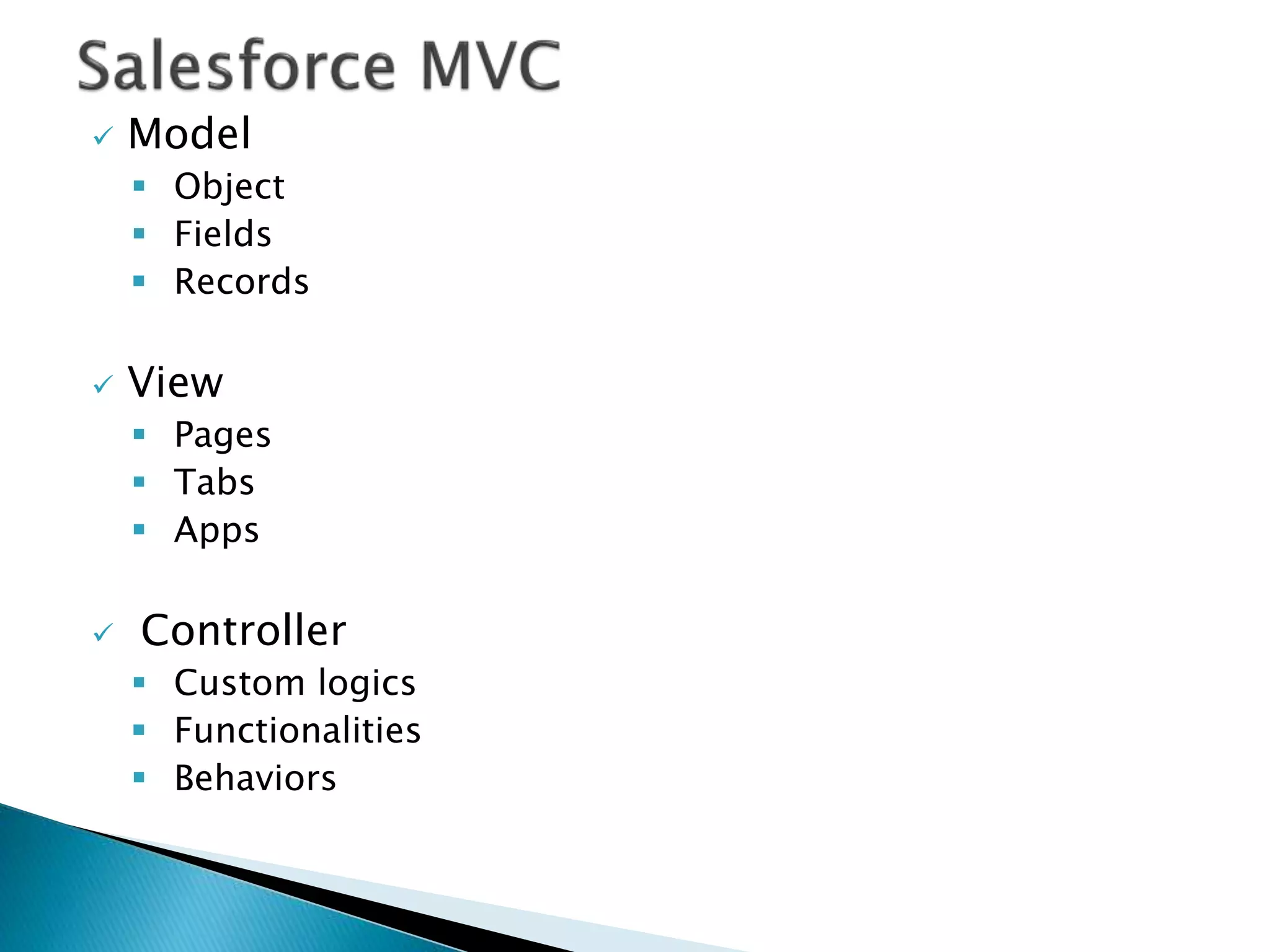
 Model
 Object
 Fields
 Records
 View
 Pages
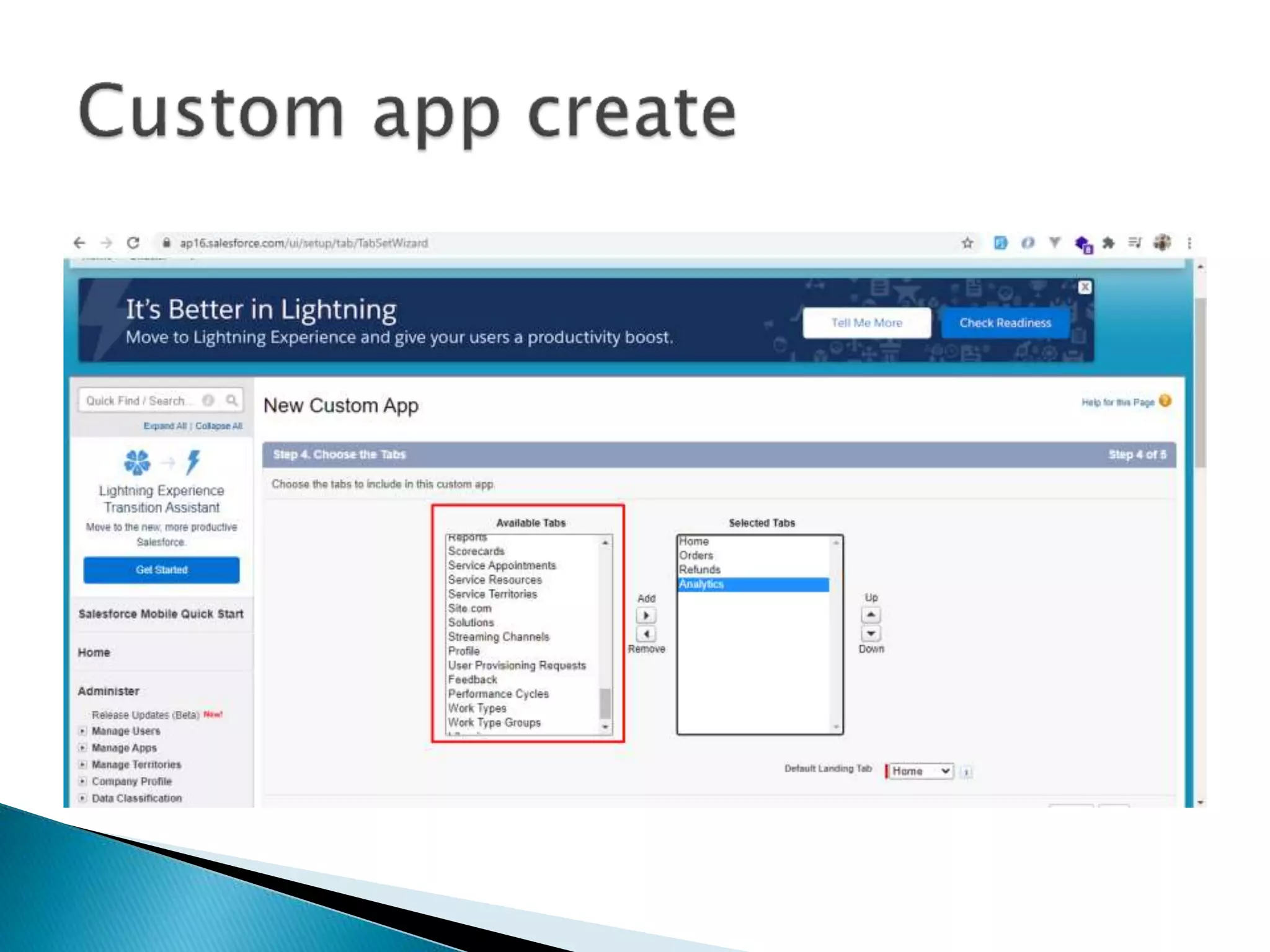
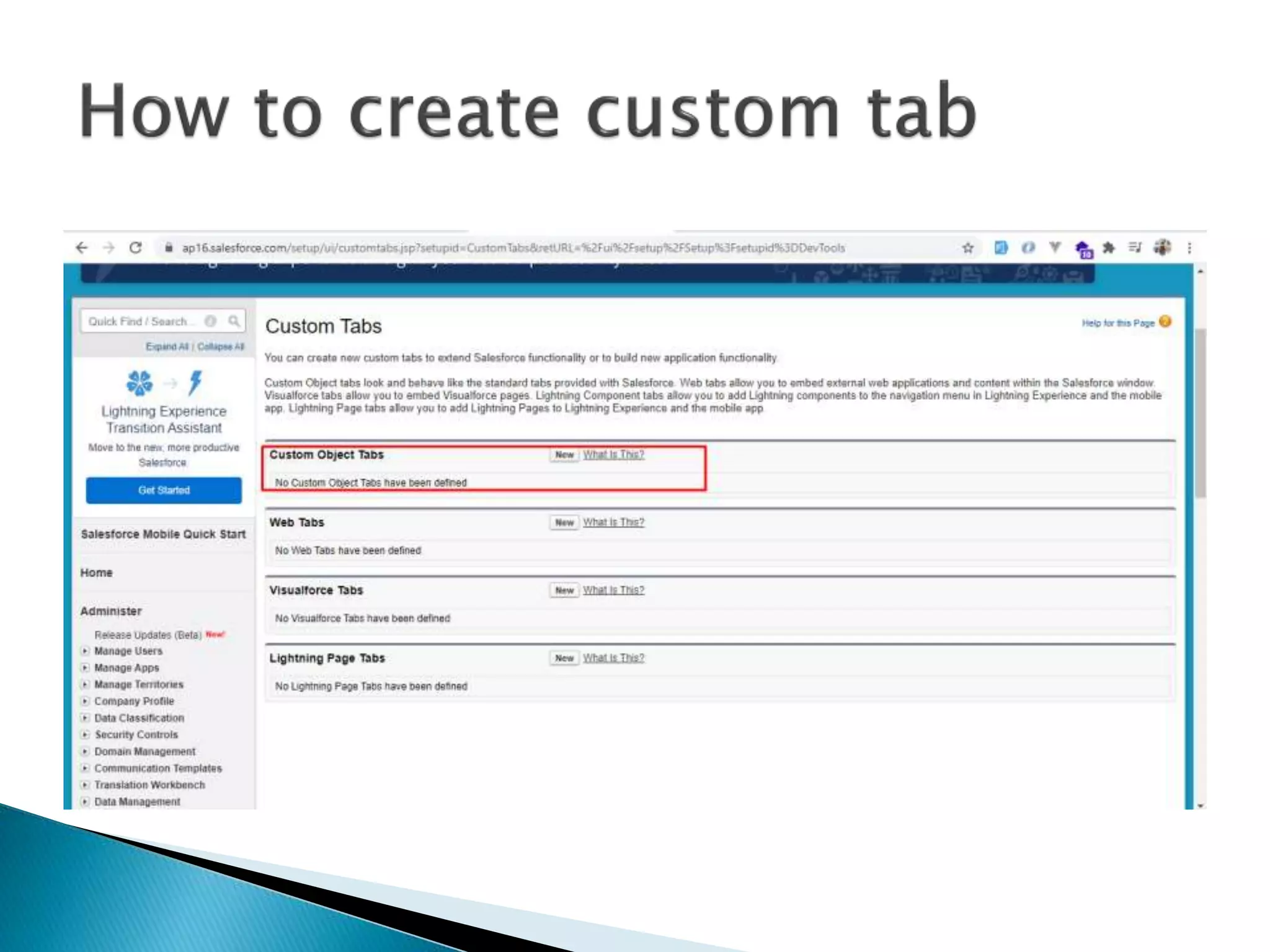
 Tabs
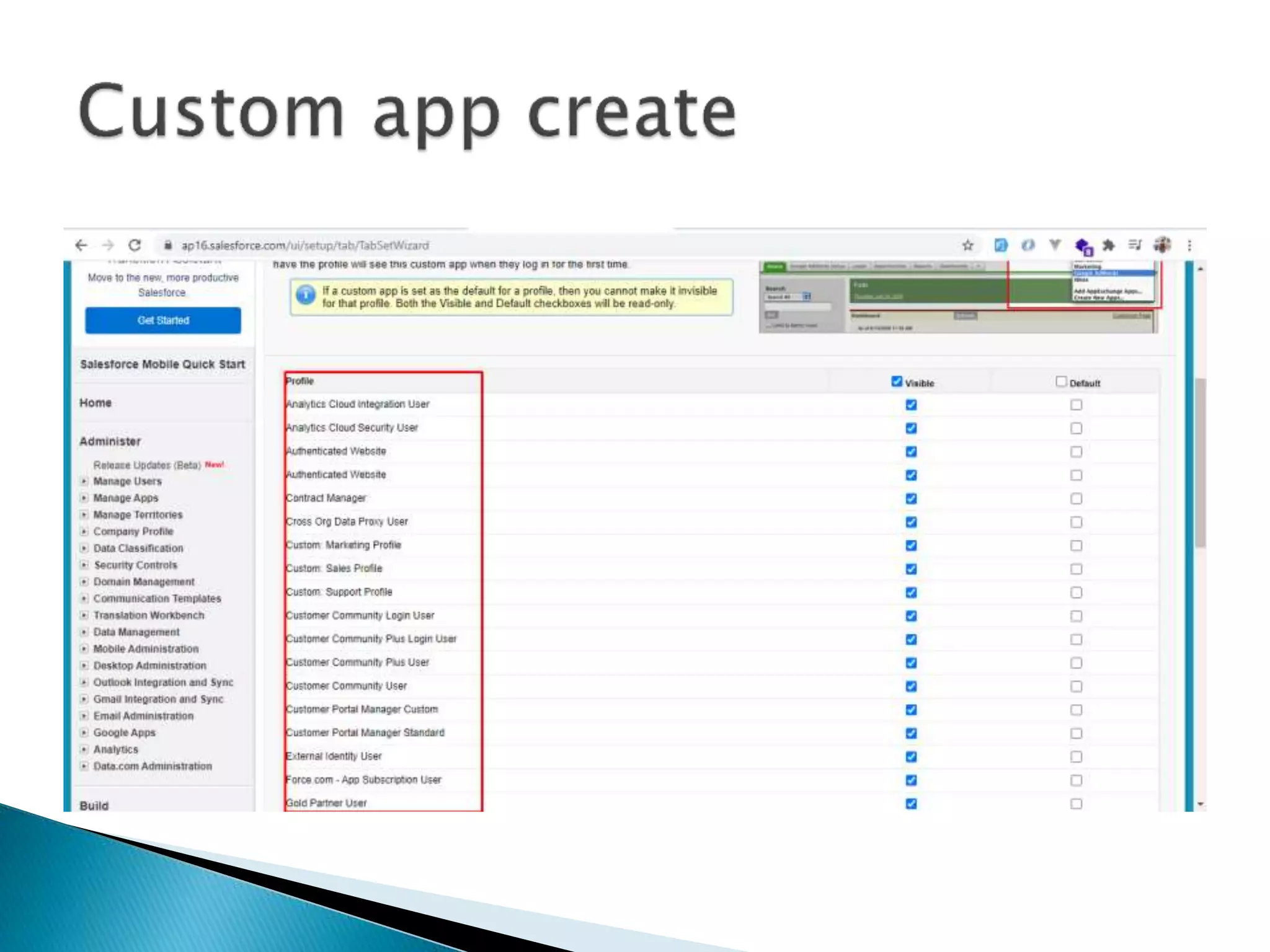
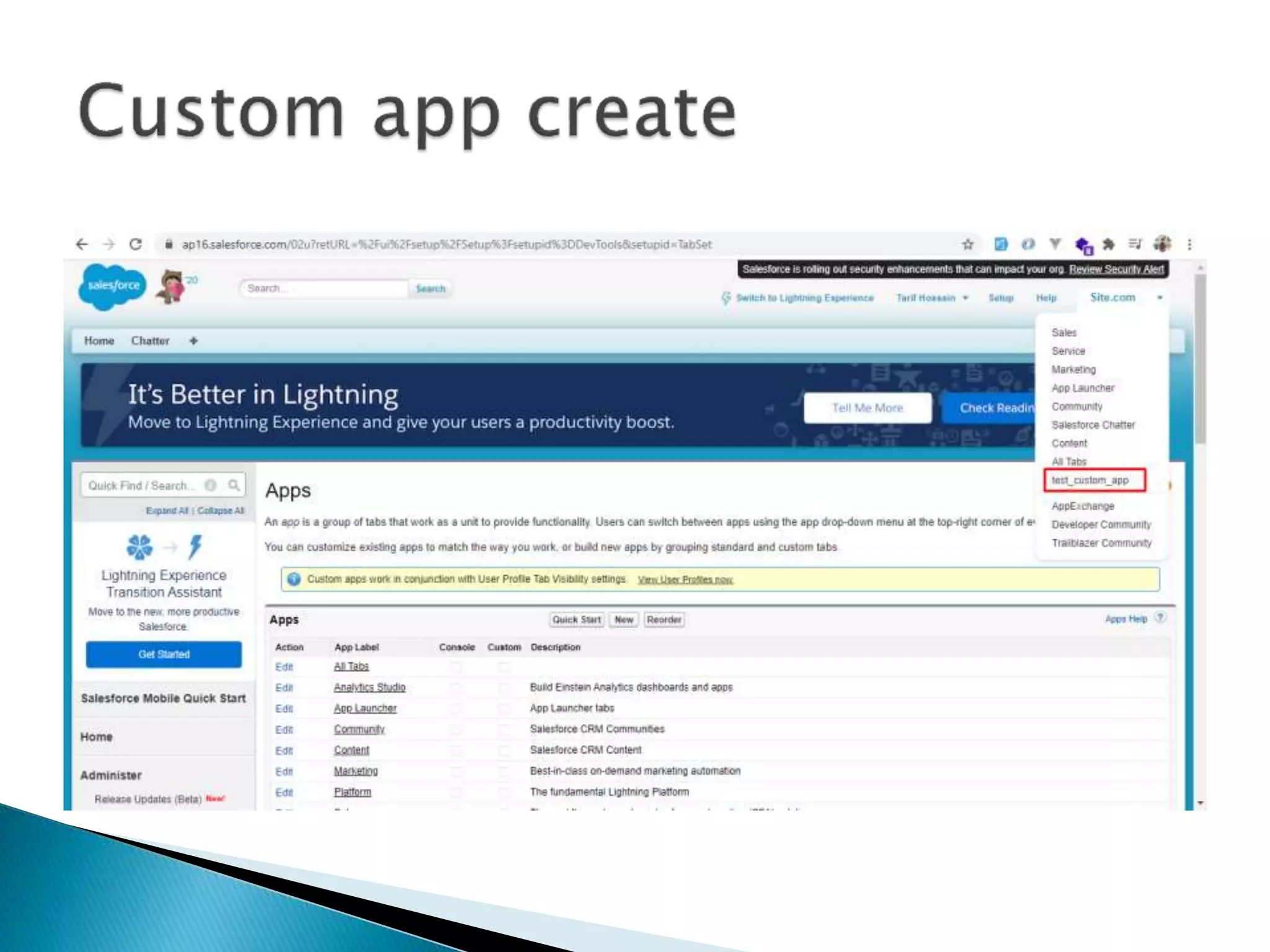
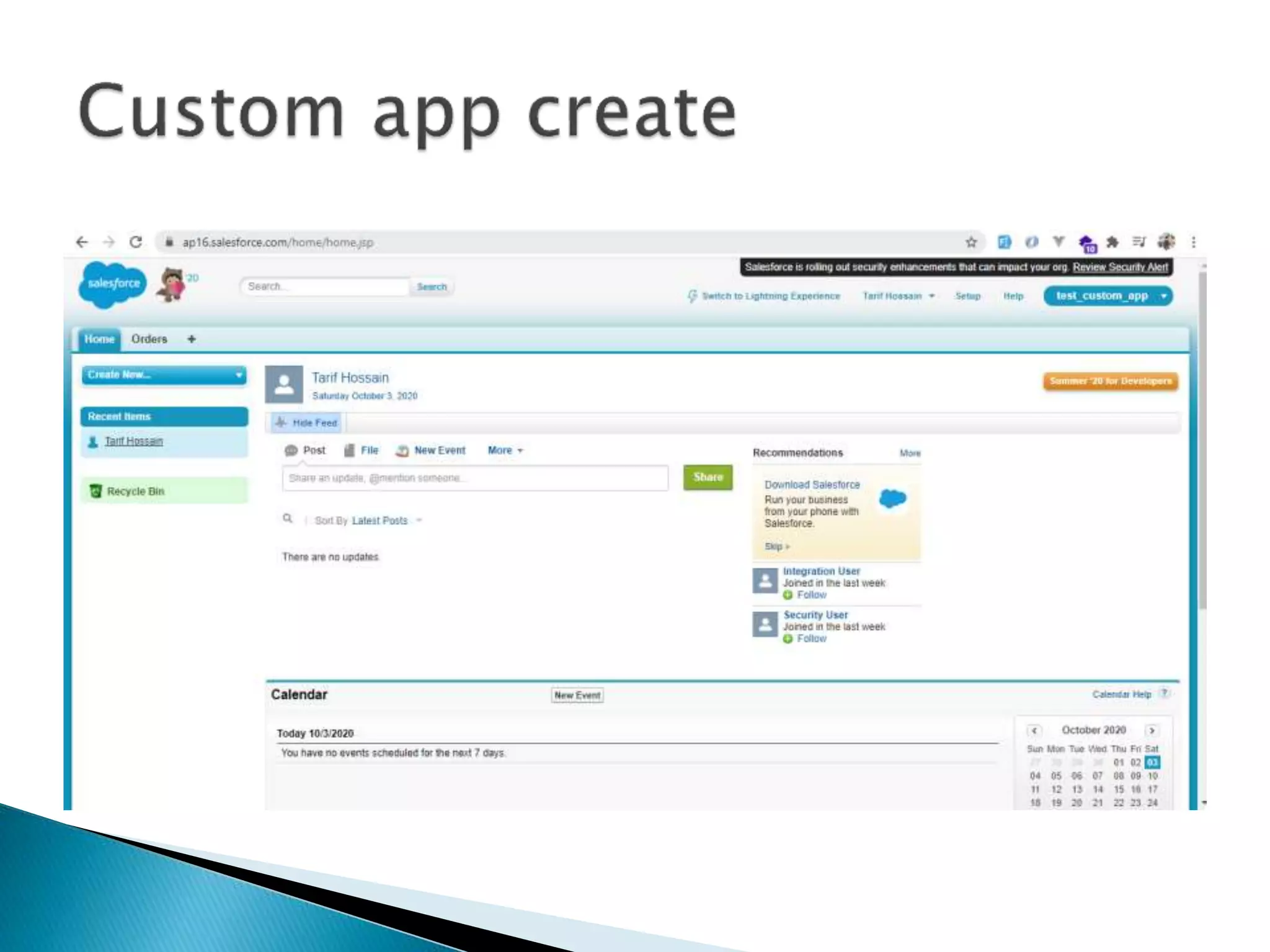
 Apps
 Controller
 Custom logics
 Functionalities
 Behaviors
• Browser based application
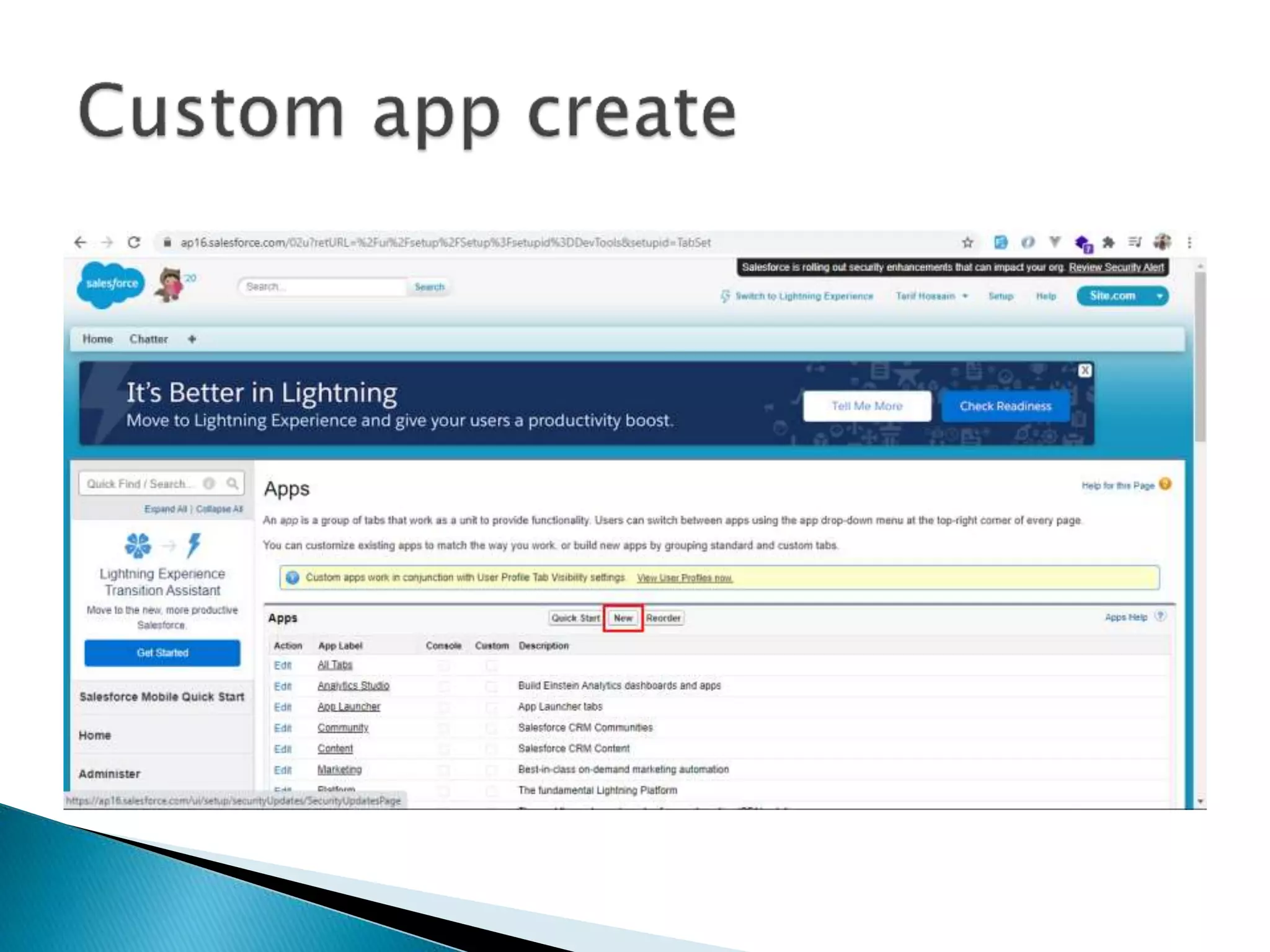
• Without any code
• Collection of objects
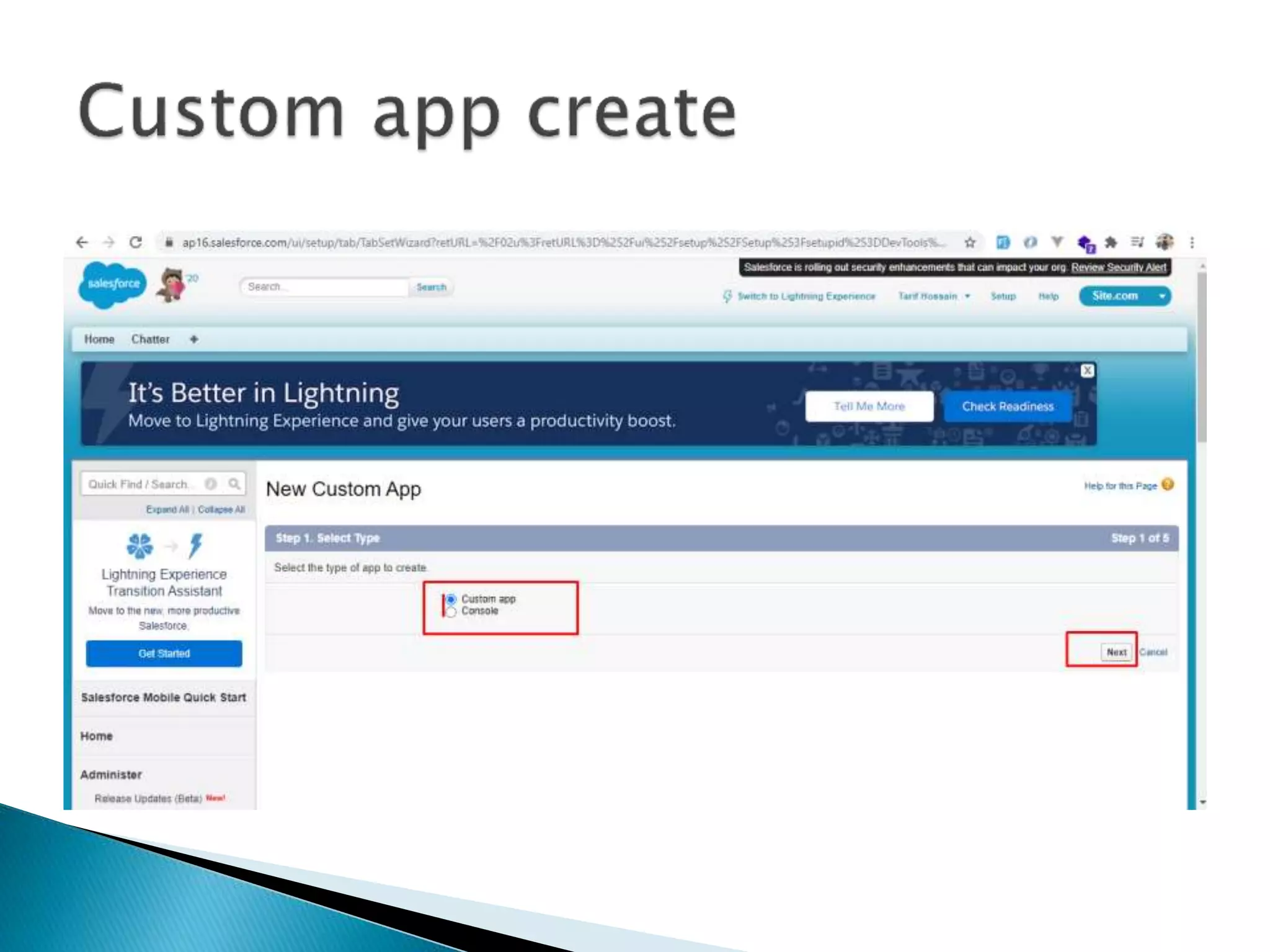
• Types
 Custom
 Console
 Collection of objects
 Performing tasked based on the
requirements
 Training app
 Special type of UI
 Call center Team
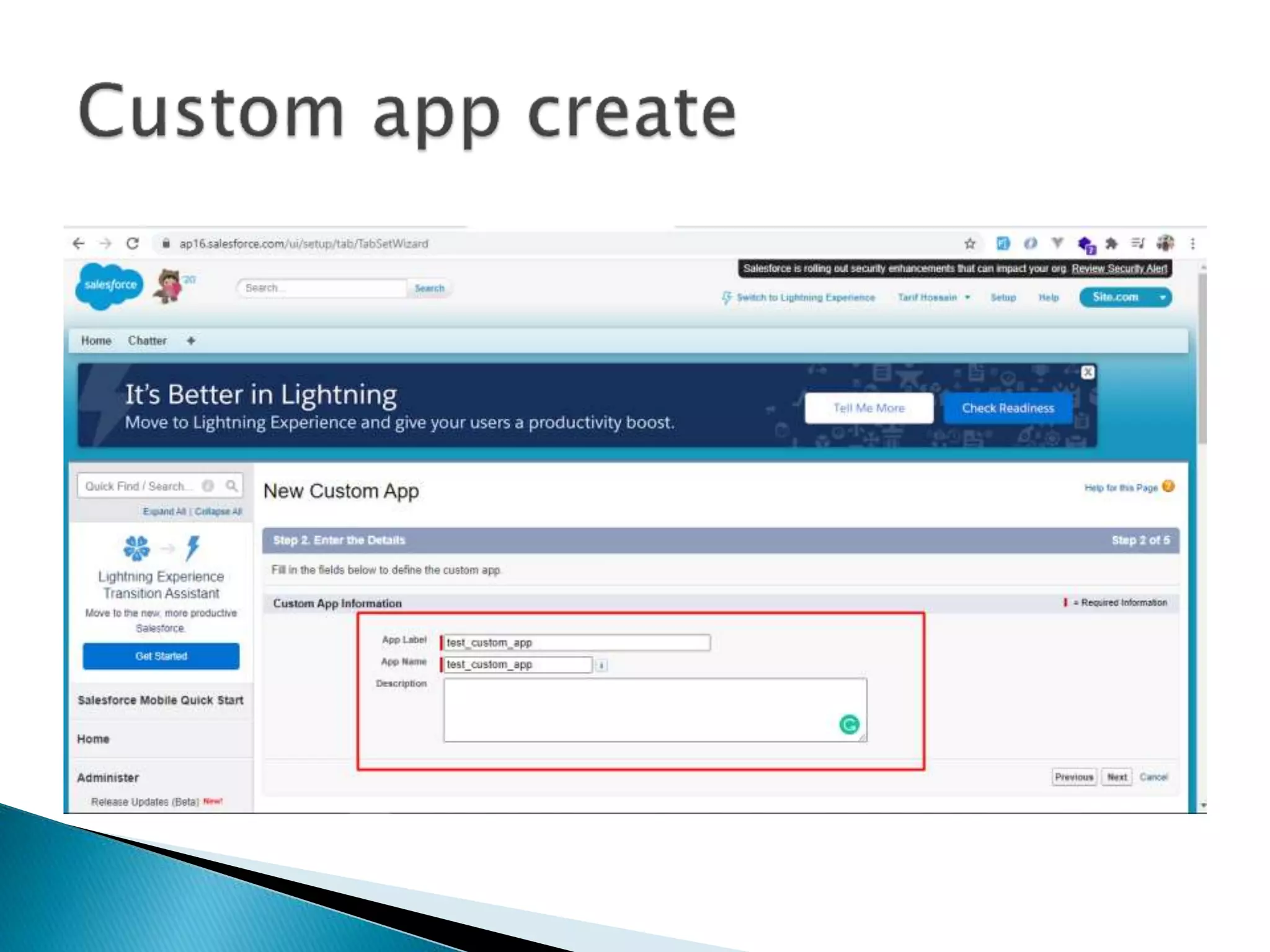
 Design the app
• Collection of Fields & Records in Database tables
• Provide the proper information in required format
 Rows indicates Records
 Columns indicated Fields
• Types of Objects
 Standard objects
 Custom objects
 Build in objects provided by salesforce
 It can be customized
 Fields can make use of custom object
 Override
 It can be build & customized on your own
 Limitations
 Based on license
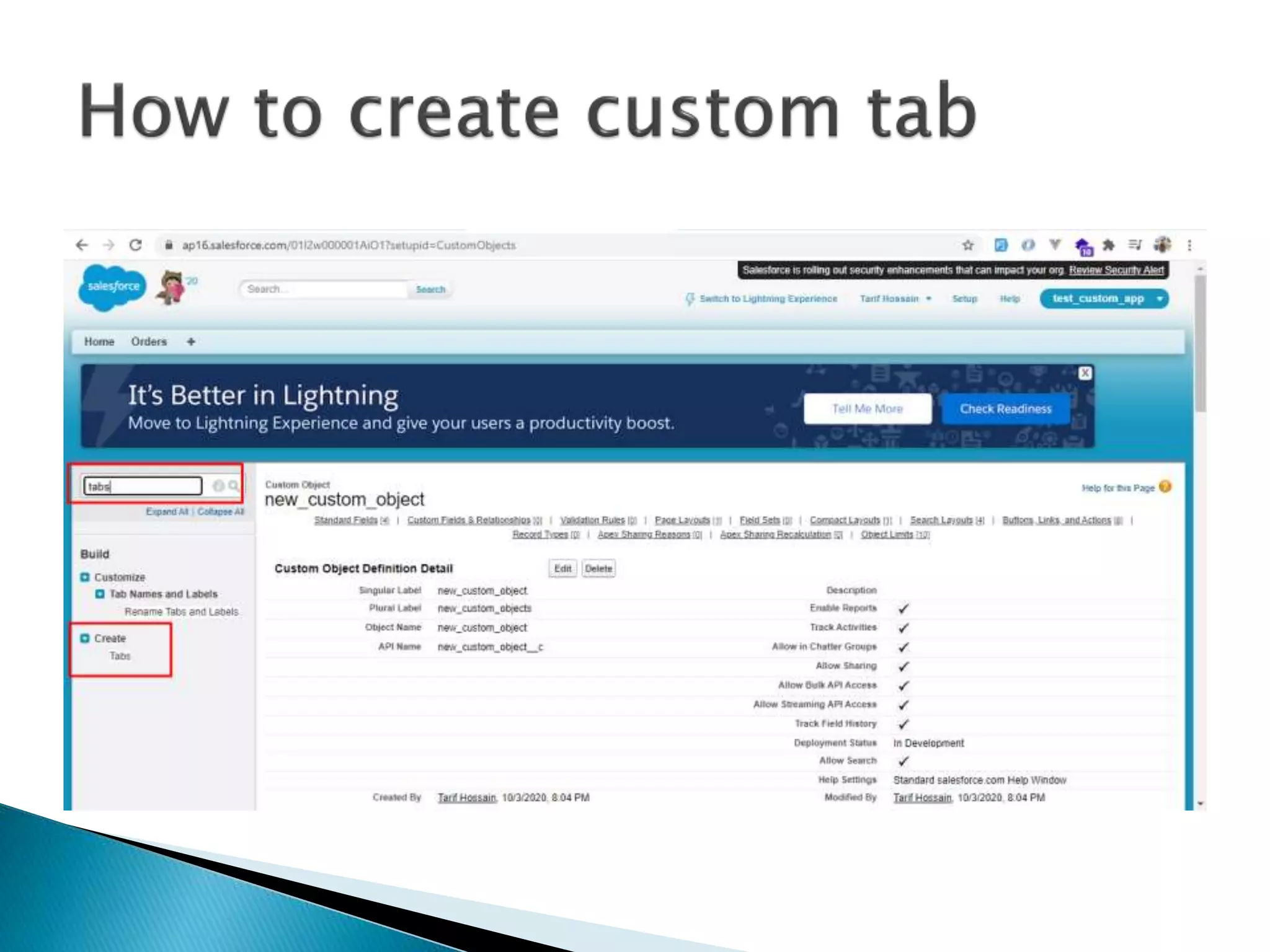
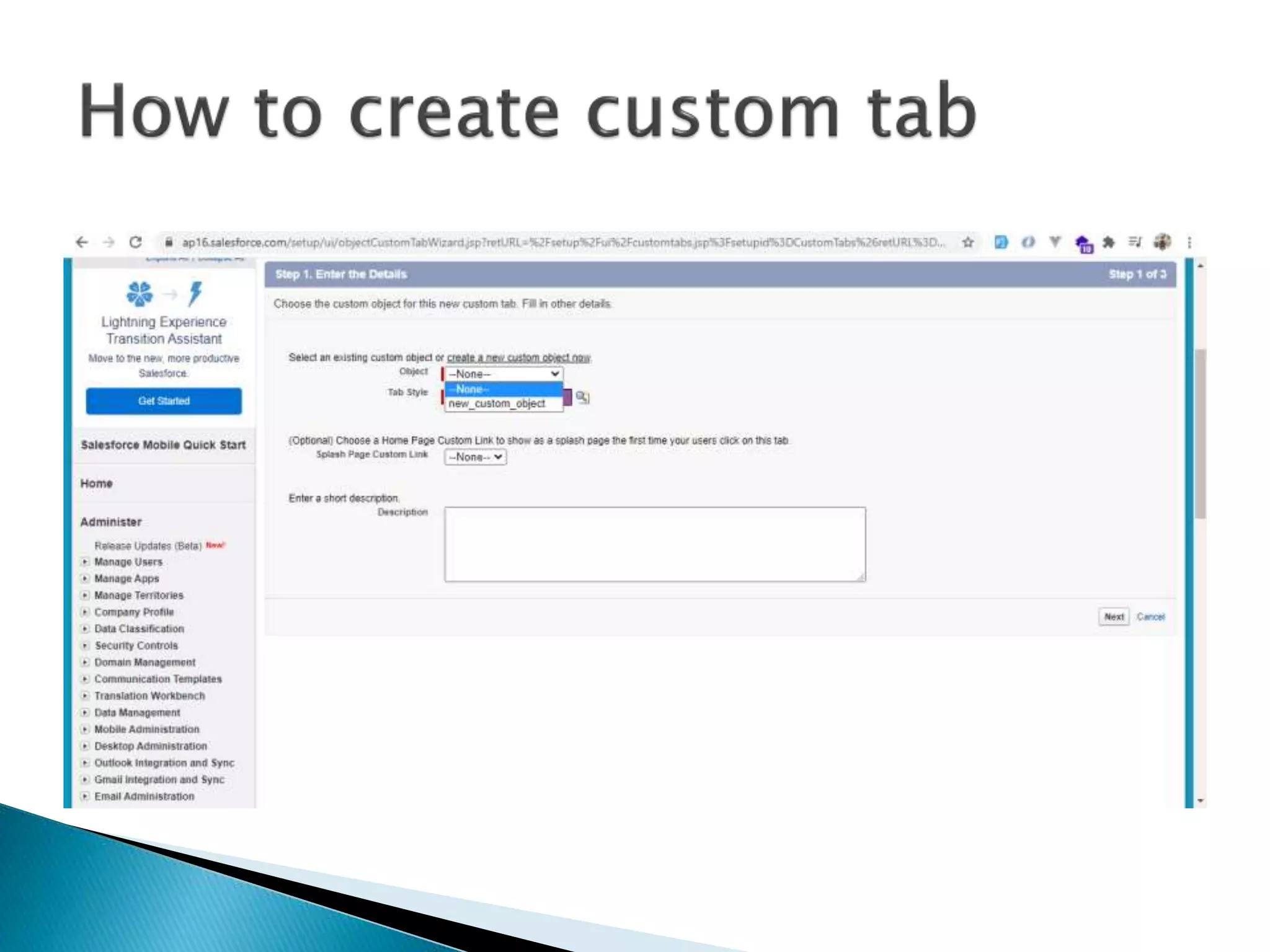
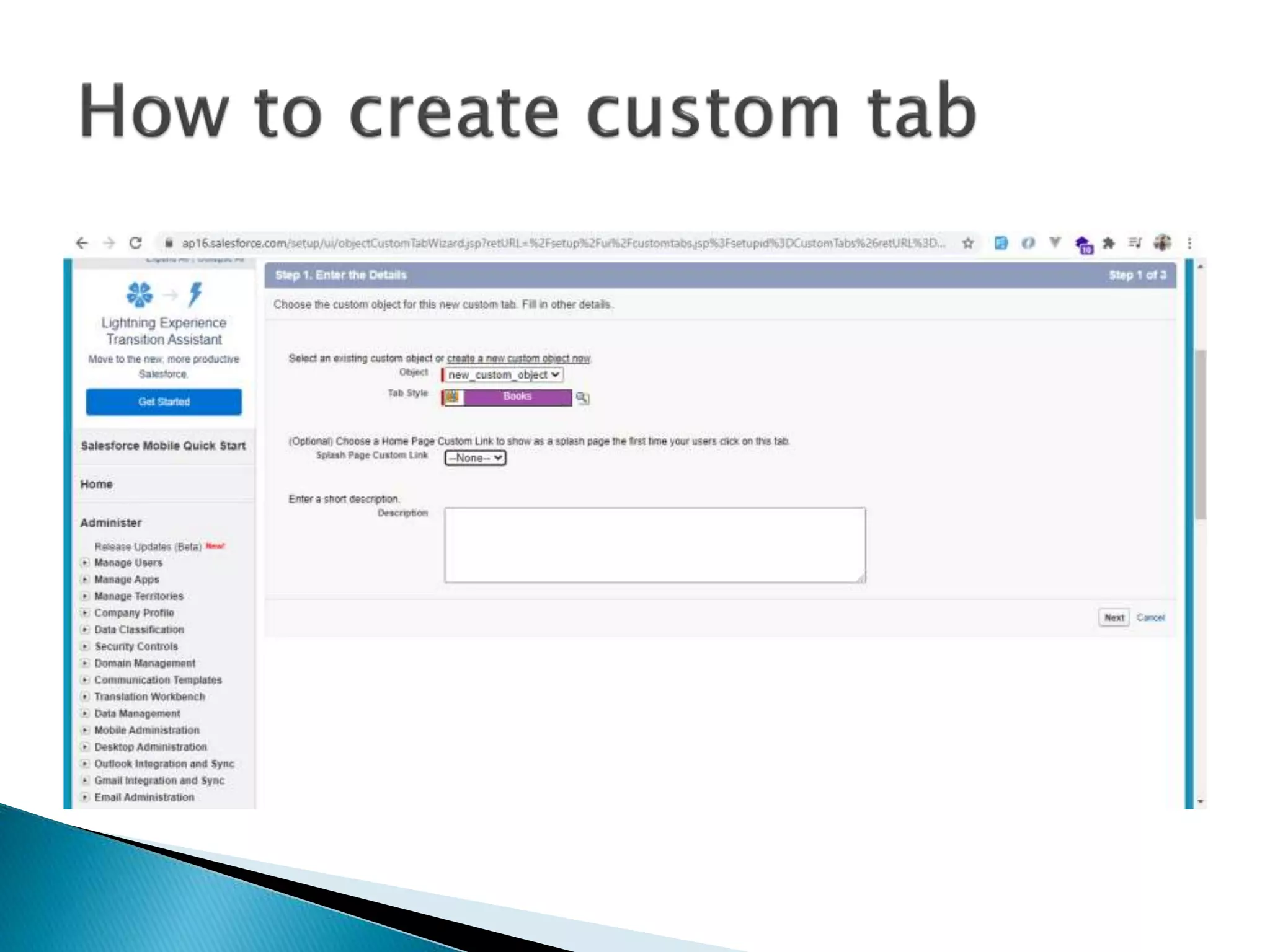
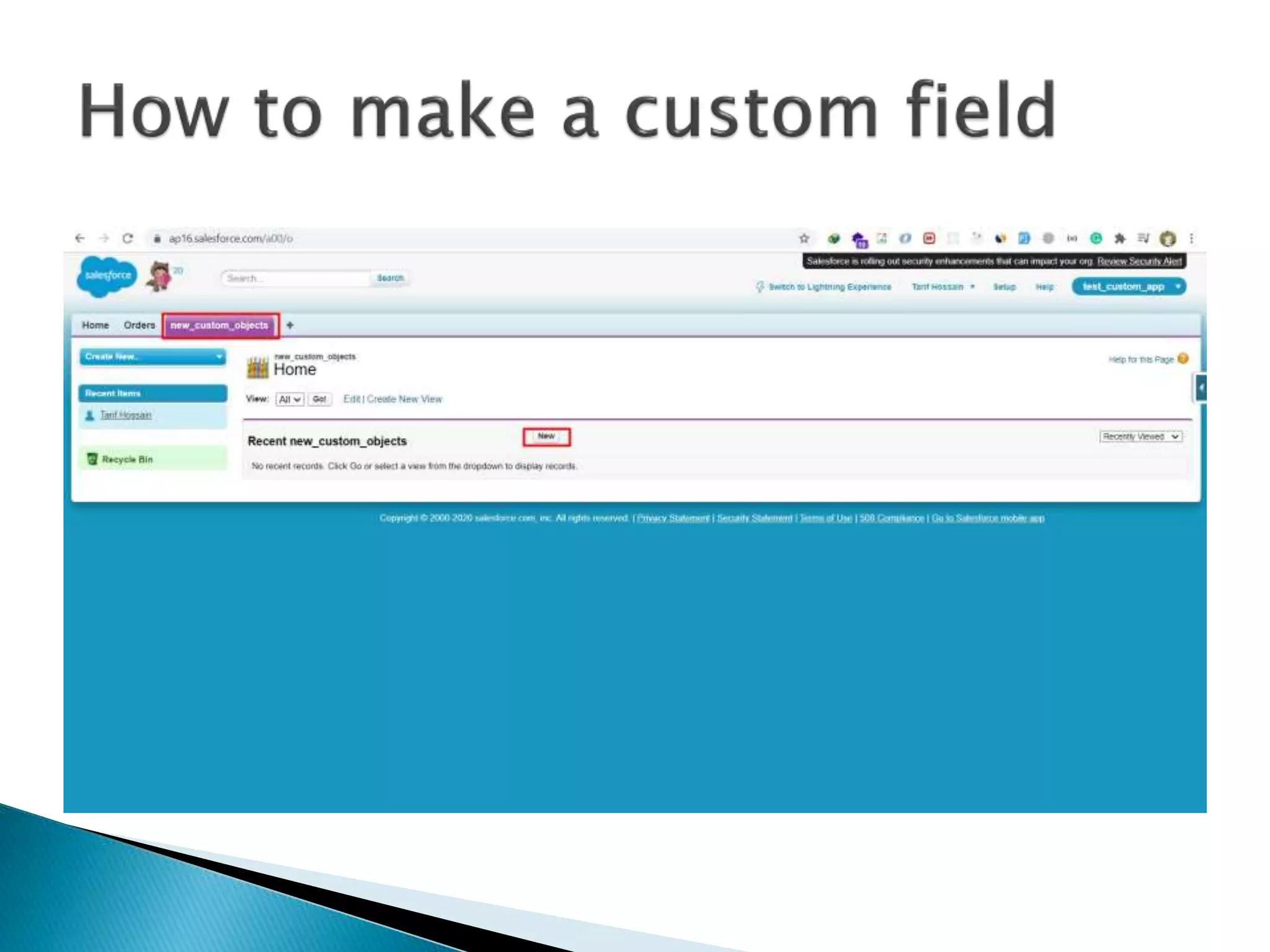
 Reference button
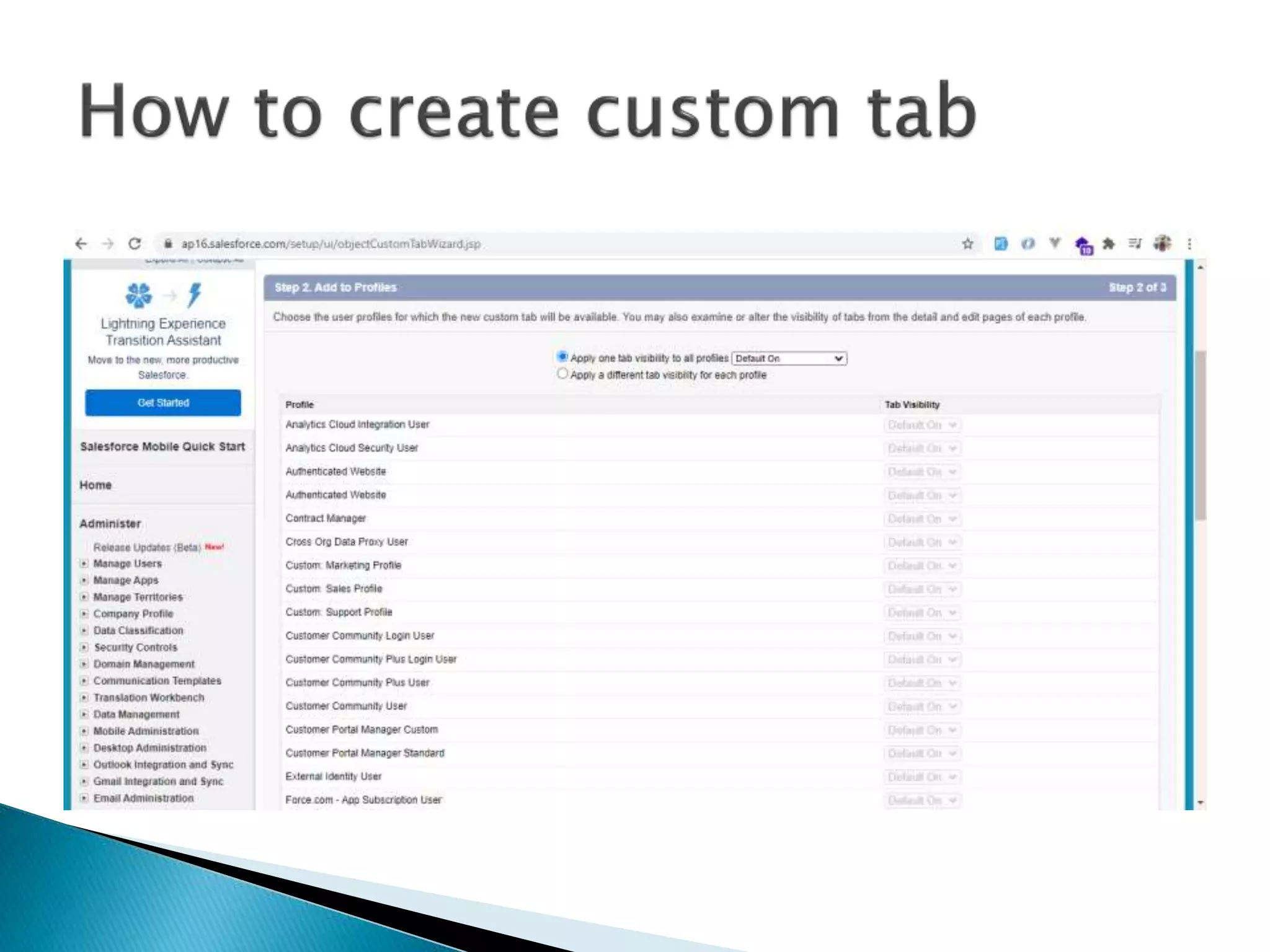
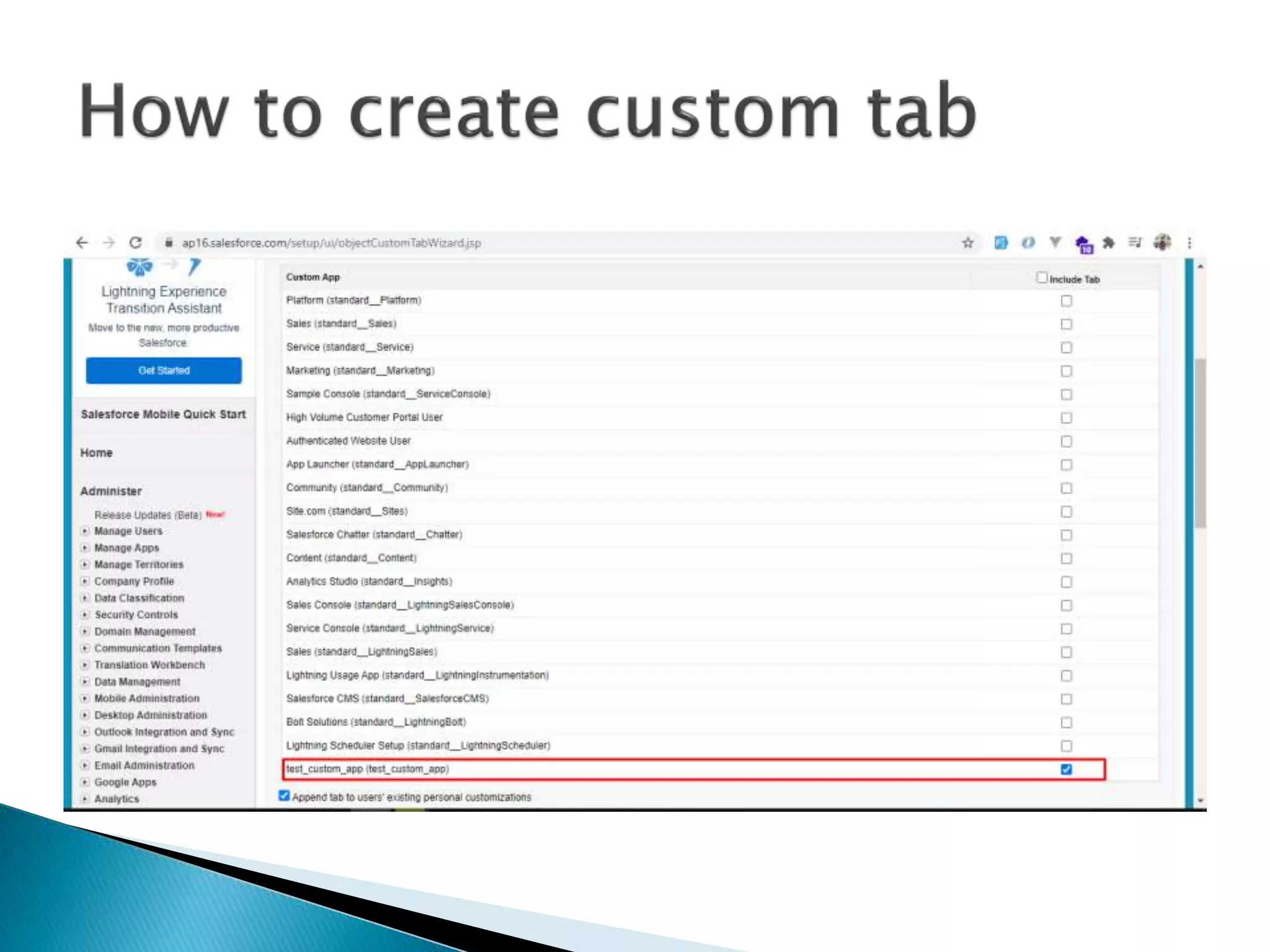
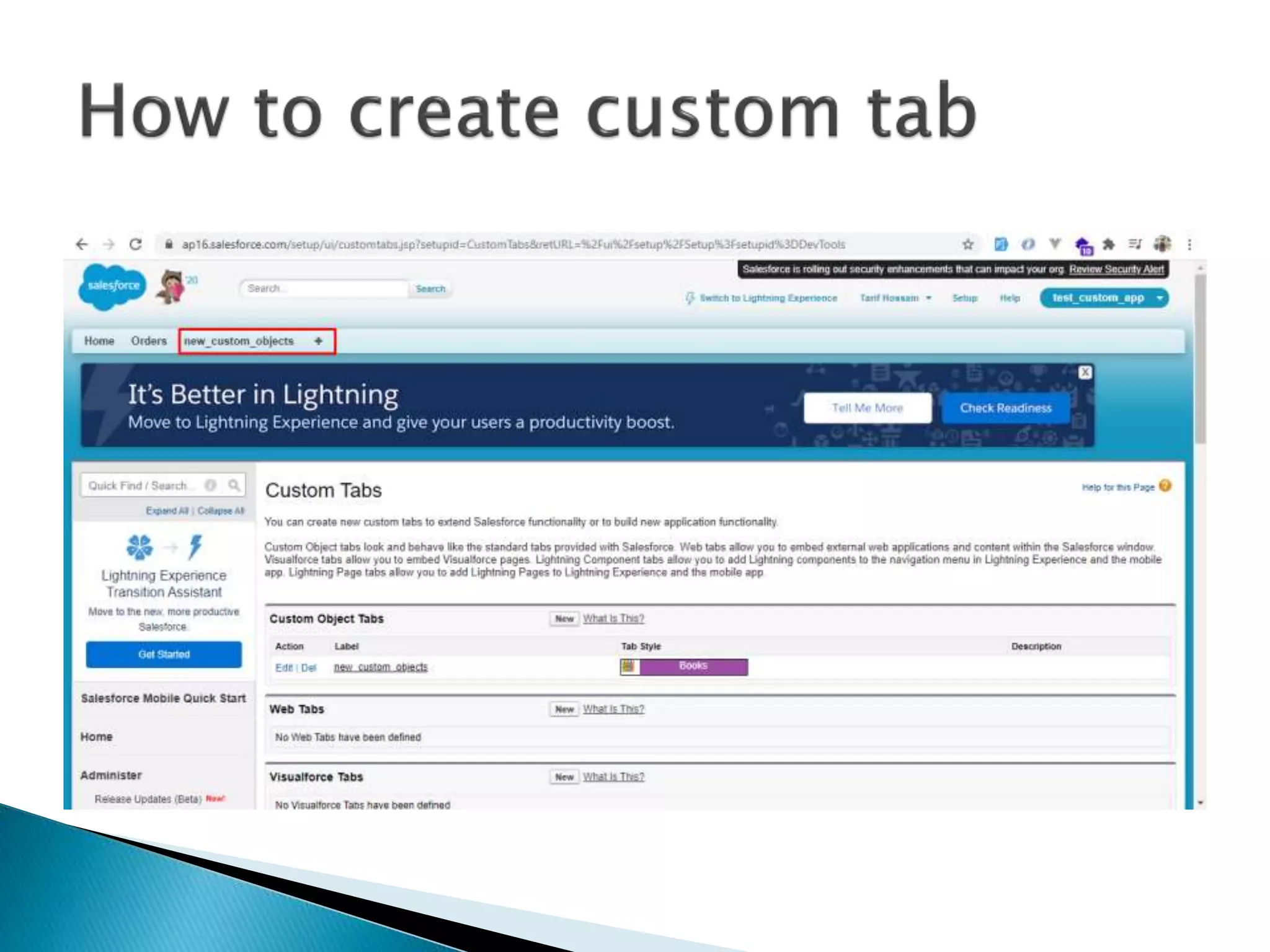
 Enable link to specific object
 Same as website tabs
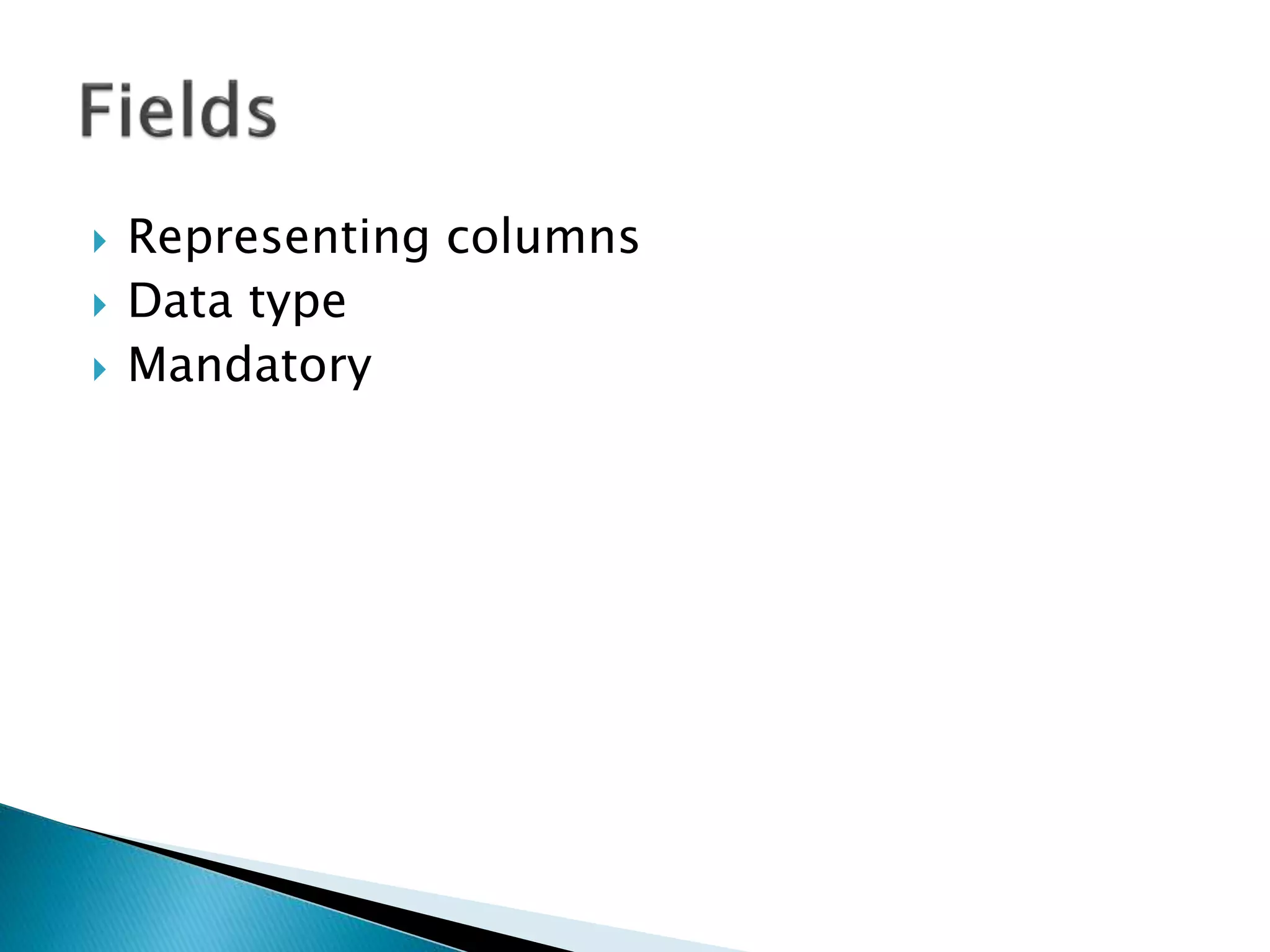
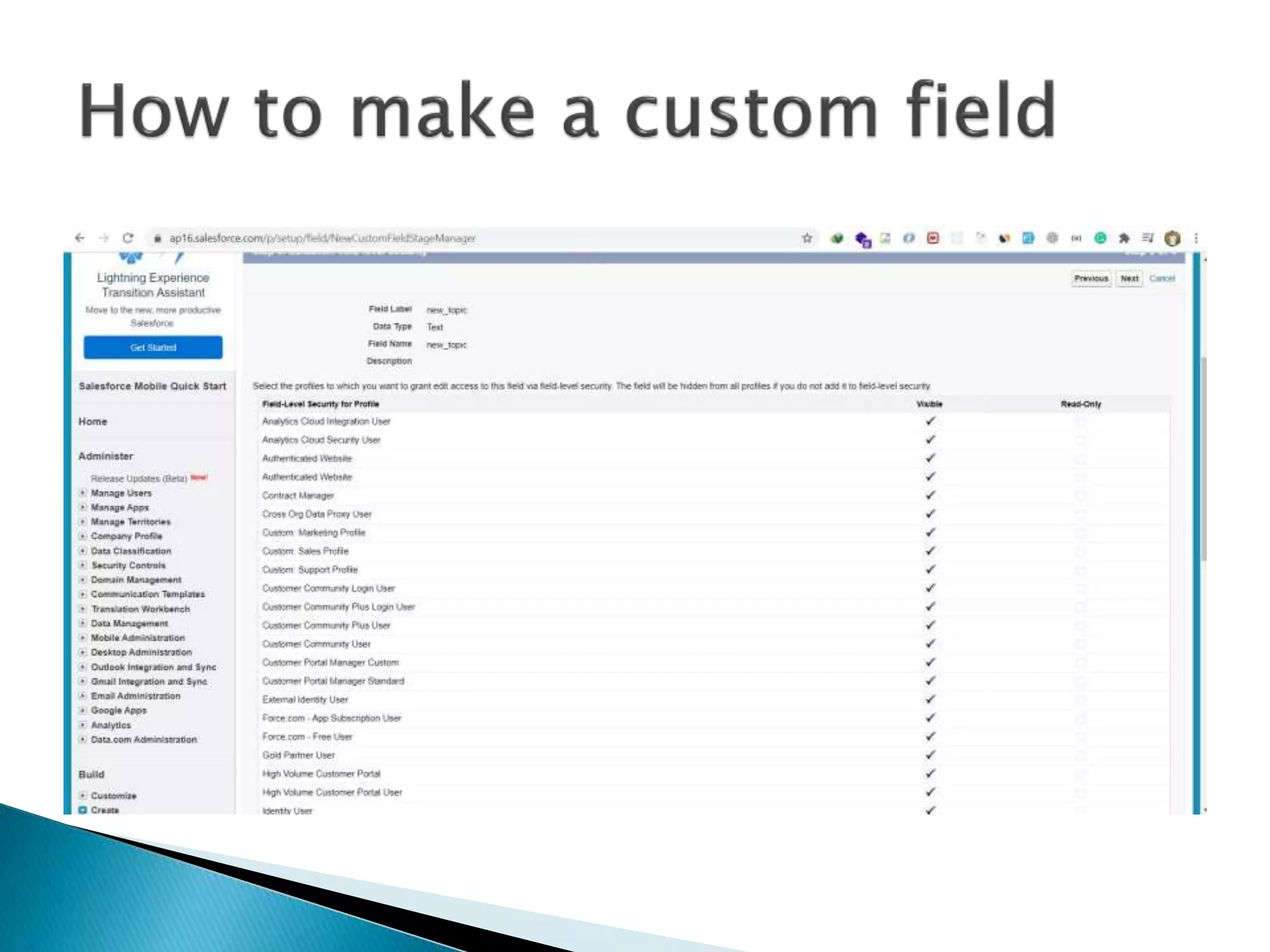
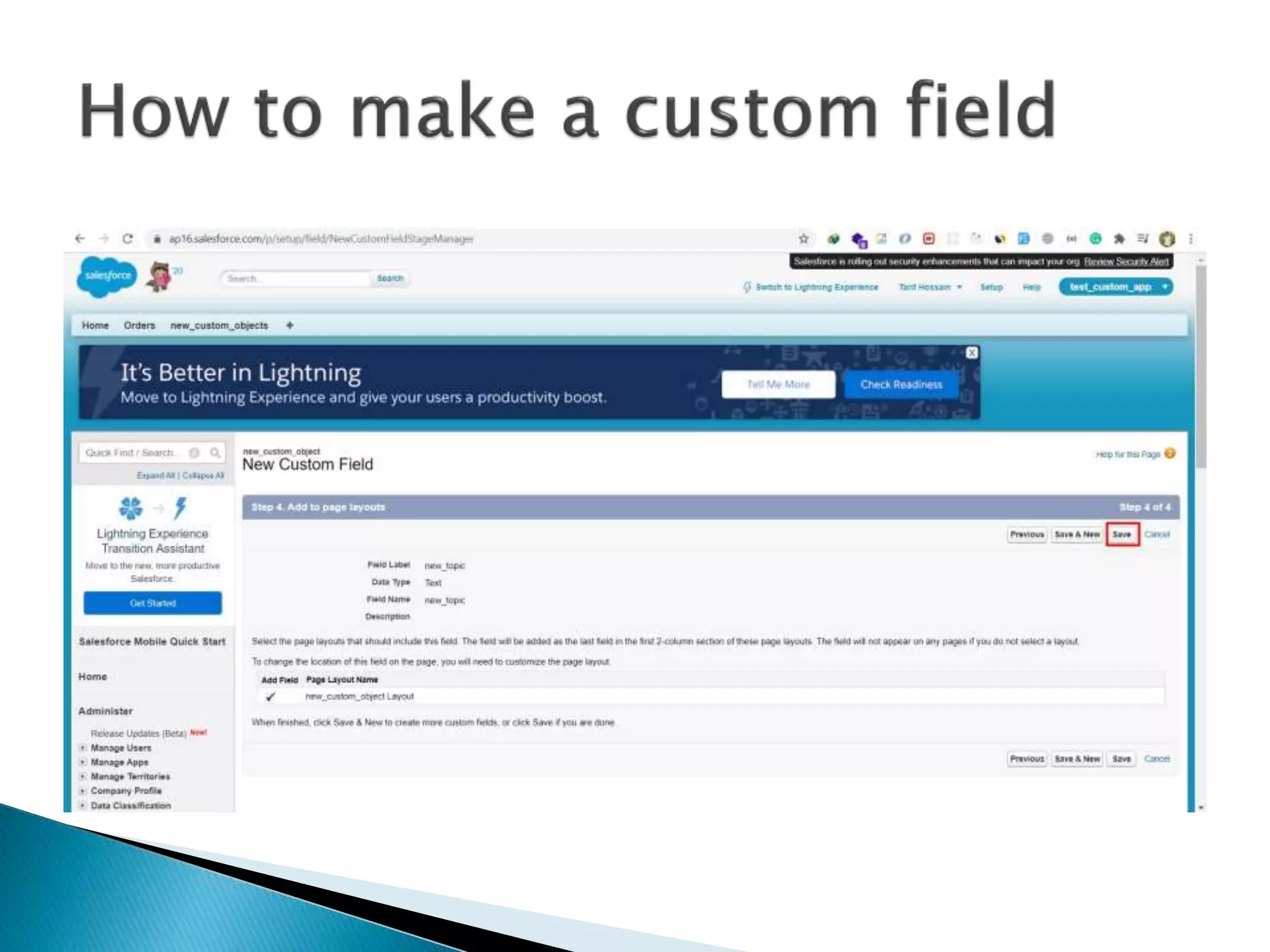
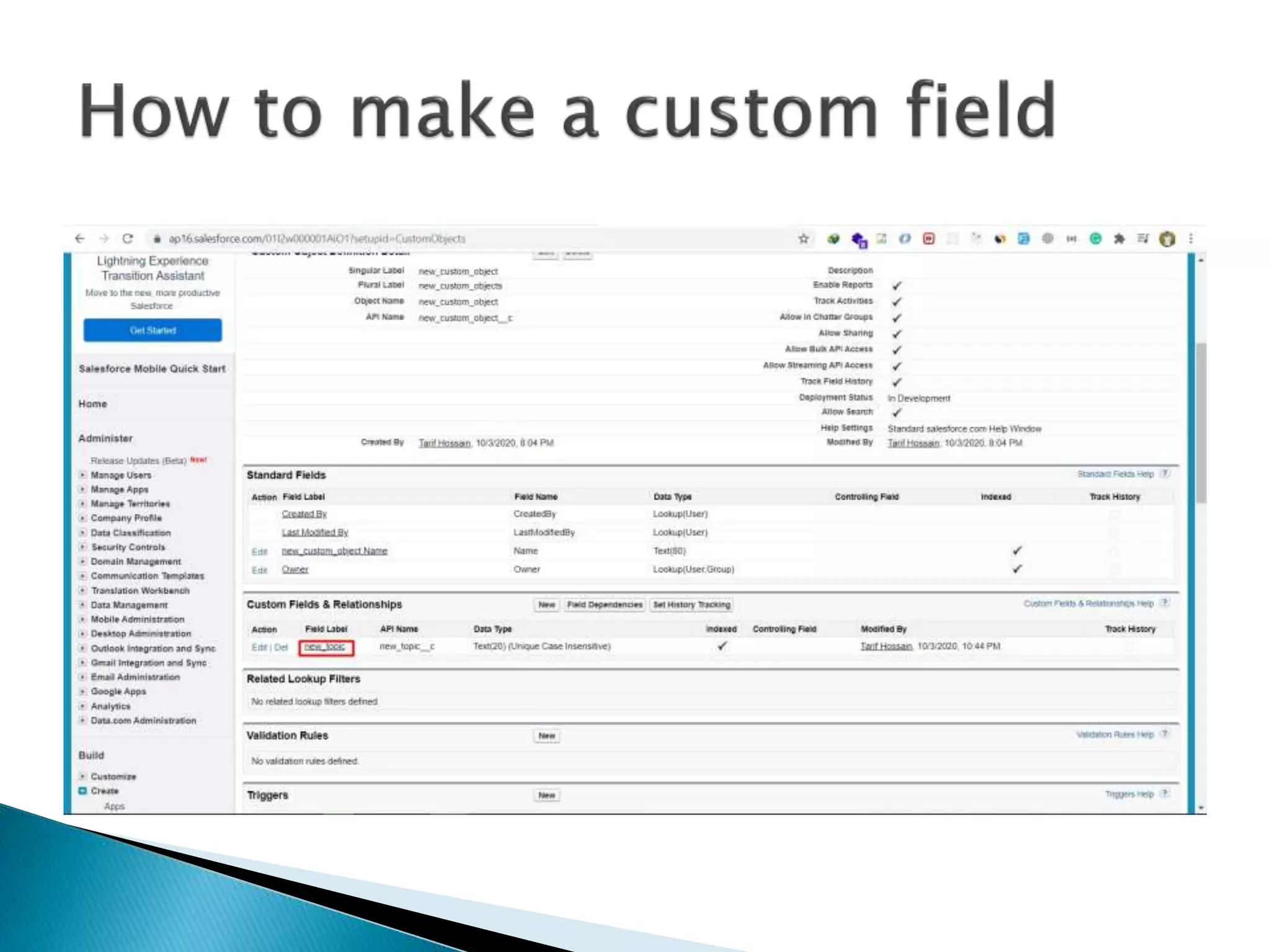
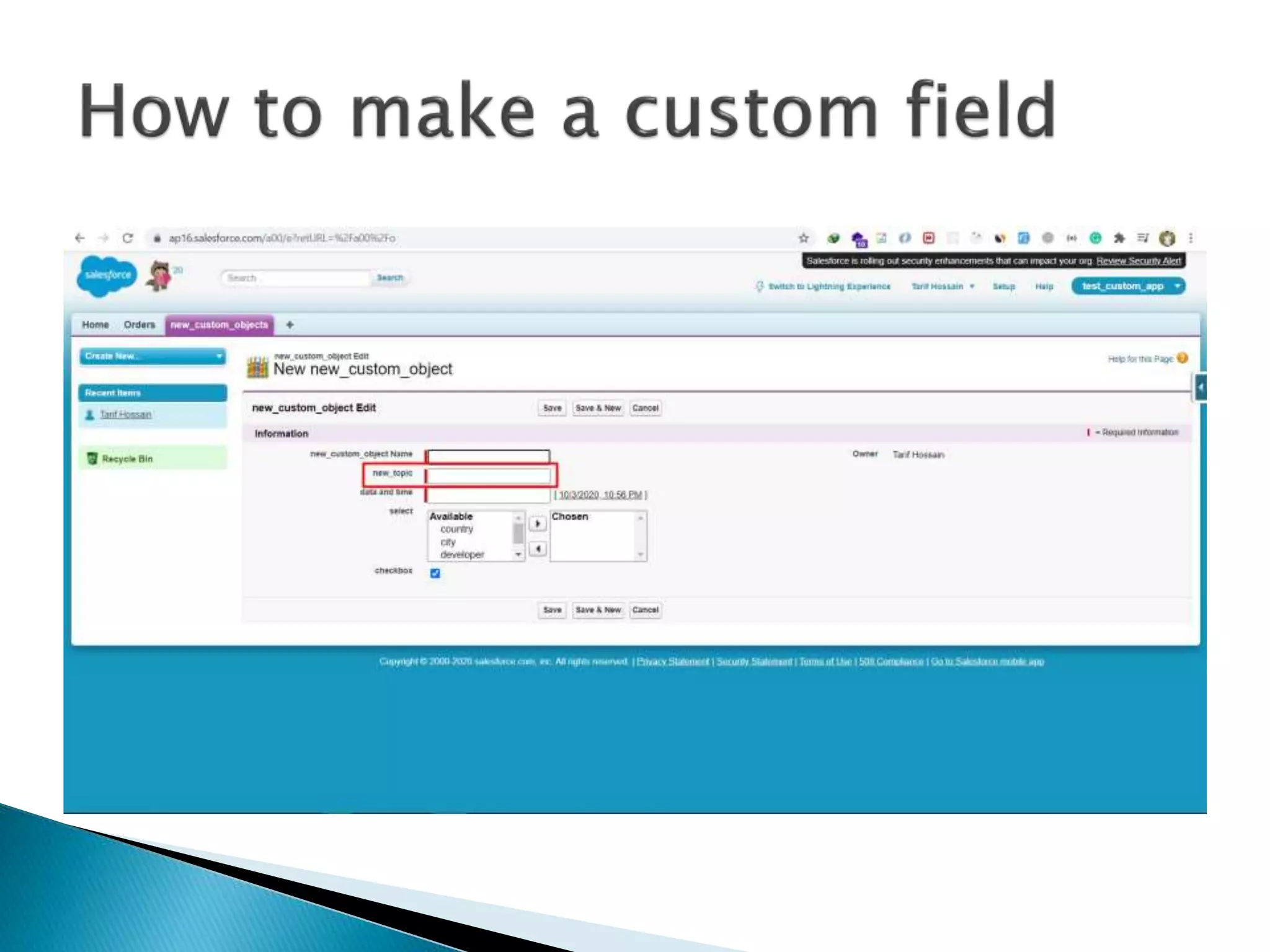
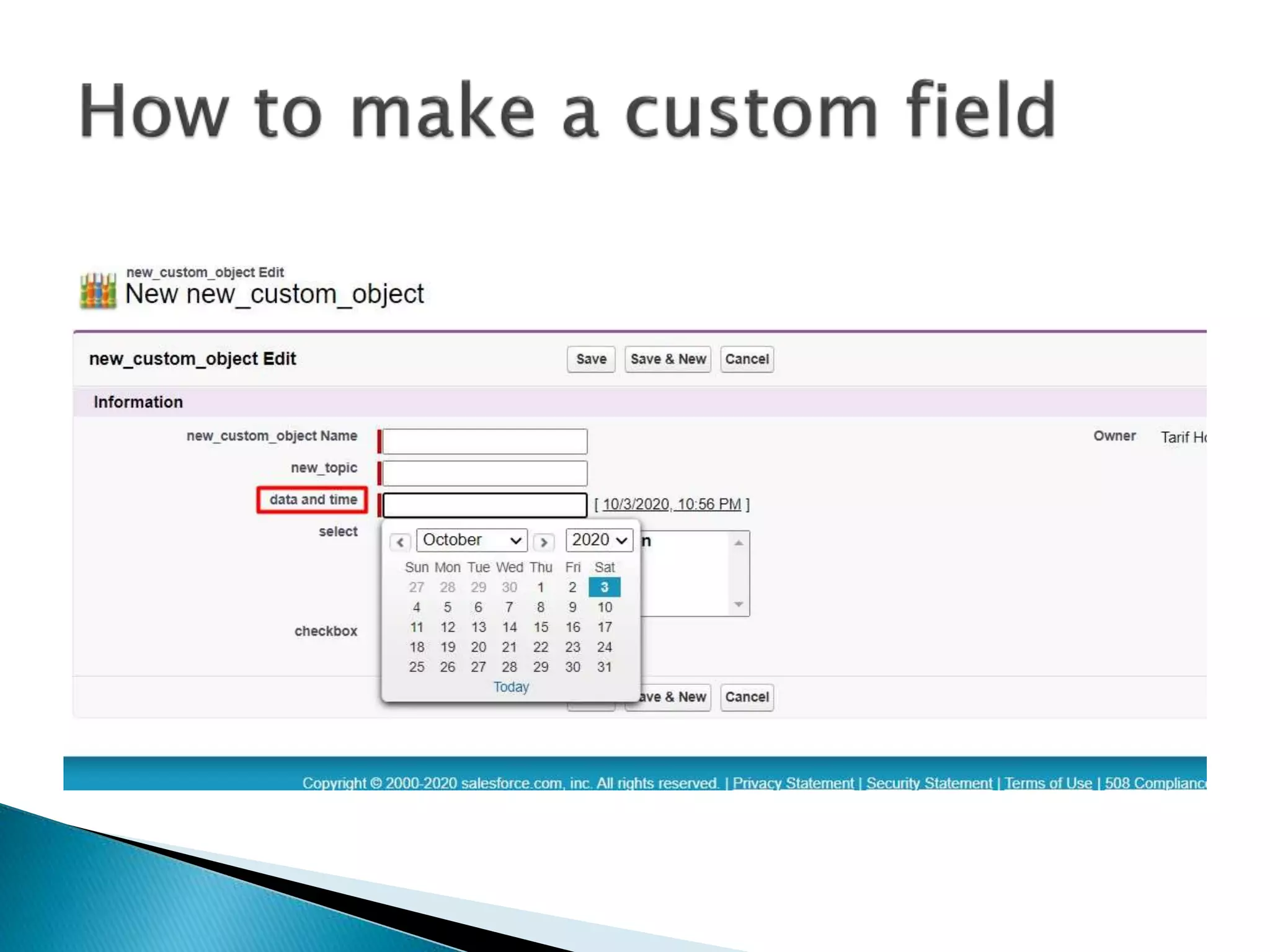
 Representing columns
 Data type
 Mandatory
• Automatic Calculations
• Based on references
ANY QUESTION ??
THANKS ALL

Introduction to Salesforce for beginners | Namespace IT

  • 1.
  • 2.
    What is Salesforce? A global web-based software and cloud computing company best known for its customer relationship management (CRM) product.  CRM  Cloud Based CRM What is Cloud Based CRM?  SAAS (Software as s service)  PAAS (Platform as a service)  IAAS (Infrastructure as a Service)
  • 3.
    • SAAS (Softwareas a service)  Installing  Maintaining  Complexity  Security  Performance • Example  Google Docs  Salesforce
  • 4.
    • PAAS (Platformas a service)  Simplicity  Scalability  Reliability • Faster than  On-premise application platform  Hybrid platforms • Example  Salesforce  Google app engine
  • 5.
    • IAAS (Infrastructureas a service)  Renting virtual machines  Storage services  Networking services • Example  Amazon web services  Salesforce
  • 6.
    • Salesforce Licenseper month cost:  Starter - $25  Professional - $75  Enterprise - $150  Unlimited - $300  Developer Edition - Free
  • 7.
    • First Createa Developer Account using this Link  https://developer.salesforce.com/ • After that login into you Developer Edition by using this link https://login.salesforce.com • Limitations of Developer Edition  2 user (Salesforce license)  Expire if its idle for 6 months  Maximum data storage in 5 MB  No SandBox
  • 15.
    • MVC  Model– Database  View – UI  Controller – Functionalities • Example: Facebook, Twitter, Gmail, Yahoo etc
  • 16.
     Model  Object Fields  Records  View  Pages  Tabs  Apps  Controller  Custom logics  Functionalities  Behaviors
  • 17.
    • Browser basedapplication • Without any code • Collection of objects • Types  Custom  Console
  • 18.
     Collection ofobjects  Performing tasked based on the requirements
  • 19.
     Training app Special type of UI  Call center Team  Design the app
  • 29.
    • Collection ofFields & Records in Database tables • Provide the proper information in required format  Rows indicates Records  Columns indicated Fields • Types of Objects  Standard objects  Custom objects
  • 30.
     Build inobjects provided by salesforce  It can be customized  Fields can make use of custom object  Override
  • 31.
     It canbe build & customized on your own  Limitations  Based on license
  • 37.
     Reference button Enable link to specific object  Same as website tabs
  • 45.
     Representing columns Data type  Mandatory
  • 56.
    • Automatic Calculations •Based on references
  • 57.
  • 58.