This document provides an introduction to PHP, including:
- PHP is a widely-used open source scripting language used for server-side web development. PHP scripts are executed on the server and output HTML to browsers.
- Instructions are provided on installing PHP locally using XAMPP or WAMP servers.
- The basic syntax of PHP is explained, including how to write PHP code within HTML documents using <?php ?> tags and ending statements with semicolons.
- Examples demonstrate printing output, variables, comments, and the differences between echo and print statements.
What is PHP?
■PHP is stands for "Hypertext Preprocessor“.
■ PHP is a widely-used, open source scripting language.
■ PHP scripts are executed on the server.
■ PHP is free to download and use.
■ PHP is a server scripting language, and a powerful tool for making dynamic and
interactive Web pages.
■ PHP files can contain text, HTML, CSS, JavaScript, and PHP code.
■ PHP code is executed on the server, and the result is returned to the browser as plain
HTML.
■ The extension of PHP file is .php.
3.
PHP Installation
■ Finda web host with PHP and MySQL support.
■ Install a web server on your own PC, and then install PHP and MySQL.
■ You can use a xampp or Wamp Server to run PHP Programs.
■ To download Xampp visit below link.
– https://www.apachefriends.org/download.html
■ After downloading Xampp install it and start Apache web server.
4.
Basic Syntax ofPHP
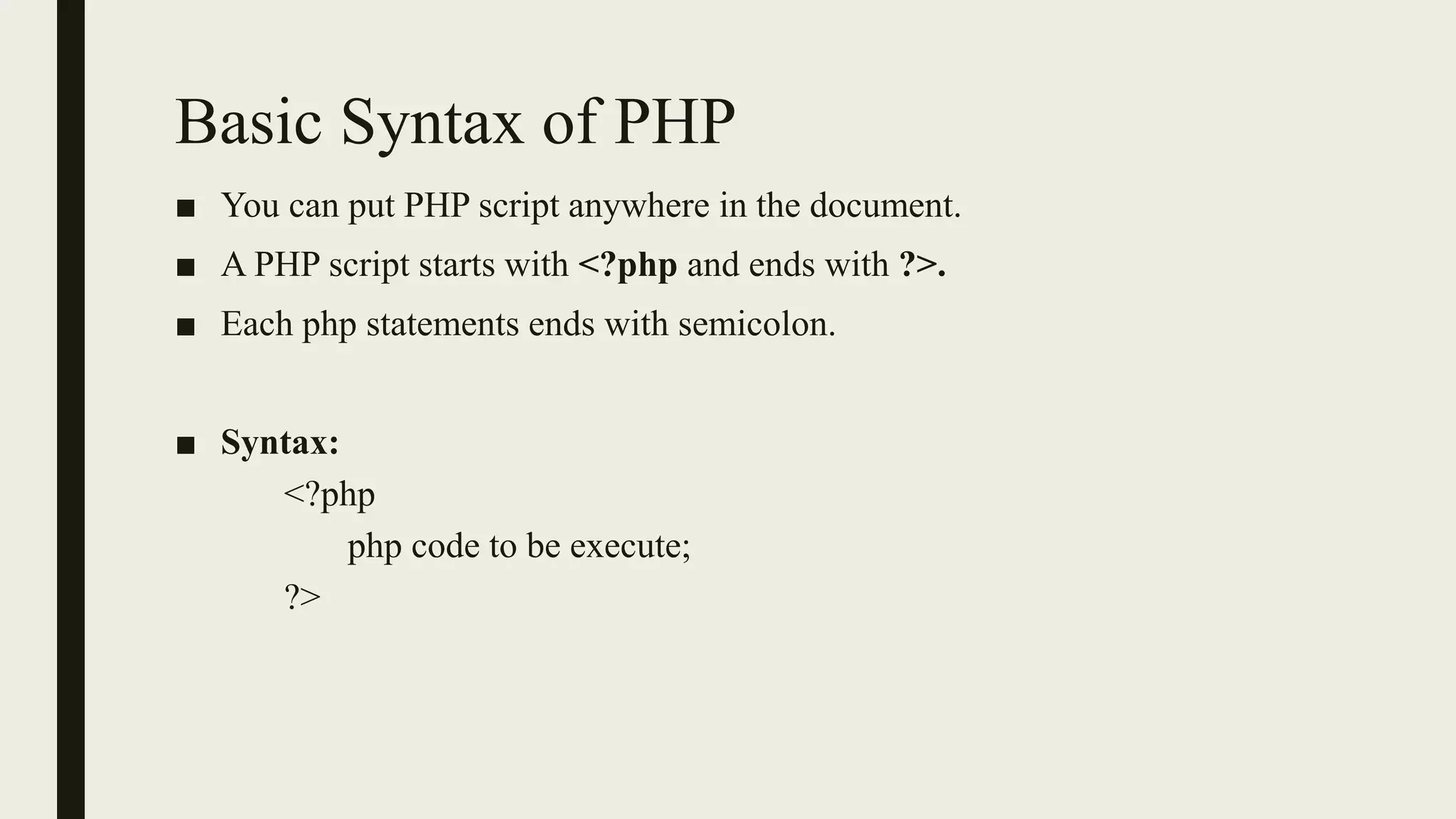
■ You can put PHP script anywhere in the document.
■ A PHP script starts with <?php and ends with ?>.
■ Each php statements ends with semicolon.
■ Syntax:
<?php
php code to be execute;
?>
5.
PHP Simple Example
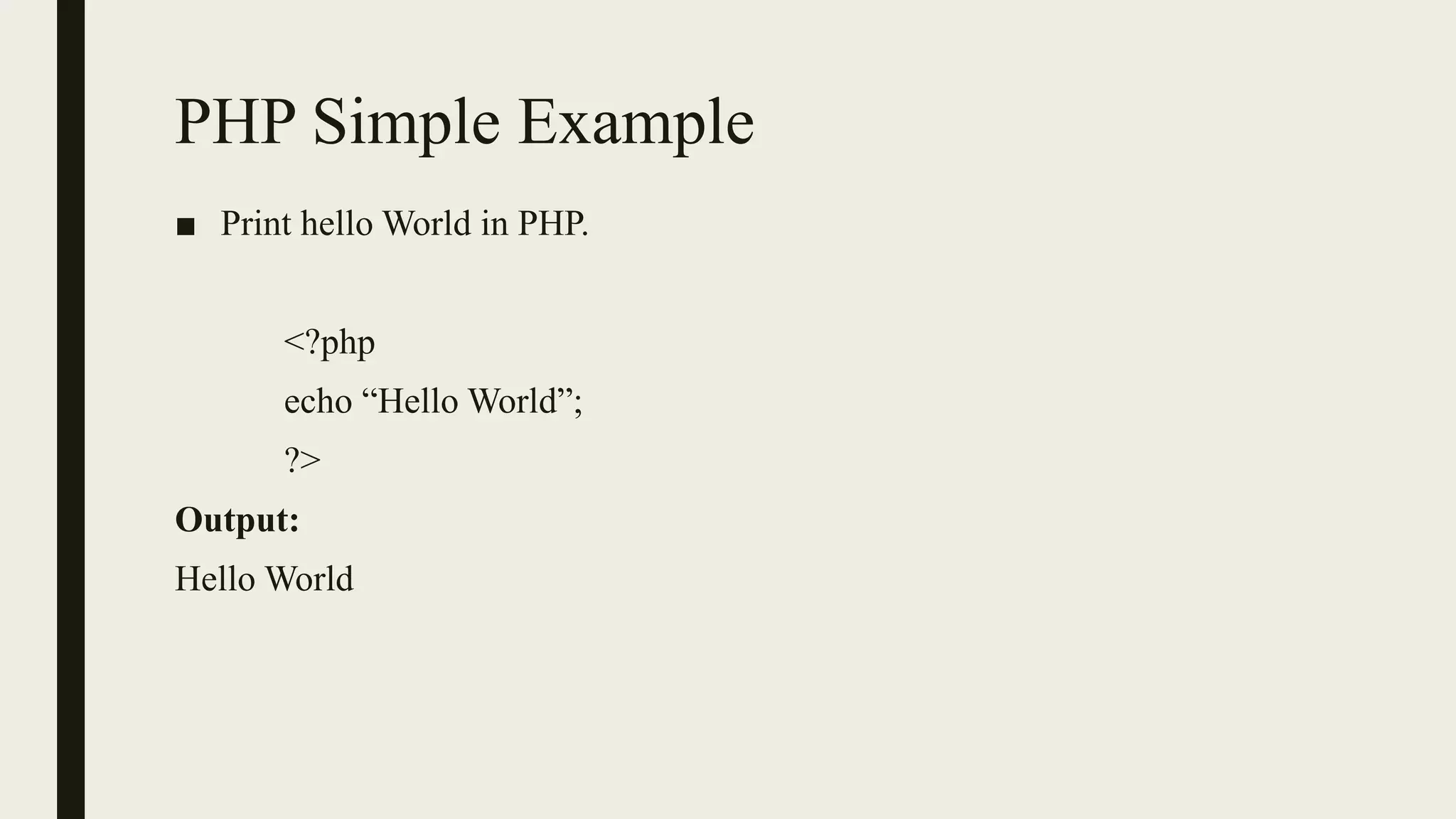
■Print hello World in PHP.
<?php
echo “Hello World”;
?>
Output:
Hello World
6.
Comments in PHP
■Single Line Comment:
– You can use either // or # for single line comment in PHP.
<?php
// This is a single-line comment
# This is also a single-line comment
?>
■ Multiple-line comments:
– You can use /* ……………….*/ for Multiple line comment in PHP.
7.
PHP Output Statements
■To print output on screen PHP provides 2 output statements echo and
print.
■ echo and print both are used for output statements but there is a small
difference between echo and print.
8.
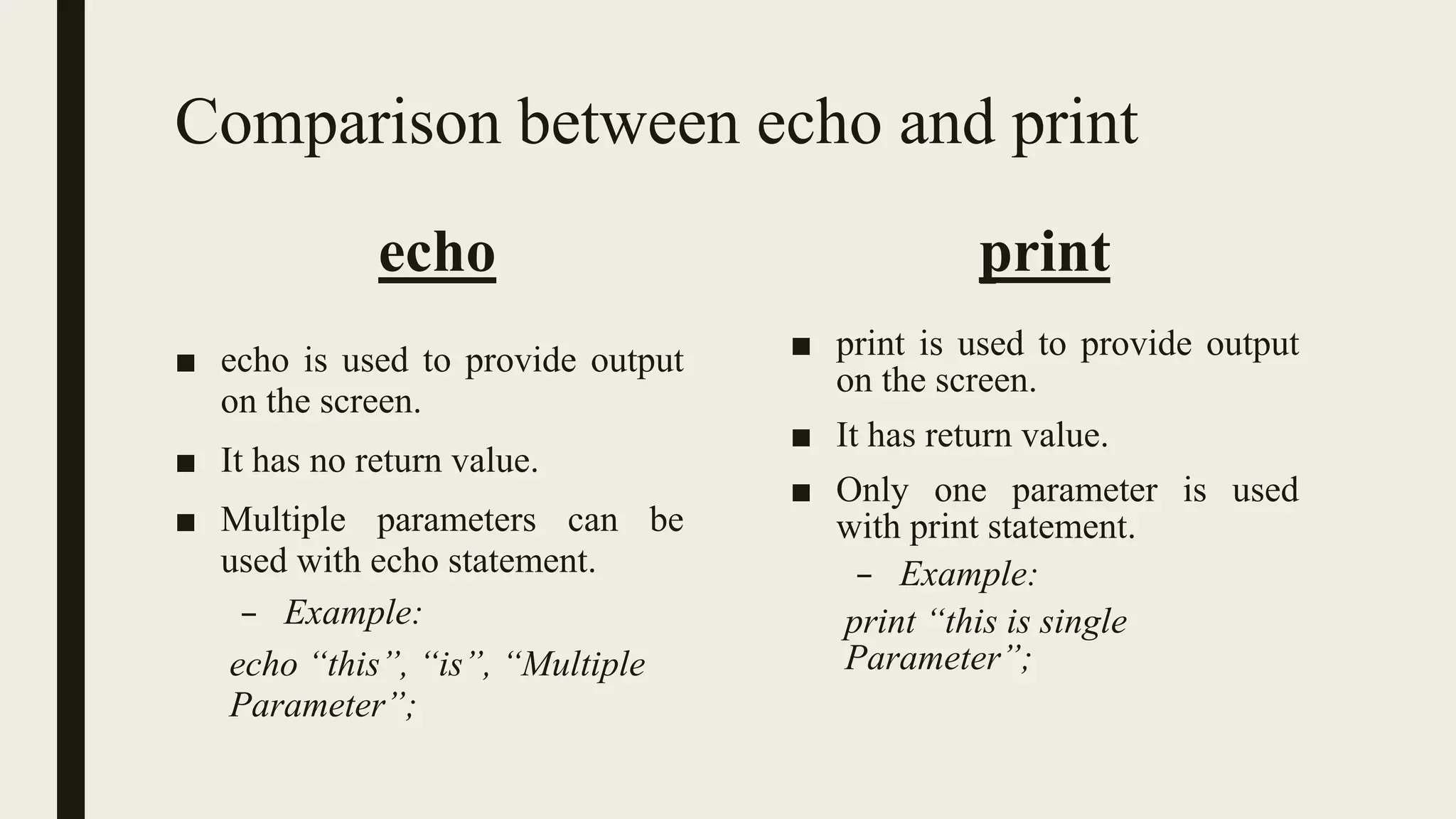
Comparison between echoand print
echo
■ echo is used to provide output
on the screen.
■ It has no return value.
■ Multiple parameters can be
used with echo statement.
– Example:
echo “this”, “is”, “Multiple
Parameter”;
print
■ print is used to provide output
on the screen.
■ It has return value.
■ Only one parameter is used
with print statement.
– Example:
print “this is single
Parameter”;
9.
PHP Variables
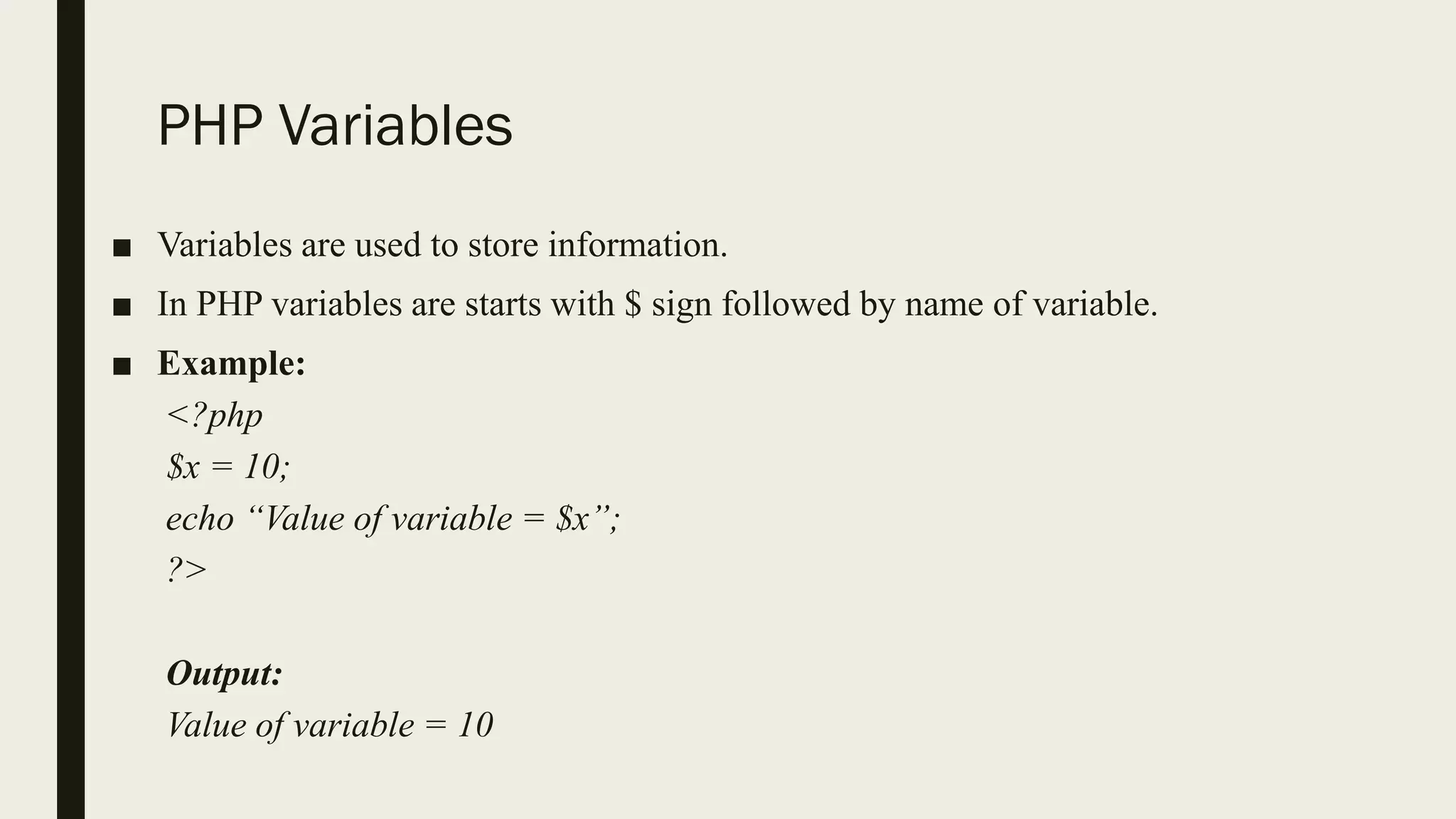
■ Variablesare used to store information.
■ In PHP variables are starts with $ sign followed by name of variable.
■ Example:
<?php
$x = 10;
echo “Value of variable = $x”;
?>
Output:
Value of variable = 10
10.
PHP Variable Examples
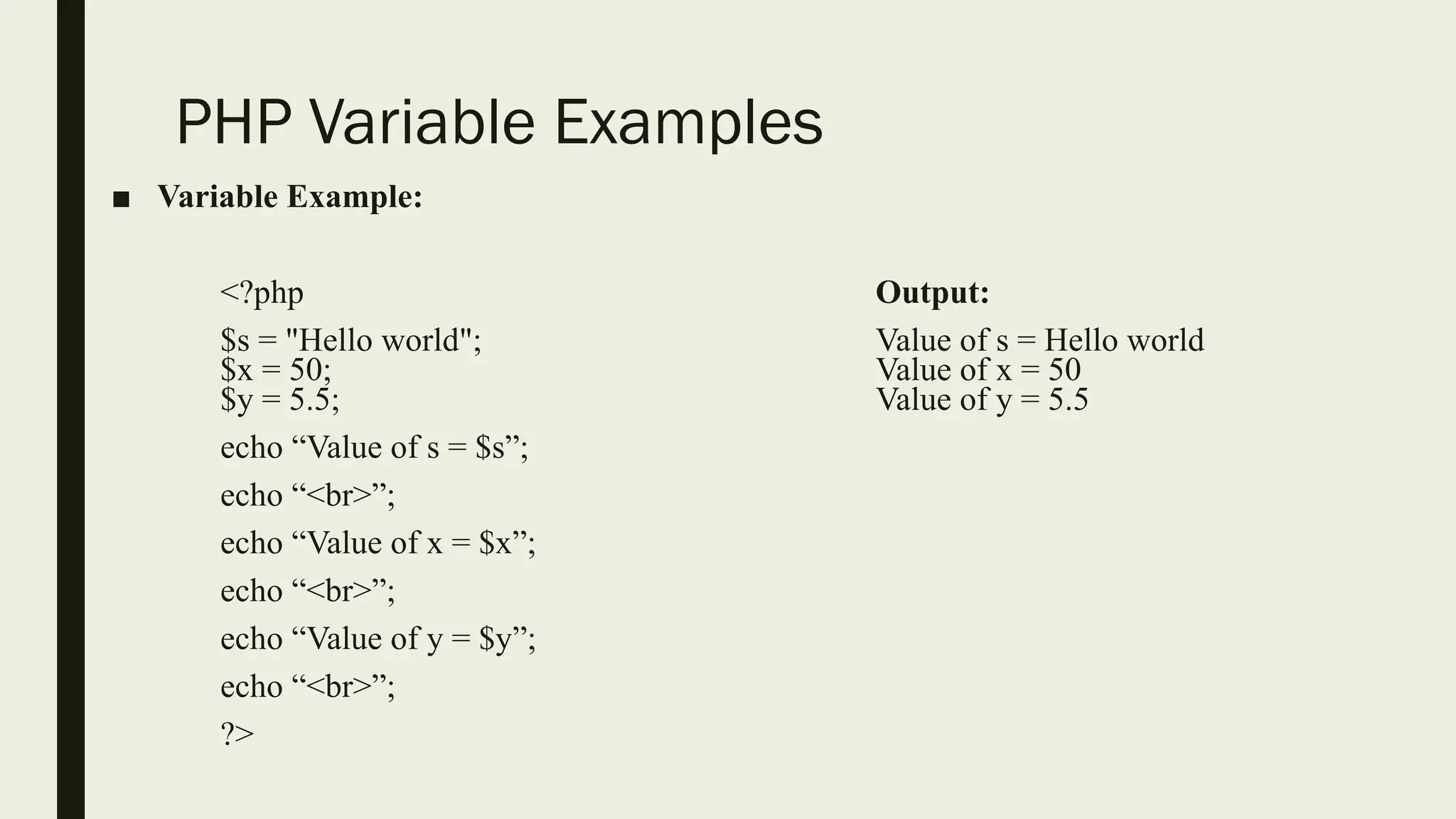
■Variable Example:
<?php Output:
$s = "Hello world"; Value of s = Hello world
$x = 50; Value of x = 50
$y = 5.5; Value of y = 5.5
echo “Value of s = $s”;
echo “<br>”;
echo “Value of x = $x”;
echo “<br>”;
echo “Value of y = $y”;
echo “<br>”;
?>
11.
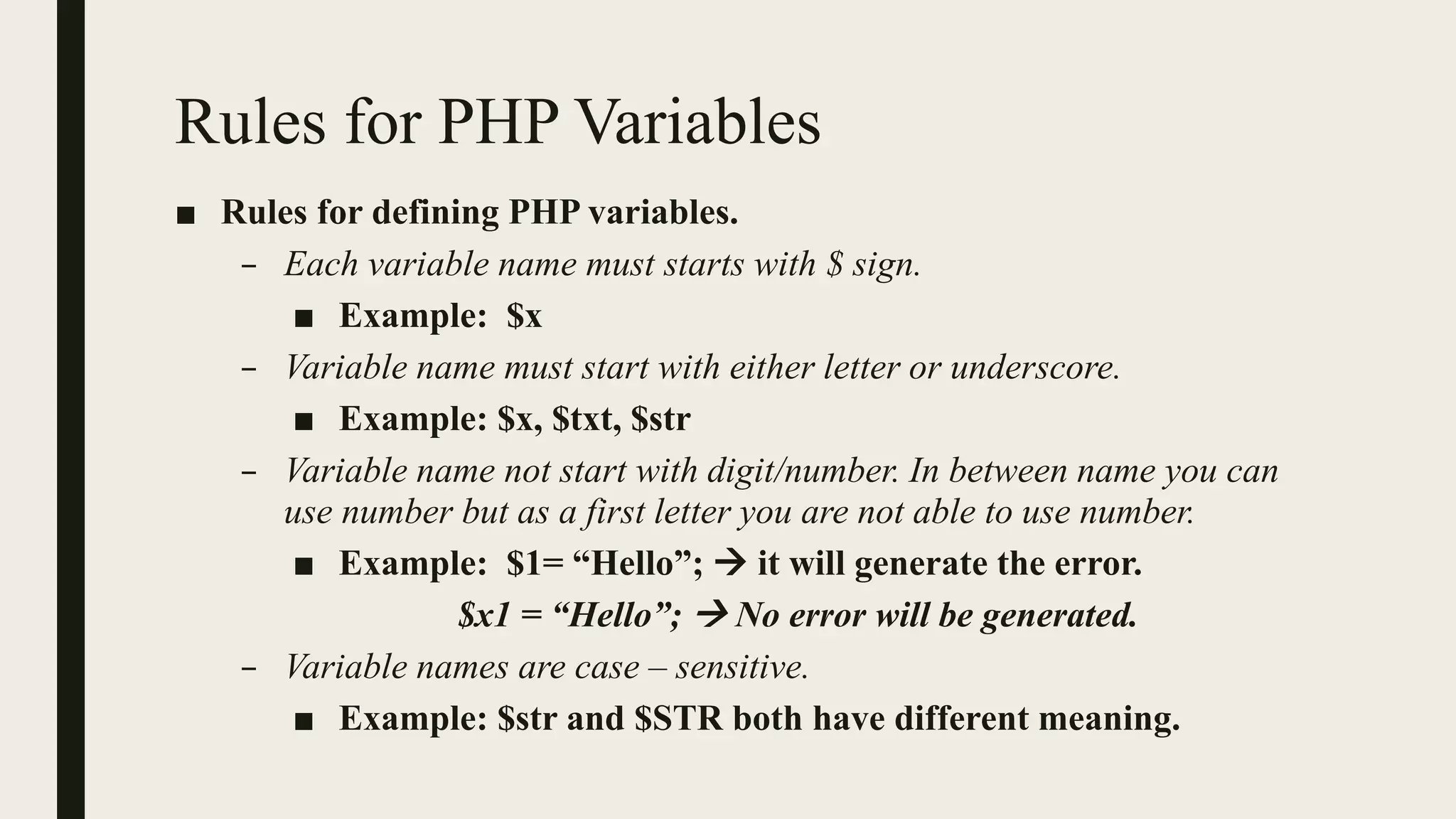
Rules for PHPVariables
■ Rules for defining PHP variables.
– Each variable name must starts with $ sign.
■ Example: $x
– Variable name must start with either letter or underscore.
■ Example: $x, $txt, $str
– Variable name not start with digit/number. In between name you can
use number but as a first letter you are not able to use number.
■ Example: $1= “Hello”; → it will generate the error.
$x1 = “Hello”; → No error will be generated.
– Variable names are case – sensitive.
■ Example: $str and $STR both have different meaning.
12.
Theory Questions
■ Givethe full form of PHP.
■ List down output statements in PHP.
■ What is difference between echo and print statements?
■ What is the use of variable?
■ Write down rules for defining variable.
13.
Practical List
■ Writedown PHP program to print Hello world on your screen.
■ Write down PHP program to list different types of variables.