INTRODUCTION TO COMPUTER 3600-lecture7-security-technology-intrusion-detection, The quick brown fox jumps over the lazy dog. The quick brown fox jumps over the lazy dog..pptx
Similar to INTRODUCTION TO COMPUTER 3600-lecture7-security-technology-intrusion-detection, The quick brown fox jumps over the lazy dog. The quick brown fox jumps over the lazy dog..pptx
INTRODUCTION TO COMPUTER 3600-lecture7-security-technology-intrusion-detection, The quick brown fox jumps over the lazy dog. The quick brown fox jumps over the lazy dog..pptx
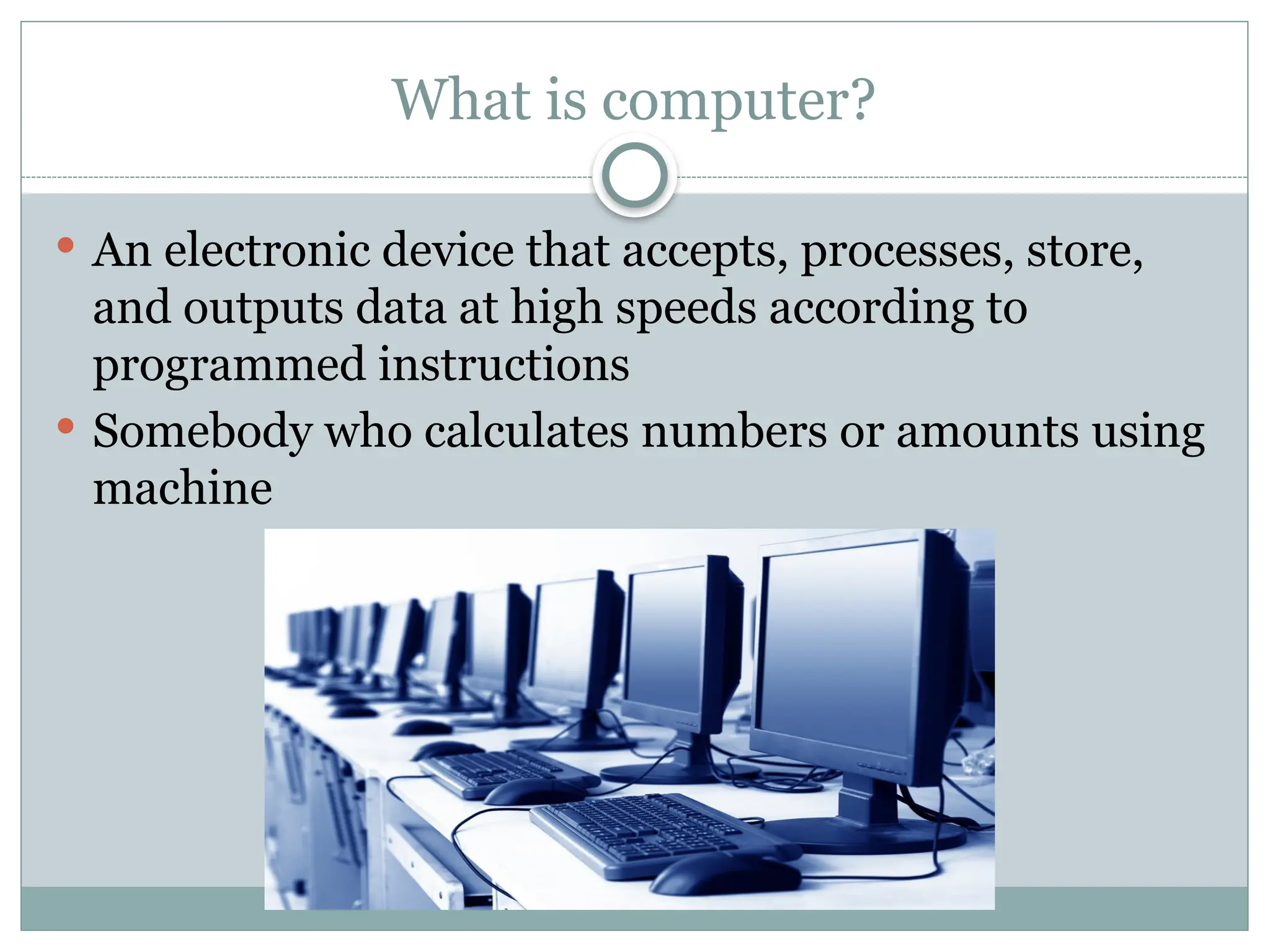
What is computer?
An electronic device that accepts, processes, store,
and outputs data at high speeds according to
programmed instructions
Somebody who calculates numbers or amounts using
machine
3.
Types of Computers
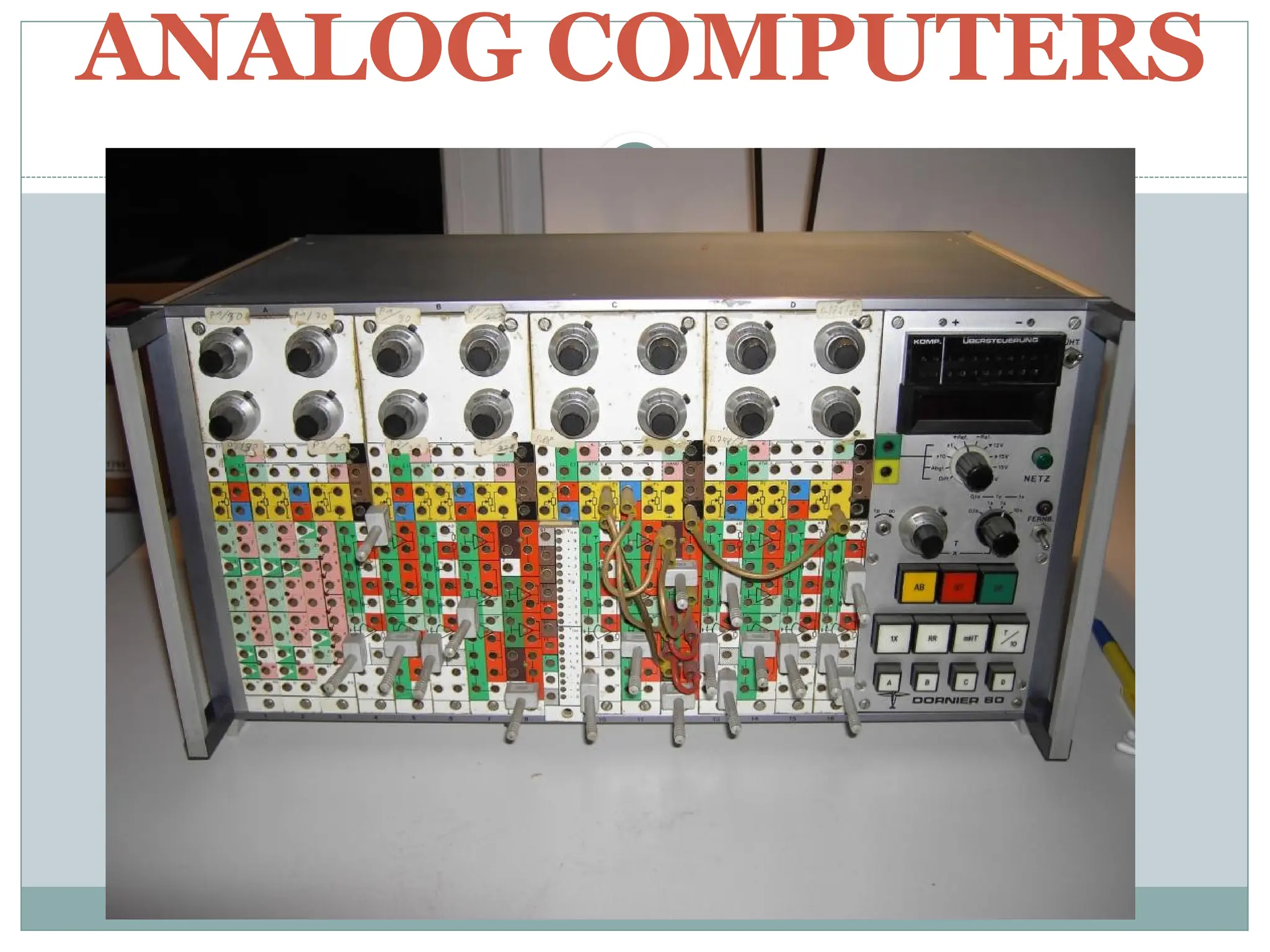
Analog Computers – an analog computer can
perform several mathematical operations
simultaneously. It uses continuous variables for
mathematical operations and utilizes mechanical or
electrical energy.
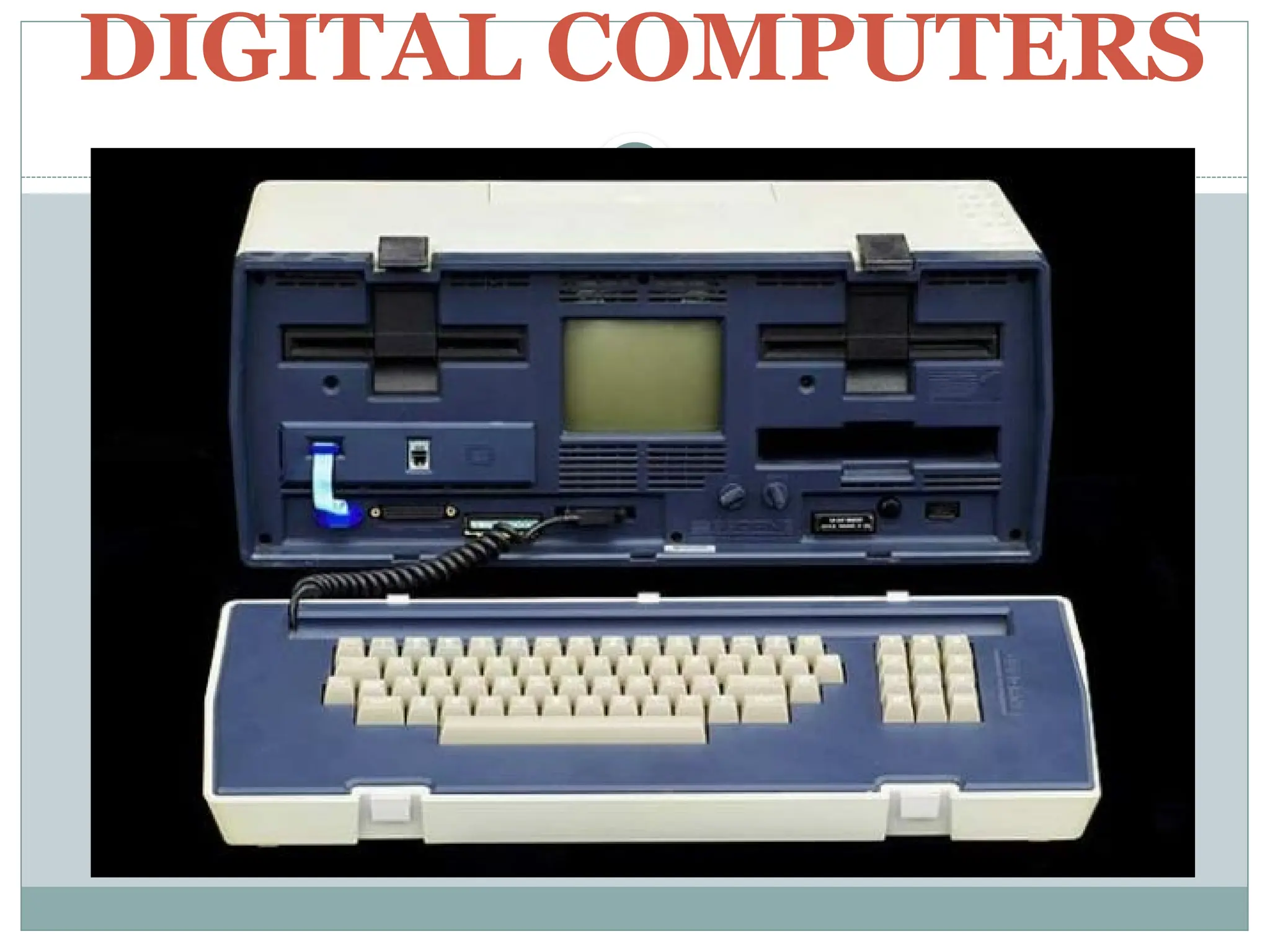
Digital Computers – are suitable for complex
computation and have higher processing speeds.
They are programmable. Digital computers are
either general purpose computers or special purpose
ones.
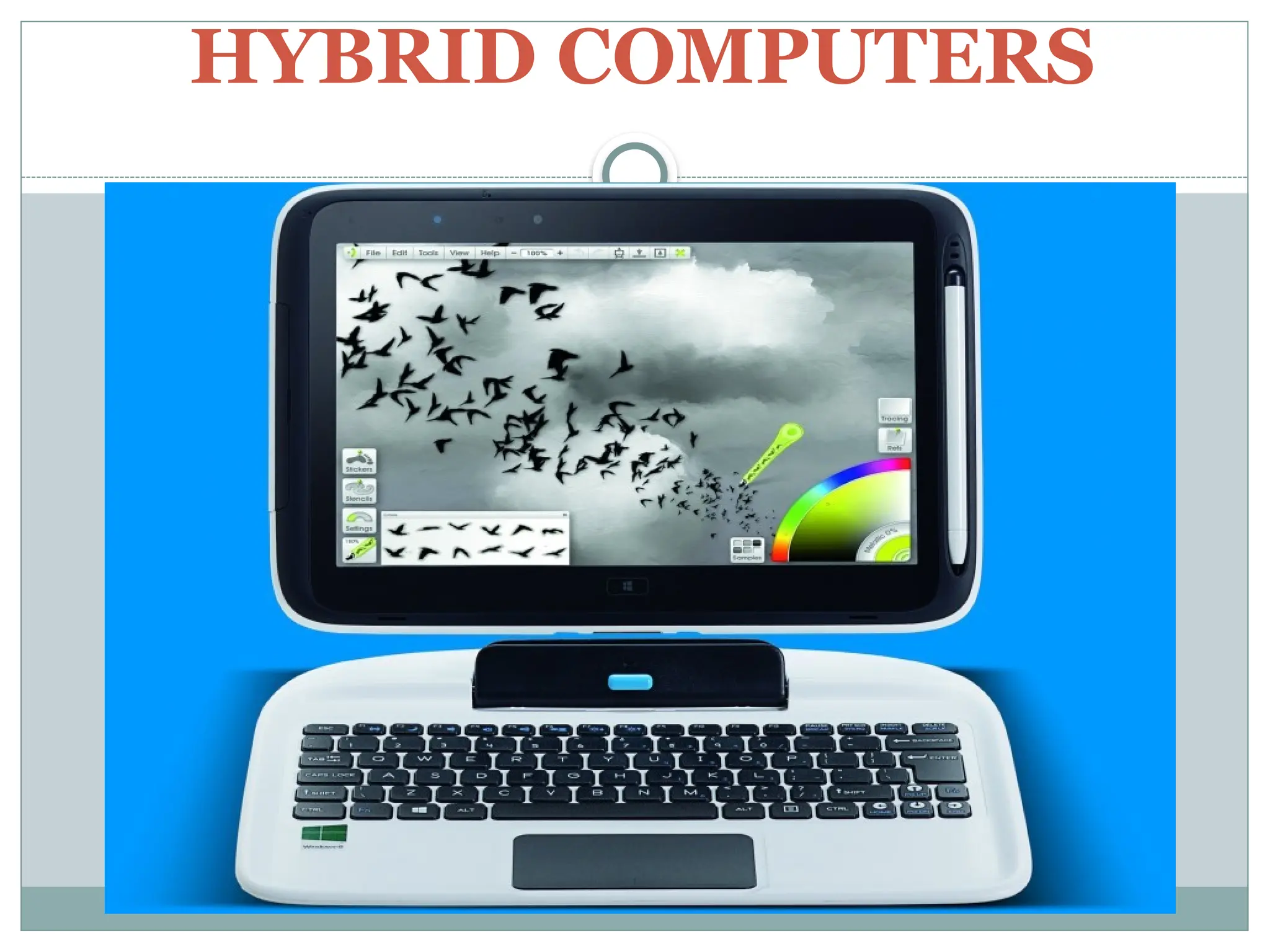
Hybrid Computers – These computers are
combination of both digital and analog computers
4.
Classification of Computers
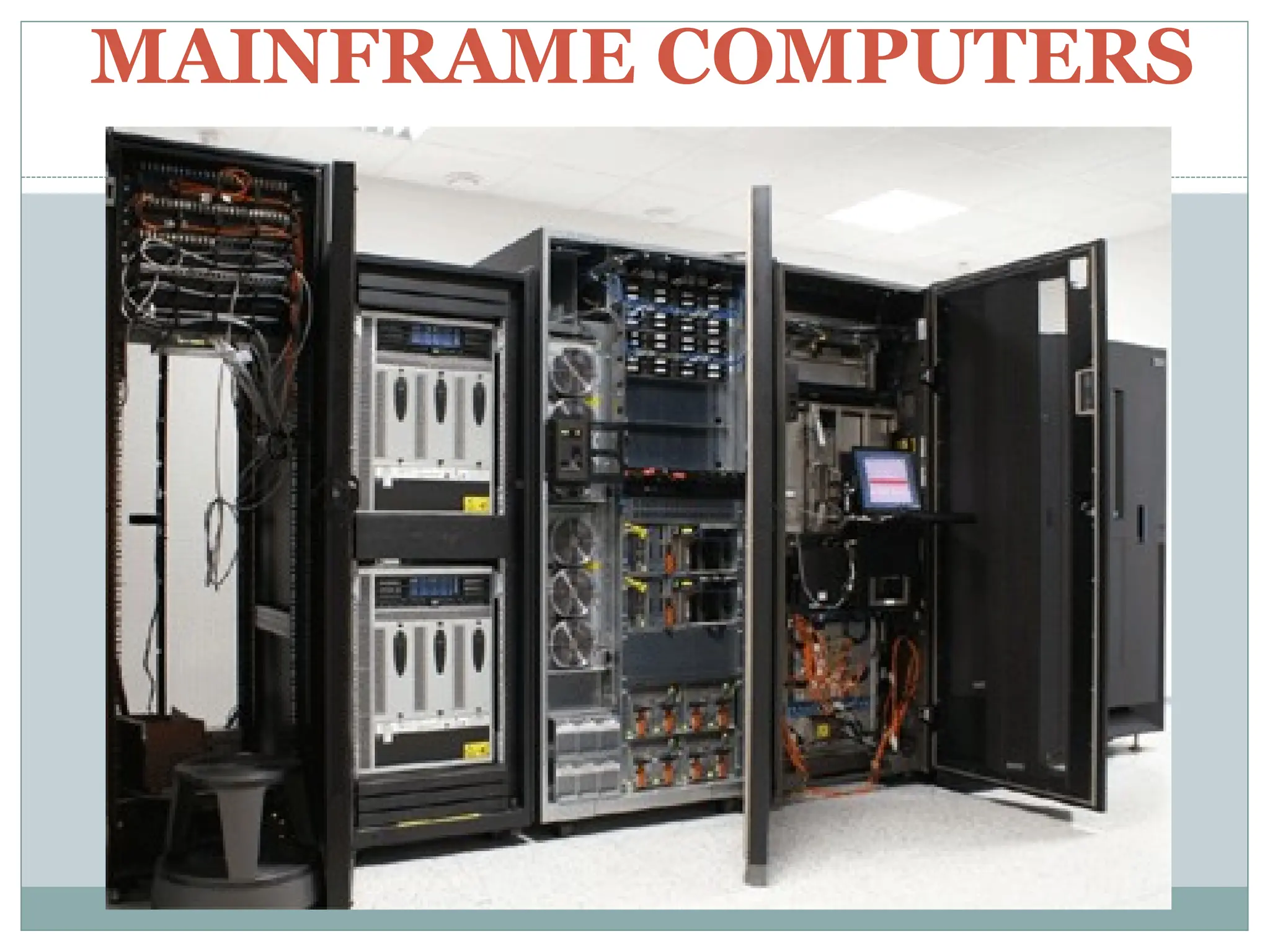
Mainframe Computers – is for highly critical
applications such as bulk data processing and ERP.
It has the capacity to have multiple operating
systems.
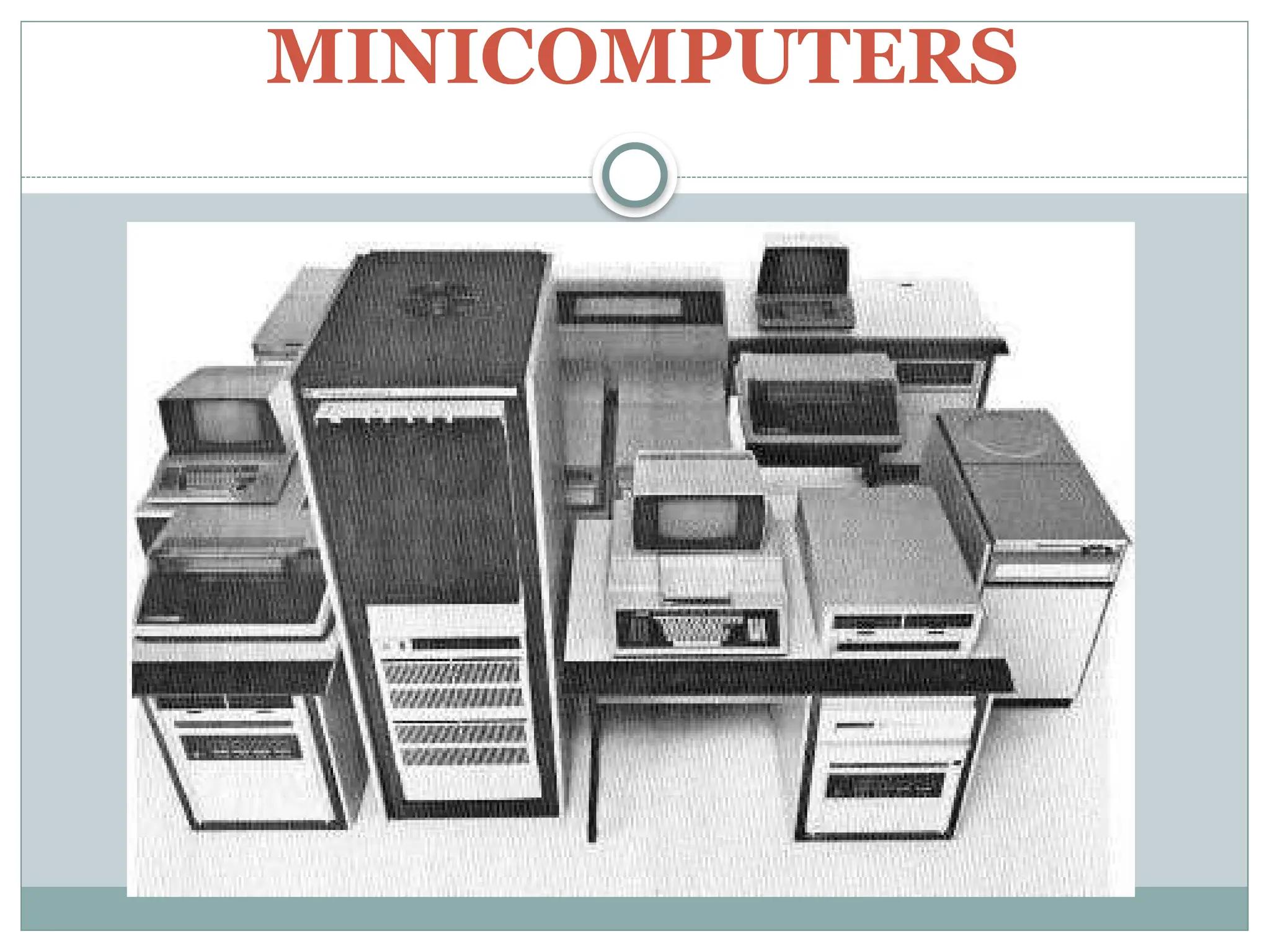
Minicomputers – In terms of size and processing
capacity, minicomputers lie in between mainframes
and microcomputers.
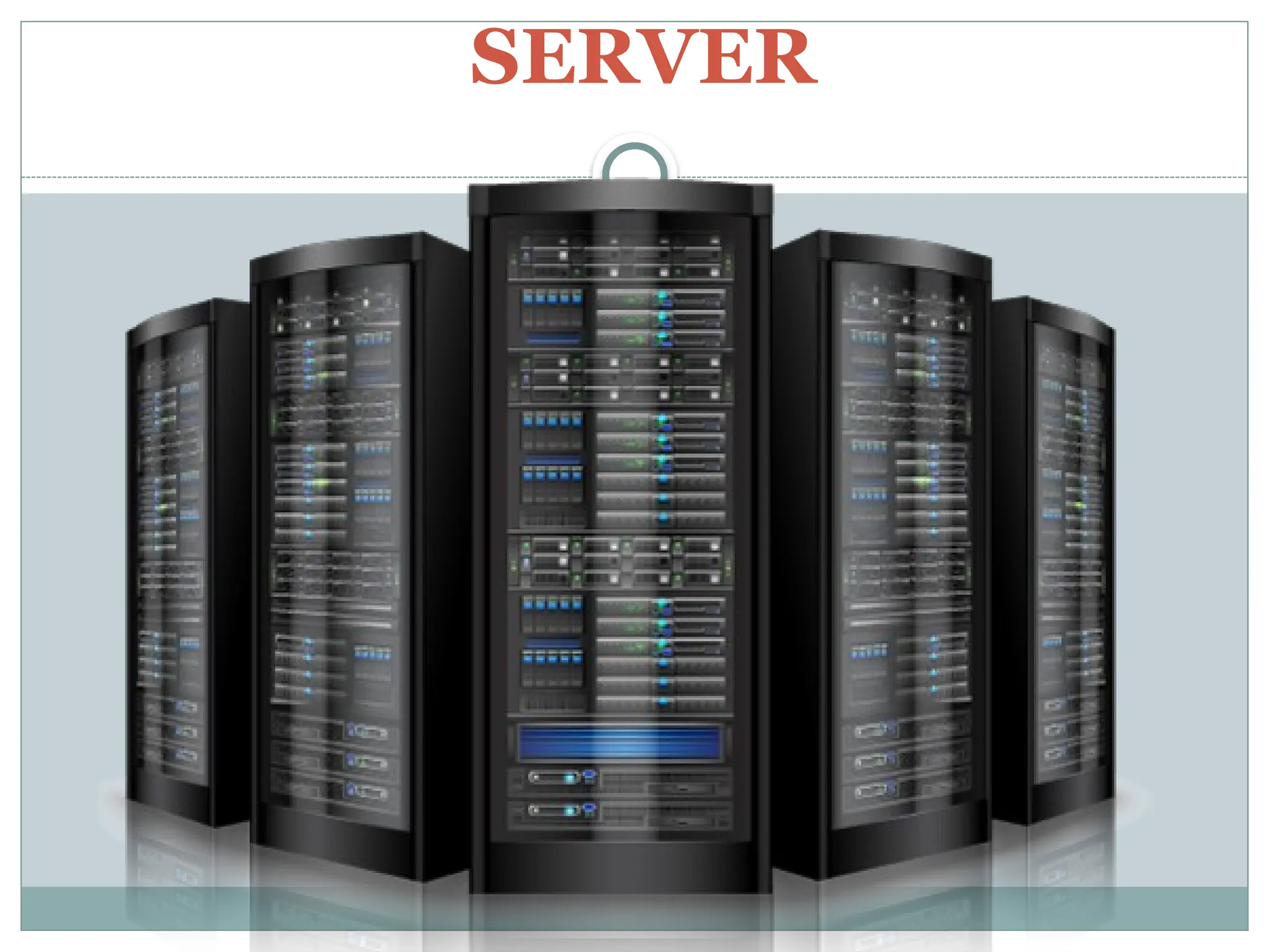
Servers – They are computers designed to provide
services to client machines in a network. It has large
capacities and powerful processors.
5.
Classification of Computers
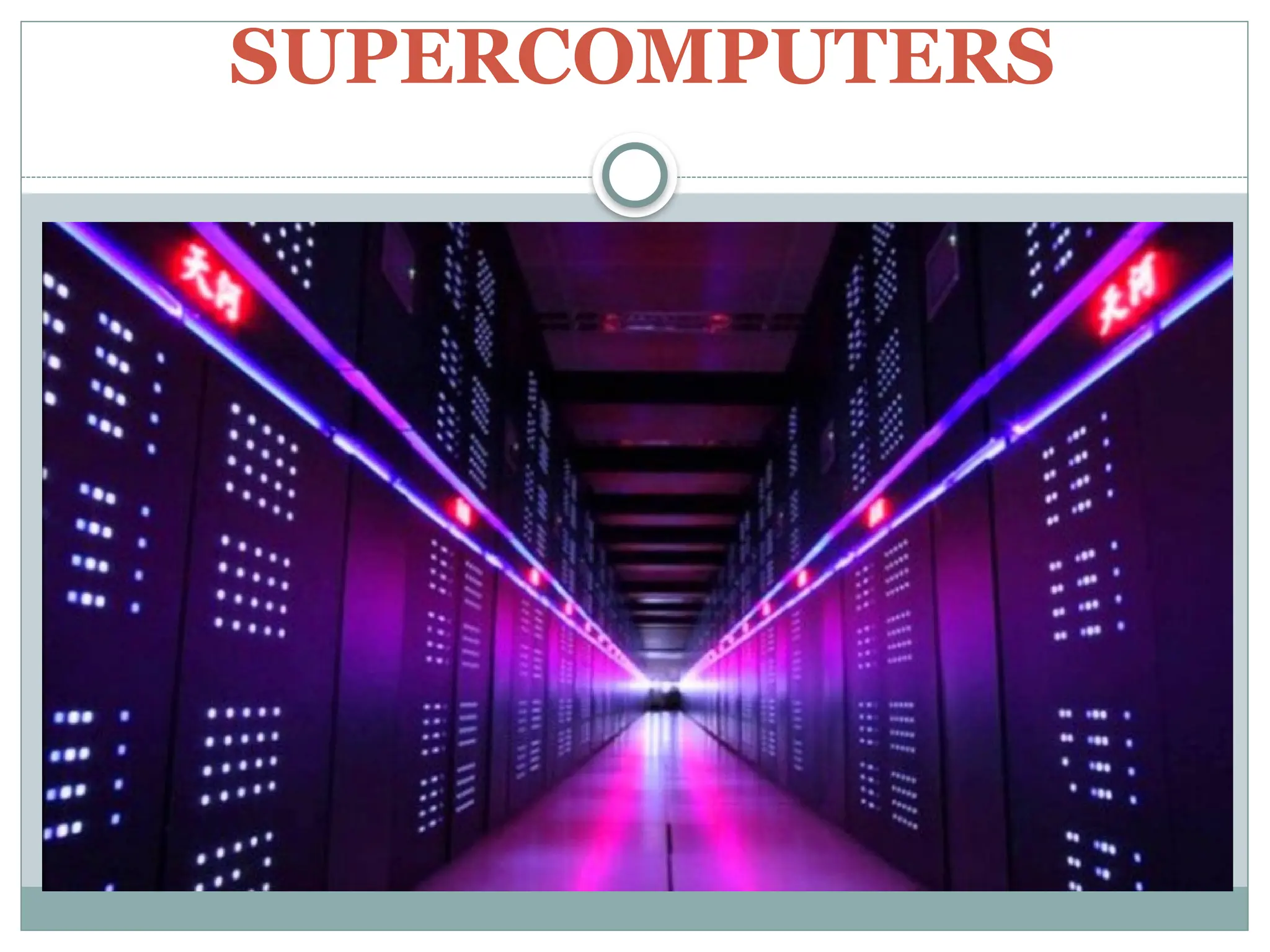
Supercomputers – Highly calculation-intensive
task can be effectively performed by means of
supercomputers. Quantum physics, weather
forecasting, molecular theory are best studied by
using this computers.
Microcomputers – It has microprocessor. It
doesn’t occupy space as much as mainframes. Also
called a personal computers.
6.
Types of Personalcomputers
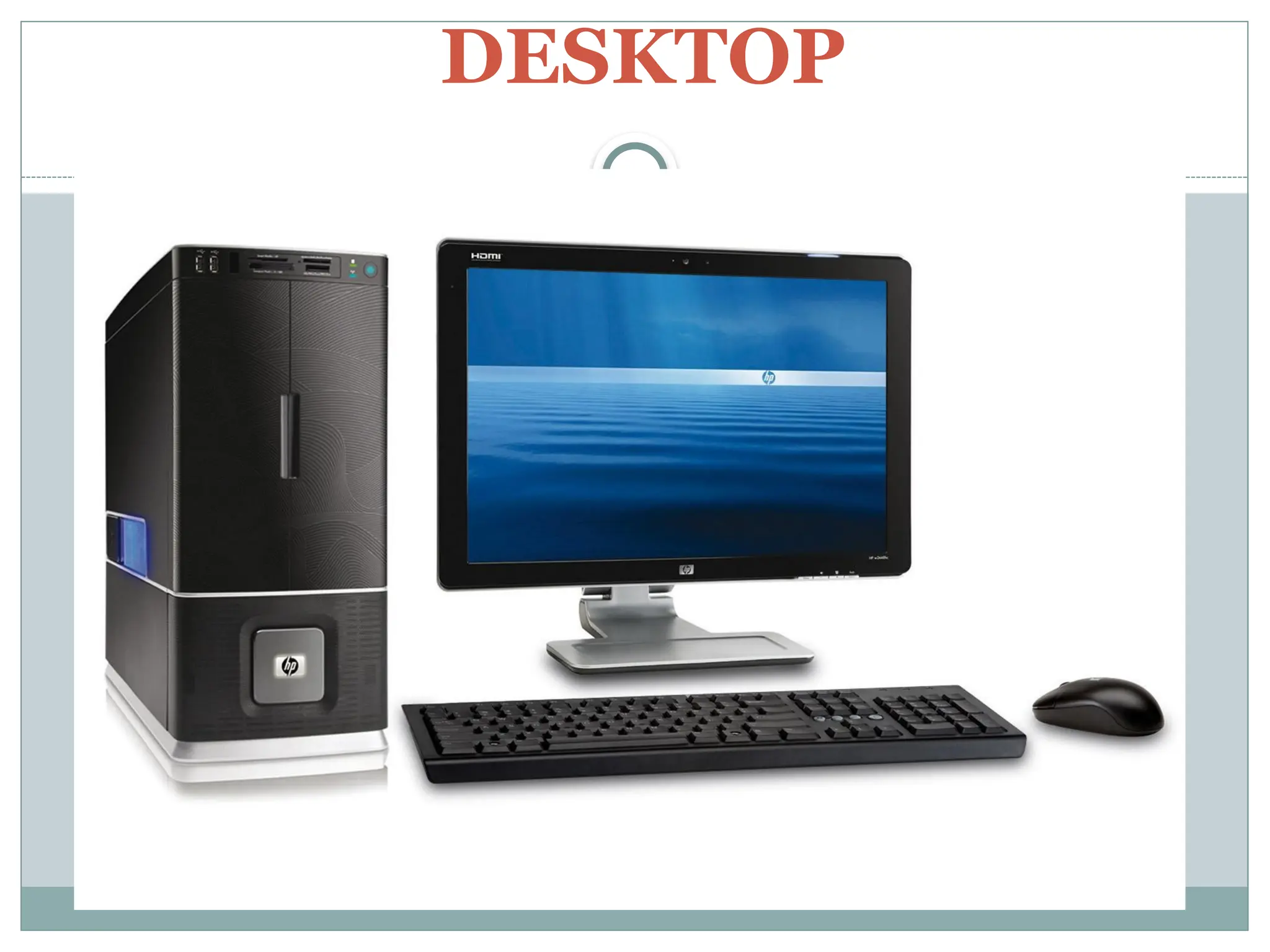
Desktops – it is intended to be used on a single
location. The spare parts are low costs and widely
available in the market.
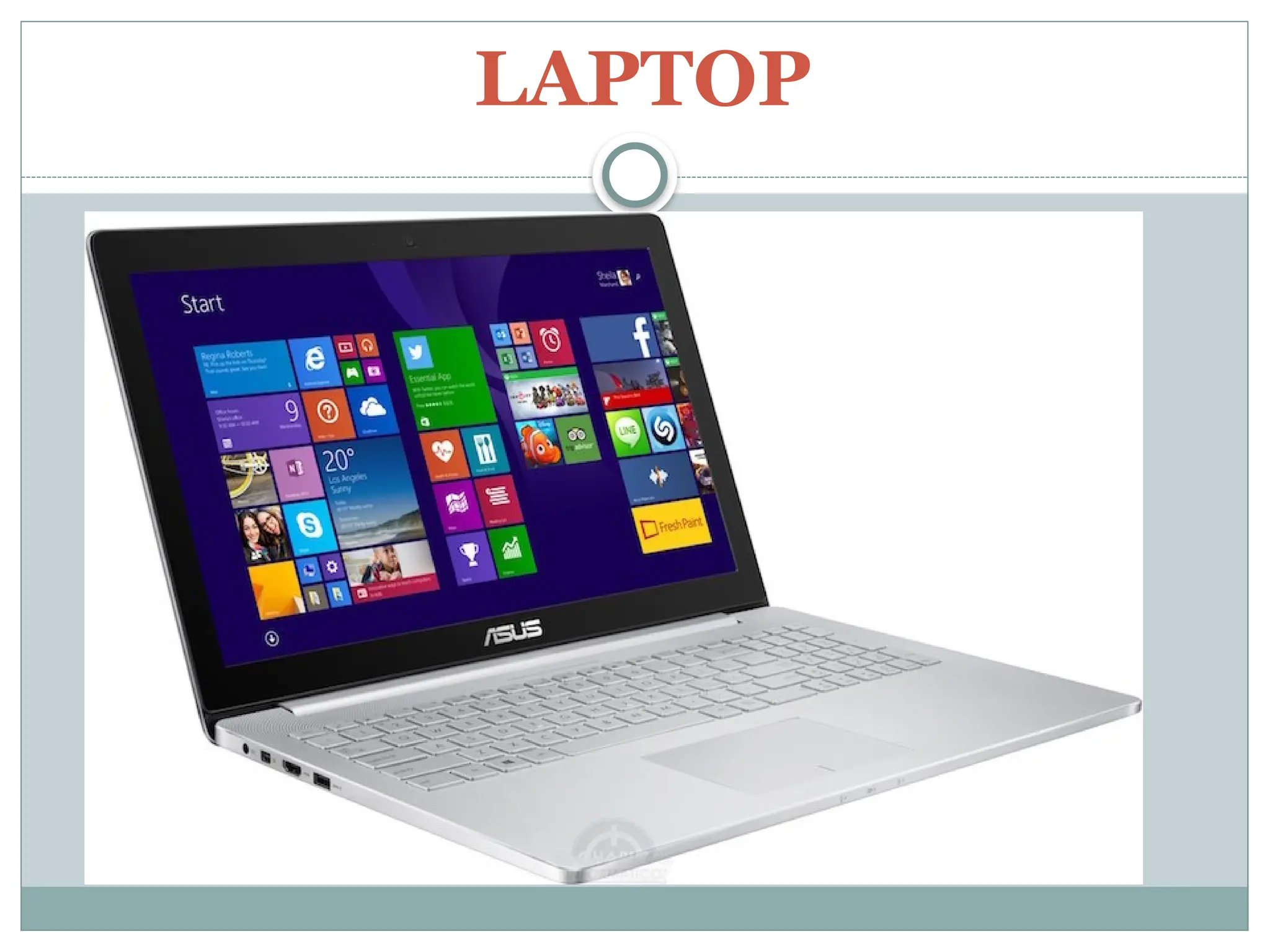
Laptops – similar in operation to desktops, laptop is
handy for mobile use. Laptops run on a single battery
which can be charged with the use of adapters.
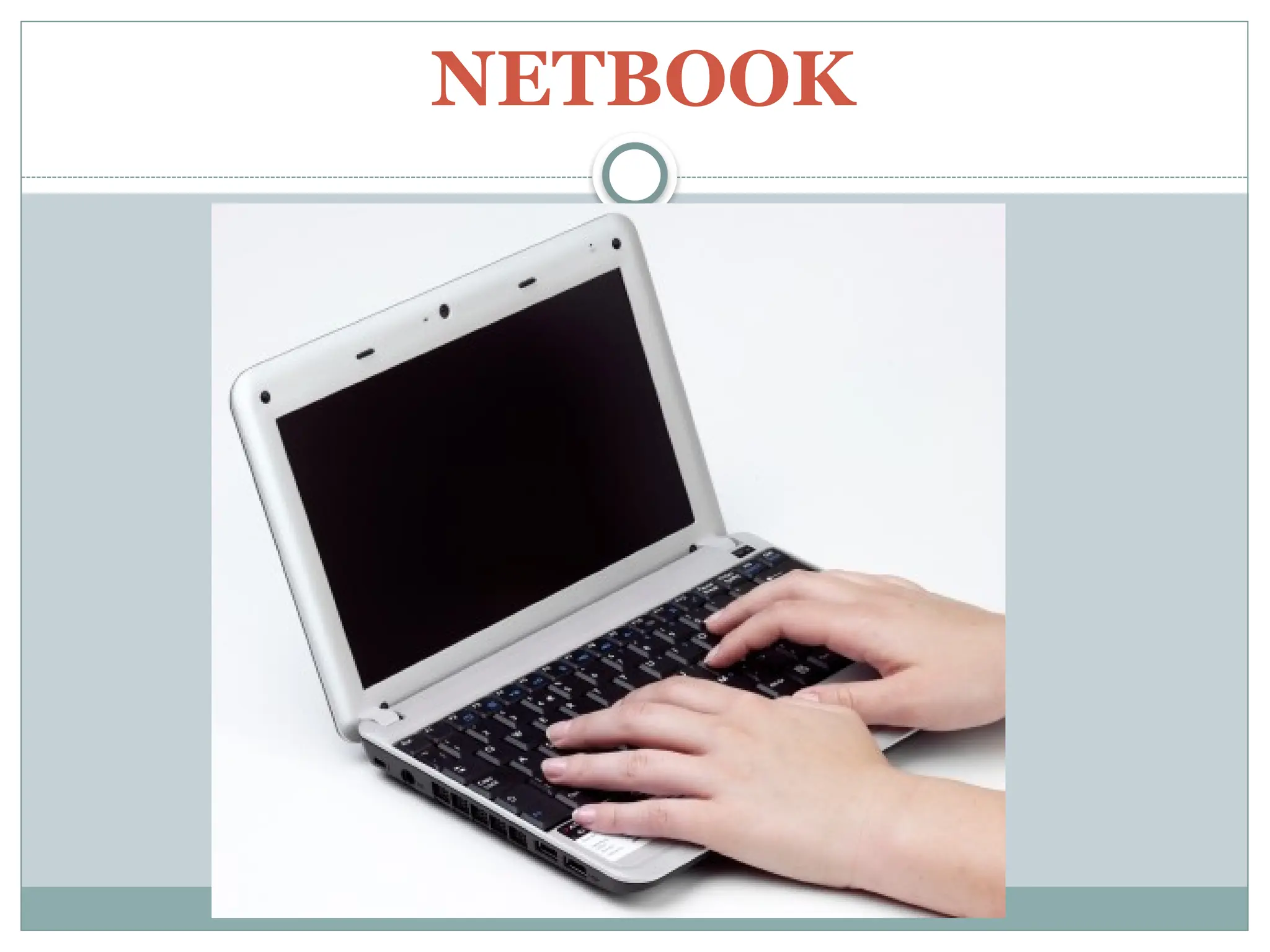
Netbooks – It is smaller compare to laptops and has
lesser specifications compare to laptops
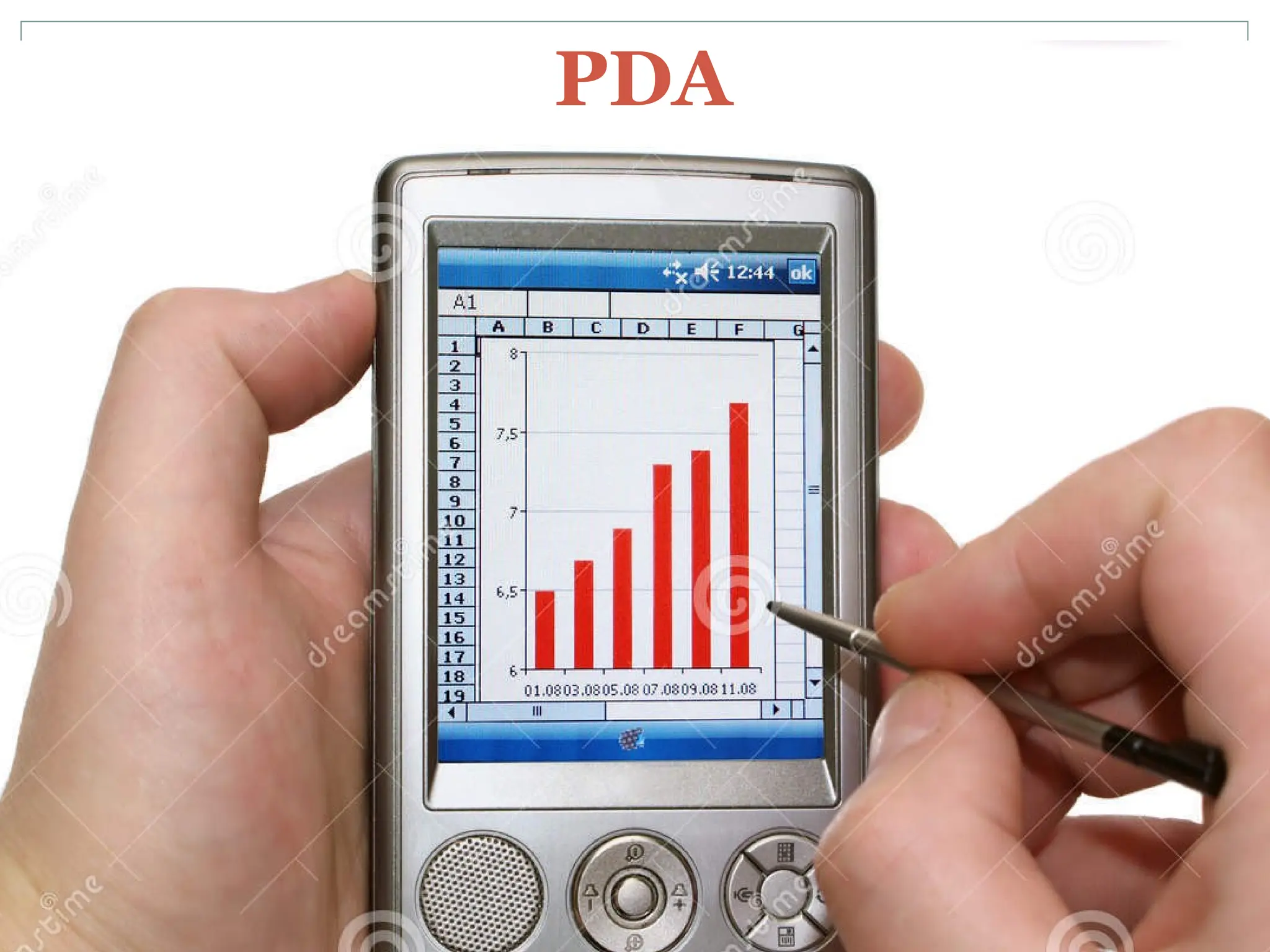
Personal Digital Assistants (PDAs) – a handheld
commonly known as palm top.
7.
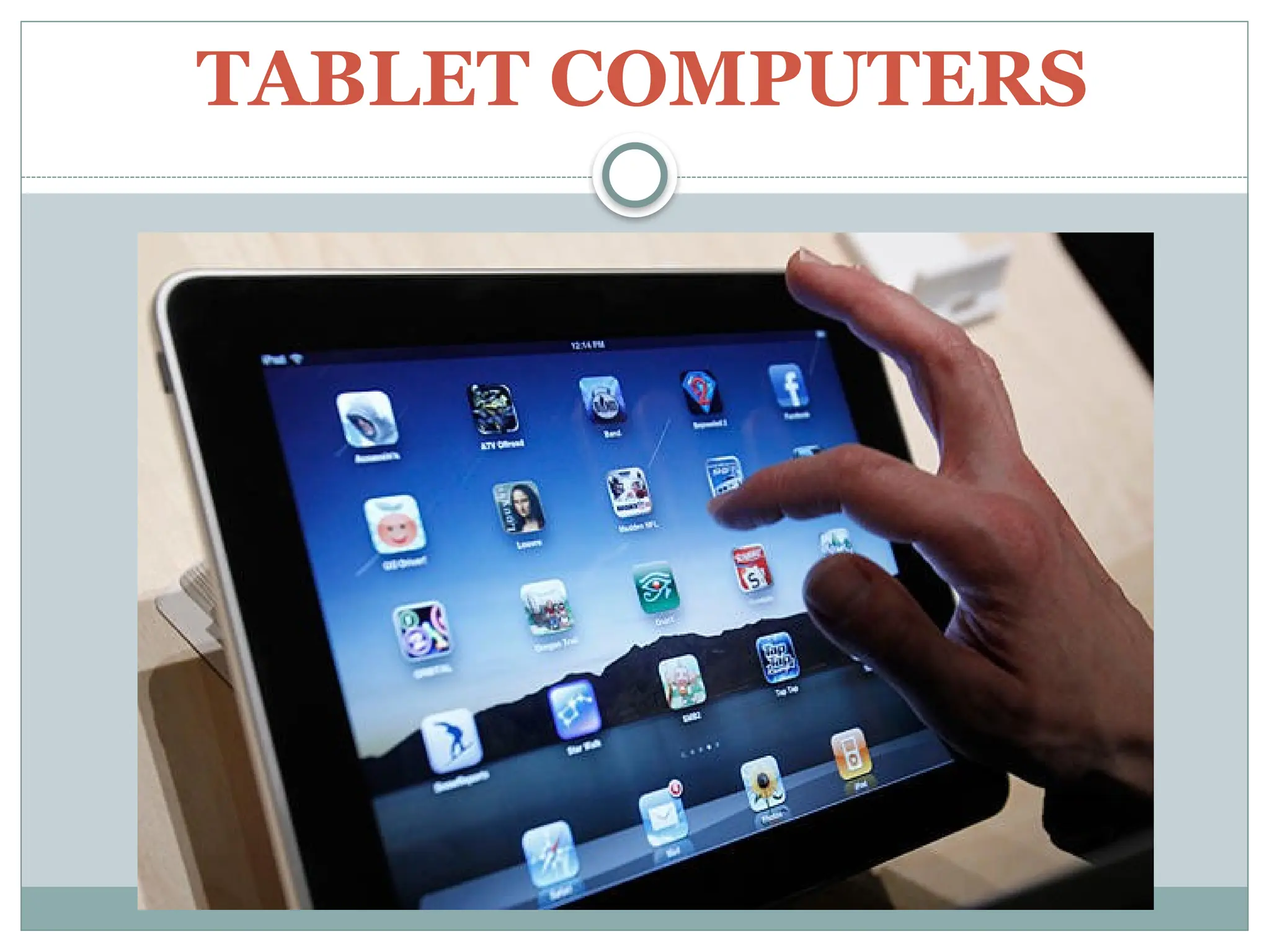
Tablet Computers– are mobile computers that
are very handy to use. It uses the touch screen
technology.
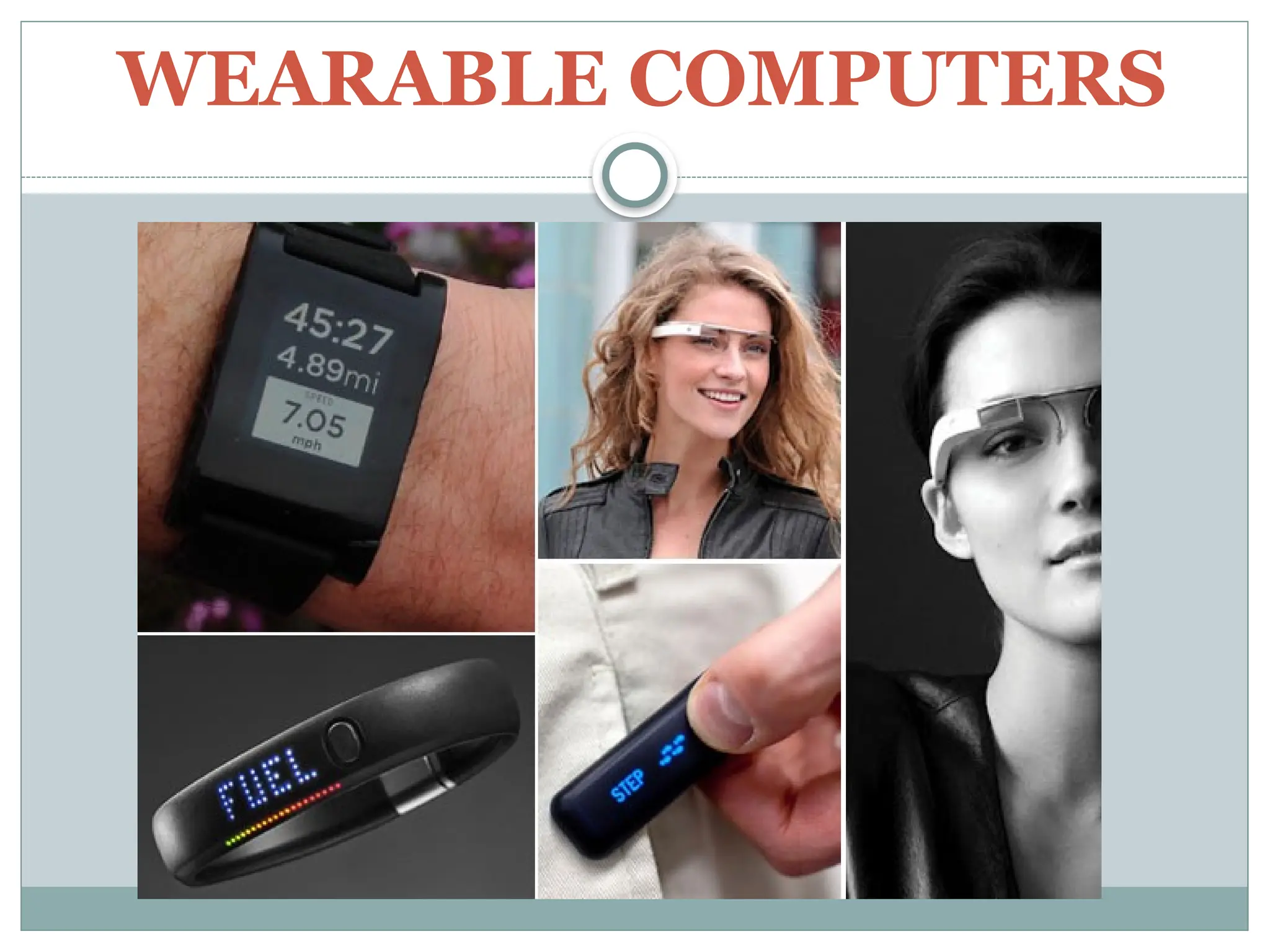
Wearable Computers – can be worn on the body
and are often used in the study of behavior modeling
of human health.