SHOUT AND YOU SHALL BE HEARD!


                  @theshoutlounge


 www.theshoutlounge.com   |   +1 562-366-3539   |   Long Beach, CA 90803
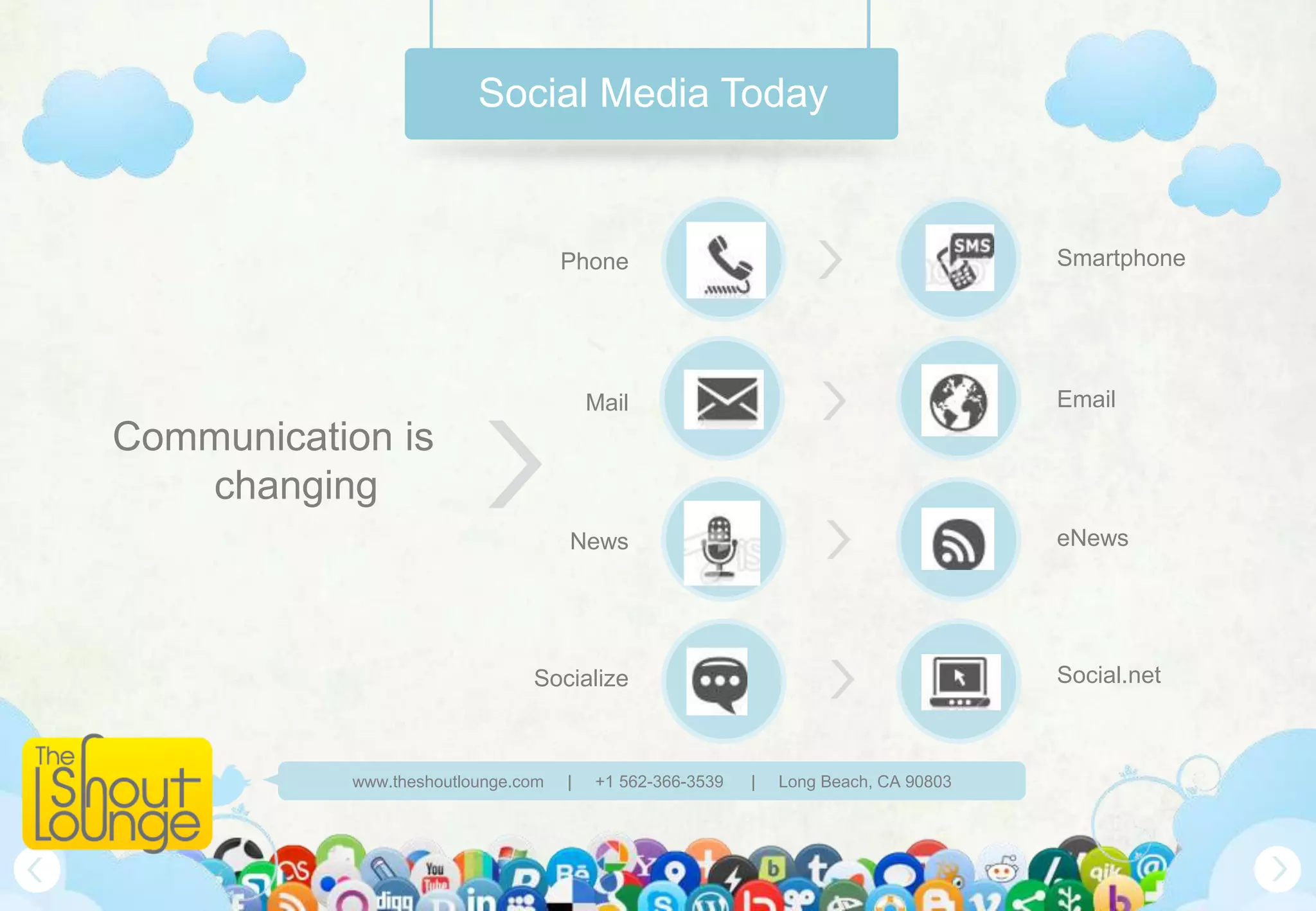
Social Media Today


                                    Phone                                            Smartphone


                                        Mail                                         Email
Communication is
   changing
                                    News                                             eNews


                               Socialize                                             Social.net


           www.theshoutlounge.com   |   +1 562-366-3539   |   Long Beach, CA 90803
Are you keeping up?


What if we could cut the
  time you spend on
 social media in half?


www.theshoutlounge.com   |   +1 562-366-3539   |   Long Beach, CA 90803
The Shout Lounge


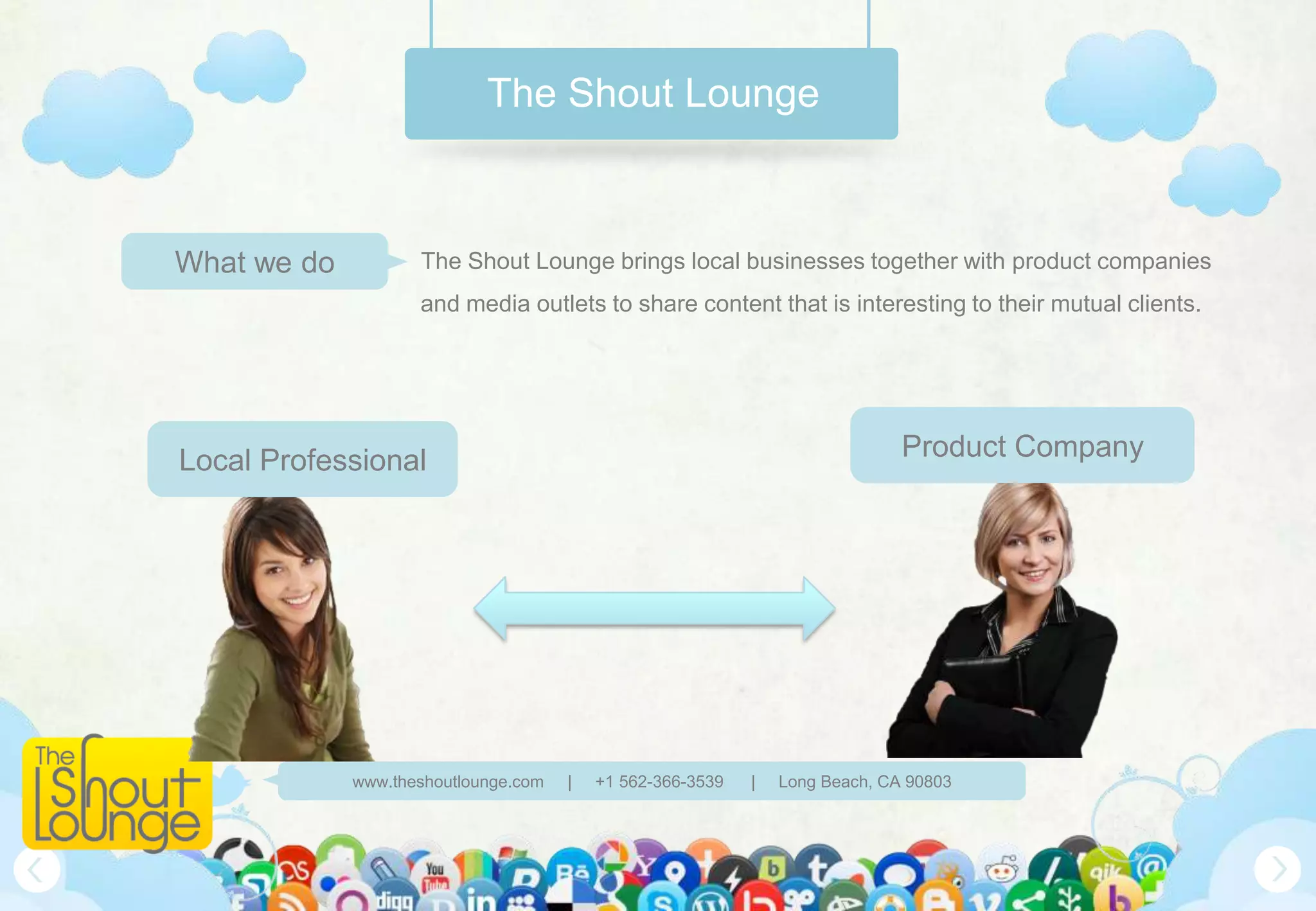
What we do          The Shout Lounge brings local businesses together with product companies
                    and media outlets to share content that is interesting to their mutual clients.


Local Professional                                                            Product Company


             www.theshoutlounge.com   |   +1 562-366-3539   |   Long Beach, CA 90803
The Shout Lounge


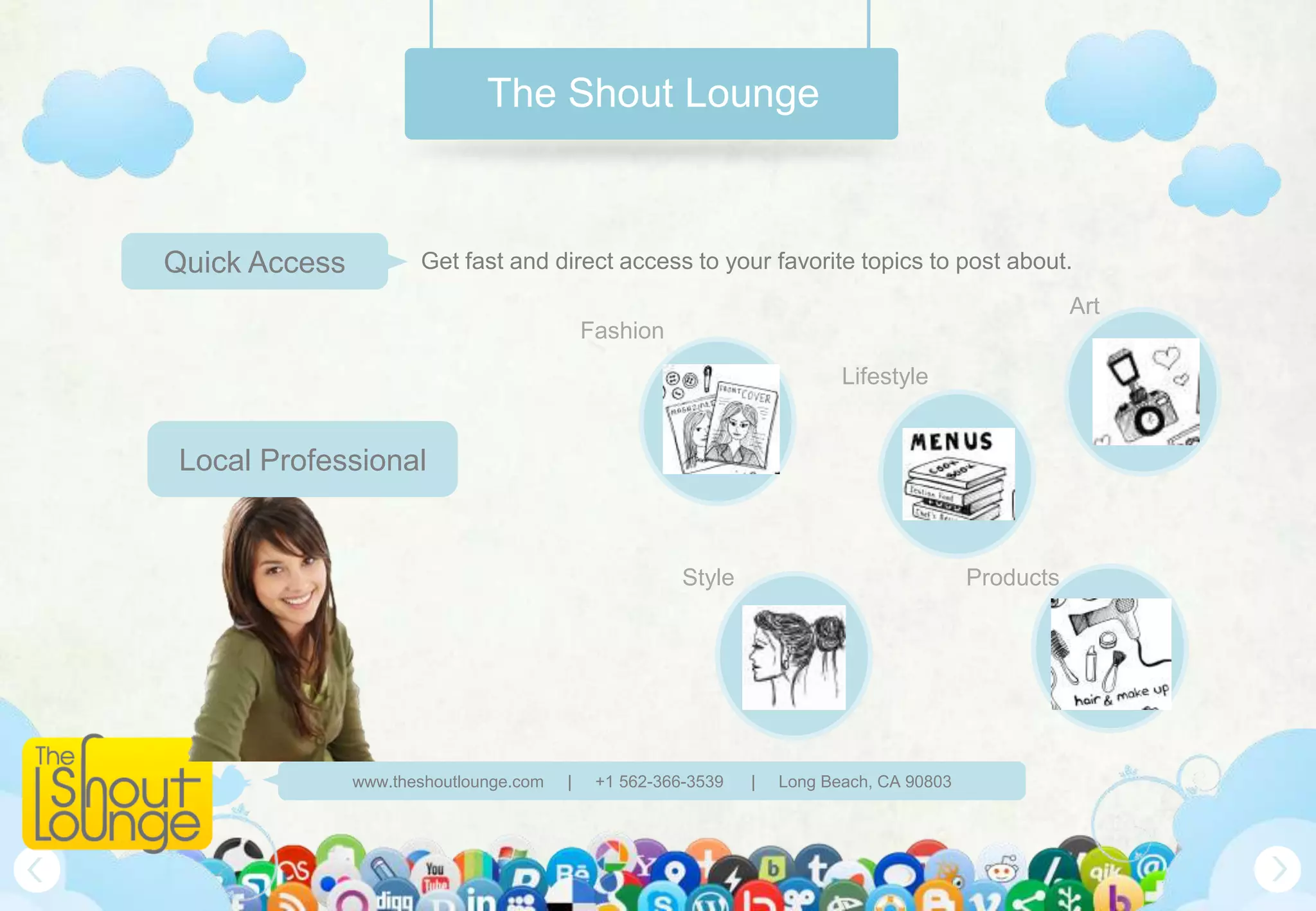
Quick Access          Get fast and direct access to your favorite topics to post about.
                                                                                                     Art
                                            Fashion
                                                                          Lifestyle


 Local Professional


                                                       Style                              Products


               www.theshoutlounge.com   |    +1 562-366-3539   |   Long Beach, CA 90803
The Shout Lounge


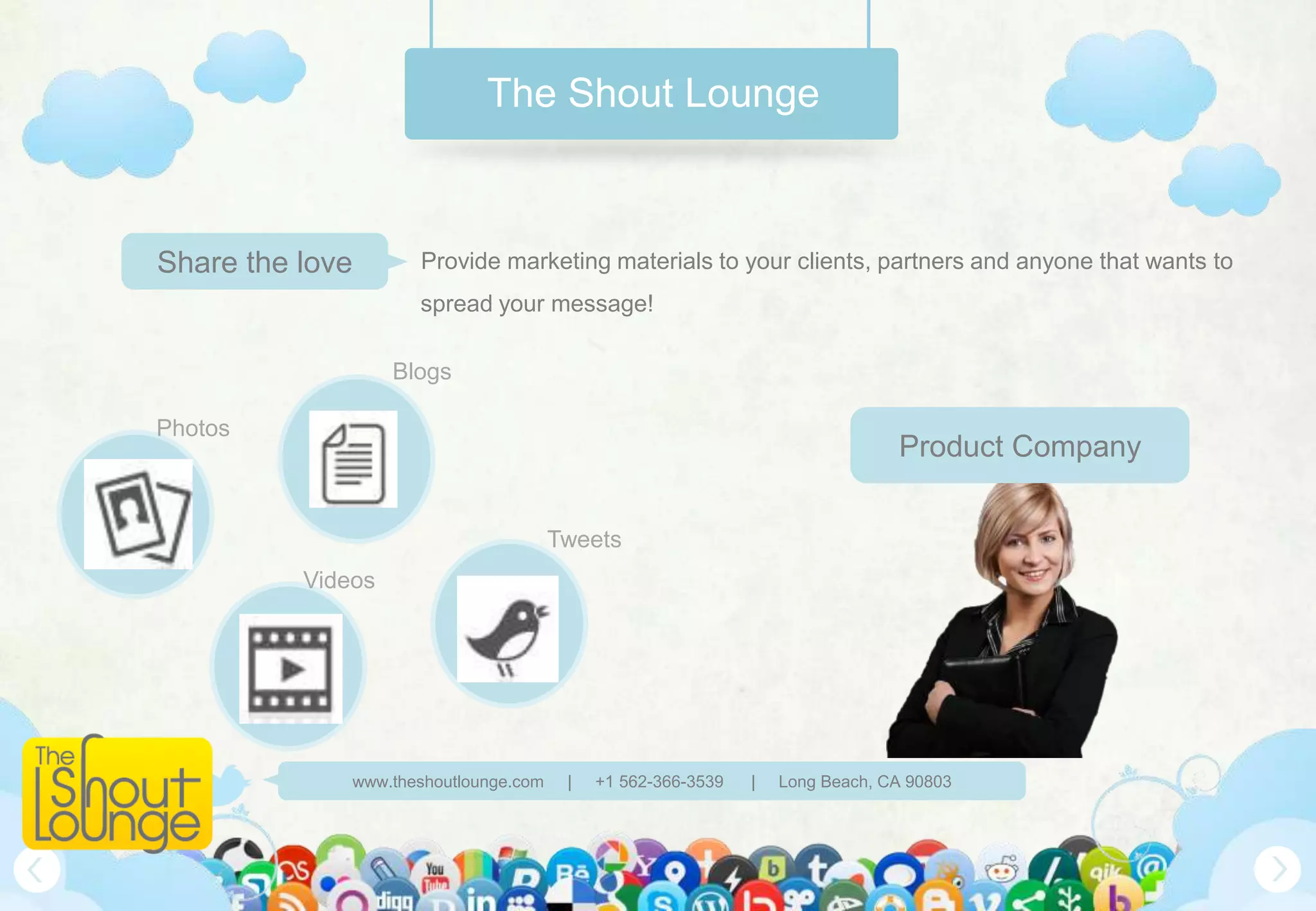
Share the love       Provide marketing materials to your clients, partners and anyone that wants to
                     spread your message!

                   Blogs

Photos
                                                                               Product Company

                                       Tweets
          Videos


              www.theshoutlounge.com    |   +1 562-366-3539   |   Long Beach, CA 90803
How it works


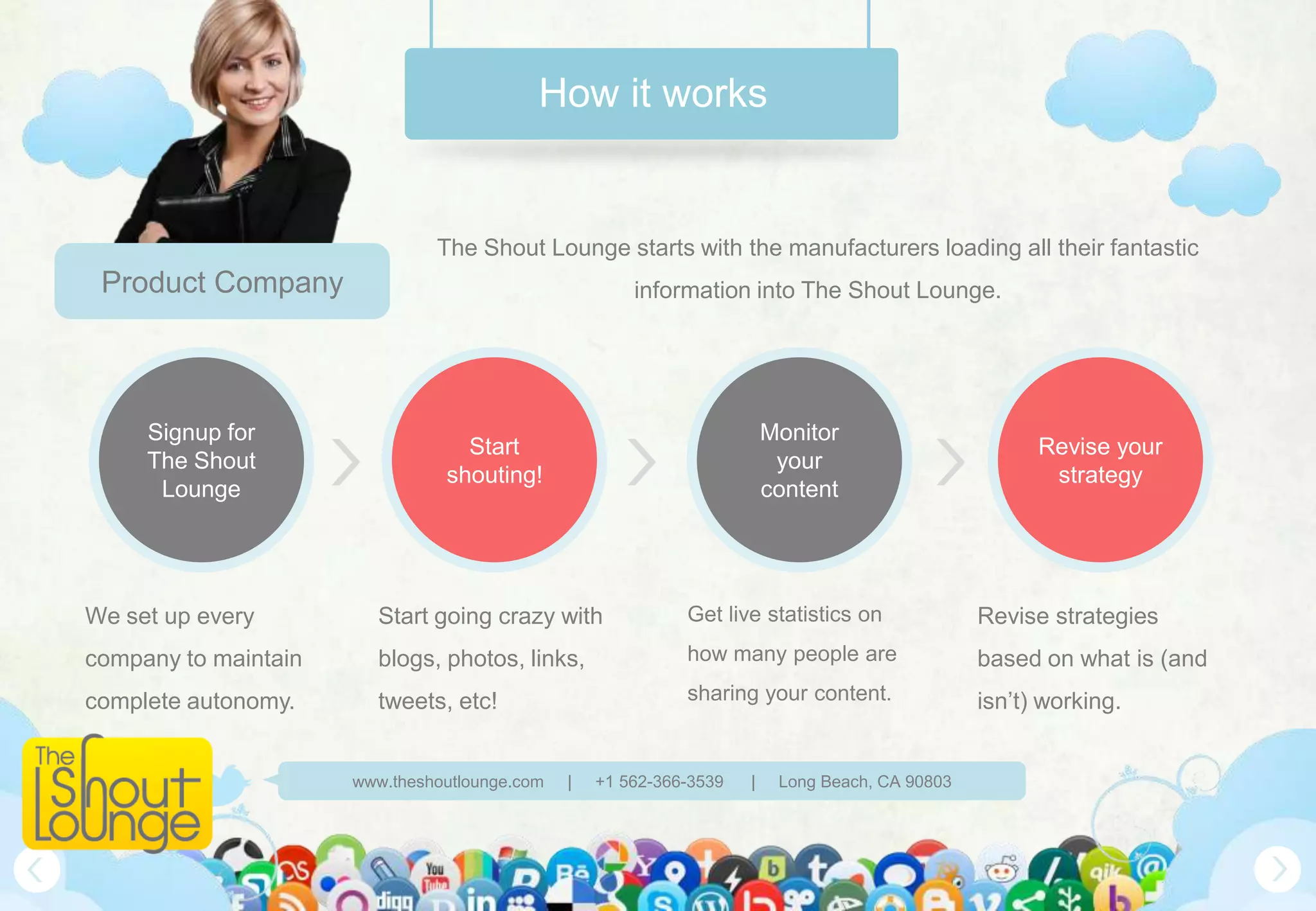
                               The Shout Lounge starts with the manufacturers loading all their fantastic
 Product Company                                       information into The Shout Lounge.


     Signup for                                                          Monitor
                                  Start                                                                Revise your
     The Shout                                                            your
                                shouting!                                                               strategy
      Lounge                                                             content


We set up every         Start going crazy with               Get live statistics on              Revise strategies
company to maintain     blogs, photos, links,                how many people are                 based on what is (and
complete autonomy.      tweets, etc!                         sharing your content.               isn’t) working.


                      www.theshoutlounge.com   |   +1 562-366-3539   |    Long Beach, CA 90803
How it works


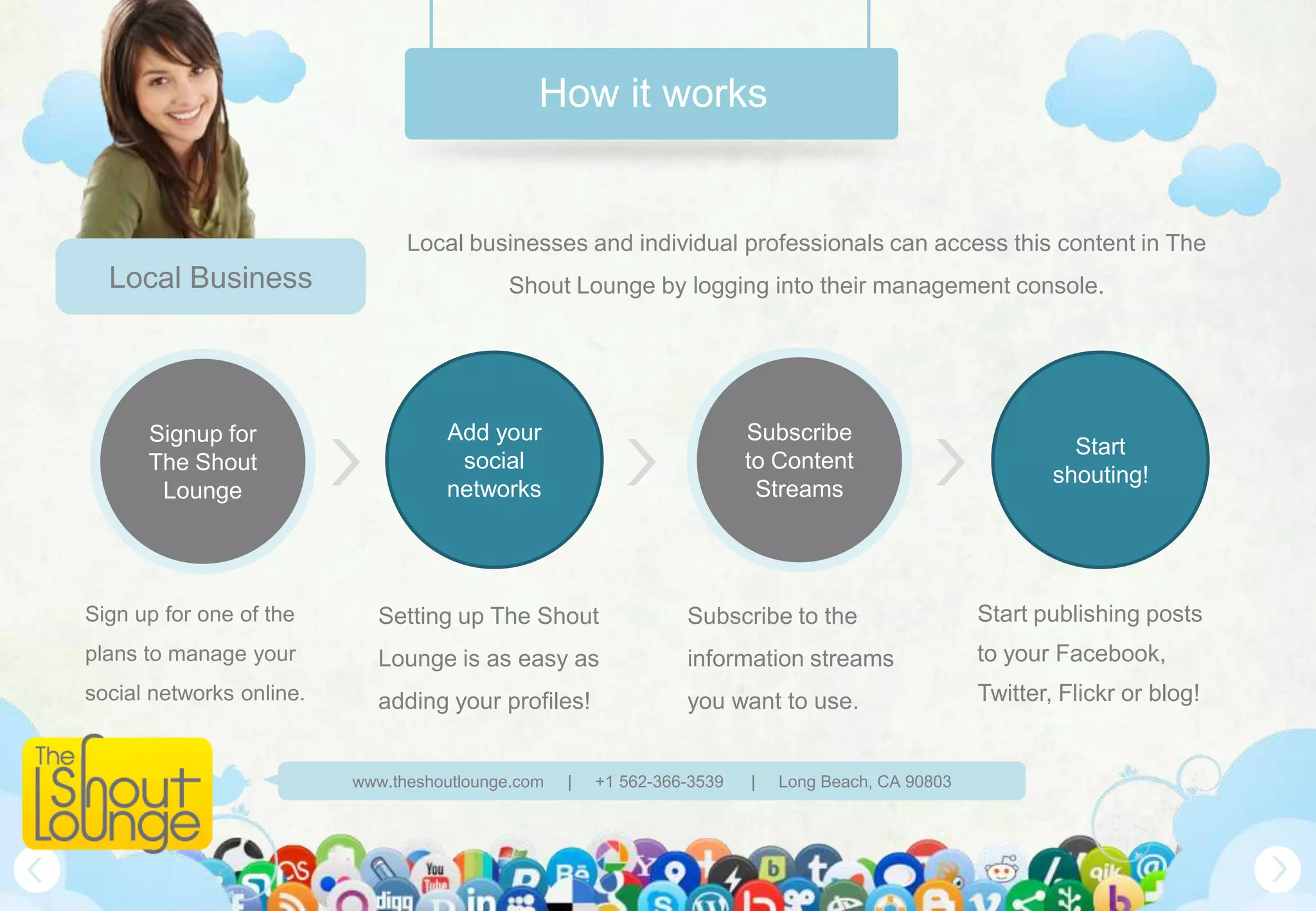
                                Local businesses and individual professionals can access this content in The
  Local Business                           Shout Lounge by logging into their management console.


      Signup for                    Add your                             Subscribe
                                                                                                              Start
      The Shout                      social                              to Content
                                                                                                            shouting!
       Lounge                       networks                              Streams


Sign up for one of the      Setting up The Shout                 Subscribe to the                   Start publishing posts
plans to manage your        Lounge is as easy as                 information streams                to your Facebook,
social networks online.     adding your profiles!                you want to use.                   Twitter, Flickr or blog!


                          www.theshoutlounge.com   |   +1 562-366-3539   |   Long Beach, CA 90803
How it Works


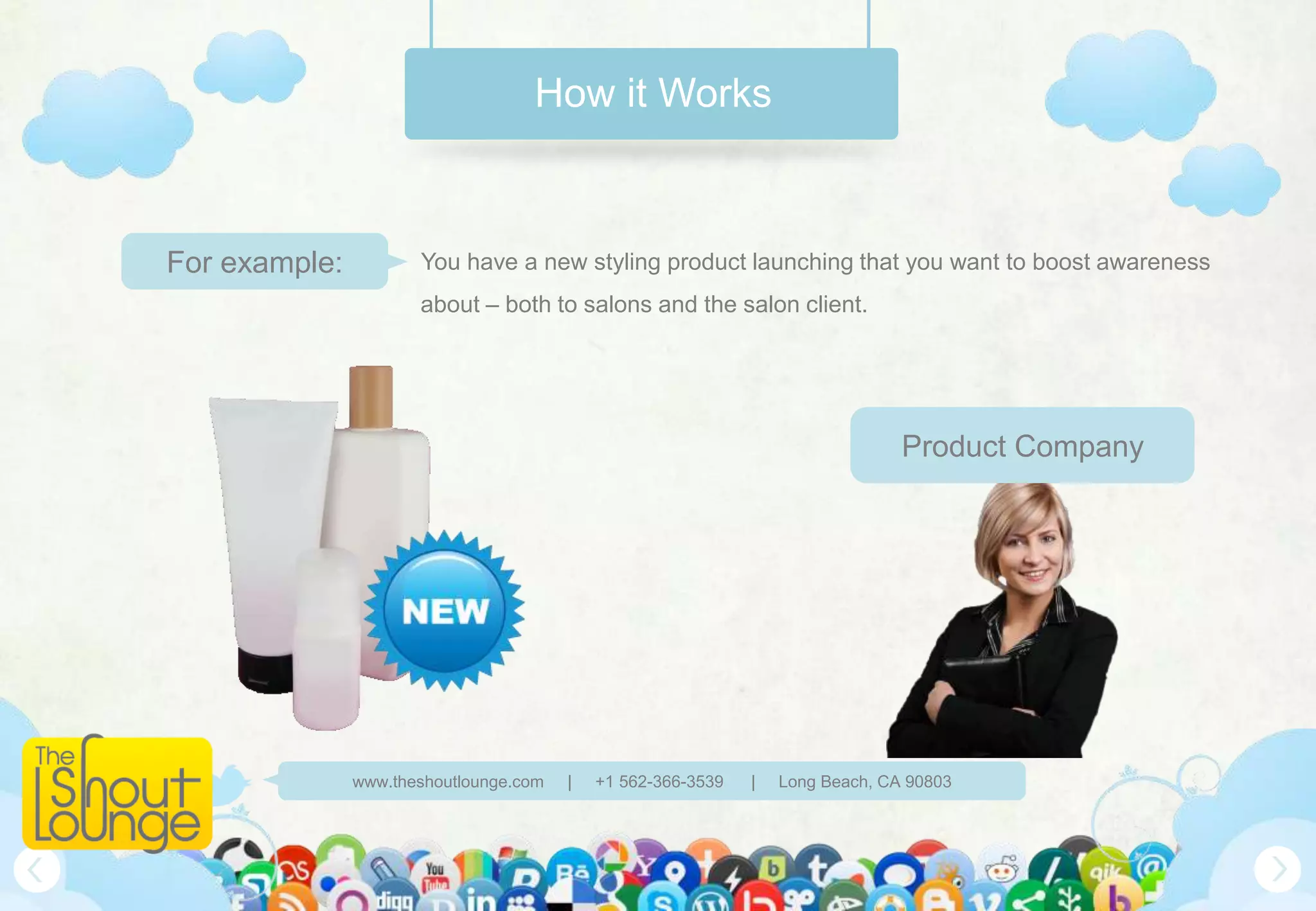
For example:          You have a new styling product launching that you want to boost awareness
                      about – both to salons and the salon client.


                                                                                Product Company


               www.theshoutlounge.com   |   +1 562-366-3539   |   Long Beach, CA 90803
How it Works


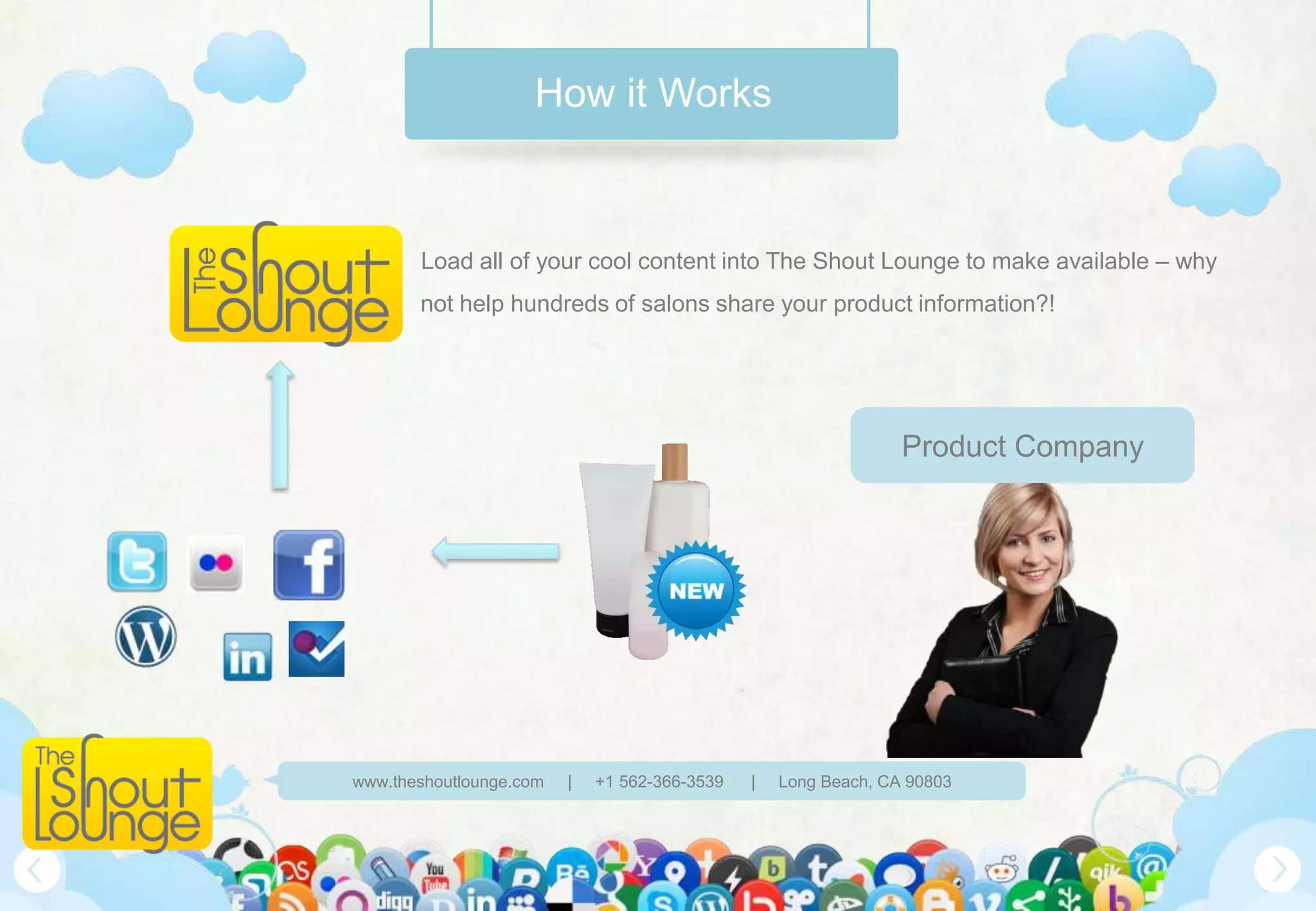
       Load all of your cool content into The Shout Lounge to make available – why
       not help hundreds of salons share your product information?!


                                                                 Product Company


www.theshoutlounge.com   |   +1 562-366-3539   |   Long Beach, CA 90803
How it Works


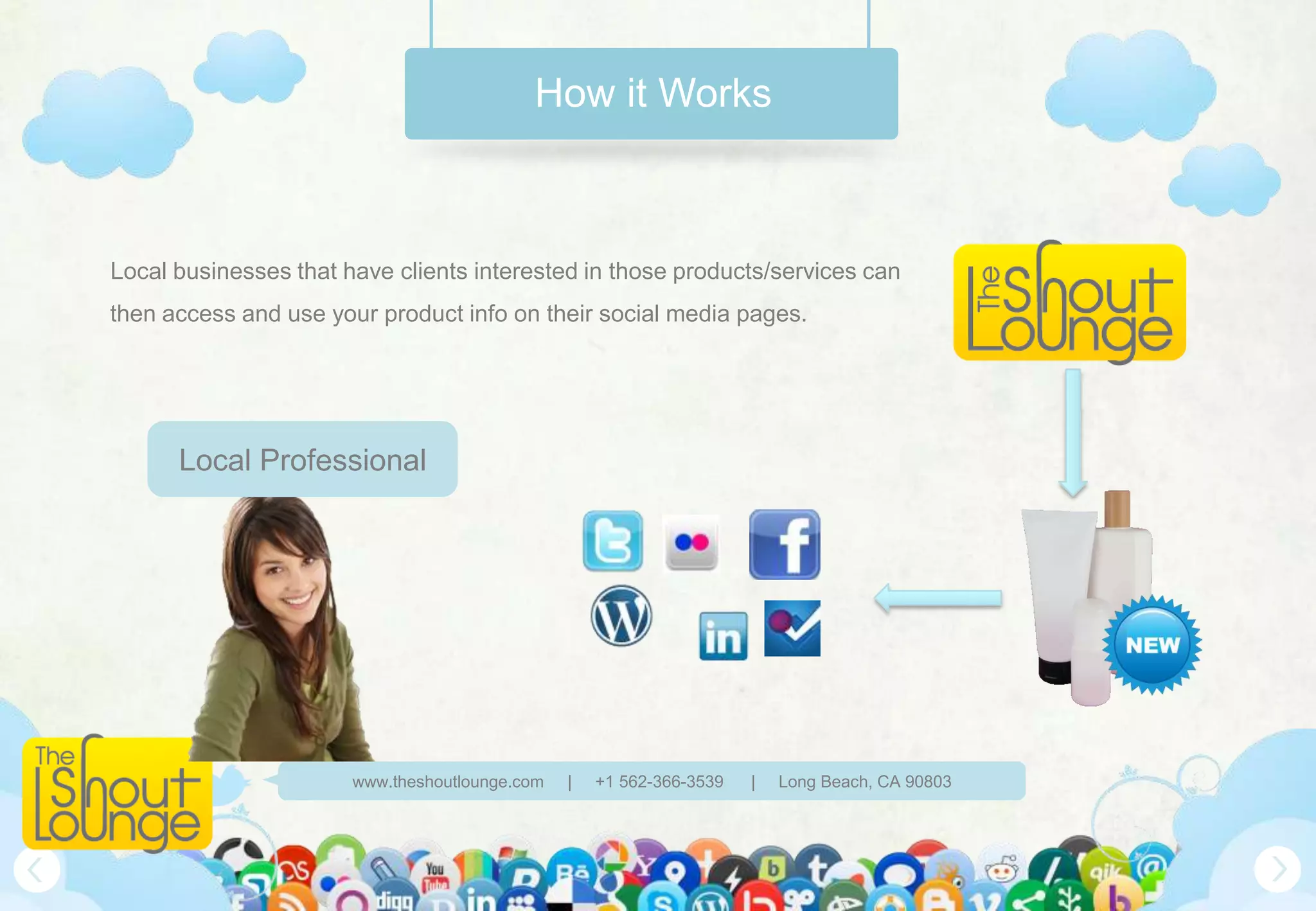
Local businesses that have clients interested in those products/services can
then access and use your product info on their social media pages.


      Local Professional


                       www.theshoutlounge.com   |   +1 562-366-3539   |   Long Beach, CA 90803
How it Works


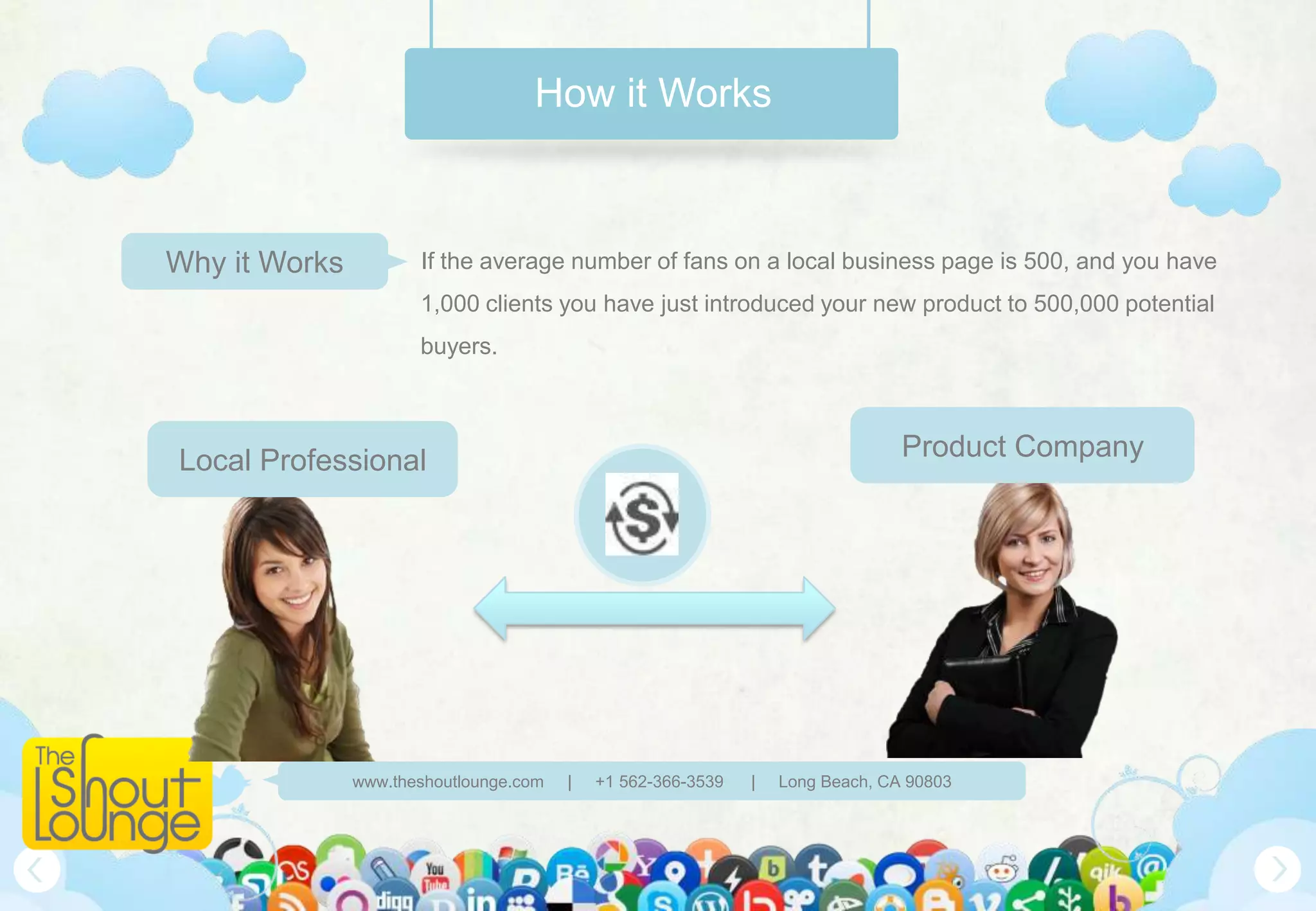
Why it Works          If the average number of fans on a local business page is 500, and you have
                      1,000 clients you have just introduced your new product to 500,000 potential
                      buyers.


Local Professional                                                              Product Company


               www.theshoutlounge.com   |   +1 562-366-3539   |   Long Beach, CA 90803
What do you get?


Central Management                                                                              Easy Distribution


 Quick Publishing                                                                               Reports on Impact

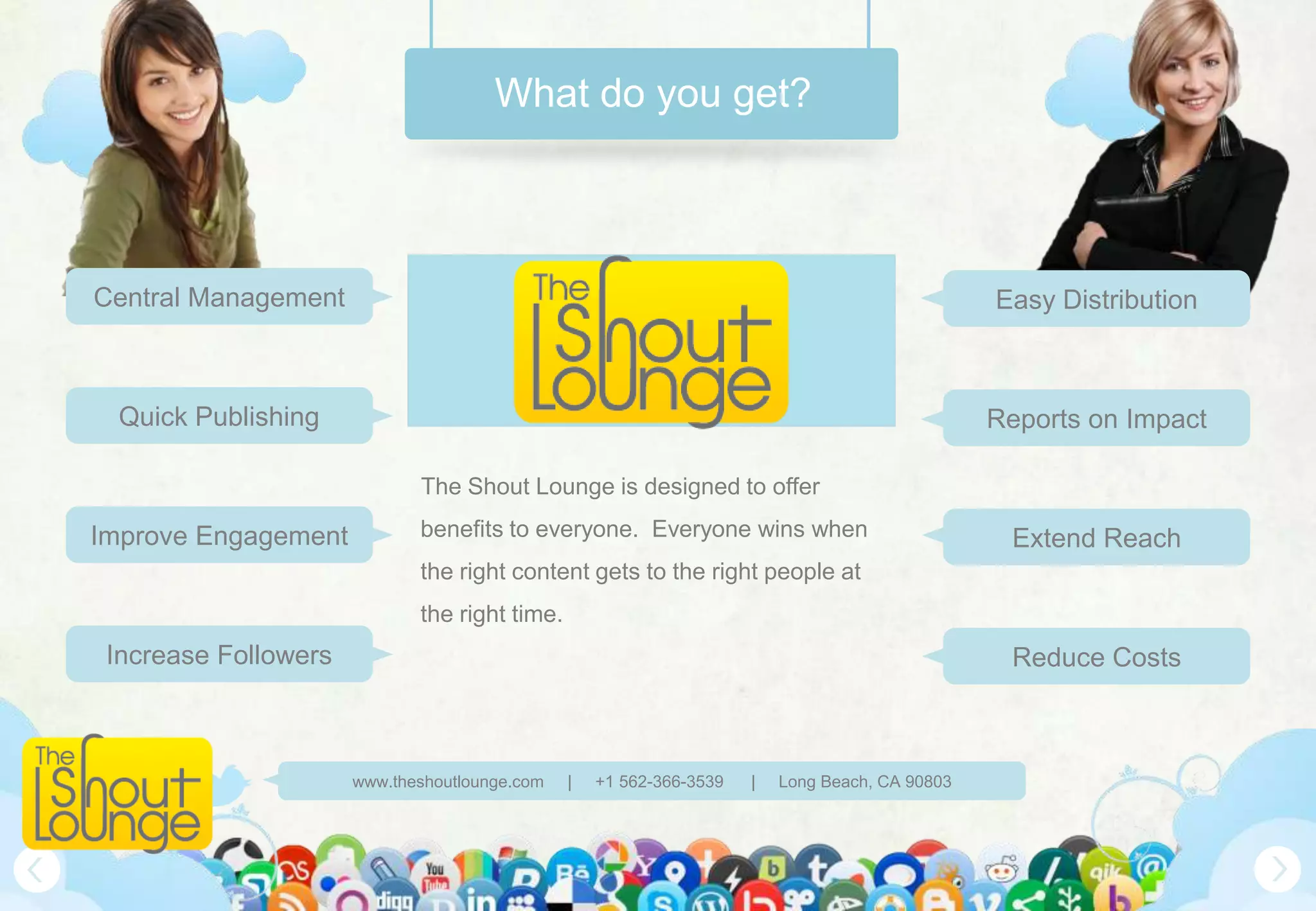
                             The Shout Lounge is designed to offer

Improve Engagement           benefits to everyone. Everyone wins when                            Extend Reach
                             the right content gets to the right people at
                             the right time.
 Increase Followers                                                                              Reduce Costs


                      www.theshoutlounge.com   |   +1 562-366-3539   |   Long Beach, CA 90803
Why wait?


Sign up to be part of the social media
  revolution that is changing the way
people are connecting with their favorite
           companies – you!


      www.theshoutlounge.com   |   +1 562-366-3539   |   Long Beach, CA 90803
Connect with Us


                                                            @TheShoutLounge


                                                            TheShoutLounge


                                                            Long Beach, CA


                                                            562-366-3539


                                                            562-375-6631


                                                            www.theshoutlounge.com


www.theshoutlounge.com   |   +1 562-366-3539   |   Long Beach, CA 90803
Get Your Shout On!


            www.theshoutlounge.com   |   +1 562-366-3539   |   Long Beach, CA 90803


5/30/2012                                                                             16

Introducing The Shout Lounge

  • 1.
    SHOUT AND YOUSHALL BE HEARD! @theshoutlounge www.theshoutlounge.com | +1 562-366-3539 | Long Beach, CA 90803
  • 2.
    Social Media Today Phone Smartphone Mail Email Communication is changing News eNews Socialize Social.net www.theshoutlounge.com | +1 562-366-3539 | Long Beach, CA 90803
  • 3.
    Are you keepingup? What if we could cut the time you spend on social media in half? www.theshoutlounge.com | +1 562-366-3539 | Long Beach, CA 90803
  • 4.
    The Shout Lounge Whatwe do The Shout Lounge brings local businesses together with product companies and media outlets to share content that is interesting to their mutual clients. Local Professional Product Company www.theshoutlounge.com | +1 562-366-3539 | Long Beach, CA 90803
  • 5.
    The Shout Lounge QuickAccess Get fast and direct access to your favorite topics to post about. Art Fashion Lifestyle Local Professional Style Products www.theshoutlounge.com | +1 562-366-3539 | Long Beach, CA 90803
  • 6.
    The Shout Lounge Sharethe love Provide marketing materials to your clients, partners and anyone that wants to spread your message! Blogs Photos Product Company Tweets Videos www.theshoutlounge.com | +1 562-366-3539 | Long Beach, CA 90803
  • 7.
    How it works The Shout Lounge starts with the manufacturers loading all their fantastic Product Company information into The Shout Lounge. Signup for Monitor Start Revise your The Shout your shouting! strategy Lounge content We set up every Start going crazy with Get live statistics on Revise strategies company to maintain blogs, photos, links, how many people are based on what is (and complete autonomy. tweets, etc! sharing your content. isn’t) working. www.theshoutlounge.com | +1 562-366-3539 | Long Beach, CA 90803
  • 8.
    How it works Local businesses and individual professionals can access this content in The Local Business Shout Lounge by logging into their management console. Signup for Add your Subscribe Start The Shout social to Content shouting! Lounge networks Streams Sign up for one of the Setting up The Shout Subscribe to the Start publishing posts plans to manage your Lounge is as easy as information streams to your Facebook, social networks online. adding your profiles! you want to use. Twitter, Flickr or blog! www.theshoutlounge.com | +1 562-366-3539 | Long Beach, CA 90803
  • 9.
    How it Works Forexample: You have a new styling product launching that you want to boost awareness about – both to salons and the salon client. Product Company www.theshoutlounge.com | +1 562-366-3539 | Long Beach, CA 90803
  • 10.
    How it Works Load all of your cool content into The Shout Lounge to make available – why not help hundreds of salons share your product information?! Product Company www.theshoutlounge.com | +1 562-366-3539 | Long Beach, CA 90803
  • 11.
    How it Works Localbusinesses that have clients interested in those products/services can then access and use your product info on their social media pages. Local Professional www.theshoutlounge.com | +1 562-366-3539 | Long Beach, CA 90803
  • 12.
    How it Works Whyit Works If the average number of fans on a local business page is 500, and you have 1,000 clients you have just introduced your new product to 500,000 potential buyers. Local Professional Product Company www.theshoutlounge.com | +1 562-366-3539 | Long Beach, CA 90803
  • 13.
    What do youget? Central Management Easy Distribution Quick Publishing Reports on Impact The Shout Lounge is designed to offer Improve Engagement benefits to everyone. Everyone wins when Extend Reach the right content gets to the right people at the right time. Increase Followers Reduce Costs www.theshoutlounge.com | +1 562-366-3539 | Long Beach, CA 90803
  • 14.
    Why wait? Sign upto be part of the social media revolution that is changing the way people are connecting with their favorite companies – you! www.theshoutlounge.com | +1 562-366-3539 | Long Beach, CA 90803
  • 15.
    Connect with Us @TheShoutLounge TheShoutLounge Long Beach, CA 562-366-3539 562-375-6631 www.theshoutlounge.com www.theshoutlounge.com | +1 562-366-3539 | Long Beach, CA 90803
  • 16.
    Get Your ShoutOn! www.theshoutlounge.com | +1 562-366-3539 | Long Beach, CA 90803 5/30/2012 16

Editor's Notes

  • #2 Before edit this PowerPoint template: Please Make sure required fonts installed (this presentation use: League Gothic and Museo) This is a Master file, Just in case you made some modifications, please Save As this file with new file name.--------------------------Let’s start editing file… HOW TO (also available in documentation file):Changing the background image:Click the view menu > slide master > insert > picture > select preferred ‘background.jpg’Insert Background image in the first page of Slide master> Right Click > Send to Back(Note: All elements images are inside ‘images’ folder)Insert a Logo:For better logo quality and avoid the white block, logo should be in *.png formatClick the view menu > slide master > insert > picture > select logo, put your logo in desirable area, in the first page of slide master and cover slide.Or you can insert logo in preferred slide by go to insert menu > picture > select logo.Implement Layout Template into a slide:Add new Slide (Ctl +M), Right Click on the new slide > Right Click > Select Layout > select Desirable TemplateInsert and Edit DateGo to View > Slide Master > Insert > Date and Time > Checklist the date > Select Update automatically or Fixed > Apply to all or Apply in current slide.--------------------------Animated Image or TextClick the text box or images that you will be modifying, then choose "Custom Animation" from the drop-down list under "Slide Show" on the top menu bar. An area will open up on the right-hand side of the window.--------------------------Slide TransitionAll slide using ‘Fade Smoothly’ Transition--------------------------Title SlideThis Slide use “Title Slide” on Master Slide View.The background images can be found in “images” folder named “background.jpg”“Socialita Agency” is an image because it’s difficult to get big size font on ppt, you can found in PSD folder named “cover_tittle.psd”You can add elements or icons in “images” folderTittle Text: You can modify it, change color, rotate, etc. button_star.jpg”--------------------------Social Media Icons:http://www.webdesignerdepot.com/2010/08/buddycons-vector-social-media-icons/
  • #3 --------------------------Social Media TodayTechnology change everything also the way we communicate.Explain the Social media and people in using technology, previously and todayThis Slide use “Socila Media Today” Layout on Master Slide View Phone icon you can get here: http://www.iconarchive.com/show/heartquake-prevention-icons-by-iconshock/telefono-icon.htmliPhone icon you can get here: http://www.iconarchive.com/show/apple-products-icons-by-svengraph/iPhone-front-black-icon.html Mail icon you can get here: http://www.iconarchive.com/show/stainless-icons-by-iconleak/mail-icon.htmleMail icon you can get here: http://www.iconarchive.com/show/mobile-icons-by-youdu/Mail-icon.htmlNews icon you can get here: http://www.iconarchive.com/show/oxygen-icons-by-oxygen-icons.org/Mimetypes-message-news-icon.htmleNews icon you can get here: http://www.iconarchive.com/show/nod-icons-by-rimshotdesign/Location-NEWS-icon.htmliMac icon you can get here: http://www.iconarchive.com/show/bee-mac-icons-by-artbees/iMac-24-icon.htmlSocialize icon you can get here: http://www.iconarchive.com/show/aesthetica-2-icons-by-dryicons/user-comments-icon.htmlSocial.net icon you can get here: http://www.iconarchive.com/show/social-balloons-icons-by-double-j-design/social-balloon-twitter-icon.html http://www.iconarchive.com/show/social-balloons-icons-by-double-j-design/social-balloon-facebook-icon.html http://www.iconarchive.com/show/social-balloons-icons-by-double-j-design/social-balloon-youtube-icon.html
  • #5 --------------------------Company Information SlideThis Slide use “About Us” Layout on Master Slide View.Slide tittles is editable, you can change text, color or rotate easily.Fill your company information in the text area an replace the lorem ipsum feed. --------------------------Navigation ButtonNavigation Button help you to move slide to next or previous slidesThe Navigation Button can be found in First Slide in Master Slide View, To make it works as slide navigation, Right click the arrow button image > Select Hyperlink > Select “Place in this document” > Select Next Slide or Previous Slide--------------------------Insert and Edit FooterIf you want to edit the footer text go to View > Slide Master > Select first slide master > Type the Tex Box Area with your company information (company name, address, website, etc)--------------------------AnimationsMost of animation using “peek in” effect.
  • #6 --------------------------Company Information SlideThis Slide use “About Us” Layout on Master Slide View.Slide tittles is editable, you can change text, color or rotate easily.Fill your company information in the text area an replace the lorem ipsum feed. --------------------------Navigation ButtonNavigation Button help you to move slide to next or previous slidesThe Navigation Button can be found in First Slide in Master Slide View, To make it works as slide navigation, Right click the arrow button image > Select Hyperlink > Select “Place in this document” > Select Next Slide or Previous Slide--------------------------Insert and Edit FooterIf you want to edit the footer text go to View > Slide Master > Select first slide master > Type the Tex Box Area with your company information (company name, address, website, etc)--------------------------AnimationsMost of animation using “peek in” effect.
  • #7 --------------------------Company Information SlideThis Slide use “About Us” Layout on Master Slide View.Slide tittles is editable, you can change text, color or rotate easily.Fill your company information in the text area an replace the lorem ipsum feed. --------------------------Navigation ButtonNavigation Button help you to move slide to next or previous slidesThe Navigation Button can be found in First Slide in Master Slide View, To make it works as slide navigation, Right click the arrow button image > Select Hyperlink > Select “Place in this document” > Select Next Slide or Previous Slide--------------------------Insert and Edit FooterIf you want to edit the footer text go to View > Slide Master > Select first slide master > Type the Tex Box Area with your company information (company name, address, website, etc)--------------------------AnimationsMost of animation using “peek in” effect.
  • #8 --------------------------How do we worksThis is the slide explain how your social media campaign process.Put your key point in the circles, you can easily change the colors and replace the text content.This Slide use “How do we works” Layout on Master Slide View
  • #9 --------------------------How do we worksThis is the slide explain how your social media campaign process.Put your key point in the circles, you can easily change the colors and replace the text content.This Slide use “How do we works” Layout on Master Slide View
  • #10 --------------------------Company Information SlideThis Slide use “About Us” Layout on Master Slide View.Slide tittles is editable, you can change text, color or rotate easily.Fill your company information in the text area an replace the lorem ipsum feed. --------------------------Navigation ButtonNavigation Button help you to move slide to next or previous slidesThe Navigation Button can be found in First Slide in Master Slide View, To make it works as slide navigation, Right click the arrow button image > Select Hyperlink > Select “Place in this document” > Select Next Slide or Previous Slide--------------------------Insert and Edit FooterIf you want to edit the footer text go to View > Slide Master > Select first slide master > Type the Tex Box Area with your company information (company name, address, website, etc)--------------------------AnimationsMost of animation using “peek in” effect.
  • #11 --------------------------Company Information SlideThis Slide use “About Us” Layout on Master Slide View.Slide tittles is editable, you can change text, color or rotate easily.Fill your company information in the text area an replace the lorem ipsum feed. --------------------------Navigation ButtonNavigation Button help you to move slide to next or previous slidesThe Navigation Button can be found in First Slide in Master Slide View, To make it works as slide navigation, Right click the arrow button image > Select Hyperlink > Select “Place in this document” > Select Next Slide or Previous Slide--------------------------Insert and Edit FooterIf you want to edit the footer text go to View > Slide Master > Select first slide master > Type the Tex Box Area with your company information (company name, address, website, etc)--------------------------AnimationsMost of animation using “peek in” effect.
  • #12 --------------------------Company Information SlideThis Slide use “About Us” Layout on Master Slide View.Slide tittles is editable, you can change text, color or rotate easily.Fill your company information in the text area an replace the lorem ipsum feed. --------------------------Navigation ButtonNavigation Button help you to move slide to next or previous slidesThe Navigation Button can be found in First Slide in Master Slide View, To make it works as slide navigation, Right click the arrow button image > Select Hyperlink > Select “Place in this document” > Select Next Slide or Previous Slide--------------------------Insert and Edit FooterIf you want to edit the footer text go to View > Slide Master > Select first slide master > Type the Tex Box Area with your company information (company name, address, website, etc)--------------------------AnimationsMost of animation using “peek in” effect.
  • #13 --------------------------Company Information SlideThis Slide use “About Us” Layout on Master Slide View.Slide tittles is editable, you can change text, color or rotate easily.Fill your company information in the text area an replace the lorem ipsum feed. --------------------------Navigation ButtonNavigation Button help you to move slide to next or previous slidesThe Navigation Button can be found in First Slide in Master Slide View, To make it works as slide navigation, Right click the arrow button image > Select Hyperlink > Select “Place in this document” > Select Next Slide or Previous Slide--------------------------Insert and Edit FooterIf you want to edit the footer text go to View > Slide Master > Select first slide master > Type the Tex Box Area with your company information (company name, address, website, etc)--------------------------AnimationsMost of animation using “peek in” effect.
  • #14 --------------------------Services SlideThis is a slide to expose your Service. Use “Service Slide” Layout on Master Slide View.Add your higher size photo or logo by click the image icon. You can make it transparent saved to Png file.--------------------------Animation This Slide using ‘Peek in’ animation for some elements Don’t forget grouped image before add animation effect.
  • #16 --------------------------Connected SlideThis slide use “Connected” Layout on Master Slide View.Put your contact information here.The icons can be found in “images” folder.
  • #17 --------------------------Closing SlidePut the closing statement here.This Slide use “Section Heade” Layout on Master Slide View.