A tour of new features


                         1/6/2013
PowerPoint 2007
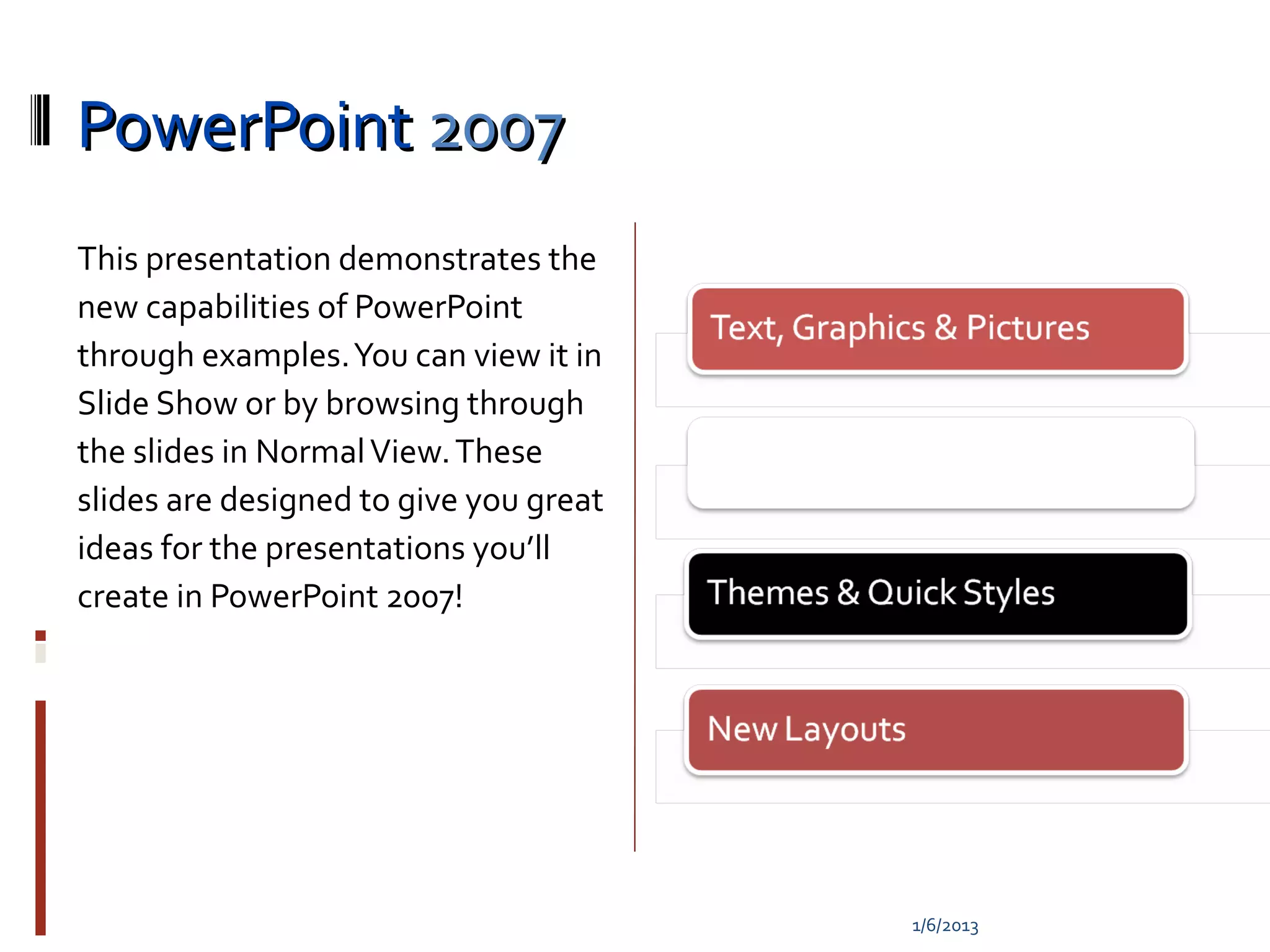
This presentation demonstrates the
new capabilities of PowerPoint
through examples. You can view it in
Slide Show or by browsing through
the slides in Normal View. These
slides are designed to give you great
ideas for the presentations you’ll
create in PowerPoint 2007!


                                        1/6/2013
1/6/2013
Superior Text
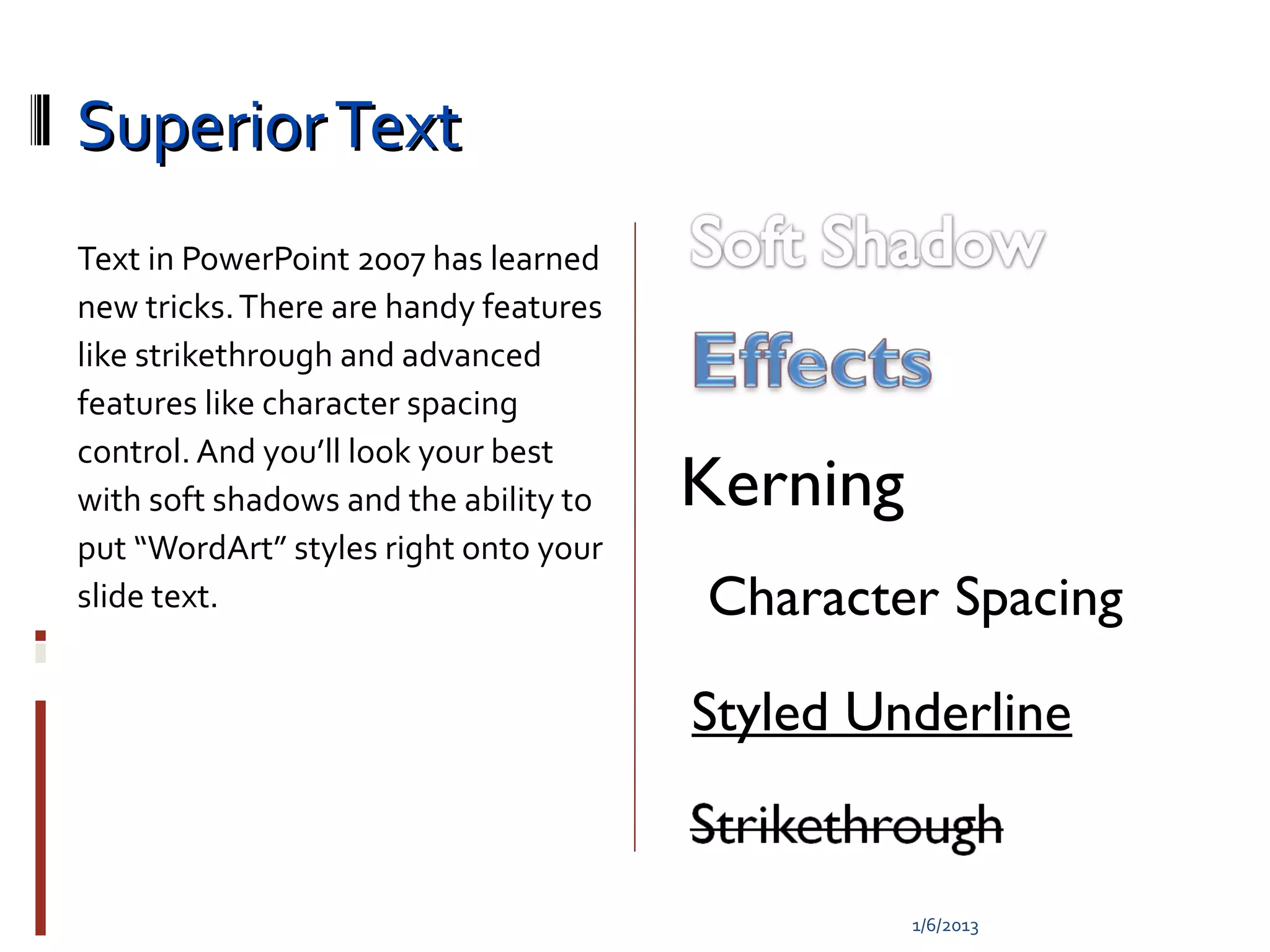
Text in PowerPoint 2007 has learned
new tricks. There are handy features
like strikethrough and advanced
features like character spacing
control. And you’ll look your best
with soft shadows and the ability to   Kerning
put “WordArt” styles right onto your
slide text.                            Character Spacing

                                       Styled Underline


                                                 1/6/2013
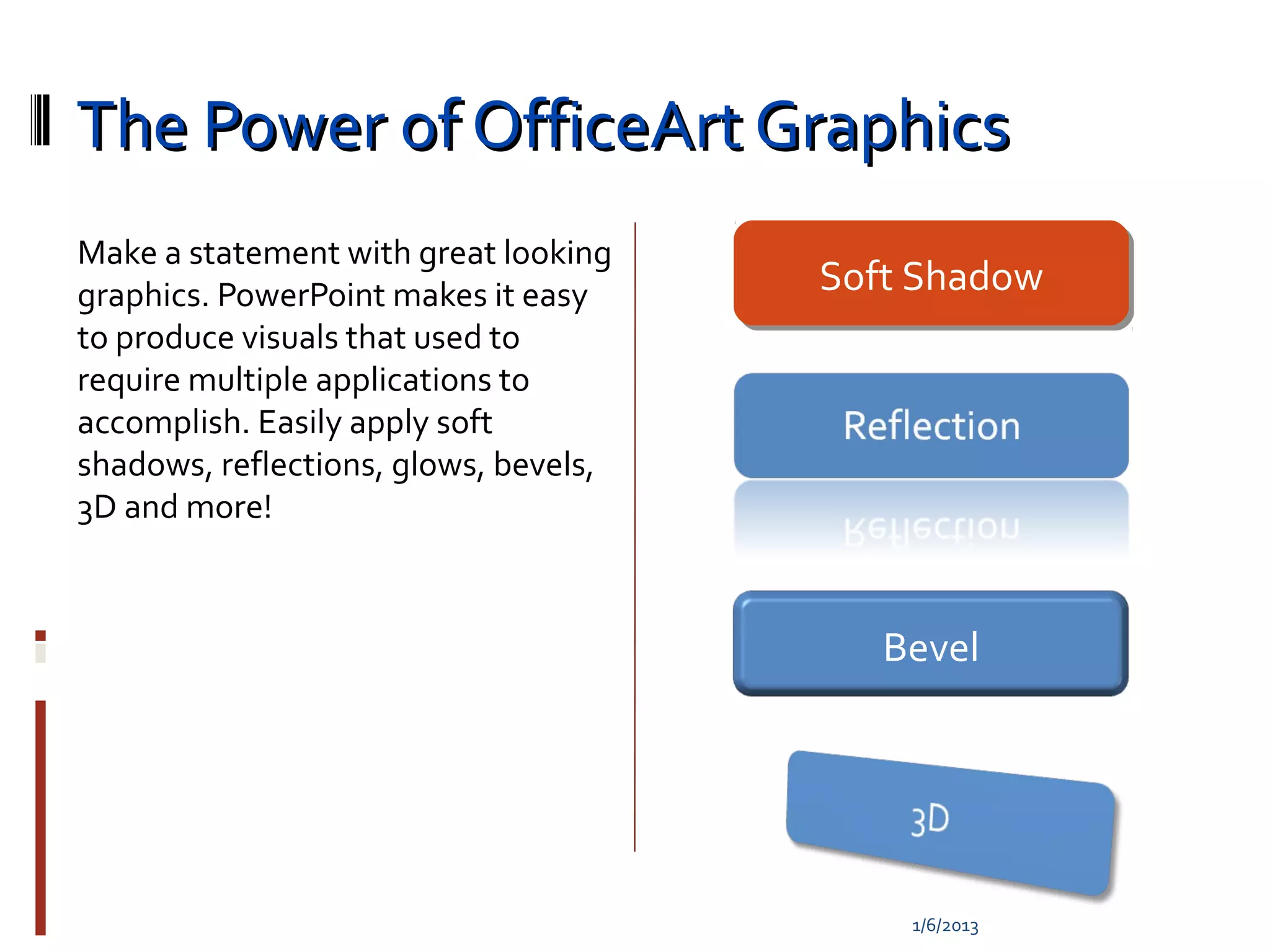
The Power of OfficeArt Graphics
Make a statement with great looking
graphics. PowerPoint makes it easy     Soft Shadow
                                       Soft Shadow
to produce visuals that used to
require multiple applications to
accomplish. Easily apply soft
shadows, reflections, glows, bevels,
3D and more!


                                          Bevel


                                           1/6/2013
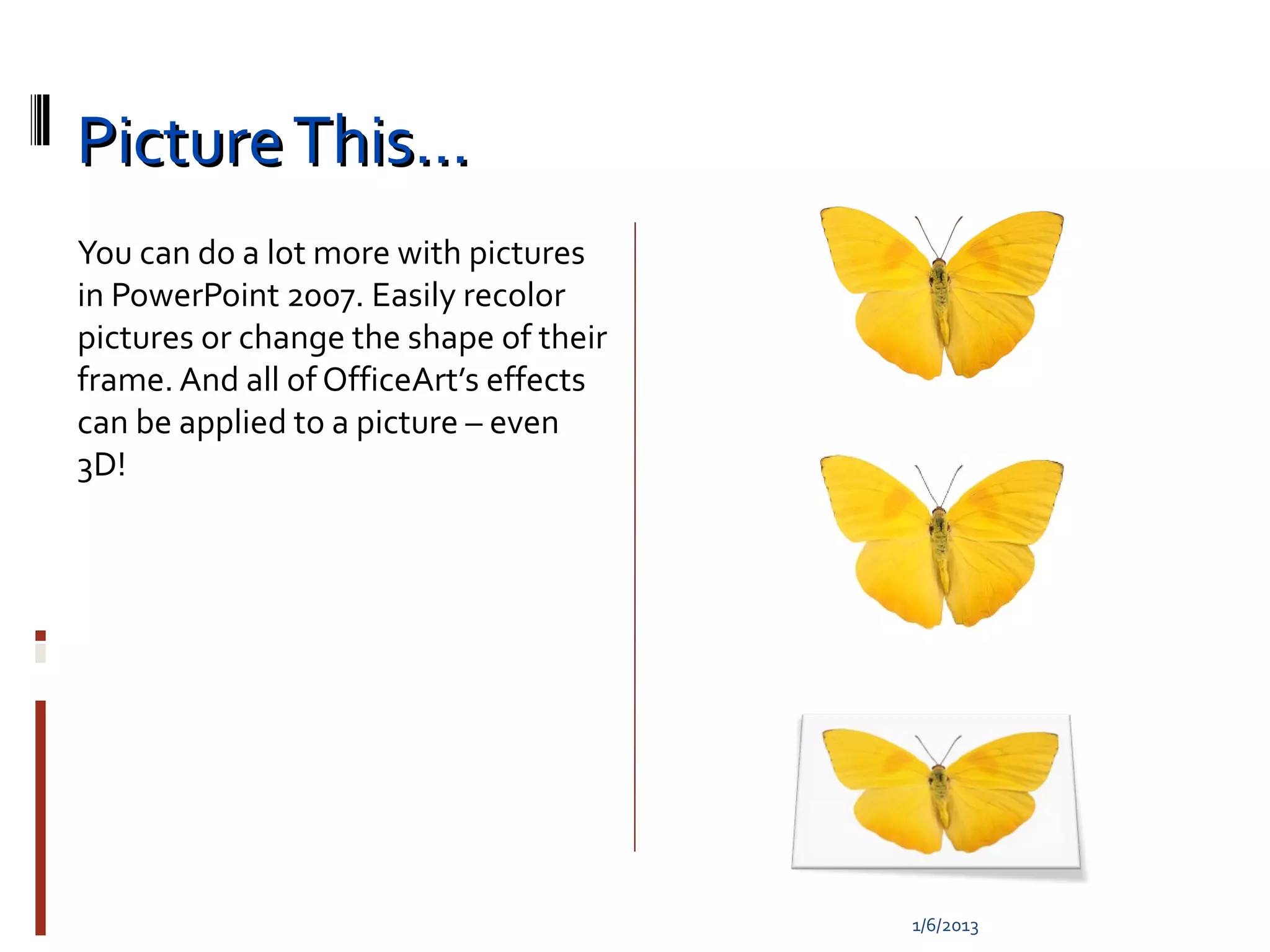
Picture This…
You can do a lot more with pictures
in PowerPoint 2007. Easily recolor
pictures or change the shape of their
frame. And all of OfficeArt’s effects
can be applied to a picture – even
3D!


                                        1/6/2013
1/6/2013
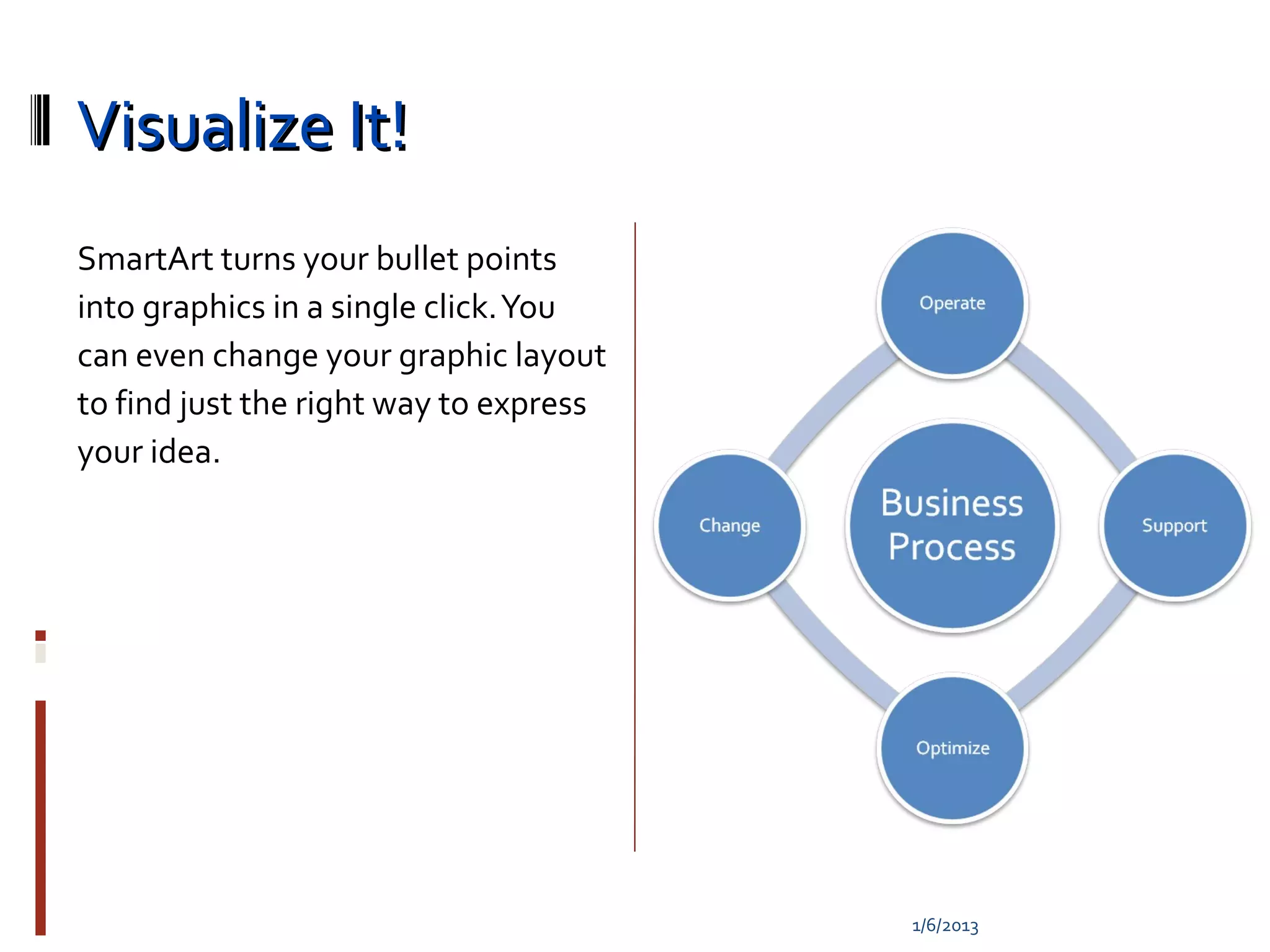
Visualize It!
SmartArt turns your bullet points
into graphics in a single click. You
can even change your graphic layout
to find just the right way to express
your idea.


                                        1/6/2013
1/6/2013
1/6/2013
1/6/2013
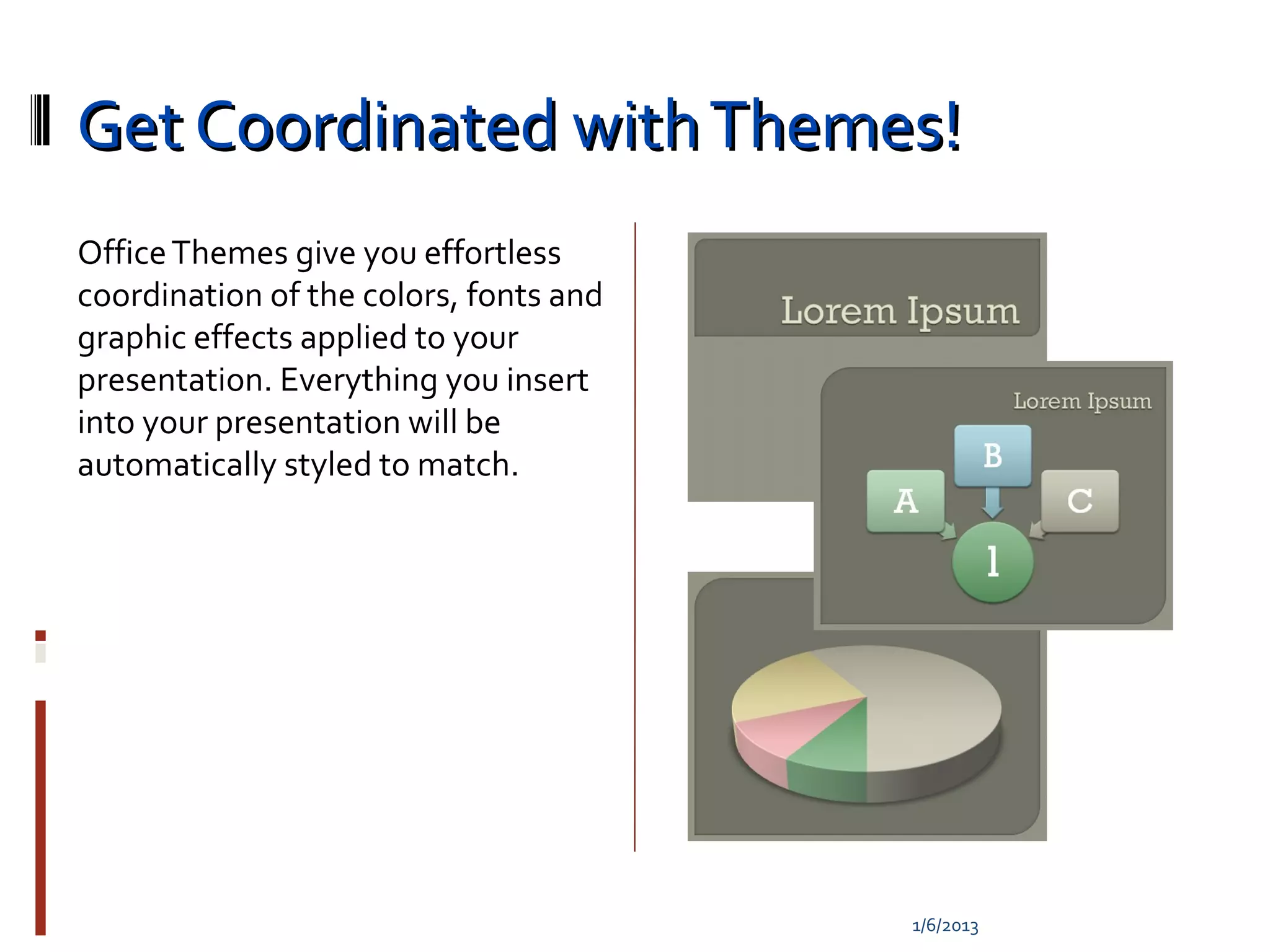
Get Coordinated with Themes!
Office Themes give you effortless
coordination of the colors, fonts and
graphic effects applied to your
presentation. Everything you insert
into your presentation will be
automatically styled to match.


                                        1/6/2013
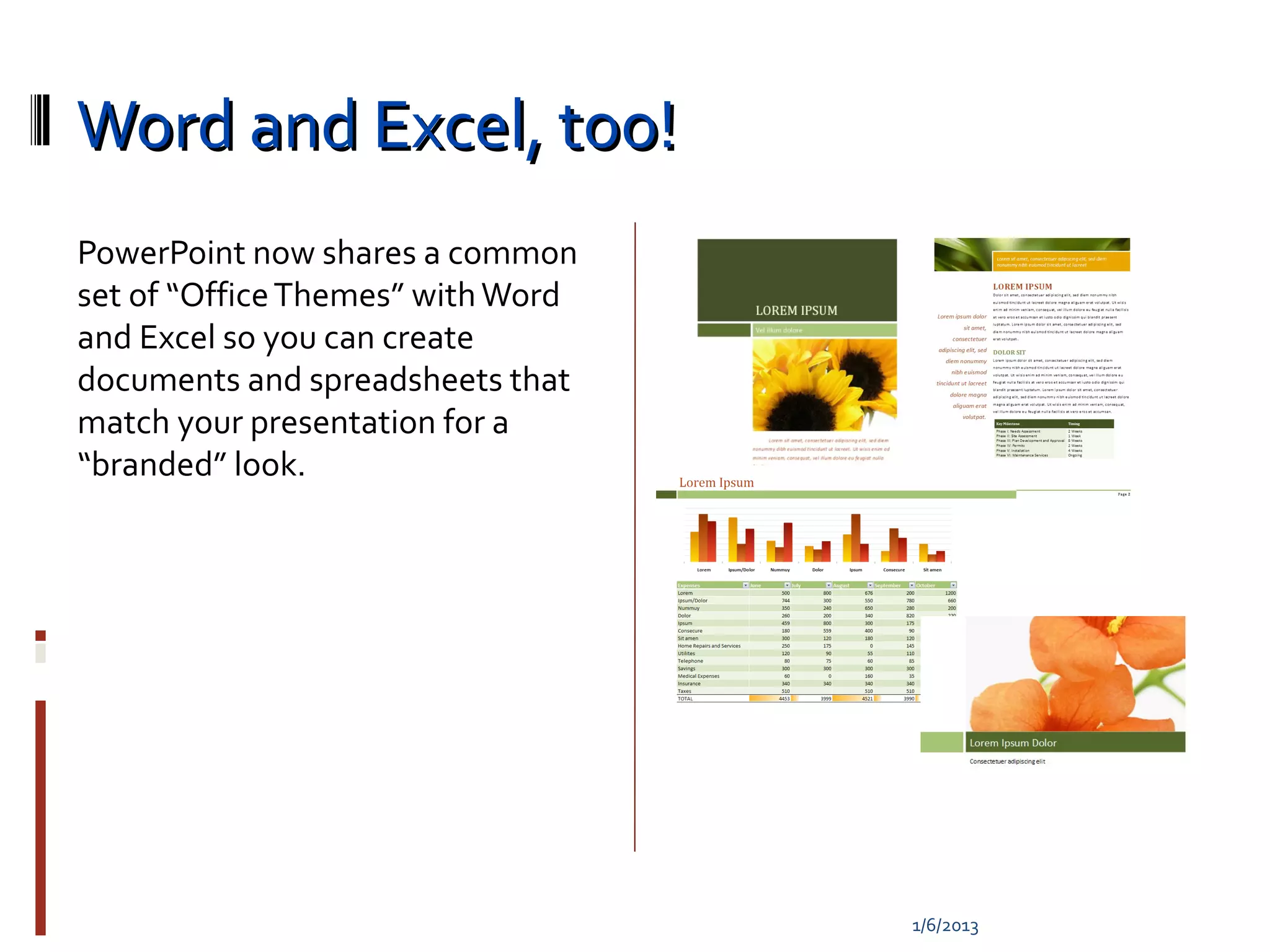
Word and Excel, too!
PowerPoint now shares a common
set of “Office Themes” with Word
and Excel so you can create
documents and spreadsheets that
match your presentation for a
“branded” look.


                                   1/6/2013
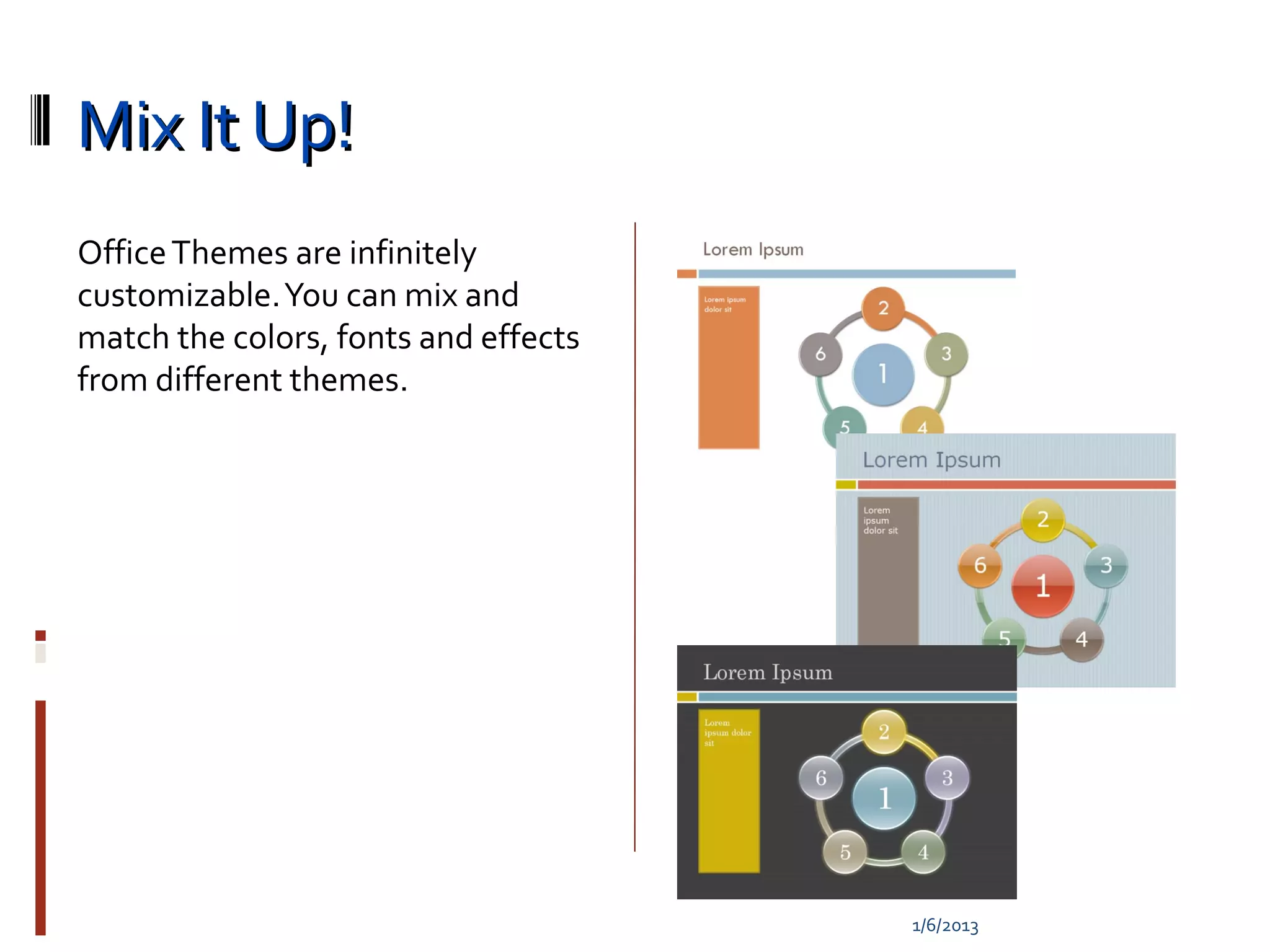
Mix It Up!
Office Themes are infinitely
customizable. You can mix and
match the colors, fonts and effects
from different themes.


                                      1/6/2013
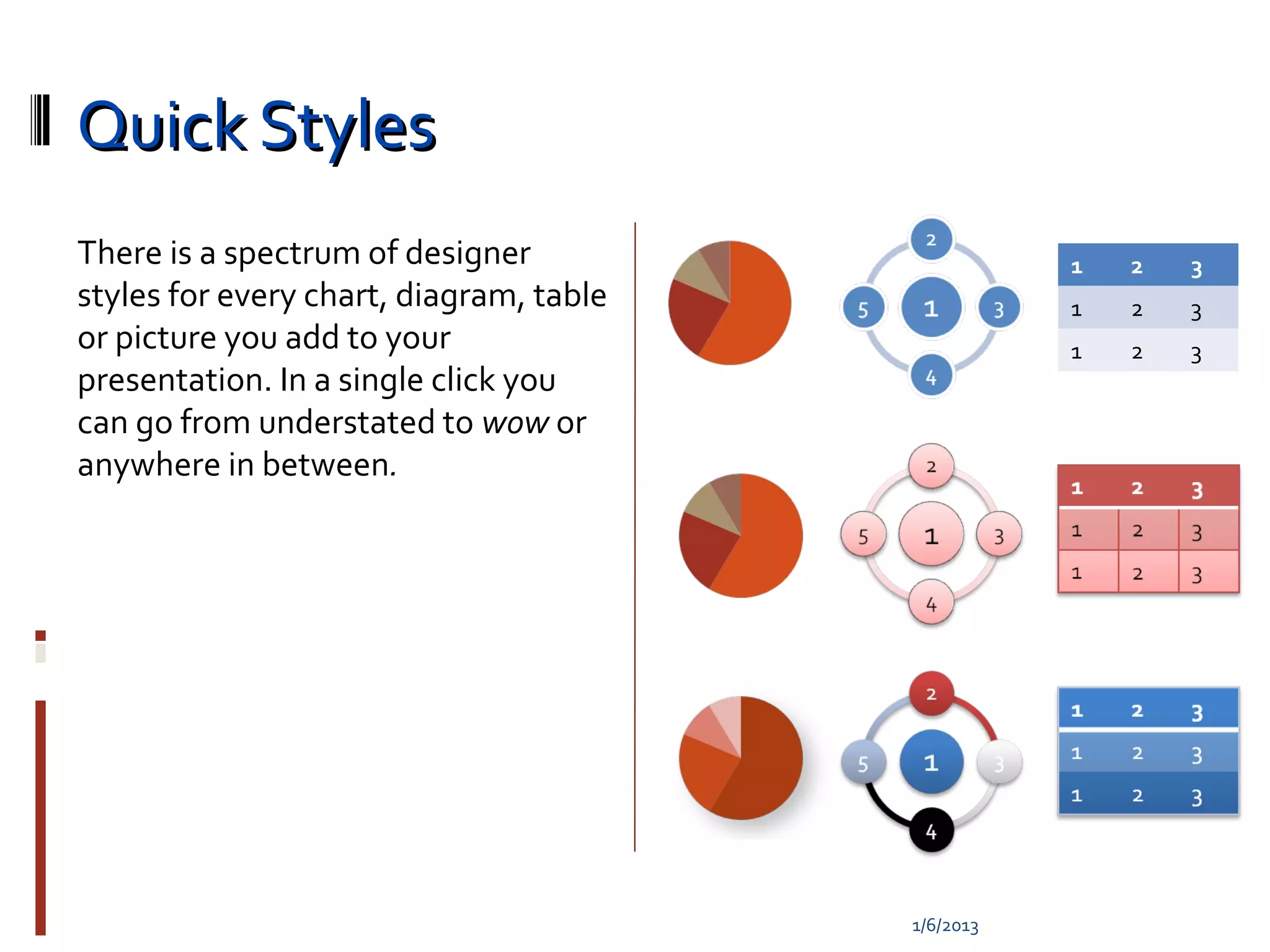
Quick Styles
There is a spectrum of designer                     1   2   3
styles for every chart, diagram, table              1   2   3
or picture you add to your                          1   2   3
presentation. In a single click you
can go from understated to wow or
anywhere in between.


                                         1/6/2013
1/6/2013
Slide Perfect!
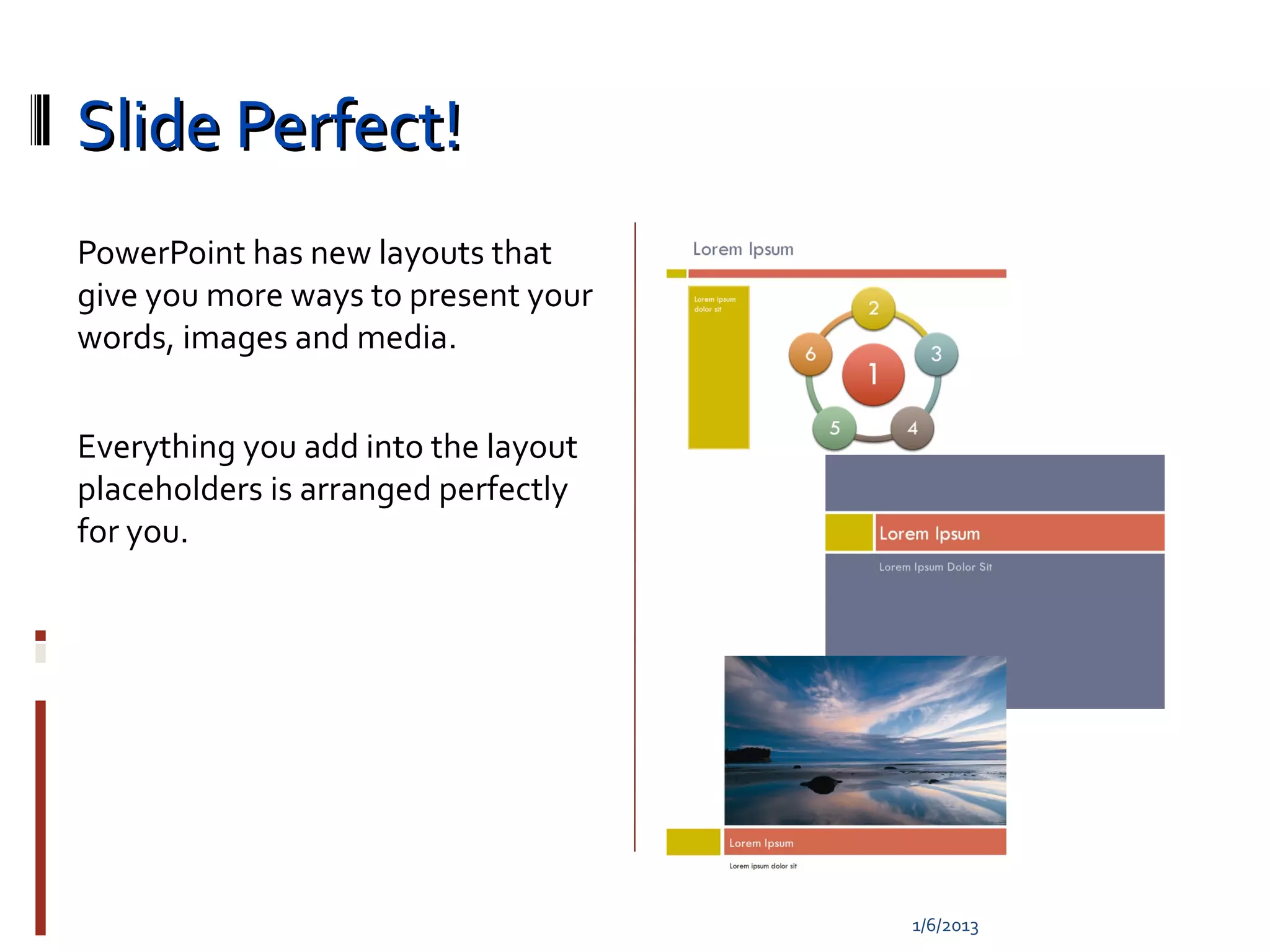
PowerPoint has new layouts that
give you more ways to present your
words, images and media.


Everything you add into the layout
placeholders is arranged perfectly
for you.


                                     1/6/2013
Arrange it Your Way
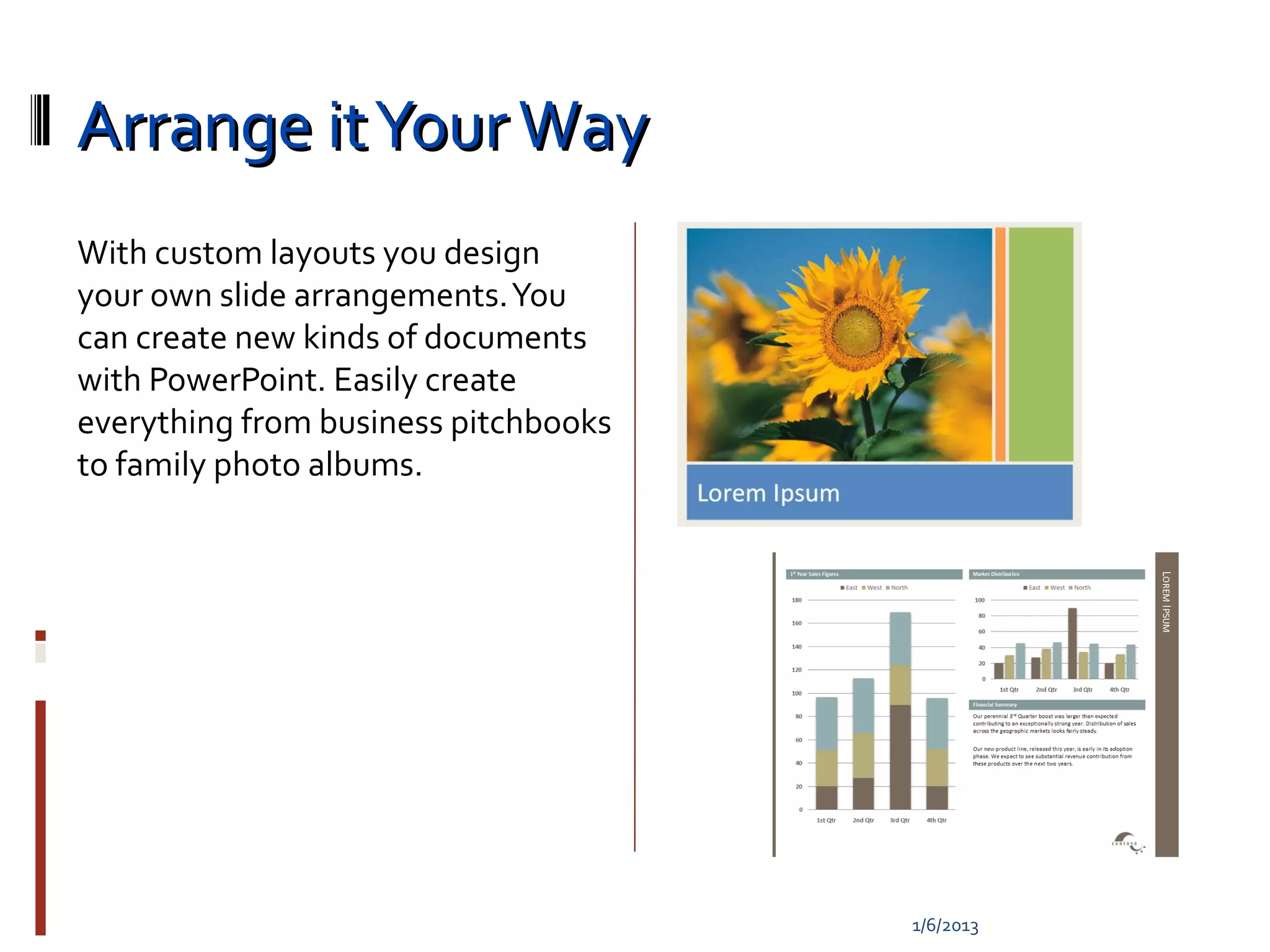
With custom layouts you design
your own slide arrangements. You
can create new kinds of documents
with PowerPoint. Easily create
everything from business pitchbooks
to family photo albums.


                                      1/6/2013

Intro

  • 1.
    A tour ofnew features 1/6/2013
  • 2.
    PowerPoint 2007 This presentationdemonstrates the new capabilities of PowerPoint through examples. You can view it in Slide Show or by browsing through the slides in Normal View. These slides are designed to give you great ideas for the presentations you’ll create in PowerPoint 2007! 1/6/2013
  • 3.
  • 4.
    Superior Text Text inPowerPoint 2007 has learned new tricks. There are handy features like strikethrough and advanced features like character spacing control. And you’ll look your best with soft shadows and the ability to Kerning put “WordArt” styles right onto your slide text. Character Spacing Styled Underline 1/6/2013
  • 5.
    The Power ofOfficeArt Graphics Make a statement with great looking graphics. PowerPoint makes it easy Soft Shadow Soft Shadow to produce visuals that used to require multiple applications to accomplish. Easily apply soft shadows, reflections, glows, bevels, 3D and more! Bevel 1/6/2013
  • 6.
    Picture This… You cando a lot more with pictures in PowerPoint 2007. Easily recolor pictures or change the shape of their frame. And all of OfficeArt’s effects can be applied to a picture – even 3D! 1/6/2013
  • 7.
  • 8.
    Visualize It! SmartArt turnsyour bullet points into graphics in a single click. You can even change your graphic layout to find just the right way to express your idea. 1/6/2013
  • 9.
  • 10.
  • 11.
  • 12.
    Get Coordinated withThemes! Office Themes give you effortless coordination of the colors, fonts and graphic effects applied to your presentation. Everything you insert into your presentation will be automatically styled to match. 1/6/2013
  • 13.
    Word and Excel,too! PowerPoint now shares a common set of “Office Themes” with Word and Excel so you can create documents and spreadsheets that match your presentation for a “branded” look. 1/6/2013
  • 14.
    Mix It Up! OfficeThemes are infinitely customizable. You can mix and match the colors, fonts and effects from different themes. 1/6/2013
  • 15.
    Quick Styles There isa spectrum of designer 1 2 3 styles for every chart, diagram, table 1 2 3 or picture you add to your 1 2 3 presentation. In a single click you can go from understated to wow or anywhere in between. 1/6/2013
  • 16.
  • 17.
    Slide Perfect! PowerPoint hasnew layouts that give you more ways to present your words, images and media. Everything you add into the layout placeholders is arranged perfectly for you. 1/6/2013
  • 18.
    Arrange it YourWay With custom layouts you design your own slide arrangements. You can create new kinds of documents with PowerPoint. Easily create everything from business pitchbooks to family photo albums. 1/6/2013