
HTML
IMAGES
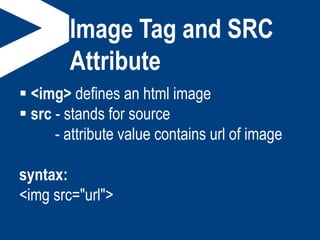
Image Tag and SRC
Attribute
 <img> defines an html image
 src - stands for source
- attribute value contains url of image
syntax:
<img src="url">
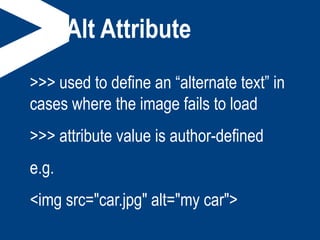
Alt Attribute
>>> used to define an “alternate text” in
cases where the image fails to load
>>> attribute value is author-defined
e.g.
<img src="car.jpg" alt="my car">
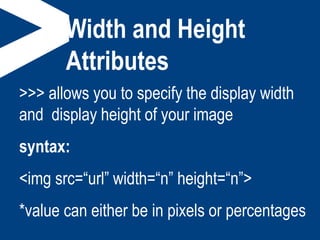
Width and Height
Attributes
>>> allows you to specify the display width
and display height of your image
syntax:
<img src=“url” width=“n” height=“n”>
*value can either be in pixels or percentages
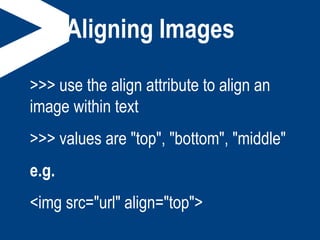
Aligning Images
>>> use the align attribute to align an
image within text
>>> values are "top", "bottom", "middle"
e.g.
<img src="url" align="top">
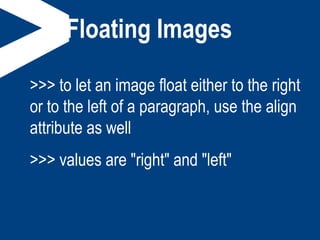
Floating Images
>>> to let an image float either to the right
or to the left of a paragraph, use the align
attribute as well
>>> values are "right" and "left"
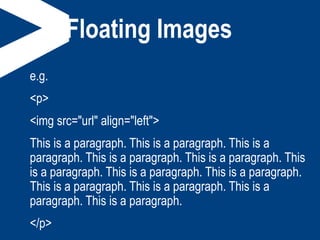
Floating Images
e.g.
<p>
<img src="url" align="left">
This is a paragraph. This is a paragraph. This is a
paragraph. This is a paragraph. This is a paragraph. This
is a paragraph. This is a paragraph. This is a paragraph.
This is a paragraph. This is a paragraph. This is a
paragraph. This is a paragraph.
</p>
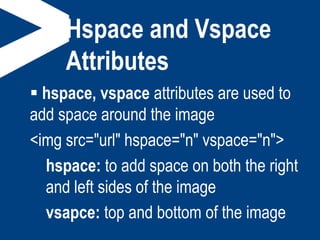
Hspace and Vspace
Attributes
 hspace, vspace attributes are used to
add space around the image
<img src="url" hspace="n" vspace="n">
hspace: to add space on both the right
and left sides of the image
vsapce: top and bottom of the image
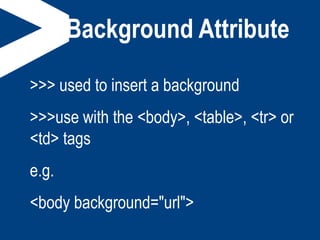
Background Attribute
>>> used to insert a background
>>>use with the <body>, <table>, <tr> or
<td> tags
e.g.
<body background="url">
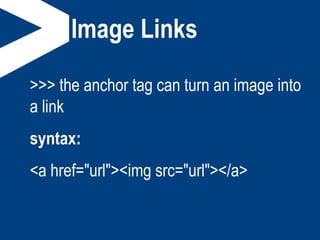
Image Links
>>> the anchor tag can turn an image into
a link
syntax:
<a href="url"><img src="url"></a>

Html images

  • 1.
  • 2.
    Image Tag andSRC Attribute  <img> defines an html image  src - stands for source - attribute value contains url of image syntax: <img src="url">
  • 3.
    Alt Attribute >>> usedto define an “alternate text” in cases where the image fails to load >>> attribute value is author-defined e.g. <img src="car.jpg" alt="my car">
  • 4.
    Width and Height Attributes >>>allows you to specify the display width and display height of your image syntax: <img src=“url” width=“n” height=“n”> *value can either be in pixels or percentages
  • 5.
    Aligning Images >>> usethe align attribute to align an image within text >>> values are "top", "bottom", "middle" e.g. <img src="url" align="top">
  • 6.
    Floating Images >>> tolet an image float either to the right or to the left of a paragraph, use the align attribute as well >>> values are "right" and "left"
  • 7.
    Floating Images e.g. <p> <img src="url"align="left"> This is a paragraph. This is a paragraph. This is a paragraph. This is a paragraph. This is a paragraph. This is a paragraph. This is a paragraph. This is a paragraph. This is a paragraph. This is a paragraph. This is a paragraph. This is a paragraph. </p>
  • 8.
    Hspace and Vspace Attributes hspace, vspace attributes are used to add space around the image <img src="url" hspace="n" vspace="n"> hspace: to add space on both the right and left sides of the image vsapce: top and bottom of the image
  • 9.
    Background Attribute >>> usedto insert a background >>>use with the <body>, <table>, <tr> or <td> tags e.g. <body background="url">
  • 10.
    Image Links >>> theanchor tag can turn an image into a link syntax: <a href="url"><img src="url"></a>