How to Print Employee
Resume in Odoo 17
Enterprise
Introduction
Enterprise
This slide will provide visual aid to demonstrate the step-by-
step process to print employee resume. It will likely include
employee skills, contact information etc. While printing the
resume we will get the option to set colour for the resume.
Enterprise
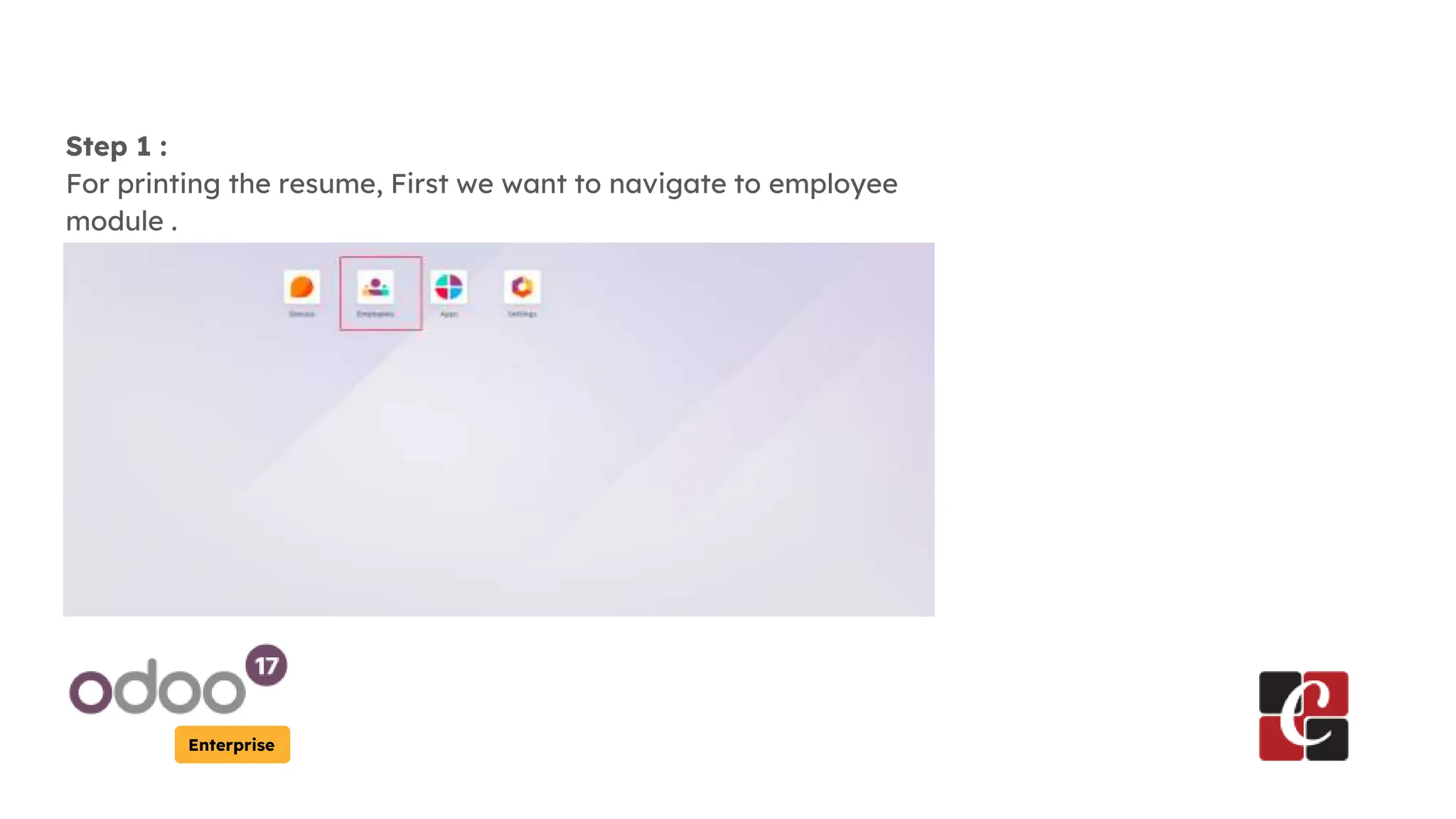
Step 1 :
For printing the resume, First we want to navigate to employee
module .
Enterprise
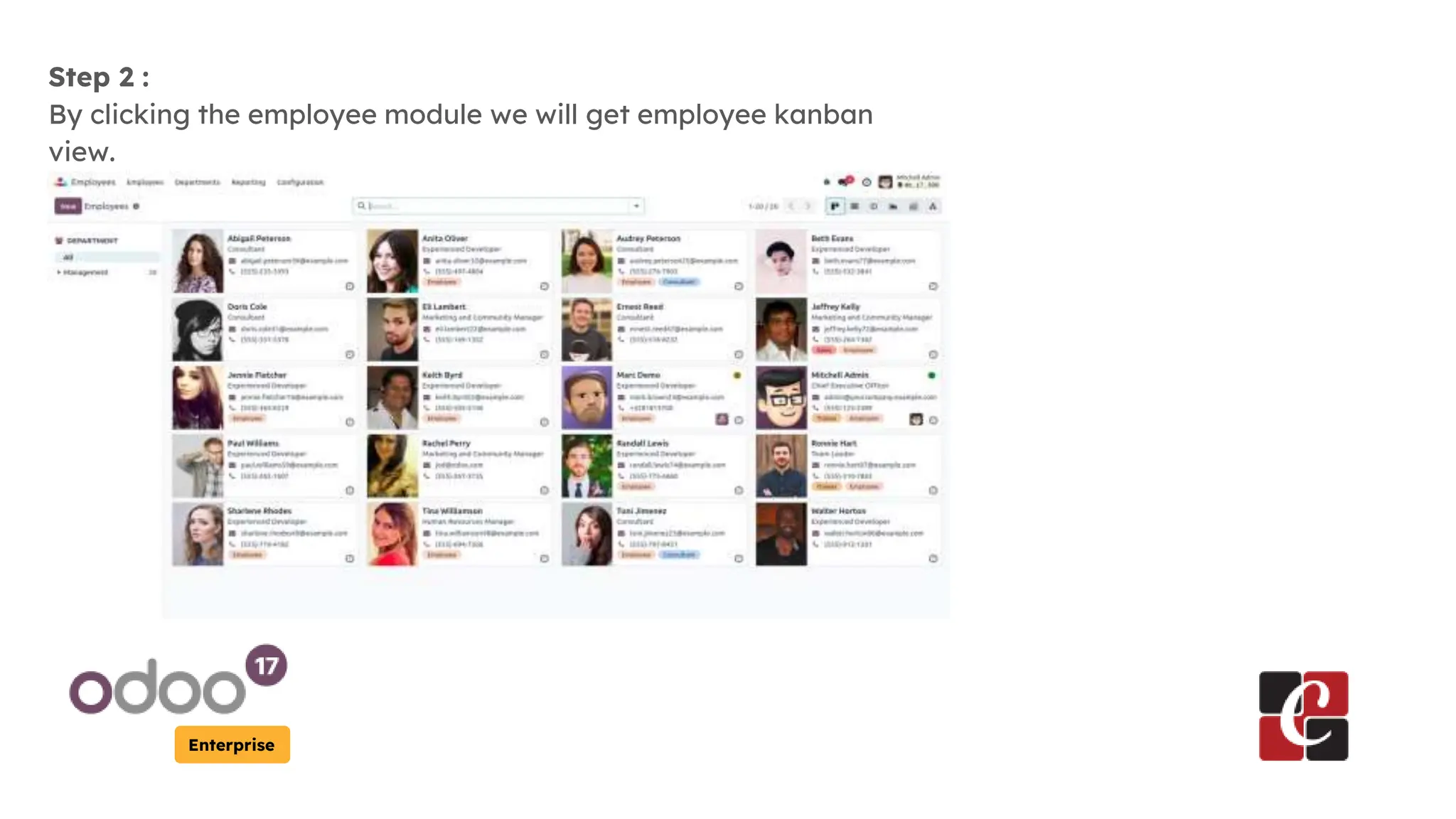
Step 2 :
By clicking the employee module we will get employee kanban
view.
Enterprise
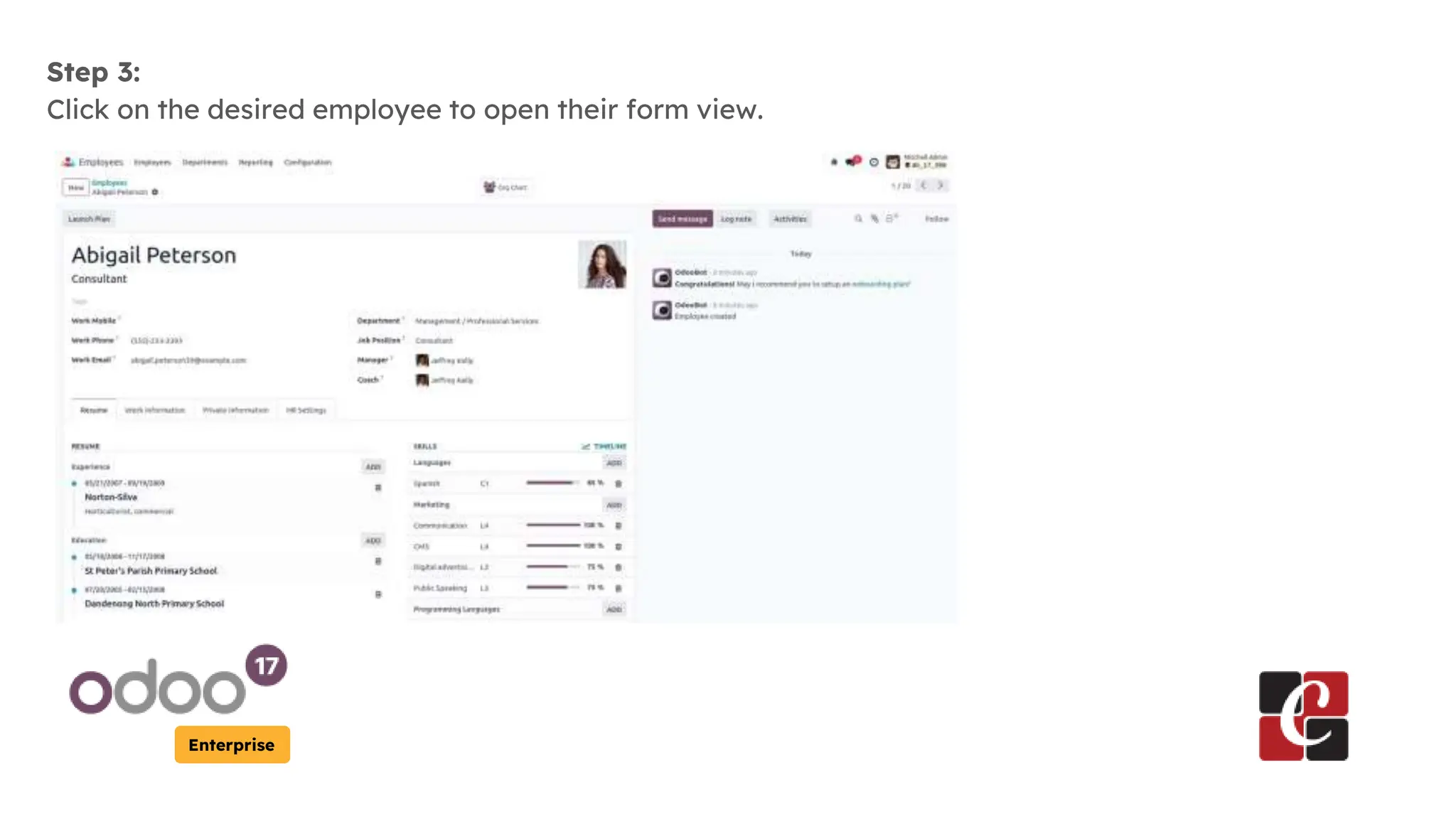
Step 3:
Click on the desired employee to open their form view.
Enterprise
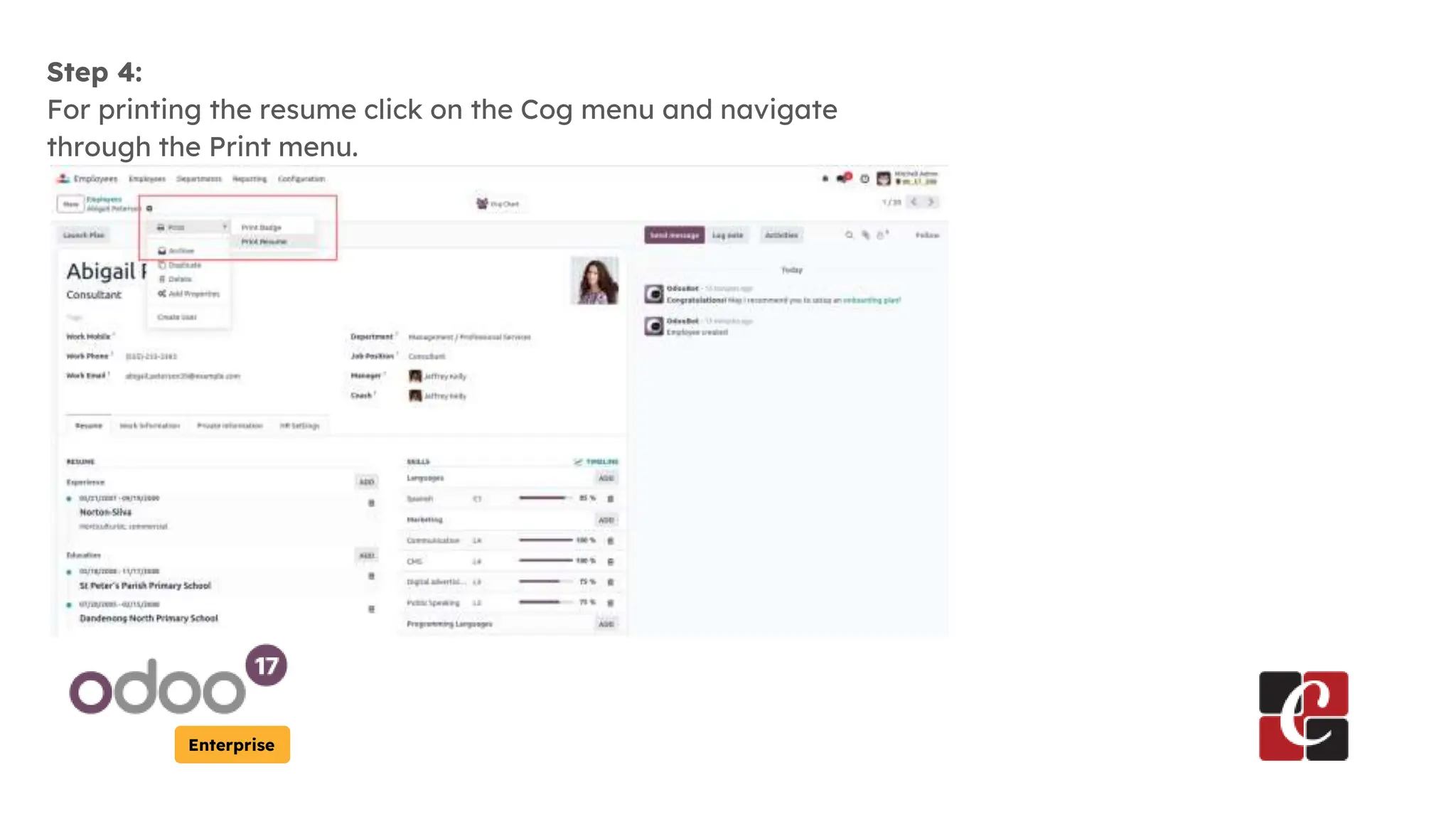
Step 4:
For printing the resume click on the Cog menu and navigate
through the Print menu.
Enterprise
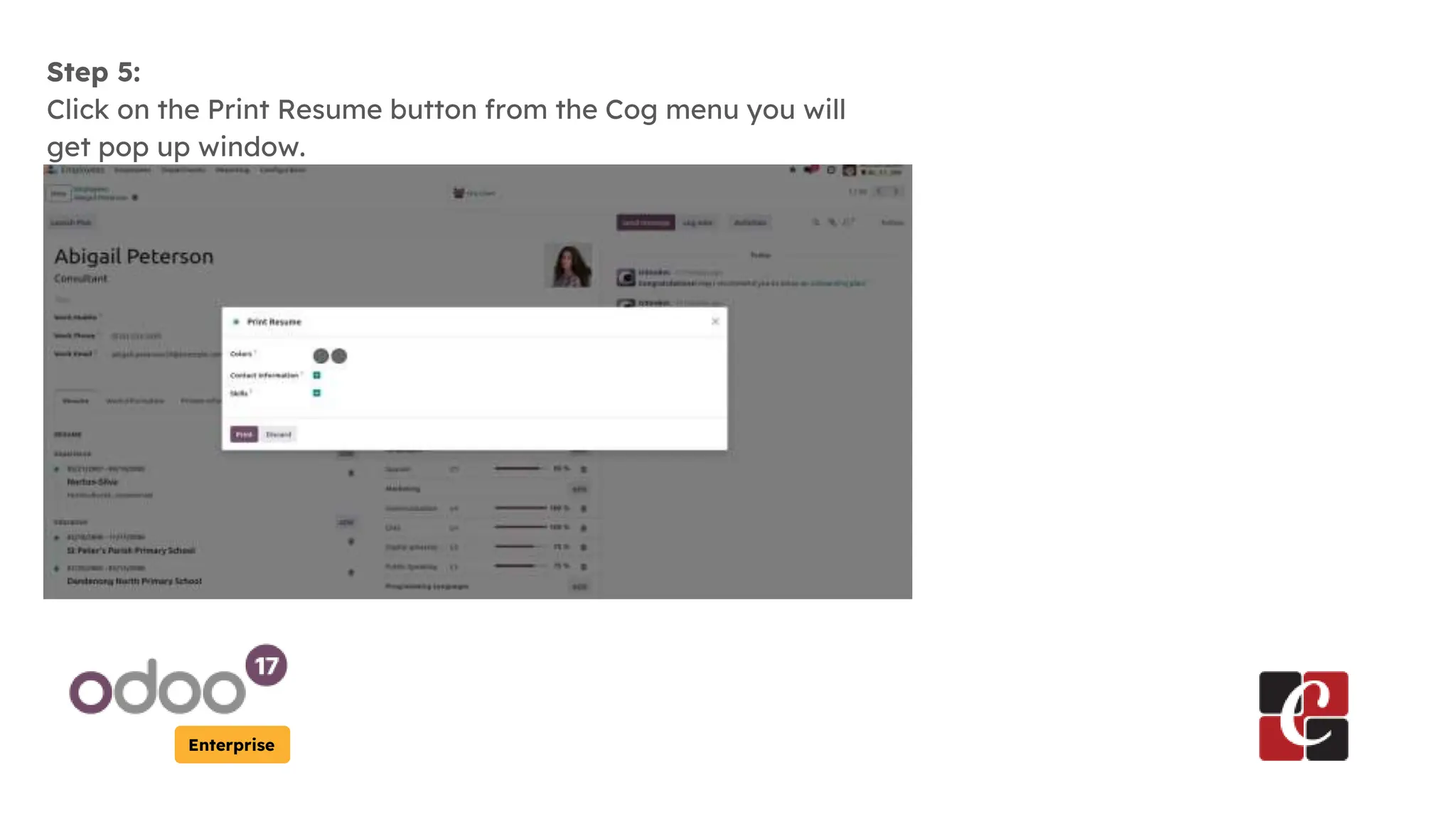
Step 5:
Click on the Print Resume button from the Cog menu you will
get pop up window.
Enterprise
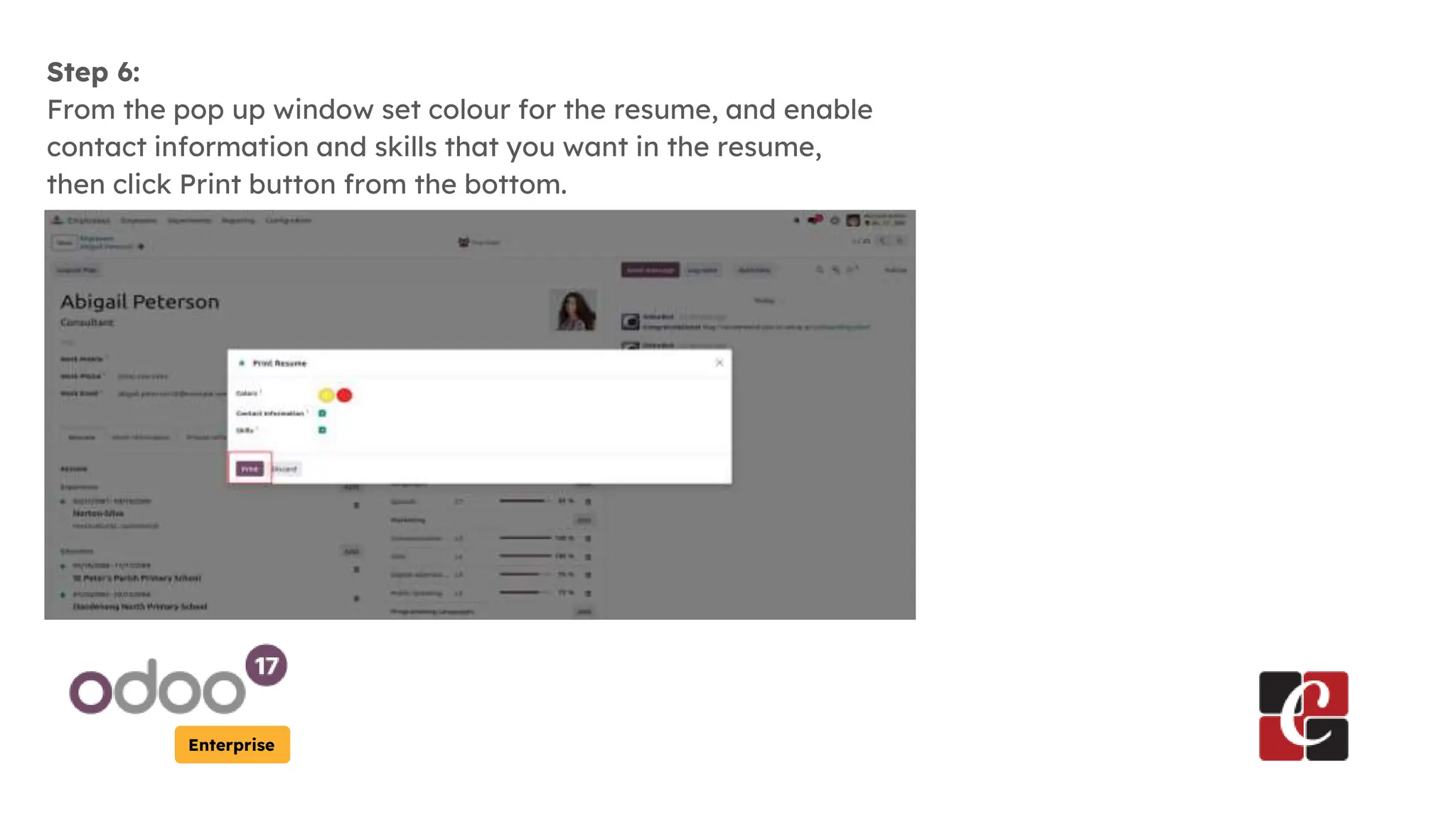
Step 6:
From the pop up window set colour for the resume, and enable
contact information and skills that you want in the resume,
then click Print button from the bottom.
Enterprise
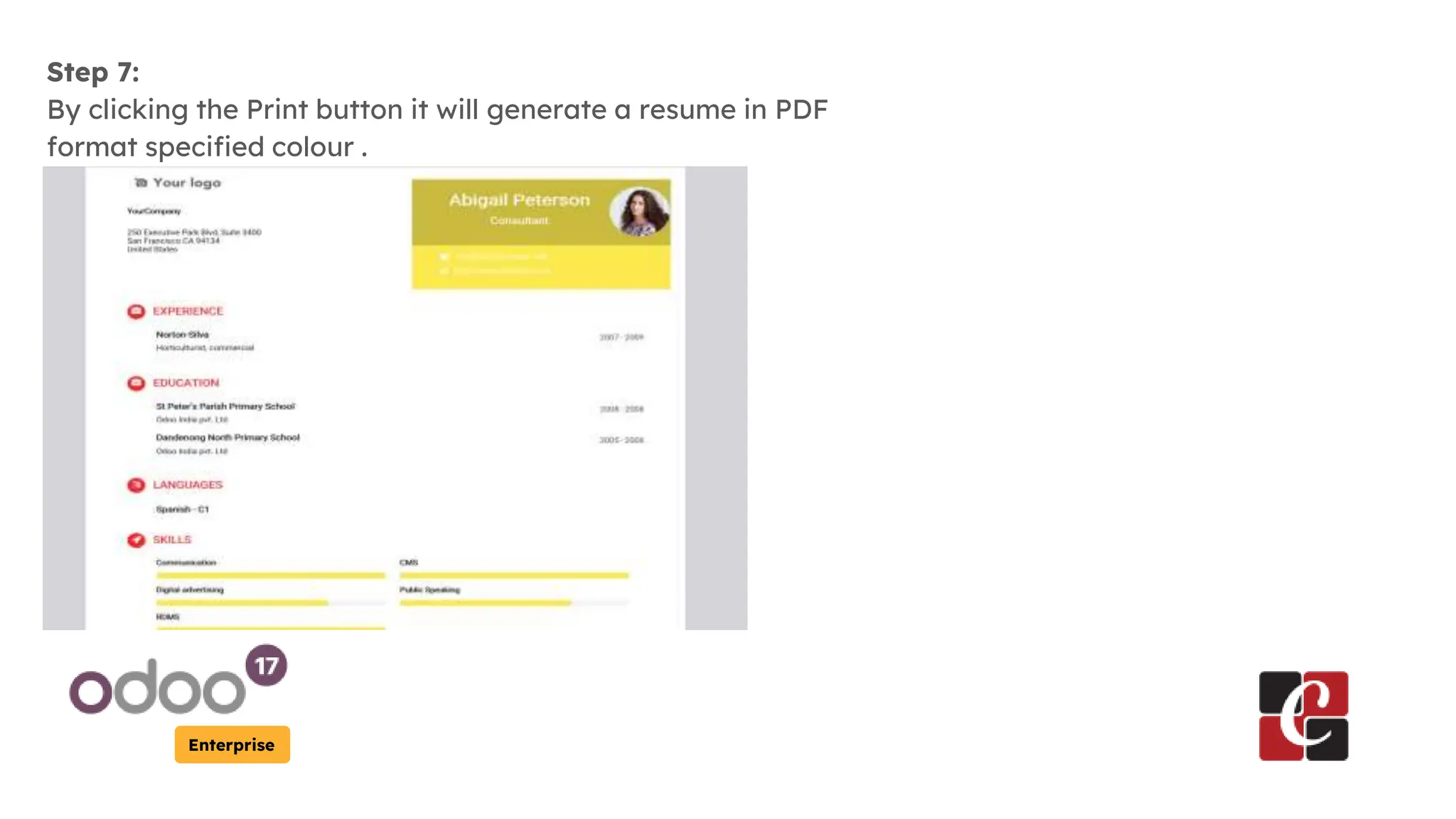
Step 7:
By clicking the Print button it will generate a resume in PDF
format specified colour .
For More Info.
Check our company website for related
blogs and Odoo book.
Check our YouTube channel for
functional and technical videos in Odoo.
Enterprise
www.cybrosys.com

How to Print Employee Resume in the Odoo 17