LibTech | March 2017
How to Make User Experience
Practical in your Library
IsThisYou?
✤ I’m confused about what this is.
✤ This feels like something I should be doing, but I don’t
really want to.
✤ It seems like too big of a project.
The Hope After ourWorkshop . . .
✤ This makes sense to me now.
✤ I want to do something on this.
✤ I know the next step I want to take for my situation.
A Bit about Me . . .
✤ Library experience starting in 1990 (several types of
libraries)
✤ Taught web publishing starting in 1997
✤ I have not perfected everything in my library!
Our Plan forToday
✤ Part 1 - Big Picture
✤ Part 2 - Techniques
✤ Part 3 - Specific Examples
Our Plan forToday
✤ Back & forth between slides & exercises
✤ Anyone want us to look at your website at the end?
Part 1 - Big Picture
Why?
WhyWe Care about UX
✤ Help people
✤ Best experience possible
✤ Student success
What are the costs of
bad UX?
Costs
✤ Frustrated users
✤ Fewer users
✤ Decreased funding
Context -Wikiamazoogle
✤ Wikipedia
✤ Amazon
✤ Google
Wikiamazoogle
✤ Sharing and open access
✤ Huge selection, fast delivery
✤ Easy to use
✤ Relatively new and nimble
Does this sound like
libraries?
LibrariesTraditionally . . .
✤ We provided access to things that weren’t easy to find
or buy
✤ Perhaps a large selection or maybe not, usually not all
that fast
✤ Often not easy to use
✤ Deep history, not nimble
Extra Complications . . .
✤ Limitations with resources such as time and money
✤ A lot can be out of our control due to third-party
vendors
Terms
✤ User Experience
✤ Usability
✤ Accessibility
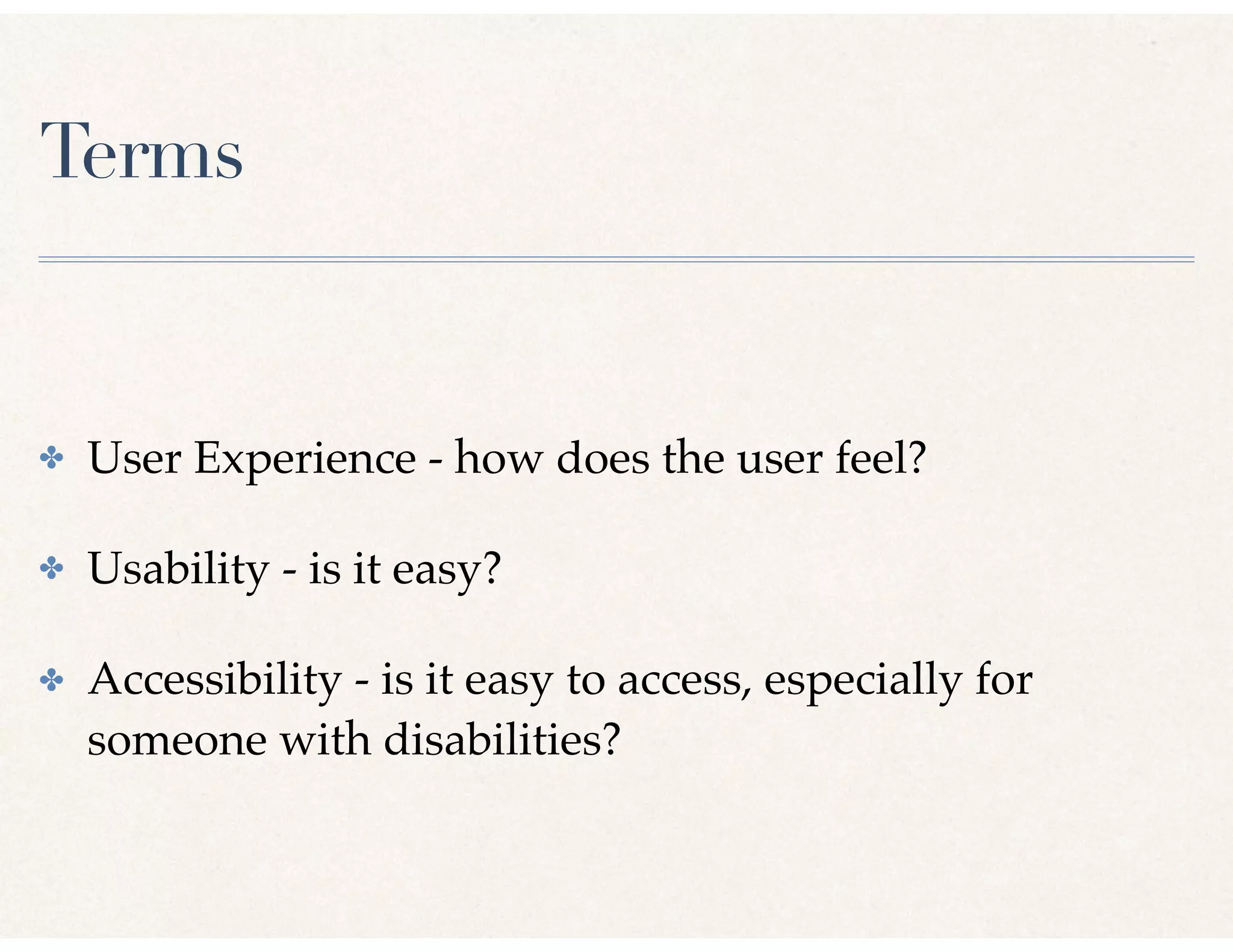
Terms
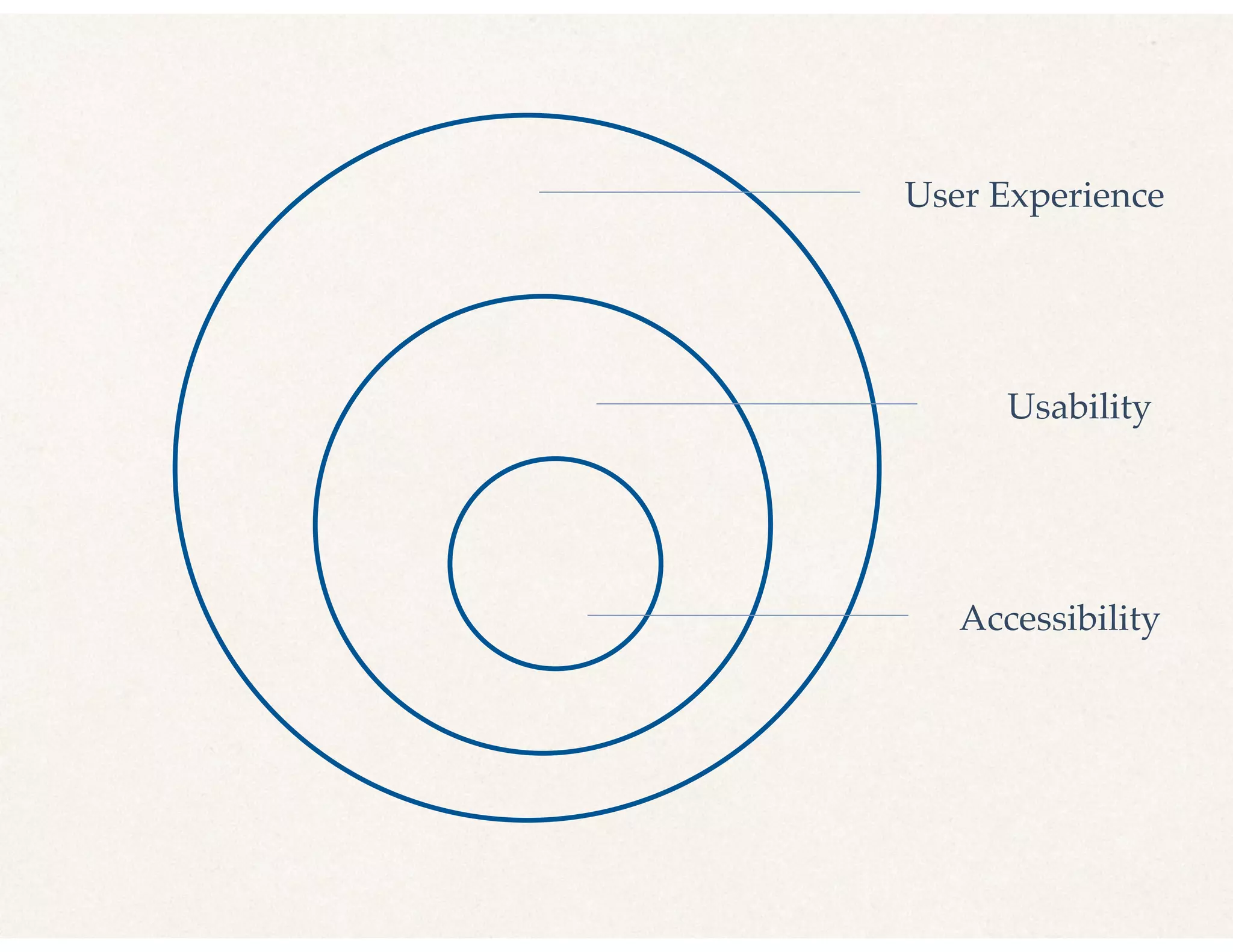
✤ User Experience - how does the user feel?
✤ Usability - is it easy?
✤ Accessibility - is it easy to access, especially for
someone with disabilities?
User Experience
Usability
Accessibility
Mindset
✤ Initially websites
✤ Can apply this mindset to everything!
Checking out a Book
at the Circ Desk
✤ How does the user feel?
✤ Is it easy?
✤ Is it easy to access, especially for someone with
disabilities?
Simple Process to Begin
✤ Keep asking these questions
✤ Make small improvements
✤ Your users’ experiences will improve
User Experience
(How DoThey Feel?)
✤ Think about the user’s experience
✤ Are you frustrating them unnecessarily?
✤ Meet them where they are
Usability
(Is It Easy?)
✤ Things change quickly - keep things current
✤ Good structure and organization and a map
✤ Consistent naming and formatting
Accessibility
(For People with Disabilities)
✤ Physical space
✤ Captions for audio and video
✤ Accessible documents
What is
Universal Design?
Universal Design
✤ 80/20 rule
✤ Chunking
✤ Rule of thirds
✤ Consistency
✤ Hick’s Law (more choices, longer to decide) -> Keep It Simple
✤ Important first
"Don’t Make
Me Think"
Part 2 -Techniques
Quick Self Assessment
Discussion
✤ How is your library doing?
✤ Which task could be easier?
✤ Write-in tasks?
✤ What else came up here?
TwoThoughts . . .
✤ You probably already know of a pain point you would
like to improve
✤ You are not your user
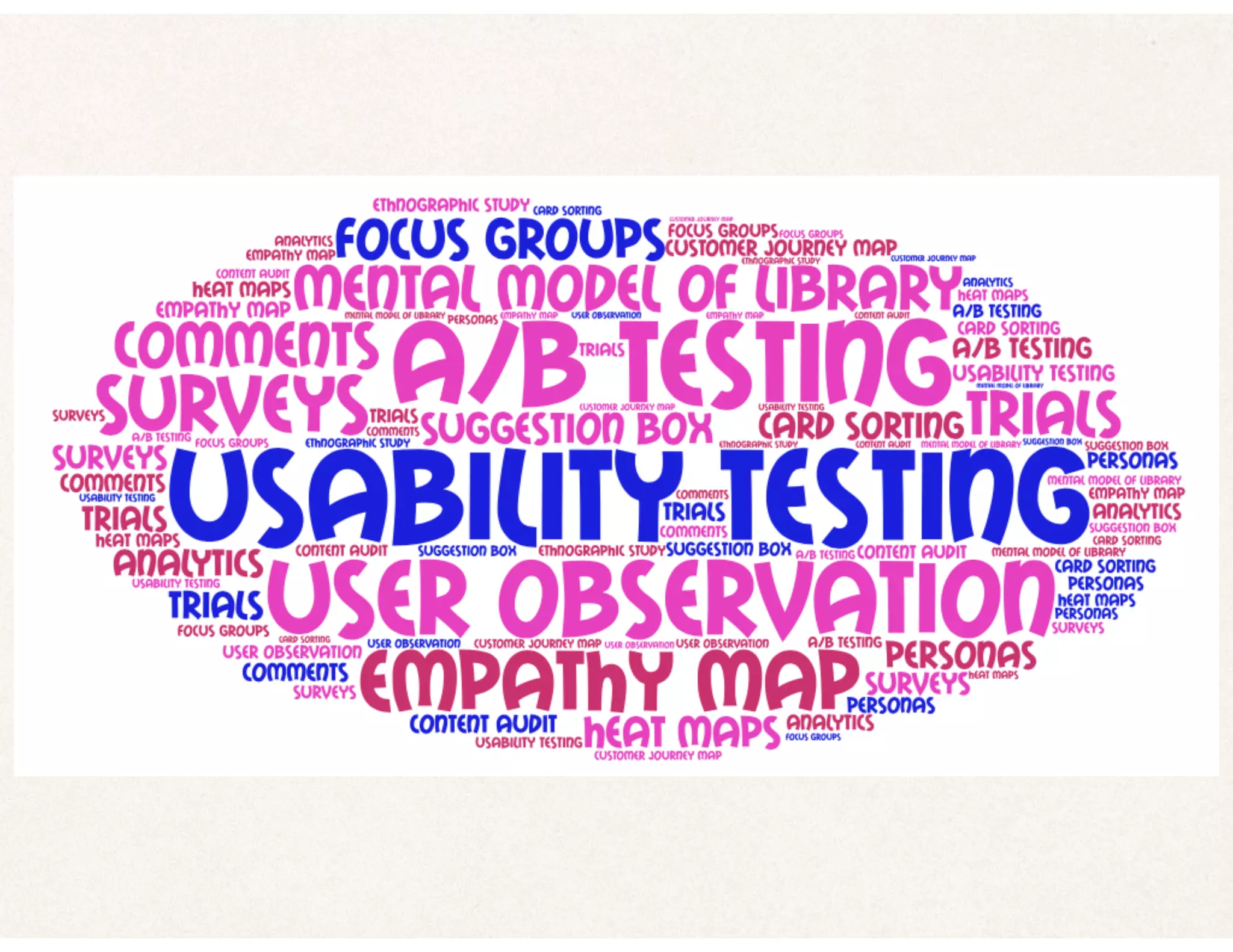
How Do We Learn
about our Users?
Top 5 EasiestTechniques
✤ User observation
✤ Quick surveys
✤ Analytics
✤ User journey map
✤ Personas
User Observation
✤ Can be as simple as . . .
✤ Be curious answering a reference question
✤ Notice a pain point
✤ Follow up & make improvement
Quick Exit Survey
✤ Did you need help today?
✤ If so, did you get it?
✤ Was it effective?
✤ How satisfied are you?
Website Analytics
✤ Traffic (Visits, Unique visitors, Pageviews)
✤ Engagement (Pages/visit, Average visit duration,
Returning v. new visitor, Bounce rate)
✤ Most viewed pages, exit pages, landing pages
✤ User demographics (Mobile)
✤ Conversion (Contact form completions)
Scenario - Analytics
✤ Library website stats
✤ High use for page (unexpected, not linked off main)
✤ Incorrect information on page
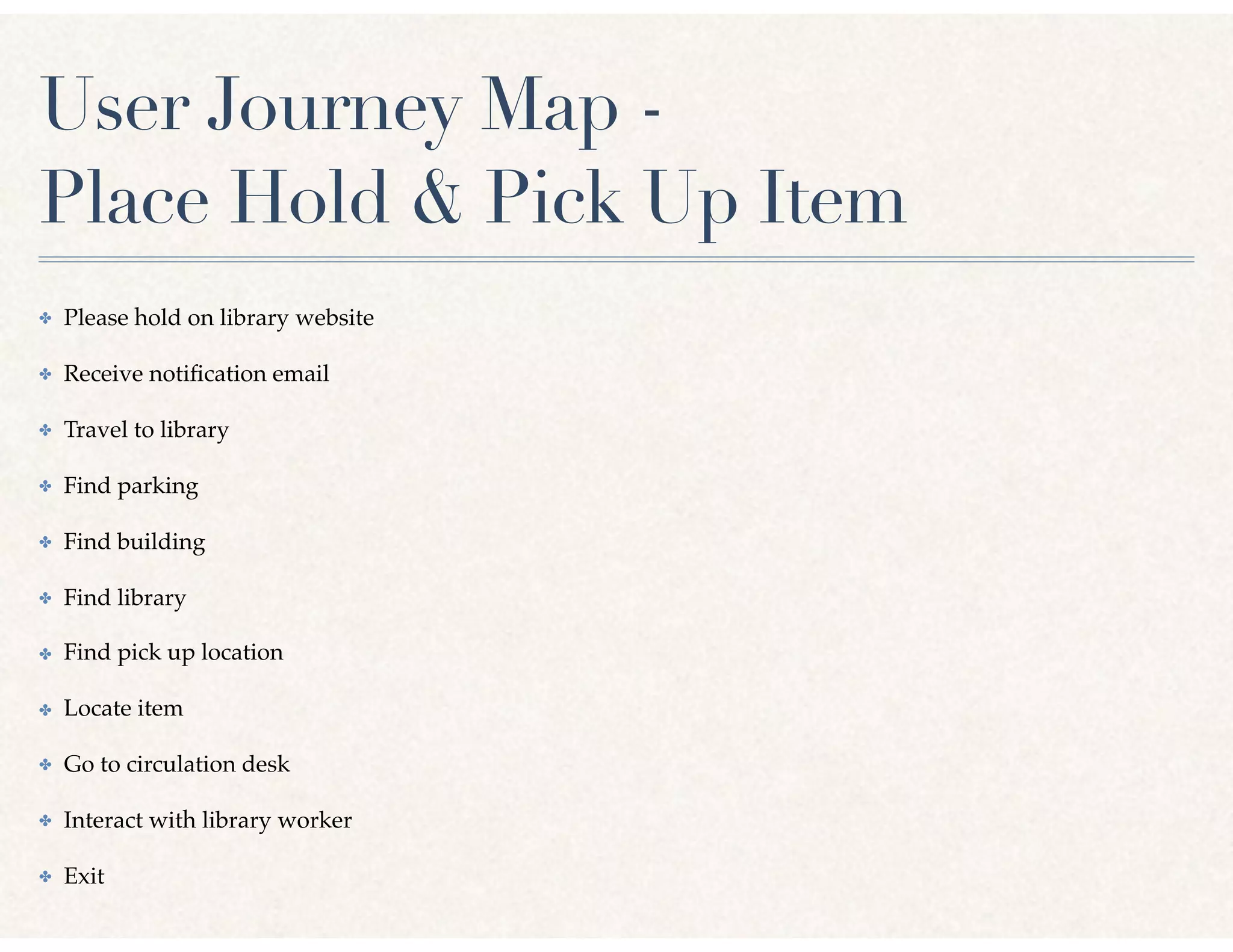
User Journey Map -
Place Hold & Pick Up Item
✤ Please hold on library website
✤ Receive notification email
✤ Travel to library
✤ Find parking
✤ Find building
✤ Find library
✤ Find pick up location
✤ Locate item
✤ Go to circulation desk
✤ Interact with library worker
✤ Exit
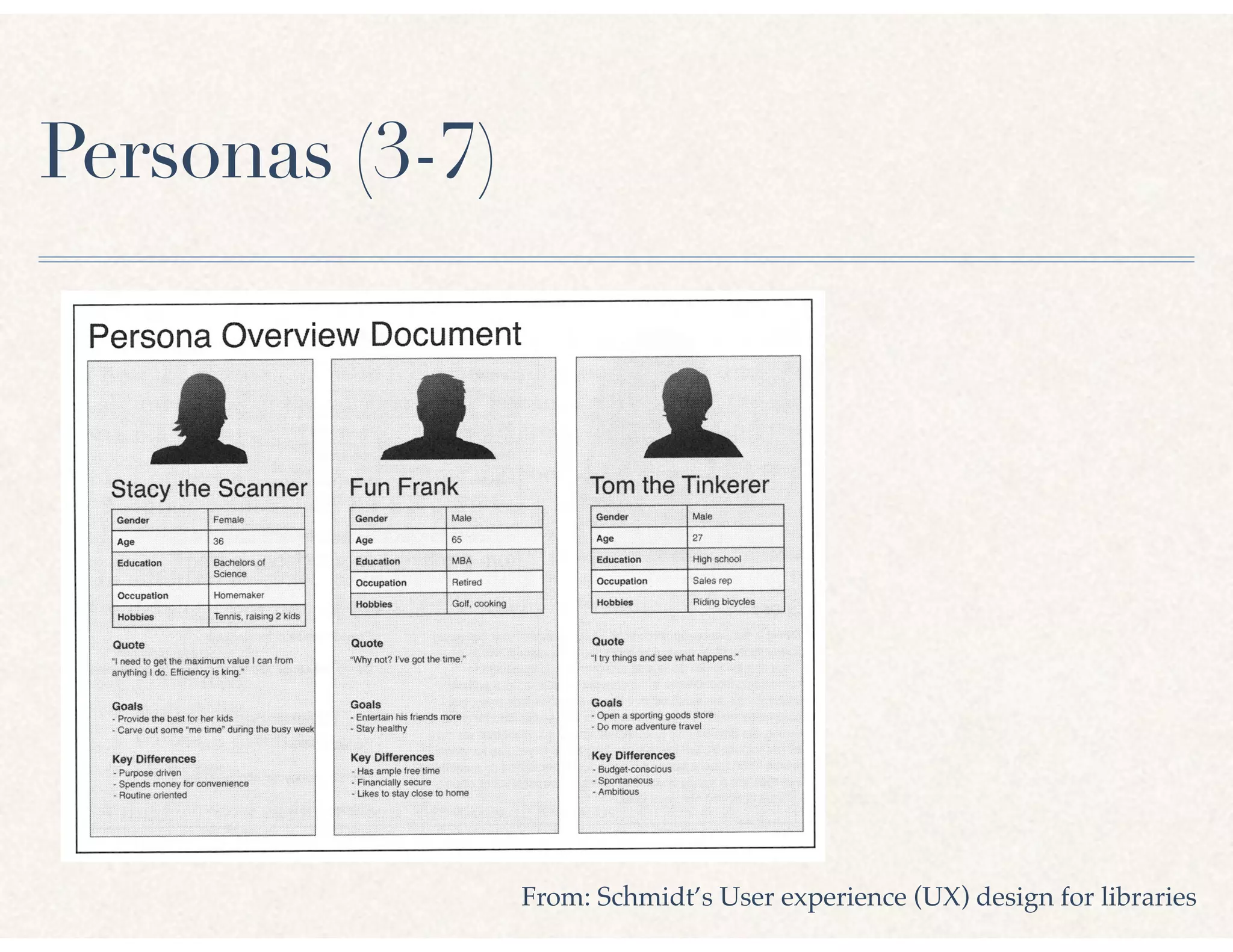
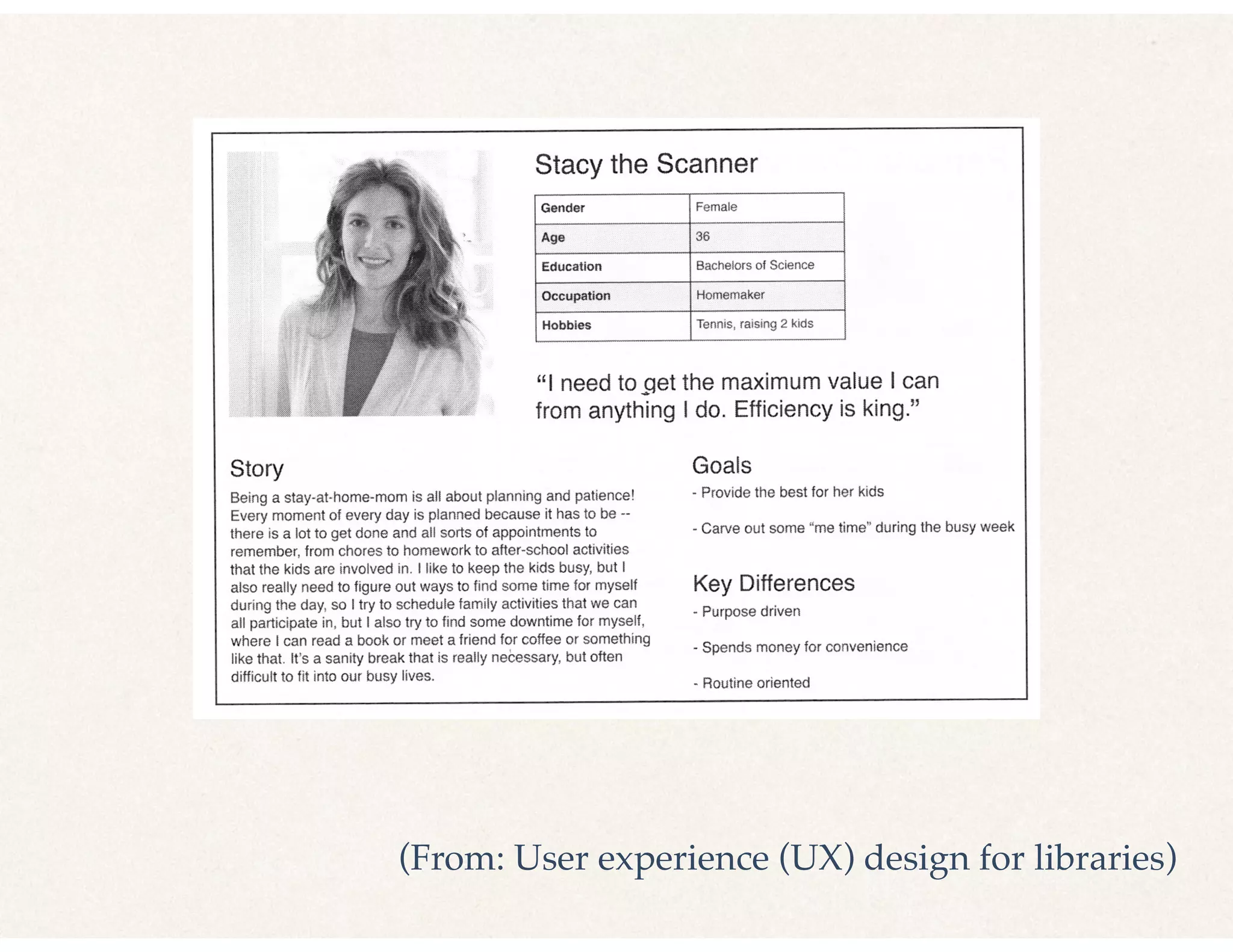
Personas (3-7)
From: Schmidt’s User experience (UX) design for libraries
(From: User experience (UX) design for libraries)
Persona Exercise
(or User Journey Map)
Discussion
✤ What surprised you here?
Part 3 - Specific Examples
TwoThoughts . . .
✤ Research is great & gives info specific to your users
✤ There are a few things a lot of us can do better
Scenario - Pick up a Held Item
✤ Wall of books with three-digit numbers dividing them
✤ Gruff staff person who clearly doesn’t want to help
What could be
improved here?
Improvements
✤ Signage
✤ Customer Service
Signage
✤ Key tasks are clear (return book, find room, find help)
✤ As few as possible
✤ Consistent font, color, logo
✤ No taping mean signs up!
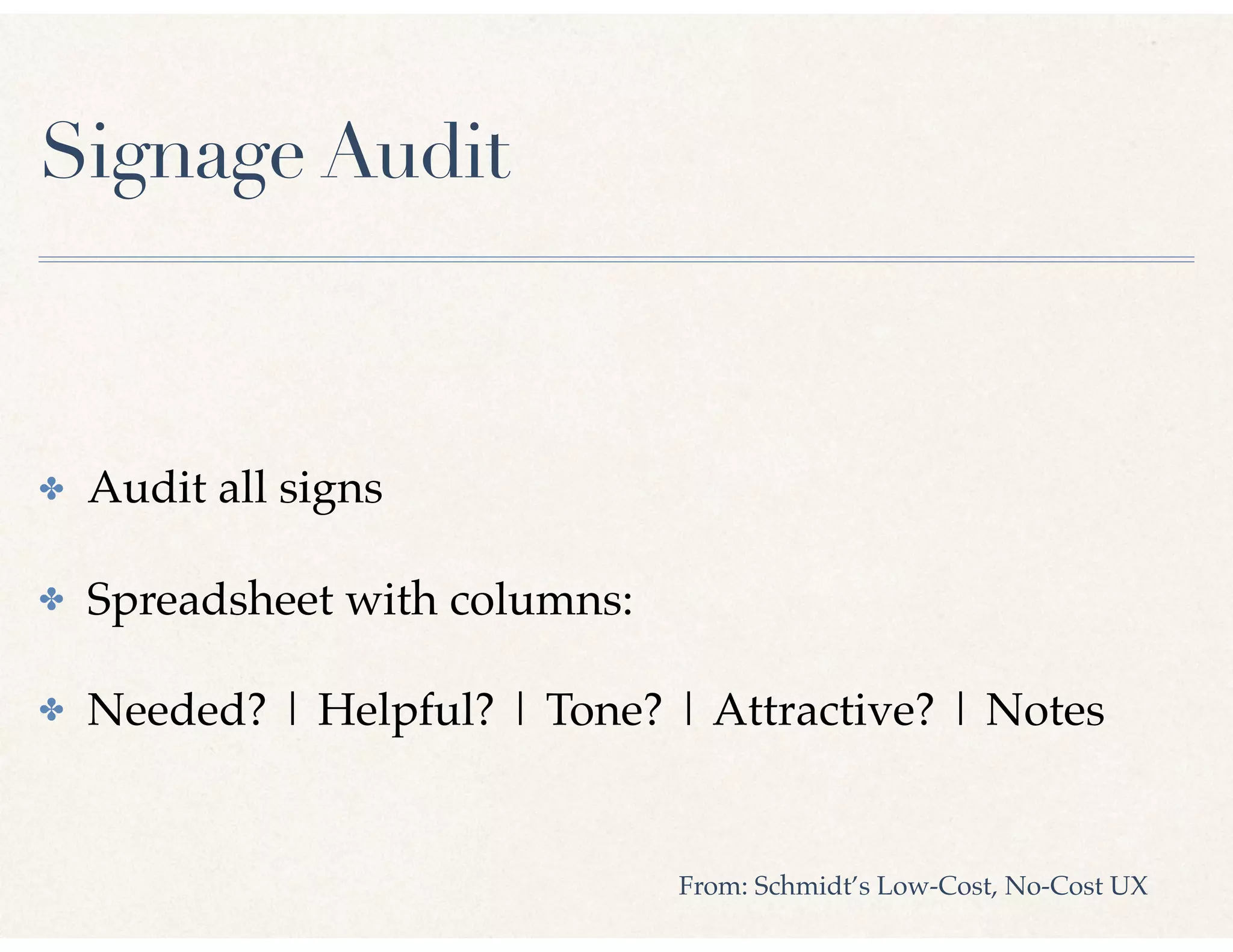
Signage Audit
✤ Audit all signs
✤ Spreadsheet with columns:
✤ Needed? | Helpful? | Tone? | Attractive? | Notes
From: Schmidt’s Low-Cost, No-Cost UX
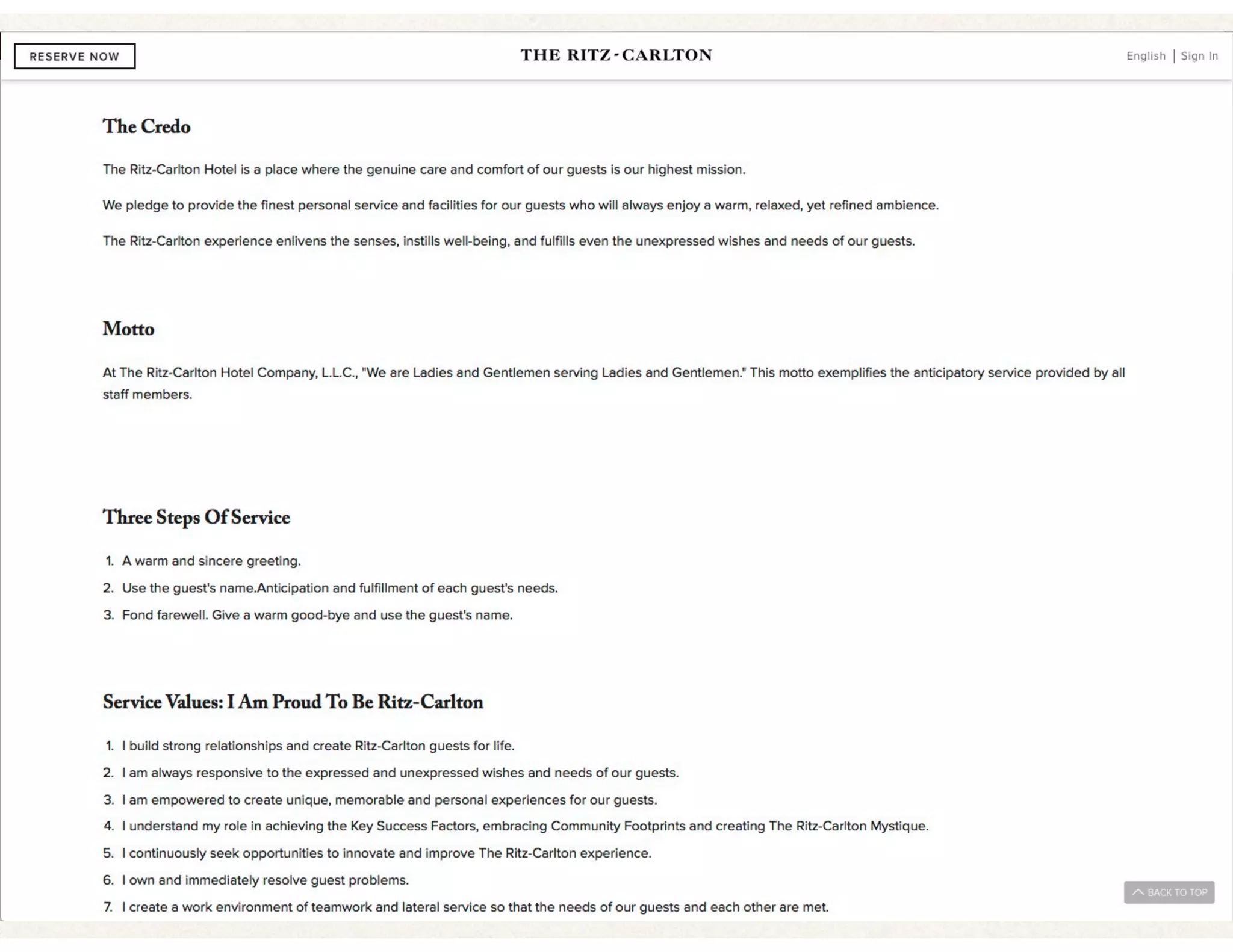
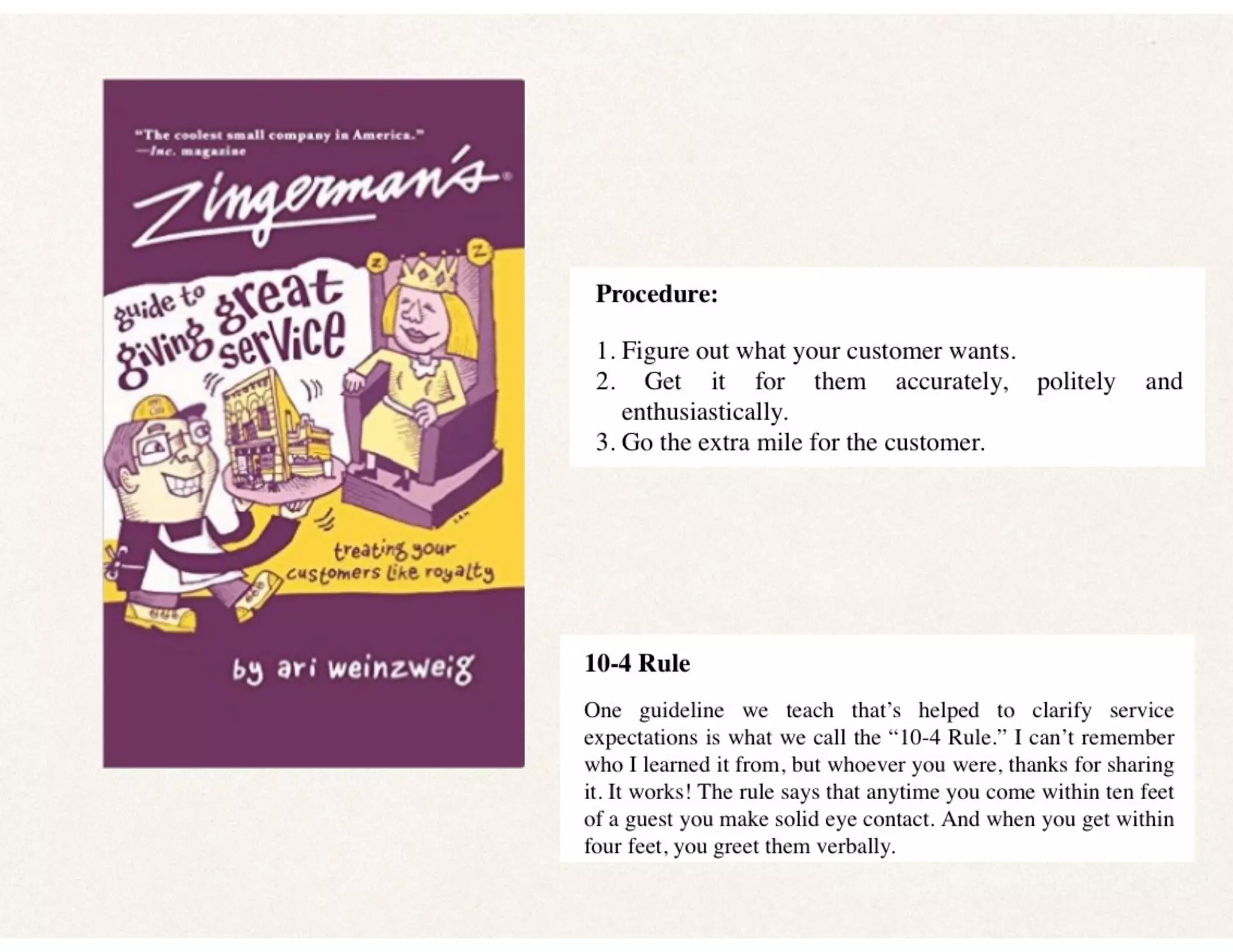
Service Philosophy
✤ Everyone lives it
✤ Want to help people, when & where they need it
✤ Empathy for people
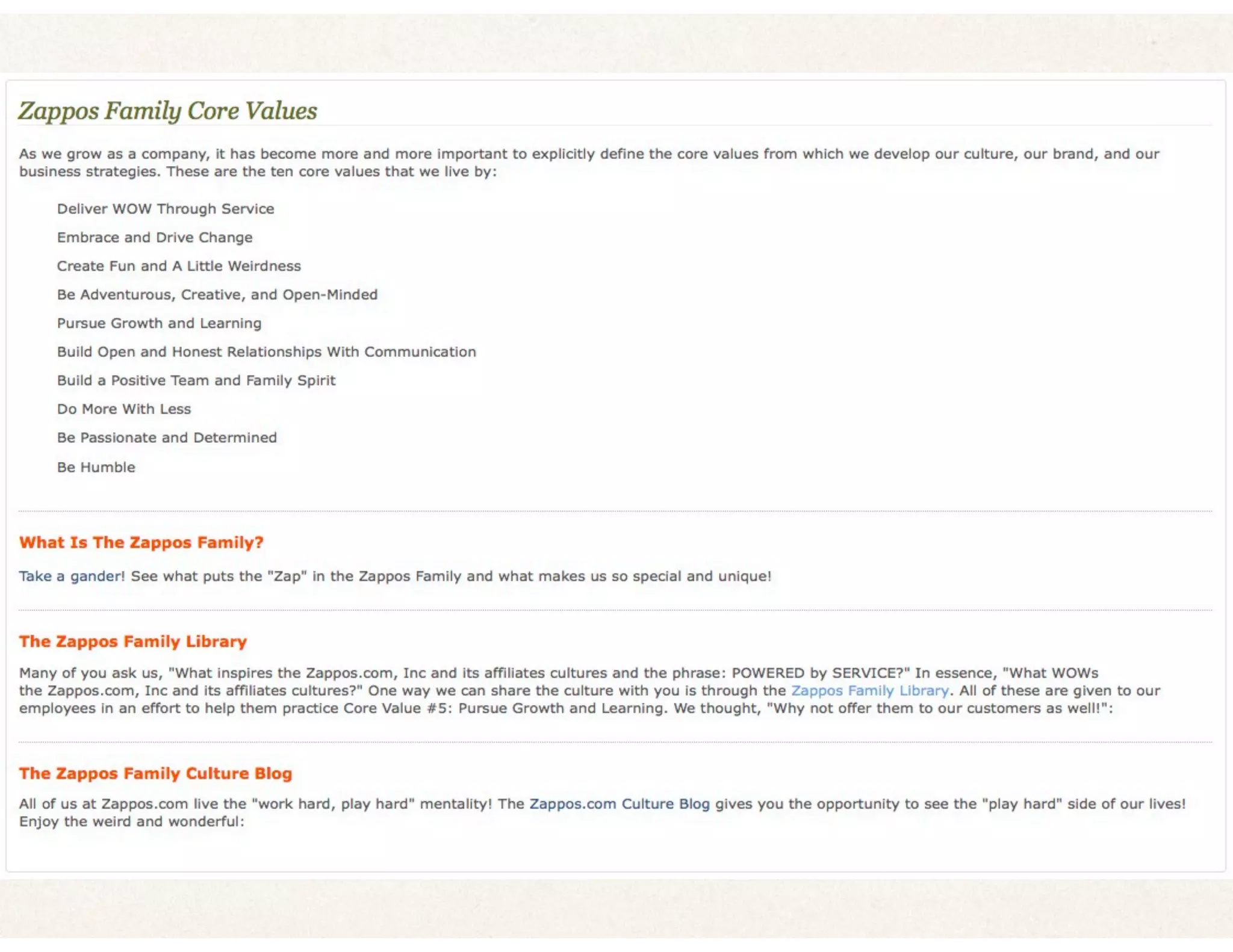
Brainstorm your
Service Philosophy
Discussion
✤ Let’s share a few
✤ Was that hard?
Website
✤ Concise, accurate, current, attractive
✤ Easy navigation
✤ Virtual branch of library
✤ Find | Request | Help
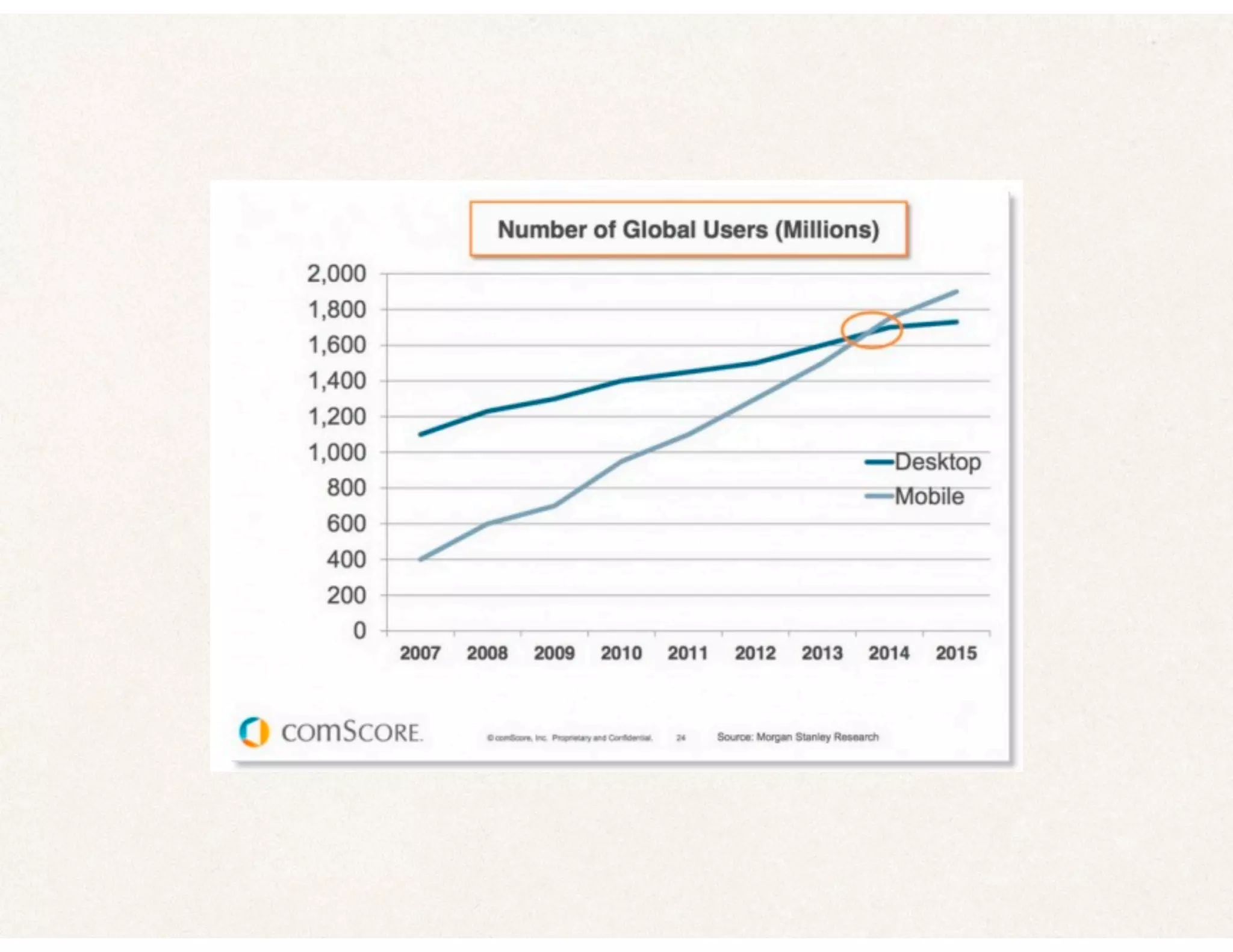
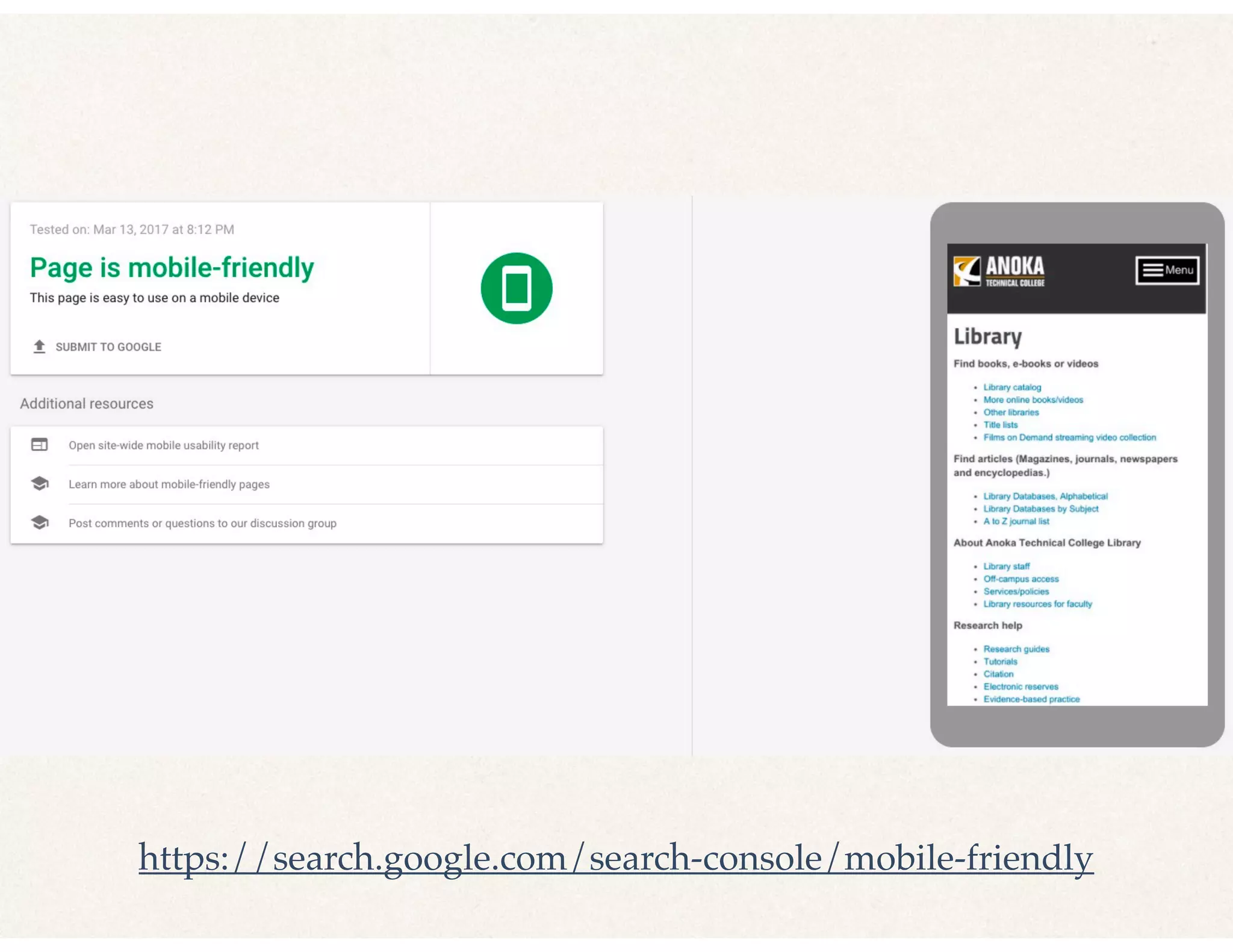
✤ Mobile
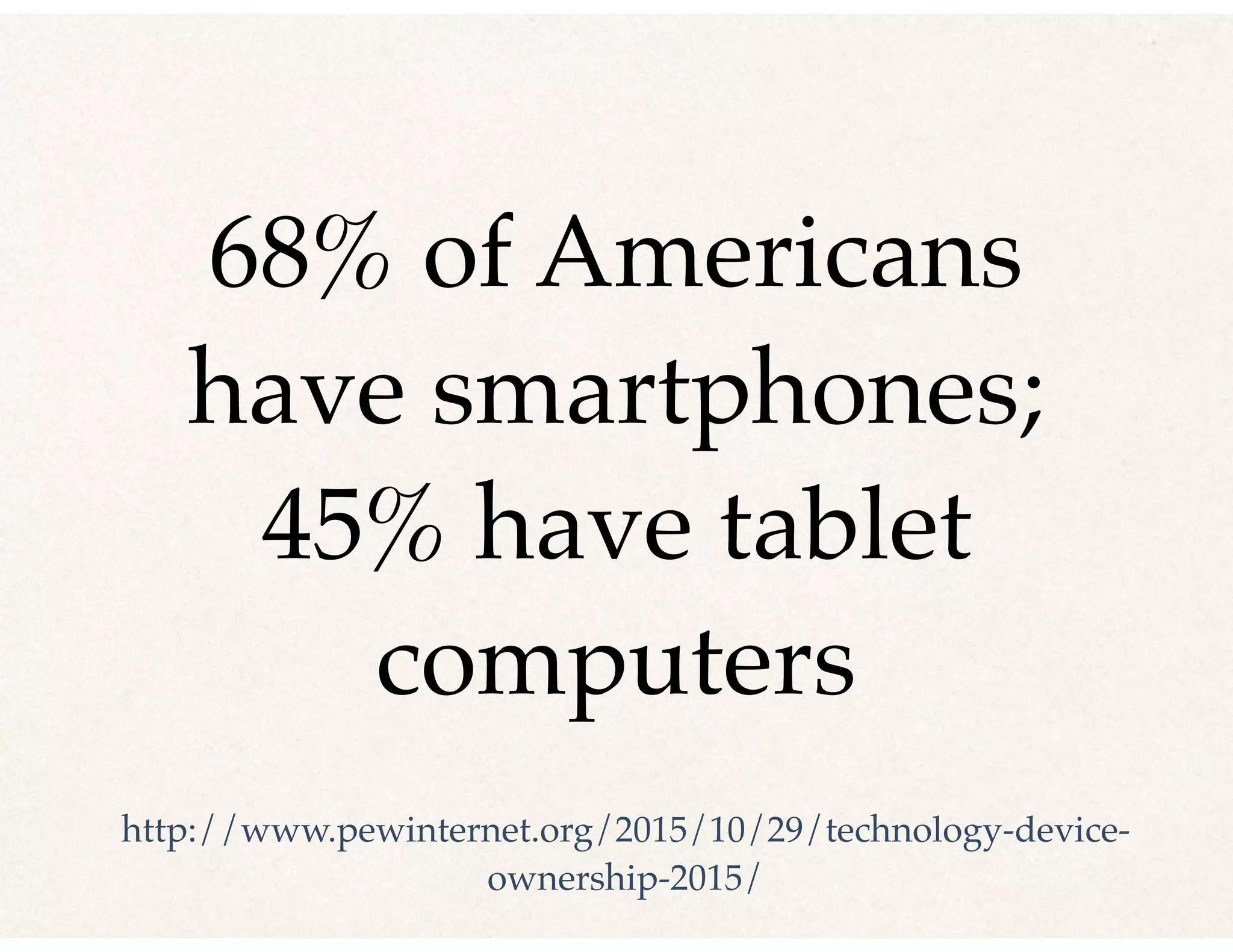
68% of Americans
have smartphones;
45% have tablet
computers
http://www.pewinternet.org/2015/10/29/technology-device-
ownership-2015/
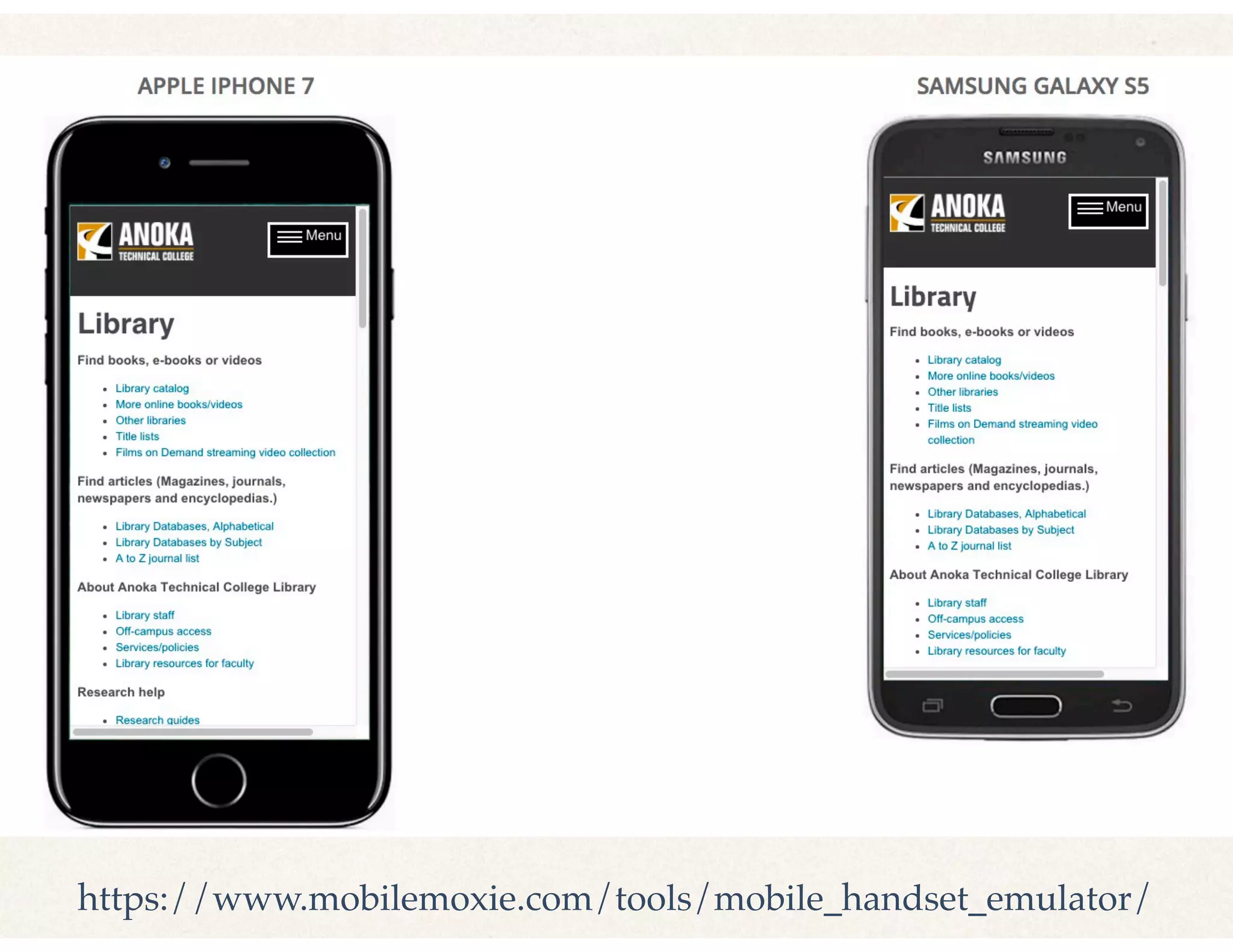
https://www.mobilemoxie.com/tools/mobile_handset_emulator/
https://search.google.com/search-console/mobile-friendly
Website Basics
(few are getting right)
✤ Hours
✤ Location
✤ Services
✤ Loans
✤ Catalog
From: Schmidt’s User experience (UX) design for libraries
Anyone want us to
look at their website?
Great Idea - On Library Card:
✤ Name
✤ Phone number
✤ Hours
✤ Url
✤ Address
✤ Slogan From: Schmidt’s Useful, usable, desirable: Applying
user experience design to your library
How DoYou Know IfYou Are
Improving the User Experience?
✤ Fewer complaints, more thanks
✤ More returning users
✤ Better survey results
✤ Statistics are going up
We Did It!
✤ Part 1 - Big Picture
✤ Part 2 - Techniques
✤ Part 3 - Specific Examples
Discussion
✤ Does this make more sense now?
✤ What is one improvement you want to make?
Resource Pack
✤ Slides
✤ Exercises
✤ Resource list
✤ Link will be added to our sched.com
Thank you!
✤ Questions? Ask now!
✤ Or reach me here: jholman@anokatech.edu

How to Make User Experience Practical in your Library