How to Download and Install
Python?
Introduction
In this tutorial, I am going to show you how we can download and
install the latest Python to your machine. So we will follow some steps
to complete the installation process of Python.
• Download the Python installer from Python website.
• By double clicking install it.
• Set the path for Python
• Check Python is working very well.
• If you missed the path setting for Python, then uninstall it and re
install Python.
Download Python installer
Download the python installer from the link
https://www.python.org/downloads/ . The following picture show the
Python installer link.
Install Python
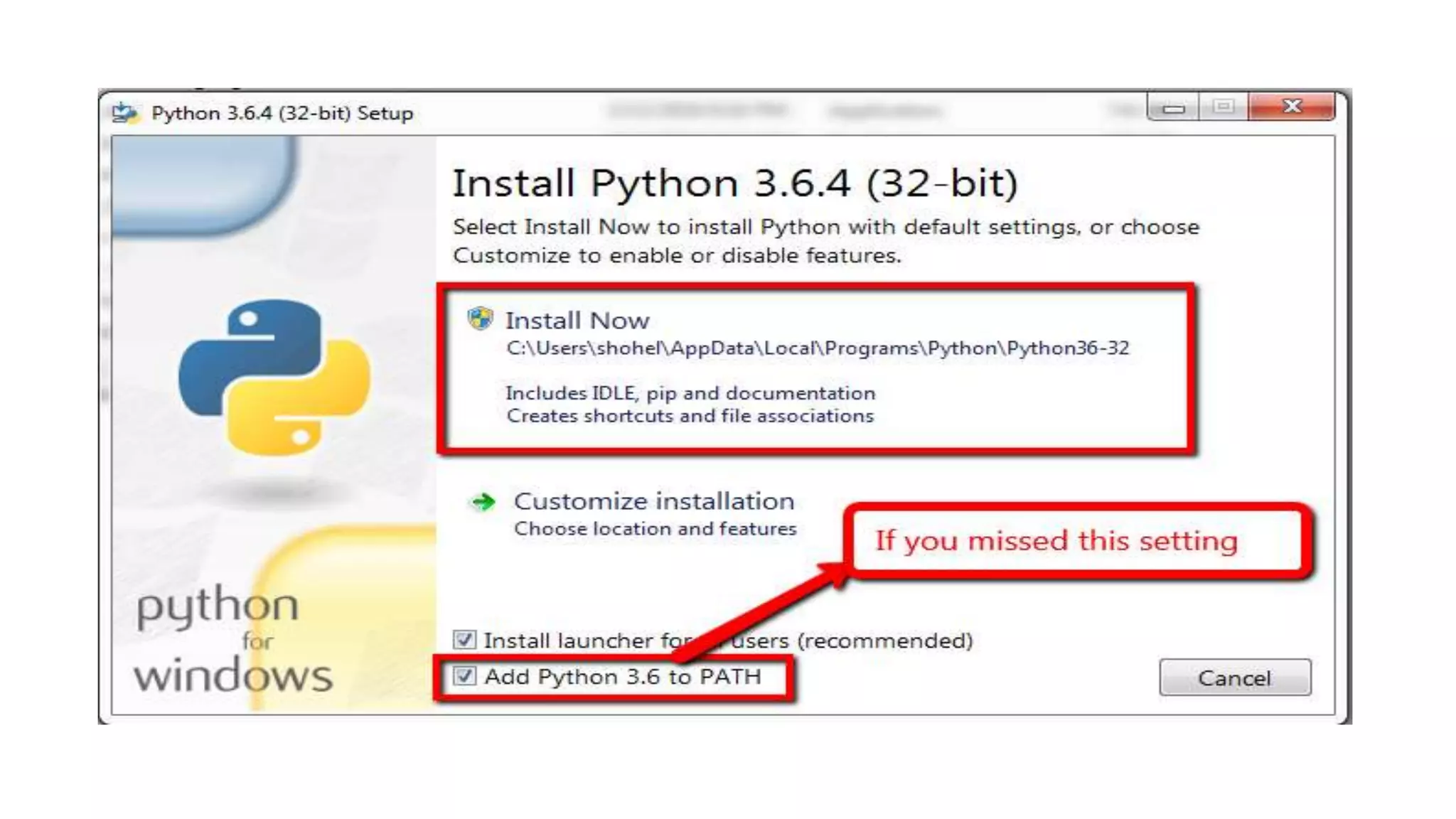
By double clicking on Python installer file, you can install it. But you
should remember to check the path for Python. The following picture
shows the path setting for Python.
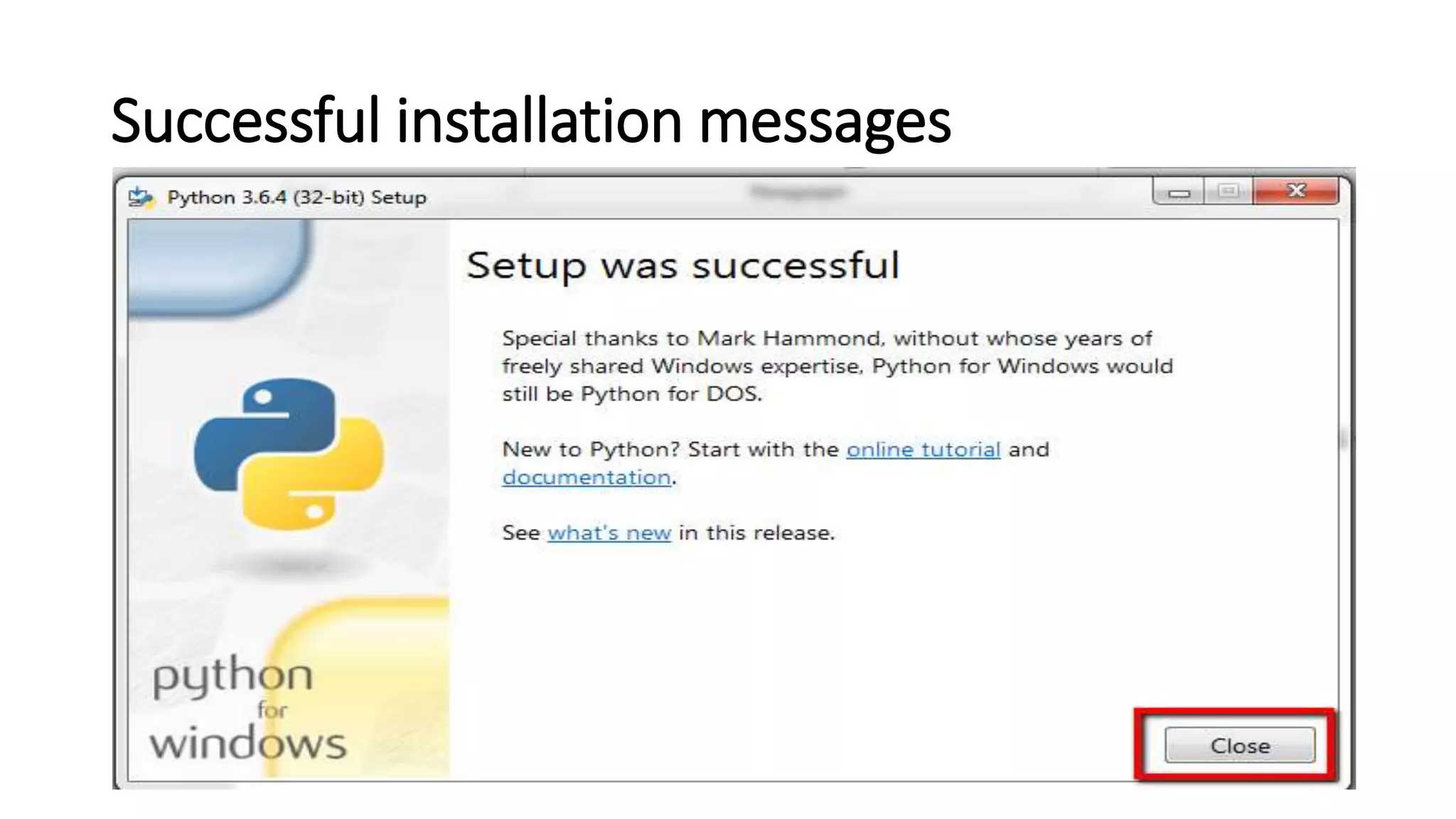
Successful installation messages
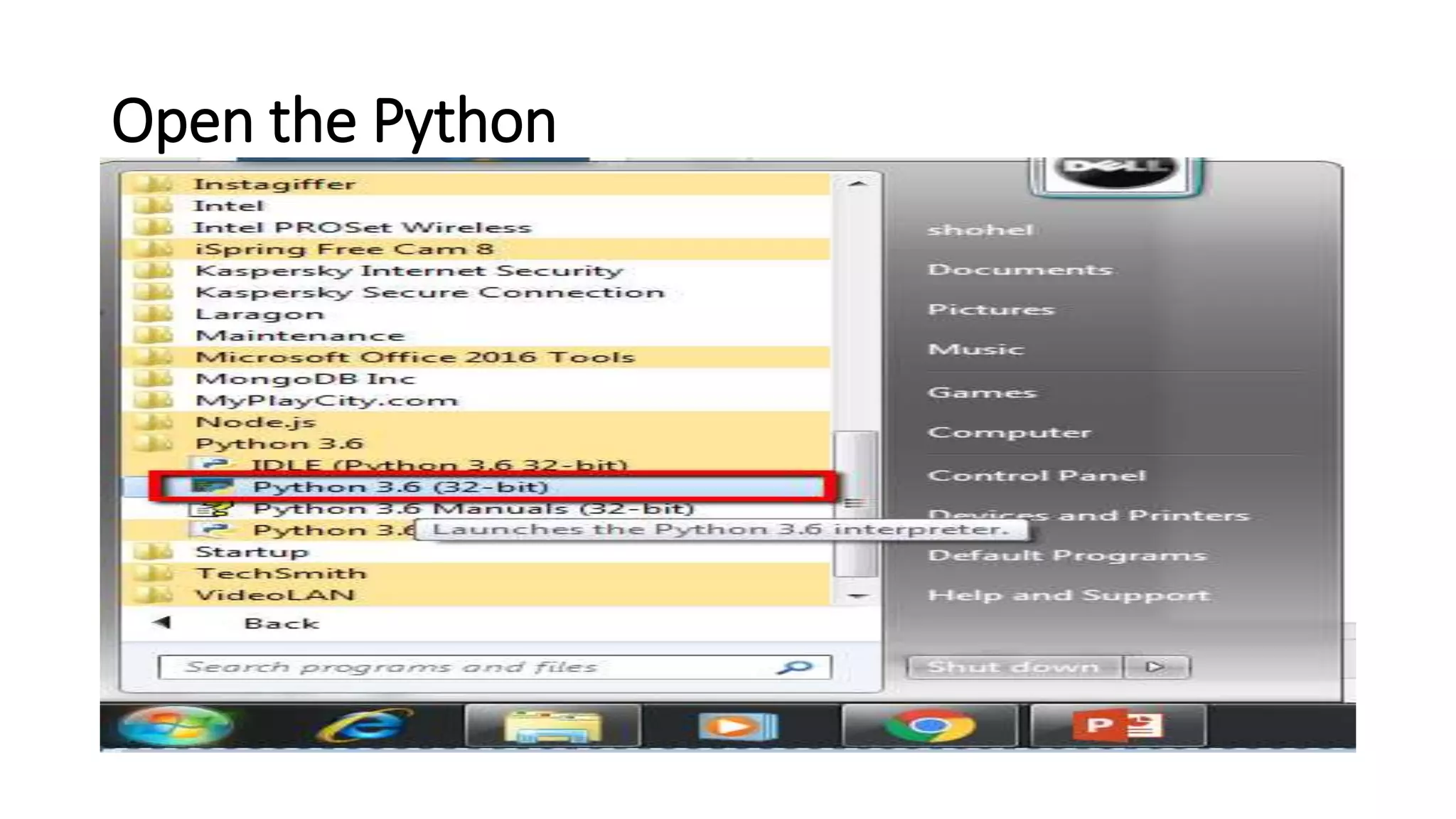
Open the Python
Write hello world program
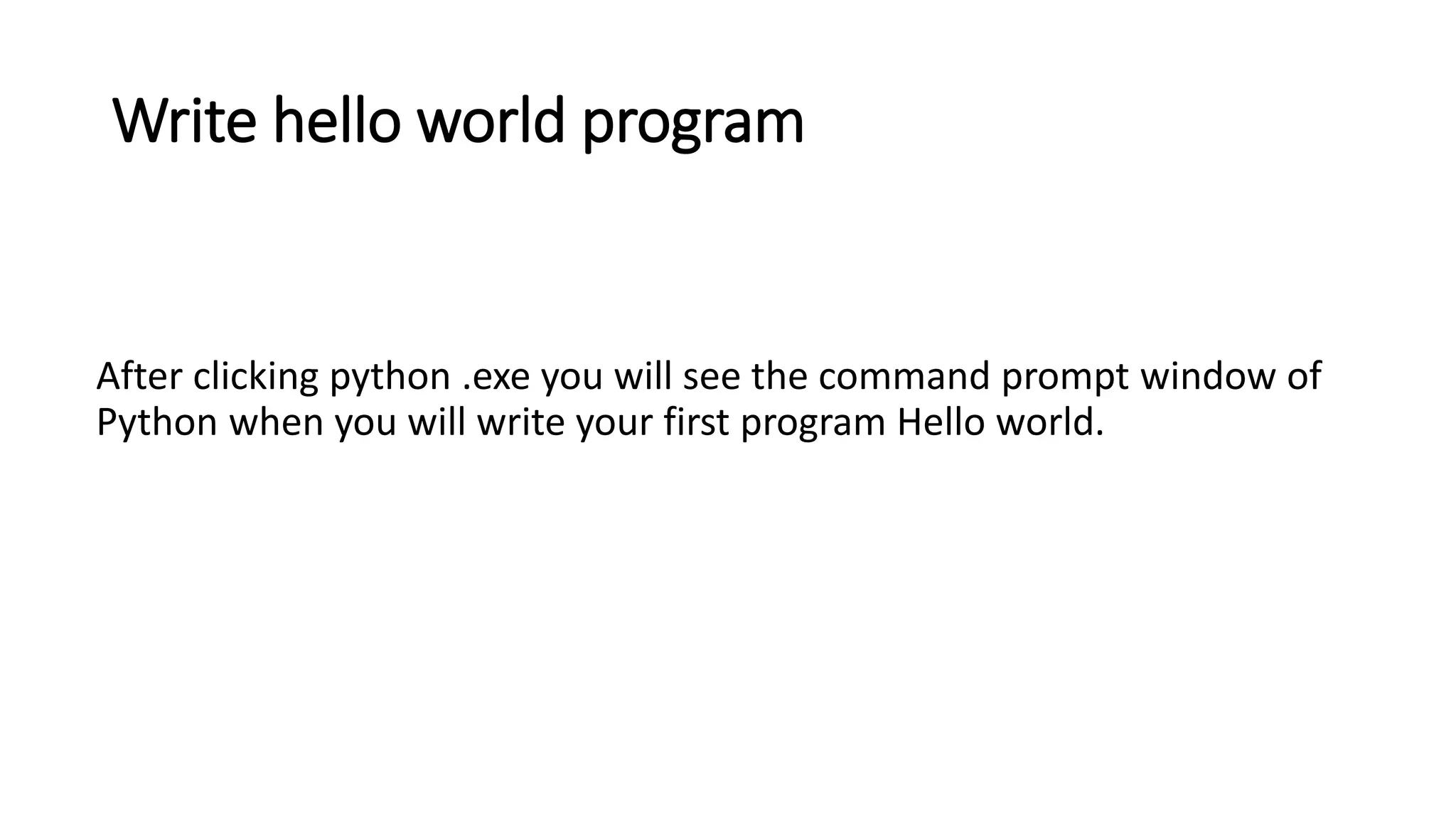
After clicking python .exe you will see the command prompt window of
Python when you will write your first program Hello world.
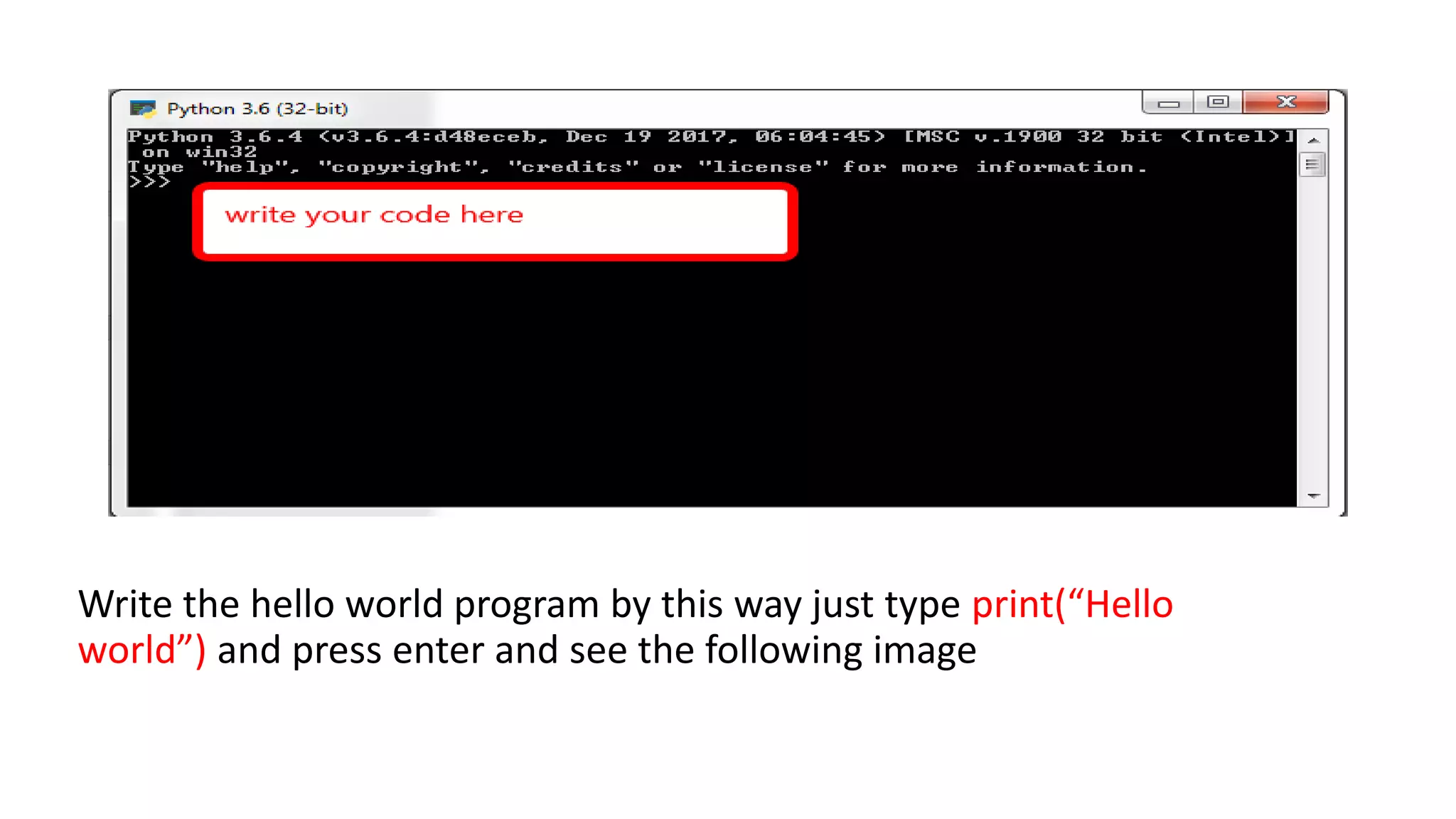
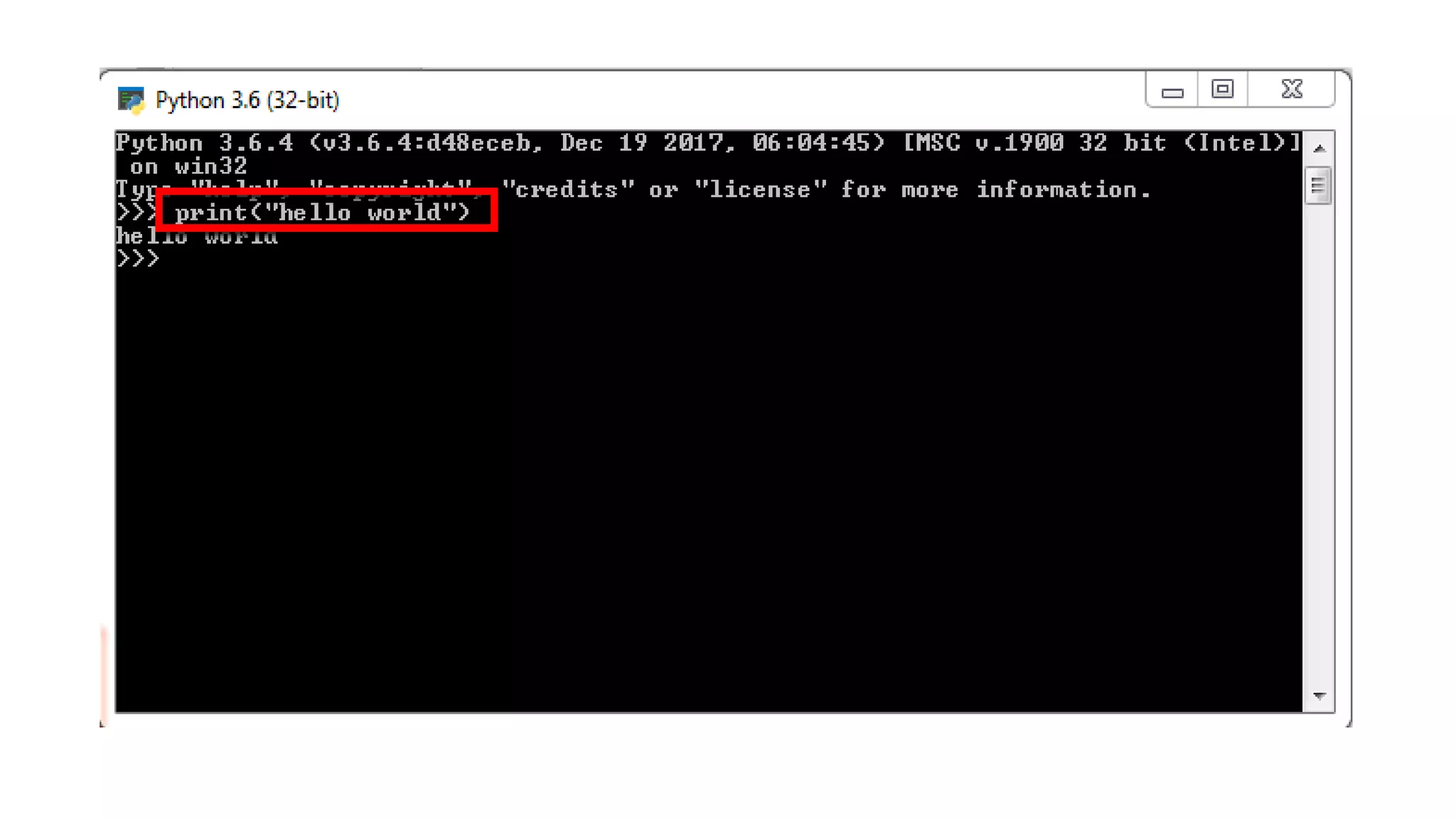
Write the hello world program by this way just type print(“Hello
world”) and press enter and see the following image
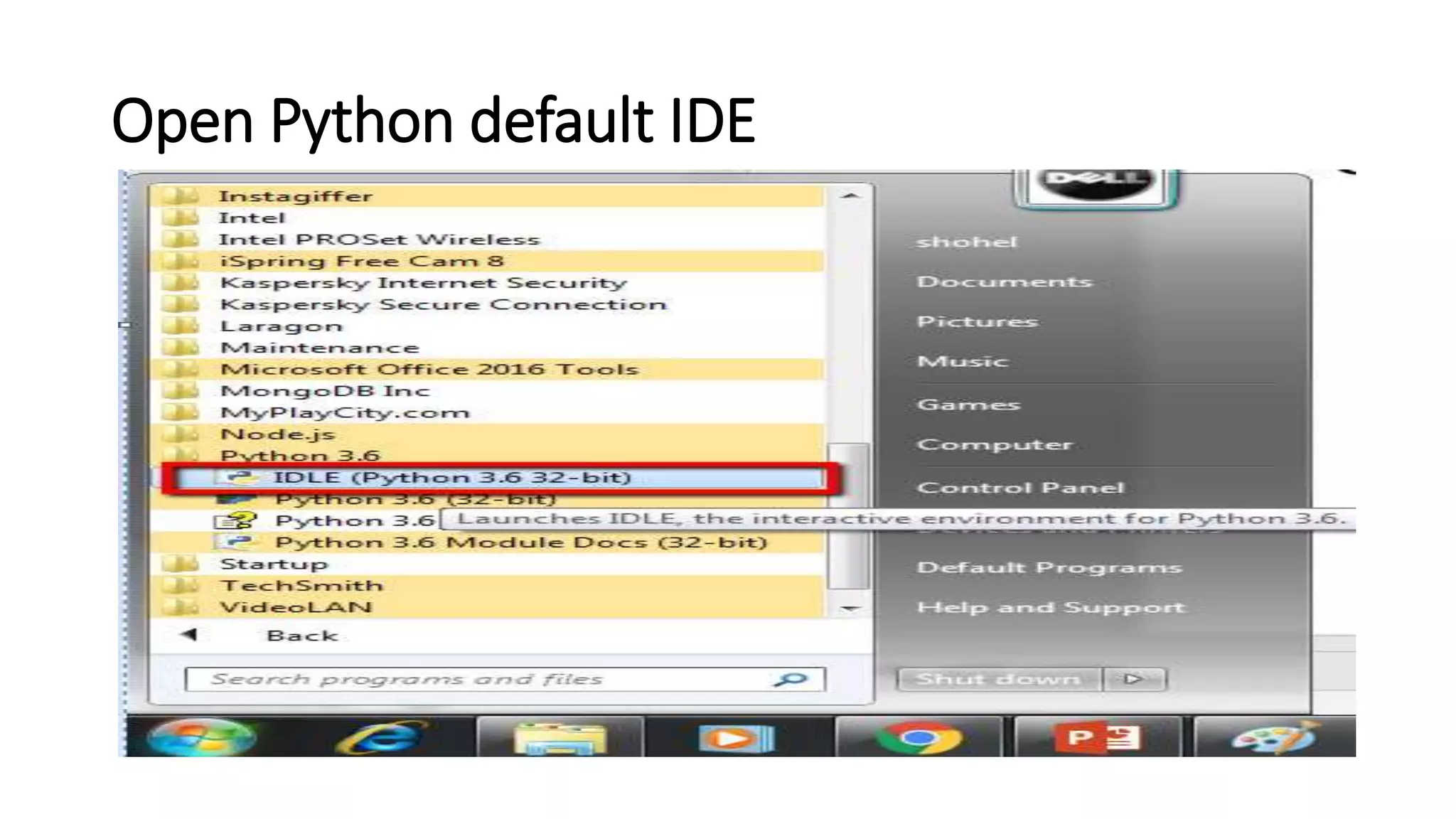
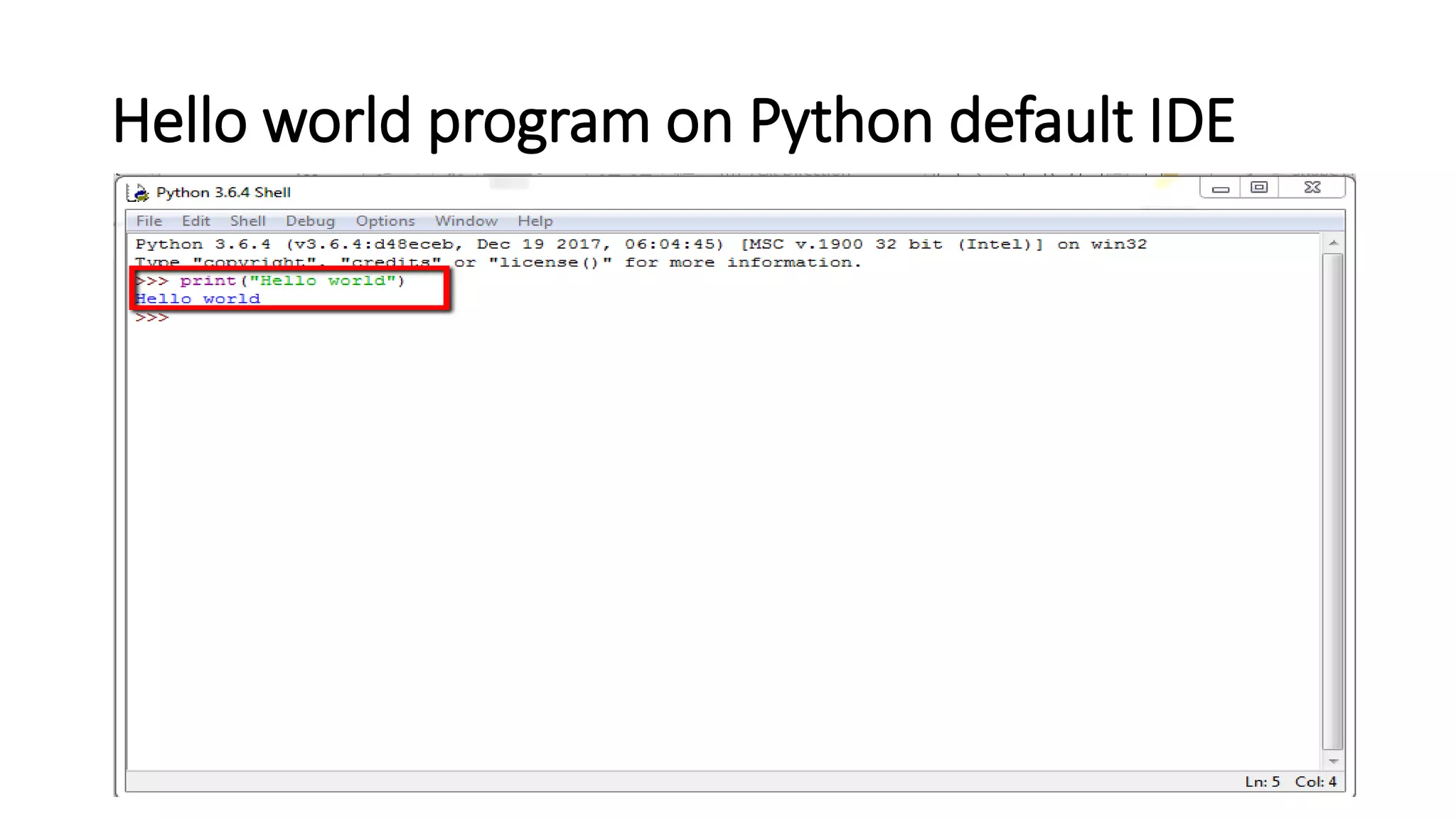
Open Python default IDE
Hello world program on Python default IDE
Python working
Your python is working very well, if you missed the setting of path for
Python. Please uninstall it for further hassle free coding.
Questions?

How to download and install Python - lesson 2

  • 1.
    How to Downloadand Install Python?
  • 2.
    Introduction In this tutorial,I am going to show you how we can download and install the latest Python to your machine. So we will follow some steps to complete the installation process of Python. • Download the Python installer from Python website. • By double clicking install it. • Set the path for Python • Check Python is working very well. • If you missed the path setting for Python, then uninstall it and re install Python.
  • 3.
    Download Python installer Downloadthe python installer from the link https://www.python.org/downloads/ . The following picture show the Python installer link.
  • 4.
    Install Python By doubleclicking on Python installer file, you can install it. But you should remember to check the path for Python. The following picture shows the path setting for Python.
  • 5.
  • 6.
  • 7.
    Write hello worldprogram After clicking python .exe you will see the command prompt window of Python when you will write your first program Hello world.
  • 8.
    Write the helloworld program by this way just type print(“Hello world”) and press enter and see the following image
  • 10.
  • 11.
    Hello world programon Python default IDE
  • 12.
    Python working Your pythonis working very well, if you missed the setting of path for Python. Please uninstall it for further hassle free coding.
  • 14.