USERNEEDSLOVEDPRODUCTS
StephenSenkomagoMusoke
@ssmusoke
February2020
T M C G
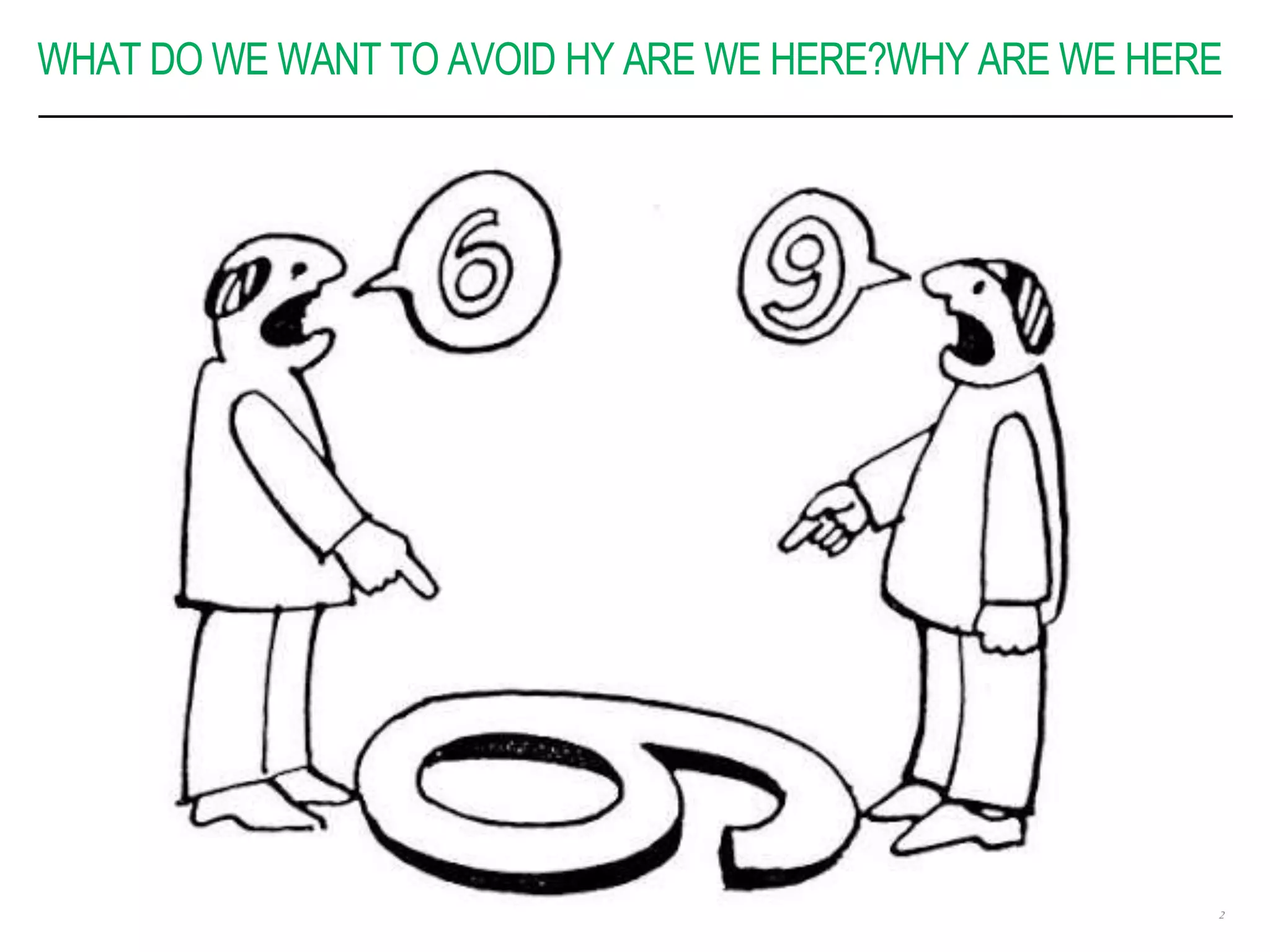
WHAT DO WE WANT TO AVOID HY ARE WE HERE?WHY ARE WE HERE
2
YOUR TYPICAL PROJECT
 After a long protracted negotiation
 Fixed cost
 Fixed timeline
 Defined scope (it is obsolete by now)
 What happens along the way
 Requirements keep changing along the way
 Stakeholder influencing on scope
 Timelines are too short
 No single product owner
 Tech stack how do deliver on the promises? 3
PROJECT KICKOFF MEETING
 Define roles and responsibilites
 When showcases will happen
 Whom to ask questions during development/delivery
 Who can make decisions
 Communication channels – project, admin
 A technical team representative, needs to attend to
understand the business drivers
4
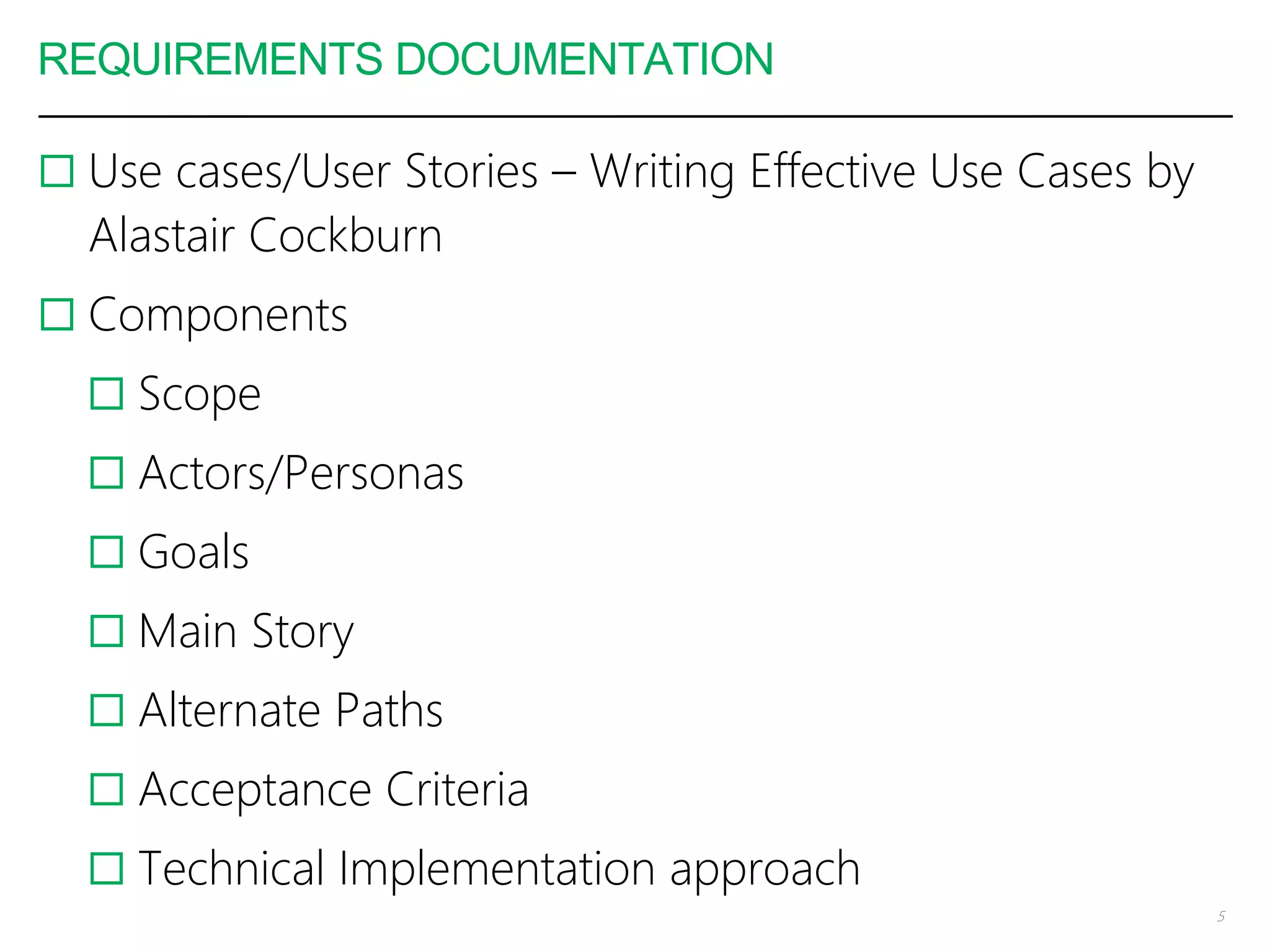
REQUIREMENTS DOCUMENTATION
 Use cases/User Stories – Writing Effective Use Cases by
Alastair Cockburn
 Components
 Scope
 Actors/Personas
 Goals
 Main Story
 Alternate Paths
 Acceptance Criteria
 Technical Implementation approach
5
WHY USE CASES/USER STORIES
 Driven by an end-user goal, driving business value of
the solution
 Contain business language – communication across
multiple persons
 Alternate paths drive further analysis
 Acceptance criteria simplify quality assurance
 Sizing of user stories – T-shirt sizes are common aid
estimation of effort, hence placing into sprints
 Starting point for end-user documentation
6
WHAT TOOLS CAN I USE?
 The best tool for the job is the one u know how to use
 However there are some good ones
 Asana
 Trello
 GitHub/GitLab Issues
 These allow you to comment and include other assets
such as documents, images, links etc. Use the best tool
to illustrate that documentation
 Move tasks/cards/issues across multiple stages/states
7
WHAT TOOLS CAN I USE?
 The best tool for the job is the one u know how to use
 However there are some good ones
 Asana
 Trello
 GitHub/GitLab Issues
 These allow you to comment and include other assets
such as documents, images, links etc. Use the best tool
to illustrate that documentation
 Move tasks/cards/issues across multiple stages/states
8
THE SHOWCASE
 Regular touch point with client
 Status check on delivery
 Progress update on the project
 Team catchup – end of sprint
9
TIPS AND TRICKS
Use Prototyping tools to give your users a sense of what
the final solution will feel like and work
Spend time collaborating with your clients in a manner
and language that they understand – remember they have
other full-time jobs not just your project
Discipline – keep time, promises, manage expectations,
pay attention
Document, document, document – in a way that makes
meaning to your clients, stakeholders & end-users
10
On time is late!!!
TECH AIDS TO DELIVERY
Automate & simplify deployment – to dev, staging and
demo sites
Fanatical, Meticulous version control – Trunk based
development, GitFlow, short leaved feature branches
Testing – unit, integration, stress, load, Travis CI
Security – the price is too high at the end
Document, document, document
Use prebuilt frameworks, and libraries
Contribute back to #OpenSource
11
Every problem is a special case of a more general
problem and you are not the first one to solve it
CHALLENGES
Draft fatigue – too many back and forth cycles
As requirements change, then goals and deliverables are
forgotten
Team dynamics – changing requirements are stressful
Technology tools & choices – do not try to re-invent the
wheel as much as you can, solve the problem at hand +
know how to use your tools
12
If I am given 4 hours to cut down a tree, I will
spend 3 hours sharpening my axe
~ Abraham Lincoln
READING LIST – BUSINESS & TECH
 Martin Fowler – Refactoring, Patterns of Enterprise
Architecture & http://martinfowler.com
 Andy Hunt/Dave Thomas – The Pragmatic Programmer
 Basecamp blog - https://m.signalvnoise.com/
 Blue Ocean Strategy
 Clean Code
 Atomic Habits – James Clear
 Imposters Handbook by Rob Conery (I am reading it
now)
 Blogs/Articles in whatever language or problem domain
you are working in 13
IN CLOSING
DONOTBETOOBUSY
Enjoyyourproject
Keeplearning
Read
StandontheshouldersofGiants
Shareyourstories withothers
Discipline,Discipline,Discipline
Document, Document, Document
ANDMOSTOFALL
Deliverandsatisfyyourclients
1
4
THANK YOU
Forquestionsorsuggestions
@ssmusoke
http://ssmusoke.com

Handling User Requirements in Technology Projects

  • 1.
  • 2.
    WHAT DO WEWANT TO AVOID HY ARE WE HERE?WHY ARE WE HERE 2
  • 3.
    YOUR TYPICAL PROJECT After a long protracted negotiation  Fixed cost  Fixed timeline  Defined scope (it is obsolete by now)  What happens along the way  Requirements keep changing along the way  Stakeholder influencing on scope  Timelines are too short  No single product owner  Tech stack how do deliver on the promises? 3
  • 4.
    PROJECT KICKOFF MEETING Define roles and responsibilites  When showcases will happen  Whom to ask questions during development/delivery  Who can make decisions  Communication channels – project, admin  A technical team representative, needs to attend to understand the business drivers 4
  • 5.
    REQUIREMENTS DOCUMENTATION  Usecases/User Stories – Writing Effective Use Cases by Alastair Cockburn  Components  Scope  Actors/Personas  Goals  Main Story  Alternate Paths  Acceptance Criteria  Technical Implementation approach 5
  • 6.
    WHY USE CASES/USERSTORIES  Driven by an end-user goal, driving business value of the solution  Contain business language – communication across multiple persons  Alternate paths drive further analysis  Acceptance criteria simplify quality assurance  Sizing of user stories – T-shirt sizes are common aid estimation of effort, hence placing into sprints  Starting point for end-user documentation 6
  • 7.
    WHAT TOOLS CANI USE?  The best tool for the job is the one u know how to use  However there are some good ones  Asana  Trello  GitHub/GitLab Issues  These allow you to comment and include other assets such as documents, images, links etc. Use the best tool to illustrate that documentation  Move tasks/cards/issues across multiple stages/states 7
  • 8.
    WHAT TOOLS CANI USE?  The best tool for the job is the one u know how to use  However there are some good ones  Asana  Trello  GitHub/GitLab Issues  These allow you to comment and include other assets such as documents, images, links etc. Use the best tool to illustrate that documentation  Move tasks/cards/issues across multiple stages/states 8
  • 9.
    THE SHOWCASE  Regulartouch point with client  Status check on delivery  Progress update on the project  Team catchup – end of sprint 9
  • 10.
    TIPS AND TRICKS UsePrototyping tools to give your users a sense of what the final solution will feel like and work Spend time collaborating with your clients in a manner and language that they understand – remember they have other full-time jobs not just your project Discipline – keep time, promises, manage expectations, pay attention Document, document, document – in a way that makes meaning to your clients, stakeholders & end-users 10 On time is late!!!
  • 11.
    TECH AIDS TODELIVERY Automate & simplify deployment – to dev, staging and demo sites Fanatical, Meticulous version control – Trunk based development, GitFlow, short leaved feature branches Testing – unit, integration, stress, load, Travis CI Security – the price is too high at the end Document, document, document Use prebuilt frameworks, and libraries Contribute back to #OpenSource 11 Every problem is a special case of a more general problem and you are not the first one to solve it
  • 12.
    CHALLENGES Draft fatigue –too many back and forth cycles As requirements change, then goals and deliverables are forgotten Team dynamics – changing requirements are stressful Technology tools & choices – do not try to re-invent the wheel as much as you can, solve the problem at hand + know how to use your tools 12 If I am given 4 hours to cut down a tree, I will spend 3 hours sharpening my axe ~ Abraham Lincoln
  • 13.
    READING LIST –BUSINESS & TECH  Martin Fowler – Refactoring, Patterns of Enterprise Architecture & http://martinfowler.com  Andy Hunt/Dave Thomas – The Pragmatic Programmer  Basecamp blog - https://m.signalvnoise.com/  Blue Ocean Strategy  Clean Code  Atomic Habits – James Clear  Imposters Handbook by Rob Conery (I am reading it now)  Blogs/Articles in whatever language or problem domain you are working in 13
  • 14.
  • 15.