Download as PDF, PPTX
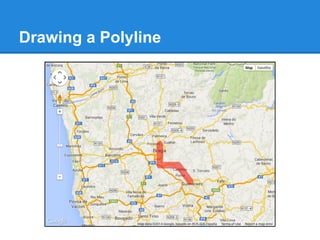
![Drawing a Polyline
function initialize() {
var braga = new google.maps.LatLng(41.5645, -8.4250);
var mapOptions = { center: braga, zoom: 10 };
var map = new google.maps.Map(
document.getElementById("map-canvas"), mapOptions);
var lineCoords = [ braga,
new google.maps.LatLng(41.5000, -8.4250),
new google.maps.LatLng(41.5000, -8.3500),
new google.maps.LatLng(41.4500, -8.3000) ];
var line = new google.maps.Polyline({
path: lineCoords, strokeColor: '#FF0000',
strokeOpacity: 0.5, strokeWeight: 20,
});
line.setMap(map);
}](https://image.slidesharecdn.com/googlemapsjsapi-140521103911-phpapp01/85/Google-Maps-JS-API-33-320.jpg)
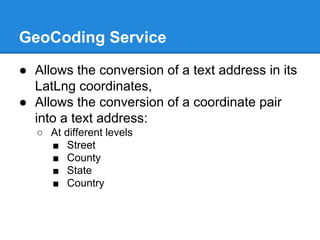
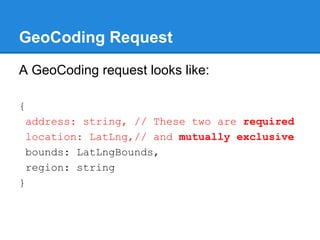
![GeoCoding Response
A GeoCoding response looks like:
results[]: {
types[]: string, formatted_address: string,
address_components[]: {
short_name: string, long_name: string,
postcode_localities[]: string, types[]: string
},
partial_match: boolean,
geometry: {
location: LatLng, location_type:
GeocoderLocationType
viewport: LatLngBounds, bounds: LatLngBounds
}
}](https://image.slidesharecdn.com/googlemapsjsapi-140521103911-phpapp01/85/Google-Maps-JS-API-38-320.jpg)
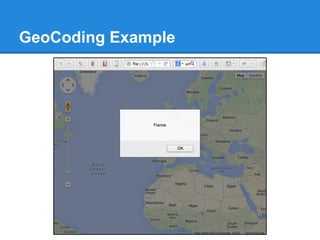
![GeoCoding Example
function guessCountry(geocoderResults) {
for (var i = 0; i < geocoderResults.length; i++) {
var res = geocoderResults[i];
for (var j = 0; j < res.address_components.length; j++){
var comp = res.address_components[j];
if (jQuery.inArray("country", comp.types) >= 0) {
return comp.long_name;
}
}
}
return "??";
}
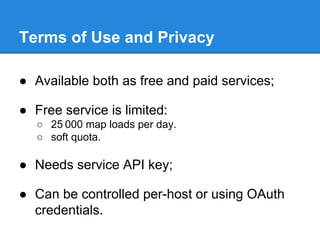
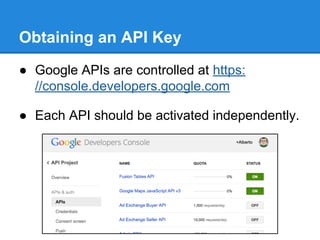
To use jQuery in need to include it:
<script src="http://code.jquery.com/jquery-1.11.0.min.js">
</script>](https://image.slidesharecdn.com/googlemapsjsapi-140521103911-phpapp01/85/Google-Maps-JS-API-42-320.jpg)
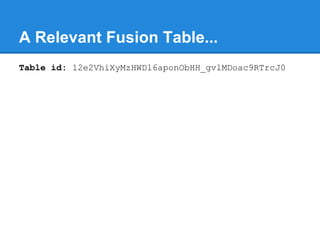
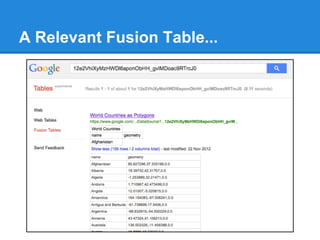
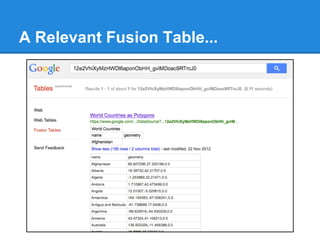
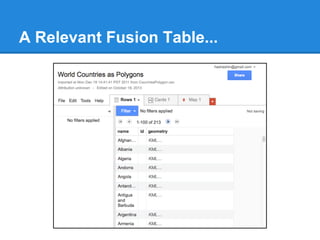
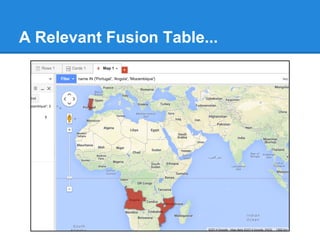
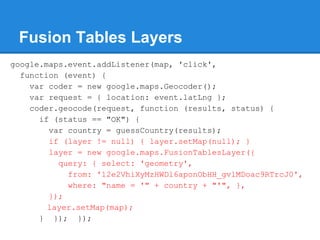
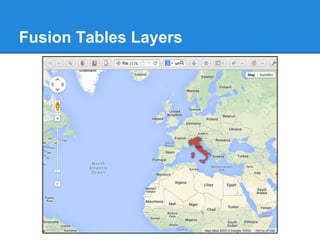

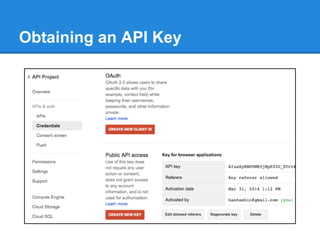
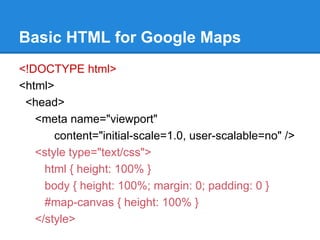
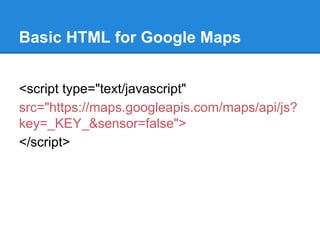
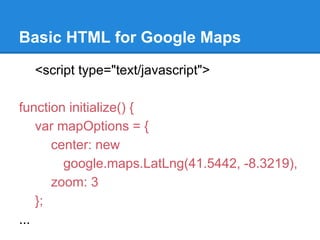
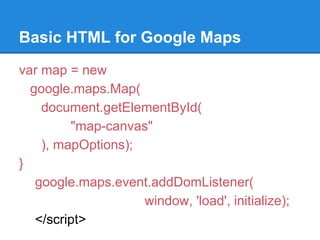
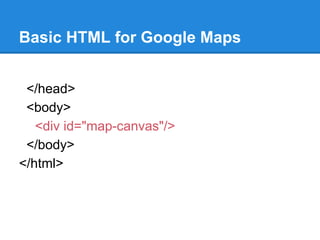
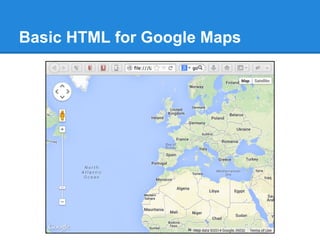
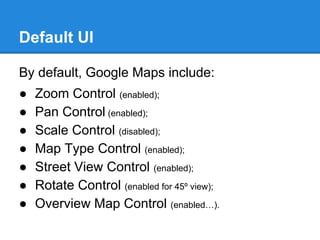
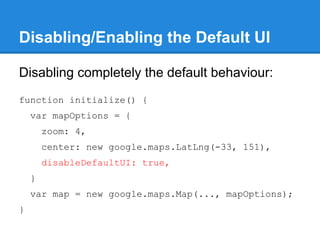
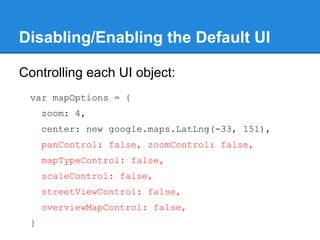
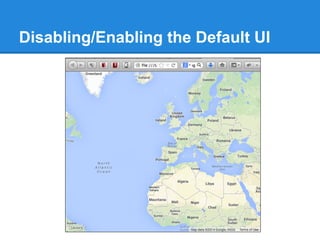
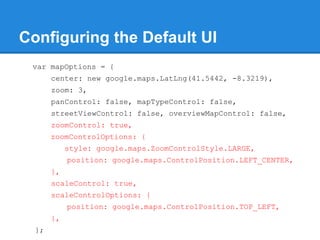
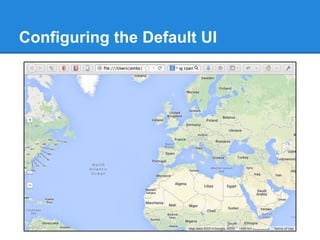
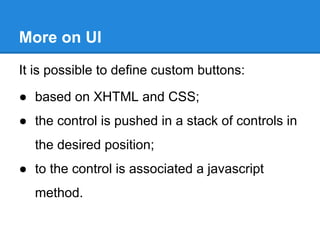
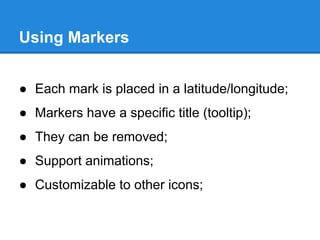
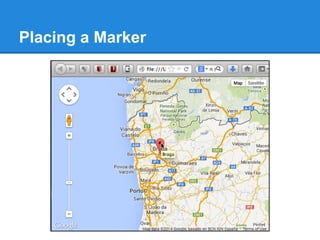
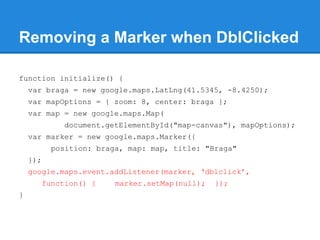
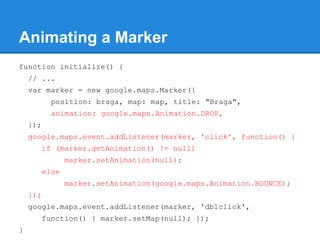
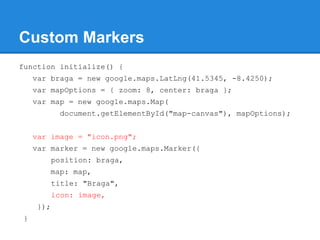
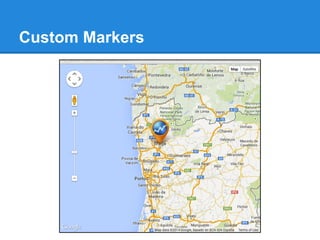
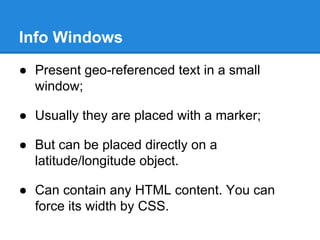
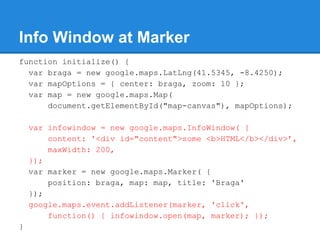
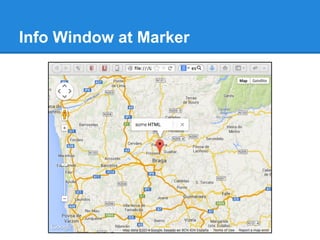
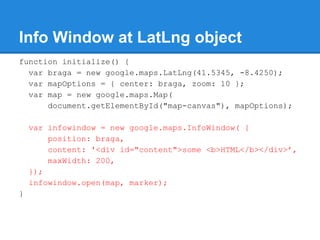
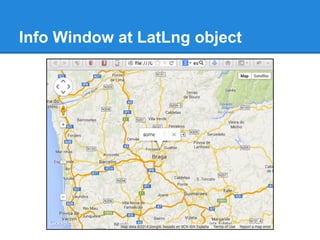
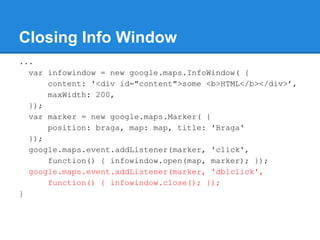
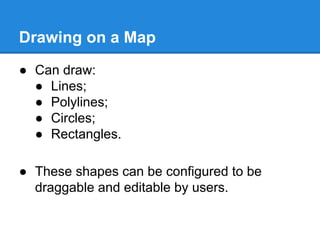
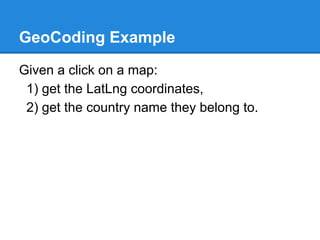
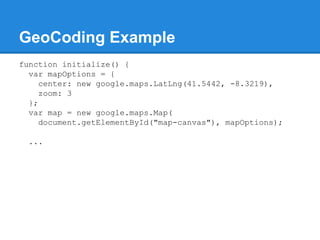
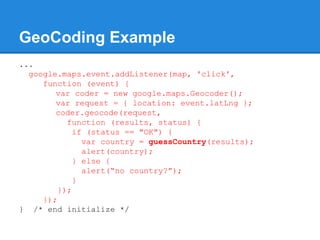
This document provides information on using the Google Maps JavaScript API, including: - The API is available free with usage limits or as a paid service. An API key is required. - Basic HTML is shown to load the Google Maps script and initialize a map on a page. - Default user interface elements like zoom controls can be configured or disabled. Custom buttons can be added. - Markers can be placed on the map and configured with info windows, animations, and custom icons. - Shapes like polylines and circles can be drawn on the map. - Services provide capabilities like geocoding addresses and locations, directions, and accessing Fusion Tables data.


![[공간정보시스템 개론] L12 공간정보분석](https://cdn.slidesharecdn.com/ss_thumbnails/l12-170314114828-thumbnail.jpg?width=640&height=640&fit=bounds)
![지리정보체계(GIS) - [2] 좌표계 이해하기](https://cdn.slidesharecdn.com/ss_thumbnails/sugis2018c02-180916155653-thumbnail.jpg?width=640&height=640&fit=bounds)


