Google Drive and the
Google Drive SDK
Building Drive apps
Abdelhalim Lagrid
Google Developer Group, Algiers
1
Introduction :
One of Cloud google’s products : lunched in 2012 ..known by Google
Drive API .
What is Google Drive?
Yea, some marketing :)

2222
Access Anywhere
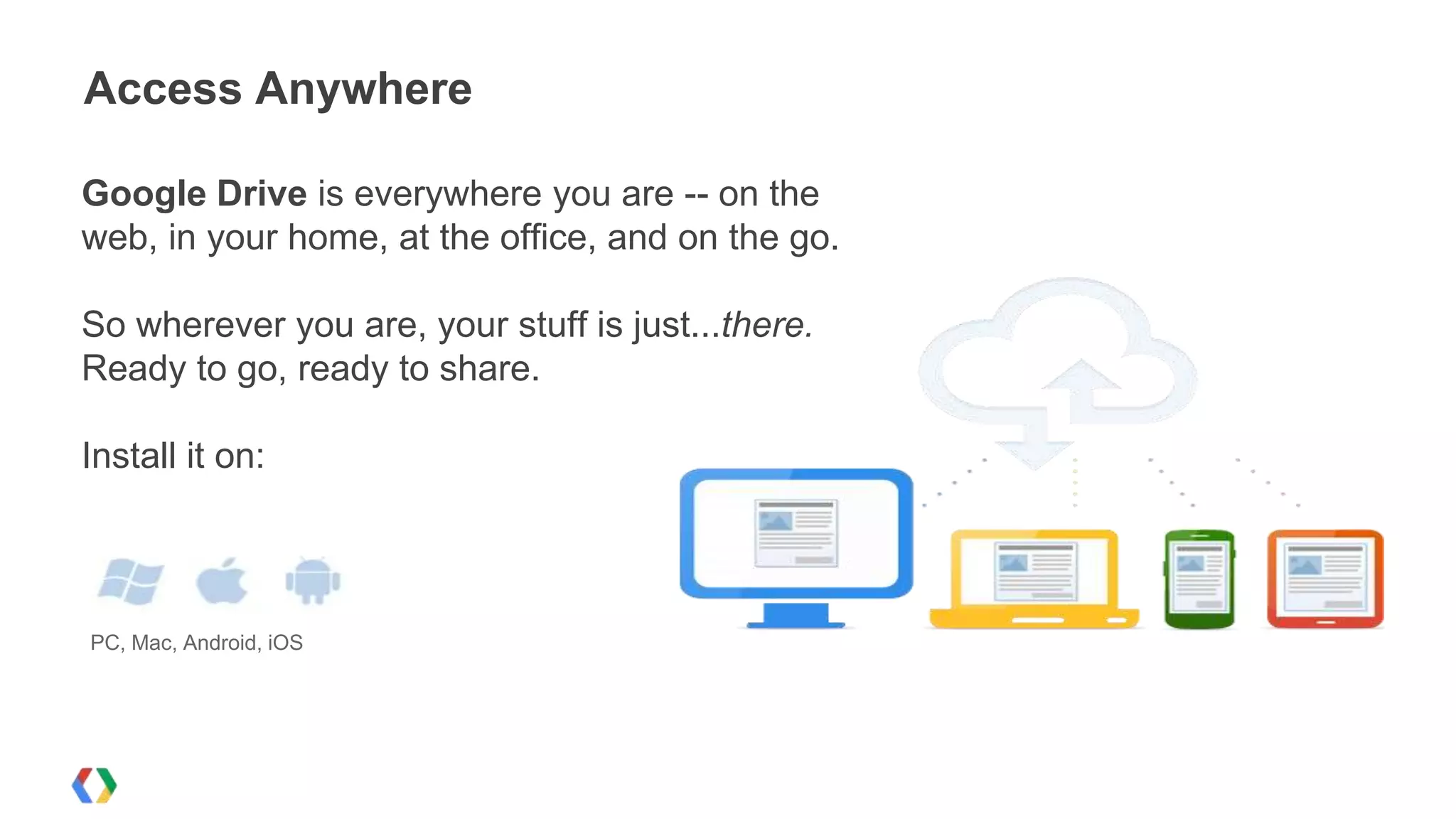
Google Drive is everywhere you are -- on the
web, in your home, at the office, and on the go.
So wherever you are, your stuff is just...there.
Ready to go, ready to share.
Install it on:

PC, Mac, Android, iOS
Store your files in a safe place

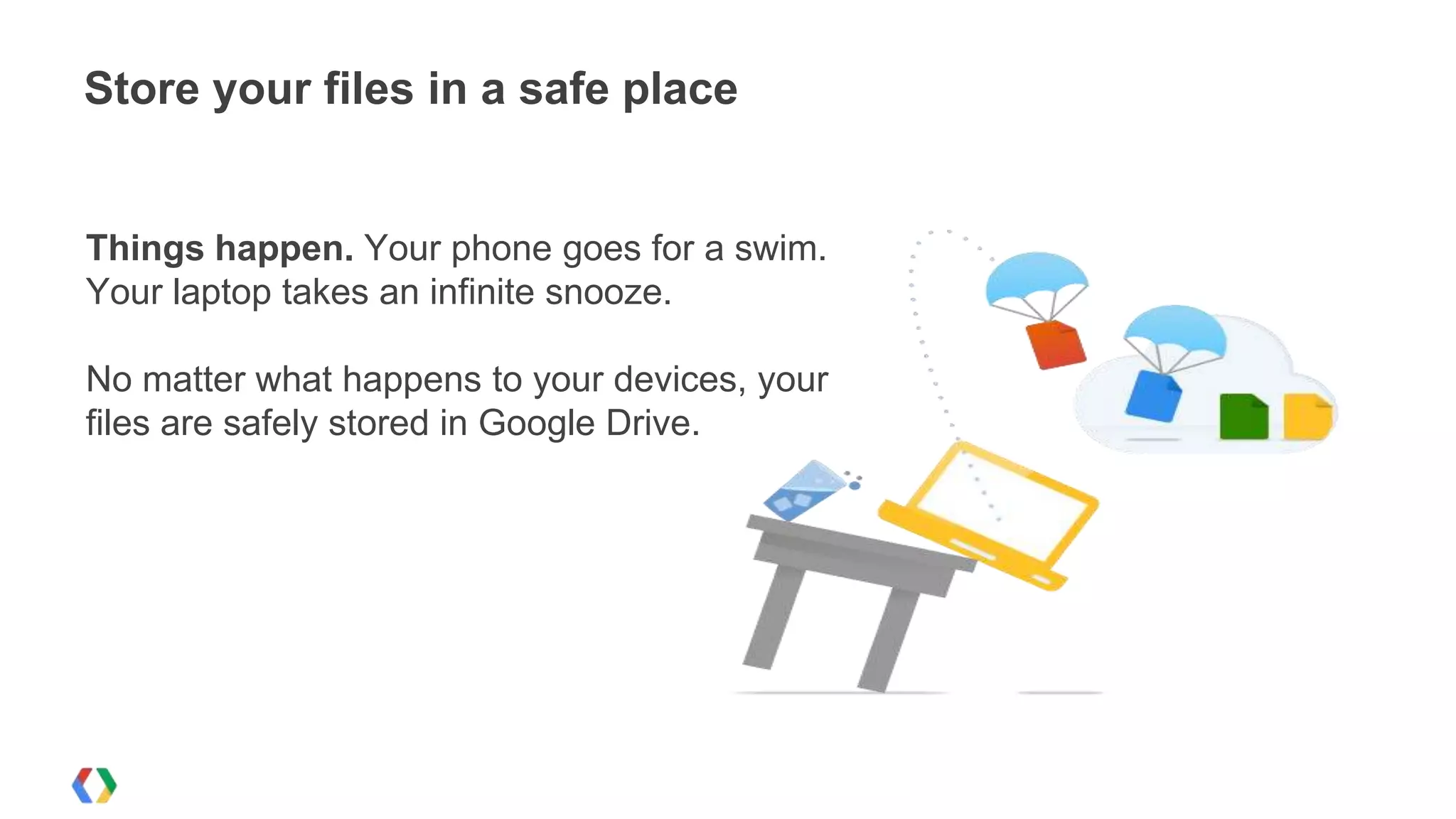
Things happen. Your phone goes for a swim.
Your laptop takes an infinite snooze.
No matter what happens to your devices, your
files are safely stored in Google Drive.
Powerful search

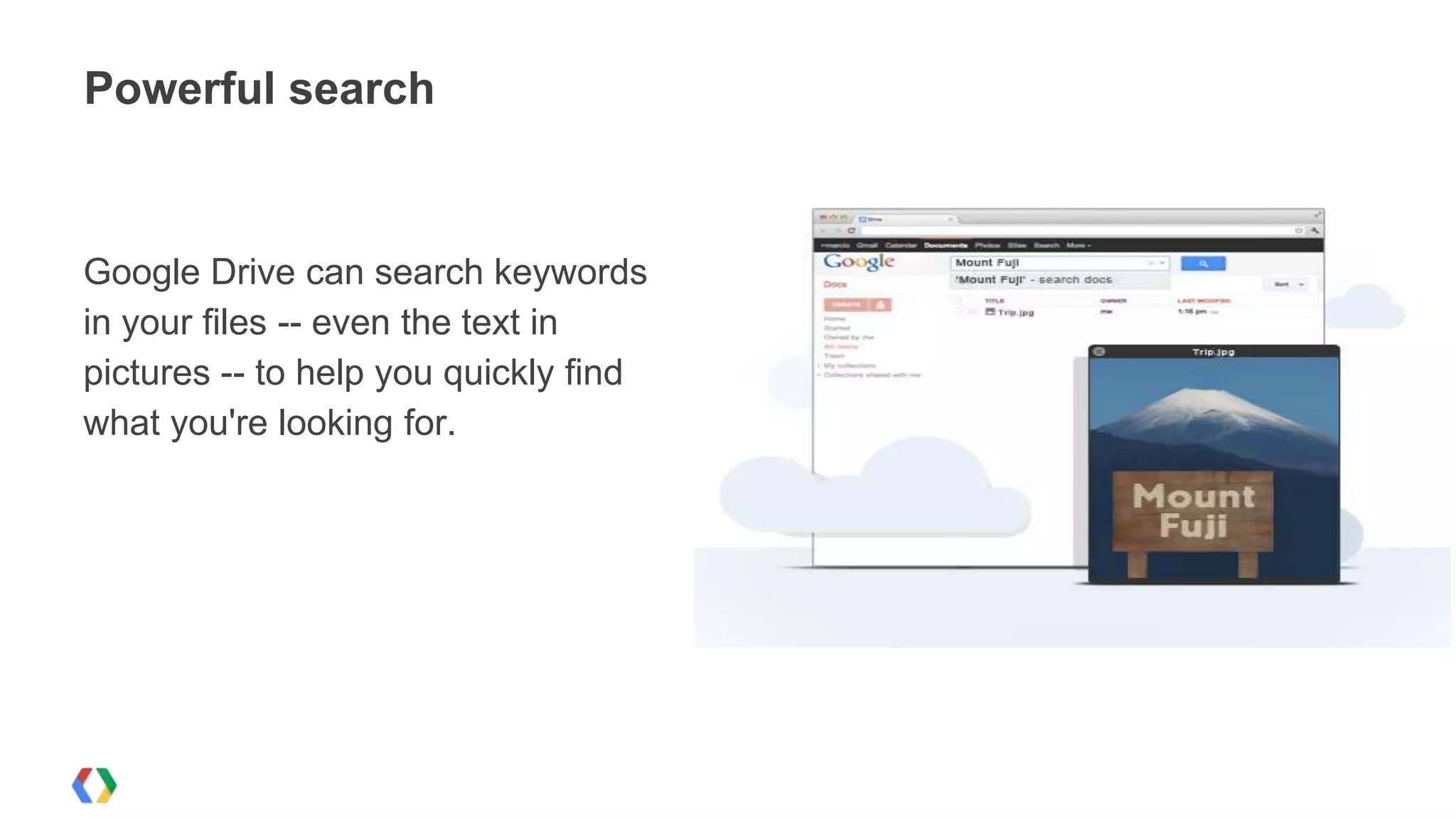
Google Drive can search keywords
in your files -- even the text in
pictures -- to help you quickly find
what you're looking for.
View anything

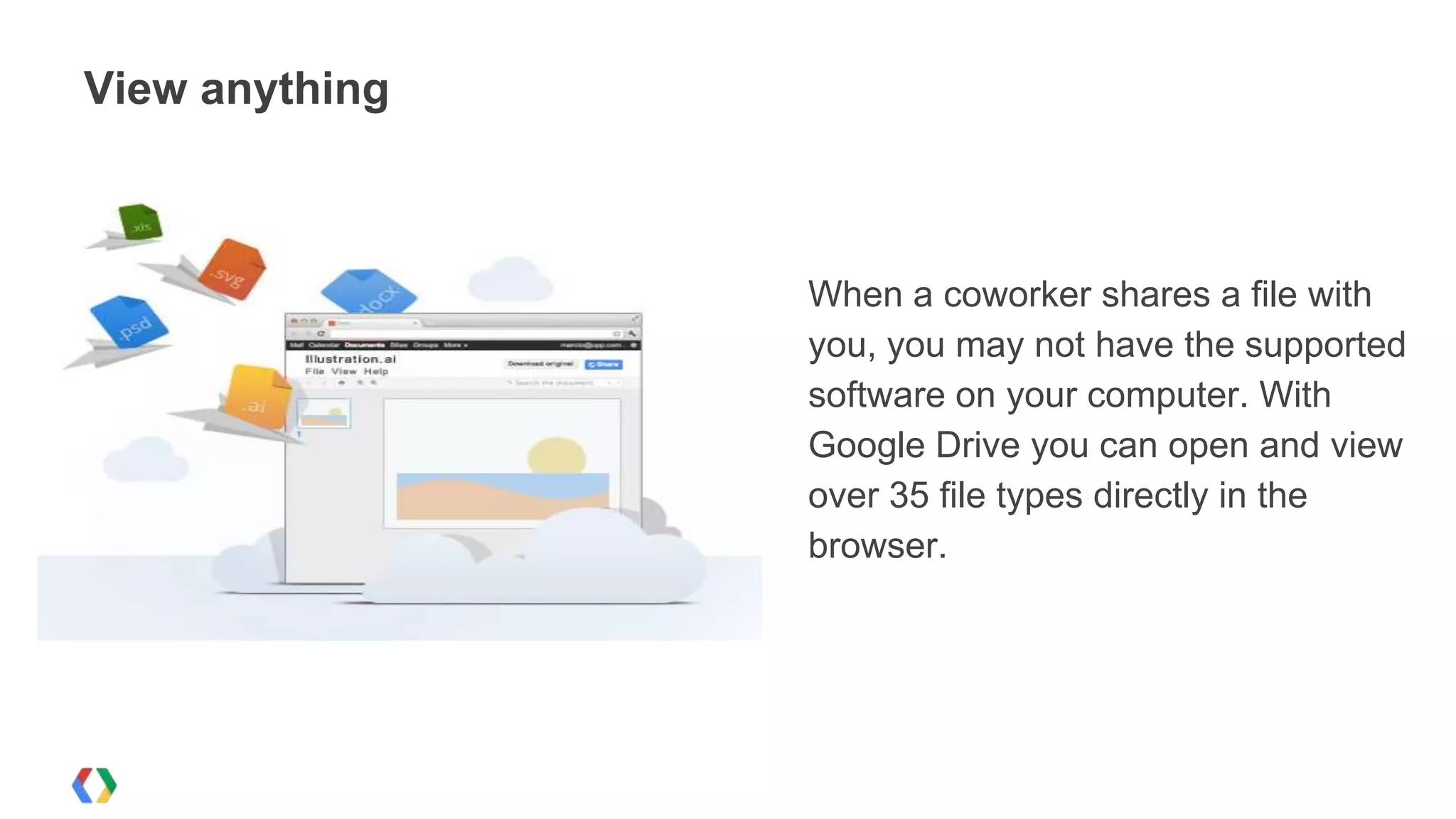
When a coworker shares a file with
you, you may not have the supported
software on your computer. With
Google Drive you can open and view
over 35 file types directly in the
browser.
Access to a world of apps!
Google Drive works with the apps
that make you more efficient.
Choose from a growing set of
productivity applications, integrated
right into your Drive.
Google Drive SDK
Why integrate with Google Drive?
Drive SDK opportunity

++
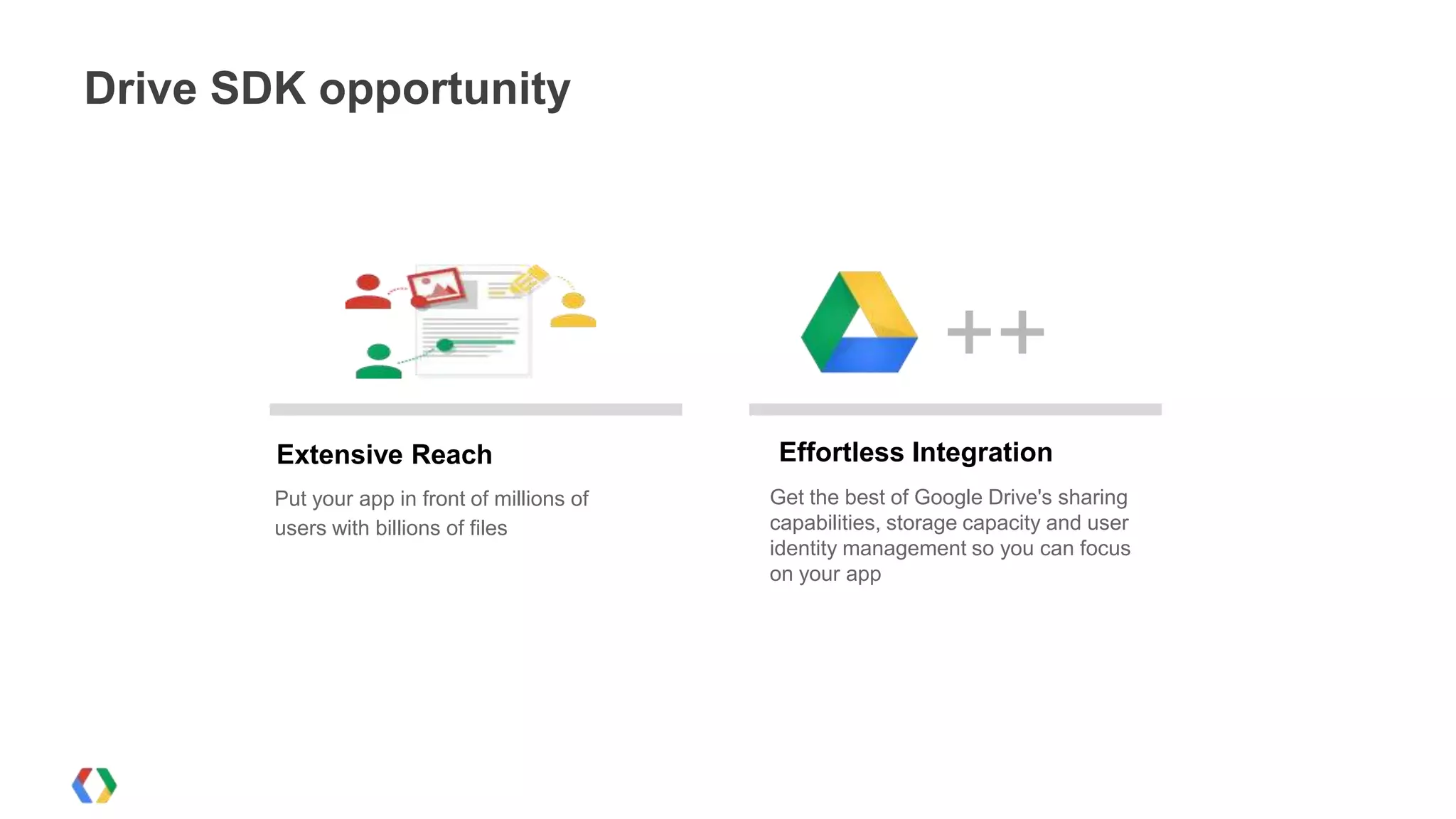
Extensive Reach
Put your app in front of millions of
users with billions of files

Effortless Integration
Get the best of Google Drive's sharing
capabilities, storage capacity and user
identity management so you can focus
on your app
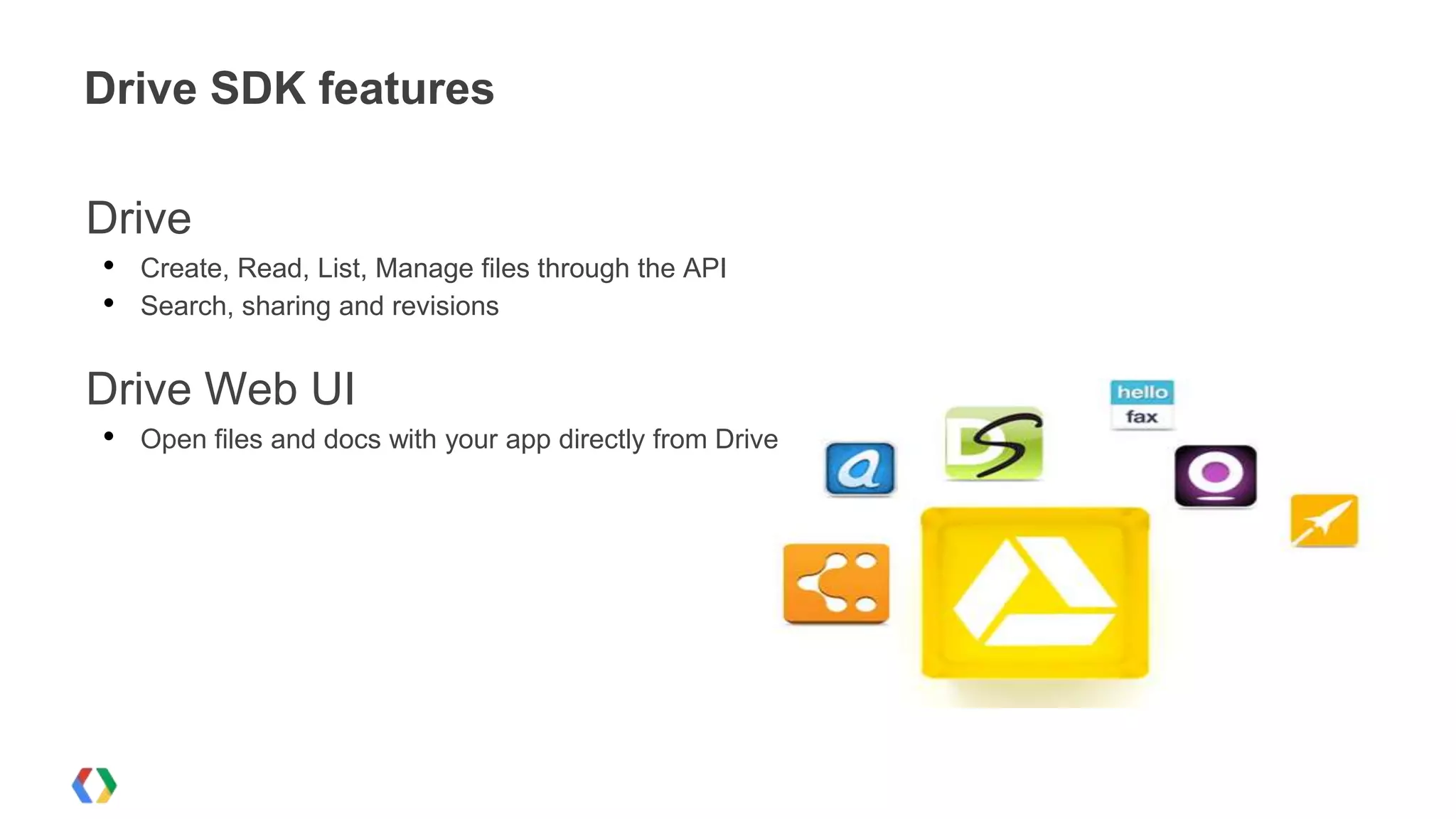
Drive SDK features

Drive
•
•

Create, Read, List, Manage files through the API
Search, sharing and revisions

Drive Web UI
•

Open files and docs with your app directly from Drive
Integrating with Google Drive
Getting Started
Steps for integrating your app w/ Drive

Prerequisites:
• Create a project in the Google APIs Console
• Enable the Drive API
• Create OAuth 2.0 credentials

Integration steps:
• Auth with OAuth 2.0 [& OpenID Connect]
• Write code for opening / saving / managing files
OAuth 2.0
Introduction
A cool tool...

OAuth 2.0 Playground
Integrating with Google Drive
Handling Authorization for Web apps
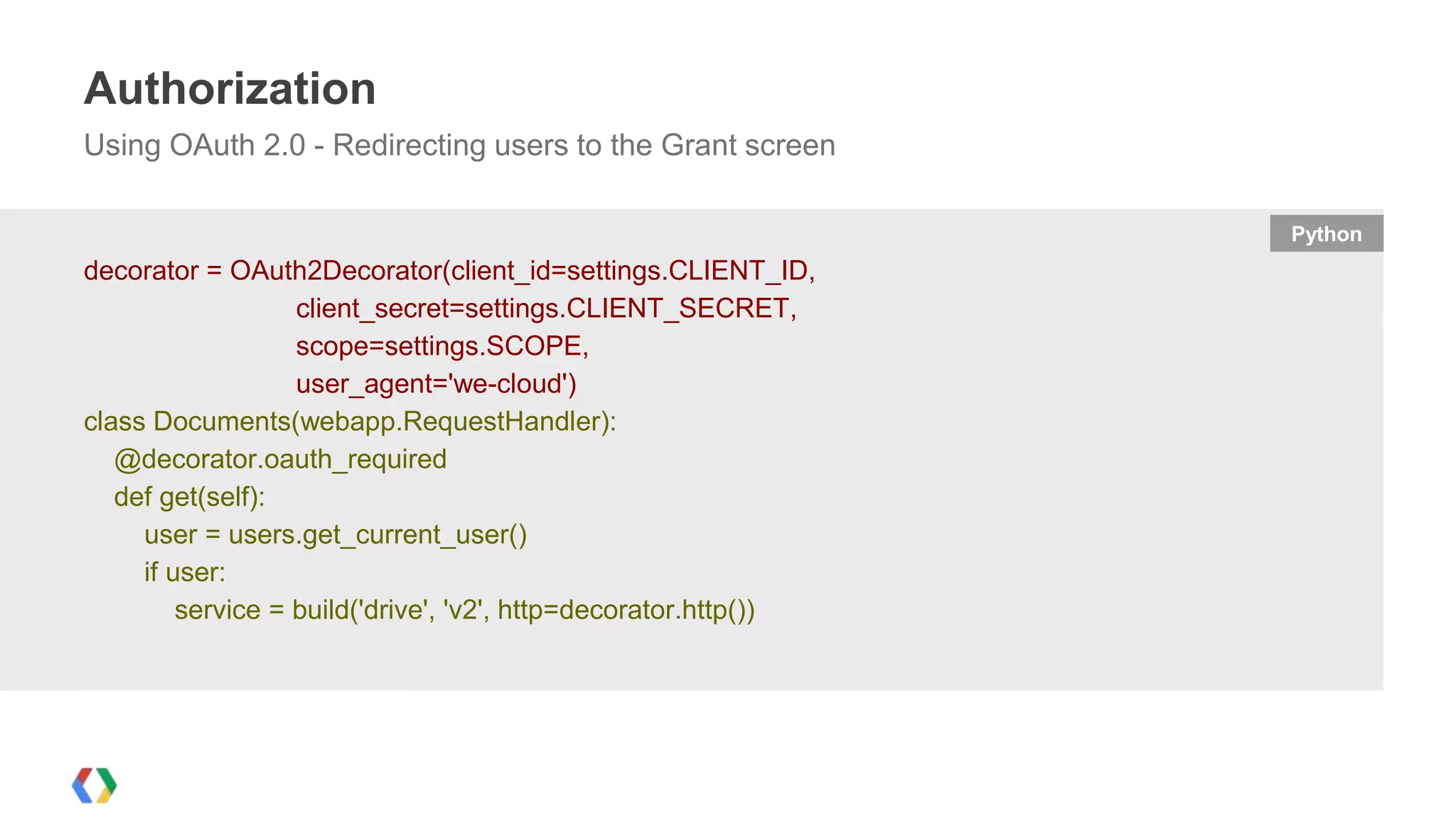
Authorization
Using OAuth 2.0 - Redirecting users to the Grant screen
Python

decorator = OAuth2Decorator(client_id=settings.CLIENT_ID,
client_secret=settings.CLIENT_SECRET,
scope=settings.SCOPE,
user_agent='we-cloud')
class Documents(webapp.RequestHandler):
@decorator.oauth_required
def get(self):
user = users.get_current_user()
if user:
service = build('drive', 'v2', http=decorator.http())
Integrating with Google Drive
Interacting with Drive files
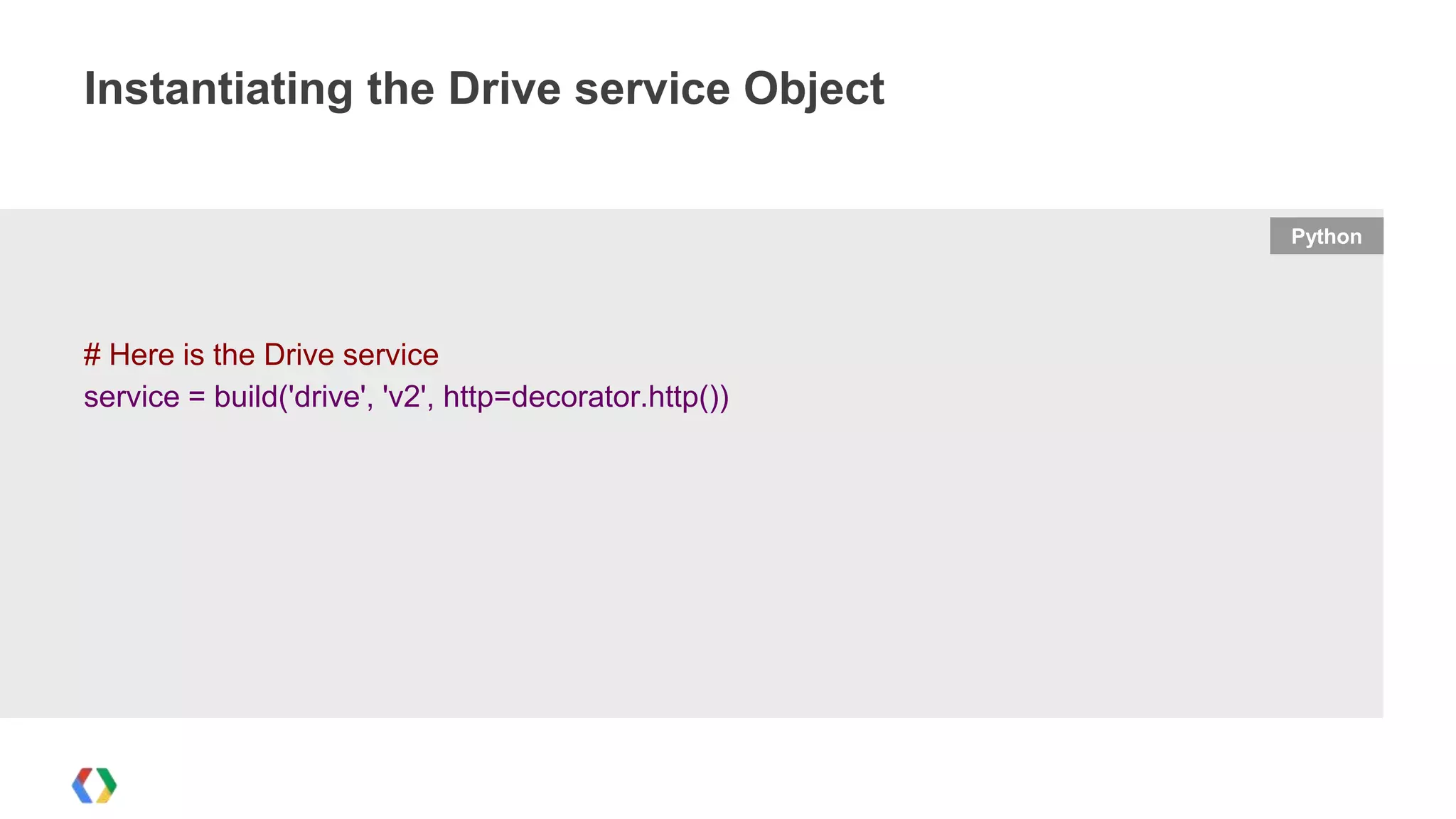
Instantiating the Drive service Object

Python

# Here is the Drive service
service = build('drive', 'v2', http=decorator.http())
Creating Folders

Python

folder = {
'title': self.request.get('project[name]'),
'mimeType': 'application/vnd.google-apps.folder'
}
created_folder = service.files().insert(body=folder).execute()
projectcollectionid = created_folder['id']
Creating Files

Python

mimetype = 'application/vnd.google-apps.' + self.request.get('doc[type]')
document = {
'title': self.request.get('doc[name]'),
'mimeType': mimetype
}
if projectcollectionid:
document['parents'] = [{'id': projectcollectionid}]
created_document = service.files().insert(body=document).execute()
resourceid = created_document['id']
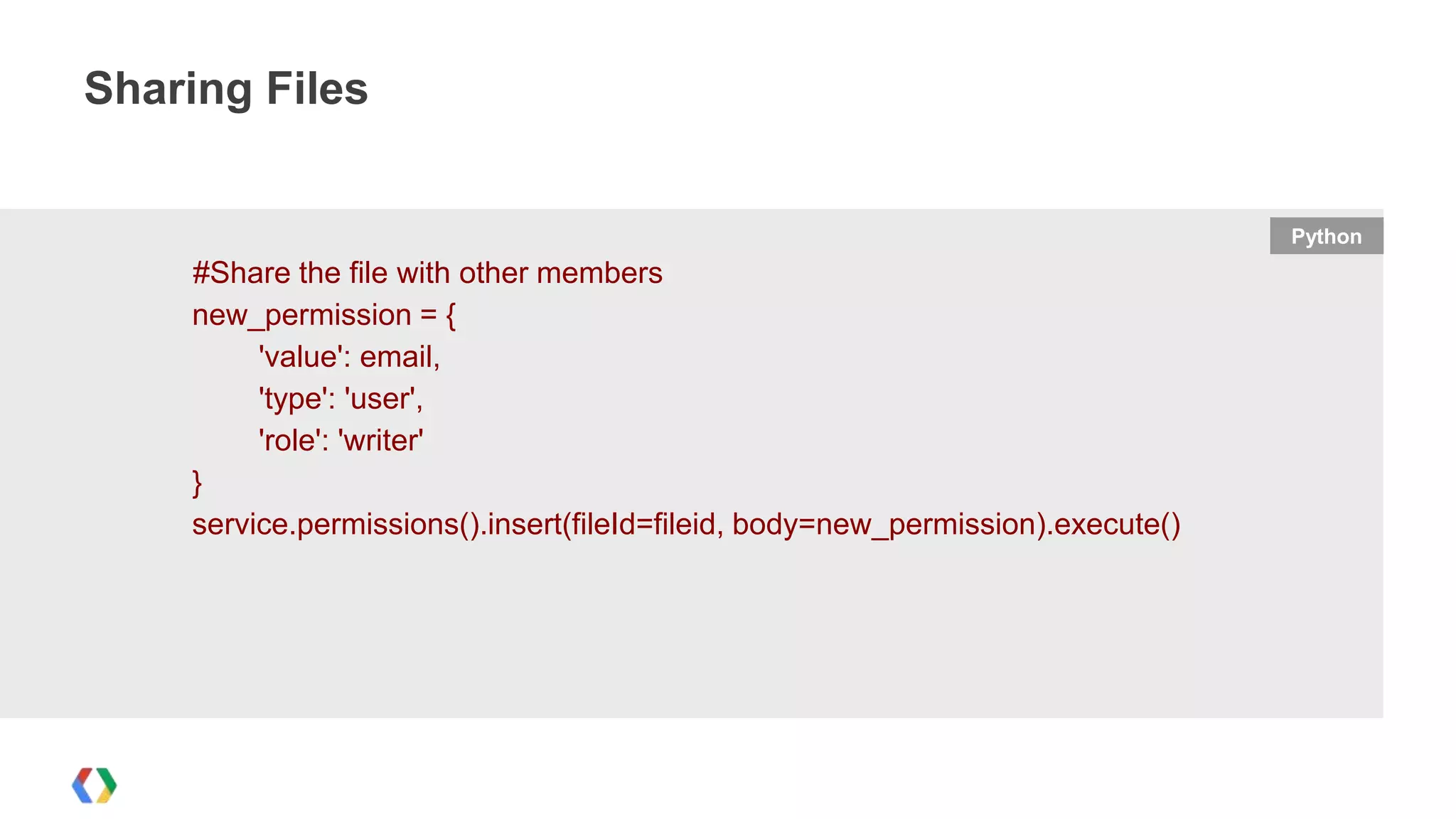
Sharing Files

Python

#Share the file with other members
new_permission = {
'value': email,
'type': 'user',
'role': 'writer'
}
service.permissions().insert(fileId=fileid, body=new_permission).execute()
Searching for files
def retrieve_all_files(service,query):
result = []
page_token = None
param = {}
param['q'] = "fullText contains '"+ query + "'"
param['fields'] = "items(id,parents/id)"
while True:
try:
if page_token:
param['pageToken'] = page_token
files = service.files().list(**param).execute()
result.extend(files['items'])
page_token = files.get('nextPageToken')
if not page_token:
break
except errors.HttpError, error:

Python
Integrating with Google Drive
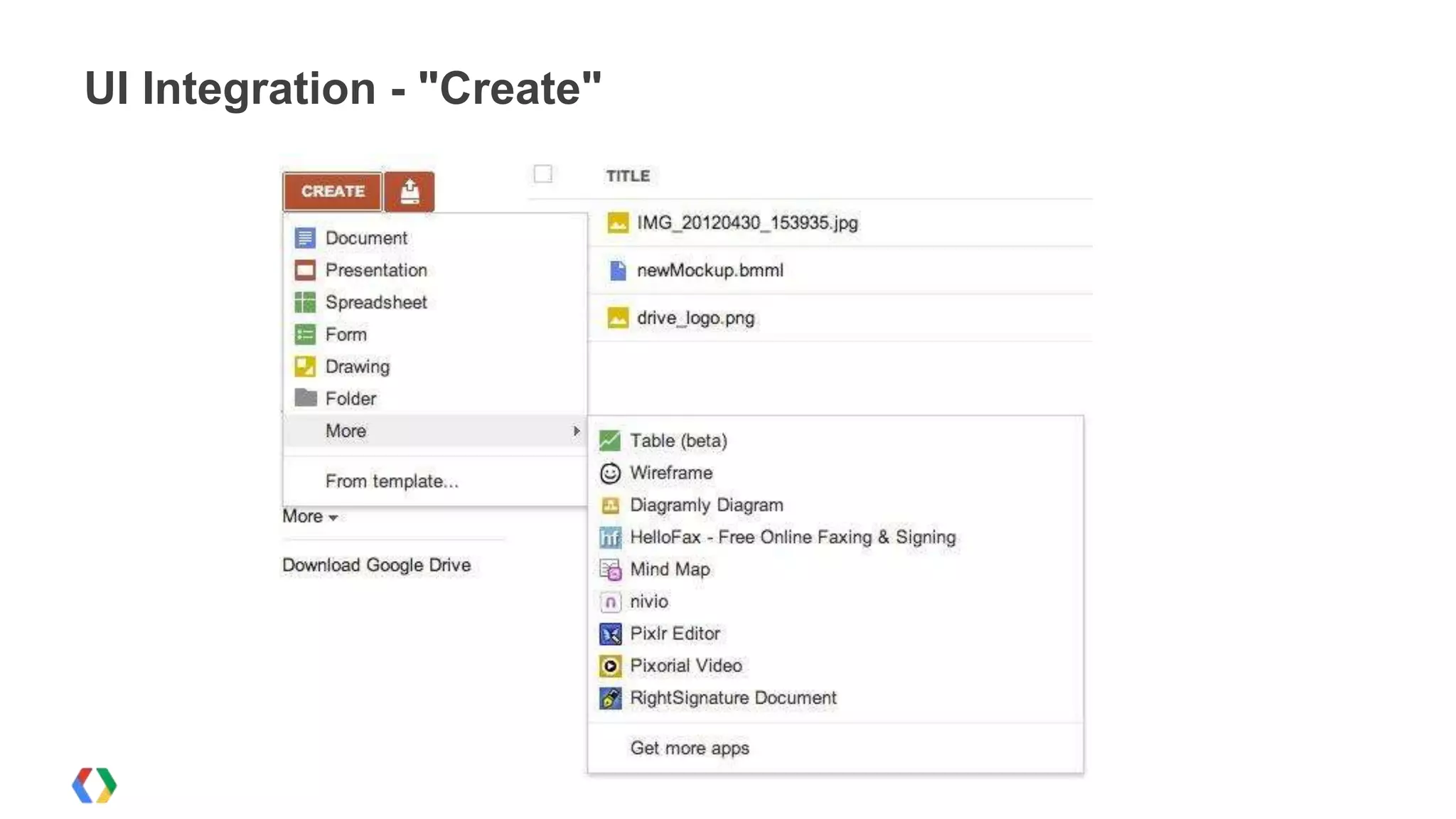
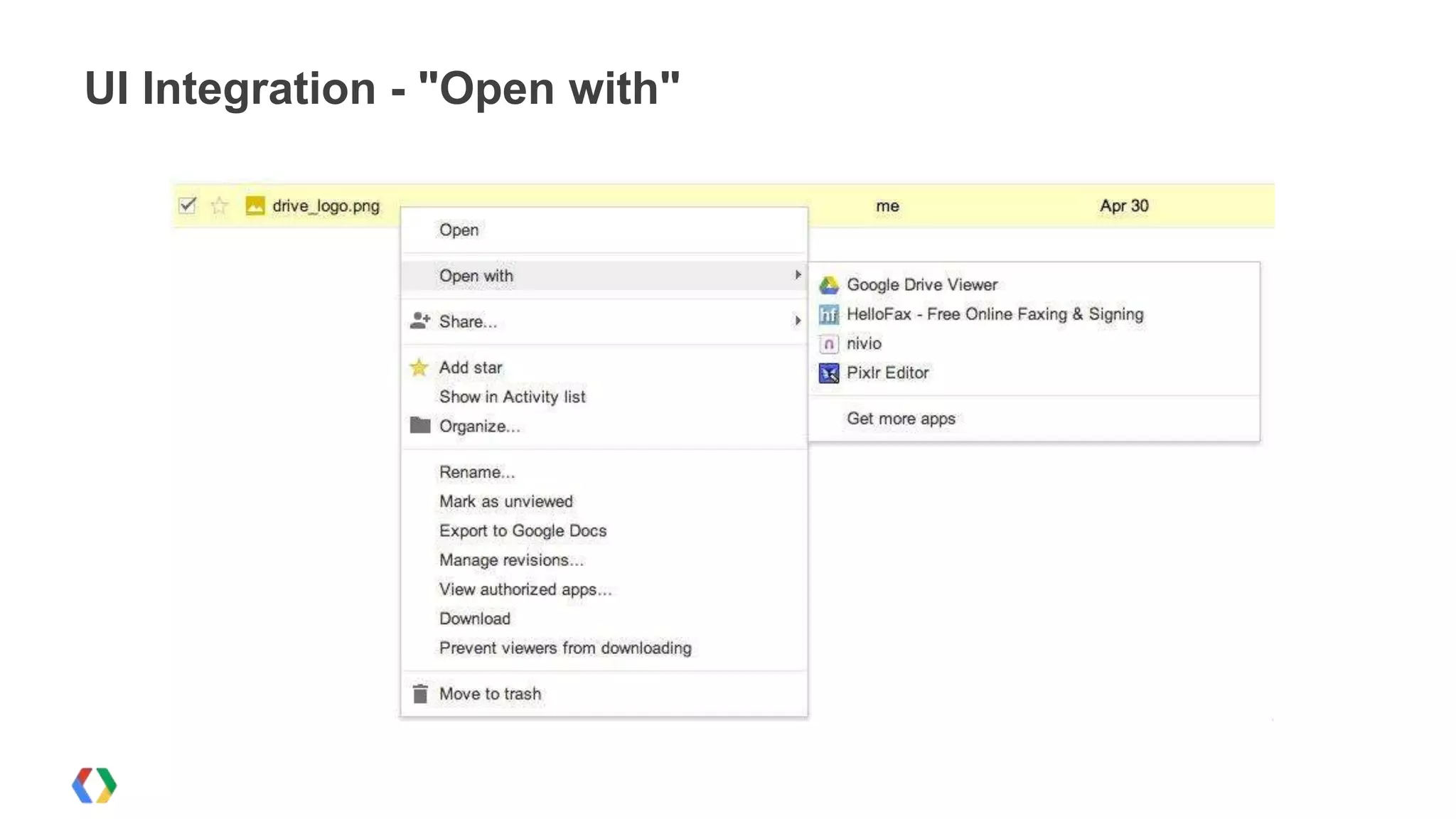
Adding the Drive Web-UI Integration
UI Integration - "Create"
UI Integration - "Open with"
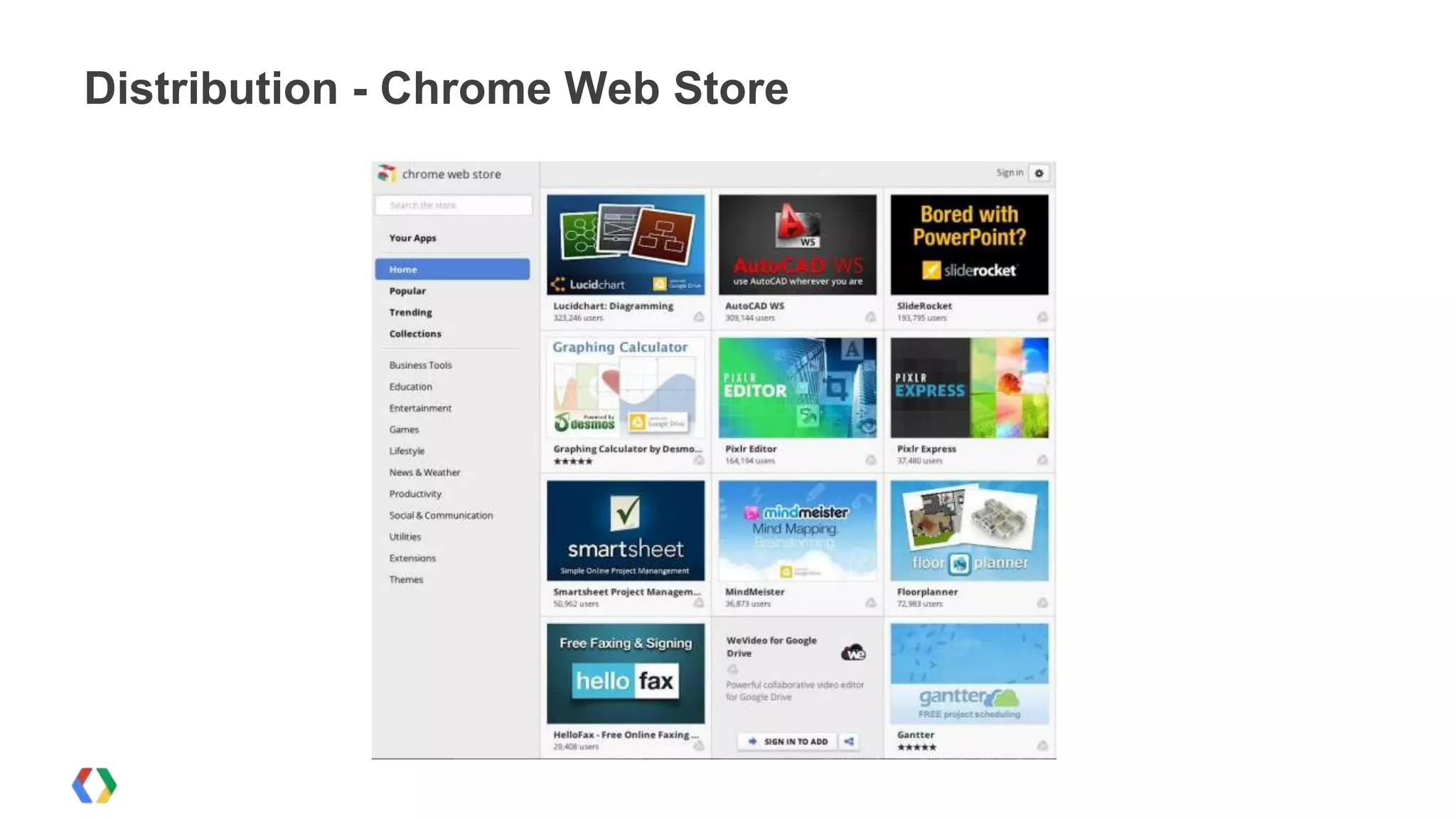
Distribution - Chrome Web Store
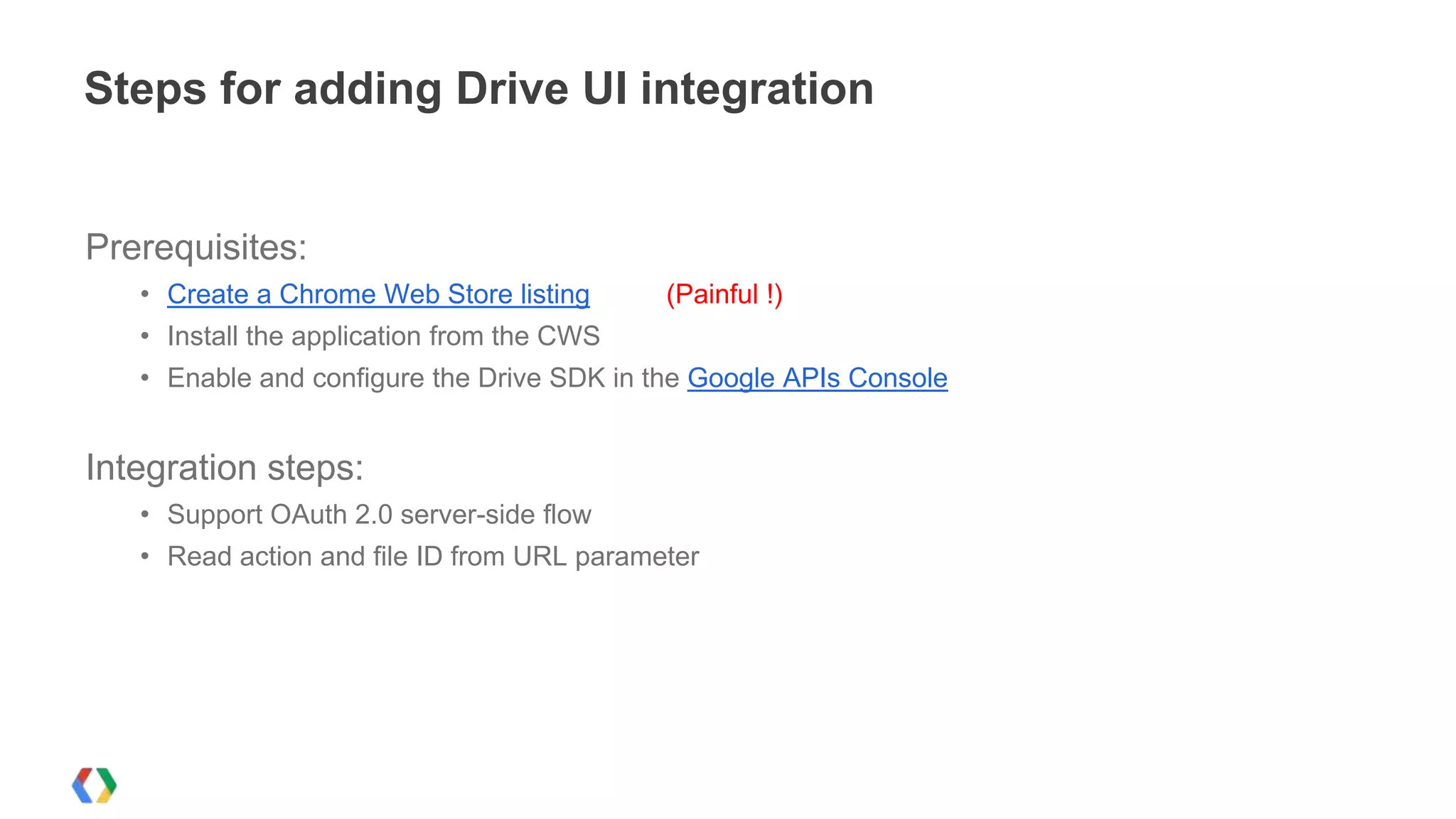
Steps for adding Drive UI integration

Prerequisites:
• Create a Chrome Web Store listing

(Painful !)

• Install the application from the CWS
• Enable and configure the Drive SDK in the Google APIs Console

Integration steps:
• Support OAuth 2.0 server-side flow
• Read action and file ID from URL parameter
Passing context on open & create
What happens when somebody launches your app from Drive?
URL

https://www.yourapp.com/drive?code=<authorization code>&state=<JSON>

JSON

{
"action" : "create",
"parentId" : "0ADK06pfg"

Create actions

"action" : "open",
"ids" : ["0Bz0bd"]

Open actions

}
{

}
Integrating with Google Drive
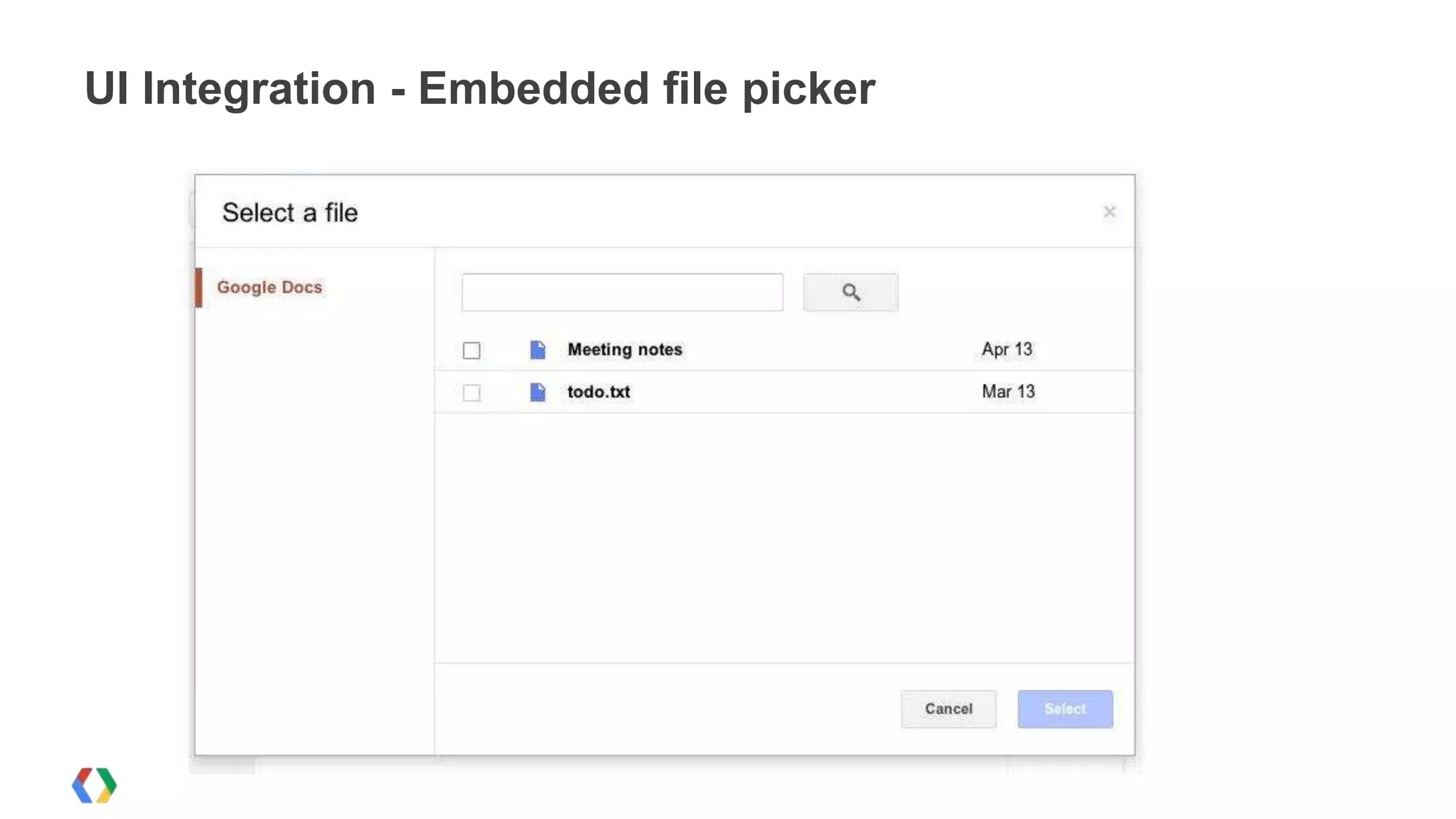
The Google Picker
UI Integration - Embedded file picker
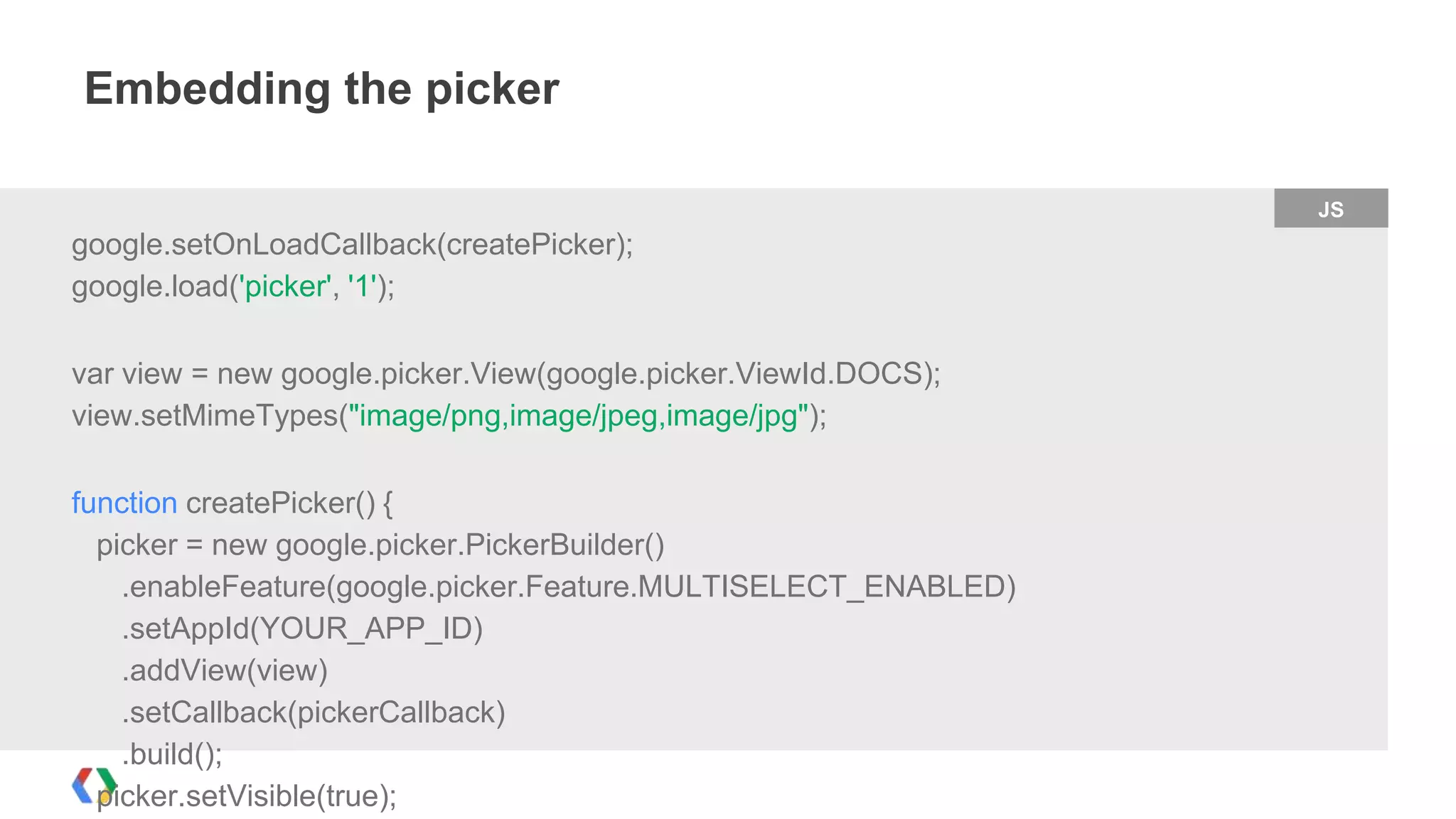
Embedding the picker
JS

google.setOnLoadCallback(createPicker);
google.load('picker', '1');
var view = new google.picker.View(google.picker.ViewId.DOCS);
view.setMimeTypes("image/png,image/jpeg,image/jpg");

function createPicker() {
picker = new google.picker.PickerBuilder()
.enableFeature(google.picker.Feature.MULTISELECT_ENABLED)
.setAppId(YOUR_APP_ID)
.addView(view)
.setCallback(pickerCallback)
.build();
picker.setVisible(true);
Handling picker selections
JS

// A simple callback implementation.
function pickerCallback(data) {
if (data.action == google.picker.Action.PICKED) {
var fileId = data.docs[0].id;
alert('The user selected: ' + fileId);
}
}
Other features
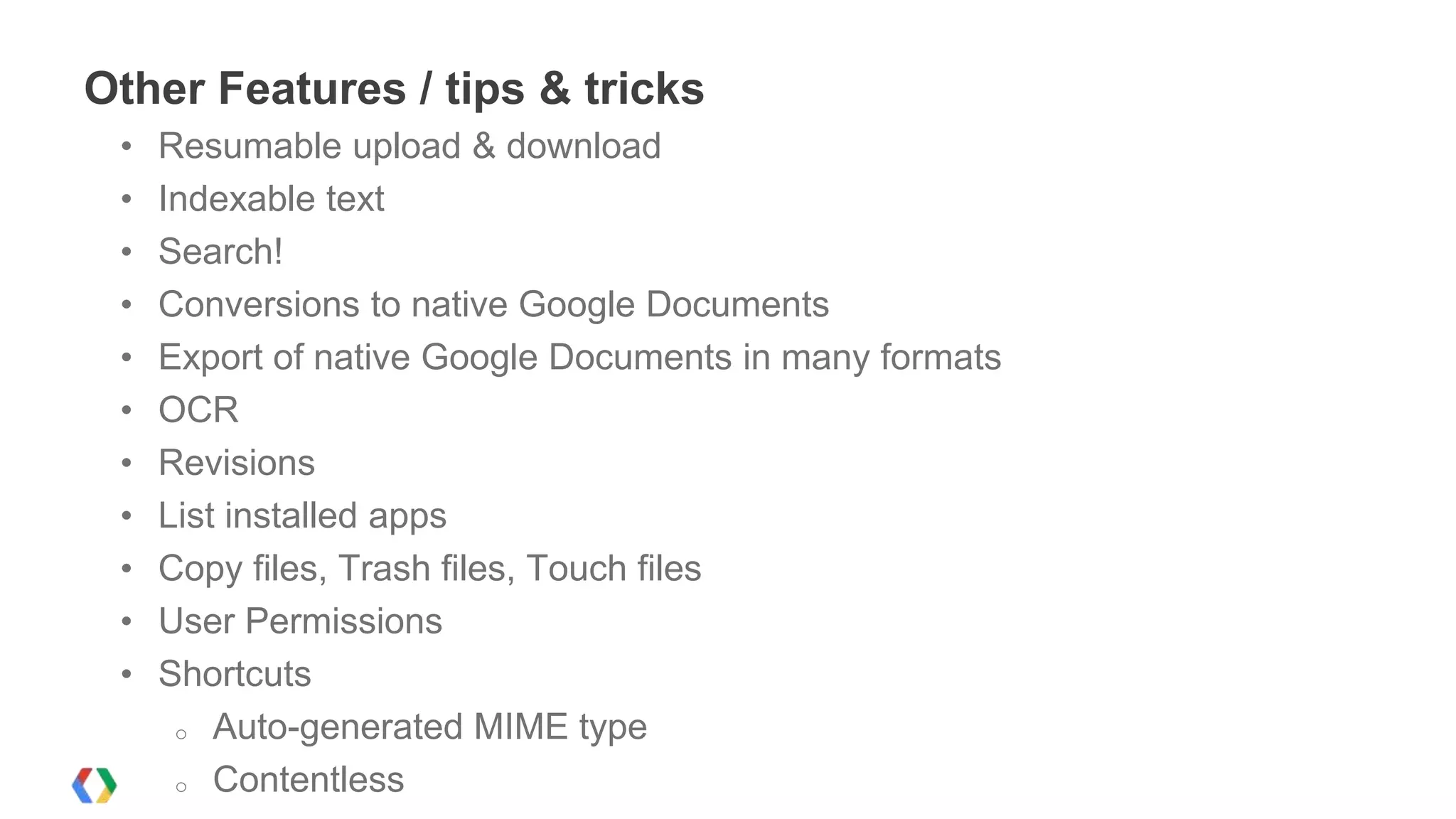
Other Features / tips & tricks
•
•
•
•
•
•
•
•
•
•
•

Resumable upload & download
Indexable text
Search!
Conversions to native Google Documents
Export of native Google Documents in many formats
OCR
Revisions
List installed apps
Copy files, Trash files, Touch files
User Permissions
Shortcuts
o Auto-generated MIME type
o Contentless
<Thank You!>
http://developers.google.com/drive

h.lagrid@gmail.com
Google Drive & Google Drive SDK

Google Drive & Google Drive SDK

  • 2.
    Google Drive andthe Google Drive SDK Building Drive apps Abdelhalim Lagrid Google Developer Group, Algiers 1
  • 3.
    Introduction : One ofCloud google’s products : lunched in 2012 ..known by Google Drive API .
  • 4.
    What is GoogleDrive? Yea, some marketing :) 2222
  • 5.
    Access Anywhere Google Driveis everywhere you are -- on the web, in your home, at the office, and on the go. So wherever you are, your stuff is just...there. Ready to go, ready to share. Install it on: PC, Mac, Android, iOS
  • 6.
    Store your filesin a safe place Things happen. Your phone goes for a swim. Your laptop takes an infinite snooze. No matter what happens to your devices, your files are safely stored in Google Drive.
  • 7.
    Powerful search Google Drivecan search keywords in your files -- even the text in pictures -- to help you quickly find what you're looking for.
  • 8.
    View anything When acoworker shares a file with you, you may not have the supported software on your computer. With Google Drive you can open and view over 35 file types directly in the browser.
  • 9.
    Access to aworld of apps! Google Drive works with the apps that make you more efficient. Choose from a growing set of productivity applications, integrated right into your Drive.
  • 10.
    Google Drive SDK Whyintegrate with Google Drive?
  • 11.
    Drive SDK opportunity ++ ExtensiveReach Put your app in front of millions of users with billions of files Effortless Integration Get the best of Google Drive's sharing capabilities, storage capacity and user identity management so you can focus on your app
  • 12.
    Drive SDK features Drive • • Create,Read, List, Manage files through the API Search, sharing and revisions Drive Web UI • Open files and docs with your app directly from Drive
  • 13.
    Integrating with GoogleDrive Getting Started
  • 14.
    Steps for integratingyour app w/ Drive Prerequisites: • Create a project in the Google APIs Console • Enable the Drive API • Create OAuth 2.0 credentials Integration steps: • Auth with OAuth 2.0 [& OpenID Connect] • Write code for opening / saving / managing files
  • 15.
  • 16.
    A cool tool... OAuth2.0 Playground
  • 17.
    Integrating with GoogleDrive Handling Authorization for Web apps
  • 18.
    Authorization Using OAuth 2.0- Redirecting users to the Grant screen Python decorator = OAuth2Decorator(client_id=settings.CLIENT_ID, client_secret=settings.CLIENT_SECRET, scope=settings.SCOPE, user_agent='we-cloud') class Documents(webapp.RequestHandler): @decorator.oauth_required def get(self): user = users.get_current_user() if user: service = build('drive', 'v2', http=decorator.http())
  • 19.
    Integrating with GoogleDrive Interacting with Drive files
  • 20.
    Instantiating the Driveservice Object Python # Here is the Drive service service = build('drive', 'v2', http=decorator.http())
  • 21.
    Creating Folders Python folder ={ 'title': self.request.get('project[name]'), 'mimeType': 'application/vnd.google-apps.folder' } created_folder = service.files().insert(body=folder).execute() projectcollectionid = created_folder['id']
  • 22.
    Creating Files Python mimetype ='application/vnd.google-apps.' + self.request.get('doc[type]') document = { 'title': self.request.get('doc[name]'), 'mimeType': mimetype } if projectcollectionid: document['parents'] = [{'id': projectcollectionid}] created_document = service.files().insert(body=document).execute() resourceid = created_document['id']
  • 23.
    Sharing Files Python #Share thefile with other members new_permission = { 'value': email, 'type': 'user', 'role': 'writer' } service.permissions().insert(fileId=fileid, body=new_permission).execute()
  • 24.
    Searching for files defretrieve_all_files(service,query): result = [] page_token = None param = {} param['q'] = "fullText contains '"+ query + "'" param['fields'] = "items(id,parents/id)" while True: try: if page_token: param['pageToken'] = page_token files = service.files().list(**param).execute() result.extend(files['items']) page_token = files.get('nextPageToken') if not page_token: break except errors.HttpError, error: Python
  • 25.
    Integrating with GoogleDrive Adding the Drive Web-UI Integration
  • 26.
  • 27.
    UI Integration -"Open with"
  • 28.
  • 29.
    Steps for addingDrive UI integration Prerequisites: • Create a Chrome Web Store listing (Painful !) • Install the application from the CWS • Enable and configure the Drive SDK in the Google APIs Console Integration steps: • Support OAuth 2.0 server-side flow • Read action and file ID from URL parameter
  • 30.
    Passing context onopen & create What happens when somebody launches your app from Drive? URL https://www.yourapp.com/drive?code=<authorization code>&state=<JSON> JSON { "action" : "create", "parentId" : "0ADK06pfg" Create actions "action" : "open", "ids" : ["0Bz0bd"] Open actions } { }
  • 31.
    Integrating with GoogleDrive The Google Picker
  • 32.
    UI Integration -Embedded file picker
  • 33.
    Embedding the picker JS google.setOnLoadCallback(createPicker); google.load('picker','1'); var view = new google.picker.View(google.picker.ViewId.DOCS); view.setMimeTypes("image/png,image/jpeg,image/jpg"); function createPicker() { picker = new google.picker.PickerBuilder() .enableFeature(google.picker.Feature.MULTISELECT_ENABLED) .setAppId(YOUR_APP_ID) .addView(view) .setCallback(pickerCallback) .build(); picker.setVisible(true);
  • 34.
    Handling picker selections JS //A simple callback implementation. function pickerCallback(data) { if (data.action == google.picker.Action.PICKED) { var fileId = data.docs[0].id; alert('The user selected: ' + fileId); } }
  • 35.
  • 36.
    Other Features /tips & tricks • • • • • • • • • • • Resumable upload & download Indexable text Search! Conversions to native Google Documents Export of native Google Documents in many formats OCR Revisions List installed apps Copy files, Trash files, Touch files User Permissions Shortcuts o Auto-generated MIME type o Contentless
  • 37.