Git 101
FreeFriday @ Teipir
Real quick...
Free Fridays
Discuss about technology and stuff
Learn new things and stay up-to-date
Get better at what we do
Enrich our education
Dimitris Tsironis
Front-end Engineer at BugSense,
JavaScript lover || hater,
Open-source & (Coffee)Script addict,
Technology afficcionado
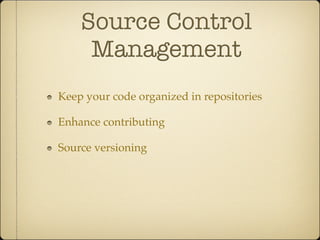
Source Control
Management
Keep your code organized in repositories
Enhance contributing
Source versioning
Git
Distributed Version Control System (DVCS)
Git
Created by Linus
Torvalds [2005]
Written (mostly) in C and
Shell
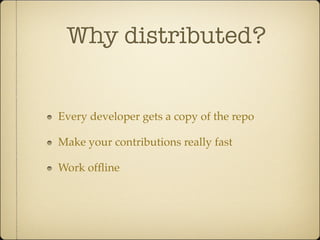
Why distributed?
Every developer gets a copy of the repo
Make your contributions really fast
Work offline
Git installation
sudo apt-get install git [Ubuntu]
brew install git [OSX]
http://bit.ly/14Gqzyp [Windows]
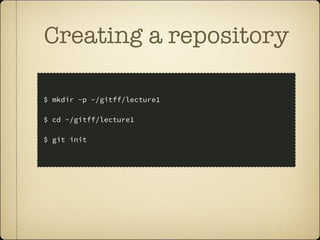
Creating a repository
$ mkdir -p ~/gitff/lecture1
$ cd ~/gitff/lecture1
$ git init
Now your folder is
a git repository
Start coding!
or whatever
Write some code
Create a text file (touch readme.txt)
Add your name inside the file
Cool story bro!
but how can I update my
repo?
Commit
A set of changes
The staging area
All the modified/added/deleted files that are
going to be commited
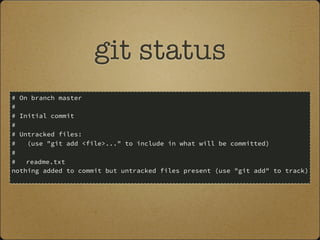
git status
# On branch master
#
# Initial commit
#
# Untracked files:
# (use "git add <file>..." to include in what will be committed)
#
# readme.txt
nothing added to commit but untracked files present (use "git add" to track)
Add readme to stage
git add readme.txt
This command adds readme.txt (or changes in
readme.txt) to staging area
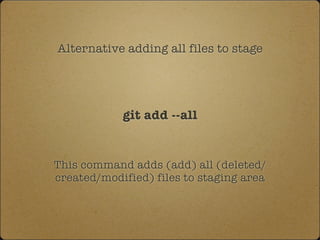
Alternative adding all files to stage
git add --all
This command adds (add) all (deleted/
created/modified) files to staging area
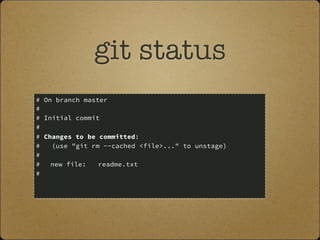
git status
# On branch master
#
# Initial commit
#
# Changes to be committed:
# (use "git rm --cached <file>..." to unstage)
#
# new file: readme.txt
#
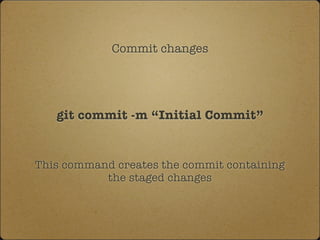
Commit changes
git commit -m “Initial Commit”
This command creates the commit containing
the staged changes
Now add your email
to readme.txt
How can I get my code to
the web?
Github (Hosted)
Bitbucket (Hosted)
GitLab (Private)
And may others
Github
a web-based hosting service
for software development
projects that use Git
Written in Ruby on Rails
and Erlang
Running since 2008
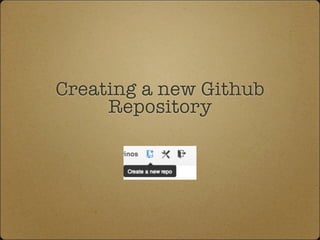
Creating a new Github
Repository
The remote
(origin)
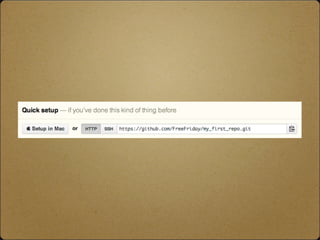
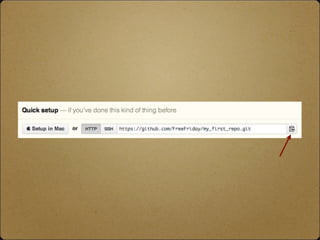
The git path to remote repository (usually
called origin)
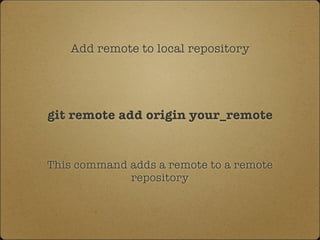
Add remote to local repository
git remote add origin your_remote
This command adds a remote to a remote
repository
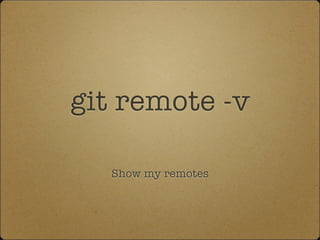
git remote -v
Show my remotes
Push
pushing commits to remote repository
Push changes to remote repository
git push origin master
We will only use master branch for the time
being
Pull
pulling commits from remote repository
Pull changes from remote repository
git pull origin master
We will only use master branch for the time
being
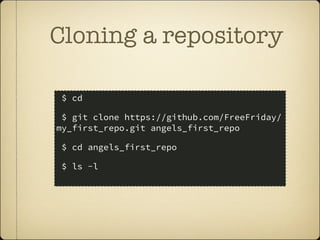
Clone
Get a copy of a repository
Cloning a repository
$ cd
$ git clone https://github.com/FreeFriday/
my_first_repo.git angels_first_repo
$ cd angels_first_repo
$ ls -l
Thanks!
@tsironakos

Git 101