Giới thiệu về YII
Framework 1
Nguyễn Như Tuấn – Web developer
Contact: tuanquynh0508@gmail.com – +84 0903258221
Nội dung
1. Cài đặt Yii
2. Sử dụng Gii tạo Model, CRUD, Controller, Action, View
3. Routter
4. Active Record, Query Database, Validate, Form
5. Tạo và sử dụng Layout
6. Custom Login
7. Tạo và sử dụng Module, Partial, Custom Widget, Custom Validate
8. Khai báo Custom Component
9. Internationalization – i18n
10. Override base core
11. Sử dụng Script Packet
12. Tài liệu tham khảo
1. Cài đặt Yii
 Vào web site:
http://www.yiiframework.com/download/
 Download yii-1.1.15.022a51.tar.gz hoặc bản zip file
 Giải nén và đổi tên vào thư mục webroot (ví dụ
D:wwwyii1)
 Tạo thư mục D:wwwyii1 để chứa các app
1. Cài đặt Yii…tiếp
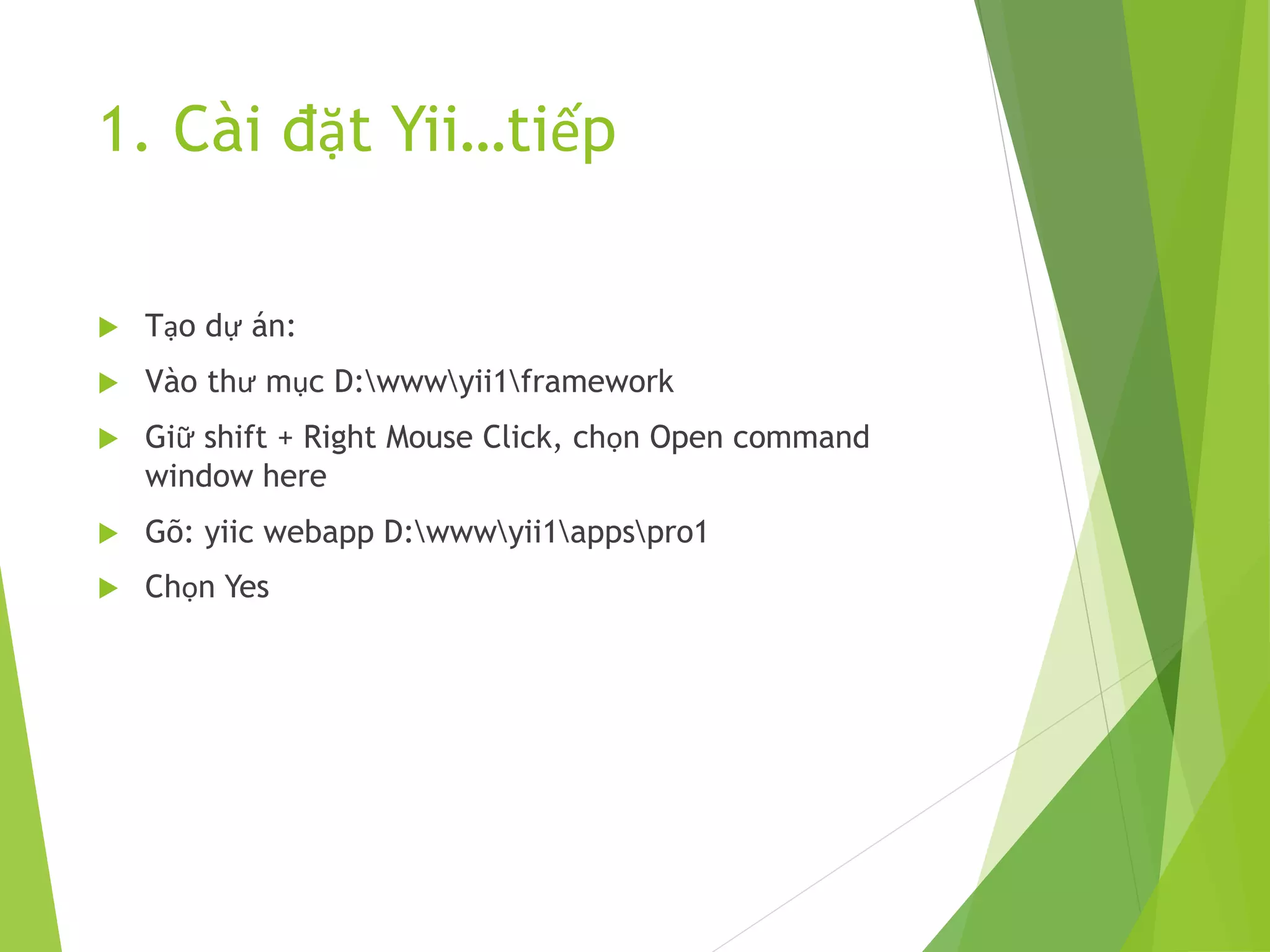
 Tạo dự án:
 Vào thư mục D:wwwyii1framework
 Giữ shift + Right Mouse Click, chọn Open command
window here
 Gõ: yiic webapp D:wwwyii1appspro1
 Chọn Yes
1. Cài đặt Yii…tiếp
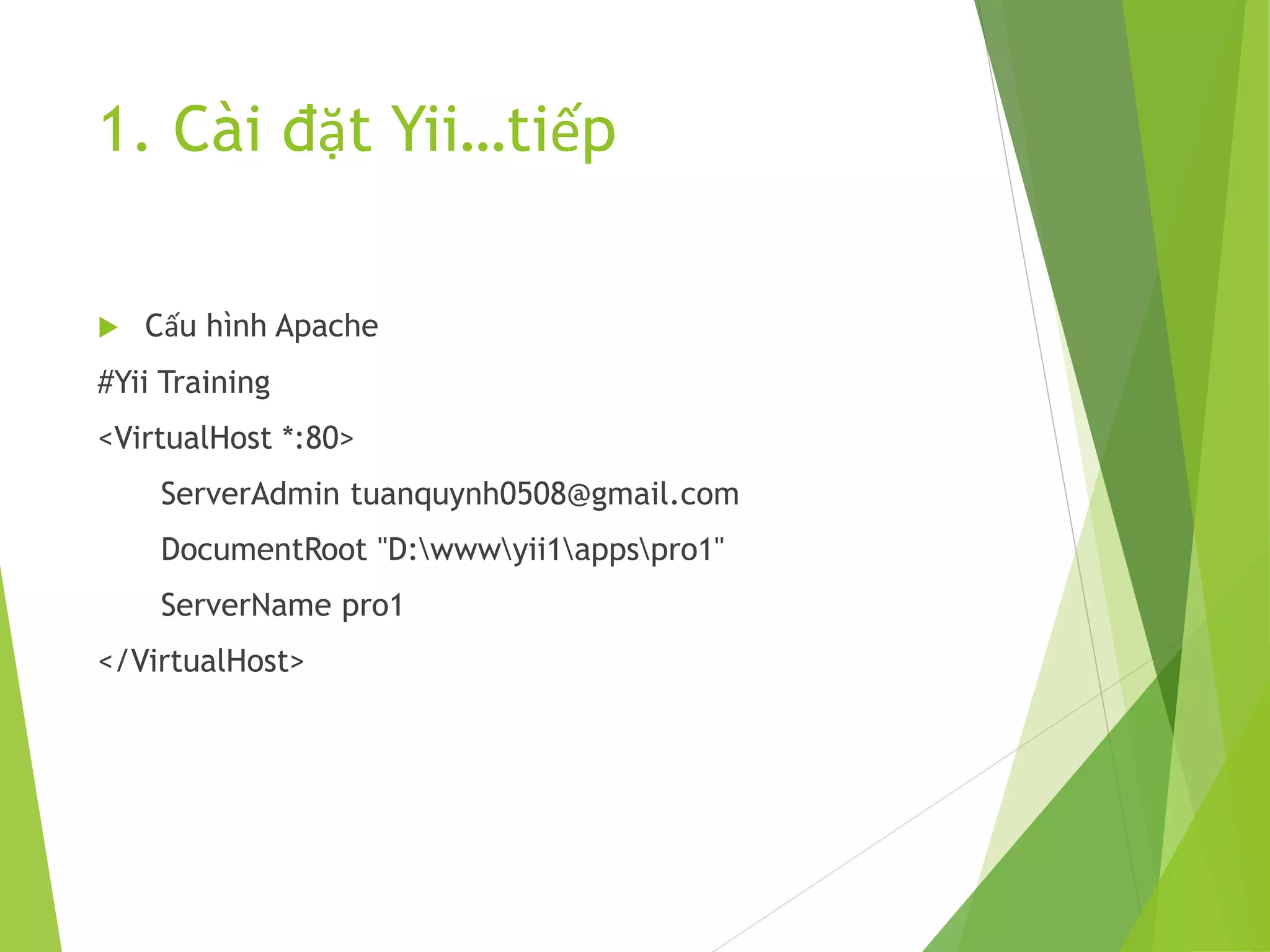
 Cấu hình Apache
#Yii Training
<VirtualHost *:80>
ServerAdmin tuanquynh0508@gmail.com
DocumentRoot "D:wwwyii1appspro1"
ServerName pro1
</VirtualHost>
2. Sử dụng Gii tạo Model, CRUD,
Controller, Action, View
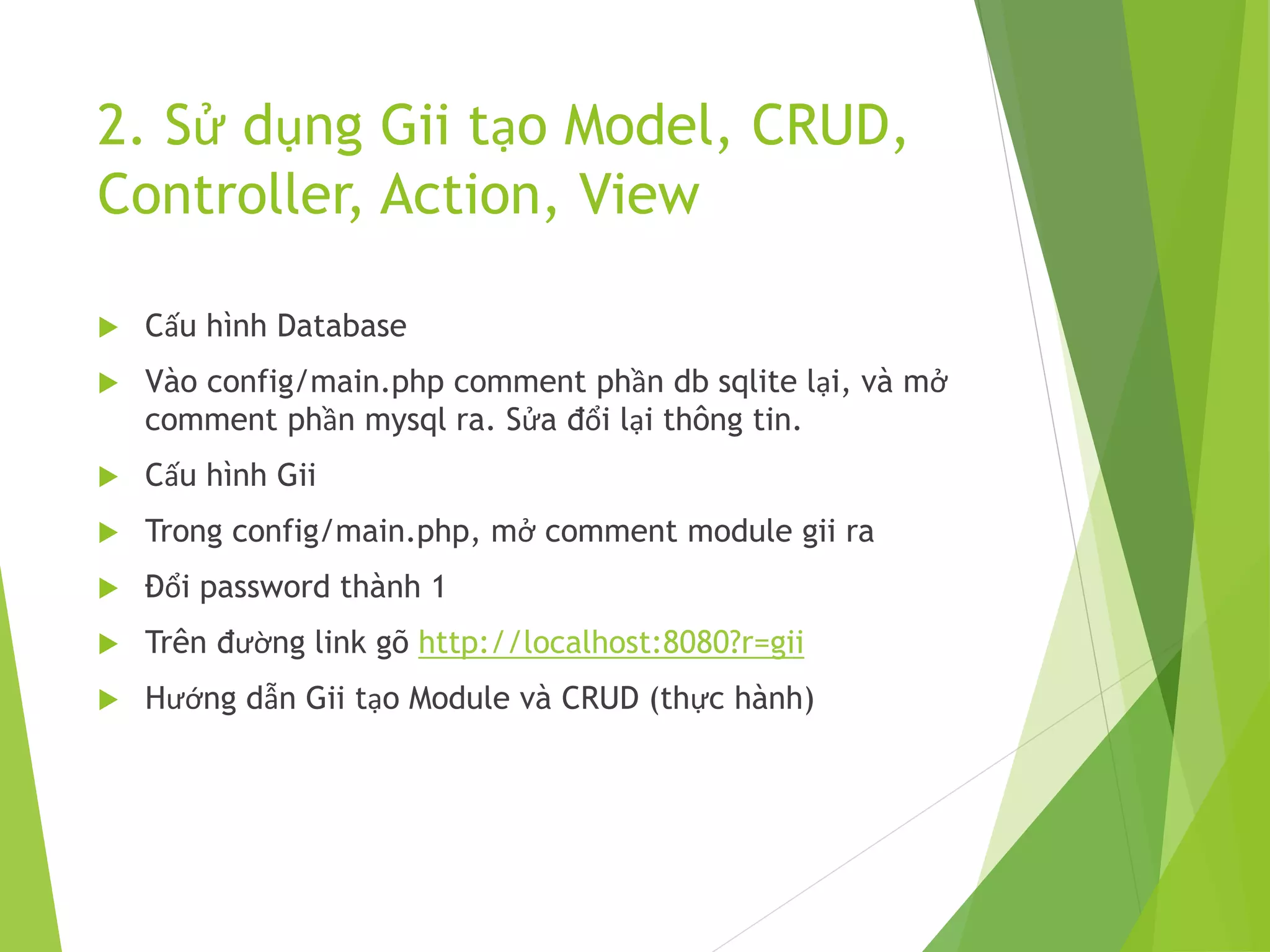
 Cấu hình Database
 Vào config/main.php comment phần db sqlite lại, và mở
comment phần mysql ra. Sửa đổi lại thông tin.
 Cấu hình Gii
 Trong config/main.php, mở comment module gii ra
 Đổi password thành 1
 Trên đường link gõ http://localhost:8080?r=gii
 Hướng dẫn Gii tạo Module và CRUD (thực hành)
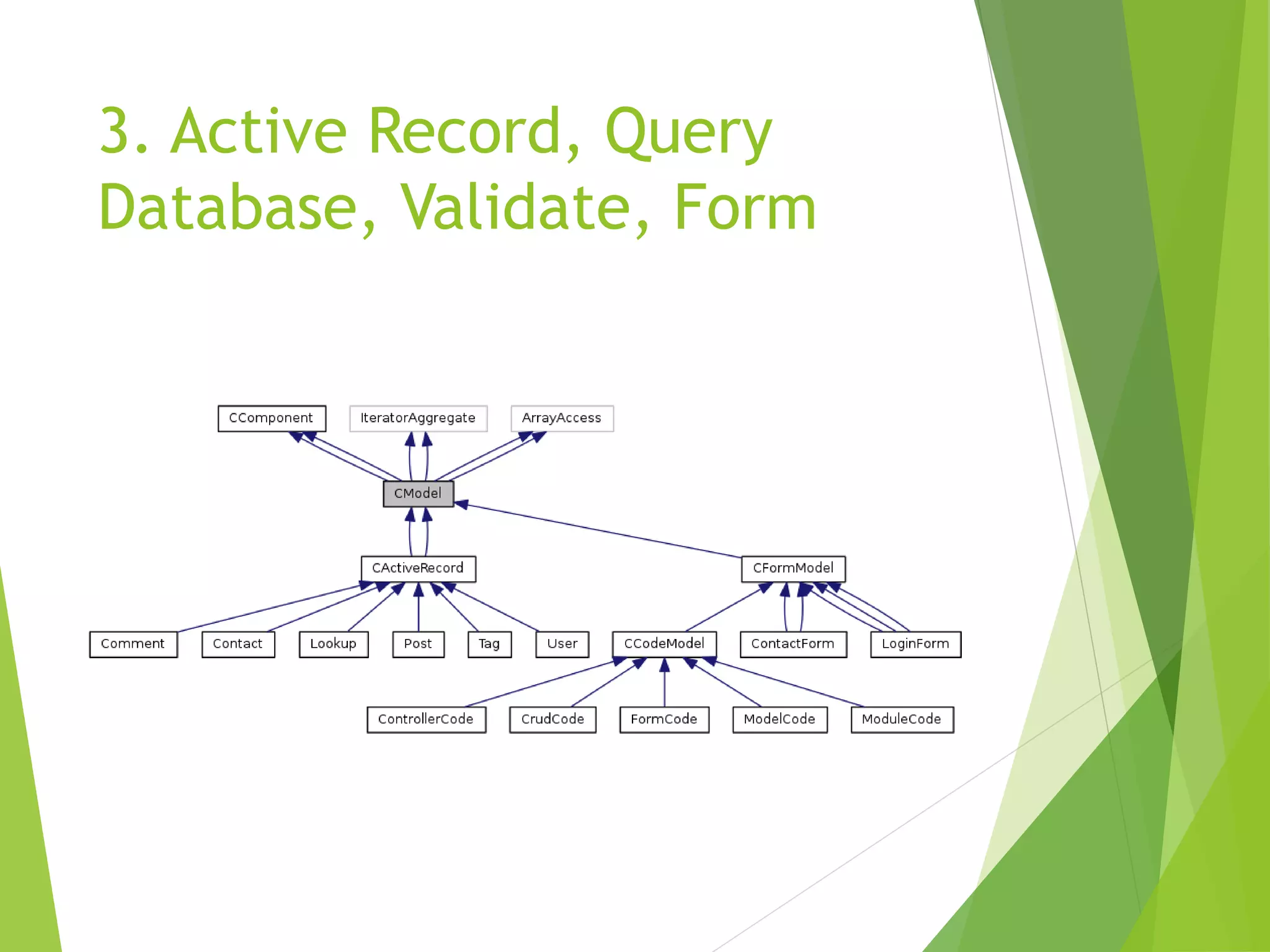
3. Active Record, Query
Database, Validate, Form
Một số hàm quan
trọng:
 afterConstruct()
 afterDelete()
 afterFind()
 afterSave()
 afterValidate()
 beforeDelete()
 beforeFind()
 beforeSave()
 beforeValidate()
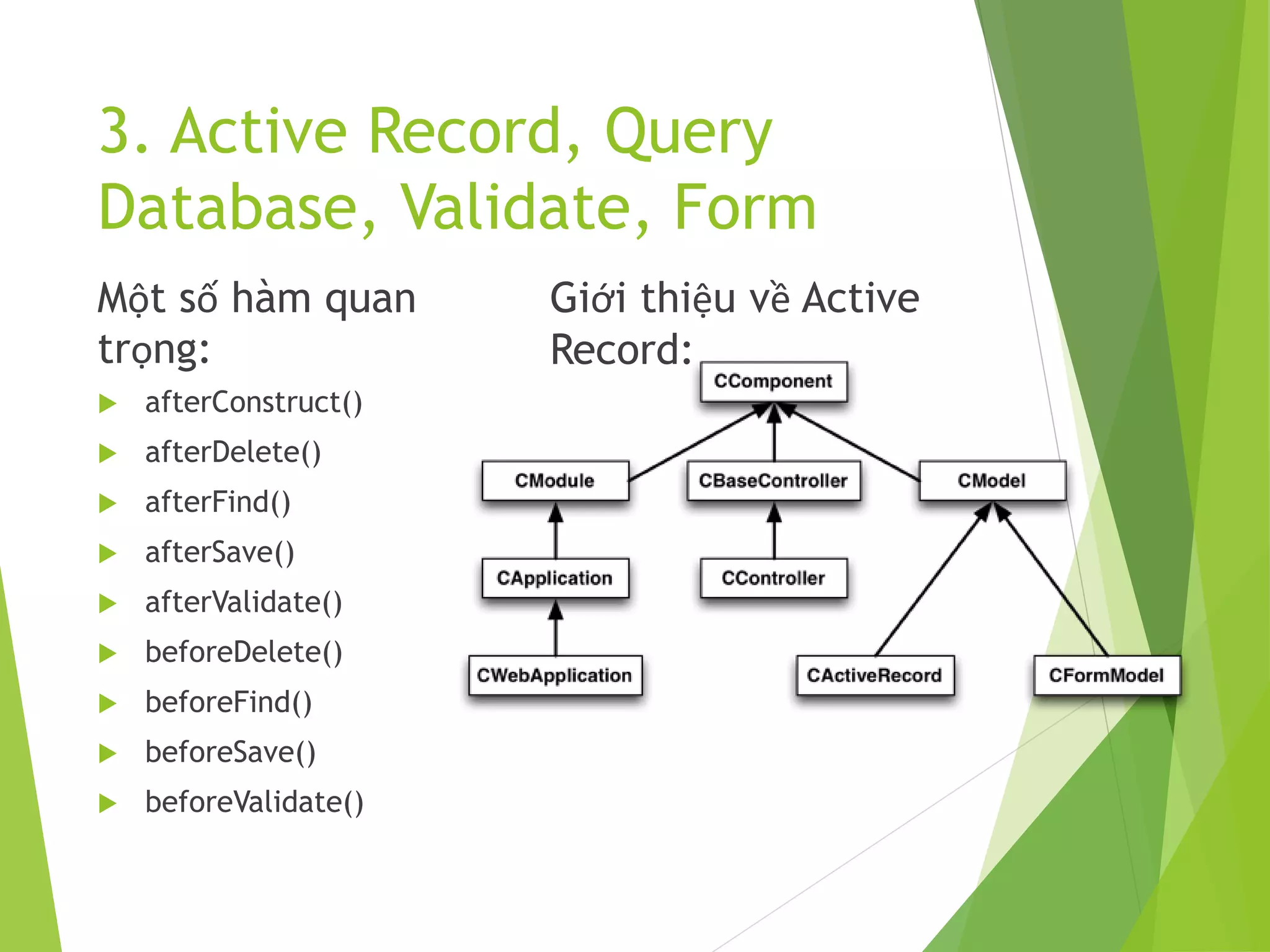
Giới thiệu về Active
Record:
3. Active Record, Query
Database, Validate, Form
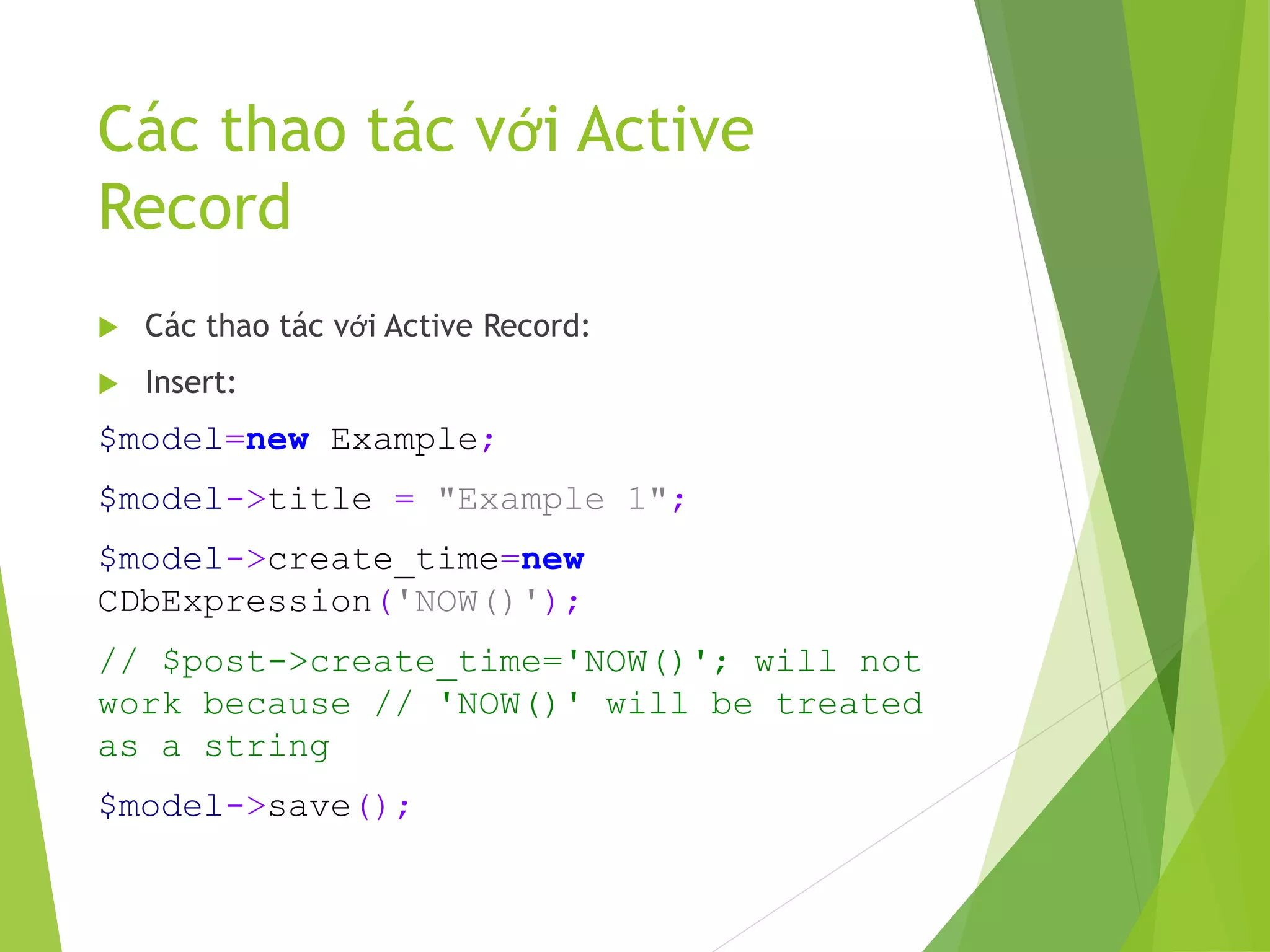
Các thao tác với Active
Record
 Các thao tác với Active Record:
 Insert:
$model=new Example;
$model->title = "Example 1";
$model->create_time=new
CDbExpression('NOW()');
// $post->create_time='NOW()'; will not
work because // 'NOW()' will be treated
as a string
$model->save();
Update Active Record
 Update:
$post=Post::model()->findByPk(10);
$post->title='new post title';
$post->save();
// save the change to database
//From POST
$post->attributes=$_POST['Post'];
$post->save();
Update Active Record
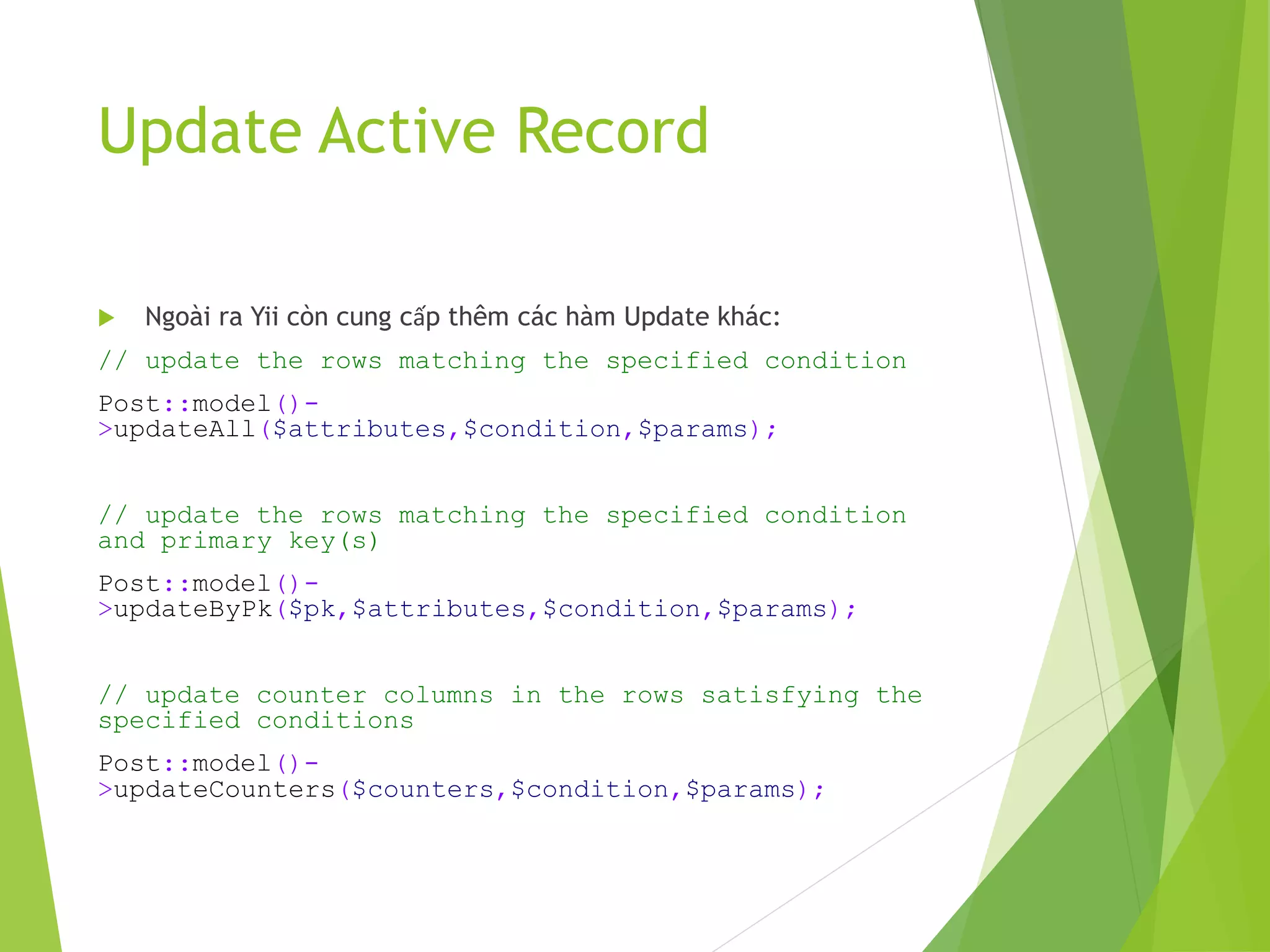
 Ngoài ra Yii còn cung cấp thêm các hàm Update khác:
// update the rows matching the specified condition
Post::model()-
>updateAll($attributes,$condition,$params);
// update the rows matching the specified condition
and primary key(s)
Post::model()-
>updateByPk($pk,$attributes,$condition,$params);
// update counter columns in the rows satisfying the
specified conditions
Post::model()-
>updateCounters($counters,$condition,$params);
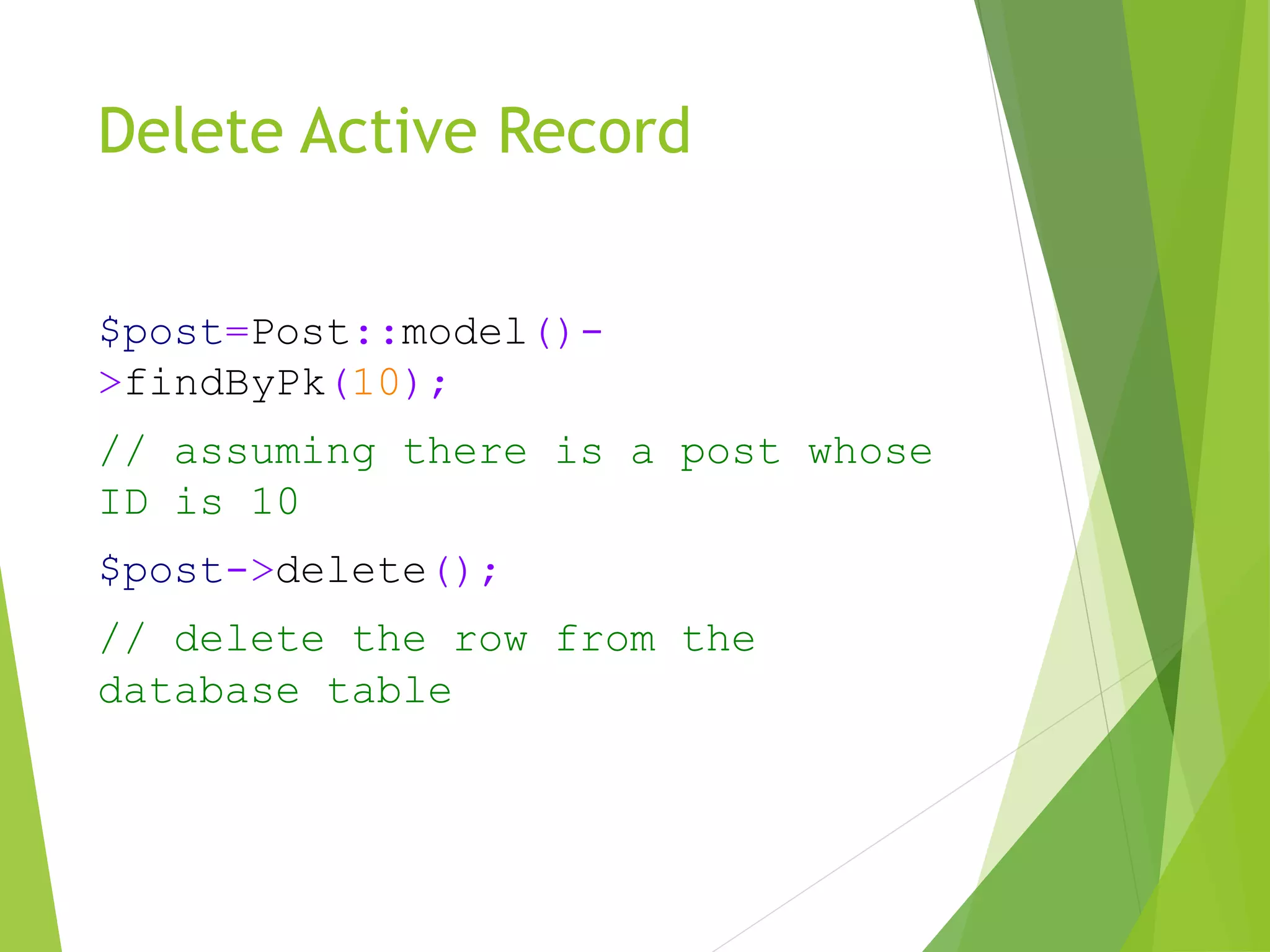
Delete Active Record
$post=Post::model()-
>findByPk(10);
// assuming there is a post whose
ID is 10
$post->delete();
// delete the row from the
database table
Delete Active Record
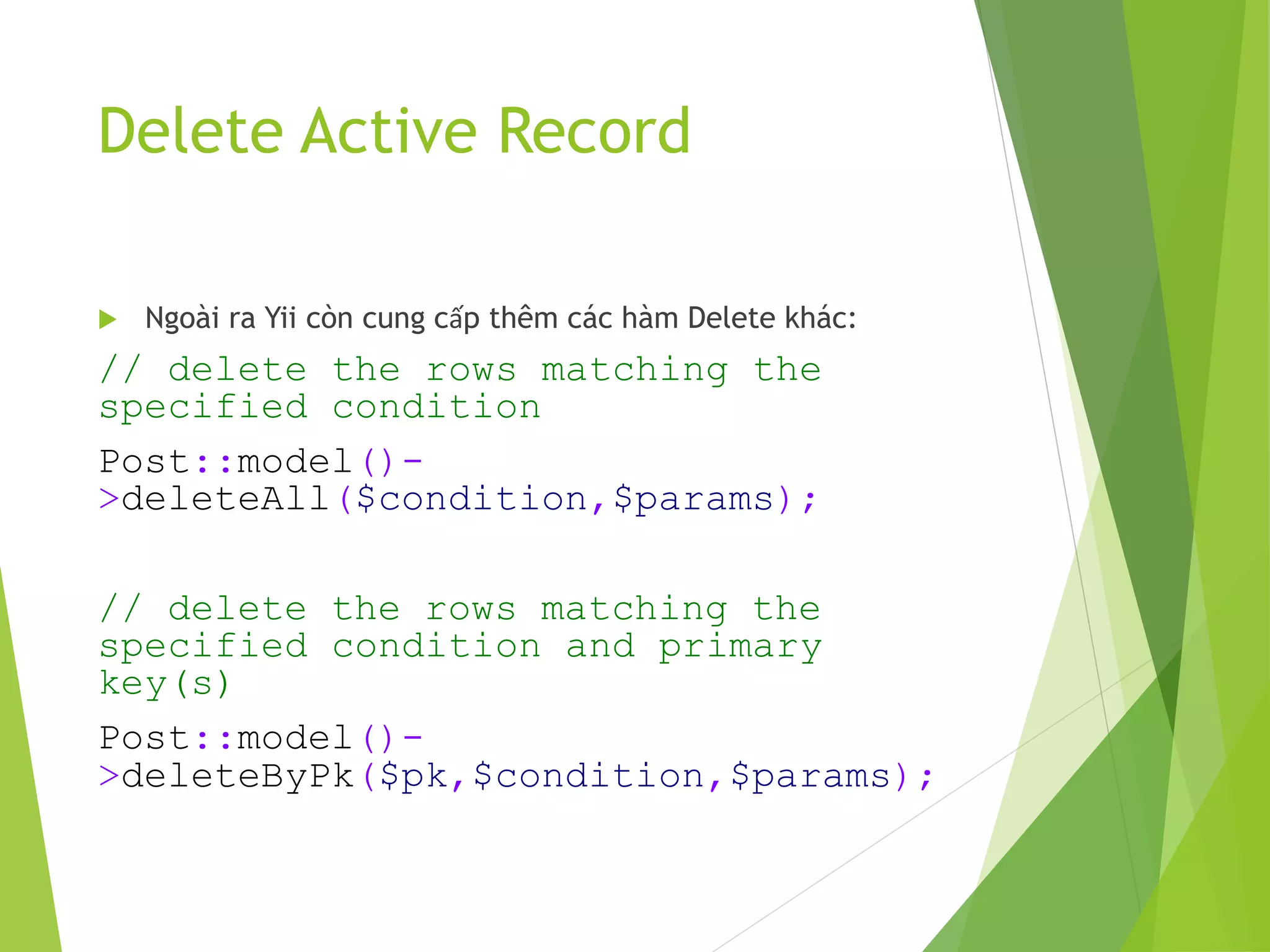
 Ngoài ra Yii còn cung cấp thêm các hàm Delete khác:
// delete the rows matching the
specified condition
Post::model()-
>deleteAll($condition,$params);
// delete the rows matching the
specified condition and primary
key(s)
Post::model()-
>deleteByPk($pk,$condition,$params);
Query Database
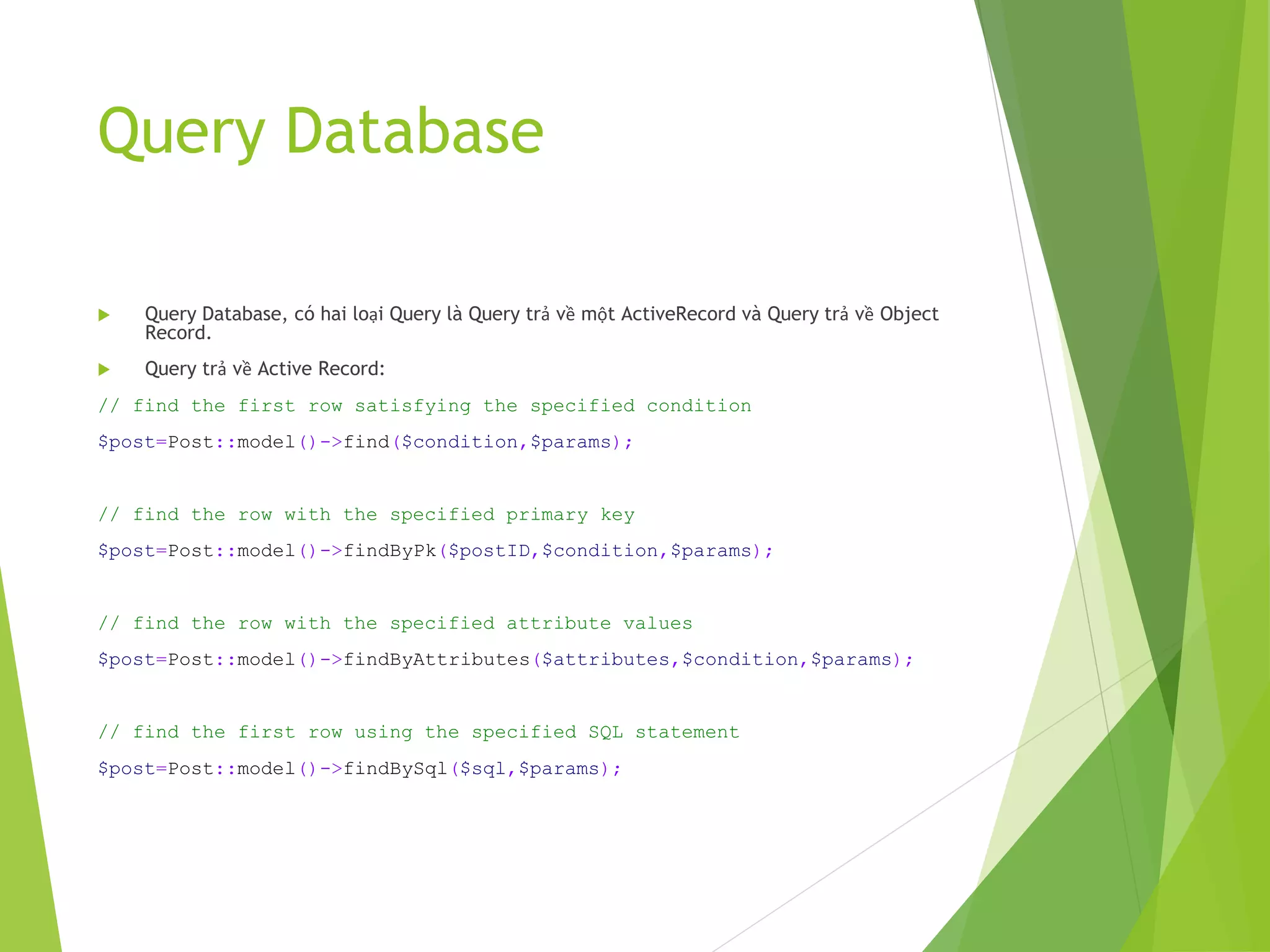
 Query Database, có hai loại Query là Query trả về một ActiveRecord và Query trả về Object
Record.
 Query trả về Active Record:
// find the first row satisfying the specified condition
$post=Post::model()->find($condition,$params);
// find the row with the specified primary key
$post=Post::model()->findByPk($postID,$condition,$params);
// find the row with the specified attribute values
$post=Post::model()->findByAttributes($attributes,$condition,$params);
// find the first row using the specified SQL statement
$post=Post::model()->findBySql($sql,$params);
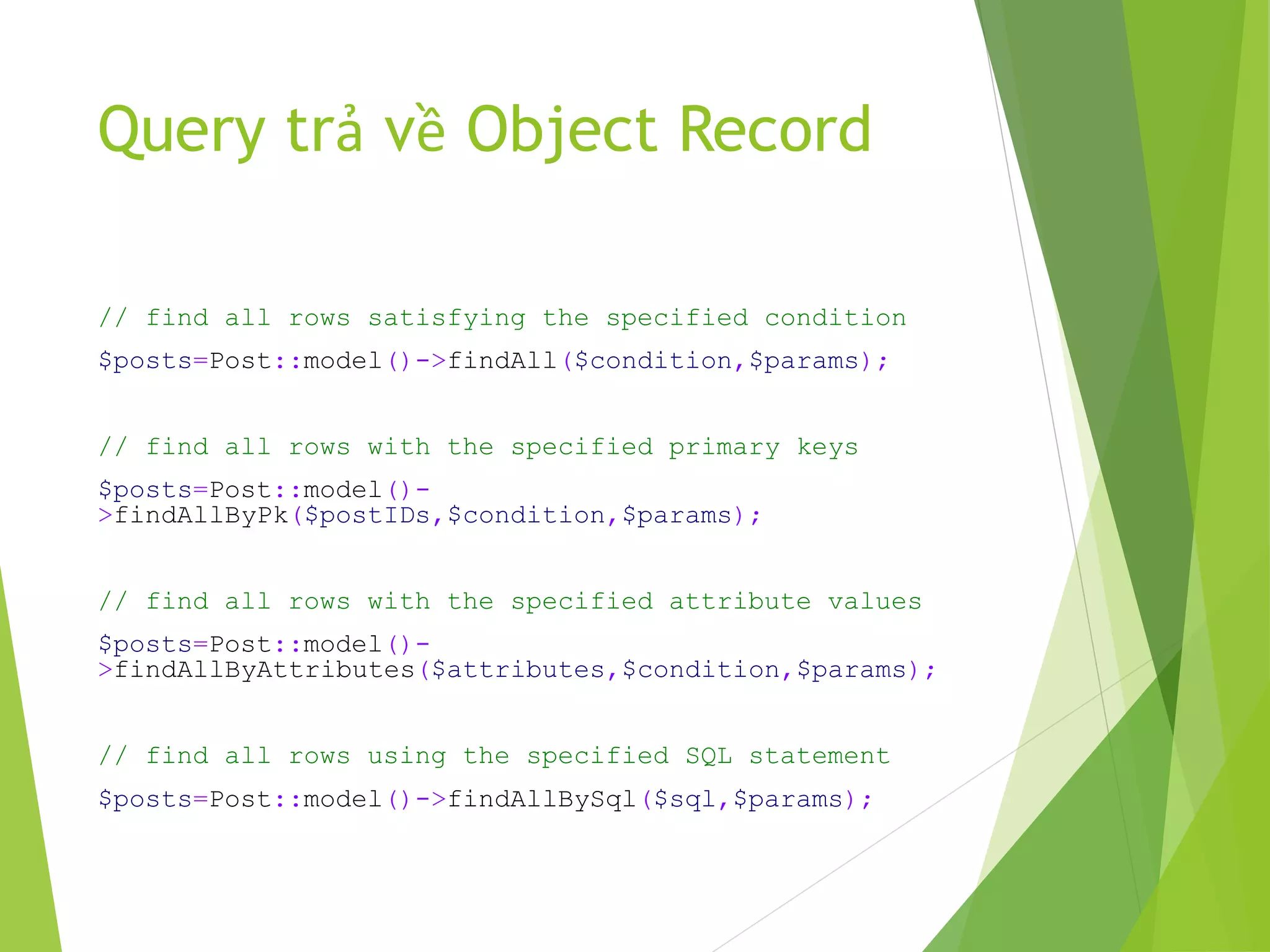
Query trả về Object Record
// find all rows satisfying the specified condition
$posts=Post::model()->findAll($condition,$params);
// find all rows with the specified primary keys
$posts=Post::model()-
>findAllByPk($postIDs,$condition,$params);
// find all rows with the specified attribute values
$posts=Post::model()-
>findAllByAttributes($attributes,$condition,$params);
// find all rows using the specified SQL statement
$posts=Post::model()->findAllBySql($sql,$params);
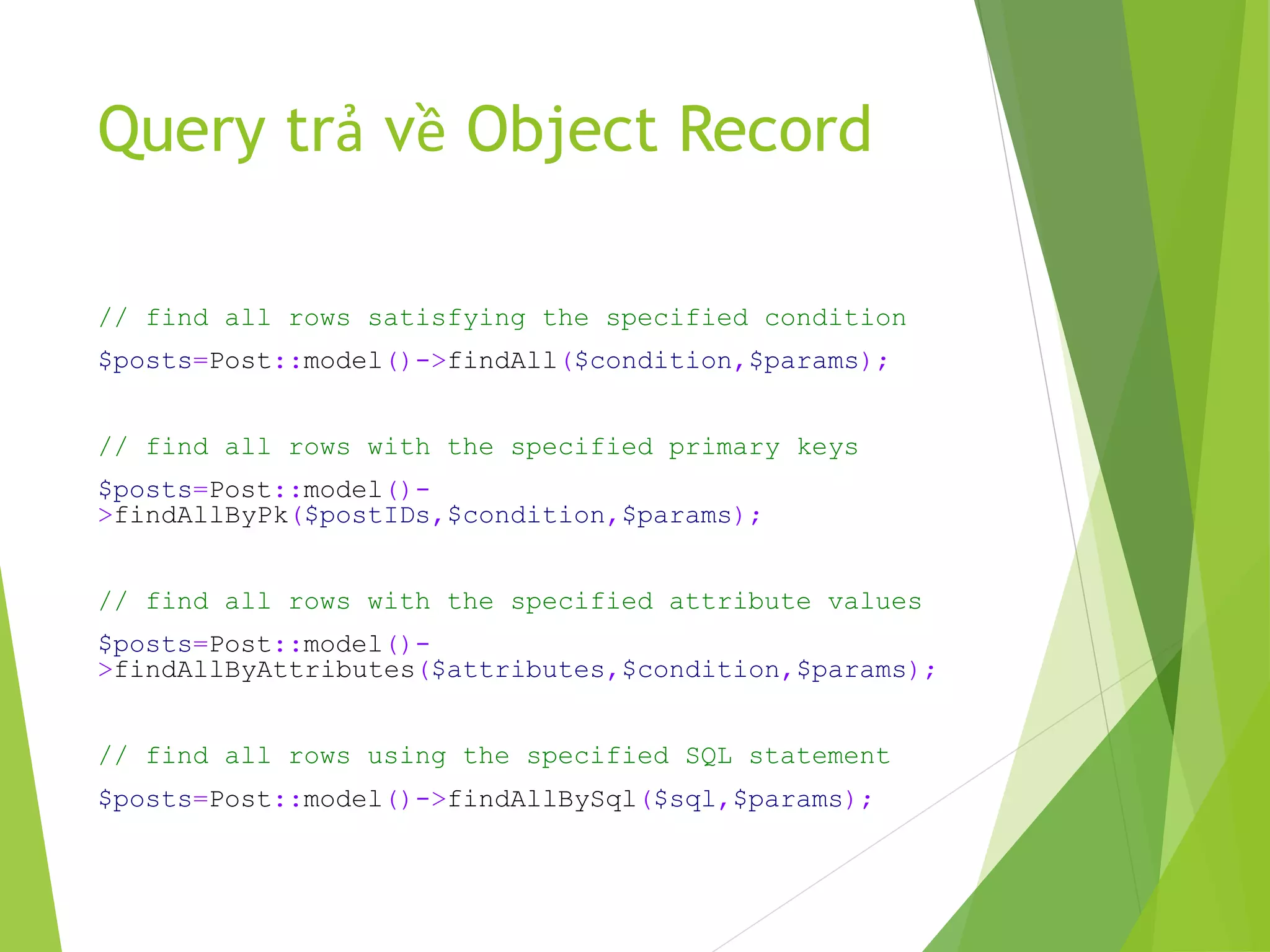
Query trả về Object Record
// find all rows satisfying the specified condition
$posts=Post::model()->findAll($condition,$params);
// find all rows with the specified primary keys
$posts=Post::model()-
>findAllByPk($postIDs,$condition,$params);
// find all rows with the specified attribute values
$posts=Post::model()-
>findAllByAttributes($attributes,$condition,$params);
// find all rows using the specified SQL statement
$posts=Post::model()->findAllBySql($sql,$params);
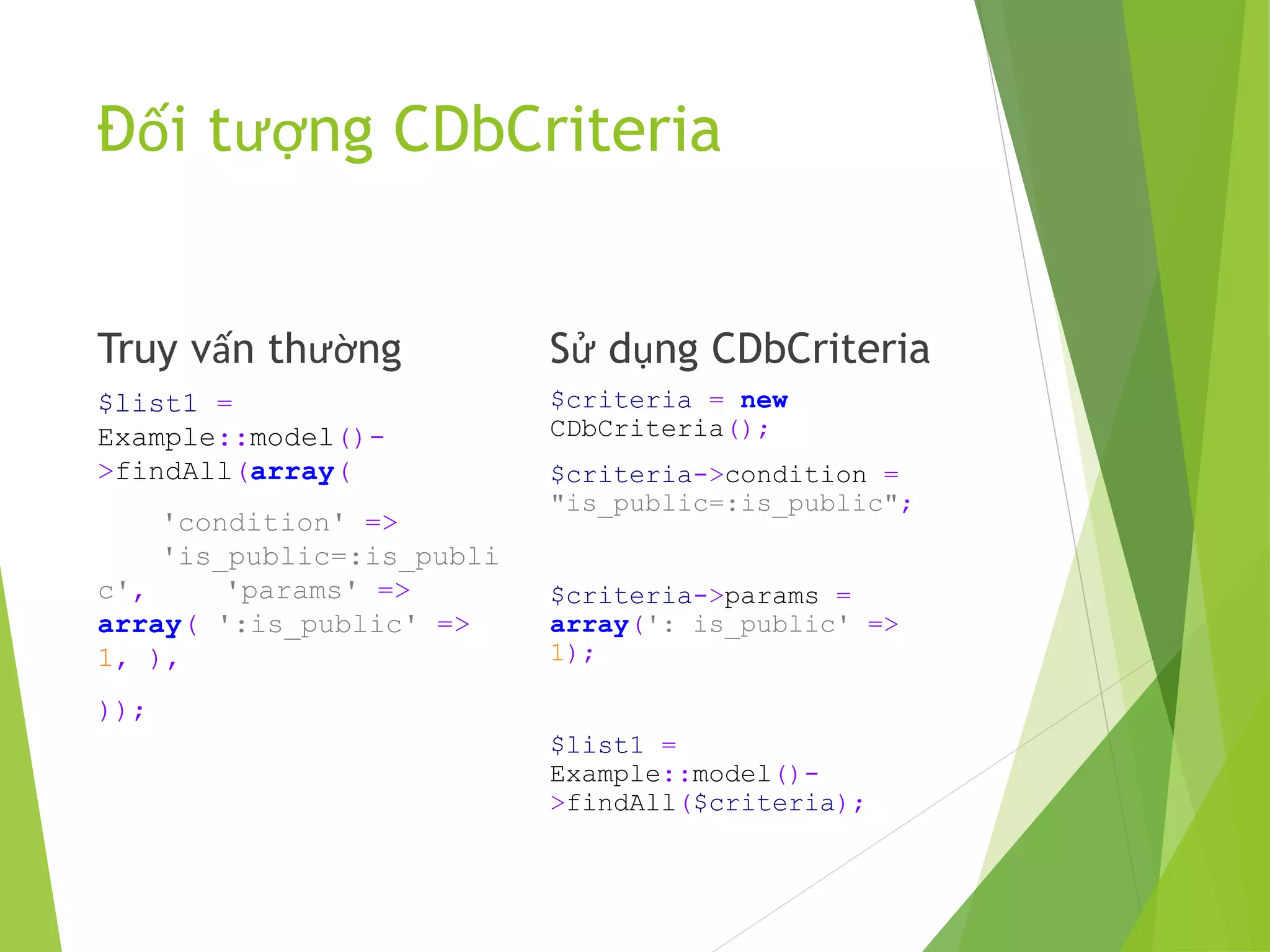
Đối tượng CDbCriteria
Truy vấn thường
$list1 =
Example::model()-
>findAll(array(
'condition' =>
'is_public=:is_publi
c', 'params' =>
array( ':is_public' =>
1, ),
));
Sử dụng CDbCriteria
$criteria = new
CDbCriteria();
$criteria->condition =
"is_public=:is_public";
$criteria->params =
array(': is_public' =>
1);
$list1 =
Example::model()-
>findAll($criteria);
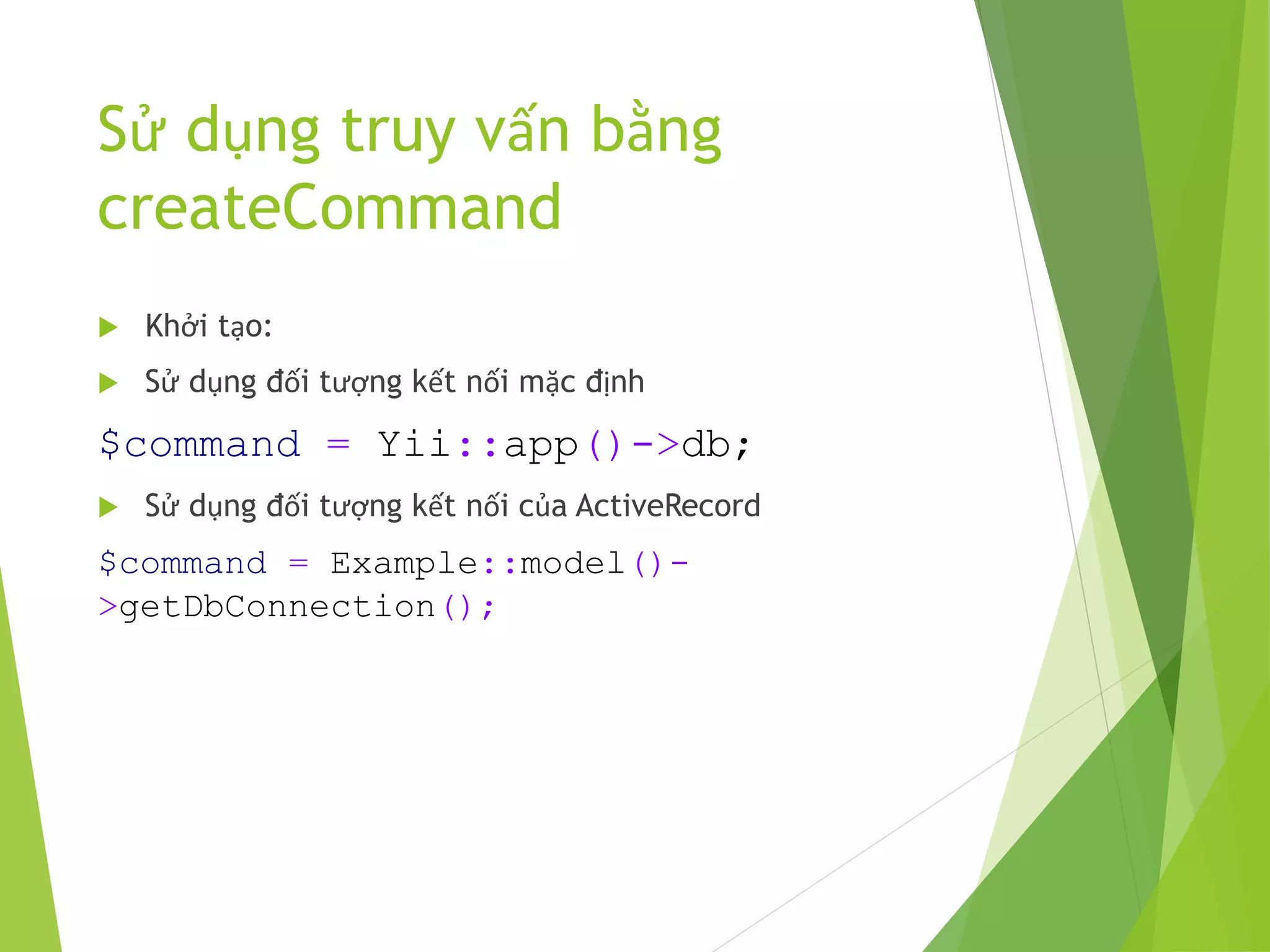
Sử dụng truy vấn bằng
createCommand
 Khởi tạo:
 Sử dụng đối tượng kết nối mặc định
$command = Yii::app()->db;
 Sử dụng đối tượng kết nối của ActiveRecord
$command = Example::model()-
>getDbConnection();
Sử dụng truy vấn bằng
createCommand
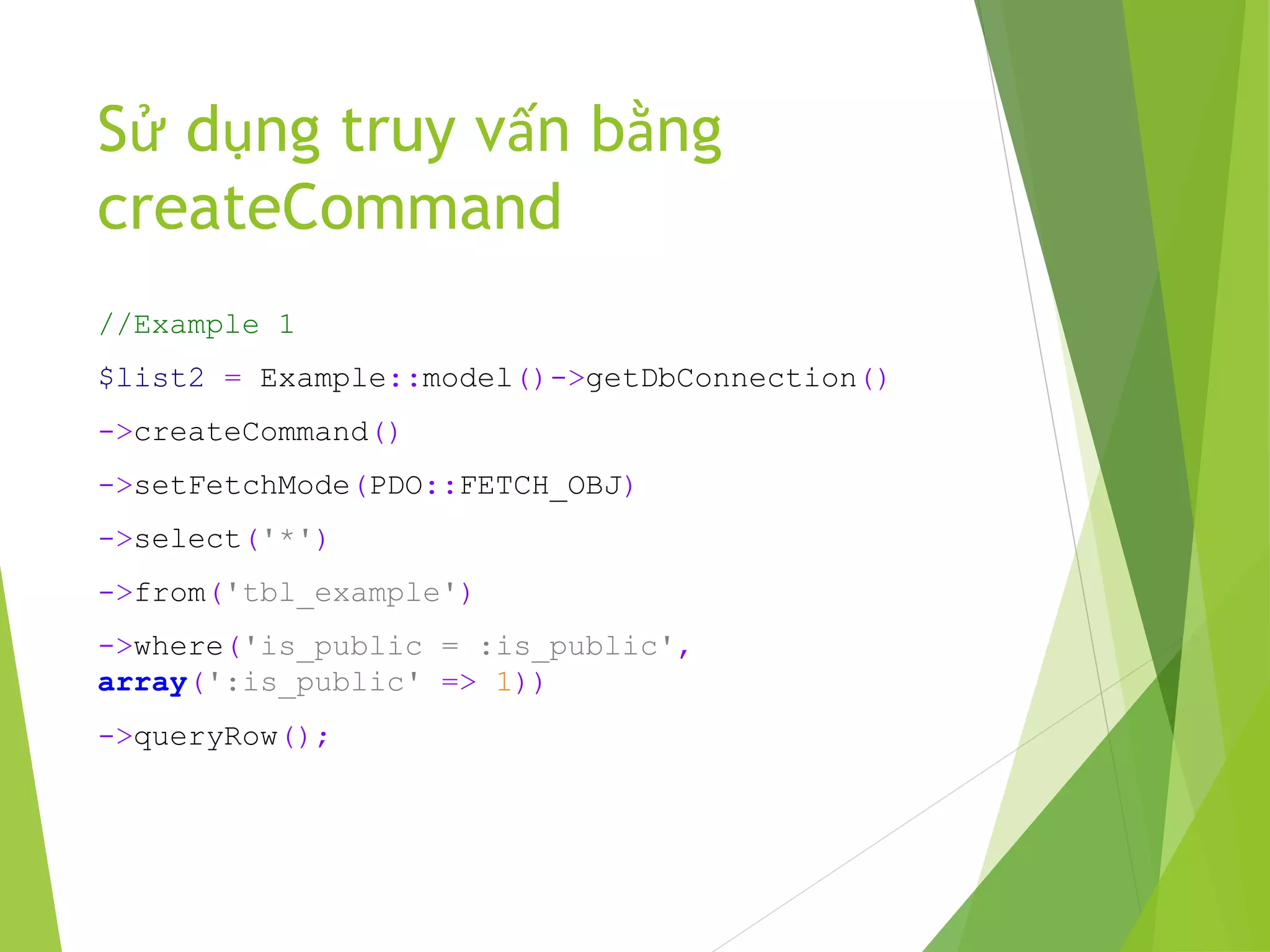
//Example 1
$list2 = Example::model()->getDbConnection()
->createCommand()
->setFetchMode(PDO::FETCH_OBJ)
->select('*')
->from('tbl_example')
->where('is_public = :is_public',
array(':is_public' => 1))
->queryRow();
Sử dụng truy vấn bằng
createCommand
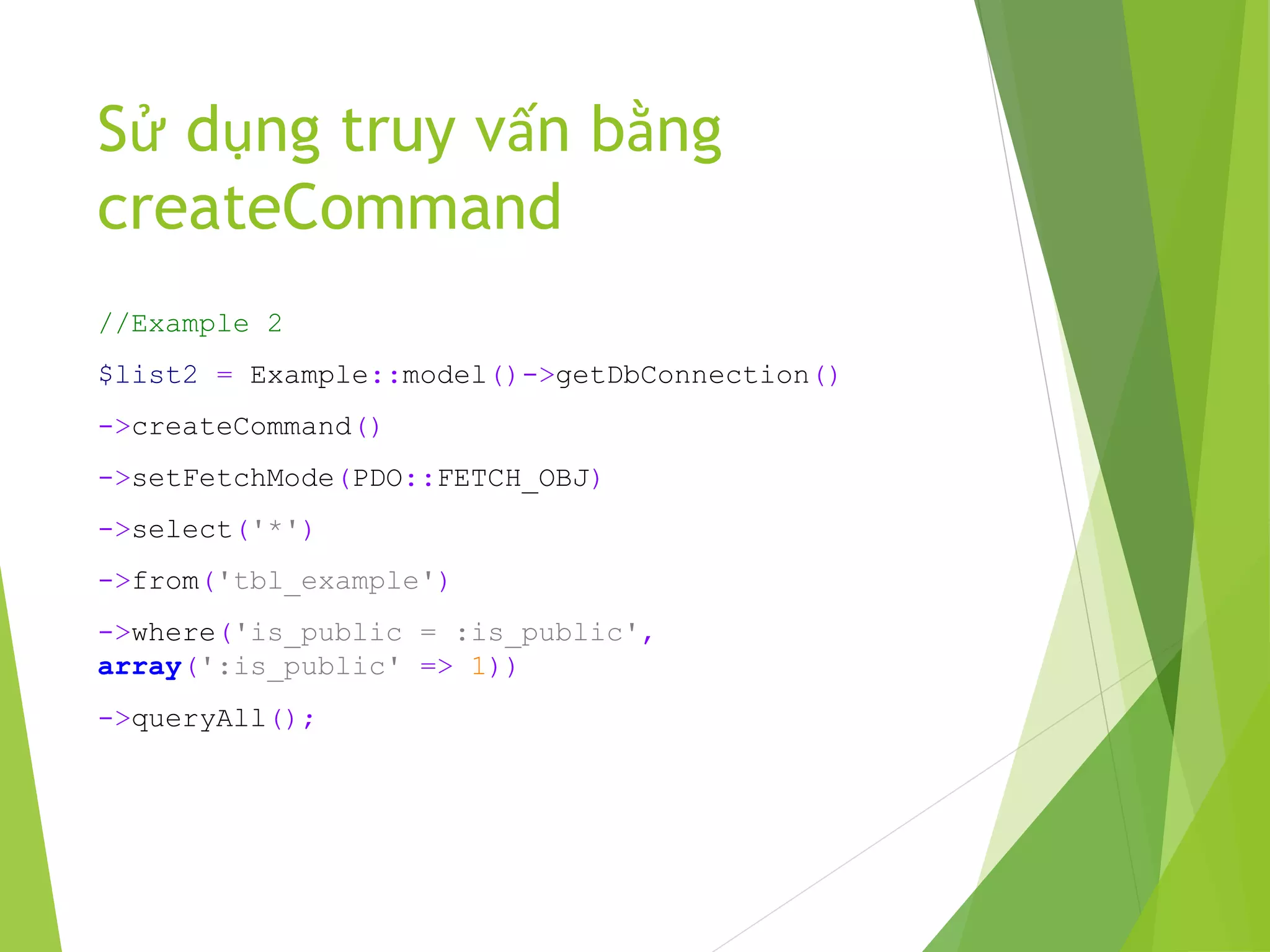
//Example 2
$list2 = Example::model()->getDbConnection()
->createCommand()
->setFetchMode(PDO::FETCH_OBJ)
->select('*')
->from('tbl_example')
->where('is_public = :is_public',
array(':is_public' => 1))
->queryAll();
Sử dụng truy vấn bằng
createCommand
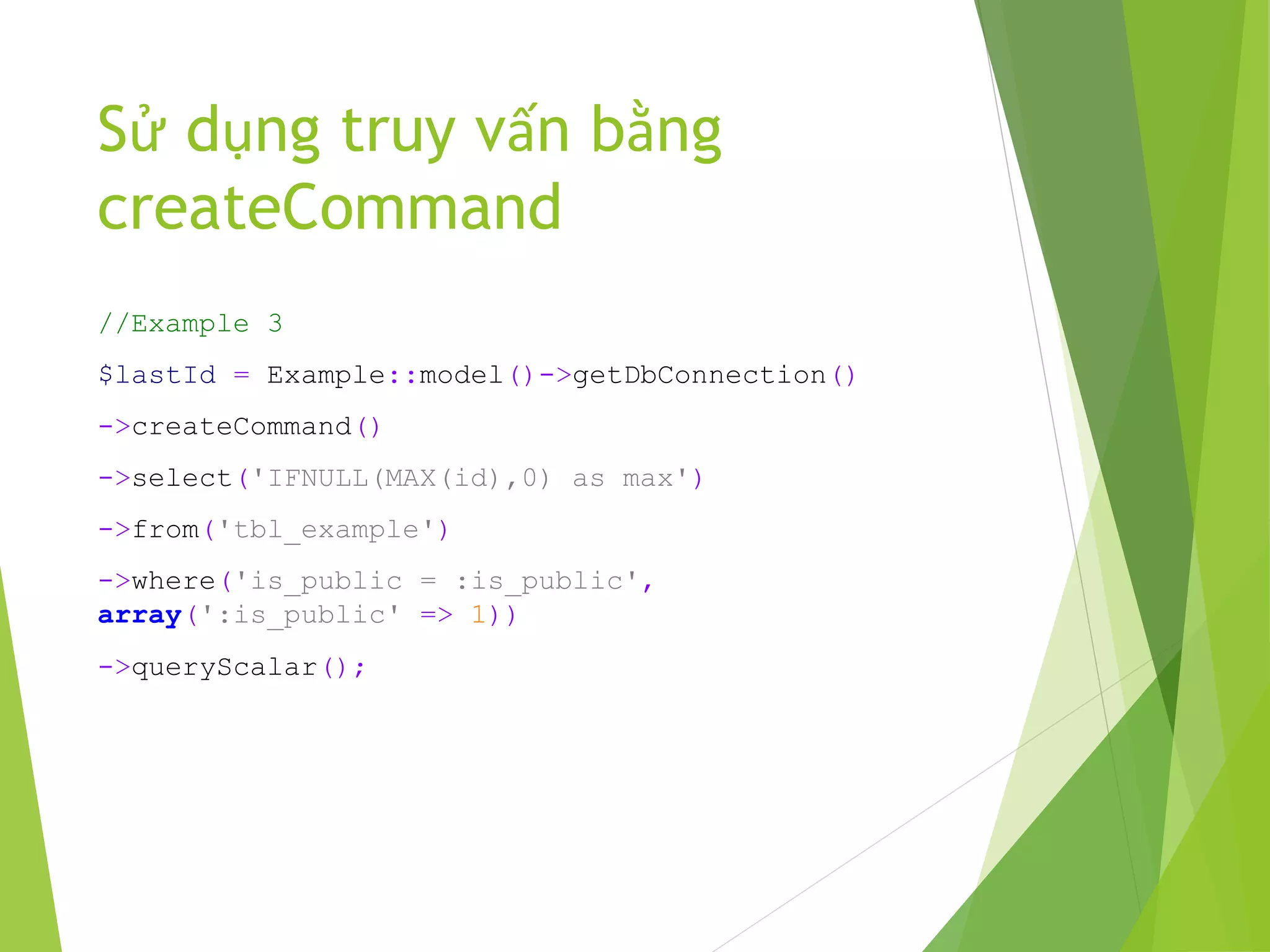
//Example 3
$lastId = Example::model()->getDbConnection()
->createCommand()
->select('IFNULL(MAX(id),0) as max')
->from('tbl_example')
->where('is_public = :is_public',
array(':is_public' => 1))
->queryScalar();
Sử dụng truy vấn bằng
createCommand
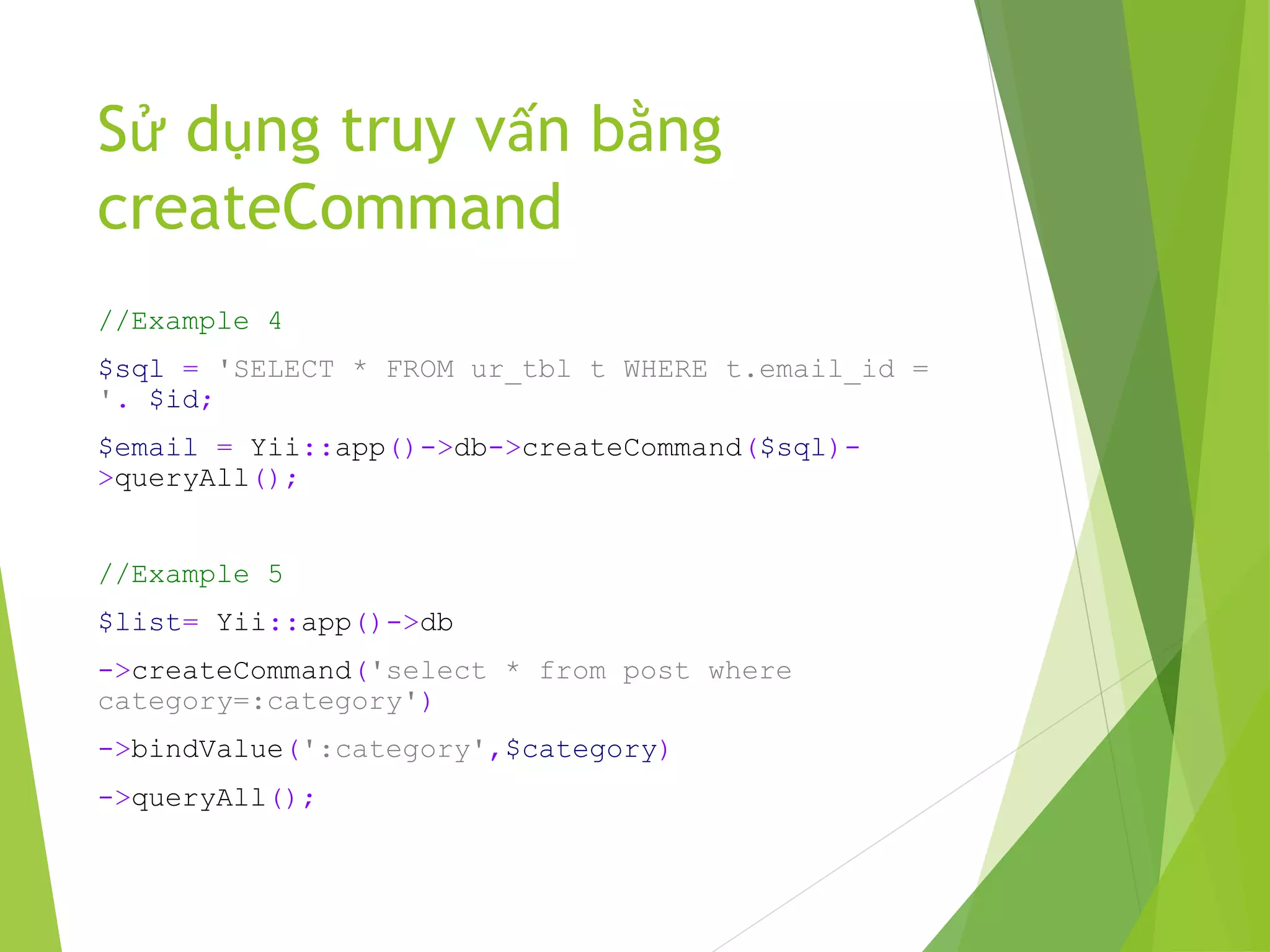
//Example 4
$sql = 'SELECT * FROM ur_tbl t WHERE t.email_id =
'. $id;
$email = Yii::app()->db->createCommand($sql)-
>queryAll();
//Example 5
$list= Yii::app()->db
->createCommand('select * from post where
category=:category')
->bindValue(':category',$category)
->queryAll();
Sử dụng truy vấn bằng
createCommand
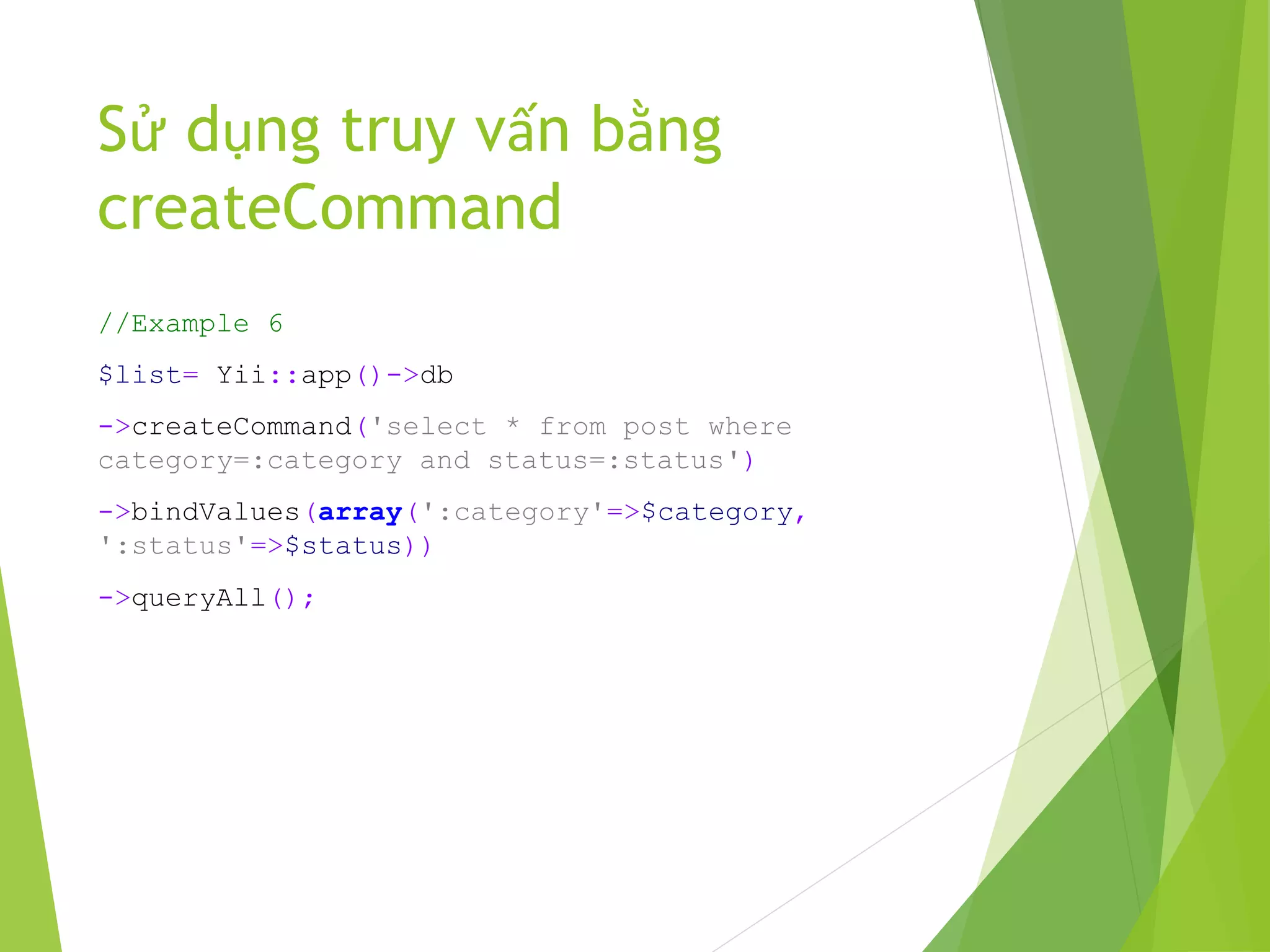
//Example 6
$list= Yii::app()->db
->createCommand('select * from post where
category=:category and status=:status')
->bindValues(array(':category'=>$category,
':status'=>$status))
->queryAll();
Sử dụng truy vấn bằng
createCommand
//Example 7
Yii::app()->db->createCommand('delete * from post')->query();
//Example 8
Yii::app()->db->createCommand()
->insert('user', [ 'name' => 'Sam', 'age' => 30, ])
->execute();
//Example 9
$user = Yii::app()->db->createCommand()
->select('id, username, profile')
->from('tbl_user u')
->join('tbl_profile p', 'u.id=p.user_id')
->where('id=:id', array(':id'=>$id))
->queryRow();
Sử dụng truy vấn bằng
createCommand
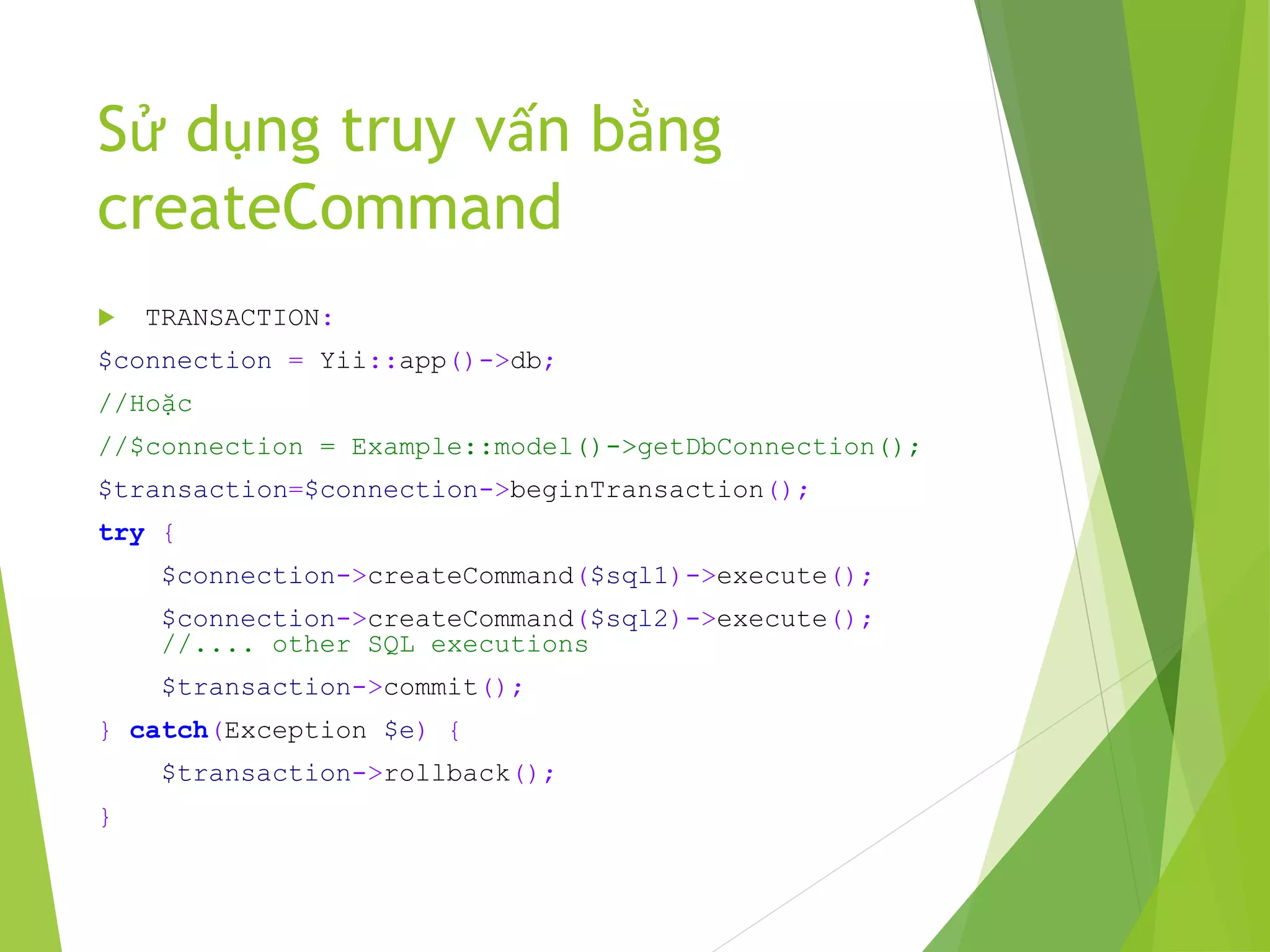
 TRANSACTION:
$connection = Yii::app()->db;
//Hoặc
//$connection = Example::model()->getDbConnection();
$transaction=$connection->beginTransaction();
try {
$connection->createCommand($sql1)->execute();
$connection->createCommand($sql2)->execute();
//.... other SQL executions
$transaction->commit();
} catch(Exception $e) {
$transaction->rollback();
}
4. Routter
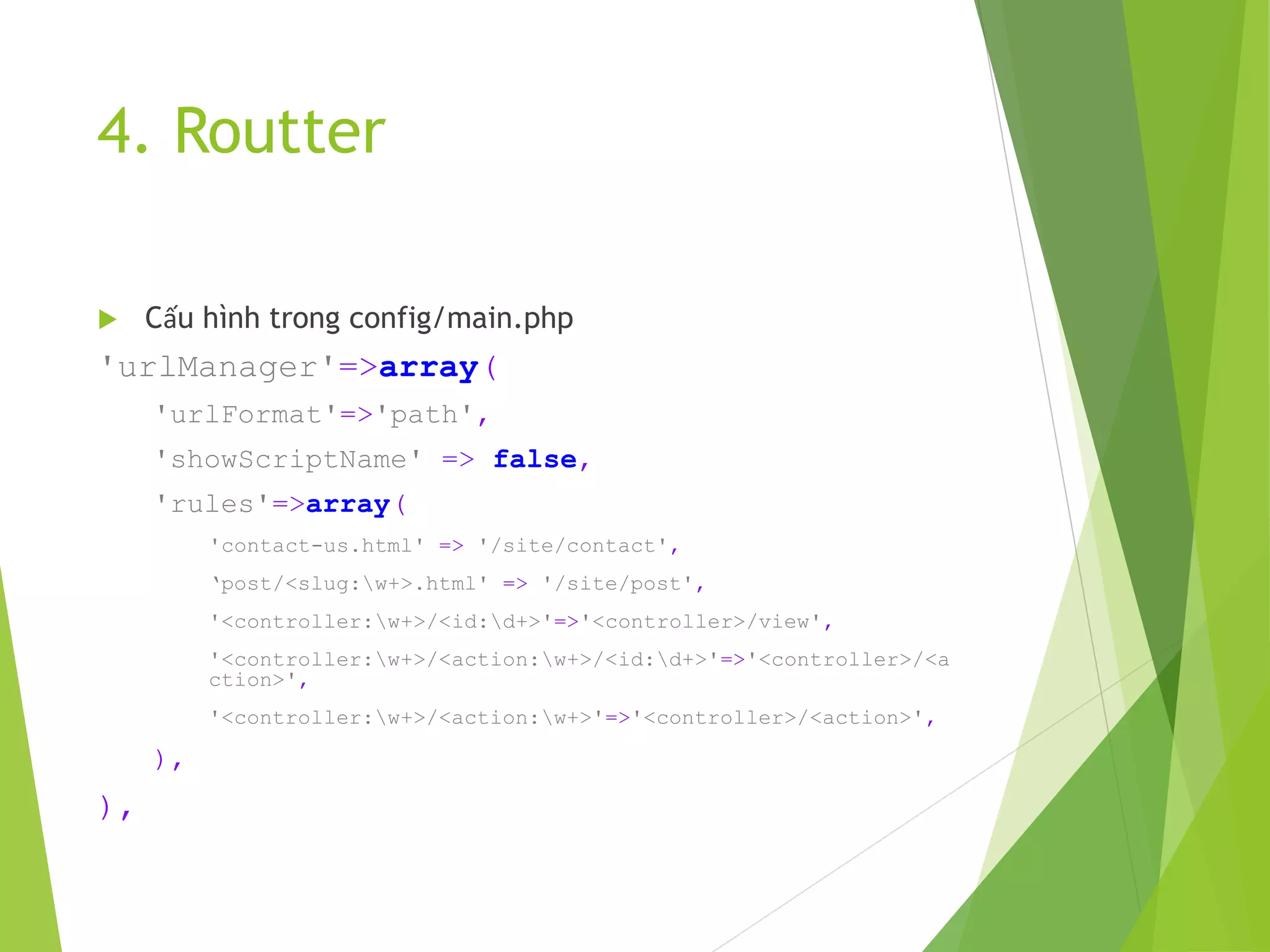
 Cấu hình trong config/main.php
'urlManager'=>array(
'urlFormat'=>'path',
'showScriptName' => false,
'rules'=>array(
'contact-us.html' => '/site/contact',
‘post/<slug:w+>.html' => '/site/post',
'<controller:w+>/<id:d+>'=>'<controller>/view',
'<controller:w+>/<action:w+>/<id:d+>'=>'<controller>/<a
ction>',
'<controller:w+>/<action:w+>'=>'<controller>/<action>',
),
),
4. Routter
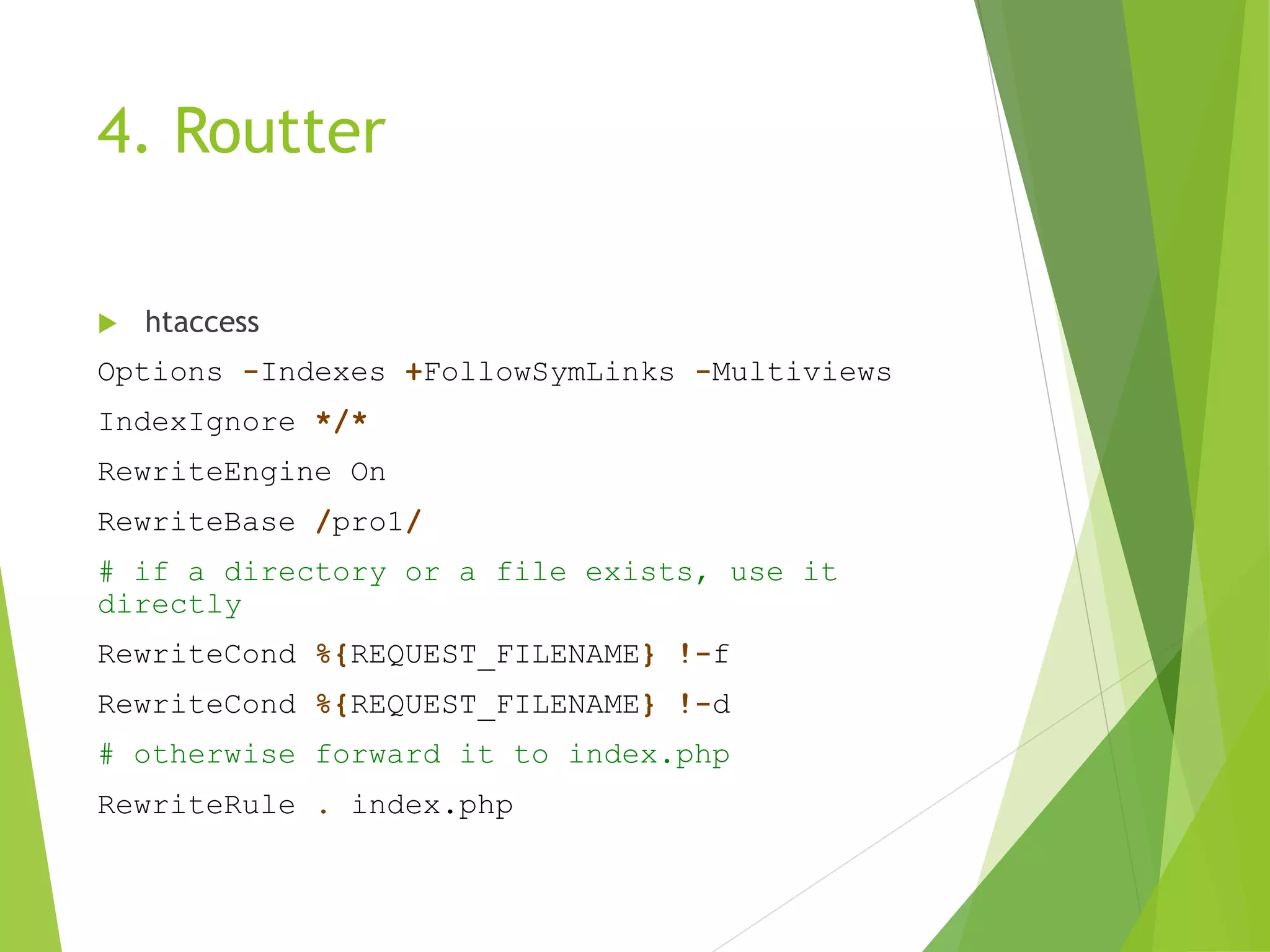
 htaccess
Options -Indexes +FollowSymLinks -Multiviews
IndexIgnore */*
RewriteEngine On
RewriteBase /pro1/
# if a directory or a file exists, use it
directly
RewriteCond %{REQUEST_FILENAME} !-f
RewriteCond %{REQUEST_FILENAME} !-d
# otherwise forward it to index.php
RewriteRule . index.php
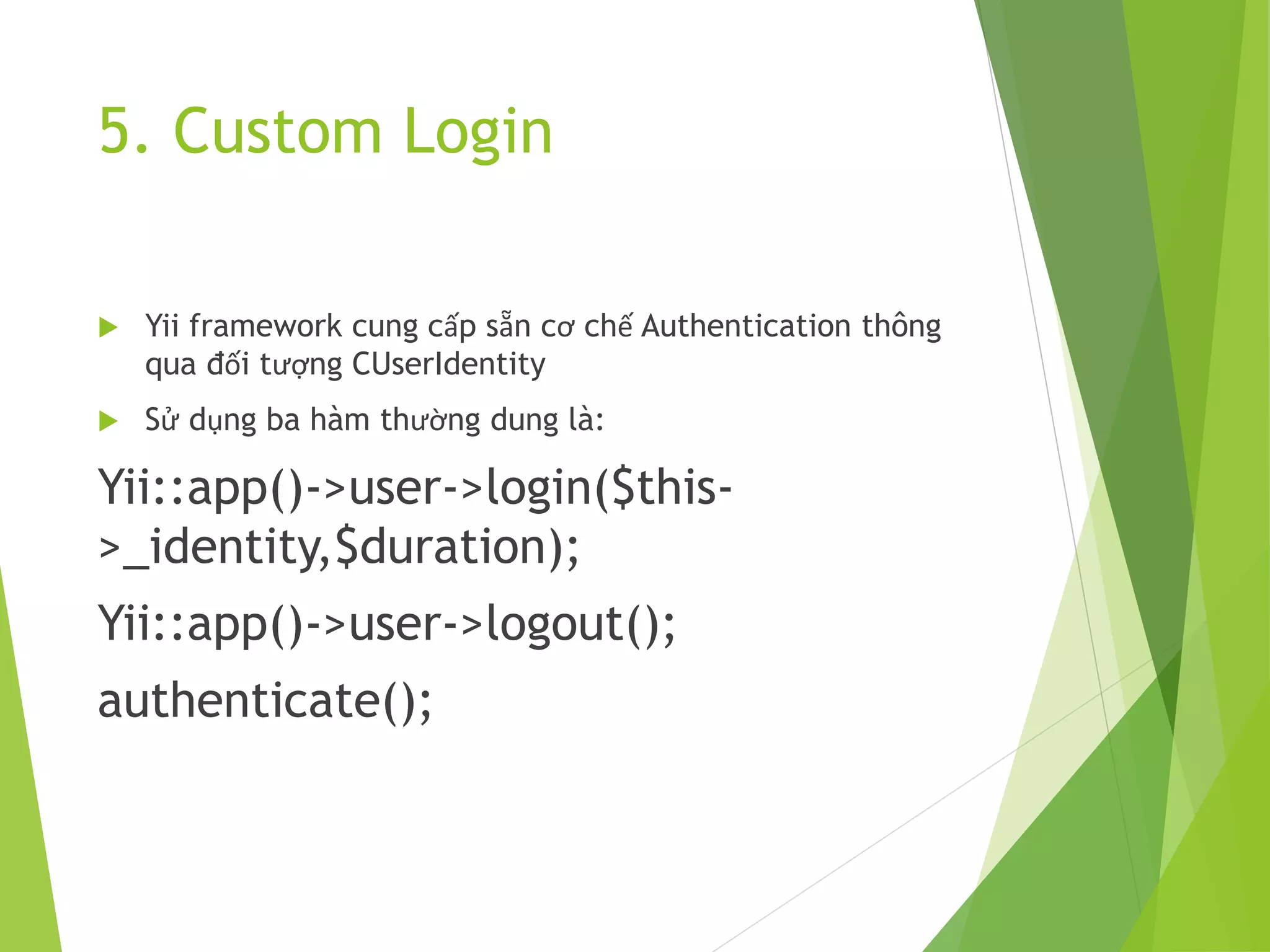
5. Custom Login
 Yii framework cung cấp sẵn cơ chế Authentication thông
qua đối tượng CUserIdentity
 Sử dụng ba hàm thường dung là:
Yii::app()->user->login($this-
>_identity,$duration);
Yii::app()->user->logout();
authenticate();
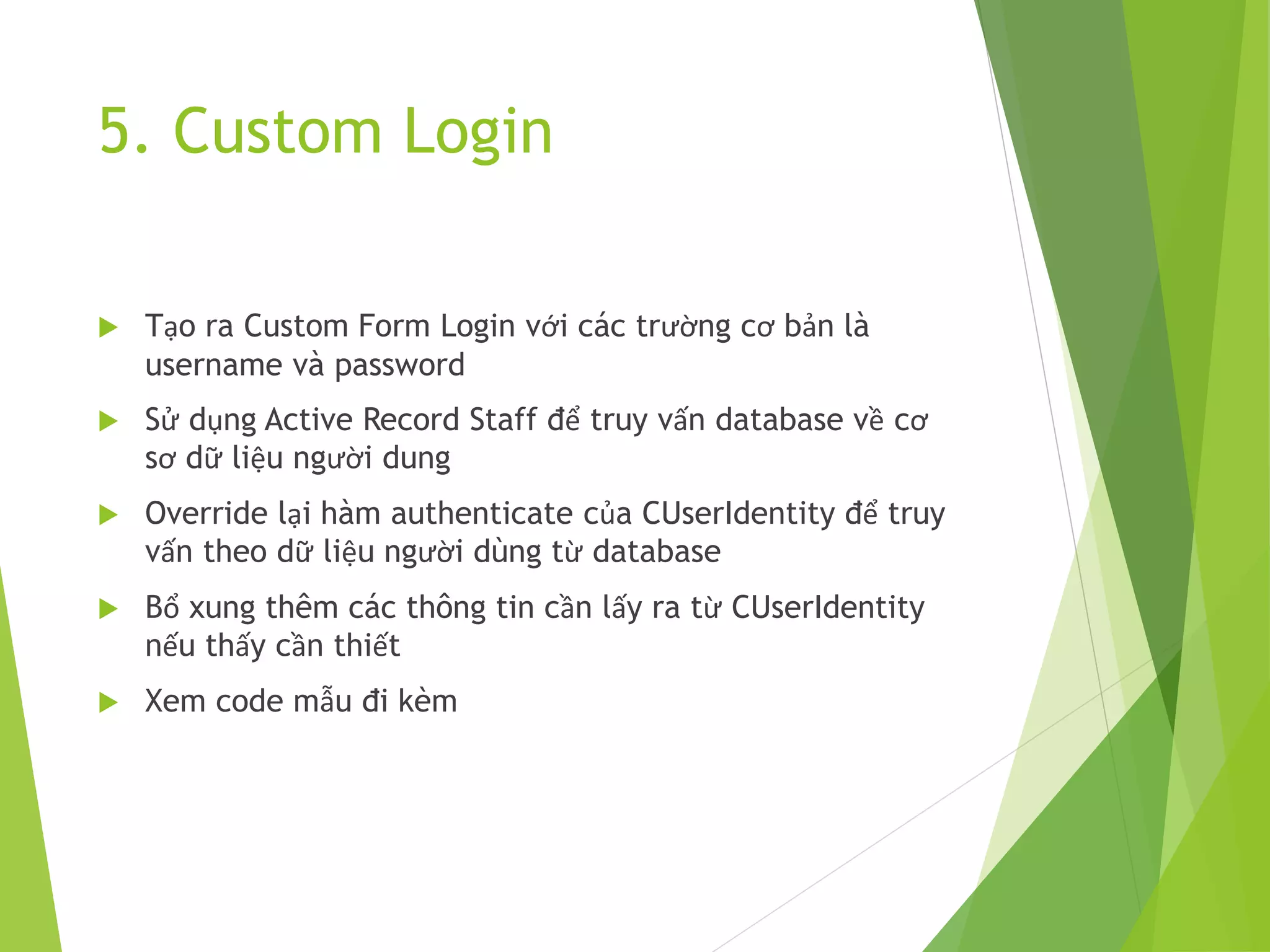
5. Custom Login
 Tạo ra Custom Form Login với các trường cơ bản là
username và password
 Sử dụng Active Record Staff để truy vấn database về cơ
sơ dữ liệu người dung
 Override lại hàm authenticate của CUserIdentity để truy
vấn theo dữ liệu người dùng từ database
 Bổ xung thêm các thông tin cần lấy ra từ CUserIdentity
nếu thấy cần thiết
 Xem code mẫu đi kèm
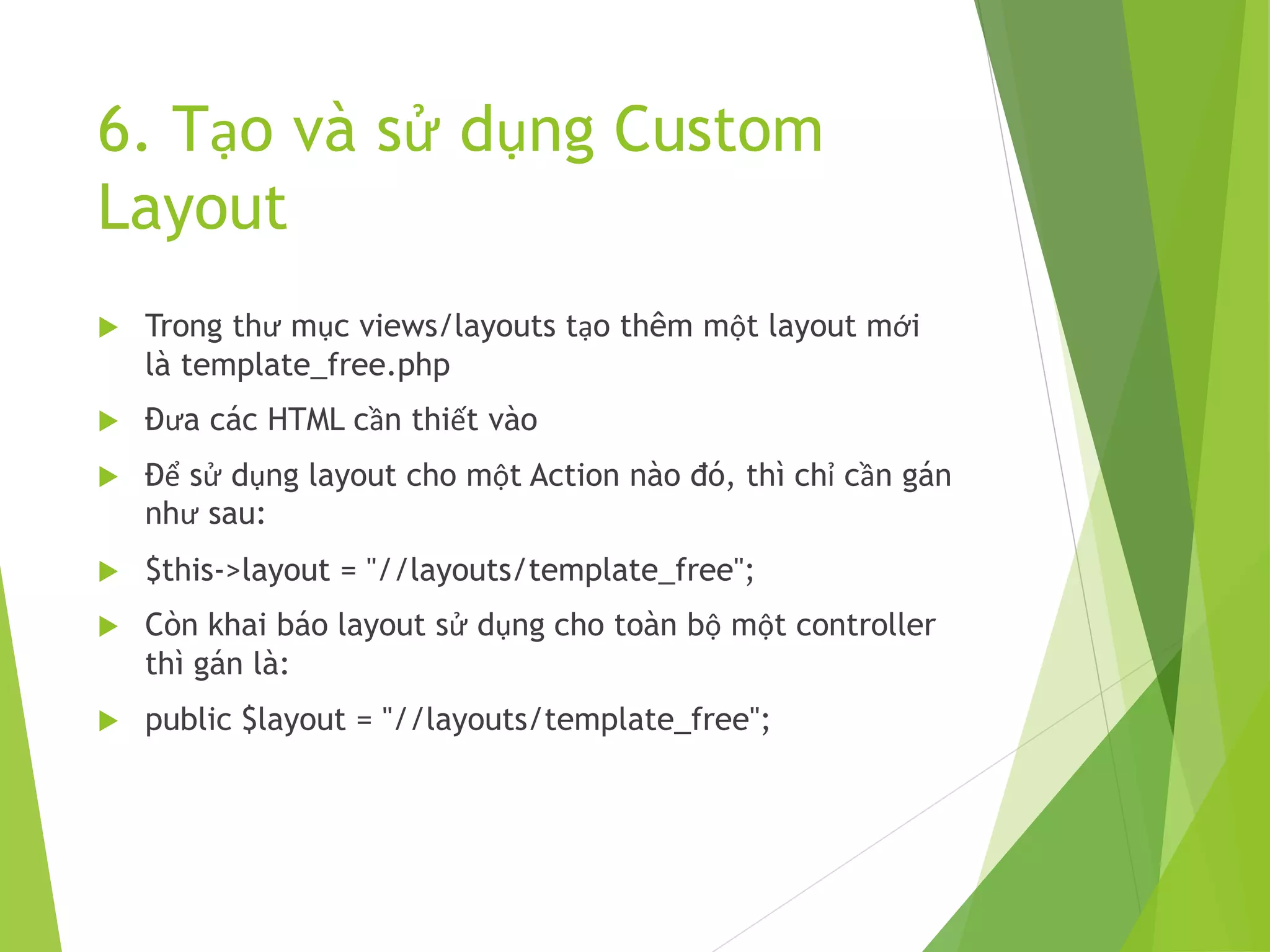
6. Tạo và sử dụng Custom
Layout
 Trong thư mục views/layouts tạo thêm một layout mới
là template_free.php
 Đưa các HTML cần thiết vào
 Để sử dụng layout cho một Action nào đó, thì chỉ cần gán
như sau:
 $this->layout = "//layouts/template_free";
 Còn khai báo layout sử dụng cho toàn bộ một controller
thì gán là:
 public $layout = "//layouts/template_free";
7. Tạo và sử dụng Module,
Partial, Custom Widget,
Custom Validate
Module
 Module là một mô hình MVC thu nhỏ của Framework
 Trong Module có đầy đủ các thư mục như là components,
controllers, views, models…
 Module được tạo ra một cách dễ dàng thông qua công cụ
gii của yii
Partial
 Partial là một view và là một thành phần HTML tĩnh,
được include vào trong page.
 Được tạo ra để sử dụng nhiều lần ở nhiều page khác
nhau
 Partial cũng có thể truyền tham số và gọi lại trong html
của nó
 Ví dụ một partial điển hình
Partial
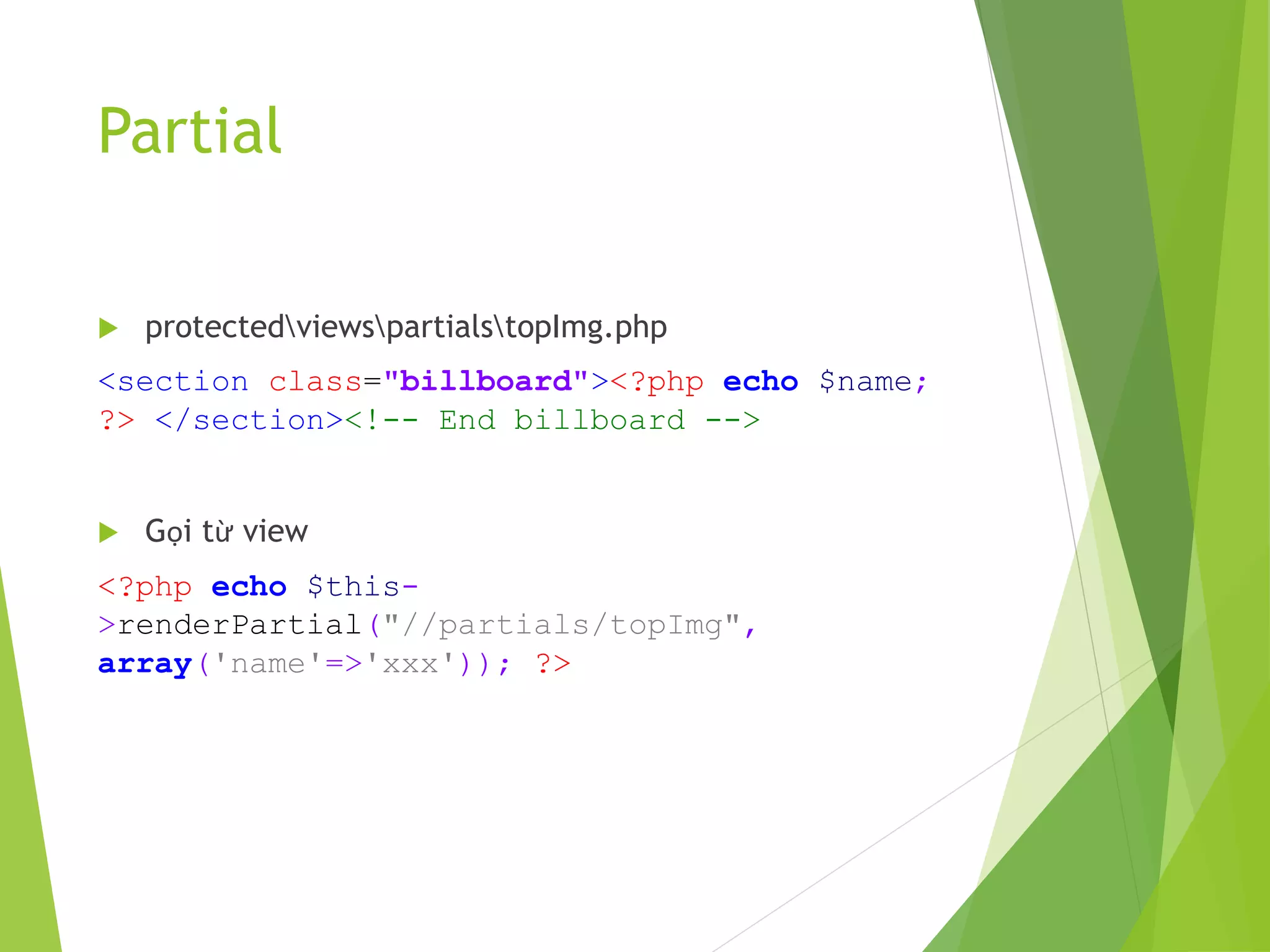
 protectedviewspartialstopImg.php
<section class="billboard"><?php echo $name;
?> </section><!-- End billboard -->
 Gọi từ view
<?php echo $this-
>renderPartial("//partials/topImg",
array('name'=>'xxx')); ?>
Widget
 Widget là một thành phần gần giống với controller
 Widget có đầy đủ phần xử lý logic và view
 Cũng giống như partial, widget được tạo ra và sử dụng
nhiều lần trên view thông qua việc gọi và truyền tham số
 Widget có thể sử dụng các đối tượng Activerecord để lấy
thông tin từ database rồi trả về cho view của nó
 Sau đây là một ví dụ về Widget
Widget
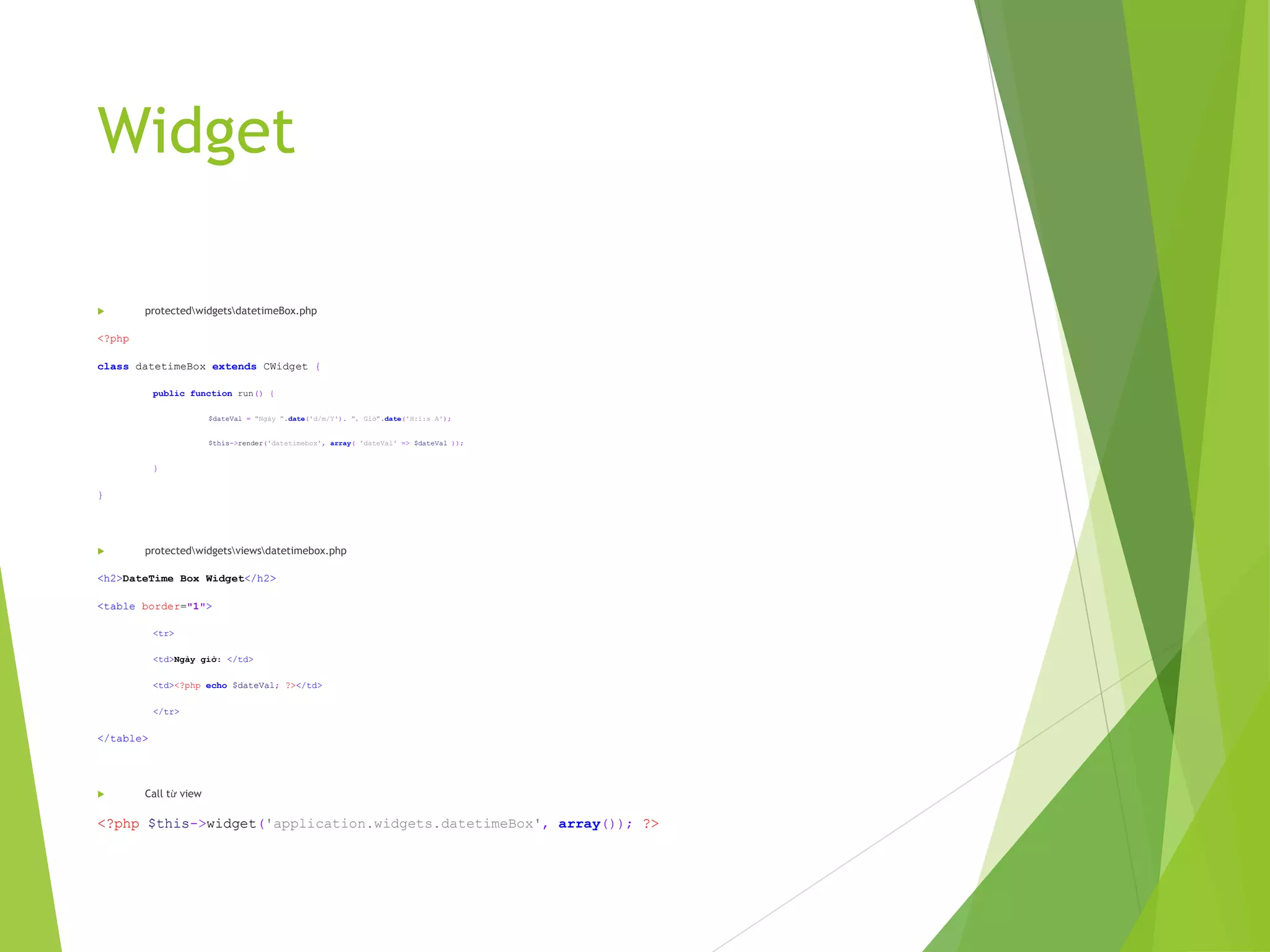
 protectedwidgetsdatetimeBox.php
<?php
class datetimeBox extends CWidget {
public function run() {
$dateVal = "Ngày ".date('d/m/Y'). ", Giờ".date('H:i:s A');
$this->render('datetimebox', array( 'dateVal' => $dateVal ));
}
}
 protectedwidgetsviewsdatetimebox.php
<h2>DateTime Box Widget</h2>
<table border="1">
<tr>
<td>Ngày giờ: </td>
<td><?php echo $dateVal; ?></td>
</tr>
</table>
 Call từ view
<?php $this->widget('application.widgets.datetimeBox', array()); ?>
Custom validate
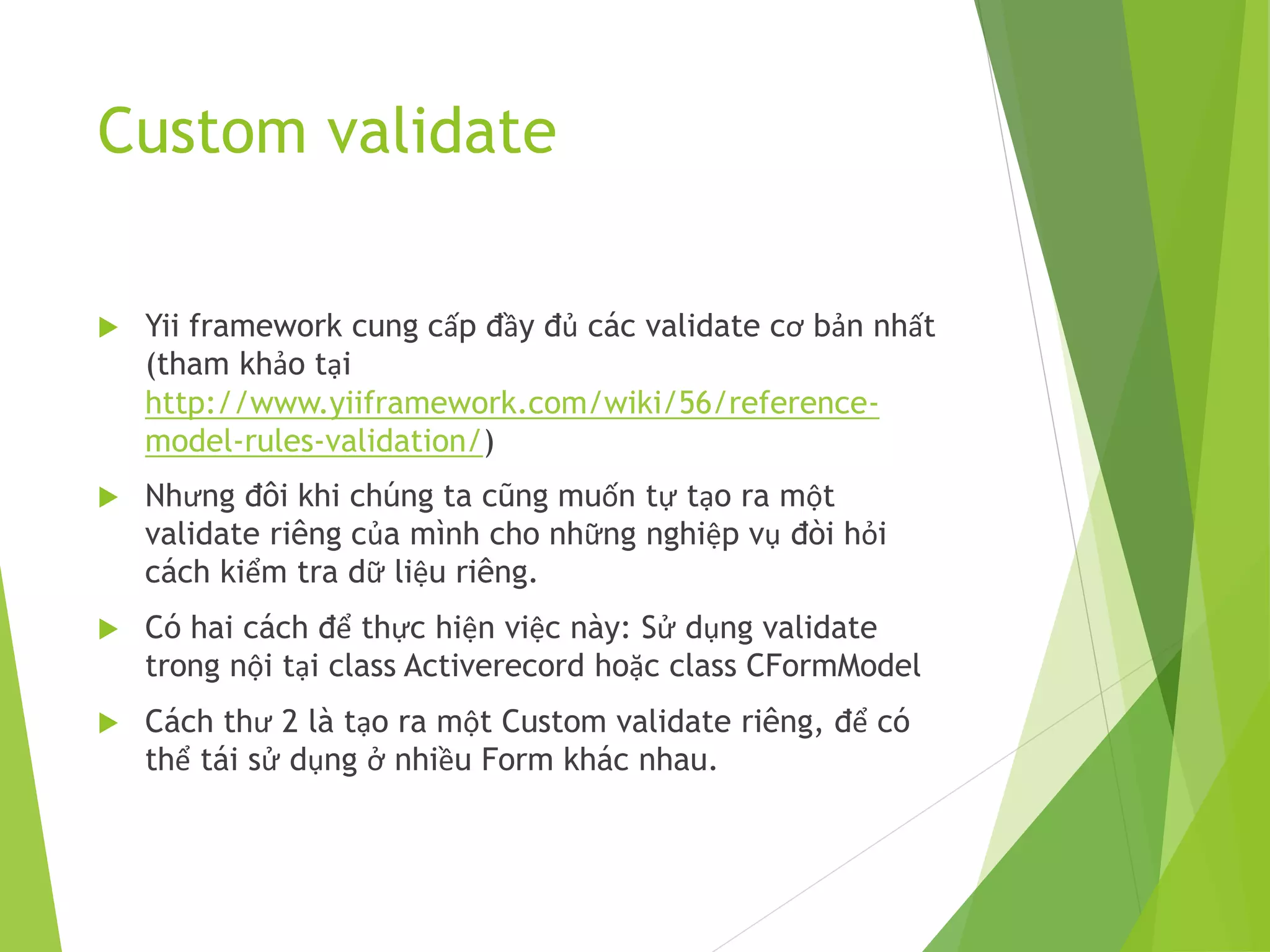
 Yii framework cung cấp đầy đủ các validate cơ bản nhất
(tham khảo tại
http://www.yiiframework.com/wiki/56/reference-
model-rules-validation/)
 Nhưng đôi khi chúng ta cũng muốn tự tạo ra một
validate riêng của mình cho những nghiệp vụ đòi hỏi
cách kiểm tra dữ liệu riêng.
 Có hai cách để thực hiện việc này: Sử dụng validate
trong nội tại class Activerecord hoặc class CFormModel
 Cách thư 2 là tạo ra một Custom validate riêng, để có
thể tái sử dụng ở nhiều Form khác nhau.
Custom validate
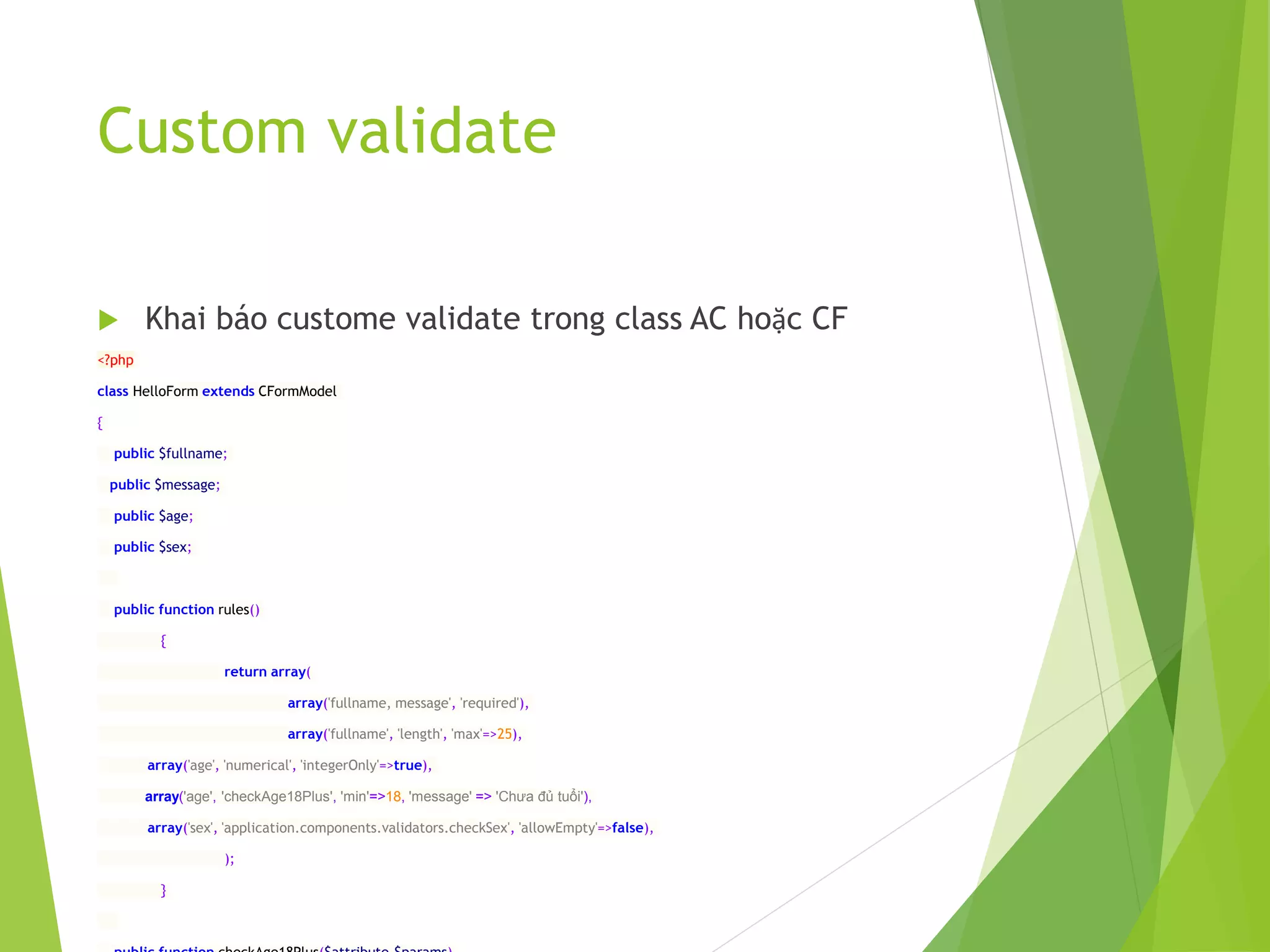
 Khai báo custome validate trong class AC hoặc CF
<?php
class HelloForm extends CFormModel
{
public $fullname;
public $message;
public $age;
public $sex;
public function rules()
{
return array(
array('fullname, message', 'required'),
array('fullname', 'length', 'max'=>25),
array('age', 'numerical', 'integerOnly'=>true),
array('age', 'checkAge18Plus', 'min'=>18, 'message' => 'Chưa đủ tuổi'),
array('sex', 'application.components.validators.checkSex', 'allowEmpty'=>false),
);
}
Custom validate
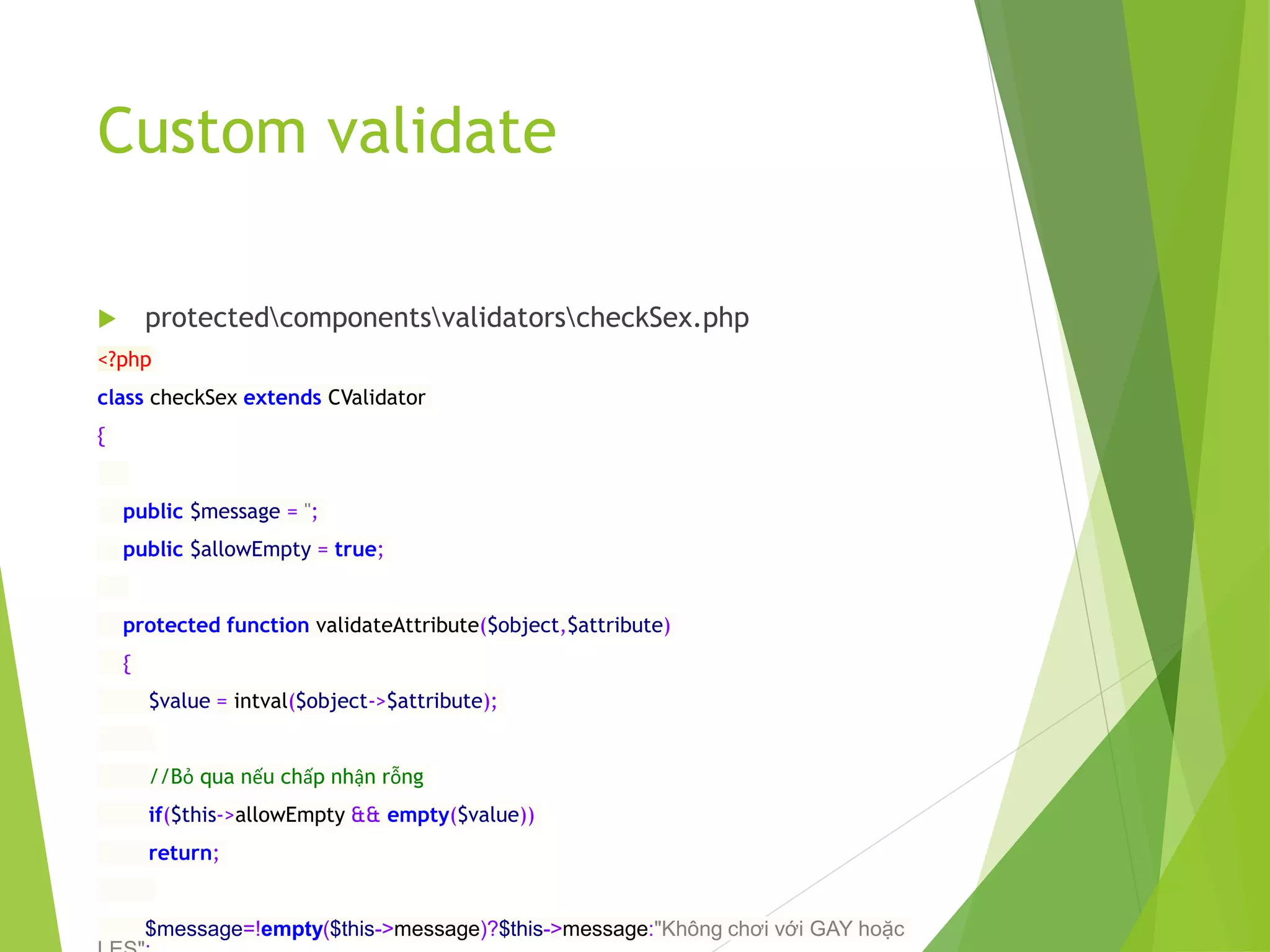
 protectedcomponentsvalidatorscheckSex.php
<?php
class checkSex extends CValidator
{
public $message = '';
public $allowEmpty = true;
protected function validateAttribute($object,$attribute)
{
$value = intval($object->$attribute);
//Bỏ qua nếu chấp nhận rỗng
if($this->allowEmpty && empty($value))
return;
$message=!empty($this->message)?$this->message:"Không chơi với GAY hoặc
Custom validate
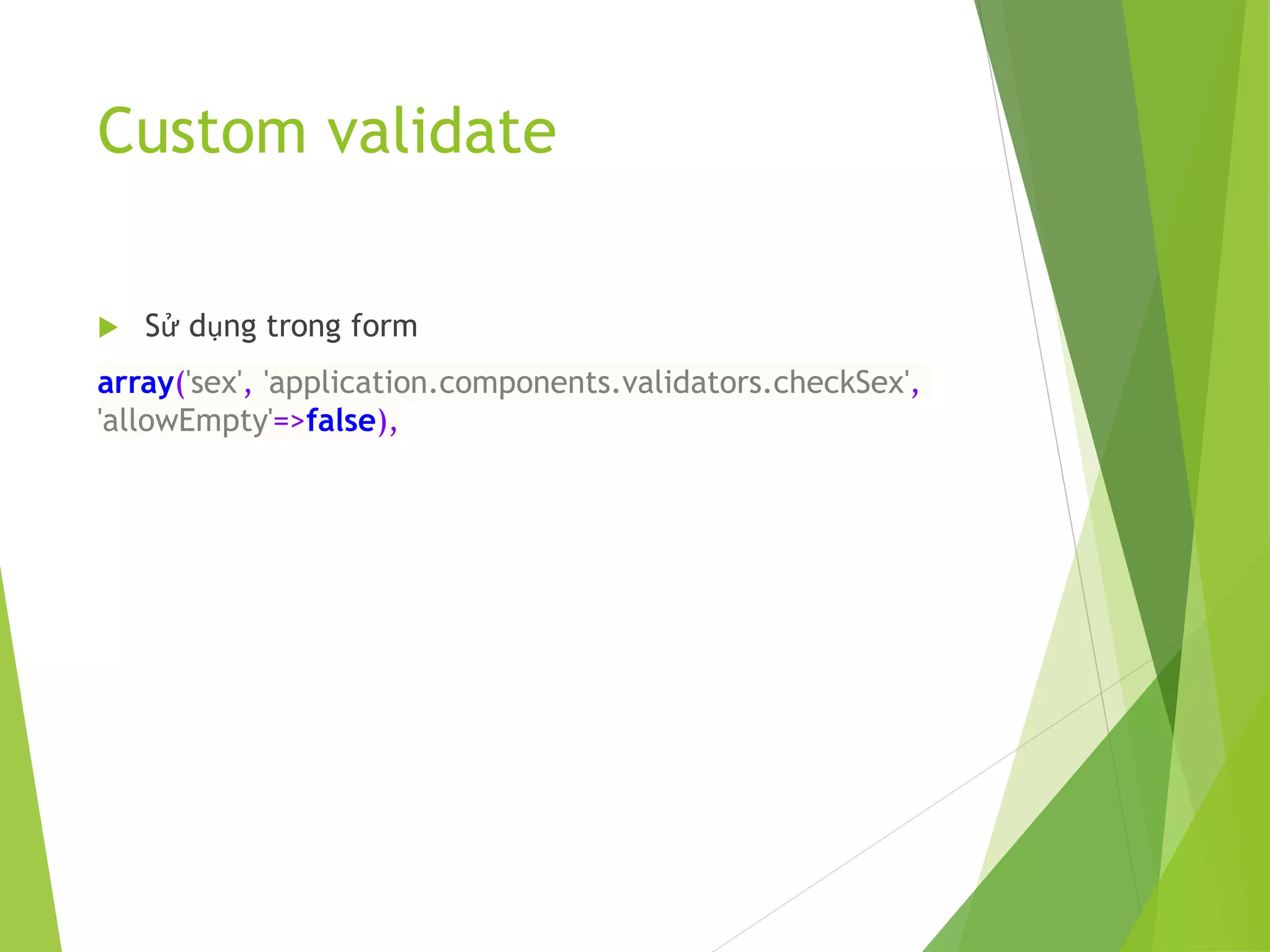
 Sử dụng trong form
array('sex', 'application.components.validators.checkSex',
'allowEmpty'=>false),
8. Khai báo Custom
Component
 Custom component là một class xử lý một tác vụ nào đó,
được sử dụng và gọi ở nhiều nơi.
 Ta cũng có thể tạo ra các class, song khi sử dụng cần
new ra đối tượng rồi mới dùng được
 Hoặc có thể tạo ra class và các function static để gọi
 Có cách khác đơn giản hơn, là đăng ký class đó với Yii,
và gọi ra trực tiếp các functions của class đó.
8. Khai báo Custom
Component
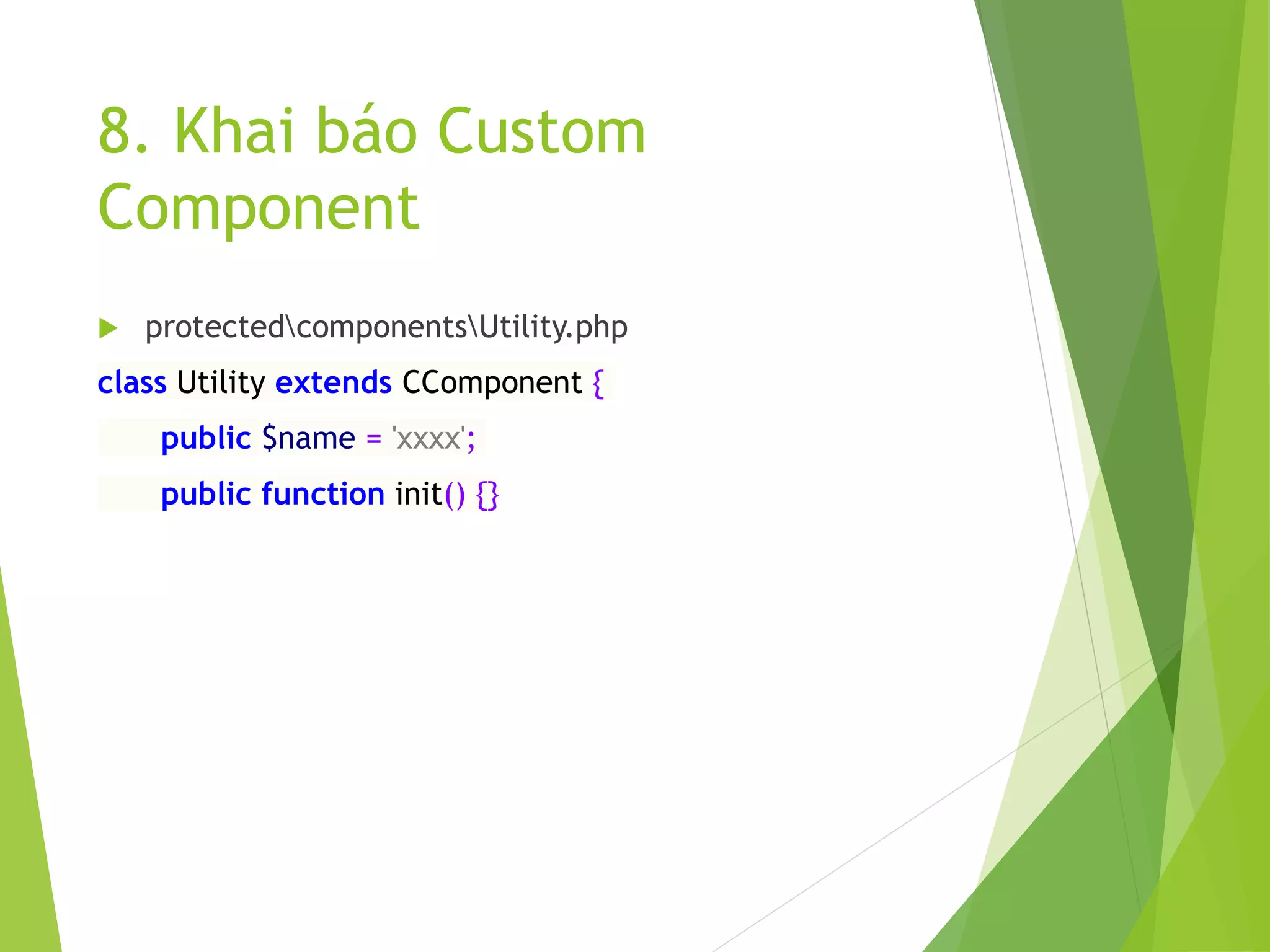
 protectedcomponentsUtility.php
class Utility extends CComponent {
public $name = 'xxxx';
public function init() {}
8. Khai báo Custom
Component
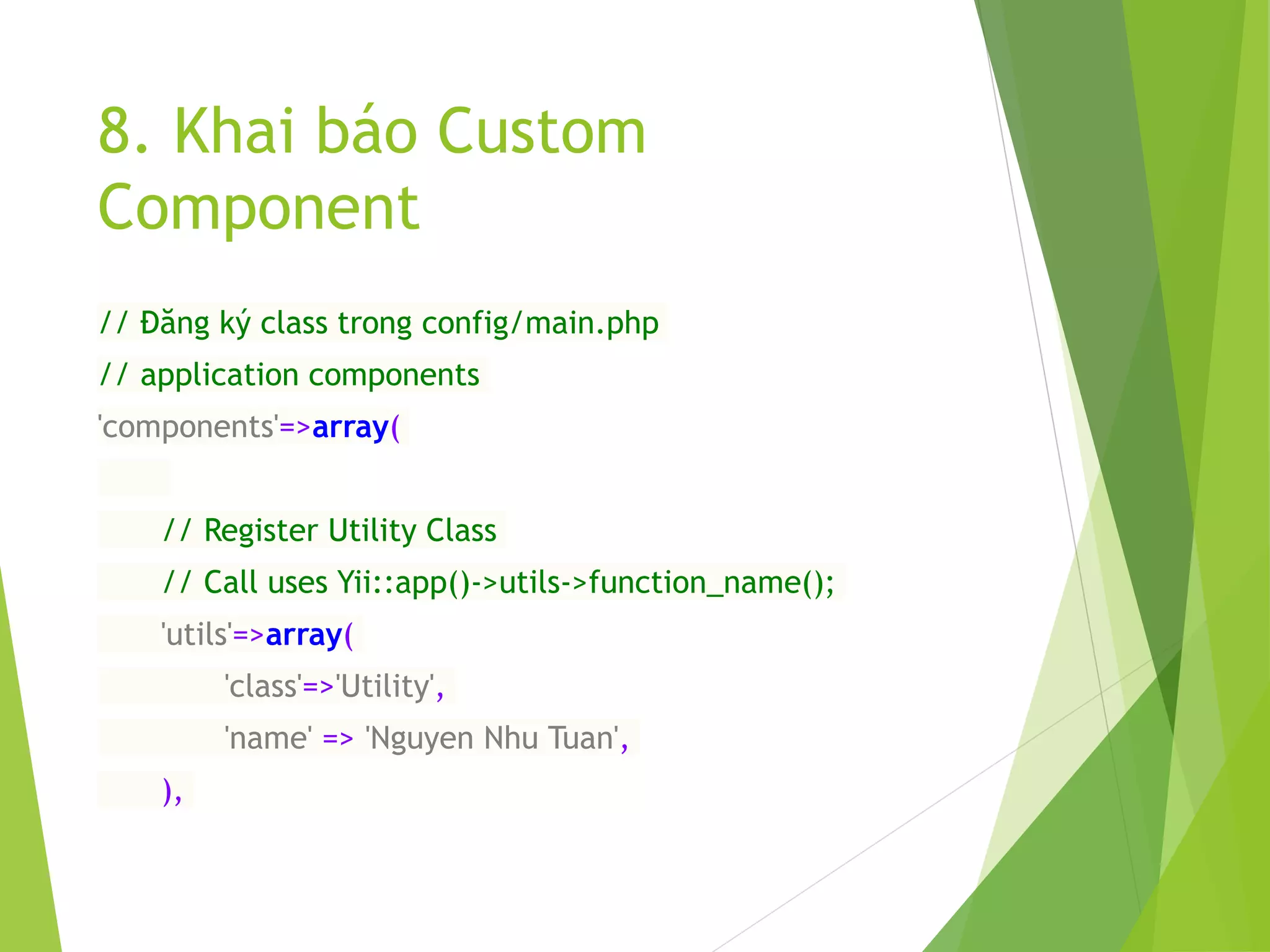
// Đăng ký class trong config/main.php
// application components
'components'=>array(
// Register Utility Class
// Call uses Yii::app()->utils->function_name();
'utils'=>array(
'class'=>'Utility',
'name' => 'Nguyen Nhu Tuan',
),
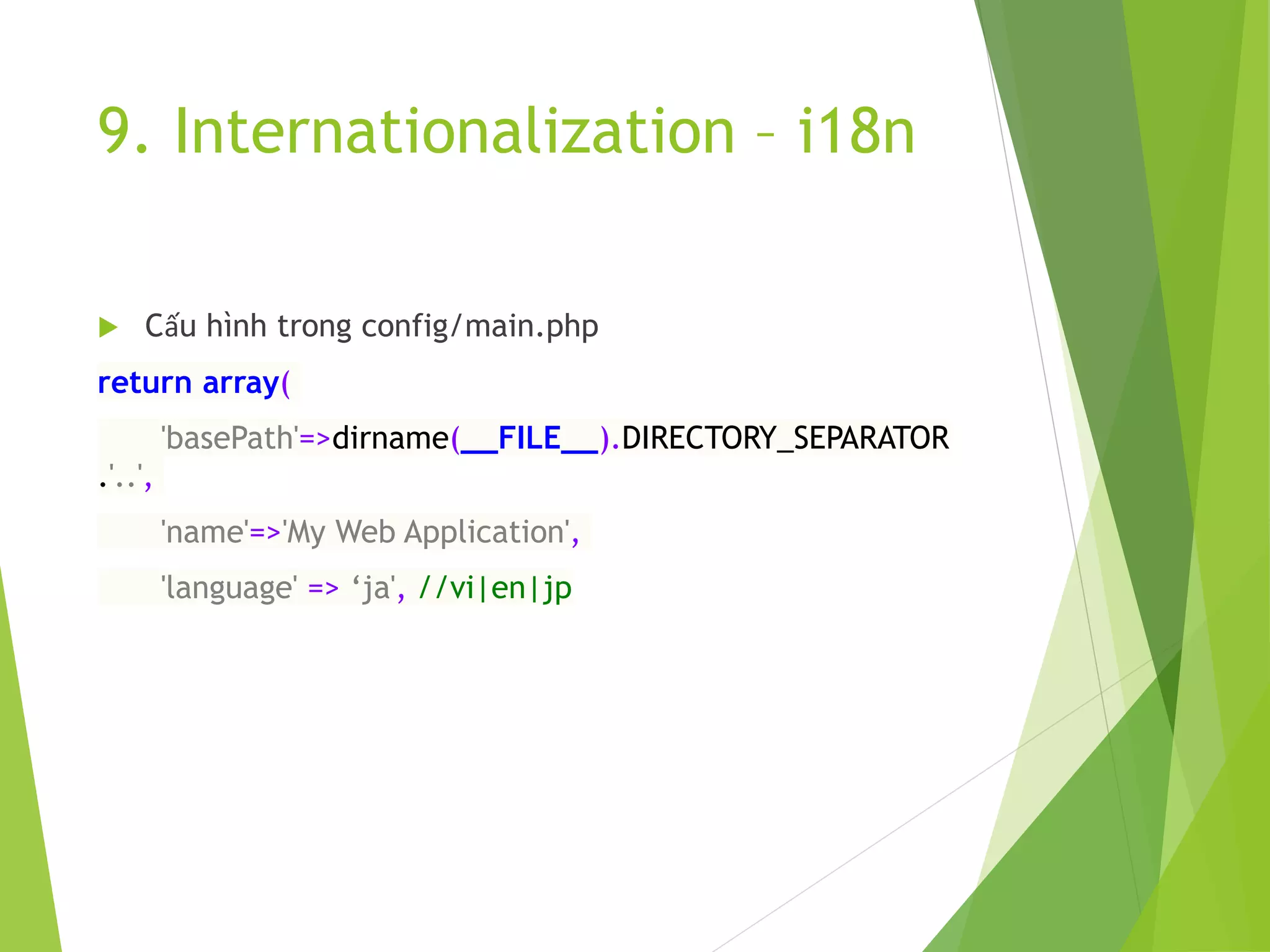
9. Internationalization – i18n
 Cấu hình trong config/main.php
return array(
'basePath'=>dirname(__FILE__).DIRECTORY_SEPARATOR
.'..',
'name'=>'My Web Application',
'language' => ‘ja', //vi|en|jp
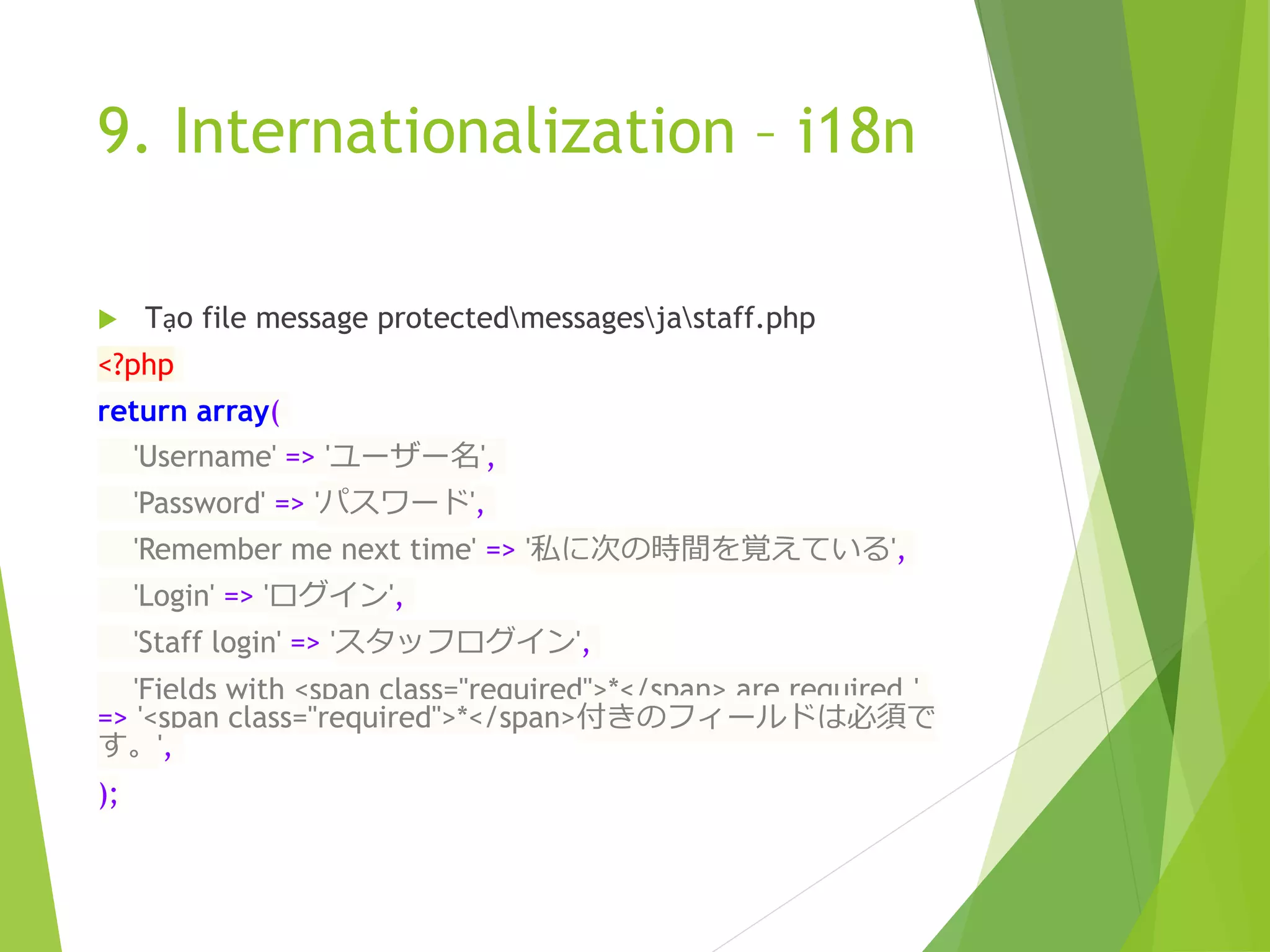
9. Internationalization – i18n
 Tạo file message protectedmessagesjastaff.php
<?php
return array(
'Username' => 'ユーザー名',
'Password' => 'パスワード',
'Remember me next time' => '私に次の時間を覚えている',
'Login' => 'ログイン',
'Staff login' => 'スタッフログイン',
'Fields with <span class="required">*</span> are required.'
=> '<span class="required">*</span>付きのフィールドは必須で
す。',
);
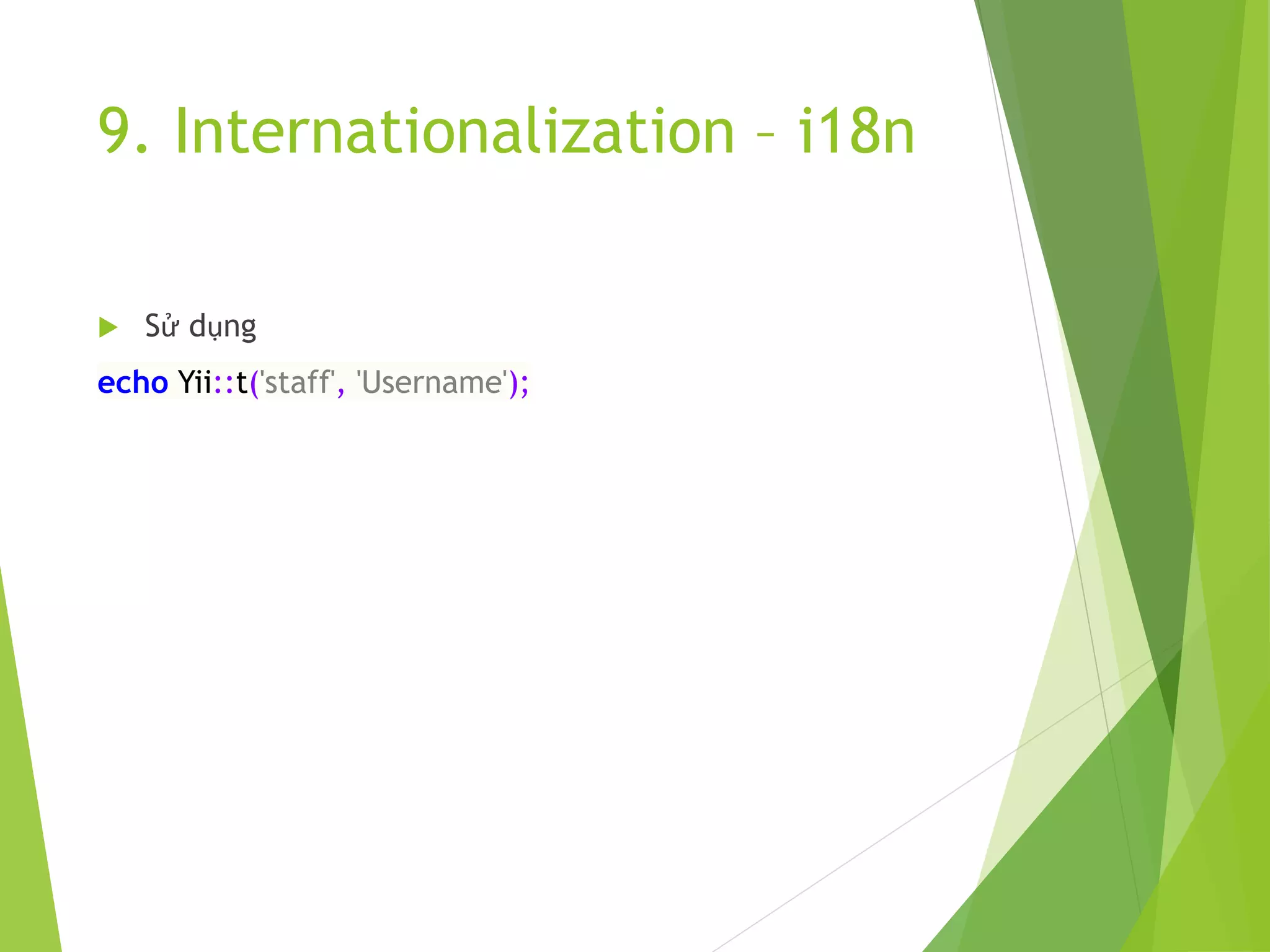
9. Internationalization – i18n
 Sử dụng
echo Yii::t('staff', 'Username');
10. Override base core
11. Sử dụng Script Packet
 Việc tổ chức client javascript và css có thể add thẳng
vào view, các page khác nhau cùng sử dụng một thư viện
sẽ gọi lại các js và css này.
 Mô hình chung tạo ra rất nhiều đoạn include js và css vào
các page, khi có thay đổi rất khó khăn.
 Có thể sử dụng Partial và Widget, song Yii cung cấp thêm
một cách định nghĩa ra các gói Packet Script và gọi
chúng trong View tốt hơn.
11. Sử dụng Script Packet
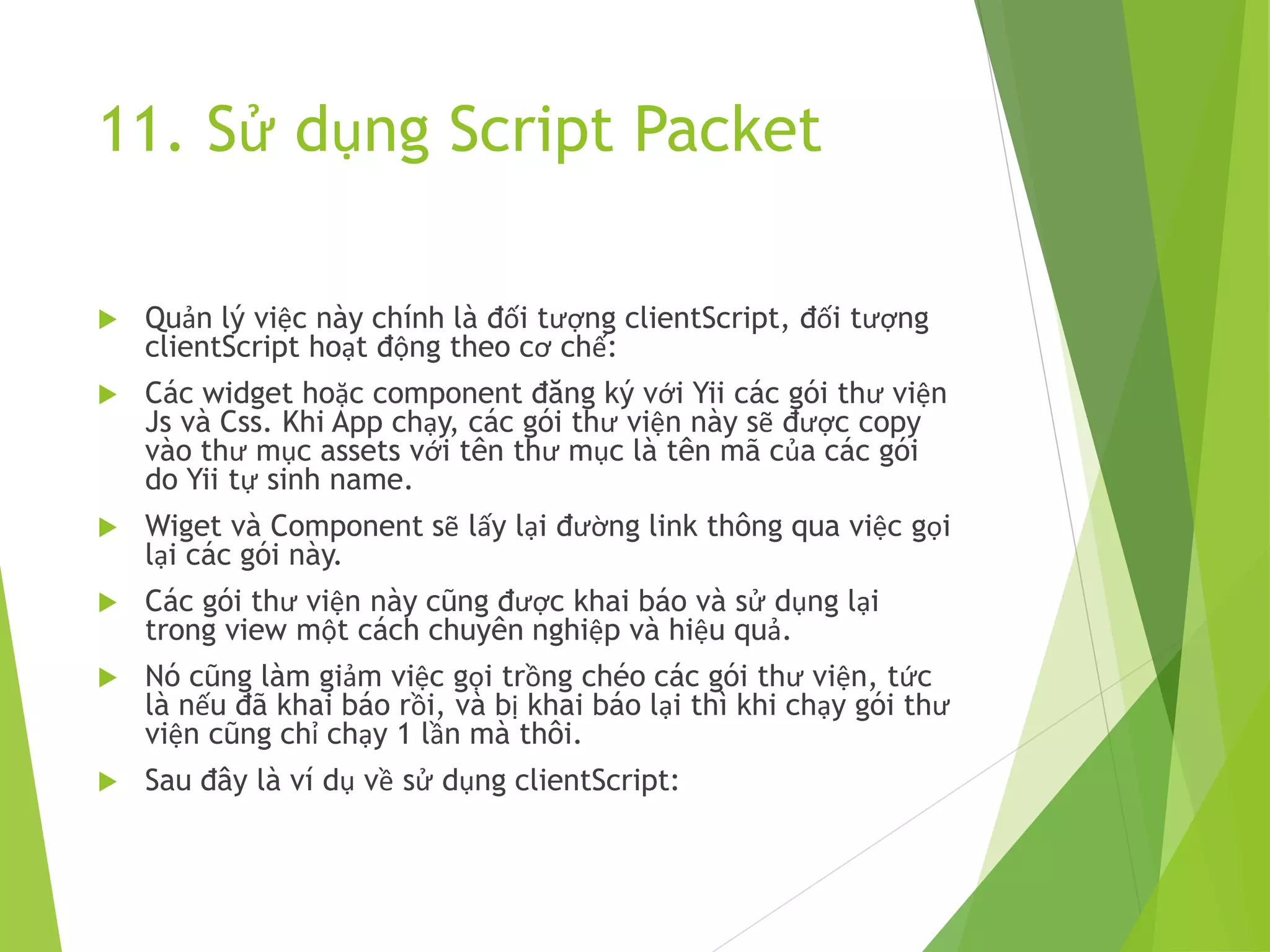
 Quản lý việc này chính là đối tượng clientScript, đối tượng
clientScript hoạt động theo cơ chế:
 Các widget hoặc component đăng ký với Yii các gói thư viện
Js và Css. Khi App chạy, các gói thư viện này sẽ được copy
vào thư mục assets với tên thư mục là tên mã của các gói
do Yii tự sinh name.
 Wiget và Component sẽ lấy lại đường link thông qua việc gọi
lại các gói này.
 Các gói thư viện này cũng được khai báo và sử dụng lại
trong view một cách chuyên nghiệp và hiệu quả.
 Nó cũng làm giảm việc gọi trồng chéo các gói thư viện, tức
là nếu đã khai báo rồi, và bị khai báo lại thì khi chạy gói thư
viện cũng chỉ chạy 1 lần mà thôi.
 Sau đây là ví dụ về sử dụng clientScript:
11. Sử dụng Script Packet
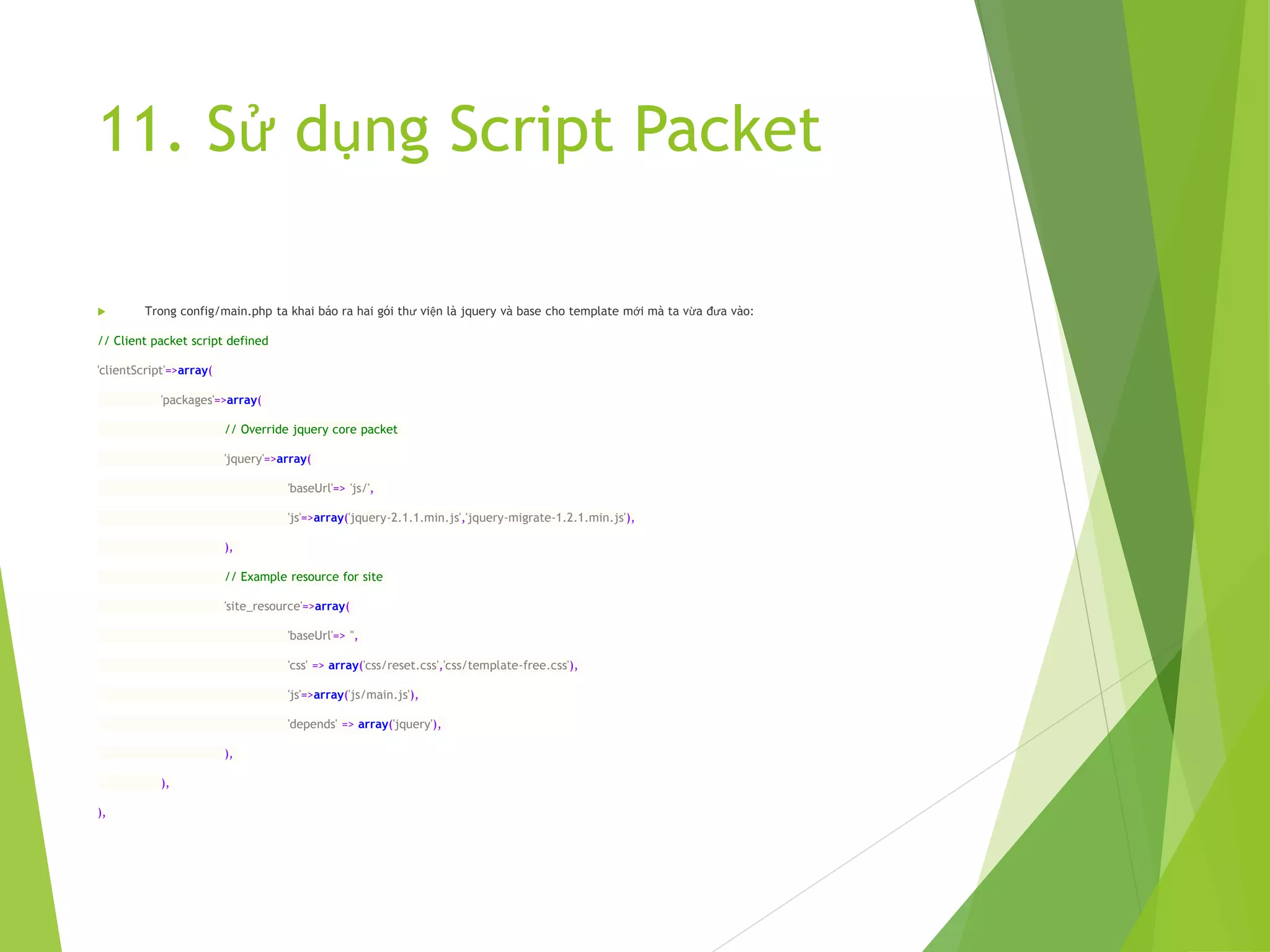
 Trong config/main.php ta khai báo ra hai gói thư viện là jquery và base cho template mới mà ta vừa đưa vào:
// Client packet script defined
'clientScript'=>array(
'packages'=>array(
// Override jquery core packet
'jquery'=>array(
'baseUrl'=> 'js/',
'js'=>array('jquery-2.1.1.min.js','jquery-migrate-1.2.1.min.js'),
),
// Example resource for site
'site_resource'=>array(
'baseUrl'=> '',
'css' => array('css/reset.css','css/template-free.css'),
'js'=>array('js/main.js'),
'depends' => array('jquery'),
),
),
),
11. Sử dụng Script Packet
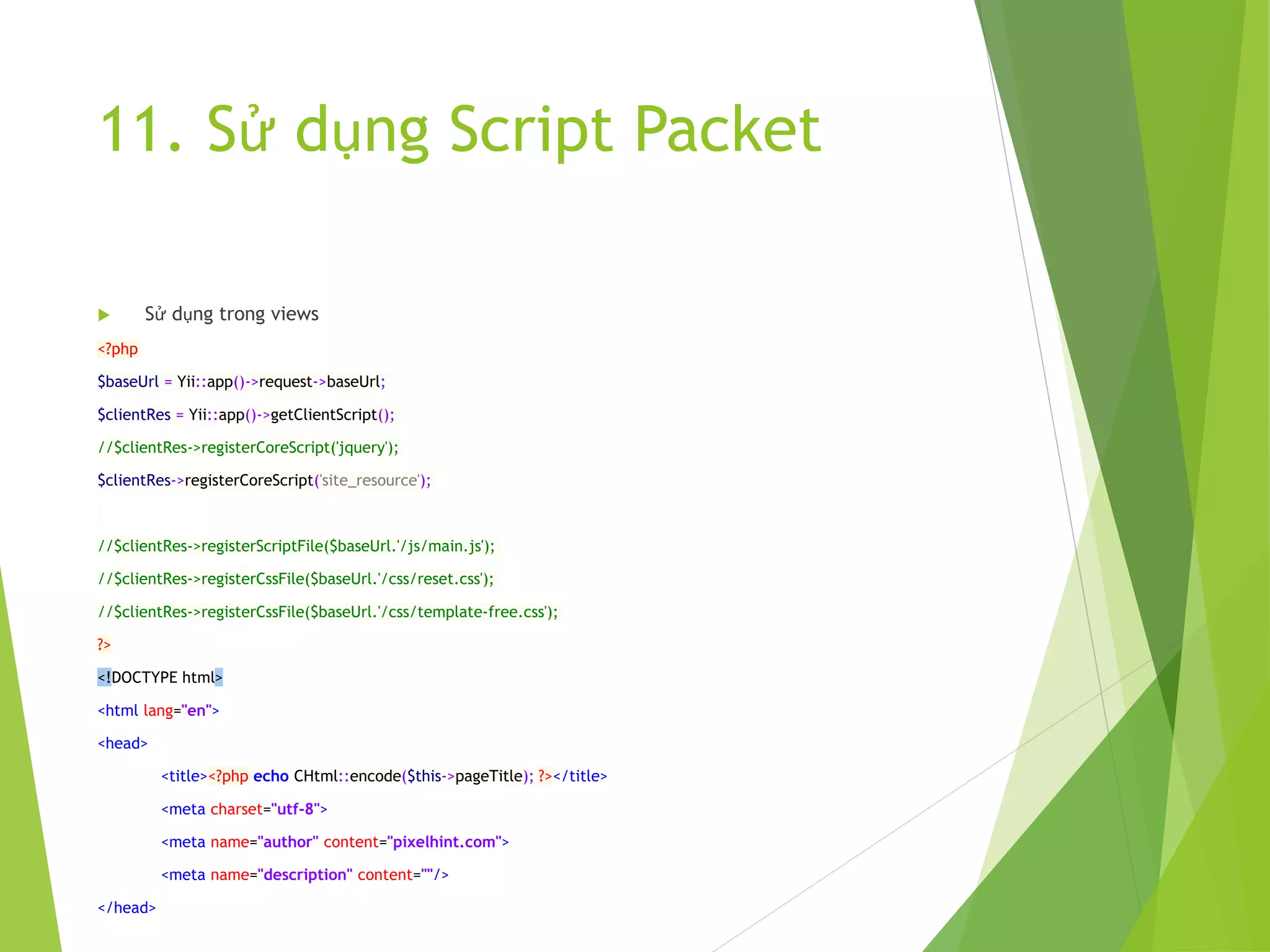
 Sử dụng trong views
<?php
$baseUrl = Yii::app()->request->baseUrl;
$clientRes = Yii::app()->getClientScript();
//$clientRes->registerCoreScript('jquery');
$clientRes->registerCoreScript('site_resource');
//$clientRes->registerScriptFile($baseUrl.'/js/main.js');
//$clientRes->registerCssFile($baseUrl.'/css/reset.css');
//$clientRes->registerCssFile($baseUrl.'/css/template-free.css');
?>
<!DOCTYPE html>
<html lang="en">
<head>
<title><?php echo CHtml::encode($this->pageTitle); ?></title>
<meta charset="utf-8">
<meta name="author" content="pixelhint.com">
<meta name="description" content=""/>
</head>
13. Tài liệu tham khảo
 http://www.yiiframework.com/
 Code mẫu kèm theo tài liệu:
 https://github.com/tuanquynh0508/yii/tree/master/ex
ample/pro1

Giới thiệu Yii Framework 1

  • 1.
    Giới thiệu vềYII Framework 1 Nguyễn Như Tuấn – Web developer Contact: tuanquynh0508@gmail.com – +84 0903258221
  • 2.
    Nội dung 1. Càiđặt Yii 2. Sử dụng Gii tạo Model, CRUD, Controller, Action, View 3. Routter 4. Active Record, Query Database, Validate, Form 5. Tạo và sử dụng Layout 6. Custom Login 7. Tạo và sử dụng Module, Partial, Custom Widget, Custom Validate 8. Khai báo Custom Component 9. Internationalization – i18n 10. Override base core 11. Sử dụng Script Packet 12. Tài liệu tham khảo
  • 3.
    1. Cài đặtYii  Vào web site: http://www.yiiframework.com/download/  Download yii-1.1.15.022a51.tar.gz hoặc bản zip file  Giải nén và đổi tên vào thư mục webroot (ví dụ D:wwwyii1)  Tạo thư mục D:wwwyii1 để chứa các app
  • 4.
    1. Cài đặtYii…tiếp  Tạo dự án:  Vào thư mục D:wwwyii1framework  Giữ shift + Right Mouse Click, chọn Open command window here  Gõ: yiic webapp D:wwwyii1appspro1  Chọn Yes
  • 5.
    1. Cài đặtYii…tiếp  Cấu hình Apache #Yii Training <VirtualHost *:80> ServerAdmin tuanquynh0508@gmail.com DocumentRoot "D:wwwyii1appspro1" ServerName pro1 </VirtualHost>
  • 6.
    2. Sử dụngGii tạo Model, CRUD, Controller, Action, View  Cấu hình Database  Vào config/main.php comment phần db sqlite lại, và mở comment phần mysql ra. Sửa đổi lại thông tin.  Cấu hình Gii  Trong config/main.php, mở comment module gii ra  Đổi password thành 1  Trên đường link gõ http://localhost:8080?r=gii  Hướng dẫn Gii tạo Module và CRUD (thực hành)
  • 7.
    3. Active Record,Query Database, Validate, Form Một số hàm quan trọng:  afterConstruct()  afterDelete()  afterFind()  afterSave()  afterValidate()  beforeDelete()  beforeFind()  beforeSave()  beforeValidate() Giới thiệu về Active Record:
  • 8.
    3. Active Record,Query Database, Validate, Form
  • 9.
    Các thao tácvới Active Record  Các thao tác với Active Record:  Insert: $model=new Example; $model->title = "Example 1"; $model->create_time=new CDbExpression('NOW()'); // $post->create_time='NOW()'; will not work because // 'NOW()' will be treated as a string $model->save();
  • 10.
    Update Active Record Update: $post=Post::model()->findByPk(10); $post->title='new post title'; $post->save(); // save the change to database //From POST $post->attributes=$_POST['Post']; $post->save();
  • 11.
    Update Active Record Ngoài ra Yii còn cung cấp thêm các hàm Update khác: // update the rows matching the specified condition Post::model()- >updateAll($attributes,$condition,$params); // update the rows matching the specified condition and primary key(s) Post::model()- >updateByPk($pk,$attributes,$condition,$params); // update counter columns in the rows satisfying the specified conditions Post::model()- >updateCounters($counters,$condition,$params);
  • 12.
    Delete Active Record $post=Post::model()- >findByPk(10); //assuming there is a post whose ID is 10 $post->delete(); // delete the row from the database table
  • 13.
    Delete Active Record Ngoài ra Yii còn cung cấp thêm các hàm Delete khác: // delete the rows matching the specified condition Post::model()- >deleteAll($condition,$params); // delete the rows matching the specified condition and primary key(s) Post::model()- >deleteByPk($pk,$condition,$params);
  • 14.
    Query Database  QueryDatabase, có hai loại Query là Query trả về một ActiveRecord và Query trả về Object Record.  Query trả về Active Record: // find the first row satisfying the specified condition $post=Post::model()->find($condition,$params); // find the row with the specified primary key $post=Post::model()->findByPk($postID,$condition,$params); // find the row with the specified attribute values $post=Post::model()->findByAttributes($attributes,$condition,$params); // find the first row using the specified SQL statement $post=Post::model()->findBySql($sql,$params);
  • 15.
    Query trả vềObject Record // find all rows satisfying the specified condition $posts=Post::model()->findAll($condition,$params); // find all rows with the specified primary keys $posts=Post::model()- >findAllByPk($postIDs,$condition,$params); // find all rows with the specified attribute values $posts=Post::model()- >findAllByAttributes($attributes,$condition,$params); // find all rows using the specified SQL statement $posts=Post::model()->findAllBySql($sql,$params);
  • 16.
    Query trả vềObject Record // find all rows satisfying the specified condition $posts=Post::model()->findAll($condition,$params); // find all rows with the specified primary keys $posts=Post::model()- >findAllByPk($postIDs,$condition,$params); // find all rows with the specified attribute values $posts=Post::model()- >findAllByAttributes($attributes,$condition,$params); // find all rows using the specified SQL statement $posts=Post::model()->findAllBySql($sql,$params);
  • 17.
    Đối tượng CDbCriteria Truyvấn thường $list1 = Example::model()- >findAll(array( 'condition' => 'is_public=:is_publi c', 'params' => array( ':is_public' => 1, ), )); Sử dụng CDbCriteria $criteria = new CDbCriteria(); $criteria->condition = "is_public=:is_public"; $criteria->params = array(': is_public' => 1); $list1 = Example::model()- >findAll($criteria);
  • 18.
    Sử dụng truyvấn bằng createCommand  Khởi tạo:  Sử dụng đối tượng kết nối mặc định $command = Yii::app()->db;  Sử dụng đối tượng kết nối của ActiveRecord $command = Example::model()- >getDbConnection();
  • 19.
    Sử dụng truyvấn bằng createCommand //Example 1 $list2 = Example::model()->getDbConnection() ->createCommand() ->setFetchMode(PDO::FETCH_OBJ) ->select('*') ->from('tbl_example') ->where('is_public = :is_public', array(':is_public' => 1)) ->queryRow();
  • 20.
    Sử dụng truyvấn bằng createCommand //Example 2 $list2 = Example::model()->getDbConnection() ->createCommand() ->setFetchMode(PDO::FETCH_OBJ) ->select('*') ->from('tbl_example') ->where('is_public = :is_public', array(':is_public' => 1)) ->queryAll();
  • 21.
    Sử dụng truyvấn bằng createCommand //Example 3 $lastId = Example::model()->getDbConnection() ->createCommand() ->select('IFNULL(MAX(id),0) as max') ->from('tbl_example') ->where('is_public = :is_public', array(':is_public' => 1)) ->queryScalar();
  • 22.
    Sử dụng truyvấn bằng createCommand //Example 4 $sql = 'SELECT * FROM ur_tbl t WHERE t.email_id = '. $id; $email = Yii::app()->db->createCommand($sql)- >queryAll(); //Example 5 $list= Yii::app()->db ->createCommand('select * from post where category=:category') ->bindValue(':category',$category) ->queryAll();
  • 23.
    Sử dụng truyvấn bằng createCommand //Example 6 $list= Yii::app()->db ->createCommand('select * from post where category=:category and status=:status') ->bindValues(array(':category'=>$category, ':status'=>$status)) ->queryAll();
  • 24.
    Sử dụng truyvấn bằng createCommand //Example 7 Yii::app()->db->createCommand('delete * from post')->query(); //Example 8 Yii::app()->db->createCommand() ->insert('user', [ 'name' => 'Sam', 'age' => 30, ]) ->execute(); //Example 9 $user = Yii::app()->db->createCommand() ->select('id, username, profile') ->from('tbl_user u') ->join('tbl_profile p', 'u.id=p.user_id') ->where('id=:id', array(':id'=>$id)) ->queryRow();
  • 25.
    Sử dụng truyvấn bằng createCommand  TRANSACTION: $connection = Yii::app()->db; //Hoặc //$connection = Example::model()->getDbConnection(); $transaction=$connection->beginTransaction(); try { $connection->createCommand($sql1)->execute(); $connection->createCommand($sql2)->execute(); //.... other SQL executions $transaction->commit(); } catch(Exception $e) { $transaction->rollback(); }
  • 26.
    4. Routter  Cấuhình trong config/main.php 'urlManager'=>array( 'urlFormat'=>'path', 'showScriptName' => false, 'rules'=>array( 'contact-us.html' => '/site/contact', ‘post/<slug:w+>.html' => '/site/post', '<controller:w+>/<id:d+>'=>'<controller>/view', '<controller:w+>/<action:w+>/<id:d+>'=>'<controller>/<a ction>', '<controller:w+>/<action:w+>'=>'<controller>/<action>', ), ),
  • 27.
    4. Routter  htaccess Options-Indexes +FollowSymLinks -Multiviews IndexIgnore */* RewriteEngine On RewriteBase /pro1/ # if a directory or a file exists, use it directly RewriteCond %{REQUEST_FILENAME} !-f RewriteCond %{REQUEST_FILENAME} !-d # otherwise forward it to index.php RewriteRule . index.php
  • 28.
    5. Custom Login Yii framework cung cấp sẵn cơ chế Authentication thông qua đối tượng CUserIdentity  Sử dụng ba hàm thường dung là: Yii::app()->user->login($this- >_identity,$duration); Yii::app()->user->logout(); authenticate();
  • 29.
    5. Custom Login Tạo ra Custom Form Login với các trường cơ bản là username và password  Sử dụng Active Record Staff để truy vấn database về cơ sơ dữ liệu người dung  Override lại hàm authenticate của CUserIdentity để truy vấn theo dữ liệu người dùng từ database  Bổ xung thêm các thông tin cần lấy ra từ CUserIdentity nếu thấy cần thiết  Xem code mẫu đi kèm
  • 30.
    6. Tạo vàsử dụng Custom Layout  Trong thư mục views/layouts tạo thêm một layout mới là template_free.php  Đưa các HTML cần thiết vào  Để sử dụng layout cho một Action nào đó, thì chỉ cần gán như sau:  $this->layout = "//layouts/template_free";  Còn khai báo layout sử dụng cho toàn bộ một controller thì gán là:  public $layout = "//layouts/template_free";
  • 31.
    7. Tạo vàsử dụng Module, Partial, Custom Widget, Custom Validate
  • 32.
    Module  Module làmột mô hình MVC thu nhỏ của Framework  Trong Module có đầy đủ các thư mục như là components, controllers, views, models…  Module được tạo ra một cách dễ dàng thông qua công cụ gii của yii
  • 33.
    Partial  Partial làmột view và là một thành phần HTML tĩnh, được include vào trong page.  Được tạo ra để sử dụng nhiều lần ở nhiều page khác nhau  Partial cũng có thể truyền tham số và gọi lại trong html của nó  Ví dụ một partial điển hình
  • 34.
    Partial  protectedviewspartialstopImg.php <section class="billboard"><?phpecho $name; ?> </section><!-- End billboard -->  Gọi từ view <?php echo $this- >renderPartial("//partials/topImg", array('name'=>'xxx')); ?>
  • 35.
    Widget  Widget làmột thành phần gần giống với controller  Widget có đầy đủ phần xử lý logic và view  Cũng giống như partial, widget được tạo ra và sử dụng nhiều lần trên view thông qua việc gọi và truyền tham số  Widget có thể sử dụng các đối tượng Activerecord để lấy thông tin từ database rồi trả về cho view của nó  Sau đây là một ví dụ về Widget
  • 36.
    Widget  protectedwidgetsdatetimeBox.php <?php class datetimeBoxextends CWidget { public function run() { $dateVal = "Ngày ".date('d/m/Y'). ", Giờ".date('H:i:s A'); $this->render('datetimebox', array( 'dateVal' => $dateVal )); } }  protectedwidgetsviewsdatetimebox.php <h2>DateTime Box Widget</h2> <table border="1"> <tr> <td>Ngày giờ: </td> <td><?php echo $dateVal; ?></td> </tr> </table>  Call từ view <?php $this->widget('application.widgets.datetimeBox', array()); ?>
  • 37.
    Custom validate  Yiiframework cung cấp đầy đủ các validate cơ bản nhất (tham khảo tại http://www.yiiframework.com/wiki/56/reference- model-rules-validation/)  Nhưng đôi khi chúng ta cũng muốn tự tạo ra một validate riêng của mình cho những nghiệp vụ đòi hỏi cách kiểm tra dữ liệu riêng.  Có hai cách để thực hiện việc này: Sử dụng validate trong nội tại class Activerecord hoặc class CFormModel  Cách thư 2 là tạo ra một Custom validate riêng, để có thể tái sử dụng ở nhiều Form khác nhau.
  • 38.
    Custom validate  Khaibáo custome validate trong class AC hoặc CF <?php class HelloForm extends CFormModel { public $fullname; public $message; public $age; public $sex; public function rules() { return array( array('fullname, message', 'required'), array('fullname', 'length', 'max'=>25), array('age', 'numerical', 'integerOnly'=>true), array('age', 'checkAge18Plus', 'min'=>18, 'message' => 'Chưa đủ tuổi'), array('sex', 'application.components.validators.checkSex', 'allowEmpty'=>false), ); }
  • 39.
    Custom validate  protectedcomponentsvalidatorscheckSex.php <?php classcheckSex extends CValidator { public $message = ''; public $allowEmpty = true; protected function validateAttribute($object,$attribute) { $value = intval($object->$attribute); //Bỏ qua nếu chấp nhận rỗng if($this->allowEmpty && empty($value)) return; $message=!empty($this->message)?$this->message:"Không chơi với GAY hoặc
  • 40.
    Custom validate  Sửdụng trong form array('sex', 'application.components.validators.checkSex', 'allowEmpty'=>false),
  • 41.
    8. Khai báoCustom Component  Custom component là một class xử lý một tác vụ nào đó, được sử dụng và gọi ở nhiều nơi.  Ta cũng có thể tạo ra các class, song khi sử dụng cần new ra đối tượng rồi mới dùng được  Hoặc có thể tạo ra class và các function static để gọi  Có cách khác đơn giản hơn, là đăng ký class đó với Yii, và gọi ra trực tiếp các functions của class đó.
  • 42.
    8. Khai báoCustom Component  protectedcomponentsUtility.php class Utility extends CComponent { public $name = 'xxxx'; public function init() {}
  • 43.
    8. Khai báoCustom Component // Đăng ký class trong config/main.php // application components 'components'=>array( // Register Utility Class // Call uses Yii::app()->utils->function_name(); 'utils'=>array( 'class'=>'Utility', 'name' => 'Nguyen Nhu Tuan', ),
  • 44.
    9. Internationalization –i18n  Cấu hình trong config/main.php return array( 'basePath'=>dirname(__FILE__).DIRECTORY_SEPARATOR .'..', 'name'=>'My Web Application', 'language' => ‘ja', //vi|en|jp
  • 45.
    9. Internationalization –i18n  Tạo file message protectedmessagesjastaff.php <?php return array( 'Username' => 'ユーザー名', 'Password' => 'パスワード', 'Remember me next time' => '私に次の時間を覚えている', 'Login' => 'ログイン', 'Staff login' => 'スタッフログイン', 'Fields with <span class="required">*</span> are required.' => '<span class="required">*</span>付きのフィールドは必須で す。', );
  • 46.
    9. Internationalization –i18n  Sử dụng echo Yii::t('staff', 'Username');
  • 47.
  • 48.
    11. Sử dụngScript Packet  Việc tổ chức client javascript và css có thể add thẳng vào view, các page khác nhau cùng sử dụng một thư viện sẽ gọi lại các js và css này.  Mô hình chung tạo ra rất nhiều đoạn include js và css vào các page, khi có thay đổi rất khó khăn.  Có thể sử dụng Partial và Widget, song Yii cung cấp thêm một cách định nghĩa ra các gói Packet Script và gọi chúng trong View tốt hơn.
  • 49.
    11. Sử dụngScript Packet  Quản lý việc này chính là đối tượng clientScript, đối tượng clientScript hoạt động theo cơ chế:  Các widget hoặc component đăng ký với Yii các gói thư viện Js và Css. Khi App chạy, các gói thư viện này sẽ được copy vào thư mục assets với tên thư mục là tên mã của các gói do Yii tự sinh name.  Wiget và Component sẽ lấy lại đường link thông qua việc gọi lại các gói này.  Các gói thư viện này cũng được khai báo và sử dụng lại trong view một cách chuyên nghiệp và hiệu quả.  Nó cũng làm giảm việc gọi trồng chéo các gói thư viện, tức là nếu đã khai báo rồi, và bị khai báo lại thì khi chạy gói thư viện cũng chỉ chạy 1 lần mà thôi.  Sau đây là ví dụ về sử dụng clientScript:
  • 50.
    11. Sử dụngScript Packet  Trong config/main.php ta khai báo ra hai gói thư viện là jquery và base cho template mới mà ta vừa đưa vào: // Client packet script defined 'clientScript'=>array( 'packages'=>array( // Override jquery core packet 'jquery'=>array( 'baseUrl'=> 'js/', 'js'=>array('jquery-2.1.1.min.js','jquery-migrate-1.2.1.min.js'), ), // Example resource for site 'site_resource'=>array( 'baseUrl'=> '', 'css' => array('css/reset.css','css/template-free.css'), 'js'=>array('js/main.js'), 'depends' => array('jquery'), ), ), ),
  • 51.
    11. Sử dụngScript Packet  Sử dụng trong views <?php $baseUrl = Yii::app()->request->baseUrl; $clientRes = Yii::app()->getClientScript(); //$clientRes->registerCoreScript('jquery'); $clientRes->registerCoreScript('site_resource'); //$clientRes->registerScriptFile($baseUrl.'/js/main.js'); //$clientRes->registerCssFile($baseUrl.'/css/reset.css'); //$clientRes->registerCssFile($baseUrl.'/css/template-free.css'); ?> <!DOCTYPE html> <html lang="en"> <head> <title><?php echo CHtml::encode($this->pageTitle); ?></title> <meta charset="utf-8"> <meta name="author" content="pixelhint.com"> <meta name="description" content=""/> </head>
  • 52.
    13. Tài liệutham khảo  http://www.yiiframework.com/  Code mẫu kèm theo tài liệu:  https://github.com/tuanquynh0508/yii/tree/master/ex ample/pro1