FLOCKER
~~~ Ravi~~~
Agenda
 Docker & Limitation
 Why Flocker? Features
 Flocker Support
 Flocker Flow
 Demo
 Volume Manager
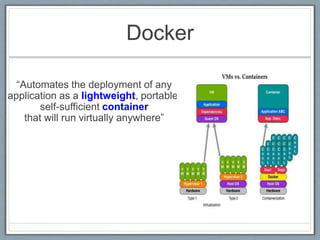
Docker
“Automates the deployment of any
application as a lightweight, portable,
self-sufficient container
that will run virtually anywhere”
Docker Limitation
• Multiple Hosts
• Networking
• Same Hosts
• Communication between Services
• Orchestration and Clustering
• Control of containers
• Container management
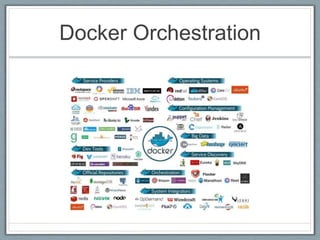
Docker Orchestration
Flocker
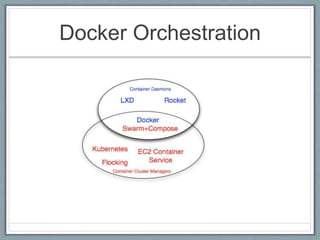
Docker Orchestration
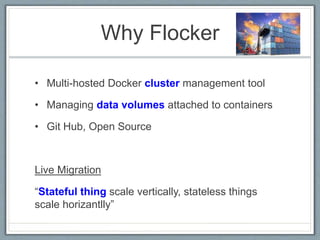
Why Flocker
• Multi-hosted Docker cluster management tool
• Managing data volumes attached to containers
• Git Hub, Open Source
Live Migration
“Stateful thing scale vertically, stateless things
scale horizantlly”
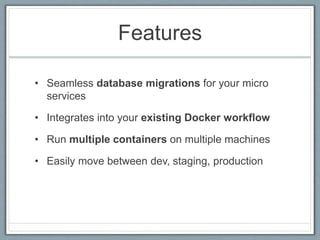
Features
• Seamless database migrations for your micro
services
• Integrates into your existing Docker workflow
• Run multiple containers on multiple machines
• Easily move between dev, staging, production
Databases Supports
o Databases
o Queues
o Key-Value Stores
Virtualization Supports
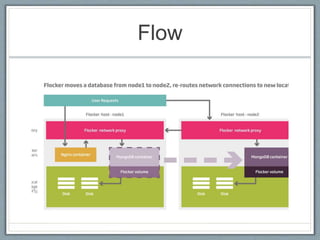
Flow
Configuration
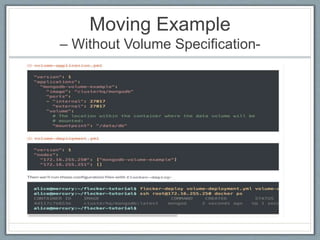
"version": 1
"nodes":
"172.16.255.250": ["mongodb-volume-example"]
"172.16.255.251": []
"version": 1
"applications":
"mongodb-volume-example":
"image": "clusterhq/mongodb"
"ports":
- "internal": 27017
"external": 27017
"volume":
# The location within the container where the data volume will be
# mounted:
"mountpoint": "/data/db"
flocker-deploy deployment-config.yml application-config.yml
Deployment File Application File
CLI =>
Demo
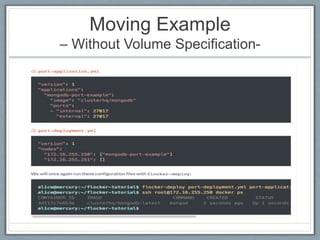
Moving Example
– Without Volume Specification-
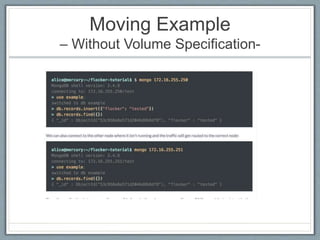
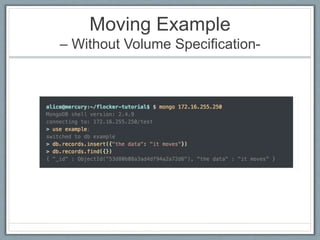
Moving Example
– Without Volume Specification-
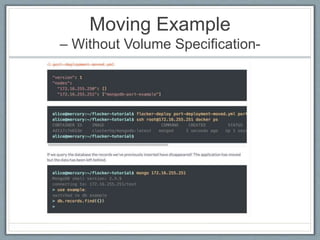
Moving Example
– Without Volume Specification-
Moving Example
– Without Volume Specification-
Moving Example
– Without Volume Specification-
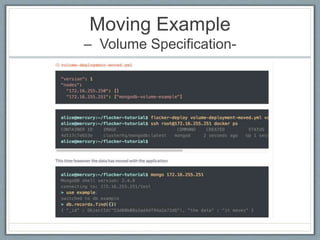
Moving Example
– Volume Specification-
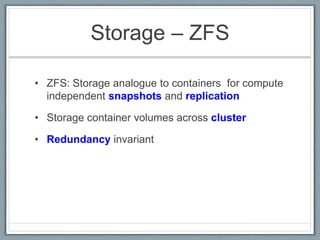
Storage – ZFS
• ZFS: Storage analogue to containers for compute
independent snapshots and replication
• Storage container volumes across cluster
• Redundancy invariant
Volume Manager
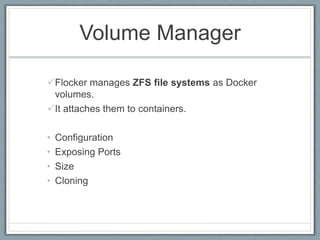
Flocker manages ZFS file systems as Docker
volumes.
It attaches them to containers.
• Configuration
• Exposing Ports
• Size
• Cloning
Moving an Application
Volume Ownership
-Push
- Handoff
"version": 1
"nodes":
"172.16.255.250": ["mongodb-volume-example"]
"172.16.255.251": []
"version": 1
"nodes":
"172.16.255.250": []
"172.16.255.251": ["mongodb-volume-example"]
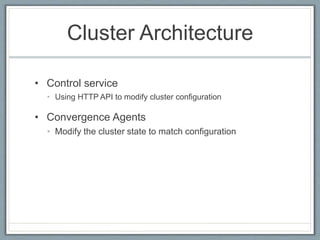
Cluster Architecture
• Control service
• Using HTTP API to modify cluster configuration
• Convergence Agents
• Modify the cluster state to match configuration
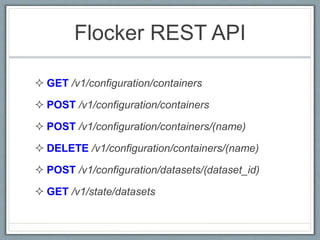
Flocker REST API
 GET /v1/configuration/containers
 POST /v1/configuration/containers
 POST /v1/configuration/containers/(name)
 DELETE /v1/configuration/containers/(name)
 POST /v1/configuration/datasets/(dataset_id)
 GET /v1/state/datasets
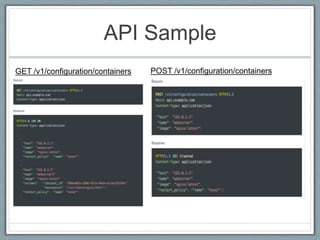
API Sample
GET /v1/configuration/containers POST /v1/configuration/containers
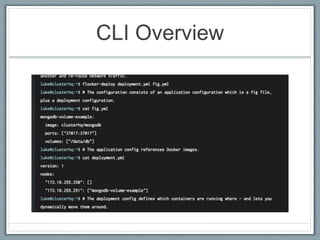
CLI Overview
Additional Slides
PowerStrip
• Data migration with Kubernetes and Flocker
• POC, Supports when Docker extensions become
official
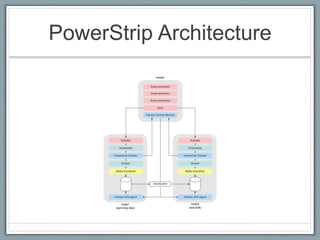
PowerStrip Architecture
Flocker Routing
• Flocker - Routing
• Container configuration includes externally visible TCP port numbers.
• Connect to any node on a Flocker cluster and traffic is routed to the node
hosting the appropriate container (based on port).
• Your external domain (www.example.com) configured to point at all nodes in
the Flocker cluster (192.0.2.0, 192.0.2.1)
• Managing Routes
• Containers claim TCP port numbers with the application configuration that
defines them.
• Connections to that TCP port on the node that is running the container are
proxied (NAT'd) into the container for whatever software is listening for them
there.
• Connections to that TCP port on any other node in the Flocker cluster are
proxied (NAT'd) to the node that is running the container.
• Proxying is done using iptables.
Flocker Volume Manager
• Snapshots and replication of Flocker volume
• Push volumes to remote host
• Track changes
• Roll back to earliest states
• Models:
• ZFS – Clone, Replication
• BTRTFS
Thanks You..

Flocker

Editor's Notes

  • #29 https://clusterhq.com/blog/data-migration-kubernetes-flocker/