
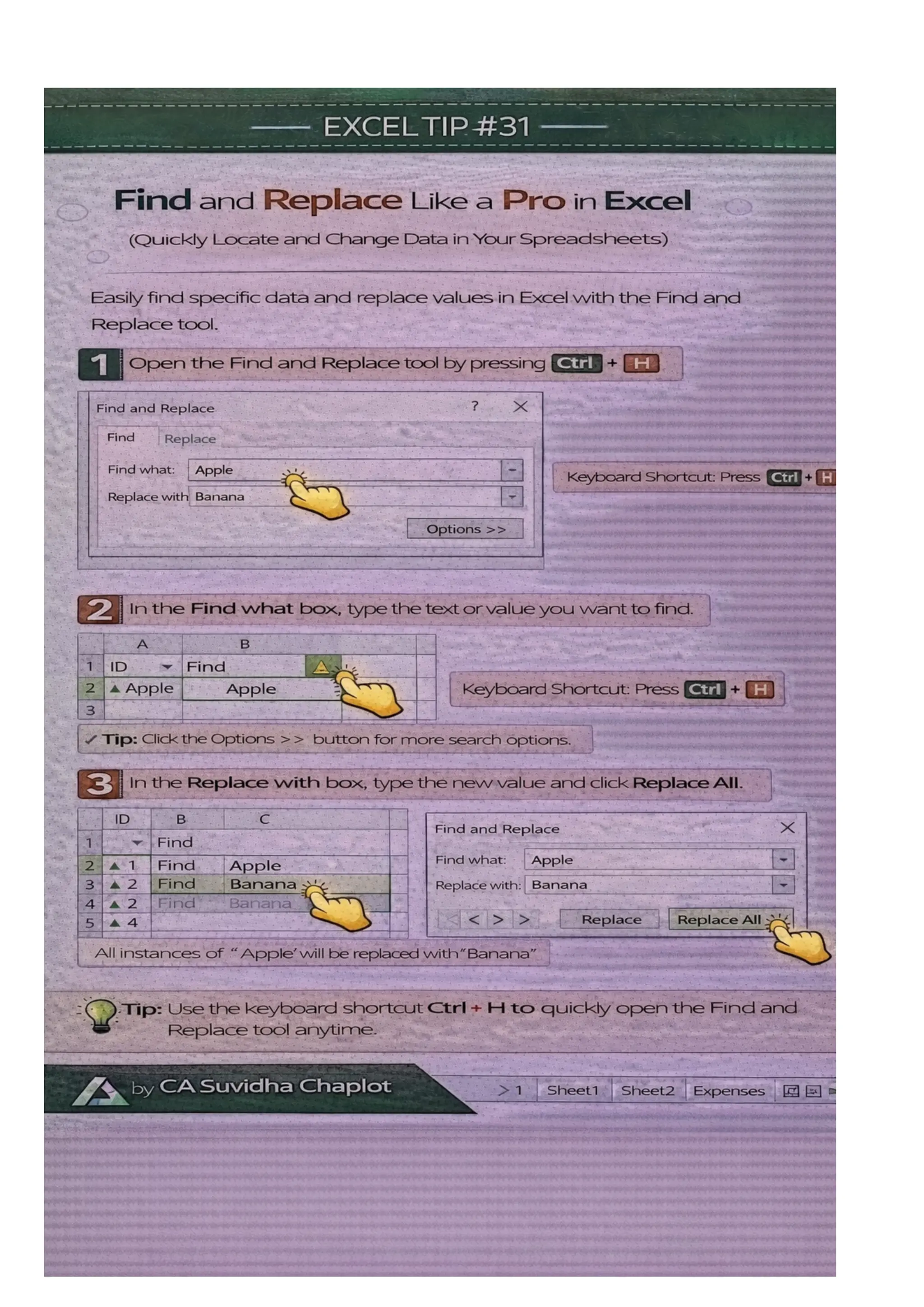
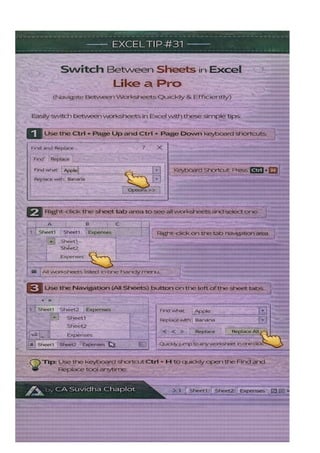
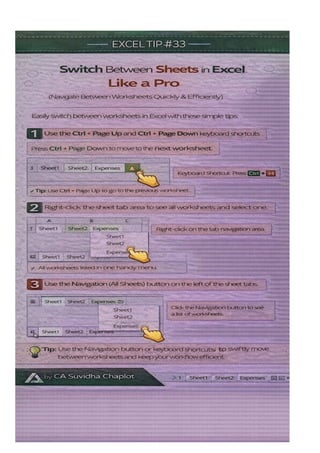
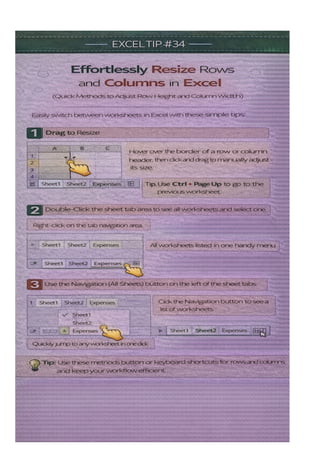
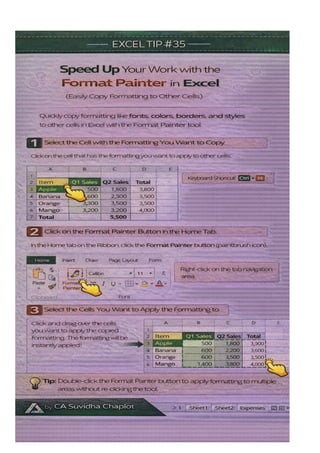
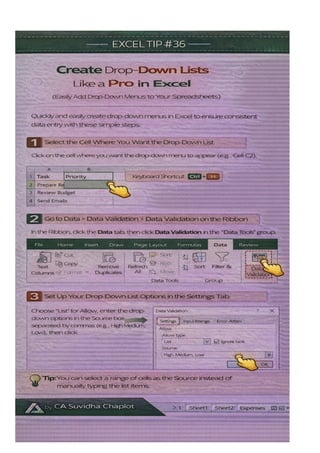
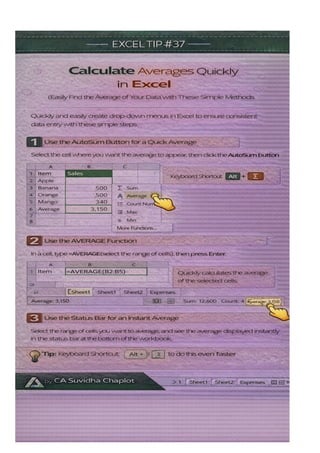
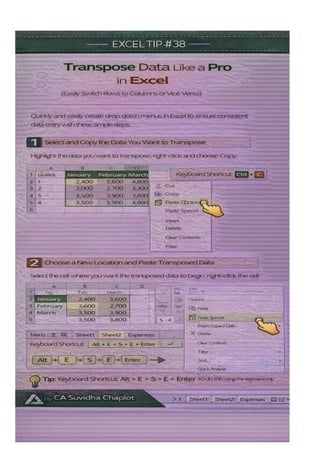
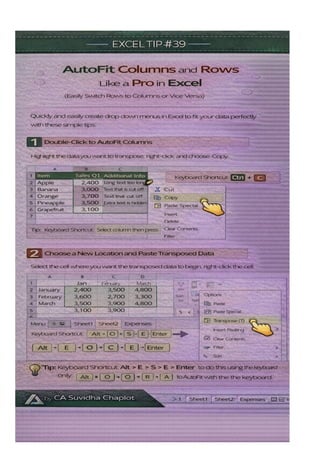
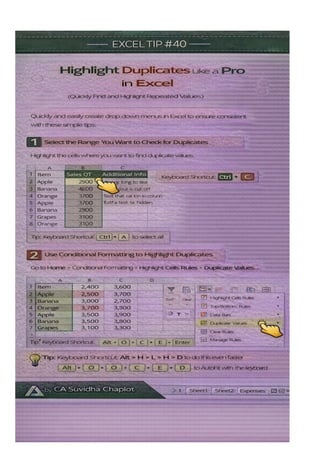
Description: Unlock Excel’s full potential with tips 31 to 40, focusing on advanced techniques that will elevate your data management, analysis, and presentation. These tips dive deeper into Excel's powerful tools, from using array formulas to automating repetitive tasks with macros. You'll also learn how to create and manage advanced charts, use dynamic references with OFFSET, and apply powerful data validation rules to avoid errors. Perfect for those looking to master Excel beyond the basics and optimize their workflow. Take your Excel skills to new heights with these expert tips! SEO Tags: Excel Tips Advanced Excel Tips Excel Macros Excel Array Formulas Excel Data Validation Excel OFFSET Function Excel Dynamic Charts Excel for Data Analysis Excel Productivity Excel Functions Excel Error Prevention Excel Automation Excel Data Management Excel Reporting Excel Tips and Tricks Excel Tutorial


