Download to read offline


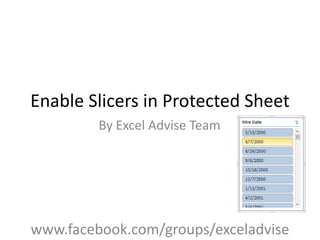
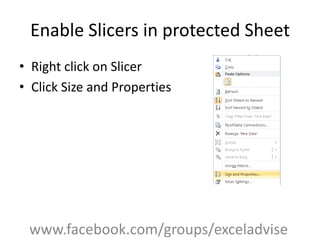
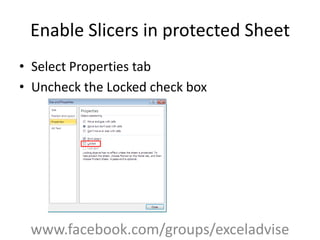
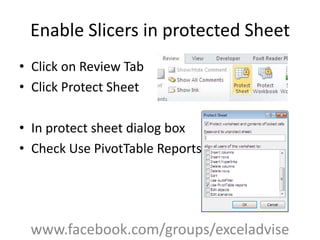

This document provides instructions for enabling slicers in a protected Excel sheet. It outlines the steps to right click on a slicer, go to size and properties, uncheck the locked box, go to the review tab, protect the sheet, and check the box to use pivot table reports to allow slicers to function on a protected sheet.


