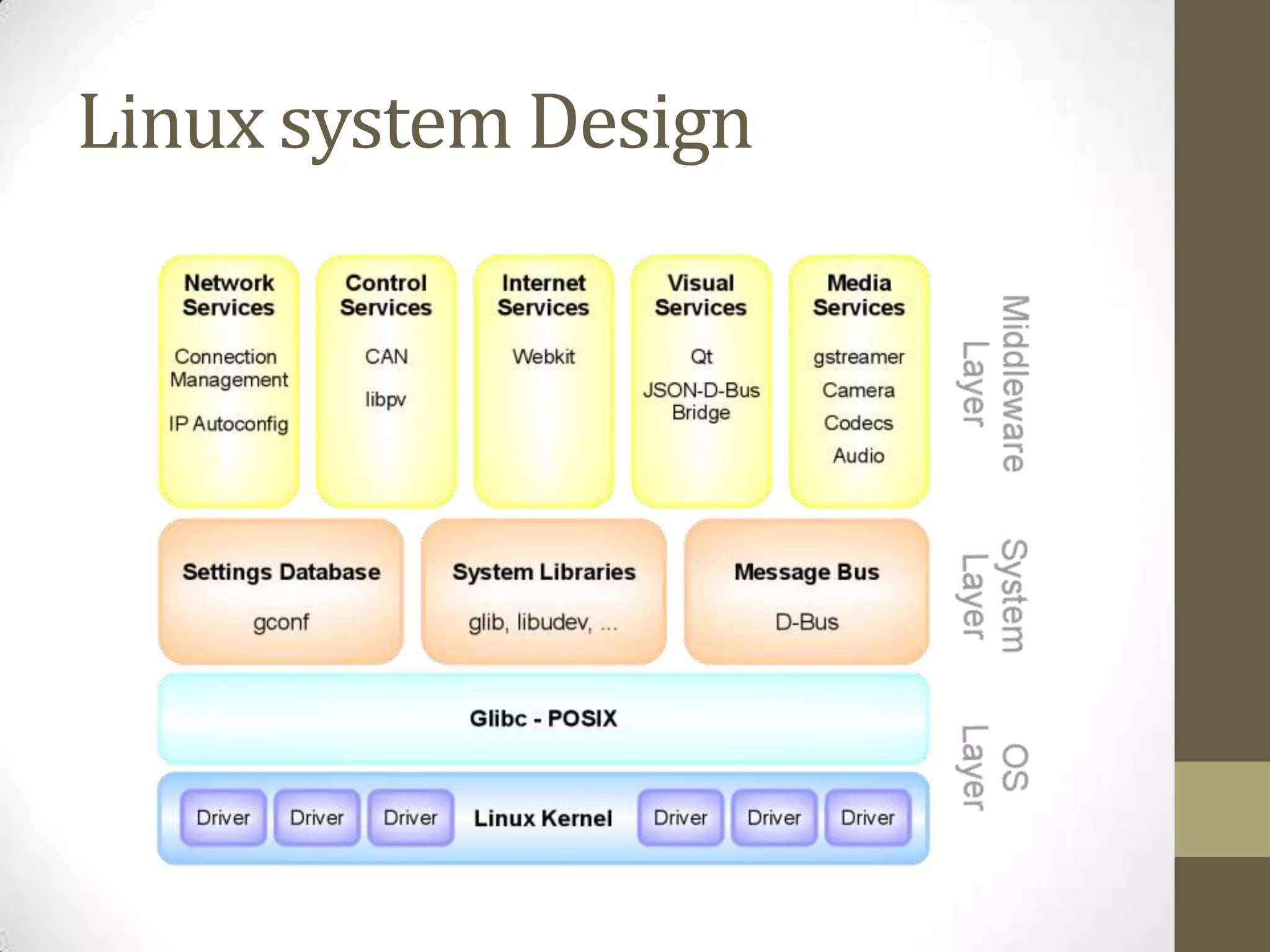
Embedded Linux provides a standardized operating system solution for embedded systems through the Linux kernel. The Linux kernel abstracts the underlying hardware and provides drivers to interface with hardware peripherals. This allows application developers to focus on their code without needing to manage low-level hardware interactions. A bootloader initializes the hardware and loads the Linux kernel from memory. The kernel then loads and runs programs stored in the filesystem. Cross-compilers allow the same source code to target different processor architectures. Libraries and drivers help share code and resources across applications and hardware.
What are embeddedsystems?
• Embedded systems are self contained intelligent electronic
control systems.
• They contain a microcontroller / microprocessor and
peripherals interfaced to perform a particular series of tasks.
• Embedded systems today run almost every electronic device
imaginable from TV’s to washing machine.
• Embedded systems also can be used for self-contained
intelligent automated systems.
3.
Simple Embedded Example
•An AVR microcontroller. Atmega328.
• Contains all hardware necessary to perform computational tasks
onboard provided power is given to it.
• Communicates with the outside world via gpio pins.
• Can be used to read data from a sensor connected to it and analyze
that. (e.g.: IR
• Can be interfaces to motors and set to control the movement of the
motors depending on the sensor input.
• Then, the microcontroller can be put on-board a bot and be asked to
perform line following!
4.
Programming simple MC’s
•Microcontrollers are defined by their architecture and bus bit
width.
• The atmega is an 8 bit AVR series microcontroller.
• To program the atmega we need
• A Compiler to compile C code for the atmega328
• A Flash/EPROM burning device
• The cross compiler convers our code from C to the hex op
code that can be placed in the atmega’s internal memory.
• The atmega executes each instruction sequentially!
5.
The problem!
• Whenwe program in native C for a microcontroller, we need to be
intimately aware of the underlying hardware.
• To control the atmega’s behavior we need to engage in register level
programming.
• This makes the code non-portable as the program is now written to
run on only one controller!
• Even different atmega that has different pinouts and register names
will require a complete rewrite of most of the code before the
program can work on it.
• As more advanced microcontrollers / microprocessors emerged into
the market, register level programming needed an alternative to
avoid over specializing developers.
6.
Hardware available
• Hardwaremanufactures keep increasing complexity and
system performance.
• The higher processing power comes with the price of too
much registers with individual internal controlling
methodology
• Hardware manufacturers needed to abstract their hardware to
be able to support easier development.
• Software developers needed a generalized framework where
they cab build their applications without worrying about their
hardware.
7.
Hardware v/s software
•Objective : Getting your code to sense / control external devices.
• The more complex your hardware is, the more requirements it will have
in respect to code to write control mechanism.
• If a stand-alone application is required to be developed
• Multiple (internal / external) devices have to be managed in the background
• I/O of different devices must be managed and processed as per demand.
• Interrupts / clocks / power must be managed to keep the microcontroller
running.
• This calls for increased debugging / non portability and results in
increased development time / bugs in the system.
• If hardware is as complicated and powerful as a computer (SBC) then we
need code comparable to that of an Operating System (DOS) to be able
to run it!!
8.
Line between HW/ SW
• Very few processors can be programmed by flash burning with
ICSP. (e.g: ARM5)
• Modern communication standards are replacing “legacy” RS-
232 with USB, I2C ,Ethernet etc.
• The software control of these protocols in the Atmega register
level way is too complex.
• Harware manufacturers release “Drivers” or libraries for
controlling their hardware to software developers which
allows for more efficient usage of the underlying hardware.
10.
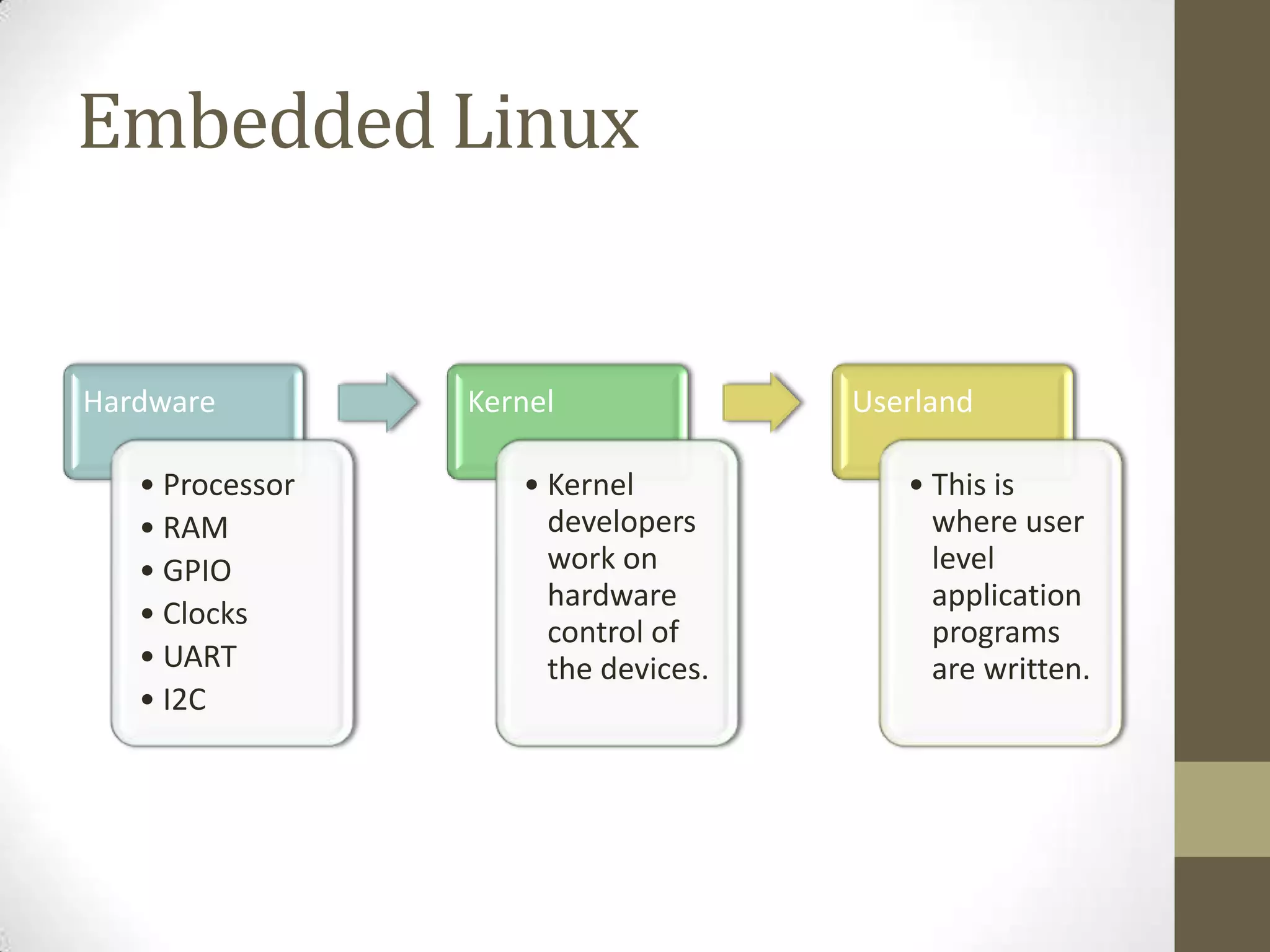
Embedded Linux
Hardware Kernel Userland
• Processor • Kernel • This is
• RAM developers where user
• GPIO work on level
hardware application
• Clocks
control of programs
• UART the devices. are written.
• I2C
11.
Embedded Linux
• In1990s, an underground software movement consisting of the
worlds leading developers and programmers wrote a completely
free Operating System!
• As more people used it with the FOSS philosophy, improvements,
fixes and support for multiple processors creeped in!
• This resulted in Linux (the very same kernel ) to run on many
processors and provide a similar level of functionality.
• A Global collaborative effort for improvements and upgrades make
linux so popular with hardware developers
• Most of the time, linux gets fixes and support for new hardware as
soon as they are available!
12.
Application Developers
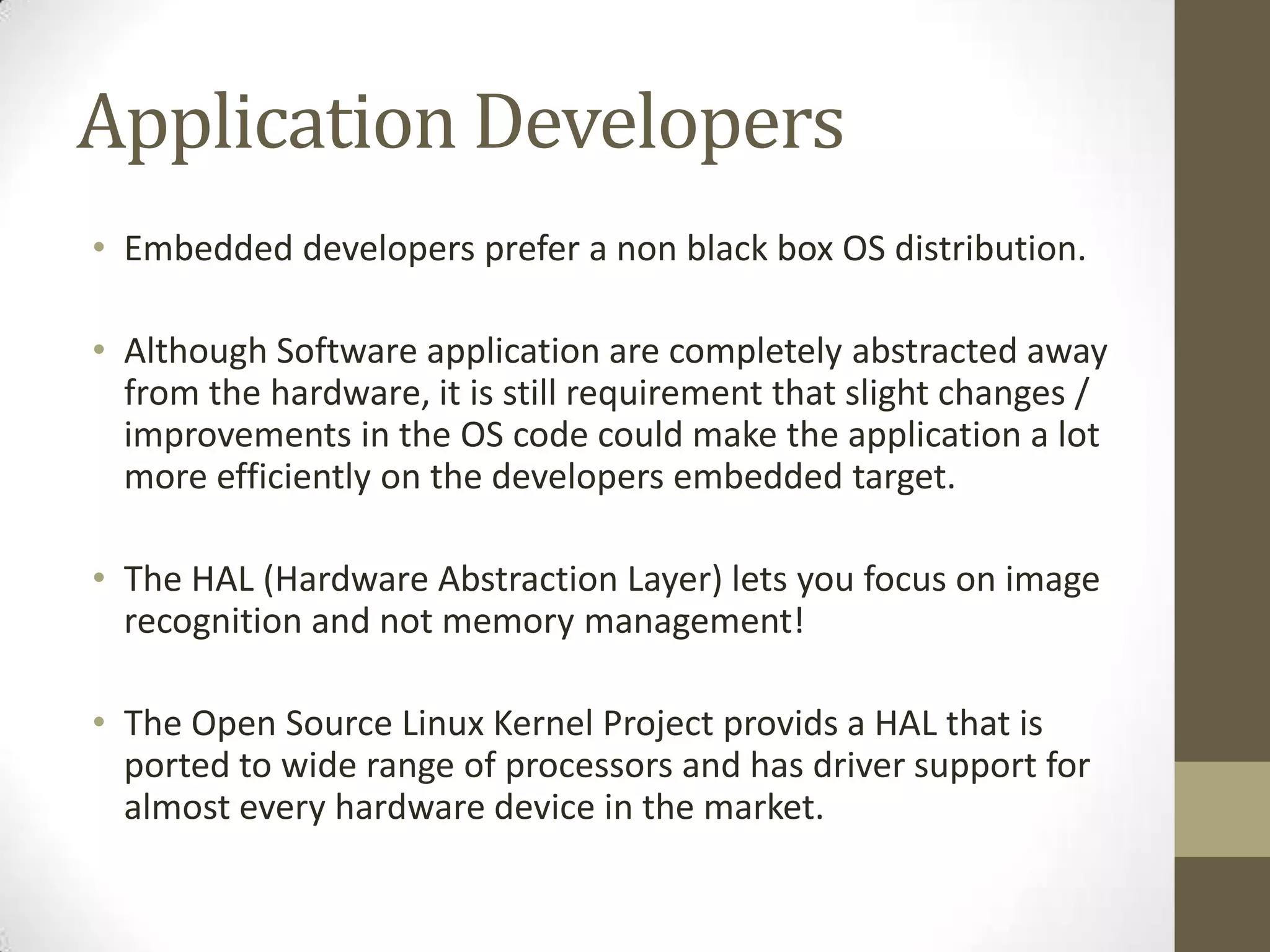
• Embeddeddevelopers prefer a non black box OS distribution.
• Although Software application are completely abstracted away
from the hardware, it is still requirement that slight changes /
improvements in the OS code could make the application a lot
more efficiently on the developers embedded target.
• The HAL (Hardware Abstraction Layer) lets you focus on image
recognition and not memory management!
• The Open Source Linux Kernel Project provids a HAL that is
ported to wide range of processors and has driver support for
almost every hardware device in the market.
13.
Linux -> EmbeddedLinux
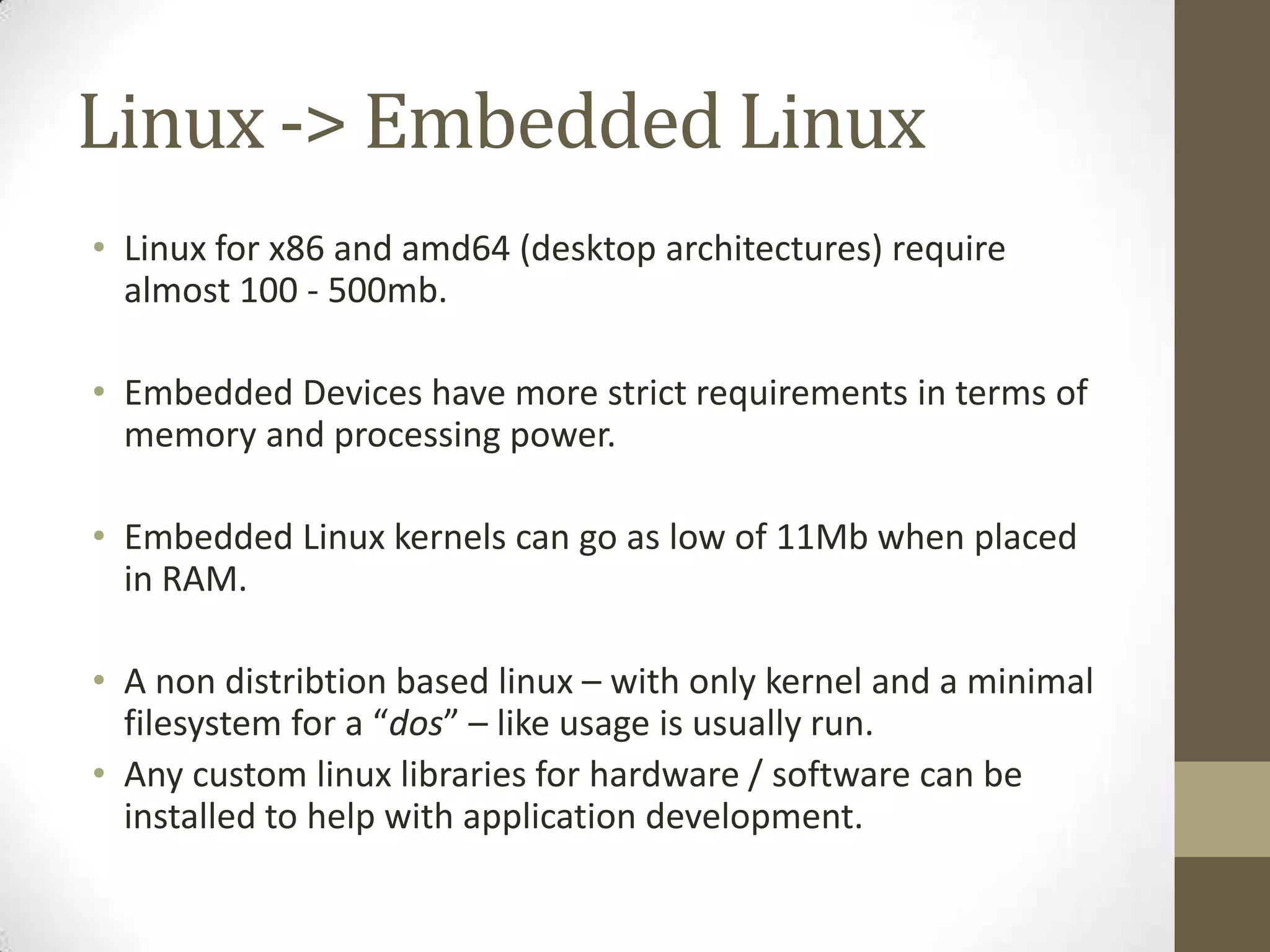
• Linux for x86 and amd64 (desktop architectures) require
almost 100 - 500mb.
• Embedded Devices have more strict requirements in terms of
memory and processing power.
• Embedded Linux kernels can go as low of 11Mb when placed
in RAM.
• A non distribtion based linux – with only kernel and a minimal
filesystem for a “dos” – like usage is usually run.
• Any custom linux libraries for hardware / software can be
installed to help with application development.
14.
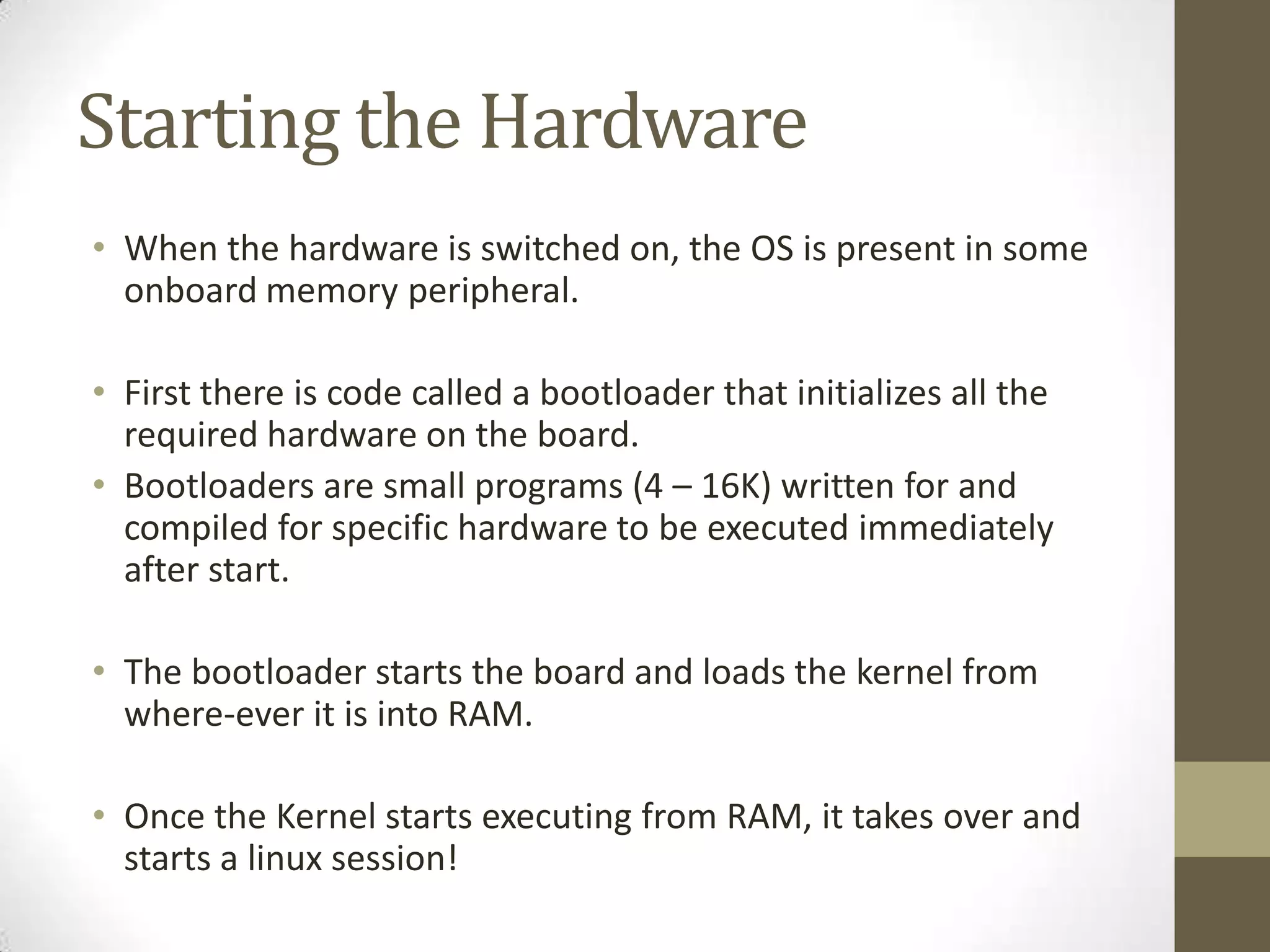
Starting the Hardware
•When the hardware is switched on, the OS is present in some
onboard memory peripheral.
• First there is code called a bootloader that initializes all the
required hardware on the board.
• Bootloaders are small programs (4 – 16K) written for and
compiled for specific hardware to be executed immediately
after start.
• The bootloader starts the board and loads the kernel from
where-ever it is into RAM.
• Once the Kernel starts executing from RAM, it takes over and
starts a linux session!
15.
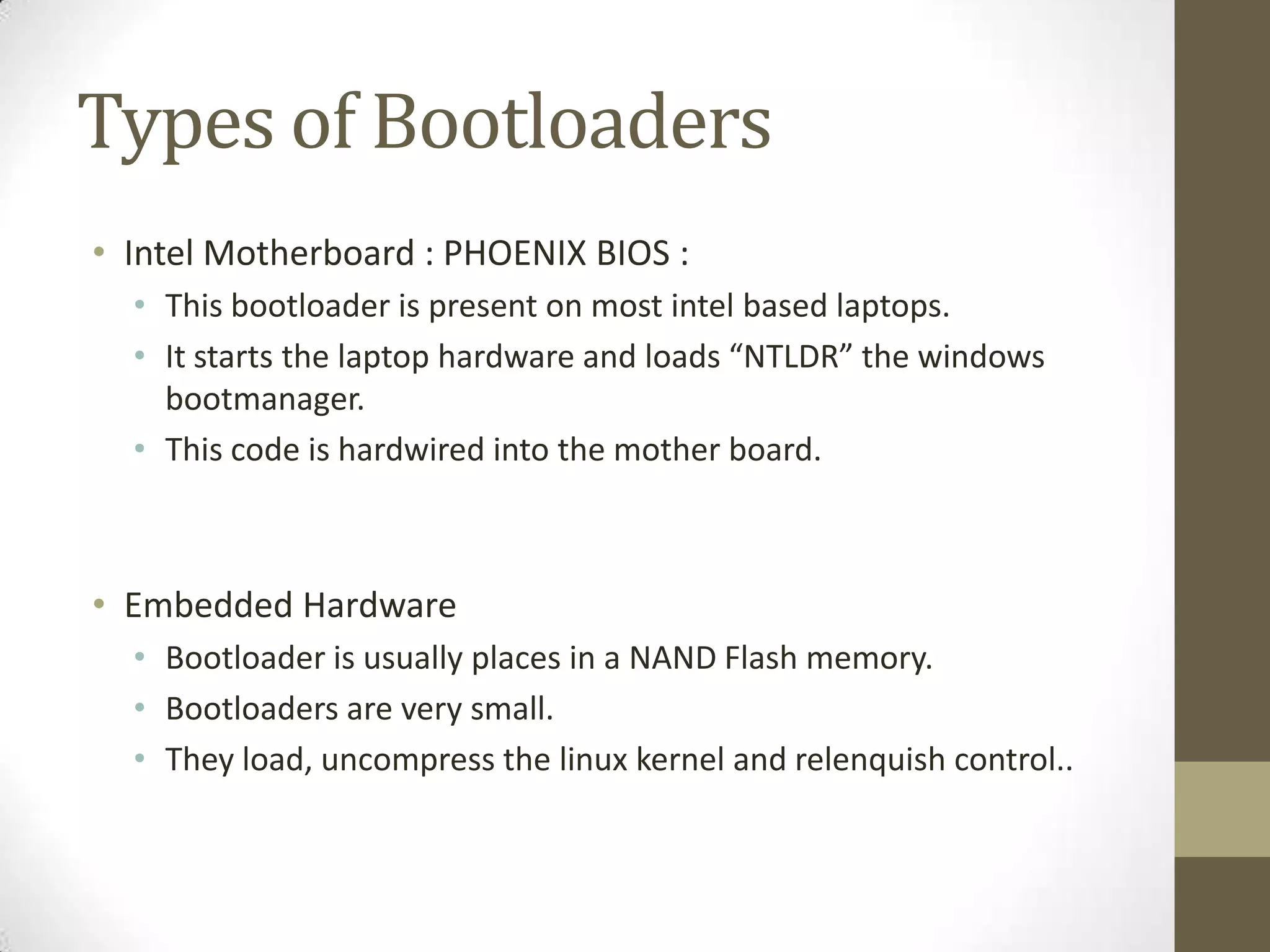
Types of Bootloaders
•Intel Motherboard : PHOENIX BIOS :
• This bootloader is present on most intel based laptops.
• It starts the laptop hardware and loads “NTLDR” the windows
bootmanager.
• This code is hardwired into the mother board.
• Embedded Hardware
• Bootloader is usually places in a NAND Flash memory.
• Bootloaders are very small.
• They load, uncompress the linux kernel and relenquish control..
16.
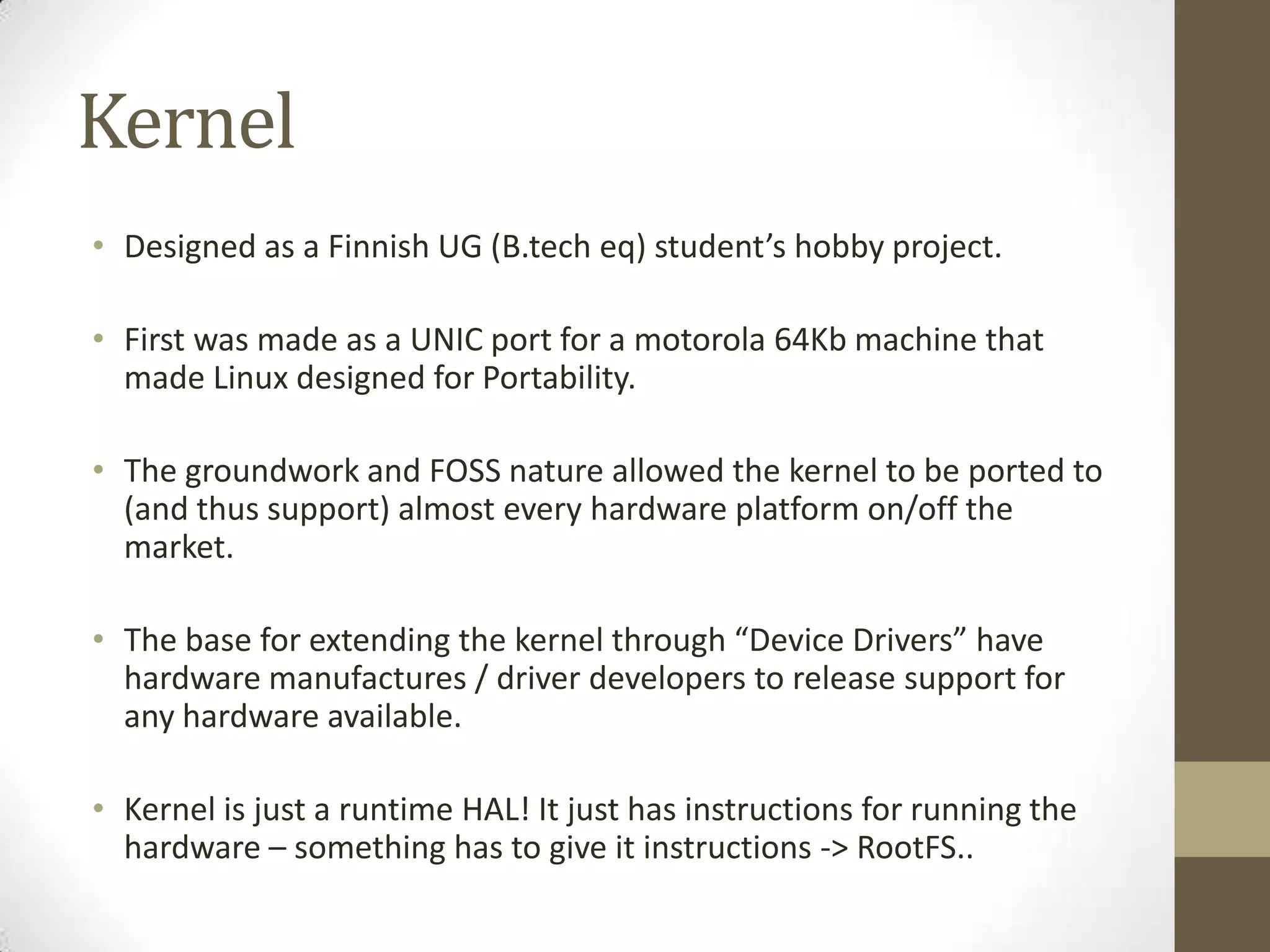
Kernel
• Designed asa Finnish UG (B.tech eq) student’s hobby project.
• First was made as a UNIC port for a motorola 64Kb machine that
made Linux designed for Portability.
• The groundwork and FOSS nature allowed the kernel to be ported to
(and thus support) almost every hardware platform on/off the
market.
• The base for extending the kernel through “Device Drivers” have
hardware manufactures / driver developers to release support for
any hardware available.
• Kernel is just a runtime HAL! It just has instructions for running the
hardware – something has to give it instructions -> RootFS..
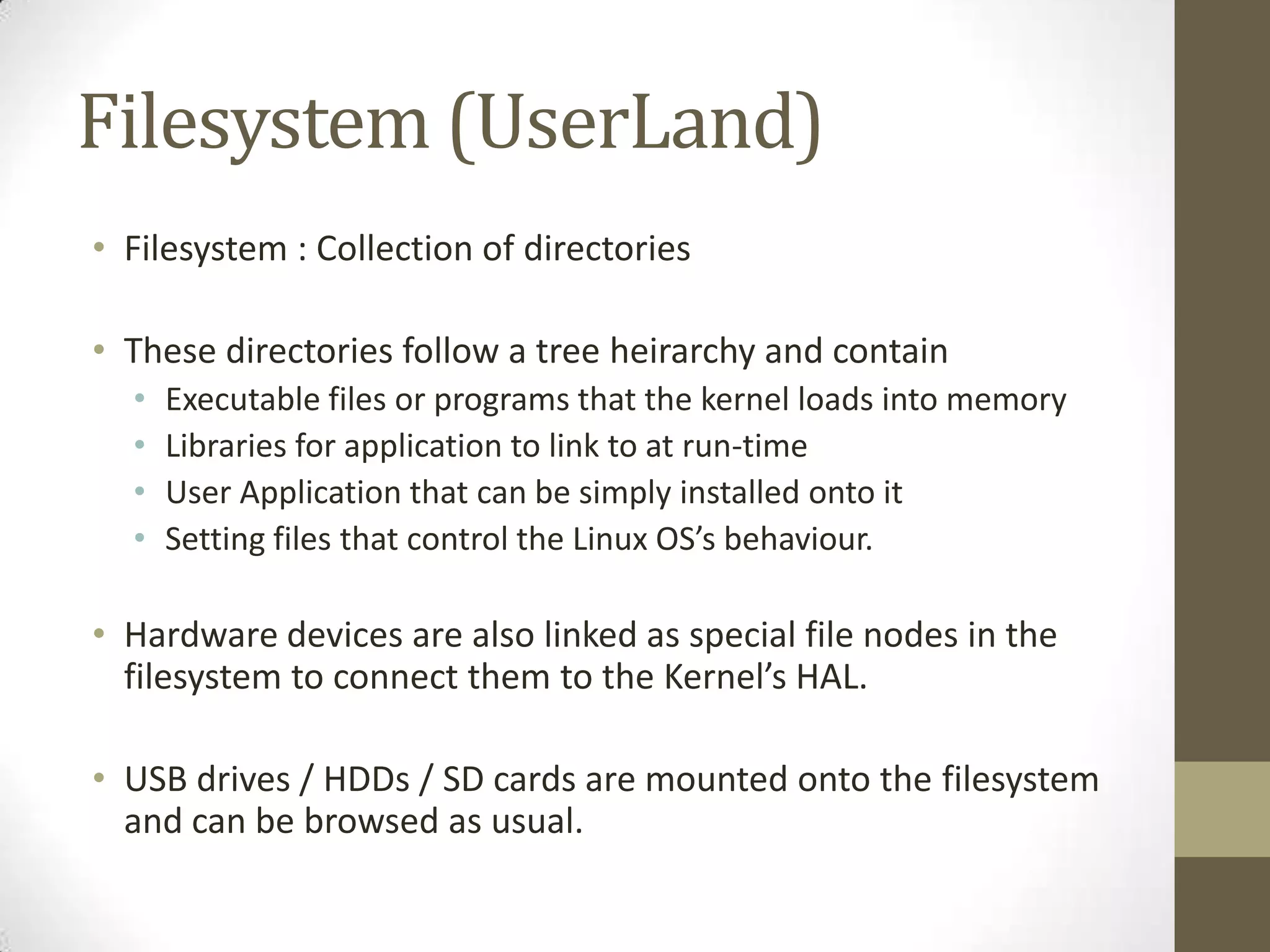
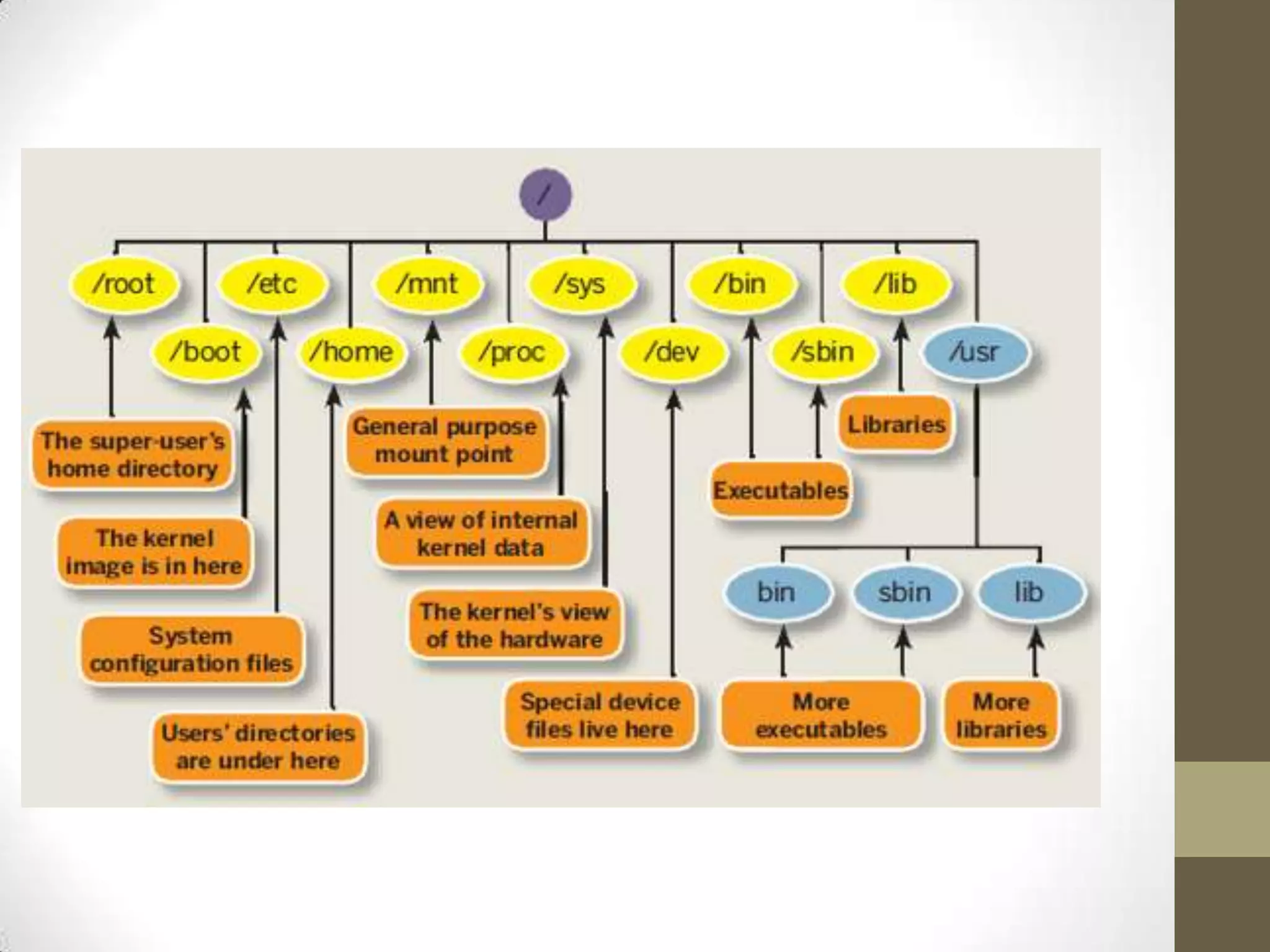
Filesystem (UserLand)
• Filesystem: Collection of directories
• These directories follow a tree heirarchy and contain
• Executable files or programs that the kernel loads into memory
• Libraries for application to link to at run-time
• User Application that can be simply installed onto it
• Setting files that control the Linux OS’s behaviour.
• Hardware devices are also linked as special file nodes in the
filesystem to connect them to the Kernel’s HAL.
• USB drives / HDDs / SD cards are mounted onto the filesystem
and can be browsed as usual.
20.
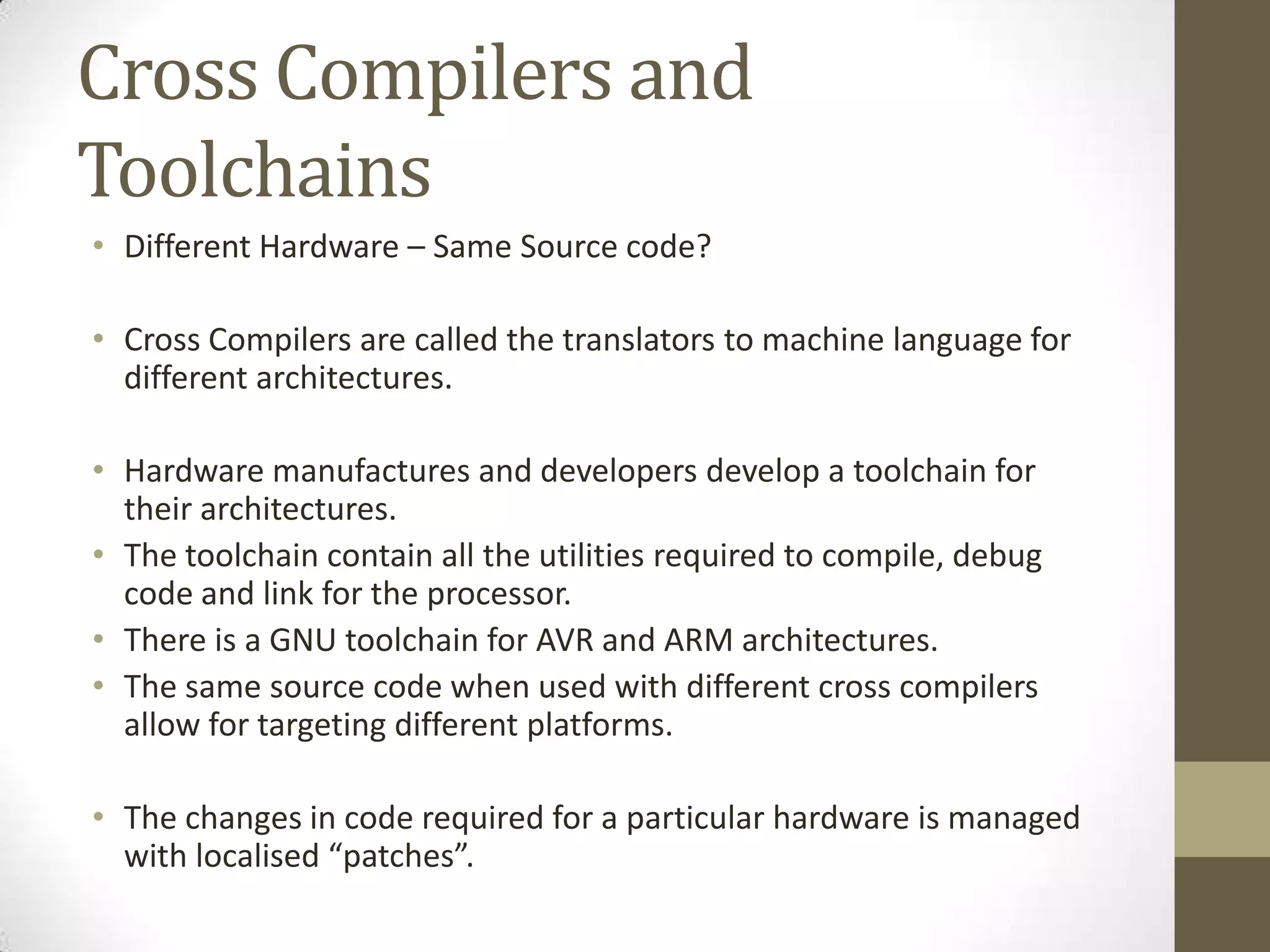
Cross Compilers and
Toolchains
•Different Hardware – Same Source code?
• Cross Compilers are called the translators to machine language for
different architectures.
• Hardware manufactures and developers develop a toolchain for
their architectures.
• The toolchain contain all the utilities required to compile, debug
code and link for the processor.
• There is a GNU toolchain for AVR and ARM architectures.
• The same source code when used with different cross compilers
allow for targeting different platforms.
• The changes in code required for a particular hardware is managed
with localised “patches”.
21.
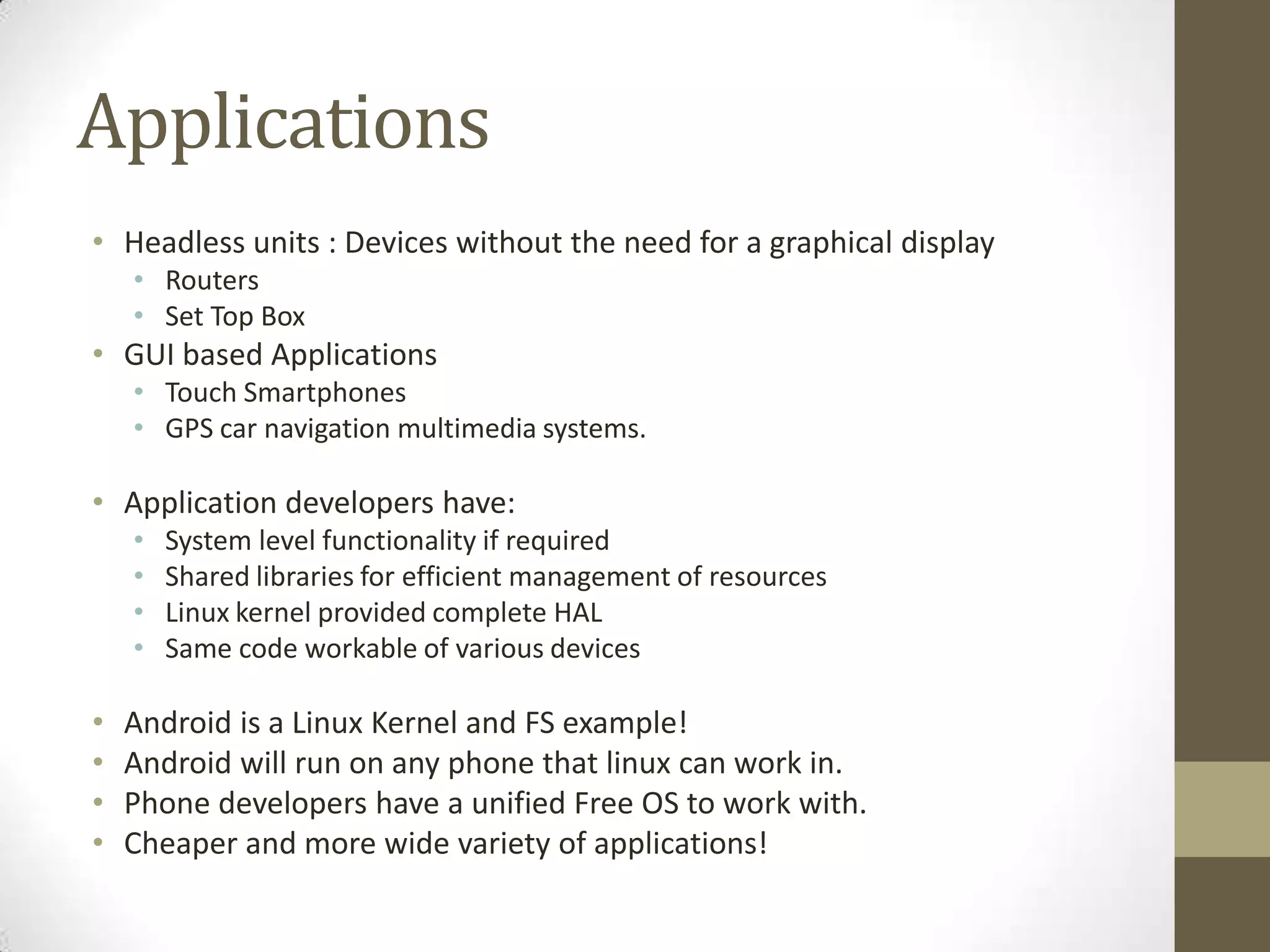
Applications
• Headless units: Devices without the need for a graphical display
• Routers
• Set Top Box
• GUI based Applications
• Touch Smartphones
• GPS car navigation multimedia systems.
• Application developers have:
• System level functionality if required
• Shared libraries for efficient management of resources
• Linux kernel provided complete HAL
• Same code workable of various devices
• Android is a Linux Kernel and FS example!
• Android will run on any phone that linux can work in.
• Phone developers have a unified Free OS to work with.
• Cheaper and more wide variety of applications!
22.
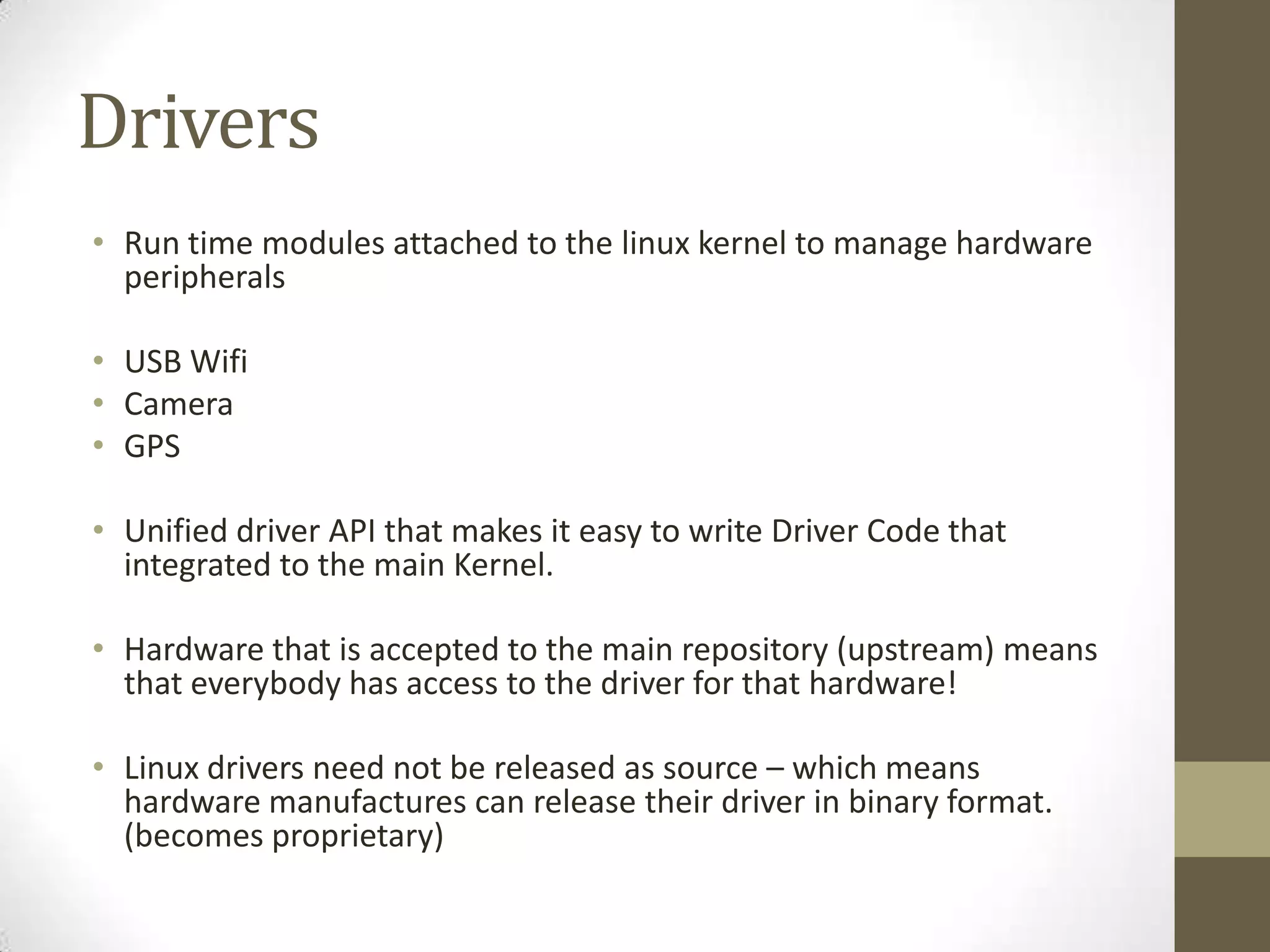
Drivers
• Run timemodules attached to the linux kernel to manage hardware
peripherals
• USB Wifi
• Camera
• GPS
• Unified driver API that makes it easy to write Driver Code that
integrated to the main Kernel.
• Hardware that is accepted to the main repository (upstream) means
that everybody has access to the driver for that hardware!
• Linux drivers need not be released as source – which means
hardware manufactures can release their driver in binary format.
(becomes proprietary)
23.
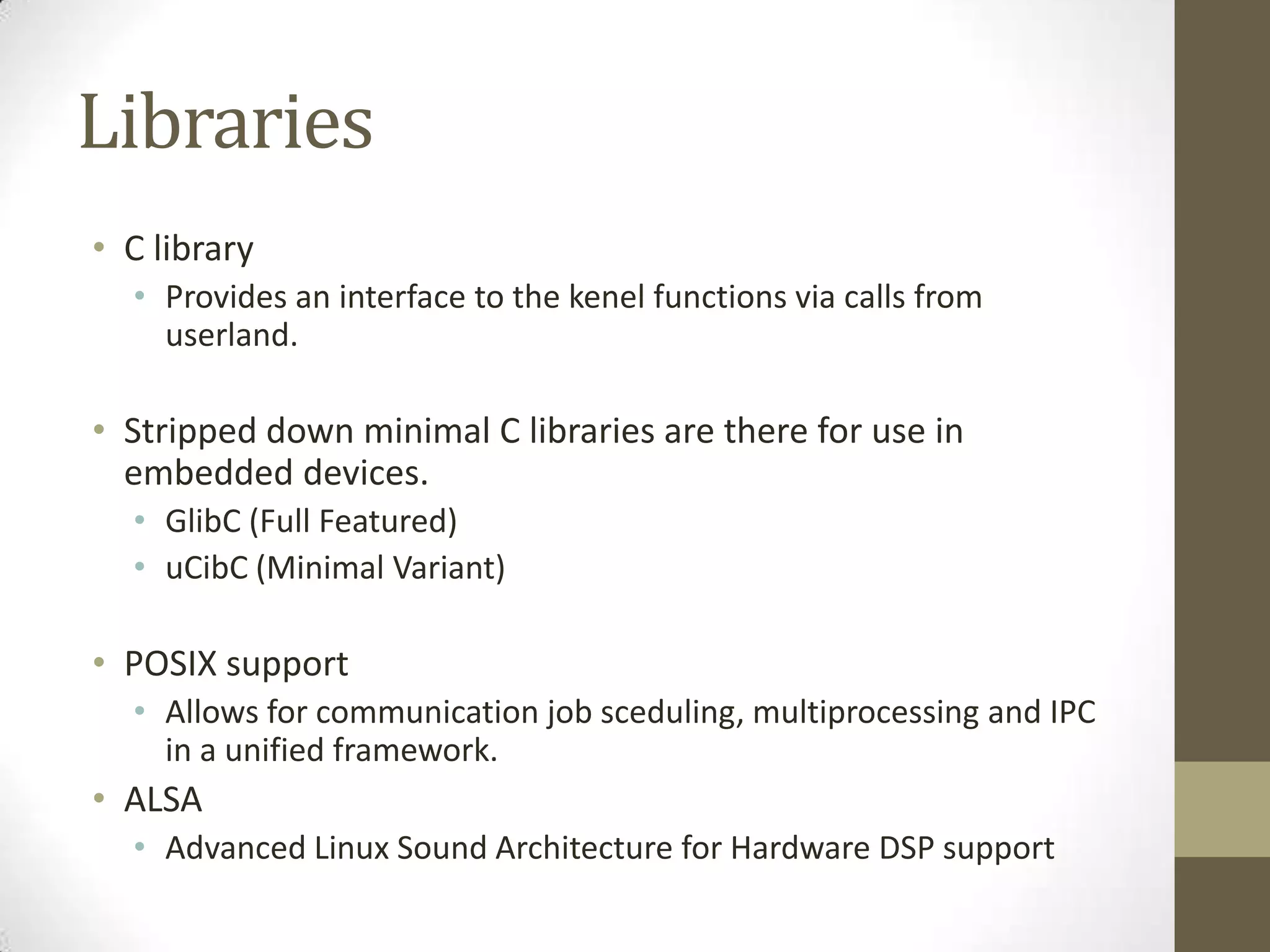
Libraries
• C library
• Provides an interface to the kenel functions via calls from
userland.
• Stripped down minimal C libraries are there for use in
embedded devices.
• GlibC (Full Featured)
• uCibC (Minimal Variant)
• POSIX support
• Allows for communication job sceduling, multiprocessing and IPC
in a unified framework.
• ALSA
• Advanced Linux Sound Architecture for Hardware DSP support
24.
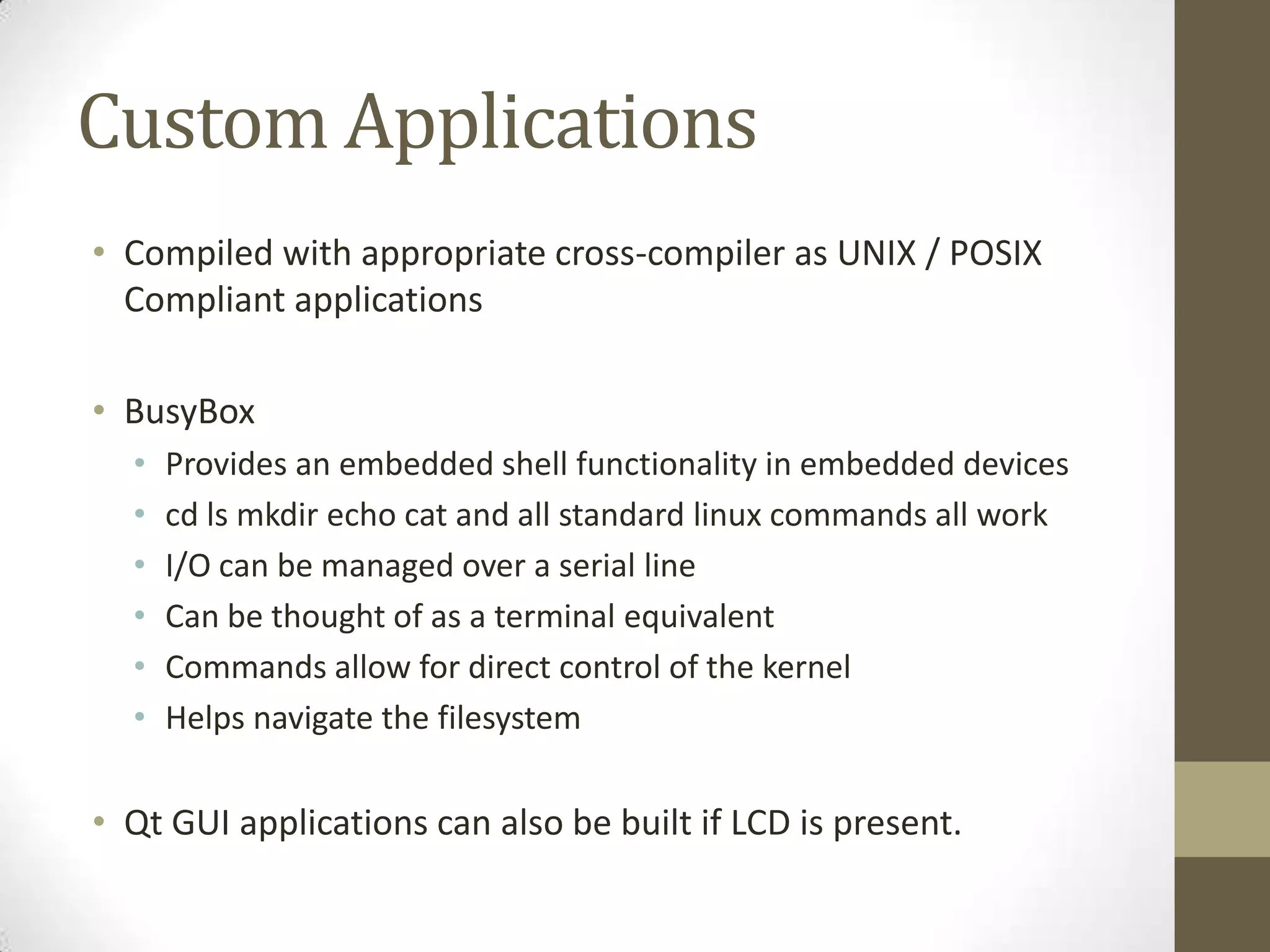
Custom Applications
• Compiledwith appropriate cross-compiler as UNIX / POSIX
Compliant applications
• BusyBox
• Provides an embedded shell functionality in embedded devices
• cd ls mkdir echo cat and all standard linux commands all work
• I/O can be managed over a serial line
• Can be thought of as a terminal equivalent
• Commands allow for direct control of the kernel
• Helps navigate the filesystem
• Qt GUI applications can also be built if LCD is present.
25.
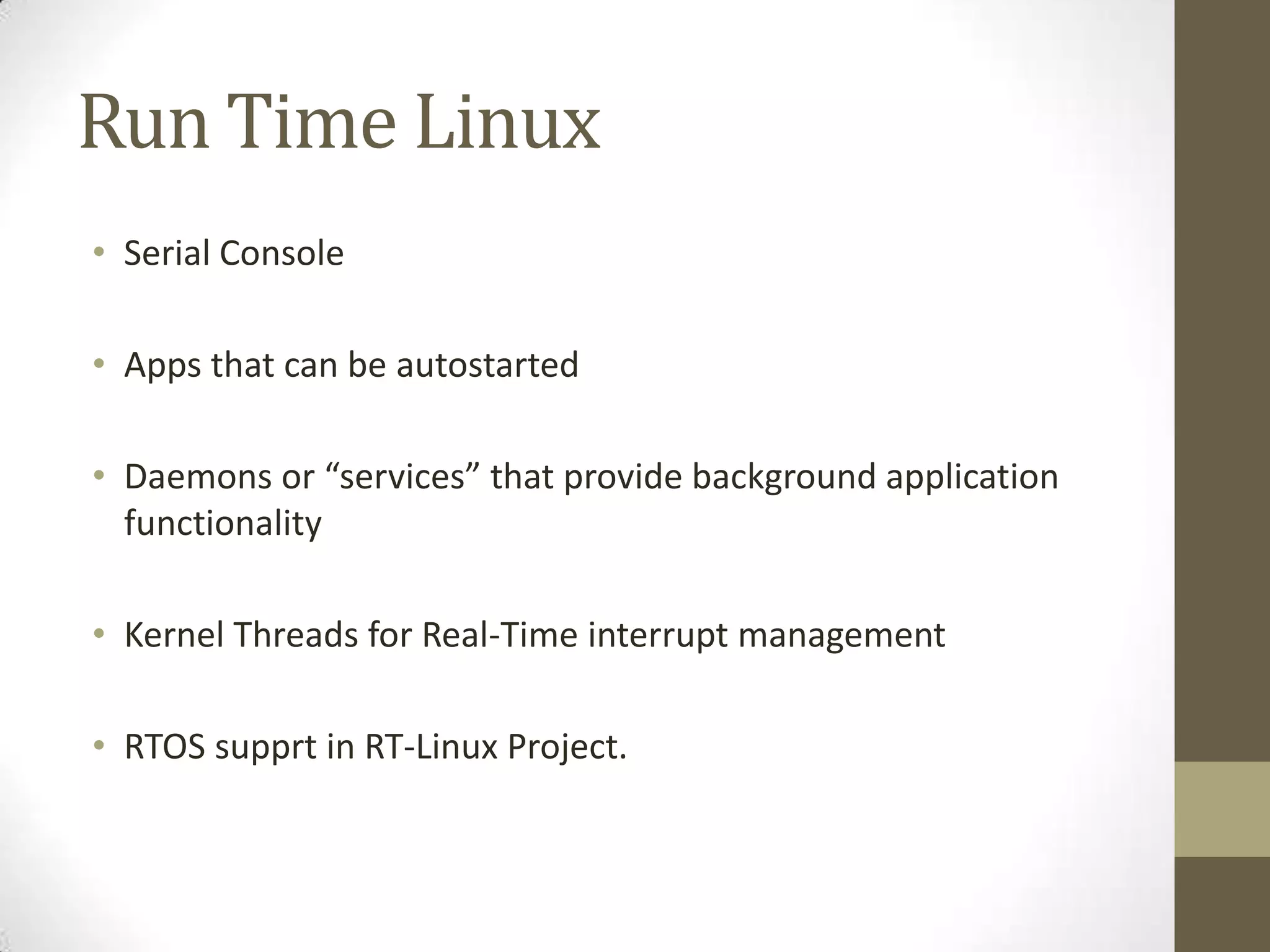
Run Time Linux
•Serial Console
• Apps that can be autostarted
• Daemons or “services” that provide background application
functionality
• Kernel Threads for Real-Time interrupt management
• RTOS supprt in RT-Linux Project.
26.
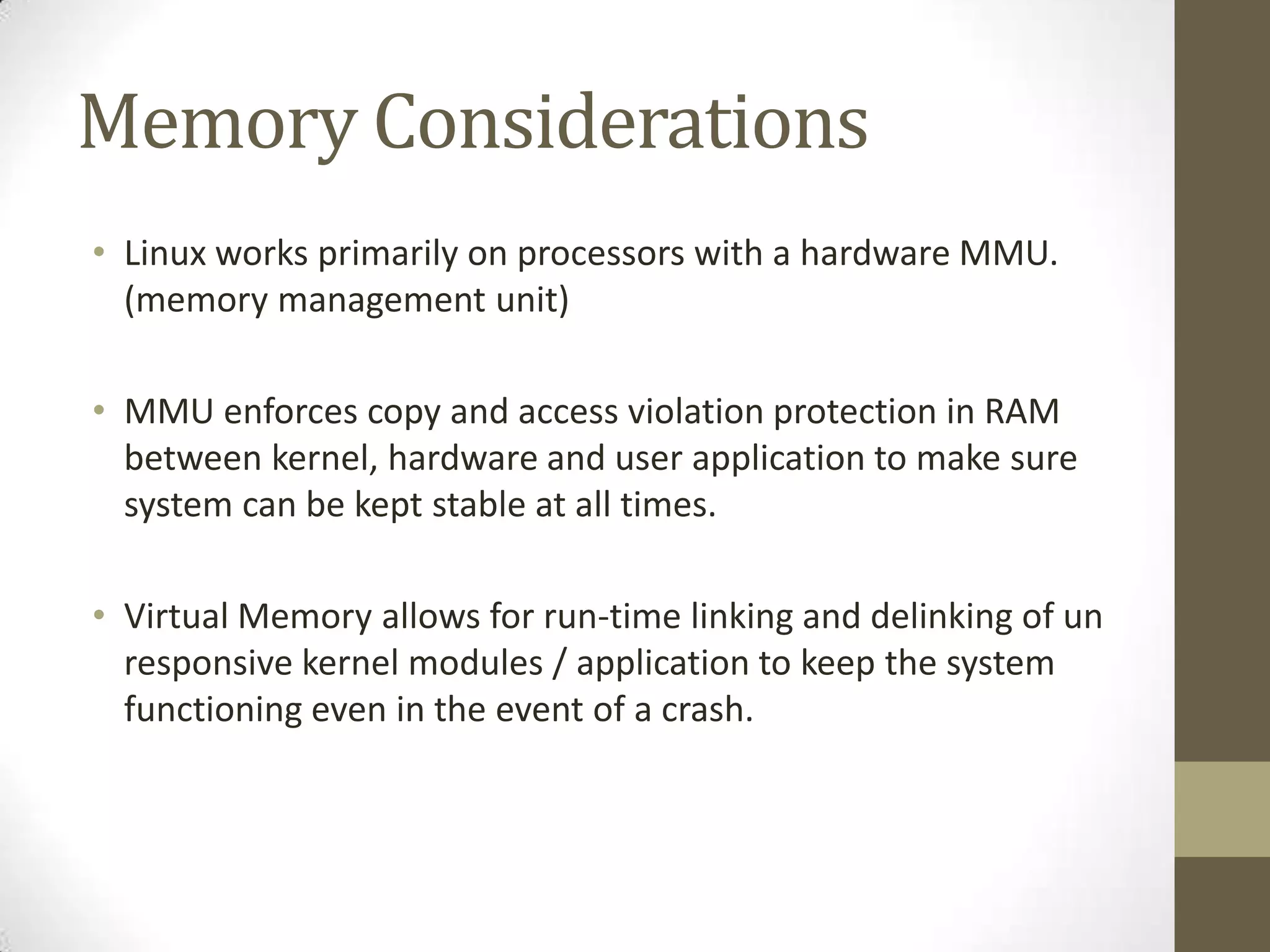
Memory Considerations
• Linuxworks primarily on processors with a hardware MMU.
(memory management unit)
• MMU enforces copy and access violation protection in RAM
between kernel, hardware and user application to make sure
system can be kept stable at all times.
• Virtual Memory allows for run-time linking and delinking of un
responsive kernel modules / application to keep the system
functioning even in the event of a crash.
27.
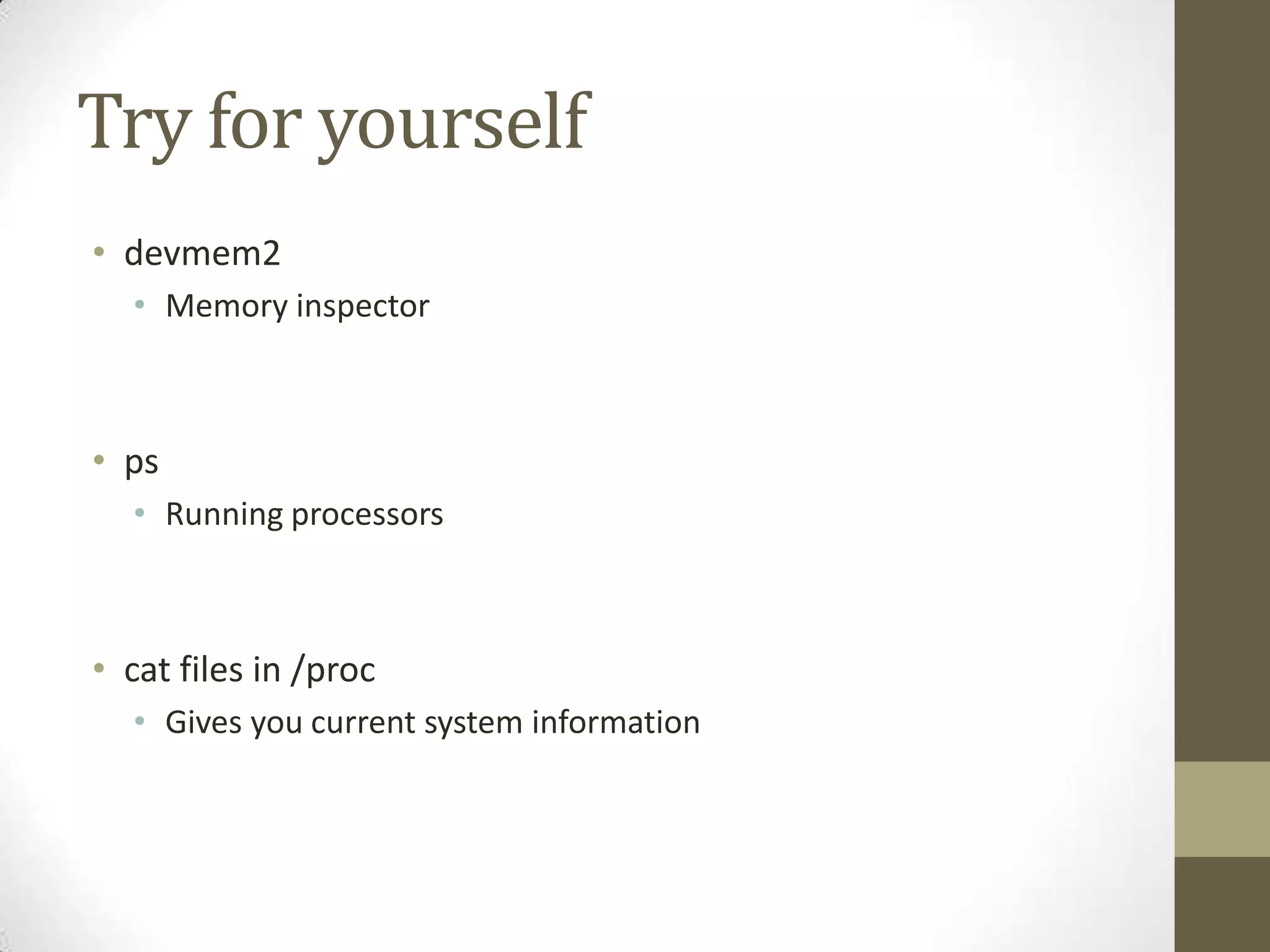
Try for yourself
•devmem2
• Memory inspector
• ps
• Running processors
• cat files in /proc
• Gives you current system information
28.
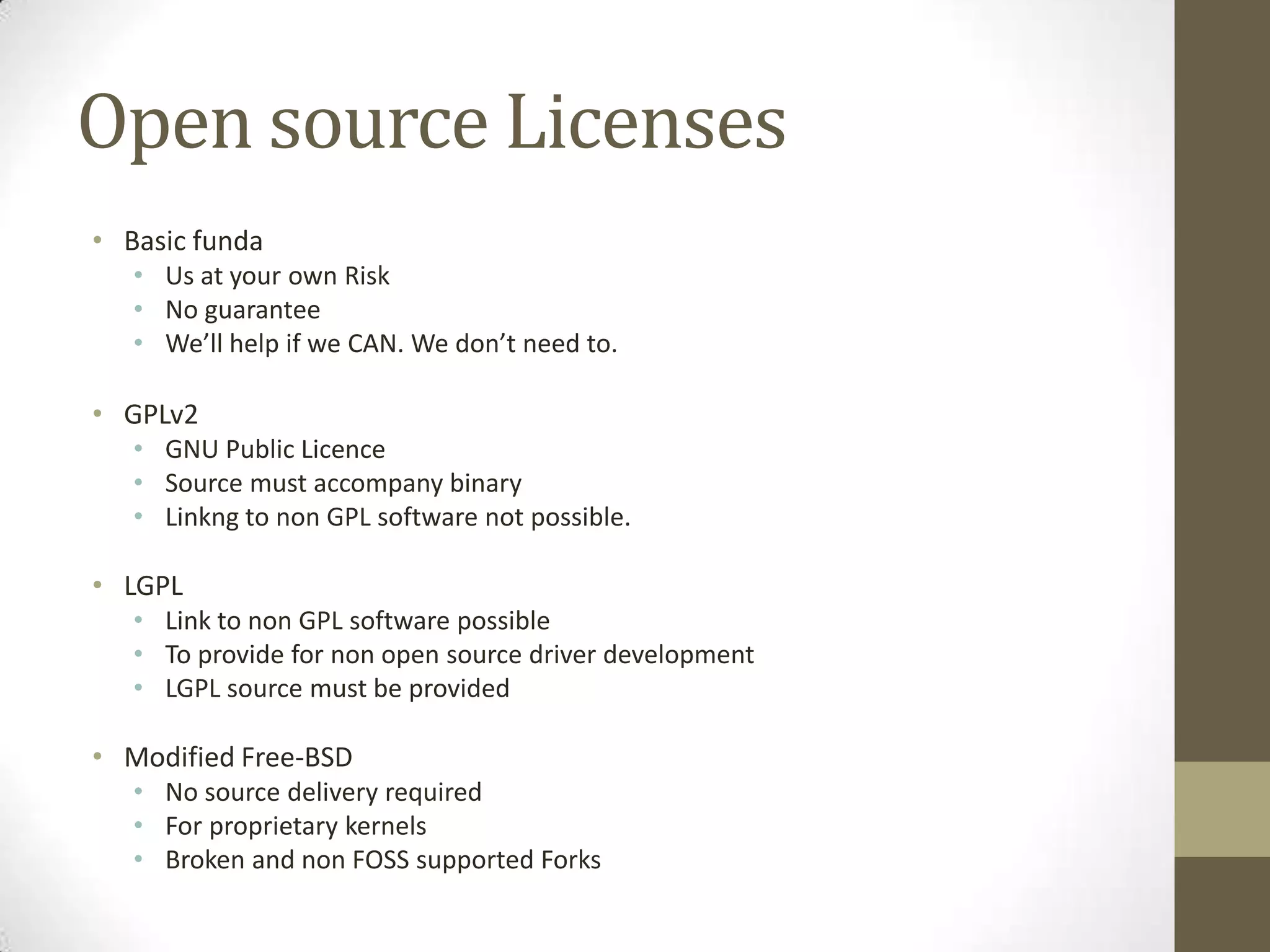
Open source Licenses
•Basic funda
• Us at your own Risk
• No guarantee
• We’ll help if we CAN. We don’t need to.
• GPLv2
• GNU Public Licence
• Source must accompany binary
• Linkng to non GPL software not possible.
• LGPL
• Link to non GPL software possible
• To provide for non open source driver development
• LGPL source must be provided
• Modified Free-BSD
• No source delivery required
• For proprietary kernels
• Broken and non FOSS supported Forks