Getting Into Config.
Phil Norton - DrupalCamp
London 2019
Phil Norton.
Blog at www.hashbangcode.com
Technical Lead
Access
Help run North West Drupal User Group
@philipnorton42
Why Talk About Config?
➔ Access have taken on a few 'rescue' projects.
➔ Due to relationships breaking down with other agencies.
➔ Sites are a bit of a mess.
➔ Configuration always a problem
➔ Problems range from configuration not used to being used
once and forgotten.
➔ Is configuration hard?
What is this config stuff
anyway?
What is config?
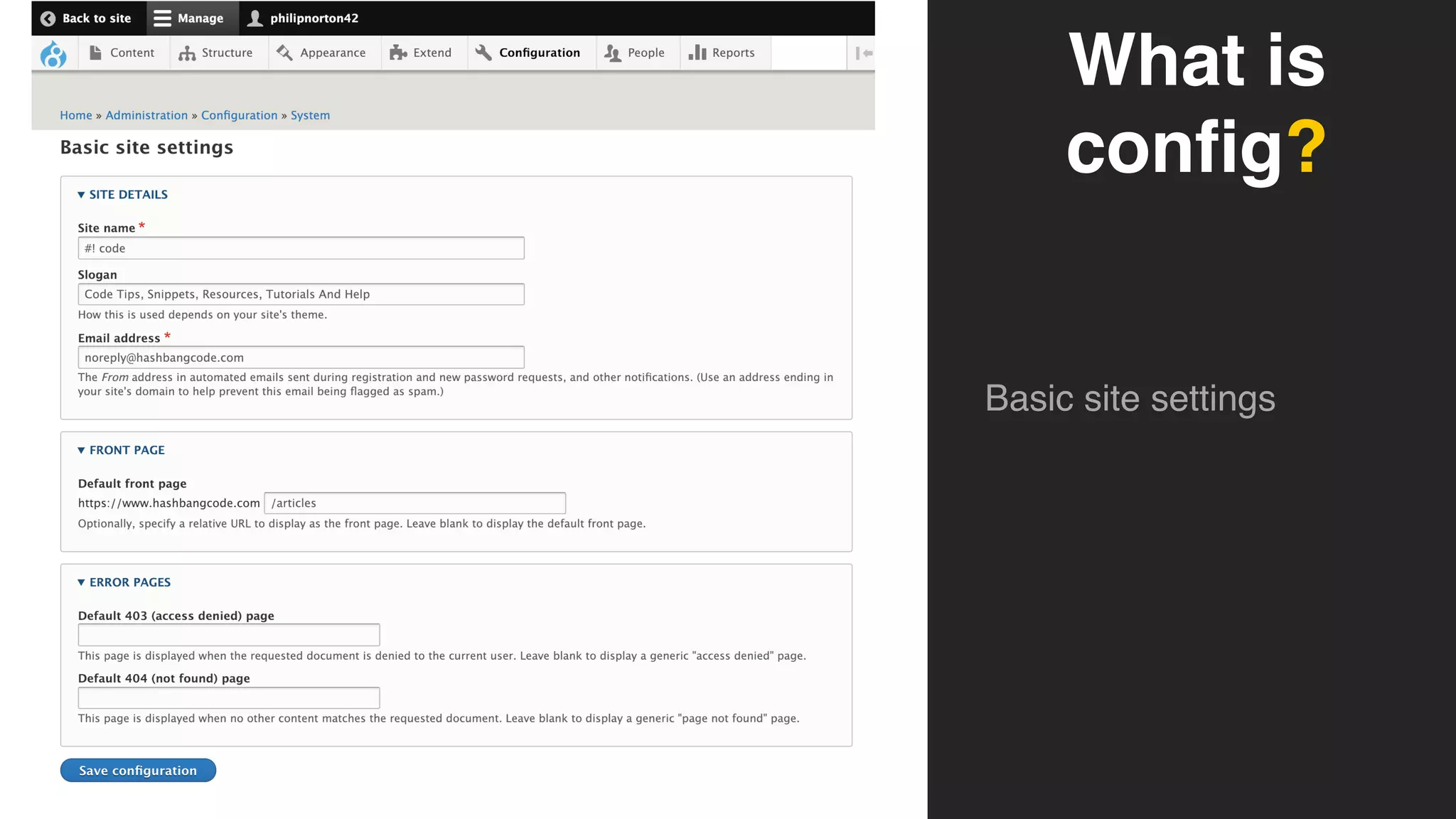
➔ Some things in Drupal are controlled by configuration.
➔ This governs how a site is put together.
➔ Modules can plug into this and define their own config.
➔ Configuration to be used to set up sites in a particular way.
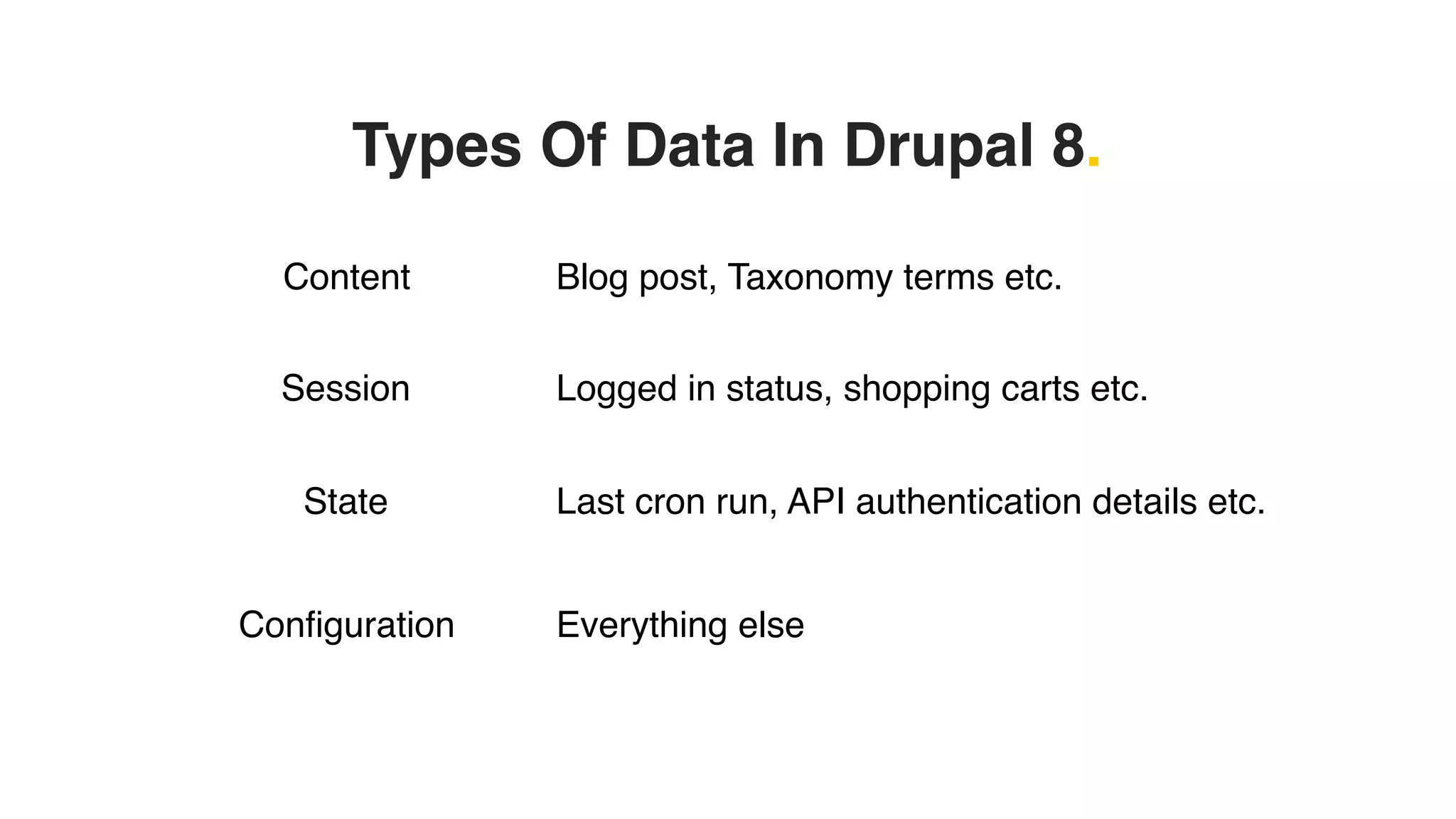
Types Of Data In Drupal 8.
Content Blog post, Taxonomy terms etc.
Session Logged in status, shopping carts etc.
State Last cron run, API authentication details etc.
Configuration Everything else
What is
config?
Basic site settings
What is
config?
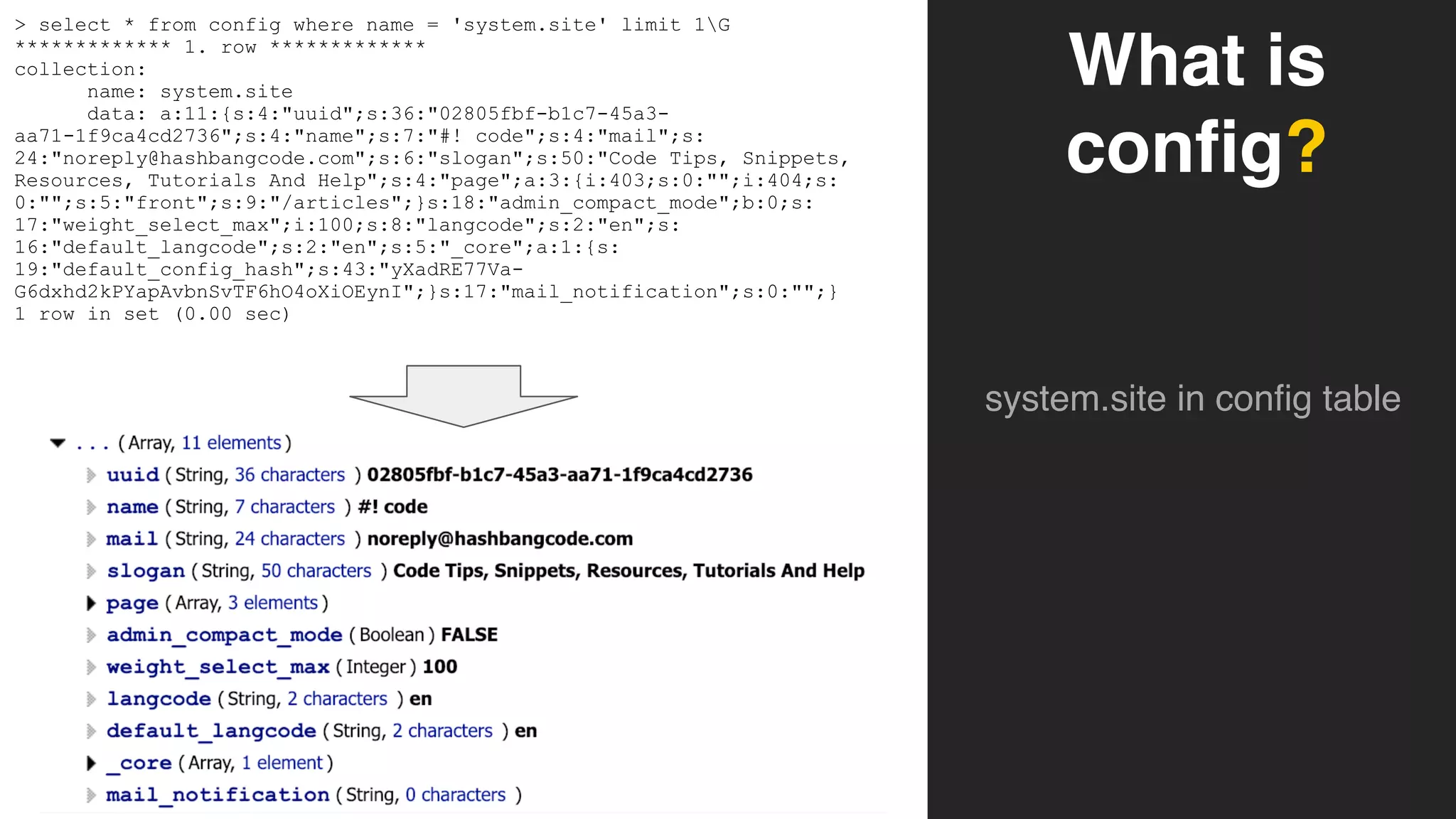
system.site in config table
> select * from config where name = 'system.site' limit 1G
************* 1. row *************
collection:
name: system.site
data: a:11:{s:4:"uuid";s:36:"02805fbf-b1c7-45a3-
aa71-1f9ca4cd2736";s:4:"name";s:7:"#! code";s:4:"mail";s:
24:"noreply@hashbangcode.com";s:6:"slogan";s:50:"Code Tips, Snippets,
Resources, Tutorials And Help";s:4:"page";a:3:{i:403;s:0:"";i:404;s:
0:"";s:5:"front";s:9:"/articles";}s:18:"admin_compact_mode";b:0;s:
17:"weight_select_max";i:100;s:8:"langcode";s:2:"en";s:
16:"default_langcode";s:2:"en";s:5:"_core";a:1:{s:
19:"default_config_hash";s:43:"yXadRE77Va-
G6dxhd2kPYapAvbnSvTF6hO4oXiOEynI";}s:17:"mail_notification";s:0:"";}
1 row in set (0.00 sec)
What is
config?
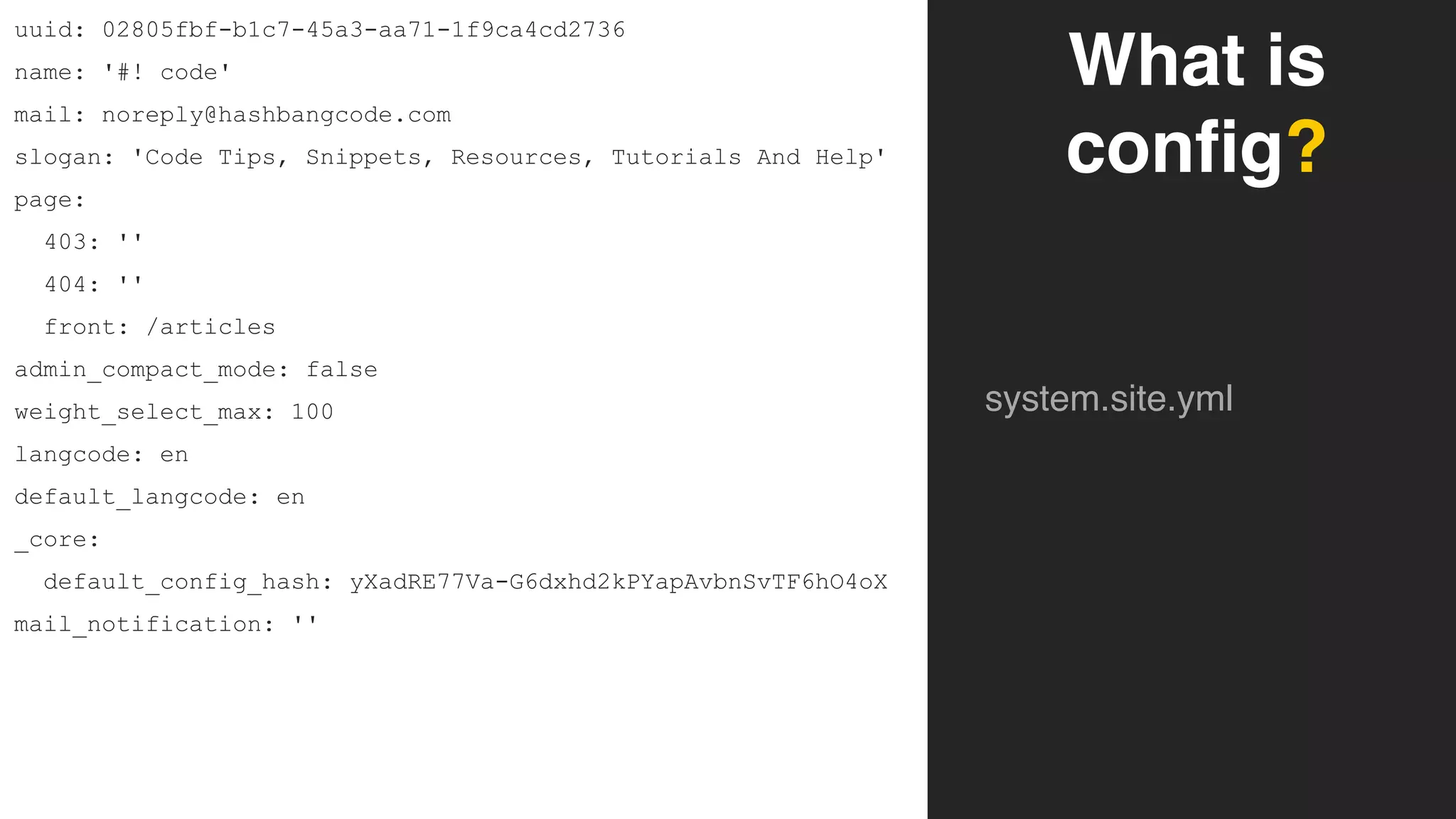
system.site.yml
uuid: 02805fbf-b1c7-45a3-aa71-1f9ca4cd2736
name: '#! code'
mail: noreply@hashbangcode.com
slogan: 'Code Tips, Snippets, Resources, Tutorials And Help'
page:
403: ''
404: ''
front: /articles
admin_compact_mode: false
weight_select_max: 100
langcode: en
default_langcode: en
_core:
default_config_hash: yXadRE77Va-G6dxhd2kPYapAvbnSvTF6hO4oX
mail_notification: ''
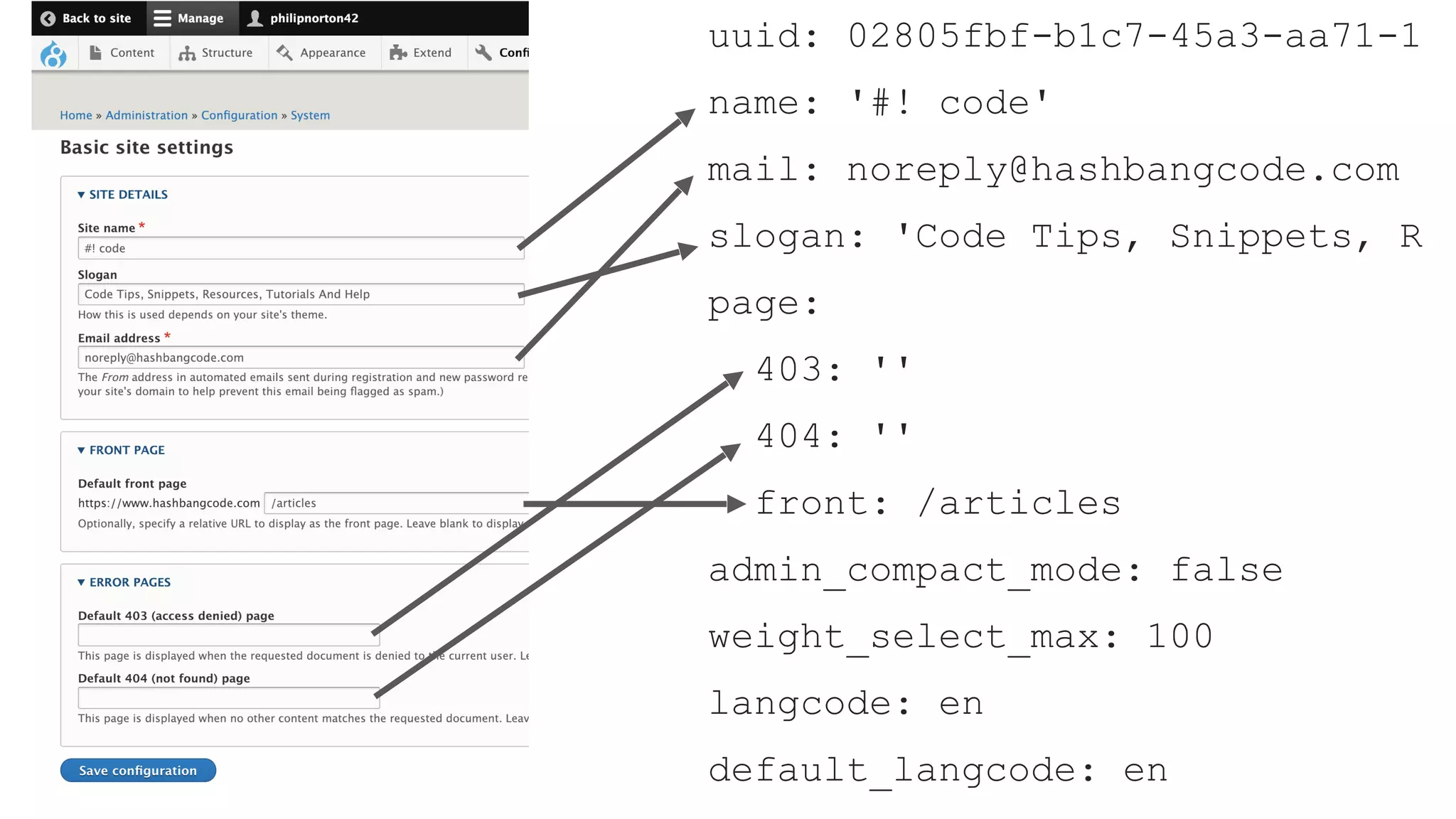
uuid: 02805fbf-b1c7-45a3-aa71-1
name: '#! code'
mail: noreply@hashbangcode.com
slogan: 'Code Tips, Snippets, R
page:
403: ''
404: ''
front: /articles
admin_compact_mode: false
weight_select_max: 100
langcode: en
default_langcode: en
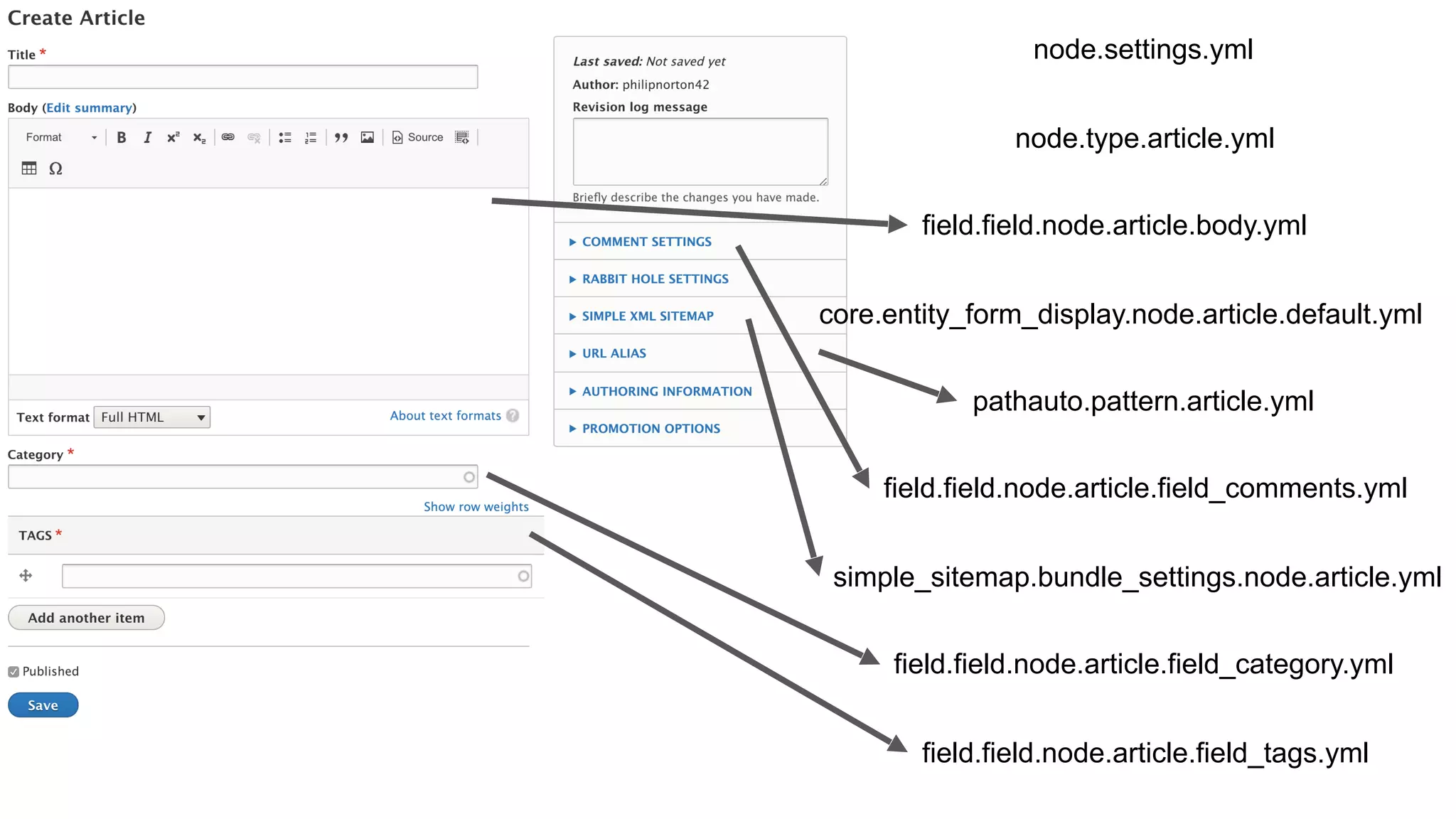
node.settings.yml
node.type.article.yml
pathauto.pattern.article.yml
simple_sitemap.bundle_settings.node.article.yml
core.entity_form_display.node.article.default.yml
field.field.node.article.body.yml
field.field.node.article.field_category.yml
field.field.node.article.field_comments.yml
field.field.node.article.field_tags.yml
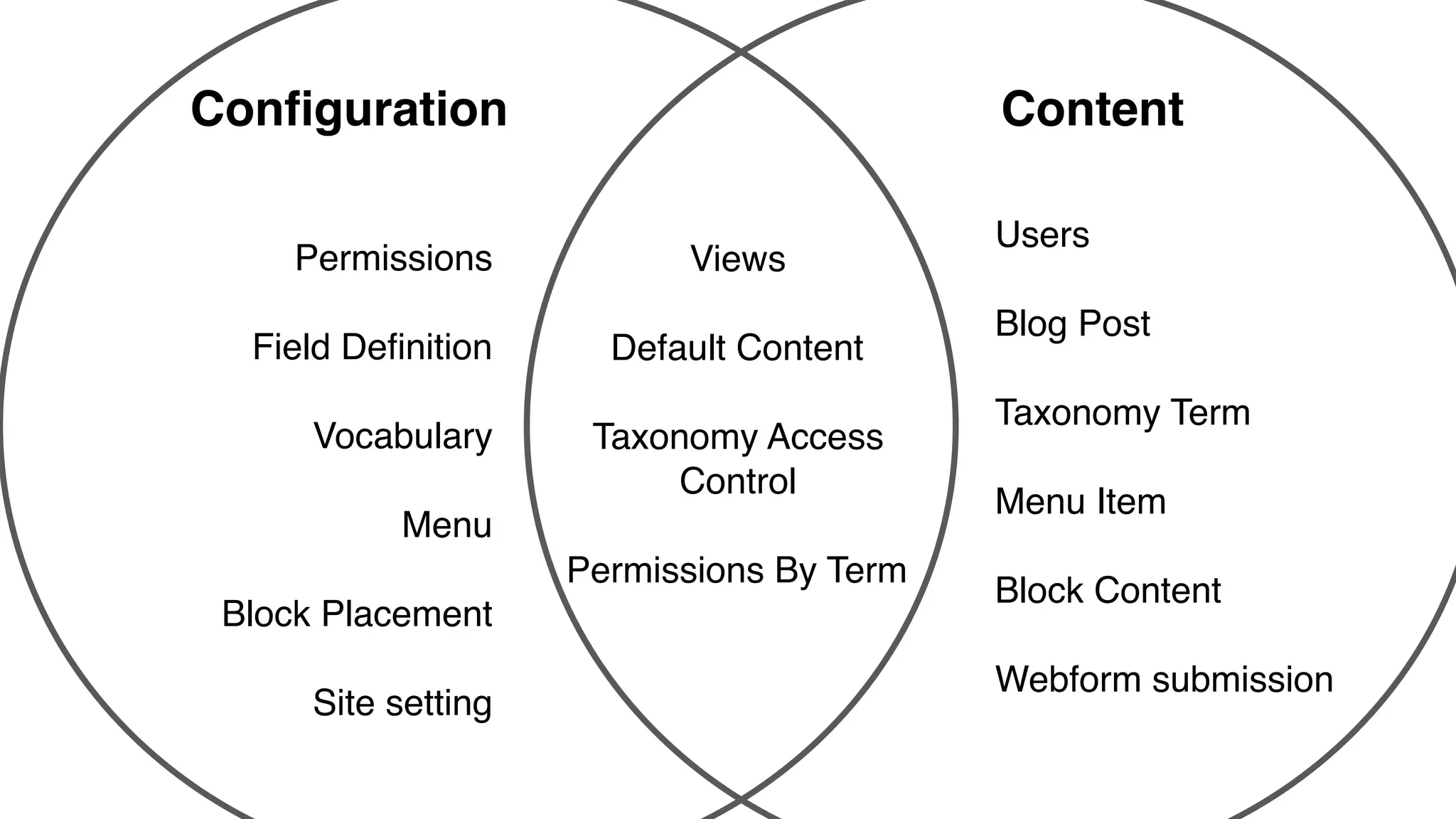
Is it config?
A quiz!
Blog content
type.
The Site Name.
A Blog Post.
Permissions.
A user.
User Roles.
A user’s roles.
Vocabulary.
A taxonomy
term.
Field definition.
Menu.
Menu item.
Block
placement.
Instance of a
block.
A View.
Permissions
Field Definition
Vocabulary
Menu
Block Placement
Site setting
Users
Blog Post
Taxonomy Term
Menu Item
Block Content
Webform submission
Views
Default Content
Taxonomy Access
Control
Permissions By Term
Configuration Content
Exporting configuration.
Getting the configuration out of your site can be done in two
ways:
➔ Download direct from site
➔ Drush export
Exporting Configuration.
➔ Configuration will need somewhere to live first.
➔ In order for Drush to export config it needs to know where
to put your config.
➔ Drupal also needs to know what directory to scan to pick
up your configuration.
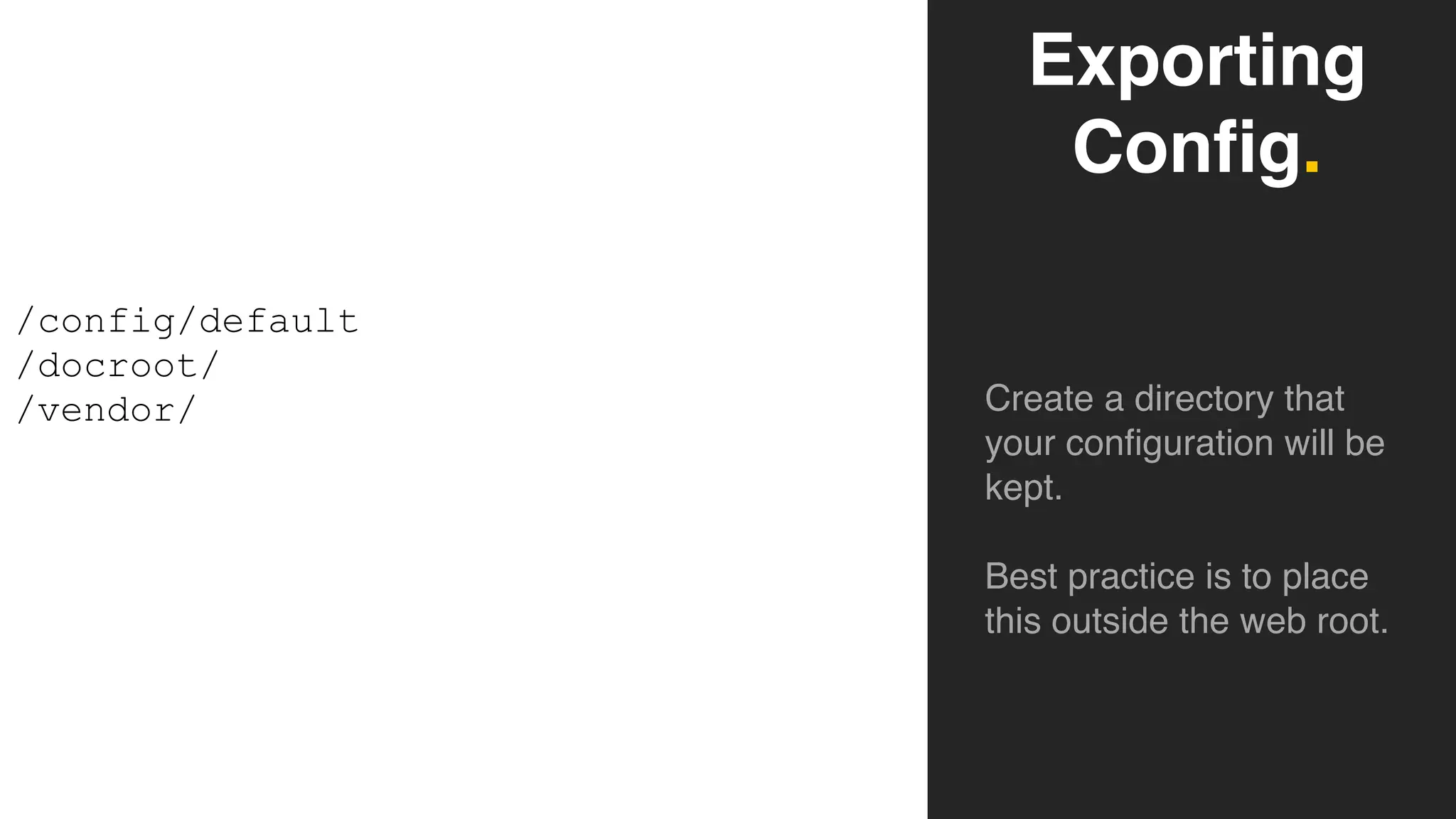
Exporting Configuration.
Exporting
Config.
Create a directory that
your configuration will be
kept.
Best practice is to place
this outside the web root.
/config/default
/docroot/
/vendor/
$config_directories[CONFIG_SYNC_DIRECTORY] = '../config/sync';
Put this in settings.php
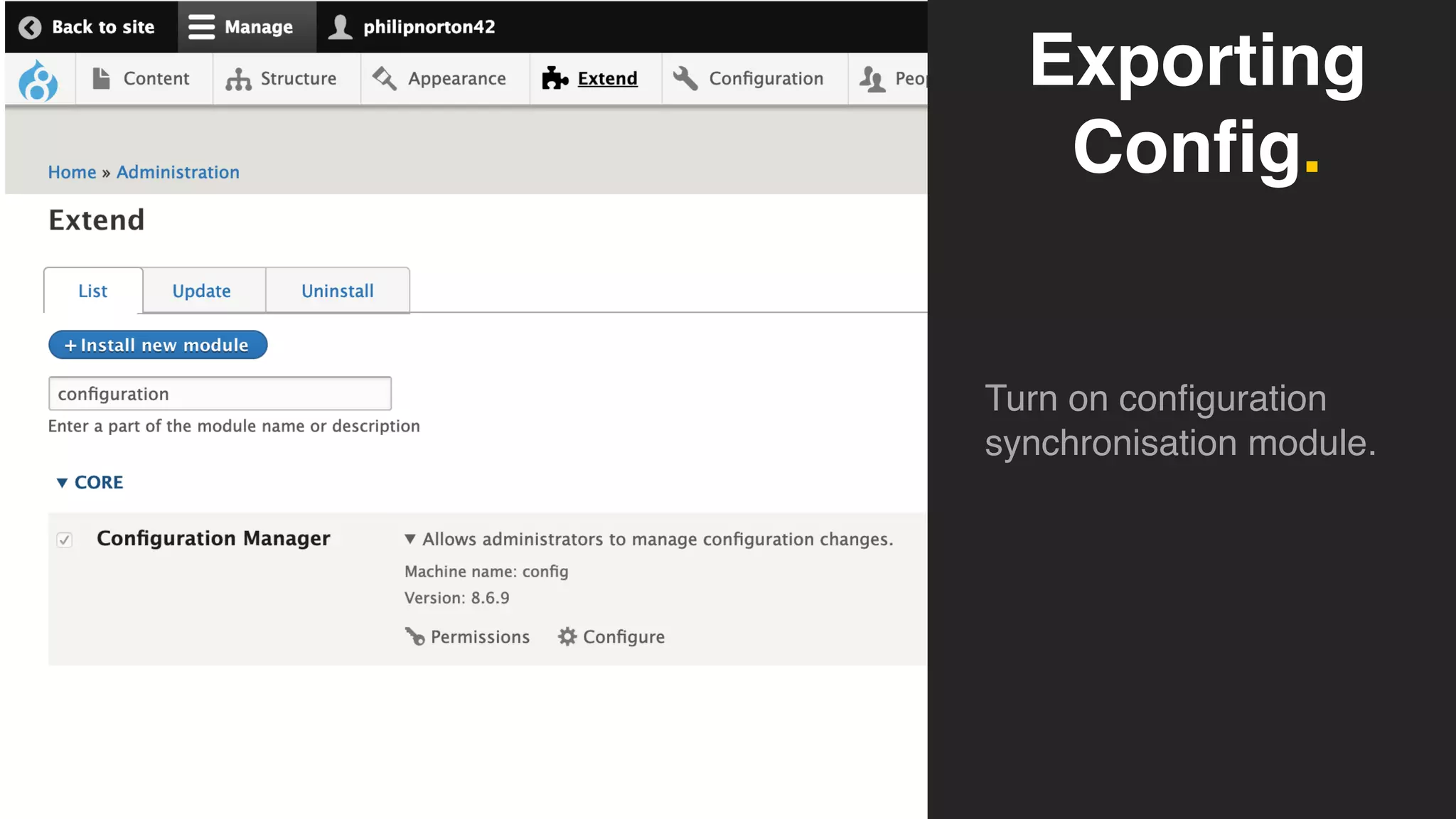
Exporting
Config.
Turn on configuration
synchronisation module.
Exporting
Config.
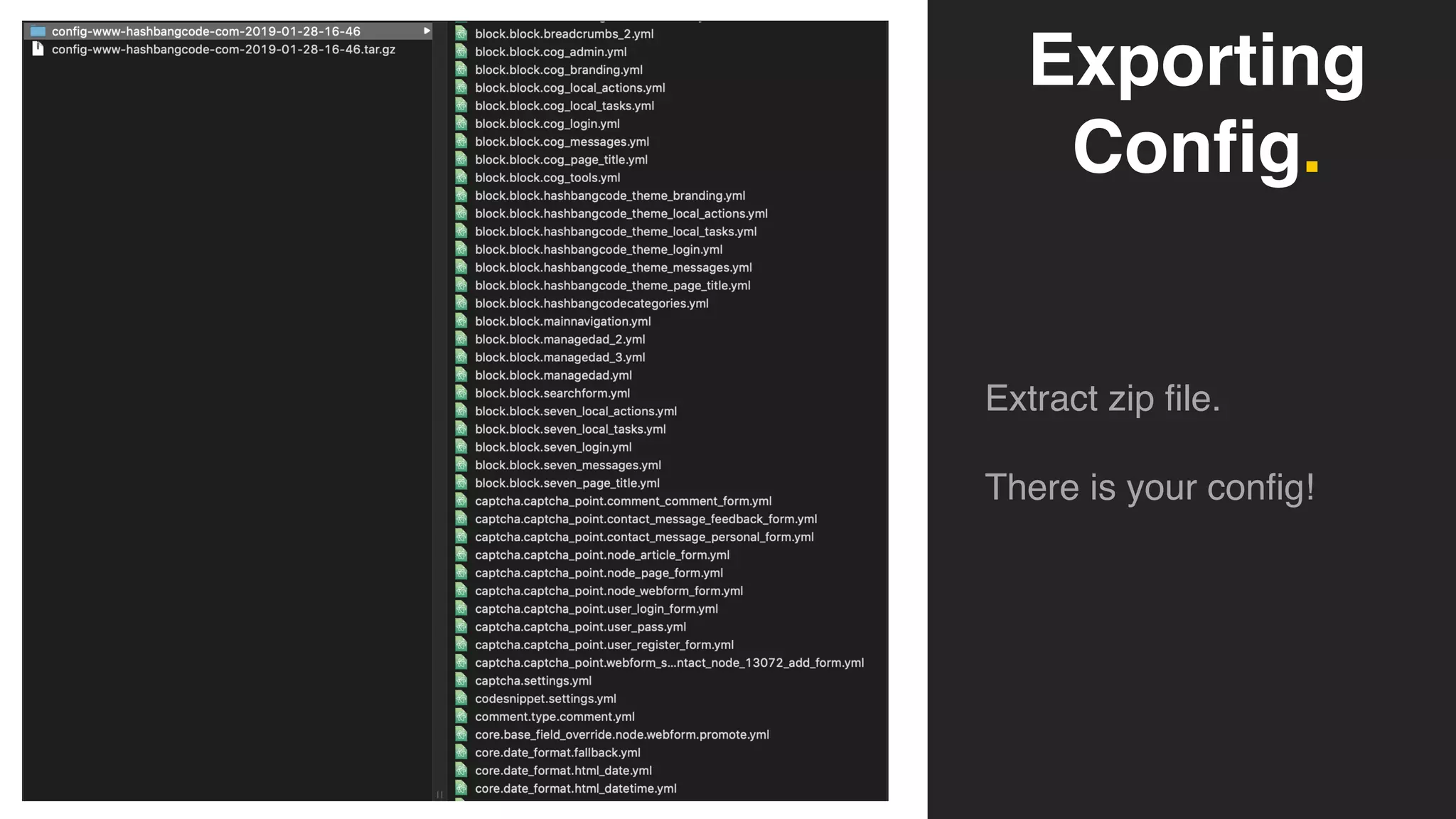
Extract zip file.
There is your config!
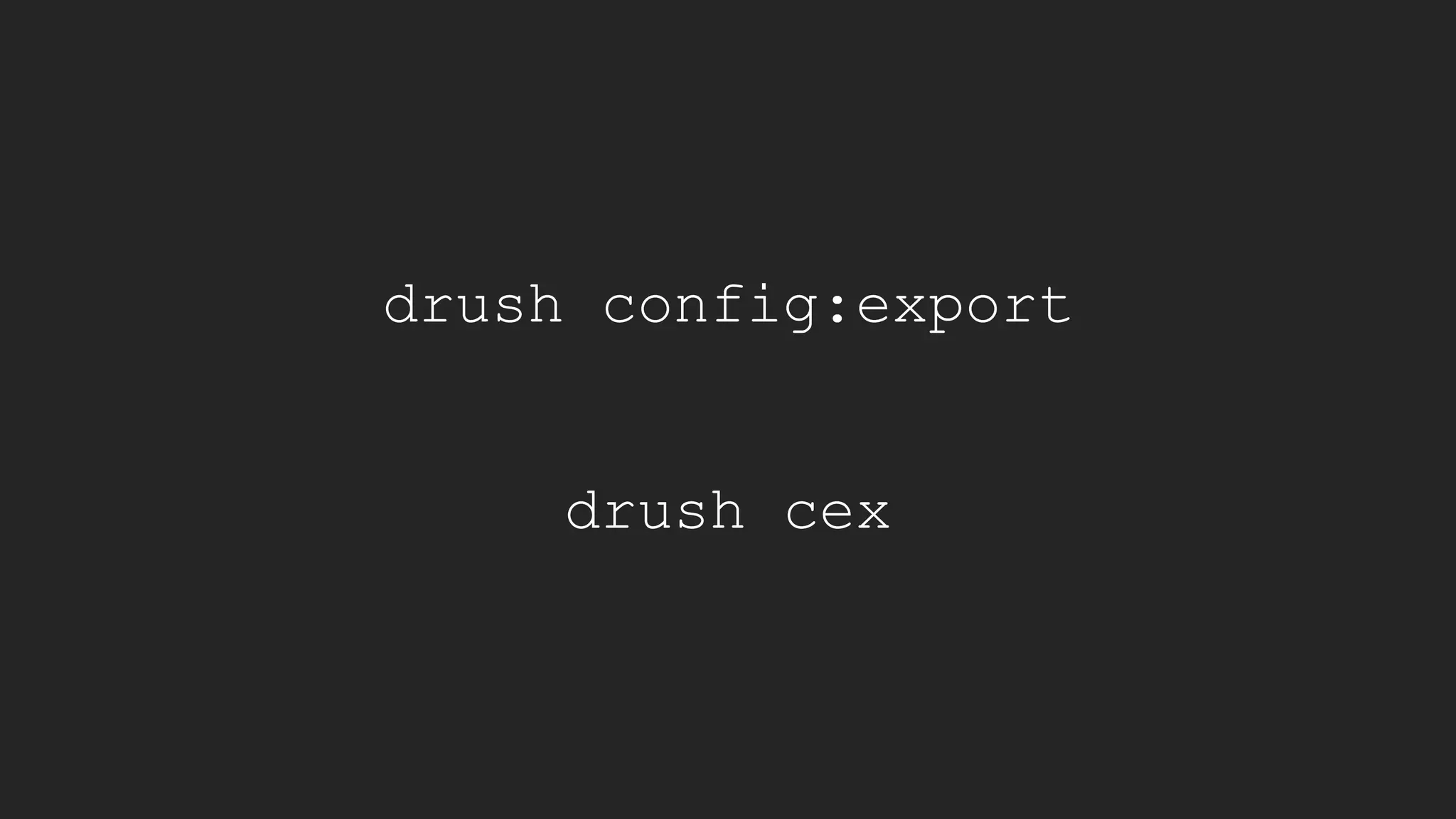
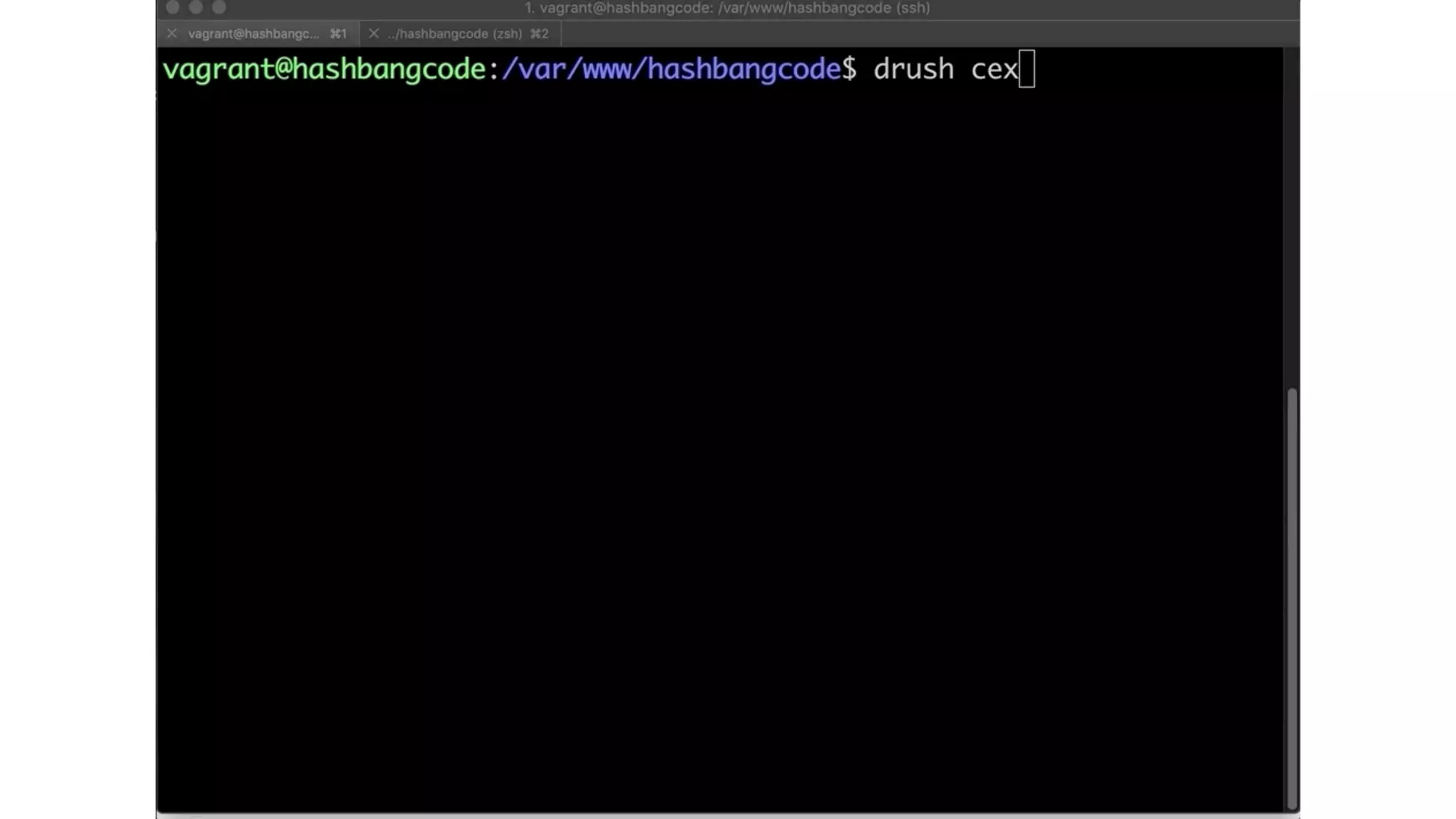
drush config:export
drush cex
Importing configuration.
Importing Config.
➔ Importing config will take whatever is in your configuration
directory and apply it to your site.
➔ This will override any settings you (or your users) have
changed.
➔ New configuration will be created.
➔ Deleted configuration will be removed*
* Drupal protects you from deleting config that contains content.
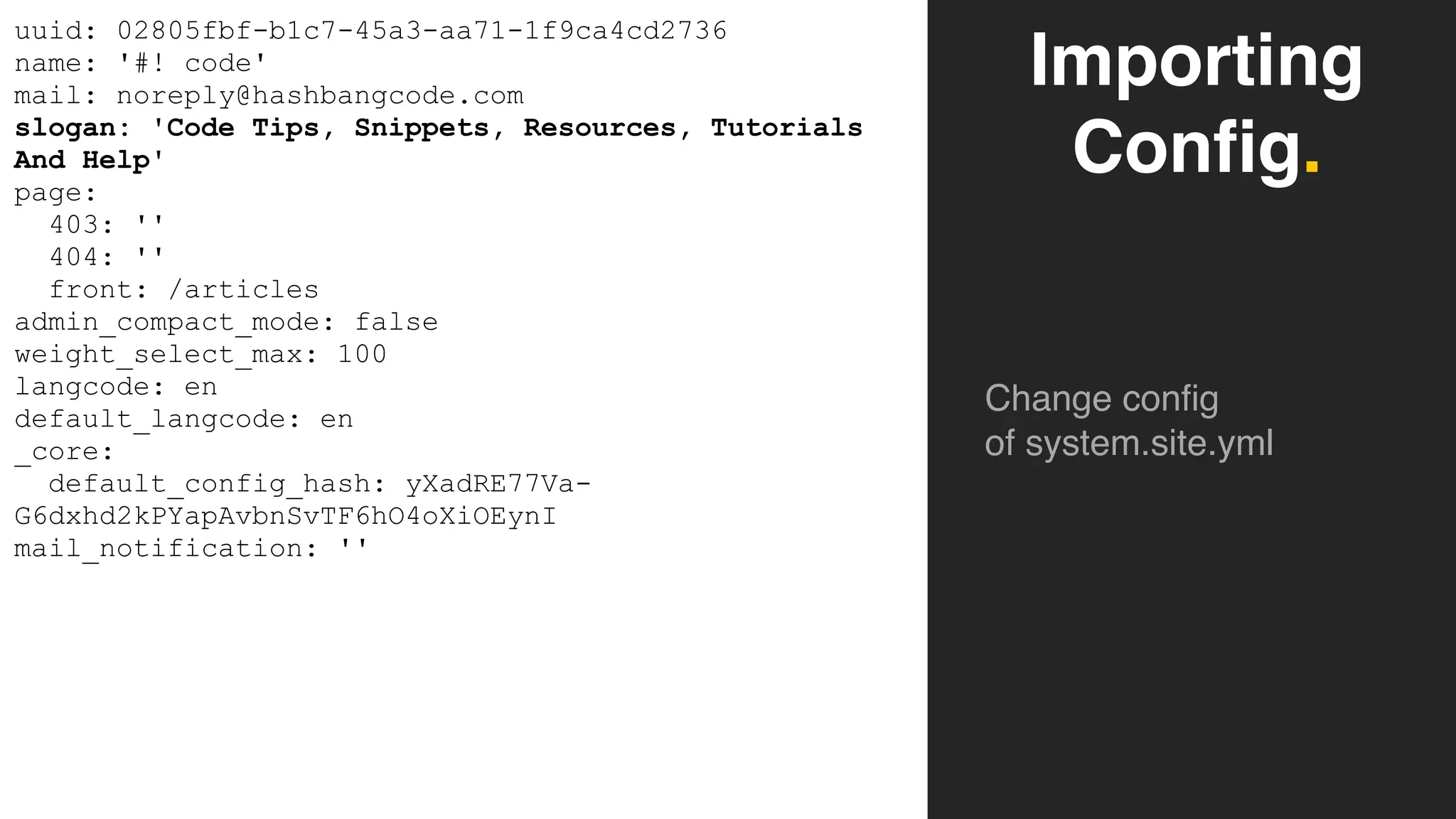
Importing
Config.
Change config
of system.site.yml
uuid: 02805fbf-b1c7-45a3-aa71-1f9ca4cd2736
name: '#! code'
mail: noreply@hashbangcode.com
slogan: 'Code Tips, Snippets, Resources, Tutorials
And Help'
page:
403: ''
404: ''
front: /articles
admin_compact_mode: false
weight_select_max: 100
langcode: en
default_langcode: en
_core:
default_config_hash: yXadRE77Va-
G6dxhd2kPYapAvbnSvTF6hO4oXiOEynI
mail_notification: ''
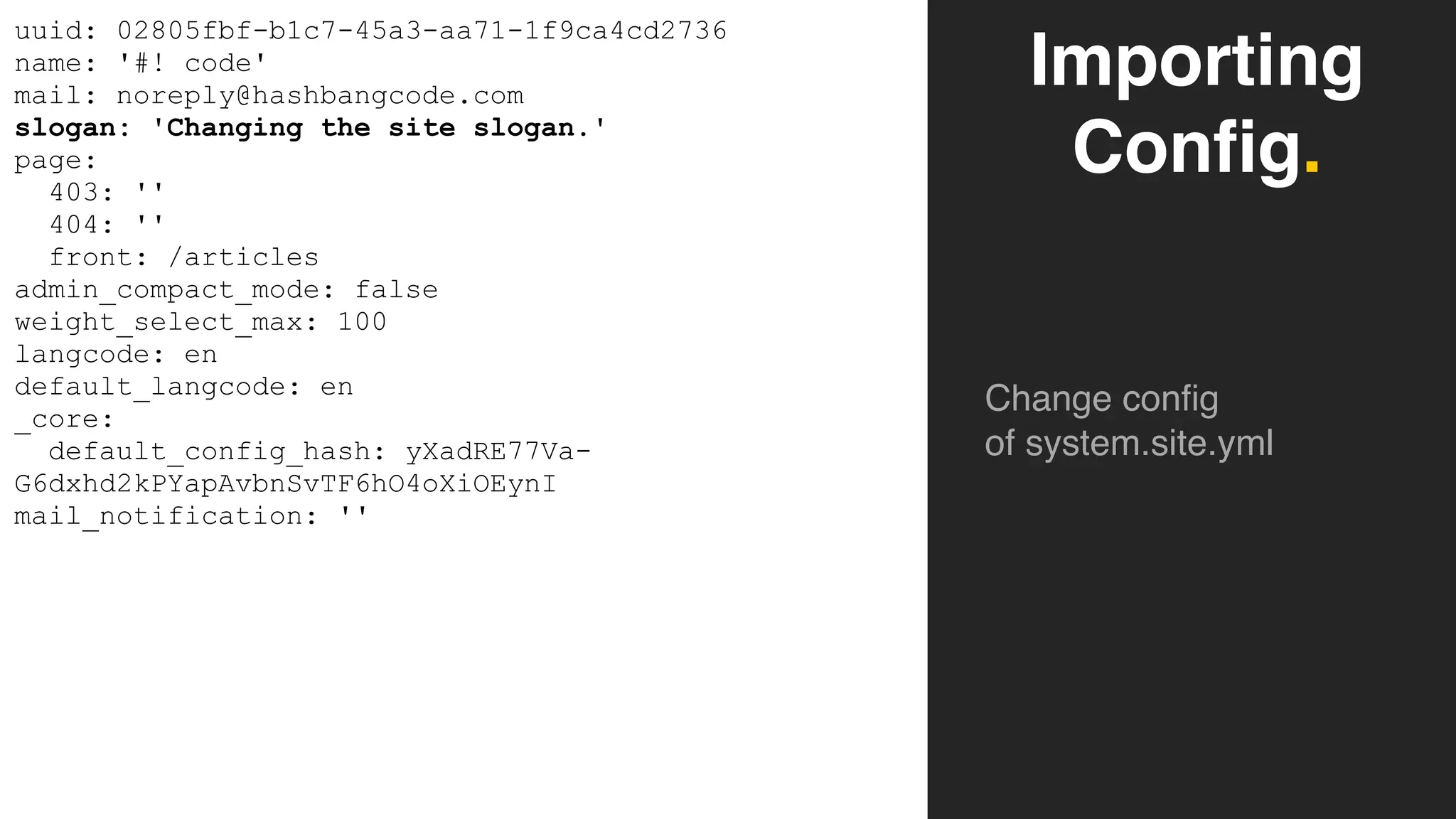
Importing
Config.
Change config
of system.site.yml
uuid: 02805fbf-b1c7-45a3-aa71-1f9ca4cd2736
name: '#! code'
mail: noreply@hashbangcode.com
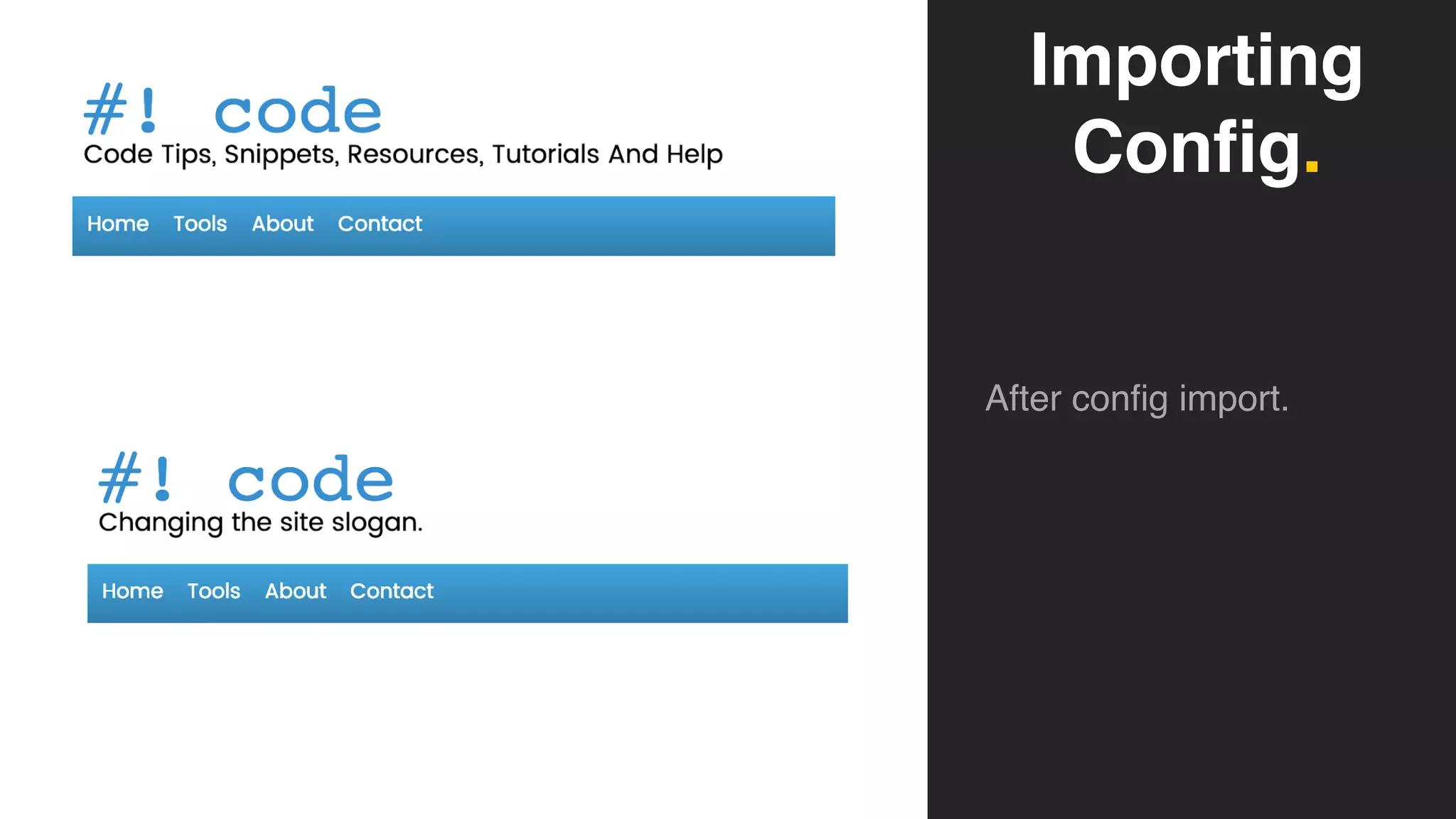
slogan: 'Changing the site slogan.'
page:
403: ''
404: ''
front: /articles
admin_compact_mode: false
weight_select_max: 100
langcode: en
default_langcode: en
_core:
default_config_hash: yXadRE77Va-
G6dxhd2kPYapAvbnSvTF6hO4oXiOEynI
mail_notification: ''
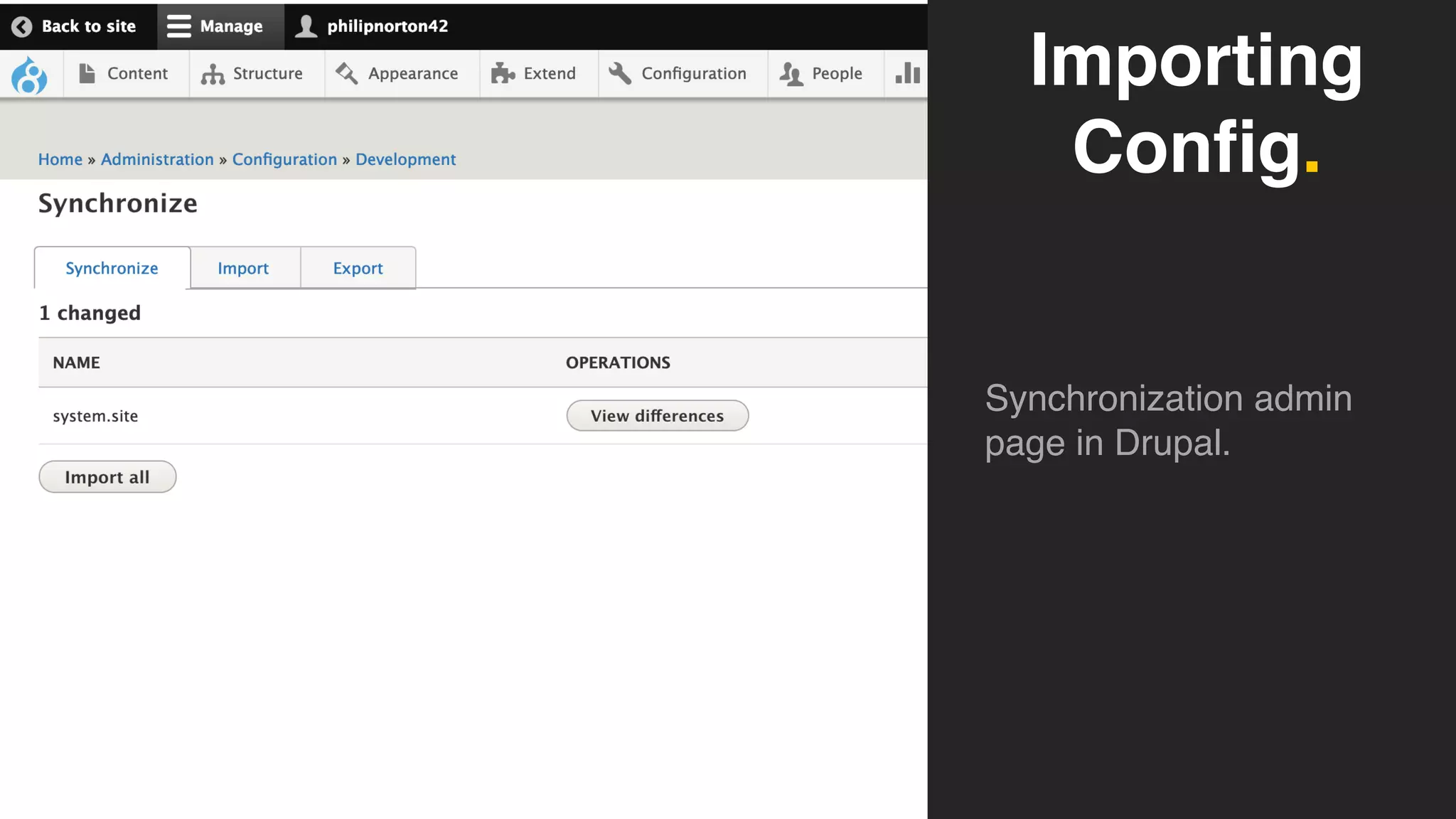
Importing
Config.
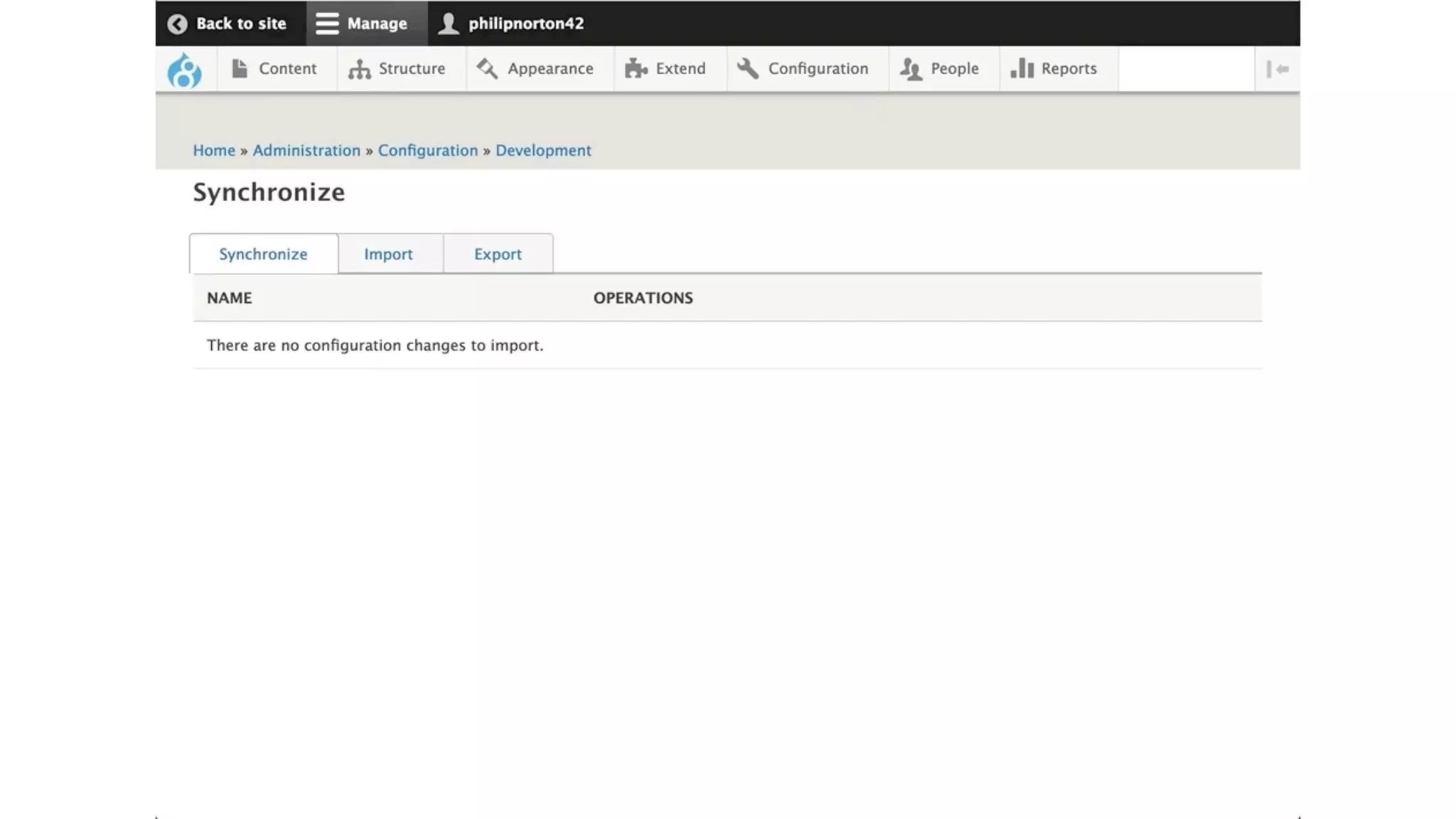
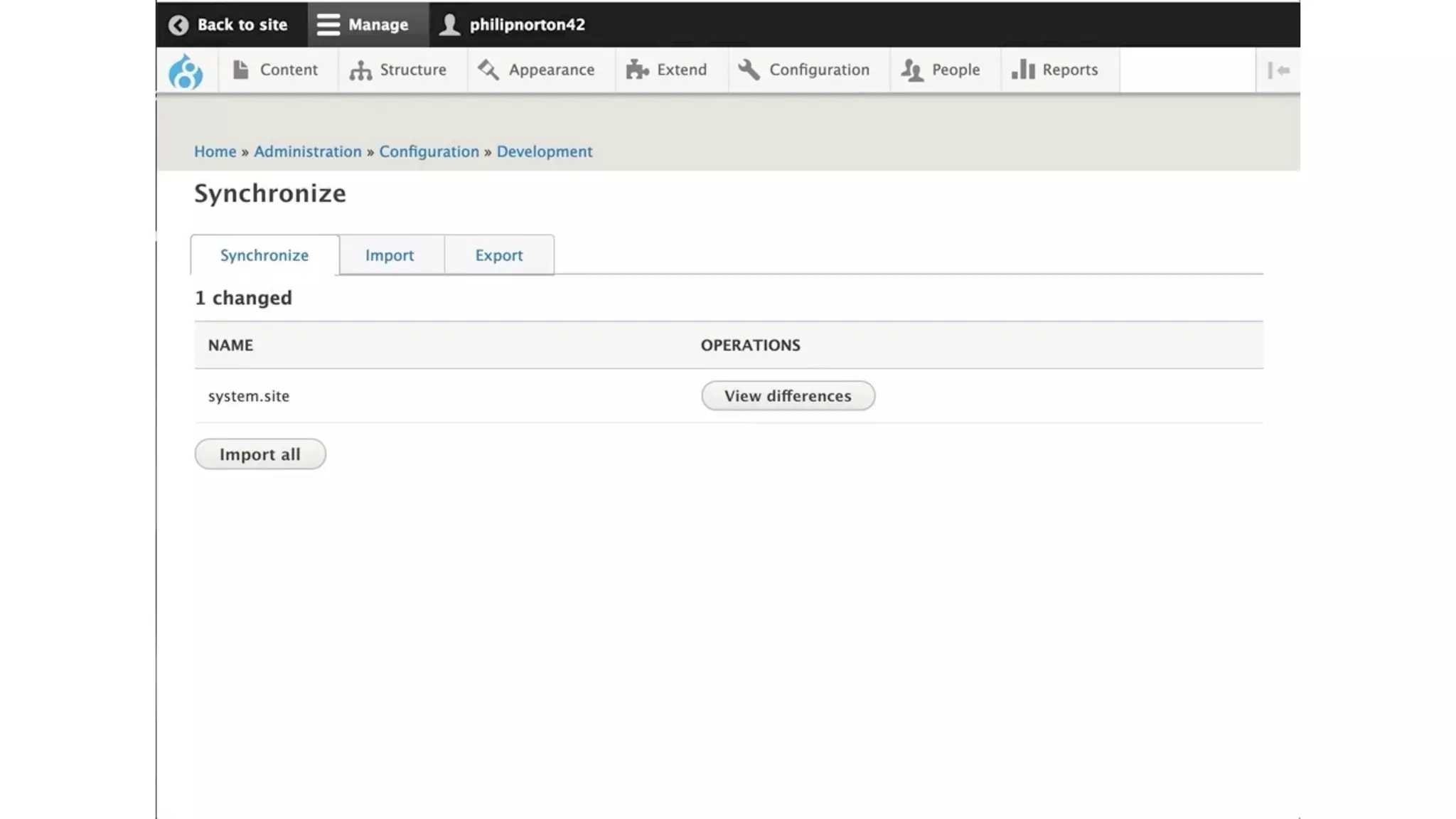
Synchronization admin
page in Drupal.
Importing
Config.
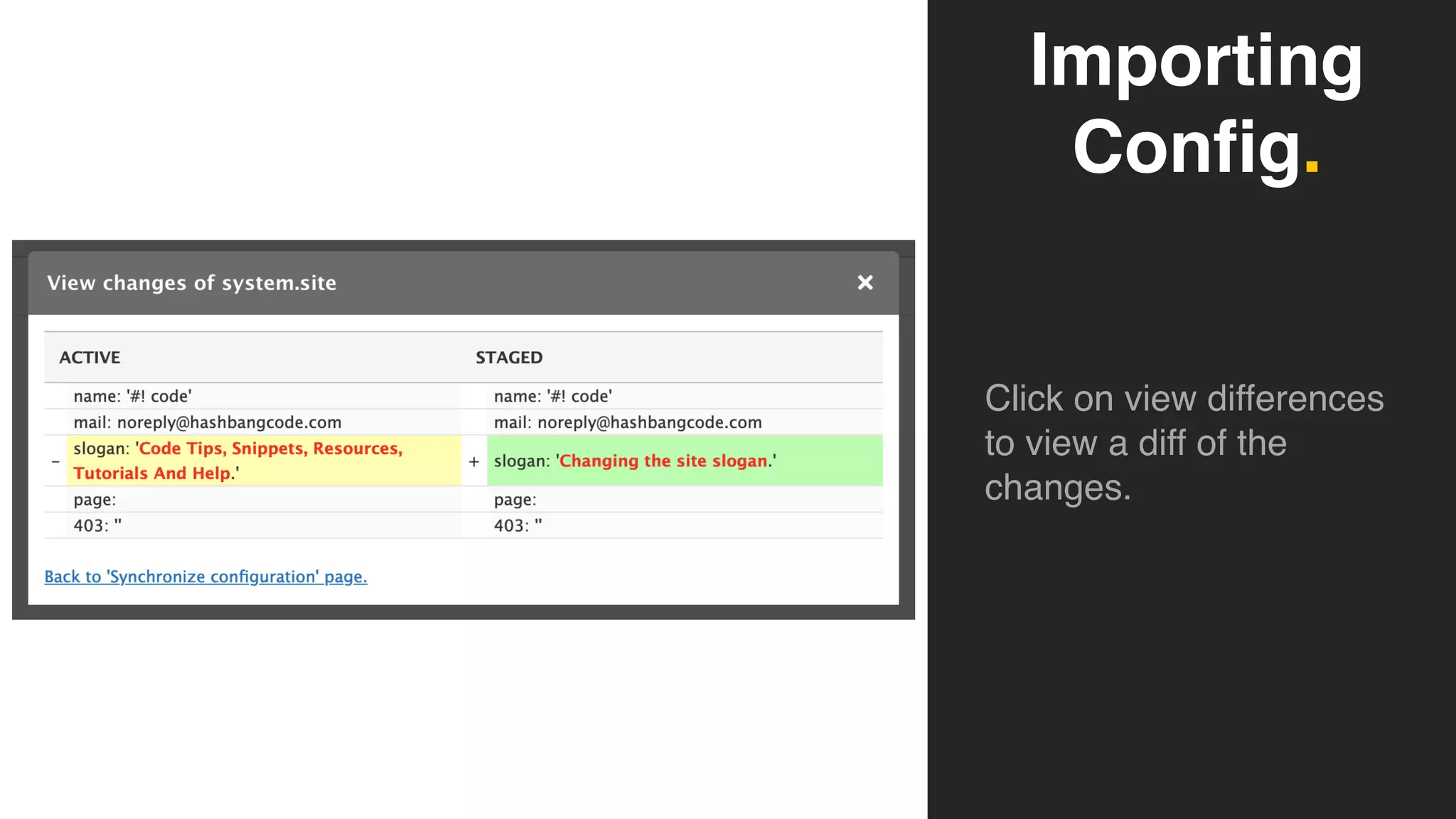
Click on view differences
to view a diff of the
changes.
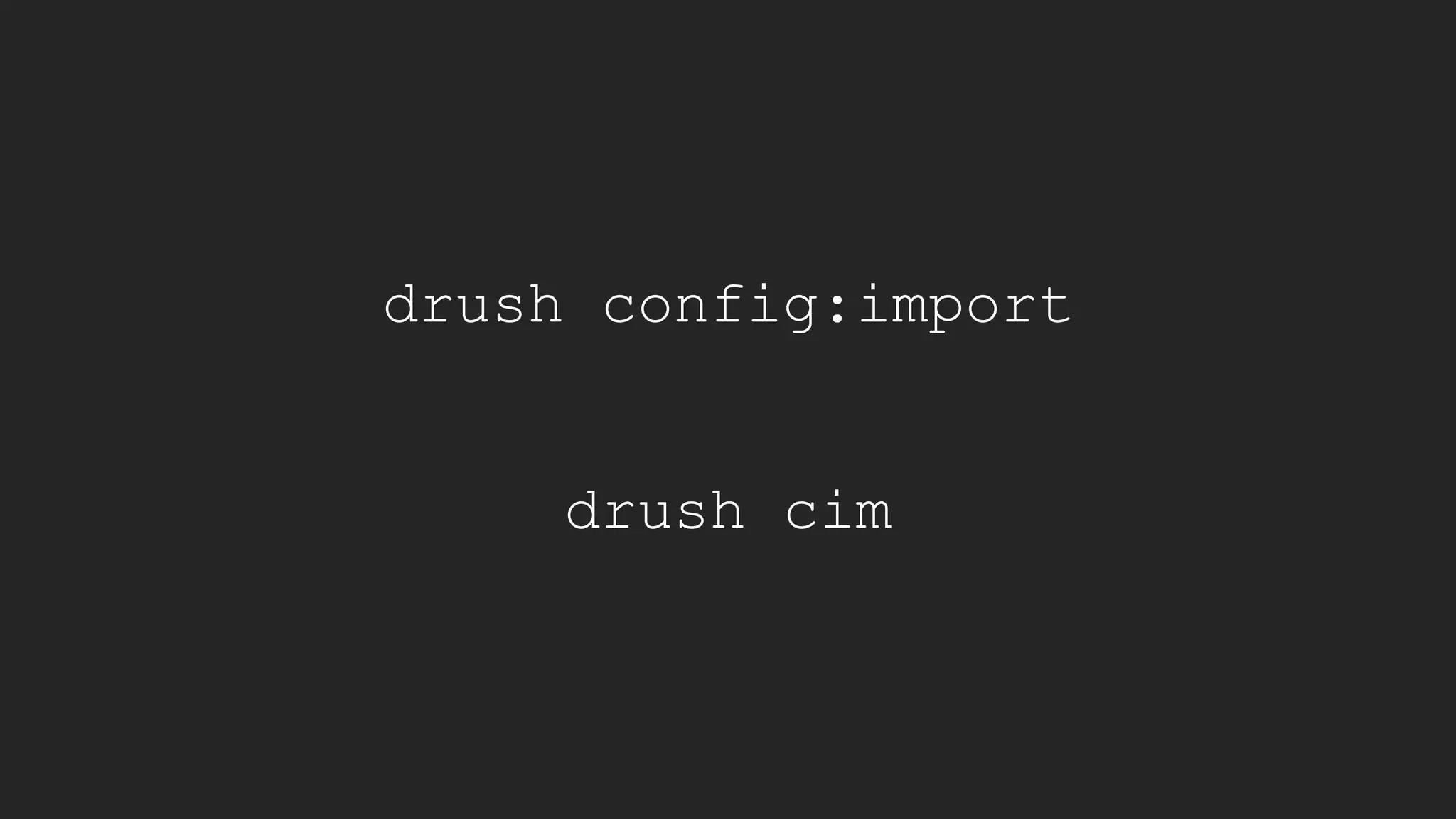
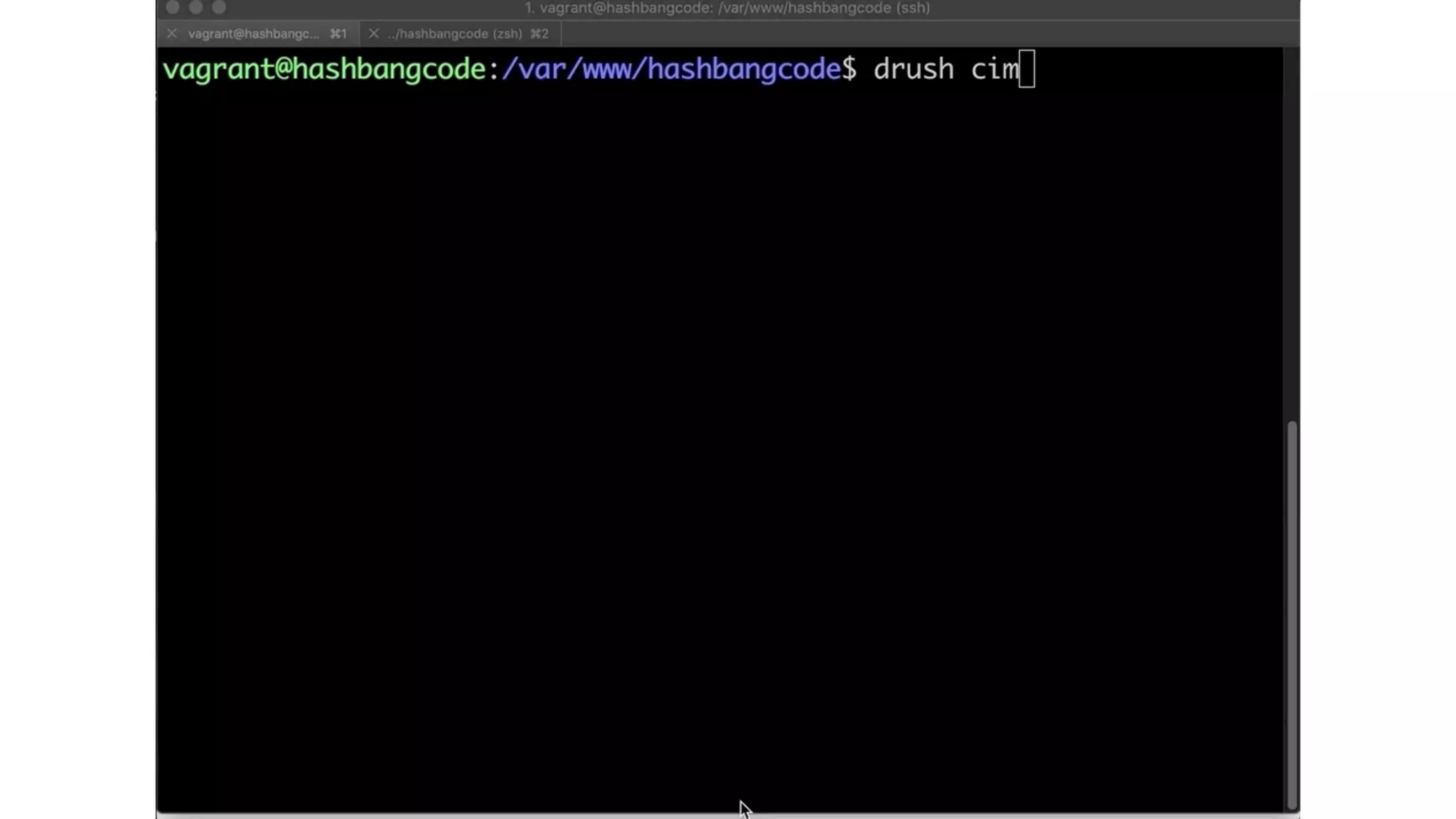
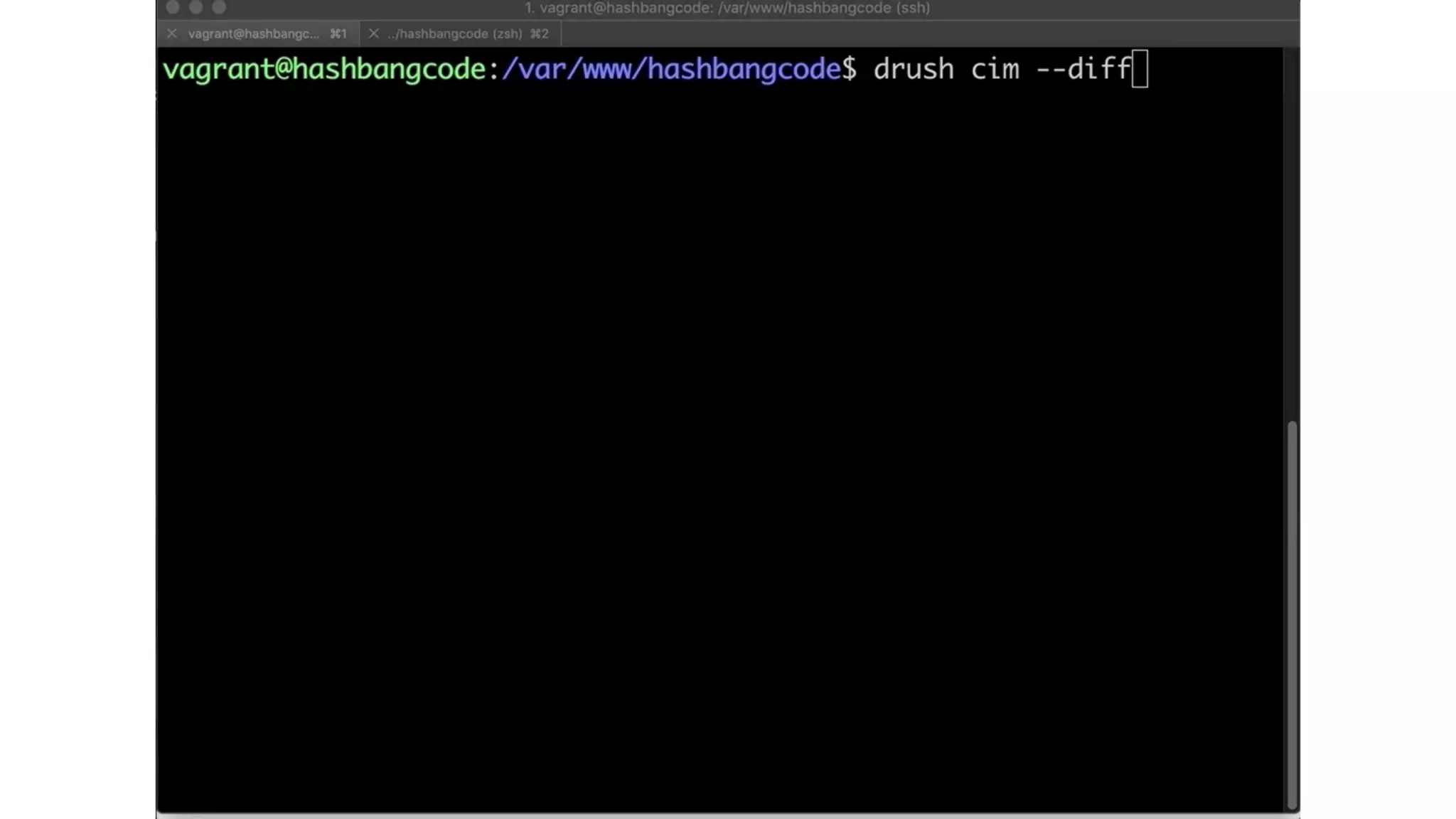
drush config:import
drush cim
Importing
Config.
After config import.
Configuration Drush
Commands.
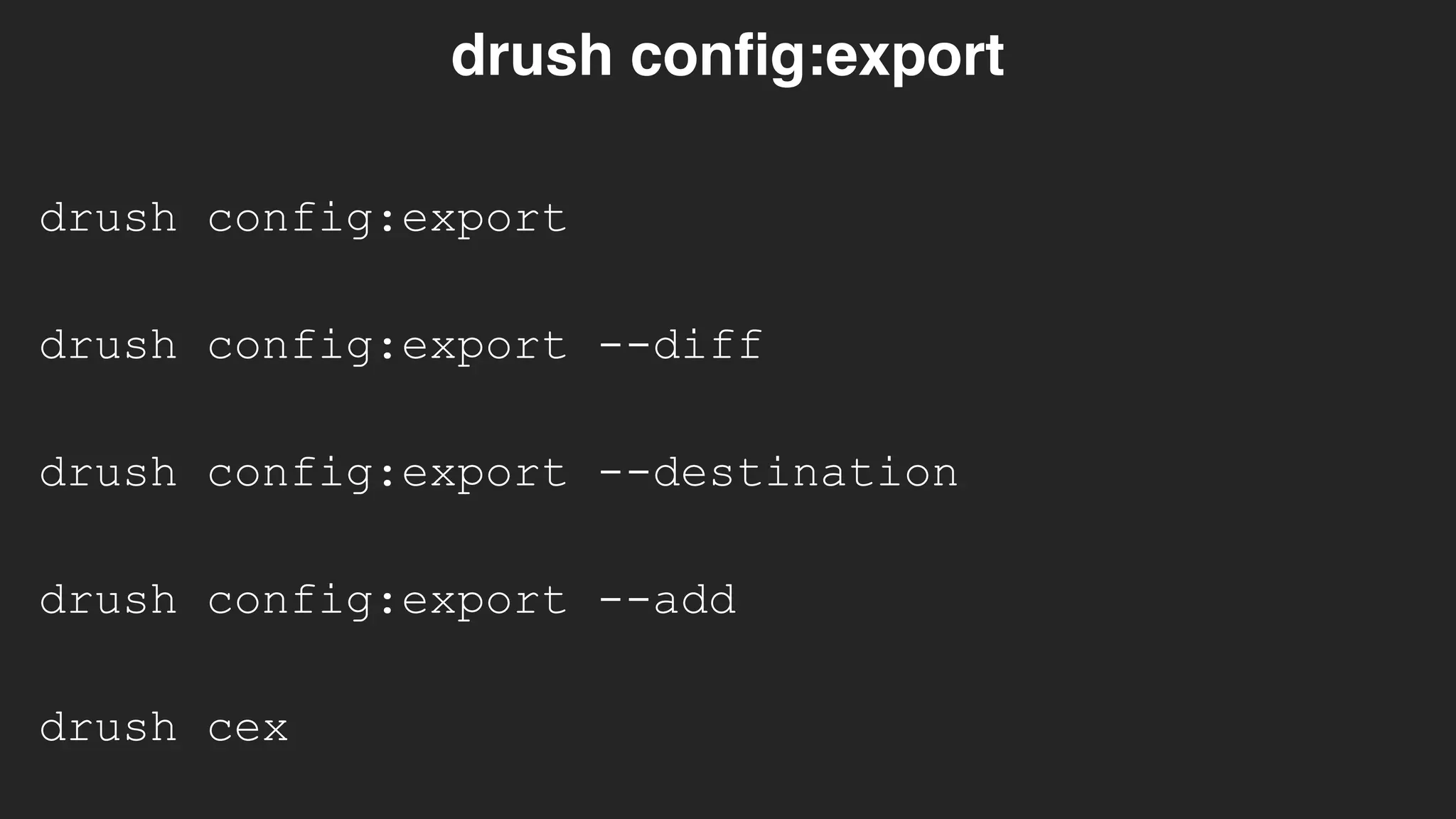
drush config:export
drush config:export
drush config:export --diff
drush config:export --destination
drush config:export --add
drush cex
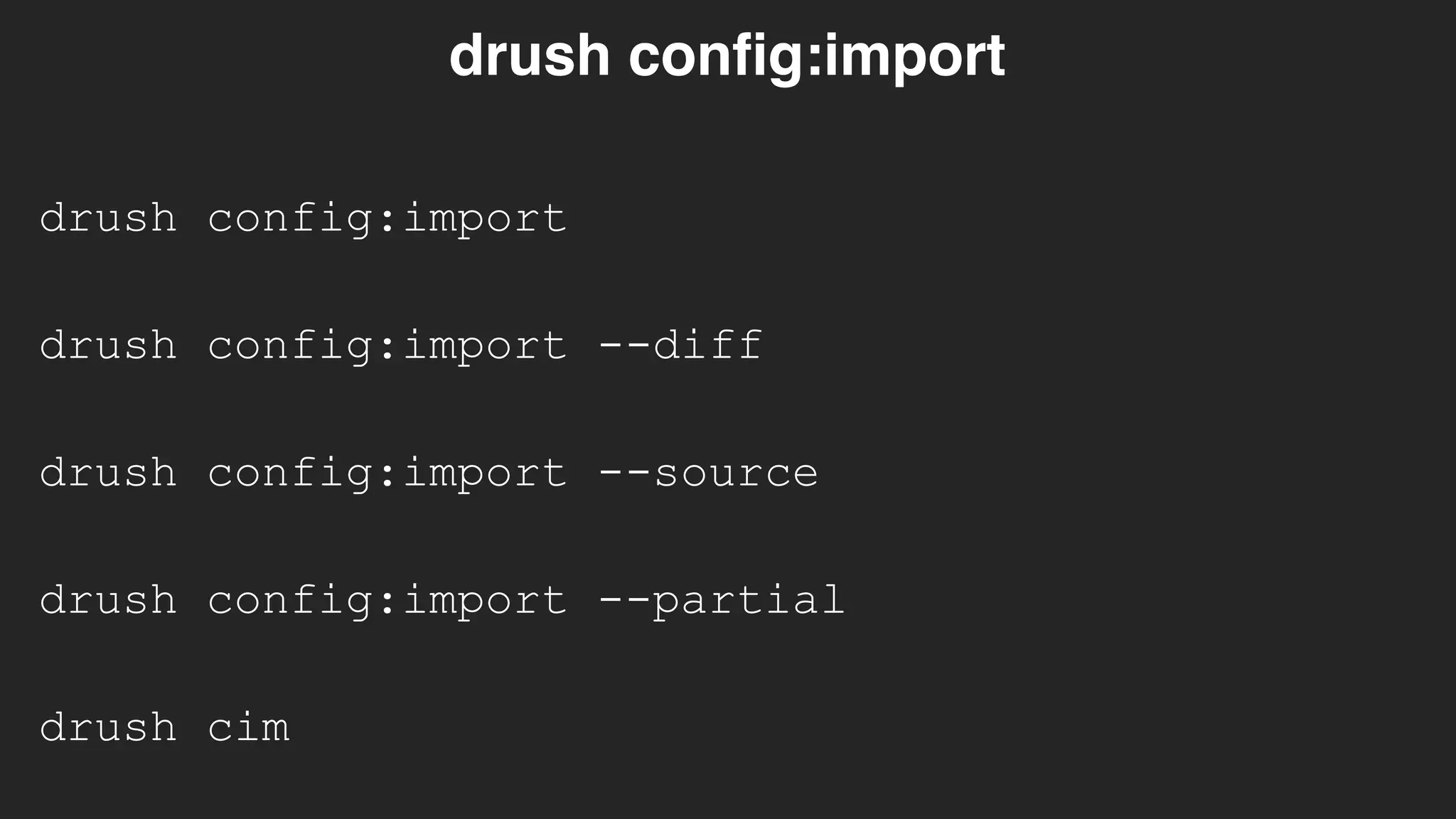
drush config:import
drush config:import
drush config:import --diff
drush config:import --source
drush config:import --partial
drush cim
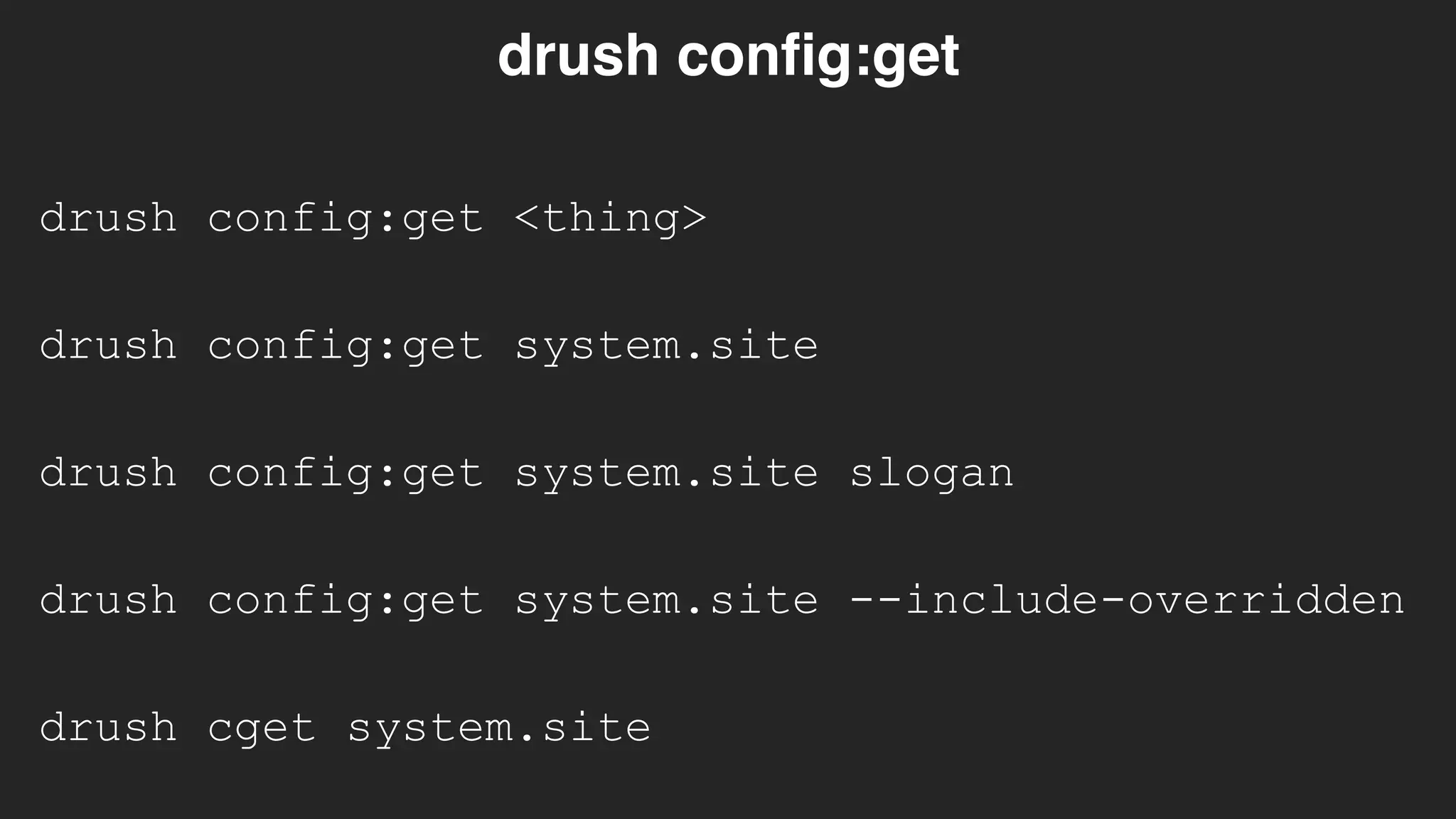
drush config:get <thing>
drush config:get
drush config:get system.site
drush config:get system.site slogan
drush config:get system.site --include-overridden
drush cget system.site
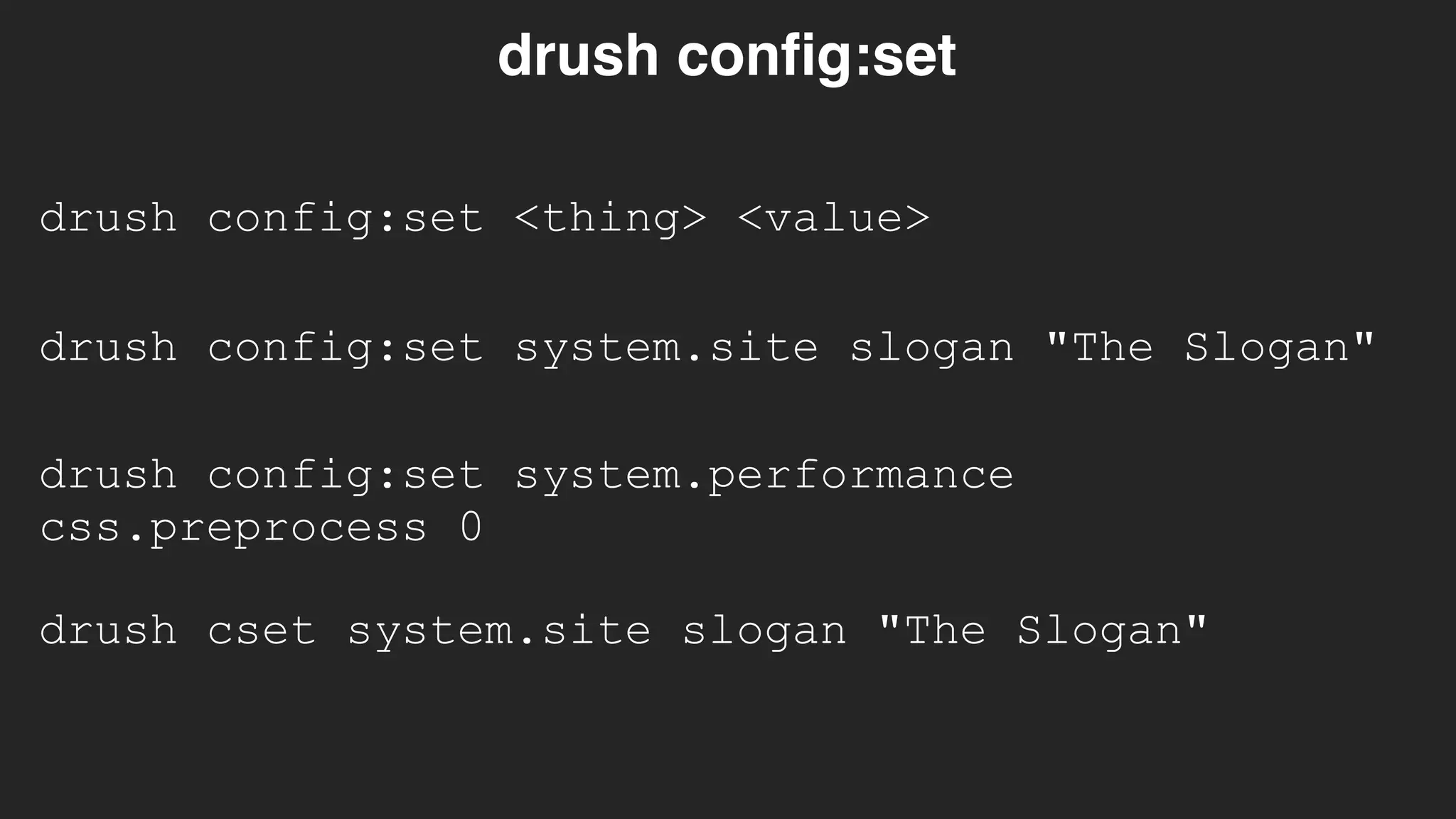
drush config:set <thing> <value>
drush config:set
drush config:set system.site slogan "The Slogan"
drush config:set system.performance
css.preprocess 0
drush cset system.site slogan "The Slogan"
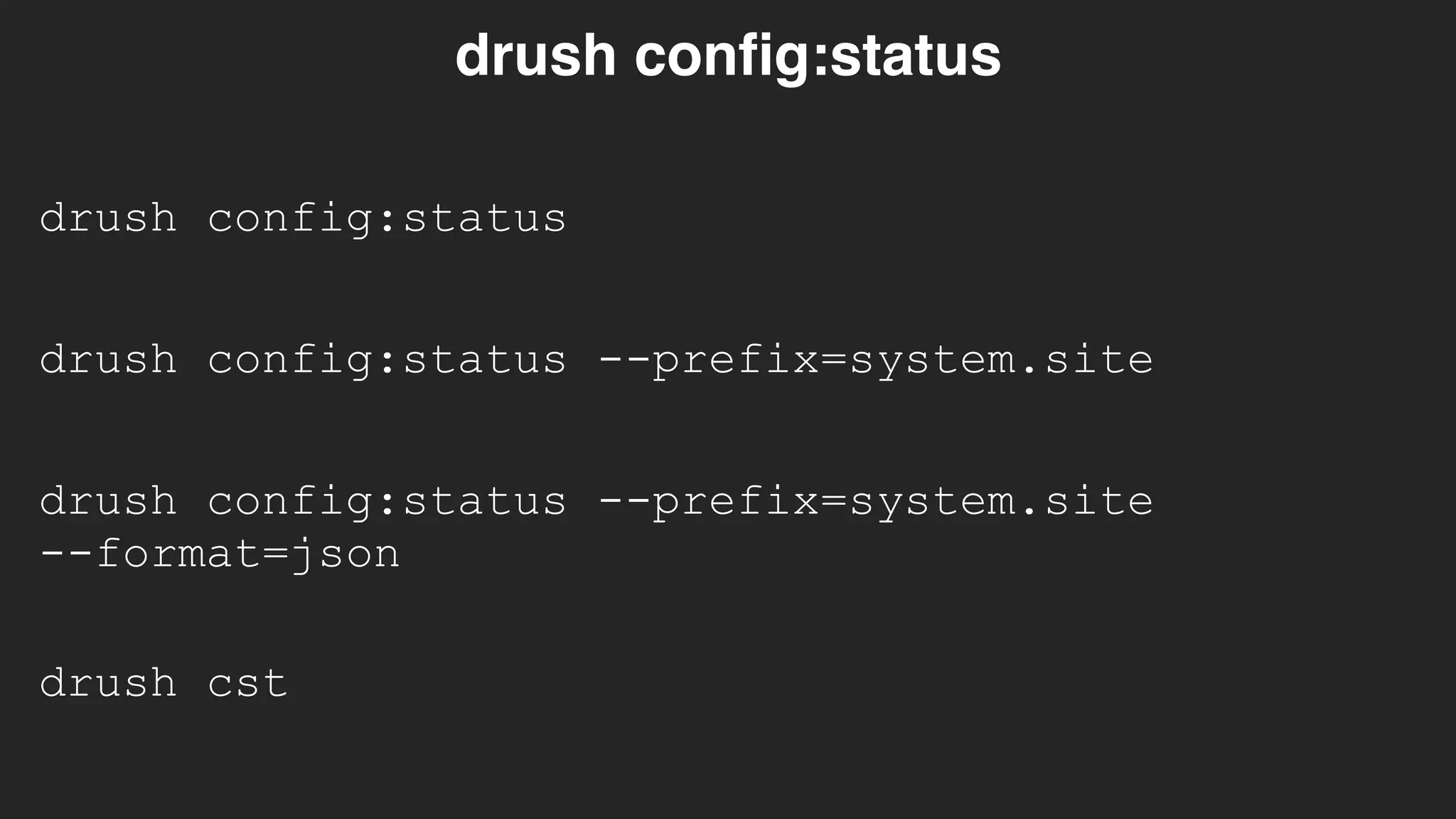
drush config:status
drush config:status
drush config:status --prefix=system.site

--format=json
drush cst
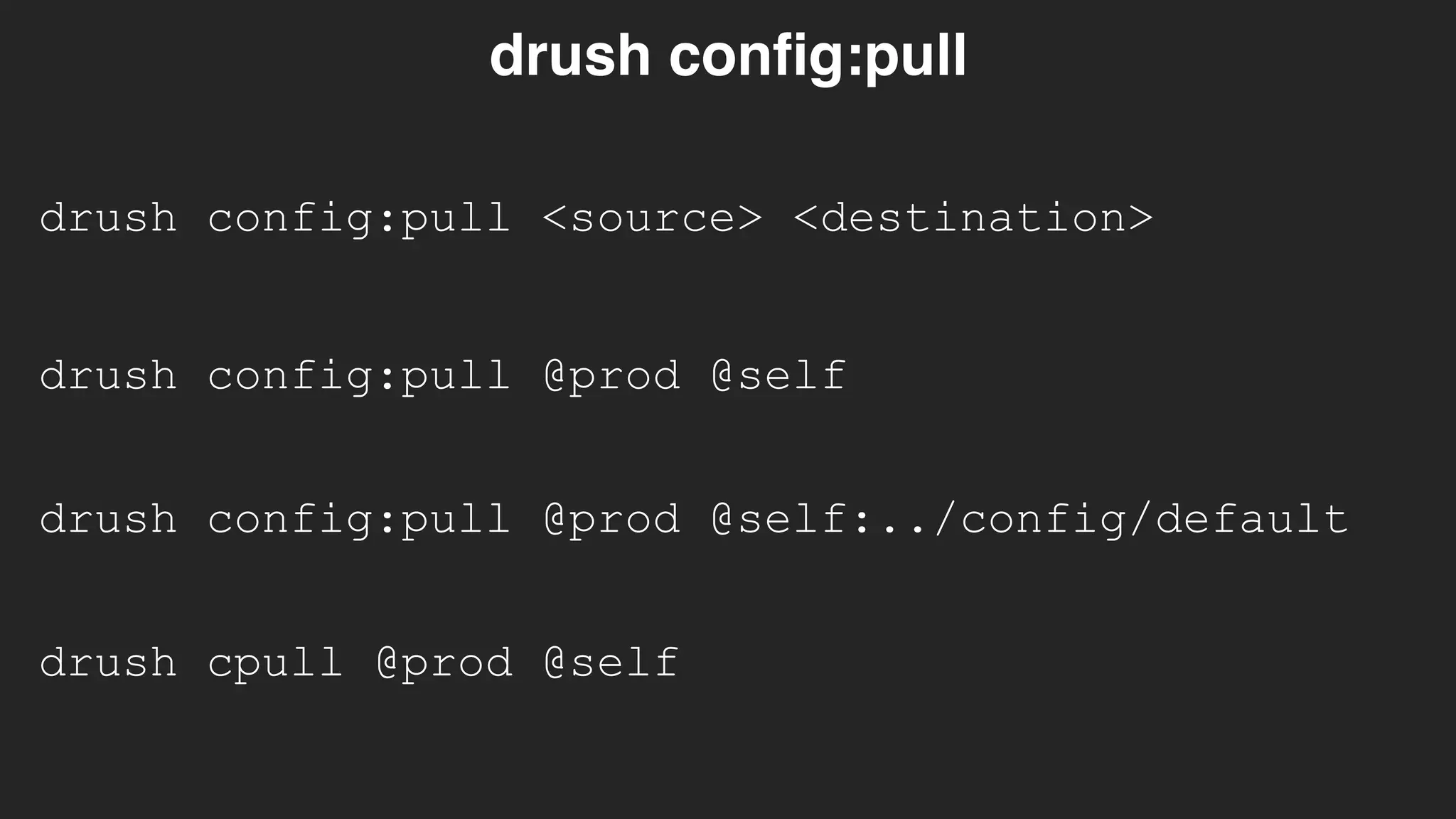
drush config:pull <source> <destination>
drush config:pull
drush config:pull @prod @self
drush cpull @prod @self
drush config:pull @prod @self:../config/default
Working with configuration.
What is the one
tool you need to
rely on when
using
configuration?
git
Working with configuration.
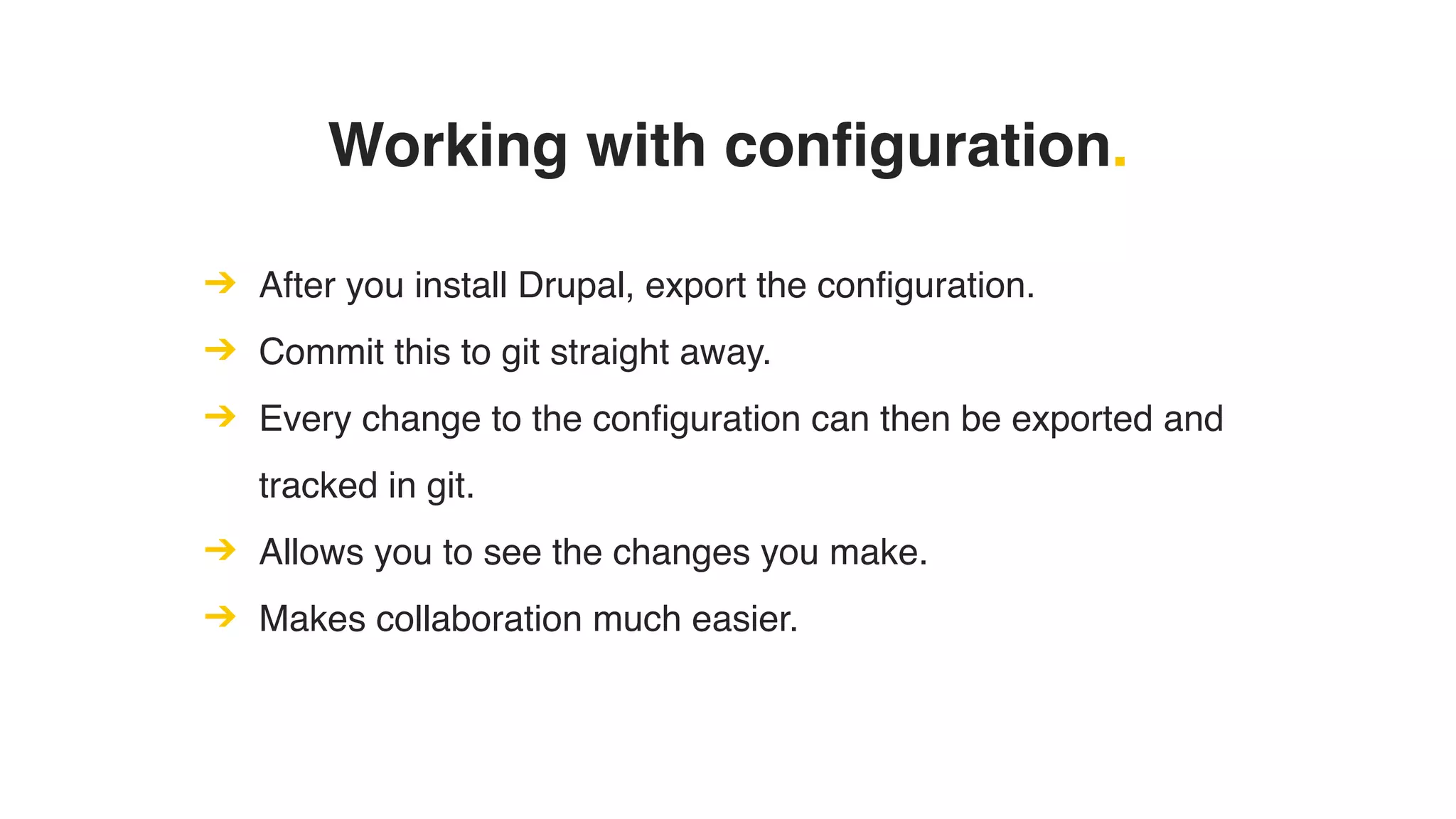
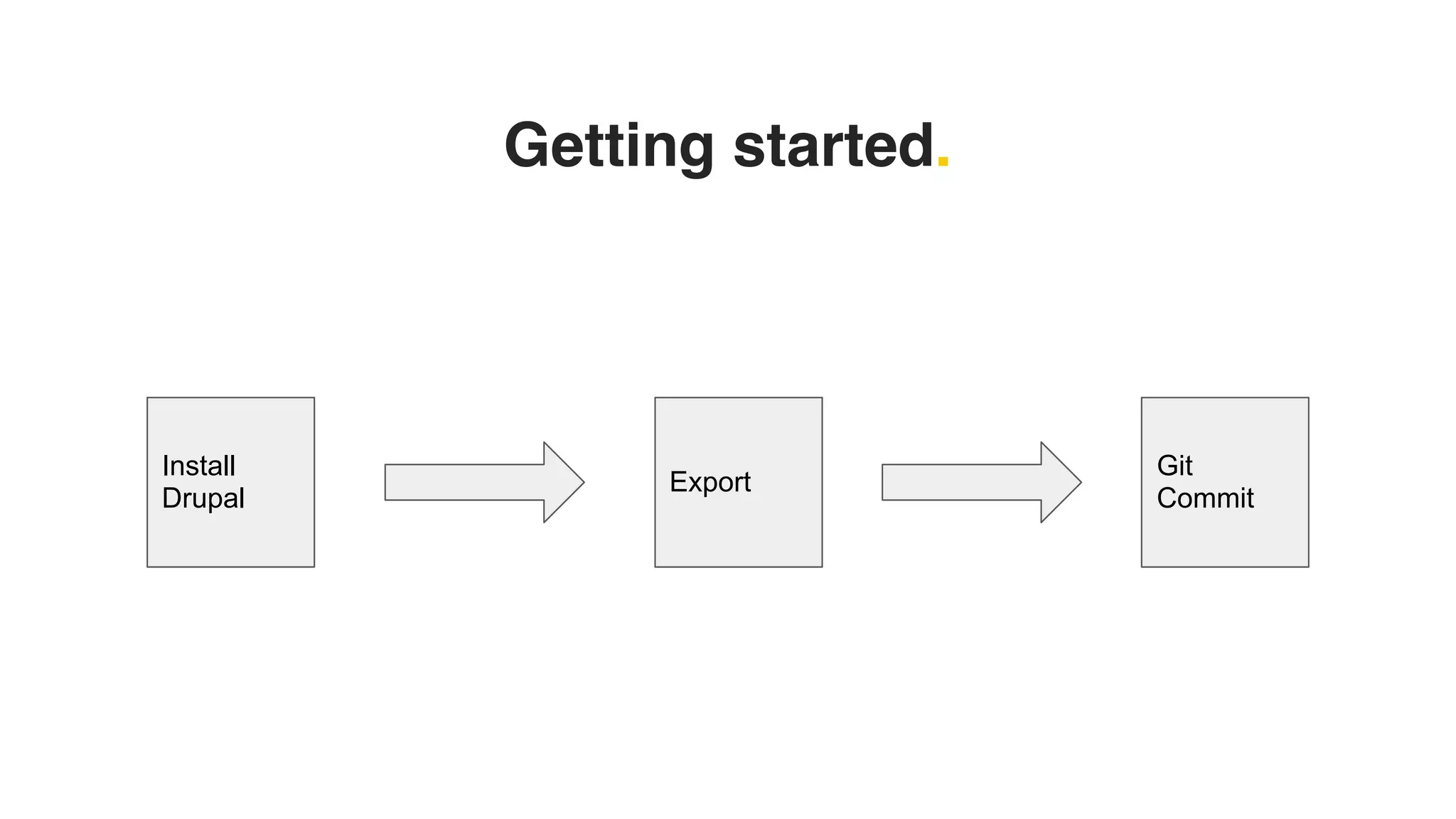
➔ After you install Drupal, export the configuration.
➔ Commit this to git straight away.
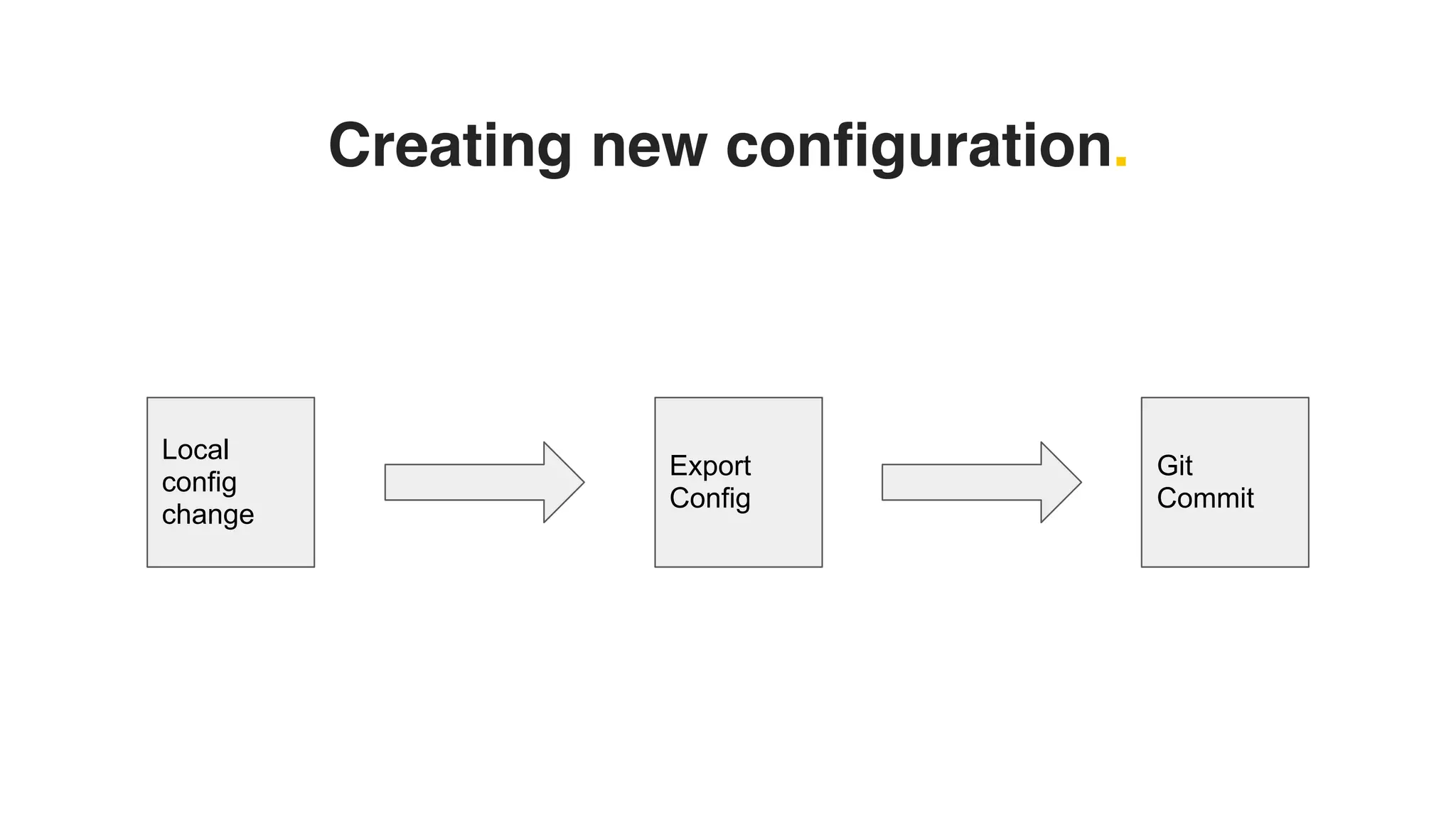
➔ Every change to the configuration can then be exported and
tracked in git.
➔ Allows you to see the changes you make.
➔ Makes collaboration much easier.
Getting started.
Install
Drupal
Export
Git
Commit
Creating new configuration.
Local
config
change
Export
Config
Git
Commit
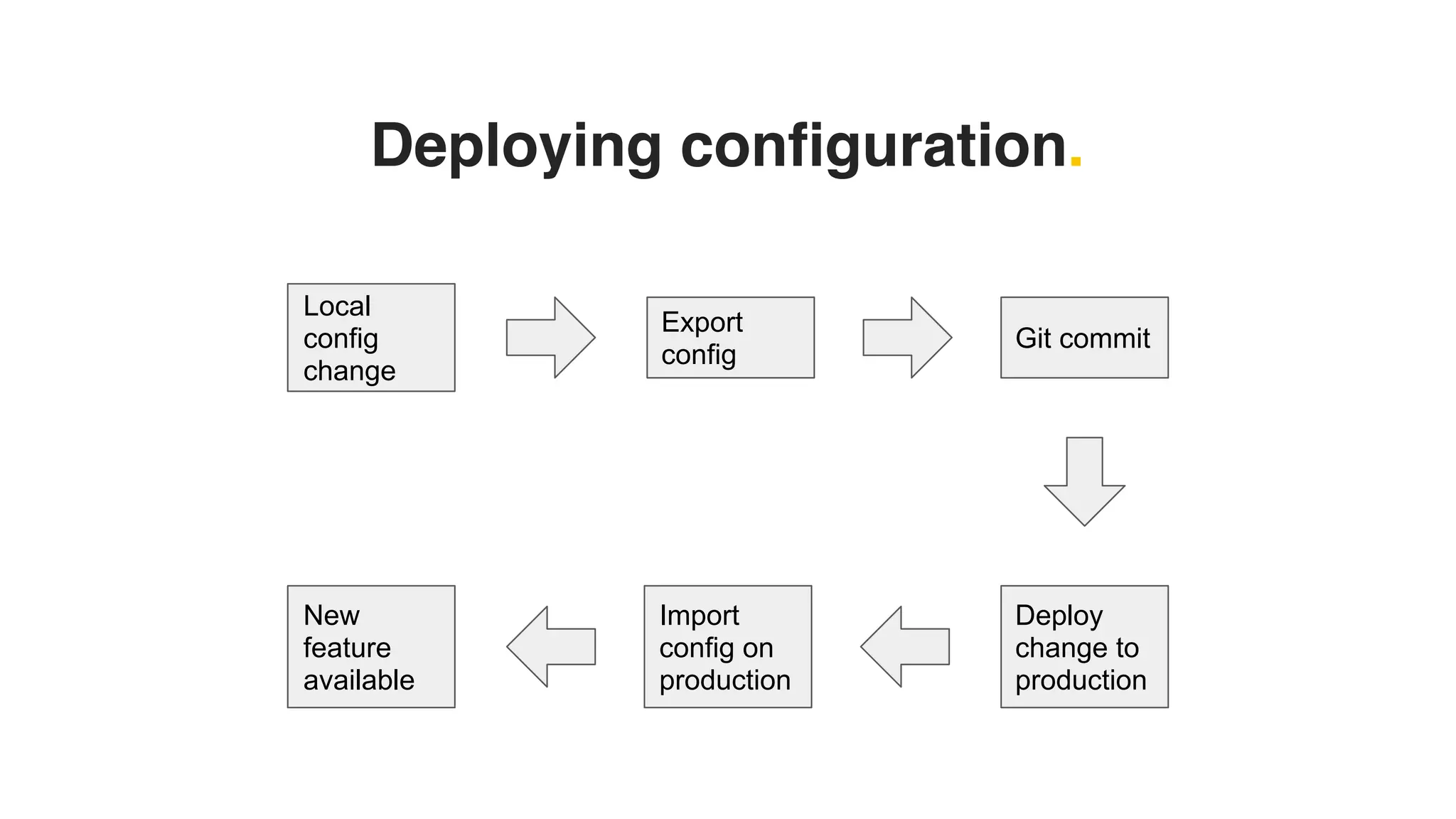
Deploying configuration.
Local
config
change
Export
config
Git commit
Deploy
change to
production
Import
config on
production
New
feature
available
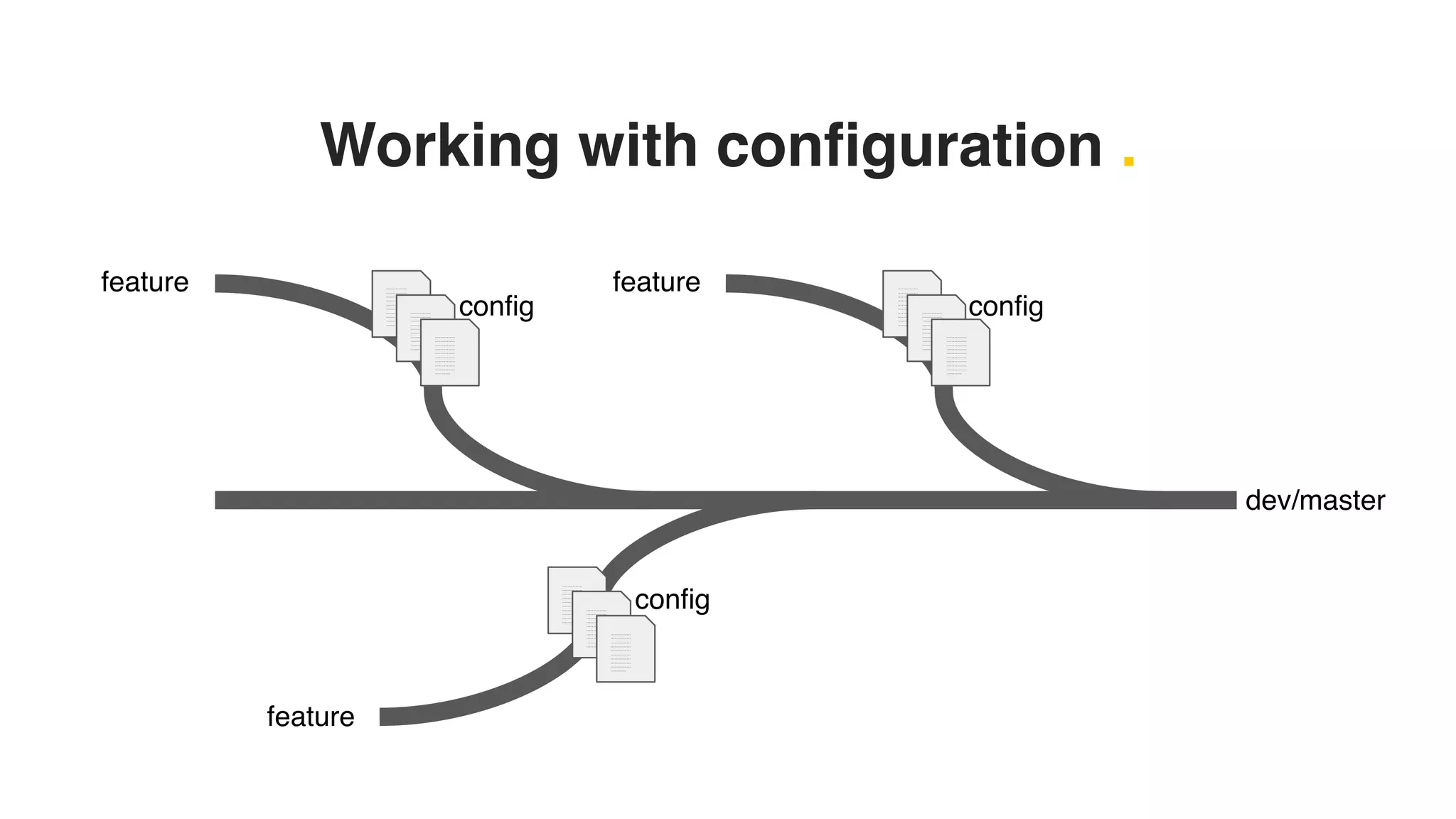
Working with configuration .
dev/master
feature ……………
……………
……………
……………
……………
……………
……………
……………
……………
………...
……………
……………
……………
……………
……………
……………
……………
……………
……………
………...
……………
……………
……………
……………
……………
……………
……………
……………
……………
………...
feature
……………
……………
……………
……………
……………
……………
……………
……………
……………
………...
……………
……………
……………
……………
……………
……………
……………
……………
……………
………...
……………
……………
……………
……………
……………
……………
……………
……………
……………
………...
feature ……………
……………
……………
……………
……………
……………
……………
……………
……………
………...
……………
……………
……………
……………
……………
……………
……………
……………
……………
………...
……………
……………
……………
……………
……………
……………
……………
……………
……………
………...
config config
config
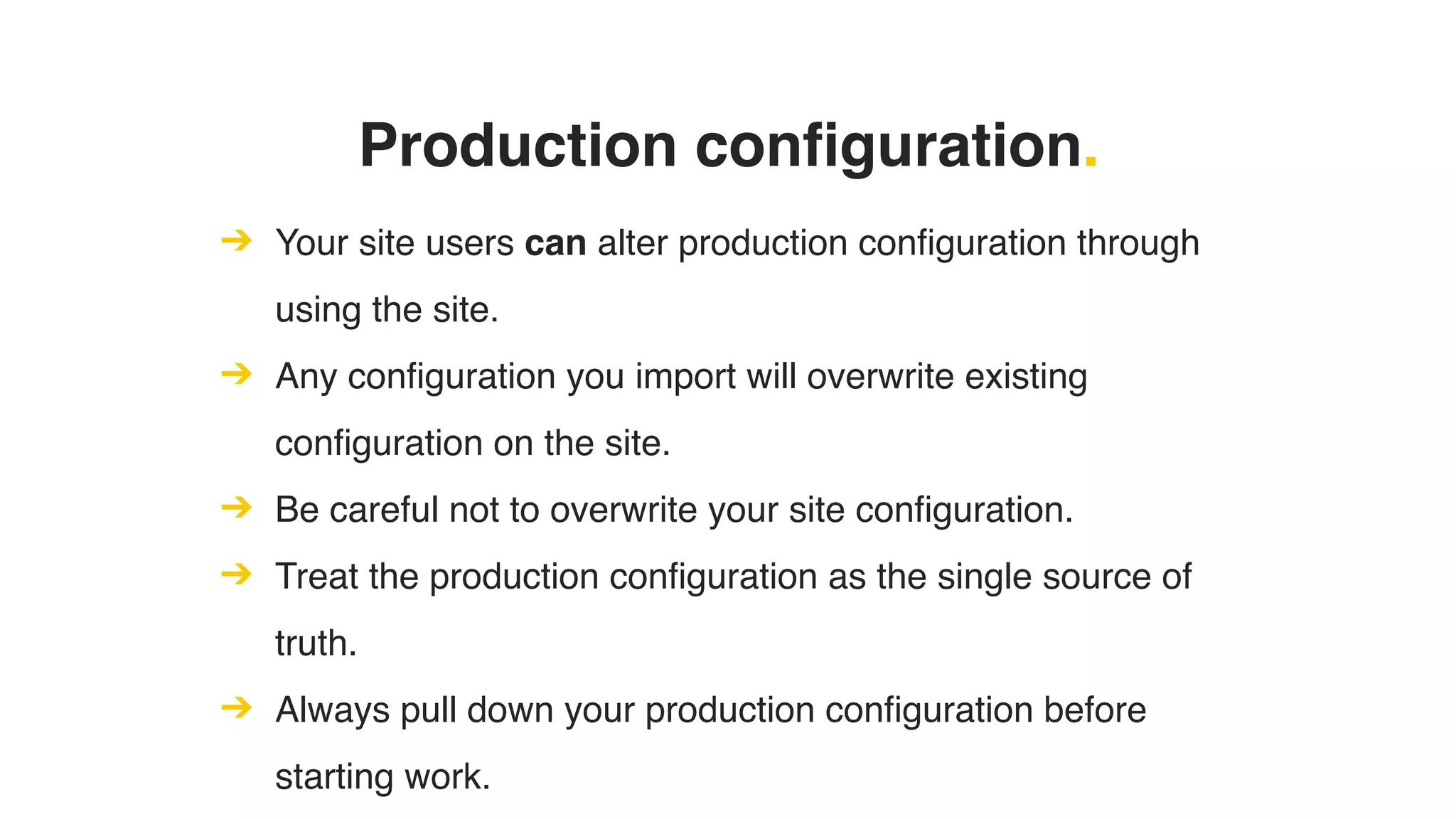
Production configuration.
➔ Your site users can alter production configuration through
using the site.
➔ Any configuration you import will overwrite existing
configuration on the site.
➔ Be careful not to overwrite your site configuration.
➔ Treat the production configuration as the single source of
truth.
➔ Always pull down your production configuration before
starting work.
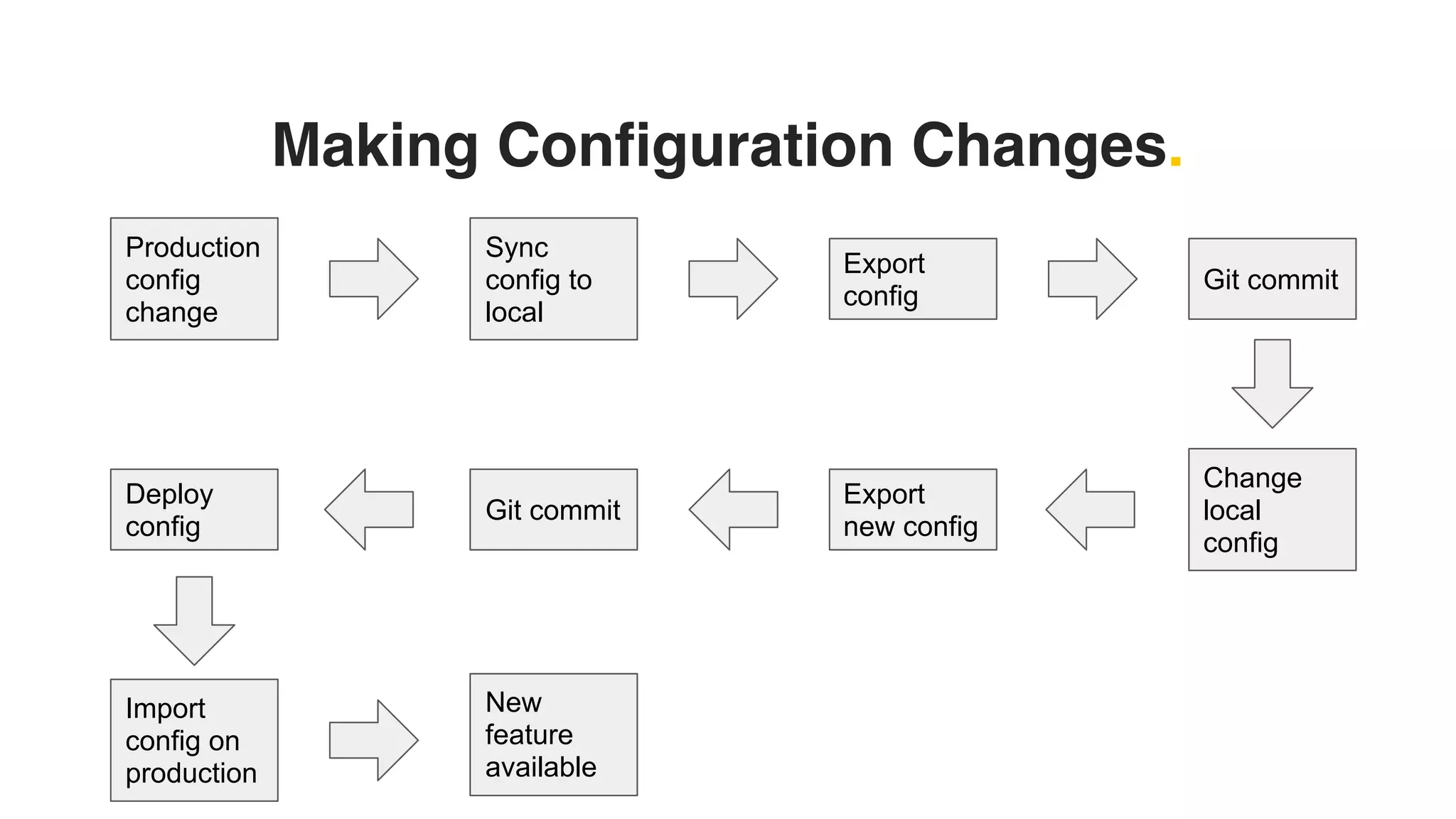
Making Configuration Changes.
Production
config
change
Git commit
Export
config
Change
local
config
Sync
config to
local
Git commit
Export
new config
Deploy
config
Import
config on
production
New
feature
available
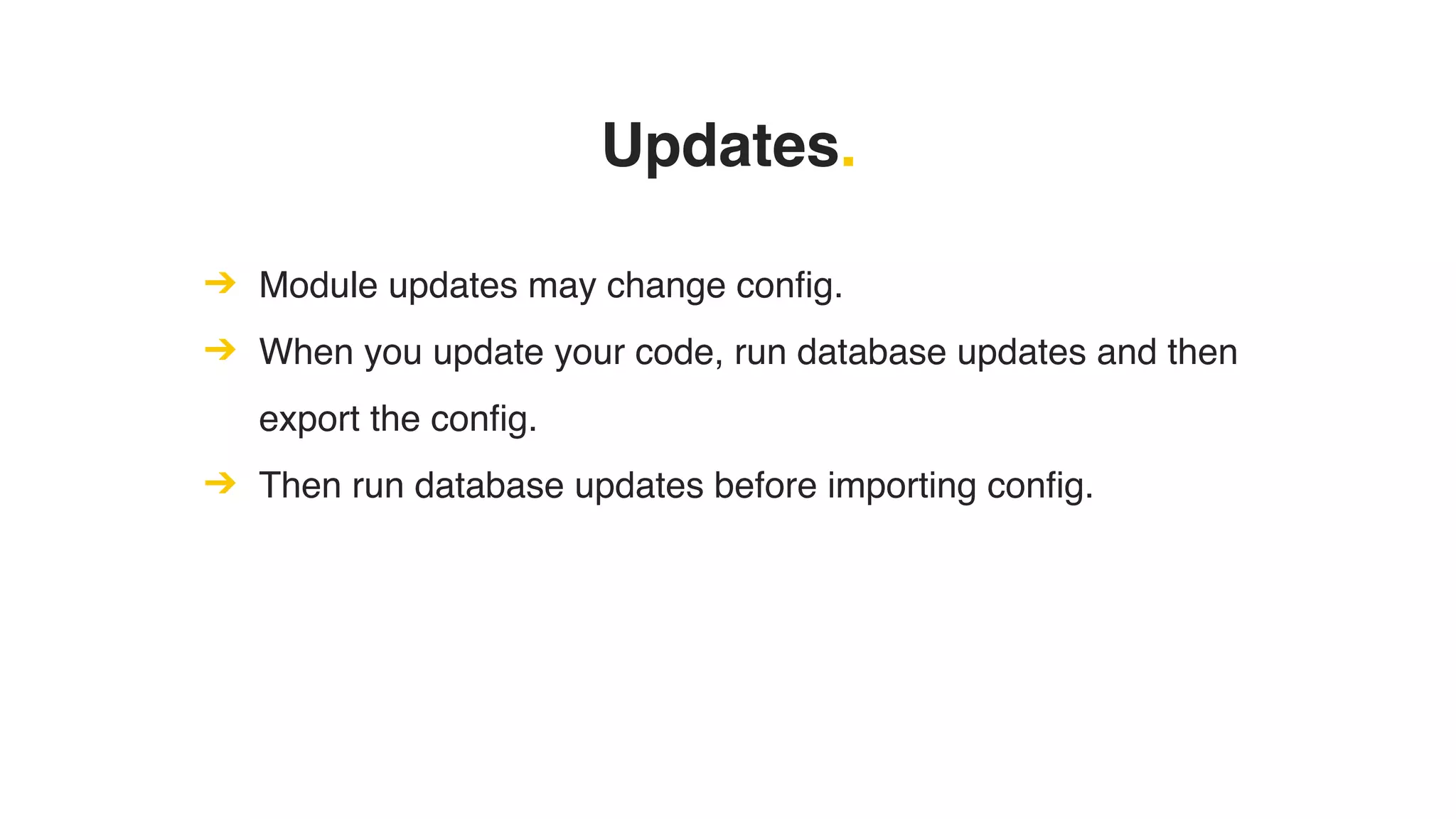
Updates.
➔ Module updates may change config.
➔ When you update your code, run database updates and then
export the config.
➔ Then run database updates before importing config.
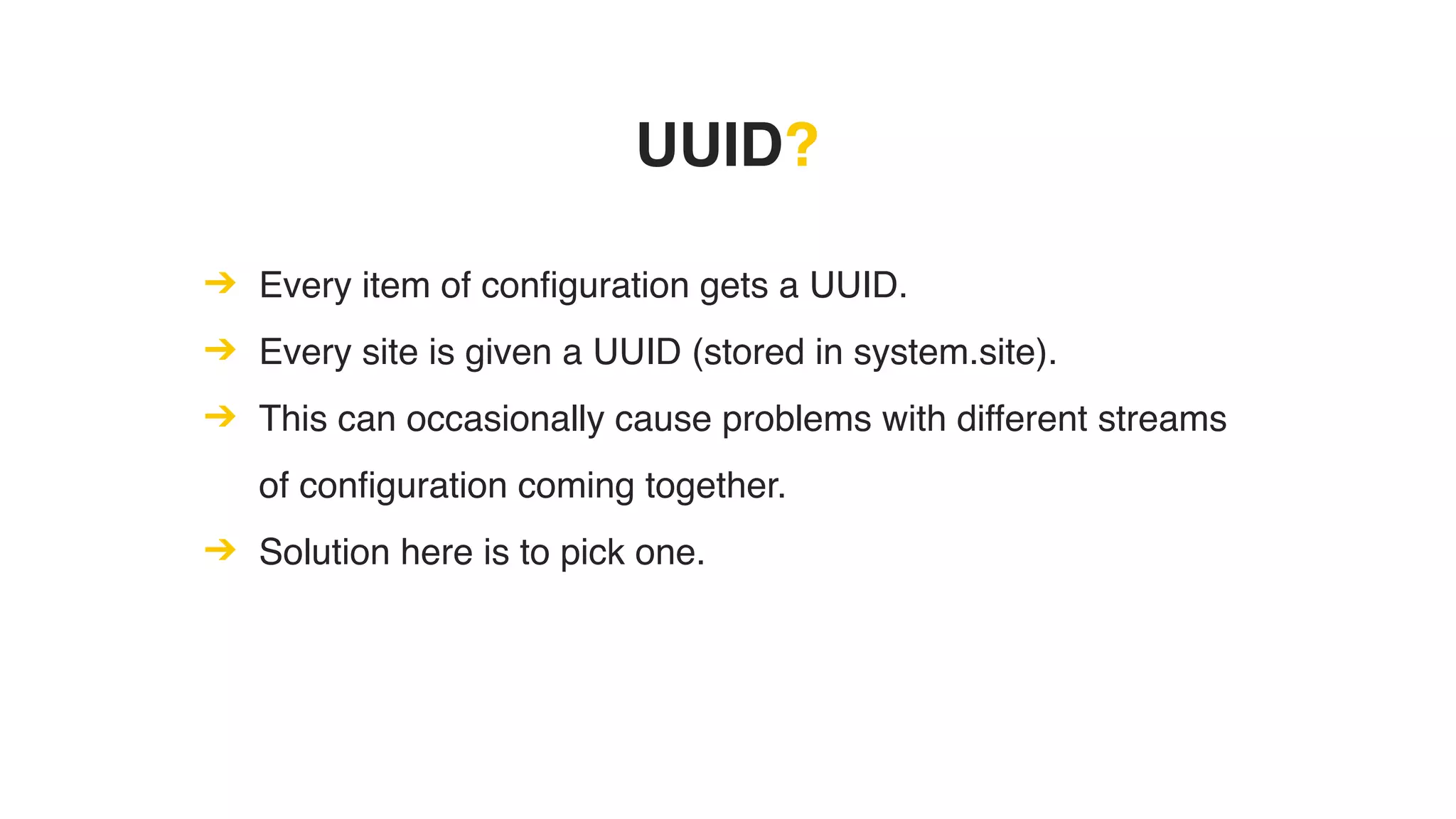
UUID?
➔ Every item of configuration gets a UUID.
➔ Every site is given a UUID (stored in system.site).
➔ This can occasionally cause problems with different streams
of configuration coming together.
➔ Solution here is to pick one.
Configuration Merge Conflicts?
➔ Rare, but it can happen.
➔ Ensure both streams of configuration are present.
➔ Do not manually alter your configuration.
➔ Test import and export of configuration.
Auto Installing Configuration.
Auto Install Config.
➔ Add configuration to a module so when it is installed that
configuration is applied to the site.
➔ Configuration files in module/config/install will be installed.
➔ Configuration files in module/config/optional will be
installed if all their dependencies are met.
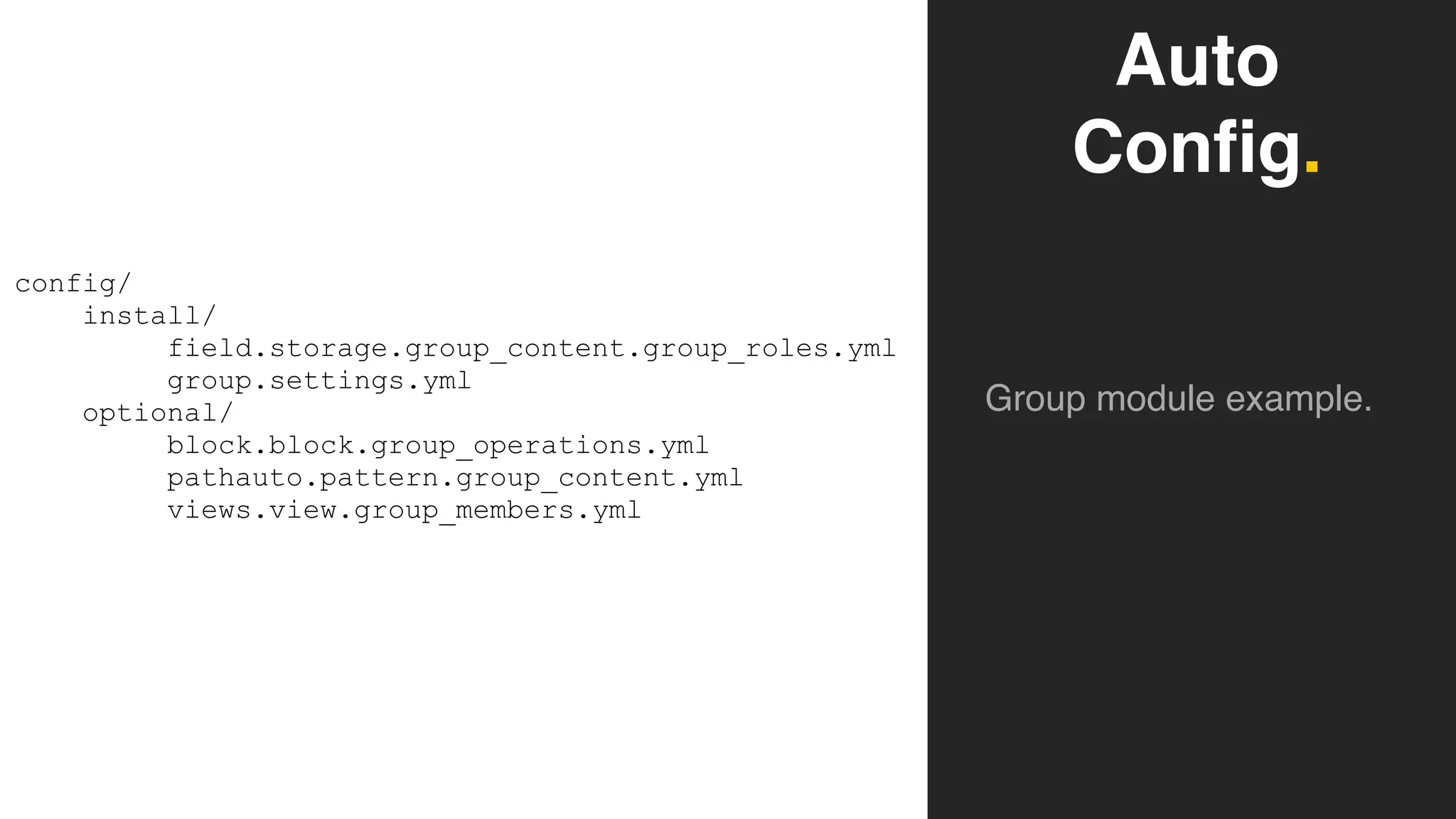
Auto
Config.
Group module example.
config/
install/
field.storage.group_content.group_roles.yml
group.settings.yml
optional/
block.block.group_operations.yml
pathauto.pattern.group_content.yml
views.view.group_members.yml
Auto Install Config.
➔ Although possible, it should be used sparingly.
➔ Rely on your main configuration to manage and deploy your
configuration.
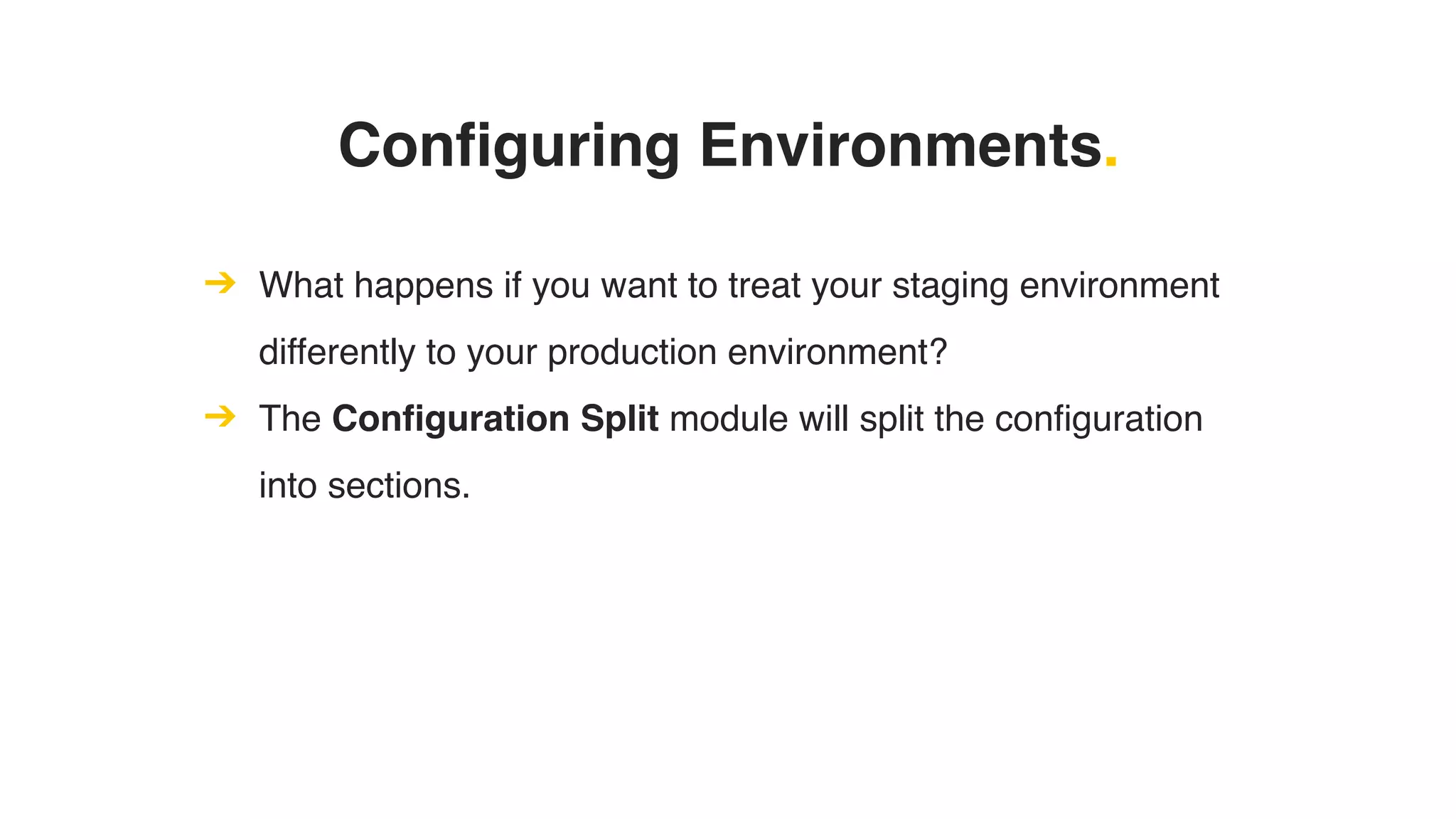
Configuring Environments.
➔ What happens if you want to treat your staging environment
differently to your production environment?
➔ The Configuration Split module will split the configuration
into sections.
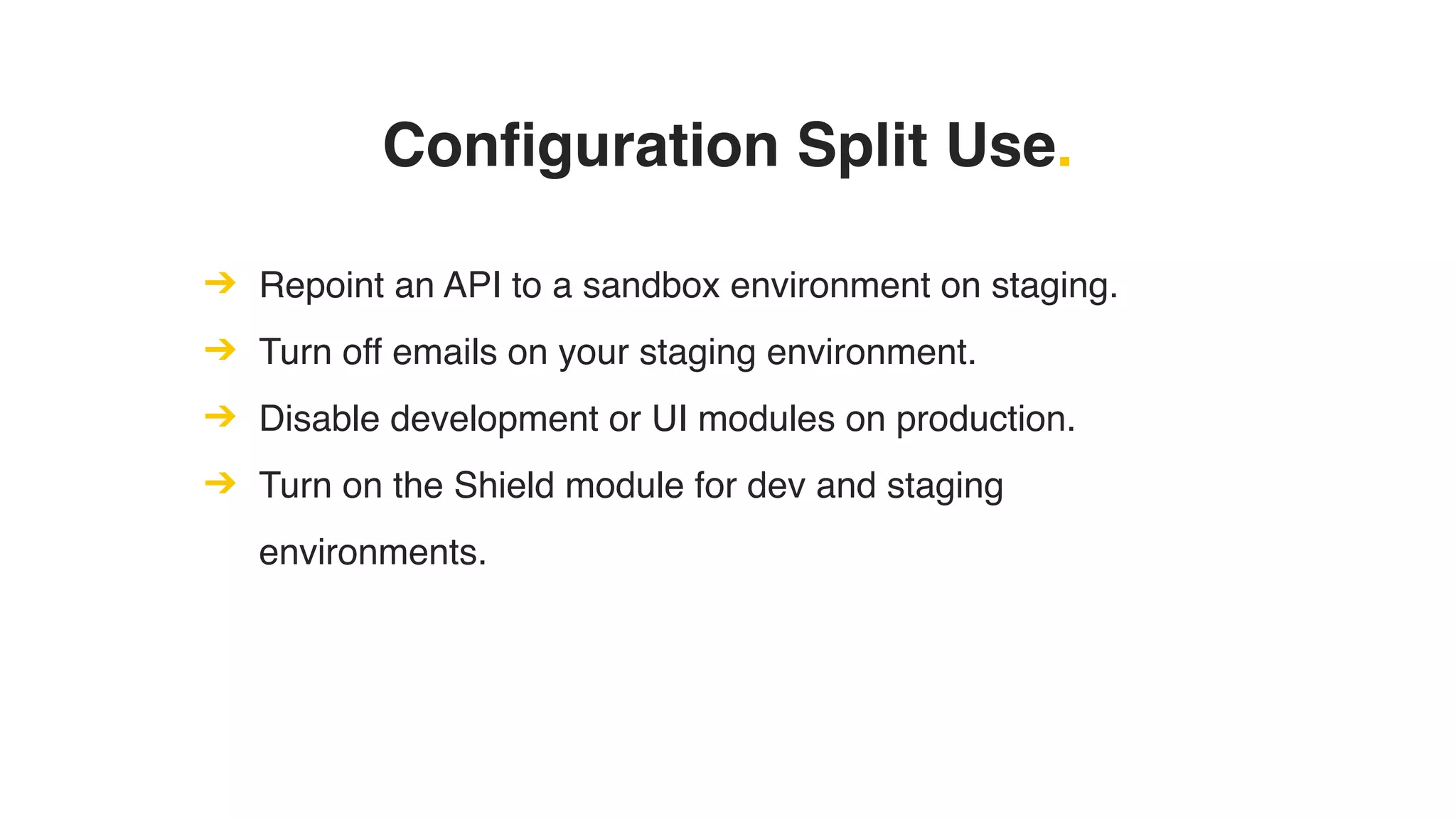
Configuration Split Use.
➔ Repoint an API to a sandbox environment on staging.
➔ Turn off emails on your staging environment.
➔ Disable development or UI modules on production.
➔ Turn on the Shield module for dev and staging
environments.
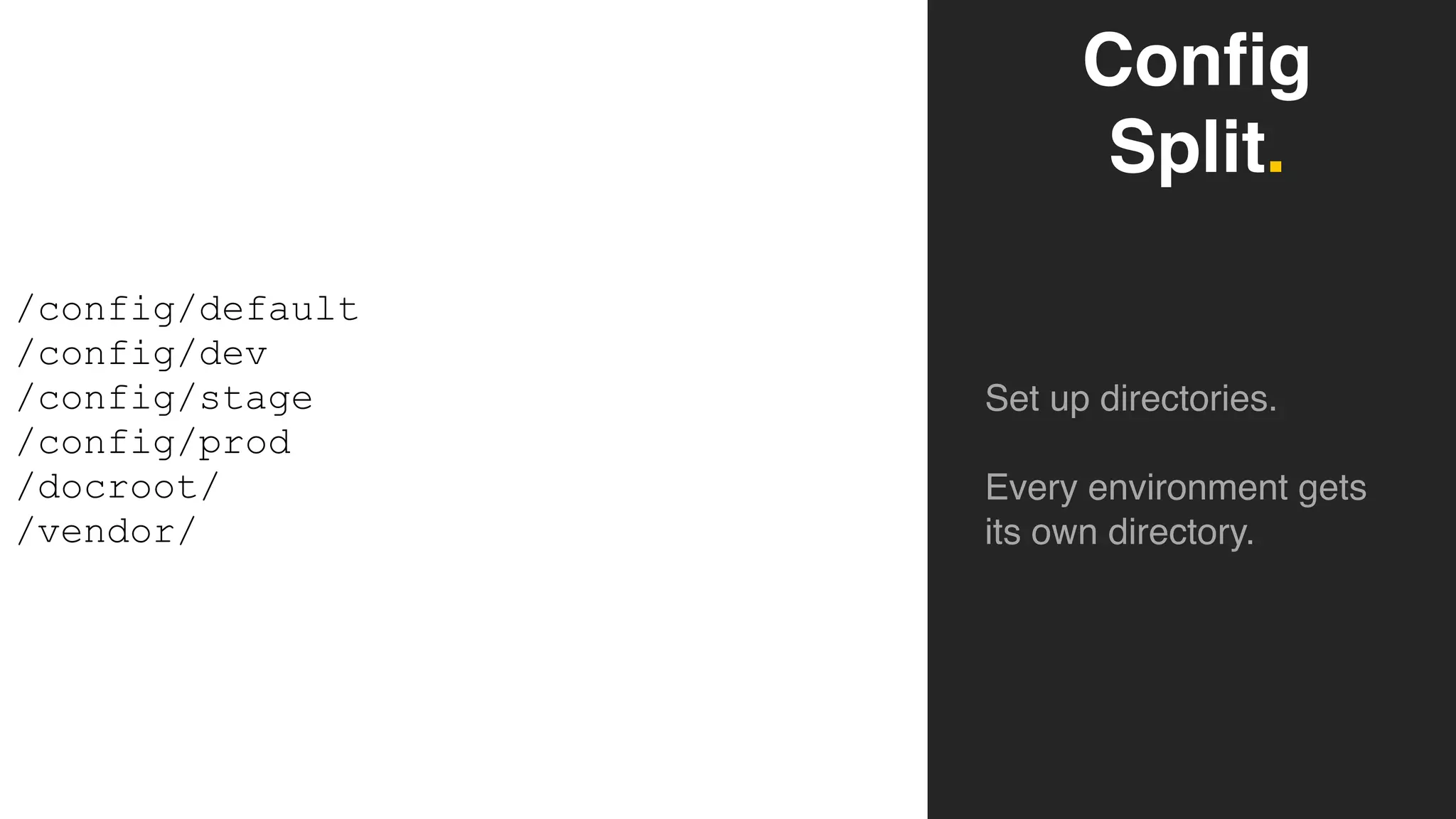
Config
Split.
Set up directories.
Every environment gets
its own directory.
/config/default
/config/dev
/config/stage
/config/prod
/docroot/
/vendor/
Configuration Split.
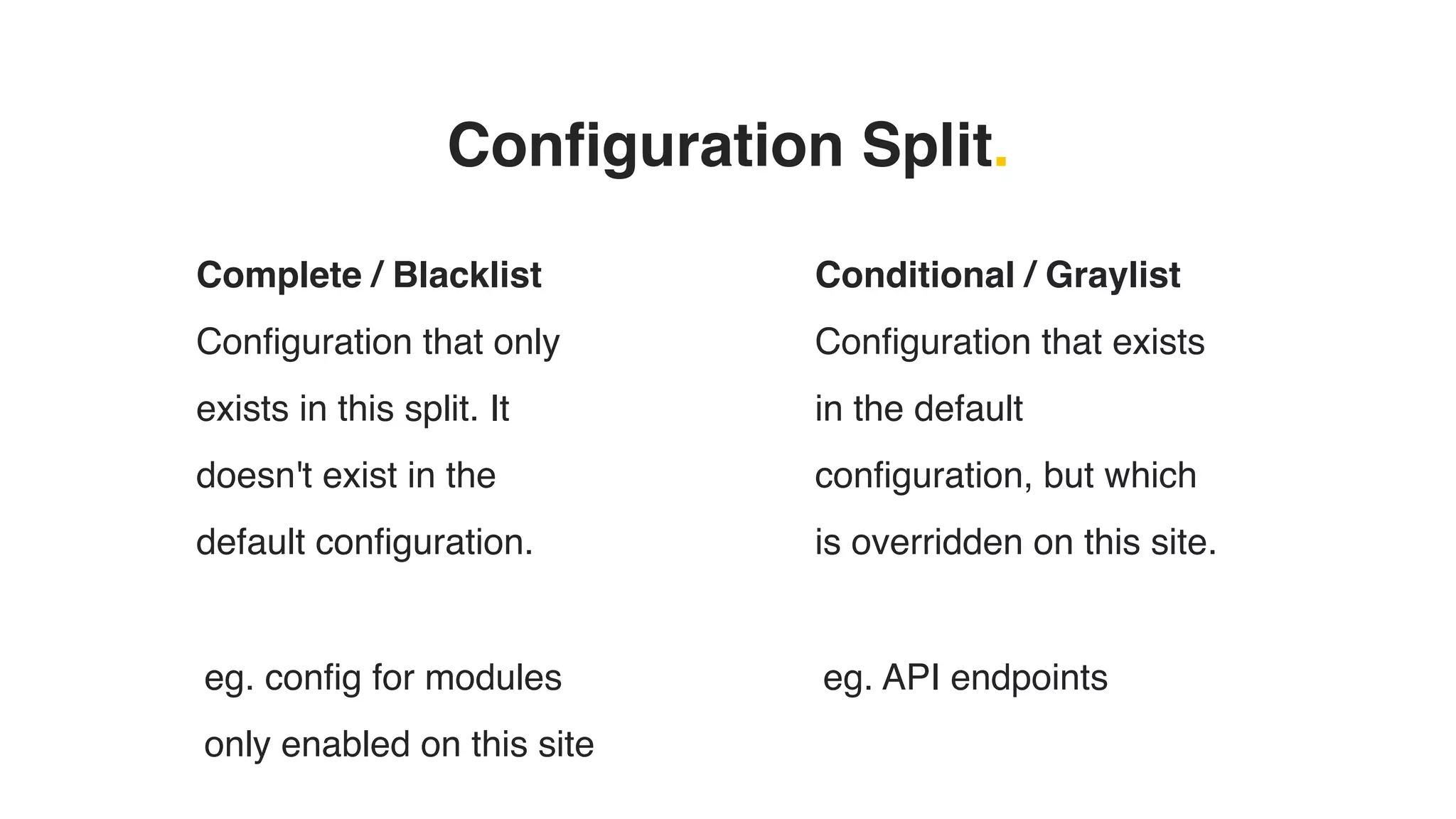
Complete / Blacklist
Configuration that only
exists in this split. It
doesn't exist in the
default configuration.
Conditional / Graylist
Configuration that exists
in the default
configuration, but which
is overridden on this site.
eg. config for modules
only enabled on this site
eg. API endpoints
Config
Split.
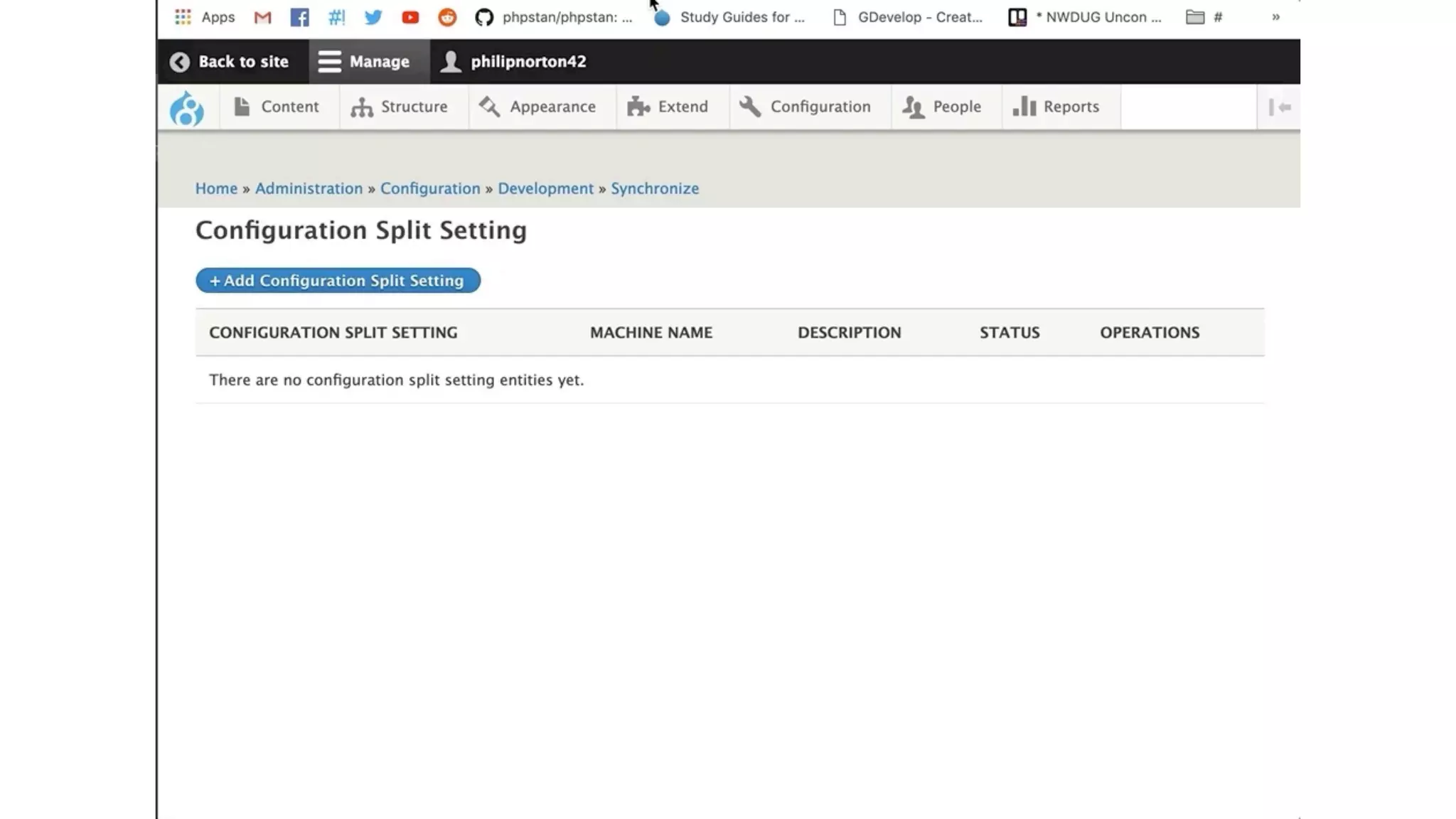
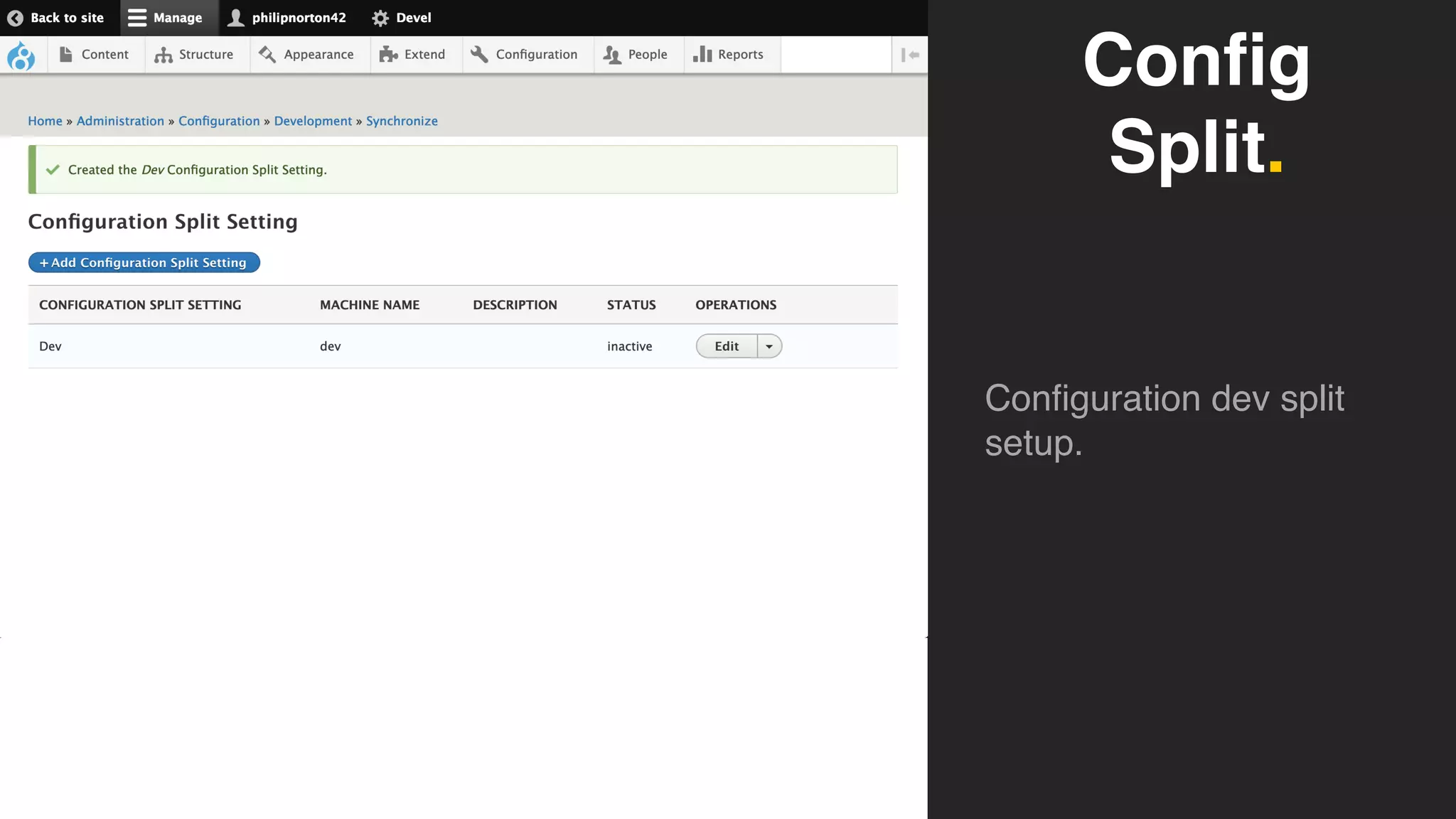
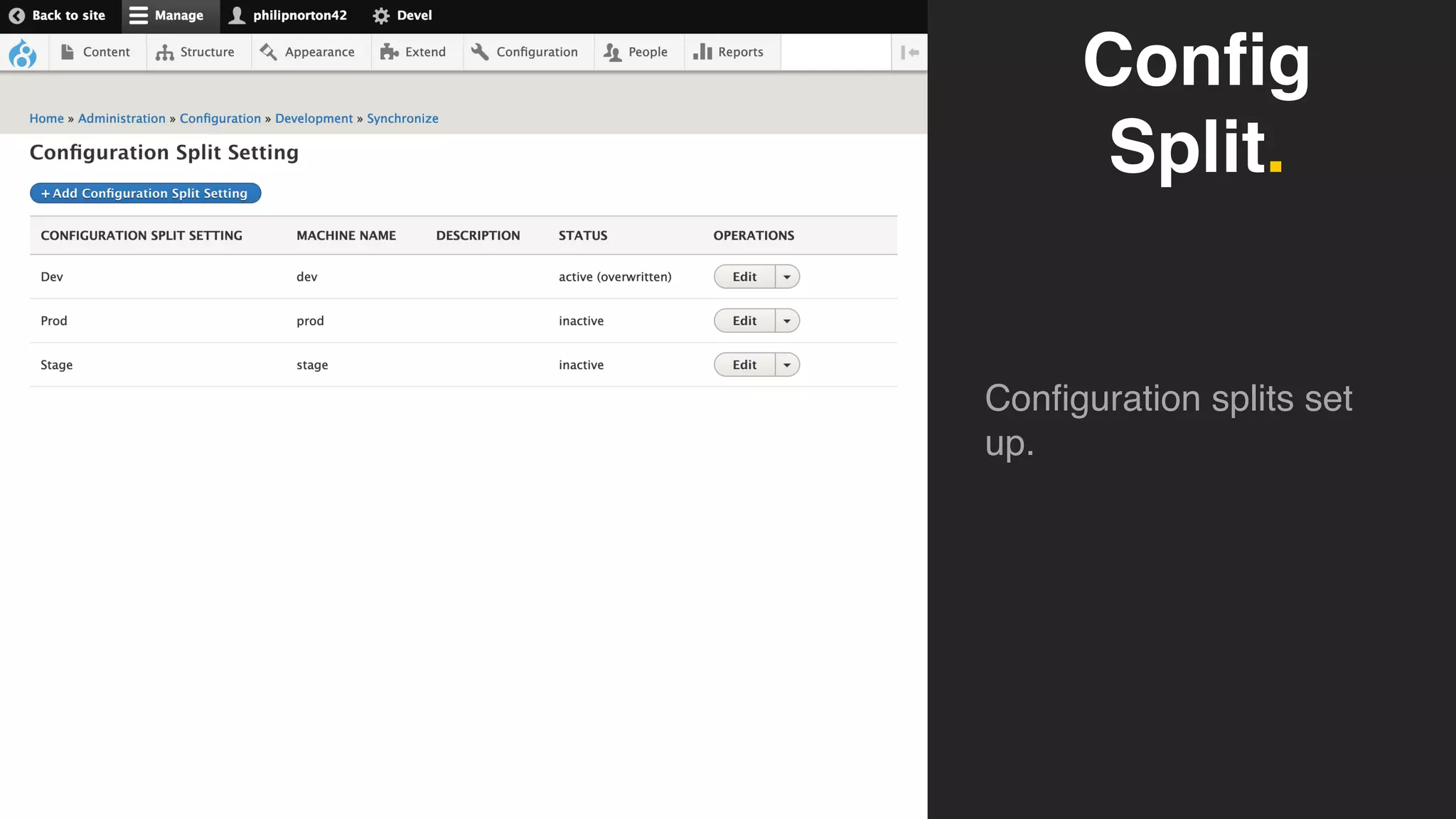
Configuration dev split
setup.
Config
Split.
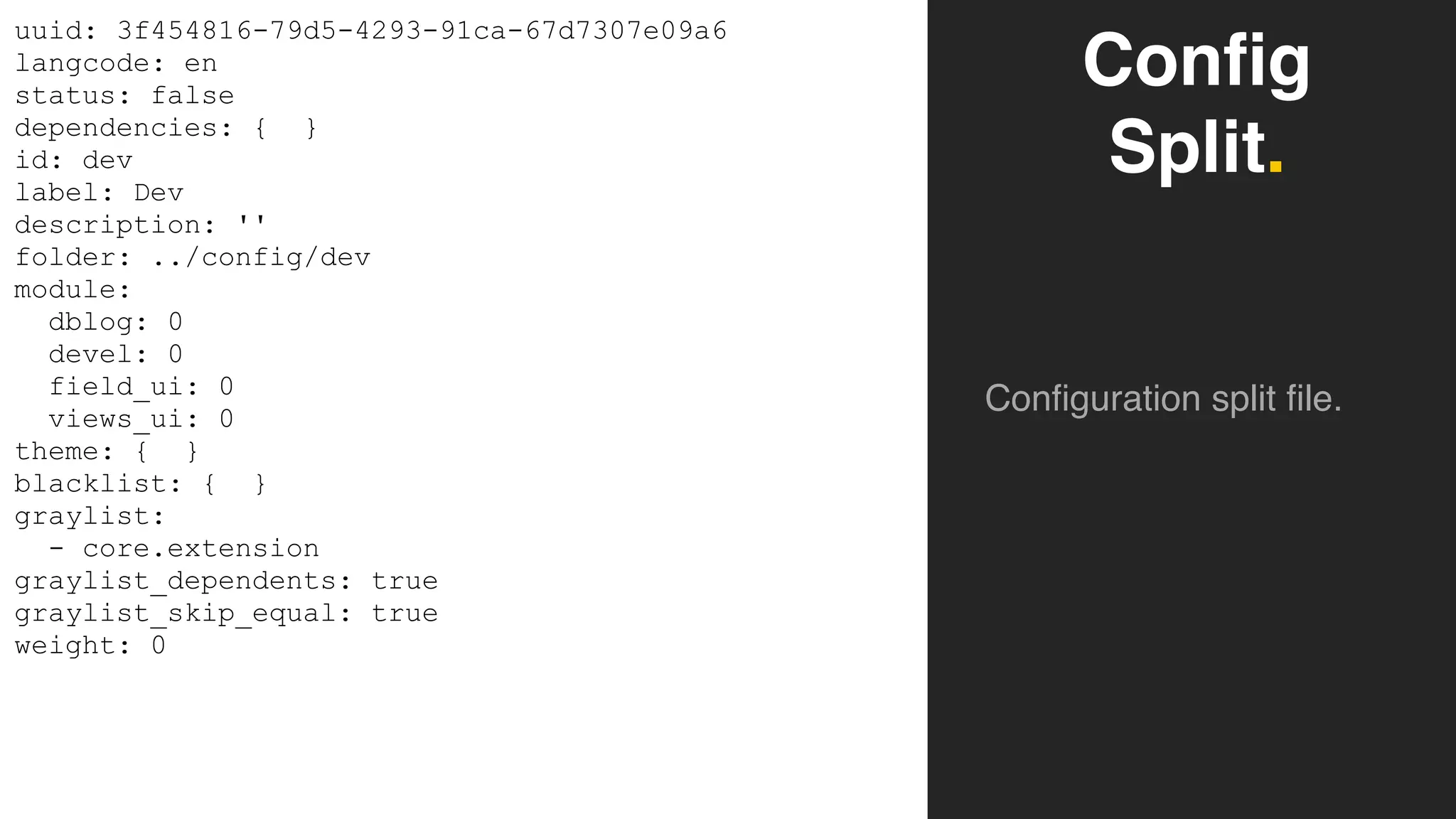
Configuration split file.
uuid: 3f454816-79d5-4293-91ca-67d7307e09a6
langcode: en
status: false
dependencies: { }
id: dev
label: Dev
description: ''
folder: ../config/dev
module:
dblog: 0
devel: 0
field_ui: 0
views_ui: 0
theme: { }
blacklist: { }
graylist:
- core.extension
graylist_dependents: true
graylist_skip_equal: true
weight: 0
Config
Split.
Configuration splits set
up.
$config['config_split.config_split.dev']['status'] = TRUE;
drush config:export
drush cex
Config
Split.
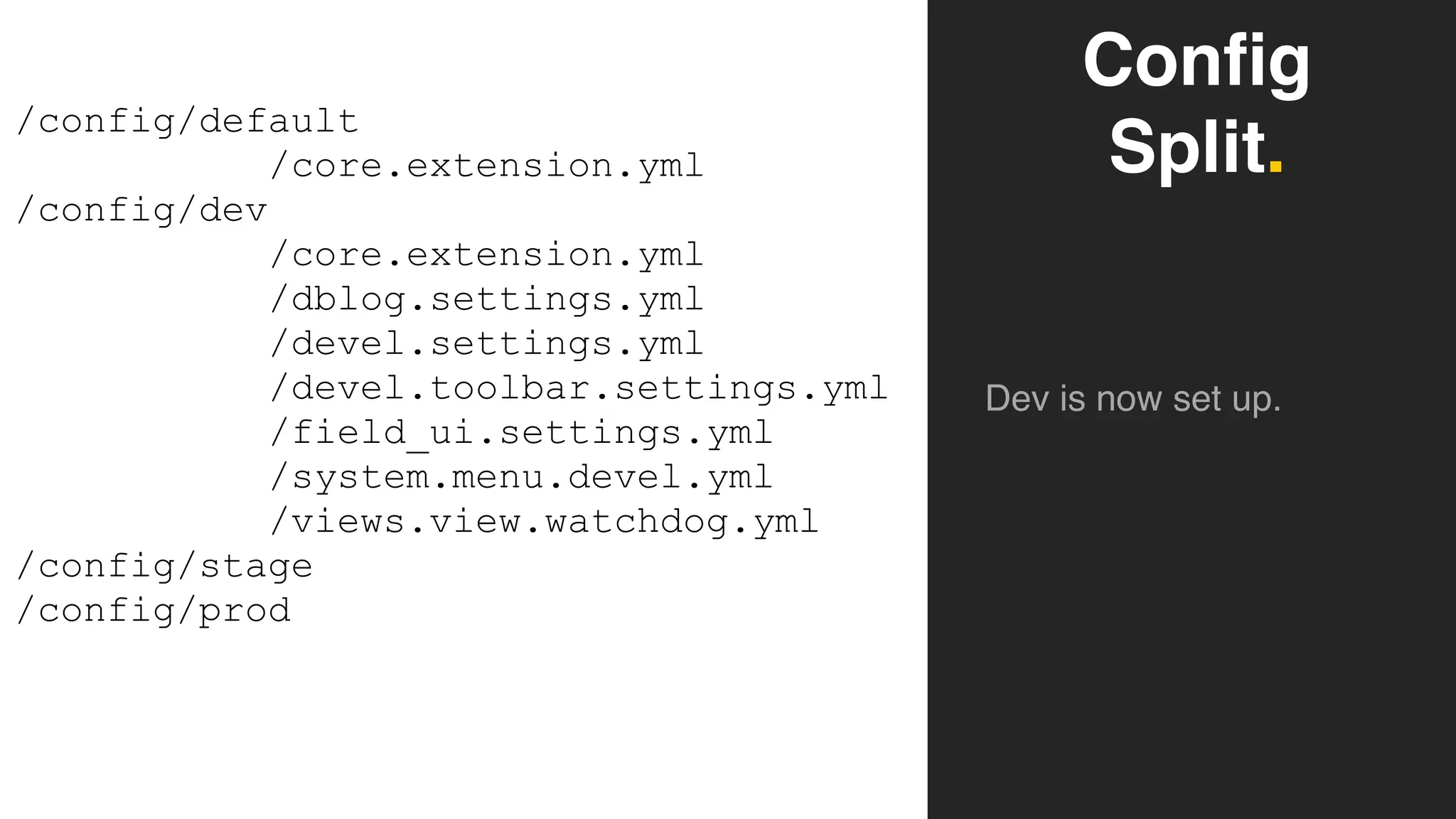
Dev is now set up.
/config/default
/core.extension.yml
/config/dev
/core.extension.yml

/dblog.settings.yml
/devel.settings.yml
/devel.toolbar.settings.yml
/field_ui.settings.yml
/system.menu.devel.yml
/views.view.watchdog.yml
/config/stage
/config/prod
Configuration Split.
➔ You can use drush cex and drush cim as you normally to
export and import the configuration.
➔ Just make sure you have the right configuration split set to
active when you do this.
Multi-Site Configuration.
➔ Configuration split can be used to split configurations across
different sites.
➔ Same principles apply, with some minor alterations.
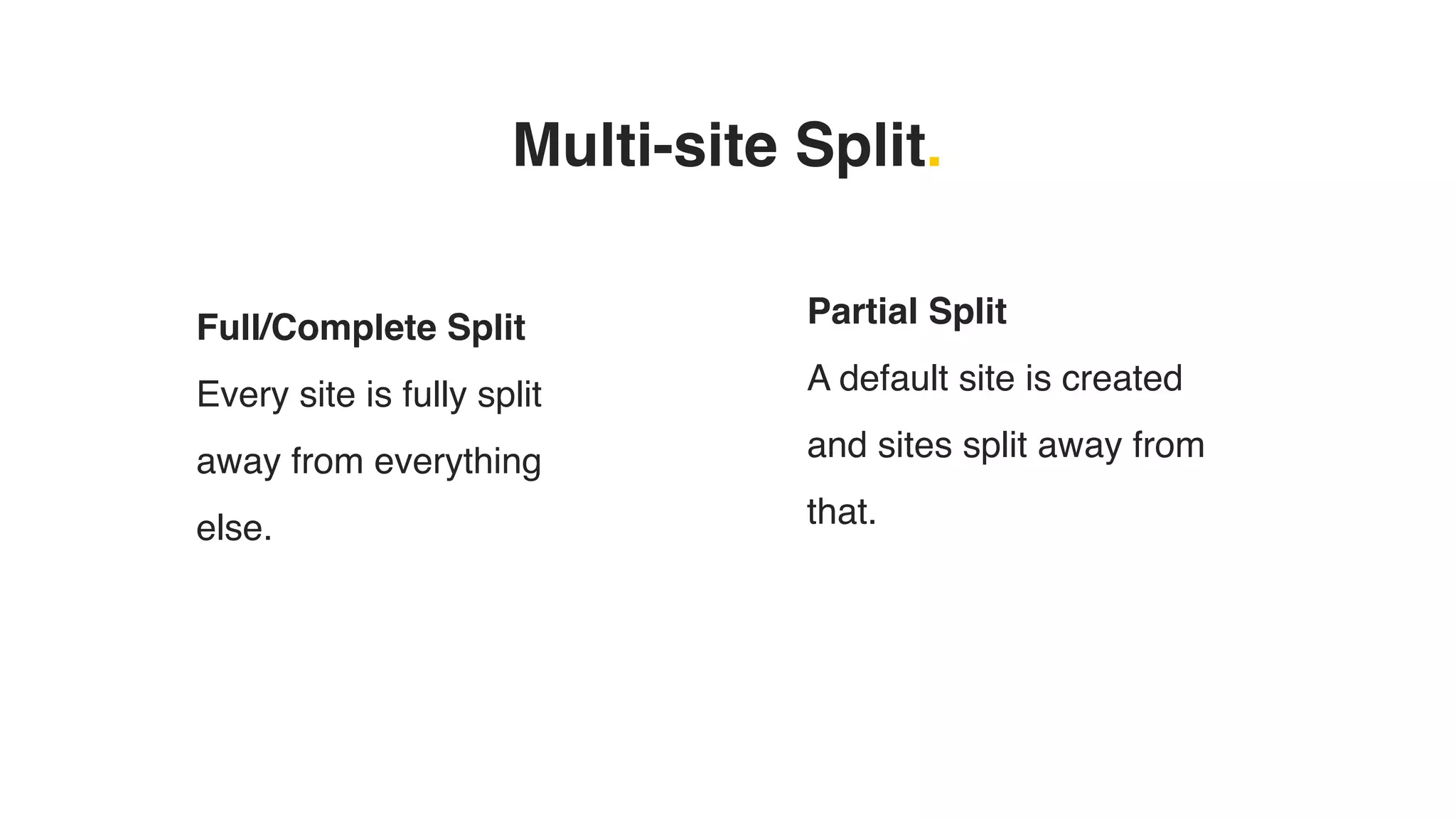
Multi-site Split.
Full/Complete Split
Every site is fully split
away from everything
else.
Partial Split
A default site is created
and sites split away from
that.
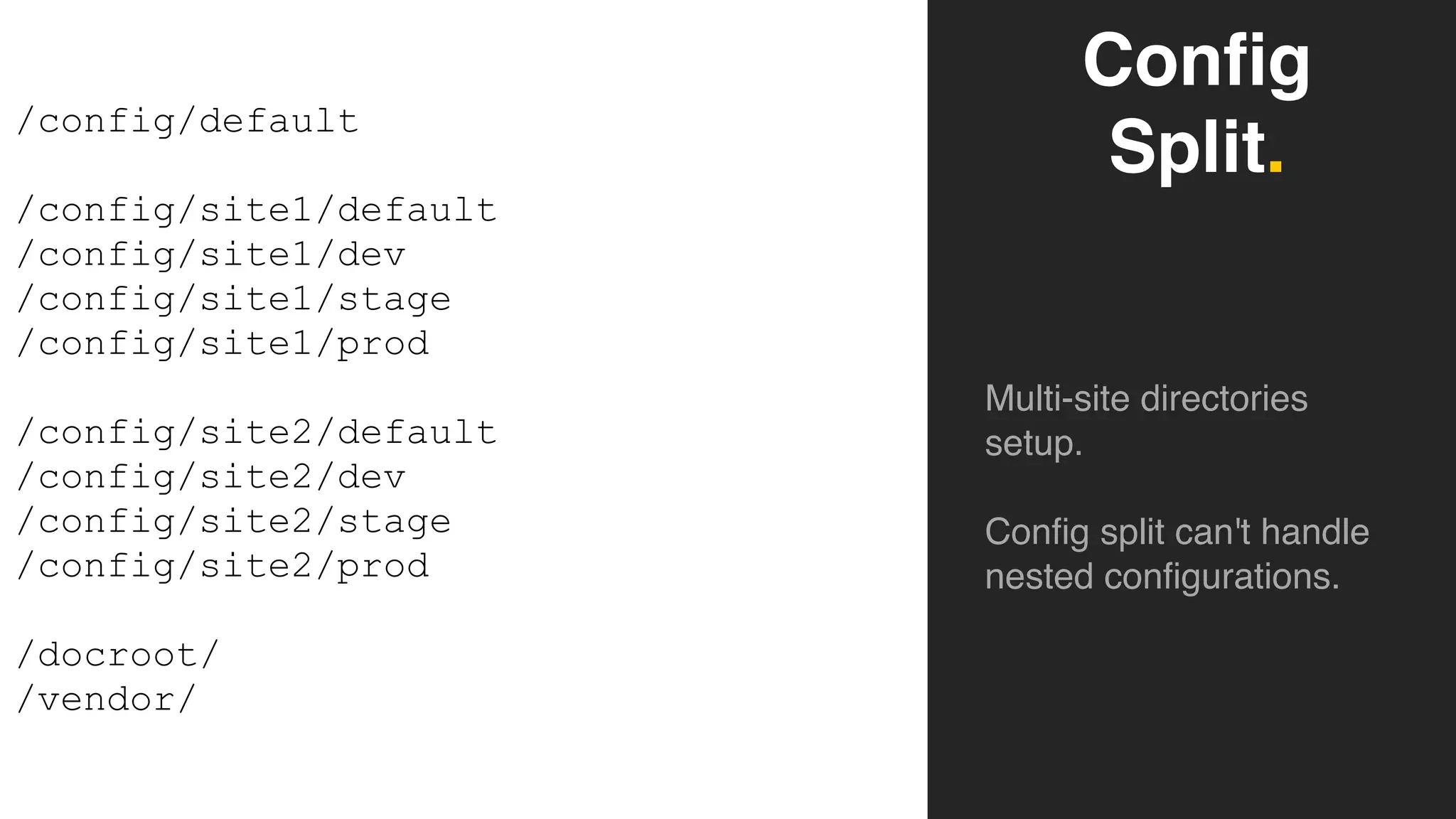
Config
Split.
Multi-site directories
setup.
Config split can't handle
nested configurations.
/config/default
/config/site1/default
/config/site1/dev
/config/site1/stage
/config/site1/prod
/config/site2/default
/config/site2/dev
/config/site2/stage
/config/site2/prod
/docroot/
/vendor/
Deployments.
➔ Be careful with deployments to ensure that the right site (and
environment) gets the right configuration imported.
➔ Activating configuration splits using logic is only half the
solution.
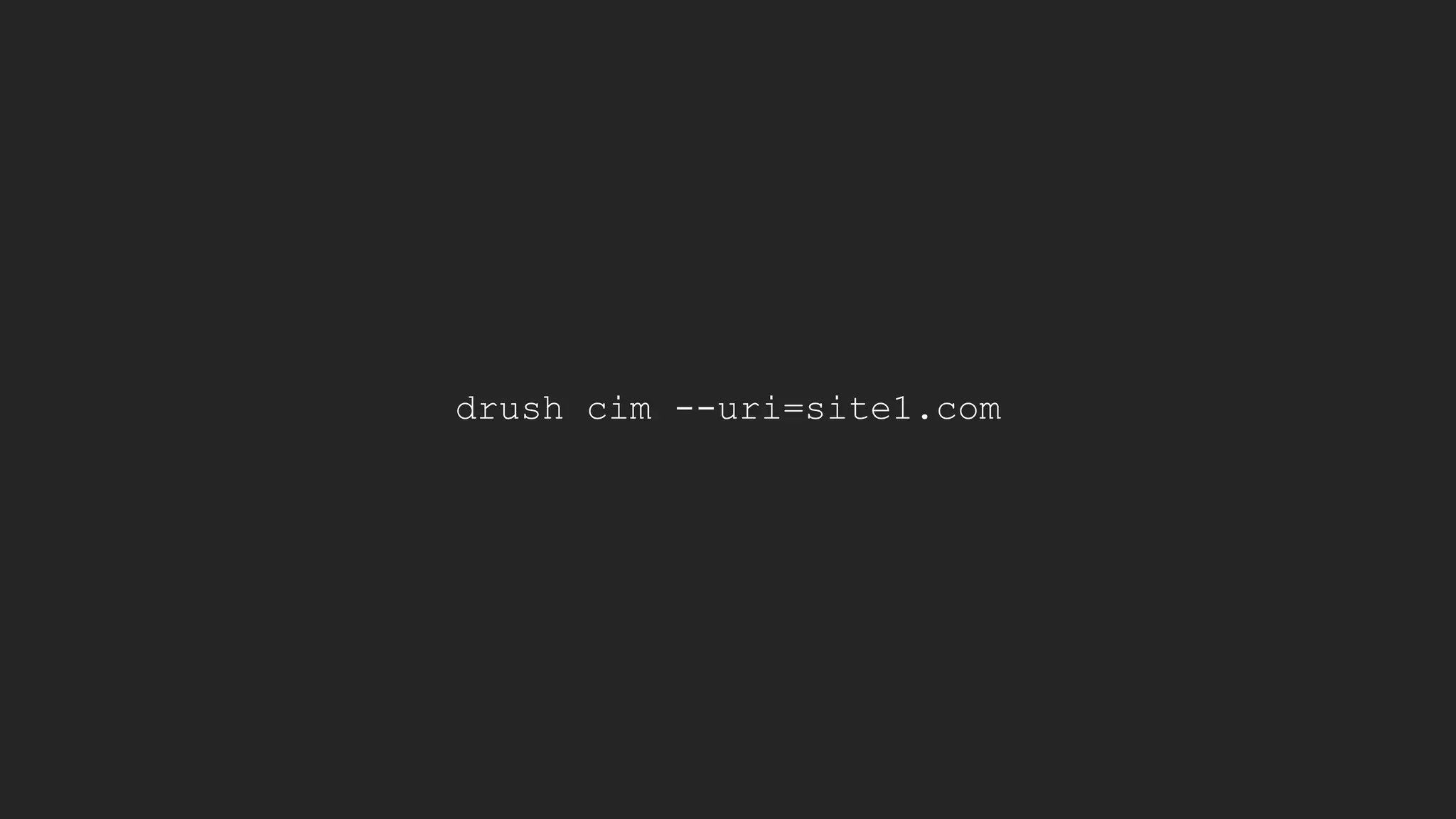
➔ You also need to inform Drush what site configuration you
want to import.
if ($sitename == 'site1' && $environment == 'dev') {
$config['config_split.config_split.site1_dev']['status'] = TRUE;
}
drush cim --uri=site1.com
Ignoring Configuration.
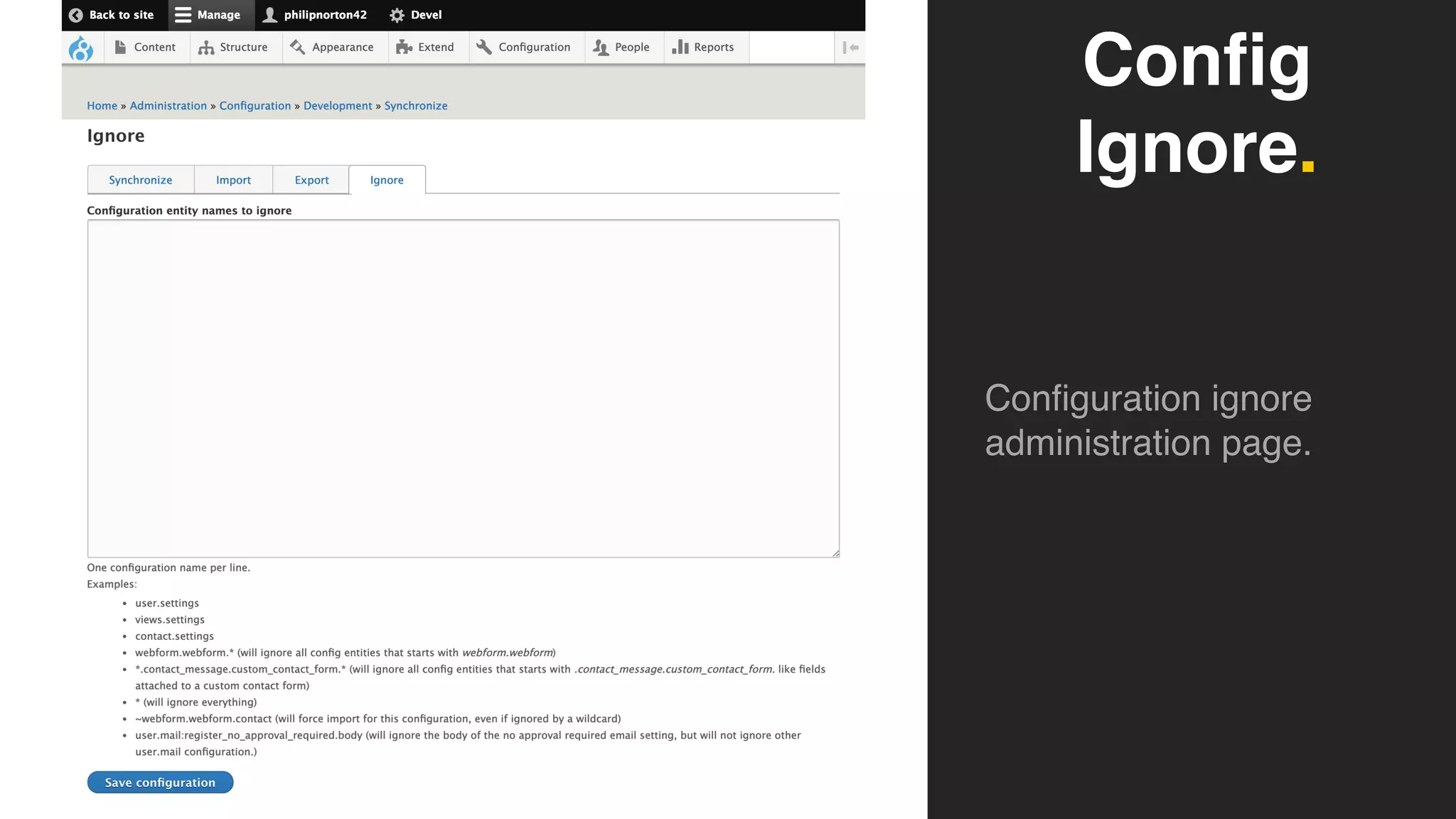
Configuration Ignore.
➔ The Configuration Ignore module allows Drupal to skip
certain parts of configuration when exporting or importing.
➔ Allowing a site (or split) to have a different configuration that
is not part of other configurations.
➔ Essential part of multi-site configuration setups.
Config
Ignore.
Configuration ignore
administration page.
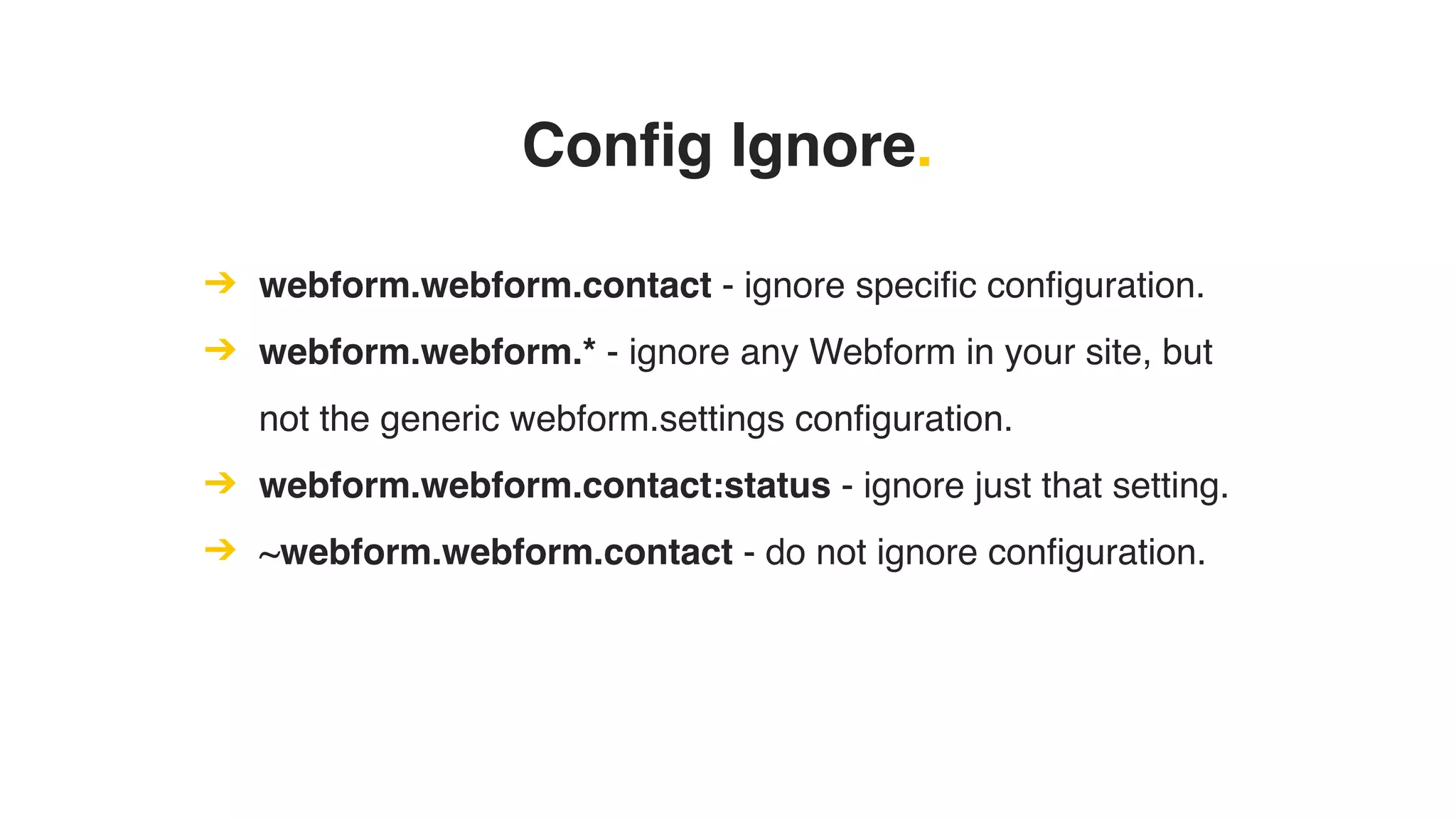
Config Ignore.
➔ webform.webform.contact - ignore specific configuration.
➔ webform.webform.* - ignore any Webform in your site, but
not the generic webform.settings configuration.
➔ webform.webform.contact:status - ignore just that setting.
➔ ~webform.webform.contact - do not ignore configuration.
Preventing Config Changes.
Preventing config changes.
➔ Lock all changes to any active configuration using the
Configuration Read-only Mode module
➔ Any item in configuration on disk will be locked.
➔ Useful if you want to prevent changes to certain this.
➔ Permissions, roles, site information, content types etc. are
good candidates for this.
$settings['config_readonly'] = TRUE;
if (PHP_SAPI !== 'cli') {
$settings['config_readonly'] = TRUE;
}
Config
Read Only.
All forms that change
configuration will be
locked like this.
Preventing config changes.
➔ You may want to allow some changes through.
➔ Configuration Ignore will allow this as the configuration won’t
be on disk.
➔ Configuration Read-only Mode has options to allow
configuration to be changed.
$settings['config_readonly_whitelist_patterns'] =
[
'config_name.to.ignore',
'wildcards*allowed',
];
Some Common Problems.
Content Block Placement.
➔ Content blocks are not in configuration.
➔ Their position on sites is in configuration.
➔ This creates an interesting problem where content is
required to work with the configuration present.
➔ There is no real solution to this currently.
➔ https://www.drupal.org/project/drupal/issues/2756331
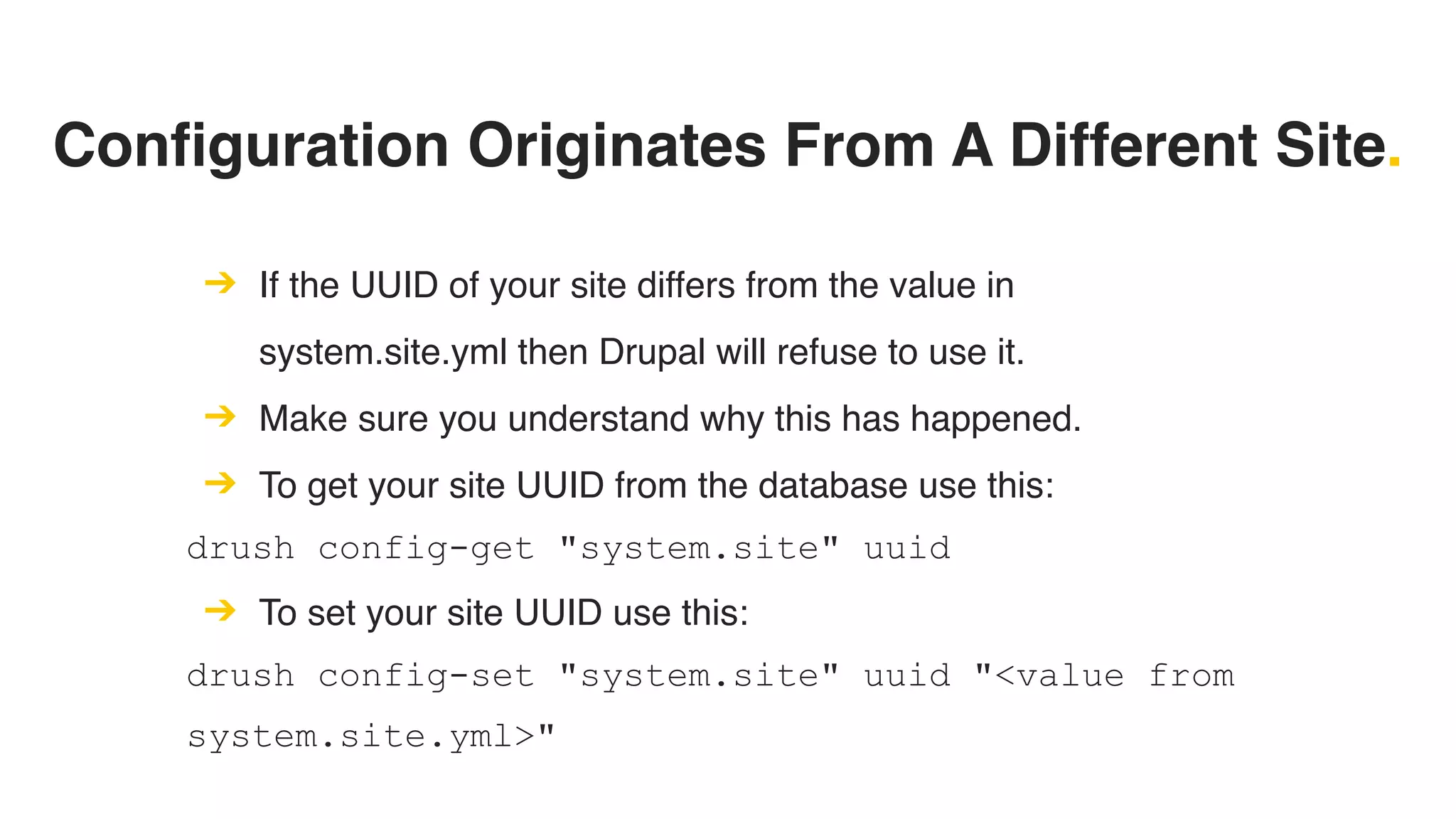
Configuration Originates From A Different Site.
➔ If the UUID of your site differs from the value in
system.site.yml then Drupal will refuse to use it.
➔ Make sure you understand why this has happened.
➔ To get your site UUID from the database use this:
drush config-get "system.site" uuid
➔ To set your site UUID use this:
drush config-set "system.site" uuid "<value from
system.site.yml>"
Entities Stop Configuration Import.
➔ Drupal will stop the configuration importing if it detects a
destructive change.
➔ Ensure that your config isn't deleting anything that contains
content.
➔ Use update hooks to remove those entities before the
configuration is imported.
Disabled Module Configuration.
➔ If a configuration item for a module is in your configuration
but the module will not be enabled after config import.
➔ Can happen if a module was added or removed but the
core.extensions.yml file was not updated in git.
➔ Either remove the configuration item or ensure that the
module will be enabled via config.
Configuration Is Corrupted.
➔ Broken configuration can cause Drupal to crash.
➔ Missing references tends to be the main culprit.
➔ Use update hooks to sort out the configuration in the
database.
➔ Export the new configuration.
Tie That All Together?
Everything at once.
➔ Drush - used to export and import configuration.
➔ Git - the gatekeeper of the configuration.
➔ Configuration Split - allows platform and multi-site setups.
➔ Configuration Ignore - allows splits to have special
configurations.
➔ Configuration Read-only Mode - prevents your users from
changing config.
Questions?
Thank you.
Features?
No.

Getting Into Drupal 8 Configuration