Web Development With Django


            A Basic Introduction


                                   Ganga L
Python Frameworks

    Django
    CherryPy
    Pylons
    Flask
    Bottle
    Tipfy
    Pyramid
    Cubic Web
    GAE framework
Outline


   What Is Django?
   Project Structure
   Data Handling
   The Admin Interface
   Django Forms
   Views
   Templates
What Is Django?


   High-level framework for rapid web development
   Complete stack of tools
   Data modelled with Python classes
   Production-ready data admin interface, generated dynamically
   Elegant system for mapping URLs to Python code
   Generic views’ to handle common requests
   Clean, powerful template language
   Components for user authentication, form handling, caching . . .
Creating Projects & Apps


   Creating a project:
        django-admin.py startproject mysite
   Creating an app within a project directory:
         cd mysite
         ./manage.py startapp poll
Project Structure


   A Python package on your PYTHONPATH
   Holds project-wide settings in settings.py
   Holds a URL configuration (URLconf) in urls.py
   Contains or references one or more apps
App

   A Python package on your PYTHONPATH
    (typically created as a subpackage of the project itself)
   May contain data models in models.py
   May contain views in views.py
   May have its own URL configuration in urls.py
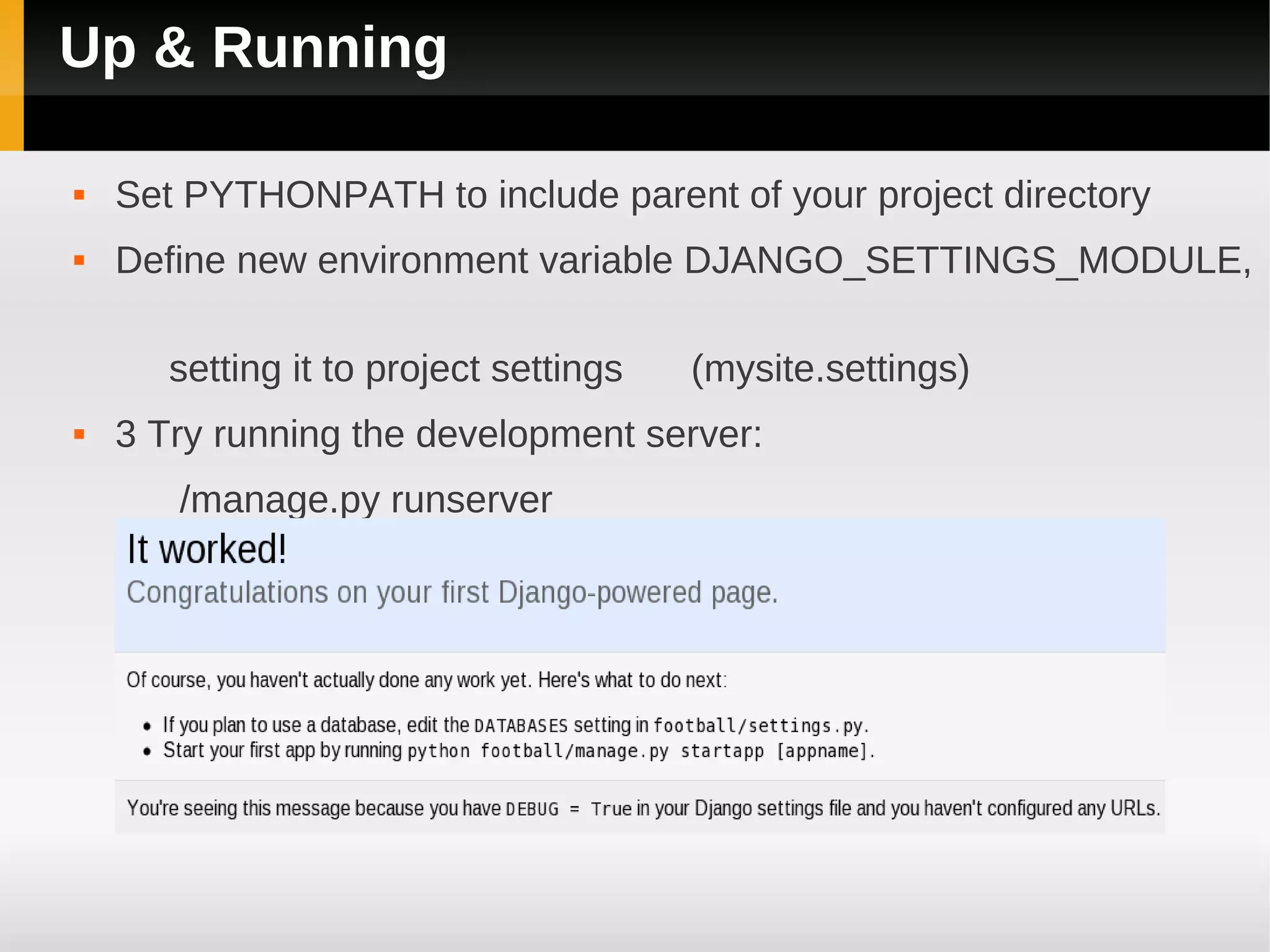
Up & Running

   Set PYTHONPATH to include parent of your project directory
   Define new environment variable DJANGO_SETTINGS_MODULE,

       setting it to project settings   (mysite.settings)
   3 Try running the development server:
       /manage.py runserver
Creating The Database


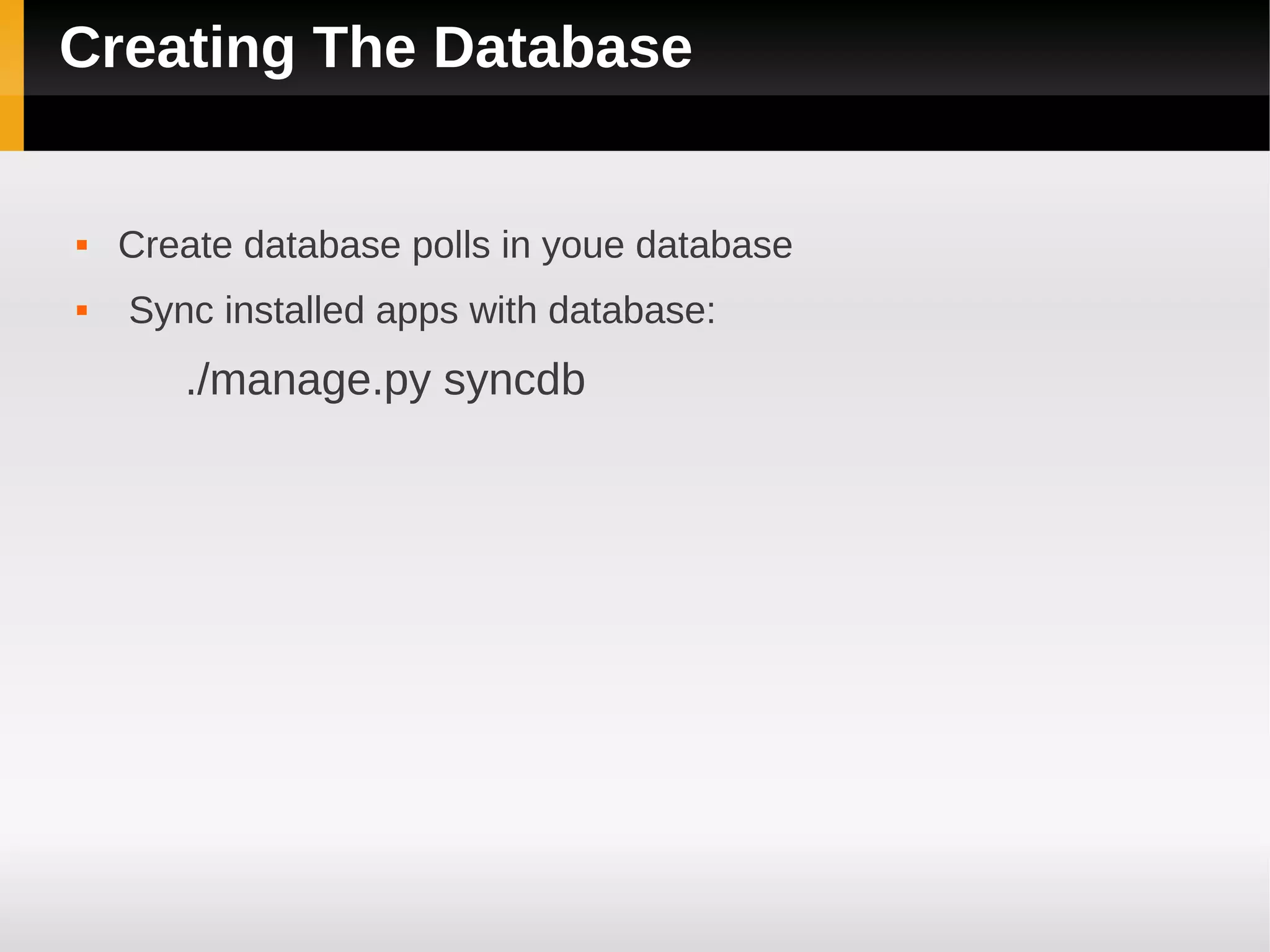
   Create database polls in youe database
   Sync installed apps with database:
       ./manage.py syncdb
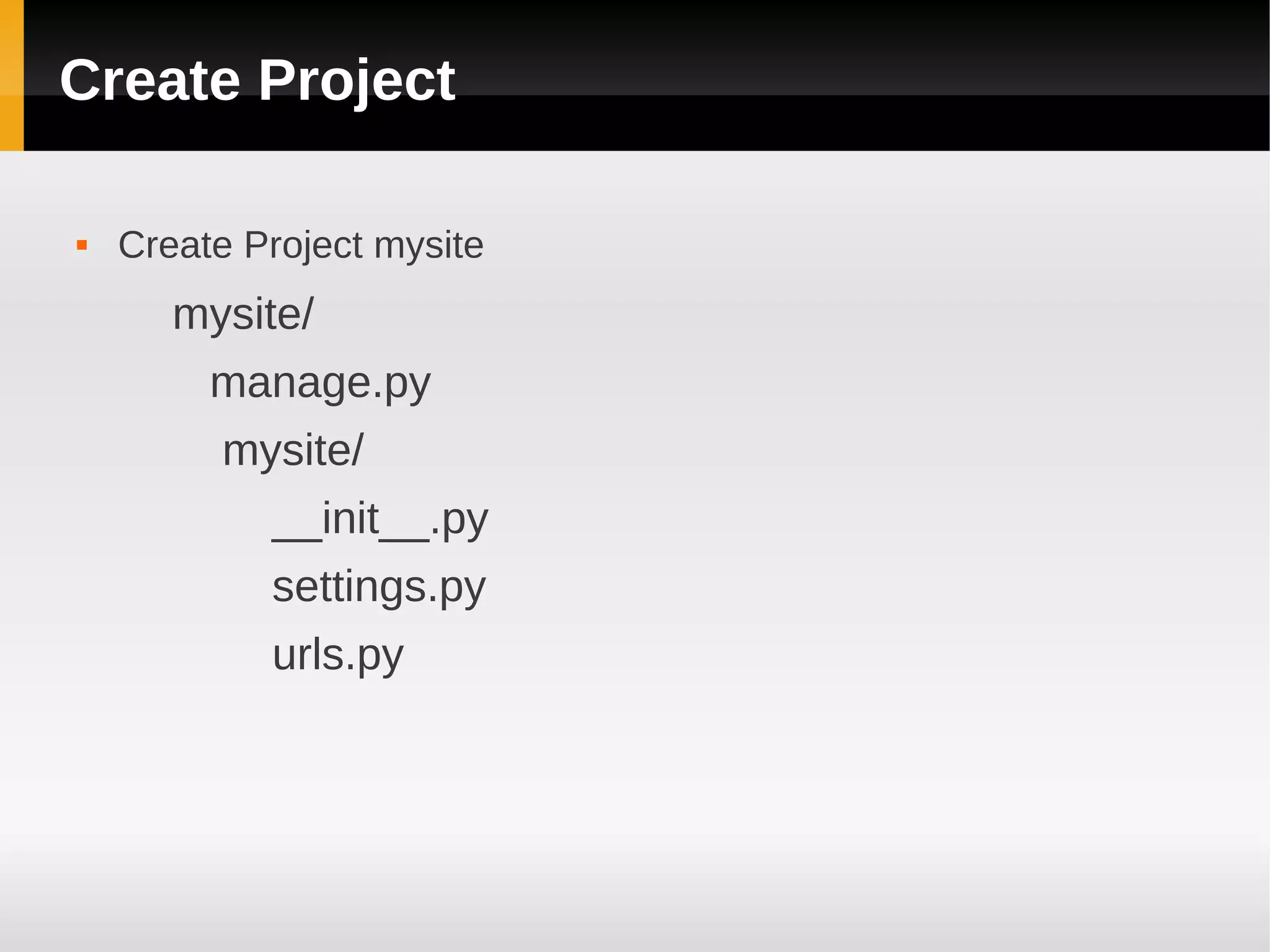
Create Project

   Create Project mysite
       mysite/
         manage.py
         mysite/
            __init__.py
            settings.py
            urls.py
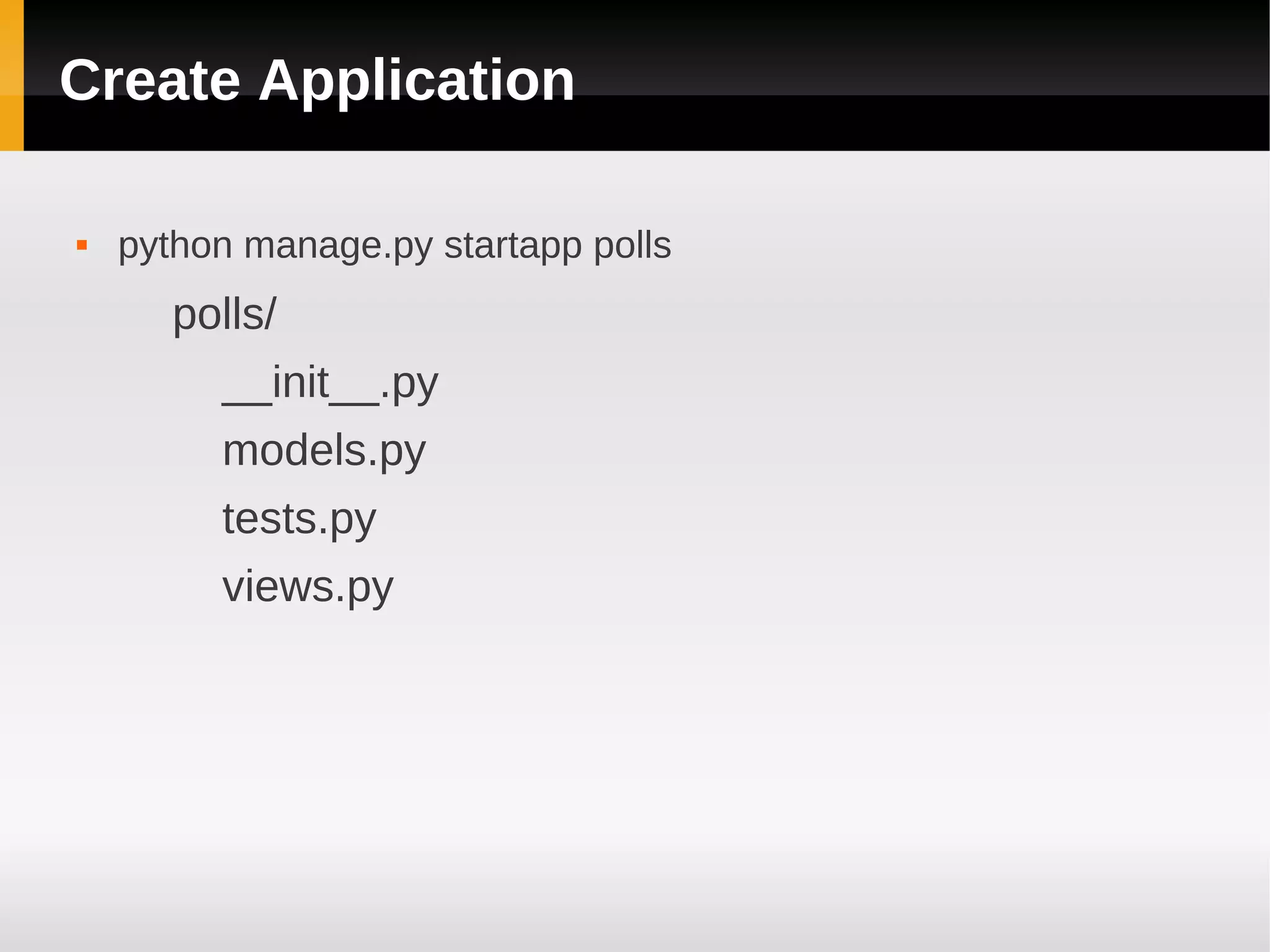
Create Application

   python manage.py startapp polls
       polls/
         __init__.py
         models.py
         tests.py
         views.py
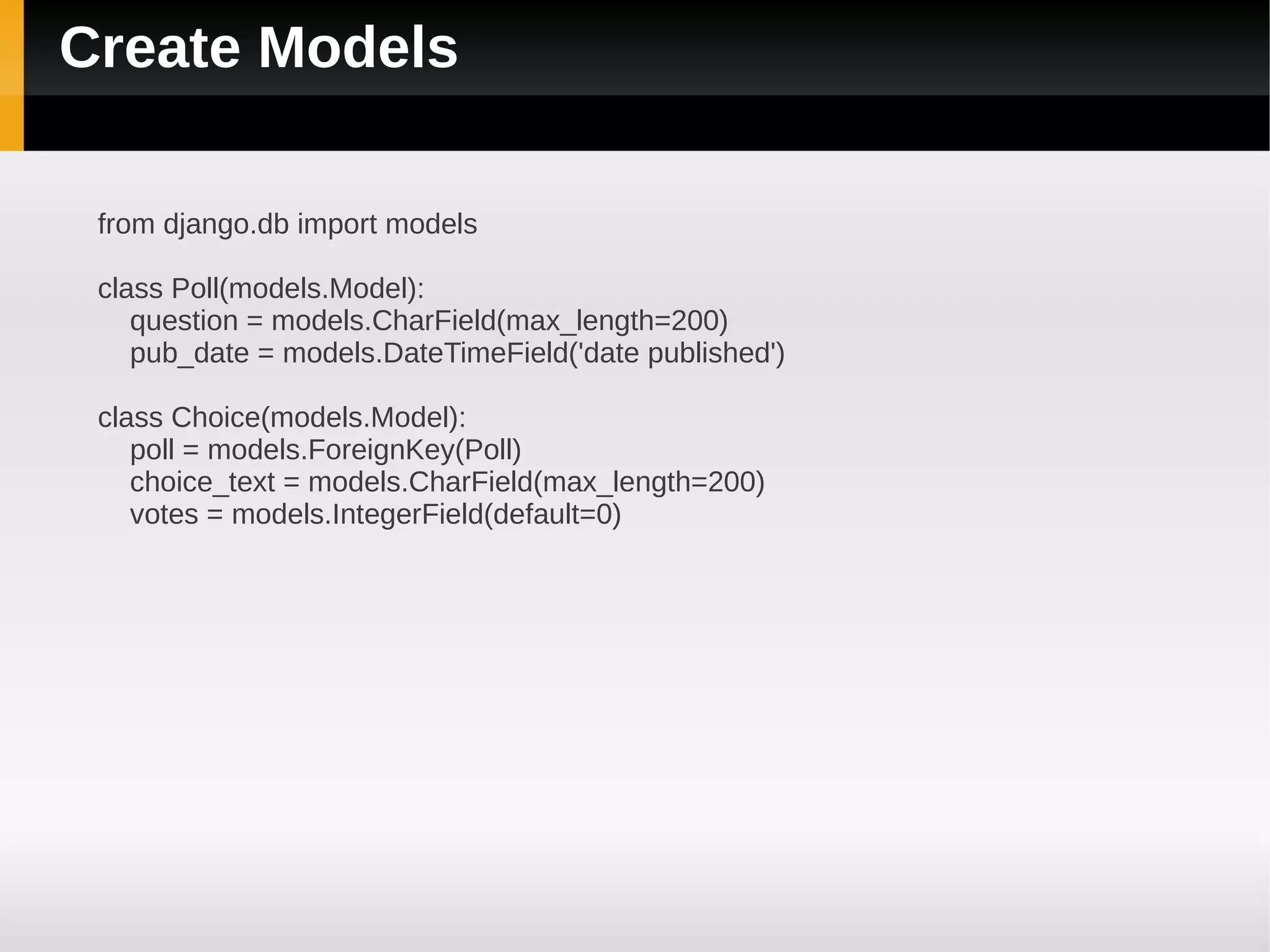
Create Models

 from django.db import models

 class Poll(models.Model):
    question = models.CharField(max_length=200)
    pub_date = models.DateTimeField('date published')

 class Choice(models.Model):
    poll = models.ForeignKey(Poll)
    choice_text = models.CharField(max_length=200)
    votes = models.IntegerField(default=0)
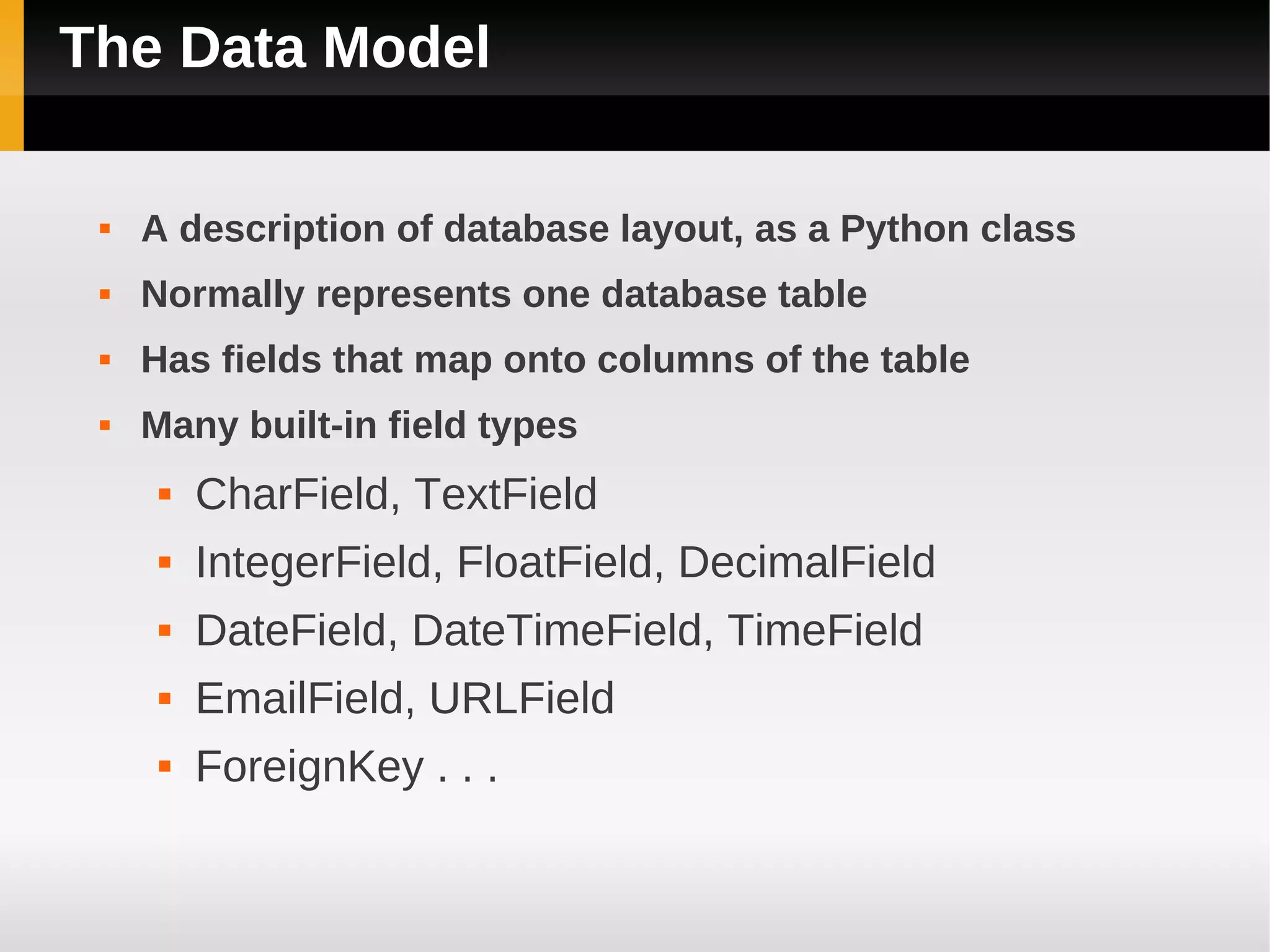
The Data Model

    A description of database layout, as a Python class
    Normally represents one database table
    Has fields that map onto columns of the table
    Many built-in field types
         CharField, TextField
         IntegerField, FloatField, DecimalField
         DateField, DateTimeField, TimeField
         EmailField, URLField
         ForeignKey . . .
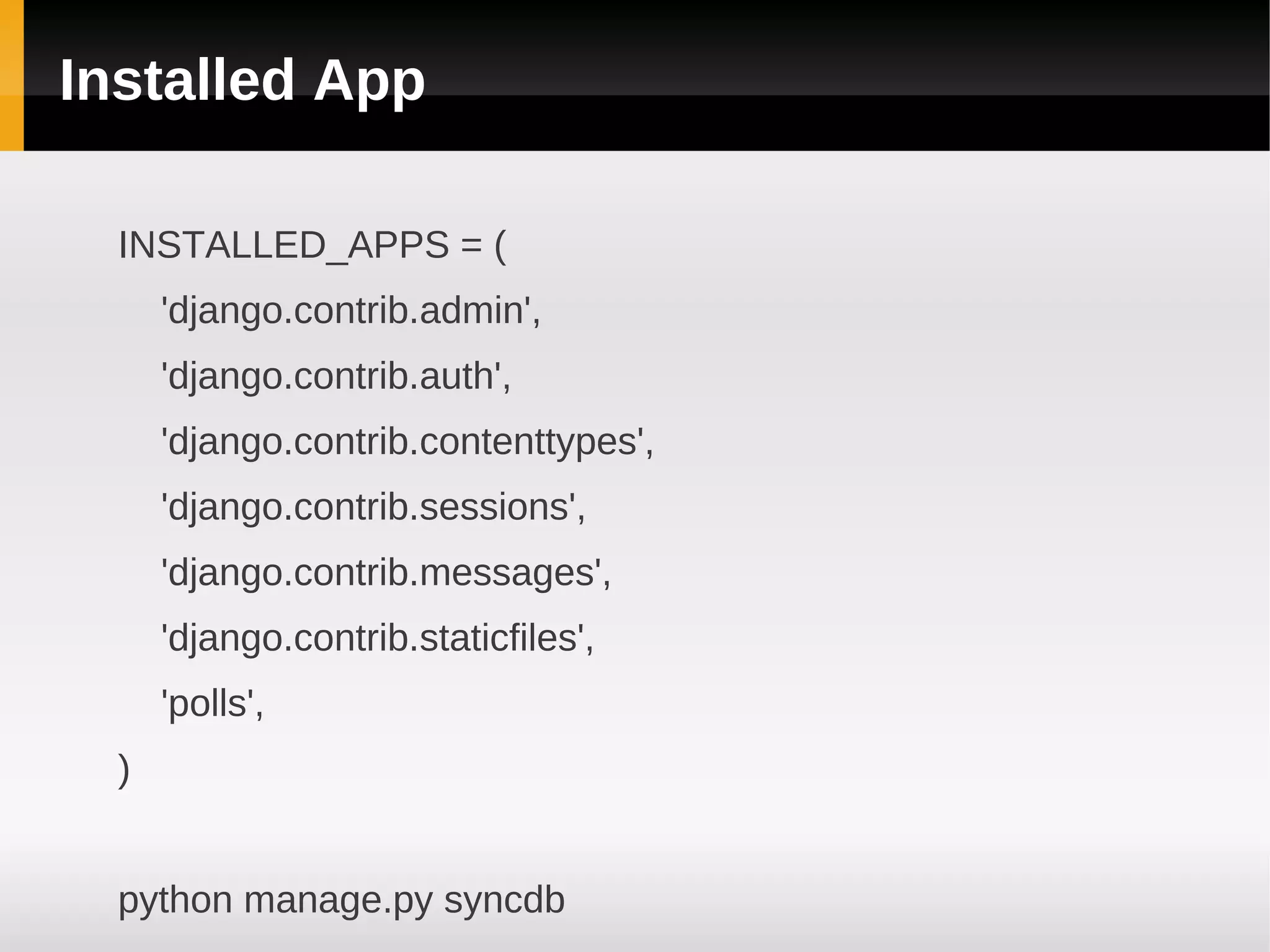
Installed App

  INSTALLED_APPS = (
      'django.contrib.admin',
      'django.contrib.auth',
      'django.contrib.contenttypes',
      'django.contrib.sessions',
      'django.contrib.messages',
      'django.contrib.staticfiles',
      'polls',
  )


  python manage.py syncdb
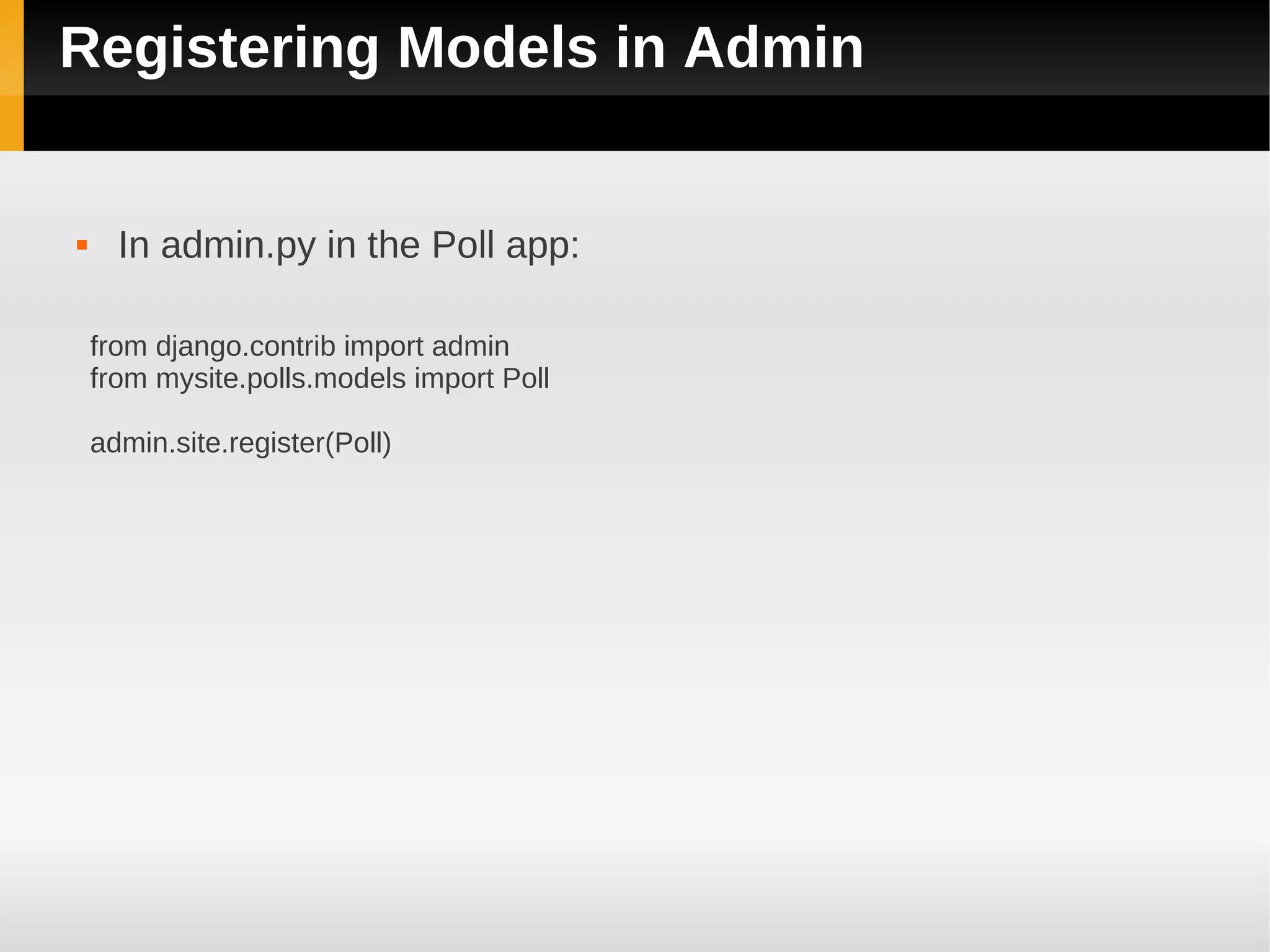
Registering Models in Admin


     In admin.py in the Poll app:

    from django.contrib import admin
    from mysite.polls.models import Poll

    admin.site.register(Poll)
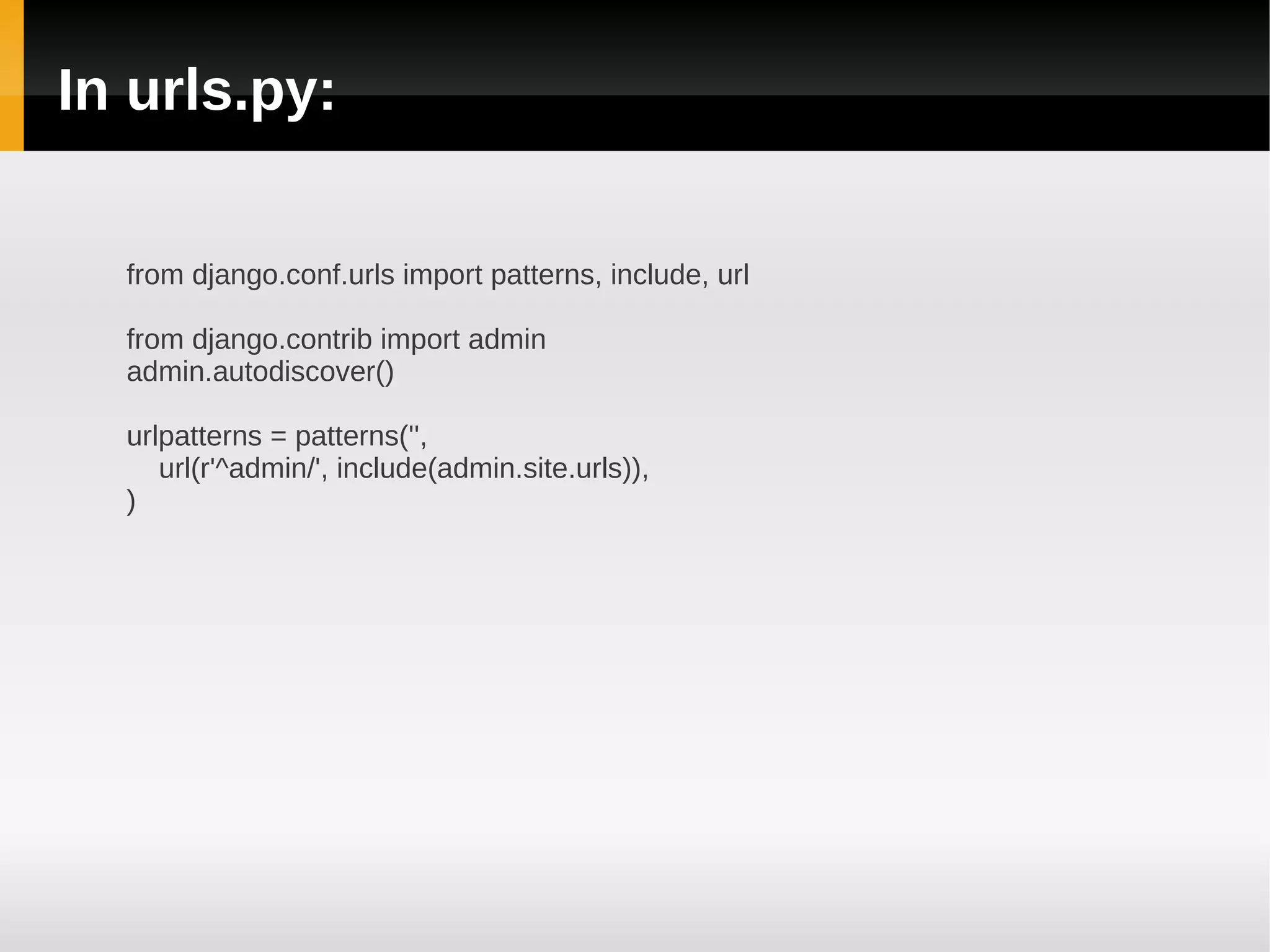
In urls.py:

  from django.conf.urls import patterns, include, url

  from django.contrib import admin
  admin.autodiscover()

  urlpatterns = patterns('',
     url(r'^admin/', include(admin.site.urls)),
  )
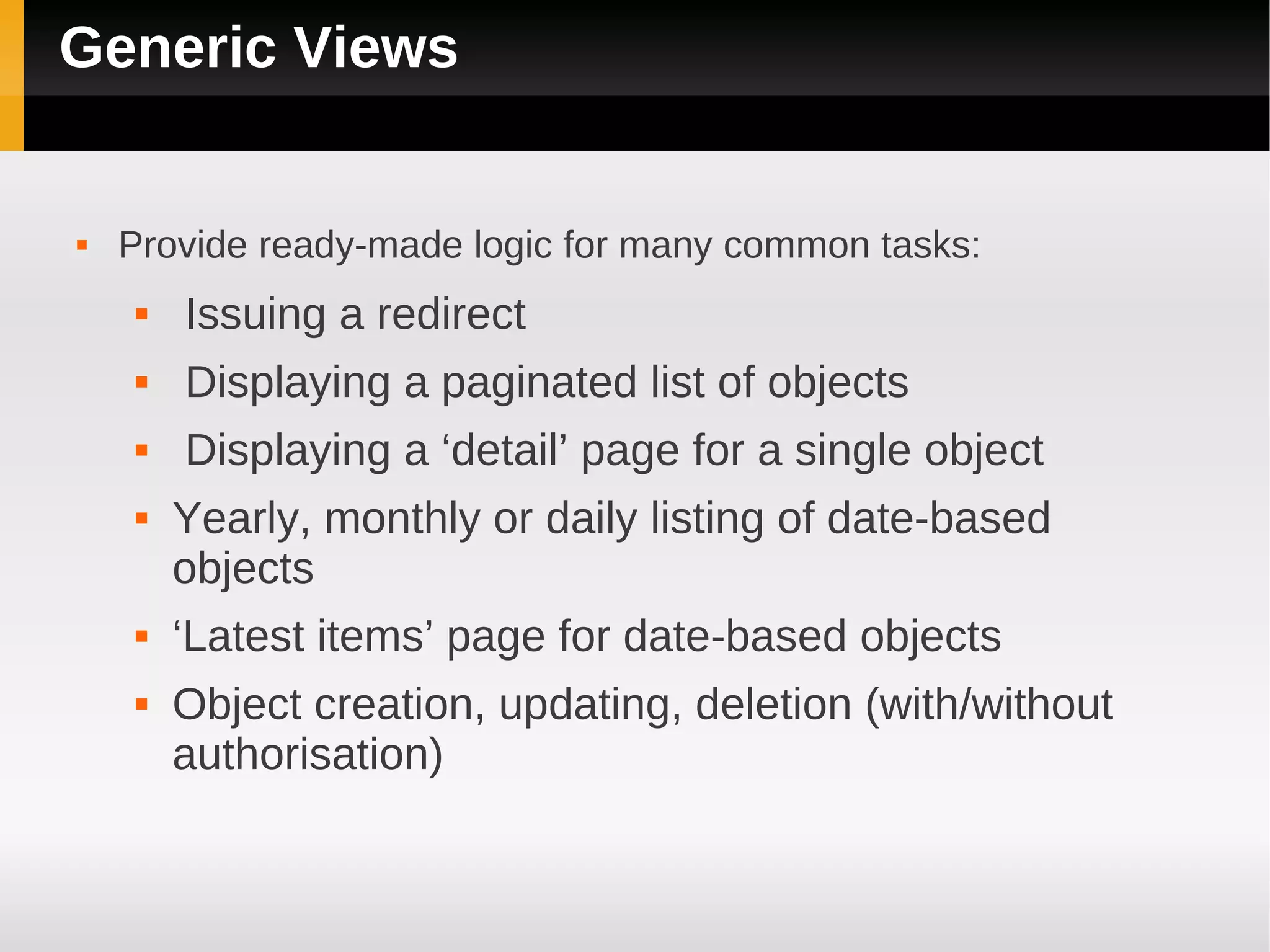
Generic Views


   Provide ready-made logic for many common tasks:
       Issuing a redirect
       Displaying a paginated list of objects
       Displaying a ‘detail’ page for a single object
       Yearly, monthly or daily listing of date-based
        objects
       ‘Latest items’ page for date-based objects
       Object creation, updating, deletion (with/without
        authorisation)
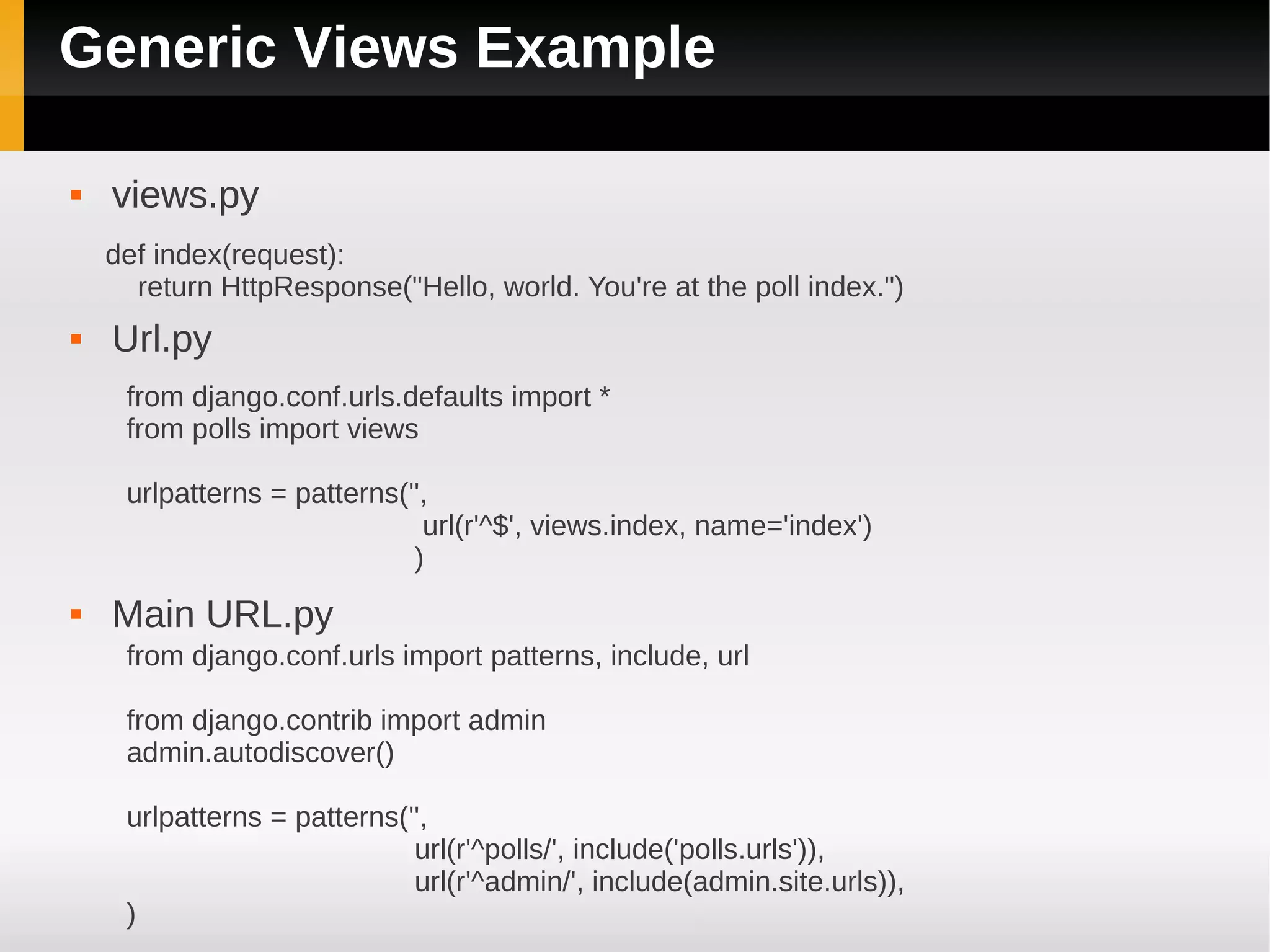
Generic Views Example

   views.py
    def index(request):
      return HttpResponse("Hello, world. You're at the poll index.")
   Url.py
     from django.conf.urls.defaults import *
     from polls import views

     urlpatterns = patterns('',
                              url(r'^$', views.index, name='index')
                             )
   Main URL.py
     from django.conf.urls import patterns, include, url

     from django.contrib import admin
     admin.autodiscover()

     urlpatterns = patterns('',
                             url(r'^polls/', include('polls.urls')),
                             url(r'^admin/', include(admin.site.urls)),
     )
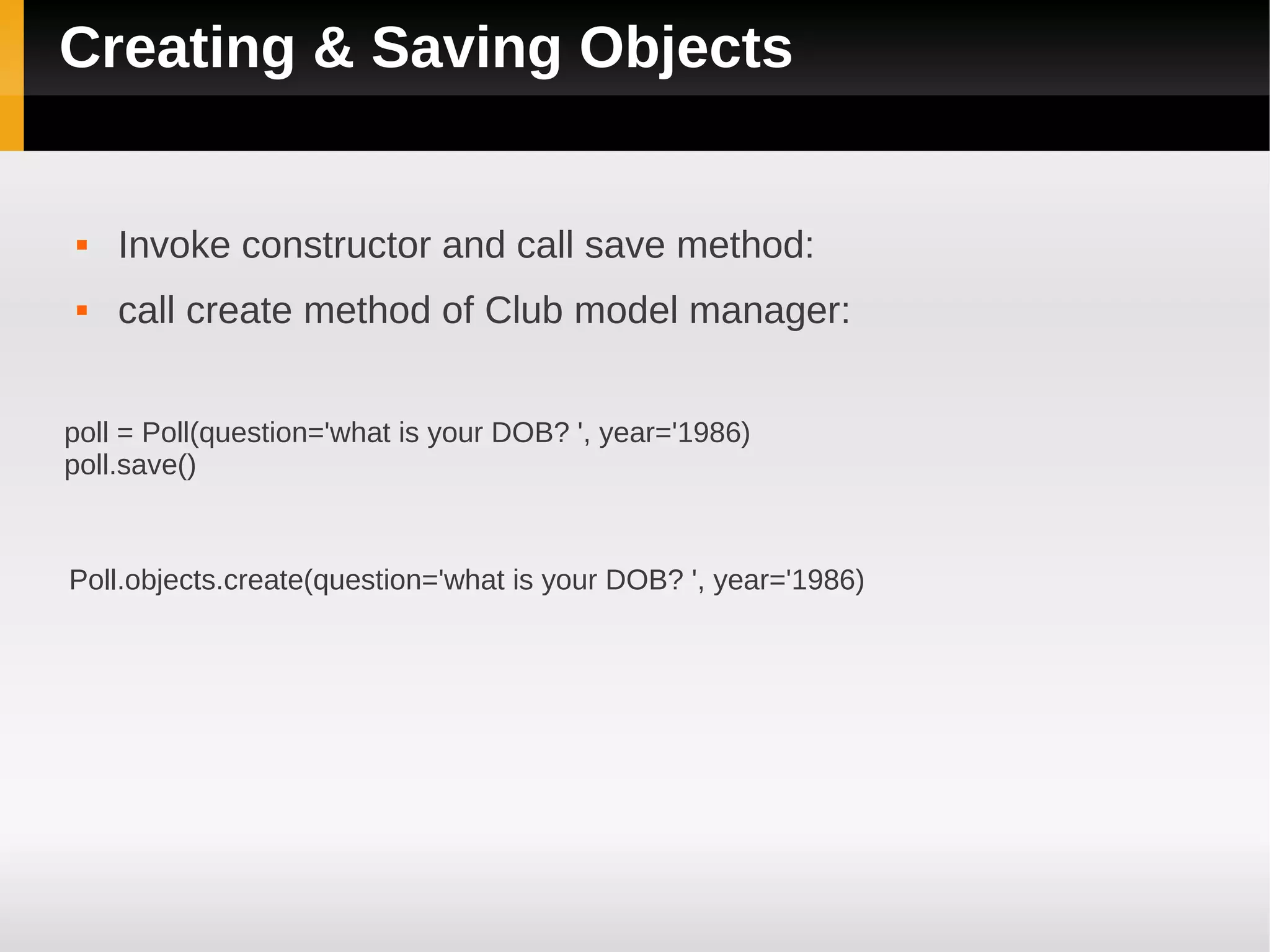
Creating & Saving Objects


    Invoke constructor and call save method:
    call create method of Club model manager:


poll = Poll(question='what is your DOB? ', year='1986)
poll.save()


Poll.objects.create(question='what is your DOB? ', year='1986)
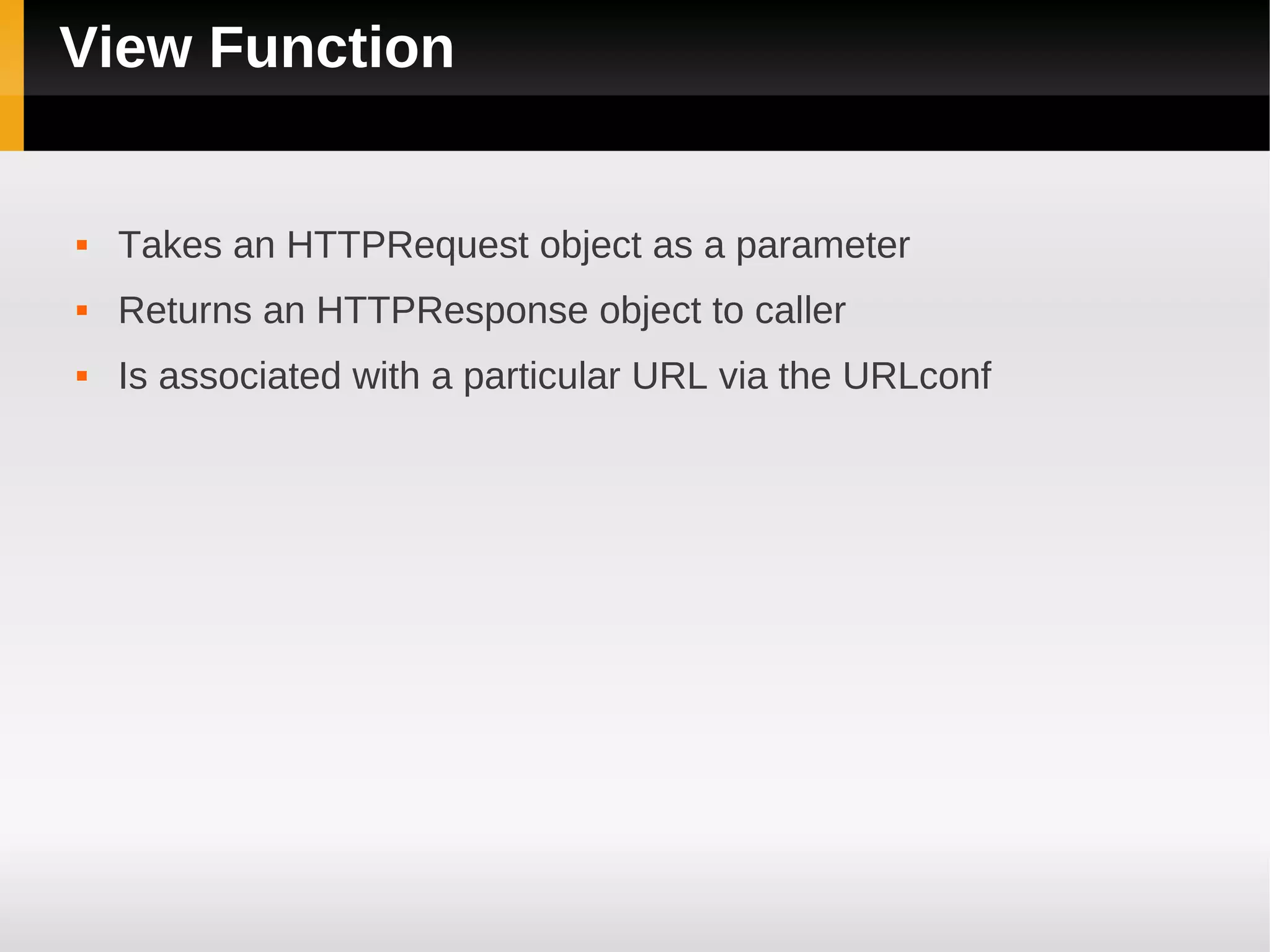
View Function


   Takes an HTTPRequest object as a parameter
   Returns an HTTPResponse object to caller
   Is associated with a particular URL via the URLconf
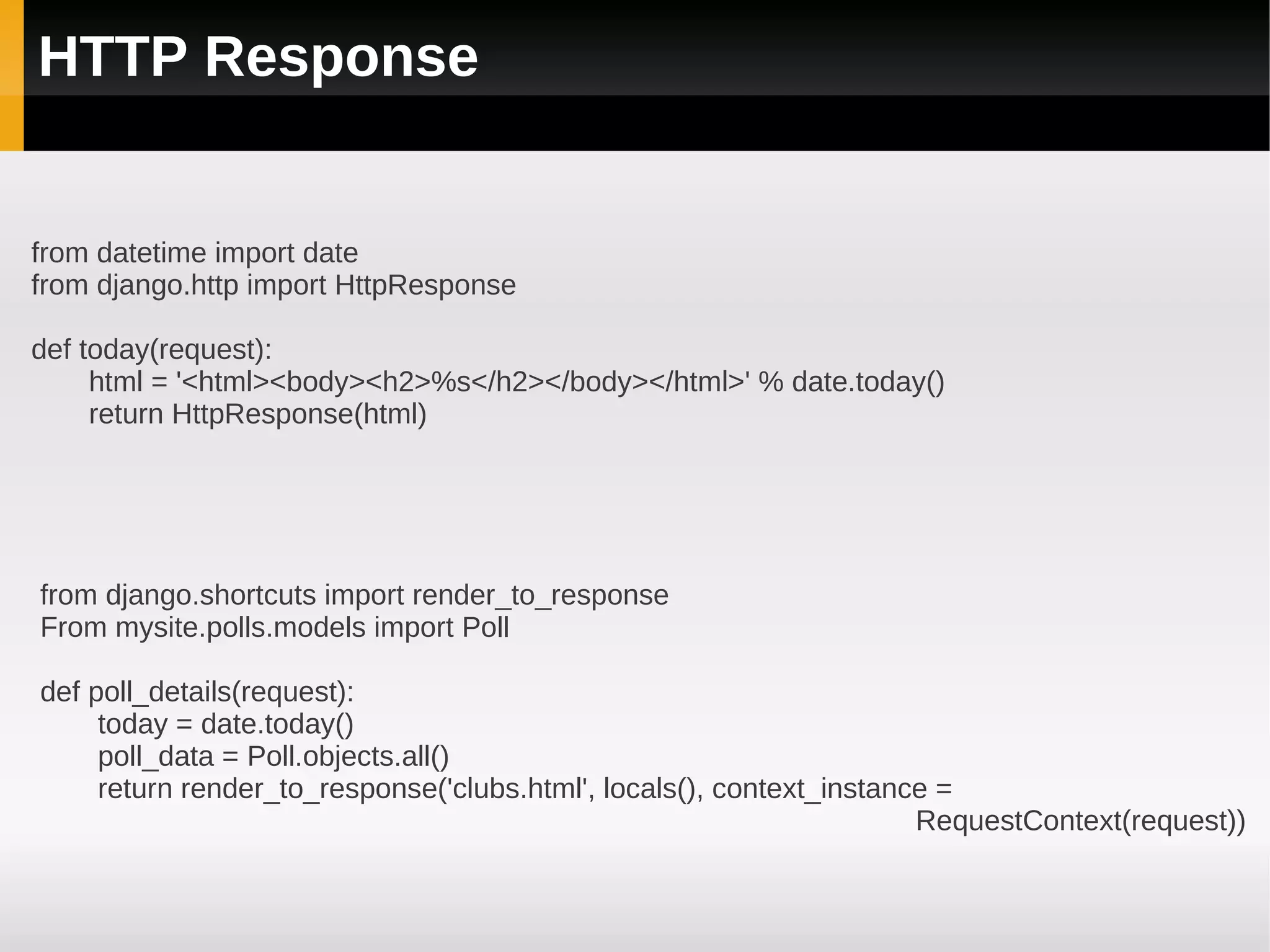
HTTP Response


from datetime import date
from django.http import HttpResponse

def today(request):
     html = '<html><body><h2>%s</h2></body></html>' % date.today()
     return HttpResponse(html)


from django.shortcuts import render_to_response
From mysite.polls.models import Poll

def poll_details(request):
     today = date.today()
     poll_data = Poll.objects.all()
     return render_to_response('clubs.html', locals(), context_instance =
                                                                      RequestContext(request))
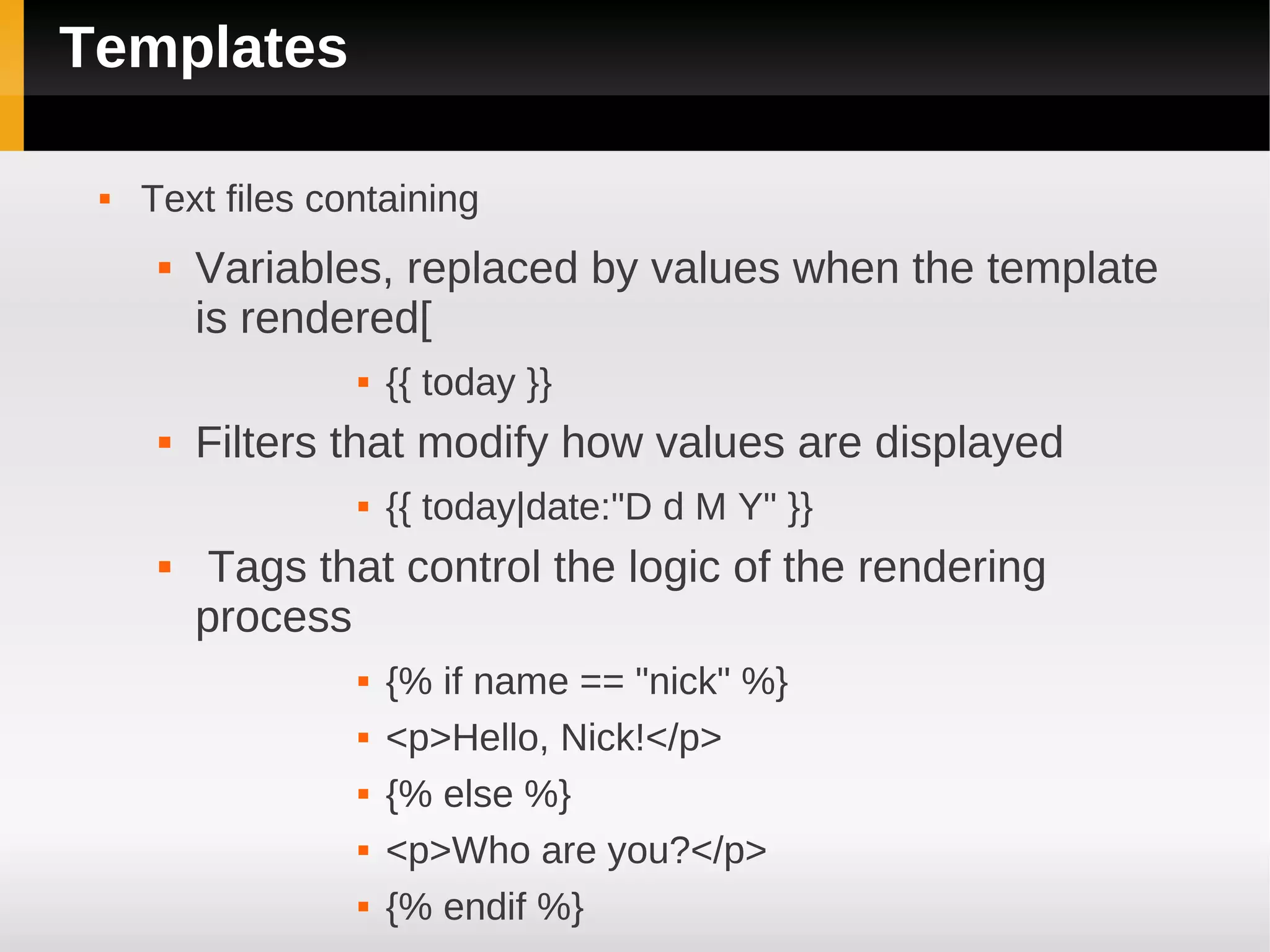
Templates

    Text files containing
         Variables, replaced by values when the template
          is rendered[
                     {{ today }}
         Filters that modify how values are displayed
                     {{ today|date:"D d M Y" }}
          Tags that control the logic of the rendering
          process
                     {% if name == "nick" %}
                     <p>Hello, Nick!</p>
                     {% else %}
                     <p>Who are you?</p>
                     {% endif %}
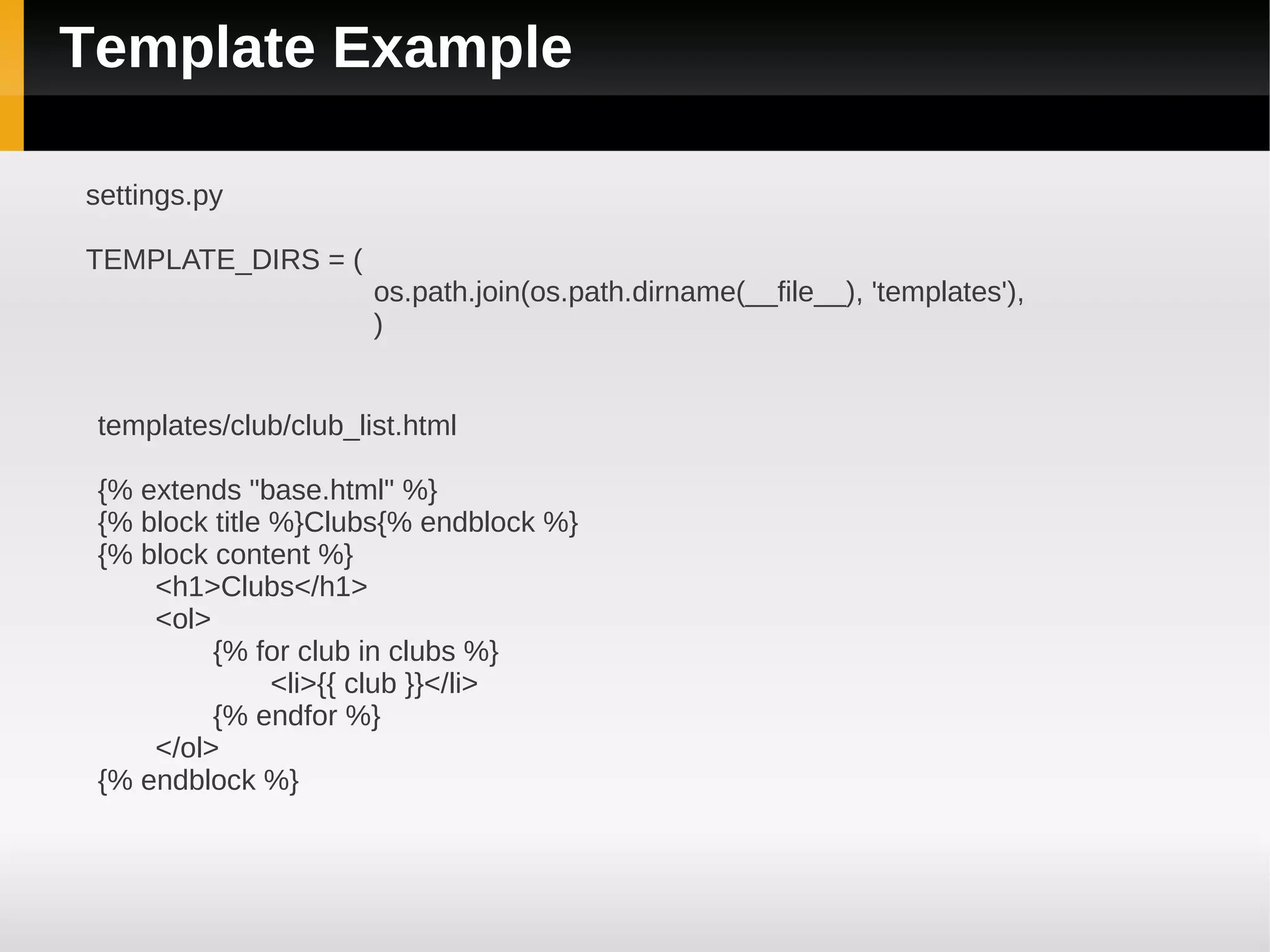
Template Example

settings.py

TEMPLATE_DIRS = (
                       os.path.join(os.path.dirname(__file__), 'templates'),
                       )


 templates/club/club_list.html

 {% extends "base.html" %}
 {% block title %}Clubs{% endblock %}
 {% block content %}
     <h1>Clubs</h1>
     <ol>
          {% for club in clubs %}
                <li>{{ club }}</li>
          {% endfor %}
     </ol>
 {% endblock %}
Django Forms

    A collection of fields that knows how to validate itself and display
     itself as HTML.
    Display an HTML form with automatically generated form widgets.
    Check submitted data against a set of validation rules.
    Redisplay a form in the case of validation errors.
    Convert submitted form data to the relevant Python data types.
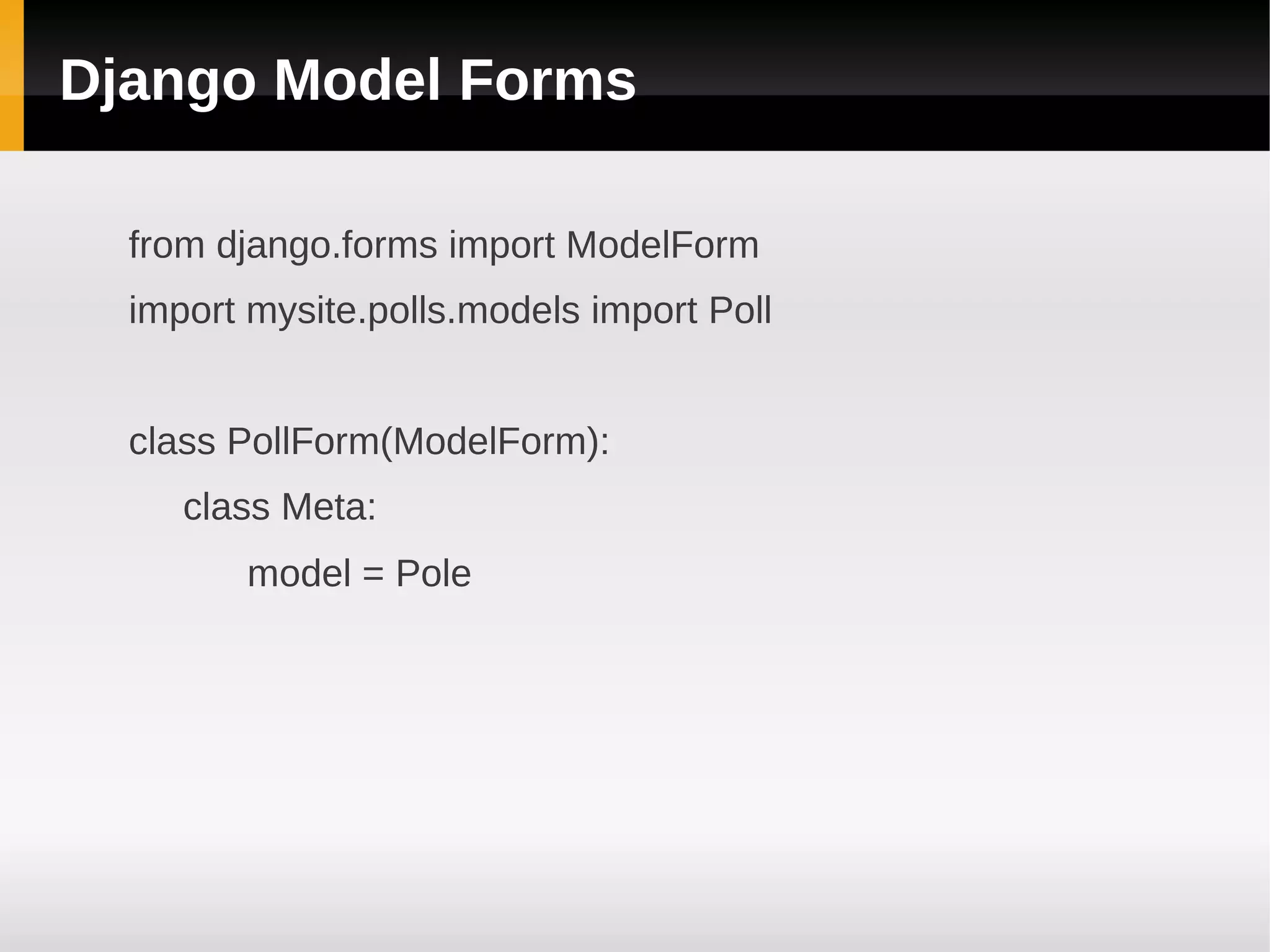
Django Model Forms

  from django.forms import ModelForm
  import mysite.polls.models import Poll


  class PollForm(ModelForm):
     class Meta:
        model = Pole
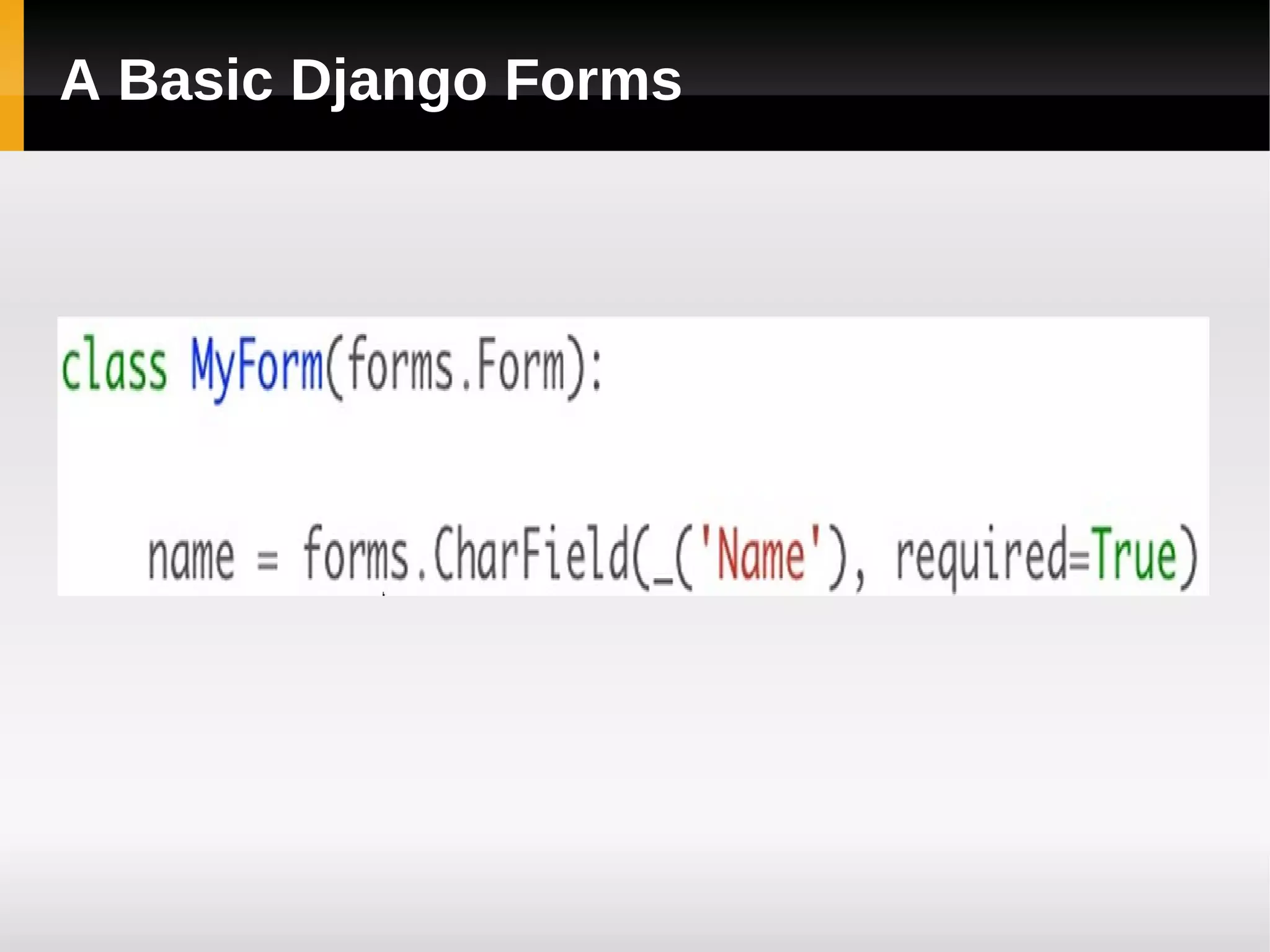
A Basic Django Forms
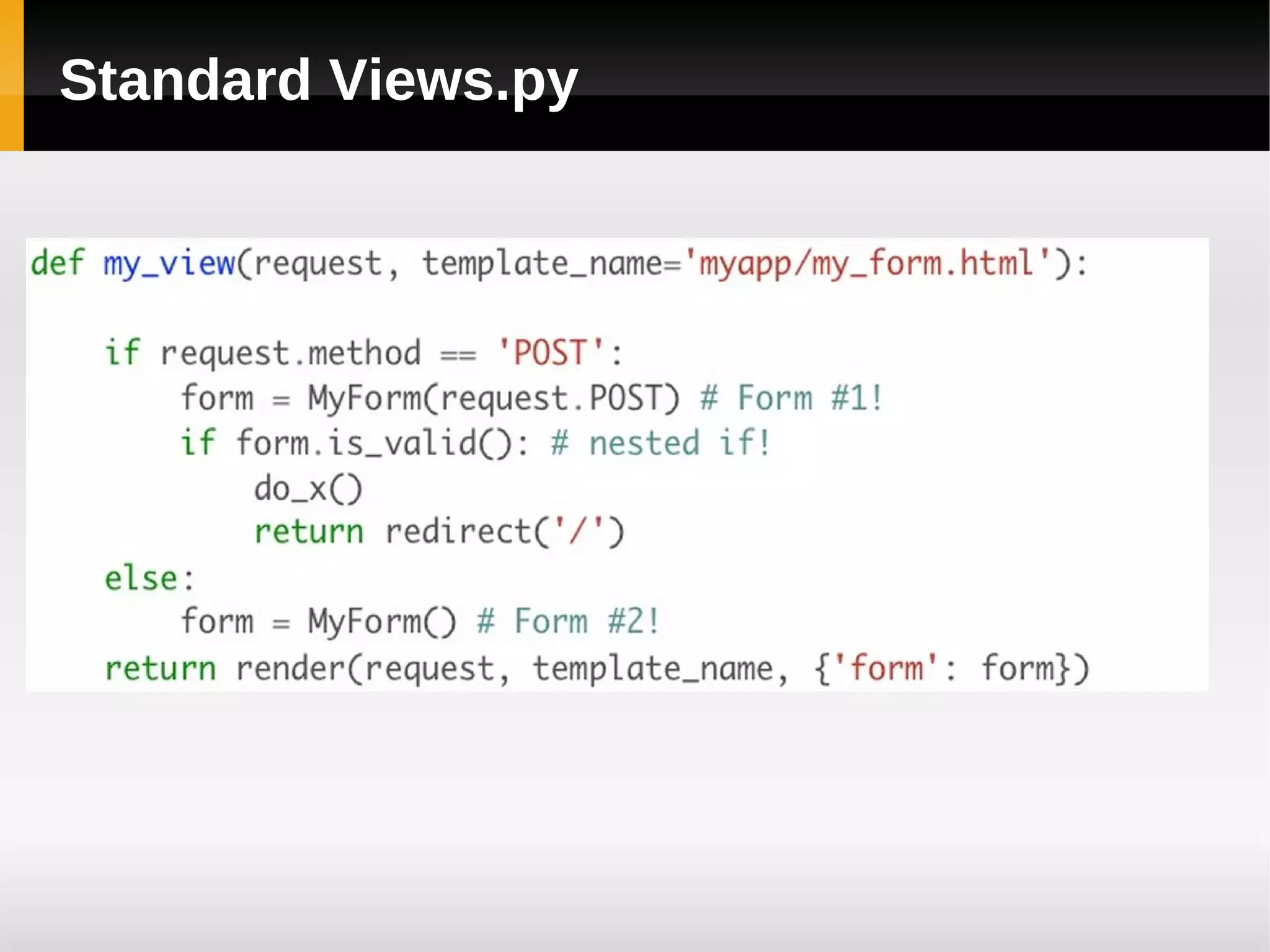
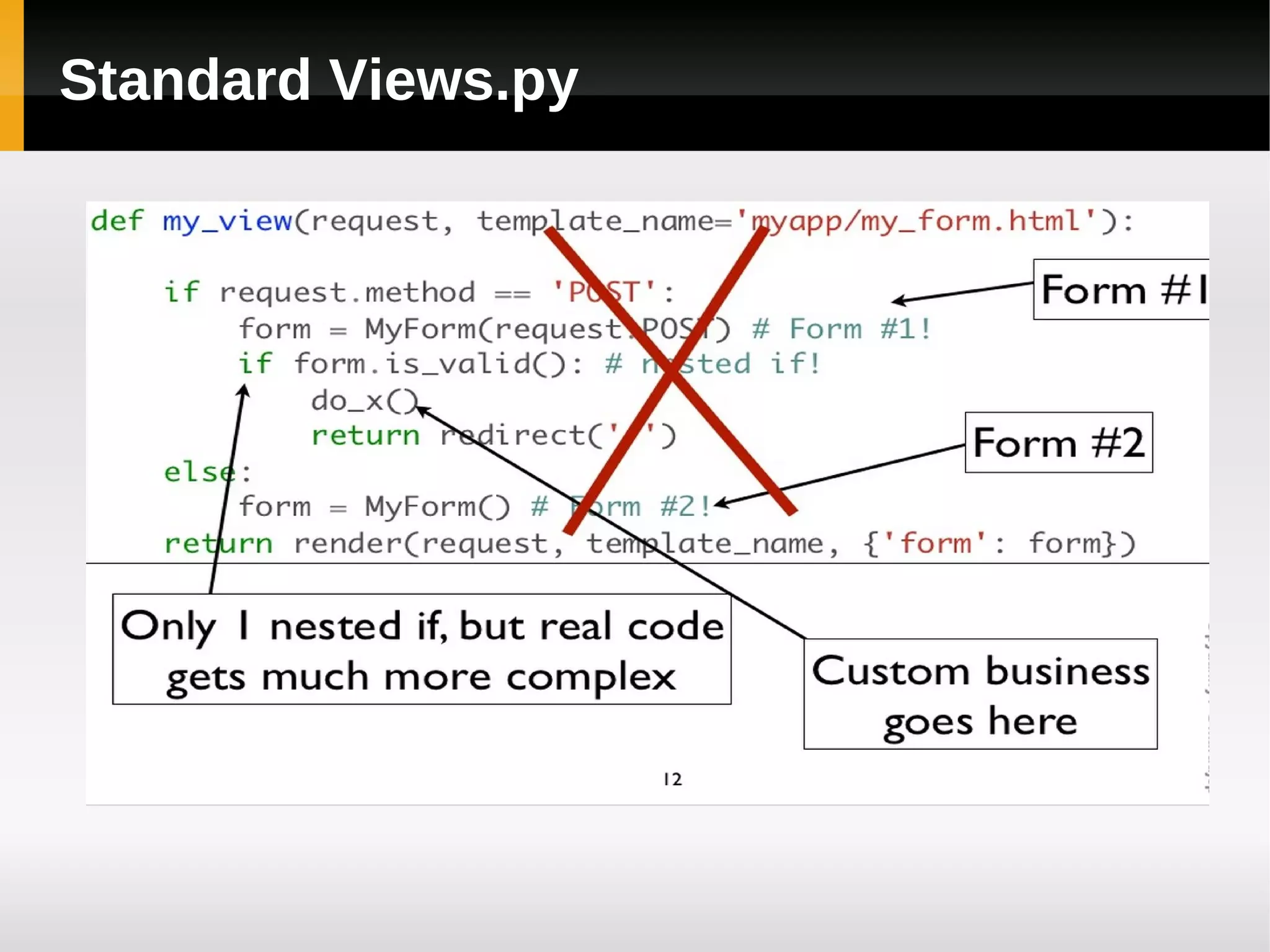
Standard Views.py
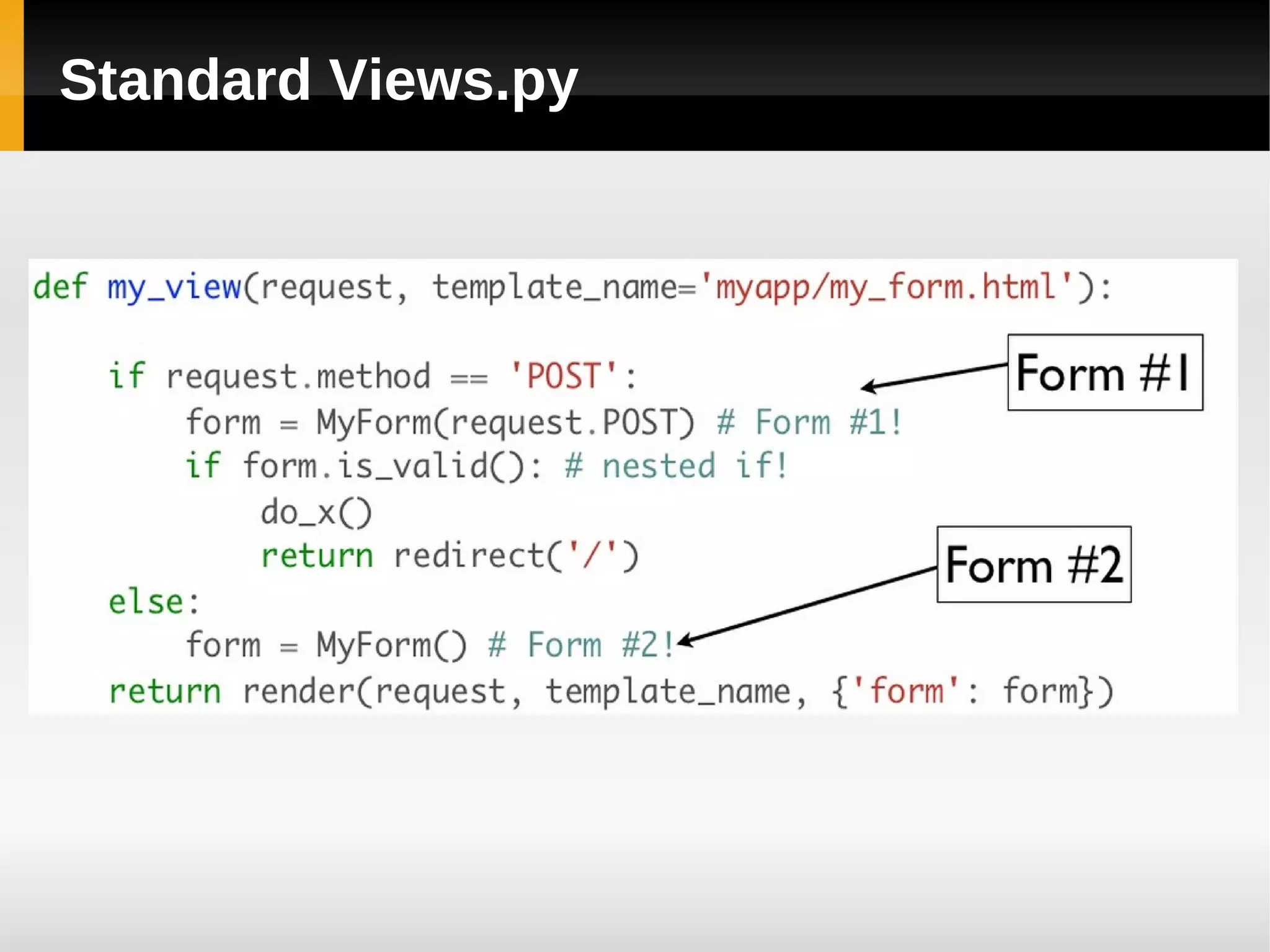
Standard Views.py
Standard Views.py
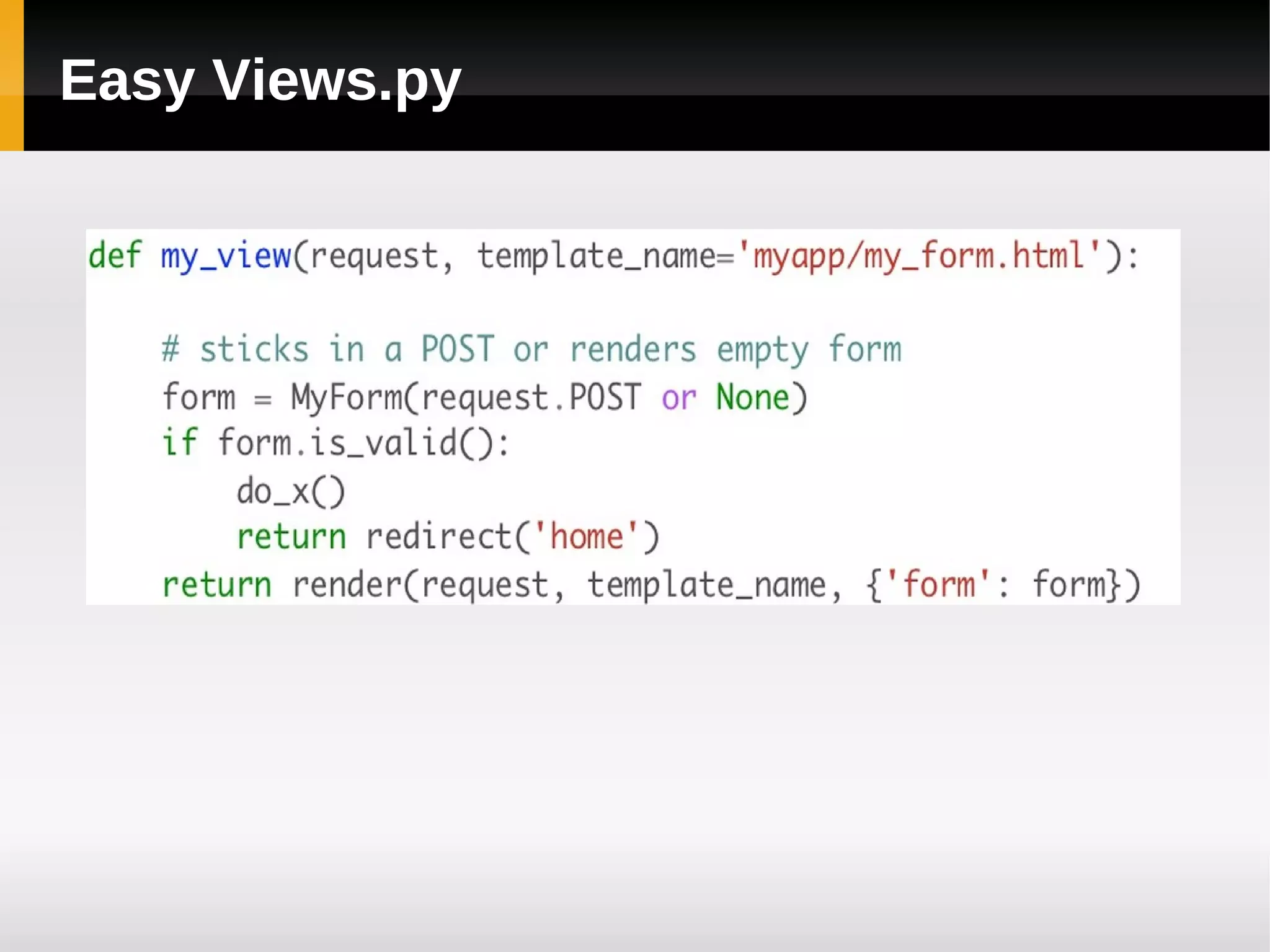
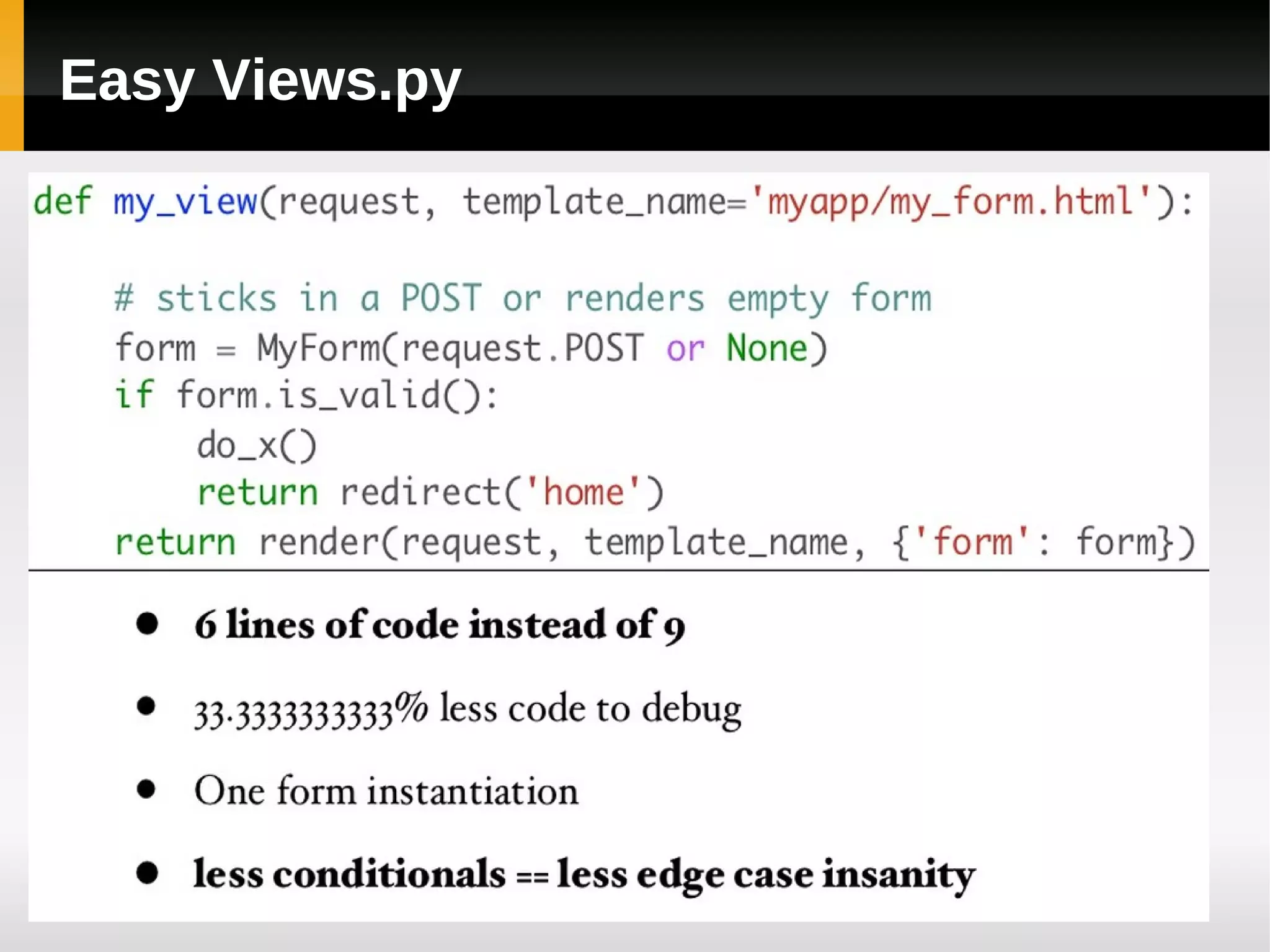
Easy Views.py
Easy Views.py
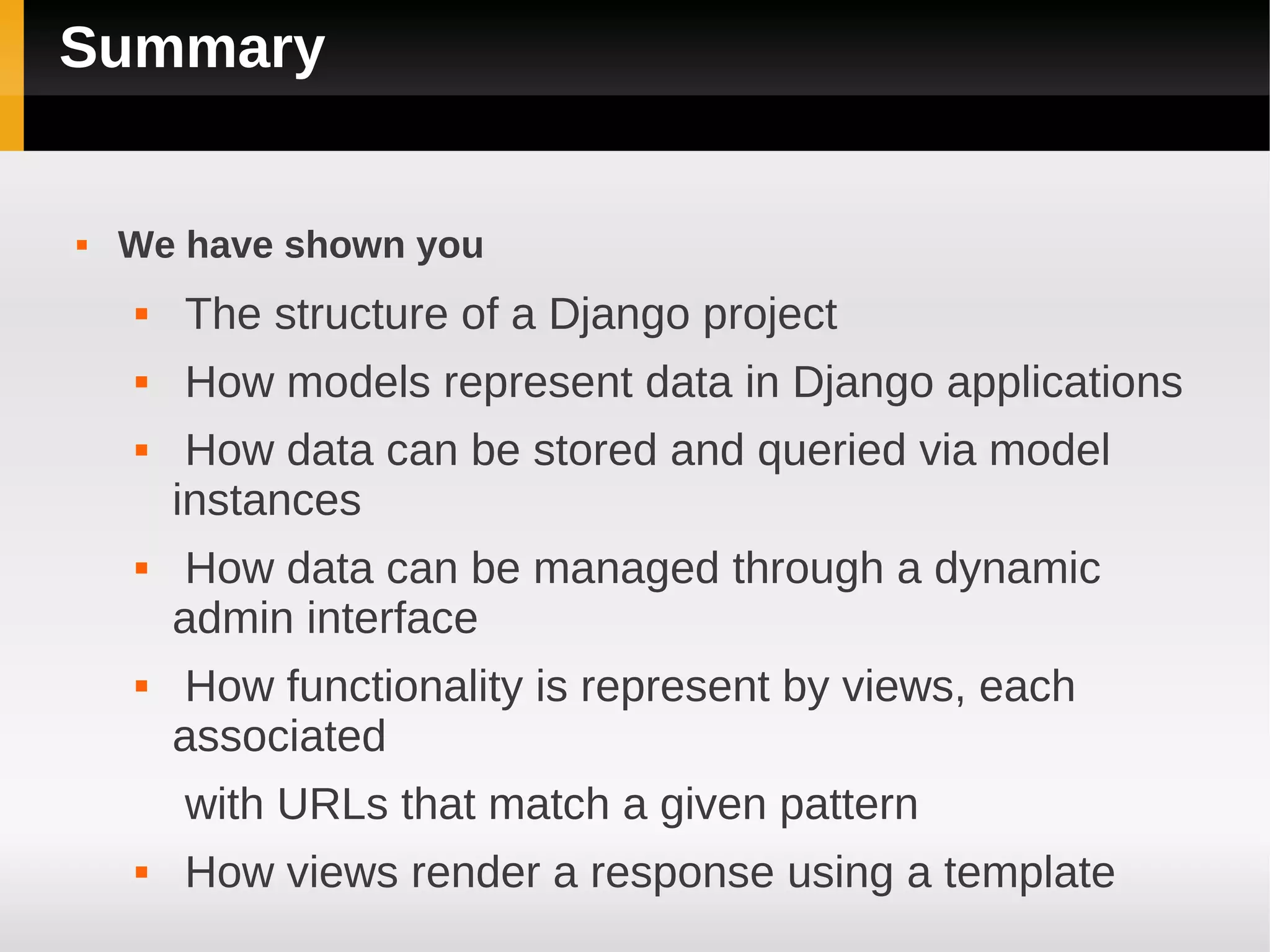
Summary


   We have shown you
       The structure of a Django project
       How models represent data in Django applications
        How data can be stored and queried via model
        instances
        How data can be managed through a dynamic
        admin interface
        How functionality is represent by views, each
        associated
        with URLs that match a given pattern
       How views render a response using a template
Thank You

A Basic Django Introduction

  • 1.
    Web Development WithDjango A Basic Introduction Ganga L
  • 2.
    Python Frameworks  Django  CherryPy  Pylons  Flask  Bottle  Tipfy  Pyramid  Cubic Web  GAE framework
  • 3.
    Outline  What Is Django?  Project Structure  Data Handling  The Admin Interface  Django Forms  Views  Templates
  • 4.
    What Is Django?  High-level framework for rapid web development  Complete stack of tools  Data modelled with Python classes  Production-ready data admin interface, generated dynamically  Elegant system for mapping URLs to Python code  Generic views’ to handle common requests  Clean, powerful template language  Components for user authentication, form handling, caching . . .
  • 5.
    Creating Projects &Apps  Creating a project: django-admin.py startproject mysite  Creating an app within a project directory: cd mysite ./manage.py startapp poll
  • 6.
    Project Structure  A Python package on your PYTHONPATH  Holds project-wide settings in settings.py  Holds a URL configuration (URLconf) in urls.py  Contains or references one or more apps
  • 7.
    App  A Python package on your PYTHONPATH (typically created as a subpackage of the project itself)  May contain data models in models.py  May contain views in views.py  May have its own URL configuration in urls.py
  • 8.
    Up & Running  Set PYTHONPATH to include parent of your project directory  Define new environment variable DJANGO_SETTINGS_MODULE, setting it to project settings (mysite.settings)  3 Try running the development server: /manage.py runserver
  • 9.
    Creating The Database  Create database polls in youe database  Sync installed apps with database: ./manage.py syncdb
  • 10.
    Create Project  Create Project mysite mysite/ manage.py mysite/ __init__.py settings.py urls.py
  • 11.
    Create Application  python manage.py startapp polls polls/ __init__.py models.py tests.py views.py
  • 12.
    Create Models fromdjango.db import models class Poll(models.Model): question = models.CharField(max_length=200) pub_date = models.DateTimeField('date published') class Choice(models.Model): poll = models.ForeignKey(Poll) choice_text = models.CharField(max_length=200) votes = models.IntegerField(default=0)
  • 13.
    The Data Model  A description of database layout, as a Python class  Normally represents one database table  Has fields that map onto columns of the table  Many built-in field types  CharField, TextField  IntegerField, FloatField, DecimalField  DateField, DateTimeField, TimeField  EmailField, URLField  ForeignKey . . .
  • 14.
    Installed App INSTALLED_APPS = ( 'django.contrib.admin', 'django.contrib.auth', 'django.contrib.contenttypes', 'django.contrib.sessions', 'django.contrib.messages', 'django.contrib.staticfiles', 'polls', ) python manage.py syncdb
  • 15.
    Registering Models inAdmin  In admin.py in the Poll app: from django.contrib import admin from mysite.polls.models import Poll admin.site.register(Poll)
  • 16.
    In urls.py: from django.conf.urls import patterns, include, url from django.contrib import admin admin.autodiscover() urlpatterns = patterns('', url(r'^admin/', include(admin.site.urls)), )
  • 17.
    Generic Views  Provide ready-made logic for many common tasks:  Issuing a redirect  Displaying a paginated list of objects  Displaying a ‘detail’ page for a single object  Yearly, monthly or daily listing of date-based objects  ‘Latest items’ page for date-based objects  Object creation, updating, deletion (with/without authorisation)
  • 18.
    Generic Views Example  views.py def index(request): return HttpResponse("Hello, world. You're at the poll index.")  Url.py from django.conf.urls.defaults import * from polls import views urlpatterns = patterns('', url(r'^$', views.index, name='index') )  Main URL.py from django.conf.urls import patterns, include, url from django.contrib import admin admin.autodiscover() urlpatterns = patterns('', url(r'^polls/', include('polls.urls')), url(r'^admin/', include(admin.site.urls)), )
  • 19.
    Creating & SavingObjects  Invoke constructor and call save method:  call create method of Club model manager: poll = Poll(question='what is your DOB? ', year='1986) poll.save() Poll.objects.create(question='what is your DOB? ', year='1986)
  • 20.
    View Function  Takes an HTTPRequest object as a parameter  Returns an HTTPResponse object to caller  Is associated with a particular URL via the URLconf
  • 21.
    HTTP Response from datetimeimport date from django.http import HttpResponse def today(request): html = '<html><body><h2>%s</h2></body></html>' % date.today() return HttpResponse(html) from django.shortcuts import render_to_response From mysite.polls.models import Poll def poll_details(request): today = date.today() poll_data = Poll.objects.all() return render_to_response('clubs.html', locals(), context_instance = RequestContext(request))
  • 22.
    Templates  Text files containing  Variables, replaced by values when the template is rendered[  {{ today }}  Filters that modify how values are displayed  {{ today|date:"D d M Y" }}  Tags that control the logic of the rendering process  {% if name == "nick" %}  <p>Hello, Nick!</p>  {% else %}  <p>Who are you?</p>  {% endif %}
  • 23.
    Template Example settings.py TEMPLATE_DIRS =( os.path.join(os.path.dirname(__file__), 'templates'), ) templates/club/club_list.html {% extends "base.html" %} {% block title %}Clubs{% endblock %} {% block content %} <h1>Clubs</h1> <ol> {% for club in clubs %} <li>{{ club }}</li> {% endfor %} </ol> {% endblock %}
  • 24.
    Django Forms  A collection of fields that knows how to validate itself and display itself as HTML.  Display an HTML form with automatically generated form widgets.  Check submitted data against a set of validation rules.  Redisplay a form in the case of validation errors.  Convert submitted form data to the relevant Python data types.
  • 25.
    Django Model Forms from django.forms import ModelForm import mysite.polls.models import Poll class PollForm(ModelForm): class Meta: model = Pole
  • 26.
  • 27.
  • 28.
  • 29.
  • 30.
  • 31.
  • 32.
    Summary  We have shown you  The structure of a Django project  How models represent data in Django applications  How data can be stored and queried via model instances  How data can be managed through a dynamic admin interface  How functionality is represent by views, each associated with URLs that match a given pattern  How views render a response using a template
  • 33.