@googletvdev
name = {"Paul", "Saxman"}
dept = "Developer" + " Relations"
paul.talkAbout("   ")
specifically...
I'll provide answers to a few
    fundamental questions:
What? Why? How?
more specifically...
what is
(the soon to be released)
       Google TV?
why should developers be
interested in Google TV?
how does one build apps for
       Google TV?
questions?!?
so then... what exactly is
(the soon to be released)
       Google TV?
for your TV
meaning...
everything that you've learned
    today also applies to
         Google TV
which includes your favorite
Honeycomb features, such as...
fragments
the Action Bar
more interactive app widgets
more content-rich notifications
Renderscript
et cetera.
Google TV works with...
your TV (device)...
your cable/satellite (content)...
your Internet (connection)...
and the Web.
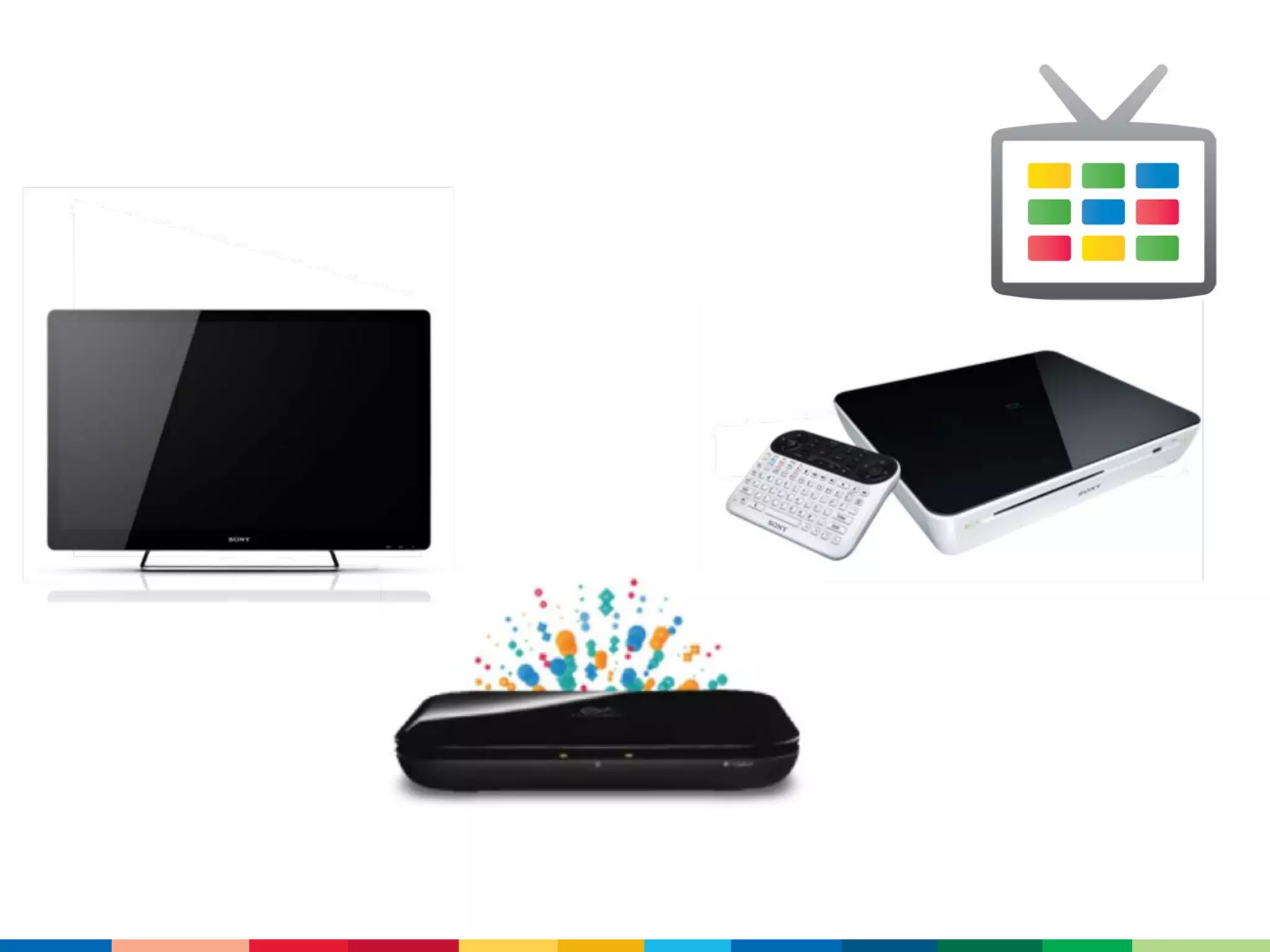
there are a number of devices
      running Google TV
and there are definitely more
          coming!
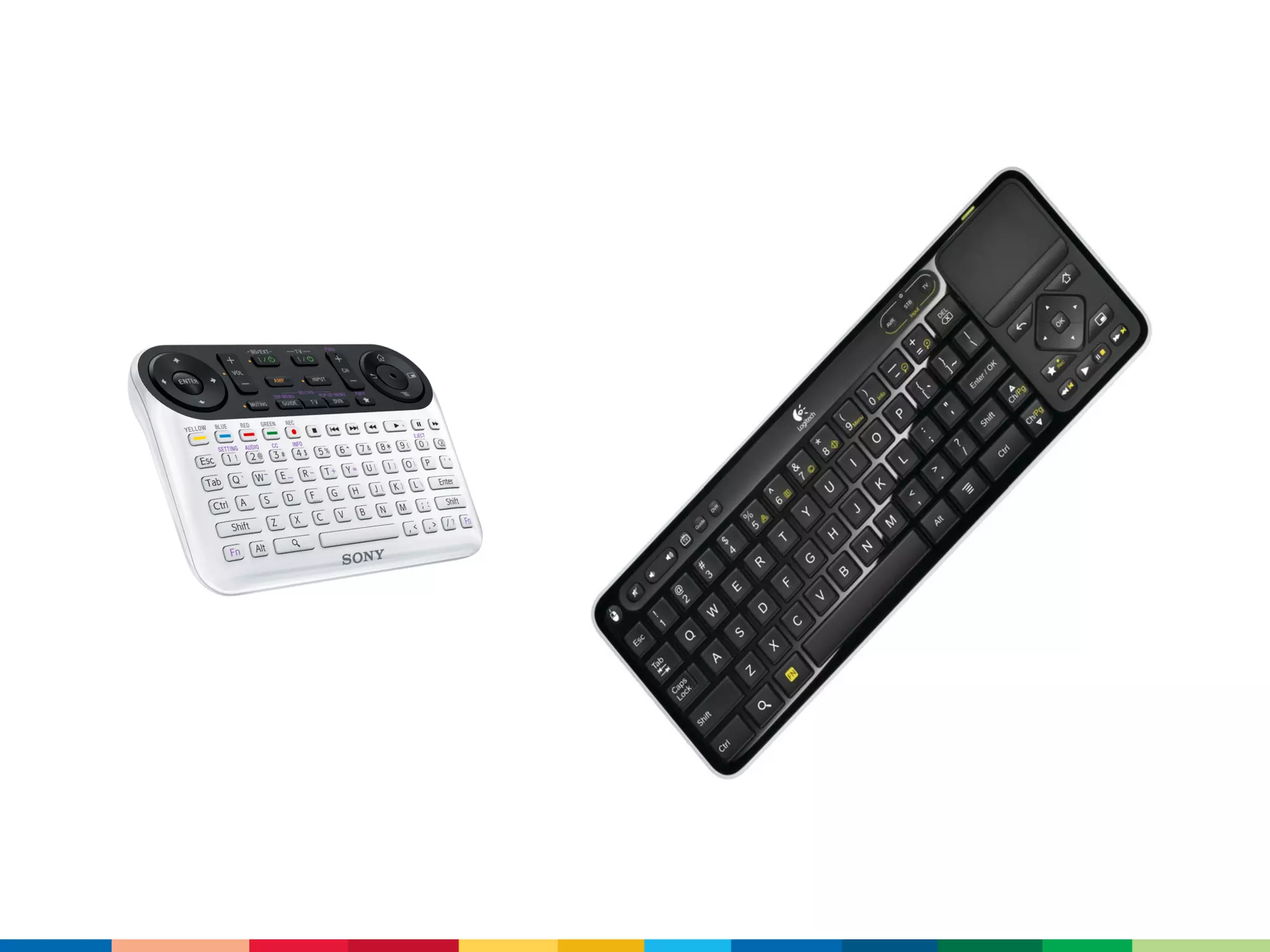
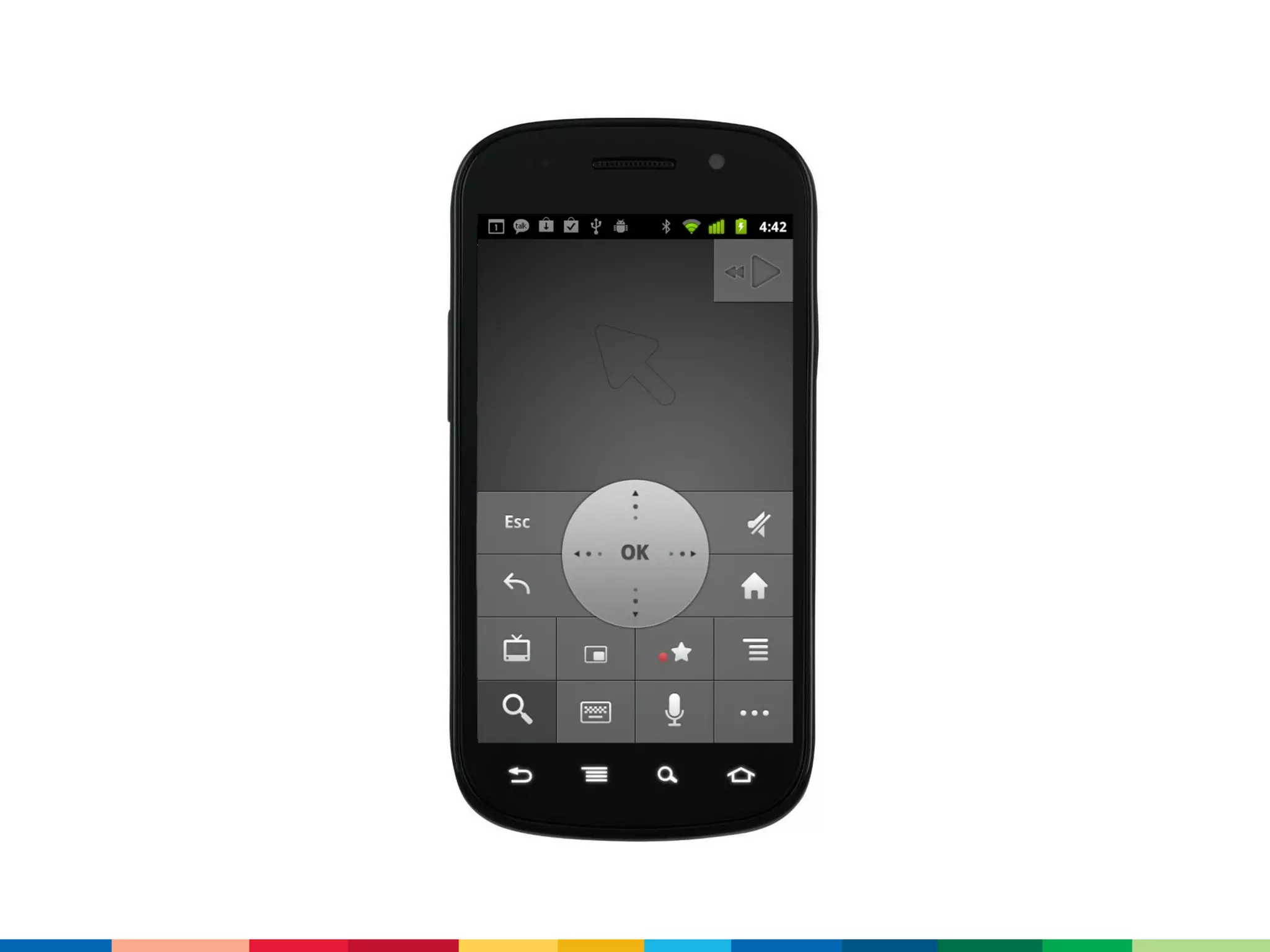
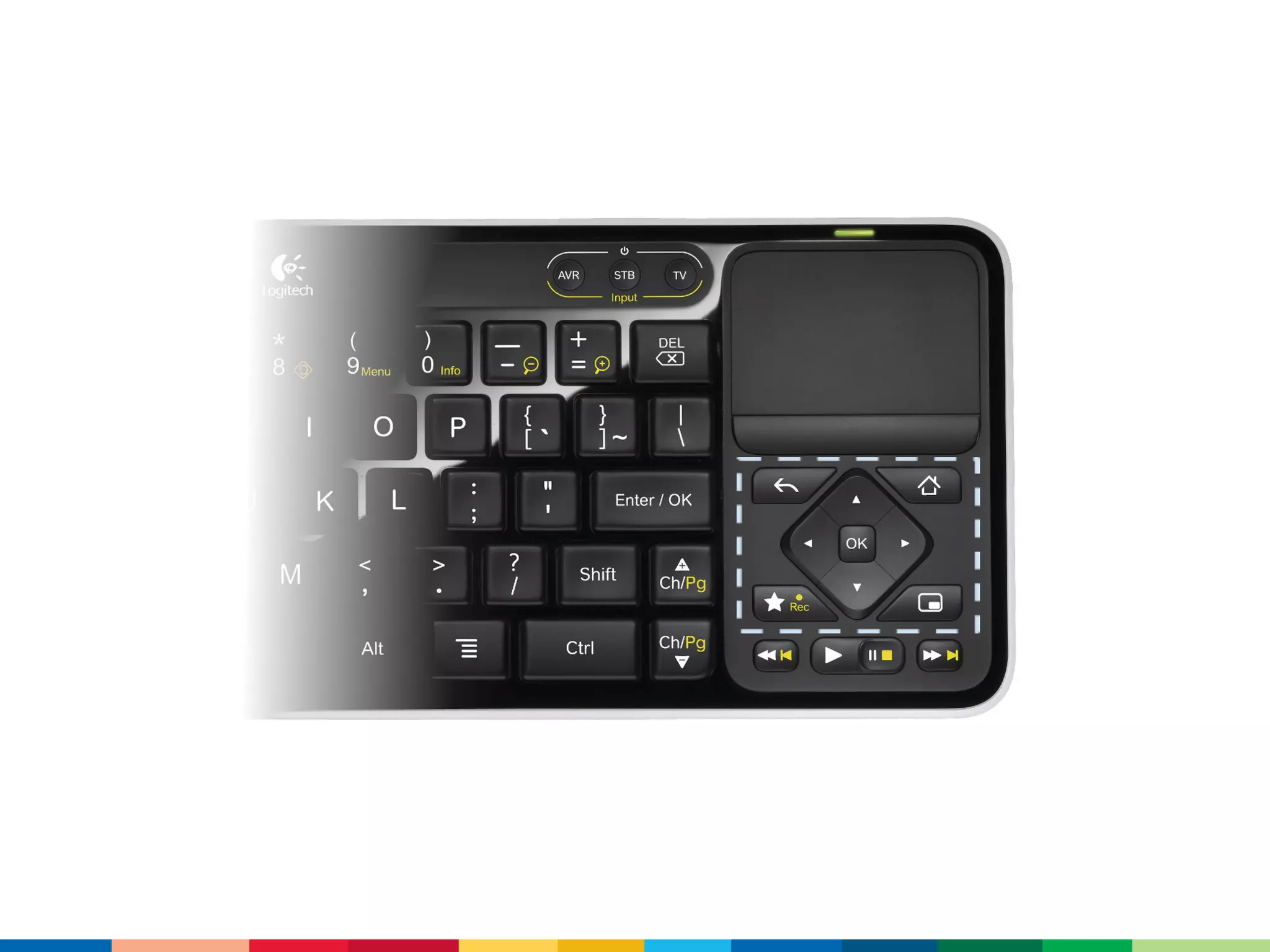
Google TV is controlled with
   devices, such as...
which all support...
keyboards
     search
      d-pad
pointing devices
  media keys
back/home/menu
    favorite
Google TV can also be controlled
      by one or more of...
it has integrated search....
and it also includes TV specific
         features, like...
picture-in-picture
a channel changing activity
a channel listing content provider
device pairing and
communication protocols
and more...
with more to come!
the Android Market is coming to
         Google TV...
and finally, in addition to all the...
Google TV has a full version of...
meaning that developers who
    love the Web and...
can also develop apps for
       Google TV!
so... why should developers
 build apps for Google TV?
to help answer this, here are a
few points to get you thinking...
001/ TVs are, by far, the largest
displays in most households
which means they're great for
watching videos, playing games,
photo slideshows, etc.
010/ TVs are connected to the
best sound systems in most
households
011/ TVs are near very
comfortable furniture in most
households
100/ TVs are great for multi-user
viewing and interaction
101/ TVs are used by over 5
billion people worldwide
110/ on avg, Americans watch
nearly 5 hours of TV daily
(which is increasing)
111/ in 2009, the avg US home
had 2.5 people vs. 2.86 TV sets
          (source: The Nielsen Company)
one more point to consider...
TVs aren't only found in people's
        living rooms...
they are also commonly found in:
bedrooms
hotel rooms
classrooms
airplanes
hospitals
lobbies
bars
and quite a few other places
basically, TVs are everywhere...
a lot of people watch them...
a lot...
and they're getting smarter
        every day
and finally... how does one build a
          Google TV app?
well, since Google TV is...
app developers can use:
01/ the   framework
10/ the   SDK
11/ the   Market
there's also a
Google TV add-on, which
       includes...
an image for the KVM
accelerated, x86 emulator for
   Linux (SDK Tools r12)
Mac and Windows support is on
          the way
for development, there are some
 important things to keep in mind
        about Google TV:
0001/ the (soon to be released)
  Google TV is Android 3.1
         (API level 12)
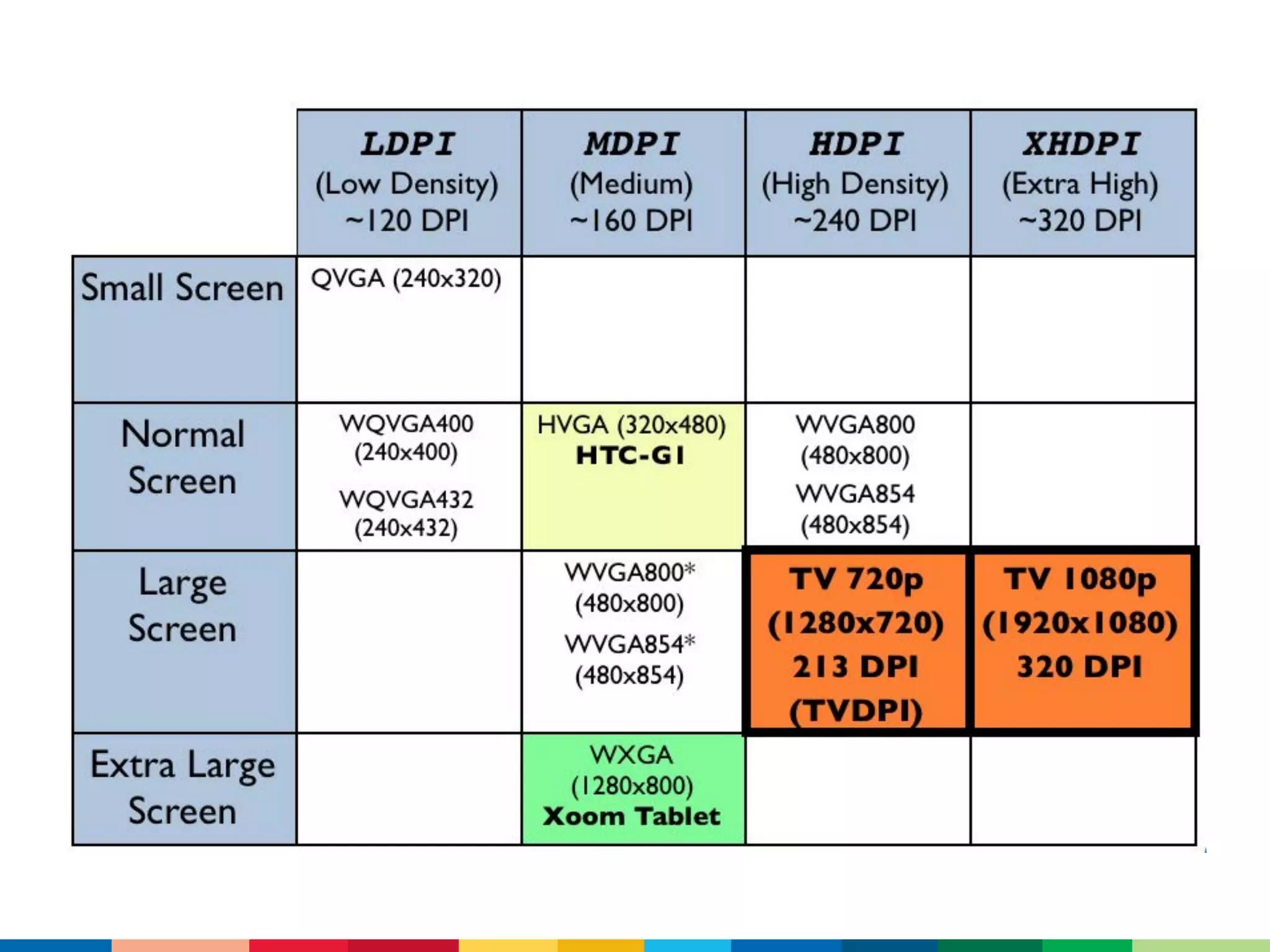
0010/ Google TV supports two
       HD resolutions:
  1920x1080 and 1280x720
and two densities:
tvdpi (213) and xhdpi (320)
but it's always just large
remember, however, that the
 closest resources are used
and don't forget to test both
       resolutions!
0011/ due to overscan, you may
    not get every pixel/DIP
I know this sounds crazy, but let
          me explain...
TVs don't display all the pixels!
so let your views stretch out,
     with some scalable
   padding between them
and scale full-screen bitmaps
           yourself
0100/ at 10ft, TVs are notouch
<uses-feature
  android:name="android.hardware.touchscreen"
  android:required="false"/>
0101/ d-pad navigation
is (generally) better than pointing
so focus, focus, focus...
allow it
android:focusable
android:focusableInTouchMode
show it
<selector>
  <item
     android:drawable="..."
     android:state_focused=["true" | "false"]
     android:state_selected=["true" | "false"] />
</selector>
control it
android:nextFocusDown
android:nextFocusLeft
android:nextFocusRight
android:nextFocusUp
android:nextFocusForward [tab]
requestFocus [default focus; tag and method]
and make sure there's always a
short path between focus-ables
0110/ location is coarse and static
android.permission.ACCESS_COARSE_LOCATION
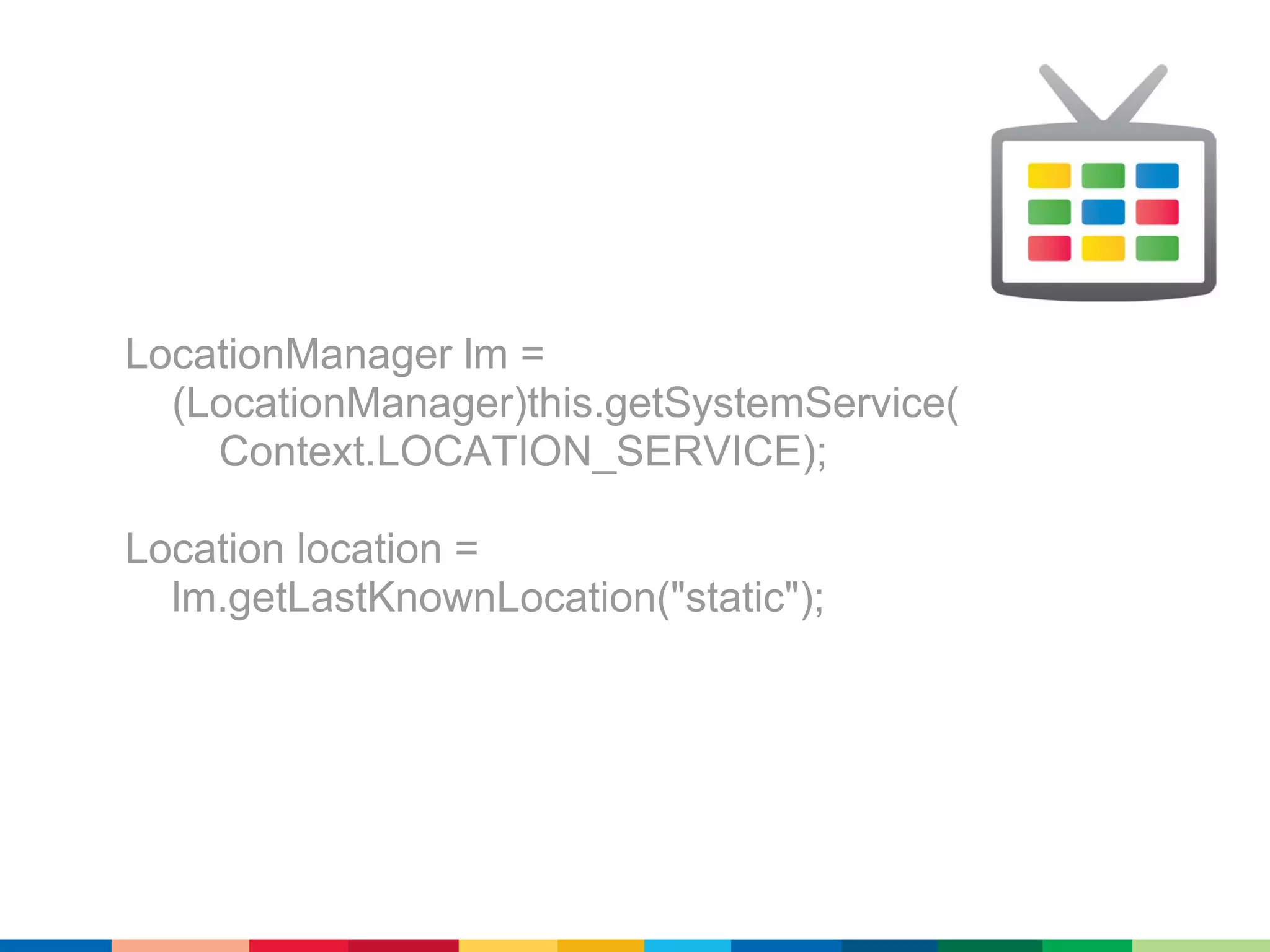
LocationManager lm =
  (LocationManager)this.getSystemService(
    Context.LOCATION_SERVICE);

Location location =
  lm.getLastKnownLocation("static");
1000/ apps can be "made for TV"
     (but only if necessary)
<uses-feature
  android:name="com.google.android.tv"
  android:required="true" />
1001/ be sure to require only the
    features that you need
com.google.android.tv
android.hardware.location
android.hardware.location.network
android.hardware.usb.host
android.hardware.wifi
android.software.live_wallpaper
if a feature is used for everything
   but TV (GPS, vibrate, etc.)...
getPackageManager()
  .hasSystemFeature("com.google.android.tv");
1010/ NDK is on the way, but not
           here yet
1011/ users' channel listings are
           available
com.google.android.tv.permission.READ_CHANNELS
content://com.google.android.tv.
    provider/channel_listing
callsign
channel_name
channel_number
channel_uri
1100/ channel changing is
      possible, too
so that's about it!
what to share your ideas for
        Google TV?
http://bit.ly/googletvadl
FIN!

http://code.google.com/tv

Developing Android Applications for Google TV - Android Developer Lab 2011