


Dart Workshop
by Dmitry Buzdin
July 2013, Riga
You should be here today!
Brought toYou By
Workshop
Preparation
Get Dart
http://www.dartlang.org/#get-started
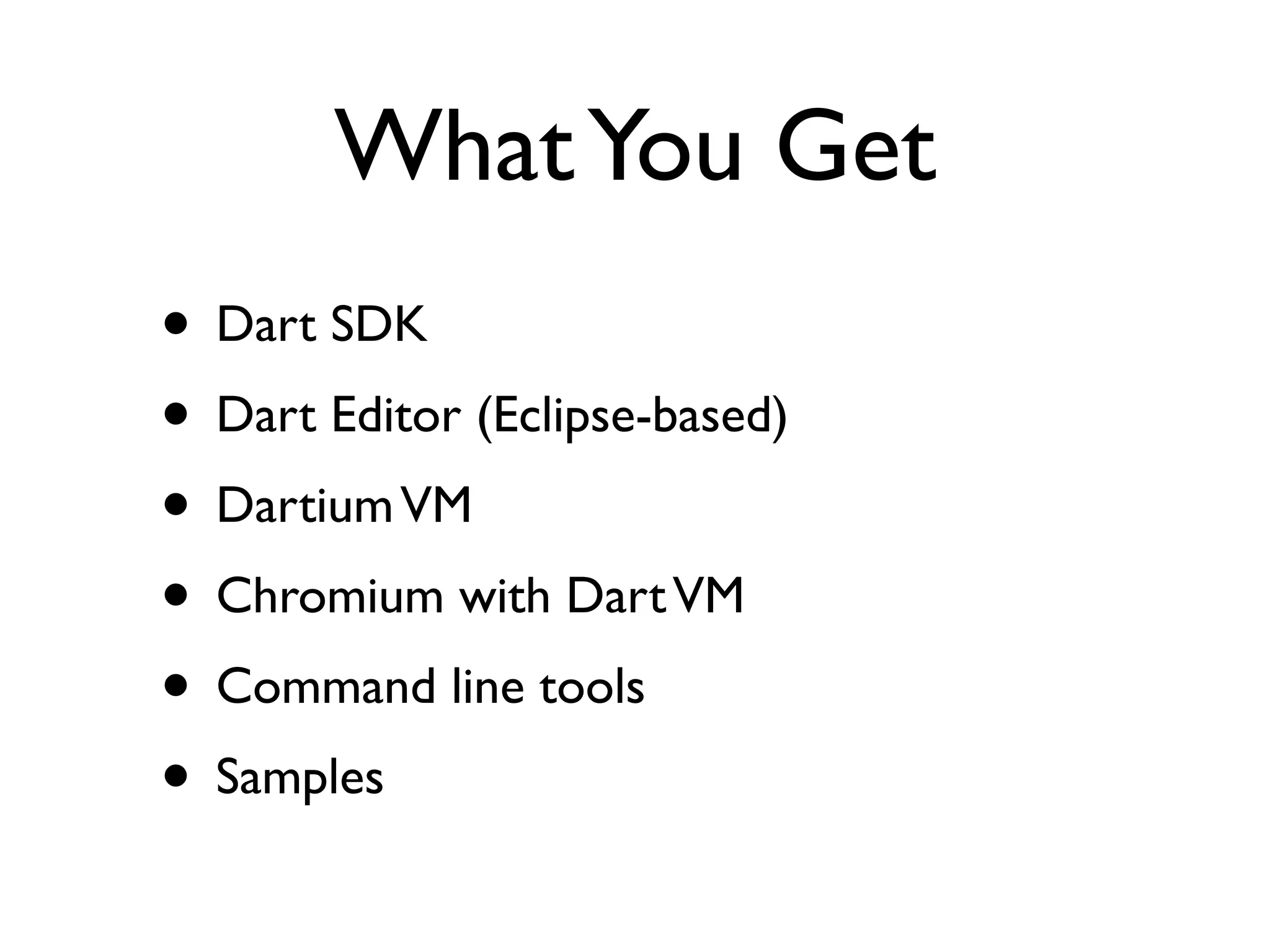
WhatYou Get
• Dart SDK
• Dart Editor (Eclipse-based)
• DartiumVM
• Chromium with DartVM
• Command line tools
• Samples
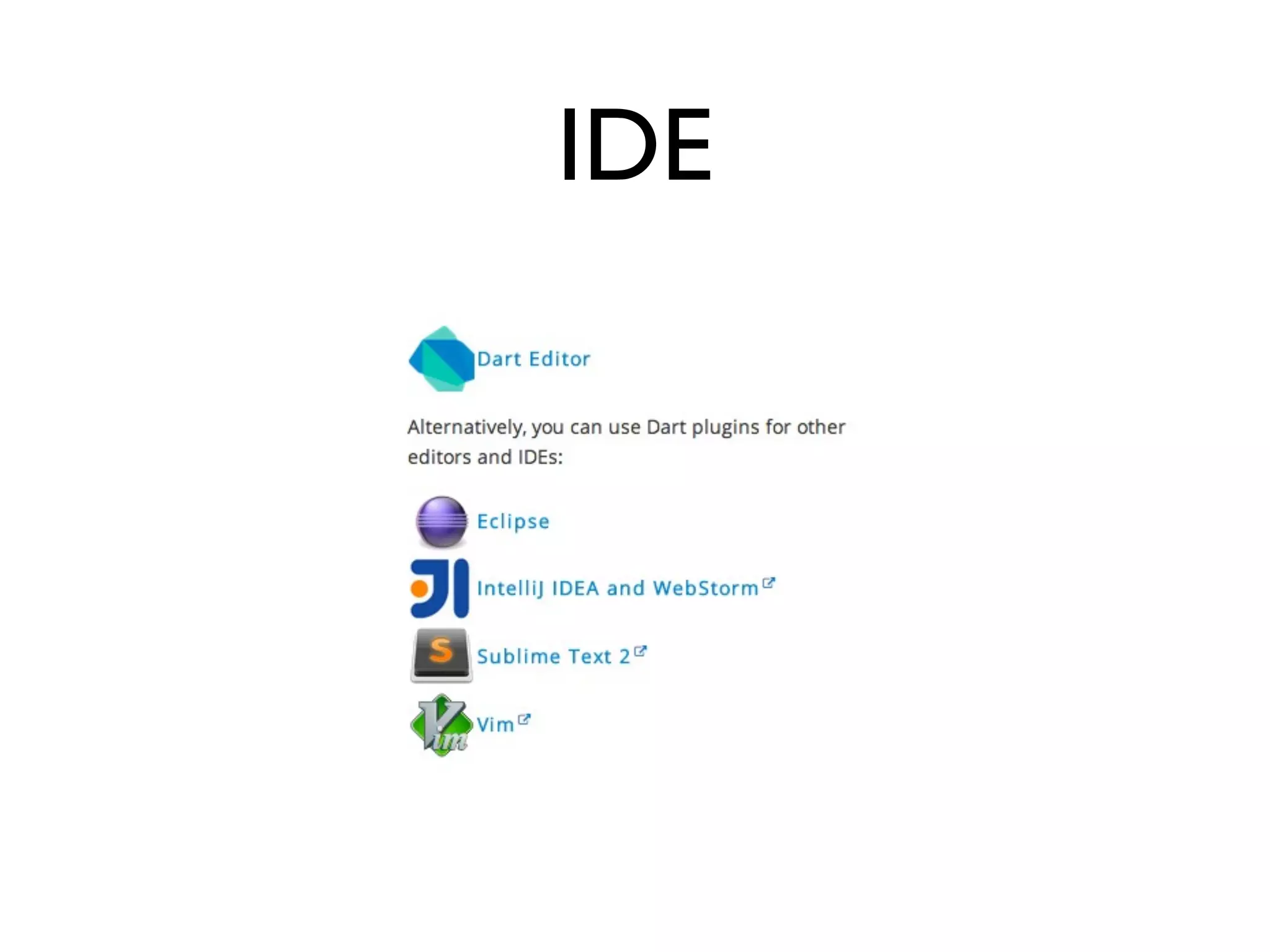
IDE
Prerequisites
• dart installed
• dart2js installed
• pub installed
• Dartium installed
• IDE (Dart Editor, IntelliJ, Sublime,VIM)
Knowledge Required
• HTML/CSS basics
• JavaScript basics
• OOP basics
• FP basics
Join the
Dart
Side
Why Dart?
• JavaScript is broken
• Quest for holy grail is on
• One language for client and server
• Node.js is not an option
DartVM
• Speed
• Multithreading via Isolates
Dart Compiler
• Compiles to JavaScript
• Runs in all modern browsers
• DartVM is faster thanV8
• (according to Google)
Dart Language
• Similar to Java and JavaScript
http://try.dartlang.org/
Main Features
• Functions
• Closures
• Concurrency
• Modularity
• OOP
http://www.dartlang.org/docs/dart-up-and-running/
contents/ch02.html
Optional Type Safety
• Checked during development
• Compiled-out in production
Dart Timeline
• Inspired by Java, JavaScript, GWT
• Revealed in October 2011
• Frequent public releases
• June 19, 2013 First Beta version
• Production ~2014
Warning: Dart is hot!
Code shown will not probably
work after two months
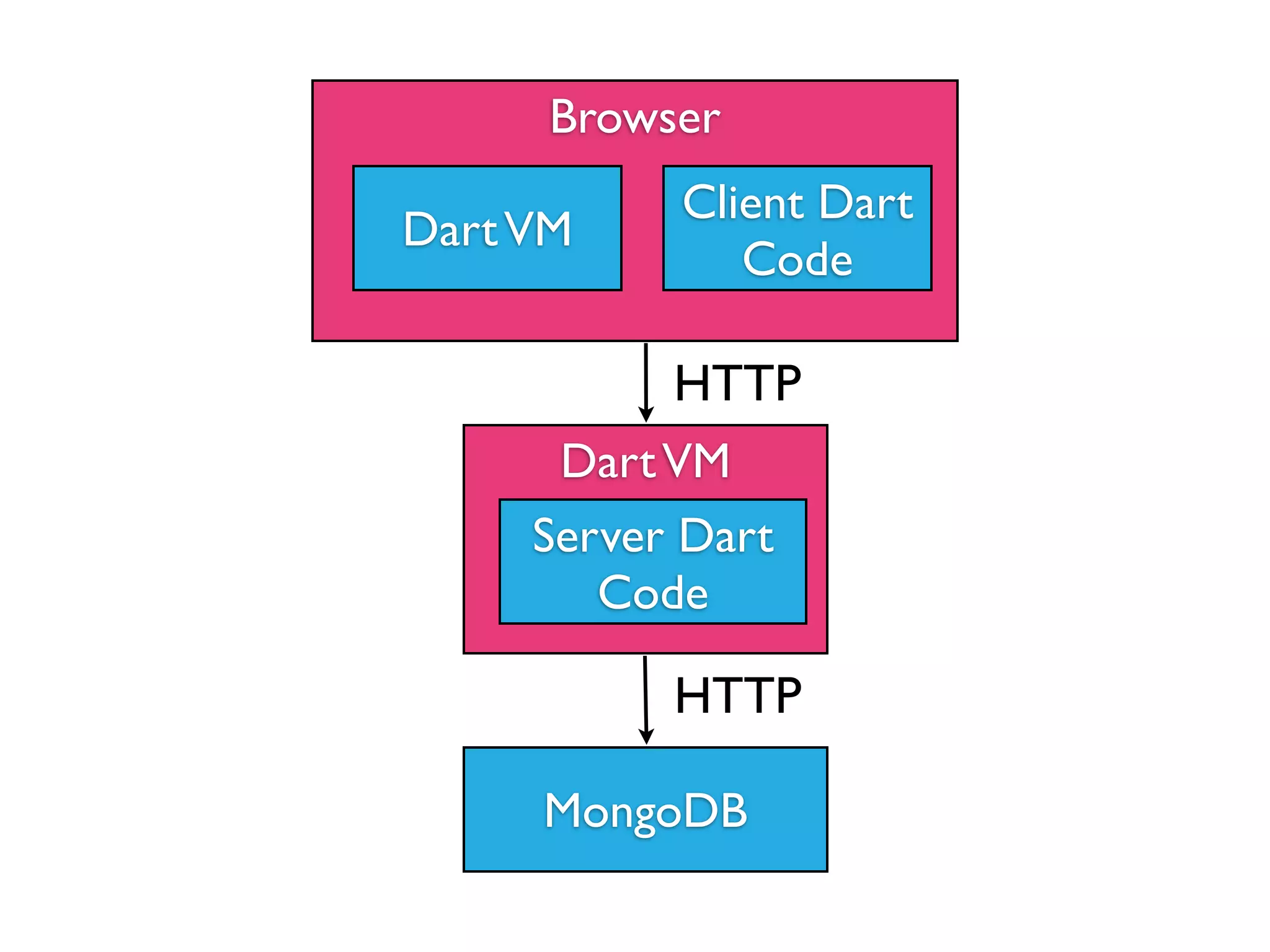
Workshop
Browser
DartVM
Client Dart
Code
DartVM
Server Dart
Code
MongoDB
HTTP
HTTP
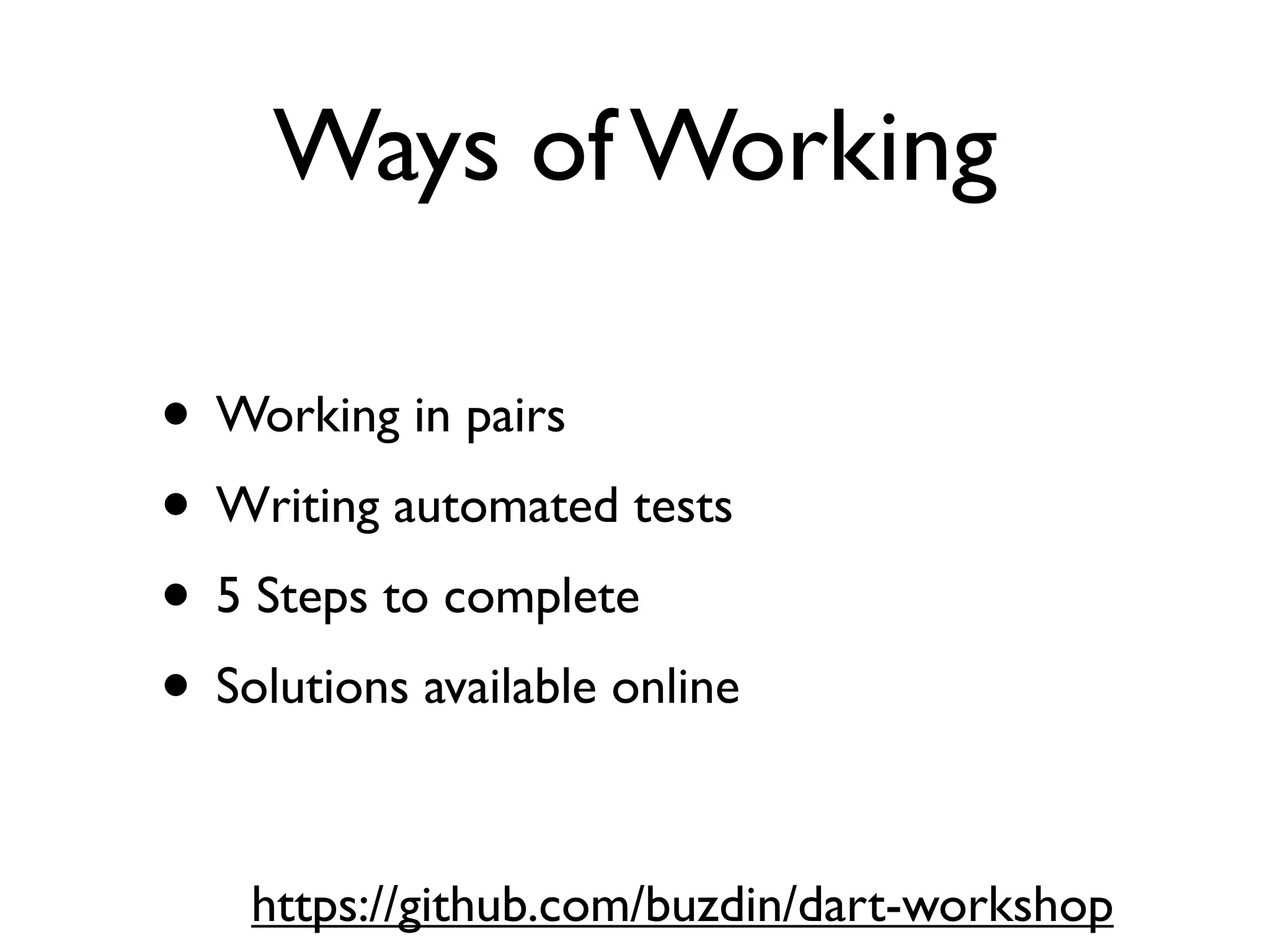
Ways of Working
• Working in pairs
• Writing automated tests
• 5 Steps to complete
• Solutions available online
https://github.com/buzdin/dart-workshop
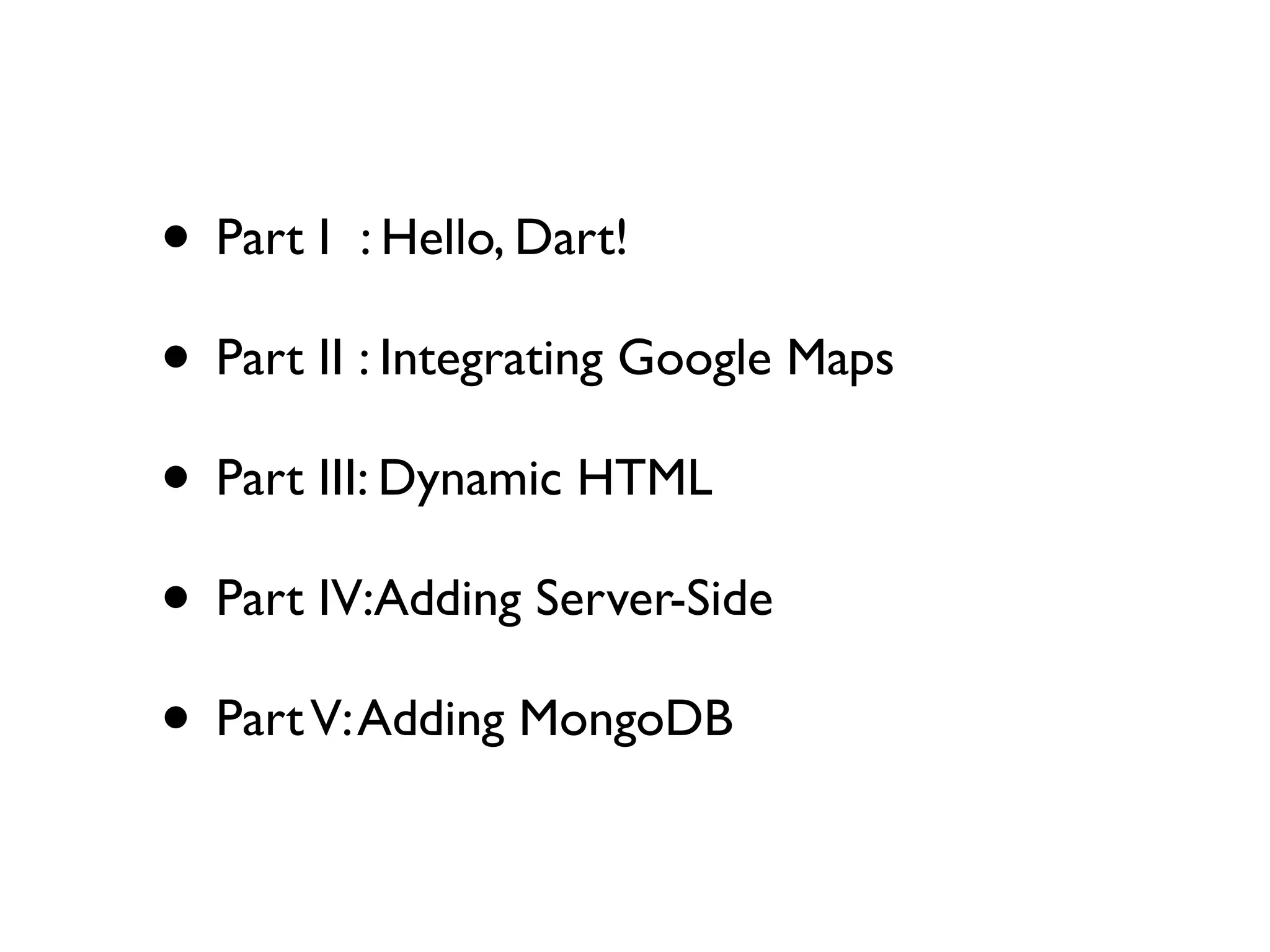
• Part I : Hello, Dart!
• Part II : Integrating Google Maps
• Part III: Dynamic HTML
• Part IV:Adding Server-Side
• PartV:Adding MongoDB
Part I : Hello Dart
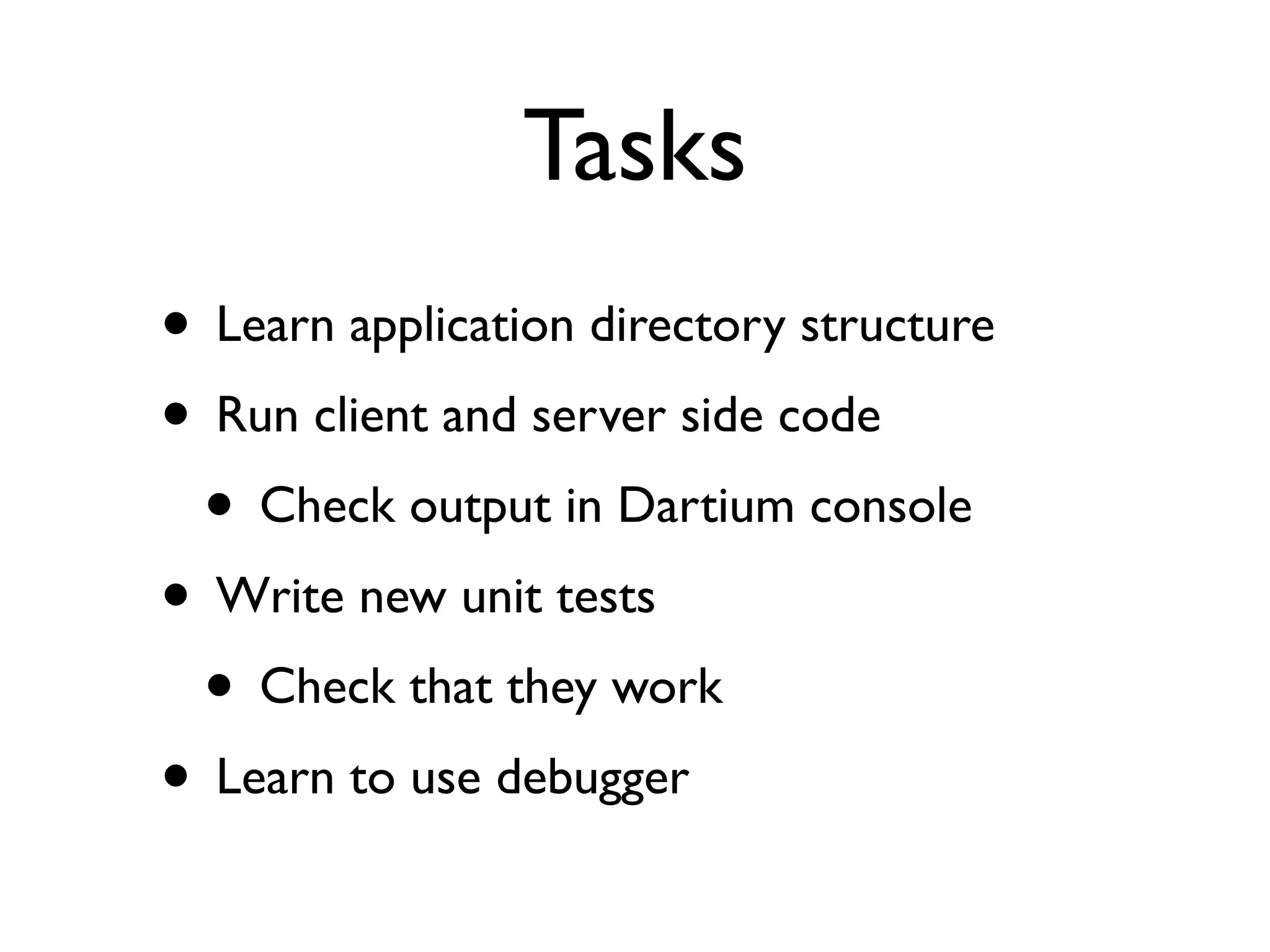
Tasks
• Learn application directory structure
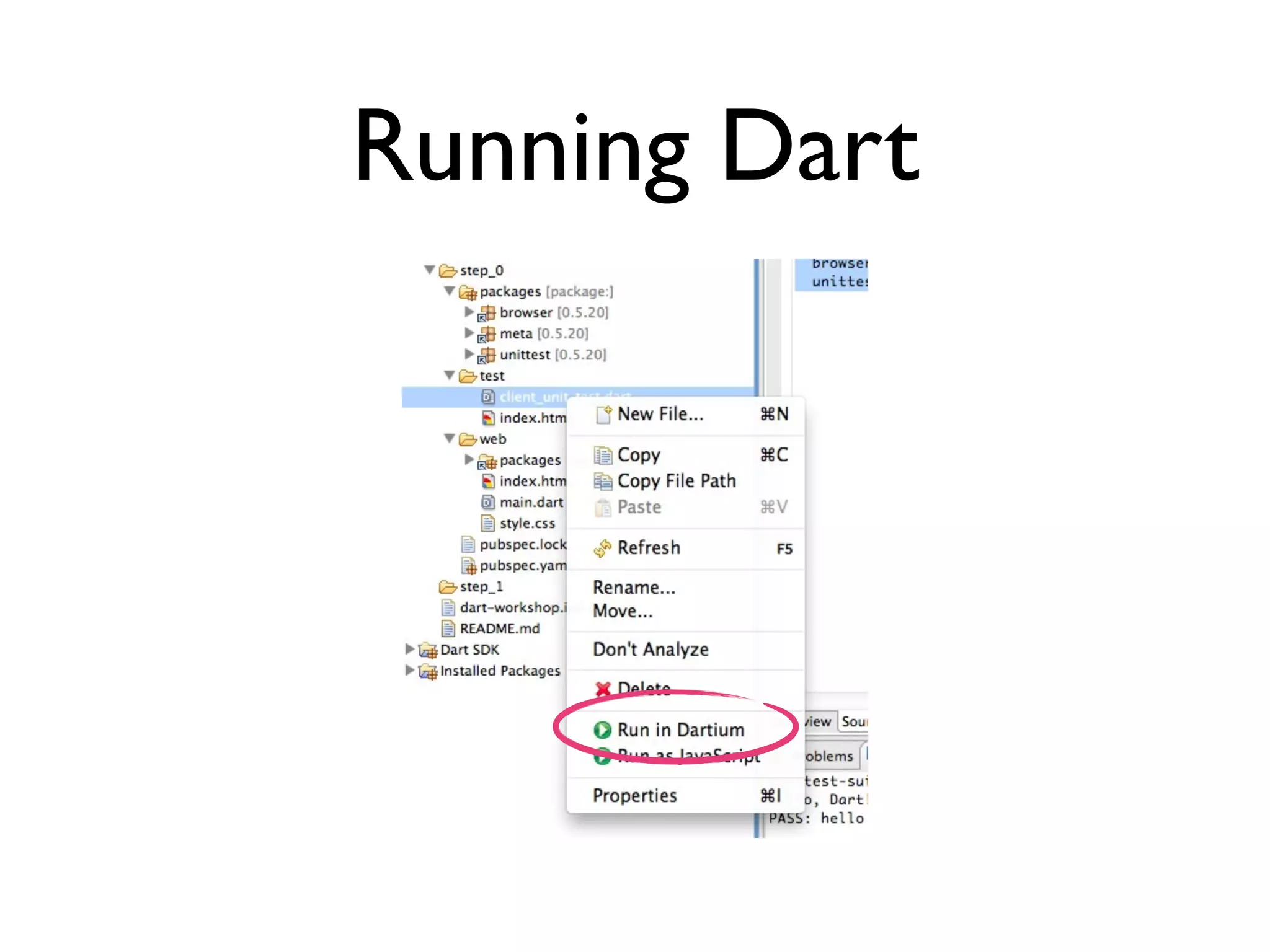
• Run client and server side code
• Check output in Dartium console
• Write new unit tests
• Check that they work
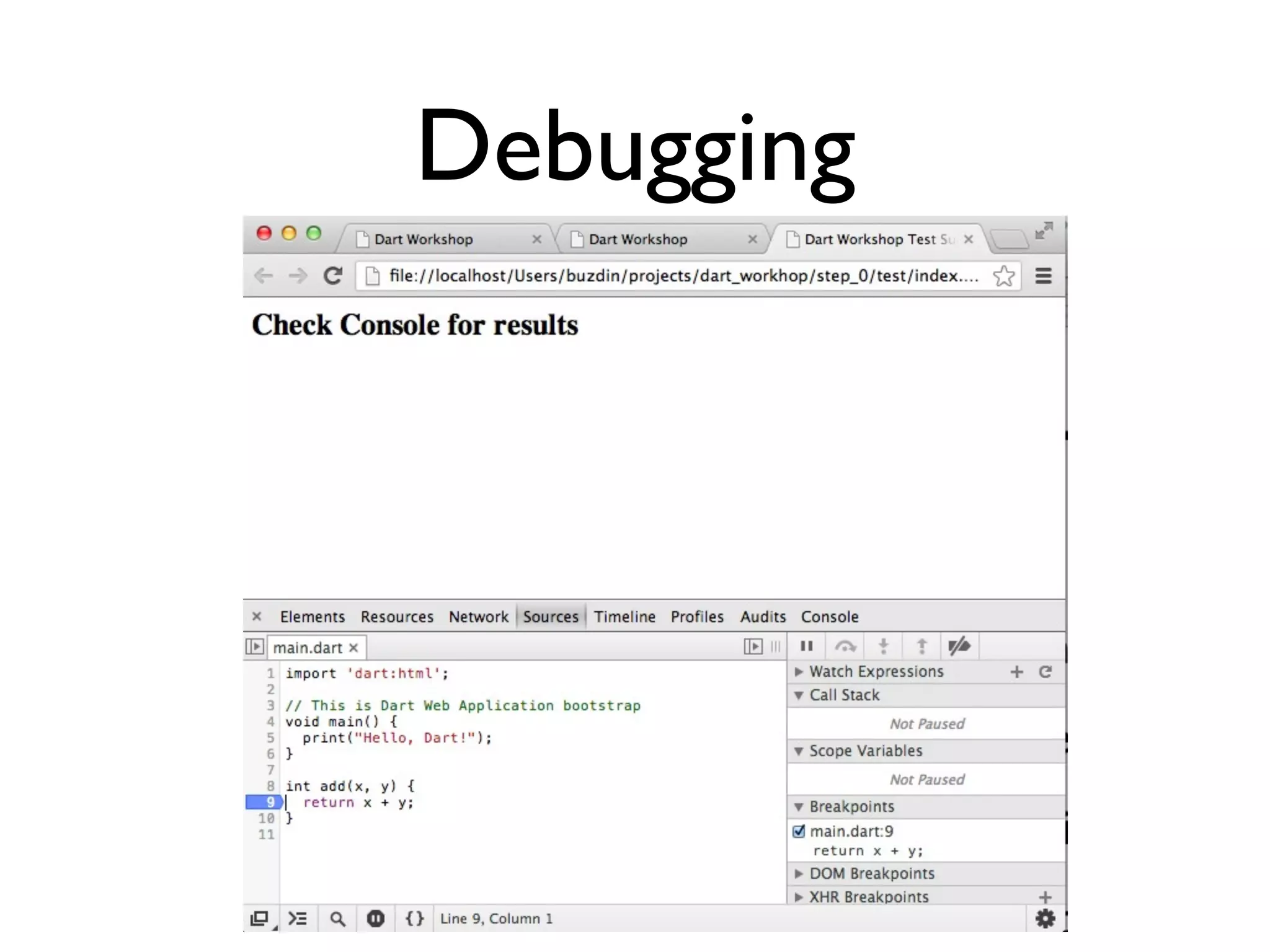
• Learn to use debugger
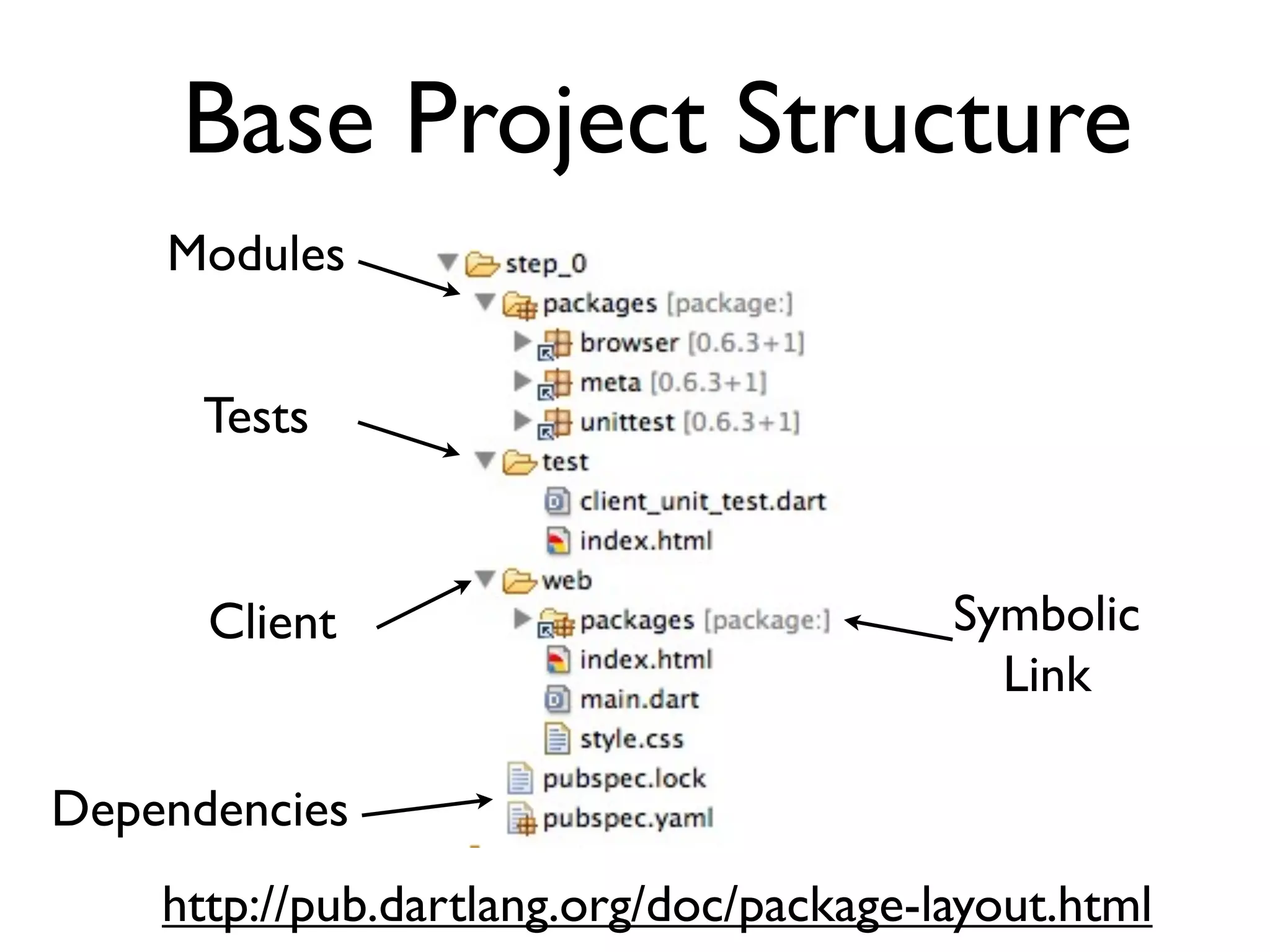
Base Project Structure
Modules
Tests
Client
Dependencies
Symbolic
Link
http://pub.dartlang.org/doc/package-layout.html
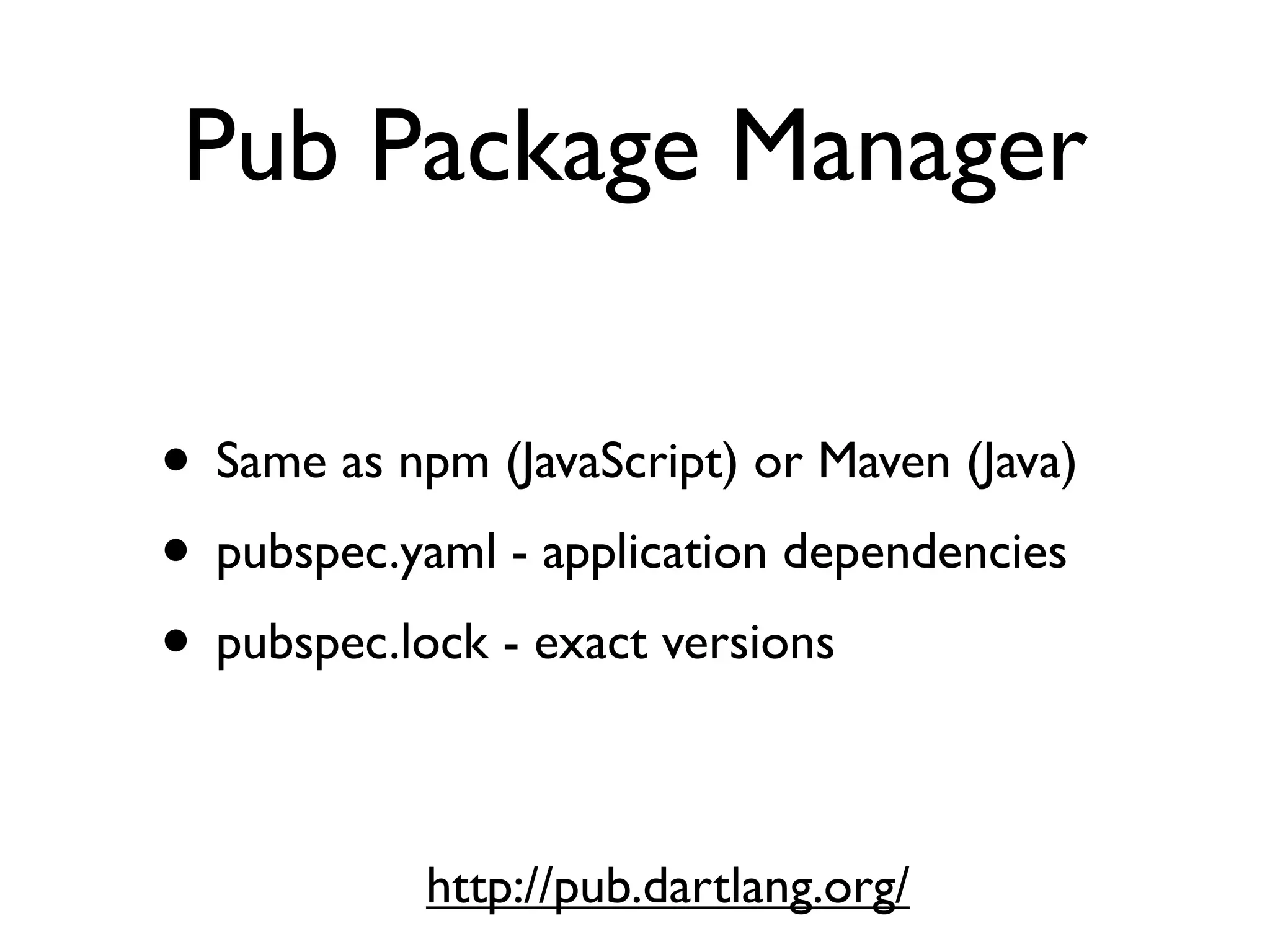
Pub Package Manager
• Same as npm (JavaScript) or Maven (Java)
• pubspec.yaml - application dependencies
• pubspec.lock - exact versions
http://pub.dartlang.org/
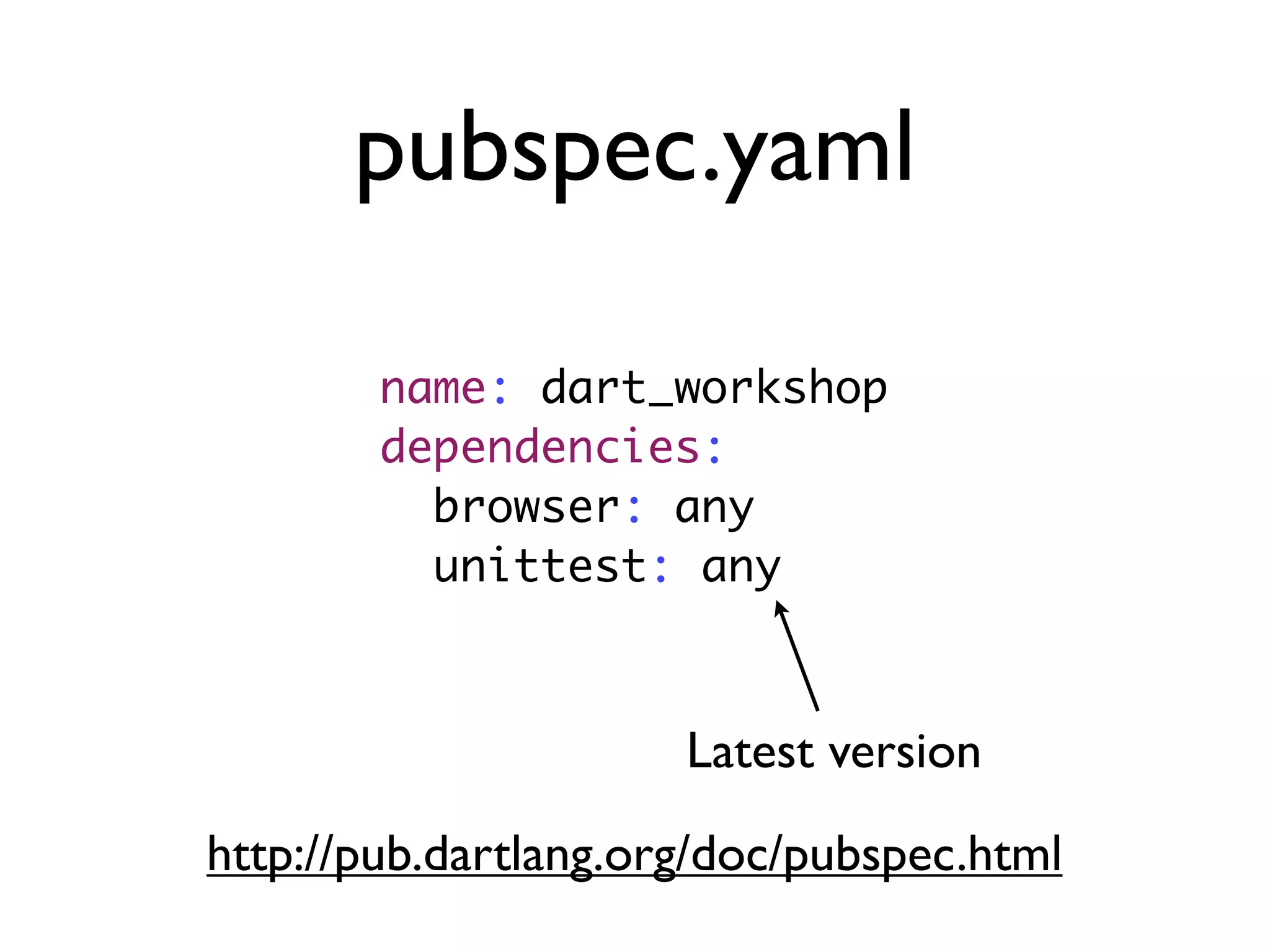
pubspec.yaml
name: dart_workshop
dependencies:
browser: any
unittest: any
Latest version
http://pub.dartlang.org/doc/pubspec.html
Fetch Dependencies
pub install
Resolving dependencies................
Downloading fukiya 0.1.9 from hosted...
Downloading formler 0.0.8 from hosted...
Dependencies installed!
Unit Testing
void main() {
test('QuickSort', () =>
expect(quickSort([5, 4, 3, 2, 1]),
orderedEquals([1, 2, 3, 4, 5]))
);
test('Partition', () {
List array = [3, 2, 1];
int index = _partition(array, 0, array.length-1, 1);
expect(index, equals(1));
expect(array, orderedEquals([1, 2, 3]));
});
}
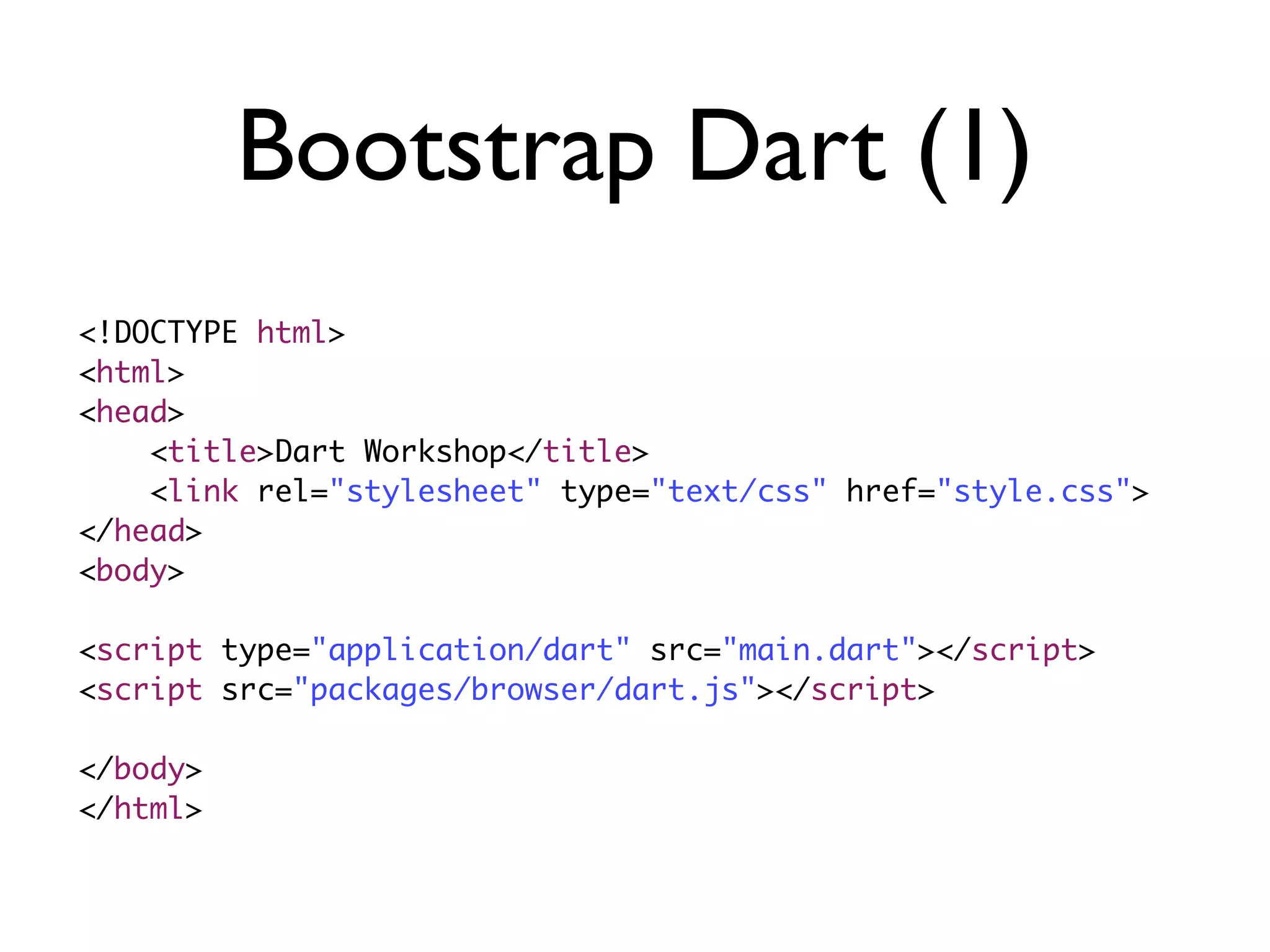
Bootstrap Dart (1)
<!DOCTYPE html>
<html>
<head>
<title>Dart Workshop</title>
<link rel="stylesheet" type="text/css" href="style.css">
</head>
<body>
<script type="application/dart" src="main.dart"></script>
<script src="packages/browser/dart.js"></script>
</body>
</html>
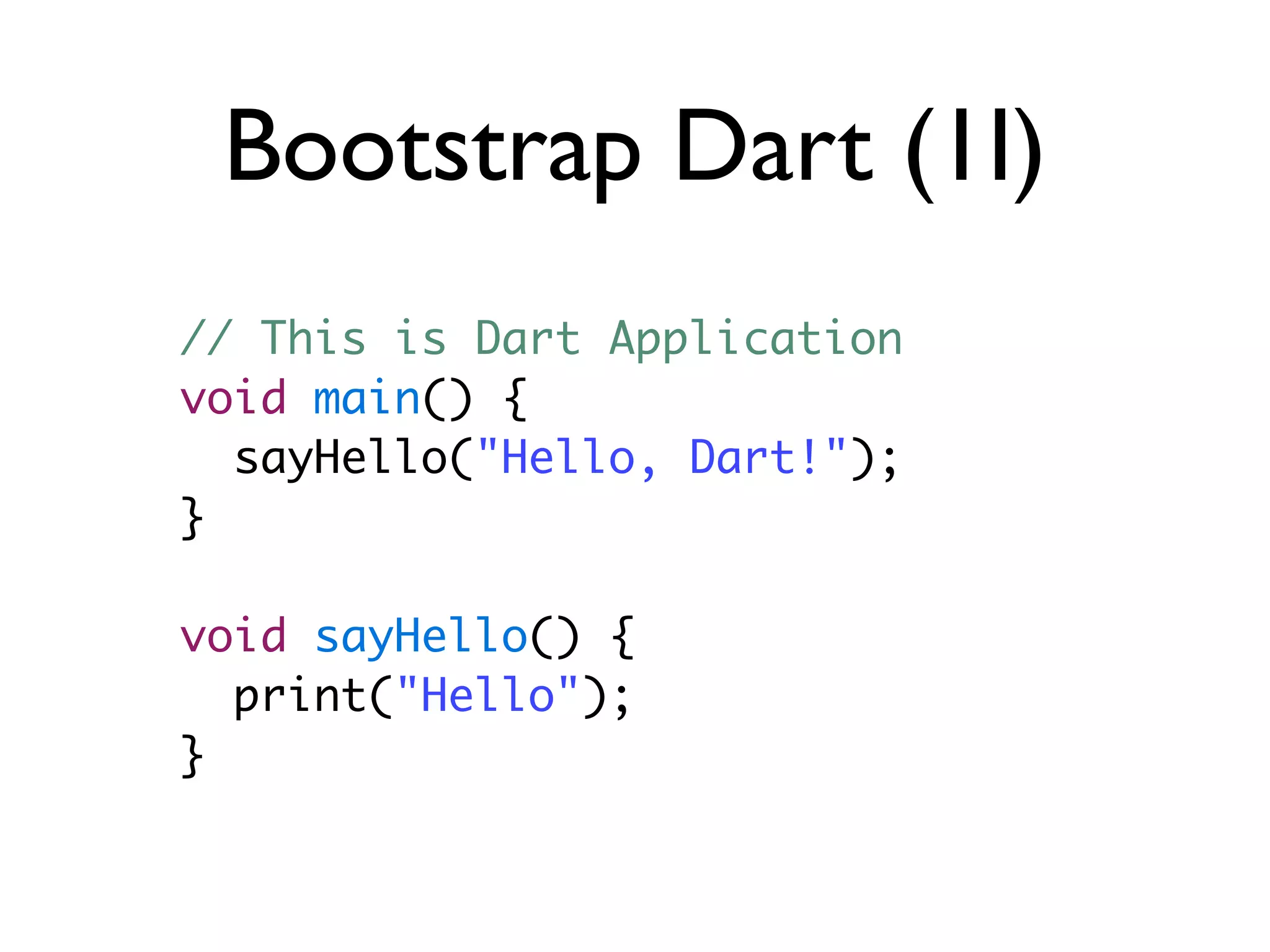
Bootstrap Dart (1I)
// This is Dart Application
void main() {
sayHello("Hello, Dart!");
}
void sayHello() {
print("Hello");
}
Running Dart
Debugging
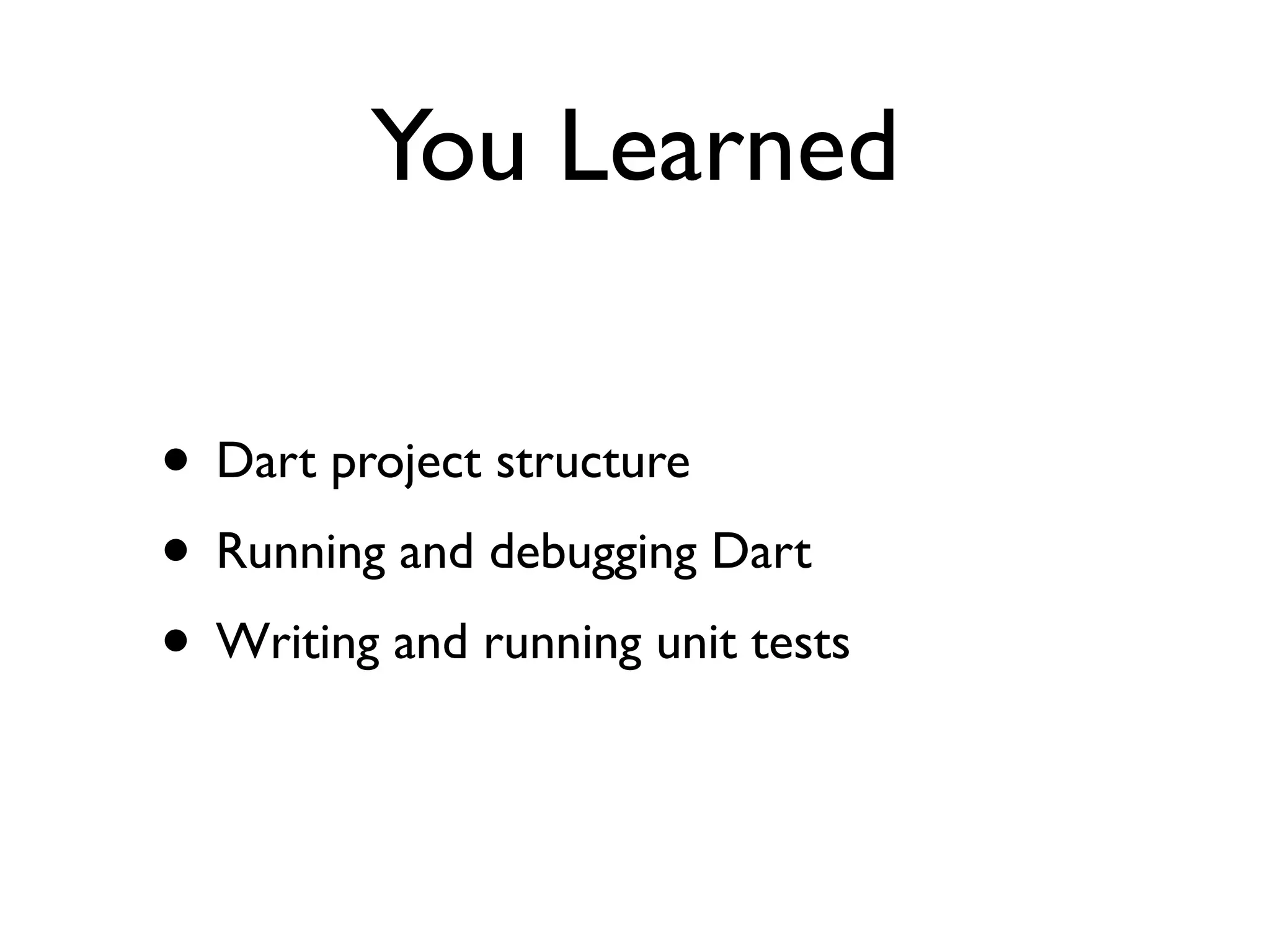
You Learned
• Dart project structure
• Running and debugging Dart
• Writing and running unit tests
Part II : Integrating
Google Maps
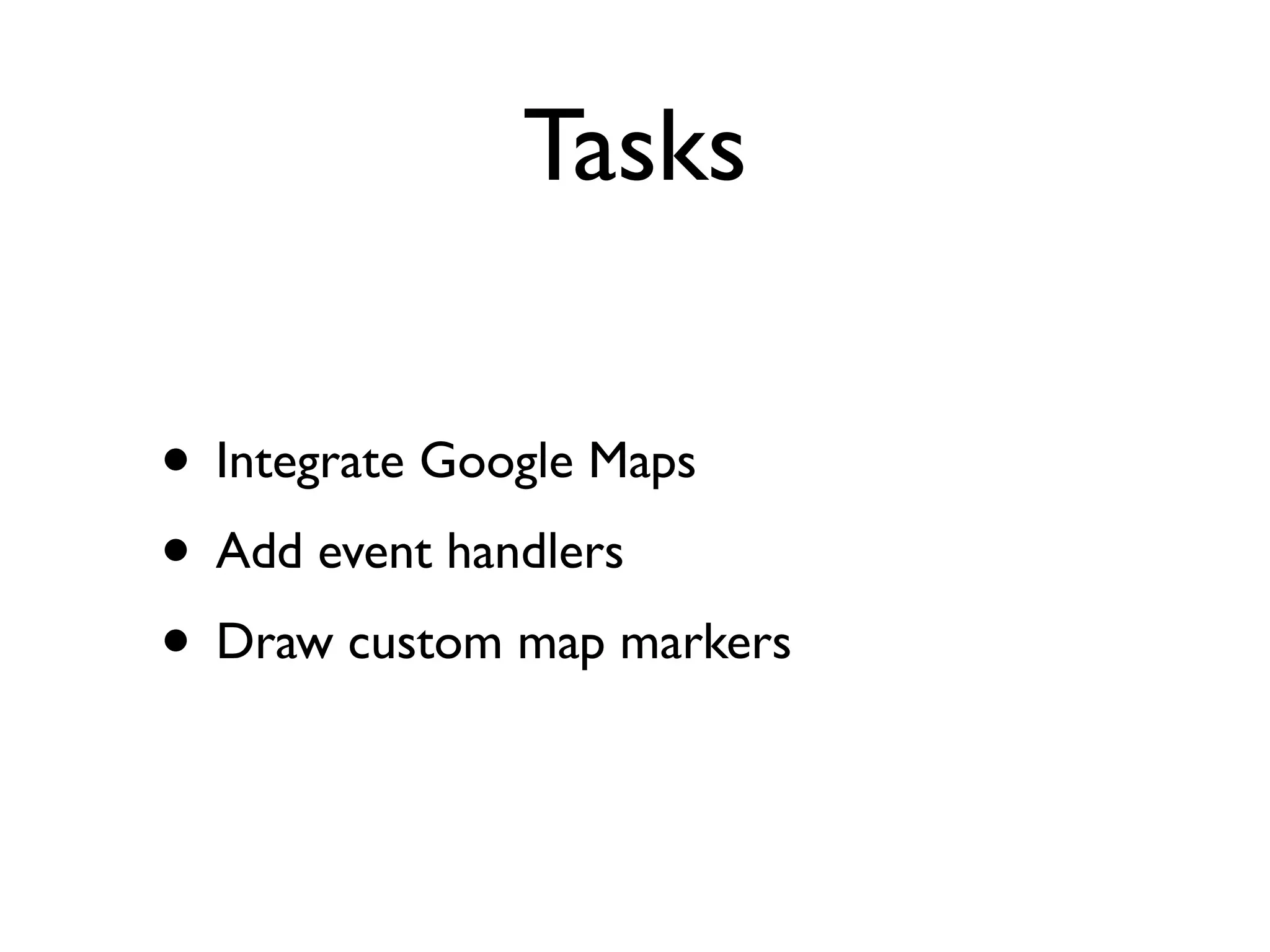
Tasks
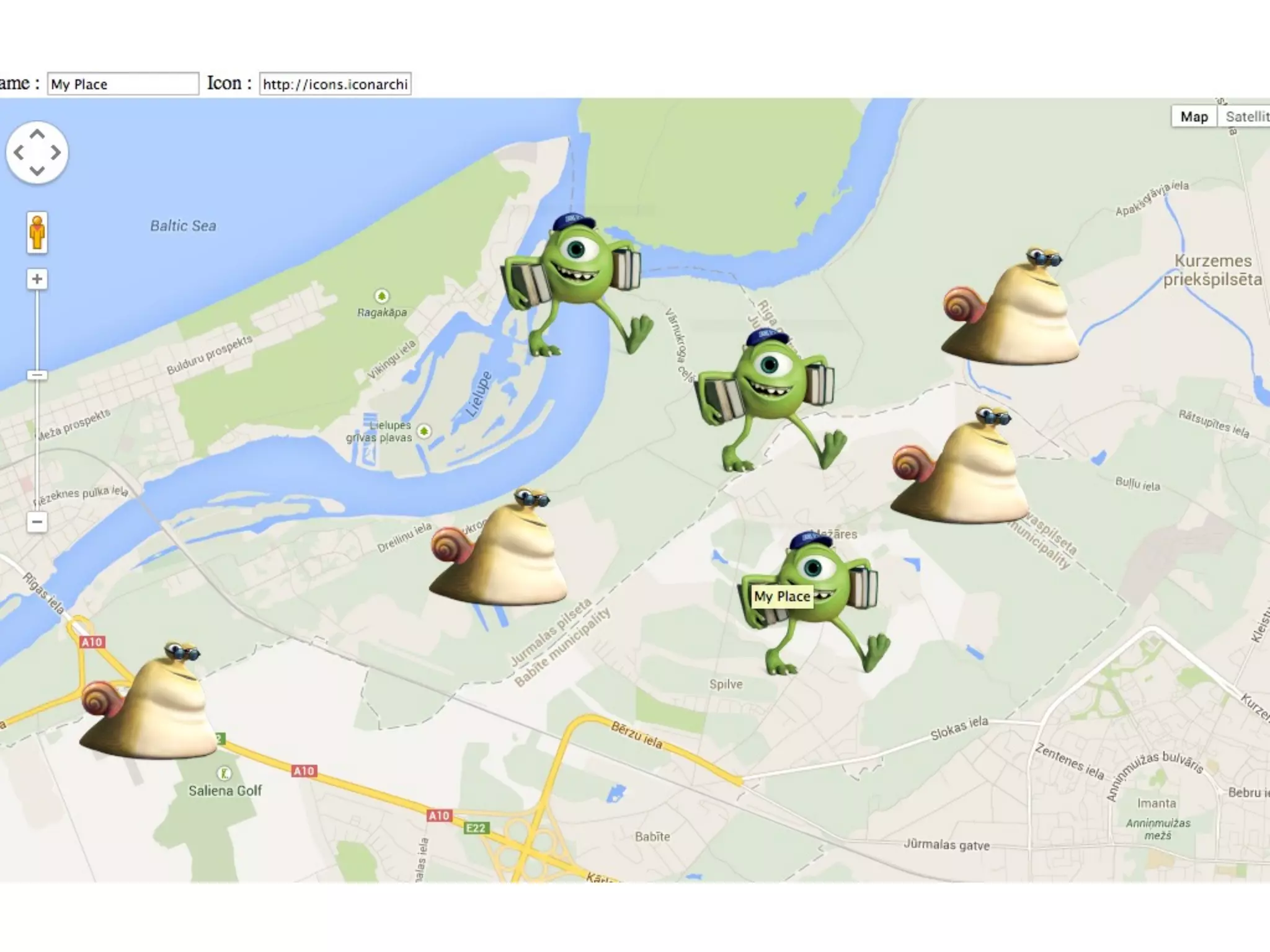
• Integrate Google Maps
• Add event handlers
• Draw custom map markers
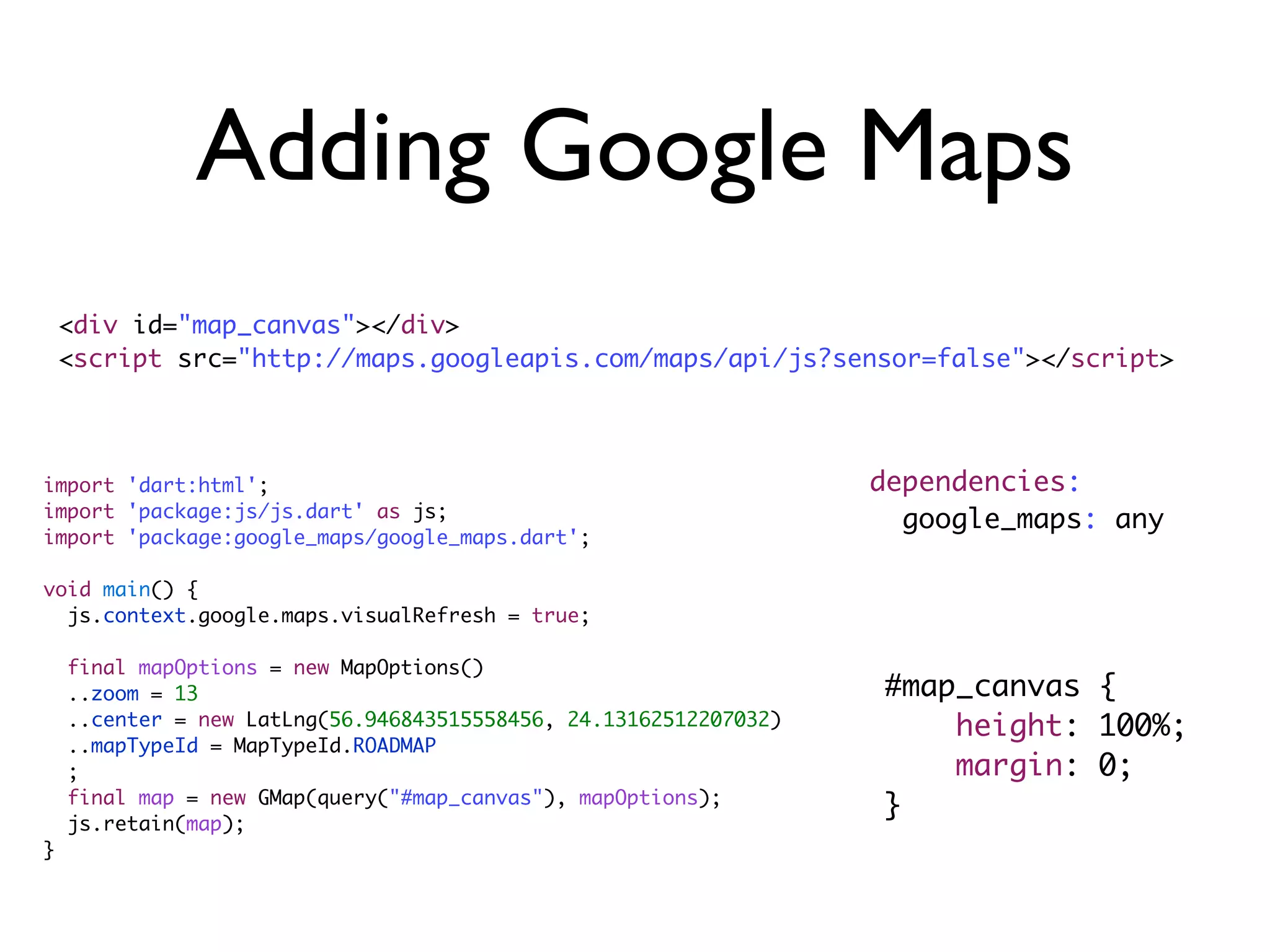
import 'dart:html';
import 'package:js/js.dart' as js;
import 'package:google_maps/google_maps.dart';
void main() {
js.context.google.maps.visualRefresh = true;
final mapOptions = new MapOptions()
..zoom = 13
..center = new LatLng(56.946843515558456, 24.13162512207032)
..mapTypeId = MapTypeId.ROADMAP
;
final map = new GMap(query("#map_canvas"), mapOptions);
js.retain(map);
}
Adding Google Maps
<div id="map_canvas"></div>
<script src="http://maps.googleapis.com/maps/api/js?sensor=false"></script>
dependencies:
google_maps: any
#map_canvas {
height: 100%;
margin: 0;
}
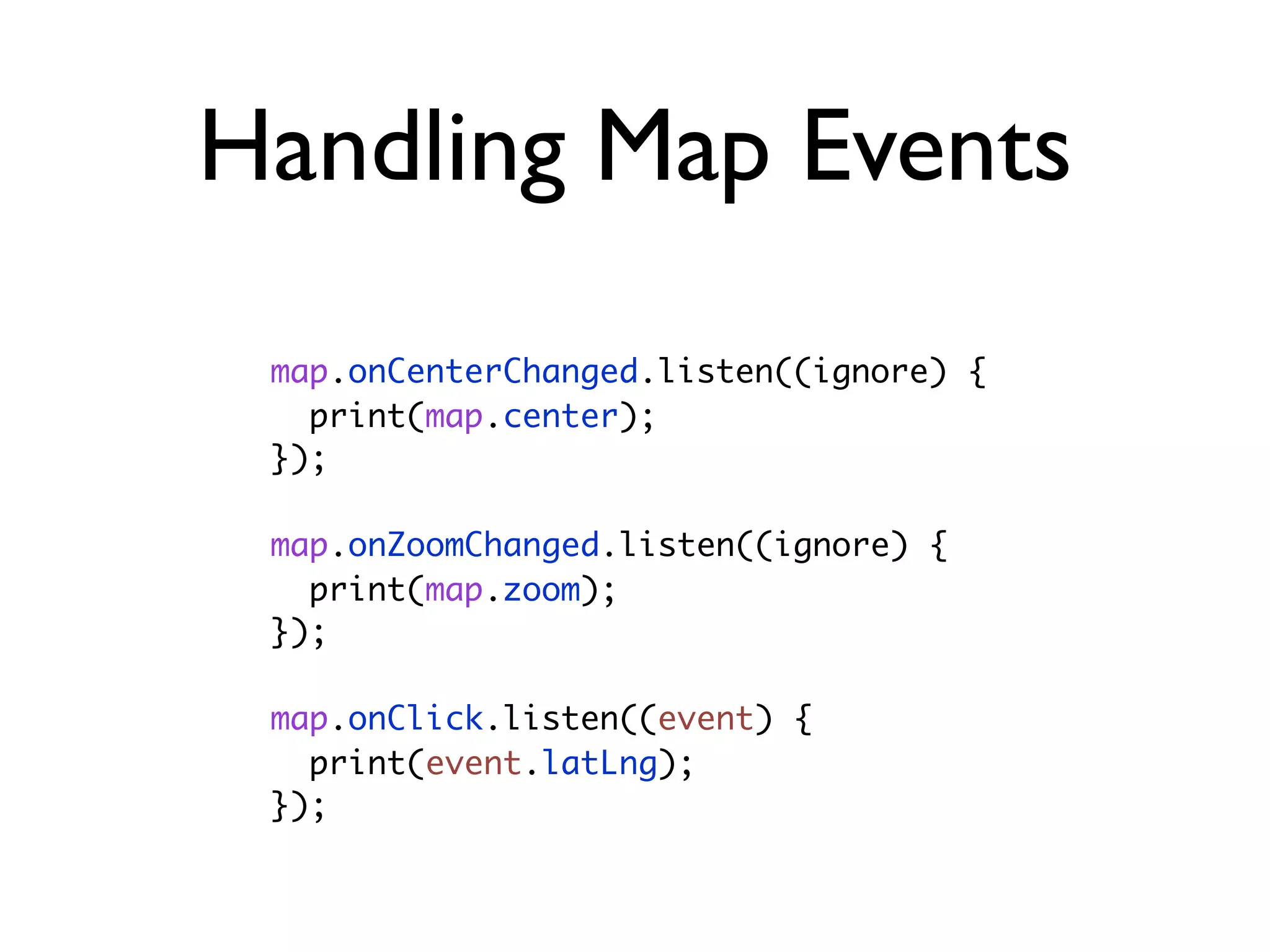
Handling Map Events
map.onCenterChanged.listen((ignore) {
print(map.center);
});
map.onZoomChanged.listen((ignore) {
print(map.zoom);
});
map.onClick.listen((event) {
print(event.latLng);
});
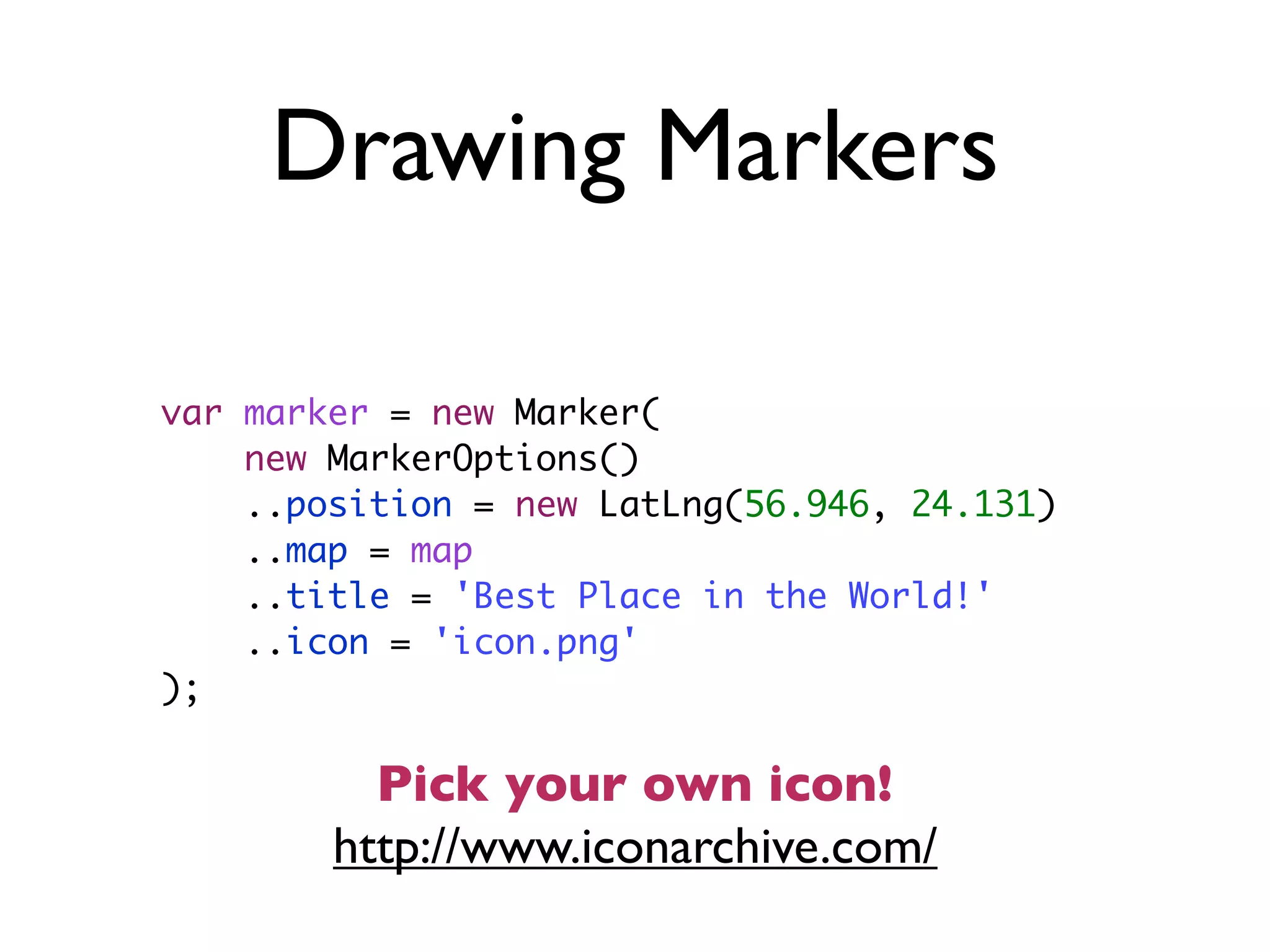
Drawing Markers
var marker = new Marker(
new MarkerOptions()
..position = new LatLng(56.946, 24.131)
..map = map
..title = 'Best Place in the World!'
..icon = 'icon.png'
);
http://www.iconarchive.com/
Pick your own icon!
Event Streams
http://www.dartlang.org/articles/feet-wet-streams/
TODO
You Learned
• Adding JavaScript libraries
• Integrating Google Maps API
• Using event Streams
• Picking icons
Part III : Dynamic
HTML
Tasks
• Draw input form for place name and icon
• Show/hide DOM elements
• Attach custom DOM event handlers
JQuery in Dart
import 'dart:html';
Element elem1 = query('#an-id'); // Find an element by id (an-id).
Element elem2 = query('.a-class'); // Find an element by class (a-class).
List<Element> elems1 = queryAll('div'); // Find all elements by tag (<div>).
List<Element> elems2 = queryAll('input[type="text"]'); // Find all text inputs.
// Find all elements with the CSS class 'class' inside of a <p>
// that is inside an element with the ID 'id'.
List<Element> elems3 = queryAll('#id p.class');
http://api.dartlang.org/docs/releases/latest/dart_html.html
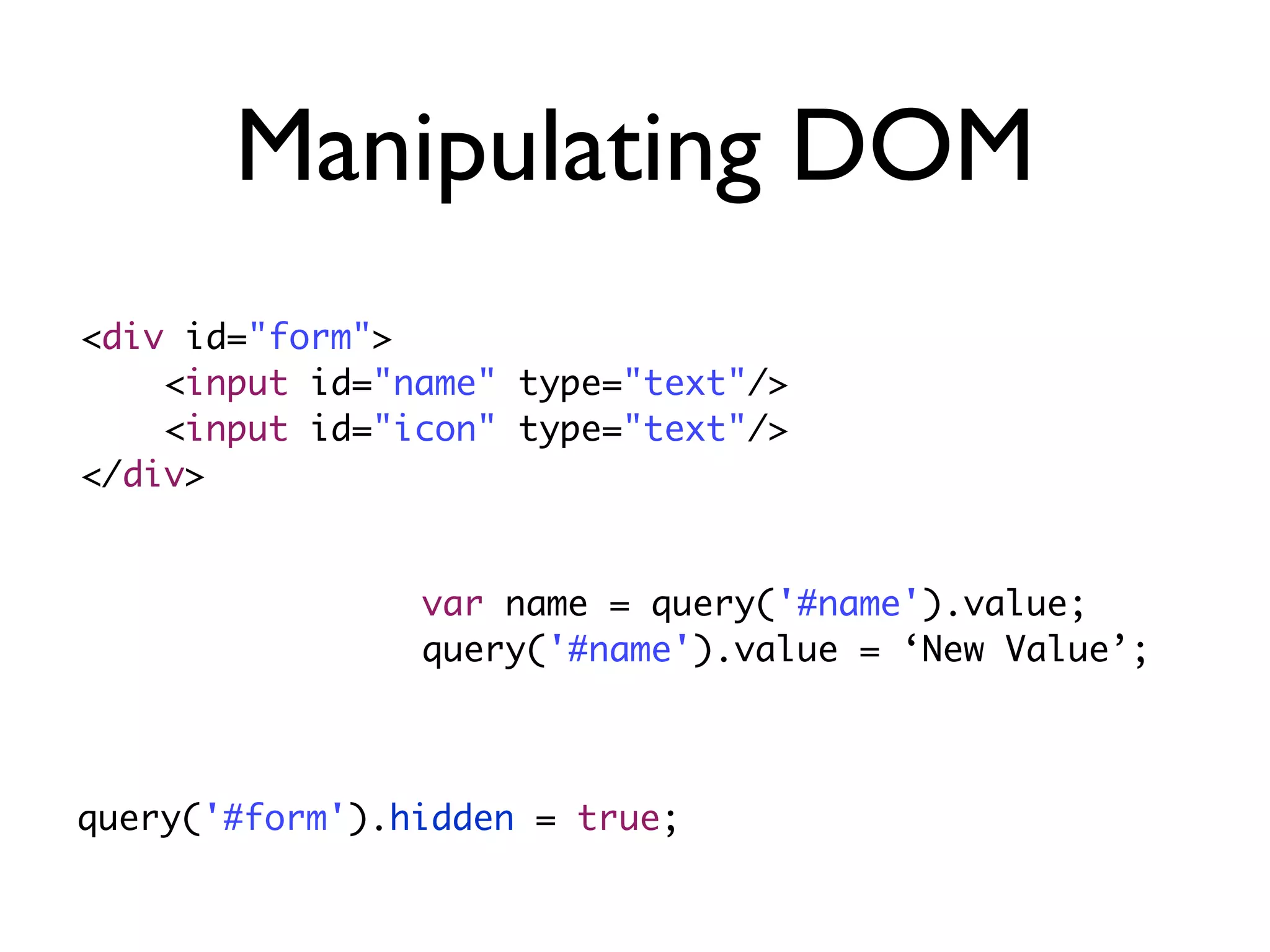
Manipulating DOM
<div id="form">
<input id="name" type="text"/>
<input id="icon" type="text"/>
</div>
var name = query('#name').value;
query('#name').value = ‘New Value’;
query('#form').hidden = true;
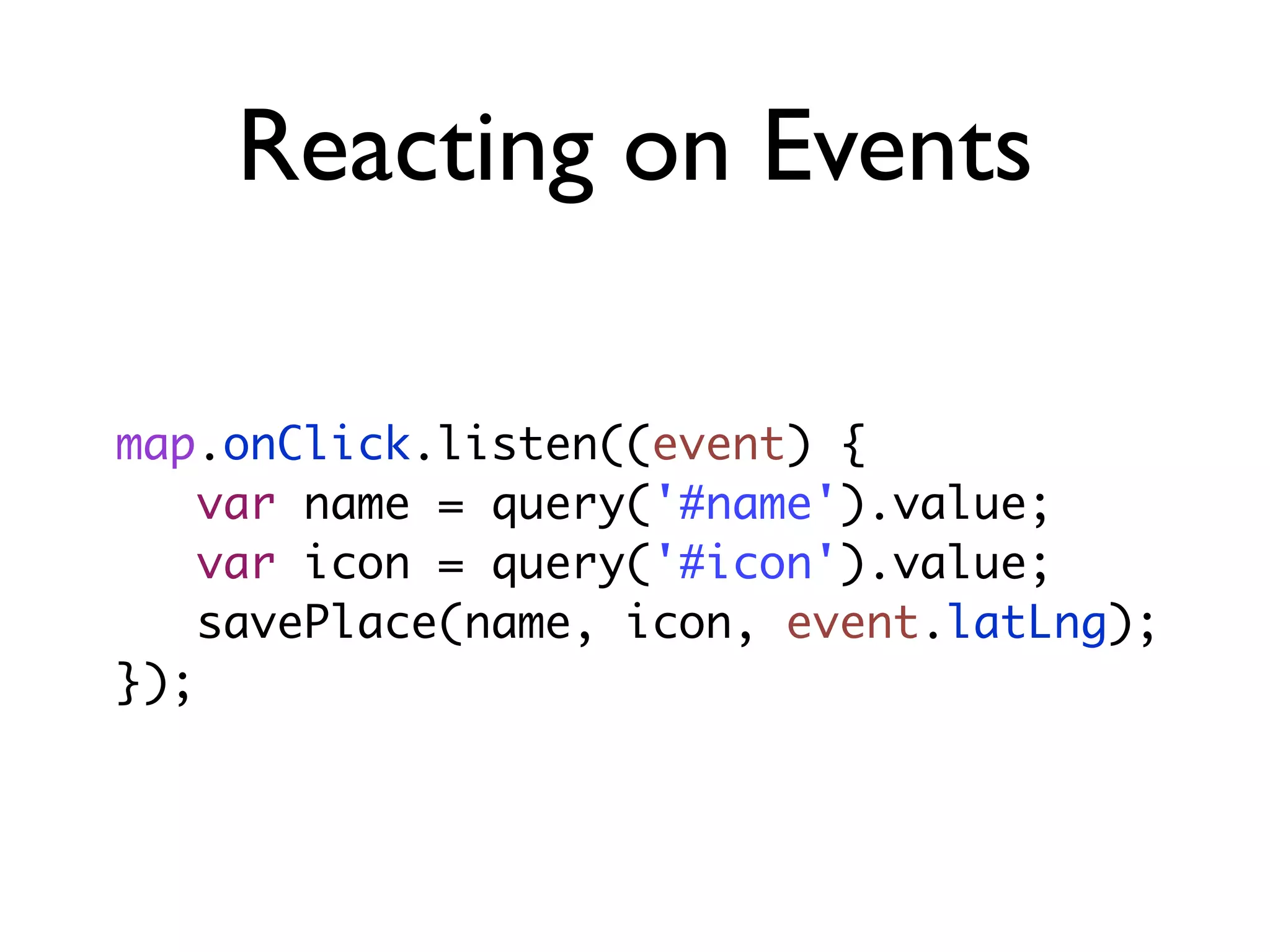
Reacting on Events
map.onClick.listen((event) {
var name = query('#name').value;
var icon = query('#icon').value;
savePlace(name, icon, event.latLng);
});
You Learned
• JQuery is built-in in Dart
• Learned to manipulate DOM
• Learned to attach event handlers
Part IV :Adding Server
Tasks
• Draw input form for place name and icon
• Show/hide DOM elements
• Attach custom DOM event handlers
REST API
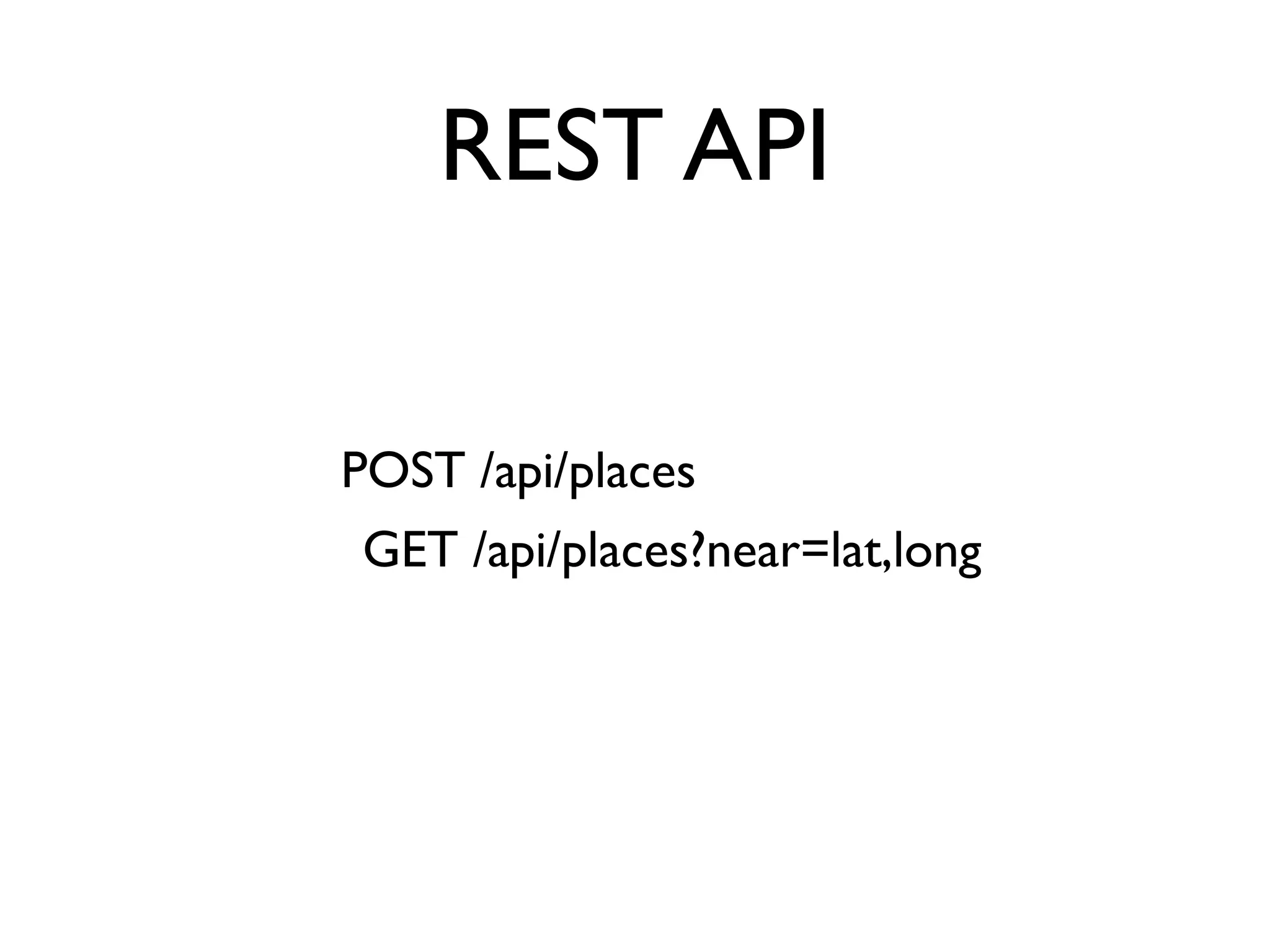
POST /api/places
GET /api/places?near=lat,long
Place JSON
{
name:“Name”,
loc: [53.2114, 24.5623],
icon:“http://iconarchive.com/icon.png”
}
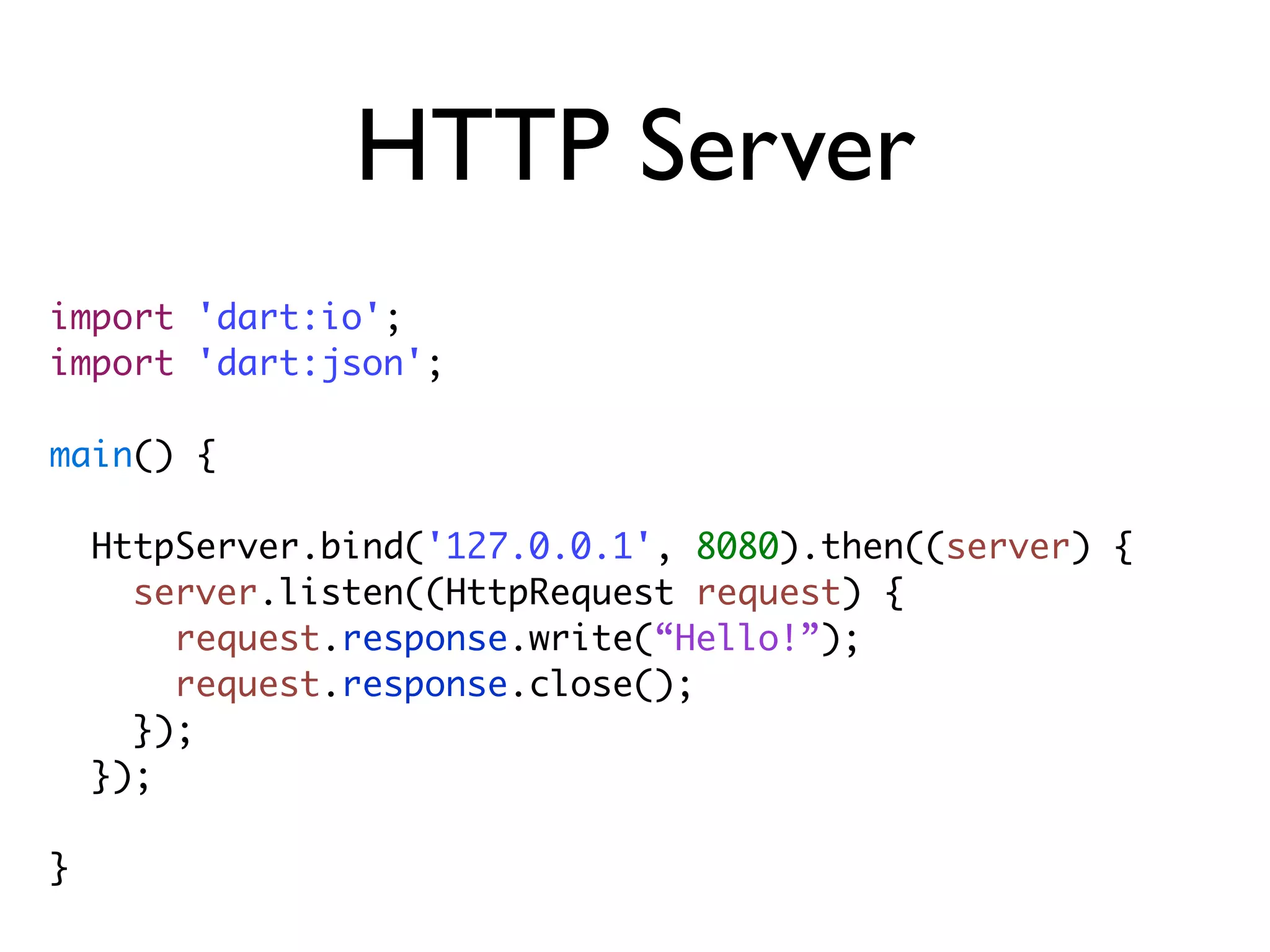
HTTP Server
import 'dart:io';
import 'dart:json';
main() {
HttpServer.bind('127.0.0.1', 8080).then((server) {
server.listen((HttpRequest request) {
request.response.write(“Hello!”);
request.response.close();
});
});
}
Too much code, lets
take existing solution
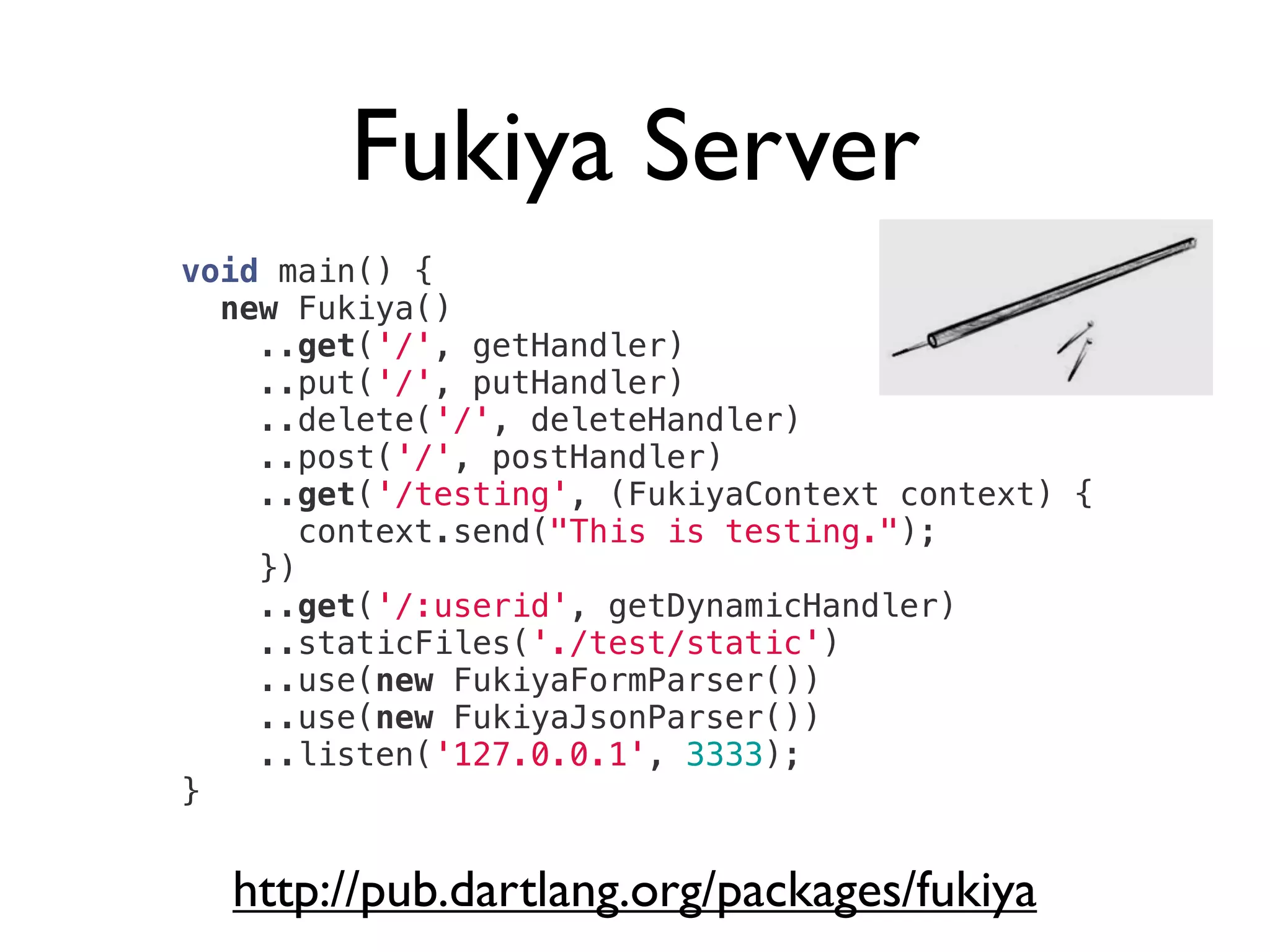
Fukiya Server
http://pub.dartlang.org/packages/fukiya
void main() {
new Fukiya()
..get('/', getHandler)
..put('/', putHandler)
..delete('/', deleteHandler)
..post('/', postHandler)
..get('/testing', (FukiyaContext context) {
context.send("This is testing.");
})
..get('/:userid', getDynamicHandler)
..staticFiles('./test/static')
..use(new FukiyaFormParser())
..use(new FukiyaJsonParser())
..listen('127.0.0.1', 3333);
}
Working with JSON
String str = stringify(
{
'key': 42,
'value': 'text',
'p': ['A', 'B']
}
);
Map doc = parse(str);
import 'dart:json';
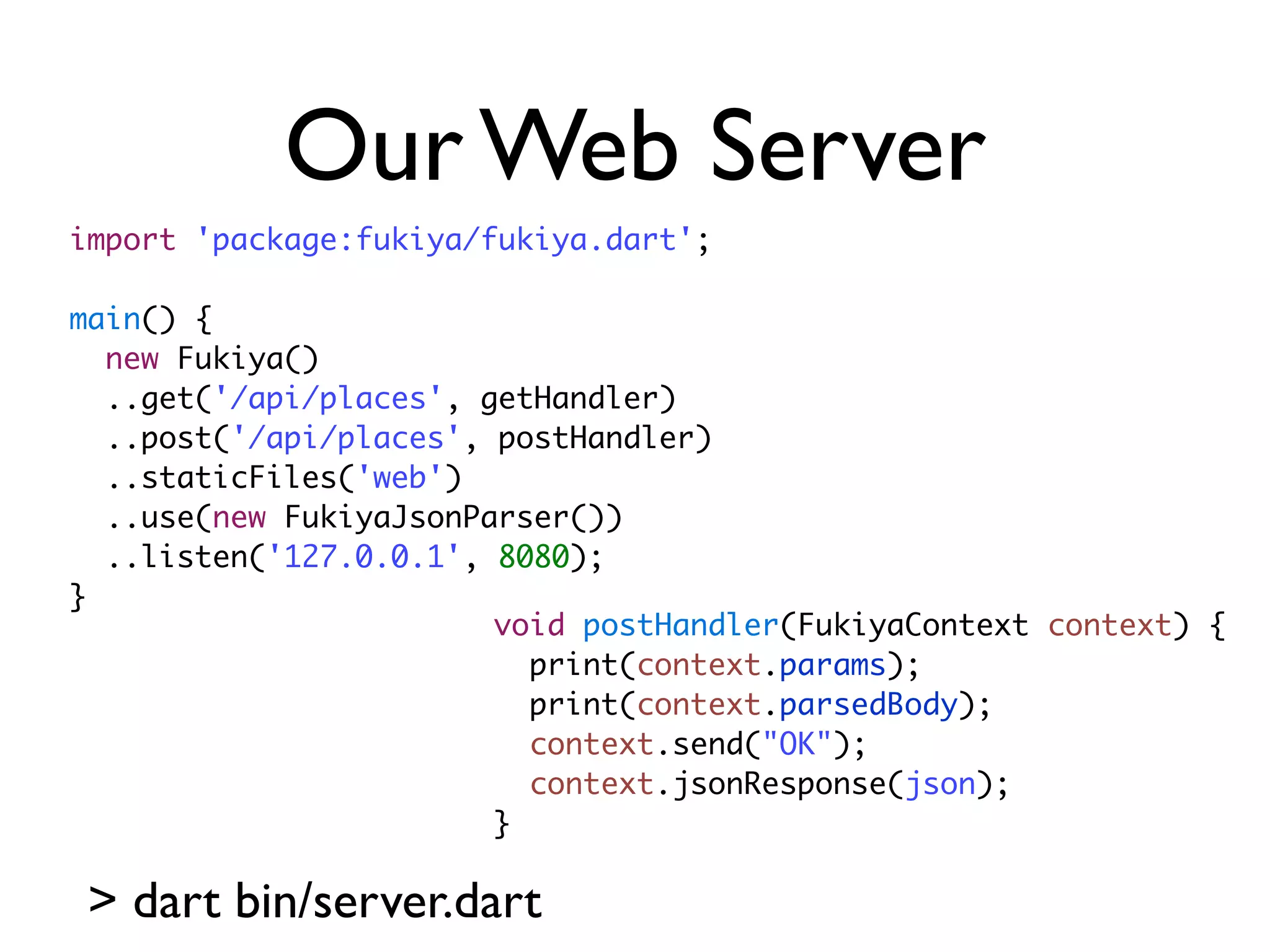
Our Web Server
import 'package:fukiya/fukiya.dart';
main() {
new Fukiya()
..get('/api/places', getHandler)
..post('/api/places', postHandler)
..staticFiles('web')
..use(new FukiyaJsonParser())
..listen('127.0.0.1', 8080);
}
> dart bin/server.dart
void postHandler(FukiyaContext context) {
print(context.params);
print(context.parsedBody);
context.send("OK");
context.jsonResponse(json);
}
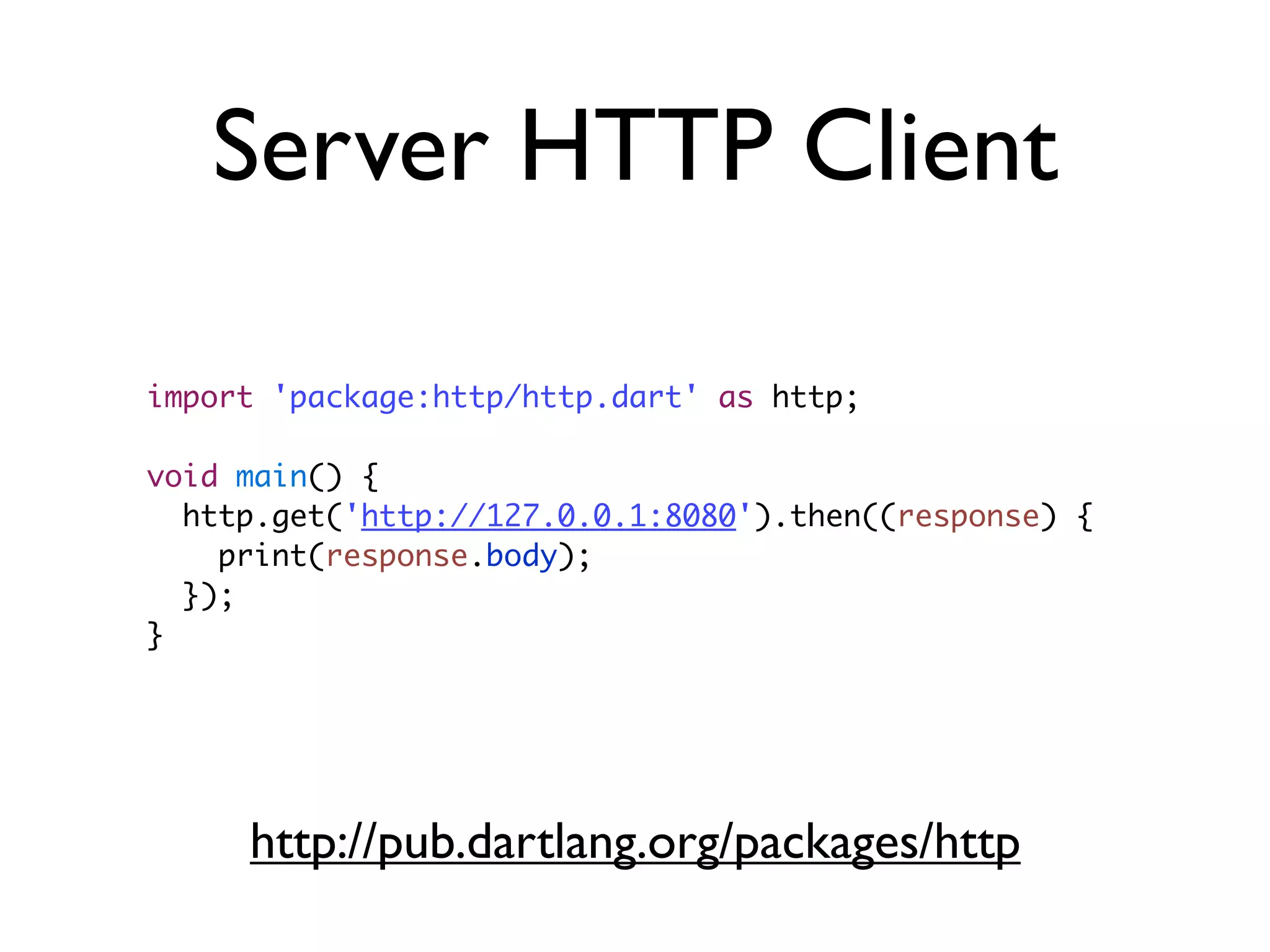
Server HTTP Client
import 'package:http/http.dart' as http;
void main() {
http.get('http://127.0.0.1:8080').then((response) {
print(response.body);
});
}
http://pub.dartlang.org/packages/http
Test Example
test("should-get", () {
http.get('http://127.0.0.1:8080/api/places?near=1,2')
.then(expectAsync1((response) {
expect(response.statusCode, equals(200));
expect(response.body, equals('[]'));
}));
});
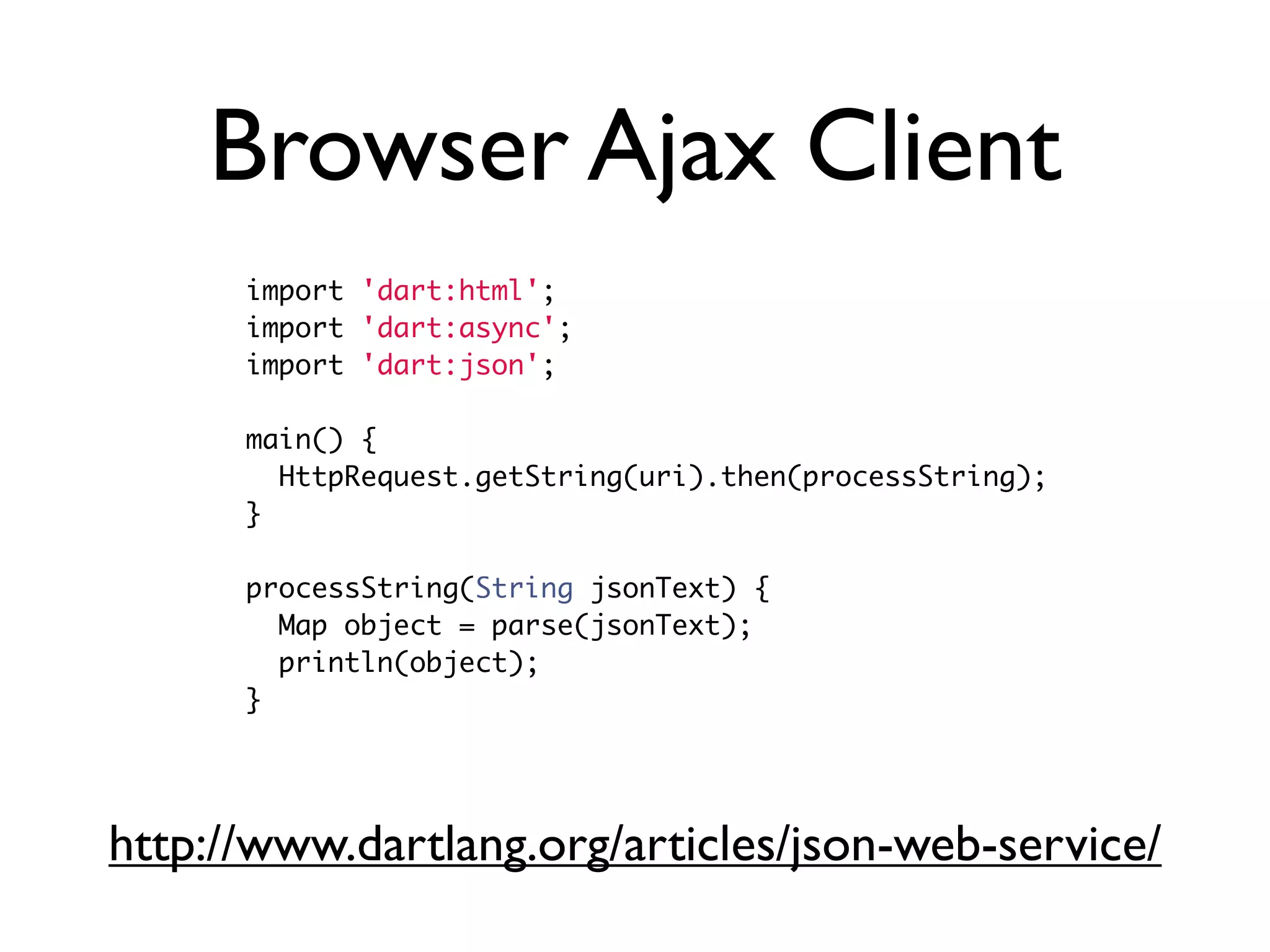
Browser Ajax Client
import 'dart:html';
import 'dart:async';
import 'dart:json';
main() {
HttpRequest.getString(uri).then(processString);
}
processString(String jsonText) {
Map object = parse(jsonText);
println(object);
}
http://www.dartlang.org/articles/json-web-service/
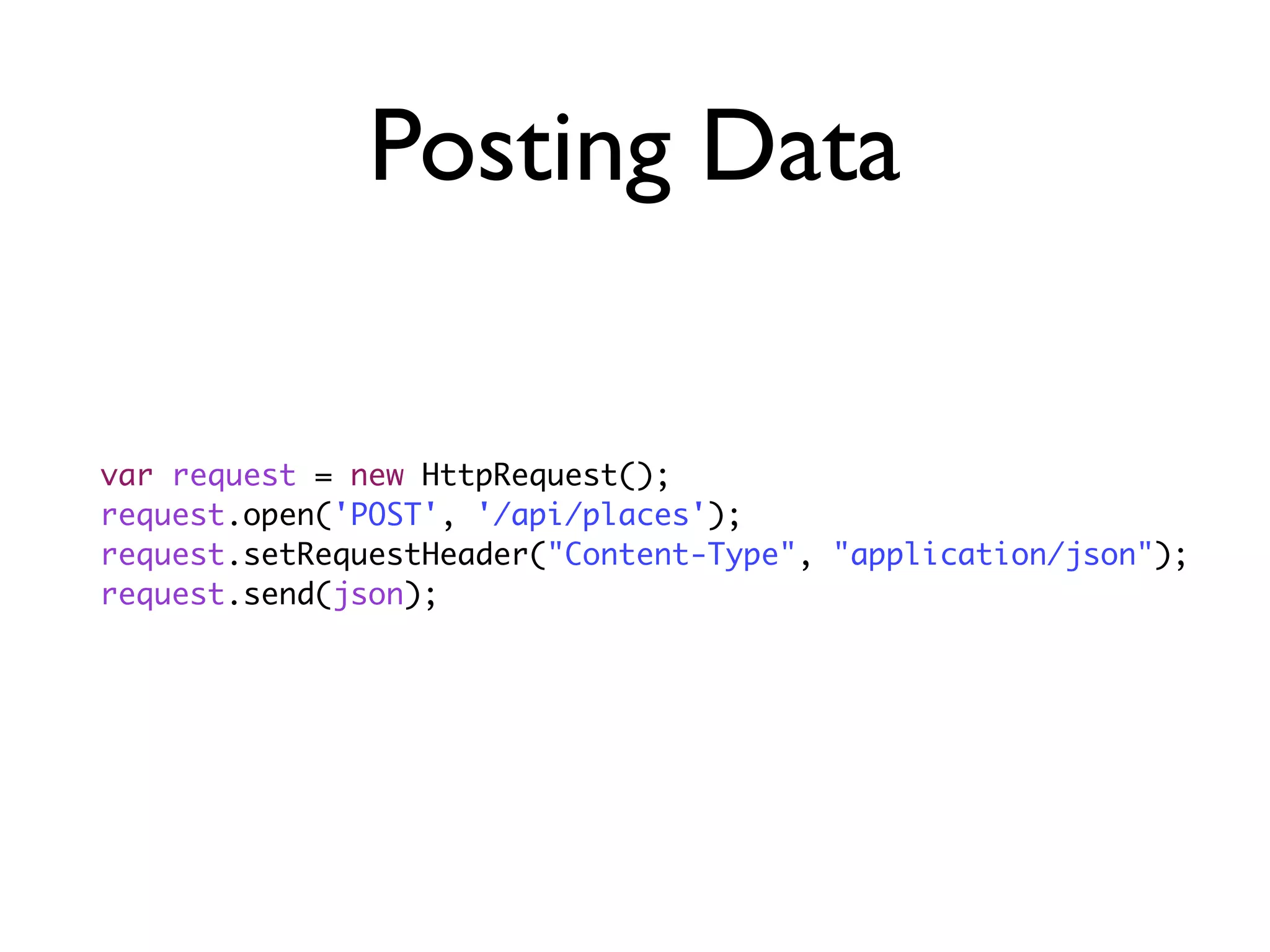
Posting Data
var request = new HttpRequest();
request.open('POST', '/api/places');
request.setRequestHeader("Content-Type", "application/json");
request.send(json);
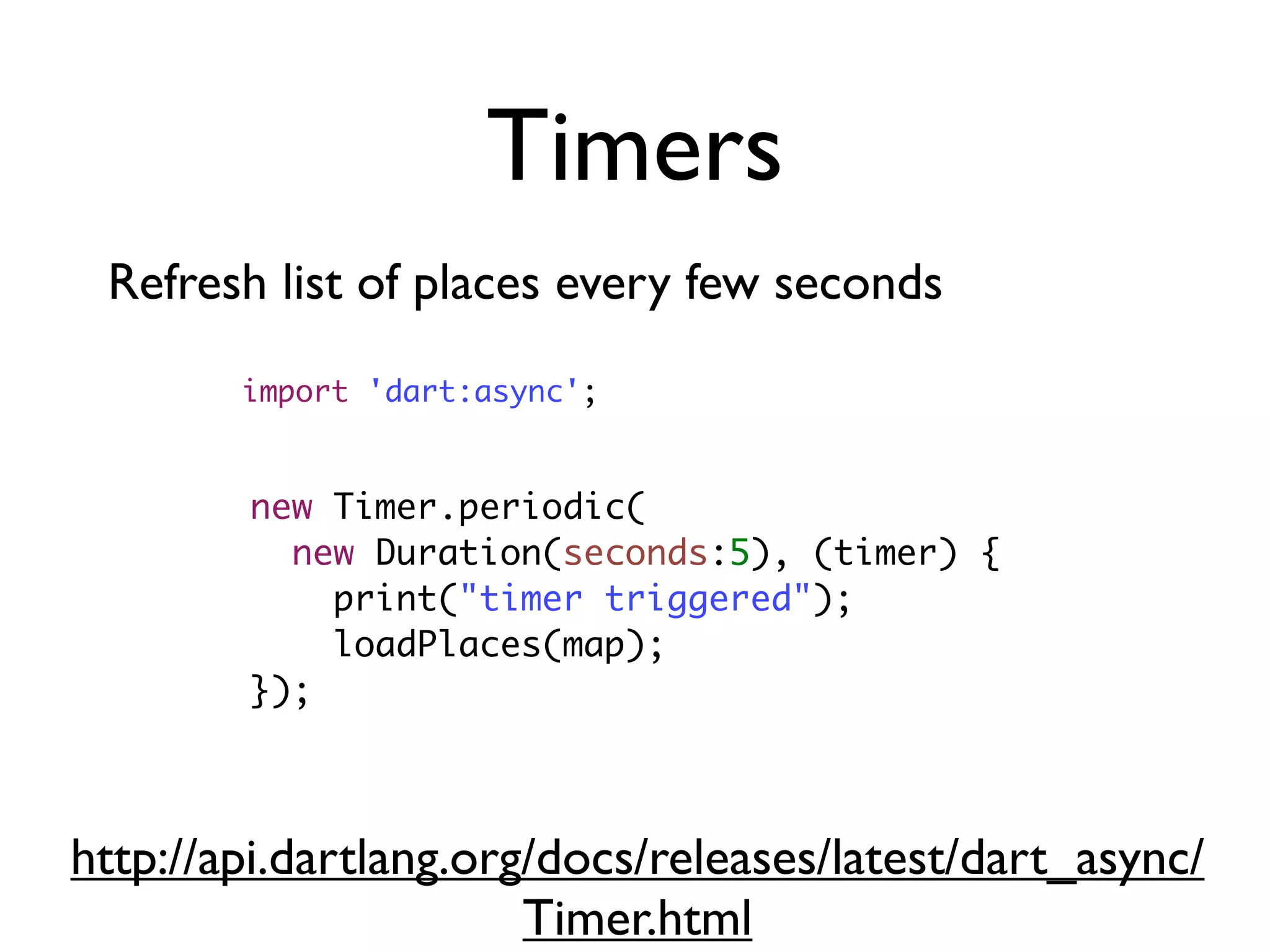
Timers
new Timer.periodic(
new Duration(seconds:5), (timer) {
print("timer triggered");
loadPlaces(map);
});
Refresh list of places every few seconds
import 'dart:async';
http://api.dartlang.org/docs/releases/latest/dart_async/
Timer.html
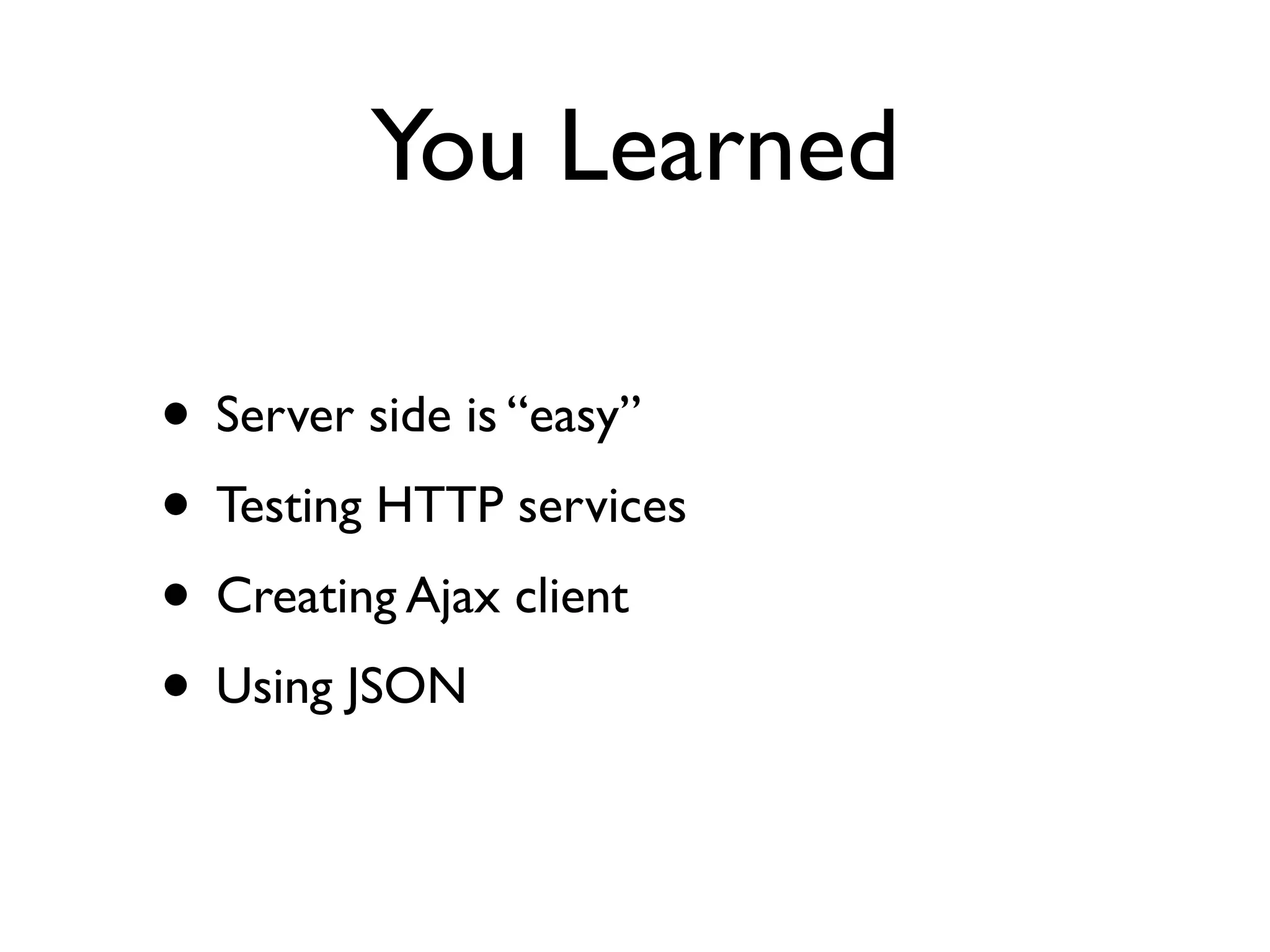
You Learned
• Server side is “easy”
• Testing HTTP services
• Creating Ajax client
• Using JSON
PartV :Adding
MongoDB
Tasks
• Connect to real Cloud database!
• Replace in-memory database with real one
• Write tests
MongoDB
• No schema
• JSON as data format
• JSON as query language
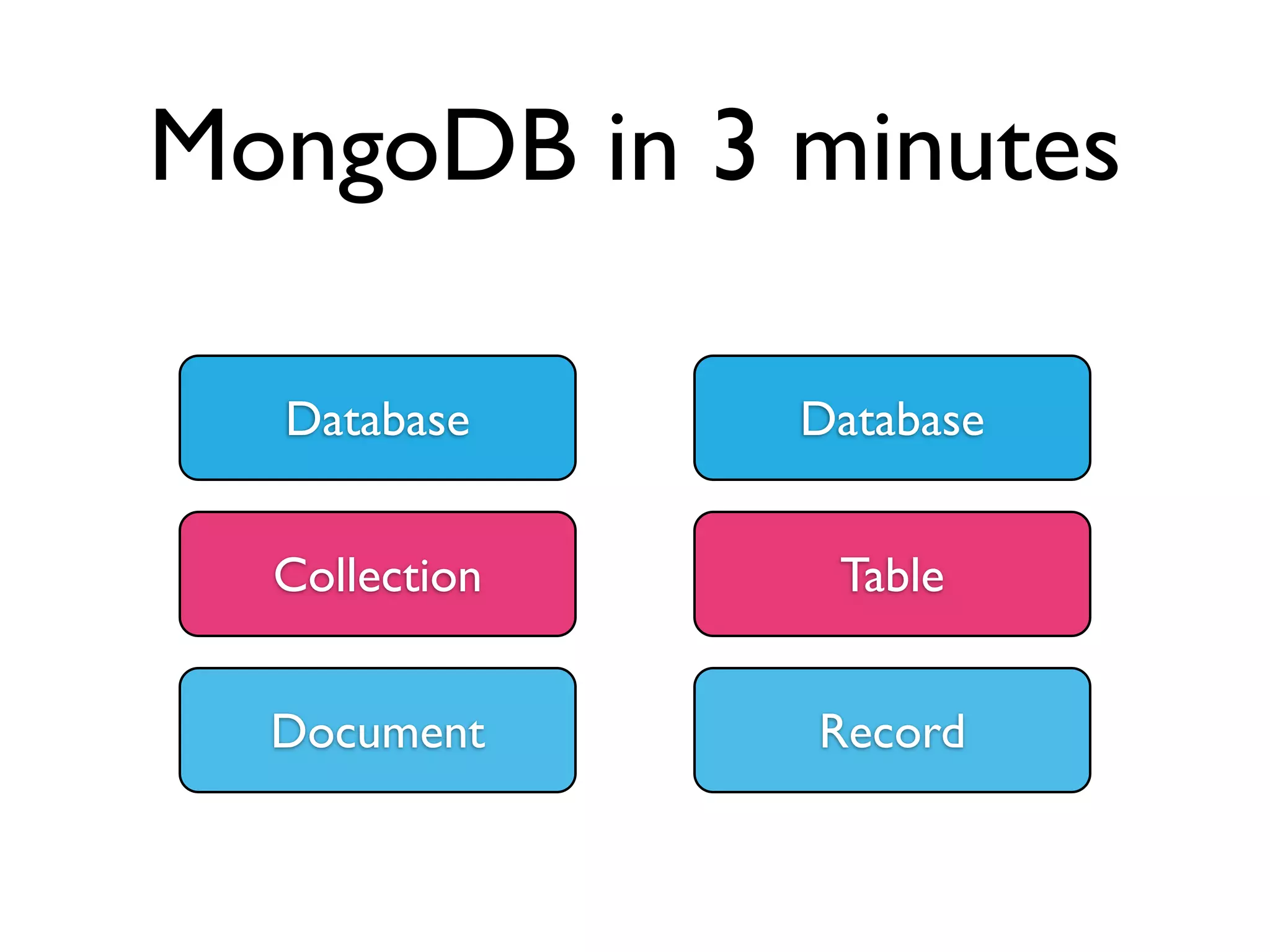
MongoDB in 3 minutes
Database
Collection
Document
Database
Table
Record
Database Records
{
name:“Name”,
loc: [53.2114, 24.5623],
icon:“http://iconarchive.com/icon.png”
}
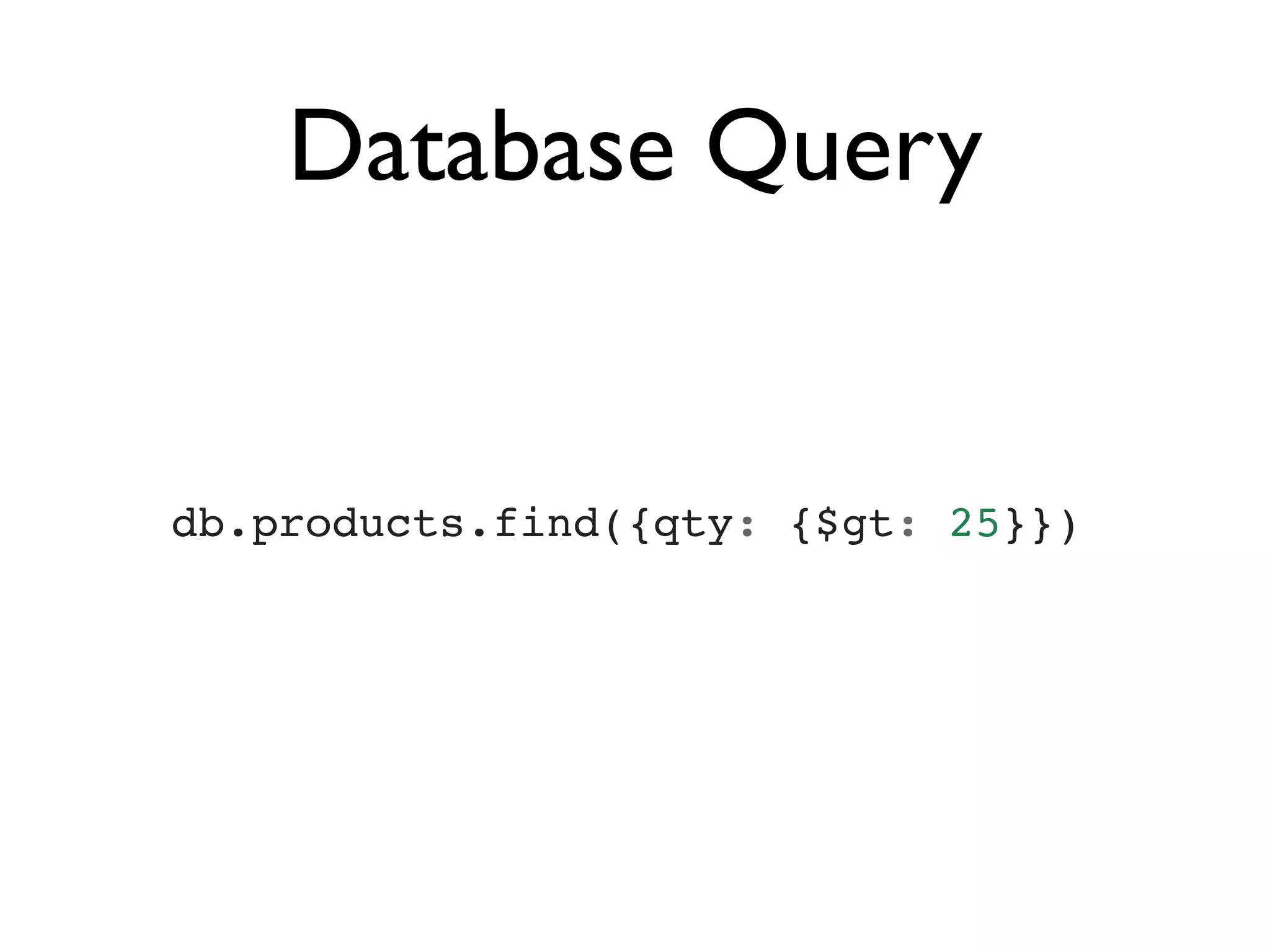
Database Query
db.products.find({qty: {$gt: 25}})
Mongo Dart Driver
import 'package:mongo_dart/mongo_dart.dart';
var db = new Db(url);
db.open().then((c) {
DbCollection places = db.collection("places");
places.insert({
"name": "Place", "loc": [56, 23], "icon”: "Place"
});
});
name: dart_workshop
dependencies:
mongo_dart: any
Geolocation Queries
var db = new Db(DB_URL);
db.open().then((c) {
db.ensureIndex("places", key: "loc", name: "2d");
DbCollection places = db.collection("places");
places.find(where.near("loc",
{'$geometry': {"type" : "Point", "coordinates" : [23, 23]}
}, 10000)).each((place) {
print(place);
}).then((ignore) {
db.close();
});
});
MongoLab Account
• mongodb://
dart:dartIsKing@ds035338.mongolab.com:
35338/dart-workshop
• mongo ds035338.mongolab.com:35338/
dart-workshop -u dart -p dartIsKing
You Learned
• Future based API
• Used Mongo Geolocation Queries
• Mongo Dart library sucks!
• Write full-stack Dart applications!
Conclusions
Dart is better than
JavaScript!
Dart is the future!?
Discuss!
Materials
• http://pub.dartlang.org/doc/package-layout.html
• http://yulian.kuncheff.com/blog/2013/03/21/using-intellij-slash-webstorm-to-debug-web-applications/
• http://www.youtube.com/watch?v=N8GCNilJhT4
• http://docs.mongodb.org/manual/reference/operator/query-geospatial/
• https://developers.google.com/maps/documentation/javascript/reference

Dart Workshop