




 Cyber-Security Workshop
 June 26
 Time: 8 - 10 AM
 Location: Madison LakesTraining &
Conference Center
581 Olive Road
Dayton, OH
• Providing mentoring and training to those
 Preparing to start up a business
 To existing small business owners
 Wanting to grow
 Needing to improve performance
• Mentoring is “free and forever”
• Seminars are at no or a small charge
•www.daytonscore.org - 937-225-2887
Niki Chaudhry
• 35 years - business experience
• Started and Grew two businesses to $25 MM
• Owner-investor in three small businesses
• Trainer for Web-Based Marketing
• Education:
 MBA,
BS & MS Engineering,
• 25 years computer experience
Programmer
System Analyst
• President CEO and owner
Linked Technologies Inc.
• Education
 BS Computer Science
CEO, LinkedTechnologies, Inc.
Computer Services
Owner, B2B Planners Ltd.
What If?
Security is a process-not software or hardware
 You share your computer with others
 You travel and use publicWiFi
 Personal & financial data is on your
computer
 Business files are on your computer
 You use a smartphone like a computer
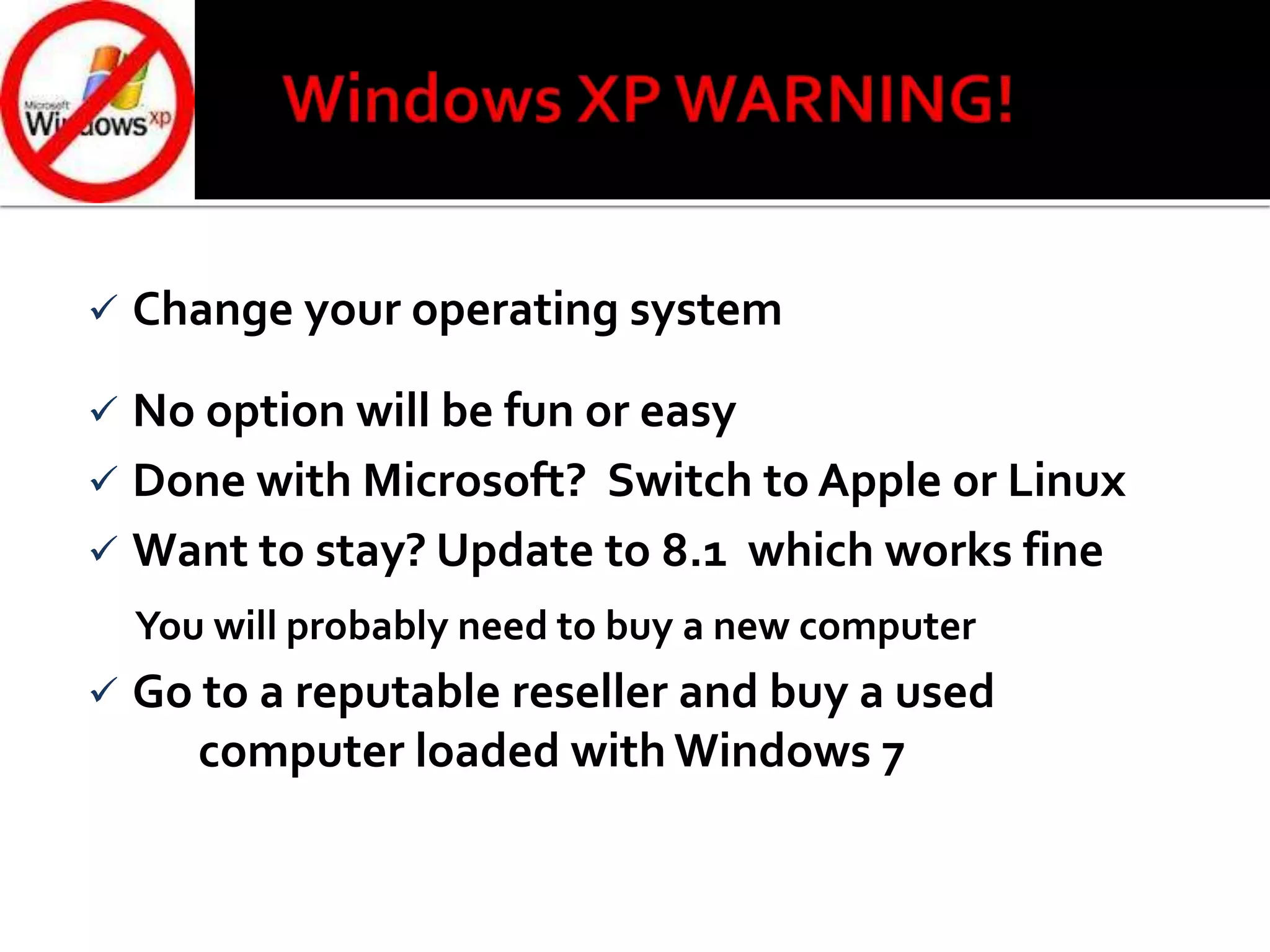
 You are runningWindows XP
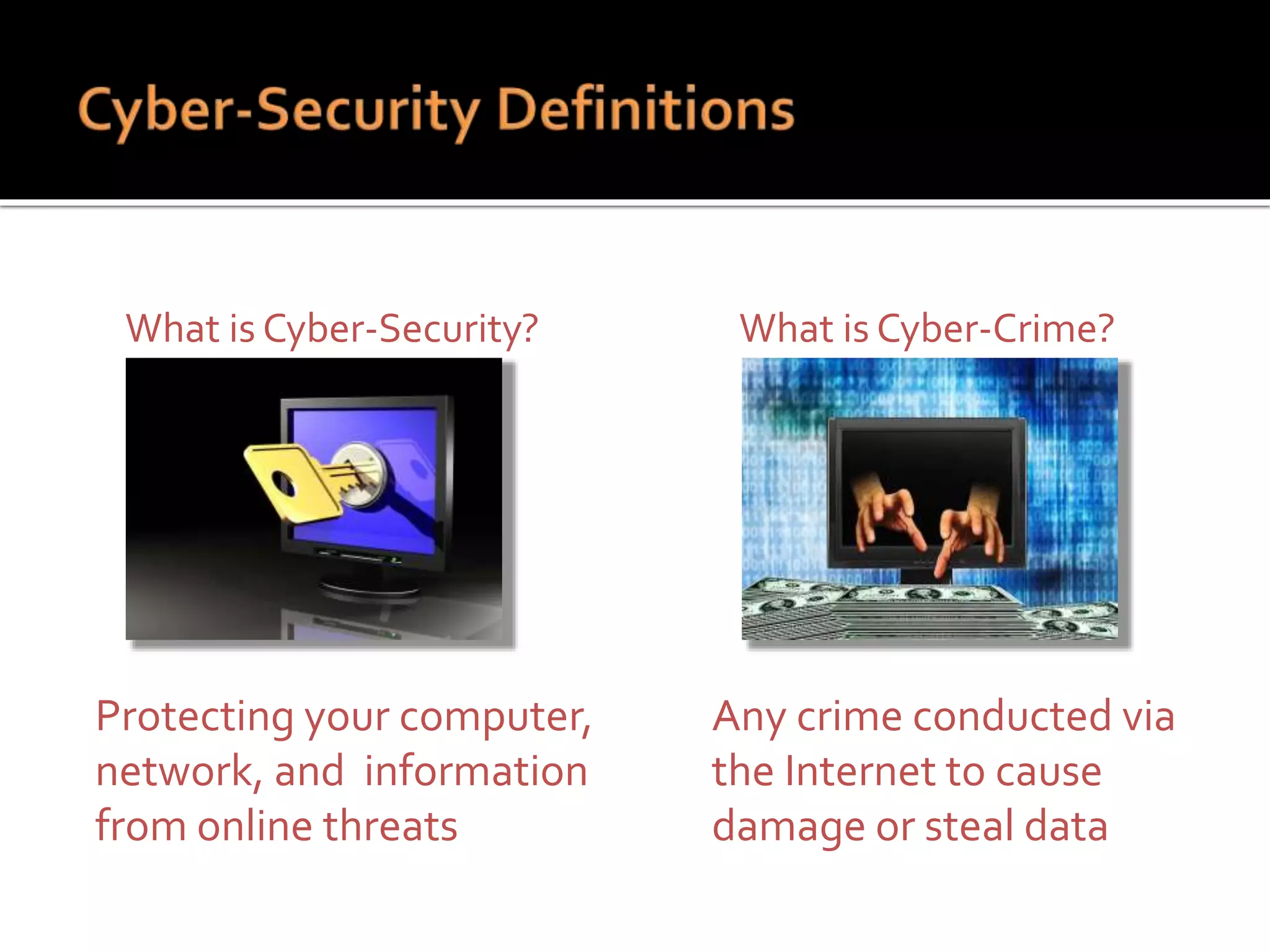
What is Cyber-Security?
Protecting your computer,
network, and information
from online threats
What is Cyber-Crime?
Any crime conducted via
the Internet to cause
damage or steal data
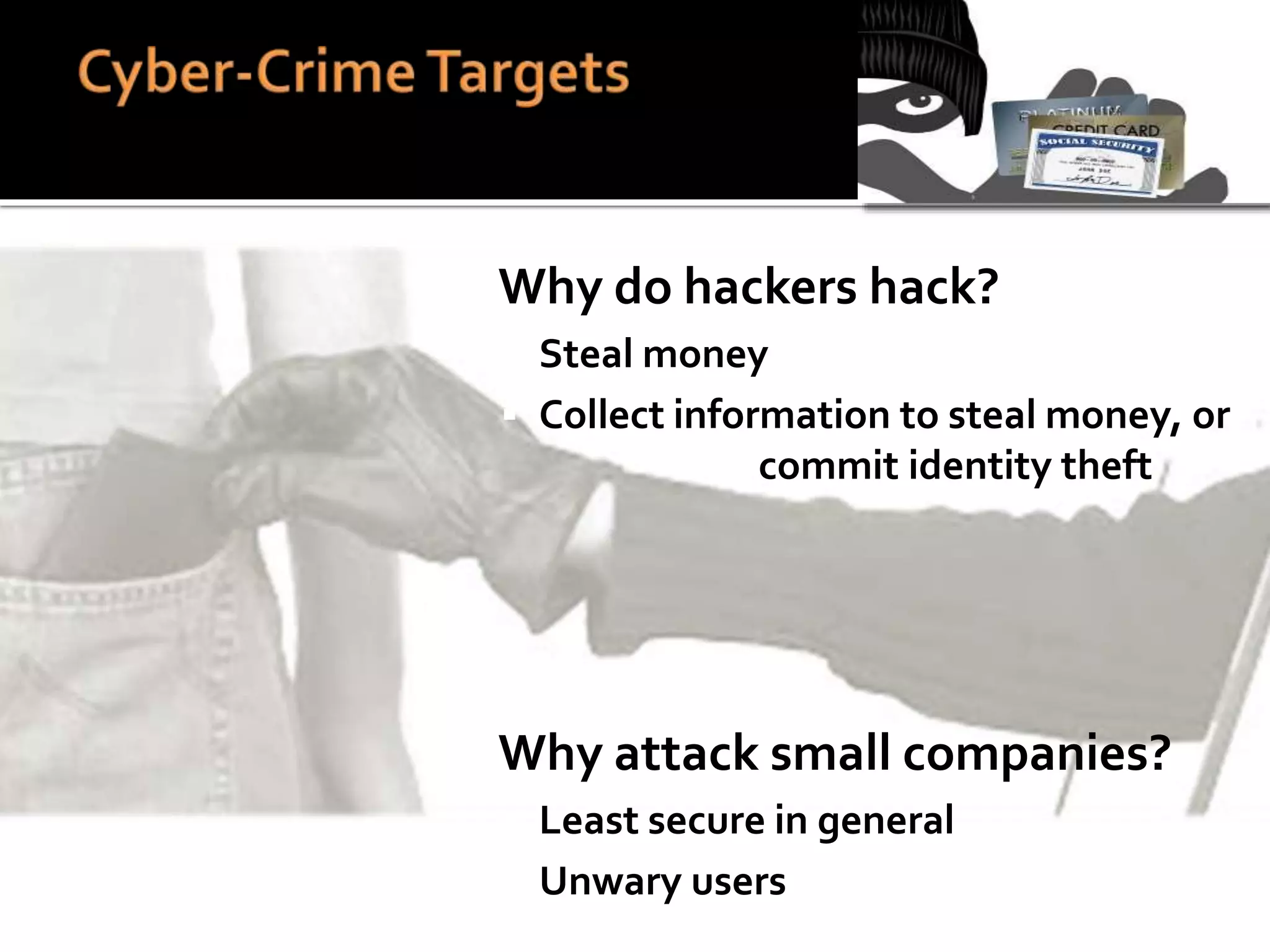
 Why do hackers hack?
 Steal money
 Collect information to steal money, or
commit identity theft
 Why attack small companies?
 Least secure in general
 Unwary users
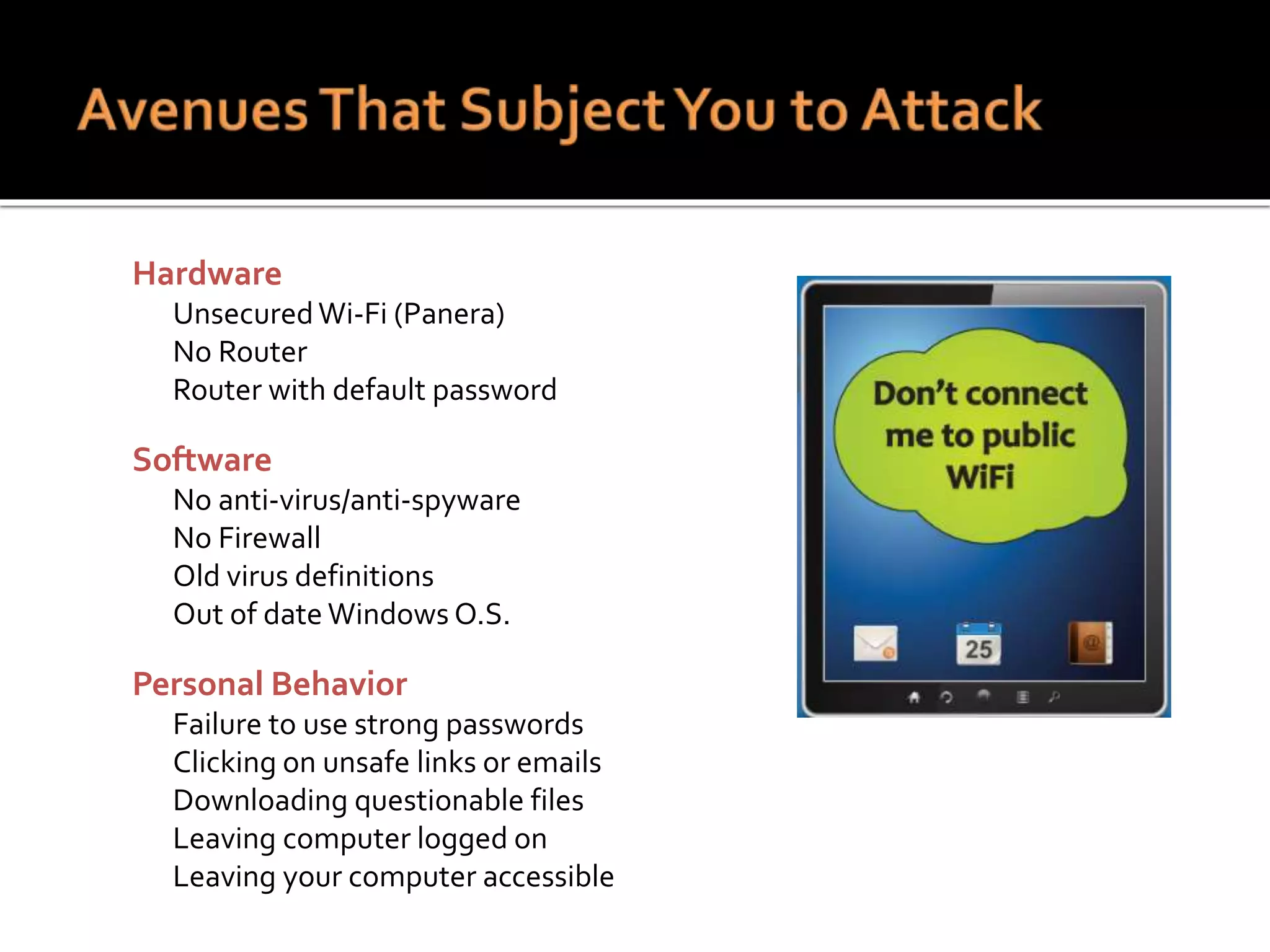
 Hardware
 UnsecuredWi-Fi (Panera)
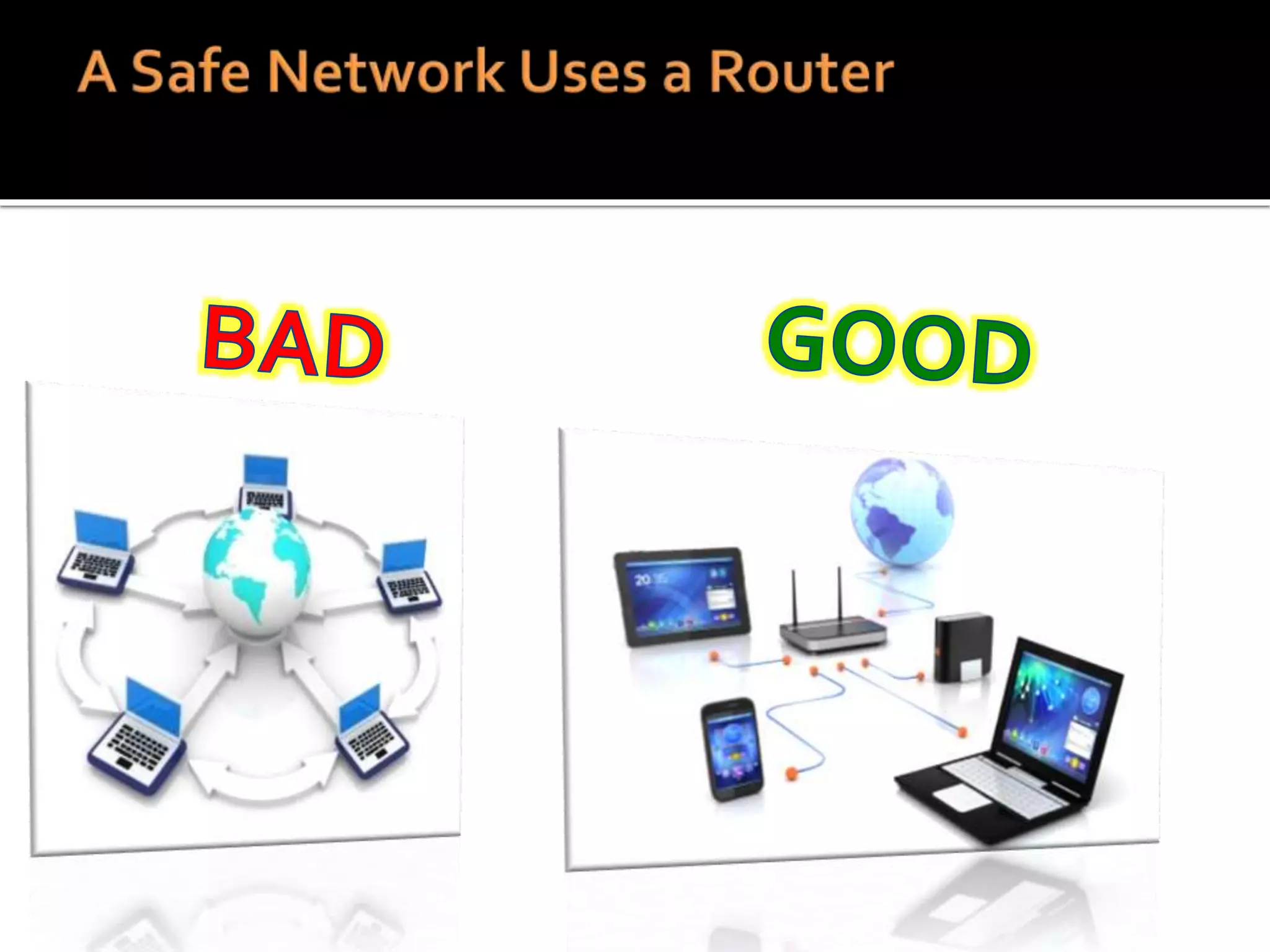
 No Router
 Router with default password
 Software
 No anti-virus/anti-spyware
 No Firewall
 Old virus definitions
 Out of date Windows O.S.
 Personal Behavior
 Failure to use strong passwords
 Clicking on unsafe links or emails
 Downloading questionable files
 Leaving computer logged on
 Leaving your computer accessible
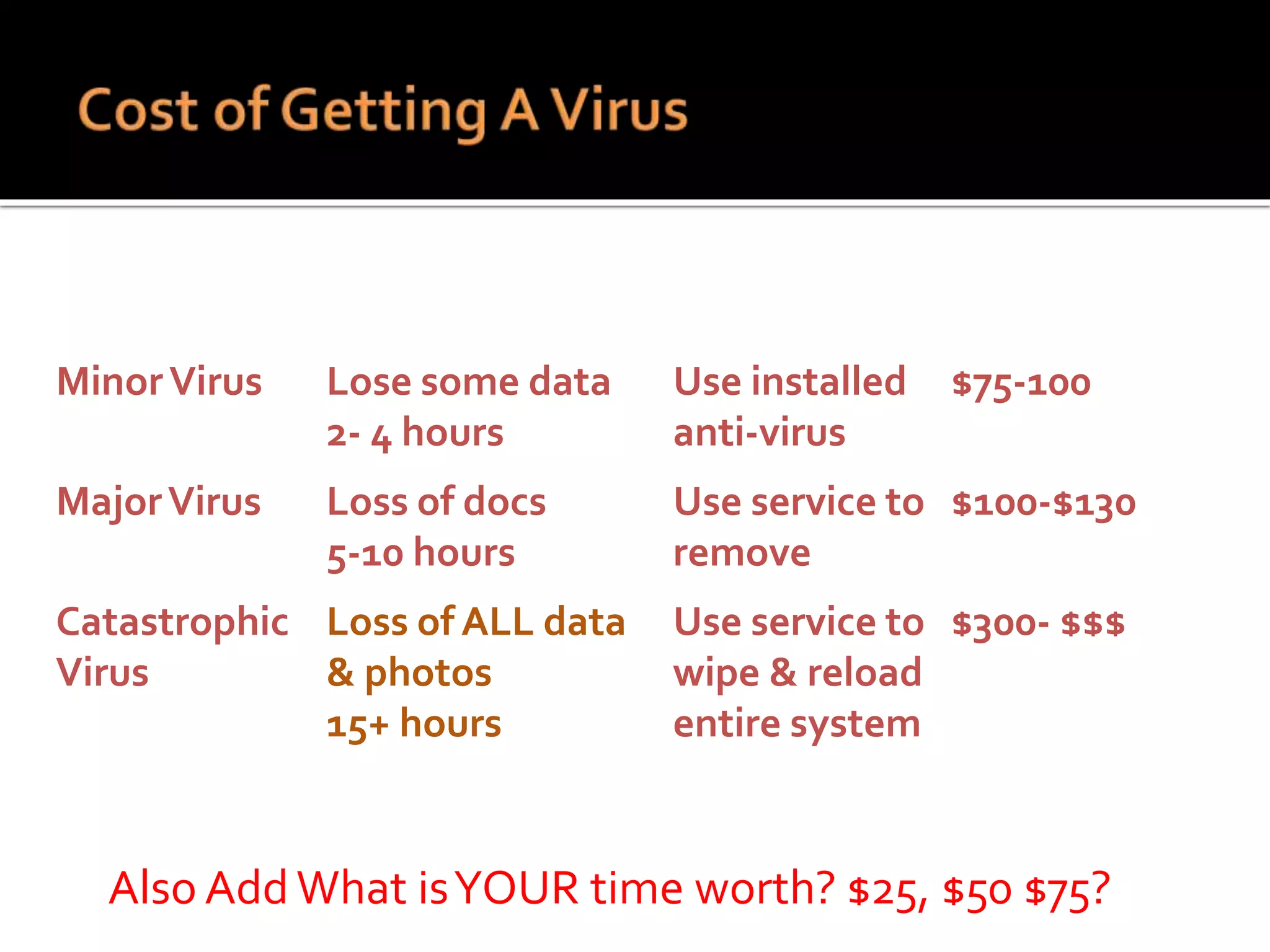
VirusType Impact Solution Cash Cost
MinorVirus Lose some data
2- 4 hours
Use installed
anti-virus
$75-100
MajorVirus Loss of docs
5-10 hours
Use service to
remove
$100-$130
Catastrophic
Virus
Loss of ALL data
& photos
15+ hours
Use service to
wipe & reload
entire system
$300- $$$
Also Add What isYOUR time worth? $25, $50 $75?
 Change your operating system
 No option will be fun or easy
 Done with Microsoft? Switch to Apple or Linux
 Want to stay? Update to 8.1 which works fine
You will probably need to buy a new computer
 Go to a reputable reseller and buy a used
computer loaded with Windows 7
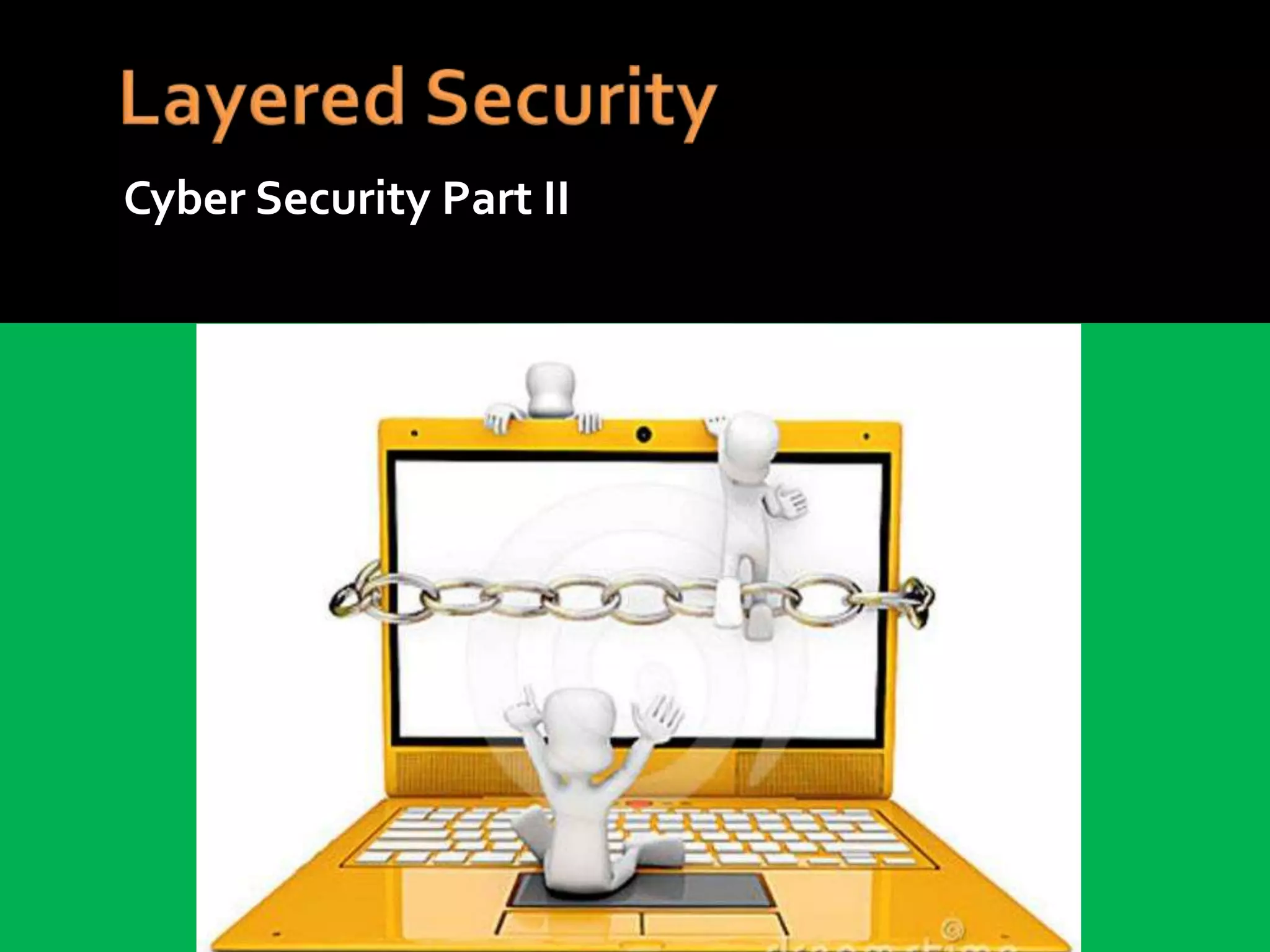
Cyber Security Part II
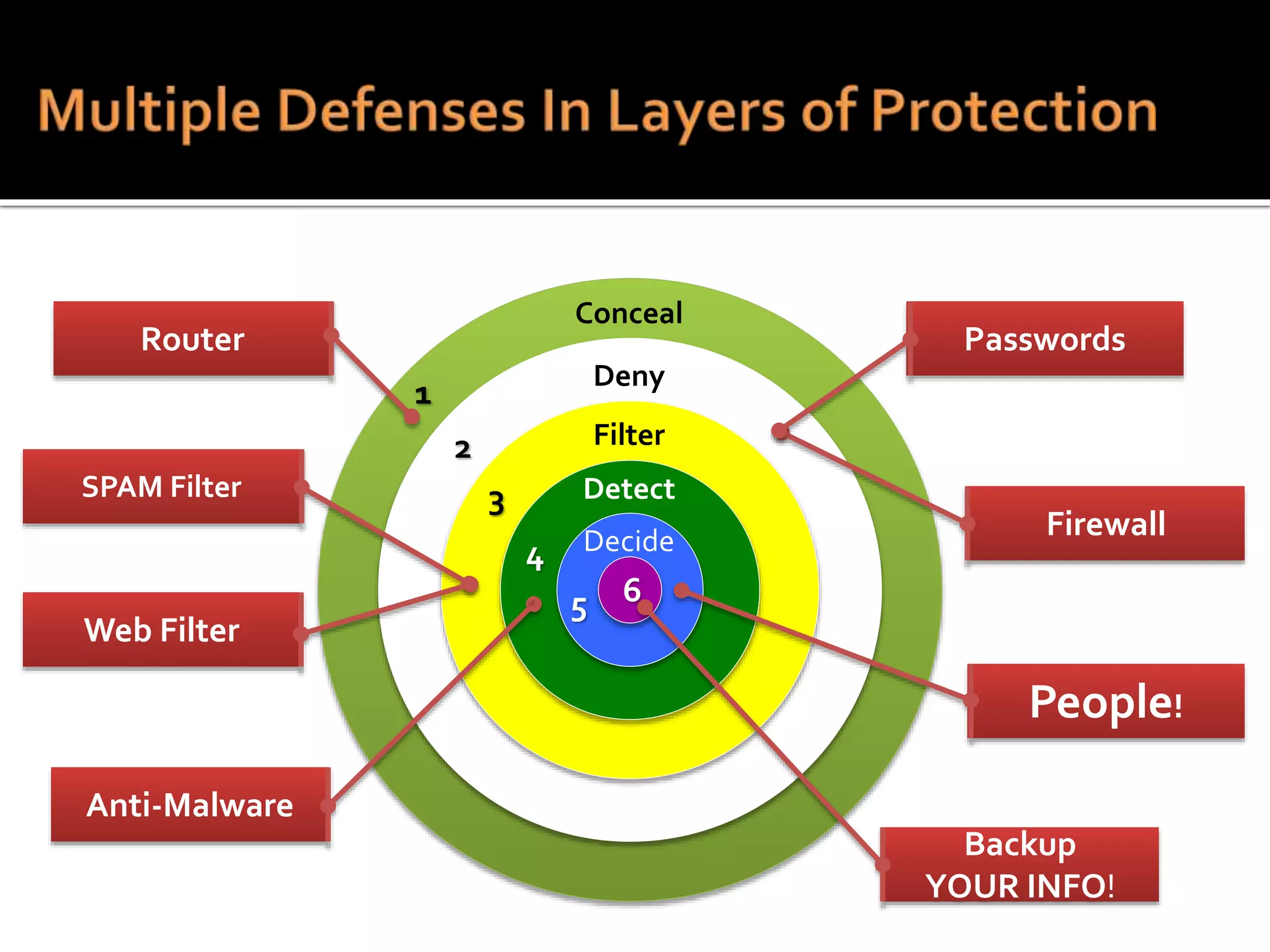
Firewall
SPAM Filter
Web Filter
Anti-Malware
People!
Backup
YOUR INFO!
Passwords
1
2
3
4
. 5 6
Conceal
Deny
Detect
Filter
Decide
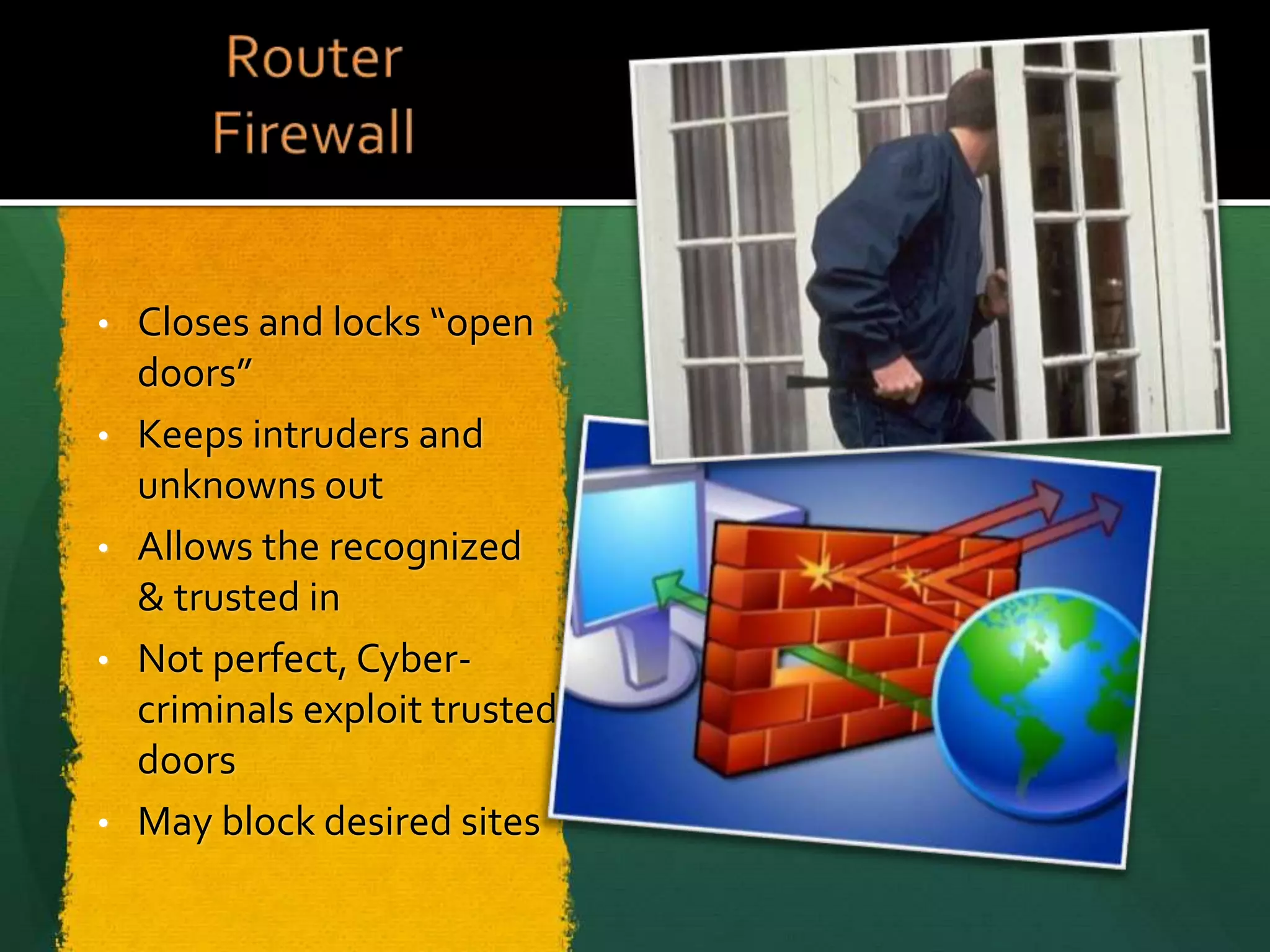
Router
• Closes and locks “open
doors”
• Keeps intruders and
unknowns out
• Allows the recognized
& trusted in
• Not perfect, Cyber-
criminals exploit trusted
doors
• May block desired sites
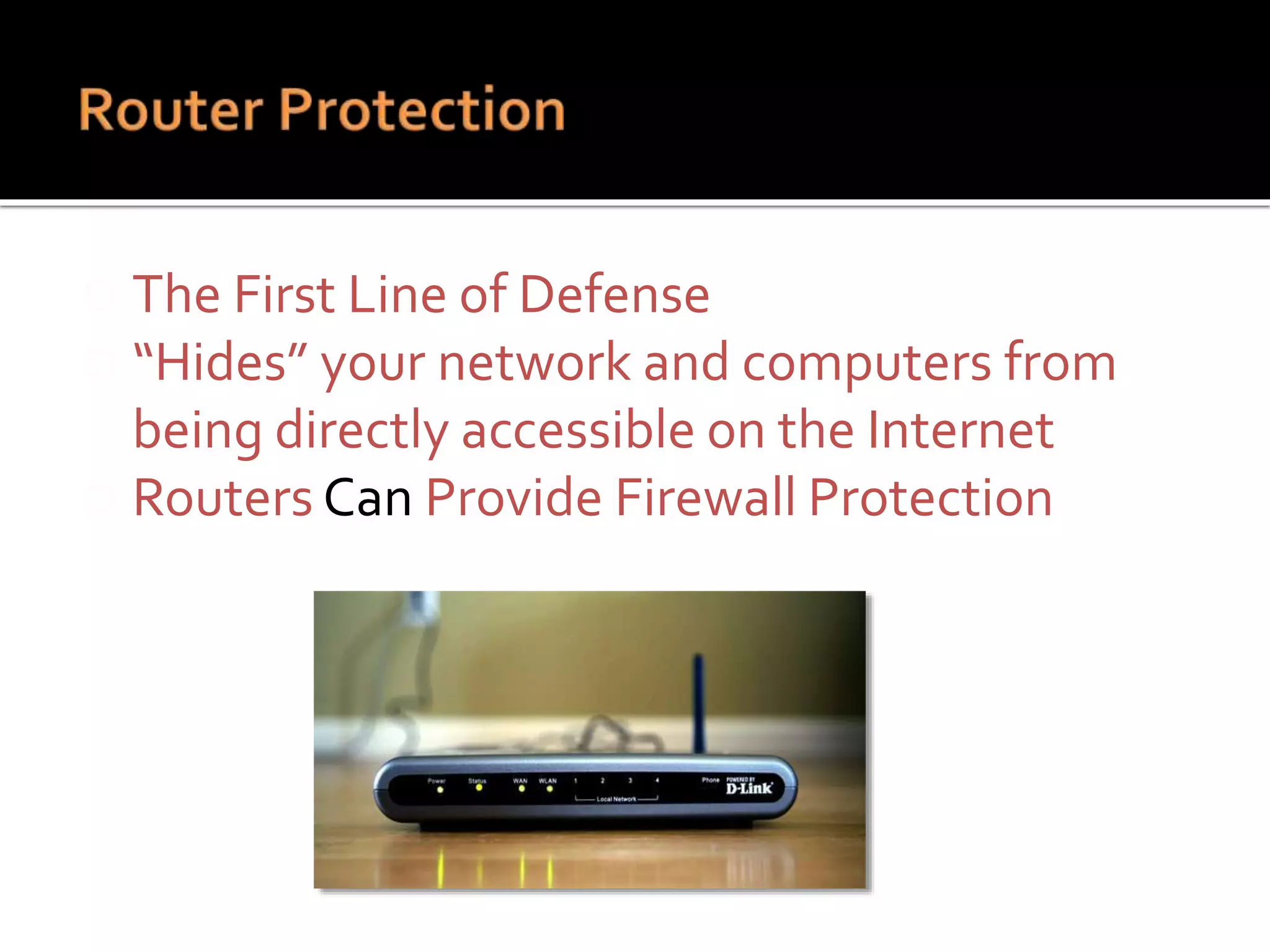
 The First Line of Defense
 “Hides” your network and computers from
being directly accessible on the Internet
 Routers Can Provide Firewall Protection
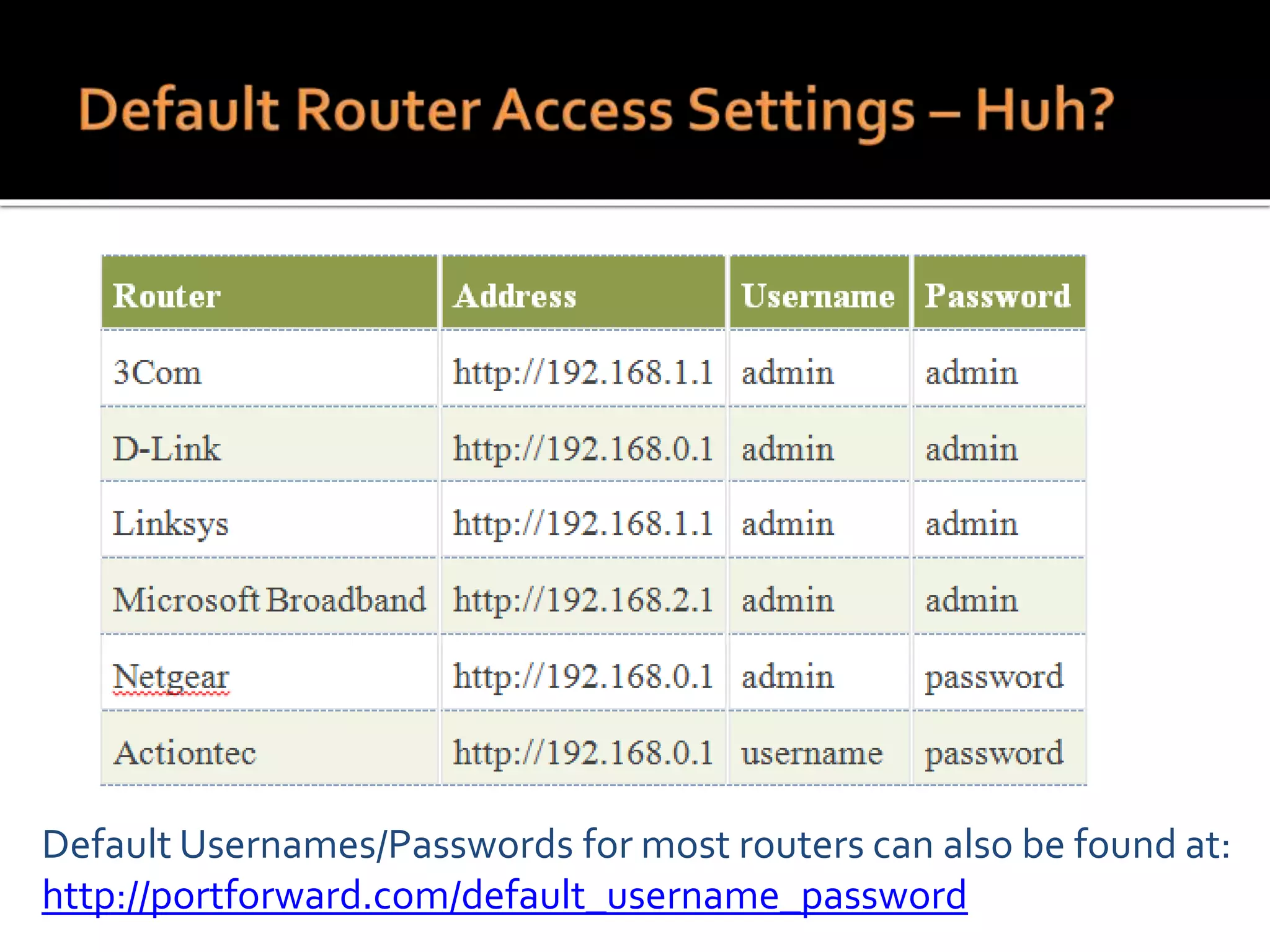
Default Usernames/Passwords for most routers can also be found at:
http://portforward.com/default_username_password
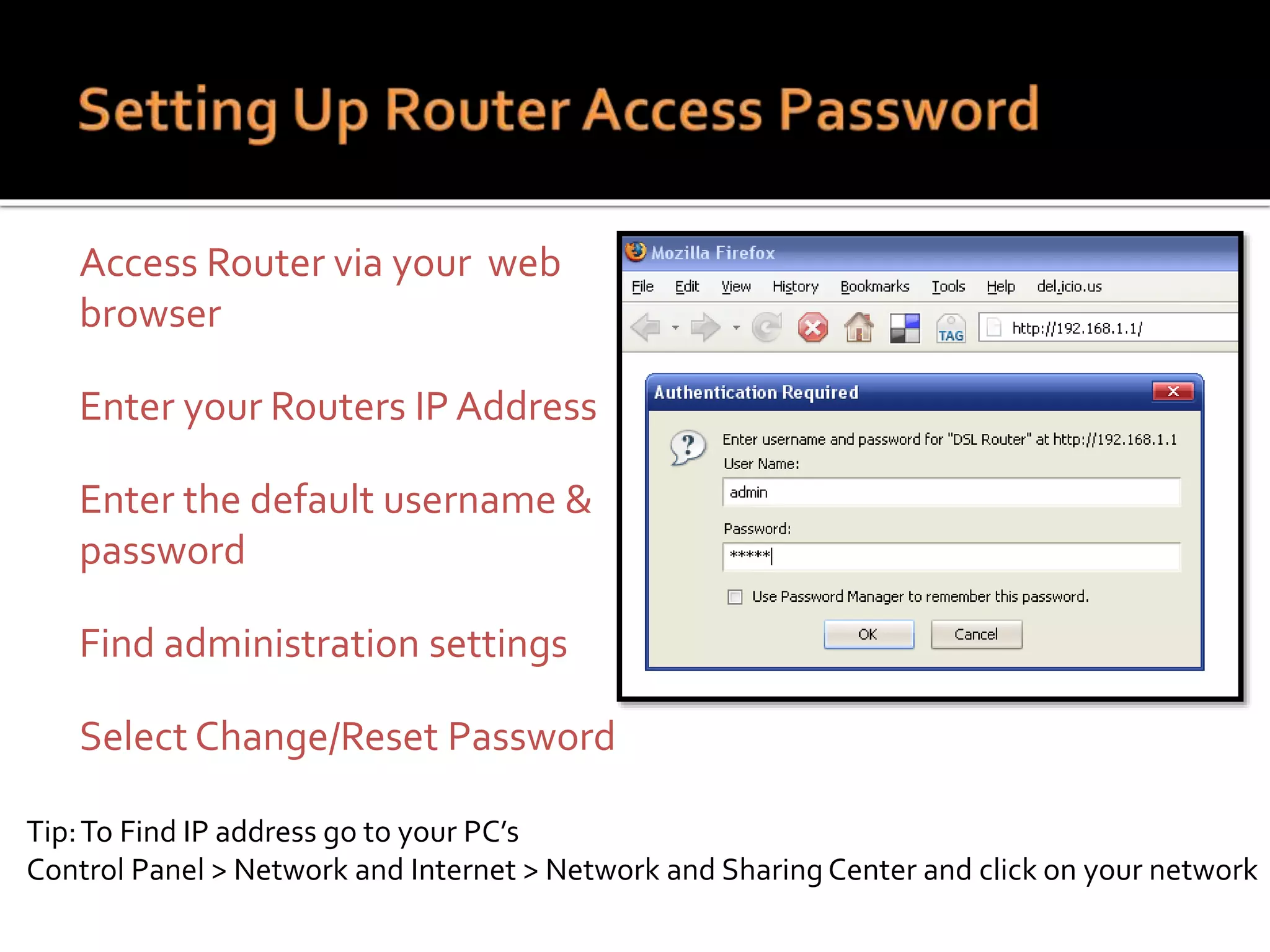
 Access Router via your web
browser
 Enter your Routers IP Address
 Enter the default username &
password
 Find administration settings
 Select Change/Reset Password
Tip:To Find IP address go to your PC’s
Control Panel > Network and Internet > Network and Sharing Center and click on your network
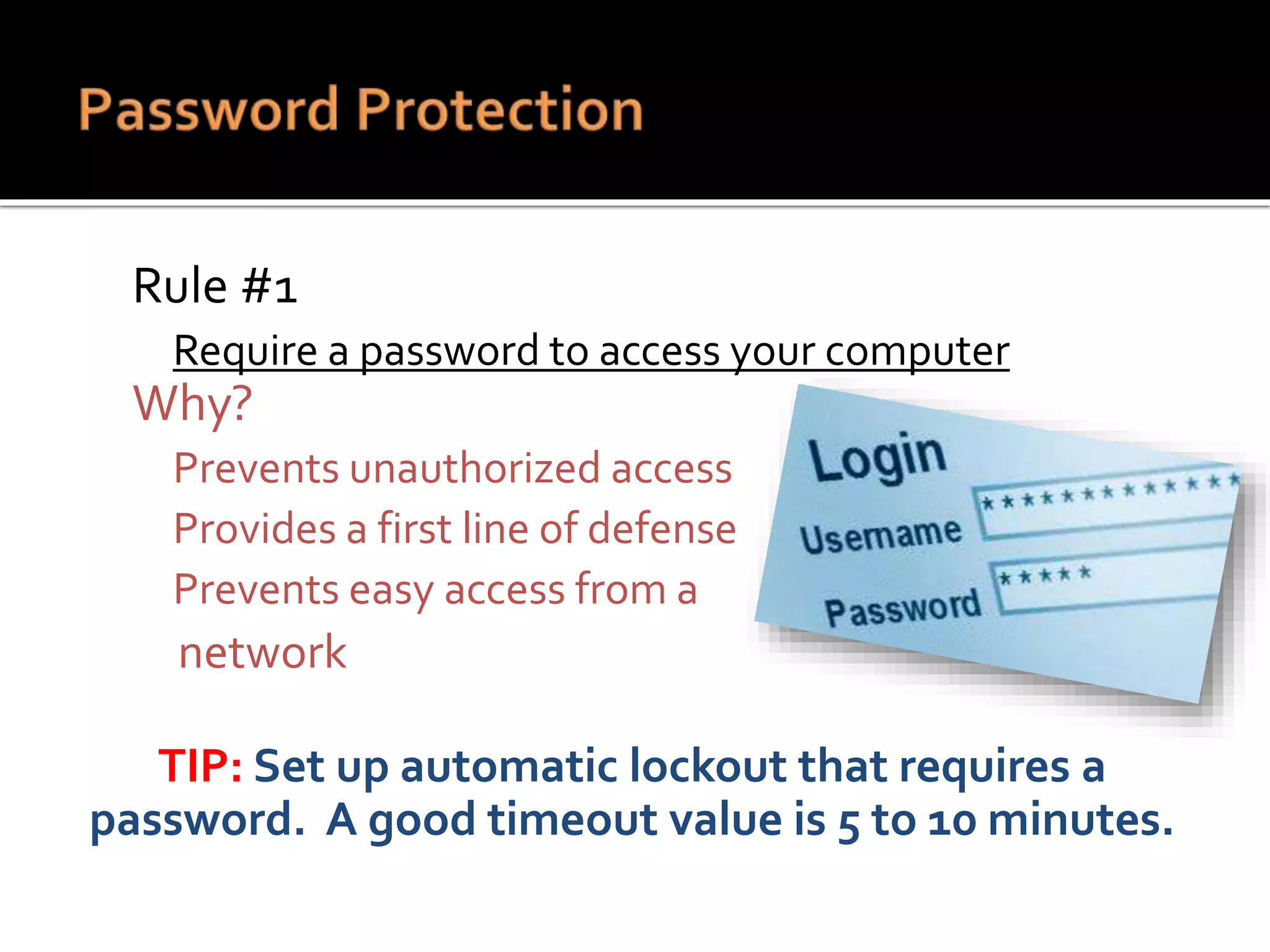
 Rule #1
 Require a password to access your computer
 Why?
 Prevents unauthorized access
 Provides a first line of defense
 Prevents easy access from a
network
TIP: Set up automatic lockout that requires a
password. A good timeout value is 5 to 10 minutes.
 Rule #2
 Don’t forget your cell phone
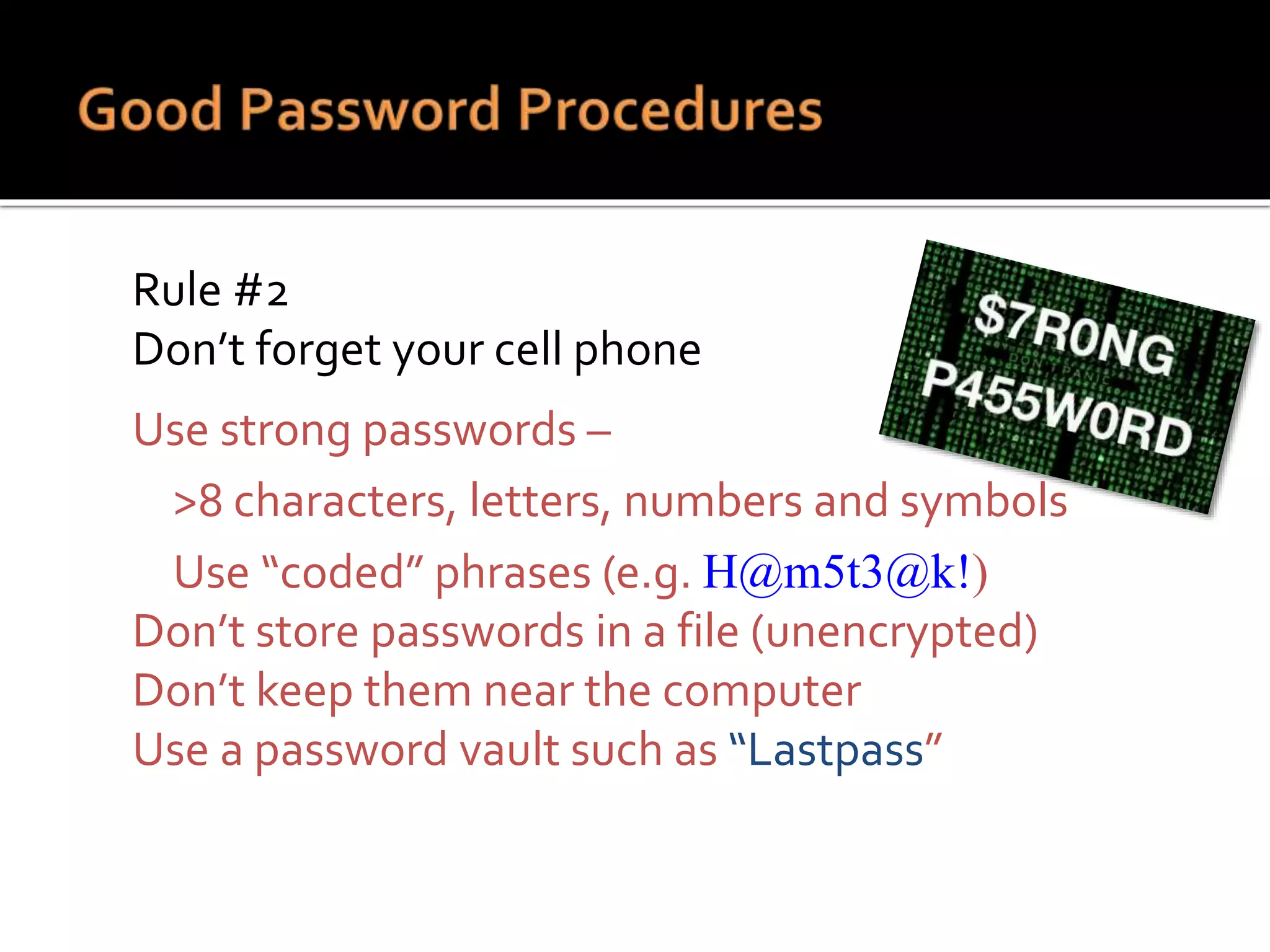
 Use strong passwords –
 >8 characters, letters, numbers and symbols
 Use “coded” phrases (e.g. H@m5t3@k!)
 Don’t store passwords in a file (unencrypted)
 Don’t keep them near the computer
 Use a password vault such as “Lastpass”
 Makes files and disks unreadable without the encryption
key
 You can encrypt:
 Hard Drive or USB Drive –Windows BitLocker
Windows 7 upgrade $139,Windows 8.1 included.
Start button>all programs>Windows anytime upgrade
 Individual Files – Axcrypt– Free open source
 Business Email – using a virtual personal network (VPN)
Windows 7 Start button > typeVPN into the program search window
 Protects against theft or loss of a computer
 Confidential Information your business is
required to protect with encryption includes:
 Medical Data defined by HIPAA
 (Health Insurance Portability and Accountability Act)
 Must also include staff training
 Financial Data defined by PIC
 (Payment Card Industry)
 Do NOT permanently store card data on your system
 Recommend using 3rd party providers
SPAM Filters
 Keeps out email from
unknown senders
 Catches majority of SPAM
 Catches non-SPAM
 Allows known email
 SPAM Filters aren’t
perfect!
WEB Filters
 Prohibits bad websites
 Pre-examines website
content and warns you
 Catches good websites
 Allows known websites
 Web filters aren’t
perfect!
• Anti-Virus & Anti-
Spyware Programs
• Scans email,
attachments files, &
downloads
• Detects threats and
Removes them
• Not perfect, does not
detect everything,
cannot remove all
threats
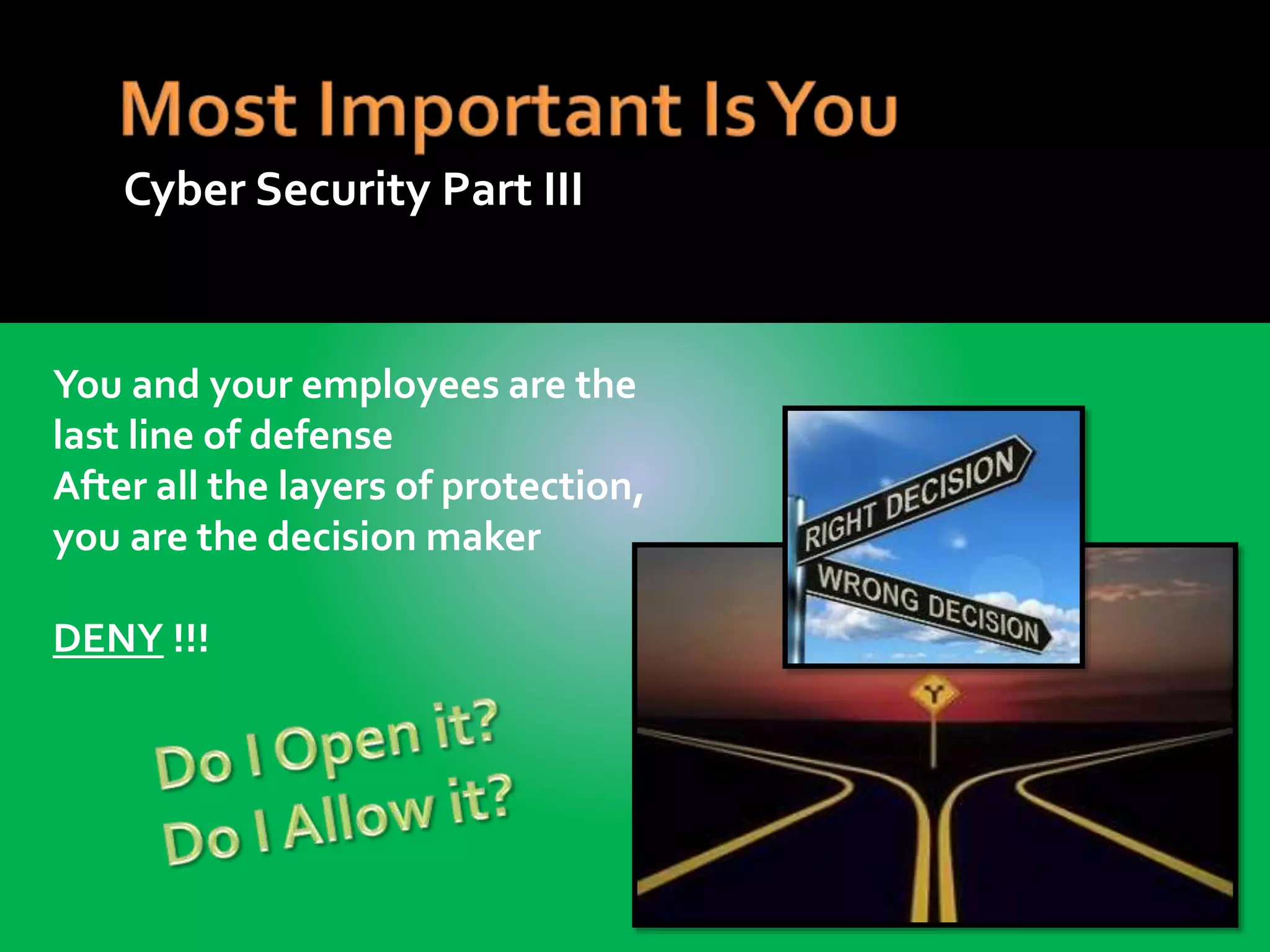
You and your employees are the
last line of defense
After all the layers of protection,
you are the decision maker
DENY !!!
Cyber Security Part III
 If you provide Wi-Fi for Customers
1. Your existing router may have a “guest” feature
1. Be sure to useWPA2 encryption on your Private Network
2. Verify firewall
Install dedicated customer “hot spot” hardware and software
Does not require company to have anyWi-Fi exposure.
Protect private proprietary information from public users.
• Improve customer internet experience and security
• Include filtering to avoid risky or offensive websites
• Provides features such as terms of service or time limits.
2. Worry free 24x7Technical Support, Monitoring, & Maintenance
 Provide security training
 Have company policies
For email & internet use
Company & confidential information
Make them written and update them
 Limit administrative and password access
 Restrict software on company computers
Control Downloads of Software
Never allow “pirate” websites
music, games, movies (BitTorrent)
Beware of ALL free software, know the source
Danger areas
Adobe Flash files – update often
Shortened urls you can’t check – know the source
Email attachments or links – hover over “click here”
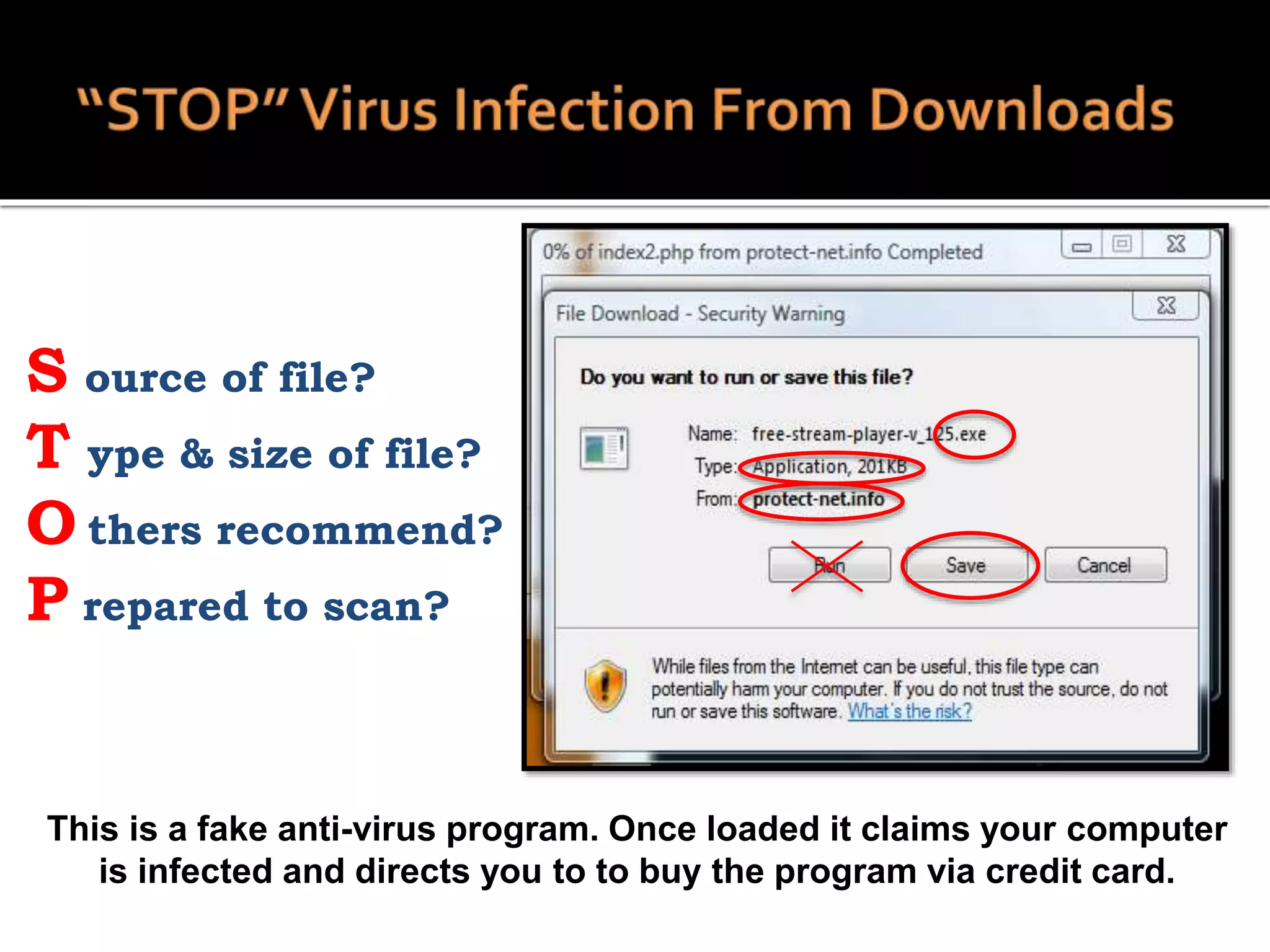
S ource of file?
T ype & size of file?
O thers recommend?
P repared to scan?
This is a fake anti-virus program. Once loaded it claims your computer
is infected and directs you to to buy the program via credit card.
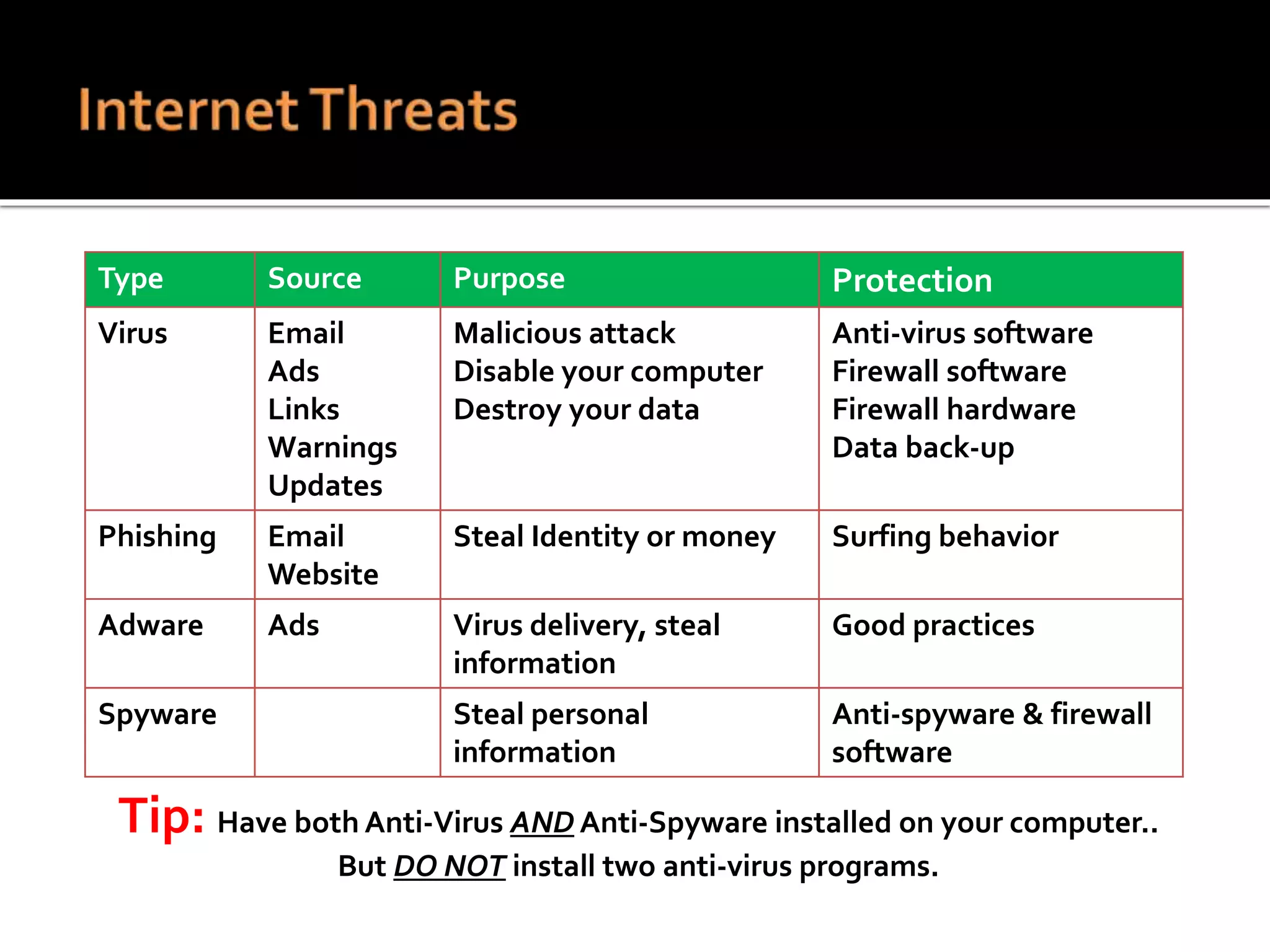
Type Source Purpose Protection
Virus Email
Ads
Links
Warnings
Updates
Malicious attack
Disable your computer
Destroy your data
Anti-virus software
Firewall software
Firewall hardware
Data back-up
Phishing Email
Website
Steal Identity or money Surfing behavior
Adware Ads Virus delivery, steal
information
Good practices
Spyware Steal personal
information
Anti-spyware & firewall
software
Tip: Have both Anti-Virus AND Anti-Spyware installed on your computer..
But DO NOT install two anti-virus programs.
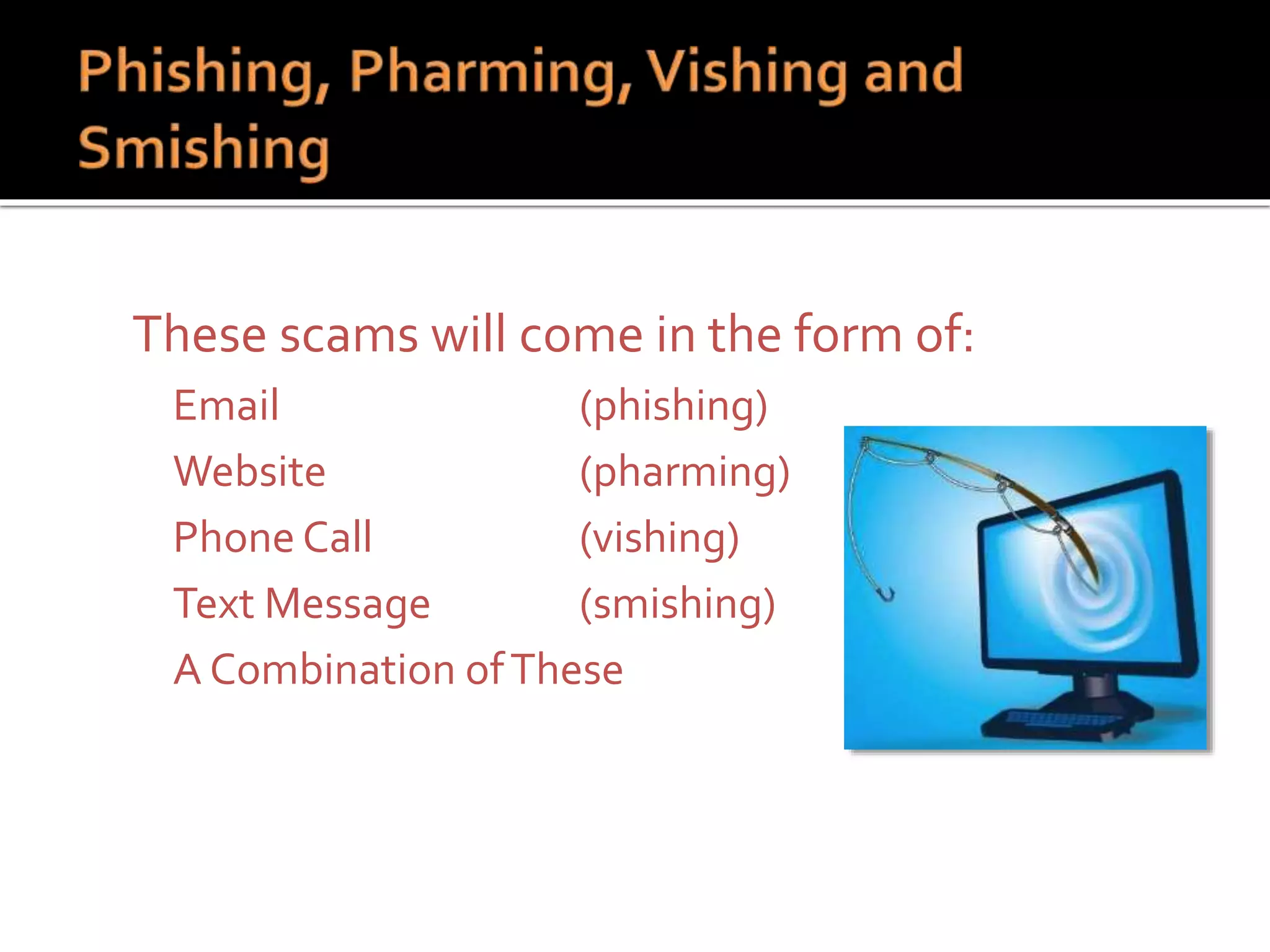
 These scams will come in the form of:
 Email (phishing)
 Website (pharming)
 Phone Call (vishing)
 Text Message (smishing)
 A Combination ofThese
 Requests personal information?
 Contains grammatical errors or
misspellings?
 How do they address you?
 Is it too good to be true?
 Have you checked the link?
Tip: “Mouse Over” Does the website URL look legitimate?
Tip: Legitimate companies will NEVER ask you for personal or confidential
information via email, a website, telephone, or text message.
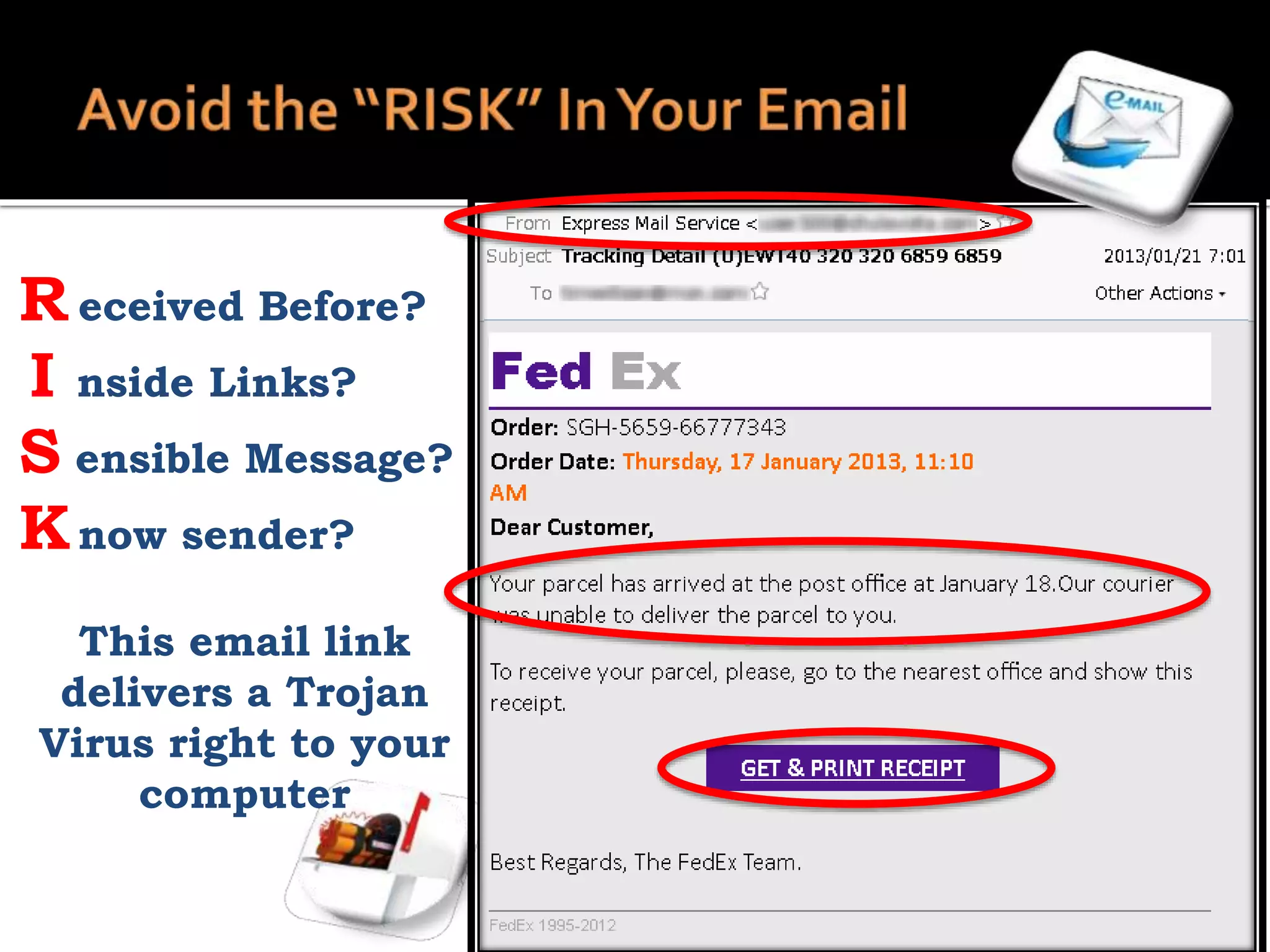
R eceived Before?
I nside Links?
S ensible Message?
Know sender?
This email link
delivers a Trojan
Virus right to your
computer
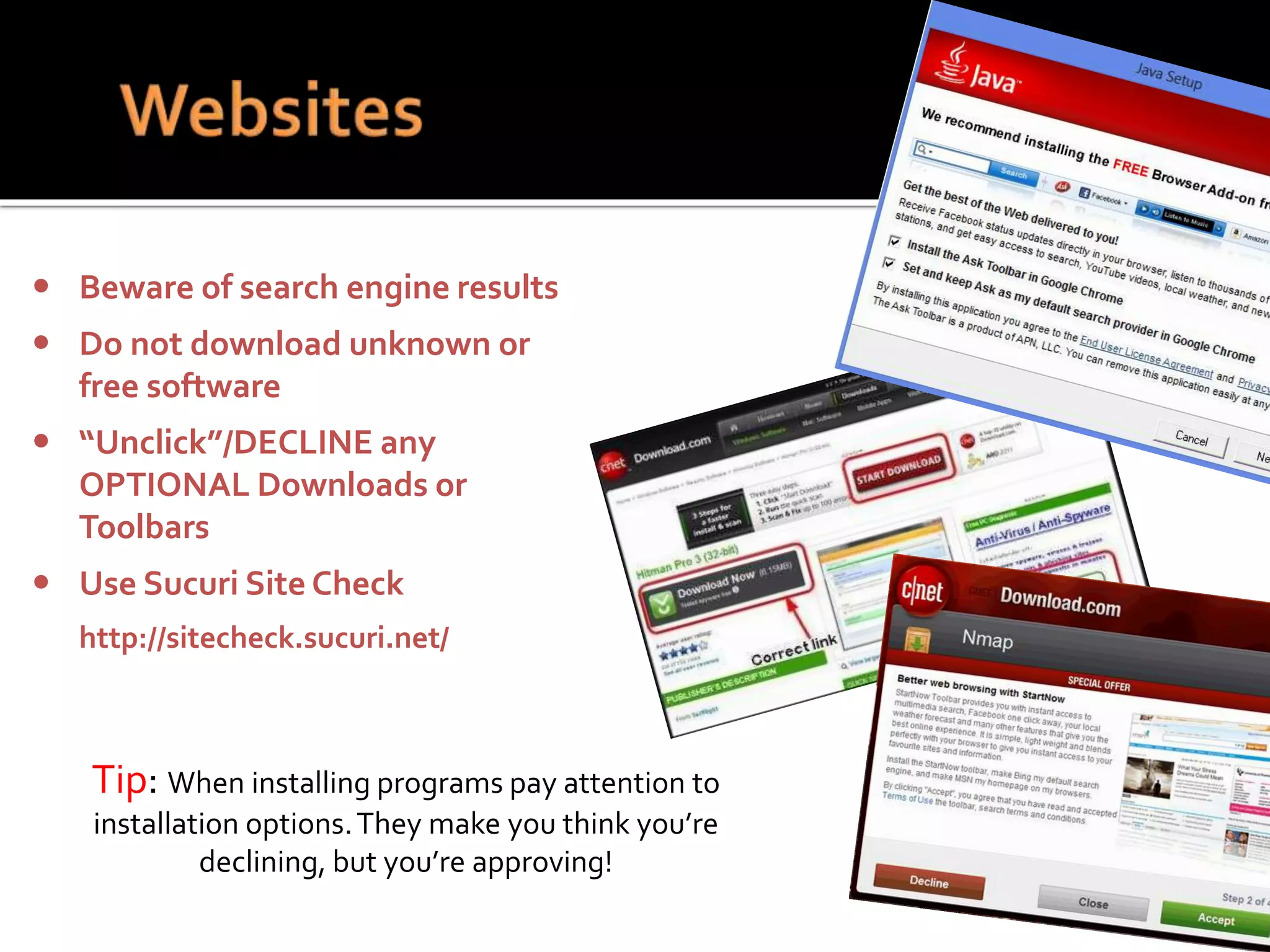
Tip: When installing programs pay attention to
installation options.They make you think you’re
declining, but you’re approving!
 Beware of search engine results
 Do not download unknown or
free software
 “Unclick”/DECLINE any
OPTIONAL Downloads or
Toolbars
 Use Sucuri Site Check
http://sitecheck.sucuri.net/
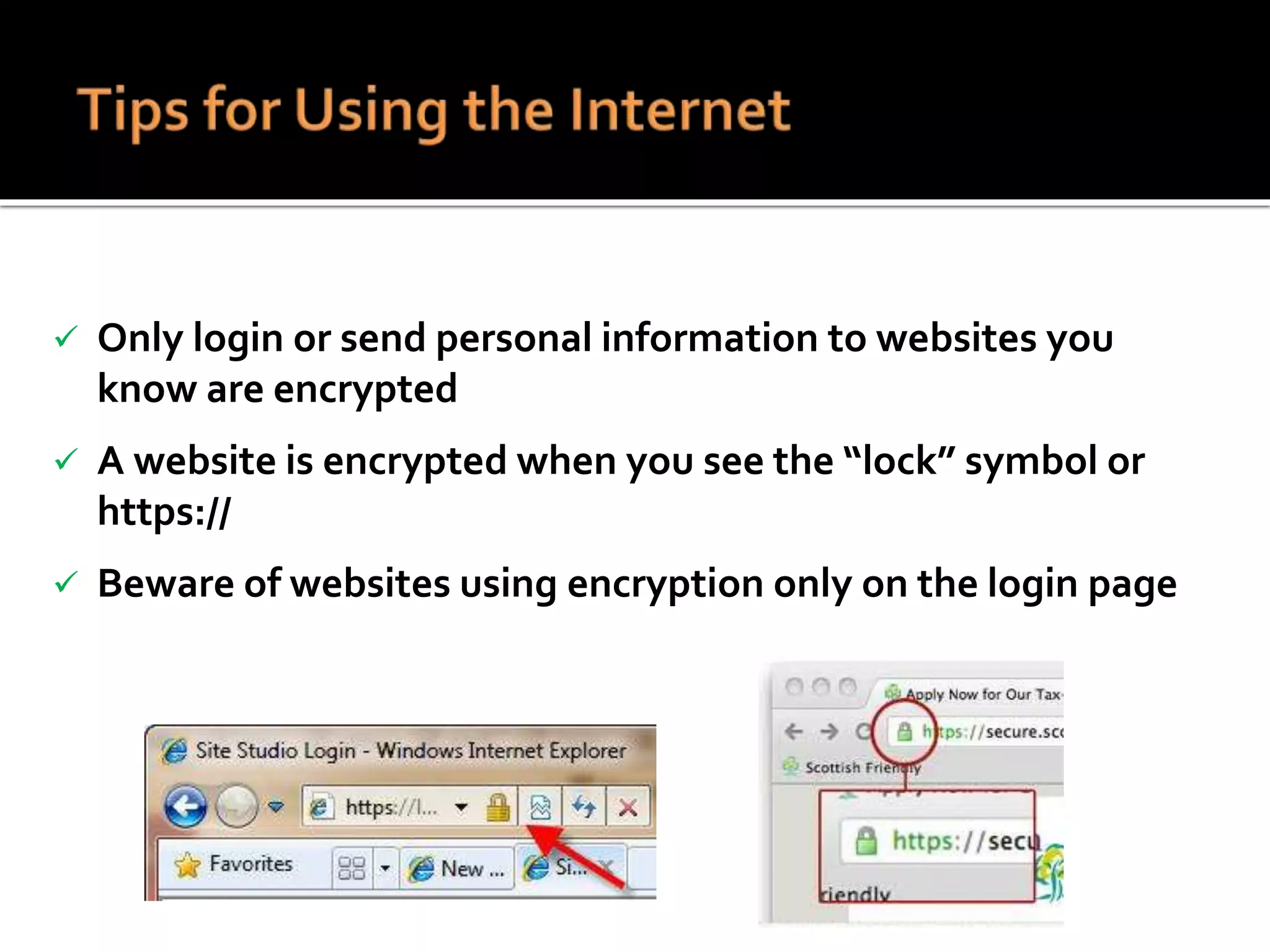
 Only login or send personal information to websites you
know are encrypted
 A website is encrypted when you see the “lock” symbol or
https://
 Beware of websites using encryption only on the login page
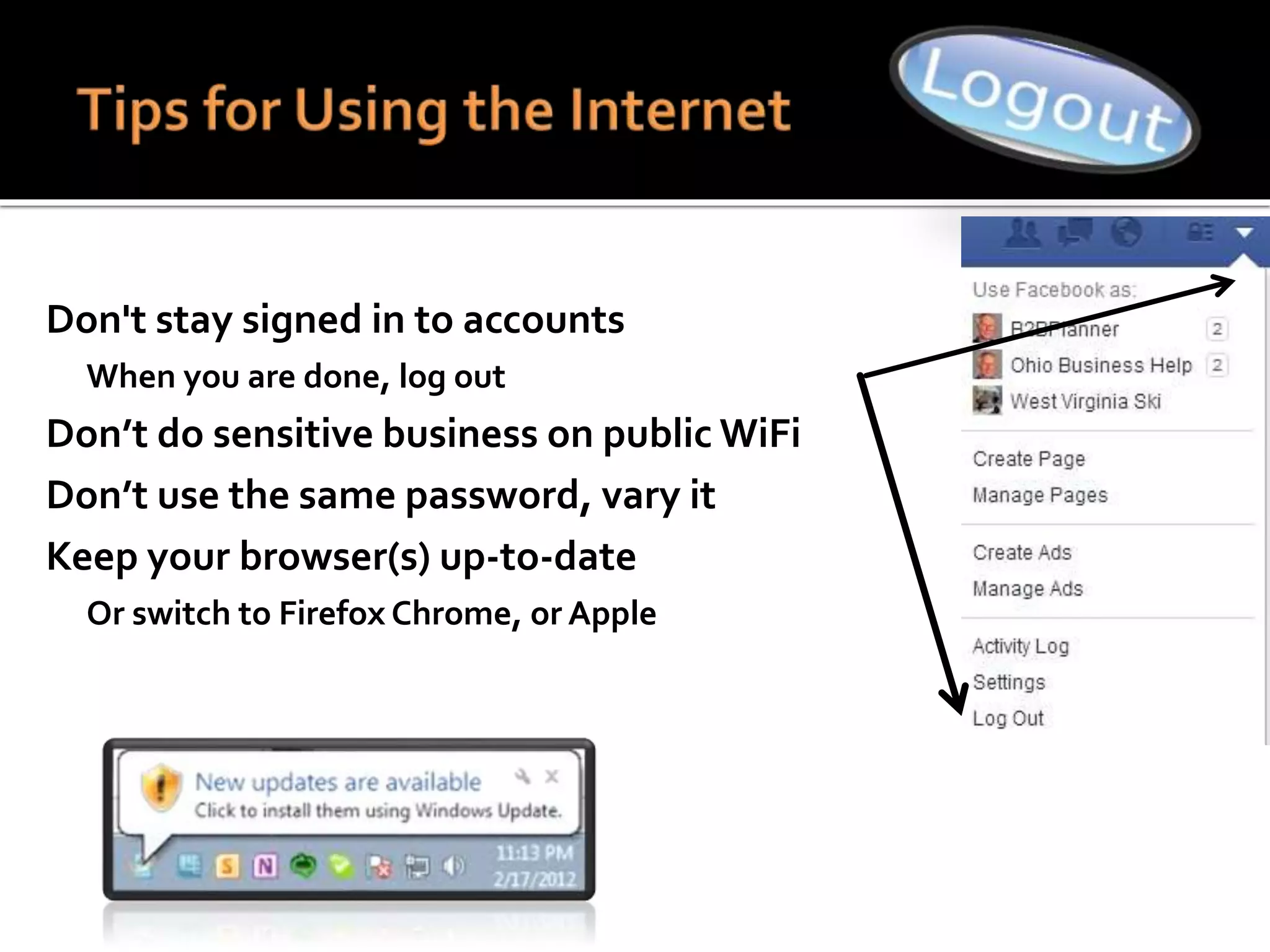
 Don't stay signed in to accounts
 When you are done, log out
 Don’t do sensitive business on public WiFi
 Don’t use the same password, vary it
 Keep your browser(s) up-to-date
 Or switch to Firefox Chrome, or Apple
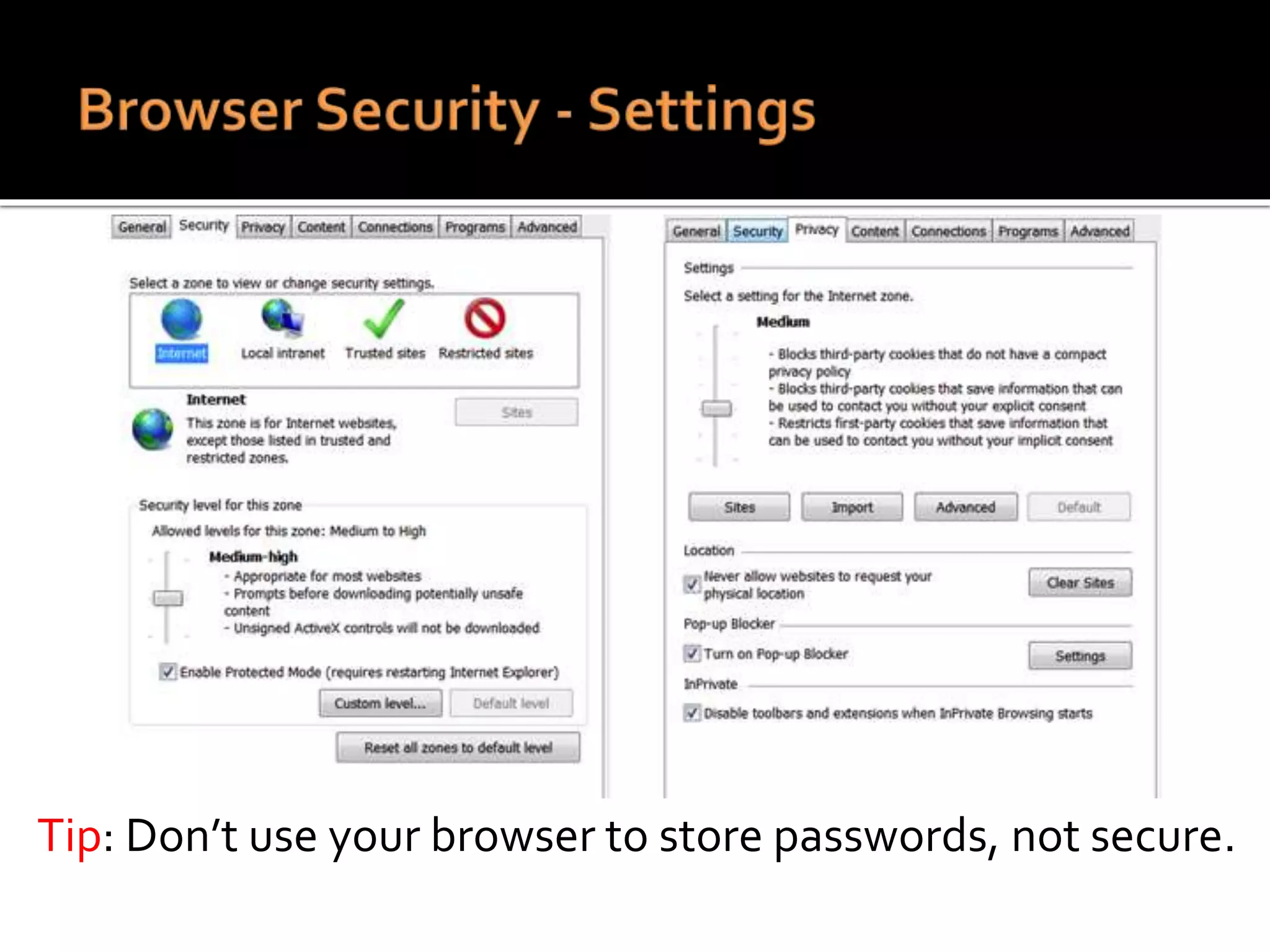
Tip: Don’t use your browser to store passwords, not secure.
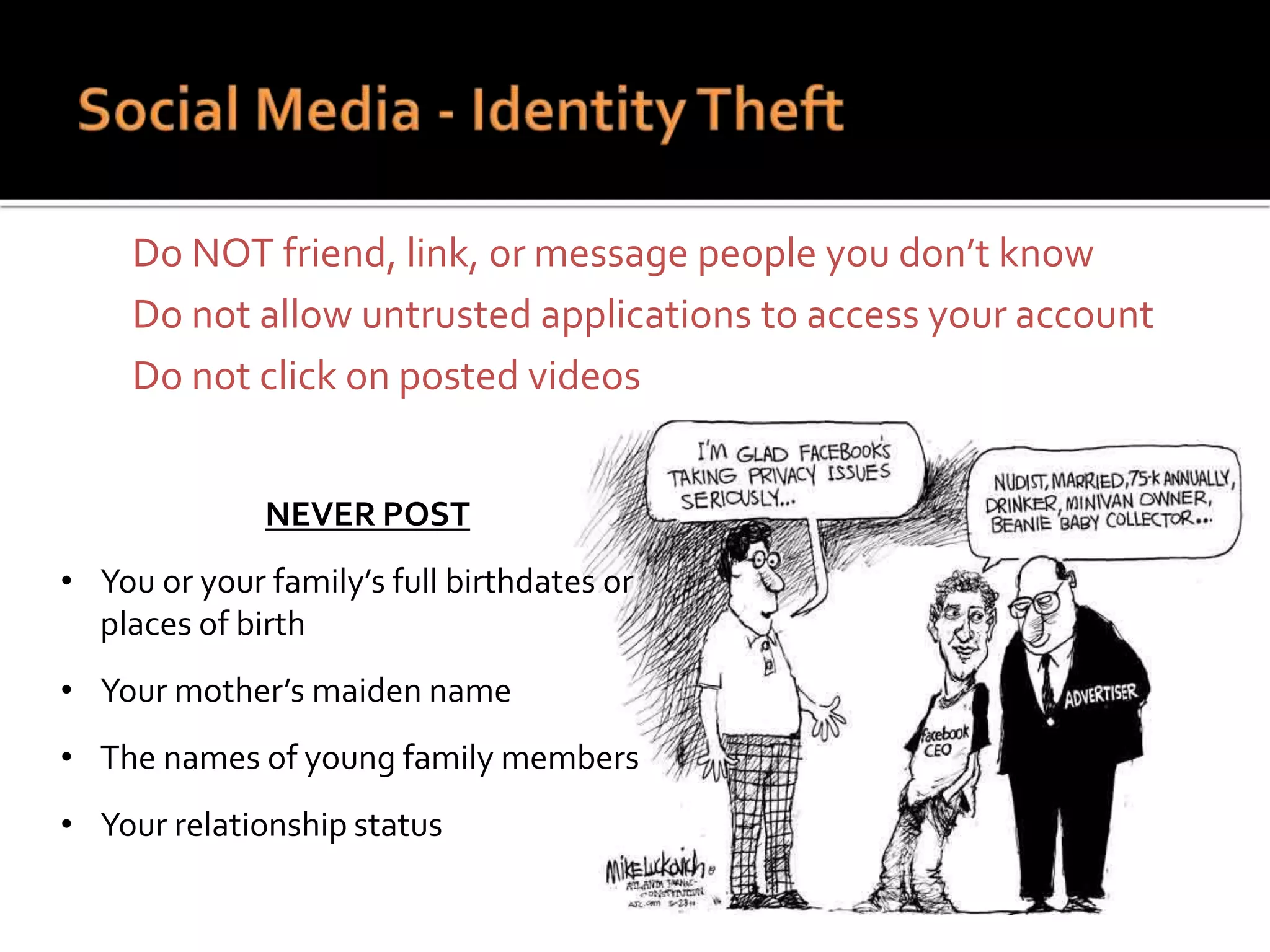
 Do NOT friend, link, or message people you don’t know
 Do not allow untrusted applications to access your account
 Do not click on posted videos
NEVER POST
• You or your family’s full birthdates or
places of birth
• Your mother’s maiden name
• The names of young family members
• Your relationship status
Cyber Security Part IV
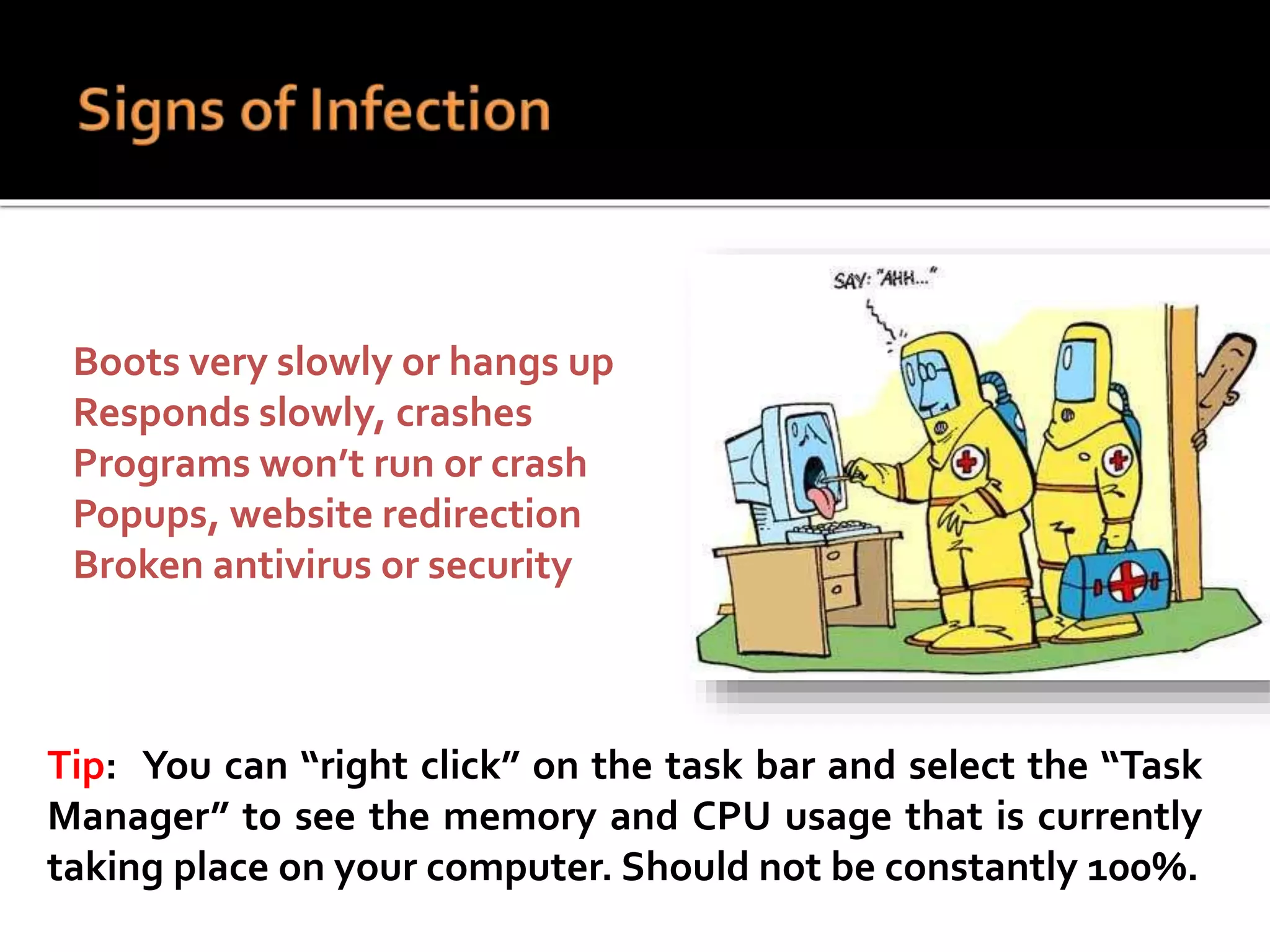
 Boots very slowly or hangs up
 Responds slowly, crashes
 Programs won’t run or crash
 Popups, website redirection
 Broken antivirus or security
Tip: You can “right click” on the task bar and select the “Task
Manager” to see the memory and CPU usage that is currently
taking place on your computer. Should not be constantly 100%.
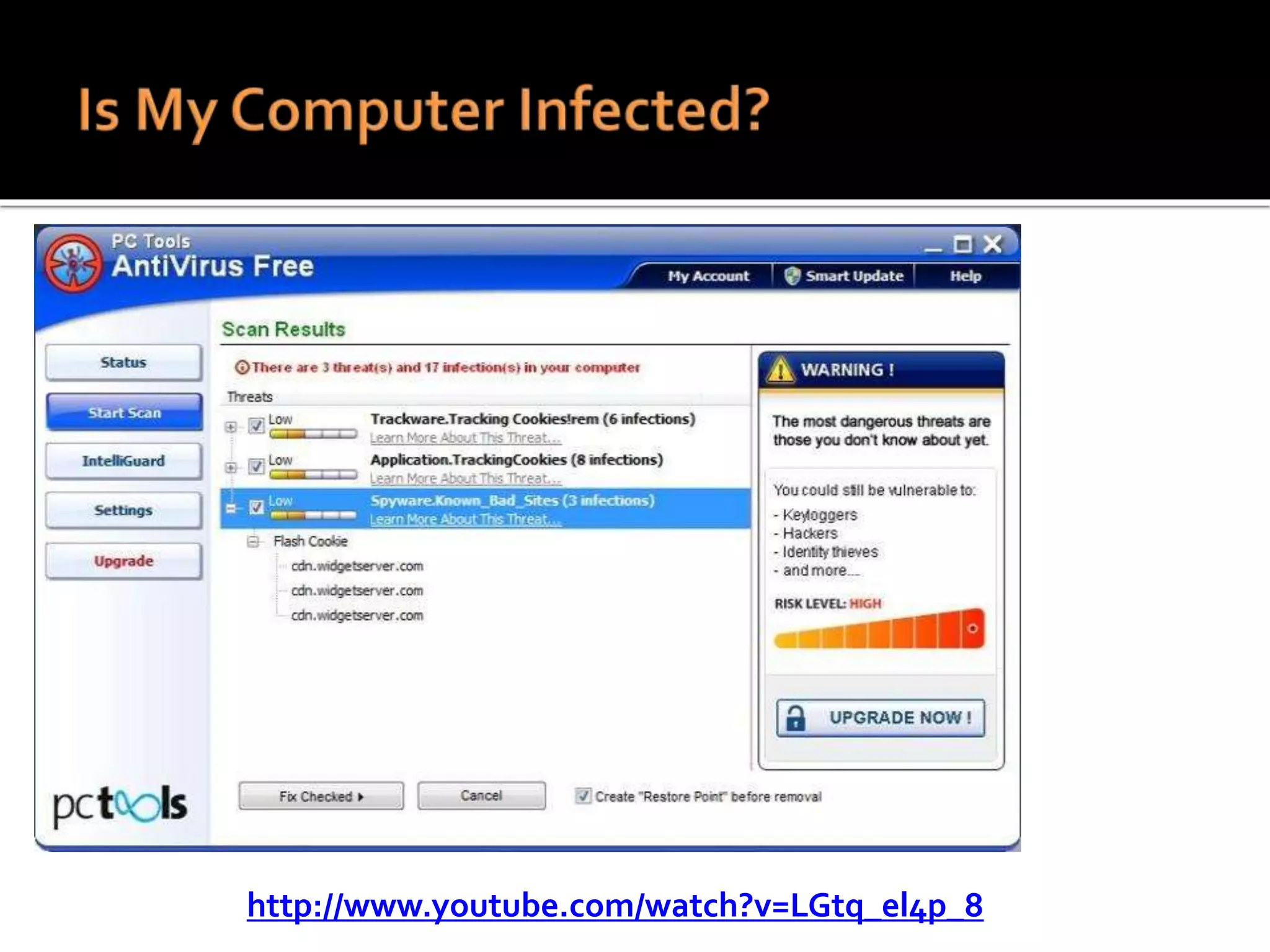
http://www.youtube.com/watch?v=LGtq_el4p_8
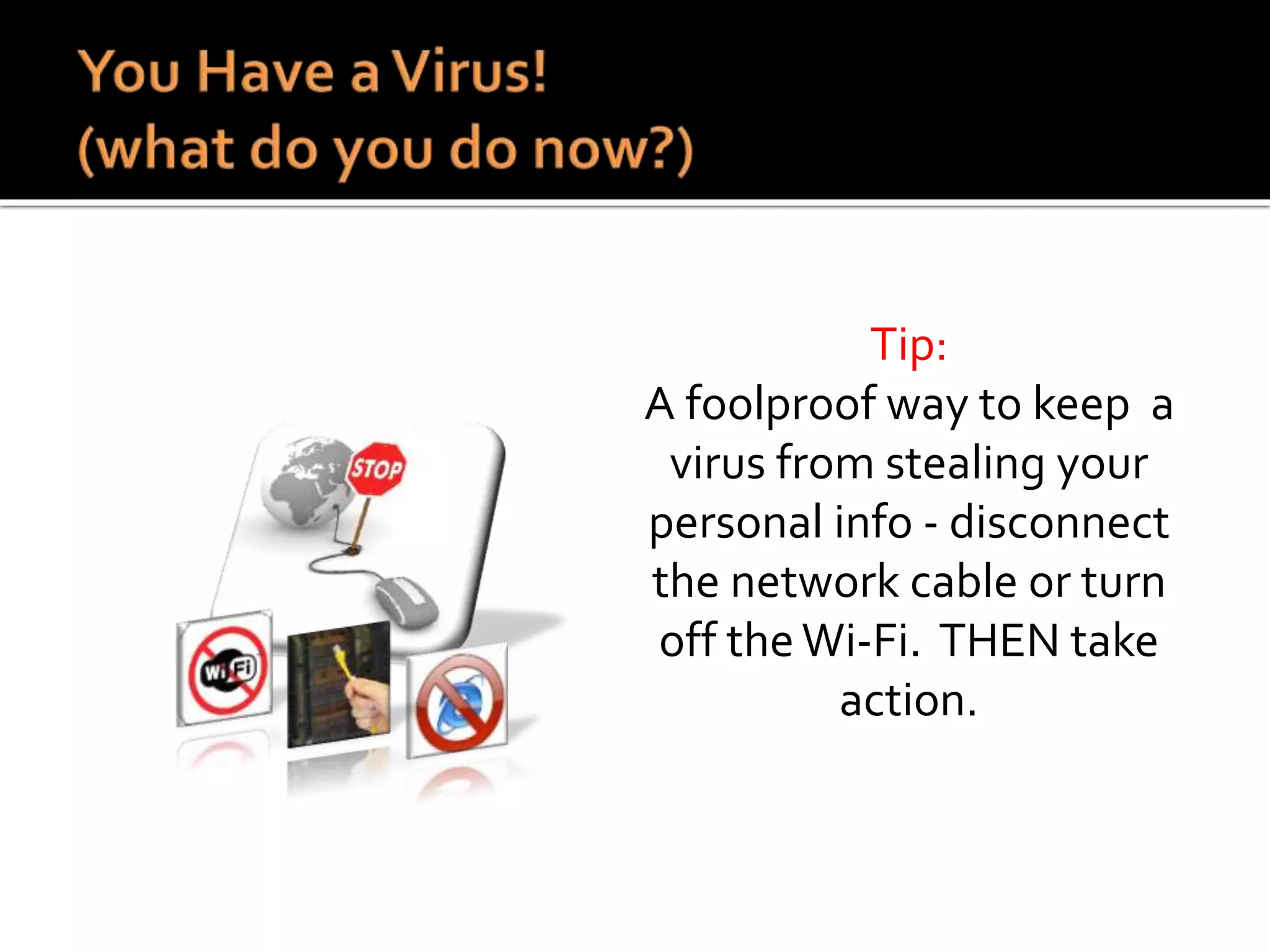
Tip:
A foolproof way to keep a
virus from stealing your
personal info - disconnect
the network cable or turn
off theWi-Fi. THEN take
action.
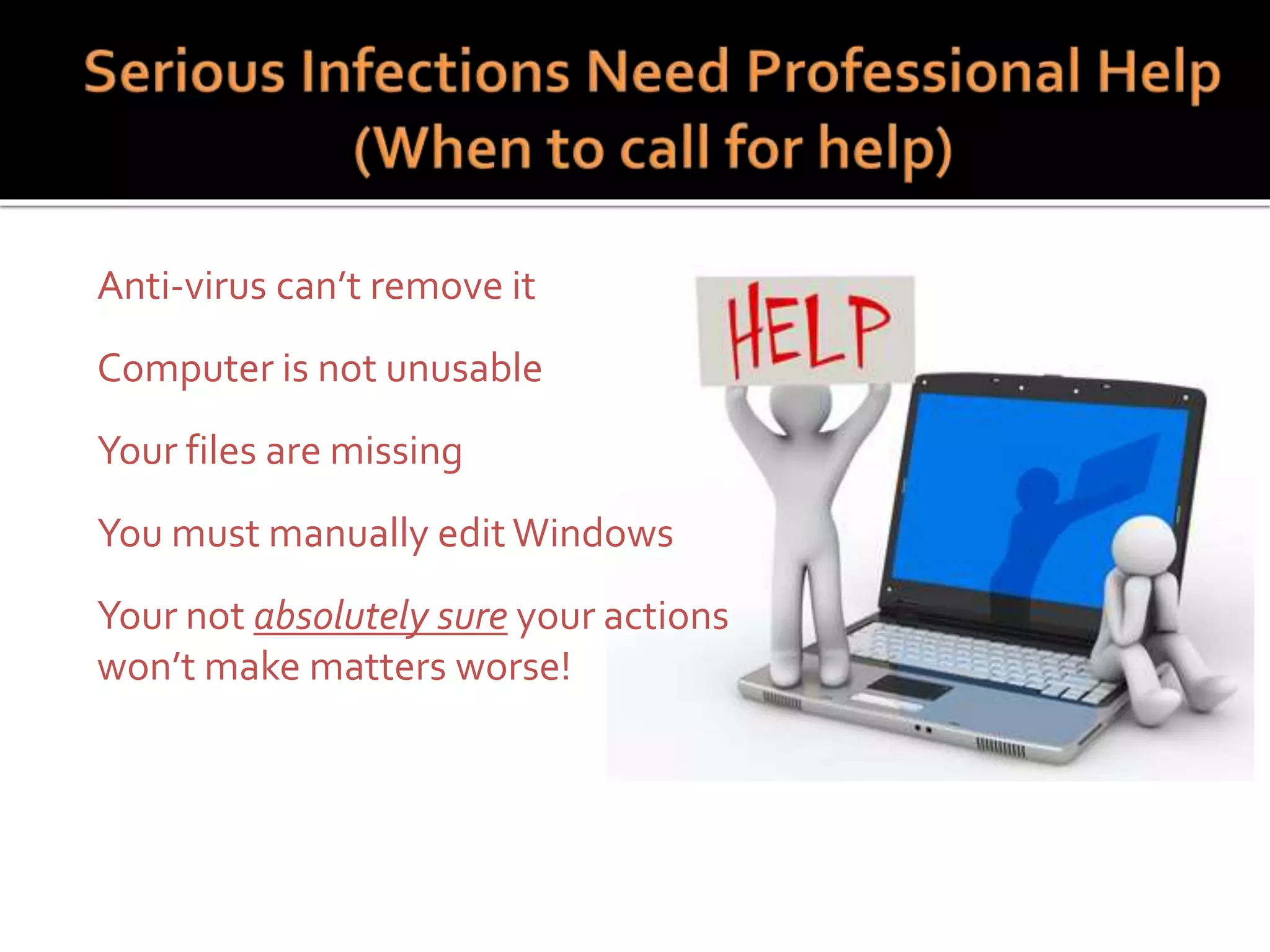
 Anti-virus can’t remove it
 Computer is not unusable
 Your files are missing
 You must manually edit Windows
 Your not absolutely sure your actions
won’t make matters worse!
Home PC Security PartV
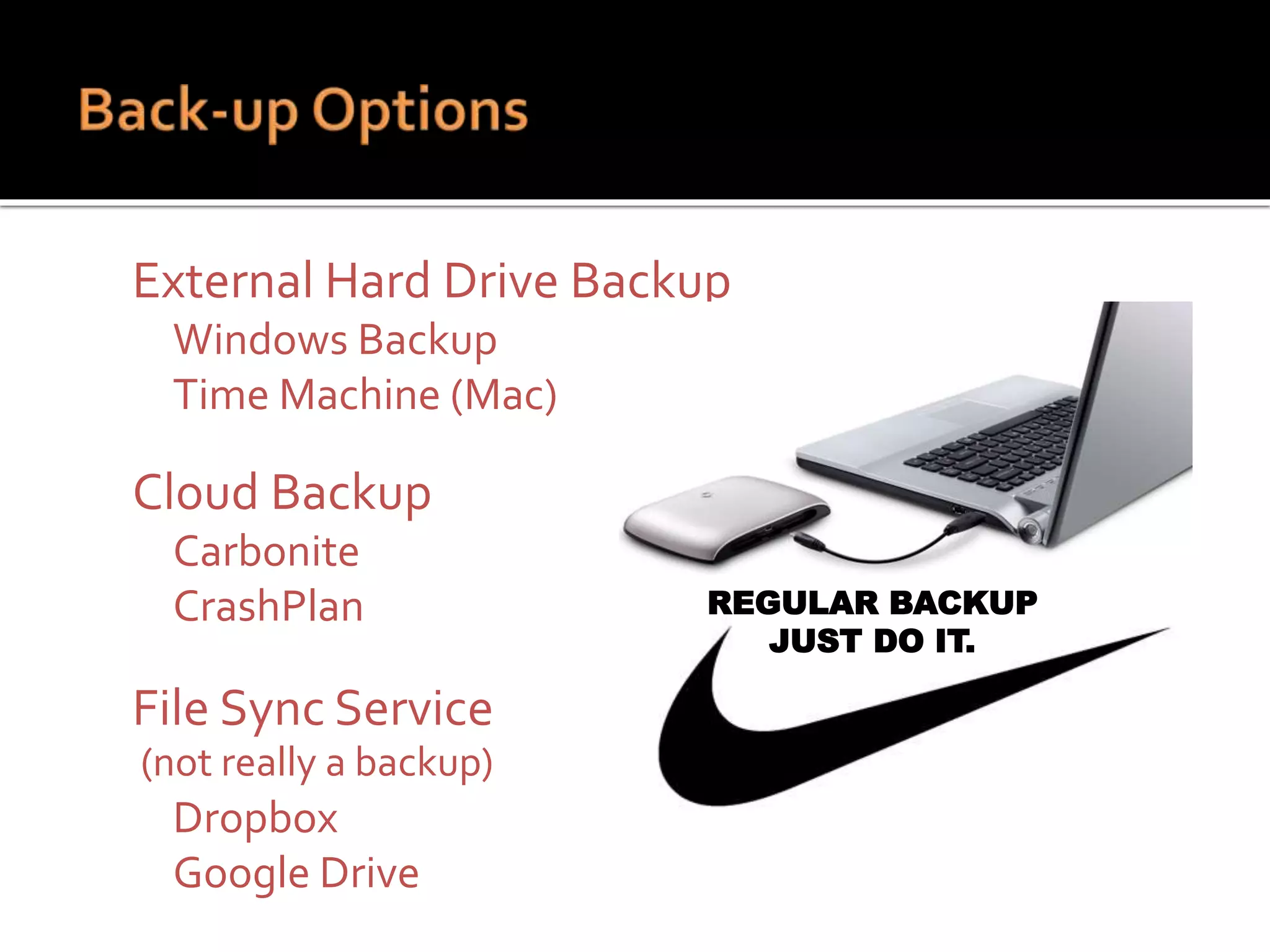
 External Hard Drive Backup
 Windows Backup
 Time Machine (Mac)
 Cloud Backup
 Carbonite
 CrashPlan
 File Sync Service
(not really a backup)
 Dropbox
 Google Drive
REGULAR BACKUP
JUST DO IT.
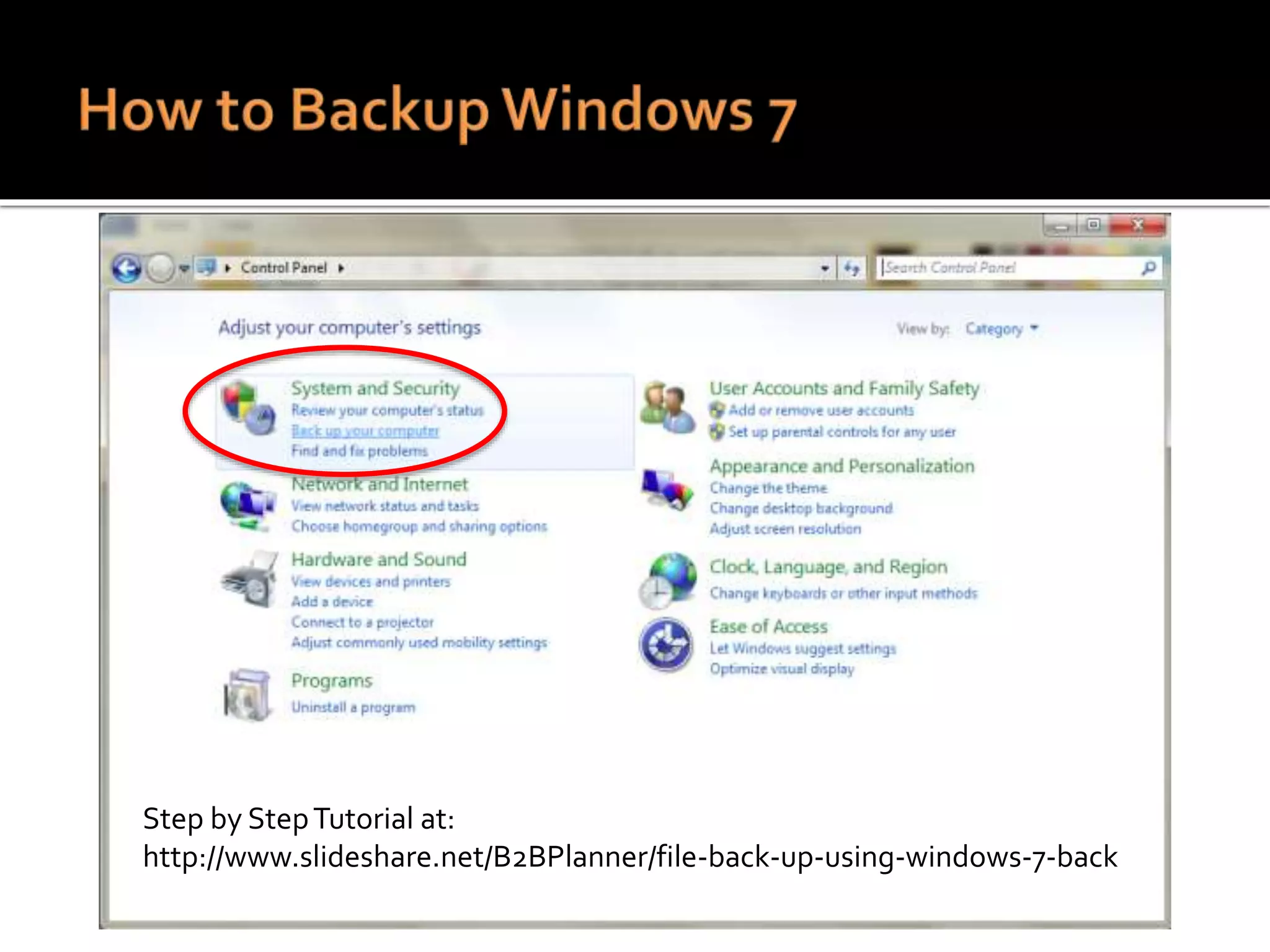
Step by StepTutorial at:
http://www.slideshare.net/B2BPlanner/file-back-up-using-windows-7-back
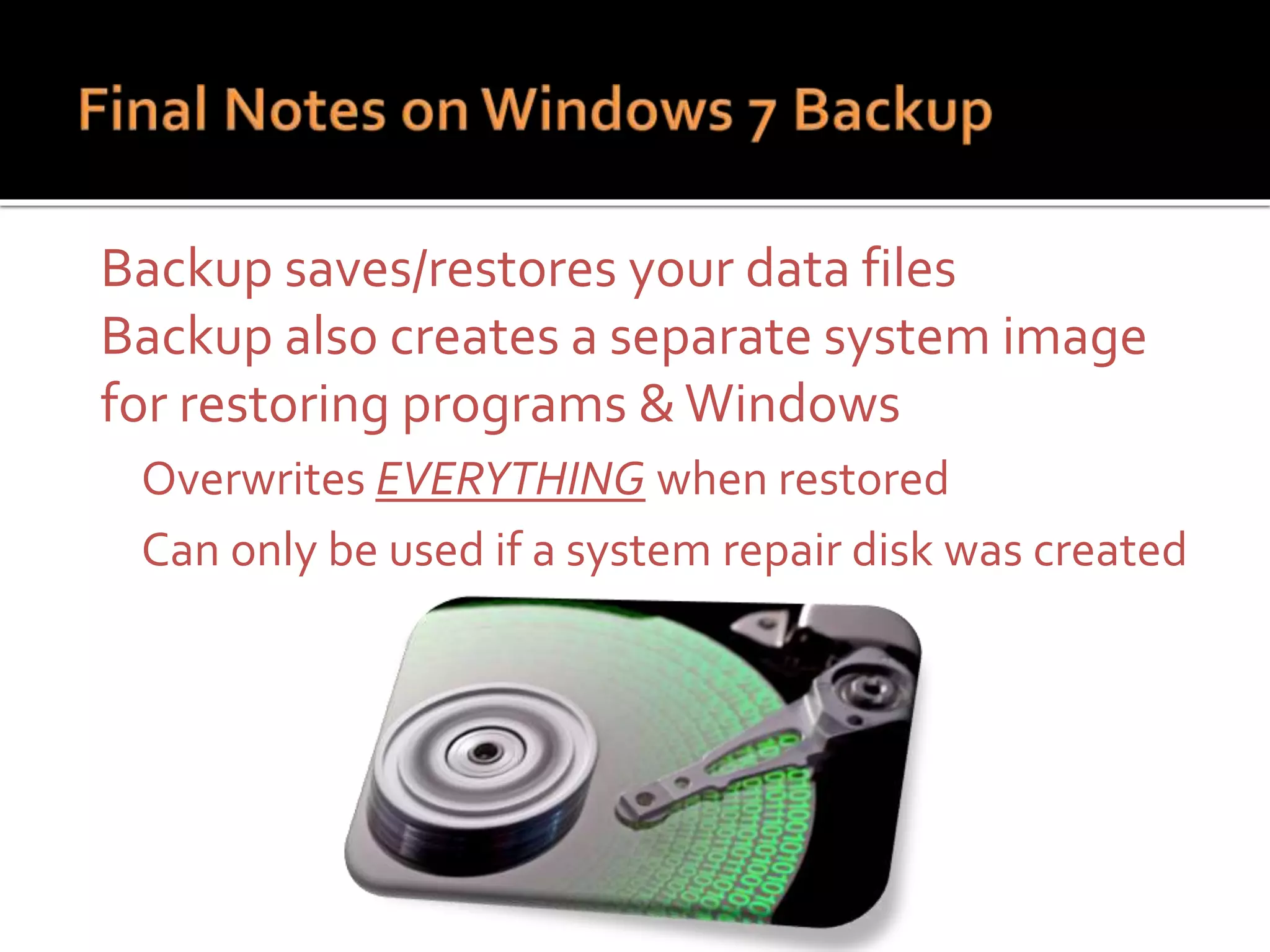
 Backup saves/restores your data files
 Backup also creates a separate system image
for restoring programs &Windows
 Overwrites EVERYTHING when restored
 Can only be used if a system repair disk was created
Hardware or
Software
Cost of
Required
Suggested Source
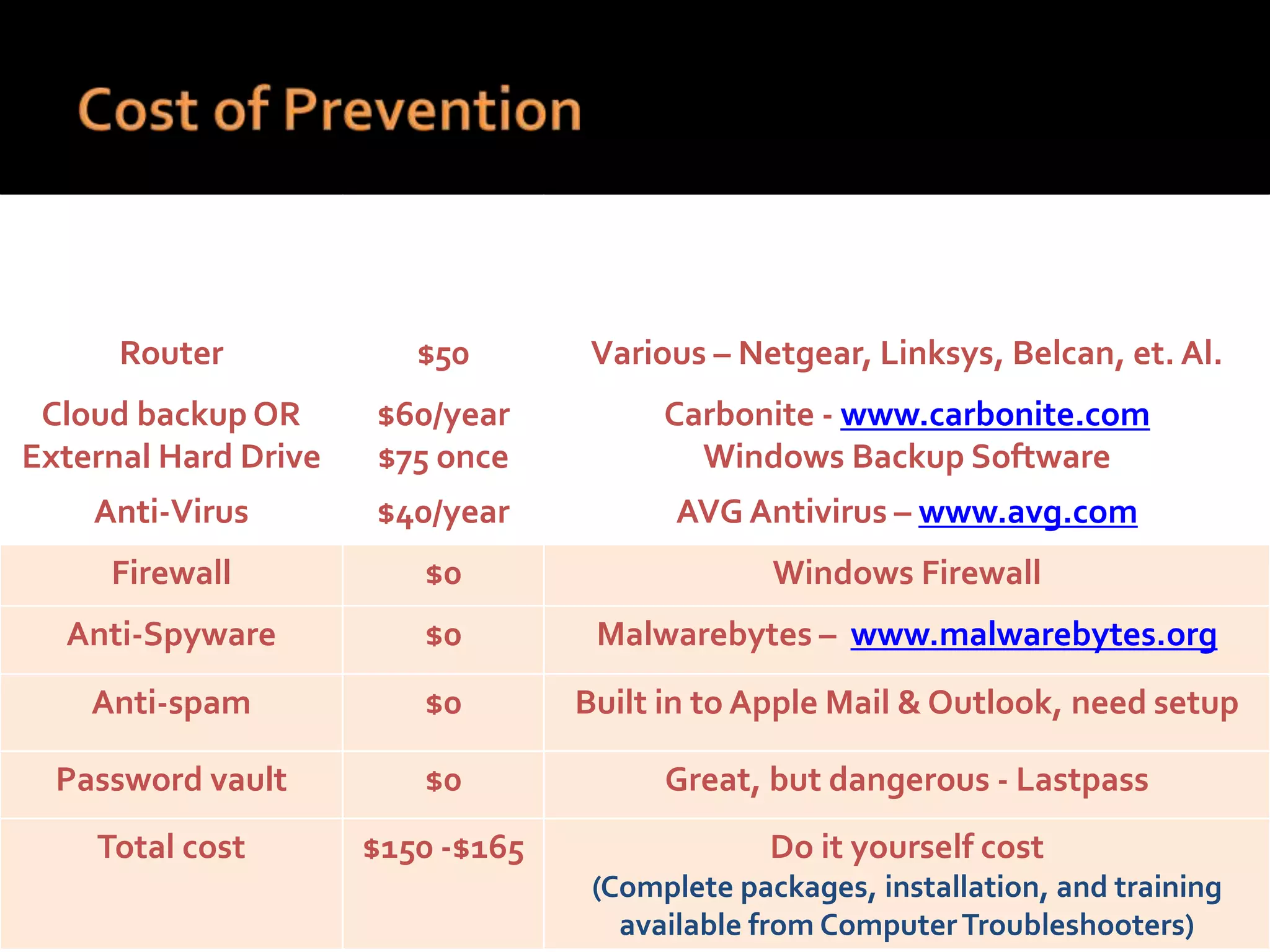
Router $50 Various – Netgear, Linksys, Belcan, et. Al.
Cloud backup OR
External Hard Drive
$60/year
$75 once
Carbonite - www.carbonite.com
Windows Backup Software
Anti-Virus $40/year AVG Antivirus – www.avg.com
Firewall $0 Windows Firewall
Anti-Spyware $0 Malwarebytes – www.malwarebytes.org
Anti-spam $0 Built in to Apple Mail & Outlook, need setup
Password vault $0 Great, but dangerous - Lastpass
Total cost $150 -$165 Do it yourself cost
(Complete packages, installation, and training
available from ComputerTroubleshooters)
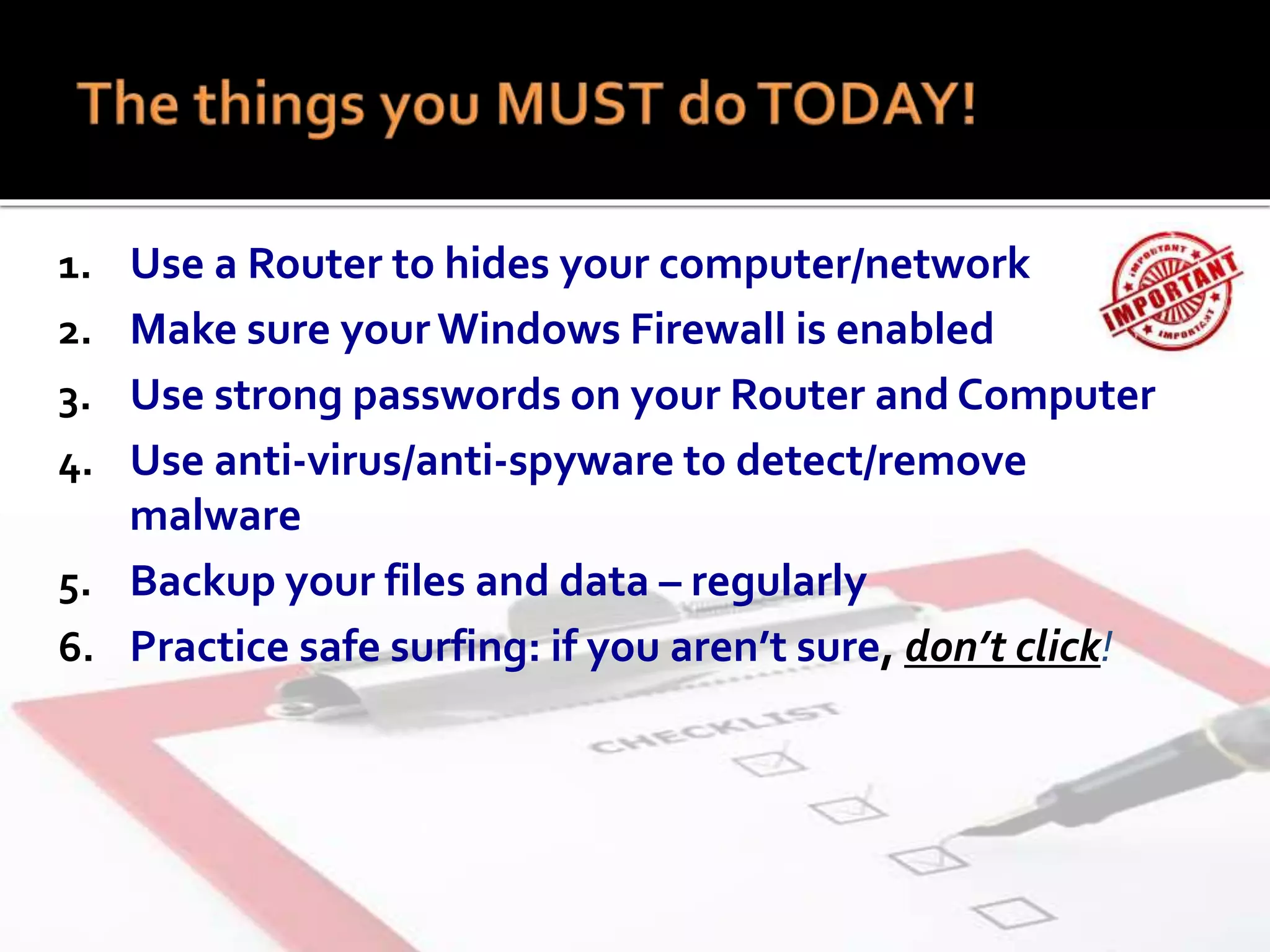
1. Use a Router to hides your computer/network
2. Make sure yourWindows Firewall is enabled
3. Use strong passwords on your Router and Computer
4. Use anti-virus/anti-spyware to detect/remove
malware
5. Backup your files and data – regularly
6. Practice safe surfing: if you aren’t sure, don’t click!
 Questions?

Cyber security for small businesses

  • 1.
     Cyber-Security Workshop June 26  Time: 8 - 10 AM  Location: Madison LakesTraining & Conference Center 581 Olive Road Dayton, OH
  • 2.
    • Providing mentoringand training to those  Preparing to start up a business  To existing small business owners  Wanting to grow  Needing to improve performance • Mentoring is “free and forever” • Seminars are at no or a small charge •www.daytonscore.org - 937-225-2887
  • 3.
    Niki Chaudhry • 35years - business experience • Started and Grew two businesses to $25 MM • Owner-investor in three small businesses • Trainer for Web-Based Marketing • Education:  MBA, BS & MS Engineering, • 25 years computer experience Programmer System Analyst • President CEO and owner Linked Technologies Inc. • Education  BS Computer Science CEO, LinkedTechnologies, Inc. Computer Services Owner, B2B Planners Ltd.
  • 4.
  • 5.
    Security is aprocess-not software or hardware
  • 6.
     You shareyour computer with others  You travel and use publicWiFi  Personal & financial data is on your computer  Business files are on your computer  You use a smartphone like a computer  You are runningWindows XP
  • 7.
    What is Cyber-Security? Protectingyour computer, network, and information from online threats What is Cyber-Crime? Any crime conducted via the Internet to cause damage or steal data
  • 8.
     Why dohackers hack?  Steal money  Collect information to steal money, or commit identity theft  Why attack small companies?  Least secure in general  Unwary users
  • 9.
     Hardware  UnsecuredWi-Fi(Panera)  No Router  Router with default password  Software  No anti-virus/anti-spyware  No Firewall  Old virus definitions  Out of date Windows O.S.  Personal Behavior  Failure to use strong passwords  Clicking on unsafe links or emails  Downloading questionable files  Leaving computer logged on  Leaving your computer accessible
  • 10.
    VirusType Impact SolutionCash Cost MinorVirus Lose some data 2- 4 hours Use installed anti-virus $75-100 MajorVirus Loss of docs 5-10 hours Use service to remove $100-$130 Catastrophic Virus Loss of ALL data & photos 15+ hours Use service to wipe & reload entire system $300- $$$ Also Add What isYOUR time worth? $25, $50 $75?
  • 11.
     Change youroperating system  No option will be fun or easy  Done with Microsoft? Switch to Apple or Linux  Want to stay? Update to 8.1 which works fine You will probably need to buy a new computer  Go to a reputable reseller and buy a used computer loaded with Windows 7
  • 12.
  • 13.
    Firewall SPAM Filter Web Filter Anti-Malware People! Backup YOURINFO! Passwords 1 2 3 4 . 5 6 Conceal Deny Detect Filter Decide Router
  • 16.
    • Closes andlocks “open doors” • Keeps intruders and unknowns out • Allows the recognized & trusted in • Not perfect, Cyber- criminals exploit trusted doors • May block desired sites
  • 17.
     The FirstLine of Defense  “Hides” your network and computers from being directly accessible on the Internet  Routers Can Provide Firewall Protection
  • 18.
    Default Usernames/Passwords formost routers can also be found at: http://portforward.com/default_username_password
  • 19.
     Access Routervia your web browser  Enter your Routers IP Address  Enter the default username & password  Find administration settings  Select Change/Reset Password Tip:To Find IP address go to your PC’s Control Panel > Network and Internet > Network and Sharing Center and click on your network
  • 20.
     Rule #1 Require a password to access your computer  Why?  Prevents unauthorized access  Provides a first line of defense  Prevents easy access from a network TIP: Set up automatic lockout that requires a password. A good timeout value is 5 to 10 minutes.
  • 21.
     Rule #2 Don’t forget your cell phone  Use strong passwords –  >8 characters, letters, numbers and symbols  Use “coded” phrases (e.g. H@m5t3@k!)  Don’t store passwords in a file (unencrypted)  Don’t keep them near the computer  Use a password vault such as “Lastpass”
  • 22.
     Makes filesand disks unreadable without the encryption key  You can encrypt:  Hard Drive or USB Drive –Windows BitLocker Windows 7 upgrade $139,Windows 8.1 included. Start button>all programs>Windows anytime upgrade  Individual Files – Axcrypt– Free open source  Business Email – using a virtual personal network (VPN) Windows 7 Start button > typeVPN into the program search window  Protects against theft or loss of a computer
  • 23.
     Confidential Informationyour business is required to protect with encryption includes:  Medical Data defined by HIPAA  (Health Insurance Portability and Accountability Act)  Must also include staff training  Financial Data defined by PIC  (Payment Card Industry)  Do NOT permanently store card data on your system  Recommend using 3rd party providers
  • 24.
    SPAM Filters  Keepsout email from unknown senders  Catches majority of SPAM  Catches non-SPAM  Allows known email  SPAM Filters aren’t perfect! WEB Filters  Prohibits bad websites  Pre-examines website content and warns you  Catches good websites  Allows known websites  Web filters aren’t perfect!
  • 25.
    • Anti-Virus &Anti- Spyware Programs • Scans email, attachments files, & downloads • Detects threats and Removes them • Not perfect, does not detect everything, cannot remove all threats
  • 26.
    You and youremployees are the last line of defense After all the layers of protection, you are the decision maker DENY !!! Cyber Security Part III
  • 27.
     If youprovide Wi-Fi for Customers 1. Your existing router may have a “guest” feature 1. Be sure to useWPA2 encryption on your Private Network 2. Verify firewall Install dedicated customer “hot spot” hardware and software Does not require company to have anyWi-Fi exposure. Protect private proprietary information from public users. • Improve customer internet experience and security • Include filtering to avoid risky or offensive websites • Provides features such as terms of service or time limits. 2. Worry free 24x7Technical Support, Monitoring, & Maintenance
  • 29.
     Provide securitytraining  Have company policies For email & internet use Company & confidential information Make them written and update them  Limit administrative and password access  Restrict software on company computers
  • 30.
    Control Downloads ofSoftware Never allow “pirate” websites music, games, movies (BitTorrent) Beware of ALL free software, know the source Danger areas Adobe Flash files – update often Shortened urls you can’t check – know the source Email attachments or links – hover over “click here”
  • 31.
    S ource offile? T ype & size of file? O thers recommend? P repared to scan? This is a fake anti-virus program. Once loaded it claims your computer is infected and directs you to to buy the program via credit card.
  • 32.
    Type Source PurposeProtection Virus Email Ads Links Warnings Updates Malicious attack Disable your computer Destroy your data Anti-virus software Firewall software Firewall hardware Data back-up Phishing Email Website Steal Identity or money Surfing behavior Adware Ads Virus delivery, steal information Good practices Spyware Steal personal information Anti-spyware & firewall software Tip: Have both Anti-Virus AND Anti-Spyware installed on your computer.. But DO NOT install two anti-virus programs.
  • 33.
     These scamswill come in the form of:  Email (phishing)  Website (pharming)  Phone Call (vishing)  Text Message (smishing)  A Combination ofThese
  • 34.
     Requests personalinformation?  Contains grammatical errors or misspellings?  How do they address you?  Is it too good to be true?  Have you checked the link? Tip: “Mouse Over” Does the website URL look legitimate? Tip: Legitimate companies will NEVER ask you for personal or confidential information via email, a website, telephone, or text message.
  • 35.
    R eceived Before? Inside Links? S ensible Message? Know sender? This email link delivers a Trojan Virus right to your computer
  • 36.
    Tip: When installingprograms pay attention to installation options.They make you think you’re declining, but you’re approving!  Beware of search engine results  Do not download unknown or free software  “Unclick”/DECLINE any OPTIONAL Downloads or Toolbars  Use Sucuri Site Check http://sitecheck.sucuri.net/
  • 37.
     Only loginor send personal information to websites you know are encrypted  A website is encrypted when you see the “lock” symbol or https://  Beware of websites using encryption only on the login page
  • 38.
     Don't staysigned in to accounts  When you are done, log out  Don’t do sensitive business on public WiFi  Don’t use the same password, vary it  Keep your browser(s) up-to-date  Or switch to Firefox Chrome, or Apple
  • 39.
    Tip: Don’t useyour browser to store passwords, not secure.
  • 40.
     Do NOTfriend, link, or message people you don’t know  Do not allow untrusted applications to access your account  Do not click on posted videos NEVER POST • You or your family’s full birthdates or places of birth • Your mother’s maiden name • The names of young family members • Your relationship status
  • 42.
  • 43.
     Boots veryslowly or hangs up  Responds slowly, crashes  Programs won’t run or crash  Popups, website redirection  Broken antivirus or security Tip: You can “right click” on the task bar and select the “Task Manager” to see the memory and CPU usage that is currently taking place on your computer. Should not be constantly 100%.
  • 44.
  • 45.
    Tip: A foolproof wayto keep a virus from stealing your personal info - disconnect the network cable or turn off theWi-Fi. THEN take action.
  • 46.
     Anti-virus can’tremove it  Computer is not unusable  Your files are missing  You must manually edit Windows  Your not absolutely sure your actions won’t make matters worse!
  • 47.
  • 48.
     External HardDrive Backup  Windows Backup  Time Machine (Mac)  Cloud Backup  Carbonite  CrashPlan  File Sync Service (not really a backup)  Dropbox  Google Drive REGULAR BACKUP JUST DO IT.
  • 49.
    Step by StepTutorialat: http://www.slideshare.net/B2BPlanner/file-back-up-using-windows-7-back
  • 51.
     Backup saves/restoresyour data files  Backup also creates a separate system image for restoring programs &Windows  Overwrites EVERYTHING when restored  Can only be used if a system repair disk was created
  • 52.
    Hardware or Software Cost of Required SuggestedSource Router $50 Various – Netgear, Linksys, Belcan, et. Al. Cloud backup OR External Hard Drive $60/year $75 once Carbonite - www.carbonite.com Windows Backup Software Anti-Virus $40/year AVG Antivirus – www.avg.com Firewall $0 Windows Firewall Anti-Spyware $0 Malwarebytes – www.malwarebytes.org Anti-spam $0 Built in to Apple Mail & Outlook, need setup Password vault $0 Great, but dangerous - Lastpass Total cost $150 -$165 Do it yourself cost (Complete packages, installation, and training available from ComputerTroubleshooters)
  • 53.
    1. Use aRouter to hides your computer/network 2. Make sure yourWindows Firewall is enabled 3. Use strong passwords on your Router and Computer 4. Use anti-virus/anti-spyware to detect/remove malware 5. Backup your files and data – regularly 6. Practice safe surfing: if you aren’t sure, don’t click!
  • 54.

Editor's Notes

  • #5 How many people in the audience have fire insurance? How many people in the audience have Cyber Insurance? The degree of devastation to your business could actually be greater from Cyber attack than a fire.
  • #6 Like a fire, prevention is the best way to protect yourself from damage from Cyber attack. An the best way to prevent Cyber attack is to have a plan for an ongoing process that continuously checked and updated, just like fire extinguishers are checked and updated.
  • #8 Although everyone is at risk of attack, certain situations place your computer at higher risk. How many people have 4 or more of these risk factors
  • #9 In-Home Threats (internal - Physical) Computer Theft Unauthorized access Tampering Online Threats (external – Internet) Hackers Malware Scams
  • #11 Types of information stolen: Credit card info Online bank account information Confidential information like SSN, addresses, phone #s Stock trading data, brokerage statements Tax return information Medical information Email addresses for SPAM and SCAMs
  • #16 Your PC security system can be viewed as a series of protective layers that each provide protection against specific threats. Most of them depend on you being knowledgeable and diligent in using good practices when using the internet.
  • #17 Router is the First Line of Defense “Hides” your network and computers from being directly accessible on the Internet Routers Can Provide Firewall Protection
  • #23 Prevents unauthorized access when your not around Provides a first line of defense in case of computer theft Prevent hackers from gaining easy access if they get inside your network
  • #28 What AntiVirus do you use? The big boys concentrate on advertising (Norton, McAfee) Not as efficient as others
  • #35 This helps detect/protect you from more kinds of malware than just Anti-Virus
  • #36 Sometimes a scam artist will first contact you “benignly” as bait to lure you into a conversation. They then follow that up with the scam after gaining your trust. Other times, the scam artist will contact you directly asking for information for a seemingly valid reason.
  • #47 High or zero network activity High CPU and/or memory usage