by  DHANESH.T.S CSS
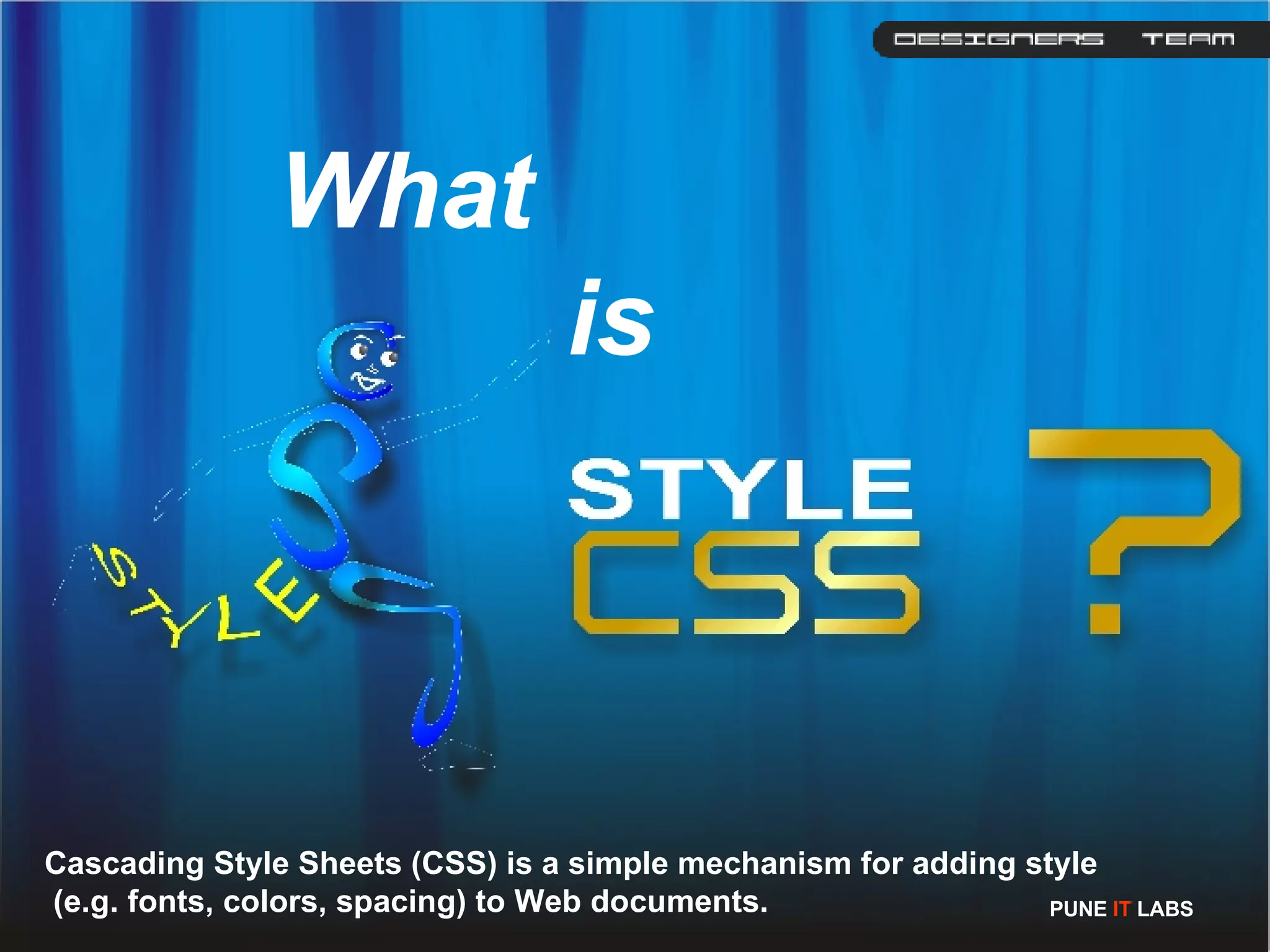
What    is  Cascading Style Sheets (CSS) is a simple mechanism for adding style (e.g. fonts, colors, spacing) to Web documents.  PUNE  IT  LABS
Advantages of CSS Completely consistent with the look and feel of your pages  More control over the layout and design  Pages download faster, sometimes by as much as 50%  You have to type less code, and your pages are shorter and neater.  CSS properties can also be dynamically changed with a JavaScript. eg.  object .style.cssFloat="left"  PUNE  IT  LABS
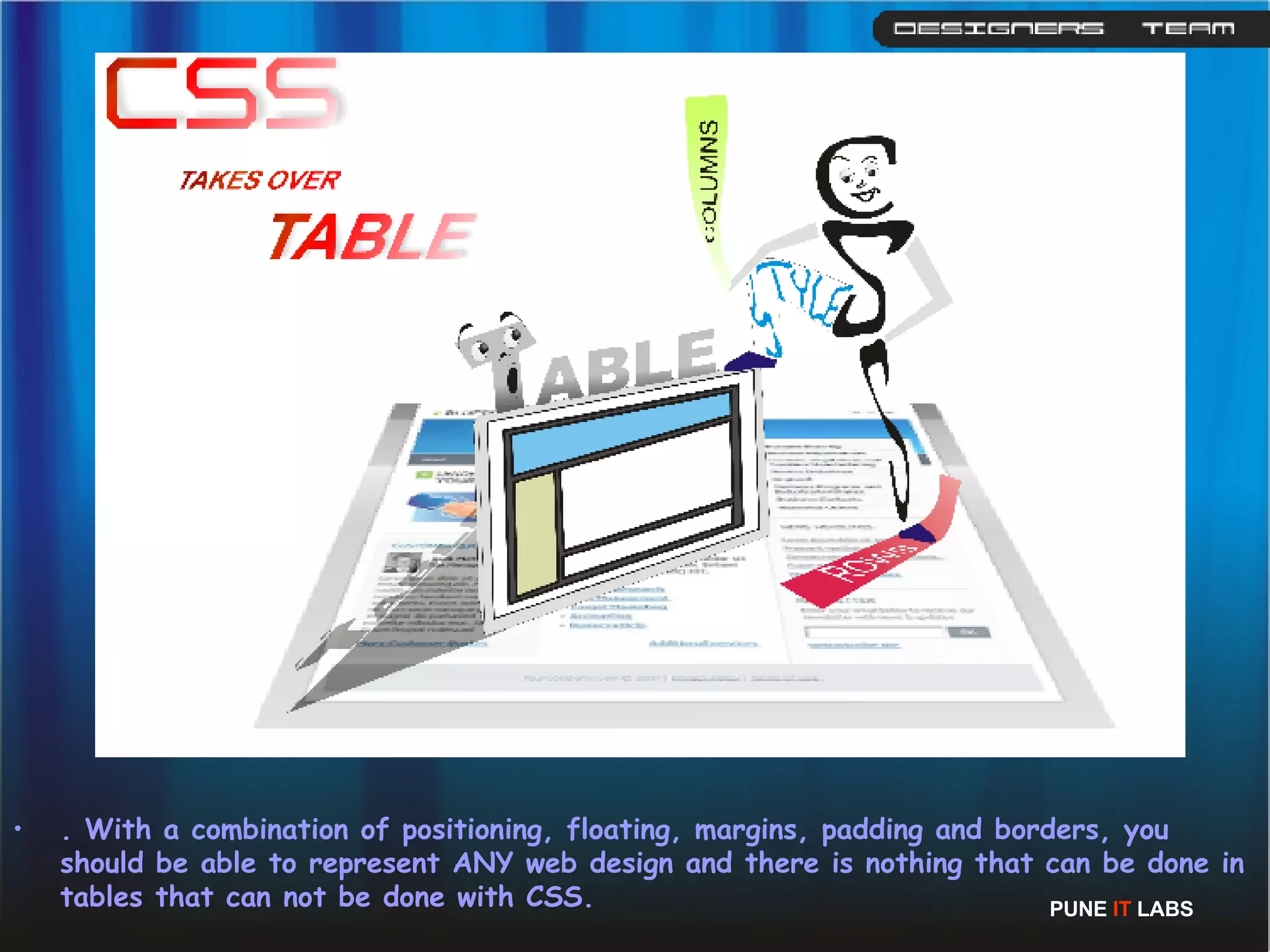
. With a combination of positioning, floating, margins, padding and borders, you should be able to represent ANY web design and there is nothing that can be done in tables that can not be done with CSS. PUNE  IT  LABS
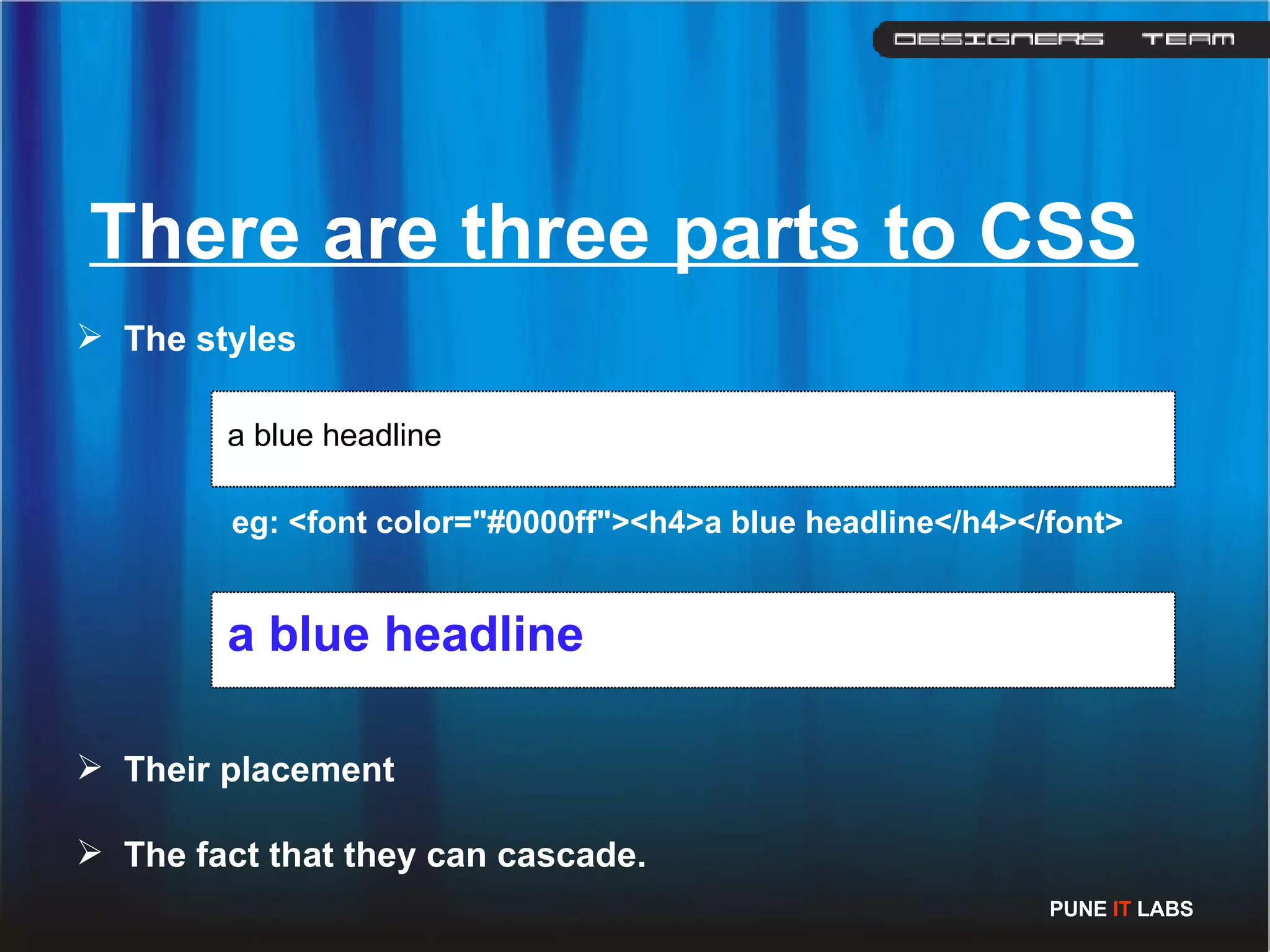
There are three parts to CSS The styles a blue headline eg: <font color=&quot;#0000ff&quot;><h4>a blue headline</h4></font>  a blue headline Their placement The fact that they can cascade. PUNE  IT  LABS
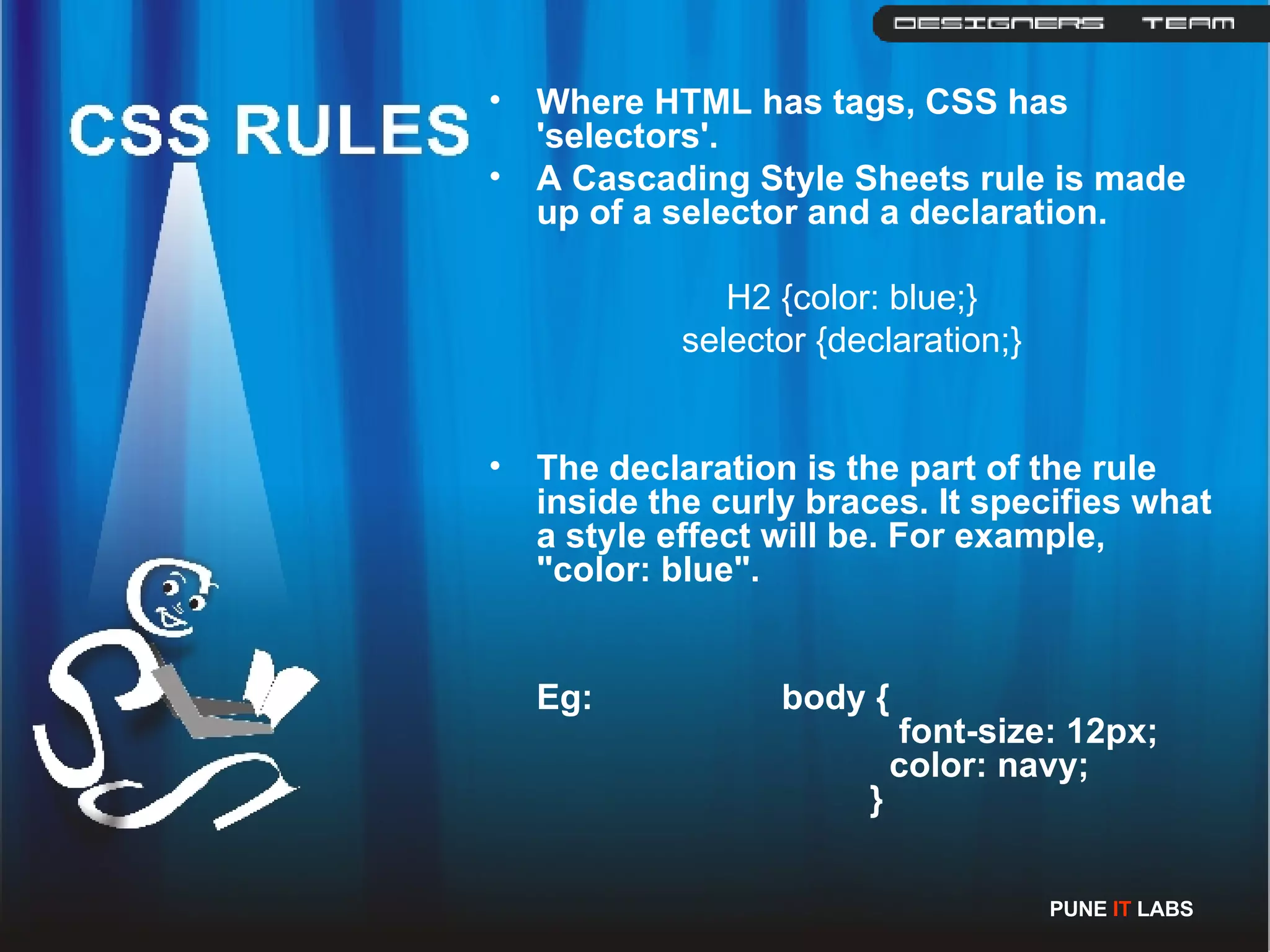
Where HTML has tags, CSS has 'selectors'.   A Cascading Style Sheets rule is made up of a selector and a declaration. H2 {color: blue;} selector {declaration;} The declaration is the part of the rule inside the curly braces. It specifies what a style effect will be. For example, &quot;color: blue&quot;. Eg:   body {       font-size: 12px;       color: navy;  }   PUNE  IT  LABS
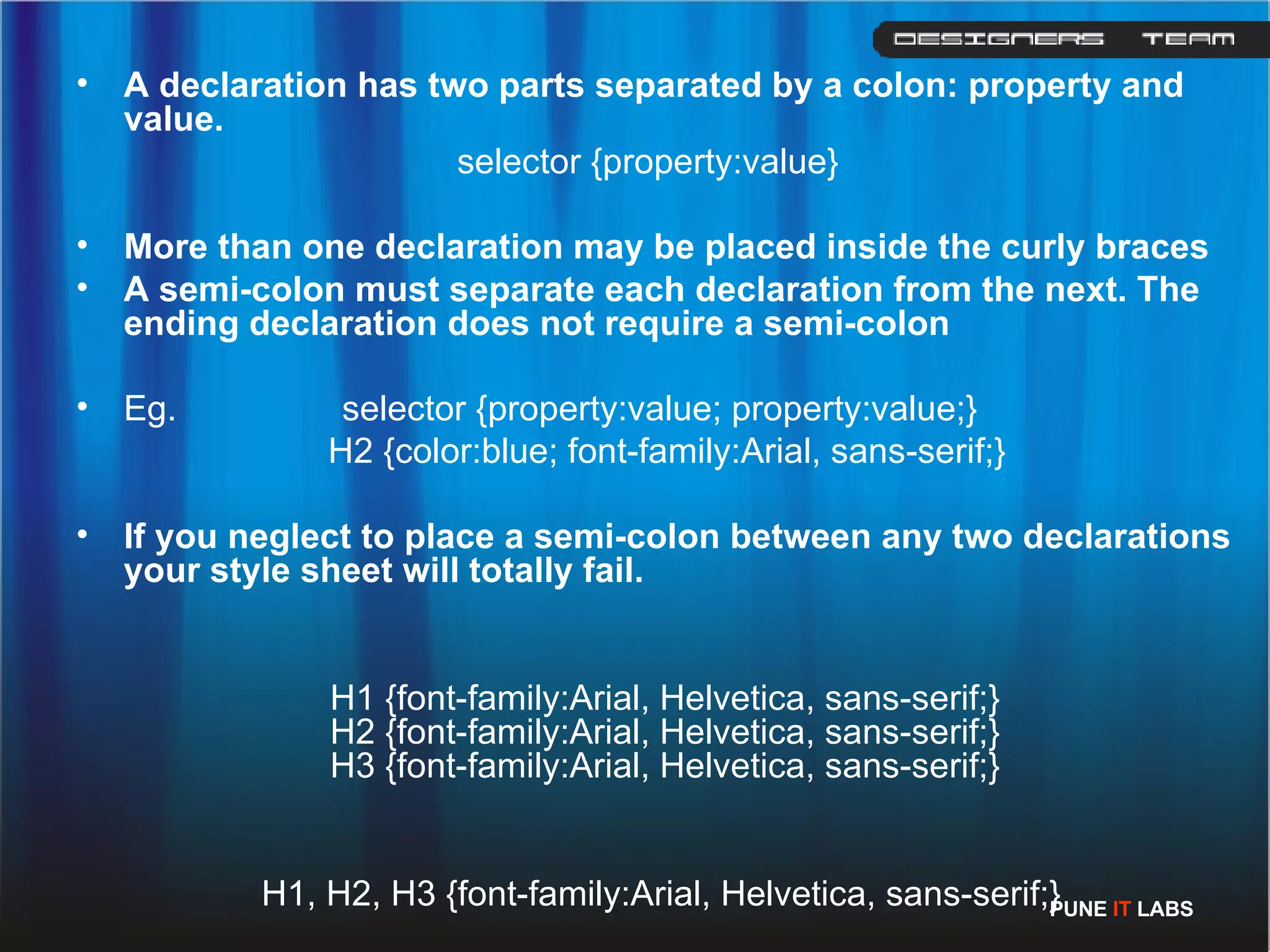
A declaration has two parts separated by a colon: property and value. selector {property:value} More than one declaration may be placed inside the curly braces  A semi-colon must separate each declaration from the next. The ending declaration does not require a semi-colon  Eg.  selector {property:value; property:value;}   H2 {color:blue; font-family:Arial, sans-serif;} If you neglect to place a semi-colon between any two declarations your style sheet will totally fail.  H1 {font-family:Arial, Helvetica, sans-serif;} H2 {font-family:Arial, Helvetica, sans-serif;} H3 {font-family:Arial, Helvetica, sans-serif;}   H1, H2, H3 {font-family:Arial, Helvetica, sans-serif;} PUNE  IT  LABS
In-line Internal External Applying CSS PUNE  IT  LABS
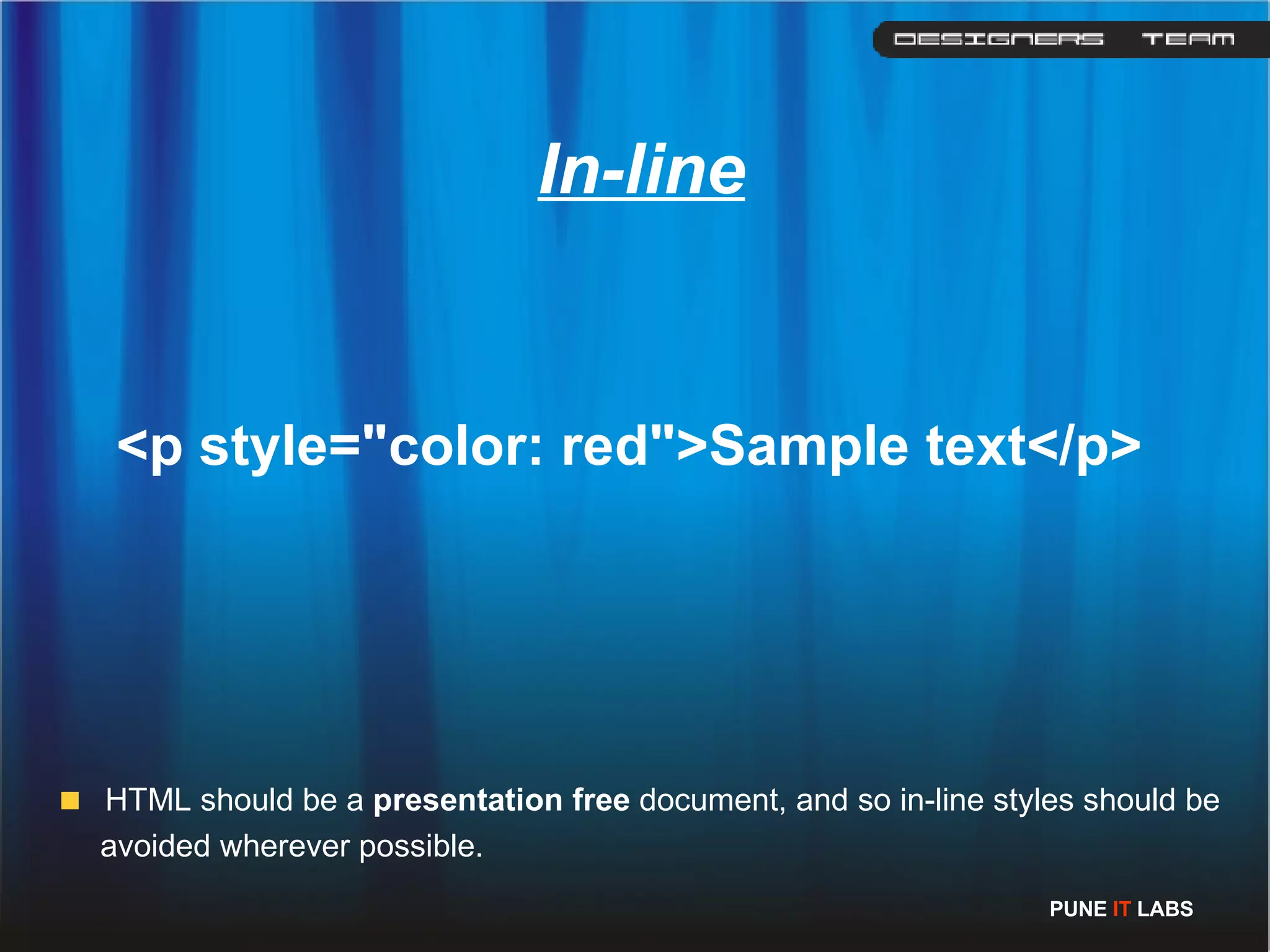
<p style=&quot;color: red&quot;>Sample text</p>   In-line HTML should be a  presentation free  document, and so in-line styles should be avoided wherever possible. PUNE  IT  LABS
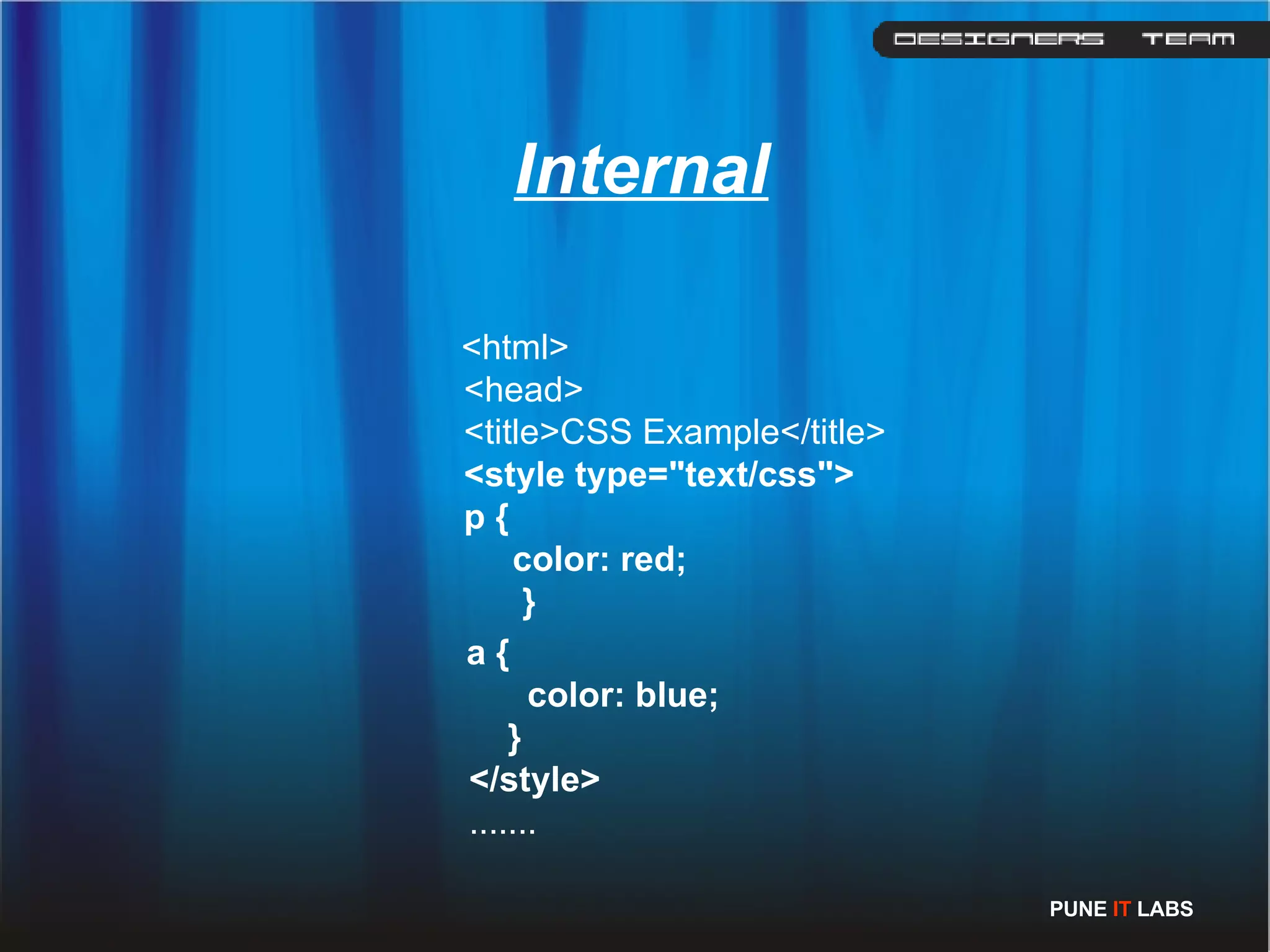
<html>    <head>    <title>CSS Example</title>    <style type=&quot;text/css&quot;>        p {          color: red;          }      a {              color: blue;          }     </style>     .......  Internal PUNE  IT  LABS
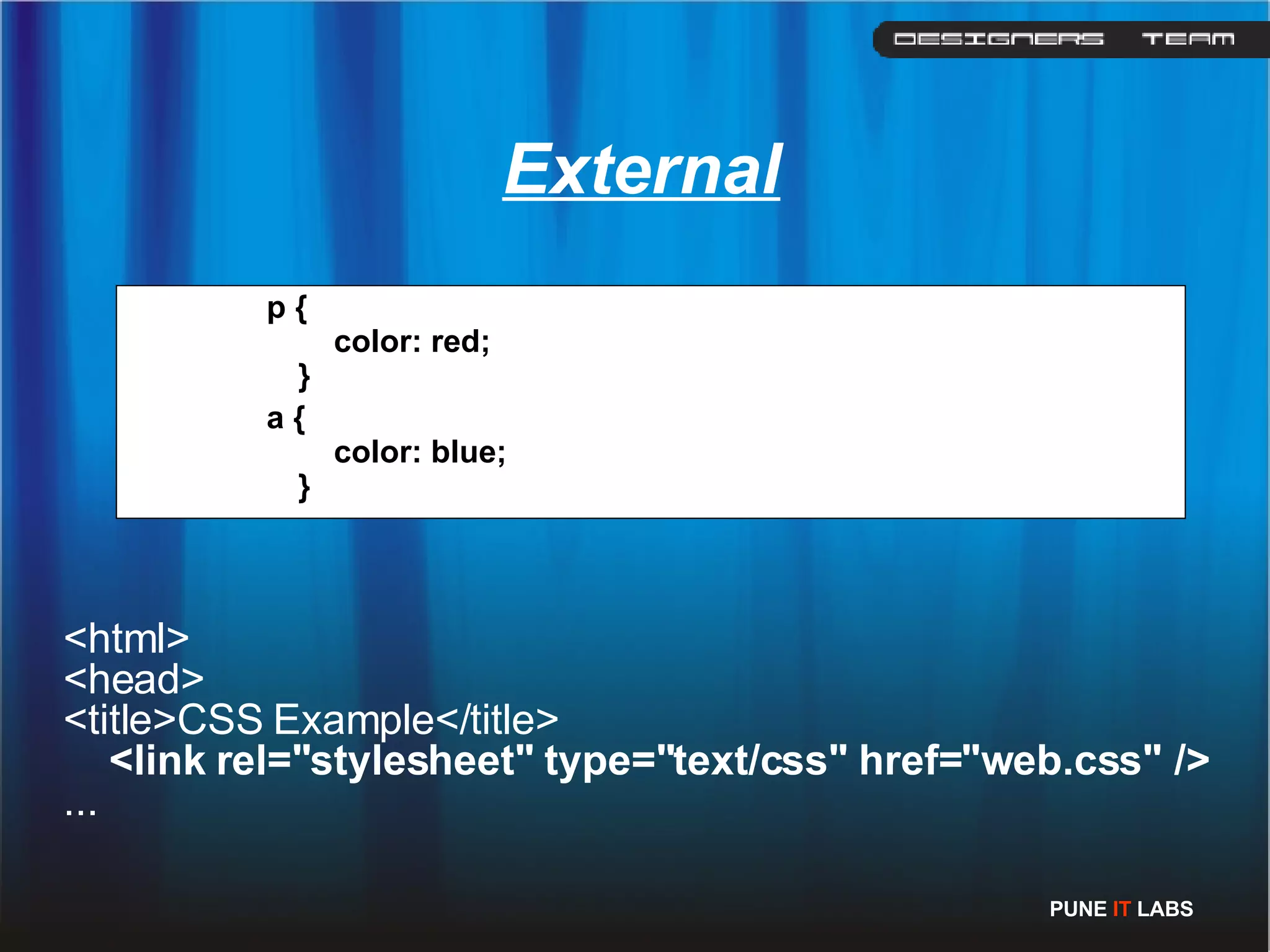
p {        color: red;   }   a {        color: blue;   }   <html>  <head>  <title>CSS Example</title>       <link rel=&quot;stylesheet&quot; type=&quot;text/css&quot; href=&quot;web.css&quot; />   ...  External PUNE  IT  LABS
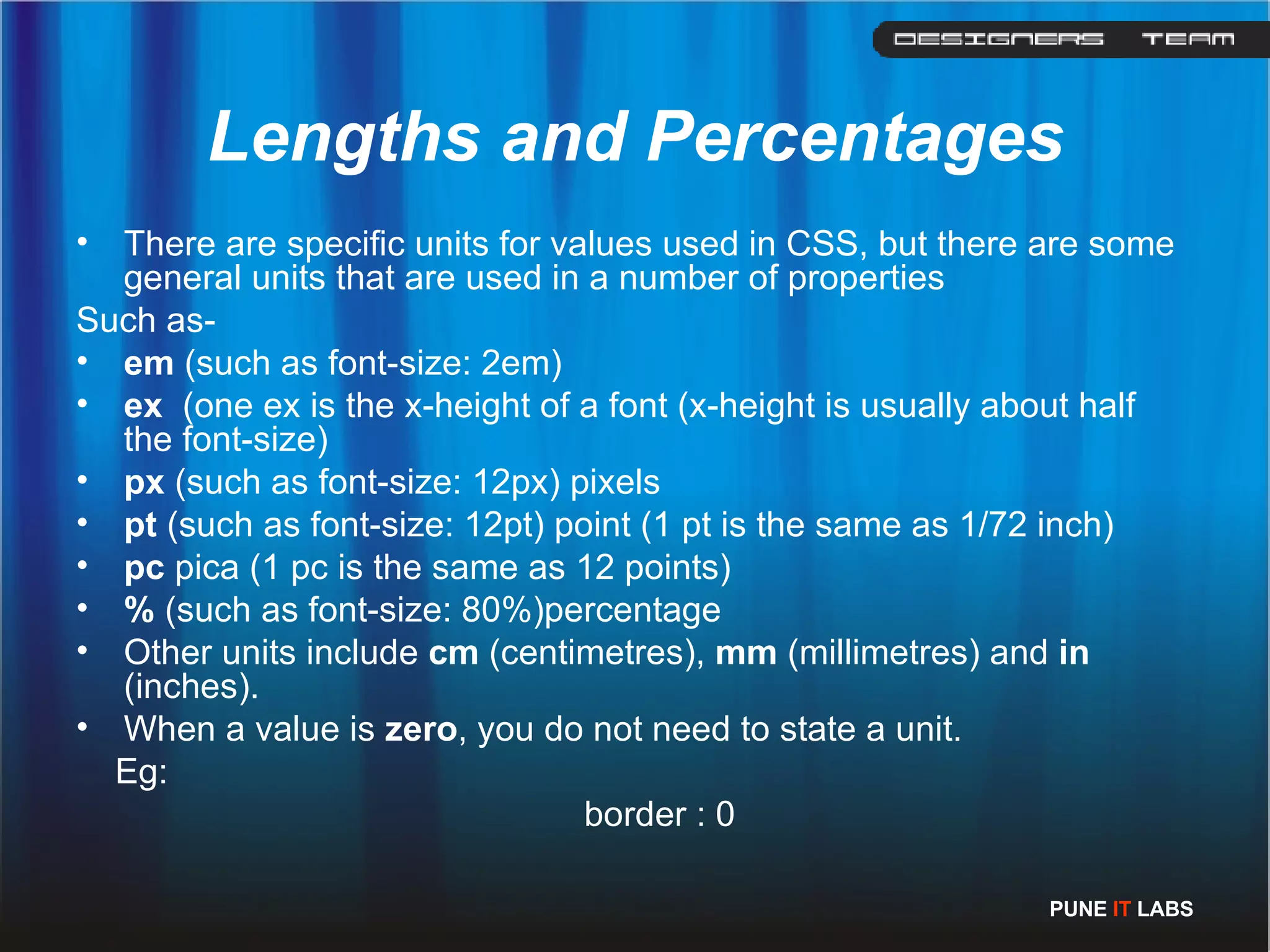
Lengths and Percentages There are specific units for values used in CSS, but there are some general units that are used in a number of properties Such as-  em  (such as font-size: 2em) ex  (one ex is the x-height of a font (x-height is usually about half the font-size)   px  (such as font-size: 12px)  pixels  pt  (such as font-size: 12pt)  point (1 pt is the same as 1/72 inch)  pc  pica (1 pc is the same as 12 points)  %  (such as font-size: 80%)percentage Other units include  cm  (centimetres),  mm  (millimetres) and  in  (inches). When a value is  zero , you do not need to state a unit.  Eg: border : 0 PUNE  IT  LABS
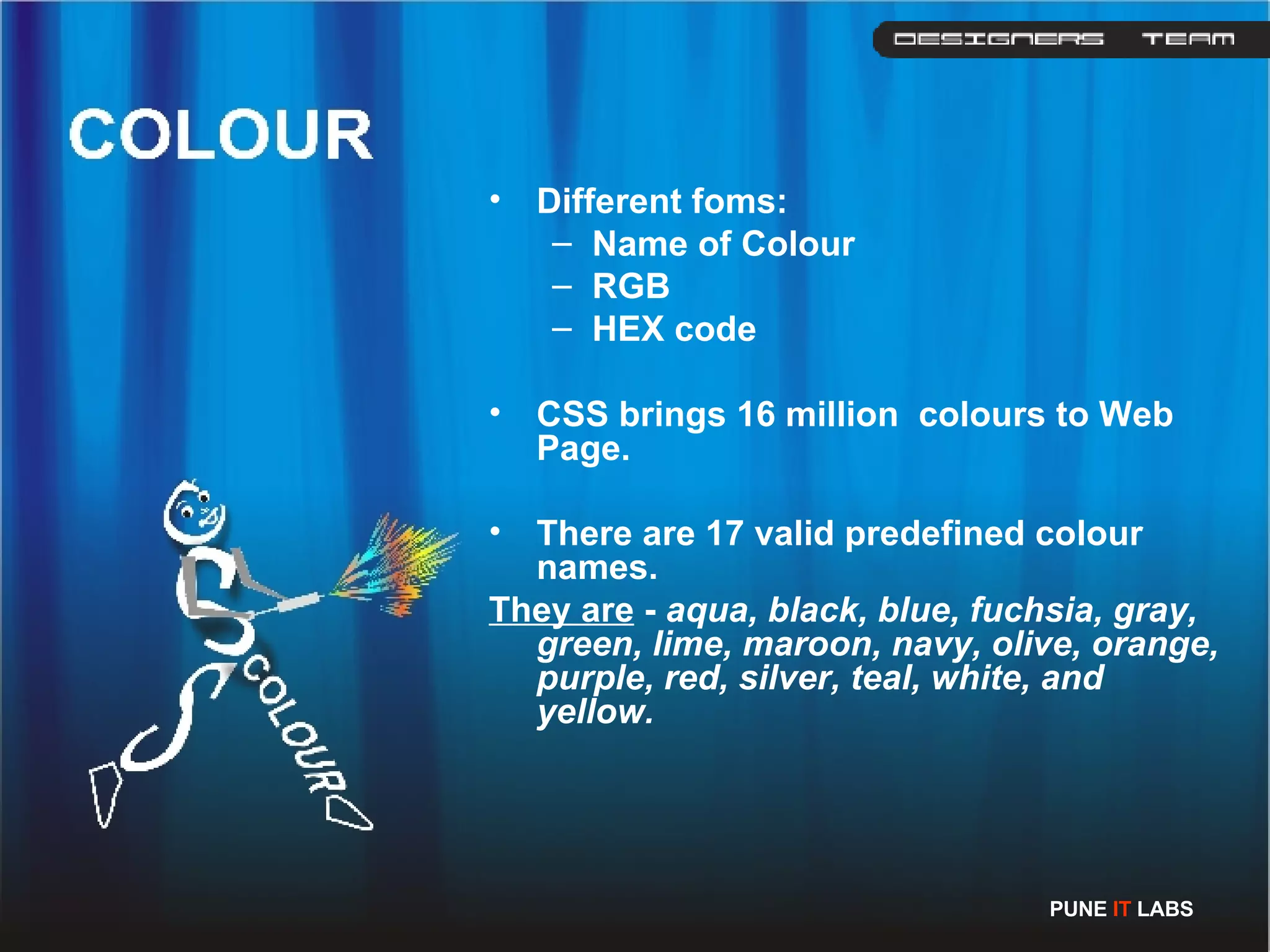
Different foms: Name of Colour RGB HEX code CSS brings 16 million  colours to Web Page. There are 17 valid predefined colour names.  They are  -  aqua, black, blue, fuchsia, gray, green, lime, maroon, navy, olive, orange, purple, red, silver, teal, white, and yellow. PUNE  IT  LABS
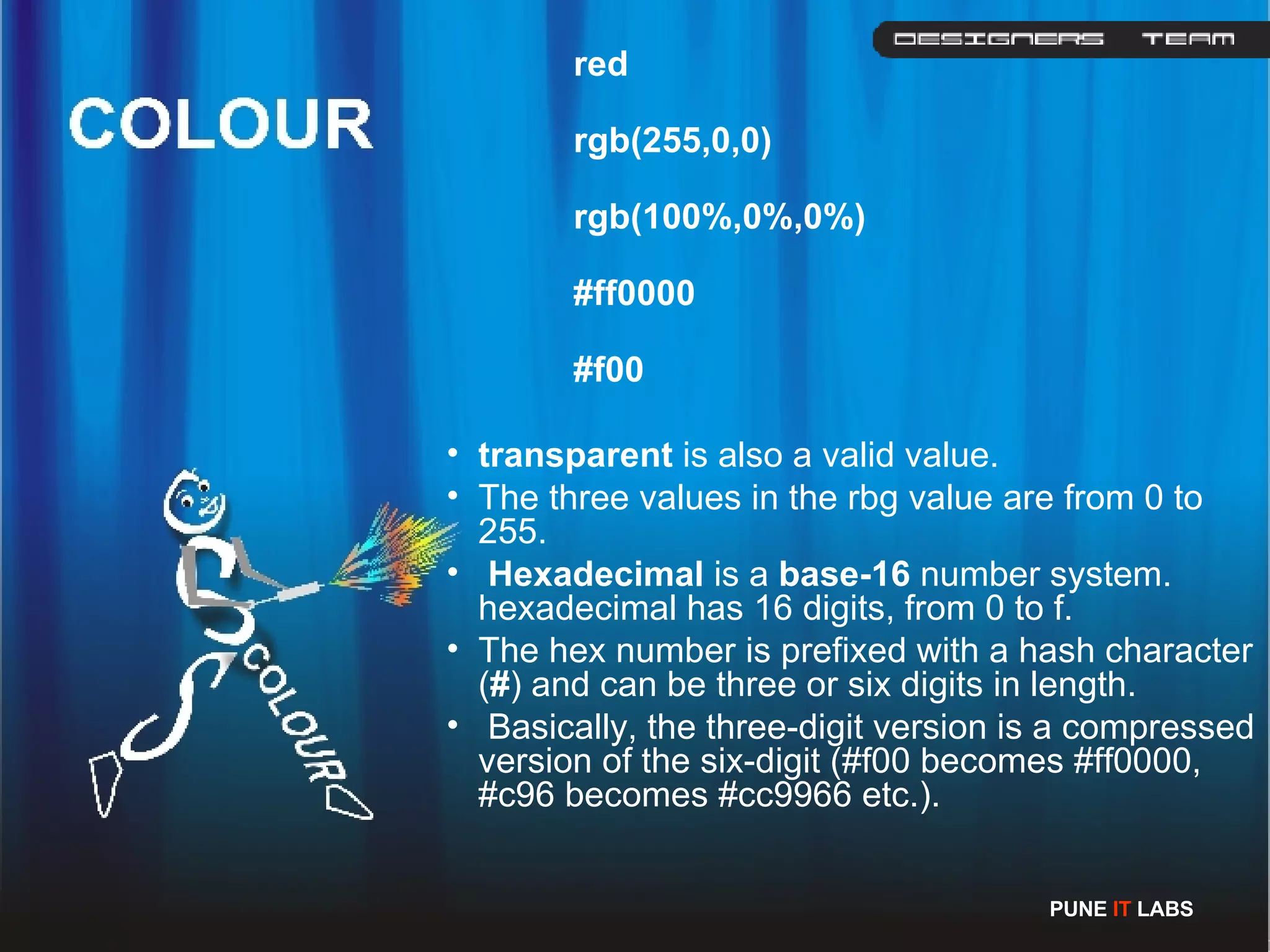
red rgb(255,0,0) rgb(100%,0%,0%) #ff0000 #f00 transparent  is also a valid value. The three values in the rbg value are from 0 to 255. Hexadecimal  is a  base-16  number system. hexadecimal has 16 digits, from 0 to f. The hex number is prefixed with a hash character ( # ) and can be three or six digits in length. Basically, the three-digit version is a compressed version of the six-digit (#f00 becomes #ff0000, #c96 becomes #cc9966 etc.).  PUNE  IT  LABS
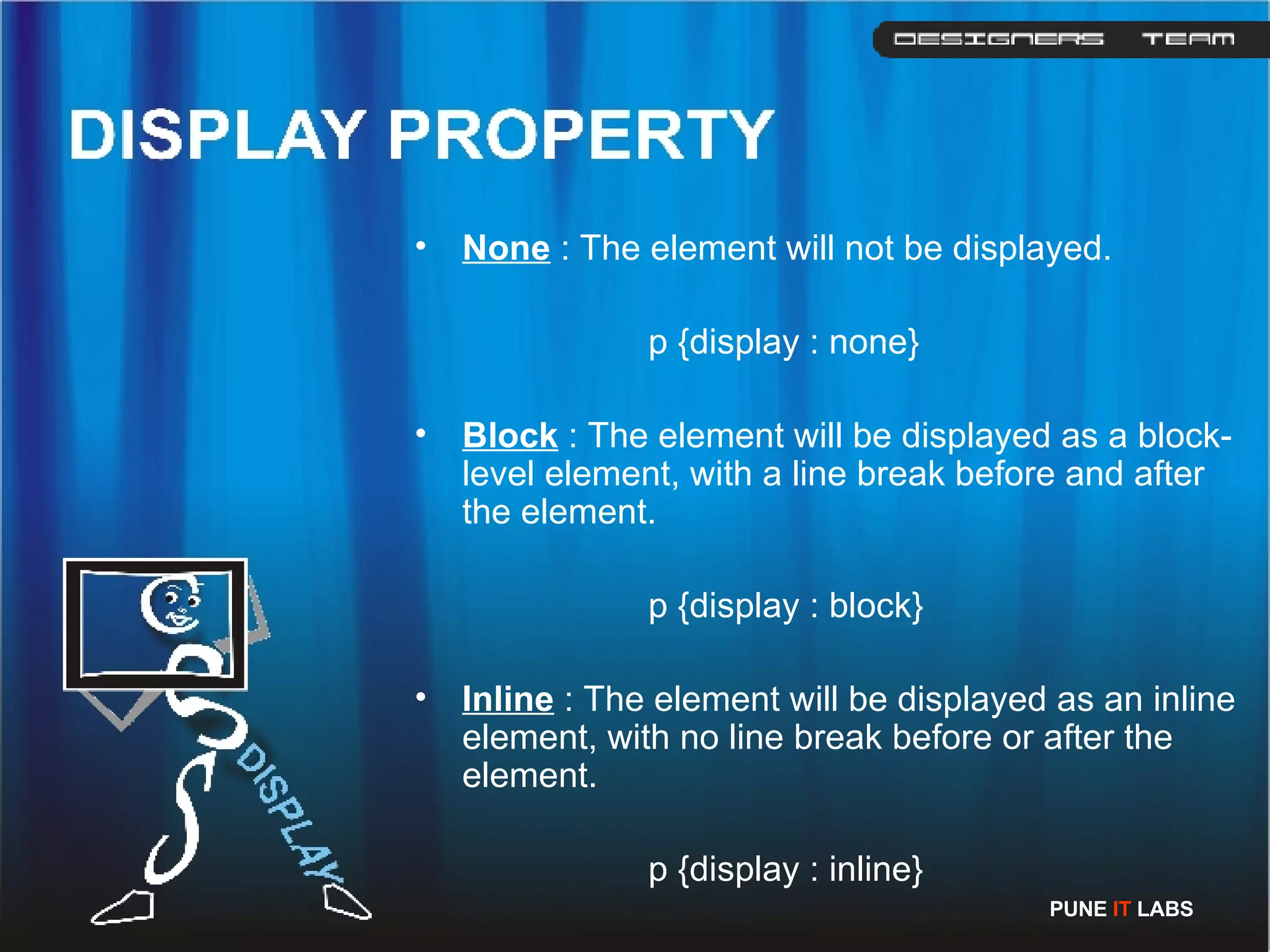
None  : The element will not be displayed. p {display : none} Block  : The element will be displayed as a block-level element, with a line break before and after the element. p {display : block} Inline  : The element will be displayed as an inline element, with no line break before or after the element. p {display : inline} PUNE  IT  LABS
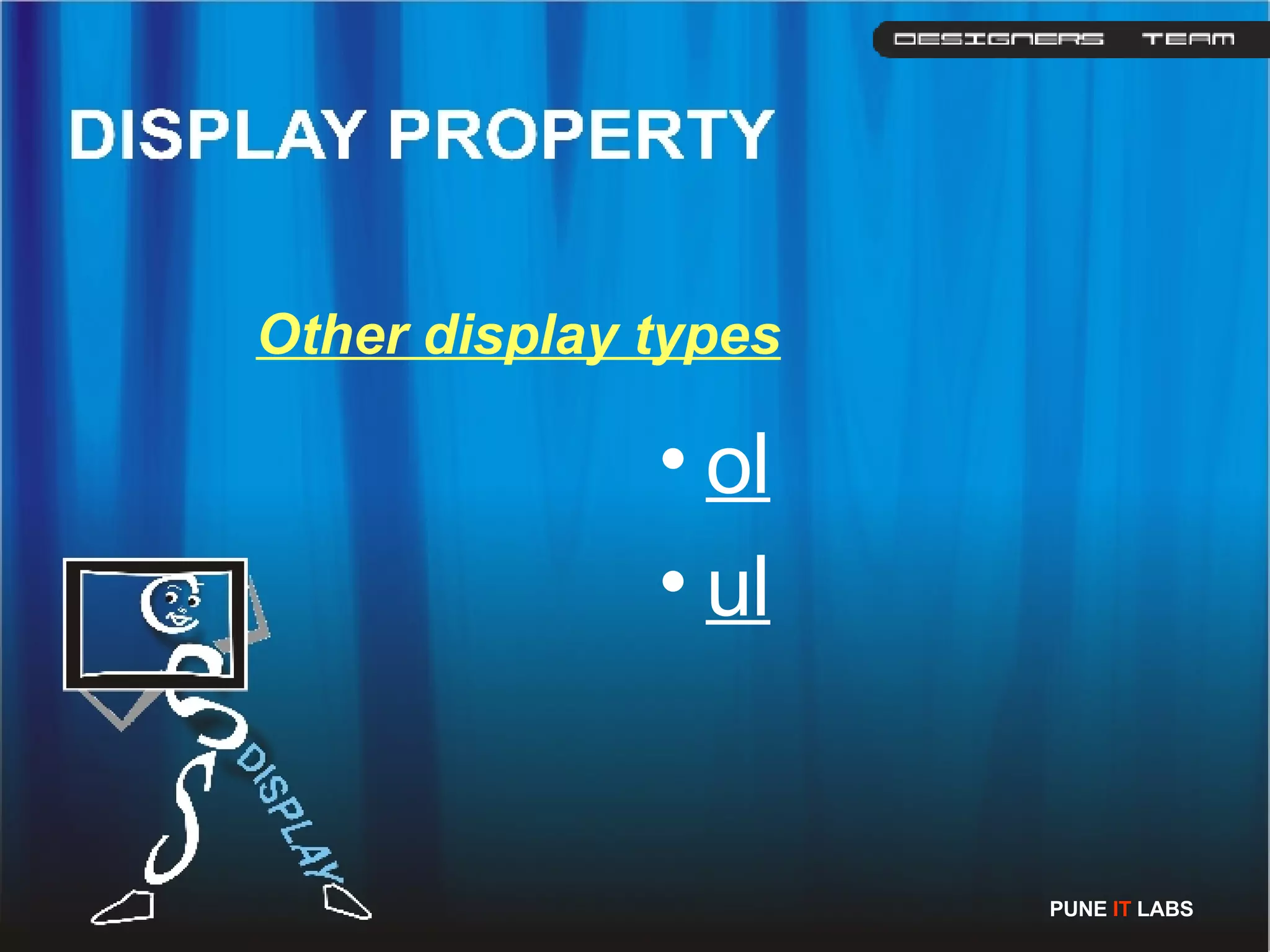
Other display types ol ul PUNE  IT  LABS
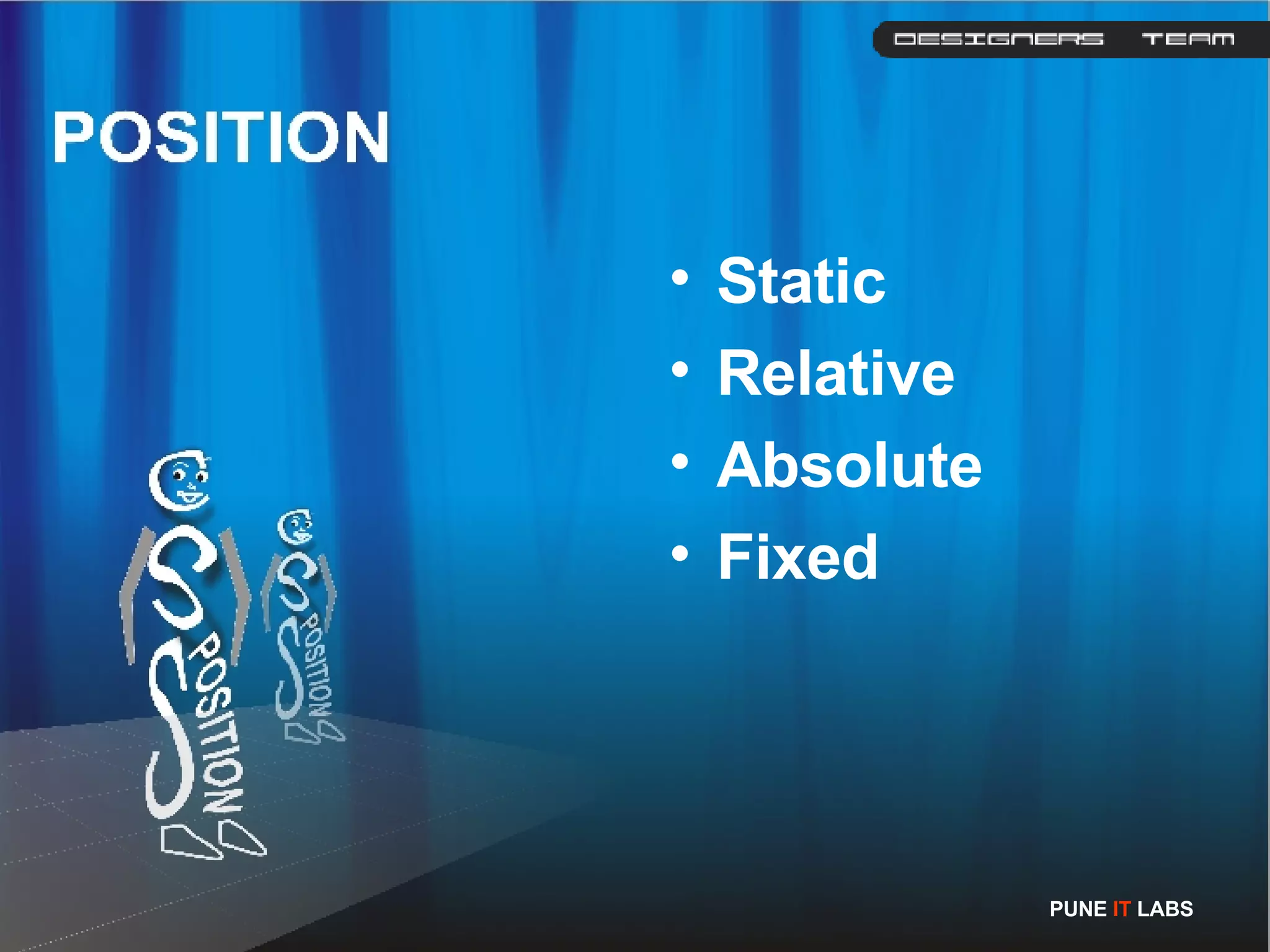
Static Relative Absolute Fixed PUNE  IT  LABS
Static: The value static is the default value for elements and renders the position in the normal order of things as they appear in the html Relative: It is much like static, but the element can be offset from its original position with the properties  top ,  right ,  bottom  and  left  . Absolute: The absolute element can be placed anywhere on the page using  top ,  right ,  bottom  and  left  . Fixed: It behaves like absolute, but fixed elements should stay exactly where they are on the screen even when the page is scrolled.  PUNE  IT  LABS
Floating an element will shift it to the right or left of a line, with surrounding content flowing around it. Floating is normally used to position smaller elements within a page  Eg: img   {   float: left   }  PUNE  IT  LABS
Clear: The CSS clear property is used to for control flow when using the float property. Using CSS clear, you can specify whether to keep one or both sides of an element &quot;clear&quot; (i.e. no elements can appear on the side that is clear).  none - floating elements can appear on either side  left - floating elements can not appear on the left (i.e. keep the left side &quot;clear&quot;)  right - floating elements can not appear on the right (i.e. keep the right side &quot;clear&quot;)  both - floating elements can not appear on the left or right (i.e. keep both sides &quot;clear&quot;)  inherit  PUNE  IT  LABS
Font-family The font you specify must be on the user's computer, so there is little point in using obscure fonts. The most commonly used are arial, verdana and times new roman), but you can specify more than one font, separated by  commas . If the name of the font is more than one word it should be  put in quotation marks (“------“) Font-size The size of the font. Be careful with this - text such as headings should not just be a paragraph in a large font; you should still use headings ( h1 ,  h2  etc.) PUNE  IT  LABS
Font-weight This states whether the text is bold or not.  Commonly used are  font-weight: bold or font-weight: normal. In theory it can also be bolder, lighter, 100, 200, 300, 400, 500, 600, 700, 800 or 900 Font-style font-style:  italic  or font-style: normal . Text-decoration This states whether the text is underlined or not.  text-decoration: overline text-decoration: line-through , strike-through,  text-decoration: underline (  should only be used for links ) This property is usually used to decorate links, such as specifying no underline with  text-decoration: none. PUNE  IT  LABS
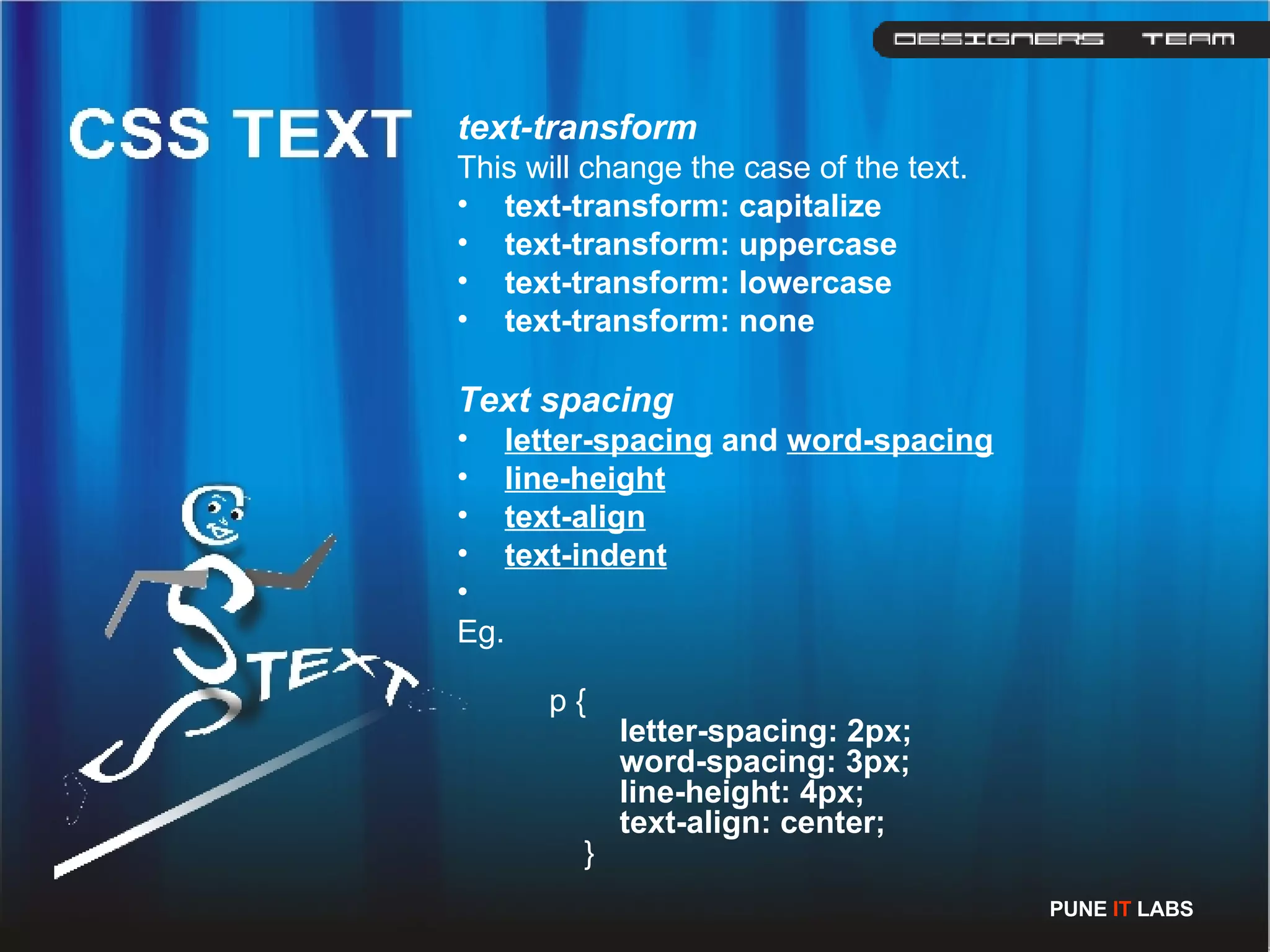
text-transform This will change the case of the text. text-transform: capitalize   text-transform: uppercase   text-transform: lowercase   text-transform: none Text spacing letter-spacing  and  word-spacing   line-height   text-align text-indent Eg.   p {       letter-spacing: 2px;        word-spacing: 3px;        line-height: 4px;        text-align: center;   }  PUNE  IT  LABS
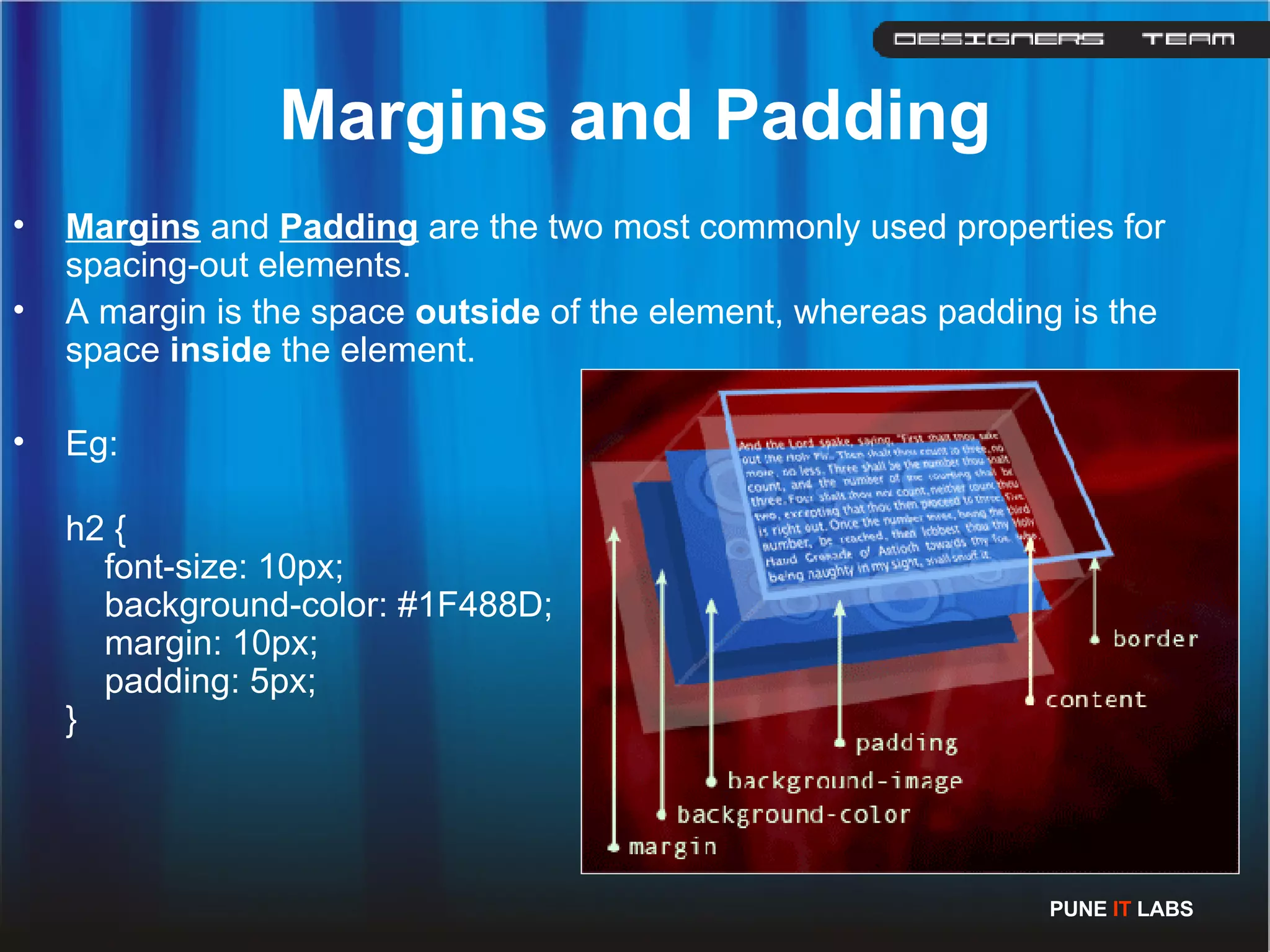
Margins and Padding Margins  and  Padding  are the two most commonly used properties for spacing-out elements. A margin is the space  outside  of the element, whereas padding is the space  inside  the element. Eg: h2 {      font-size: 10px;      background-color: #1F488D;      margin: 10px;      padding: 5px;  }  PUNE  IT  LABS
Padding padding can have:  #sample  { padding: 10px; } #sample  { padding: 10px 5px } #sample  { padding: 10px 5px 2px } #sample  { padding: 10px 5px 2px 5px } one value, such as 10px, to specify equal padding on every side  two values, such as 10px 5px, to specify top/bottom (first value) and right/left (second value) padding  three values, such as 10px 5px 2px, to specify top (first value), right/left (second value) and bottom (third value) padding  four values, such as 10px 5px 2px 1px to specify top, right, bottom and left padding respectively  PUNE  IT  LABS
Borders  can be applied to most HTML elements within the body. border-style The values can be  solid ,  dotted ,  dashed ,  double ,  groove ,  ridge ,  inset  and  outset . border-width   border-top-width ,  border-right-widht ,  border-bottom-width  and  border-left-width border-color   Add the following code to the CSS file: Eg.   h2 {     border-style: dashed;       border-width: 3px;     border-left-width: 10px;      border-right-width: 10px;       border-color: red;  }  PUNE  IT  LABS
PUNE  IT  LABS by- DHANESH.T.S

CSS for Beginners

  • 1.
  • 2.
    What is Cascading Style Sheets (CSS) is a simple mechanism for adding style (e.g. fonts, colors, spacing) to Web documents. PUNE IT LABS
  • 3.
    Advantages of CSSCompletely consistent with the look and feel of your pages More control over the layout and design Pages download faster, sometimes by as much as 50% You have to type less code, and your pages are shorter and neater. CSS properties can also be dynamically changed with a JavaScript. eg. object .style.cssFloat=&quot;left&quot; PUNE IT LABS
  • 4.
    . With acombination of positioning, floating, margins, padding and borders, you should be able to represent ANY web design and there is nothing that can be done in tables that can not be done with CSS. PUNE IT LABS
  • 5.
    There are threeparts to CSS The styles a blue headline eg: <font color=&quot;#0000ff&quot;><h4>a blue headline</h4></font> a blue headline Their placement The fact that they can cascade. PUNE IT LABS
  • 6.
    Where HTML hastags, CSS has 'selectors'. A Cascading Style Sheets rule is made up of a selector and a declaration. H2 {color: blue;} selector {declaration;} The declaration is the part of the rule inside the curly braces. It specifies what a style effect will be. For example, &quot;color: blue&quot;. Eg: body {      font-size: 12px;      color: navy; } PUNE IT LABS
  • 7.
    A declaration hastwo parts separated by a colon: property and value. selector {property:value} More than one declaration may be placed inside the curly braces A semi-colon must separate each declaration from the next. The ending declaration does not require a semi-colon Eg. selector {property:value; property:value;} H2 {color:blue; font-family:Arial, sans-serif;} If you neglect to place a semi-colon between any two declarations your style sheet will totally fail. H1 {font-family:Arial, Helvetica, sans-serif;} H2 {font-family:Arial, Helvetica, sans-serif;} H3 {font-family:Arial, Helvetica, sans-serif;} H1, H2, H3 {font-family:Arial, Helvetica, sans-serif;} PUNE IT LABS
  • 8.
    In-line Internal ExternalApplying CSS PUNE IT LABS
  • 9.
    <p style=&quot;color: red&quot;>Sampletext</p> In-line HTML should be a presentation free document, and so in-line styles should be avoided wherever possible. PUNE IT LABS
  • 10.
    <html> <head> <title>CSS Example</title> <style type=&quot;text/css&quot;>     p {       color: red;       }   a {           color: blue;       } </style> ....... Internal PUNE IT LABS
  • 11.
    p {      color: red; } a {      color: blue; } <html> <head> <title>CSS Example</title>      <link rel=&quot;stylesheet&quot; type=&quot;text/css&quot; href=&quot;web.css&quot; /> ... External PUNE IT LABS
  • 12.
    Lengths and PercentagesThere are specific units for values used in CSS, but there are some general units that are used in a number of properties Such as- em (such as font-size: 2em) ex (one ex is the x-height of a font (x-height is usually about half the font-size) px (such as font-size: 12px) pixels pt (such as font-size: 12pt) point (1 pt is the same as 1/72 inch) pc pica (1 pc is the same as 12 points) % (such as font-size: 80%)percentage Other units include cm (centimetres), mm (millimetres) and in (inches). When a value is zero , you do not need to state a unit. Eg: border : 0 PUNE IT LABS
  • 13.
    Different foms: Nameof Colour RGB HEX code CSS brings 16 million colours to Web Page. There are 17 valid predefined colour names. They are - aqua, black, blue, fuchsia, gray, green, lime, maroon, navy, olive, orange, purple, red, silver, teal, white, and yellow. PUNE IT LABS
  • 14.
    red rgb(255,0,0) rgb(100%,0%,0%)#ff0000 #f00 transparent is also a valid value. The three values in the rbg value are from 0 to 255. Hexadecimal is a base-16 number system. hexadecimal has 16 digits, from 0 to f. The hex number is prefixed with a hash character ( # ) and can be three or six digits in length. Basically, the three-digit version is a compressed version of the six-digit (#f00 becomes #ff0000, #c96 becomes #cc9966 etc.). PUNE IT LABS
  • 15.
    None :The element will not be displayed. p {display : none} Block : The element will be displayed as a block-level element, with a line break before and after the element. p {display : block} Inline : The element will be displayed as an inline element, with no line break before or after the element. p {display : inline} PUNE IT LABS
  • 16.
    Other display typesol ul PUNE IT LABS
  • 17.
    Static Relative AbsoluteFixed PUNE IT LABS
  • 18.
    Static: The valuestatic is the default value for elements and renders the position in the normal order of things as they appear in the html Relative: It is much like static, but the element can be offset from its original position with the properties top , right , bottom and left . Absolute: The absolute element can be placed anywhere on the page using top , right , bottom and left . Fixed: It behaves like absolute, but fixed elements should stay exactly where they are on the screen even when the page is scrolled. PUNE IT LABS
  • 19.
    Floating an elementwill shift it to the right or left of a line, with surrounding content flowing around it. Floating is normally used to position smaller elements within a page Eg: img { float: left } PUNE IT LABS
  • 20.
    Clear: The CSSclear property is used to for control flow when using the float property. Using CSS clear, you can specify whether to keep one or both sides of an element &quot;clear&quot; (i.e. no elements can appear on the side that is clear). none - floating elements can appear on either side left - floating elements can not appear on the left (i.e. keep the left side &quot;clear&quot;) right - floating elements can not appear on the right (i.e. keep the right side &quot;clear&quot;) both - floating elements can not appear on the left or right (i.e. keep both sides &quot;clear&quot;) inherit PUNE IT LABS
  • 21.
    Font-family The fontyou specify must be on the user's computer, so there is little point in using obscure fonts. The most commonly used are arial, verdana and times new roman), but you can specify more than one font, separated by commas . If the name of the font is more than one word it should be put in quotation marks (“------“) Font-size The size of the font. Be careful with this - text such as headings should not just be a paragraph in a large font; you should still use headings ( h1 , h2 etc.) PUNE IT LABS
  • 22.
    Font-weight This stateswhether the text is bold or not. Commonly used are font-weight: bold or font-weight: normal. In theory it can also be bolder, lighter, 100, 200, 300, 400, 500, 600, 700, 800 or 900 Font-style font-style: italic or font-style: normal . Text-decoration This states whether the text is underlined or not. text-decoration: overline text-decoration: line-through , strike-through, text-decoration: underline ( should only be used for links ) This property is usually used to decorate links, such as specifying no underline with text-decoration: none. PUNE IT LABS
  • 23.
    text-transform This willchange the case of the text. text-transform: capitalize text-transform: uppercase text-transform: lowercase text-transform: none Text spacing letter-spacing and word-spacing line-height text-align text-indent Eg. p {      letter-spacing: 2px;      word-spacing: 3px;      line-height: 4px;      text-align: center; } PUNE IT LABS
  • 24.
    Margins and PaddingMargins and Padding are the two most commonly used properties for spacing-out elements. A margin is the space outside of the element, whereas padding is the space inside the element. Eg: h2 {     font-size: 10px;     background-color: #1F488D;     margin: 10px;     padding: 5px; } PUNE IT LABS
  • 25.
    Padding padding canhave: #sample { padding: 10px; } #sample { padding: 10px 5px } #sample { padding: 10px 5px 2px } #sample { padding: 10px 5px 2px 5px } one value, such as 10px, to specify equal padding on every side two values, such as 10px 5px, to specify top/bottom (first value) and right/left (second value) padding three values, such as 10px 5px 2px, to specify top (first value), right/left (second value) and bottom (third value) padding four values, such as 10px 5px 2px 1px to specify top, right, bottom and left padding respectively PUNE IT LABS
  • 26.
    Borders canbe applied to most HTML elements within the body. border-style The values can be solid , dotted , dashed , double , groove , ridge , inset and outset . border-width border-top-width , border-right-widht , border-bottom-width and border-left-width border-color Add the following code to the CSS file: Eg. h2 {    border-style: dashed;      border-width: 3px;    border-left-width: 10px;     border-right-width: 10px;      border-color: red; } PUNE IT LABS
  • 27.
    PUNE IT LABS by- DHANESH.T.S