Download to read offline
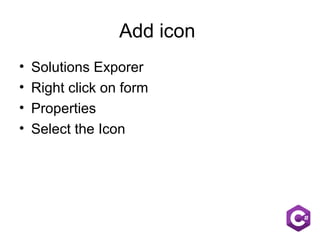
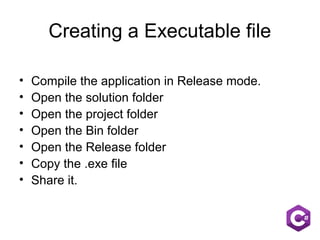



The document provides instructions for deploying a form to a live environment, creating an executable file, and contact information. To deploy, add an icon by selecting it in the form's properties in Solution Explorer. To create an executable, compile the application in Release mode and copy the .exe file from the Bin/Release folder. Contact details are provided to keep in touch via email, phone number, and social media accounts.


