COMPUTER VISION
   Creating Artificial Life


                                                       Ameer Mohamed Rajah
                              GRandD, International Water Management Institute
COMPUTER VISION
• Introduction


• System of Computer Vision


• Applications


• Example
WHAT IS COMPUTER VISION?

•   Computer vision is a field that includes methods for acquiring,
    processing, analyzing, and understanding images
•   Known as Image analysis, Scene Analysis, Image Understanding


•   duplicate the abilities of human vision by electronically perceiving and
    understanding an image


•   Theory for building artificial systems that obtain information from images.


•   Image data can take many forms, such as a video sequence, depth
    images, views from multiple cameras, medical scanner, satellite sensors
    etc.
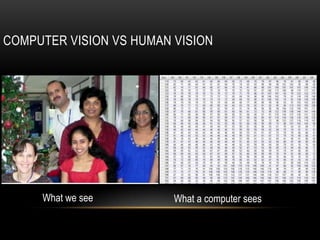
COMPUTER VISION VS HUMAN VISION


     What we see         What a computer sees
COMPUTER VISION VS HUMAN VISION…
• Vision is an amazing feat of natural intelligence
• More human brain devoted to vision than anything else
• There are about 30,000 visual categories.
    • Learn 4.5 categories per day  18 years
    • At age 6, child can learn roughly all 30,000 (13.5day)
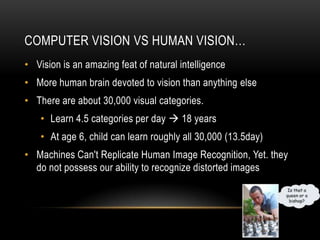
• Machines Can't Replicate Human Image Recognition, Yet. they
  do not possess our ability to recognize distorted images
WHY IS COMPUTER VISION DIFFICULT?
• It is a many-to-one mapping


• It is computationally intensive


• We do not understand the recognition problem
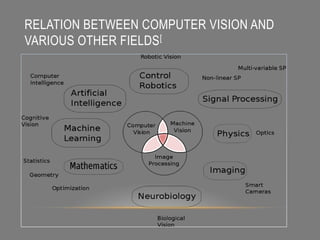
RELATION BETWEEN COMPUTER VISION AND
VARIOUS OTHER FIELDS [
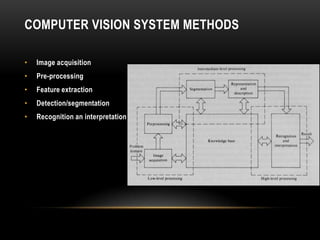
COMPUTER VISION SYSTEM METHODS

•   Image acquisition
•   Pre-processing
•   Feature extraction
•   Detection/segmentation
•   Recognition an interpretation
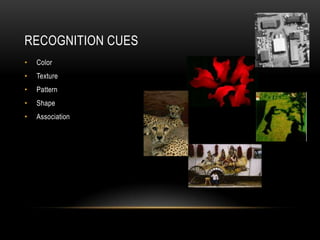
RECOGNITION CUES
•   Color
•   Texture
•   Pattern
•   Shape
•   Association
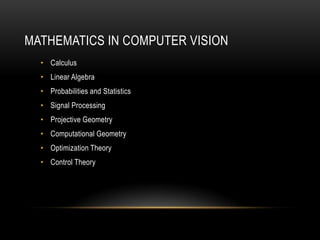
MATHEMATICS IN COMPUTER VISION
  • Calculus
  • Linear Algebra
  • Probabilities and Statistics
  • Signal Processing
  • Projective Geometry
  • Computational Geometry
  • Optimization Theory
  • Control Theory
COMPUTER VISION APPLICATIONS
•   Controlling processes
•   Navigation
•   Detecting events
•   Organizing information
•   Modeling objects or environments
•   Interaction
•   Automatic inspection, e.g. in manufacturing applications
•   much more …...
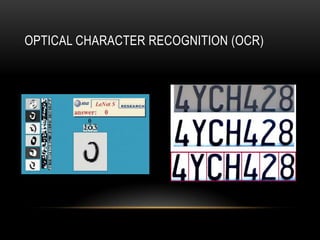
OPTICAL CHARACTER RECOGNITION (OCR)
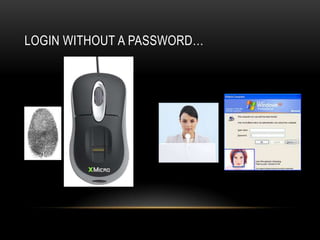
LOGIN WITHOUT A PASSWORD…
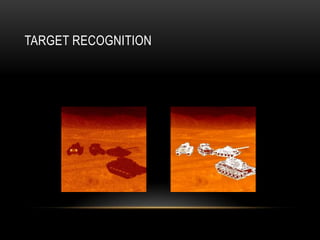
TARGET RECOGNITION
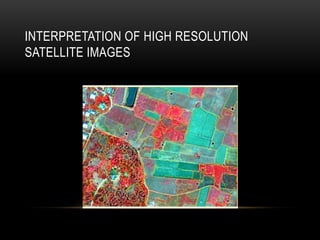
INTERPRETATION OF HIGH RESOLUTION
SATELLITE IMAGES
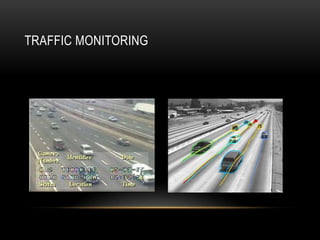
TRAFFIC MONITORING
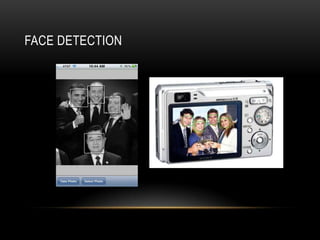
FACE DETECTION
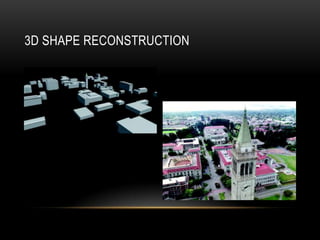
3D SHAPE RECONSTRUCTION
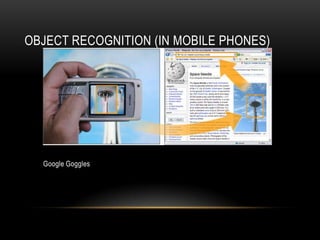
OBJECT RECOGNITION (IN MOBILE PHONES)


  Google Goggles
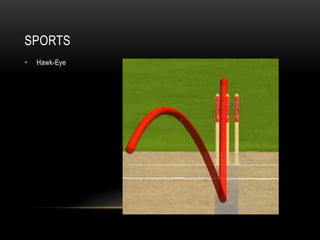
SPORTS
•   Hawk-Eye
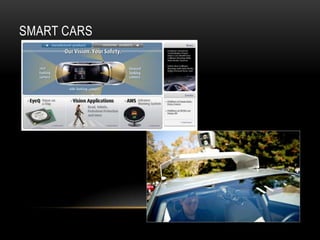
SMART CARS
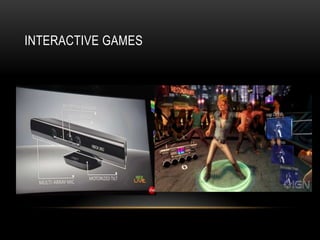
INTERACTIVE GAMES
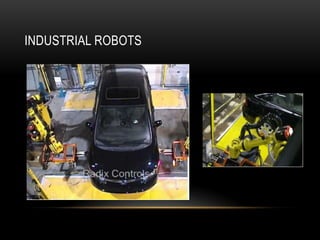
INDUSTRIAL ROBOTS


    Vision-guided robots position nut runners on wheels
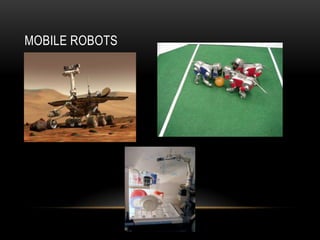
MOBILE ROBOTS
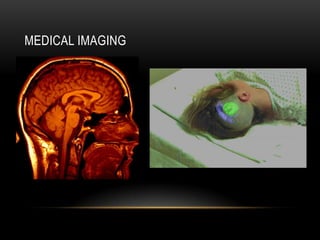
MEDICAL IMAGING
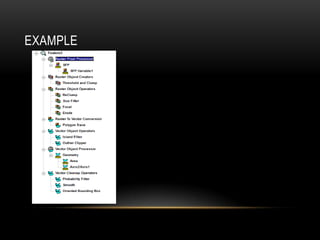
EXAMPLE
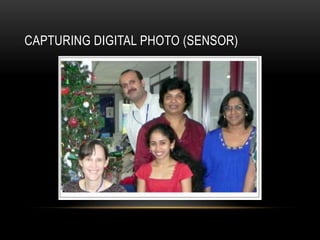
CAPTURING DIGITAL PHOTO (SENSOR)
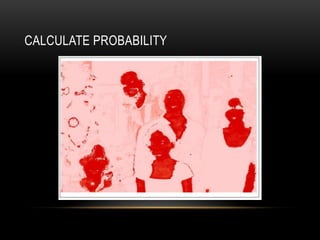
CALCULATE PROBABILITY
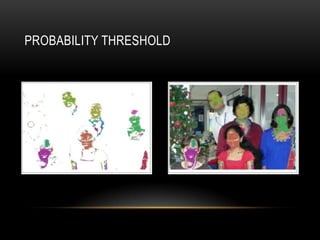
PROBABILITY THRESHOLD
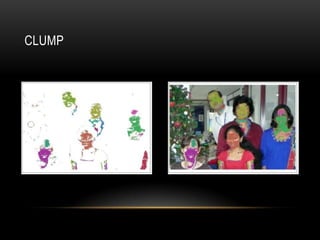
CLUMP
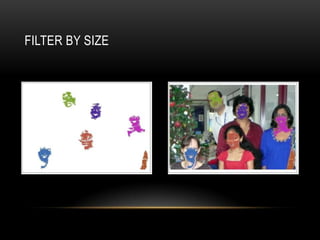
FILTER BY SIZE
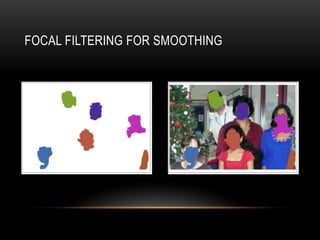
FOCAL FILTERING FOR SMOOTHING
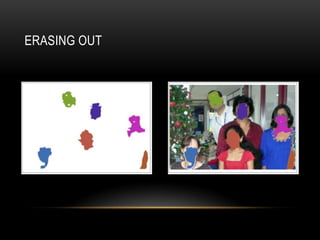
ERASING OUT
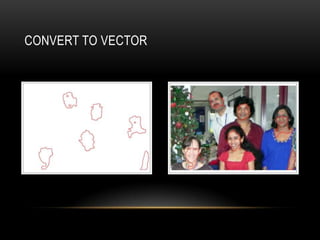
CONVERT TO VECTOR
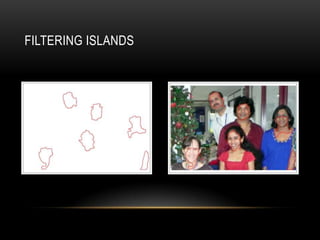
FILTERING ISLANDS
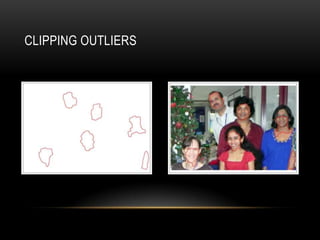
CLIPPING OUTLIERS
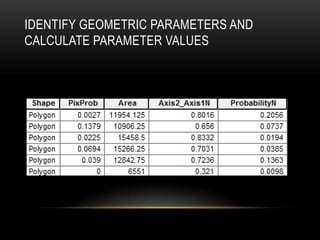
IDENTIFY GEOMETRIC PARAMETERS AND
CALCULATE PARAMETER VALUES
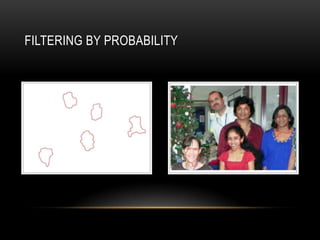
FILTERING BY PROBABILITY
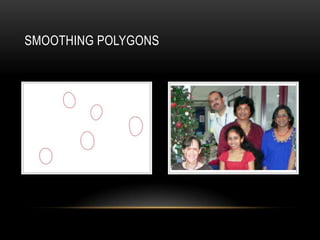
SMOOTHING POLYGONS
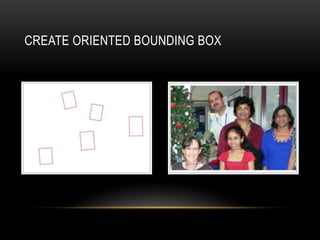
CREATE ORIENTED BOUNDING BOX
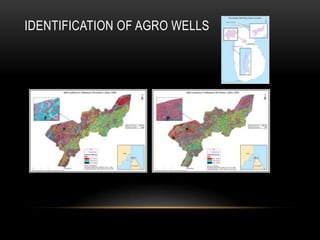
IDENTIFICATION OF AGRO WELLS
MACHINES CAN'T REPLICATE HUMAN IMAGE
            RECOGNITION

           THANK YOU

Computer Vision

Editor's Notes

  • #10 Standard procedures are applied to improve image quality
  • #28 Kjhk