1. Not Optimizing App Performance
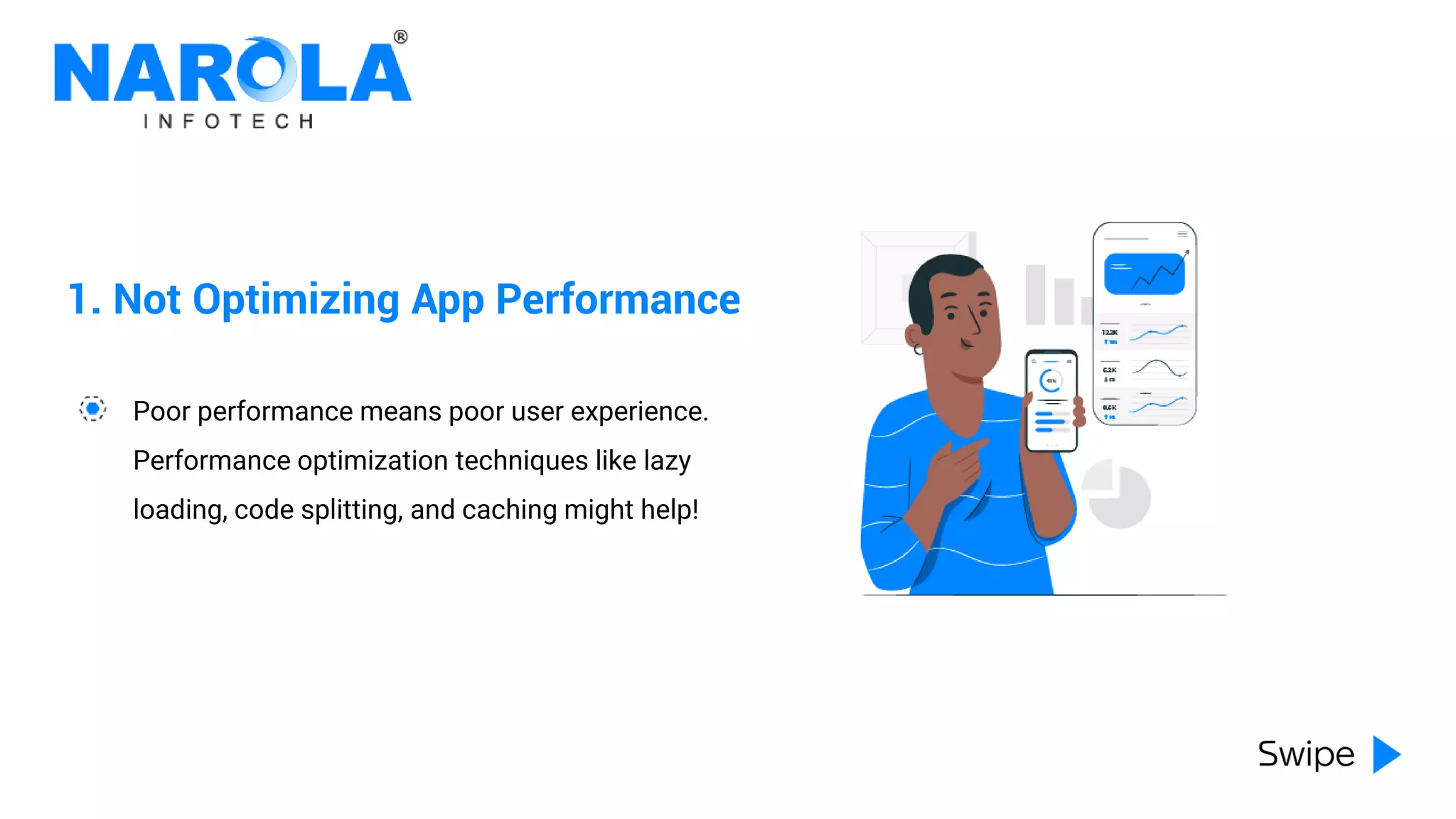
Poor performance means poor user experience.
Performance optimization techniques like lazy
loading, code splitting, and caching might help!
2. Overusing setState
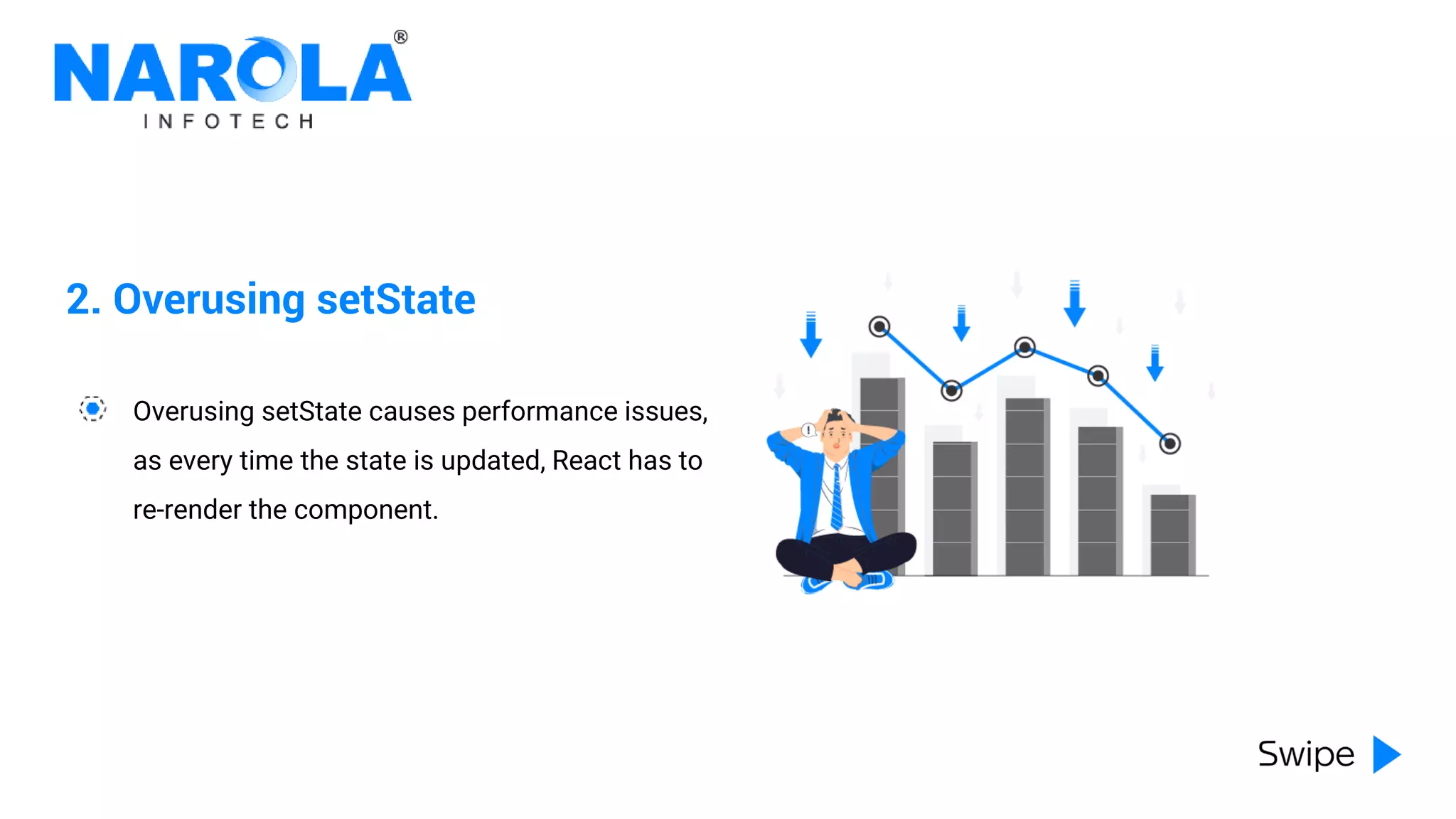
Overusing setState causes performance issues,
as every time the state is updated, React has to
re-render the component.
3. Not Using the Right Components
Not all components are created equal. Some
are optimized for performance, while others are
not. Take some time for research!
4. Improper Error Handling
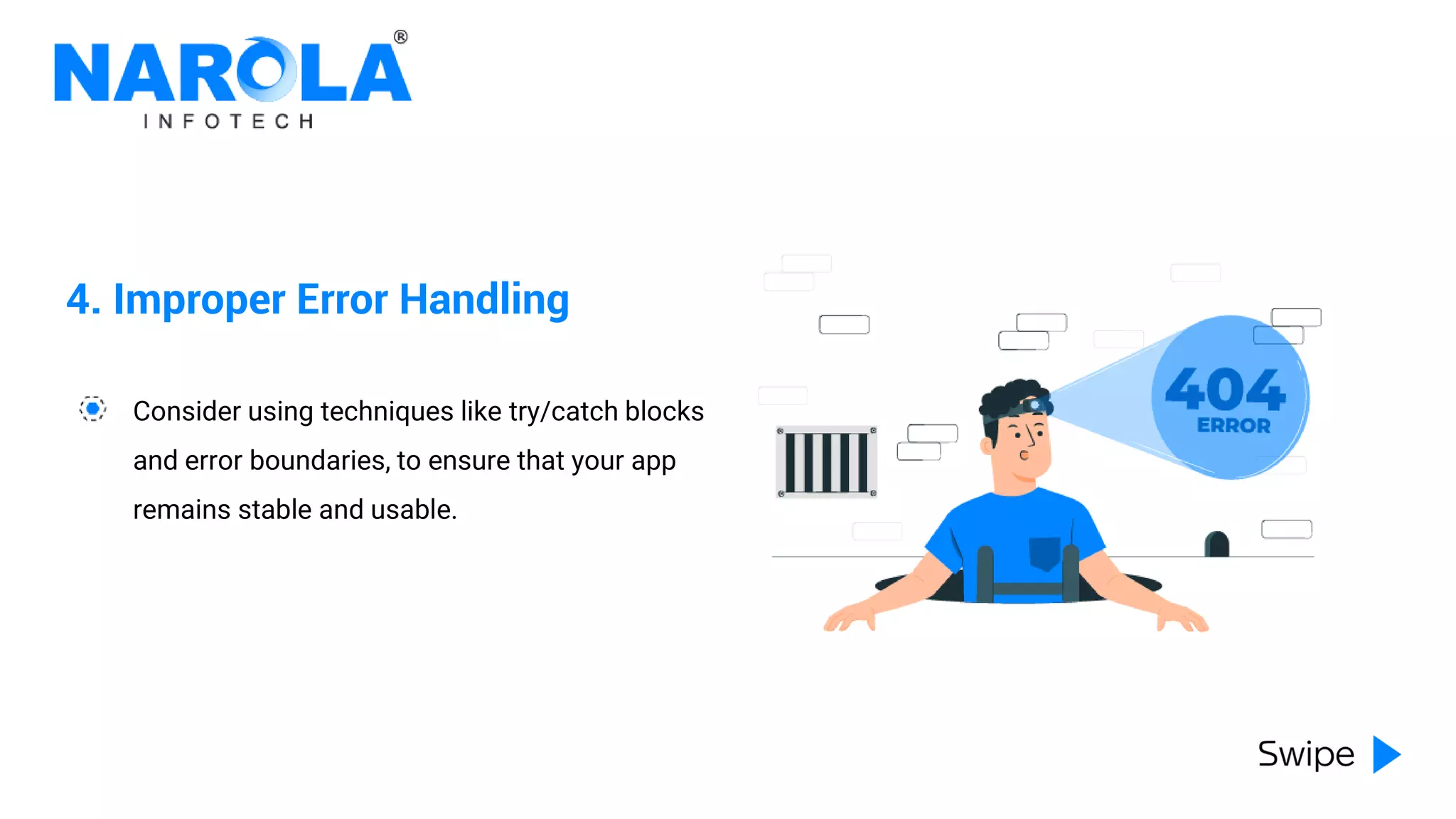
Consider using techniques like try/catch blocks
and error boundaries, to ensure that your app
remains stable and usable.
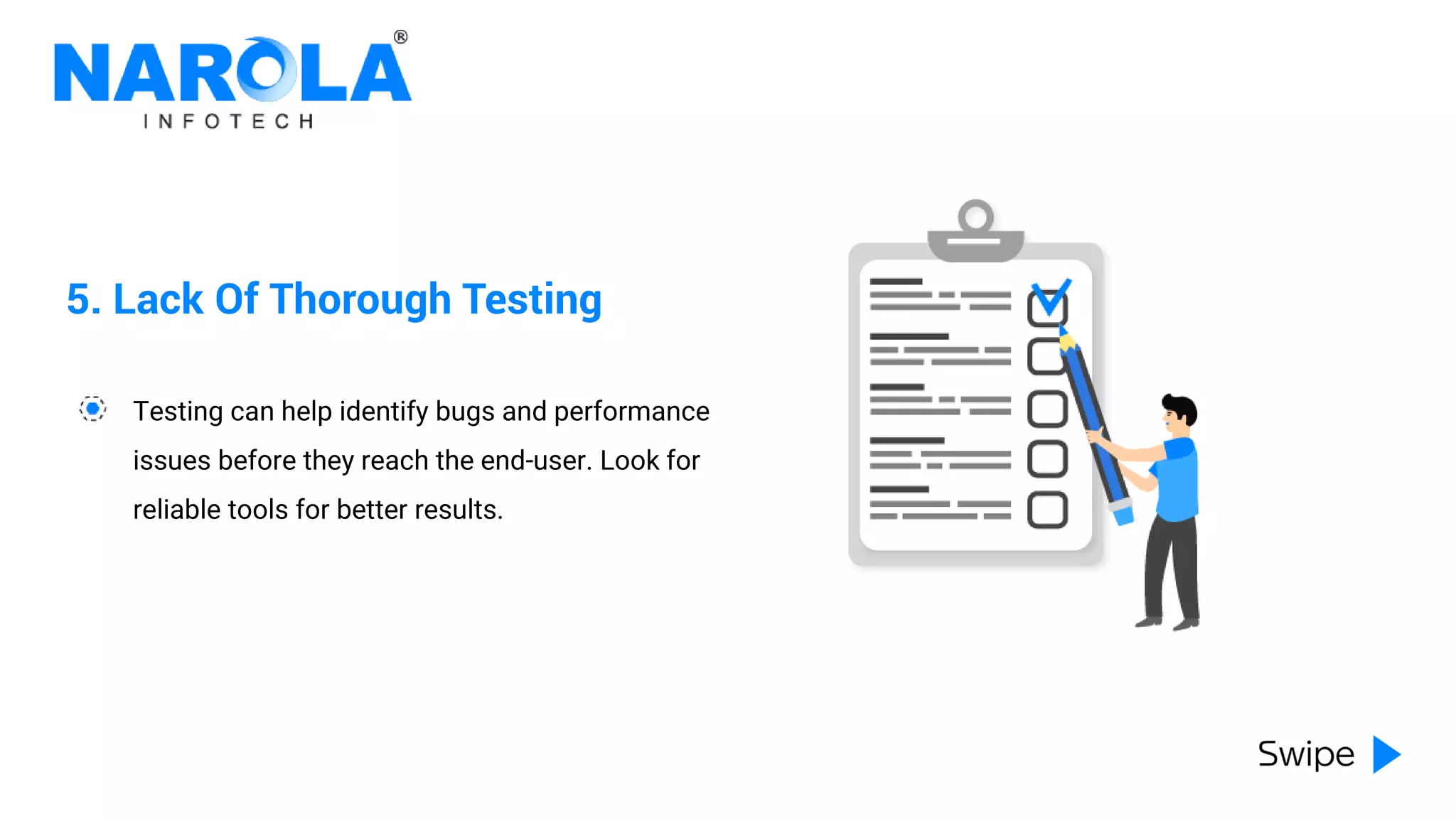
5. Lack Of Thorough Testing
Testing can help identify bugs and performance
issues before they reach the end-user. Look for
reliable tools for better results.
6. Choosing Inappropriate Third-party
Libraries
There’s a vast ecosystem of third-party libraries
that can be used to add functionality to your
apps. However, not all can meet your
requirements. Choose carefully.
7. Ignoring Specific Coding Practices
Developers should familiarize themselves with
React Native's specific coding practices and
use them wherever possible.
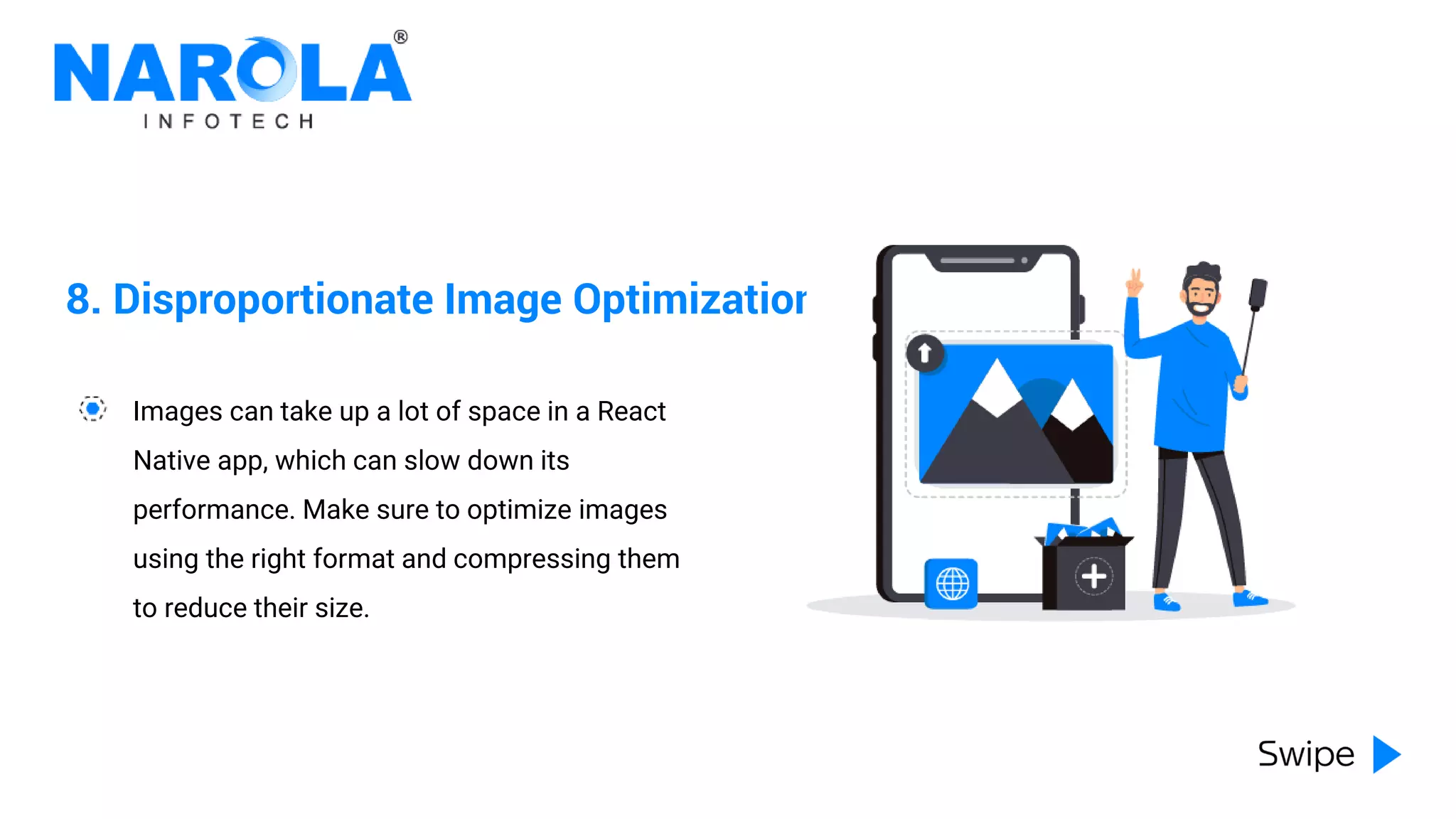
8. Disproportionate Image Optimization
Images can take up a lot of space in a React
Native app, which can slow down its
performance. Make sure to optimize images
using the right format and compressing them
to reduce their size.
9. Neglecting Platform-Specific Differences
React Native is designed to be cross-platform,
but there are still some platform-specific
differences that developers need to consider.
10. Lacking Upgrades
Developers who don't stay up-to-date with the
latest developments can miss out on
performance improvements and new features.
www.narolainfotech.com
inquiry@narolainfotech.com +1 (650) 209 8400

Common Mistakes React Native App Developers Make | Narola Infotech

  • 2.
    1. Not OptimizingApp Performance Poor performance means poor user experience. Performance optimization techniques like lazy loading, code splitting, and caching might help!
  • 3.
    2. Overusing setState OverusingsetState causes performance issues, as every time the state is updated, React has to re-render the component.
  • 4.
    3. Not Usingthe Right Components Not all components are created equal. Some are optimized for performance, while others are not. Take some time for research!
  • 5.
    4. Improper ErrorHandling Consider using techniques like try/catch blocks and error boundaries, to ensure that your app remains stable and usable.
  • 6.
    5. Lack OfThorough Testing Testing can help identify bugs and performance issues before they reach the end-user. Look for reliable tools for better results.
  • 7.
    6. Choosing InappropriateThird-party Libraries There’s a vast ecosystem of third-party libraries that can be used to add functionality to your apps. However, not all can meet your requirements. Choose carefully.
  • 8.
    7. Ignoring SpecificCoding Practices Developers should familiarize themselves with React Native's specific coding practices and use them wherever possible.
  • 9.
    8. Disproportionate ImageOptimization Images can take up a lot of space in a React Native app, which can slow down its performance. Make sure to optimize images using the right format and compressing them to reduce their size.
  • 10.
    9. Neglecting Platform-SpecificDifferences React Native is designed to be cross-platform, but there are still some platform-specific differences that developers need to consider.
  • 11.
    10. Lacking Upgrades Developerswho don't stay up-to-date with the latest developments can miss out on performance improvements and new features.
  • 12.