Open Doors:  Expand how you collaborate A Presentation by Jennifer Nolan  May 19 2011
Collaboration is achievement of results impossible to accomplish independently   –  Rex Lee, RIM LotusSphere 2011  “ ”
A fundamentally different way people collaborate, how people work, how to establish trust. –  Sandy Carter, Vice President, IBM Social Business, Collaboration, and Lotus Sales and Evangelism   “ ”
Objective Learn about ways you can leverage collaboration tools to help you achieve the vision of your organization.  Explore some of the free and low-cost on-line tools that are available to help you collaborate between your employees, partners, investors, and volunteers.  Learn about custom collaboration approaches
Agenda How do you collaborate today? What are some free/low cost tools for expanded collaboration? What are some custom examples of collaboration? Ok, now what?
What tools do you use to collaborate today? Phone Meetings Hallway conversations Events Postal mail Teleconference Emails Web meetings Video Conferencing Mass email newsletters What happens to the conversations? Conversations are limited in reach, and limited lifespan Buried in emails / handwritten notes / recycle bin Messages tend to be one way Documents emailed back and forth
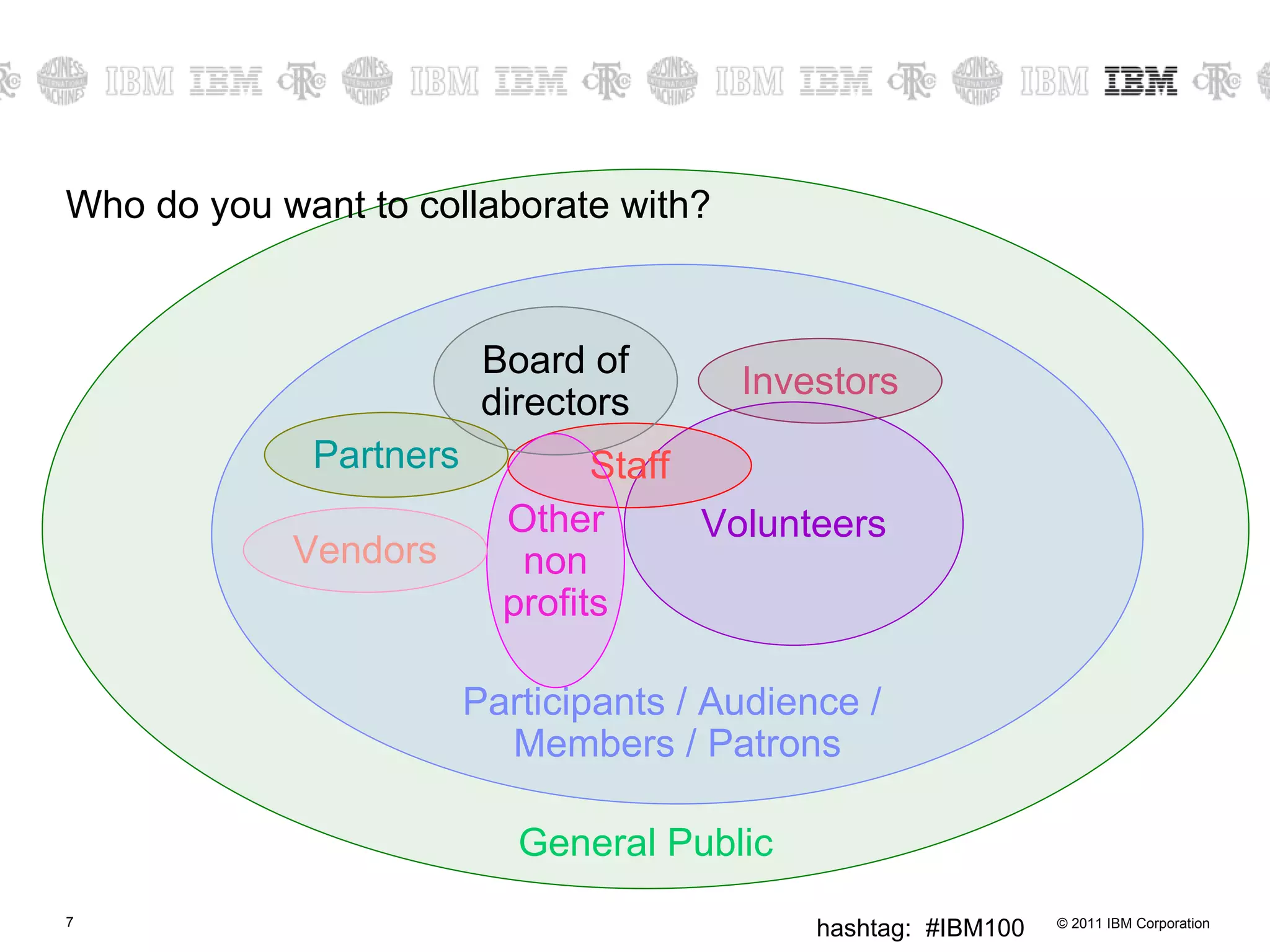
Who do you want to collaborate with? General Public Participants / Audience /  Members / Patrons Volunteers Staff Other non profits Investors Board of directors Partners Vendors
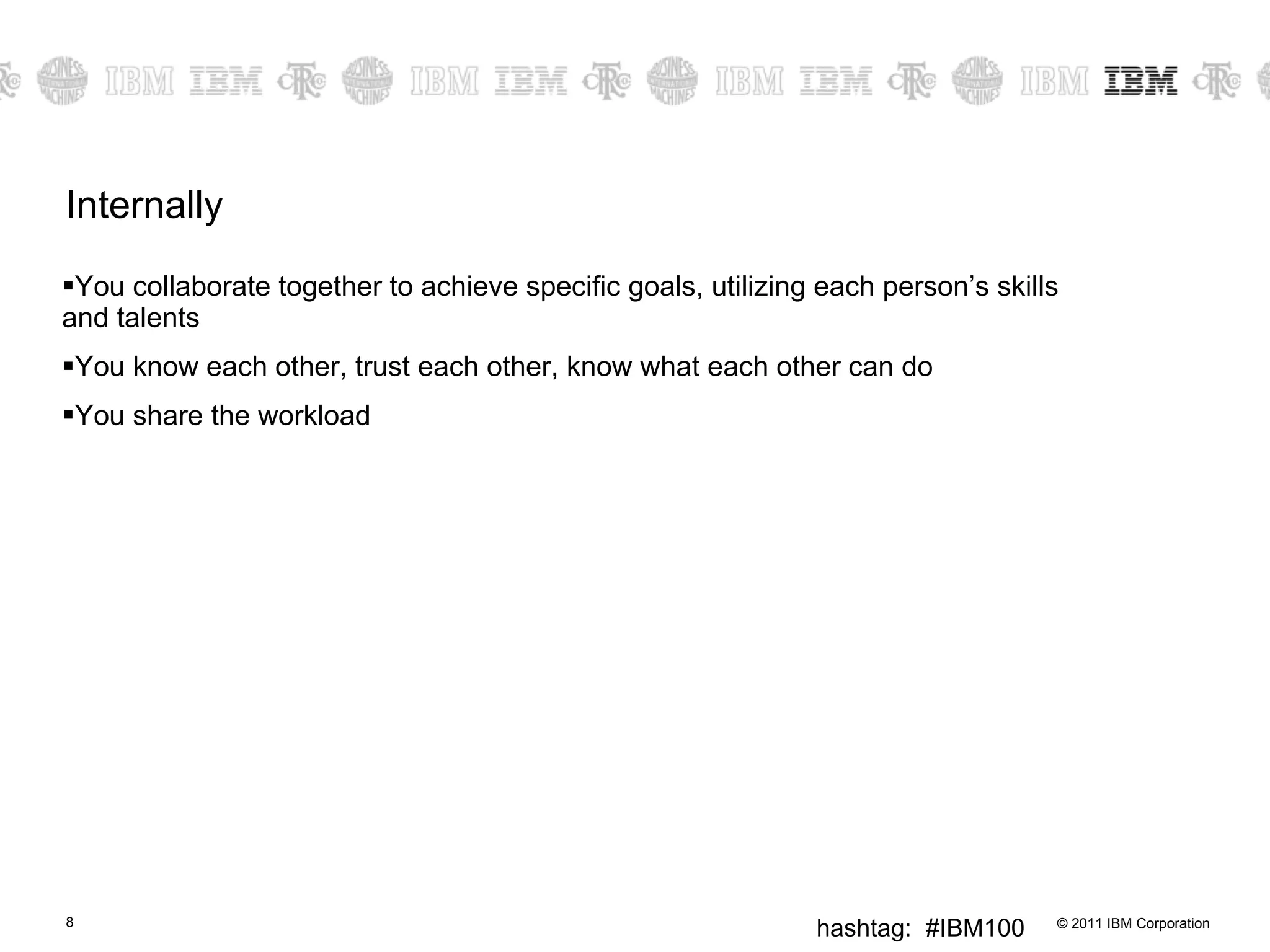
Internally You collaborate together to achieve specific goals, utilizing each person’s skills and talents You know each other, trust each other, know what each other can do You share the workload
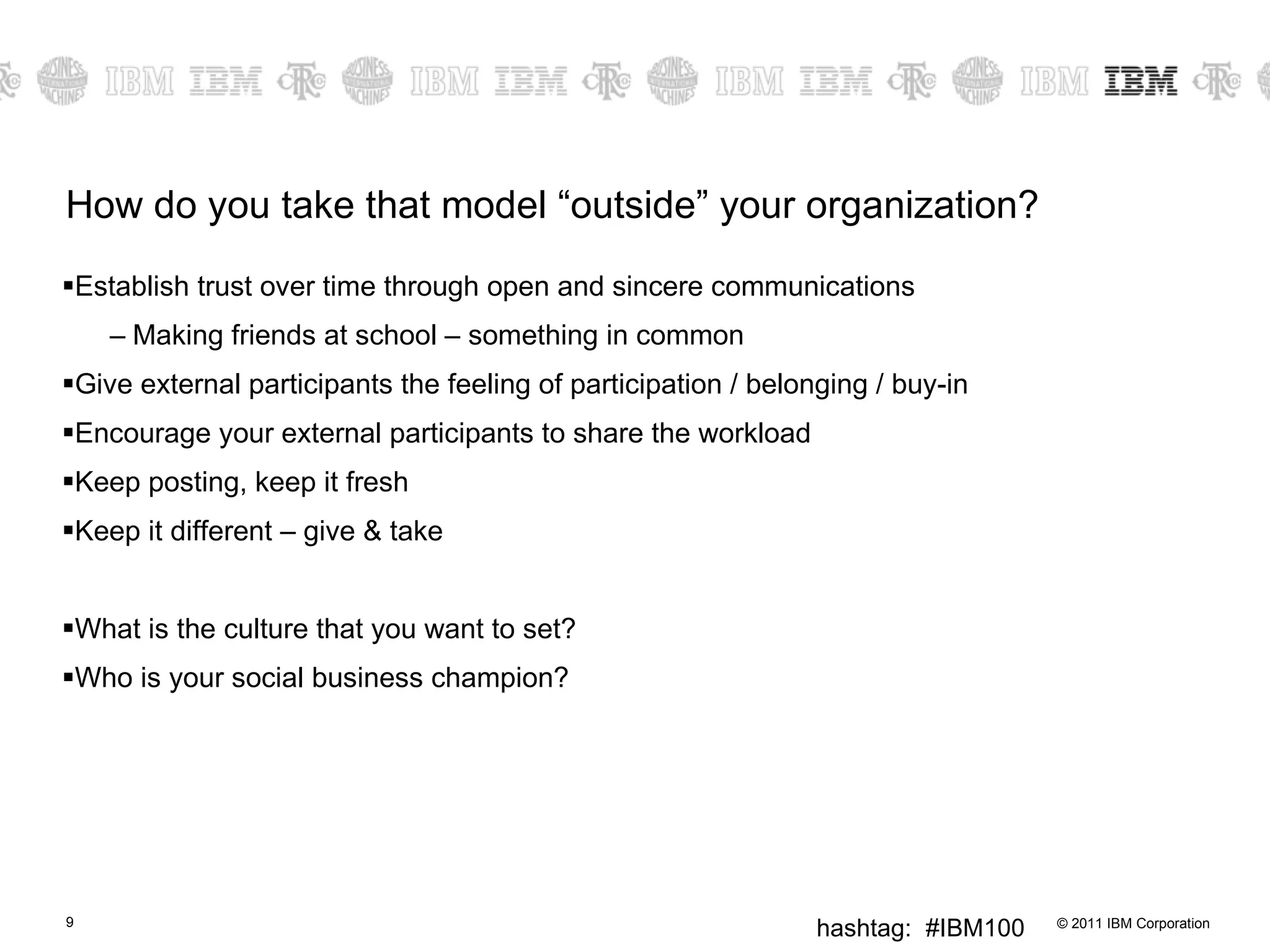
How do you take that model “outside” your organization? Establish trust over time through open and sincere communications Making friends at school – something in common Give external participants the feeling of participation / belonging / buy-in Encourage your external participants to share the workload Keep posting, keep it fresh Keep it different – give & take What is the culture that you want to set? Who is your social business champion?
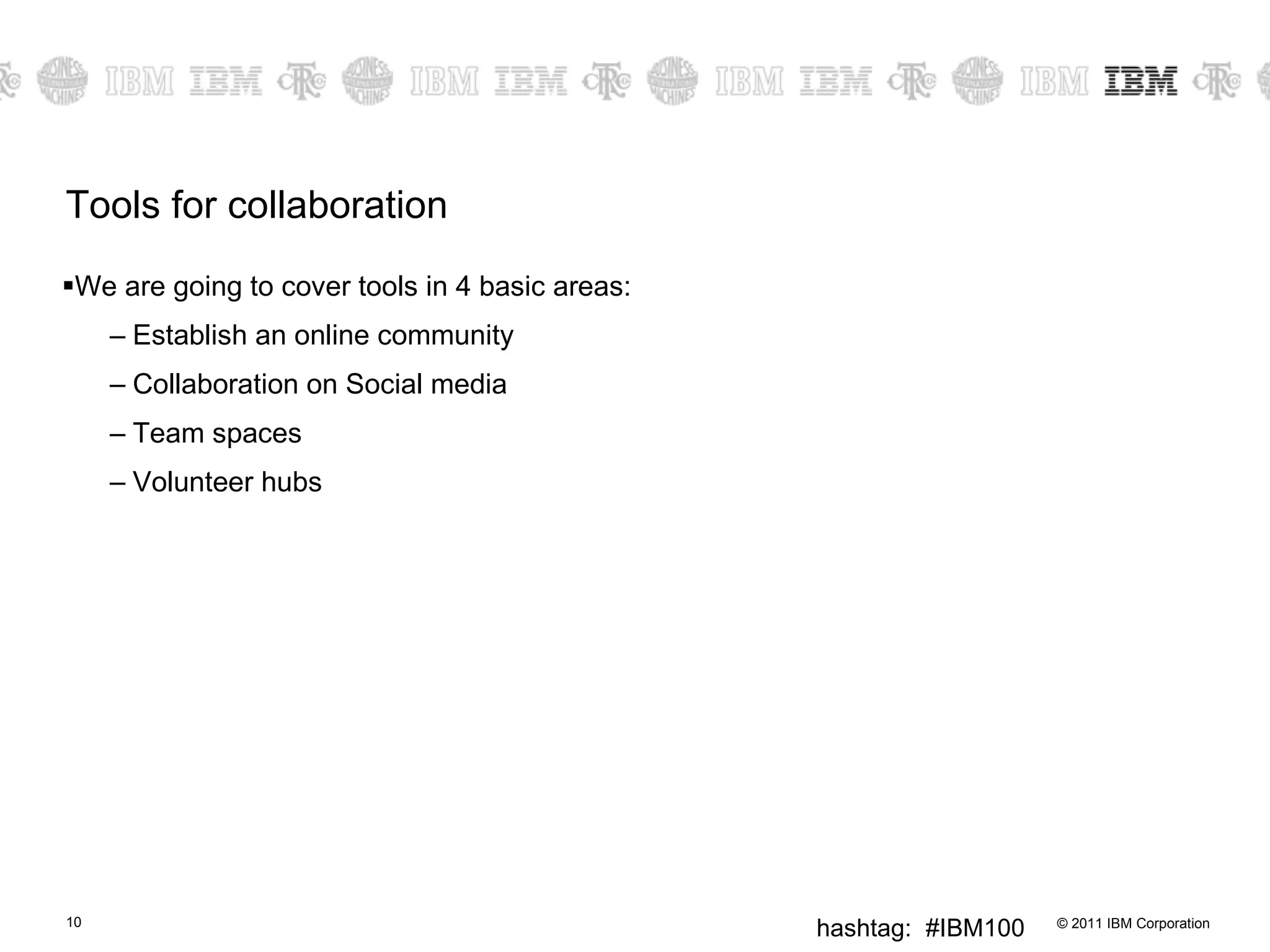
Tools for collaboration We are going to cover tools in 4 basic areas: Establish an online community Collaboration on Social media  Team spaces Volunteer hubs
Establish an online community Establish a web site where the groups you want to collaborate with can easily interact with you and with  each other .  There are many online sites that will let you build a web-site for free.  However you may want to pay a small fee for the additional features that make the web site more unique (such as your own domain name). It can be a simple blog where you let users comment, or it could be a group blog with multiple authors, or a true community site where everyone can post. Assign a  community manager , become a part of the conversation Adding “widgets” expands the functionality of the site:  forums, surveys, polls, contact us, user generated content, integration with Facebook, integration with twitter. There are many “free web site” sites available.  For example: Word Press  http:// wordpress.com / Drupal Gardens  https:// www.drupalgardens.com /pricing Free Low-cost
Establish a custom online community You can take the next step and contact a hosting provider that provides hosting as well as services to help you make your site look and function in a specific way.  Many graphic design, web site development, and hosting companies provide discounts for non profit organizations (and if they don’t, ask). Or host it yourself.  Multiple packages available.
Collaboration on Social Media: Facebook Award winning Canadian Science Fiction Author, Robert J. Sawyer, has asked his friends: To provide feedback for two possible titles for his next book To provide feedback on whether having two characters whose names start with the same letter is a problem for readers To share which "classic" sci-fi books they would most like to see be made into a movie To find medical experts to vet portions of his upcoming novel To provide a good one-liner joke in a particular scene A new orienteering club has asked members to comment on which logo they prefer  VO2 Orienteering added 2 new photos to the album Choose your favourite VO2 logo!!! Free https://www.facebook.com/robertjsawyer https://www.facebook.com/pages/VO2-Orienteering/162943340408967
Collaboration on Social Media: Facebook Ontario Science Center expert is answering specific questions about black holes Q: Kepler mission has found many extra solar planets. How will this change research, if at all? A: Because Kepler collects far more data (and collects it much faster) than earlier planet-finding efforts, the Kepler mission allows astronomers compare our solar system to other solar systems in ways never before possible. Toronto Public Library will recommend a book for you “ Today and next Tuesday (next Monday the library is closed for Easter Monday) are your last opportunities to participate in our Keep Toronto Reading book recommendations. You share with us three titles you loved -- a librarian from Readers' Services Committee will suggest another we think you'll love too. So, what are your favs? Free https://www.facebook.com/ontariosciencecentre https://www.facebook.com/torontopubliclibrary
Collaboration on Social Media: Twitter Dissemination of Publications and Materials I have used Twitter to post links to our grant deliverables as soon as they are published online. Twitter friends with more followers then post the link and it is quickly spread to hundreds of people. Jennifer D. Jones,  injenuity   Using twitter to get feedback throughout a conference We set up a twitter account for a recent young people/youth work practitioners conference and asked twitter to turn on auto-following. We got over 1/2 the delegates to follow our conference account so we could ask questions throughout the day, and we encouraged them to text in feedback, ideas, comments, inspirations.  We were projecting their tweets onto the wall in the main room , and showing them on scrolling rss-tickers on all the other presentation projectors. It gave us a really useful 'gut reaction' form of feedback, that massively complements the evaluation form feedback - and allowed us to adapt parts of the event on the basis of instant feedback.  Blog post reflecting on the process   Using twitter as a virtual water cooler. I work from home, and my colleagues are my collaboration buddies, clients, colleagues. Twitter is a great way to keep up with what is happening, so face-to-face meetings get up to speed much quicker. Blogs work the same way, though they tend to contain a different set of content.  Free From http://onlinefacilitation.wikispaces.com/Twitter+Collaboration+Stories
Collaboration on Social Media: Twitter Fostering Professional Connections  The principal of my children's school was considering using a blog as a communication tool for the school. He wanted to see some examples of other elementary principals who were already doing this. I tweeted a request for links to exemplary elementary principal blogs. Got a list of 4 excellent ones in minutes. I emailed him the results. Darren Kuropatwa, blog:  A Difference , twitter:  http:// twitter.com/dkuropatwa   Informal Research - On several occasions, I have used TwitterPolls to get instant feedback about issues facing educators. After asking whether specific web sites were blocked by schools, over 30 people responded in about an hour. Perfect for getting some authentic results in a very short time, to either verify other research or letting you know if you're on the right track. Steve Dembo,  Teach42 Using Twitter as a people-powered search - Courtesy from  Web Worker Daily : " Try Twitter Instead of  Mahalo  for People-Powered Search ".  Luis Suarez   Free From http://onlinefacilitation.wikispaces.com/Twitter+Collaboration+Stories
Collaboration on Social Media: YouTube Customizable: Allows you to establish a channel “ Your channel is your home for broadcasting on YouTube. It's the place to house the videos you make ("Uploads"), the videos you love ("Favorites"), and the videos you've organized ("Playlists"). Personalize your channel by selecting the background color, formatting and module options.” Can embed on your own website without technical hassles It is not just about posting “your” videos, but asking for responses Example: video wedding best wishes to William and Kate Example: Old Spice commercials “ Subsequent to the release of the "Questions" Old Spice commercial, a YouTube campaign featured Mustafa reprising the same character and responding to over 100  YouTube ,  Twitter ,  Facebook  and  Reddit  comments in a series of brief videos. The short ads used the same humor as the TV spots.” Tell us your stories Fan art Free http://en.wikipedia.org/wiki/The_Man_Your_Man_Could_Smell_Like
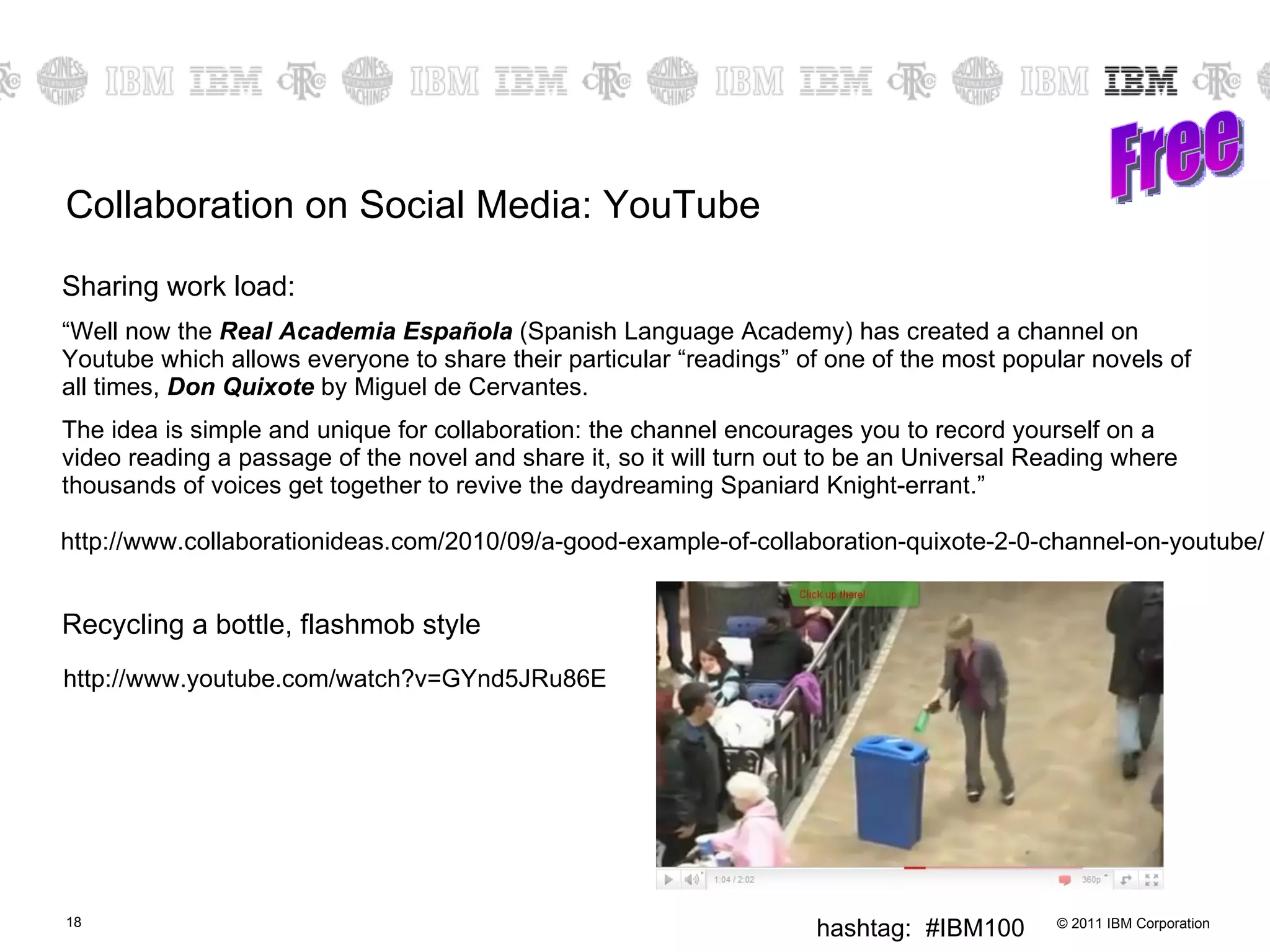
Collaboration on Social Media: YouTube Sharing work load: “ Well now the  Real Academia Española  (Spanish Language Academy) has created a channel on Youtube which allows everyone to share their particular “readings” of one of the most popular novels of all times,  Don Quixote  by Miguel de Cervantes. The idea is simple and unique for collaboration: the channel encourages you to record yourself on a video reading a passage of the novel and share it, so it will turn out to be an Universal Reading where thousands of voices get together to revive the daydreaming Spaniard Knight-errant.” Recycling a bottle, flashmob style Free http://www.collaborationideas.com/2010/09/a-good-example-of-collaboration-quixote-2-0-channel-on-youtube/ http://www.youtube.com/watch?v=GYnd5JRu86E
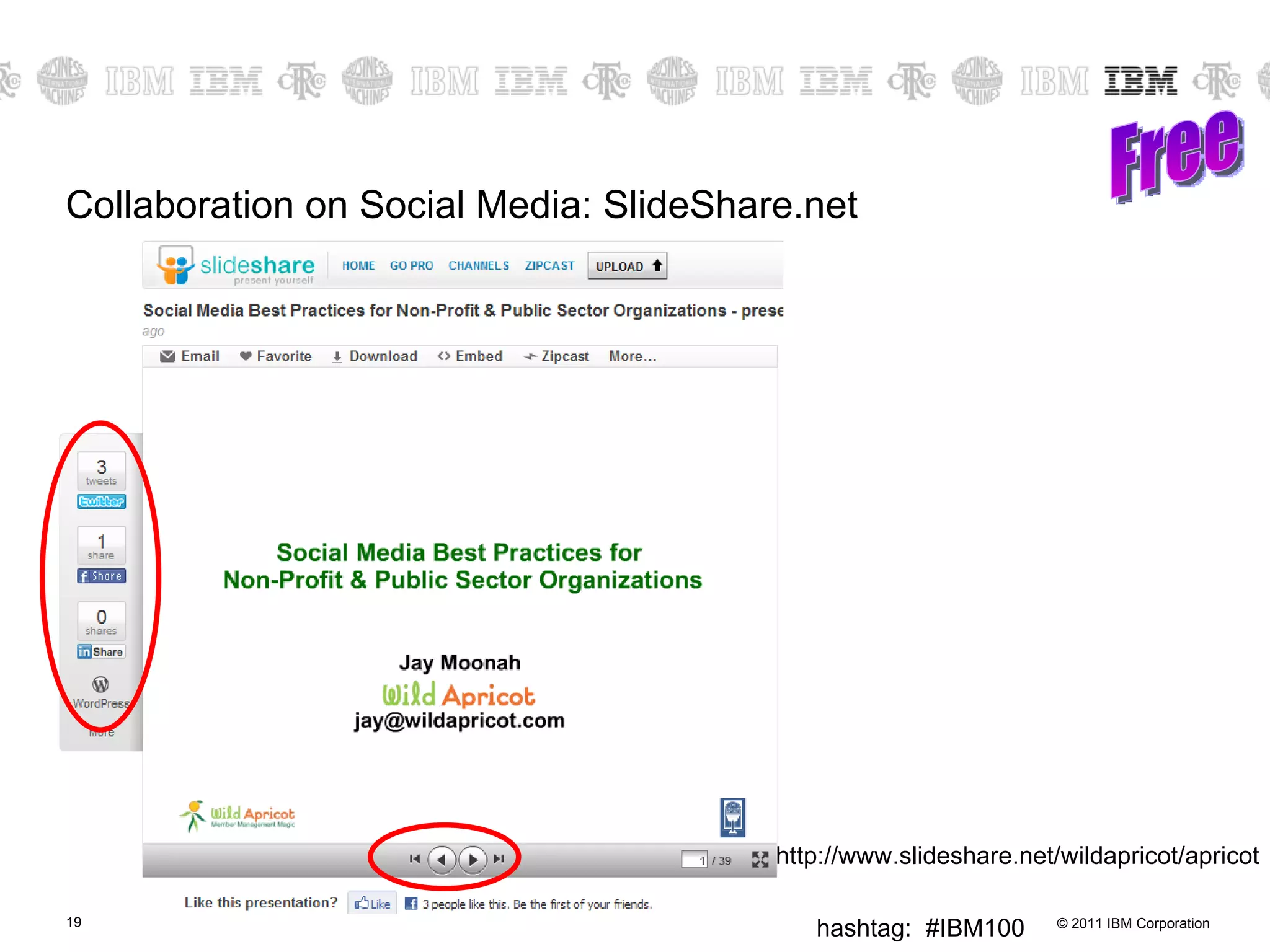
Collaboration on Social Media: SlideShare.net Free http://www.slideshare.net/wildapricot/apricot
Collaboration on Social Media: Flickr & photo sharing US State - asked public to post photos of problems with waterways Chinese Government - asked people to post photos of “pot holes” and other problems before olympics Sharing photos from an event – use the tag!
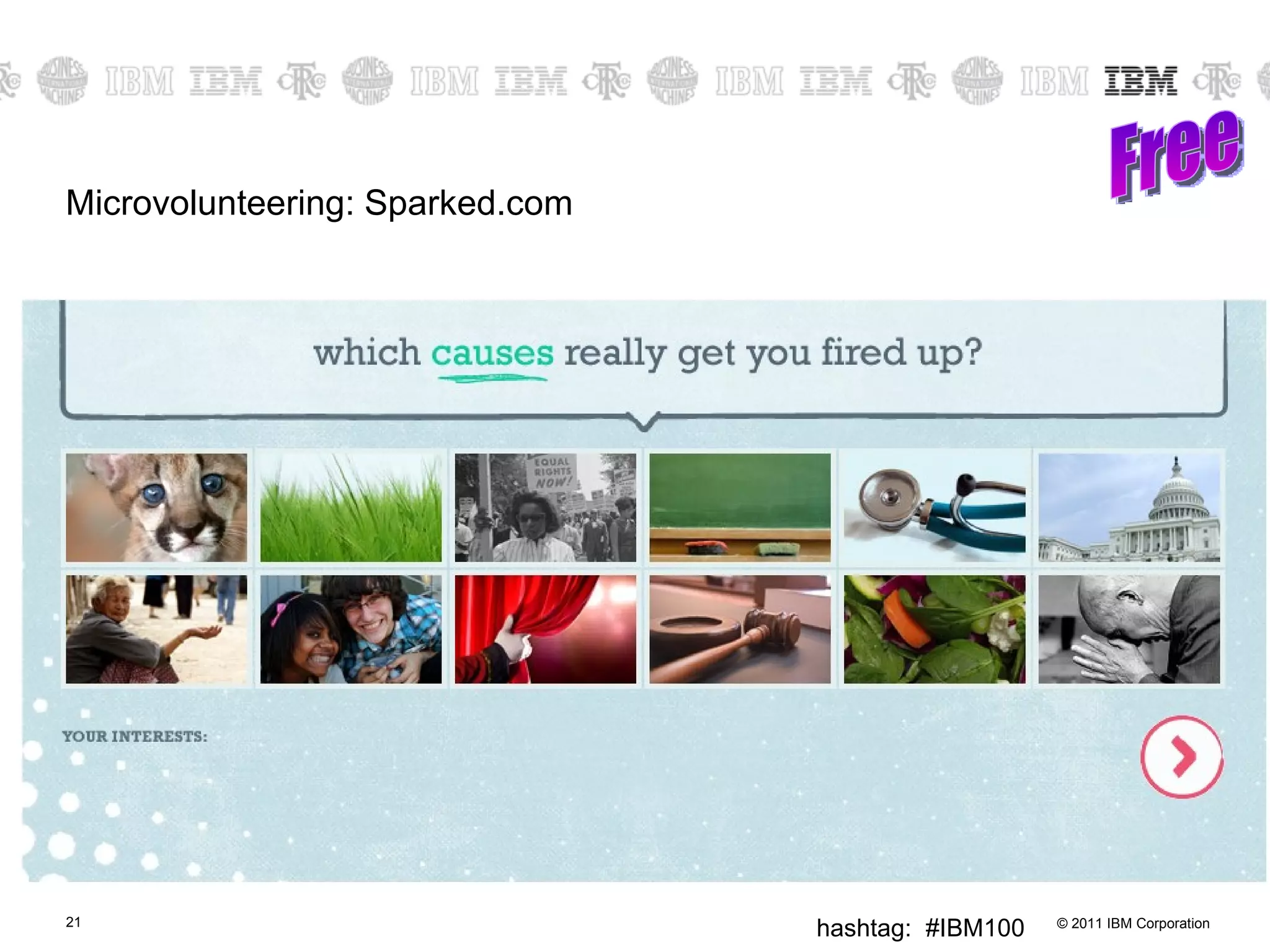
Microvolunteering: Sparked.com Free
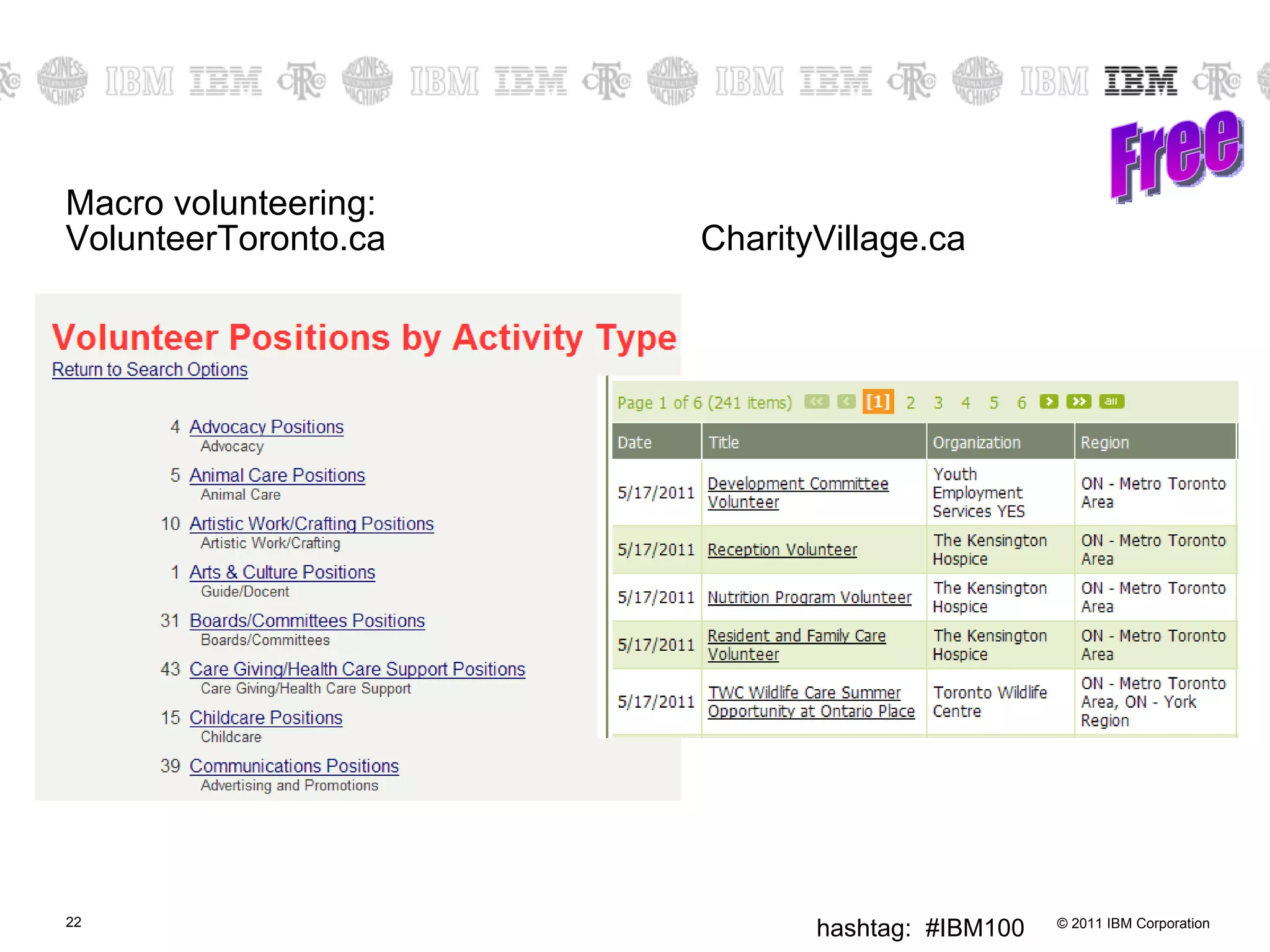
Macro volunteering: VolunteerToronto.ca CharityVillage.ca Free
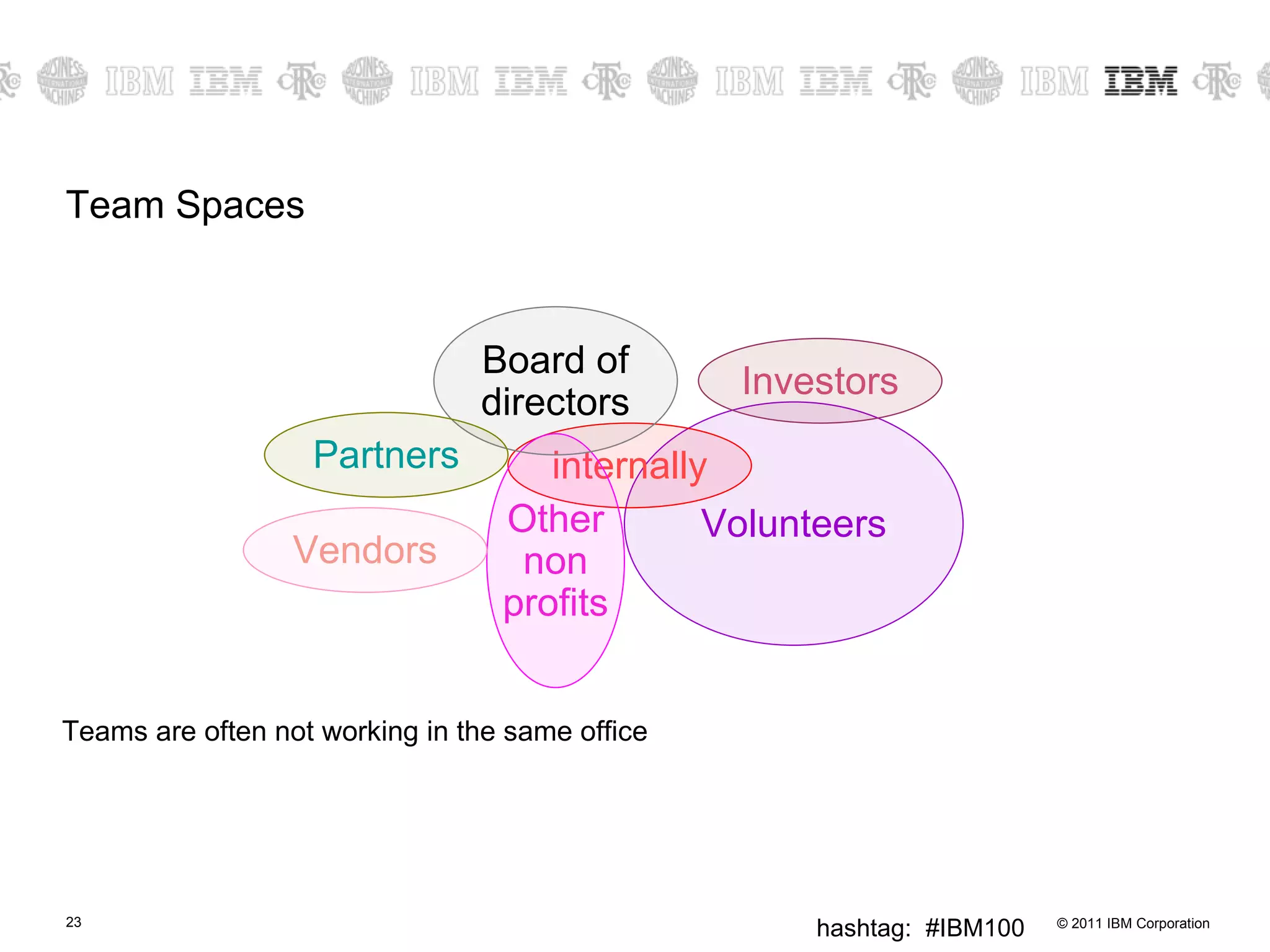
Team Spaces Teams are often not working in the same office Volunteers internally Other non profits Investors Board of directors Partners Vendors
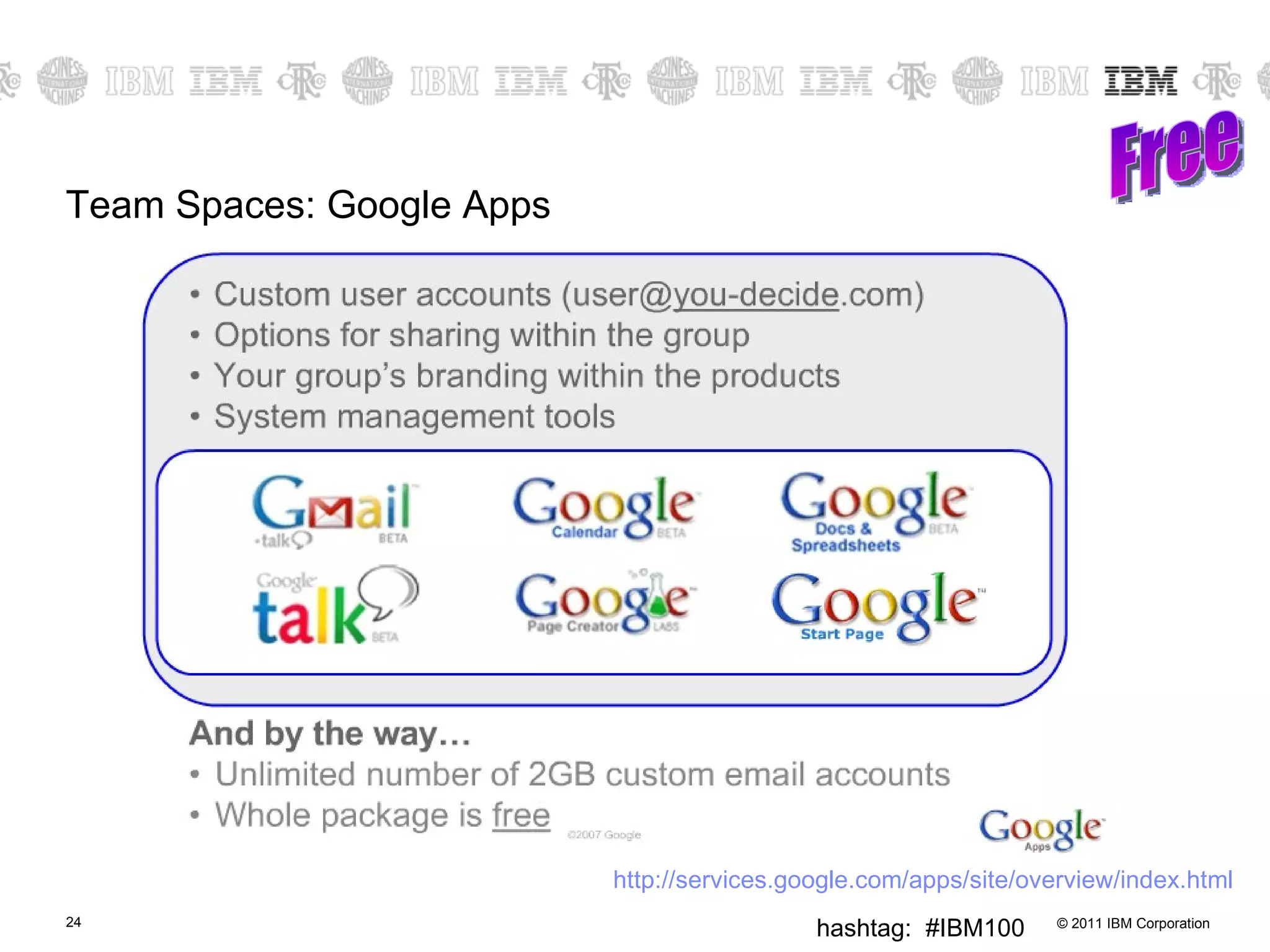
Team Spaces: Google Apps Free http:// services.google.com/apps/site/overview/index.html
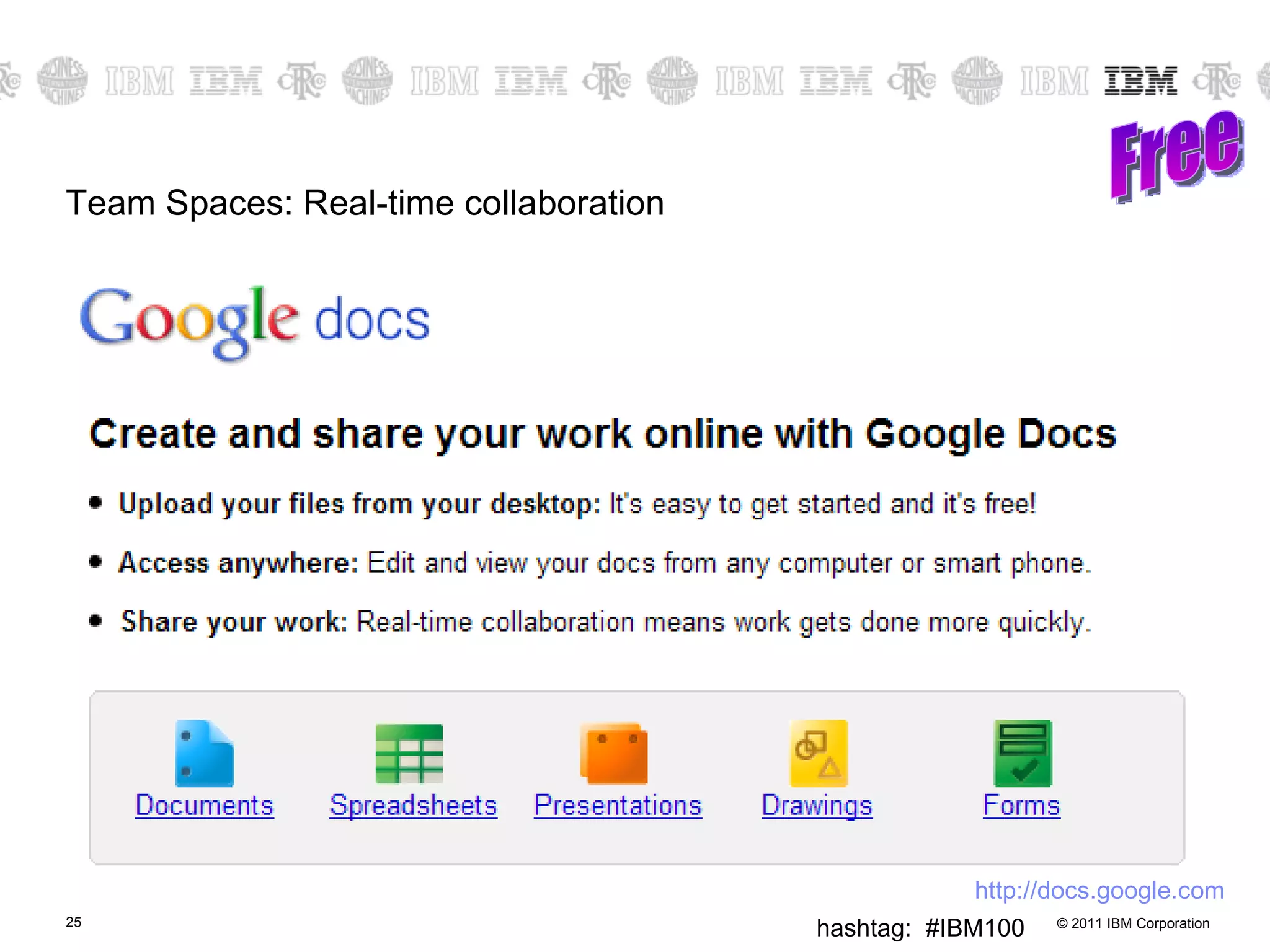
Team Spaces: Real-time collaboration Free http:// docs.google.com
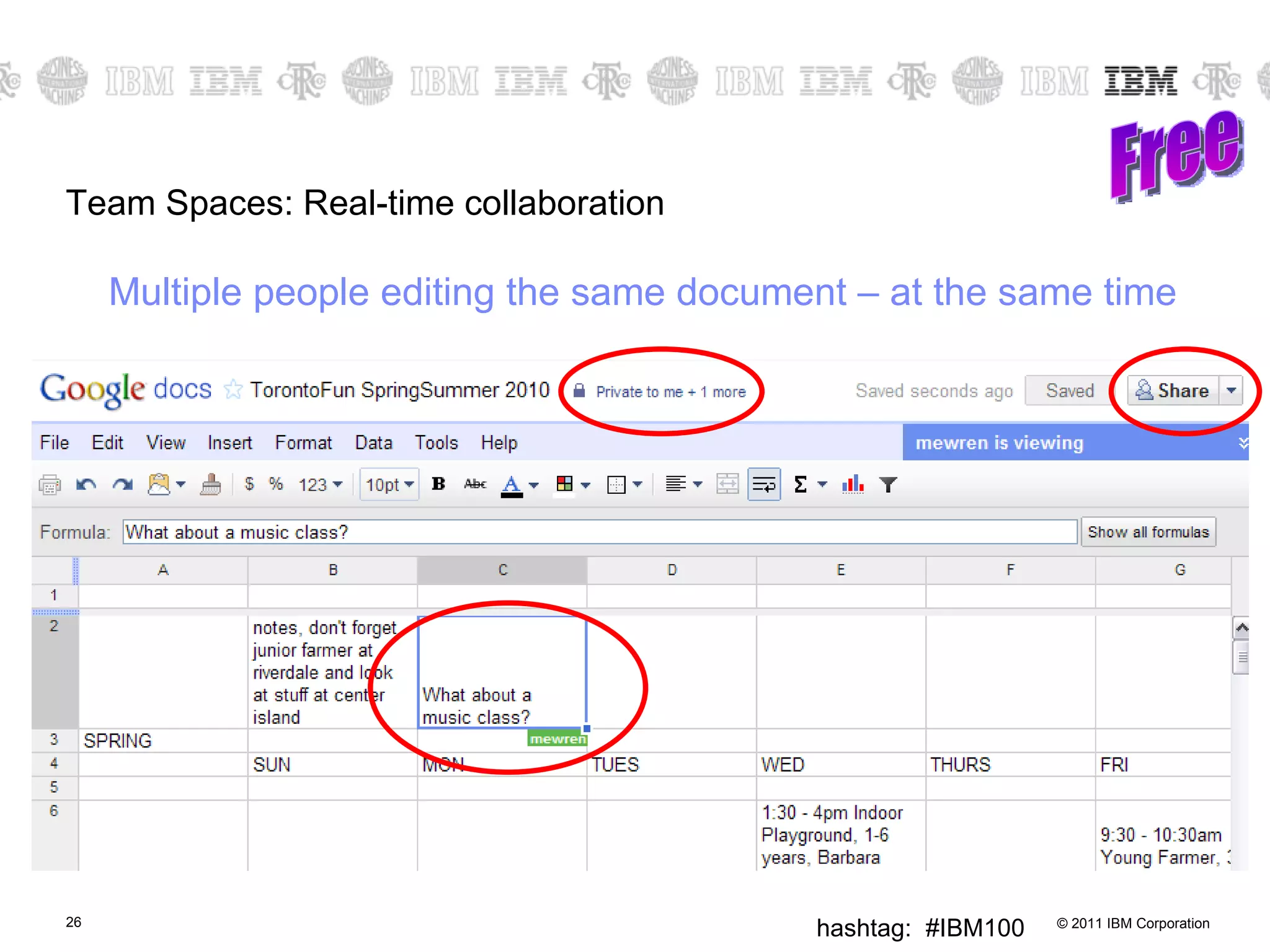
Team Spaces: Real-time collaboration Free Multiple people editing the same document – at the same time
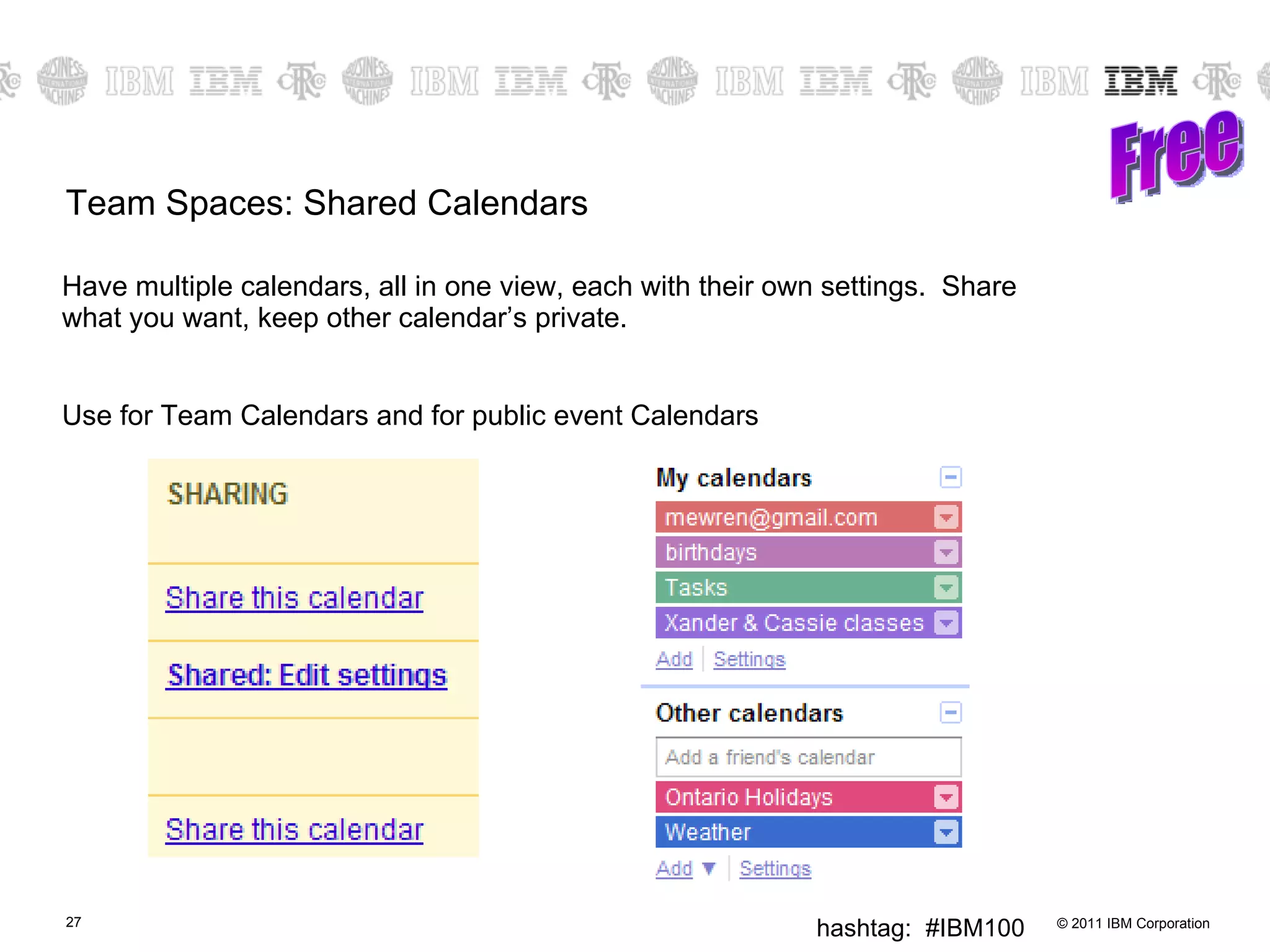
Team Spaces: Shared Calendars Have multiple calendars, all in one view, each with their own settings.  Share what you want, keep other calendar’s private. Use for Team Calendars and for public event Calendars Free
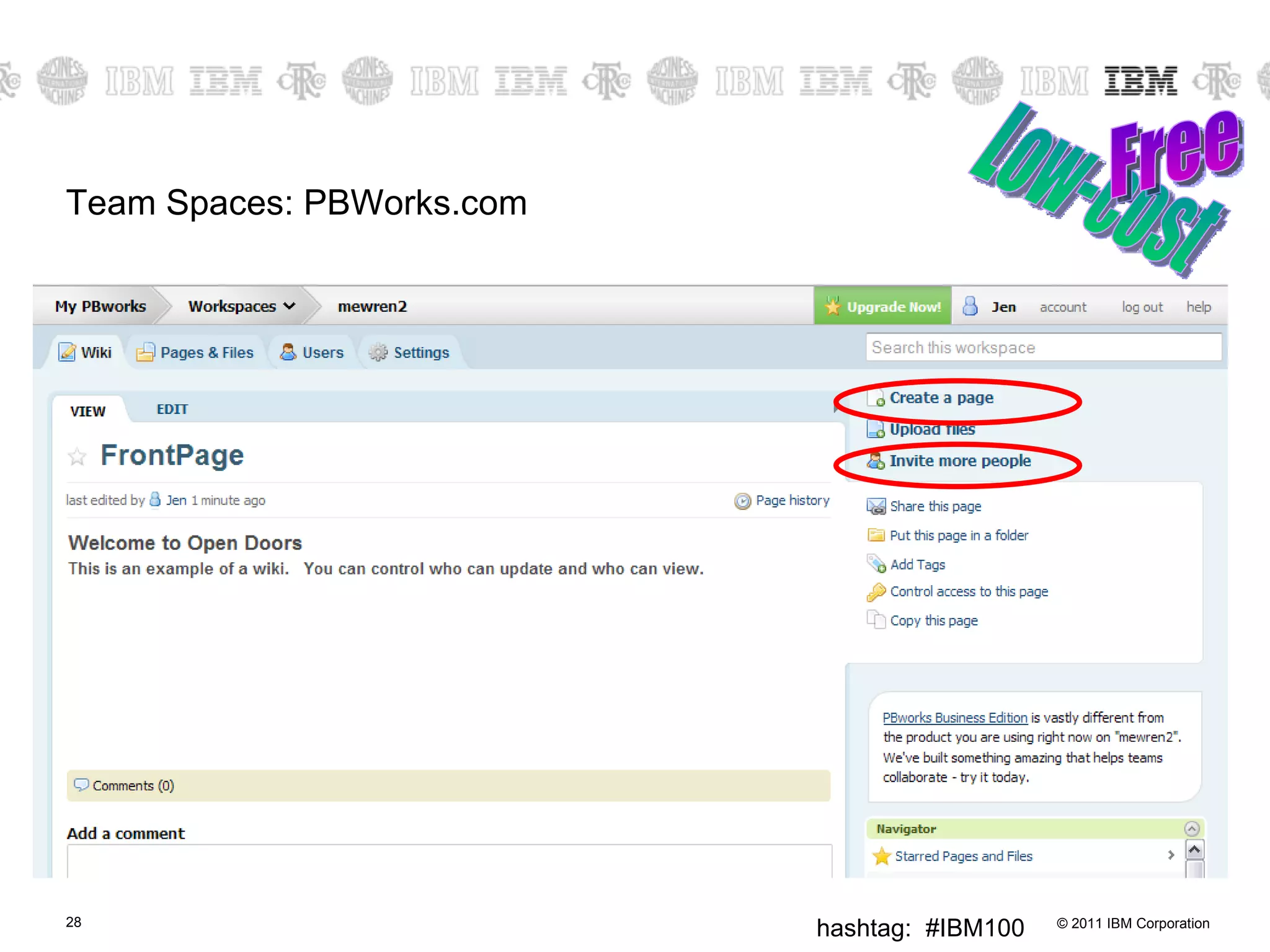
Team Spaces: PBWorks.com Low-cost Free
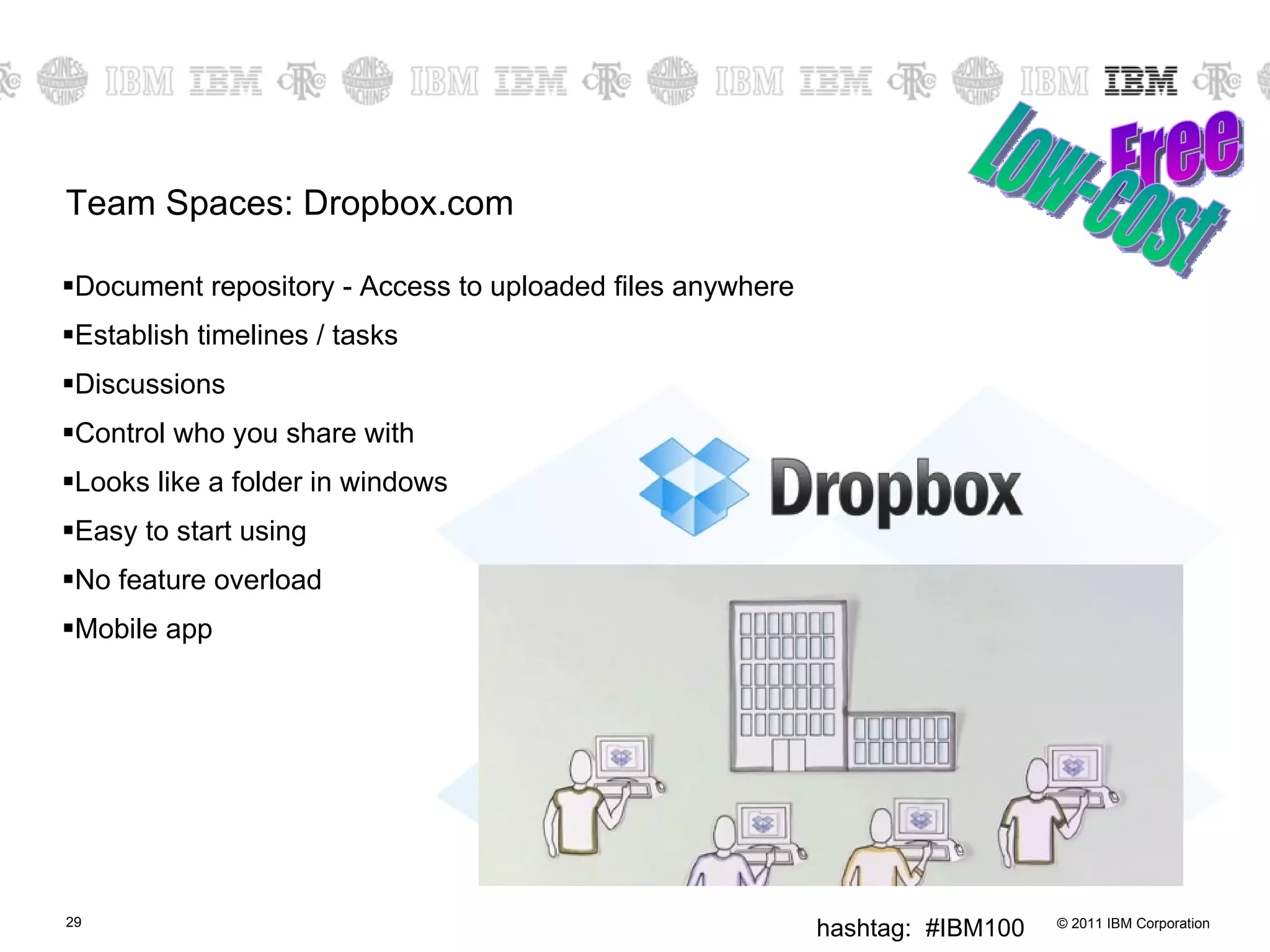
Team Spaces: Dropbox.com Document repository - Access to uploaded files anywhere Establish timelines / tasks Discussions Control who you share with Looks like a folder in windows Easy to start using No feature overload Mobile app Free Low-cost
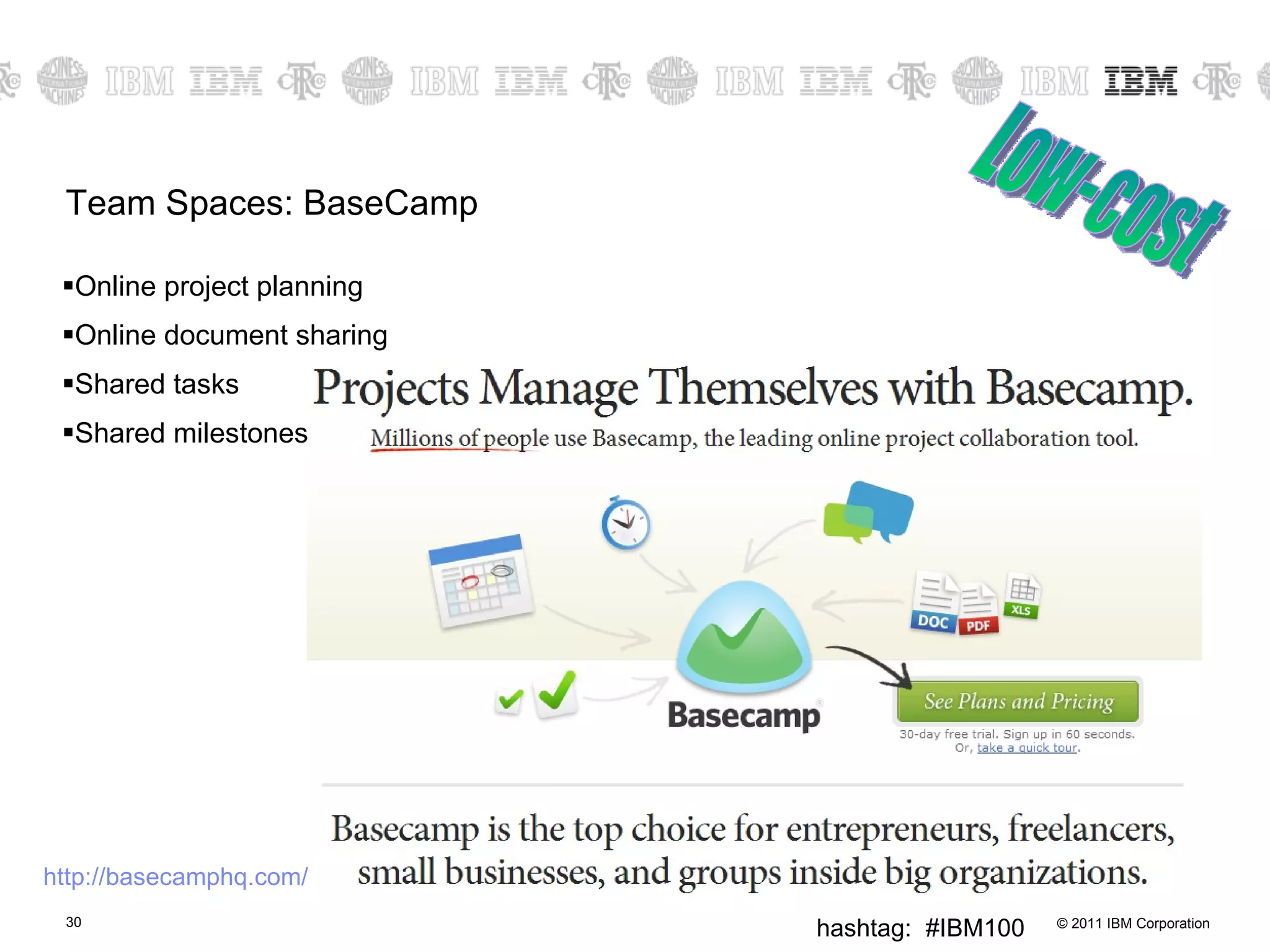
Team Spaces: BaseCamp Online project planning Online document sharing Shared tasks Shared milestones Low-cost http://basecamphq.com/
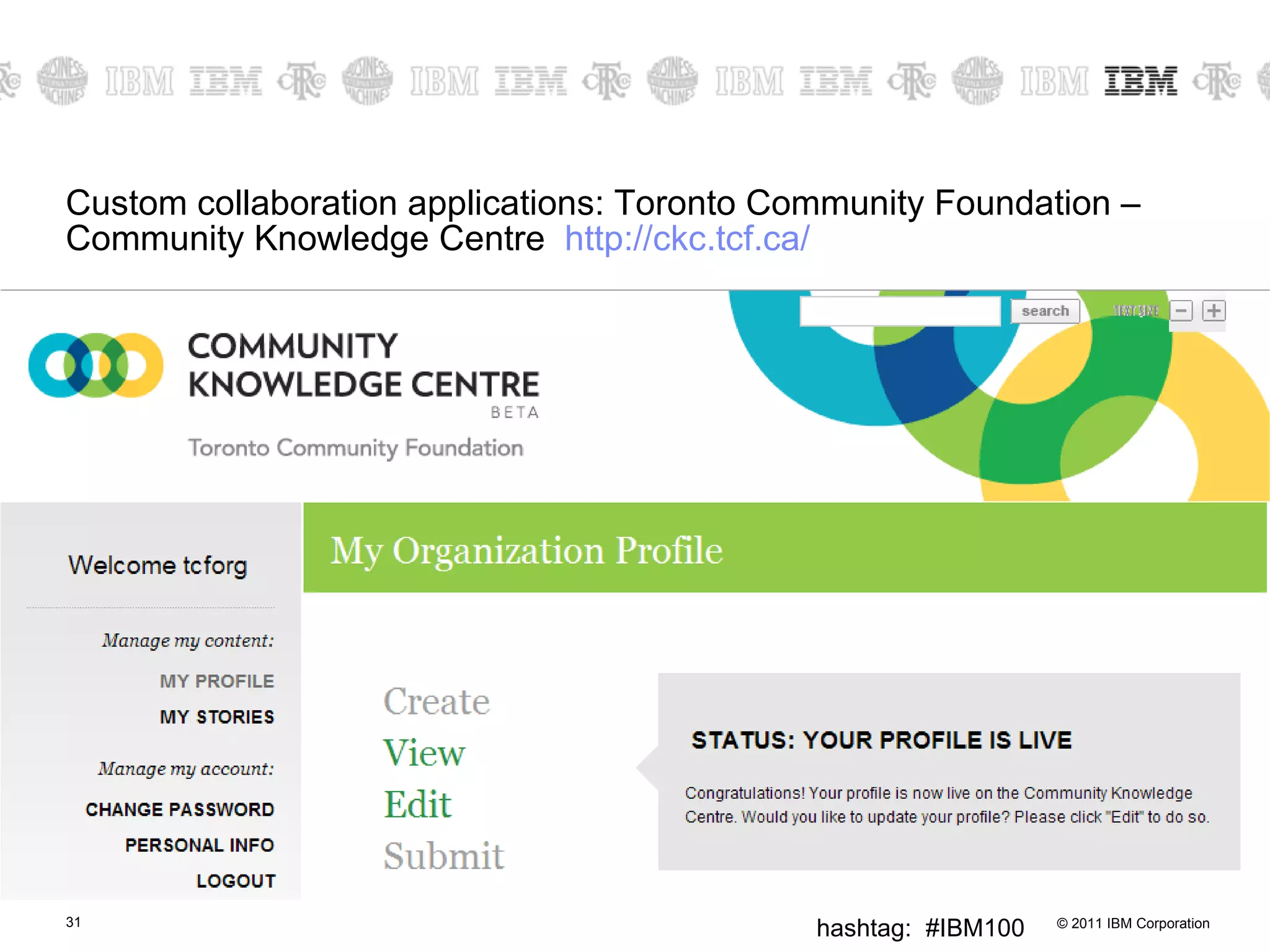
Custom collaboration applications: Toronto Community Foundation – Community Knowledge Centre  http:// ckc.tcf.ca /
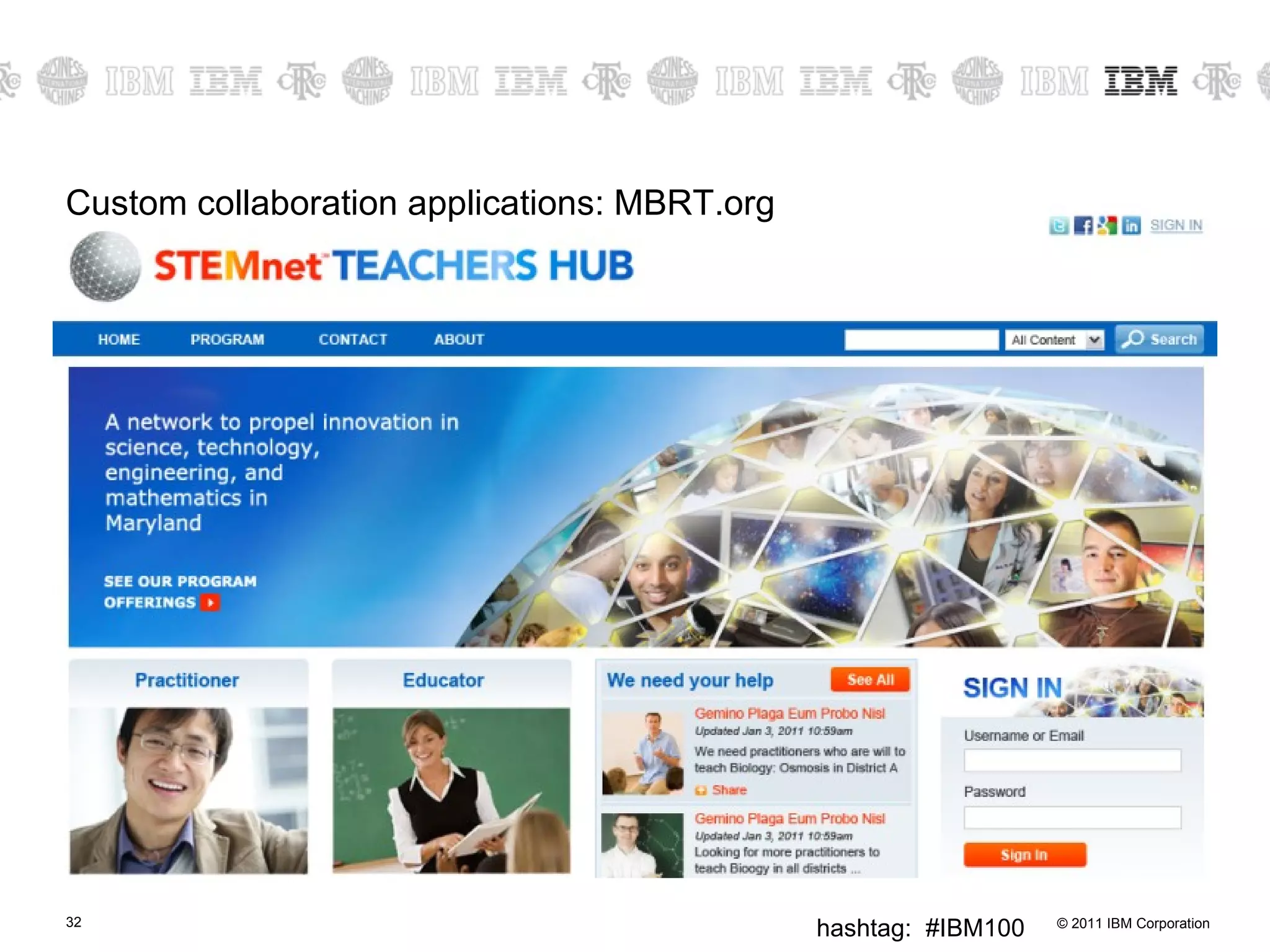
Custom collaboration applications: MBRT.org
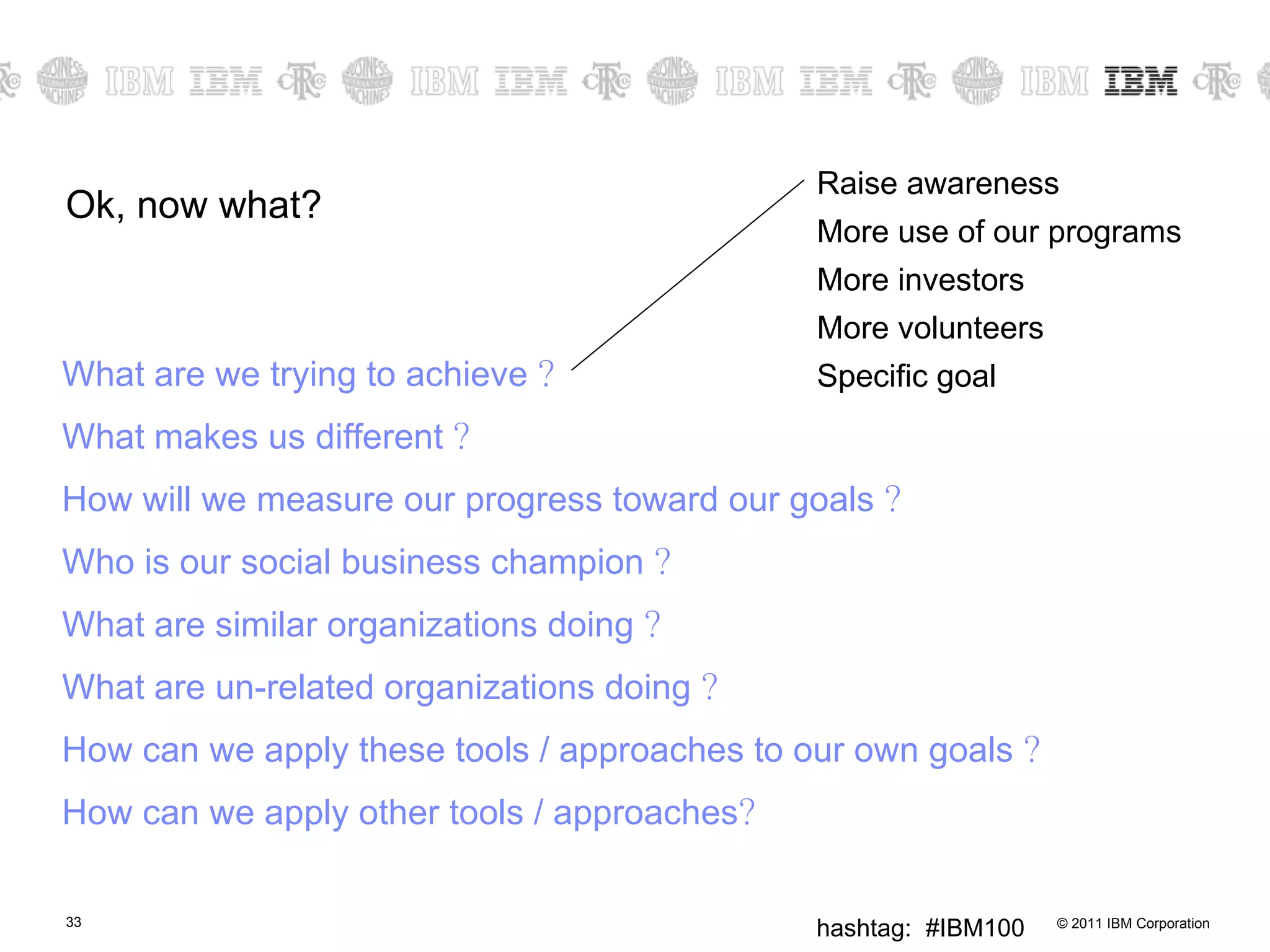
Ok, now what? What are we trying to achieve  ? What makes us different  ? How will we measure our progress toward our goals  ? Who is our social business champion  ? What are similar organizations doing  ? What are un-related organizations doing  ? How can we apply these tools / approaches to our own goals  ? How can we apply other tools / approaches ? Raise awareness More use of our programs More investors More volunteers Specific goal
Exercise Share a specific goal that your organization is working on What are you trying to achieve  ? What makes you different  ? How will you measure the progress toward this goal  ? Everyone else What are similar organizations doing  ? What are un-related organizations doing  ? How can they apply these tools / approaches to the goal  ? How can they apply other tools / approaches  ?
 

Collaboaration tools for non profit agencies

  • 1.
    Open Doors: Expand how you collaborate A Presentation by Jennifer Nolan May 19 2011
  • 2.
    Collaboration is achievementof results impossible to accomplish independently – Rex Lee, RIM LotusSphere 2011 “ ”
  • 3.
    A fundamentally differentway people collaborate, how people work, how to establish trust. – Sandy Carter, Vice President, IBM Social Business, Collaboration, and Lotus Sales and Evangelism “ ”
  • 4.
    Objective Learn aboutways you can leverage collaboration tools to help you achieve the vision of your organization. Explore some of the free and low-cost on-line tools that are available to help you collaborate between your employees, partners, investors, and volunteers. Learn about custom collaboration approaches
  • 5.
    Agenda How doyou collaborate today? What are some free/low cost tools for expanded collaboration? What are some custom examples of collaboration? Ok, now what?
  • 6.
    What tools doyou use to collaborate today? Phone Meetings Hallway conversations Events Postal mail Teleconference Emails Web meetings Video Conferencing Mass email newsletters What happens to the conversations? Conversations are limited in reach, and limited lifespan Buried in emails / handwritten notes / recycle bin Messages tend to be one way Documents emailed back and forth
  • 7.
    Who do youwant to collaborate with? General Public Participants / Audience / Members / Patrons Volunteers Staff Other non profits Investors Board of directors Partners Vendors
  • 8.
    Internally You collaboratetogether to achieve specific goals, utilizing each person’s skills and talents You know each other, trust each other, know what each other can do You share the workload
  • 9.
    How do youtake that model “outside” your organization? Establish trust over time through open and sincere communications Making friends at school – something in common Give external participants the feeling of participation / belonging / buy-in Encourage your external participants to share the workload Keep posting, keep it fresh Keep it different – give & take What is the culture that you want to set? Who is your social business champion?
  • 10.
    Tools for collaborationWe are going to cover tools in 4 basic areas: Establish an online community Collaboration on Social media Team spaces Volunteer hubs
  • 11.
    Establish an onlinecommunity Establish a web site where the groups you want to collaborate with can easily interact with you and with each other . There are many online sites that will let you build a web-site for free. However you may want to pay a small fee for the additional features that make the web site more unique (such as your own domain name). It can be a simple blog where you let users comment, or it could be a group blog with multiple authors, or a true community site where everyone can post. Assign a community manager , become a part of the conversation Adding “widgets” expands the functionality of the site: forums, surveys, polls, contact us, user generated content, integration with Facebook, integration with twitter. There are many “free web site” sites available. For example: Word Press http:// wordpress.com / Drupal Gardens https:// www.drupalgardens.com /pricing Free Low-cost
  • 12.
    Establish a customonline community You can take the next step and contact a hosting provider that provides hosting as well as services to help you make your site look and function in a specific way. Many graphic design, web site development, and hosting companies provide discounts for non profit organizations (and if they don’t, ask). Or host it yourself. Multiple packages available.
  • 13.
    Collaboration on SocialMedia: Facebook Award winning Canadian Science Fiction Author, Robert J. Sawyer, has asked his friends: To provide feedback for two possible titles for his next book To provide feedback on whether having two characters whose names start with the same letter is a problem for readers To share which "classic" sci-fi books they would most like to see be made into a movie To find medical experts to vet portions of his upcoming novel To provide a good one-liner joke in a particular scene A new orienteering club has asked members to comment on which logo they prefer VO2 Orienteering added 2 new photos to the album Choose your favourite VO2 logo!!! Free https://www.facebook.com/robertjsawyer https://www.facebook.com/pages/VO2-Orienteering/162943340408967
  • 14.
    Collaboration on SocialMedia: Facebook Ontario Science Center expert is answering specific questions about black holes Q: Kepler mission has found many extra solar planets. How will this change research, if at all? A: Because Kepler collects far more data (and collects it much faster) than earlier planet-finding efforts, the Kepler mission allows astronomers compare our solar system to other solar systems in ways never before possible. Toronto Public Library will recommend a book for you “ Today and next Tuesday (next Monday the library is closed for Easter Monday) are your last opportunities to participate in our Keep Toronto Reading book recommendations. You share with us three titles you loved -- a librarian from Readers' Services Committee will suggest another we think you'll love too. So, what are your favs? Free https://www.facebook.com/ontariosciencecentre https://www.facebook.com/torontopubliclibrary
  • 15.
    Collaboration on SocialMedia: Twitter Dissemination of Publications and Materials I have used Twitter to post links to our grant deliverables as soon as they are published online. Twitter friends with more followers then post the link and it is quickly spread to hundreds of people. Jennifer D. Jones, injenuity Using twitter to get feedback throughout a conference We set up a twitter account for a recent young people/youth work practitioners conference and asked twitter to turn on auto-following. We got over 1/2 the delegates to follow our conference account so we could ask questions throughout the day, and we encouraged them to text in feedback, ideas, comments, inspirations. We were projecting their tweets onto the wall in the main room , and showing them on scrolling rss-tickers on all the other presentation projectors. It gave us a really useful 'gut reaction' form of feedback, that massively complements the evaluation form feedback - and allowed us to adapt parts of the event on the basis of instant feedback. Blog post reflecting on the process Using twitter as a virtual water cooler. I work from home, and my colleagues are my collaboration buddies, clients, colleagues. Twitter is a great way to keep up with what is happening, so face-to-face meetings get up to speed much quicker. Blogs work the same way, though they tend to contain a different set of content. Free From http://onlinefacilitation.wikispaces.com/Twitter+Collaboration+Stories
  • 16.
    Collaboration on SocialMedia: Twitter Fostering Professional Connections The principal of my children's school was considering using a blog as a communication tool for the school. He wanted to see some examples of other elementary principals who were already doing this. I tweeted a request for links to exemplary elementary principal blogs. Got a list of 4 excellent ones in minutes. I emailed him the results. Darren Kuropatwa, blog: A Difference , twitter: http:// twitter.com/dkuropatwa Informal Research - On several occasions, I have used TwitterPolls to get instant feedback about issues facing educators. After asking whether specific web sites were blocked by schools, over 30 people responded in about an hour. Perfect for getting some authentic results in a very short time, to either verify other research or letting you know if you're on the right track. Steve Dembo, Teach42 Using Twitter as a people-powered search - Courtesy from Web Worker Daily : " Try Twitter Instead of Mahalo for People-Powered Search ". Luis Suarez Free From http://onlinefacilitation.wikispaces.com/Twitter+Collaboration+Stories
  • 17.
    Collaboration on SocialMedia: YouTube Customizable: Allows you to establish a channel “ Your channel is your home for broadcasting on YouTube. It's the place to house the videos you make ("Uploads"), the videos you love ("Favorites"), and the videos you've organized ("Playlists"). Personalize your channel by selecting the background color, formatting and module options.” Can embed on your own website without technical hassles It is not just about posting “your” videos, but asking for responses Example: video wedding best wishes to William and Kate Example: Old Spice commercials “ Subsequent to the release of the "Questions" Old Spice commercial, a YouTube campaign featured Mustafa reprising the same character and responding to over 100 YouTube , Twitter , Facebook and Reddit comments in a series of brief videos. The short ads used the same humor as the TV spots.” Tell us your stories Fan art Free http://en.wikipedia.org/wiki/The_Man_Your_Man_Could_Smell_Like
  • 18.
    Collaboration on SocialMedia: YouTube Sharing work load: “ Well now the Real Academia Española (Spanish Language Academy) has created a channel on Youtube which allows everyone to share their particular “readings” of one of the most popular novels of all times, Don Quixote by Miguel de Cervantes. The idea is simple and unique for collaboration: the channel encourages you to record yourself on a video reading a passage of the novel and share it, so it will turn out to be an Universal Reading where thousands of voices get together to revive the daydreaming Spaniard Knight-errant.” Recycling a bottle, flashmob style Free http://www.collaborationideas.com/2010/09/a-good-example-of-collaboration-quixote-2-0-channel-on-youtube/ http://www.youtube.com/watch?v=GYnd5JRu86E
  • 19.
    Collaboration on SocialMedia: SlideShare.net Free http://www.slideshare.net/wildapricot/apricot
  • 20.
    Collaboration on SocialMedia: Flickr & photo sharing US State - asked public to post photos of problems with waterways Chinese Government - asked people to post photos of “pot holes” and other problems before olympics Sharing photos from an event – use the tag!
  • 21.
  • 22.
  • 23.
    Team Spaces Teamsare often not working in the same office Volunteers internally Other non profits Investors Board of directors Partners Vendors
  • 24.
    Team Spaces: GoogleApps Free http:// services.google.com/apps/site/overview/index.html
  • 25.
    Team Spaces: Real-timecollaboration Free http:// docs.google.com
  • 26.
    Team Spaces: Real-timecollaboration Free Multiple people editing the same document – at the same time
  • 27.
    Team Spaces: SharedCalendars Have multiple calendars, all in one view, each with their own settings. Share what you want, keep other calendar’s private. Use for Team Calendars and for public event Calendars Free
  • 28.
  • 29.
    Team Spaces: Dropbox.comDocument repository - Access to uploaded files anywhere Establish timelines / tasks Discussions Control who you share with Looks like a folder in windows Easy to start using No feature overload Mobile app Free Low-cost
  • 30.
    Team Spaces: BaseCampOnline project planning Online document sharing Shared tasks Shared milestones Low-cost http://basecamphq.com/
  • 31.
    Custom collaboration applications:Toronto Community Foundation – Community Knowledge Centre http:// ckc.tcf.ca /
  • 32.
  • 33.
    Ok, now what?What are we trying to achieve ? What makes us different ? How will we measure our progress toward our goals ? Who is our social business champion ? What are similar organizations doing ? What are un-related organizations doing ? How can we apply these tools / approaches to our own goals ? How can we apply other tools / approaches ? Raise awareness More use of our programs More investors More volunteers Specific goal
  • 34.
    Exercise Share aspecific goal that your organization is working on What are you trying to achieve ? What makes you different ? How will you measure the progress toward this goal ? Everyone else What are similar organizations doing ? What are un-related organizations doing ? How can they apply these tools / approaches to the goal ? How can they apply other tools / approaches ?
  • 35.

Editor's Notes

  • #2 Who am I Talking about Web2.0 since 2005 Helping our clients improve employee collaboration and external collaboration
  • #5 Means -> Means ->
  • #12 Wordpress.com - free with some features, but you probably want your own domain 12/year or host video 60/year or remove ads 30/year or unlimited users 30/year Can even go up to VIP services and hosting
  • #14 Buy in / belonging / desire to get the next book / joke – character named after you
  • #15 Ties back to “what makes us different”
  • #16 Too many How work for you? Finding the people to network with Call for suggestions Ask people to sign a petition Ask for help with a specific task Ask for volunteers
  • #19 Self assignment
  • #20 example from http://www.slideshare.net/wildapricot/social-media-best-practices-for-nonprofit-public-sector-organizations-presented-by-jay-moonah-from-wild-apricot
  • #25 From http://services.google.com/apps/site/overview/index.html
  • #28 Free for education/ youth groups / clubs (non-commercial) Low cost for business No longer lost in emails Can control access
  • #30 50, 100, or 150 per month – not quite as low cost as the others.