
By:
Abhishek Pachisia
    B.Tech-IT
   Cloud computing is the use of computing resources (hardware and
    software) that are delivered as a service over a network (typically
    the Internet).

   Cloud computing entrusts remote          services   with   a   user's
    data, software and computation.

   The business model, using software as a service, users also rent
    application software and databases.

   Cloud computing relies on sharing of resources to achieve
    coherence and economies of scale similar to a utility over a network.
   End users access cloud-based applications through
       A web browser
       Light-weight desktop
       Mobile app


   Proponents claim that cloud computing allows
    enterprises
       To get their applications up
       Running faster
       Improved manageability and
       Less maintenance, and
       Enables IT to more rapidly adjust resources
         To meet fluctuating and
         Unpredictable business demand..
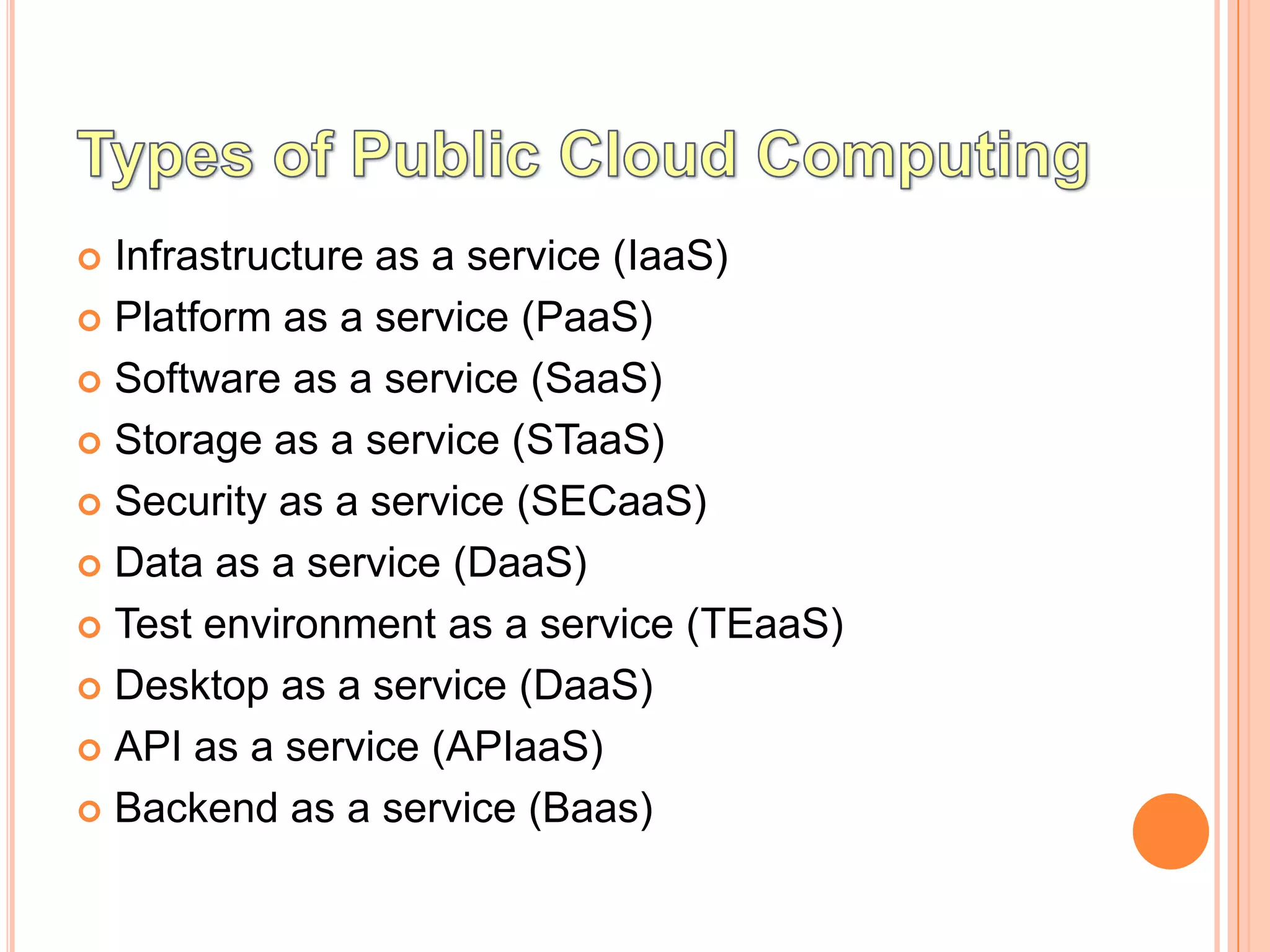
 Infrastructure as a service (IaaS)
 Platform as a service (PaaS)

 Software as a service (SaaS)

 Storage as a service (STaaS)

 Security as a service (SECaaS)

 Data as a service (DaaS)

 Test environment as a service (TEaaS)

 Desktop as a service (DaaS)

 API as a service (APIaaS)

 Backend as a service (Baas)
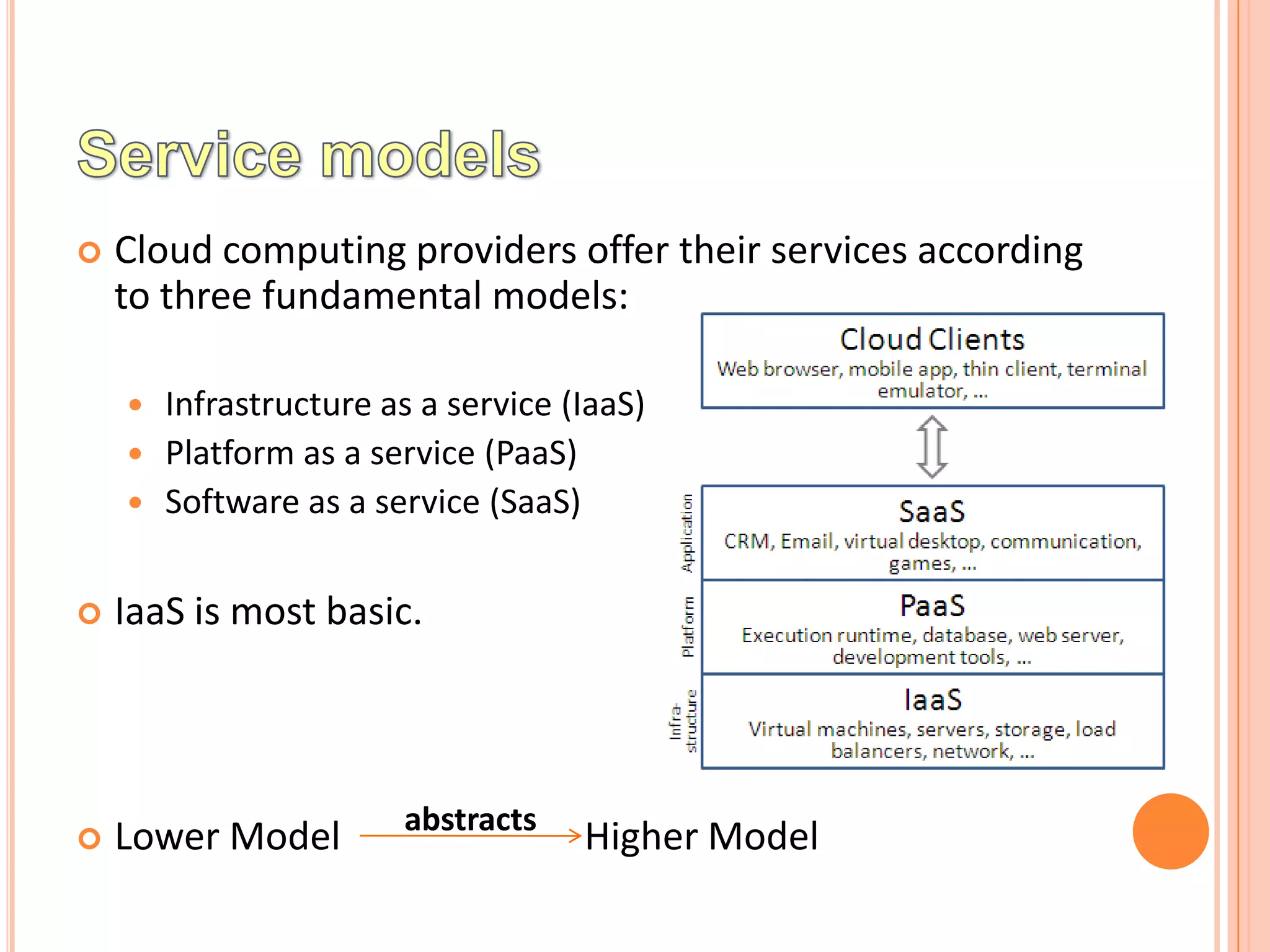
   Cloud computing providers offer their services according
    to three fundamental models:

     Infrastructure as a service (IaaS)
     Platform as a service (PaaS)
     Software as a service (SaaS)


   IaaS is most basic.


                       abstracts
   Lower Model                    Higher Model
   Cloud providers offer computers,
       as physical or
       more often as virtual machines, and
       other resources
 The virtual machines are run as guests by a hypervisor
  (such as Xen or KVM)
 Scale to support a large number of virtual machines

 It is not a machine
       Simply to a facility given to businesses that offers users the
        leverage of extra storage space in servers and data centers.
   Cloud users install operating system images on the
    machines as well as their application software.

   Client is responsible
       Patching and maintaining of the operating systems and
        application software


   STaaS - STorage As A Service. This service comes under
    IaaS, which manages all the storage services in cloud
    computing.
RESOURCES
 Images in a virtual machine image library,
 Raw (block) and file-based storage,

 Firewalls,

 Load balancers,

 IP addresses,

 Virtual local area networks (VLANs),

 Software bundles
   Data Integrity

   Confidentiality

   Reliability,
 Amazon Cloud Formation (and underlying services such
  as Amazon EC2),
 Rackspace Cloud,

 Terremark,

 Windows Azure Virtual Machines,

 Google Compute Engine

 Joyent.
   Provides following services
       Computing platform
       A solution stack
 In this the consumer creates the software using tools
  and/or libraries from the provider.
 The provider provides
       The networks,
       Servers,
       Storage and
       Other services
   The consumer controls
       Software deployment
       Configuration settings
   Offerings
       Facilitate the deployment of applications without
         The cost and
         Complexity of buying and managing the underlying hardware and

          software
       Provisioning hosting capabilities


   Services are generally provisioned as an integrated
    solution over the web.
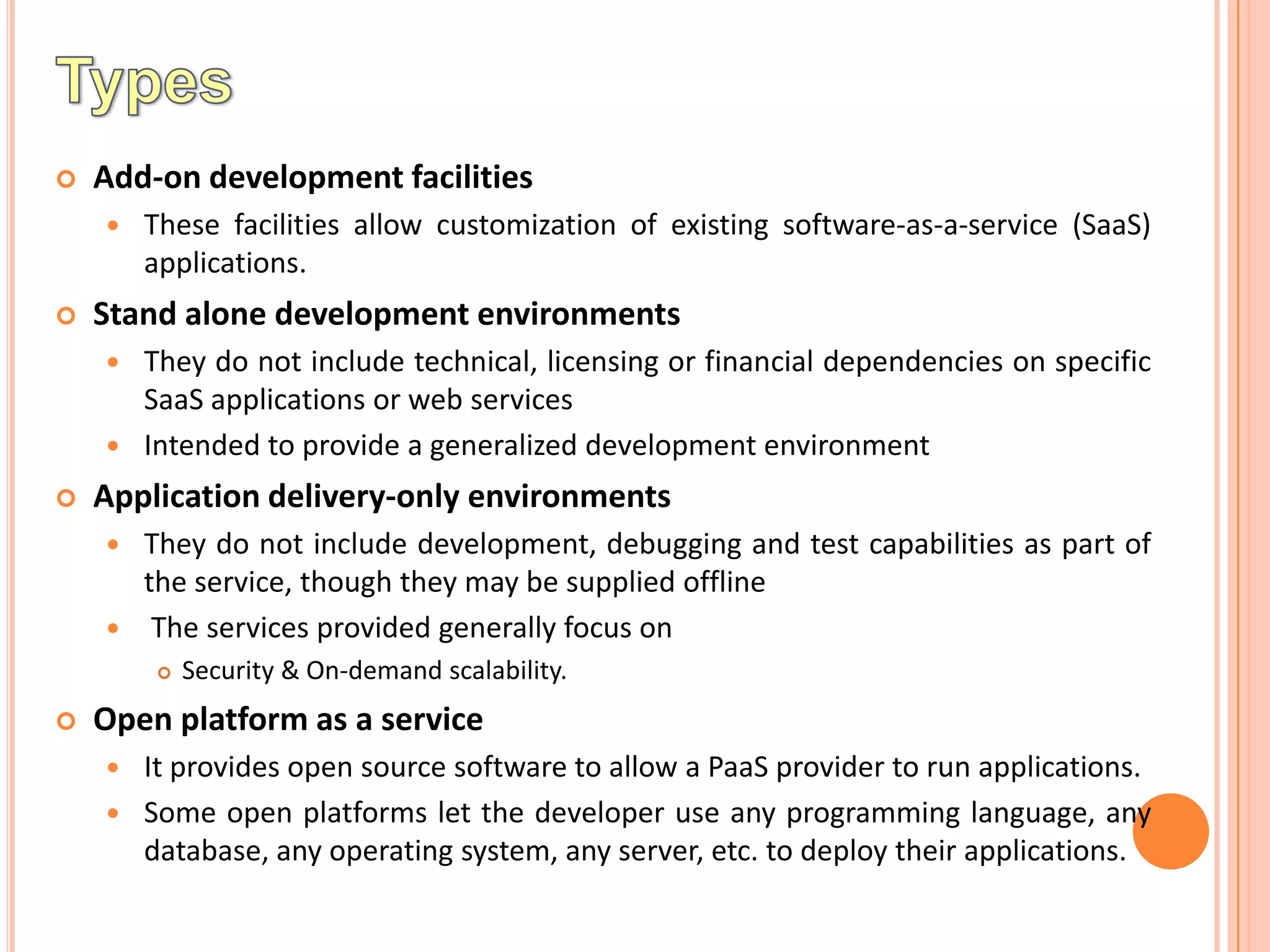
   Add-on development facilities
       These facilities allow customization of existing software-as-a-service (SaaS)
        applications.
   Stand alone development environments
     They do not include technical, licensing or financial dependencies on specific
      SaaS applications or web services
     Intended to provide a generalized development environment

   Application delivery-only environments
       They do not include development, debugging and test capabilities as part of
        the service, though they may be supplied offline
        The services provided generally focus on
           Security & On-demand scalability.
   Open platform as a service
       It provides open source software to allow a PaaS provider to run applications.
       Some open platforms let the developer use any programming language, any
        database, any operating system, any server, etc. to deploy their applications.
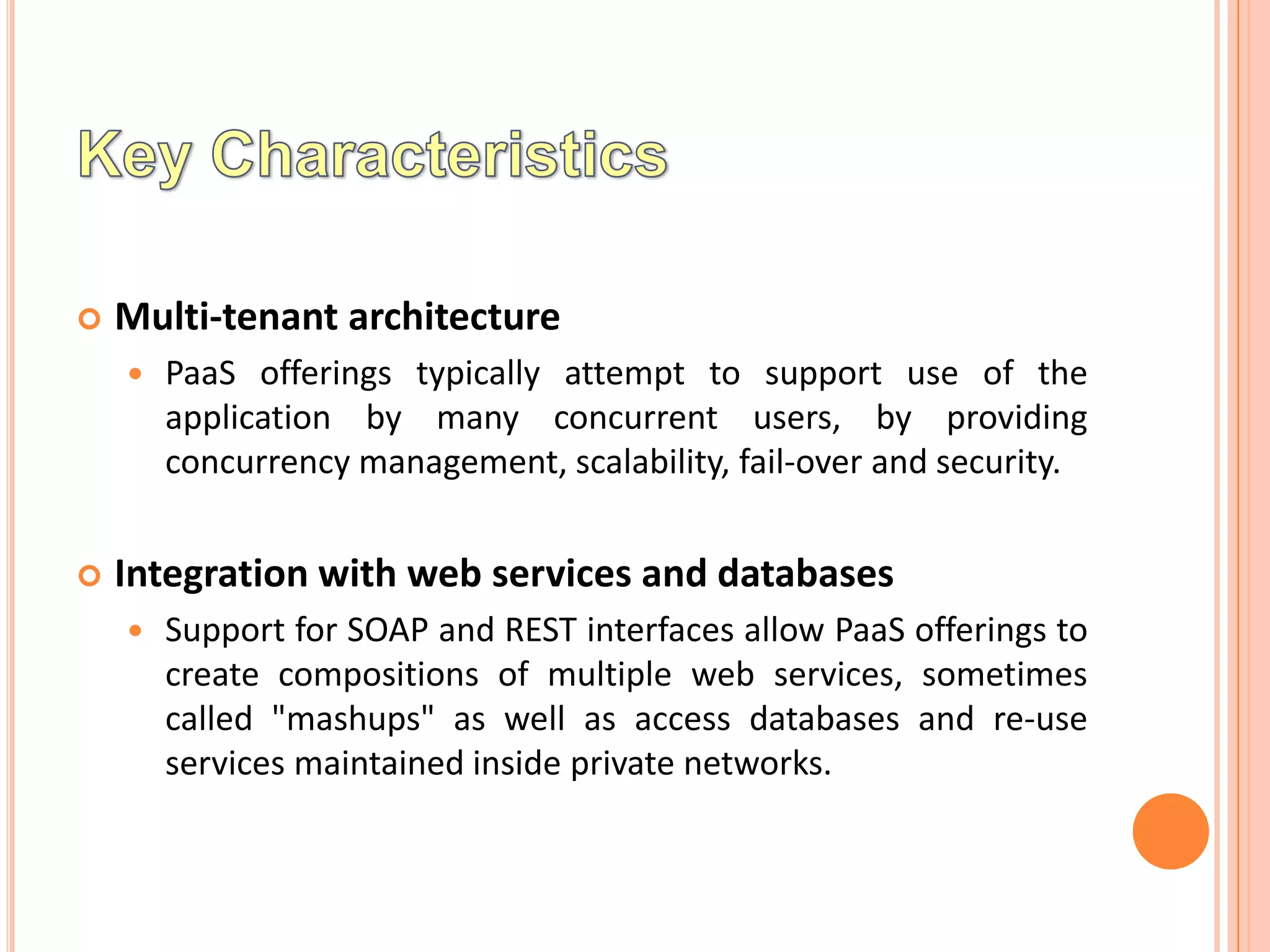
   Multi-tenant architecture
       PaaS offerings typically attempt to support use of the
        application by many concurrent users, by providing
        concurrency management, scalability, fail-over and security.


   Integration with web services and databases
       Support for SOAP and REST interfaces allow PaaS offerings to
        create compositions of multiple web services, sometimes
        called "mashups" as well as access databases and re-use
        services maintained inside private networks.
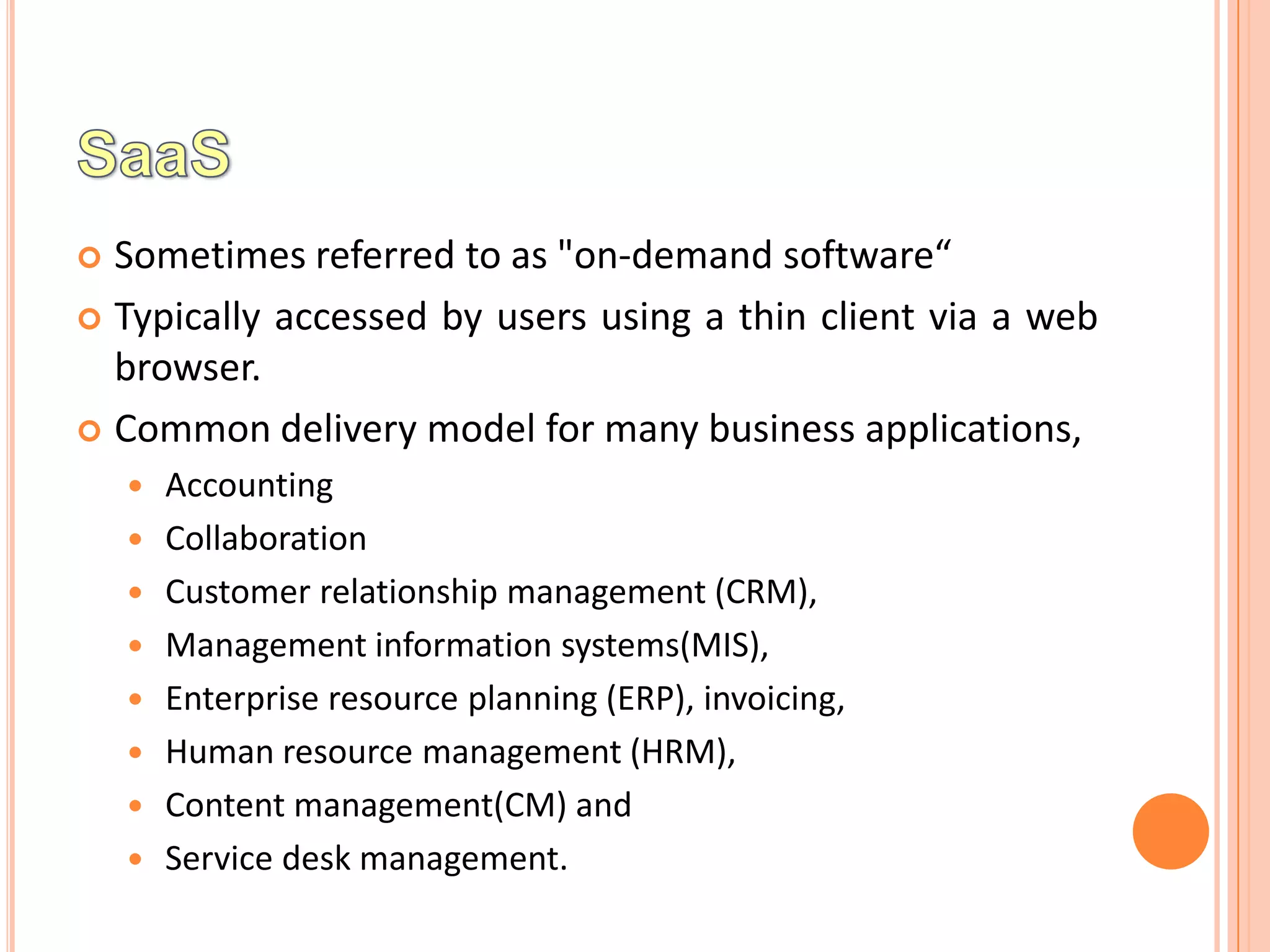
 Sometimes referred to as "on-demand software“
 Typically accessed by users using a thin client via a web
  browser.
 Common delivery model for many business applications,
       Accounting
       Collaboration
       Customer relationship management (CRM),
       Management information systems(MIS),
       Enterprise resource planning (ERP), invoicing,
       Human resource management (HRM),
       Content management(CM) and
       Service desk management.
   iCloud

   Google Apps

   Salesforce

   Amazon Web Services
   Configuration and customization

   Accelerated feature delivery

   Open integration protocols

   Collaborative (and "social") functionality
Cloud Service Models

Cloud Service Models

  • 1.
  • 2.
    Cloud computing is the use of computing resources (hardware and software) that are delivered as a service over a network (typically the Internet).  Cloud computing entrusts remote services with a user's data, software and computation.  The business model, using software as a service, users also rent application software and databases.  Cloud computing relies on sharing of resources to achieve coherence and economies of scale similar to a utility over a network.
  • 3.
    End users access cloud-based applications through  A web browser  Light-weight desktop  Mobile app  Proponents claim that cloud computing allows enterprises  To get their applications up  Running faster  Improved manageability and  Less maintenance, and  Enables IT to more rapidly adjust resources  To meet fluctuating and  Unpredictable business demand..
  • 4.
     Infrastructure asa service (IaaS)  Platform as a service (PaaS)  Software as a service (SaaS)  Storage as a service (STaaS)  Security as a service (SECaaS)  Data as a service (DaaS)  Test environment as a service (TEaaS)  Desktop as a service (DaaS)  API as a service (APIaaS)  Backend as a service (Baas)
  • 5.
    Cloud computing providers offer their services according to three fundamental models:  Infrastructure as a service (IaaS)  Platform as a service (PaaS)  Software as a service (SaaS)  IaaS is most basic. abstracts  Lower Model Higher Model
  • 6.
    Cloud providers offer computers,  as physical or  more often as virtual machines, and  other resources  The virtual machines are run as guests by a hypervisor (such as Xen or KVM)  Scale to support a large number of virtual machines  It is not a machine  Simply to a facility given to businesses that offers users the leverage of extra storage space in servers and data centers.
  • 7.
    Cloud users install operating system images on the machines as well as their application software.  Client is responsible  Patching and maintaining of the operating systems and application software  STaaS - STorage As A Service. This service comes under IaaS, which manages all the storage services in cloud computing.
  • 8.
    RESOURCES  Images ina virtual machine image library,  Raw (block) and file-based storage,  Firewalls,  Load balancers,  IP addresses,  Virtual local area networks (VLANs),  Software bundles
  • 9.
    Data Integrity  Confidentiality  Reliability,
  • 10.
     Amazon CloudFormation (and underlying services such as Amazon EC2),  Rackspace Cloud,  Terremark,  Windows Azure Virtual Machines,  Google Compute Engine  Joyent.
  • 11.
    Provides following services  Computing platform  A solution stack  In this the consumer creates the software using tools and/or libraries from the provider.  The provider provides  The networks,  Servers,  Storage and  Other services
  • 12.
    The consumer controls  Software deployment  Configuration settings  Offerings  Facilitate the deployment of applications without  The cost and  Complexity of buying and managing the underlying hardware and software  Provisioning hosting capabilities  Services are generally provisioned as an integrated solution over the web.
  • 13.
    Add-on development facilities  These facilities allow customization of existing software-as-a-service (SaaS) applications.  Stand alone development environments  They do not include technical, licensing or financial dependencies on specific SaaS applications or web services  Intended to provide a generalized development environment  Application delivery-only environments  They do not include development, debugging and test capabilities as part of the service, though they may be supplied offline  The services provided generally focus on  Security & On-demand scalability.  Open platform as a service  It provides open source software to allow a PaaS provider to run applications.  Some open platforms let the developer use any programming language, any database, any operating system, any server, etc. to deploy their applications.
  • 14.
    Multi-tenant architecture  PaaS offerings typically attempt to support use of the application by many concurrent users, by providing concurrency management, scalability, fail-over and security.  Integration with web services and databases  Support for SOAP and REST interfaces allow PaaS offerings to create compositions of multiple web services, sometimes called "mashups" as well as access databases and re-use services maintained inside private networks.
  • 15.
     Sometimes referredto as "on-demand software“  Typically accessed by users using a thin client via a web browser.  Common delivery model for many business applications,  Accounting  Collaboration  Customer relationship management (CRM),  Management information systems(MIS),  Enterprise resource planning (ERP), invoicing,  Human resource management (HRM),  Content management(CM) and  Service desk management.
  • 16.
    iCloud  Google Apps  Salesforce  Amazon Web Services
  • 17.
    Configuration and customization  Accelerated feature delivery  Open integration protocols  Collaborative (and "social") functionality

Editor's Notes

  • #7 Hypervisor – Allow multi operating system to run concurrently. Also called Virtual Machine MonitorXen – IA- 32, x64-323 Itanium, power PC 970 architectureKVM – Keyboard Video Mouse – interface tech enabling user to access multiple serverPoint 3 -> Management of pools of hypervisors by the cloud operational support system